Chapter 6: Why Docker, Images and How a Container Is Created
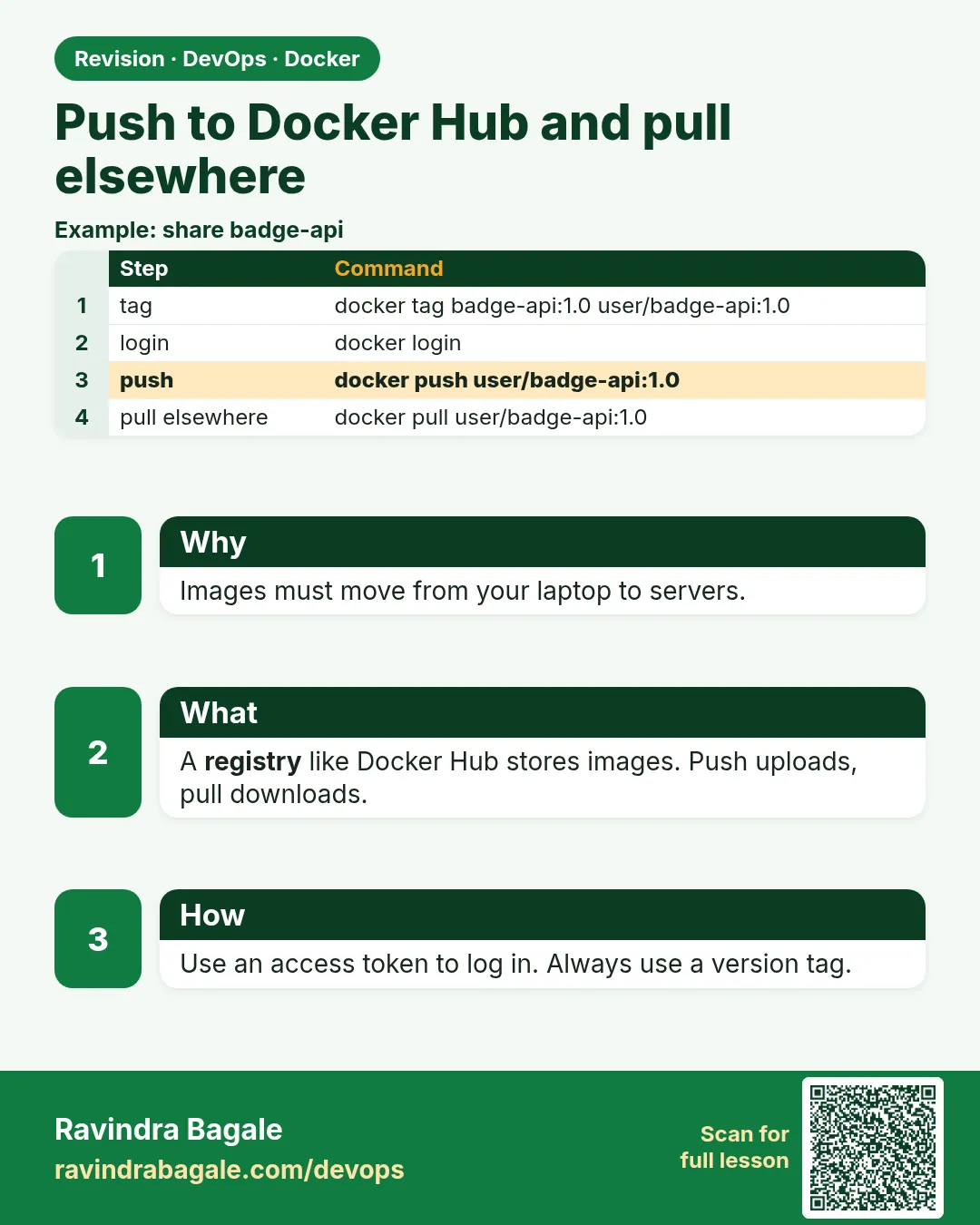
6.11 Push to Docker Hub and pull on another machine
Why. The image on your laptop is not on the Infosys client server until a registry holds it. Docker Hub is the public registry for this lab. No real password belongs in the chapter or in a file you commit.
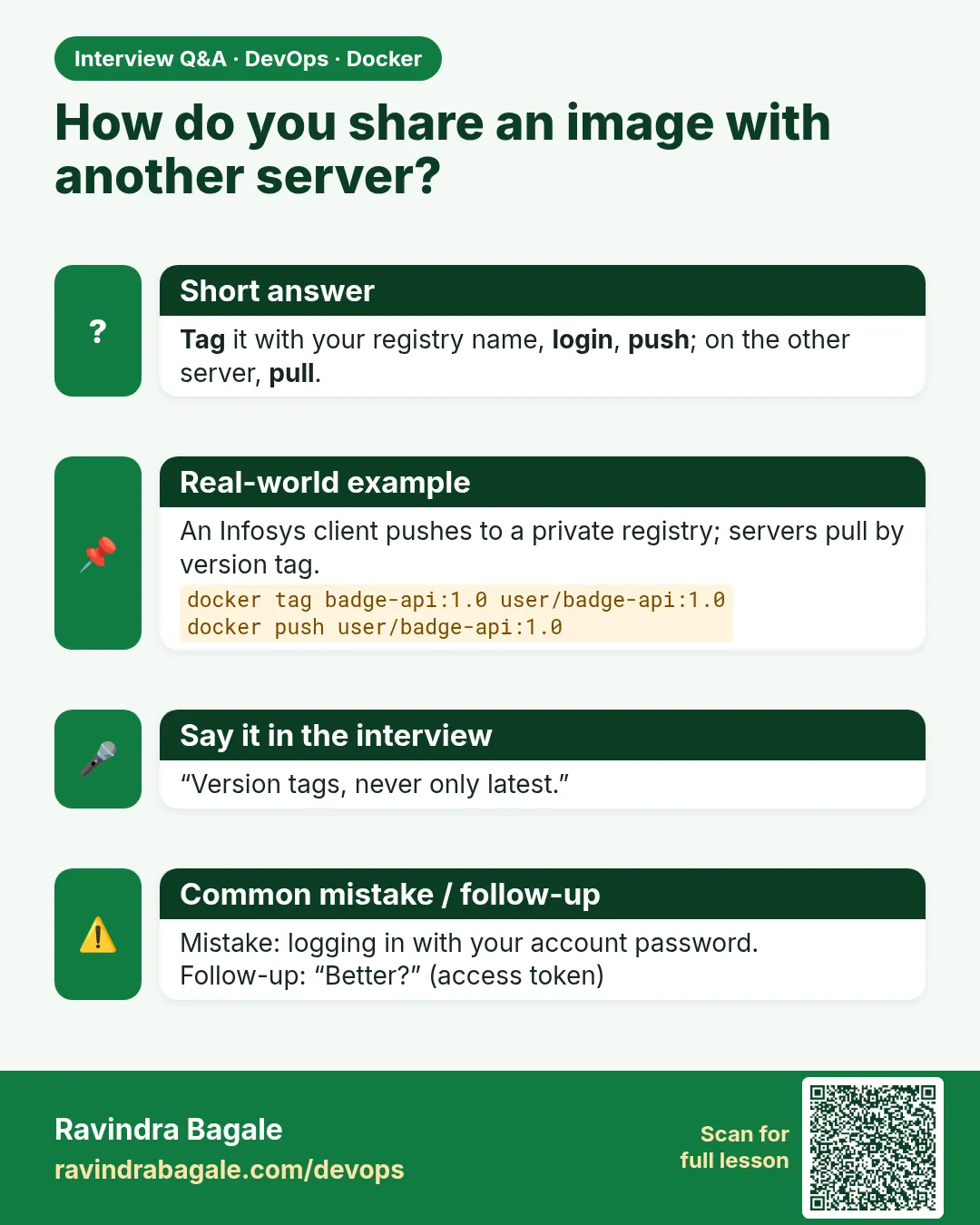
Suppose we are the developer. Operations will pull the same tag on the EC2. You tag the image with your Docker Hub username so the registry knows who may push it.
Steps — login, tag, push, pull
- Create a free Docker Hub account in the browser if you do not have one. Do not paste the password into a file.
- In the terminal:
docker login - Enter your username and password when asked. What you see:
Login Succeeded. The password is not printed back. - Tag the local image. Replace
YOURUSERwith that username:docker tag badge-php:1.0 YOURUSER/badge-php:1.0 docker images— two names can share one image id.docker push YOURUSER/badge-php:1.0- What you see: layer lines, then
digest: sha256:.... - On the other machine (or after
docker rmi YOURUSER/badge-php:1.0locally):docker pull YOURUSER/badge-php:1.0 - What you see: layers download, then
Status: Downloaded newer image. docker run -d --name badge-php-pulled -p 8081:80 YOURUSER/badge-php:1.0curl http://127.0.0.1:8081/— the same badge text as the local build.
docker logout on a shared lab machine when you are done. If push says denied, the tag does not start with your Docker Hub name, or the login is a different user.
A private registry uses the same commands with a different host name in the tag. This course does not invent a company registry URL.
Commands — login, tag, push, logout
docker login
This asks for the Docker Hub username and password and stores that login for the current user on this machine. The steps above are the order. These four blocks are the same commands, one at a time. The developer types login on the machine that will push. Operations — the server-side employee — types it on a machine that must pull a private image. The password is typed at the prompt. It is not written into a file in this chapter.
Suppose we are about to publish the Instagram-style badge so the Infosys client server can pull the same tag. What you see: Login Succeeded. The password is not printed back.
docker tag badge-php:1.0 YOURUSER/badge-php:1.0
This adds a second name on the same local image. The new name has to start with the Docker Hub username or the push is denied. Replace YOURUSER with that username. Operations types it when badge-php:1.0 is already local and the registry name is still missing.
Suppose we are marking the image a Netflix-style rollback will call 1.0. What you see: no table. docker images shows badge-php:1.0 and YOURUSER/badge-php:1.0 with one image id.
docker push YOURUSER/badge-php:1.0
This uploads that tag to Docker Hub. The developer types it. Operations on the client server pulls. They do not push the badge from the client machine.
Suppose we are publishing the badge tag after login. What you see: layer lines, then digest: sha256:.... If it says denied, the tag does not start with your Docker Hub name, or the login is a different user.
docker logout
This removes the saved Docker Hub login on this machine. Operations types it on a shared lab machine when the push is done, so the next person does not push as you.
Suppose we are leaving the laptop used for the Infosys client handoff. What you see: a line that the login credentials for Docker Hub were removed. The next push asks you to log in again.
Next chapter
Everyday commands, network types, volume types and the Compose stack are the next chapter. One image and one published port come first.
 Revision card
 Interview card