Chapter 6: Why Docker, Images and How a Container Is Created
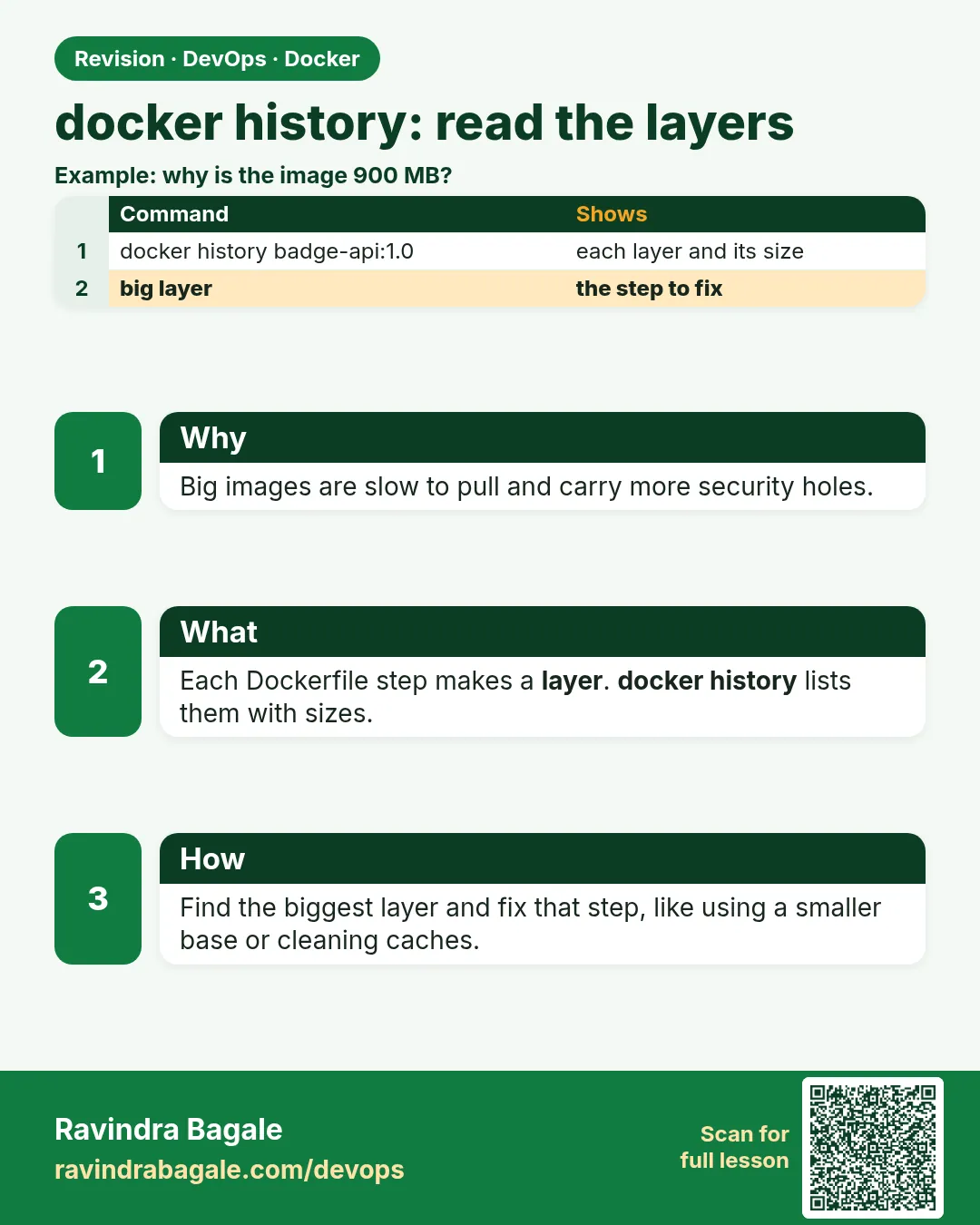
6.9 docker history — read the layers
docker history badge-php:1.0
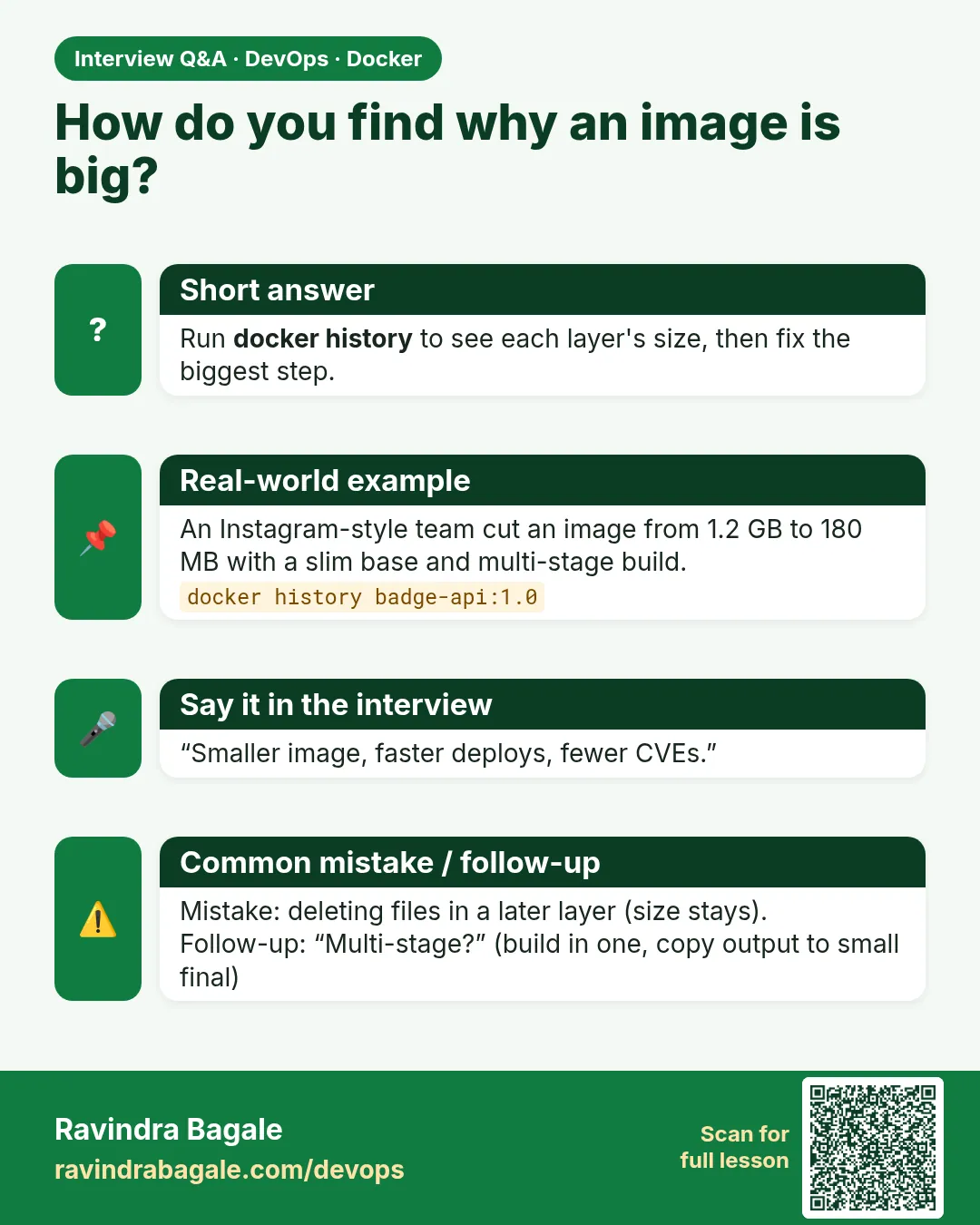
This lists the layers of an image, newest first. Operations — the server-side employee — types it when an image is heavier than expected, or when a Netflix-style tag might hide a file that should never have been copied. Build section 6.5 first, or this name does not exist. The same command works on the base: docker history php:8-apache.
Suppose we are checking badge-php:1.0 before the Infosys client server runs it. What you see: a table, newest layer on top. Typical columns are IMAGE, CREATED, CREATED BY, SIZE. CREATED BY is the Dockerfile instruction, often shortened. SIZE is how much that layer added, not the whole image. A 0B row is often only metadata (an ENV or a default CMD). The COPY of index.php is its own row on top of the php:8-apache layers.
IMAGE          CREATED BY                                      SIZE
<id>           CMD ["apache2-foreground"]                      0B
<id>           EXPOSE 80                                       0B
Read it as "last step first." A huge RUN apt-get row is why the image is heavy. A COPY of a secret file is its own row. Deleting the file in a later layer does not remove the old layer. The secret is still in the image.
 Revision card
 Interview card