Chapter 6: Why Docker, Images and How a Container Is Created
6.8 nginx, PHP and MySQL — three containers, three jobs
Suppose we are building the badge for real, still on one laptop or one lab EC2. Three official images, three roles:
| Container | Official image | Role |
|---|---|---|
badge-nginx |
nginx |
Front door. The browser talks only to nginx. |
badge-php |
php:8-apache |
Runs the badge PHP. |
badge-mysql |
mysql |
Stores badge rows. Data must survive a container delete. |
They share one user-defined network so PHP can open badge-mysql by name. Chapter 7 is where bridge, host, none, overlay and macvlan are named, and where named, bind, tmpfs and anonymous volumes are compared. The commands below are the picture. The password is a lab placeholder. It is not a real secret. Do not commit it. Do not copy it onto a client server.
Save badge-nginx.conf next to your shell. Nginx sends each request to the PHP container by name:
server {
    listen 80;
    location / {
        proxy_pass http://badge-php:80;
    }
}
docker network create badge-net

docker volume create badge-mysql-data

docker run -d --name badge-mysql --network badge-net \
  -e MYSQL_ROOT_PASSWORD=lab-only-change-me \
  -e MYSQL_DATABASE=badge \
  -v badge-mysql-data:/var/lib/mysql \
  mysql

docker run -d --name badge-php --network badge-net \
  -p 8081:80 \
  -e MYSQL_HOST=badge-mysql \
  -e MYSQL_PASSWORD=lab-only-change-me \
  badge-php:1.0

docker run -d --name badge-nginx --network badge-net \
  -p 8080:80 \
  -v "$PWD/badge-nginx.conf:/etc/nginx/conf.d/default.conf:ro" \
  nginx
MySQL writes its files under /var/lib/mysql inside the container. The named volume keeps those files when you docker rm badge-mysql and start a new container with the same -v. Without it, removing the container removes the badge rows. Do not publish 3306 on a public EC2. PHP reaches MySQL on the private network.
What you see
docker pslists three names, all Up. MySQL can take half a minute.docker logs badge-mysqlshould end on a ready line, not a restart loop.curl http://127.0.0.1:8081/hits PHP directly.curl http://127.0.0.1:8080/returns the PHP text whenbadge-nginx.confis mounted. Stock nginx without that file shows its own welcome page.docker exec badge-php getent hosts badge-mysqlprints an address and the namebadge-mysql.
If badge-php:1.0 is missing, do section 6.5 first. If the name badge-nginx is already taken, docker rm -f badge-nginx that old container, then run it again on badge-net.
Steps — prove the three roles
- Build
badge-php:1.0if you have not (section 6.5). - Create the network and the volume, then start MySQL, PHP and nginx with the commands above.
docker ps— three rows.docker logs badge-mysql— wait until it is ready, not restarting.curl http://127.0.0.1:8081/— PHP text.docker exec badge-php getent hosts badge-mysql— a name, not an error.curl http://127.0.0.1:8080/— the PHP text through nginx, not the nginx welcome page.docker stop badge-mysql badge-php badge-nginxwhen you stop for the day. Leave the volume if you care about the lab data.
Placeholders stay out of Git
lab-only-change-me marks a lab password. Never commit a real database password, and do not copy this placeholder onto a client server.
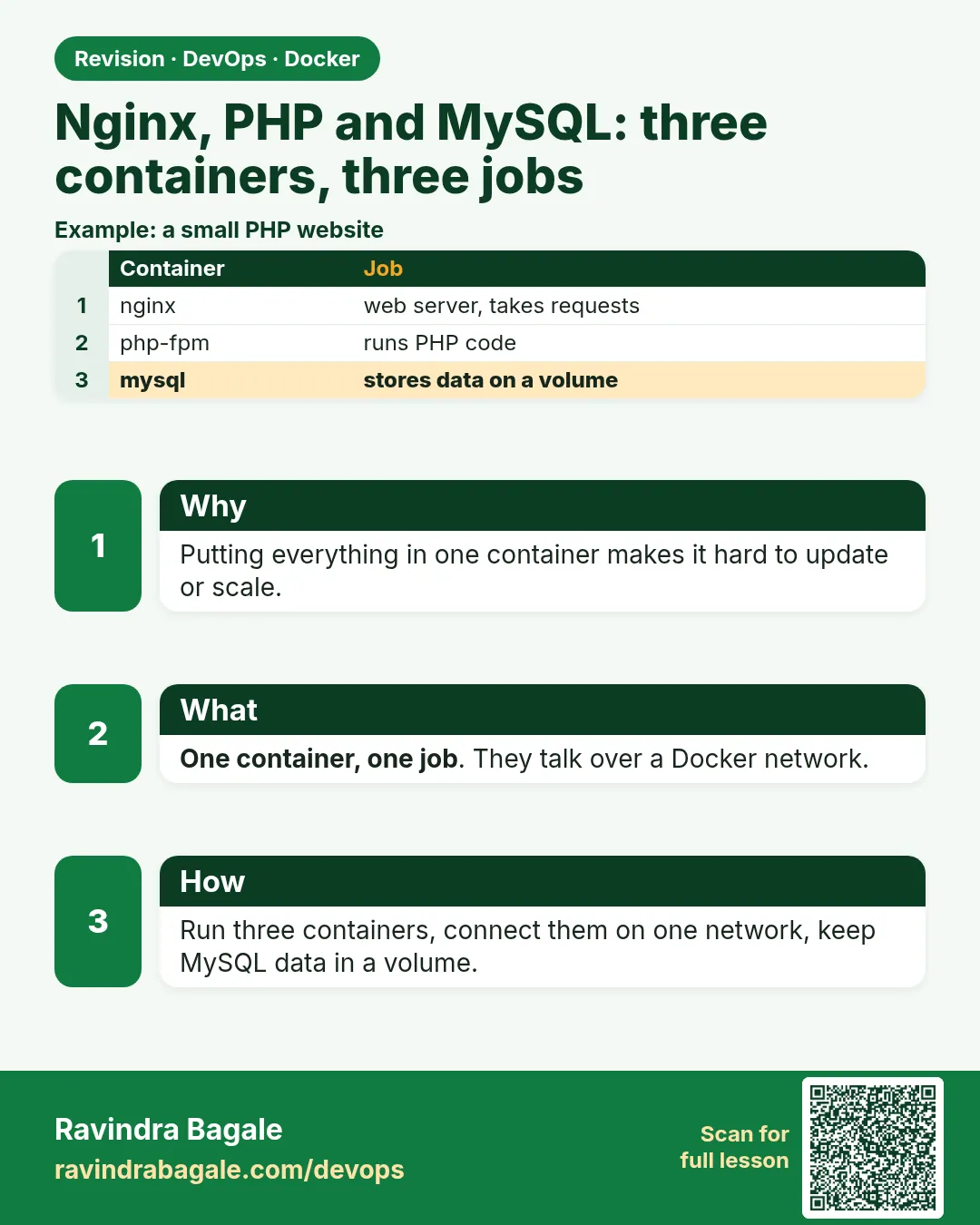 Revision card
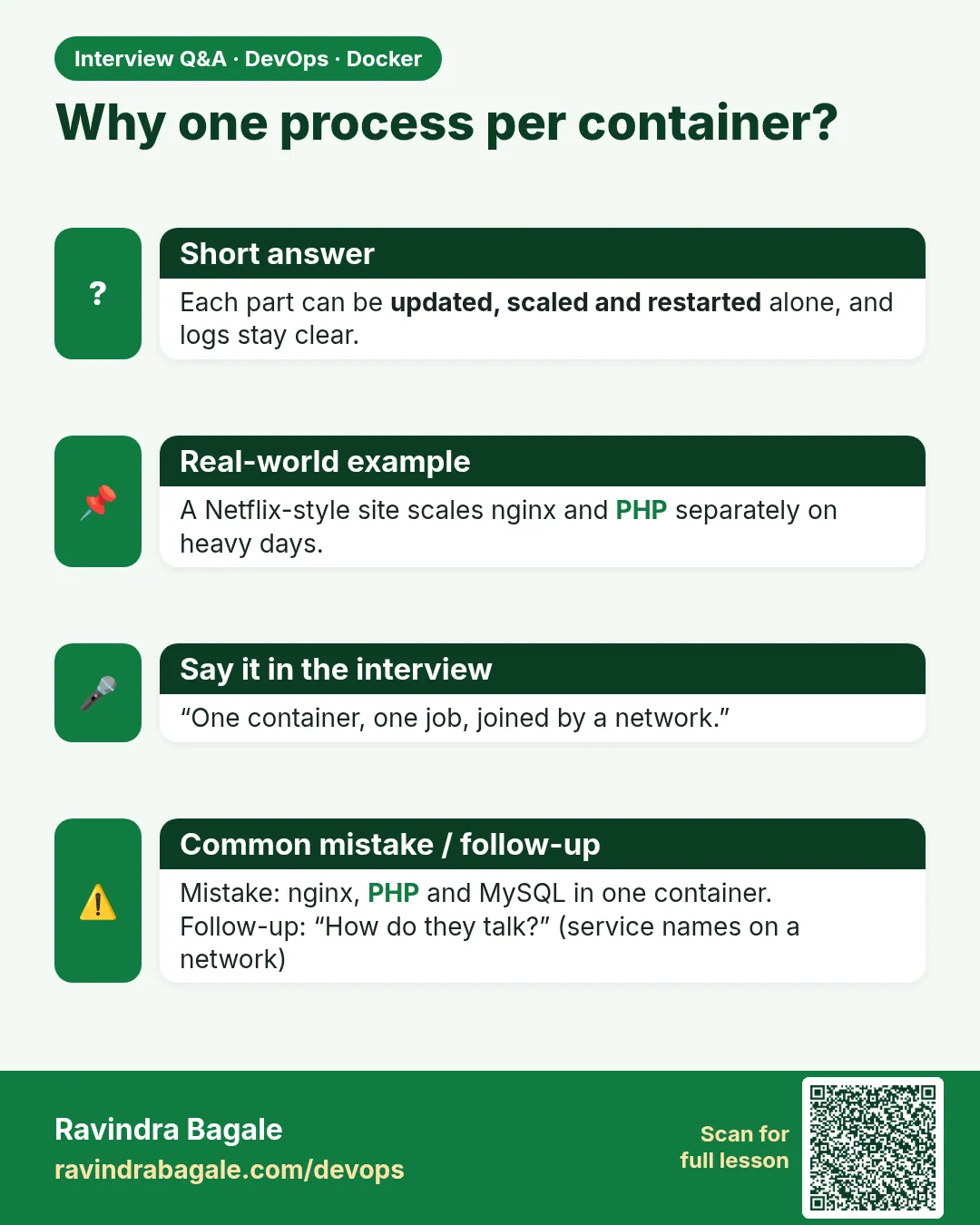 Interview card