Ravindra BagaleCourses & study guides मराठी

Ravi Sir's Cards › DevOps

Chapter 31: Backup, Configuration as Code and Jenkins Operations: Cards

मराठी cards · Open the chapter

Revision cards
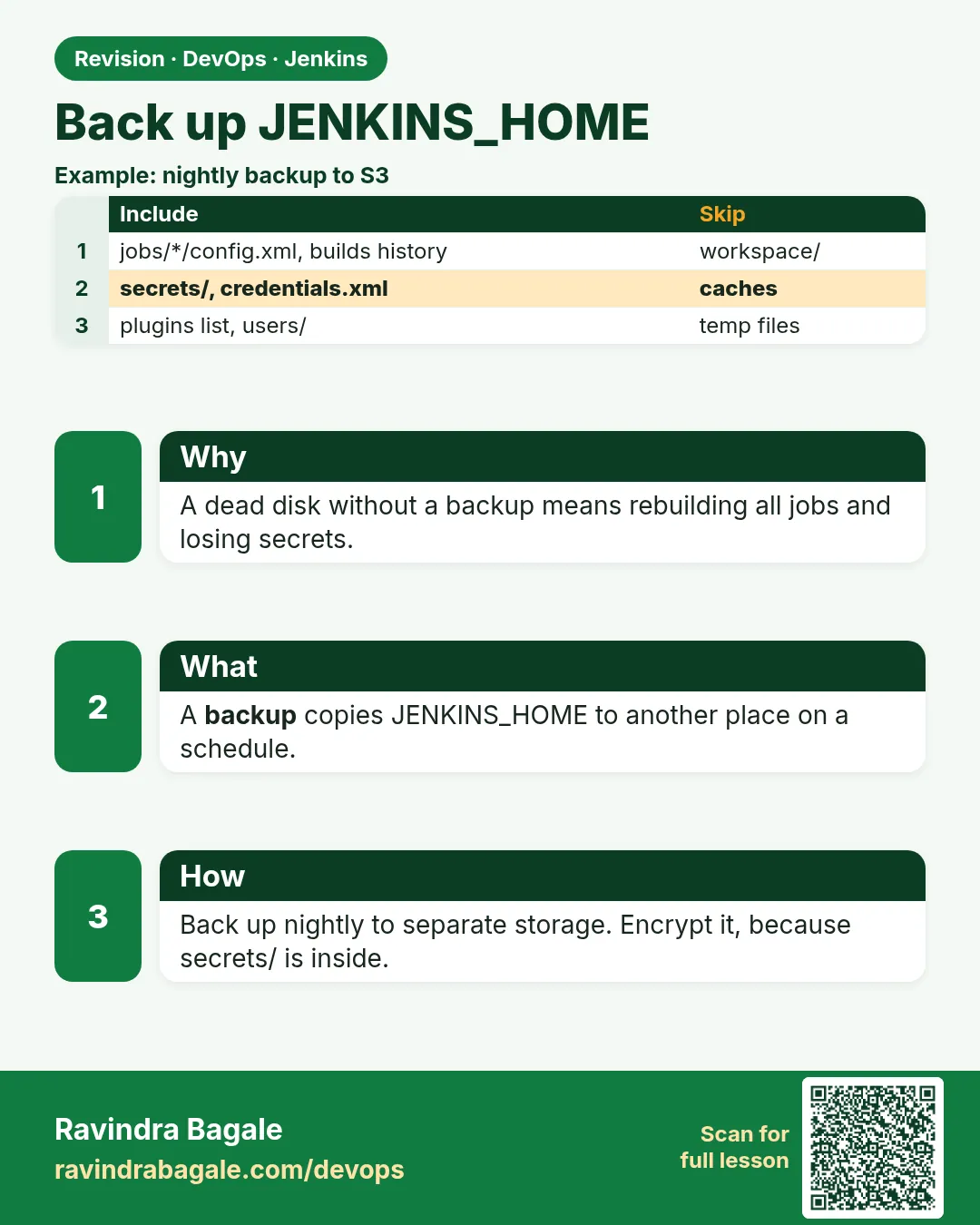
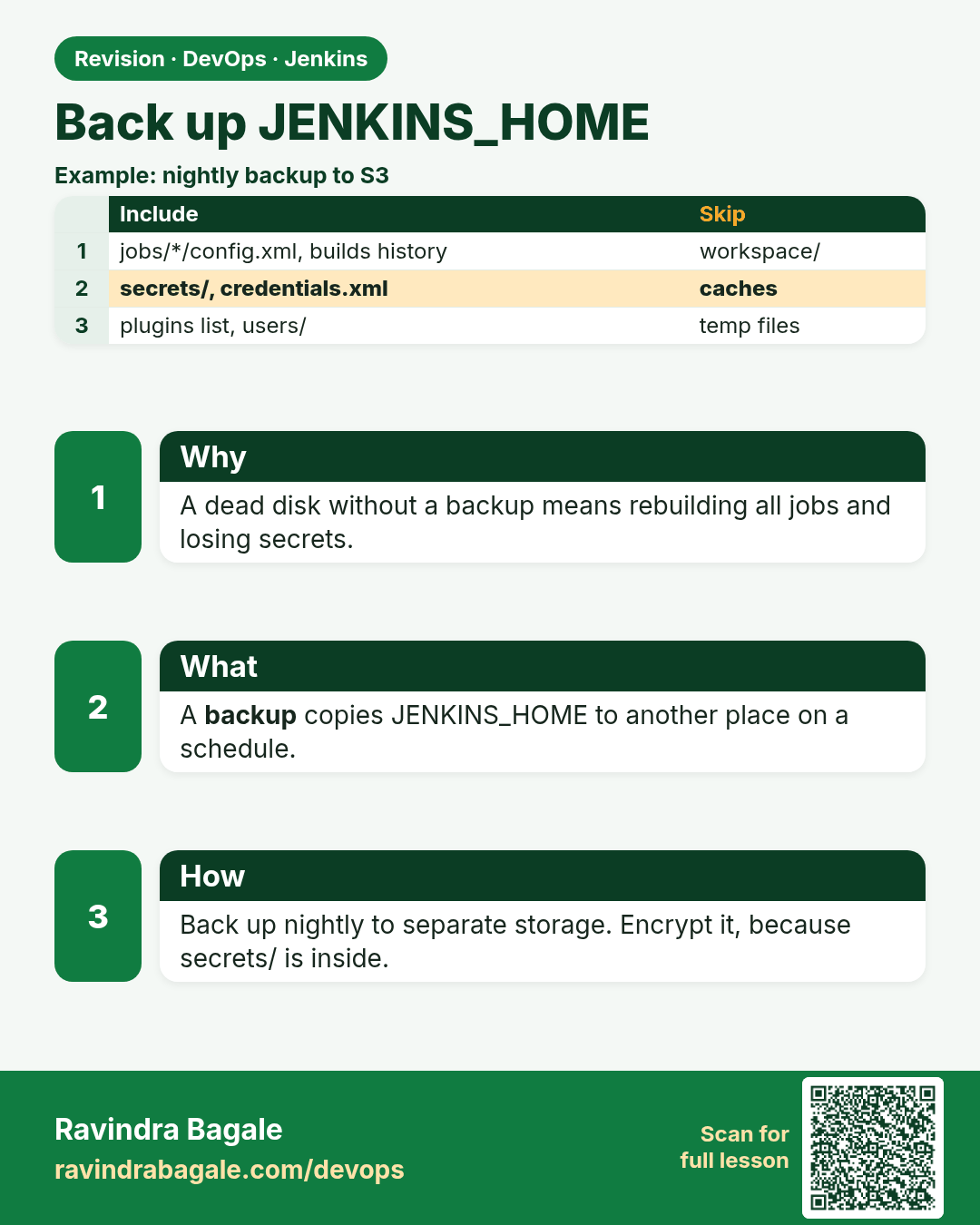
Back up JENKINS_HOME. A dead disk without a backup means rebuilding all jobs and losing secrets.
Revision card 1 of 8: Back up JENKINS_HOME · Download PNG · Open card page

Lesson: 31.1 Backup JENKINS_HOME

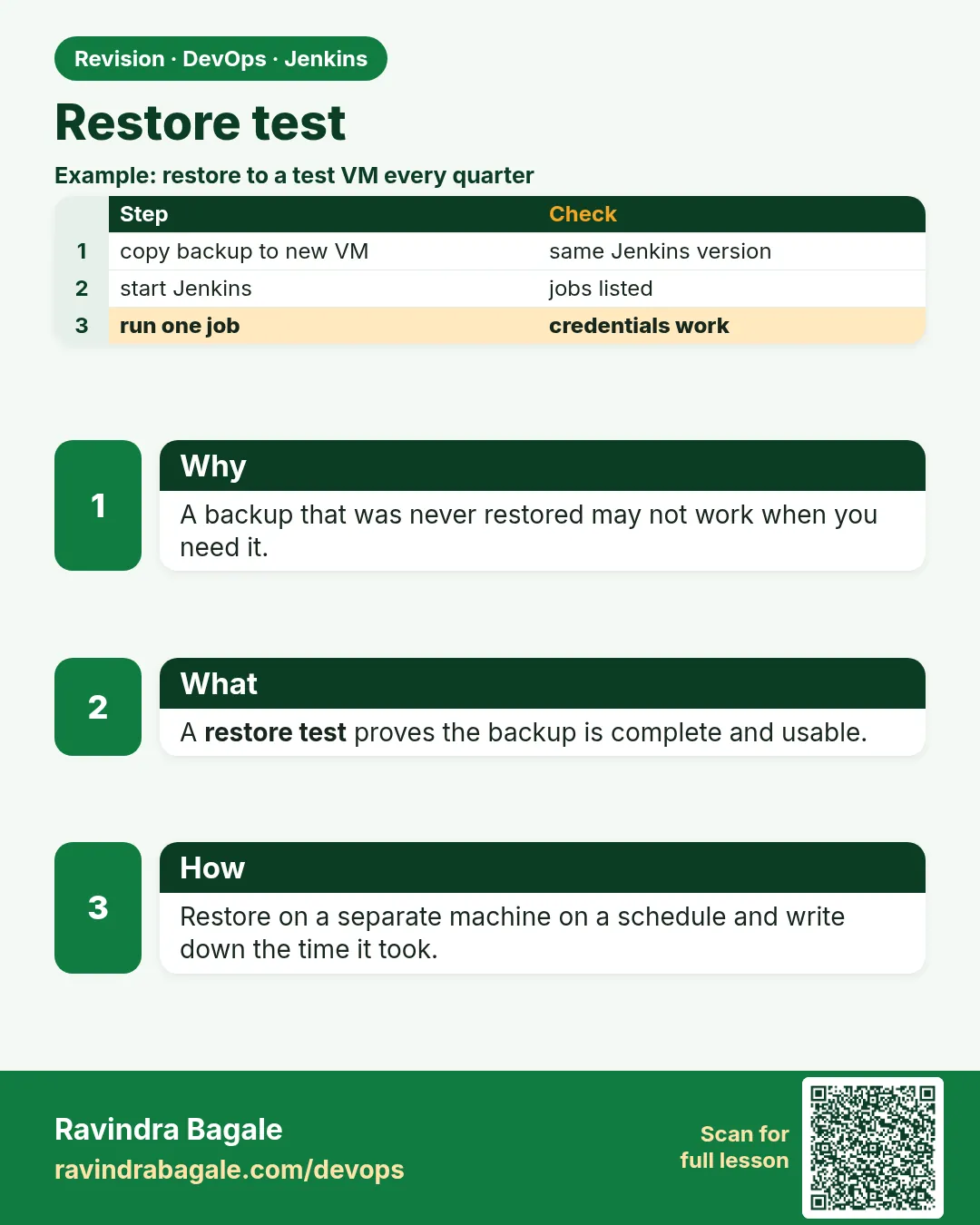
Restore test. A backup that was never restored may not work when you need it.
Revision card 2 of 8: Restore test · Download PNG · Open card page

Lesson: 31.2 Restore test

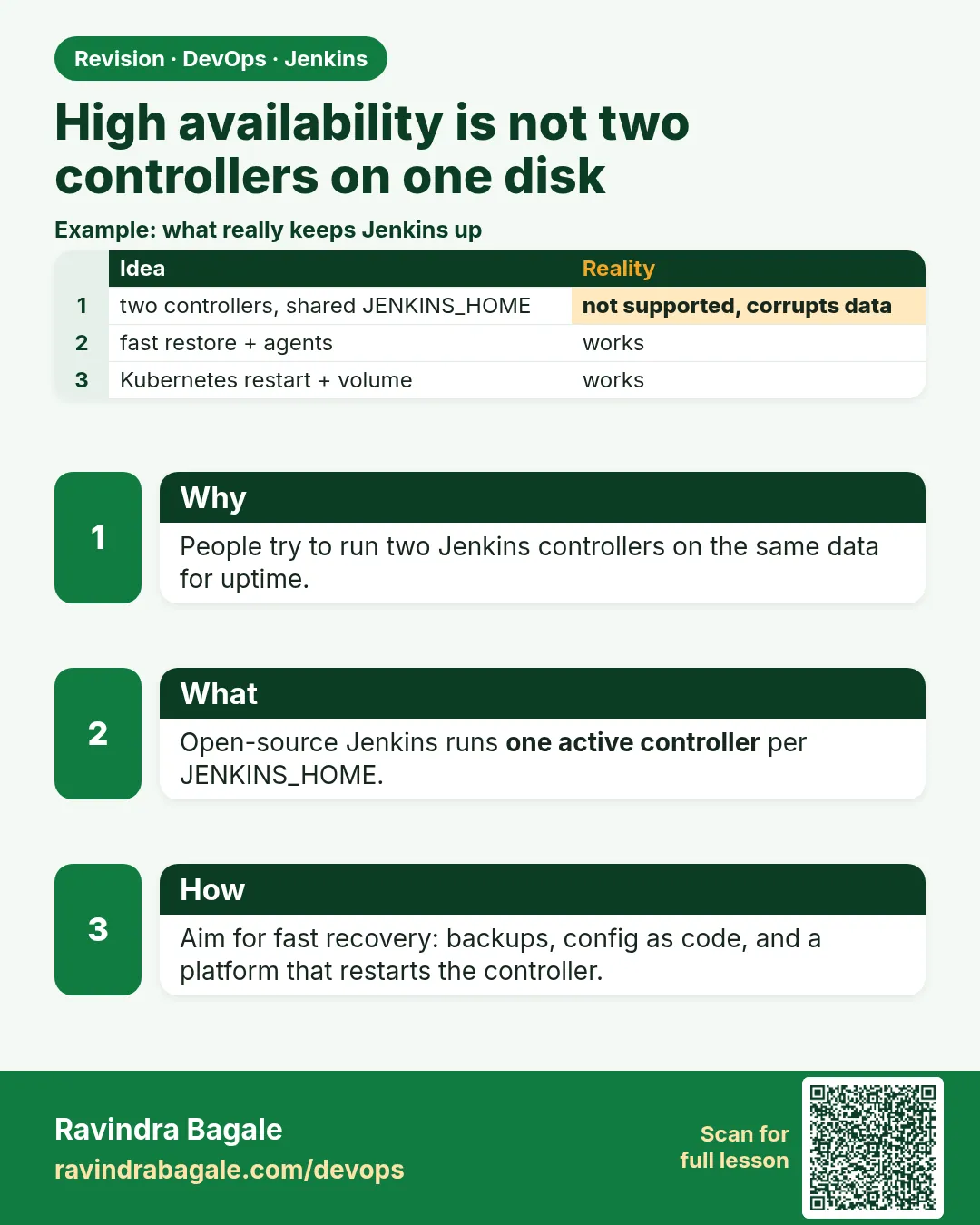
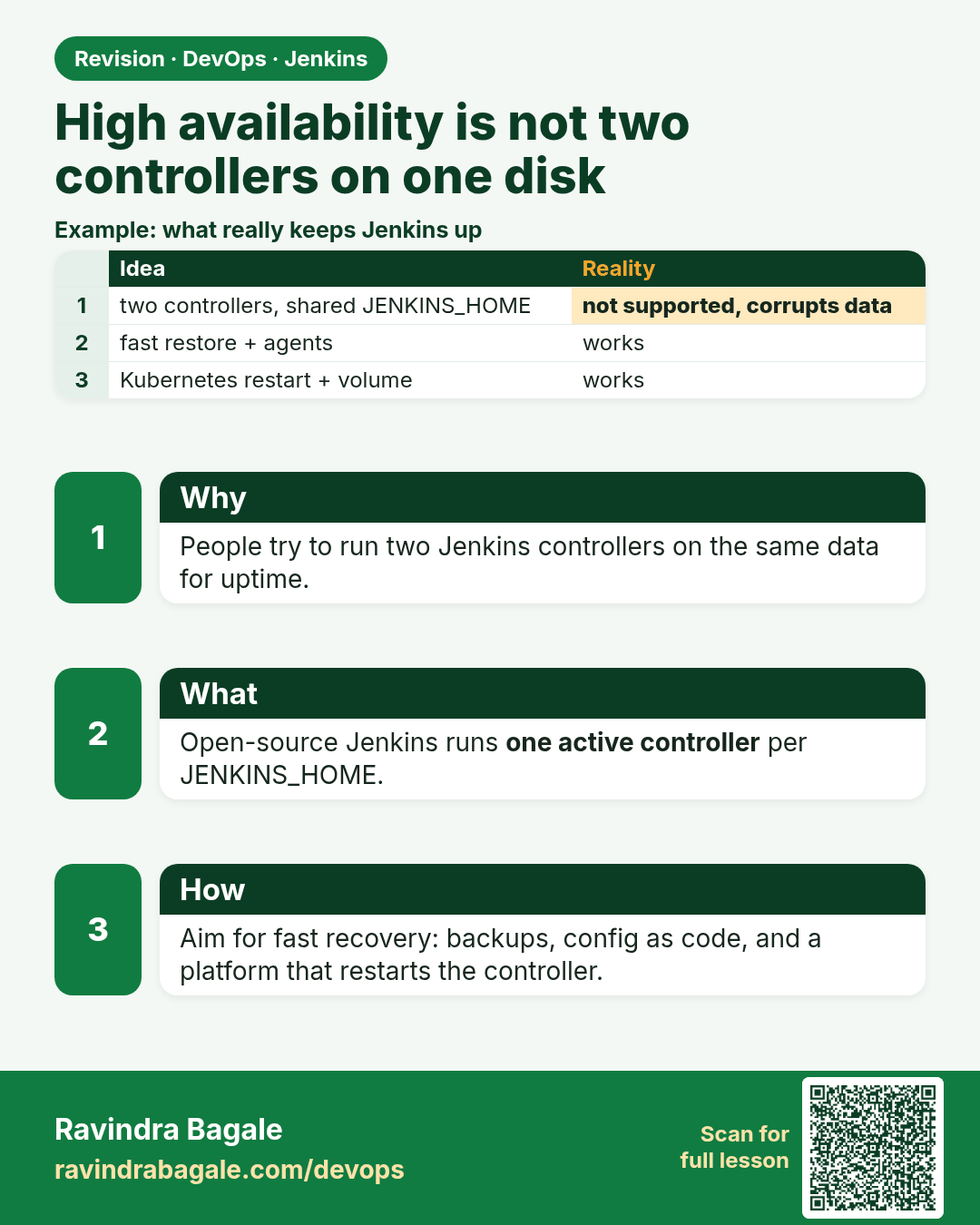
High availability is not two controllers on one disk. People try to run two Jenkins controllers on the same data for uptime.
Revision card 3 of 8: High availability is not two controllers on one disk · Download PNG · Open card page

Lesson: 31.3 High availability is not two controllers on one balancer
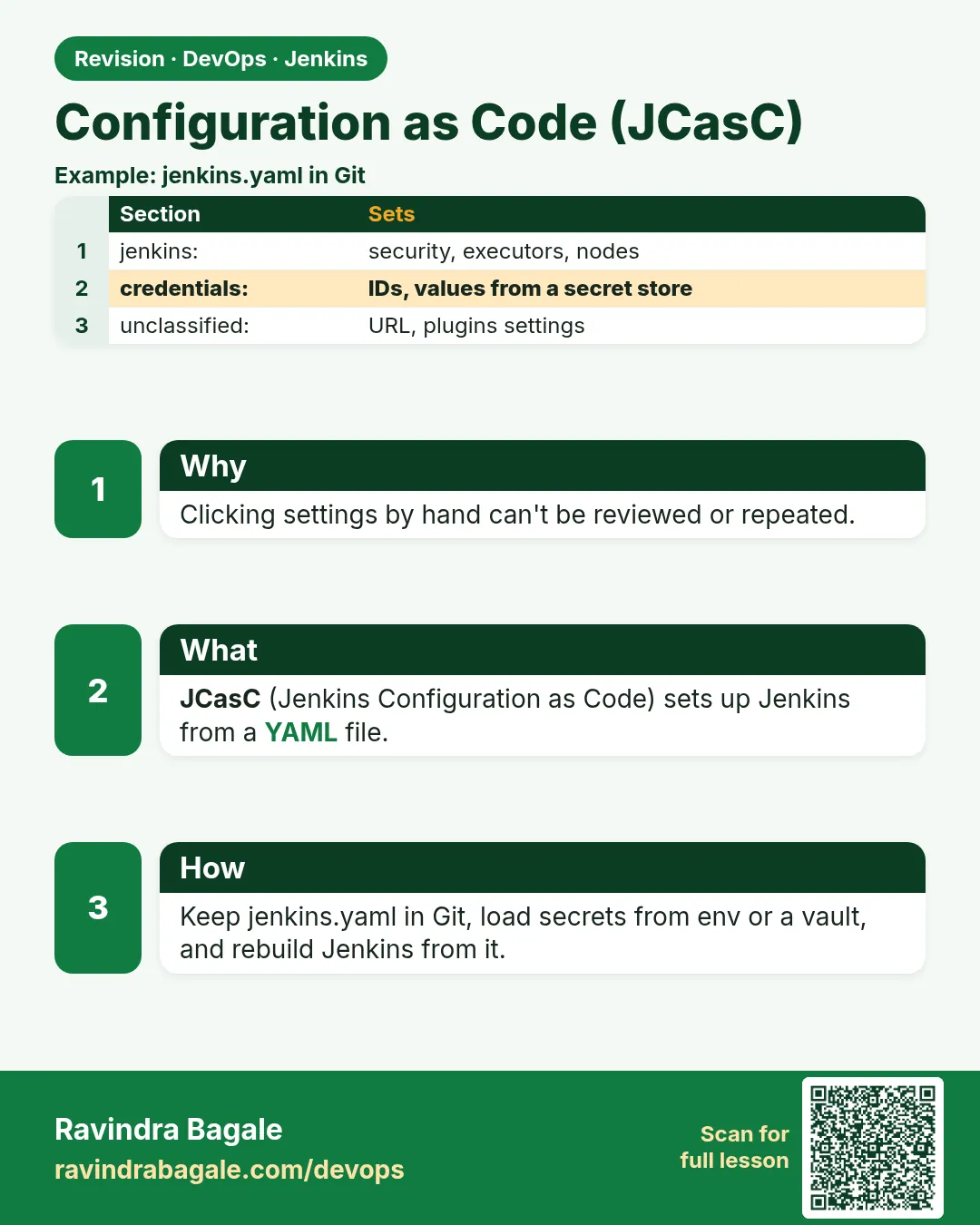
Configuration as Code (JCasC). Clicking settings by hand can't be reviewed or repeated.
Revision card 4 of 8: Configuration as Code (JCasC) · Download PNG · Open card page

Lesson: 31.4 Configuration as Code

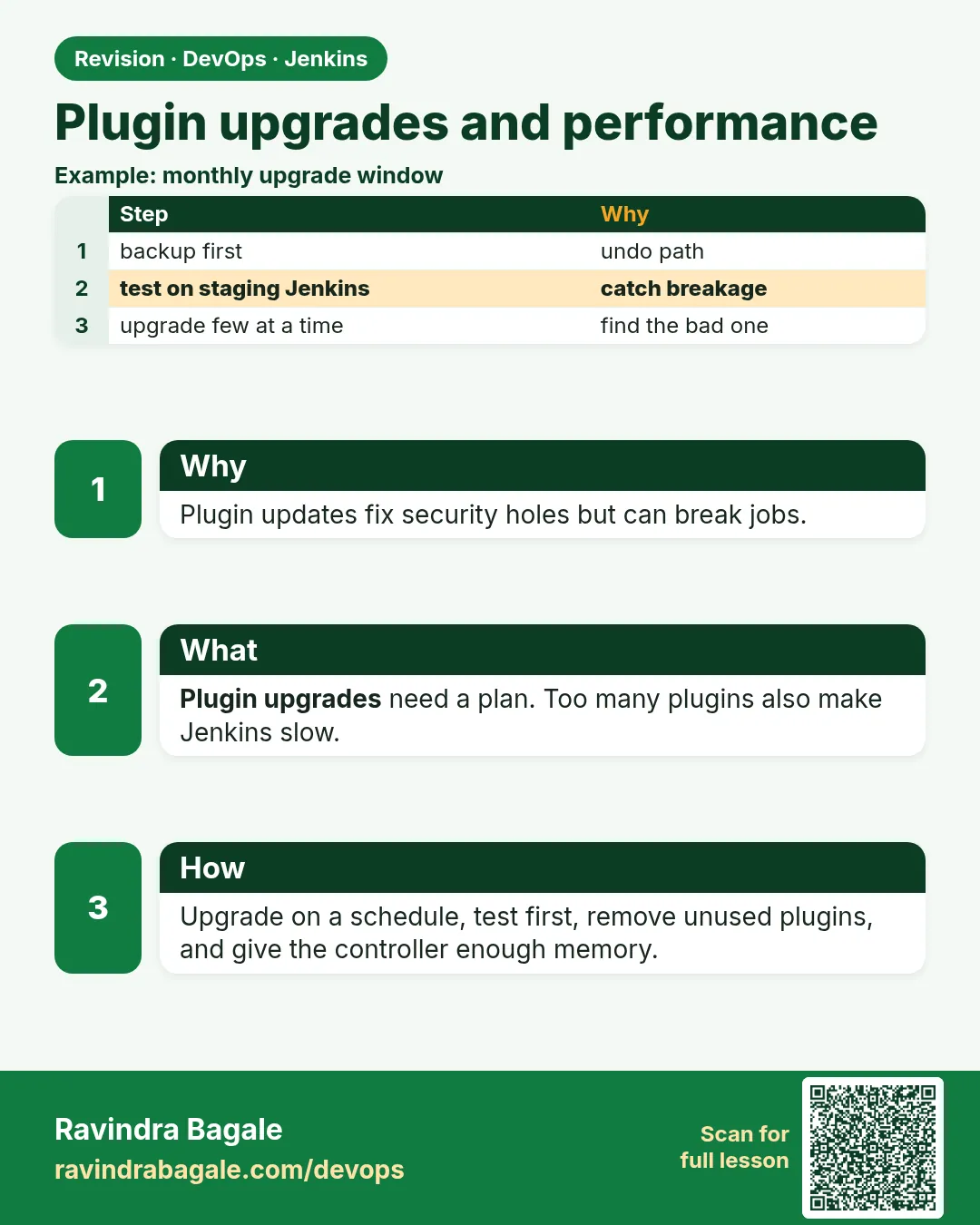
Plugin upgrades and performance. Plugin updates fix security holes but can break jobs.
Revision card 5 of 8: Plugin upgrades and performance · Download PNG · Open card page

Lesson: 31.5 Plugin upgrades and performance

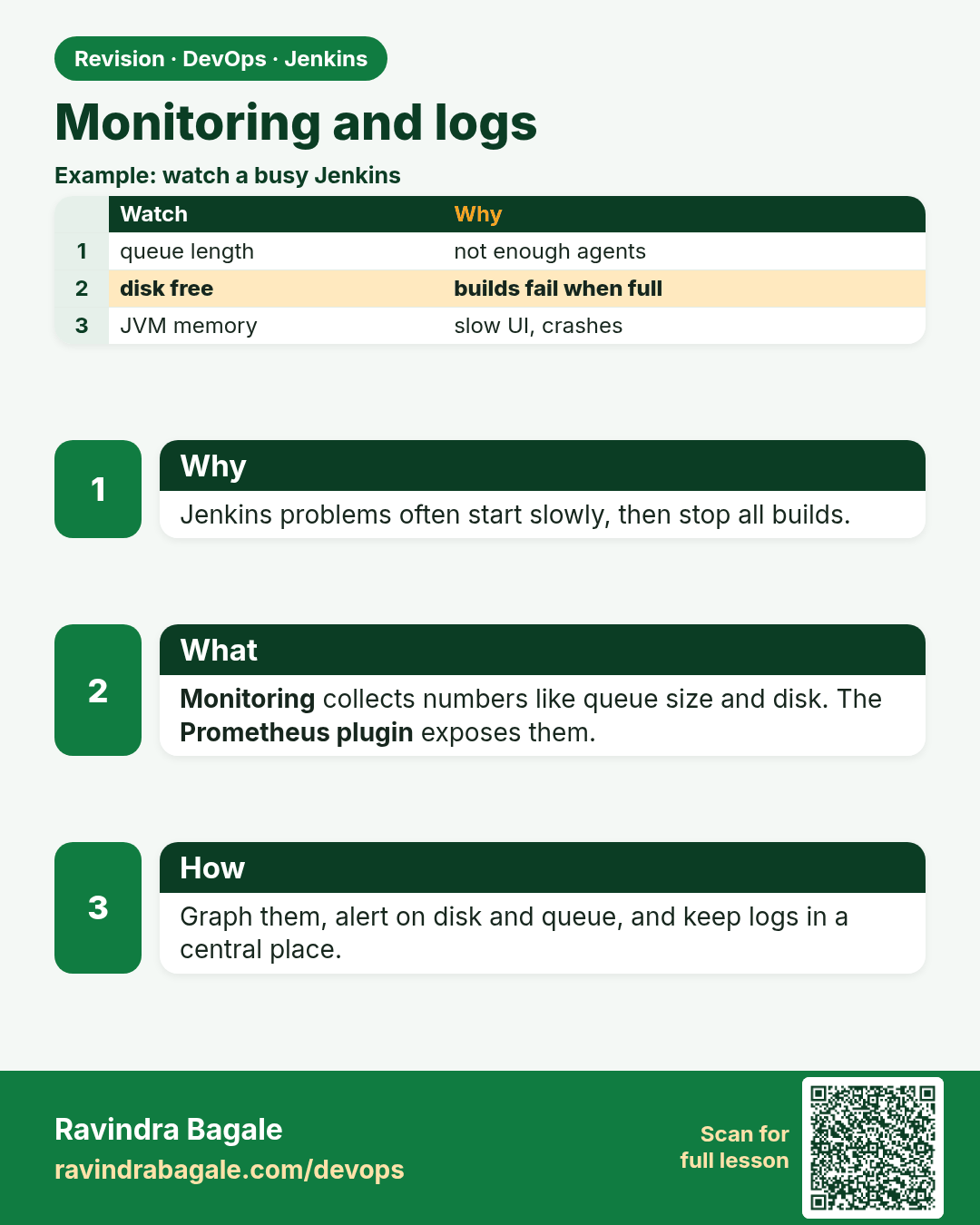
Monitoring and logs. Jenkins problems often start slowly, then stop all builds.
Revision card 6 of 8: Monitoring and logs · Download PNG · Open card page

Lesson: 31.6 Monitoring and logs

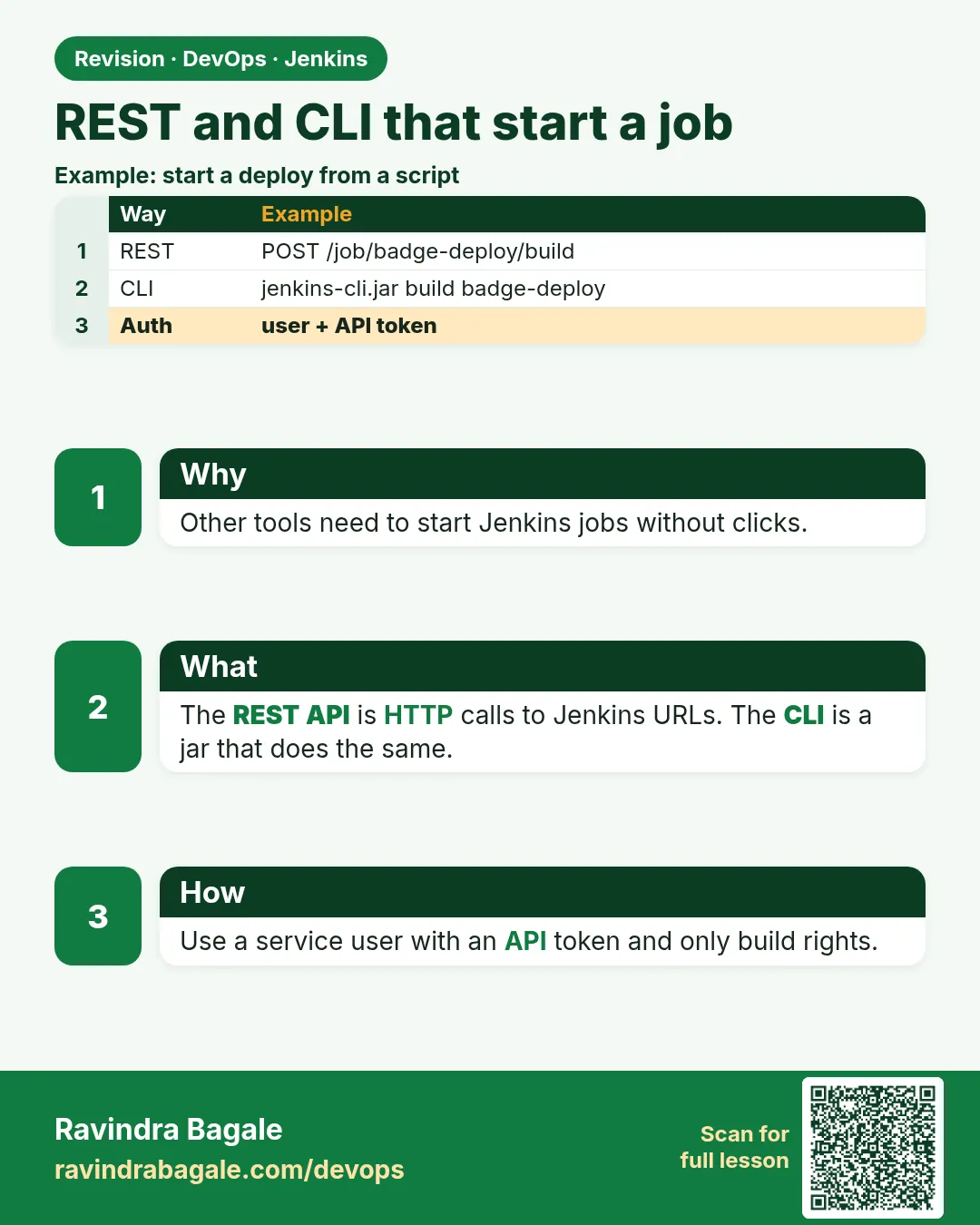
REST and CLI that start a job. Other tools need to start Jenkins jobs without clicks.
Revision card 7 of 8: REST and CLI that start a job · Download PNG · Open card page

Lesson: 31.7 REST and CLI that start a job

Script Console. The Script Console can fix things fast, or break and leak everything.
Revision card 8 of 8: Script Console · Download PNG · Open card page

Lesson: 31.8 Script Console

Interview cards

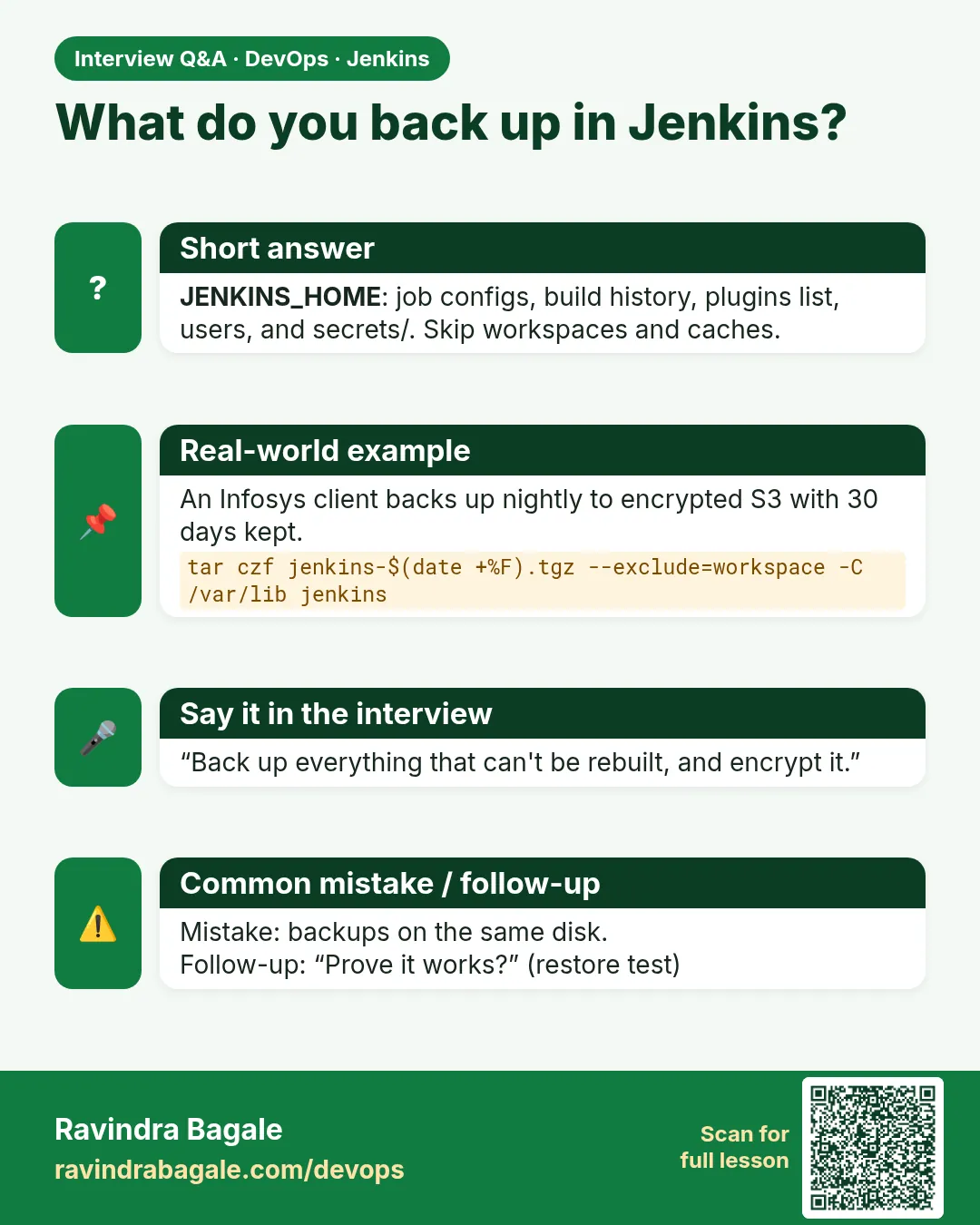
What do you back up in Jenkins? JENKINS_HOME: job configs, build history, plugins list, users, and secrets/. Skip workspaces and caches.
Interview card 1 of 8: What do you back up in Jenkins? · Download PNG · Open card page

Lesson: 31.1 Backup JENKINS_HOME

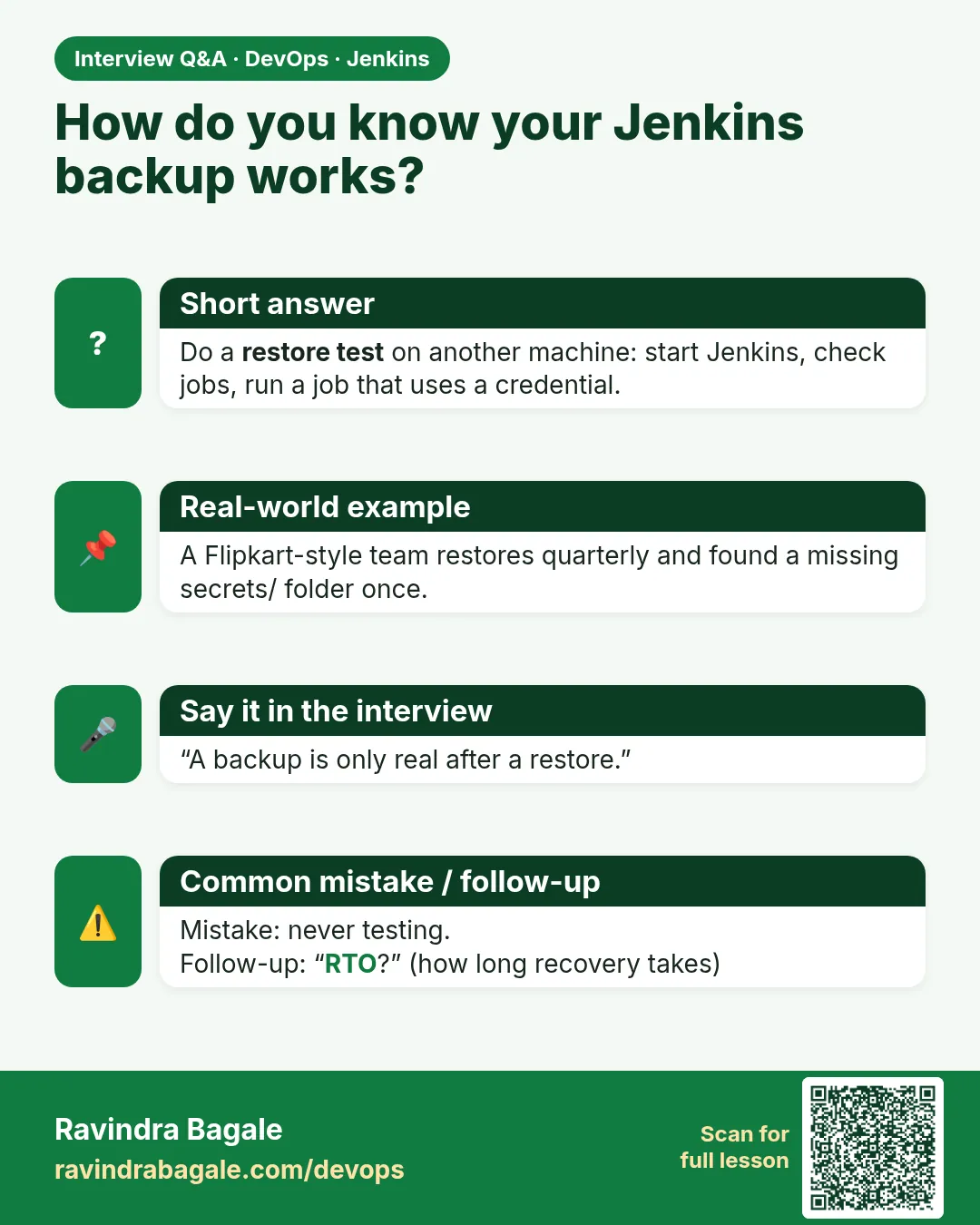
How do you know your Jenkins backup works? Do a restore test on another machine: start Jenkins, check jobs, run a job that uses a credential.
Interview card 2 of 8: How do you know your Jenkins backup works? · Download PNG · Open card page

Lesson: 31.2 Restore test

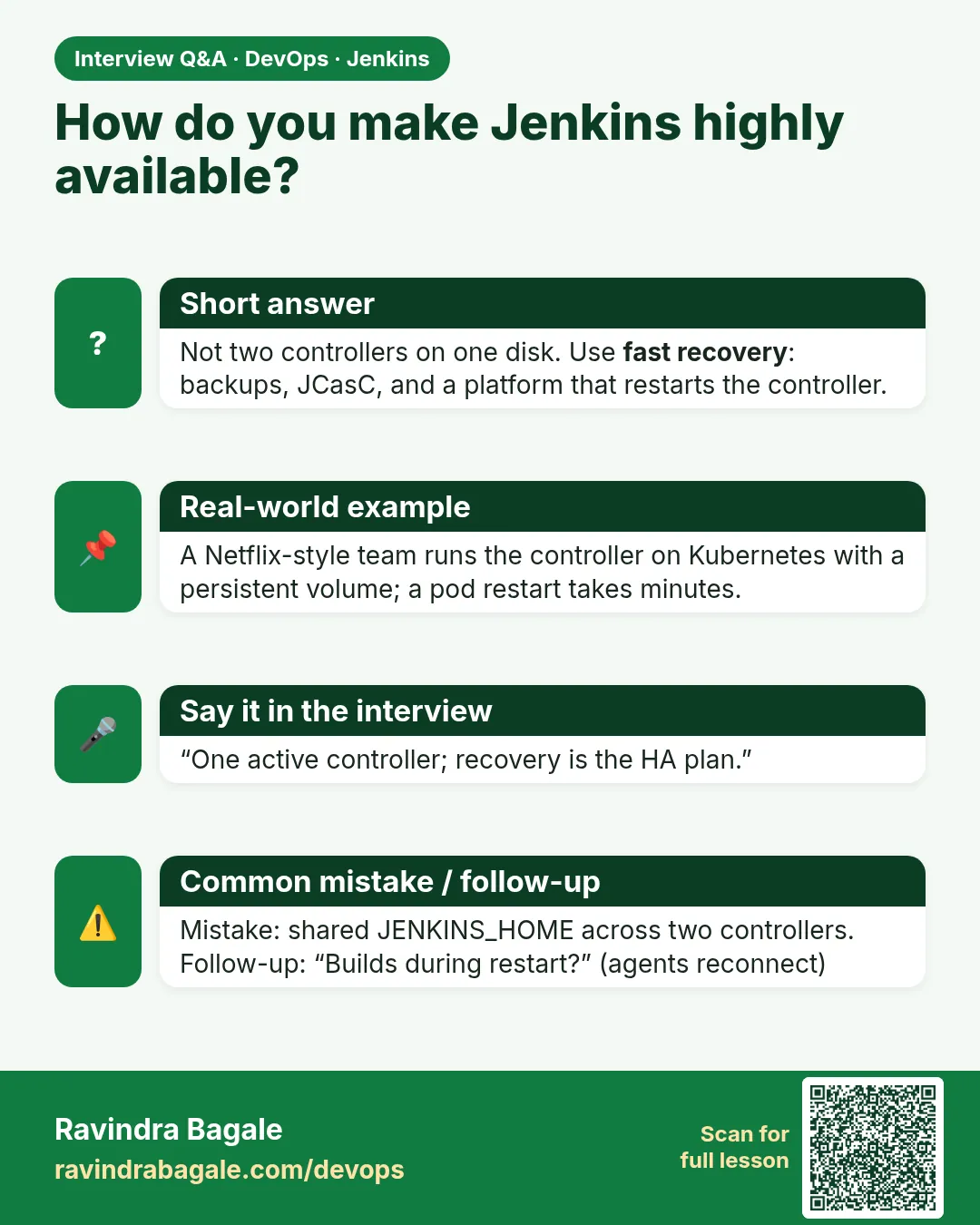
How do you make Jenkins highly available? Not two controllers on one disk. Use fast recovery: backups, JCasC, and a platform that restarts the controller.
Interview card 3 of 8: How do you make Jenkins highly available? · Download PNG · Open card page

Lesson: 31.3 High availability is not two controllers on one balancer
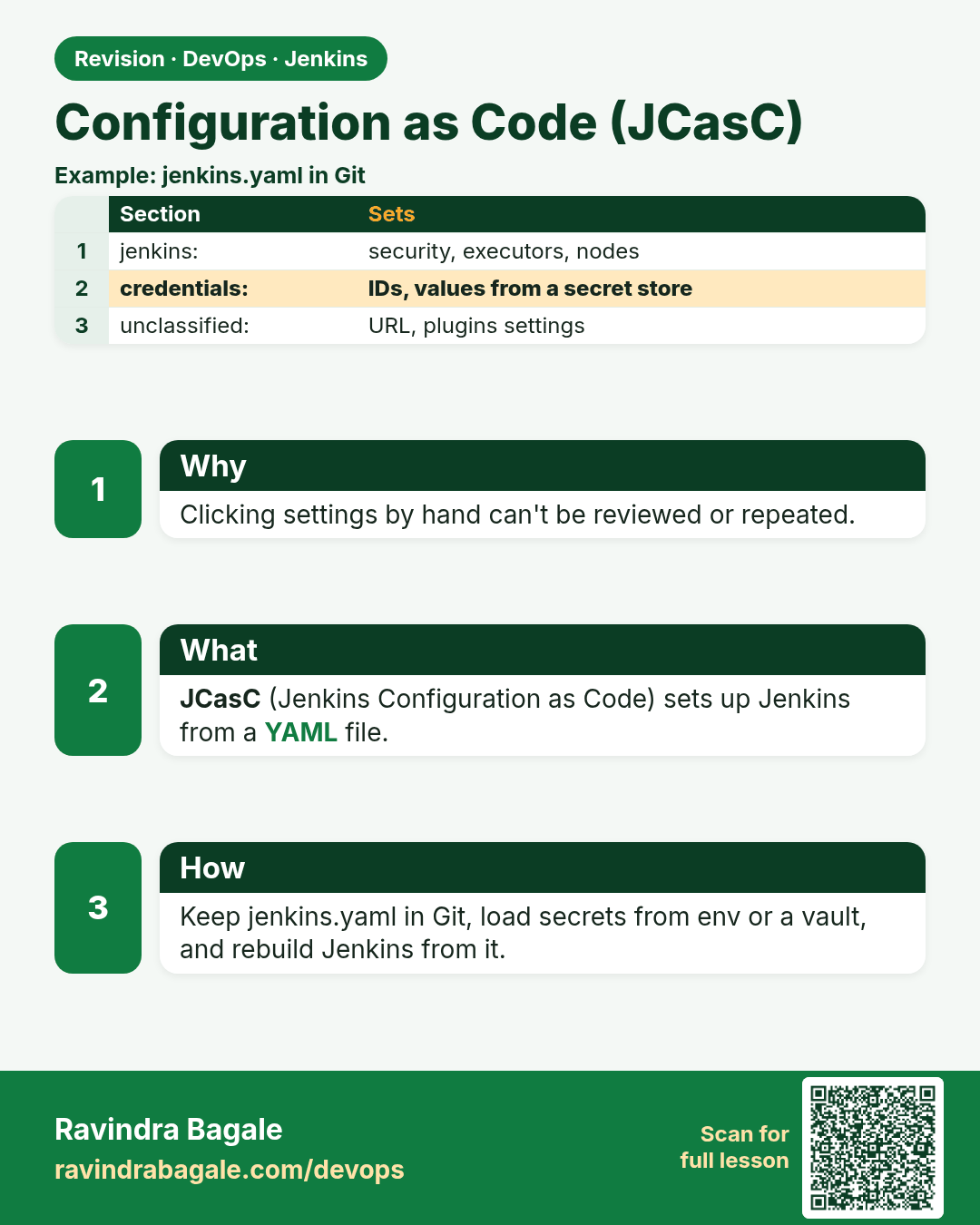
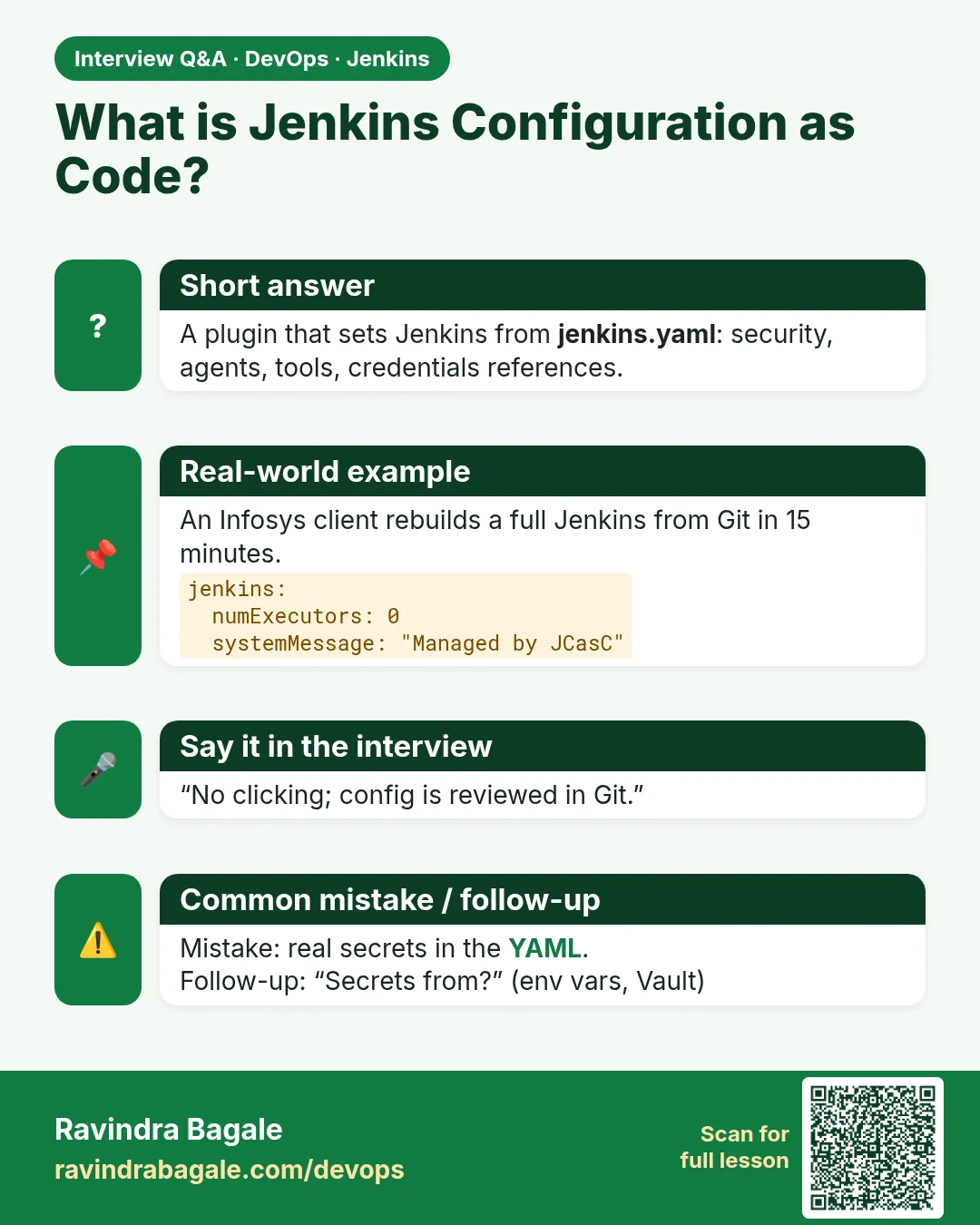
What is Jenkins Configuration as Code? A plugin that sets Jenkins from jenkins.yaml: security, agents, tools, credentials references.
Interview card 4 of 8: What is Jenkins Configuration as Code? · Download PNG · Open card page

Lesson: 31.4 Configuration as Code

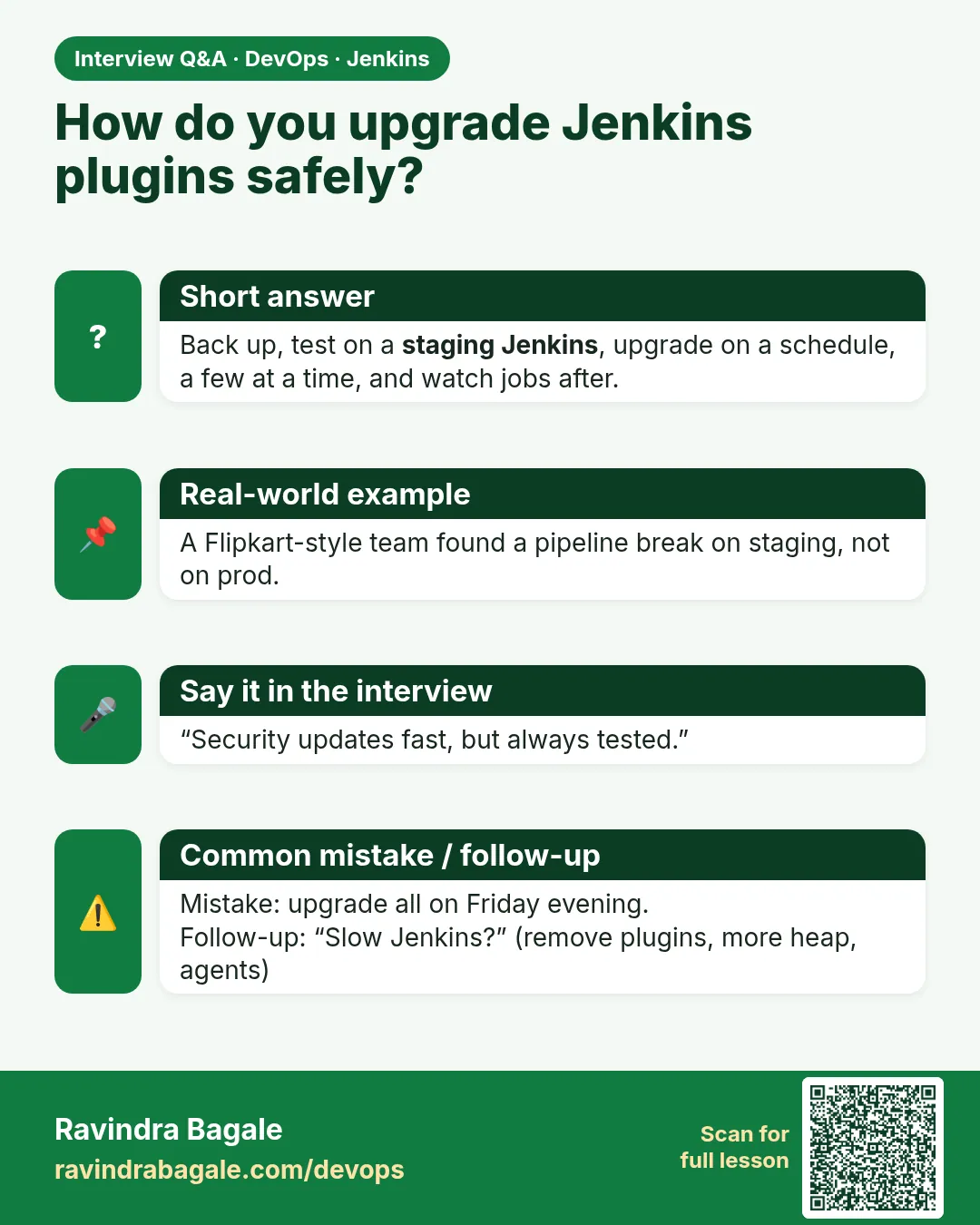
How do you upgrade Jenkins plugins safely? Back up, test on a staging Jenkins, upgrade on a schedule, a few at a time, and watch jobs after.
Interview card 5 of 8: How do you upgrade Jenkins plugins safely? · Download PNG · Open card page

Lesson: 31.5 Plugin upgrades and performance
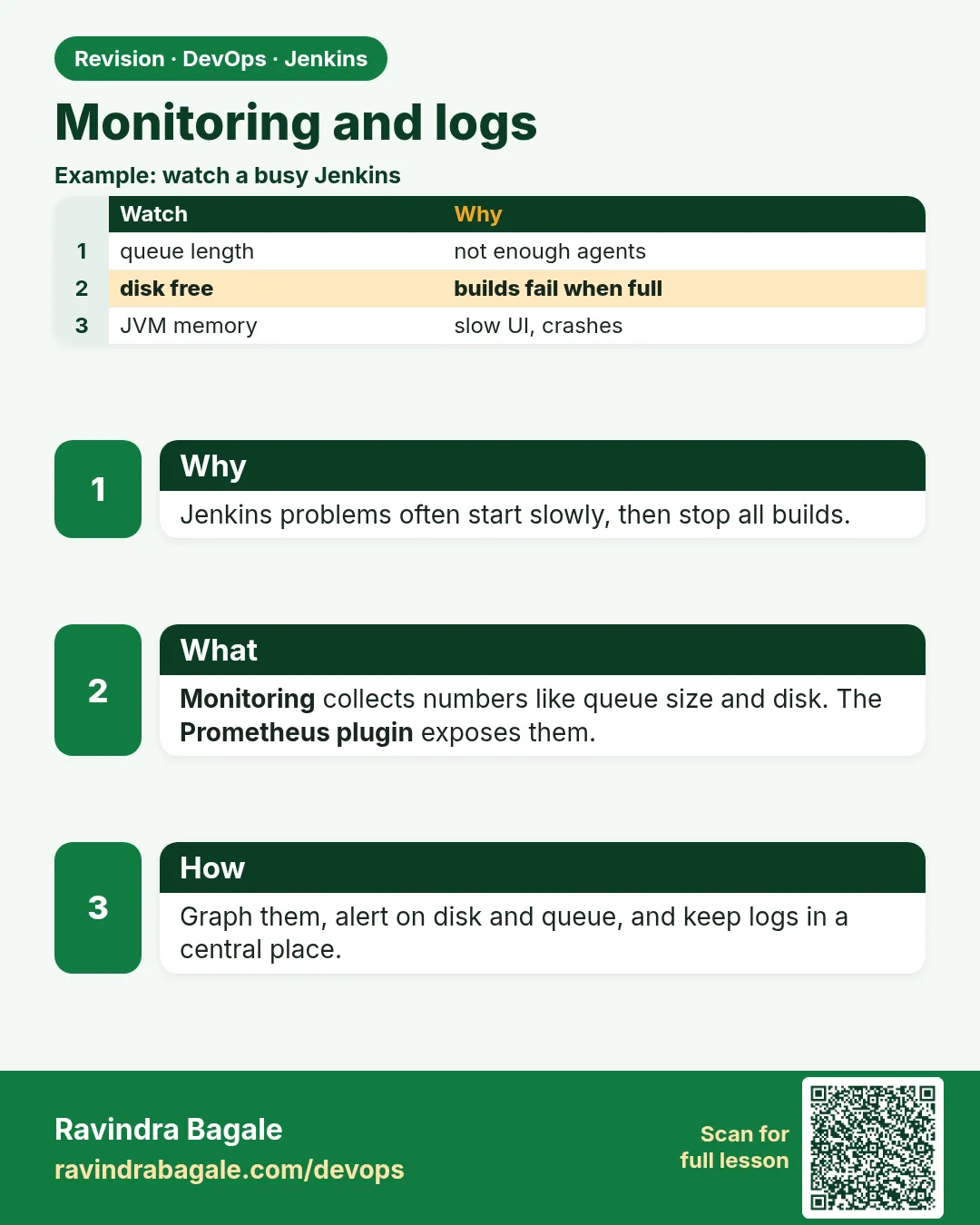
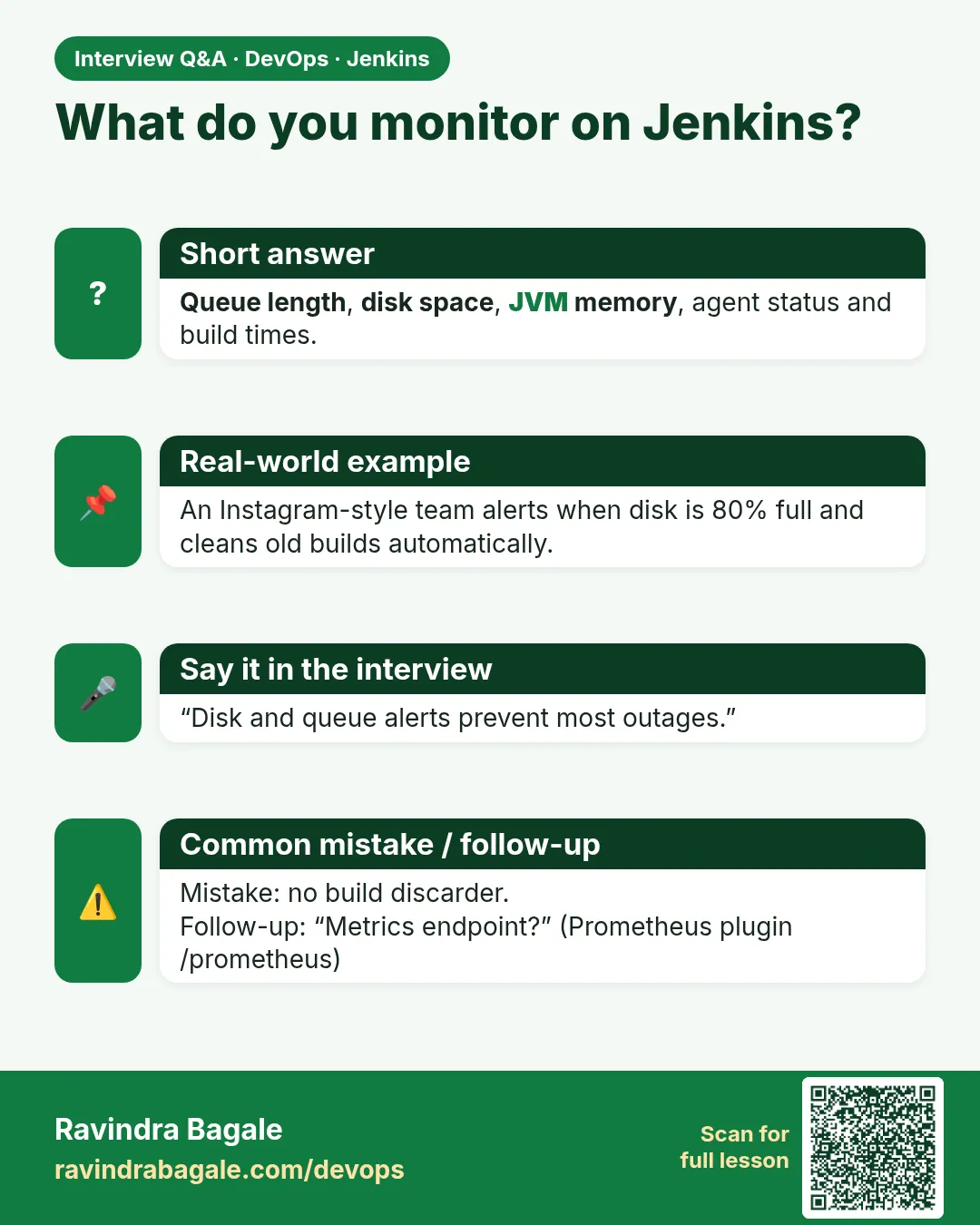
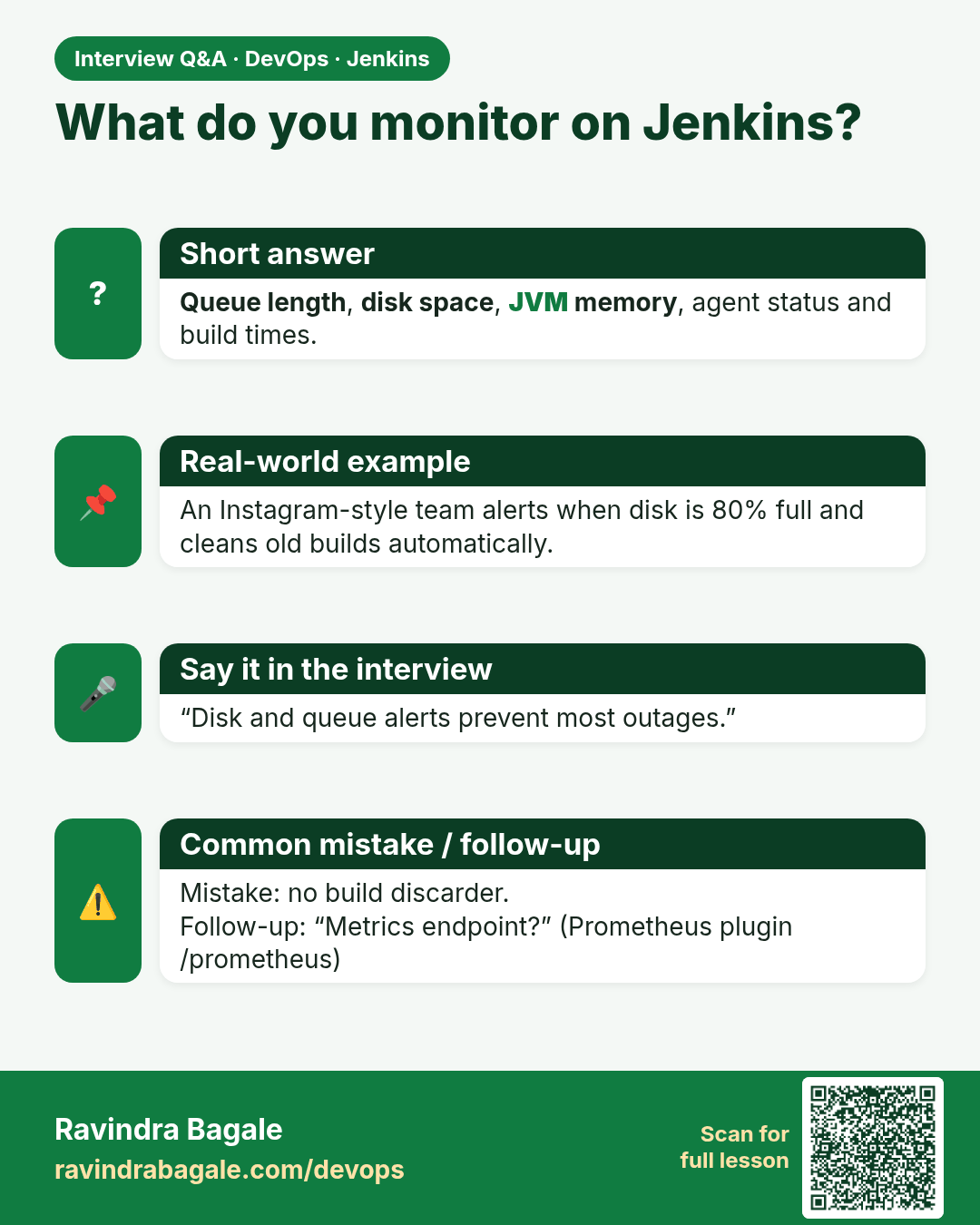
What do you monitor on Jenkins? Queue length, disk space, JVM memory, agent status and build times.
Interview card 6 of 8: What do you monitor on Jenkins? · Download PNG · Open card page

Lesson: 31.6 Monitoring and logs

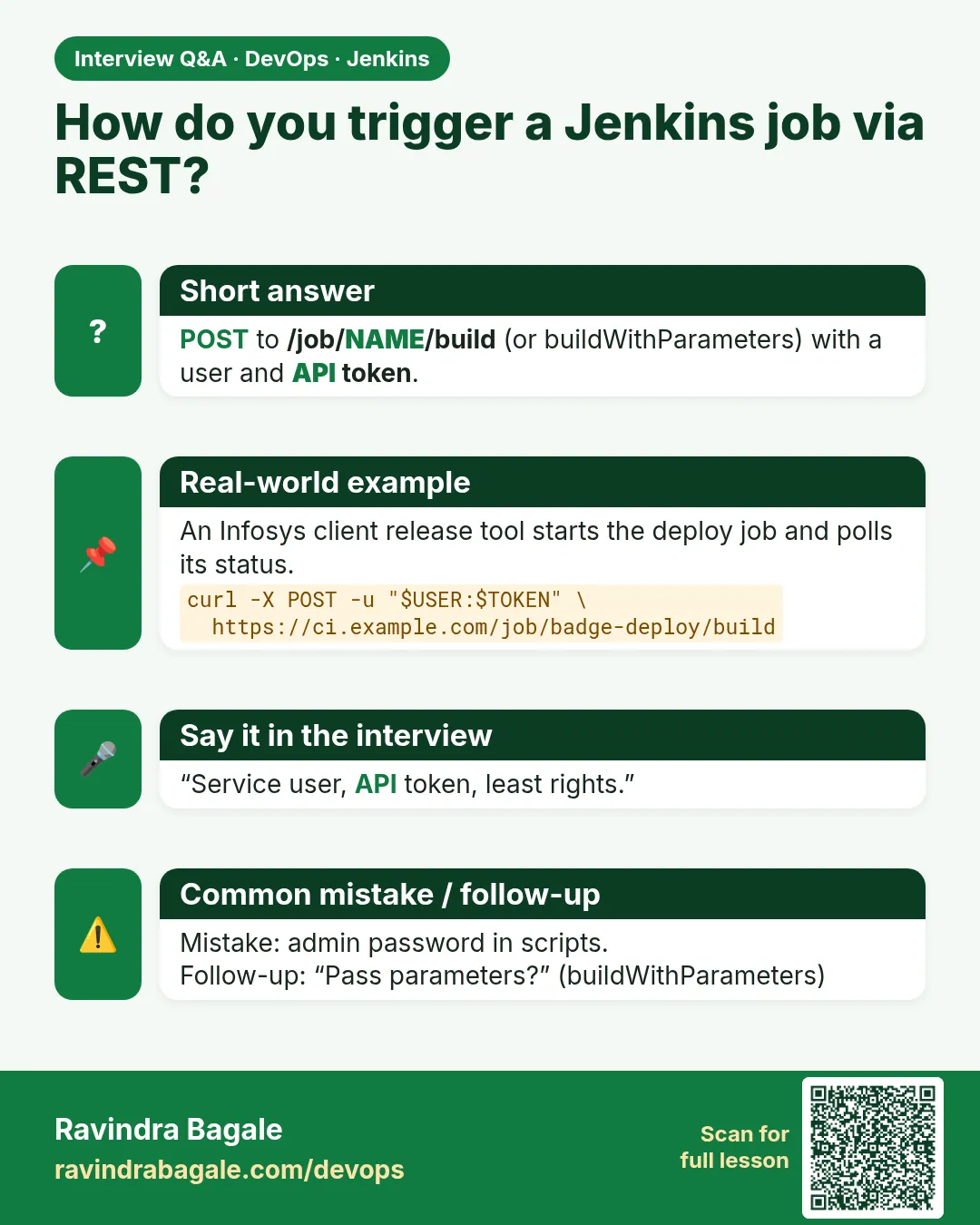
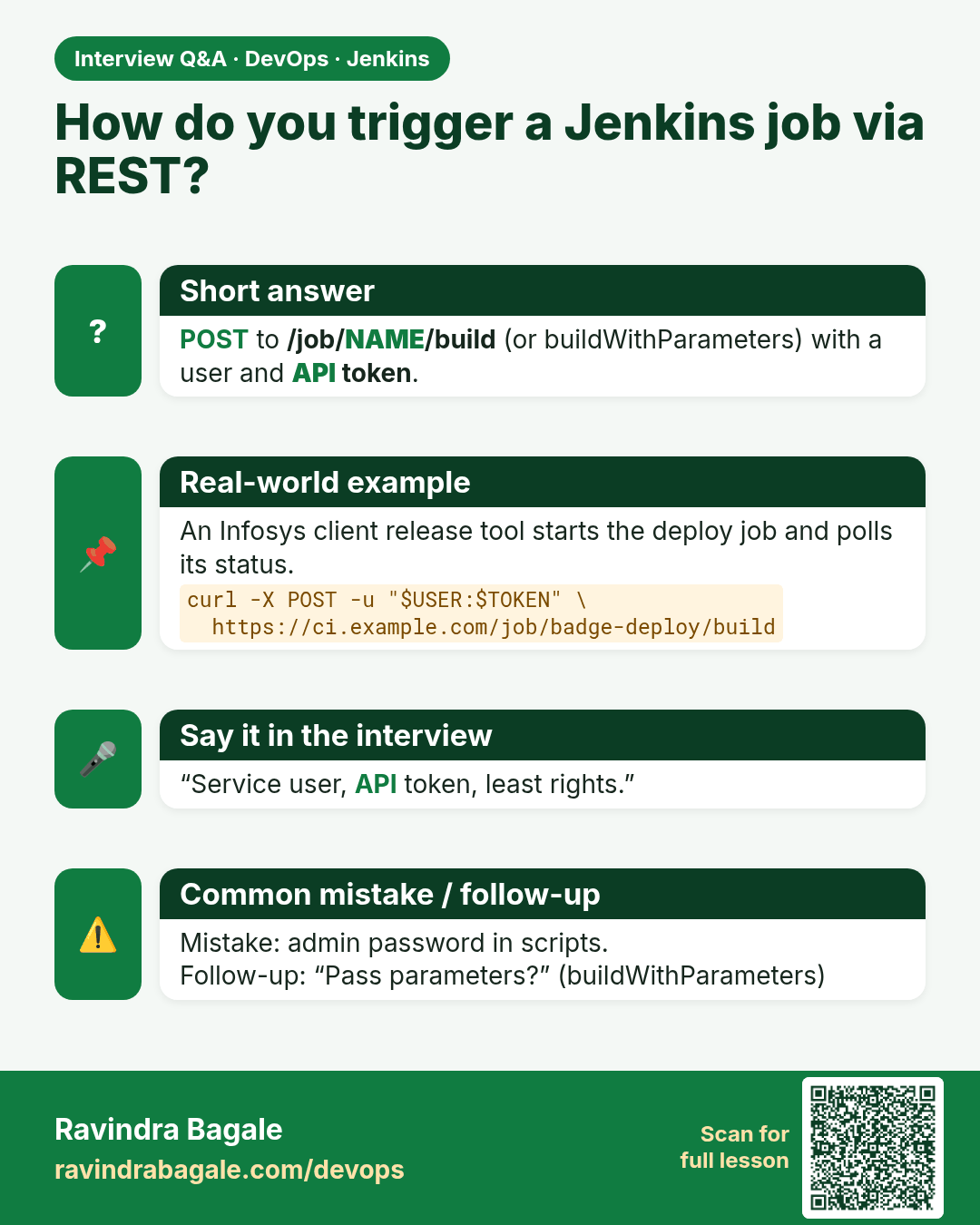
How do you trigger a Jenkins job via REST? POST to /job/NAME/build (or buildWithParameters) with a user and API token.
Interview card 7 of 8: How do you trigger a Jenkins job via REST? · Download PNG · Open card page

Lesson: 31.7 REST and CLI that start a job
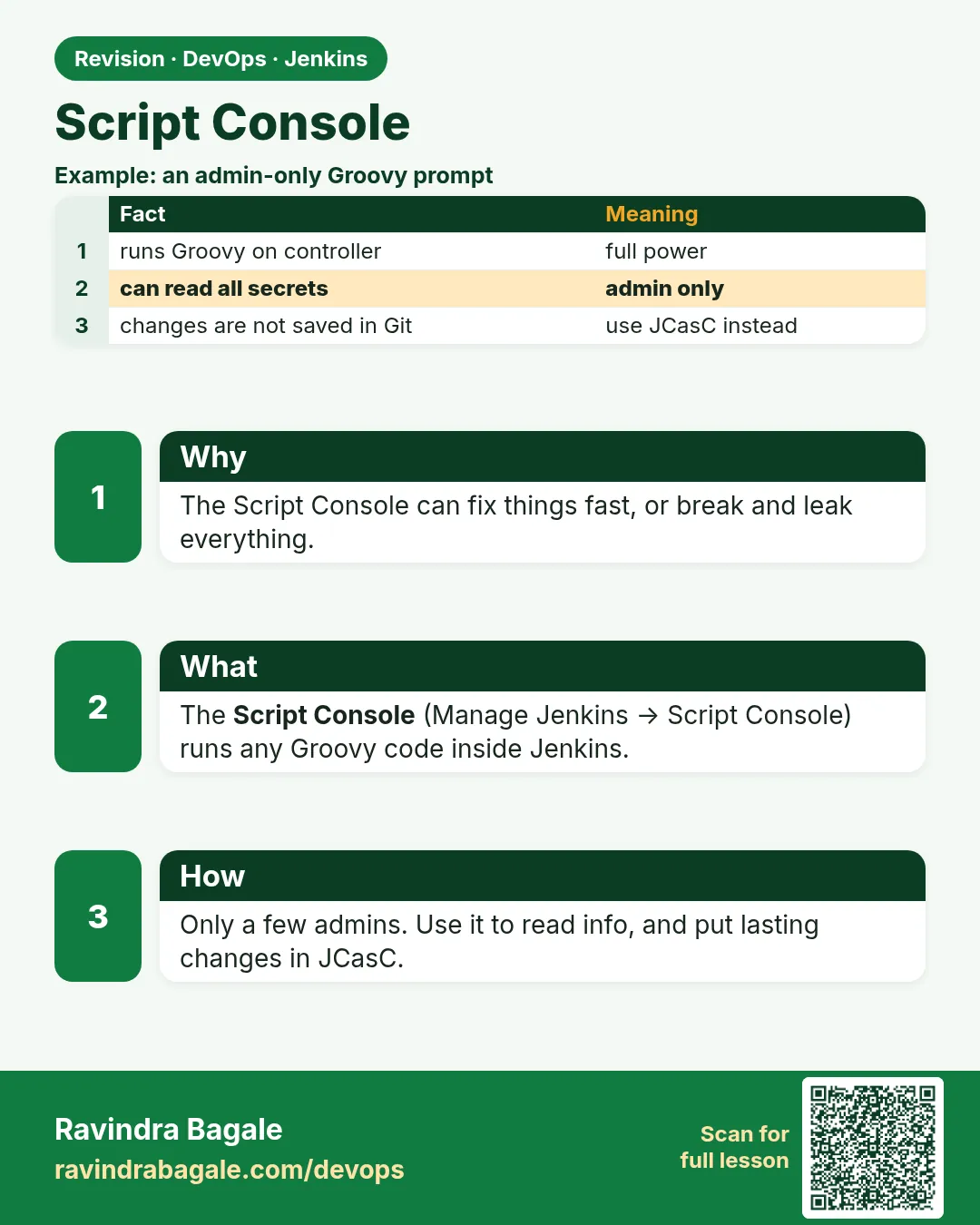
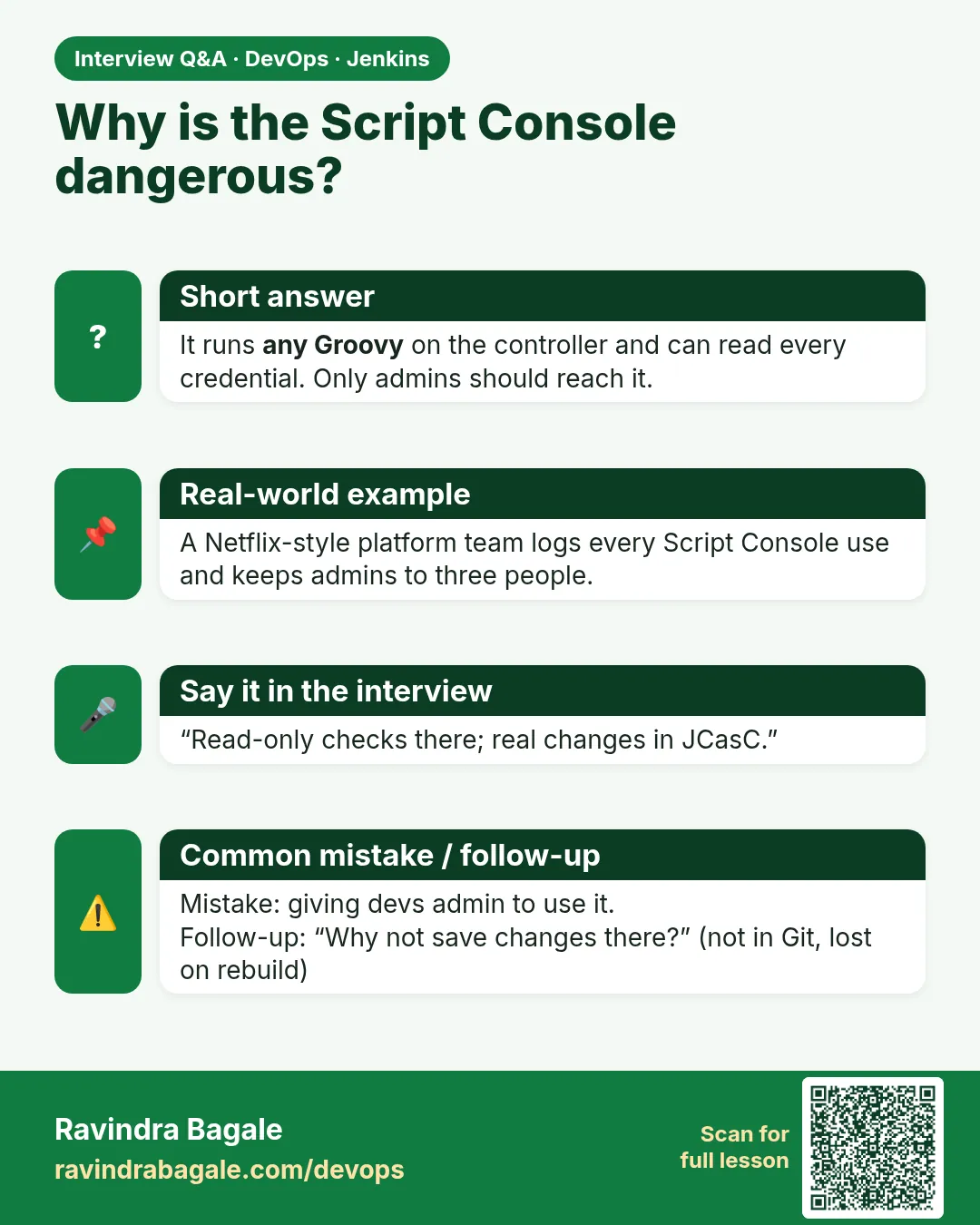
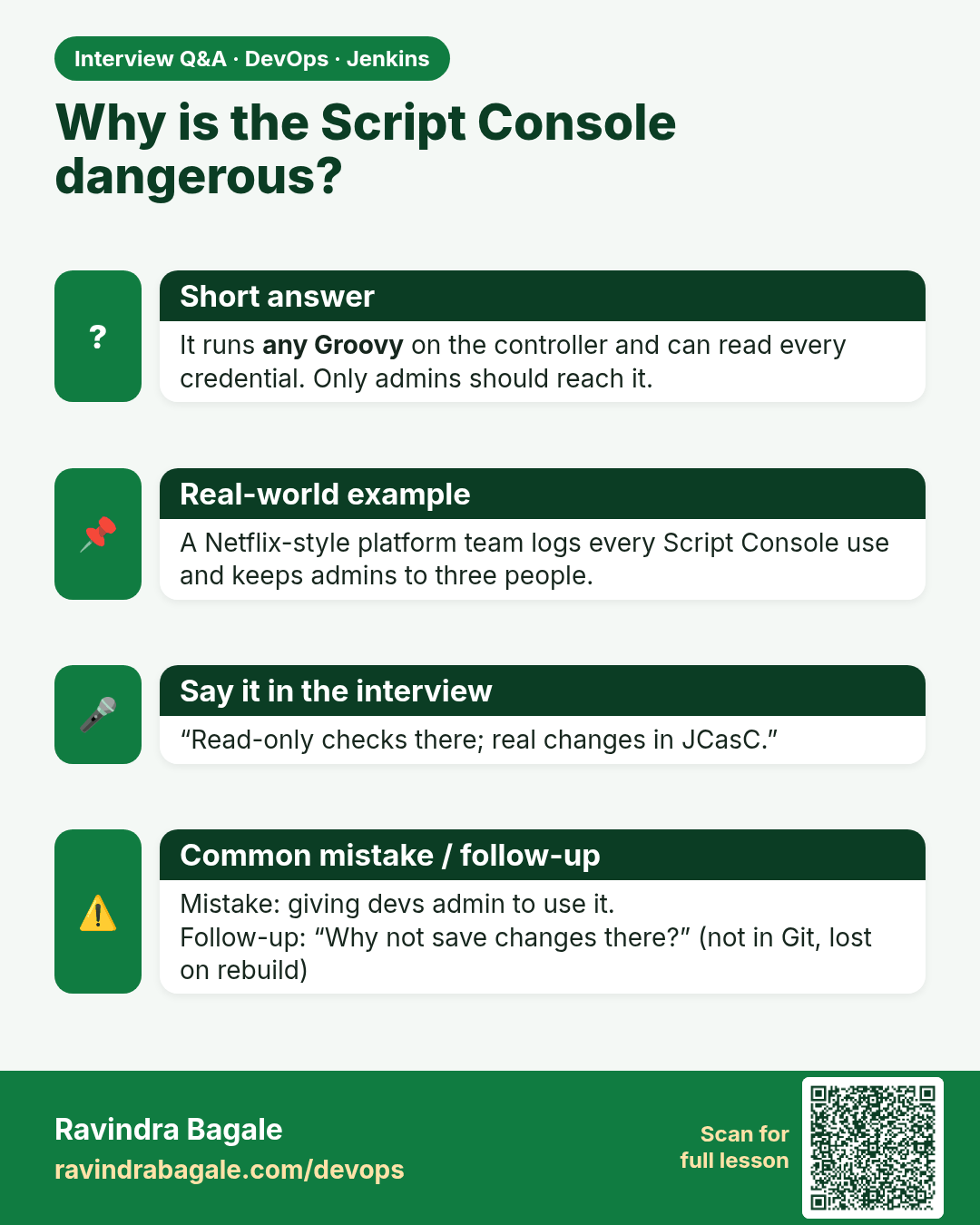
Why is the Script Console dangerous? It runs any Groovy on the controller and can read every credential. Only admins should reach it.
Interview card 8 of 8: Why is the Script Console dangerous? · Download PNG · Open card page

Lesson: 31.8 Script Console

Comparison cards

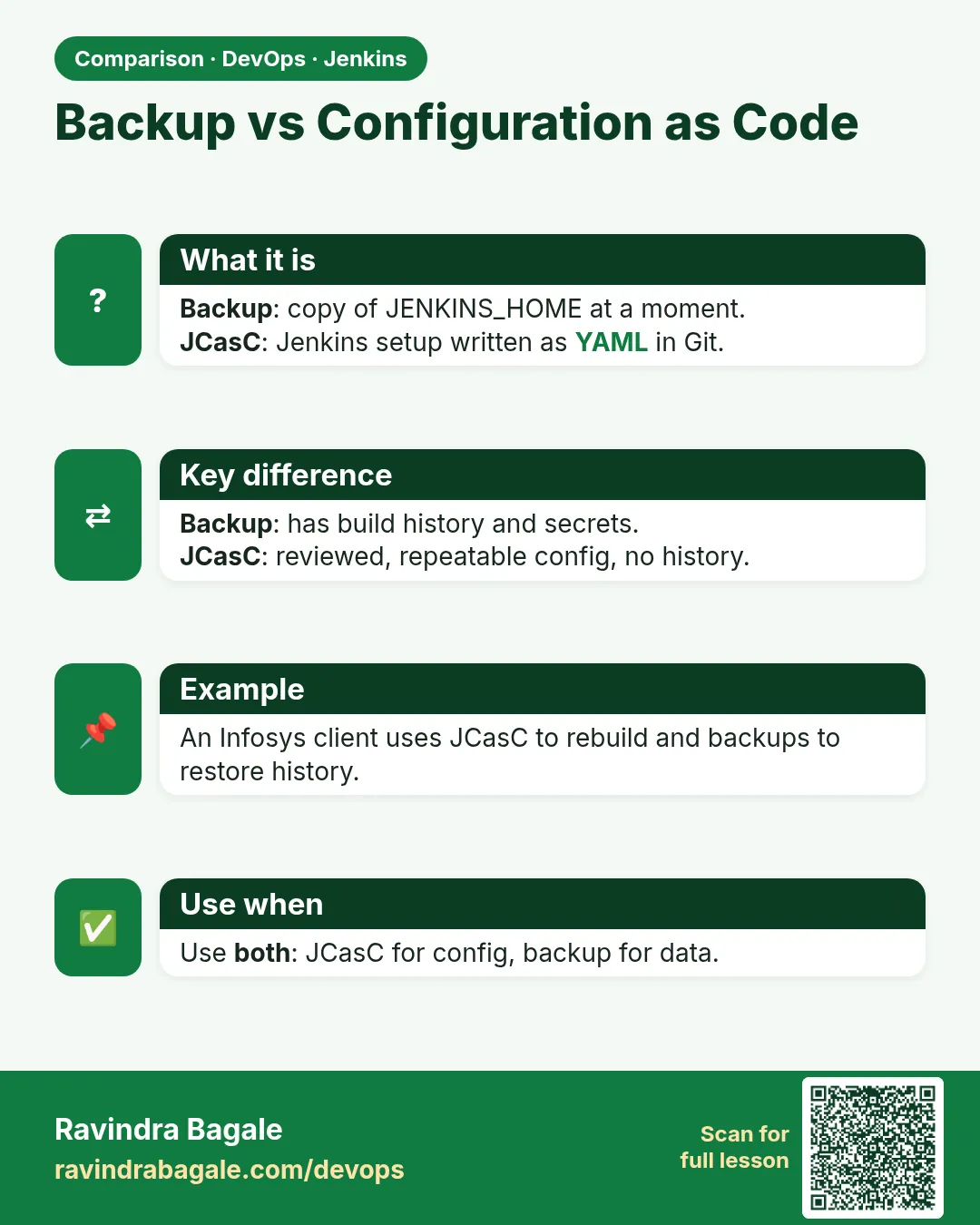
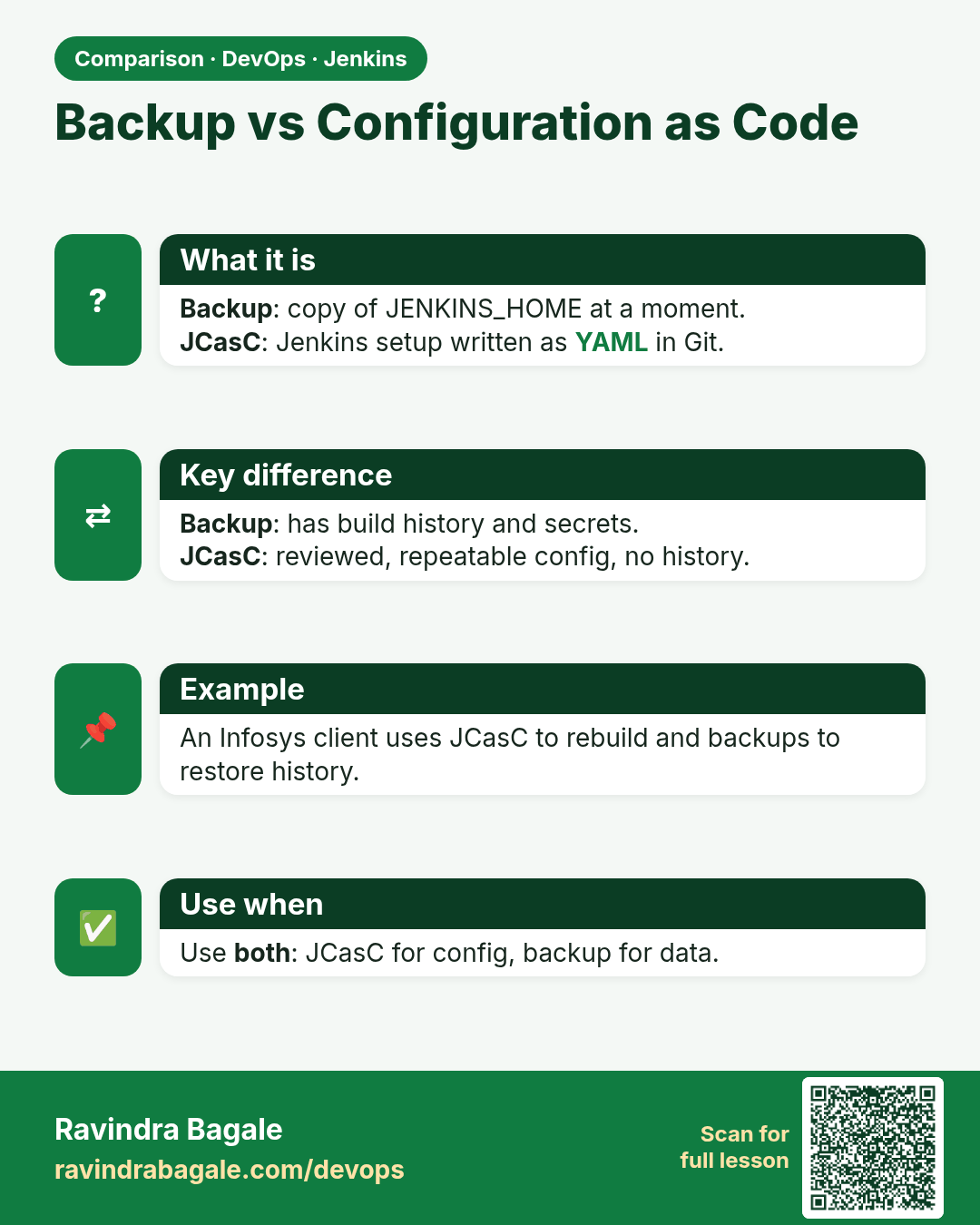
Backup vs Configuration as Code. Backup: copy of JENKINS_HOME at a moment.JCasC: Jenkins setup written as YAML in Git.
Comparison card 1 of 3: Backup vs Configuration as Code · Download PNG · Open card page

Lesson: 31.1 Backup JENKINS_HOME

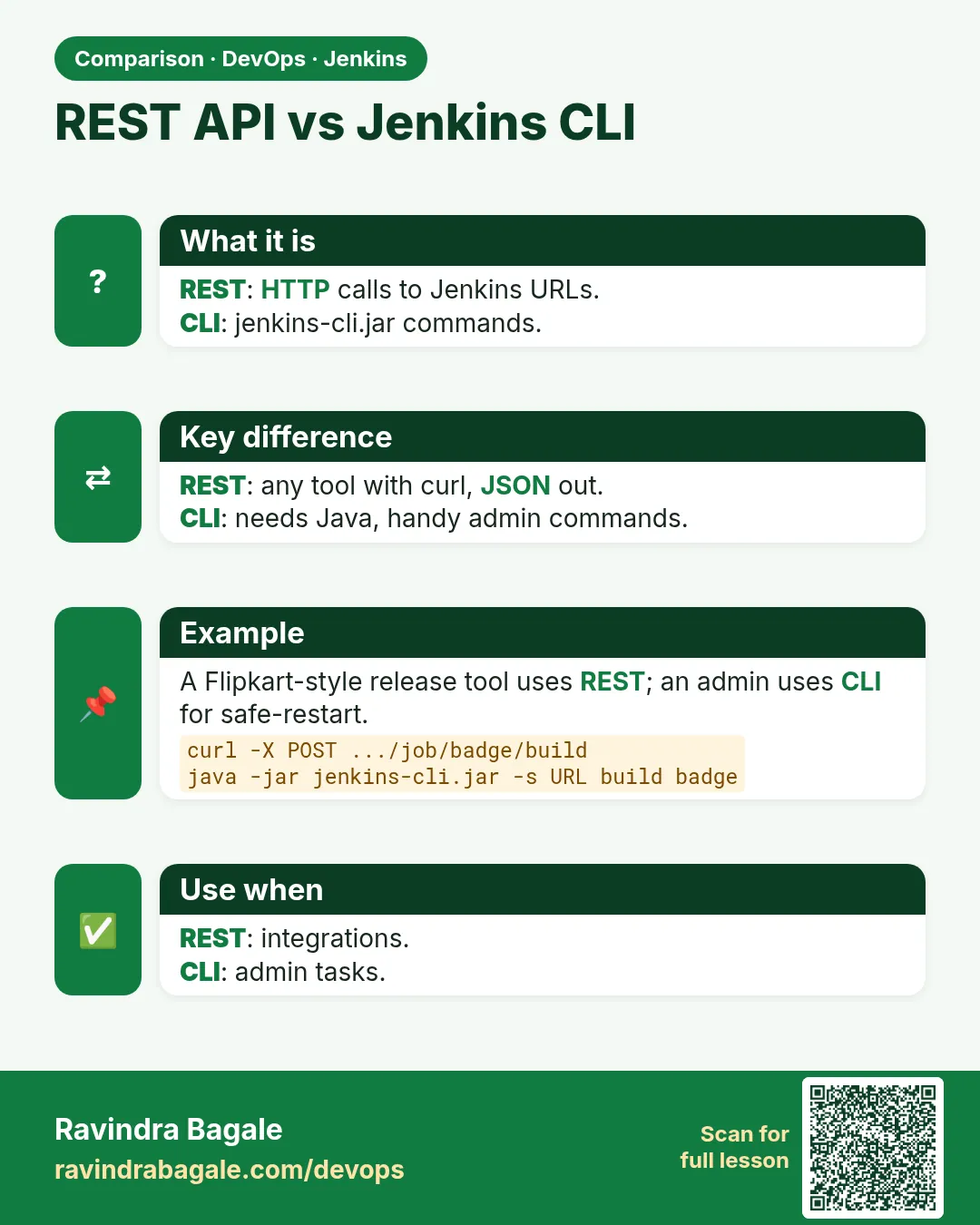
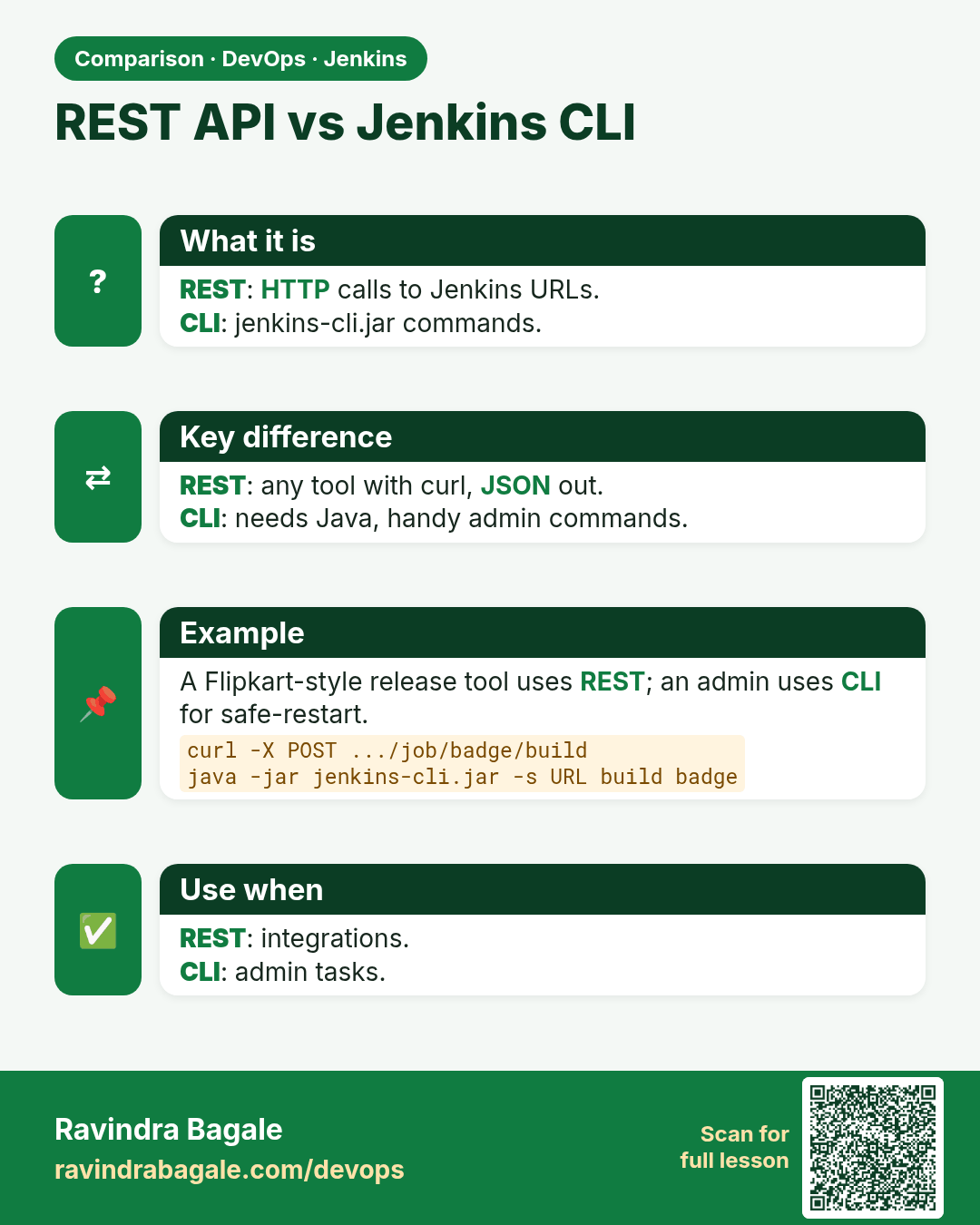
REST API vs Jenkins CLI. REST: HTTP calls to Jenkins URLs.CLI: jenkins-cli.jar commands.
Comparison card 2 of 3: REST API vs Jenkins CLI · Download PNG · Open card page

Lesson: 31.7 REST and CLI that start a job
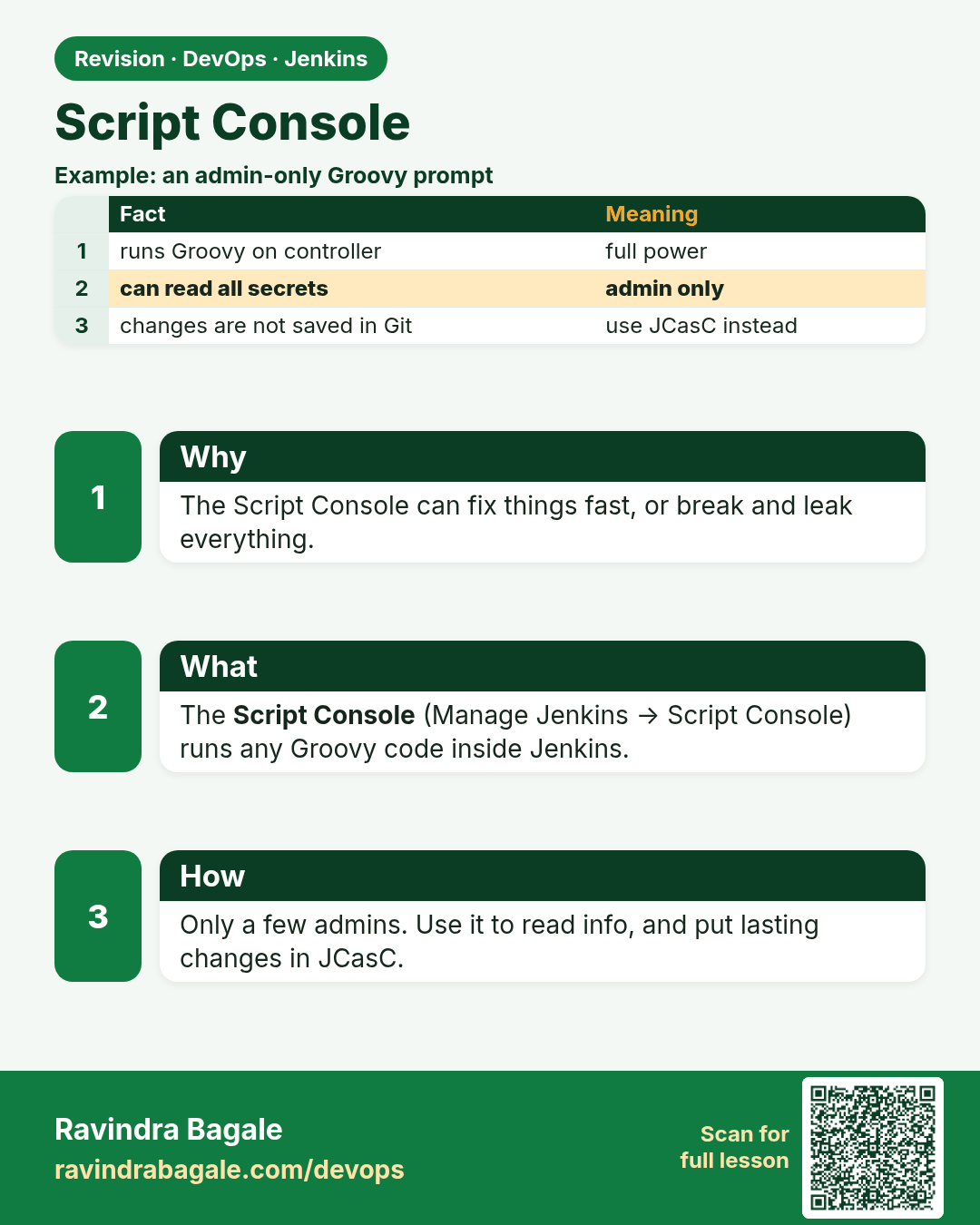
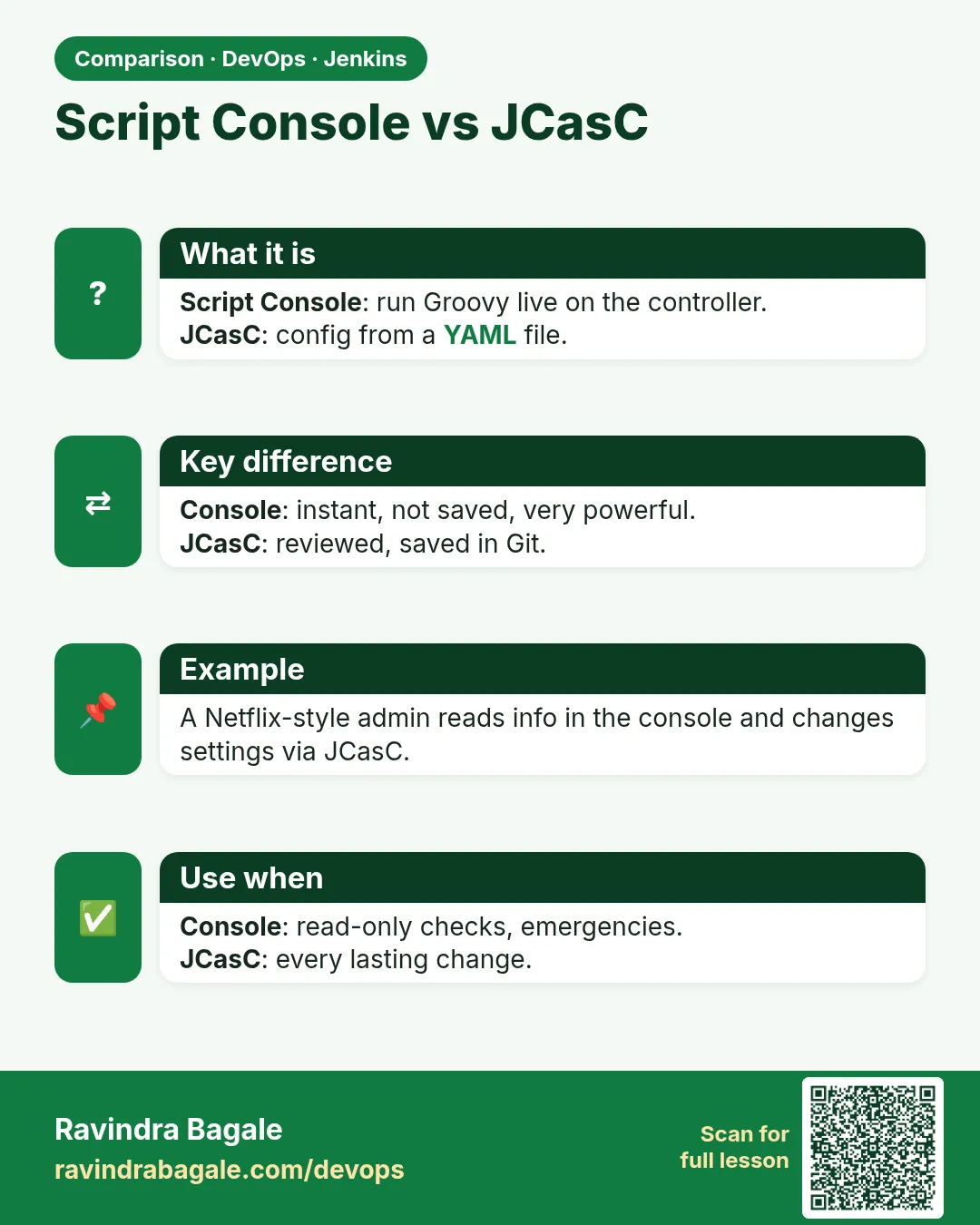
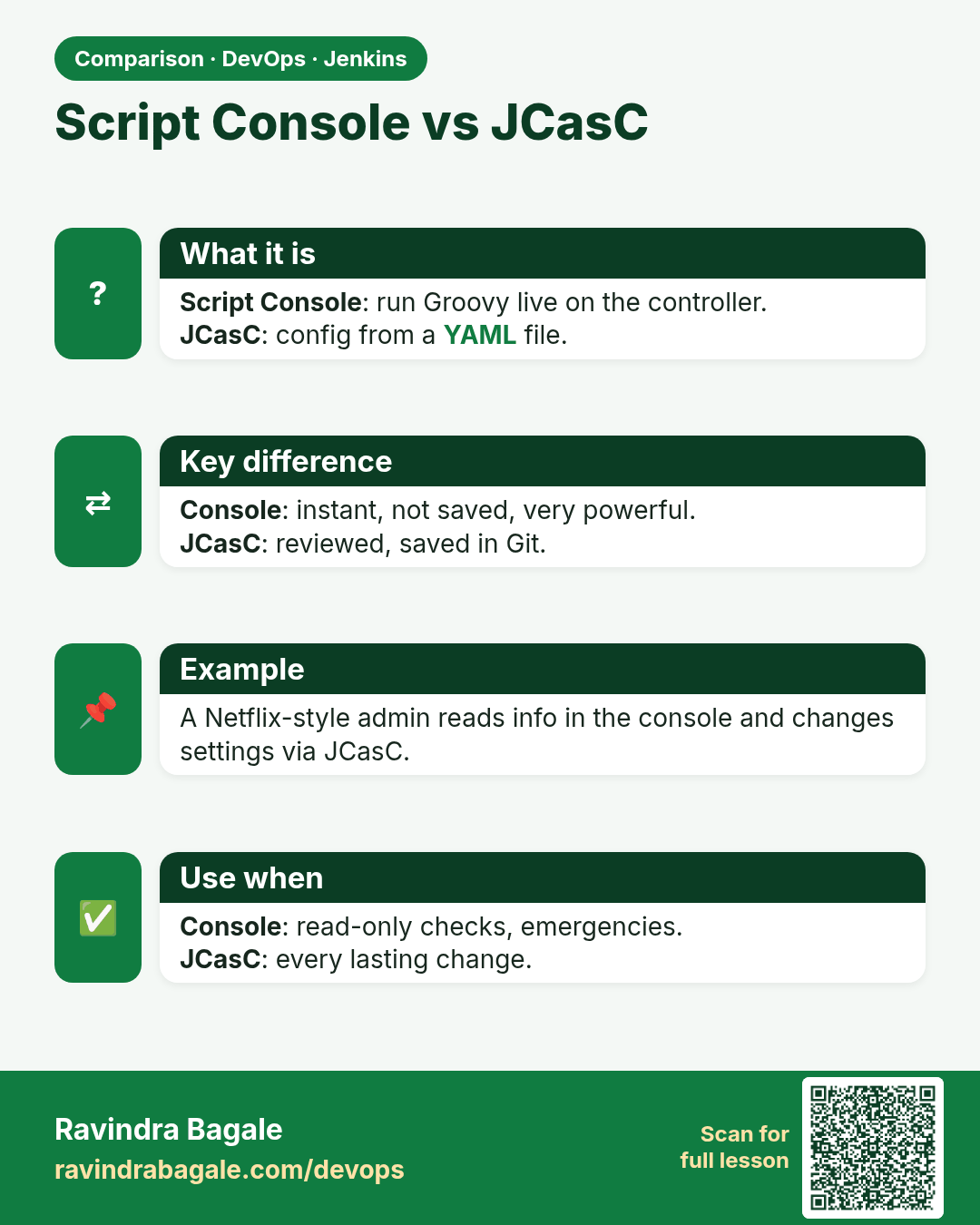
Script Console vs JCasC. Script Console: run Groovy live on the controller.JCasC: config from a YAML file.
Comparison card 3 of 3: Script Console vs JCasC · Download PNG · Open card page

Lesson: 31.8 Script Console