Chapter 31: Backup, Configuration as Code and Jenkins Operations
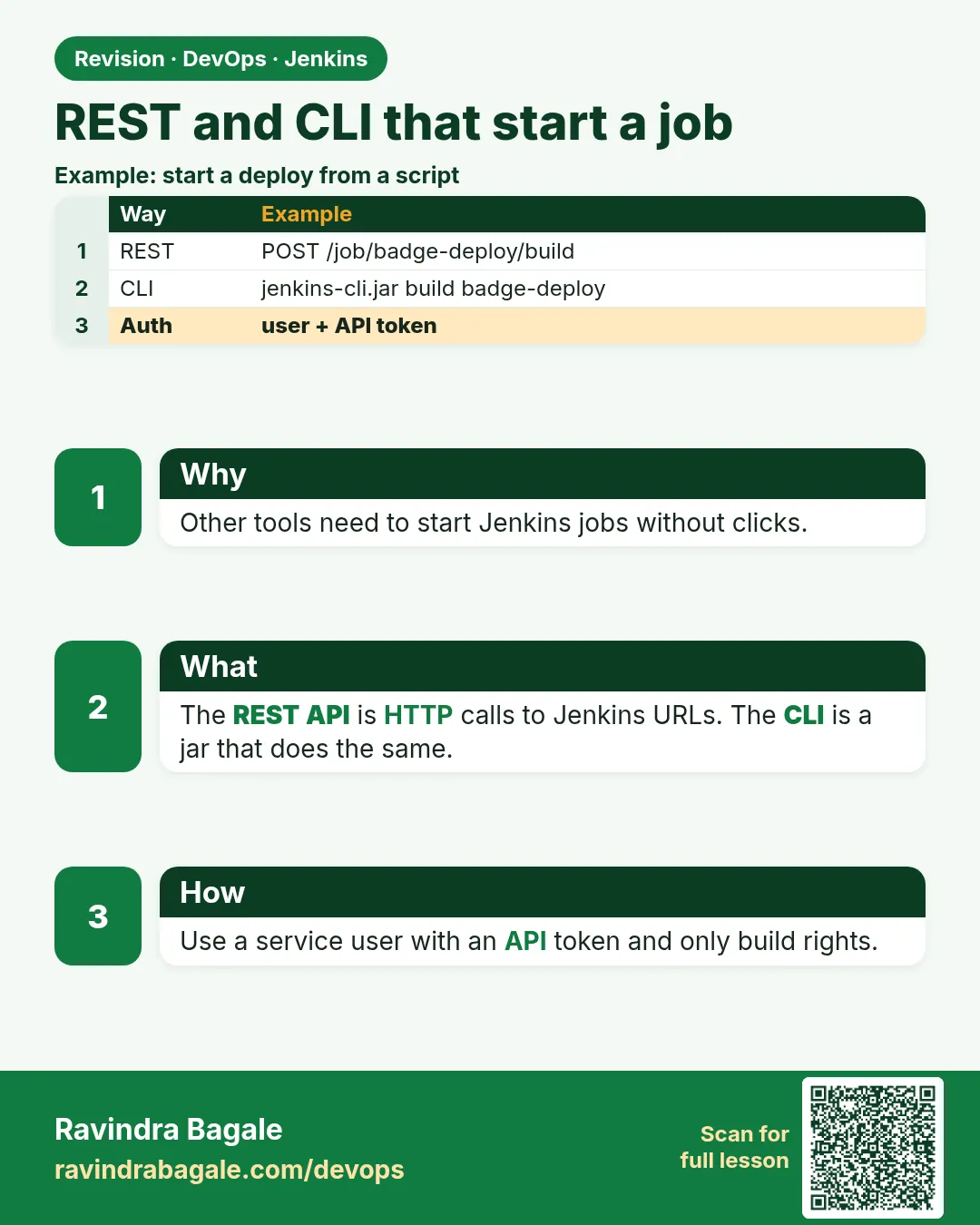
31.7 REST and CLI that start a job
Why: the problem
Suppose we are on the Ola team. A release tool must start the badge-api deploy job after a ticket is approved. Nobody should click in Jenkins at night. Jenkins has a REST API and a CLI. With an API token and the right permission, a script can start a job with parameters, wait, and read the result.
What we will build
You will start a parameterised job from curl, from the Jenkins CLI jar, and from a small Python script, then wait for the result.
What: every term in plain English
- REST API — HTTP URLs that let programs talk to Jenkins.
- API token — A per-user token used instead of a password. Made on your user page.
- Crumb — A CSRF protection value. API tokens usually do not need it.
- buildWithParameters — The URL that starts a job with parameters.
- Queue item — Where a build waits before it starts. Its URL leads to the build number.
- jenkins-cli.jar — The Jenkins command line client.
How: step by step
-
Make a token
User menu > Security > API Token > Add new tokenWhat it does: Copy it once into a secret store or env var.
Output
(token shown once) -
Store it for this shell
read -rs JENKINS_TOKEN && export JENKINS_TOKENWhat it does: Not in history, not in files.
Output
(no output) -
Check who you are
curl -s -u ravi:$JENKINS_TOKEN localhost:8080/me/api/json | jq -r .idWhat it does: The token works.
Output
ravi -
Start the job
curl -s -i -X POST -u ravi:$JENKINS_TOKEN "localhost:8080/job/badge-deploy/buildWithParameters?ENV=staging&VERSION=1.4.2" | grep -i locationWhat it does: Returns a queue URL.
Output
Location: http://localhost:8080/queue/item/912/ -
Find the build number
curl -s -u ravi:$JENKINS_TOKEN localhost:8080/queue/item/912/api/json | jq .executable.numberWhat it does: Once started, the queue item points to the build.
Output
57 -
Wait for the result
curl -s -u ravi:$JENKINS_TOKEN localhost:8080/job/badge-deploy/57/api/json | jq -r ".building, .result"What it does: building false and result SUCCESS means done.
Output
false SUCCESS -
Same with the CLI
java -jar jenkins-cli.jar -s http://localhost:8080/ -auth ravi:$JENKINS_TOKEN build badge-deploy -p ENV=staging -p VERSION=1.4.2 -s -v | tail -2What it does: -s waits, -v prints the console.
Output
Finished: SUCCESS
Completed badge-deploy #58 : SUCCESS
Example 1: Bash with curl: start, wait, and exit with the build result
Stack. bash, curl, jq
Goal. Bash with curl: start, wait, and exit with the build result.
trigger.sh
#!/usr/bin/env bash
# trigger.sh ENV VERSION - start badge-deploy and wait for it
set -euo pipefail
J=http://localhost:8080; JOB=badge-deploy; AUTH="ravi:${JENKINS_TOKEN:?set JENKINS_TOKEN}"
Q=$(curl -s -i -X POST -u "$AUTH" "$J/job/$JOB/buildWithParameters?ENV=$1&VERSION=$2" | awk -F": " "/^[Ll]ocation/{print \$2}" | tr -d "\r")
until N=$(curl -s -u "$AUTH" "${Q}api/json" | jq -er .executable.number); do sleep 3; done
echo "started #$N"
while [ "$(curl -s -u "$AUTH" "$J/job/$JOB/$N/api/json" | jq -r .building)" = true ]; do sleep 10; done
R=$(curl -s -u "$AUTH" "$J/job/$JOB/$N/api/json" | jq -r .result)
echo "result $R"; [ "$R" = SUCCESS ]
What each line does
${JENKINS_TOKEN:?...}— Stops if the token is not set.Location header— The queue item URL.jq -er .executable.number— Fails until the build has started.[ "$R" = SUCCESS ]— Script exit code follows the build result.
Green output
$ bash trigger.sh staging 1.4.2
started #57
result SUCCESS
Expected result. Any tool that runs a script can now start the deploy.
Example 2: Python: the same flow with requests, for release tools written in Python
Stack. Python 3.12, requests
Goal. Python: the same flow with requests, for release tools written in Python.
trigger.py
# trigger.py - start a Jenkins job and wait (python3 trigger.py staging 1.4.2)
import os, sys, time, requests
J = "http://localhost:8080"; JOB = "badge-deploy"
auth = ("ravi", os.environ["JENKINS_TOKEN"])
r = requests.post(f"{J}/job/{JOB}/buildWithParameters",
                  params={"ENV": sys.argv[1], "VERSION": sys.argv[2]}, auth=auth, timeout=10)
r.raise_for_status()
queue = r.headers["Location"]
while True:
    item = requests.get(queue + "api/json", auth=auth, timeout=10).json()
    if item.get("executable"): break
    time.sleep(3)
n = item["executable"]["number"]; print("started", n)
while True:
    b = requests.get(f"{J}/job/{JOB}/{n}/api/json", auth=auth, timeout=10).json()
    if not b["building"]: break
    time.sleep(10)
print("result", b["result"]); sys.exit(0 if b["result"] == "SUCCESS" else 1)
What each line does
os.environ["JENKINS_TOKEN"]— The token comes from the environment.raise_for_status()— Stop on 401 or 404.headers["Location"]— Queue URL.sys.exit(...)— Exit code for the calling tool.
Green output
$ python3 trigger.py staging 1.4.2
started 58
result SUCCESS
Expected result. Same result from Python.
Example 3: Jenkins CLI: a short command for admins with the CLI jar
Stack. Java 17, jenkins-cli.jar
Goal. Jenkins CLI: a short command for admins with the CLI jar.
commands
curl -s -O localhost:8080/jnlpJars/jenkins-cli.jar
java -jar jenkins-cli.jar -s http://localhost:8080/ -auth ravi:$JENKINS_TOKEN who-am-i
java -jar jenkins-cli.jar -s http://localhost:8080/ -auth ravi:$JENKINS_TOKEN list-jobs | head -3
java -jar jenkins-cli.jar -s http://localhost:8080/ -auth ravi:$JENKINS_TOKEN build badge-deploy -p ENV=staging -p VERSION=1.4.2 -s -v
What each line does
jnlpJars/jenkins-cli.jar— The jar matches your Jenkins version.-auth user:token— Logs in with the token.-s— Wait for the build.-v— Print the console output.
Green output
Authenticated as: ravi
badge-api
badge-deploy
smoke-test
Completed badge-deploy #59 : SUCCESS
Expected result. The CLI is handy for admins; scripts usually use REST.
Example 4: Start a job and wait for its result from a script
Stack. Jenkins REST
Goal. Start a job and wait for its result from a script.
trigger-wait.sh
#!/usr/bin/env bash
set -euo pipefail
J=http://localhost:8080/job/release-tool
loc=$(curl -si -u "admin:$JENKINS_TOKEN" -X POST "$J/buildWithParameters?VERSION=1.4.2" | awk '/^Location:/{print $2}' | tr -d '\r')
until num=$(curl -s -u "admin:$JENKINS_TOKEN" "${loc}api/json" | jq -er '.executable.number'); do sleep 2; done
until [ "$(curl -s -u "admin:$JENKINS_TOKEN" "$J/$num/api/json" | jq -r .building)" = false ]; do sleep 5; done
curl -s -u "admin:$JENKINS_TOKEN" "$J/$num/api/json" | jq -r '"build \(.number): \(.result)"'
What each line does
Location header— Points to the queue item.executable.number— The build number once it starts.building false— The build finished.
Green output
build 57: SUCCESS
Expected result. The release tool knows the real result, not just that it clicked Build.
Verify: did it work?
-
See the builds
curl -s -u ravi:$JENKINS_TOKEN "localhost:8080/job/badge-deploy/api/json?tree=builds[number,result]{0,3}" | jq -c .buildsWhat it does: Three newest builds.
Output
[{"number":59,"result":"SUCCESS"},{"number":58,"result":"SUCCESS"},{"number":57,"result":"SUCCESS"}] -
See parameters used
curl -s -u ravi:$JENKINS_TOKEN localhost:8080/job/badge-deploy/59/api/json | jq -c "[.actions[]|select(.parameters)|.parameters[]|{name,value}]"What it does: Proves what was asked.
Output
[{"name":"ENV","value":"staging"},{"name":"VERSION","value":"1.4.2"}] -
See who started it
curl -s -u ravi:$JENKINS_TOKEN localhost:8080/job/badge-deploy/59/api/json | jq -r ".actions[]|select(.causes)|.causes[0].shortDescription"What it does: Audit trail.
Output
Started by user ravi
When it is red 1
HTTP/1.1 401 Unauthorized
Cause. Wrong user or token.
Fix, step by step
- Check the user id, not the display name.
- Make a new token if needed.
When it is red 2
HTTP/1.1 403 No valid crumb was included in the request
Cause. Password used instead of a token, or an old setup.
Fix, step by step
- Use an API token.
- Or fetch a crumb from /crumbIssuer/api/json in the same session.
When it is red 3
HTTP/1.1 400 Nothing is submitted
Cause. Job has parameters but you called /build without them.
Fix, step by step
- Use /buildWithParameters.
When it is red 4
HTTP 403 No valid crumb was included in the request
Cause. Using a password instead of an API token.
Fix, step by step
- Create an API token for the user.
- Use admin:TOKEN in curl.
Cleanup
-
Revoke the lab token
User menu > Security > API Token > RevokeWhat it does: Old tokens are a risk.
Output
Token revoked
Practice tasks
Easy Call /me
Why: Check your token.
What to do: curl /me/api/json.
- Use -u user:token.
Check: Your id prints.
Medium Use tree filter
Why: Smaller answers.
What to do: Fetch only number and result.
- Add ?tree=number,result
Check: Short JSON.
Hard Limit the bot user
Why: Least privilege.
What to do: Make a user that can only build badge-deploy.
- Use Role-based or Matrix authorization.
Check: It cannot configure jobs.
Easy Say REST and CLI triggers in two lines
Why: If you can say it simply, you understand it.
What to do: Write two short lines about REST and CLI triggers for a fresher.
- Write the problem.
- Write the command or file you use.
Check: A fresher understands it.
Easy Start a fresh lab Jenkins
Why: Practice needs a throwaway Jenkins.
What to do: Run Jenkins LTS in Docker with a named volume.
- docker volume create jenkins_home
- docker run -d --name jenkins -p 8080:8080 -v jenkins_home:/var/jenkins_home jenkins/jenkins:lts-jdk17
- docker logs jenkins | grep -A2 "initialAdminPassword"
Check: The Jenkins login page opens on localhost:8080.
Medium Do it on the second setup
Why: The idea must work on VM, Docker and Kubernetes.
What to do: Repeat this lesson on a different setup than the one you used.
- Pick Docker if you used a VM, or kind if you used Docker.
- Run the same steps.
Check: Same result on the second setup.
Medium Break it on purpose
Why: You must know the red output by face.
What to do: Cause one error from "When it is red" and fix it.
- Follow the error section.
- Write down the exact message.
Check: You fixed it using the steps.
Medium Write a runbook page
Why: At 2 a.m. nobody remembers.
What to do: Write a one-page runbook for this lesson.
- Title, when to use, steps, how to check.
Check: A teammate can follow it alone.
Hard Explain it like an interview
Why: Interviewers want real stories.
What to do: Record a 60 second answer.
- Problem, command, one error you hit.
Check: Your answer has a real command and a real error.
Hard Draw the flow top to bottom
Why: A drawing shows the order.
What to do: Draw this lesson as boxes from top to bottom.
- Start at the trigger, end at the check.
Check: Each box matches a real step you ran.
Homework: try at home
Try at home
At home, write trigger.sh for your lab job and make it exit 1 when the build fails, then use it from another Jenkins job.
Recap
- Use API tokens, never passwords, for scripts.
- buildWithParameters returns a queue URL.
- The queue item gives the build number.
- Poll the build until building is false.
- Give bot users only the rights they need.
FAQ
Can I trigger without a user?
Use a bot user with a token and minimal rights.
What is a remote build token?
An old per-job token. Prefer user API tokens.
Can I get logs by API?
Yes, /consoleText or /logText/progressiveText.
Is the CLI over SSH?
It can be, but HTTP with -auth is simpler.
How do I stop a build?
POST /job/NAME/N/stop.
Should the token belong to a person?
No. Use a service user with only Build rights on that job.
Interview questions
-
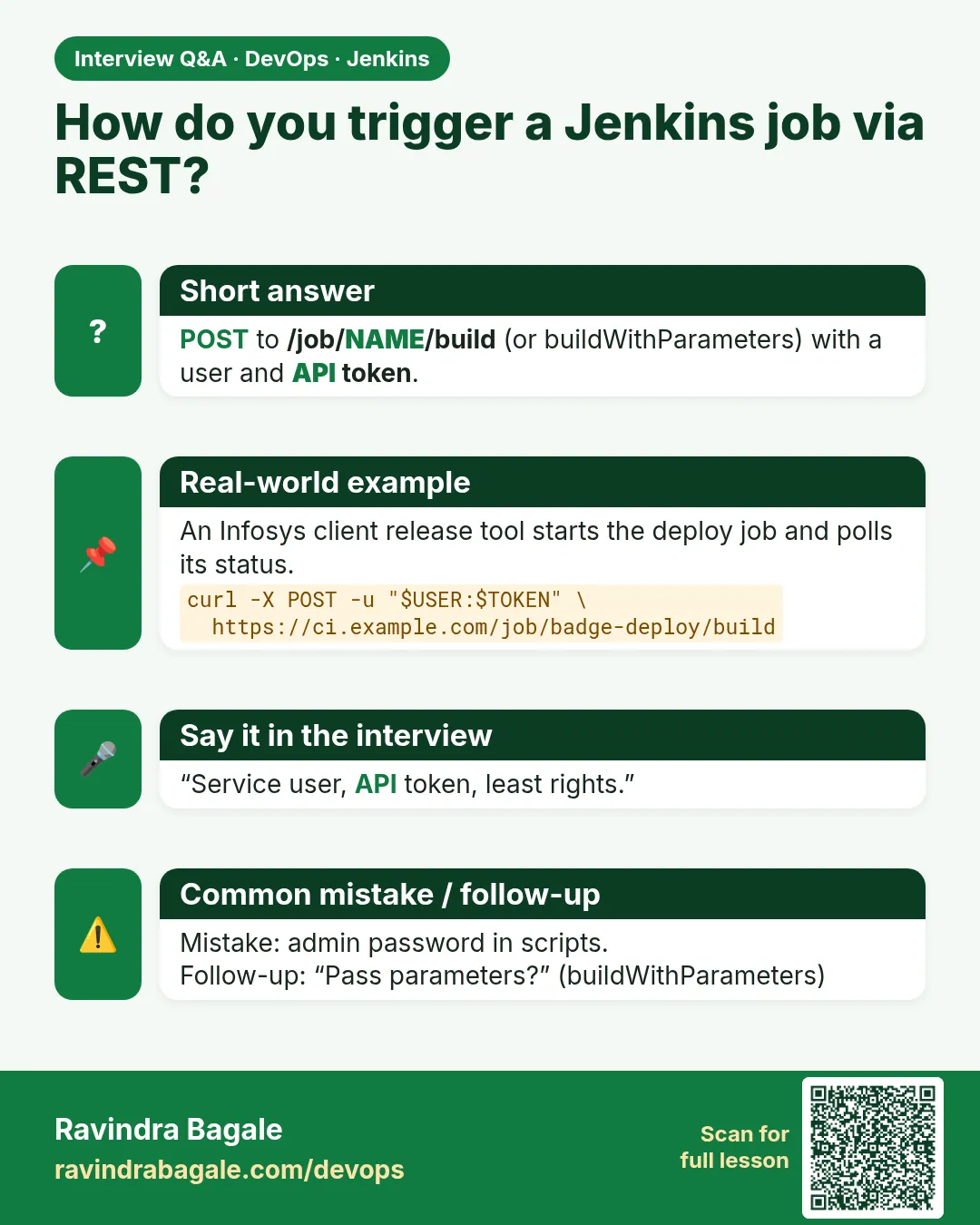
How do you trigger Jenkins from another system?
POST to buildWithParameters with a bot user API token, follow the queue item, poll the result.
-
What is a crumb?
CSRF token for browser-style requests.
-
How do you secure API access?
Bot users, tokens in secret stores, least privilege, revoke old tokens.
-
How do you read results?
/job/NAME/N/api/json result field.
-
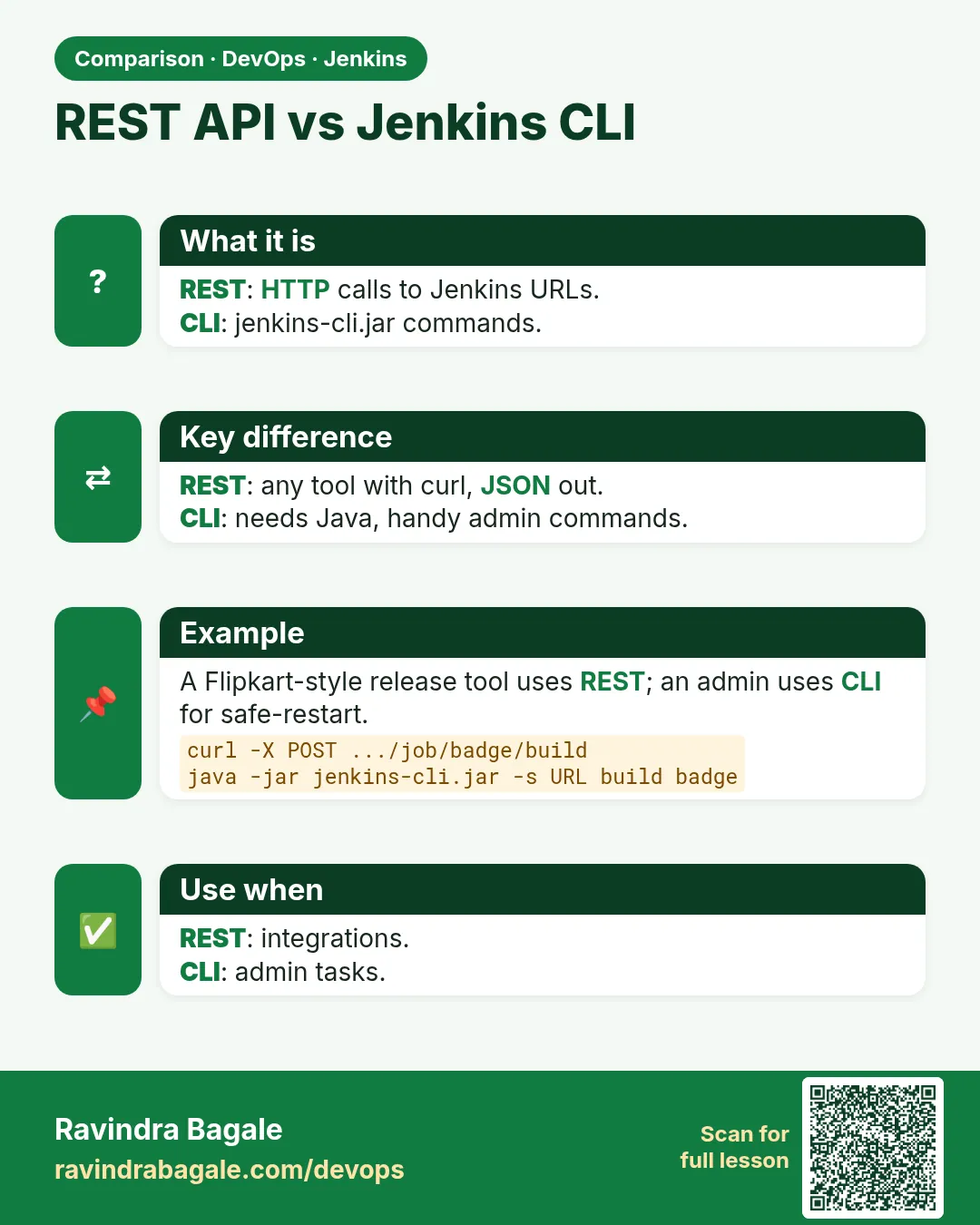
CLI vs REST?
CLI is handy for admins; REST is easiest for tools.
Quick quiz
Q1. Which URL starts a job with parameters?
/job/NAME/buildWithParameters.
Q2. What do you use instead of a password?
An API token.
Q3. Where do you find the build number?
The queue item executable.number.
Q4. What does CLI -s do?
Waits for the build.
Q5. Where should the token live?
In an env var or secret store.
Samajla ka?
 Revision card
 Interview card
 Comparison card