Chapter 31: Backup, Configuration as Code and Jenkins Operations
31.2 Restore test
Why: the problem
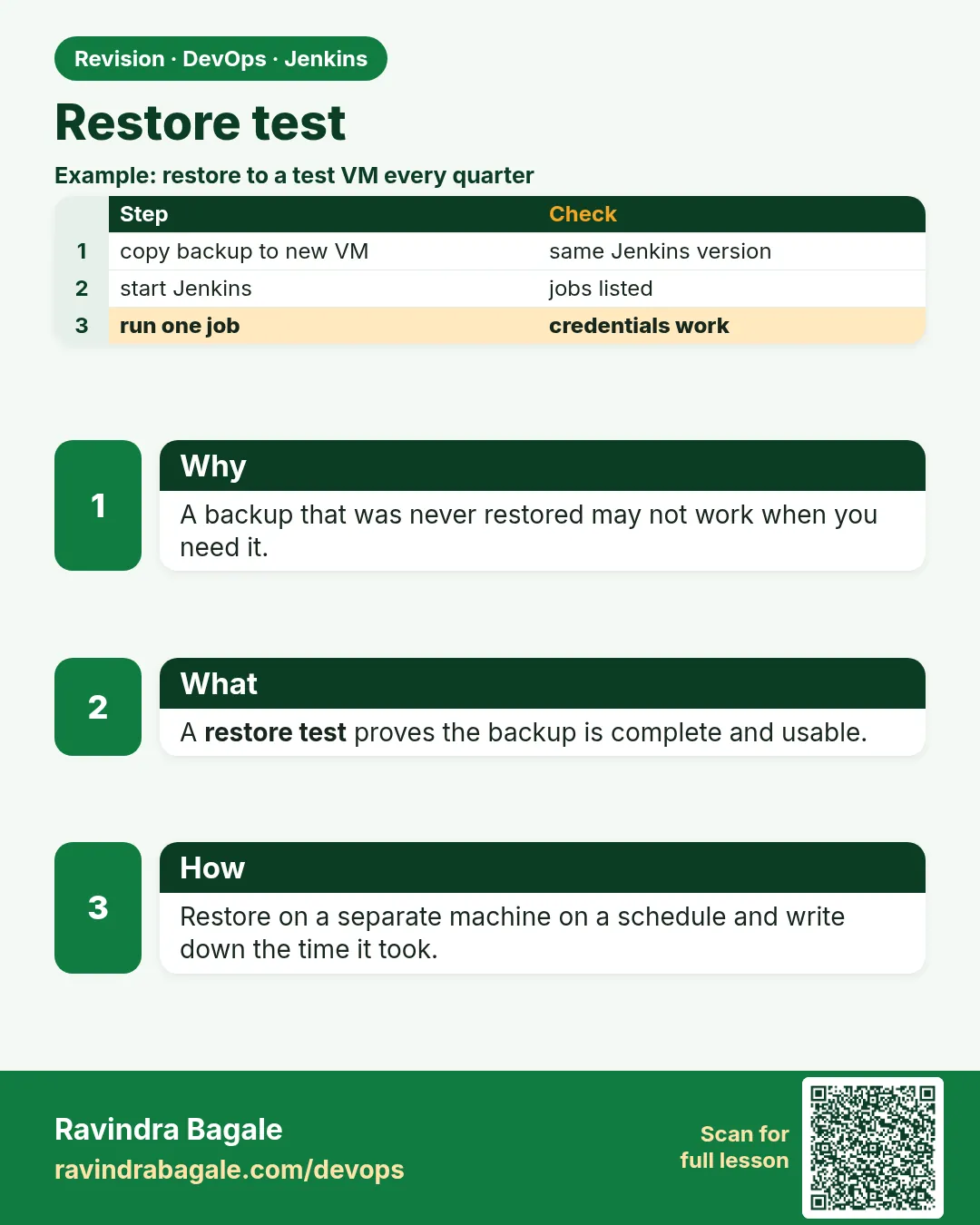
Suppose we are on the Paytm platform team. For a year, the backup script printed "backup ok" every night. Then the server died. The archive was empty, because the path had a typo. A backup you never restored is only a hope. A restore test proves you can get Jenkins back, and tells you how long it takes.
What we will build
You will restore last night's archive into a brand new Jenkins, in three ways: a Docker container, a fresh VM folder, and a Kubernetes PVC. Then you will check jobs, credentials and a test build.
What: every term in plain English
- Restore — Putting backup data back so Jenkins runs from it.
- Restore test — A practice restore on a separate machine, done on a schedule.
- RTO — Recovery time objective: how long you may be down.
- RPO — Recovery point objective: how much data you may lose, such as one day.
- Smoke build — One small job you run after restore to prove it works.
How: step by step
-
Copy the archive to the test machine
aws s3 cp s3://shipit-jenkins-backups/jenkins-home-2026-10-25-0130.tgz .What it does: Get the newest archive.
Output
download: s3://shipit-jenkins-backups/jenkins-home-2026-10-25-0130.tgz to ./jenkins-home-2026-10-25-0130.tgz -
Check the checksum
sha256sum jenkins-home-2026-10-25-0130.tgzWhat it does: Compare with the saved .sha256 value.
Output
9c1f...e7a2 jenkins-home-2026-10-25-0130.tgz -
Create an empty volume
docker volume create jenkins_restoreWhat it does: A clean place for the restore.
Output
jenkins_restore -
Unpack into the volume
docker run --rm -v jenkins_restore:/data -v "$PWD":/in alpine:3.20 sh -c "tar -xzf /in/jenkins-home-2026-10-25-0130.tgz -C /data --strip-components=1 && chown -R 1000:1000 /data"What it does: Put files in and give them to the jenkins user (uid 1000).
Output
(no output) -
Start Jenkins on the restored data
docker run -d --name jenkins-restore-test -p 8081:8080 -v jenkins_restore:/var/jenkins_home jenkins/jenkins:lts-jdk17What it does: Same LTS version as production.
Output
4f2a9c1b7e3d -
Watch it start
docker logs -f jenkins-restore-test 2>&1 | grep -m1 "fully up and running"What it does: Wait for the ready line.
Output
Jenkins is fully up and running -
Time it
echo "restore took $SECONDS seconds"What it does: This number is your real RTO.
Output
restore took 412 seconds
Example 1: Docker restore: archive into a new volume, then start the same Jenkins LTS on port 8081
Stack. Docker, Jenkins LTS, alpine
Goal. Docker restore: archive into a new volume, then start the same Jenkins LTS on port 8081.
restore-docker.sh
#!/usr/bin/env bash
# restore-docker.sh ARCHIVE - restore a JENKINS_HOME archive into a test container
set -euo pipefail
ARCHIVE=$1
docker volume create jenkins_restore
docker run --rm -v jenkins_restore:/data -v "$PWD":/in alpine:3.20 \
  sh -c "tar -xzf /in/$ARCHIVE -C /data --strip-components=1 && chown -R 1000:1000 /data"
docker run -d --name jenkins-restore-test -p 8081:8080 \
  -v jenkins_restore:/var/jenkins_home jenkins/jenkins:lts-jdk17
until curl -fs -o /dev/null localhost:8081/login; do sleep 5; done
echo "restore ready on http://localhost:8081 after $SECONDS s"
What each line does
--strip-components=1— The archive has a top folder jenkins/; this drops it.chown -R 1000:1000— The jenkins user in the image is uid 1000.until curl ... /login— Waits until the login page answers.
Green output
$ bash restore-docker.sh jenkins-home-2026-10-25-0130.tgz
jenkins_restore
4f2a9c1b7e3d
restore ready on http://localhost:8081 after 412 s
Expected result. A second Jenkins on 8081 with all jobs from last night.
Example 2: VM restore: unpack into /var/lib/jenkins on a fresh server with the same Jenkins version
Stack. Ubuntu 22.04, Jenkins LTS (apt)
Goal. VM restore: unpack into /var/lib/jenkins on a fresh server with the same Jenkins version.
restore-vm.sh
#!/usr/bin/env bash
# restore-vm.sh ARCHIVE - run on a NEW test VM, never on production
set -euo pipefail
sudo systemctl stop jenkins
sudo mv /var/lib/jenkins /var/lib/jenkins.empty
sudo tar -xzf "$1" -C /var/lib
sudo chown -R jenkins:jenkins /var/lib/jenkins
sudo systemctl start jenkins
sudo journalctl -u jenkins -n 3 --no-pager
What each line does
systemctl stop jenkins— Never unpack under a running Jenkins.mv ... jenkins.empty— Keep the empty install in case you need to go back.chown jenkins:jenkins— The service runs as user jenkins.
Green output
Oct 25 02:10:01 test-vm jenkins[8121]: Jenkins is fully up and running
Expected result. The test VM runs Jenkins with production jobs.
Example 3: Kubernetes restore: a Job that unpacks the archive into a new PVC, then the Jenkins chart uses that PVC
Stack. Kubernetes, Jenkins Helm chart
Goal. Kubernetes restore: a Job that unpacks the archive into a new PVC, then the Jenkins chart uses that PVC.
k8s/jenkins-restore-job.yaml
apiVersion: batch/v1
kind: Job
metadata:
  name: jenkins-restore
  namespace: jenkins-test
spec:
  template:
    spec:
      restartPolicy: Never
      securityContext: { runAsUser: 1000, fsGroup: 1000 }
      containers:
        - name: restore
          image: alpine:3.20
          command: ["sh", "-c", "tar -xzf /backup/jenkins-2026-10-25.tgz -C /var/jenkins_home && ls /var/jenkins_home | head"]
          volumeMounts:
            - { name: home, mountPath: /var/jenkins_home }
            - { name: backup, mountPath: /backup, readOnly: true }
      volumes:
        - { name: home, persistentVolumeClaim: { claimName: jenkins-home } }
        - { name: backup, persistentVolumeClaim: { claimName: jenkins-backup } }
What each line does
namespace: jenkins-test— Restore into a test namespace, not production.fsGroup: 1000— Files belong to the Jenkins group.readOnly: true— The restore cannot damage the backup.
Green output
$ kubectl -n jenkins-test logs job/jenkins-restore
config.xml
jobs
nodes
plugins
secrets
users
Expected result. The new PVC holds JENKINS_HOME; install the chart with persistence.existingClaim=jenkins-home.
Example 4: Prove the restored Jenkins matches the original by counting jobs and credentials
Stack. Jenkins REST, jq
Goal. Prove the restored Jenkins matches the original by counting jobs and credentials.
compare.sh
#!/usr/bin/env bash
set -u
for port in 8080 8081; do
  jobs=$(curl -s -u "admin:$JENKINS_TOKEN" "http://localhost:$port/api/json?tree=jobs[name]" | jq '.jobs | length')
  creds=$(curl -s -u "admin:$JENKINS_TOKEN" "http://localhost:$port/credentials/store/system/domain/_/api/json?tree=credentials[id]" | jq '.credentials | length')
  echo "port $port: jobs=$jobs credentials=$creds"
done
What each line does
tree=jobs[name]— Ask Jenkins only for job names; fast.jq length— Count the items.8080 vs 8081— Old controller and restored test controller.
Green output
port 8080: jobs=212 credentials=37
port 8081: jobs=212 credentials=37
Expected result. Same numbers on both. The restore test passed, and you can write the date in the runbook.
Verify: did it work?
-
Count jobs
curl -s -u ravi:$JENKINS_TOKEN "localhost:8081/api/json?tree=jobs[name]" | jq ".jobs | length"What it does: Must match production.
Output
214 -
Check credentials exist
curl -s -u ravi:$JENKINS_TOKEN "localhost:8081/credentials/store/system/domain/_/api/json?tree=credentials[id]" | jq -r ".credentials[].id" | head -3What it does: Only IDs are shown, never values.
Output
git-deploy-key ecr-push slack-webhook -
Run a smoke build
curl -s -X POST -u ravi:$JENKINS_TOKEN localhost:8081/job/smoke-test/build -w "%{http_code}\n"What it does: 201 means the build was queued.
Output
201
When it is red 1
java.io.IOException: Failed to load: ... secret.key
Cause. secrets/ or secret.key was not in the backup.
Fix, step by step
- Add secrets/ and secret.key to the backup.
- Credentials cannot be recovered without them.
When it is red 2
Failed Loading plugin ... Jenkins (2.401) or higher required
Cause. Test Jenkins is older than production.
Fix, step by step
- Use the same LTS version as production.
- Check jenkins.install.UpgradeWizard.state for the version.
When it is red 3
Permission denied: /var/jenkins_home/config.xml
Cause. Files belong to root after unpacking.
Fix, step by step
- Run chown -R 1000:1000 on the data.
- Restart the container.
When it is red 4
jq: error: Cannot iterate over null
Cause. Login failed, so Jenkins returned an HTML page.
Fix, step by step
- Check JENKINS_TOKEN.
- Run curl -I to see 401.
Cleanup
-
Stop the lab container
docker rm -f jenkins-restore-testWhat it does: Removes the test controller.
Output
jenkins-restore-test -
Remove the test volume
docker volume rm jenkins_restoreWhat it does: Frees disk.
Output
jenkins_restore
Practice tasks
Easy Write down your RTO
Why: Numbers beat guesses.
What to do: Time a full restore.
- Use $SECONDS in the script.
Check: You have a number.
Medium Restore monthly
Why: Practice keeps it working.
What to do: Put a monthly calendar reminder and log results.
- Make a restore-log.md.
Check: Three months of entries.
Hard Automate the restore test
Why: Machines do not forget.
What to do: Make a Jenkins job that restores into Docker and checks job count.
- Use restore-docker.sh.
- Compare counts.
Check: Job is green.
Easy Say restore testing in two lines
Why: If you can say it simply, you understand it.
What to do: Write two short lines about restore testing for a fresher.
- Write the problem.
- Write the command or file you use.
Check: A fresher understands it.
Easy Start a fresh lab Jenkins
Why: Practice needs a throwaway Jenkins.
What to do: Run Jenkins LTS in Docker with a named volume.
- docker volume create jenkins_home
- docker run -d --name jenkins -p 8080:8080 -v jenkins_home:/var/jenkins_home jenkins/jenkins:lts-jdk17
- docker logs jenkins | grep -A2 "initialAdminPassword"
Check: The Jenkins login page opens on localhost:8080.
Medium Do it on the second setup
Why: The idea must work on VM, Docker and Kubernetes.
What to do: Repeat this lesson on a different setup than the one you used.
- Pick Docker if you used a VM, or kind if you used Docker.
- Run the same steps.
Check: Same result on the second setup.
Medium Break it on purpose
Why: You must know the red output by face.
What to do: Cause one error from "When it is red" and fix it.
- Follow the error section.
- Write down the exact message.
Check: You fixed it using the steps.
Medium Write a runbook page
Why: At 2 a.m. nobody remembers.
What to do: Write a one-page runbook for this lesson.
- Title, when to use, steps, how to check.
Check: A teammate can follow it alone.
Hard Explain it like an interview
Why: Interviewers want real stories.
What to do: Record a 60 second answer.
- Problem, command, one error you hit.
Check: Your answer has a real command and a real error.
Hard Draw the flow top to bottom
Why: A drawing shows the order.
What to do: Draw this lesson as boxes from top to bottom.
- Start at the trigger, end at the check.
Check: Each box matches a real step you ran.
Homework: try at home
Try at home
At home, restore your Docker lab Jenkins into a new container, run one job and write your RTO in minutes.
Recap
- A backup is proven only by a restore.
- Restore on a separate machine with the same Jenkins version.
- Keep secrets/ in the backup.
- Check jobs, credential IDs and a smoke build.
- Measure and write down your RTO.
FAQ
How often should I test restore?
At least monthly, and after big upgrades.
Can I restore one job?
Yes, copy jobs/NAME/ back and Reload Configuration from Disk.
Will builds start by themselves?
Triggers may fire. Disable them on the test controller.
What about agents?
Agents reconnect if their names and secrets match. On test, keep them offline.
Do I need build history?
Usually no. You can exclude builds/ to make restore faster.
How often should we test a restore?
At least once a month, and after every Jenkins upgrade.
Interview questions
-
How do you test Jenkins backups?
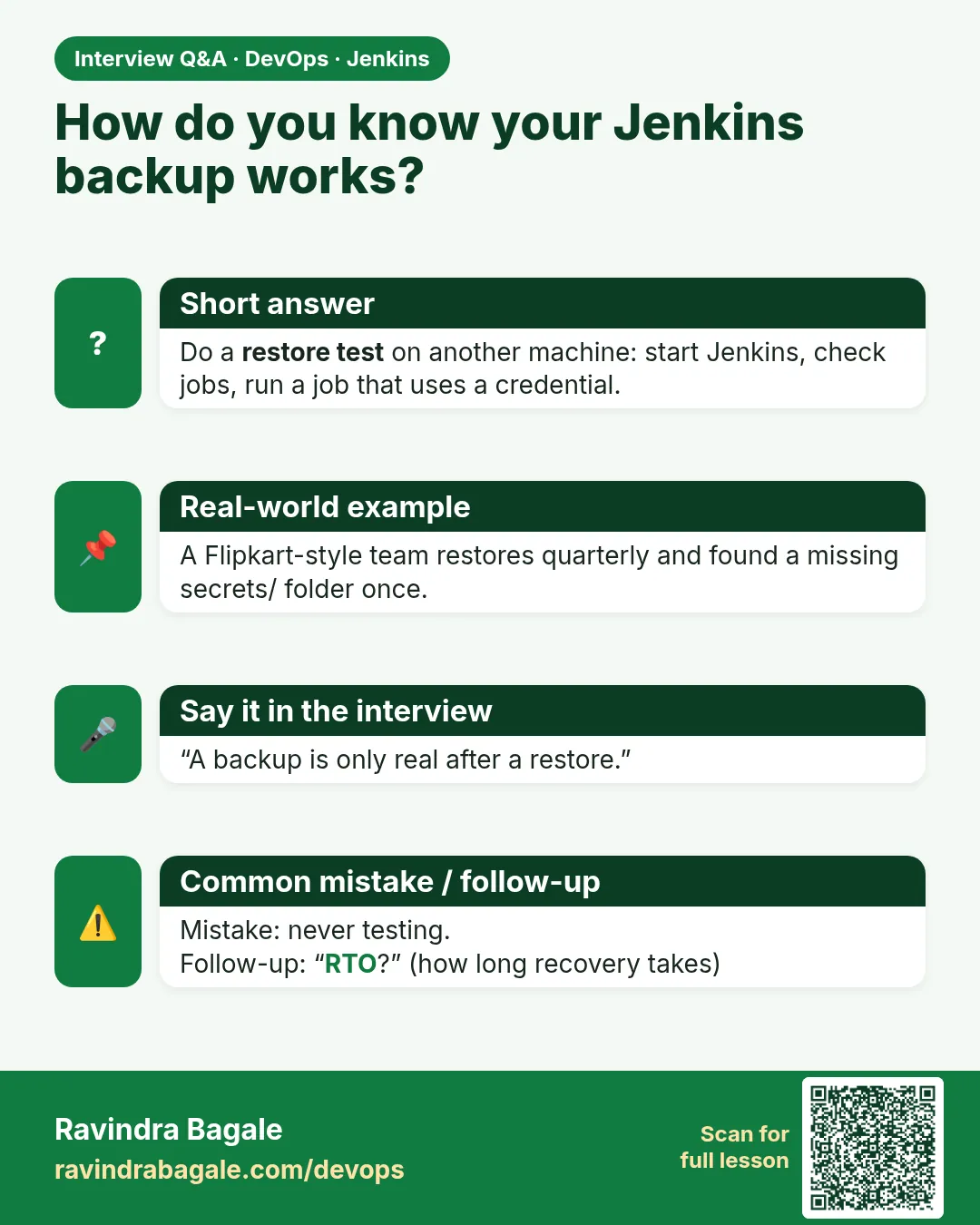
Restore into a separate controller with the same version, check jobs, credentials and run a smoke build.
-
RPO vs RTO?
RPO is max data loss, RTO is max downtime.
-
What breaks restores most?
Missing secrets, version mismatch, wrong file ownership.
-
How do you avoid test Jenkins triggering prod deploys?
Disable triggers and keep agents and credentials for prod unusable.
-
How do you restore one job?
Copy its folder and reload configuration.
Quick quiz
Q1. What is a restore test?
A practice restore on a separate machine.
Q2. What does RTO measure?
How long recovery takes.
Q3. Why the same Jenkins version?
Plugins need a matching core version.
Q4. Which folder holds the key for credentials?
secrets/ with secret.key.
Q5. Restore on production for practice?
Never.
Samajla ka?
 Revision card
 Interview card