Chapter 31: Backup, Configuration as Code and Jenkins Operations
31.3 High availability is not two controllers on one balancer
Why: the problem
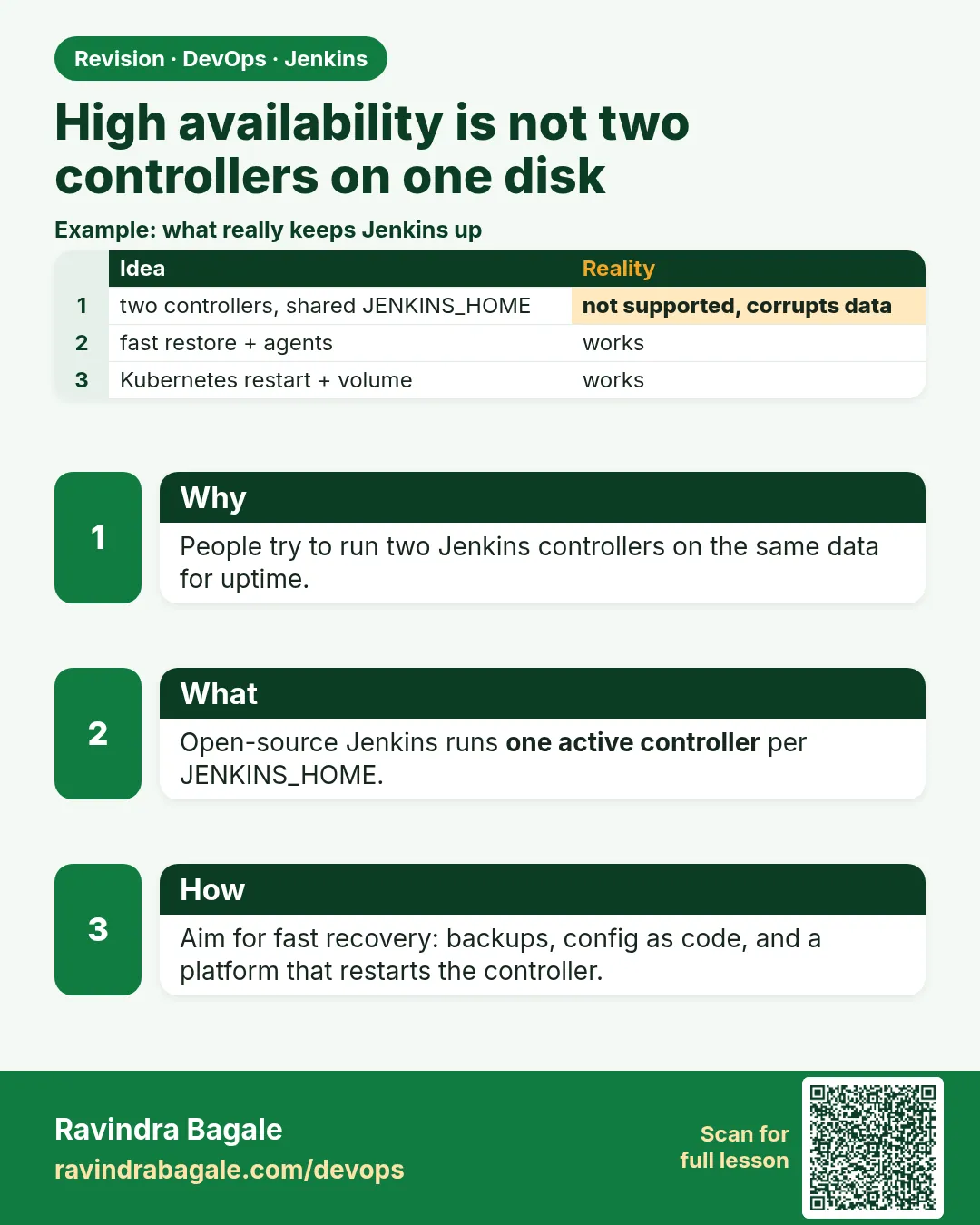
Suppose we work at Flipkart and the manager says: put two Jenkins controllers behind one load balancer for high availability. It sounds right, but it breaks Jenkins. Two controllers writing to the same JENKINS_HOME damage each other's files. Open-source Jenkins has one active controller. Real availability comes from fast recovery, many agents, and a standby you can start quickly.
What we will build
You will design honest availability for Jenkins three ways: an active controller with a cold standby VM, Jenkins in Kubernetes where the Pod is restarted on another node, and splitting into several controllers by team.
What: every term in plain English
- High availability (HA) — The service keeps working when one part fails.
- Controller — The Jenkins server that holds config and schedules builds.
- Agent — A machine that runs builds for the controller.
- Active-passive — One live server and one standby that starts only when needed.
- Cold standby — A ready-to-start server that is off until needed.
- Split controllers — Several smaller controllers, one per team, so one failure hits fewer people.
How: step by step
-
See why two controllers clash
ls /var/lib/jenkins/*.xml | head -3What it does: Jenkins keeps state in files and memory. Two writers on the same files corrupt them.
Output
/var/lib/jenkins/config.xml /var/lib/jenkins/hudson.model.UpdateCenter.xml /var/lib/jenkins/nodes.xml -
Move builds to agents
Manage Jenkins > Nodes > set Built-In Node executors to 0What it does: The controller only schedules, so it stays light and restarts fast.
Output
Built-In Node: 0 executors -
Add two agents
docker run -d --name agent1 jenkins/inbound-agent -url http://jenkins:8080 -name agent1 -secret @/run/agent1-secret -workDir /home/jenkinsWhat it does: Losing one agent only slows builds.
Output
agent1 connected -
Prepare a standby
aws ec2 create-image --instance-id i-0abc123 --name jenkins-standby-2026-10-25What it does: An image of the controller VM to start quickly.
Output
{ "ImageId": "ami-0f1e2d3c4b5a69788" } -
Put JENKINS_HOME on a movable disk
aws ec2 describe-volumes --filters Name=tag:Name,Values=jenkins-home --query "Volumes[0].VolumeId"What it does: An EBS volume can attach to the standby in minutes.
Output
"vol-0123abcd4567ef890" -
Use a DNS name, not an IP
dig +short jenkins.shipit.internalWhat it does: Point DNS to whichever controller is active.
Output
10.0.1.25 -
Practise failover
aws ec2 stop-instances --instance-ids i-0abc123What it does: Stop the active one in a drill and time the switch.
Output
"CurrentState": { "Name": "stopping" }
Example 1: VM active plus cold standby: a failover script that moves the EBS volume and updates DNS
Stack. AWS EC2, EBS, Route 53, Jenkins LTS
Goal. VM active plus cold standby: a failover script that moves the EBS volume and updates DNS.
failover.sh
#!/usr/bin/env bash
# failover.sh - move Jenkins to the standby VM (drill or real)
set -euo pipefail
VOL=vol-0123abcd4567ef890; OLD=i-0abc123; NEW=i-0def456
aws ec2 stop-instances --instance-ids $OLD
aws ec2 wait instance-stopped --instance-ids $OLD
aws ec2 detach-volume --volume-id $VOL
aws ec2 wait volume-available --volume-ids $VOL
aws ec2 attach-volume --volume-id $VOL --instance-id $NEW --device /dev/xvdf
aws ec2 start-instances --instance-ids $NEW
aws route53 change-resource-record-sets --hosted-zone-id Z0EXAMPLE --change-batch file://dns-to-standby.json
echo "failover done in $SECONDS s"
What each line does
stop-instances $OLD— Make sure only one controller uses the disk.wait volume-available— Do not attach until detach is complete.route53 change— Users keep using the same name.
Green output
failover done in 540 s
Expected result. About 9 minutes of downtime, with no data loss.
Example 2: Kubernetes: one Jenkins replica on a PVC
Stack. Kubernetes (EKS), Jenkins Helm chart, gp3 volumes
Goal. Kubernetes: one Jenkins replica on a PVC. If the node dies, Kubernetes starts the Pod on another node.
values.yaml (Jenkins Helm chart)
controller:
  replicas: 1                 # never more than 1 for one JENKINS_HOME
  numExecutors: 0             # builds run on agents
  resources:
    requests: { cpu: "1", memory: "2Gi" }
  probes:
    livenessProbe: { failureThreshold: 12 }
persistence:
  enabled: true
  size: 50Gi
  storageClass: gp3
agent:
  enabled: true               # each build gets a fresh agent Pod
What each line does
replicas: 1— One active controller only.numExecutors: 0— The controller does not run builds.persistence— JENKINS_HOME on a volume that follows the Pod.agent.enabled— Agents are Pods created per build.
Green output
$ kubectl -n jenkins get pods -o wide
NAME        READY   STATUS    NODE
jenkins-0   2/2     Running   ip-10-0-2-17
Expected result. After a node failure, jenkins-0 comes back on another node in a few minutes.
Example 3: Split controllers: one per team, each with its own backup, so one failure hits one team
Stack. Several Jenkins LTS controllers, managed with CasC
Goal. Split controllers: one per team, each with its own backup, so one failure hits one team.
controllers.yaml
# inventory of controllers - each one is small and independent
controllers:
  - name: jenkins-payments
    url: https://jenkins-payments.shipit.internal
    owners: payments-team
    backup: s3://shipit-jenkins-backups/payments/
  - name: jenkins-search
    url: https://jenkins-search.shipit.internal
    owners: search-team
    backup: s3://shipit-jenkins-backups/search/
  - name: jenkins-mobile
    url: https://jenkins-mobile.shipit.internal
    owners: mobile-team
    backup: s3://shipit-jenkins-backups/mobile/
What each line does
one controller per team— Smaller blast radius and faster restarts.backup per controller— Each restores alone.
Green output
$ for c in payments search mobile; do curl -s -o /dev/null -w "$c %{http_code}\n" https://jenkins-$c.shipit.internal/login; done
payments 200
search 200
mobile 200
Expected result. If jenkins-search is down, payments and mobile keep shipping.
Example 4: Measure how long a cold standby takes to come up
Stack. Docker
Goal. Measure how long a cold standby takes to come up.
standby-drill.sh
#!/usr/bin/env bash
start=$(date +%s)
docker run -d --name jenkins-standby -p 8082:8080 -v jenkins_home_copy:/var/jenkins_home jenkins/jenkins:lts-jdk17 > /dev/null
until curl -fs -o /dev/null http://localhost:8082/login; do sleep 5; done
echo "standby ready in $(( $(date +%s) - start )) seconds"
What each line does
jenkins_home_copy— A volume restored from last night.until curl— Wait until the login page answers.seconds— This is your real recovery time.
Green output
standby ready in 95 seconds
Expected result. Write the measured time as the RTO. It is honest, unlike a guessed "zero downtime".
Verify: did it work?
-
Check one controller only
kubectl -n jenkins get statefulset jenkins -o jsonpath="{.spec.replicas}"What it does: Must be 1.
Output
1 -
Check controller runs no builds
curl -s -u ravi:$JENKINS_TOKEN "localhost:8080/computer/(built-in)/api/json" | jq .numExecutorsWhat it does: Must be 0.
Output
0 -
Check DNS
dig +short jenkins.shipit.internalWhat it does: Points to the active controller.
Output
10.0.1.25
When it is red 1
SEVERE: Failed to load ... config.xml: ... XML document structures must start and end within the same entity
Cause. Two controllers wrote the same file, or the disk filled during a write.
Fix, step by step
- Stop the second controller.
- Restore config.xml from backup.
- Never share one JENKINS_HOME between two live controllers.
When it is red 2
VolumeInUse: vol-0123... is already attached to an instance
Cause. The old VM still holds the disk.
Fix, step by step
- Stop the old instance first.
- Wait for detach, then attach.
When it is red 3
Multi-Attach error for volume "pvc-..." Volume is already exclusively attached to one node
Cause. Kubernetes is waiting for the old node to release the EBS volume.
Fix, step by step
- Wait about 6 minutes, or force delete the old Pod after the node is surely dead.
When it is red 4
Address already in use: 8082
Cause. Another container uses the port.
Fix, step by step
- docker ps
- Pick another port.
Cleanup
-
Stop the drill standby
aws ec2 stop-instances --instance-ids i-0def456What it does: Do not pay for idle standby.
Output
"Name": "stopping"
Practice tasks
Easy Set executors to 0
Why: A light controller recovers faster.
What to do: Set built-in executors to 0.
- Manage Jenkins > Nodes > Built-In Node.
Check: Builds run only on agents.
Medium Run a failover drill
Why: Practice the real thing.
What to do: Move Docker Jenkins to a new container on the same volume.
- docker rm -f jenkins
- docker run ... -v jenkins_home:...
Check: Same jobs on the new container.
Hard Write the split plan
Why: Design thinking.
What to do: Plan 3 controllers for 3 teams.
- List jobs per team.
- List credentials per team.
Check: No job is in two controllers.
Easy Say Jenkins availability in two lines
Why: If you can say it simply, you understand it.
What to do: Write two short lines about Jenkins availability for a fresher.
- Write the problem.
- Write the command or file you use.
Check: A fresher understands it.
Easy Start a fresh lab Jenkins
Why: Practice needs a throwaway Jenkins.
What to do: Run Jenkins LTS in Docker with a named volume.
- docker volume create jenkins_home
- docker run -d --name jenkins -p 8080:8080 -v jenkins_home:/var/jenkins_home jenkins/jenkins:lts-jdk17
- docker logs jenkins | grep -A2 "initialAdminPassword"
Check: The Jenkins login page opens on localhost:8080.
Medium Do it on the second setup
Why: The idea must work on VM, Docker and Kubernetes.
What to do: Repeat this lesson on a different setup than the one you used.
- Pick Docker if you used a VM, or kind if you used Docker.
- Run the same steps.
Check: Same result on the second setup.
Medium Break it on purpose
Why: You must know the red output by face.
What to do: Cause one error from "When it is red" and fix it.
- Follow the error section.
- Write down the exact message.
Check: You fixed it using the steps.
Medium Write a runbook page
Why: At 2 a.m. nobody remembers.
What to do: Write a one-page runbook for this lesson.
- Title, when to use, steps, how to check.
Check: A teammate can follow it alone.
Hard Explain it like an interview
Why: Interviewers want real stories.
What to do: Record a 60 second answer.
- Problem, command, one error you hit.
Check: Your answer has a real command and a real error.
Hard Draw the flow top to bottom
Why: A drawing shows the order.
What to do: Draw this lesson as boxes from top to bottom.
- Start at the trigger, end at the check.
Check: Each box matches a real step you ran.
Homework: try at home
Try at home
At home, write a one-page failover plan for your lab Jenkins: what fails, how you notice, who acts, each command, and target minutes.
Recap
- Open-source Jenkins has one active controller.
- Never put two controllers on one JENKINS_HOME.
- Run builds on many agents.
- Recover fast with a standby, a movable disk and DNS.
- Split by team to make failures smaller.
FAQ
Does CloudBees offer HA?
Commercial versions have active-active options. This course covers open source.
Is Kubernetes enough for HA?
It restarts the Pod, with a few minutes of downtime. Usually fine.
What about the build queue?
Queued items may be lost during failover. Jobs can be re-triggered.
How long is acceptable downtime?
Agree an RTO with the team, often 15 to 30 minutes.
Can agents be HA?
Yes, many agents with the same label.
Is CloudBees HA the same as two open-source controllers?
No. Open-source Jenkins has one active controller; plan a fast standby instead.
Interview questions
-
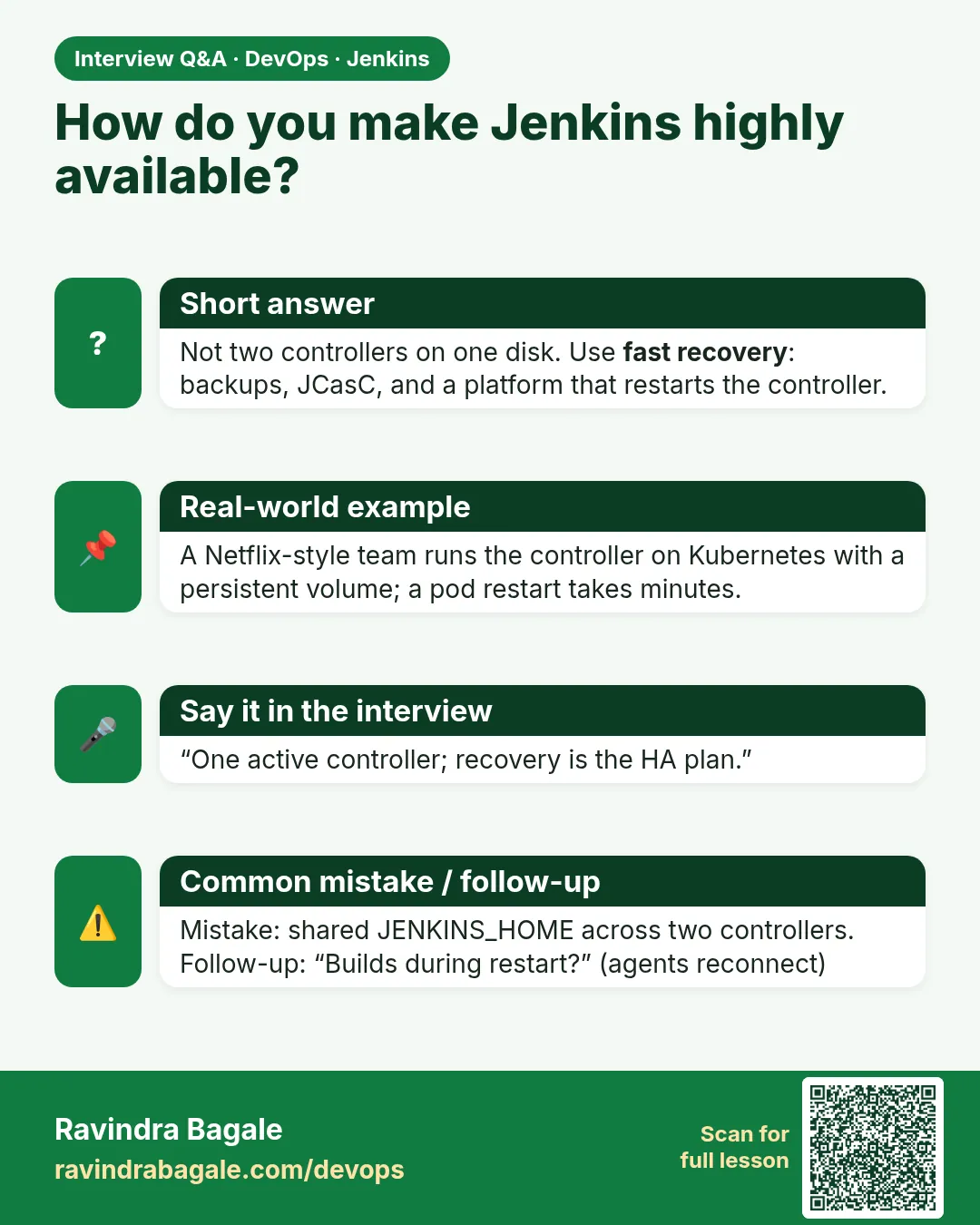
How do you make Jenkins highly available?
One active controller, builds on agents, backups, a standby or Kubernetes rescheduling, DNS switch, split controllers.
-
Why not two controllers on a load balancer?
State is in memory and files, so two writers corrupt data and duplicate builds.
-
What is blast radius?
How many users one failure affects.
-
Why zero executors on the controller?
Security and stability; builds cannot harm the controller.
-
How do you test HA?
Failover drills with measured time.
Quick quiz
Q1. Can two open-source controllers share JENKINS_HOME?
No.
Q2. Where should builds run?
On agents.
Q3. What is a cold standby?
A ready server that is off until needed.
Q4. How do users find the new controller?
Same DNS name.
Q5. How does splitting help?
Smaller blast radius.
Samajla ka?
 Revision card
 Interview card