Chapter 31: Backup, Configuration as Code and Jenkins Operations
31.8 Script Console
Why: the problem
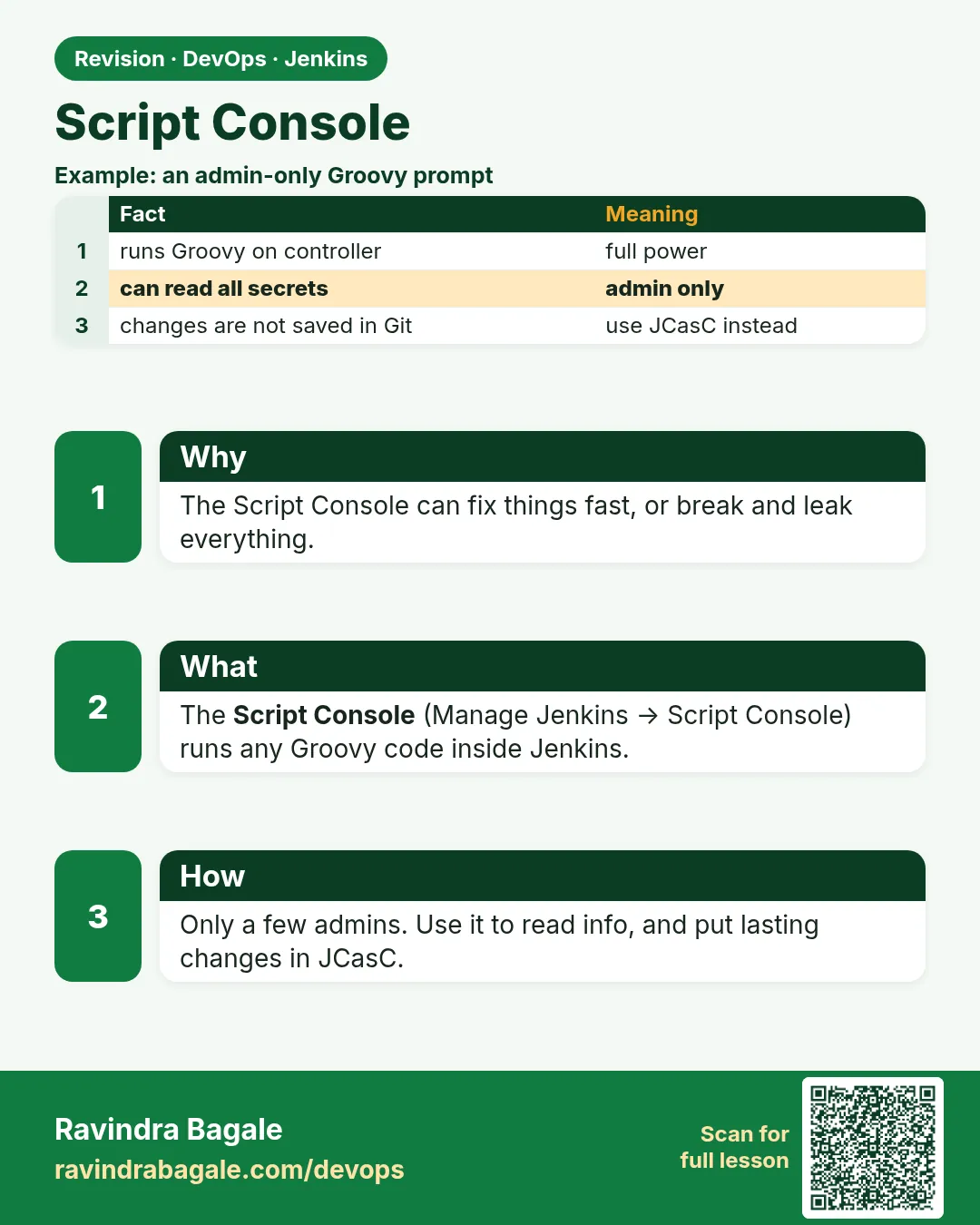
Suppose we are admins at Infosys and 300 jobs still use an old Git URL. Changing them by hand would take days. Jenkins has a Script Console that runs Groovy code inside the controller. It is very powerful: it can read every credential and change anything. So only a few admins may use it, every script is reviewed, and we test on a copy first.
What we will build
You will run read-only Groovy scripts first, then one reviewed change on a restored copy, and do the same job safely from the CLI and from a REST call.
What: every term in plain English
- Script Console — A page at /script that runs Groovy inside Jenkins.
- Groovy — The scripting language Jenkins is written for. Like Java, shorter.
- Jenkins.instance — The main Jenkins object in Groovy.
- Read-only script — A script that only prints, never changes.
- Dry run — Print what would change, change nothing.
- Overall/Administer — The permission needed for the Script Console.
How: step by step
-
Open on the test copy only
http://localhost:8081/scriptWhat it does: Practise on the restored copy from 31.2.
Output
(Script Console page) -
Count jobs (read-only)
println Jenkins.instance.getAllItems(hudson.model.Job).size()What it does: Safe warm-up.
Output
214 -
List offline agents (read-only)
Jenkins.instance.computers.findAll{ it.offline }.each{ println it.name }What it does: Useful in incidents.
Output
agent2 -
Dry run the URL change
see Example 1 with DRY_RUN = trueWhat it does: Shows which jobs would change.
Output
would change: badge-api would change: orders-api 2 jobs -
Run for real on the copy
set DRY_RUN = false and run againWhat it does: Changes only the copy.
Output
changed: badge-api changed: orders-api 2 jobs -
Check a changed job
curl -s -u ravi:$JENKINS_TOKEN localhost:8081/job/orders-api/config.xml | grep -o "https://git.shipit.internal/[a-z-]*.git"What it does: Proves the new URL.
Output
https://git.shipit.internal/orders-api.git -
Run reviewed script on production via REST
curl -s -u ravi:$JENKINS_TOKEN --data-urlencode "script@migrate-git-url.groovy" localhost:8080/scriptTextWhat it does: Same reviewed file, logged in the change ticket.
Output
changed: badge-api
changed: orders-api
2 jobs
Example 1: Groovy: change an old Git URL in all freestyle jobs, with a dry-run switch
Stack. Jenkins Script Console, Groovy, Git plugin
Goal. Groovy: change an old Git URL in all freestyle jobs, with a dry-run switch.
migrate-git-url.groovy
// migrate-git-url.groovy - reviewed in change ticket CHG-1042
import hudson.plugins.git.*
def OLD = "git.oldhost.internal"; def NEW = "git.shipit.internal"
def DRY_RUN = true
int n = 0
Jenkins.instance.getAllItems(hudson.model.FreeStyleProject).each { job ->
  def scm = job.scm
  if (scm instanceof GitSCM && scm.userRemoteConfigs.any { it.url.contains(OLD) }) {
    n++
    if (DRY_RUN) { println "would change: ${job.fullName}"; return }
    def remotes = scm.userRemoteConfigs.collect {
      new UserRemoteConfig(it.url.replace(OLD, NEW), it.name, it.refspec, it.credentialsId) }
    job.scm = new GitSCM(remotes, scm.branches, scm.browser, scm.gitTool, scm.extensions)
    job.save()
    println "changed: ${job.fullName}"
  }
}
println "${n} jobs"
What each line does
DRY_RUN = true— First run only prints.getAllItems(FreeStyleProject)— Every freestyle job, in folders too.it.url.contains(OLD)— Only jobs that use the old host.job.save()— Writes config.xml. Only when DRY_RUN is false.
Green output
would change: badge-api
would change: orders-api
2 jobs
Expected result. A safe, reviewed bulk change with a preview.
Example 2: Read-only health script: disk, queue and offline agents in one print
Stack. Groovy
Goal. Read-only health script: disk, queue and offline agents in one print.
health.groovy
// health.groovy - read only, safe to run in an incident
def j = Jenkins.instance
println "queue: ${j.queue.items.size()}"
println "offline: ${j.computers.findAll{ it.offline }*.name}"
def root = j.rootDir
println "free disk GB: ${(root.usableSpace / 1e9).round(1)}"
println "builds running: ${j.computers.sum{ it.countBusy() }}"
What each line does
queue.items.size()— How many builds wait.computers.findAll offline— Which agents are down.rootDir.usableSpace— Free space on JENKINS_HOME.
Green output
queue: 3
offline: [agent2]
free disk GB: 41.7
builds running: 5
Expected result. A quick incident snapshot without changing anything.
Example 3: CLI groovy: run the reviewed file from a terminal so it is saved in shell logs and the ticket
Stack. Java 17, jenkins-cli.jar
Goal. CLI groovy: run the reviewed file from a terminal so it is saved in shell logs and the ticket.
commands
cat health.groovy | java -jar jenkins-cli.jar -s http://localhost:8081/ -auth ravi:$JENKINS_TOKEN groovy =
cat migrate-git-url.groovy | java -jar jenkins-cli.jar -s http://localhost:8081/ -auth ravi:$JENKINS_TOKEN groovy =
What each line does
groovy =— Read the script from standard input.-s http://localhost:8081/— The test copy first.
Green output
queue: 0
offline: []
free disk GB: 18.2
builds running: 0
would change: badge-api
would change: orders-api
2 jobs
Expected result. Same scripts, from a terminal, on the copy first.
Example 4: Python: run a reviewed read-only script through /scriptText from a release tool, and save the output for the ticket
Stack. Python 3.12, requests
Goal. Python: run a reviewed read-only script through /scriptText from a release tool, and save the output for the ticket.
run_groovy.py
# run_groovy.py SCRIPT.groovy [URL] - send a reviewed Groovy file to /scriptText
import os, sys, datetime, requests
script = open(sys.argv[1]).read()
url = sys.argv[2] if len(sys.argv) > 2 else "http://localhost:8081"   # copy by default
auth = ("ravi", os.environ["JENKINS_TOKEN"])
if "DRY_RUN = false" in script and "8081" not in url:
    sys.exit("refusing: live change on production needs the change ticket approval flag")
r = requests.post(f"{url}/scriptText", data={"script": script}, auth=auth, timeout=60)
r.raise_for_status()
stamp = datetime.datetime.now().strftime("%Y%m%d-%H%M")
out = f"script-run-{stamp}.txt"
open(out, "w").write(r.text)
print(r.text.strip()); print("saved", out)
What each line does
url default 8081— The test copy is the default target.refusing: live change— A guard: a real change on production is blocked by the script.requests.post(.../scriptText)— Runs the Groovy and returns what it printed.script-run-STAMP.txt— Output saved to attach to the change ticket.
Green output
$ python3 run_groovy.py health.groovy
queue: 0
offline: []
free disk GB: 18.2
builds running: 0
saved script-run-20261025-0245.txt
Expected result. The output is saved as proof, and live changes need an explicit approval step.
Verify: did it work?
-
Check who can use the console
curl -s -u ravi:$JENKINS_TOKEN localhost:8080/manage/configureSecurity/ -o /dev/null -w "%{http_code}\n"What it does: Only admins get 200 here.
Output
200 -
Check audit
grep -i "script" /var/lib/jenkins/logs/audit.log | tail -1What it does: With the Audit Trail plugin, console runs are logged.
Output
2026-10-25 02:40 ravi /scriptText -
Check jobs still build
curl -s -X POST -u ravi:$JENKINS_TOKEN localhost:8080/job/orders-api/build -w "%{http_code}\n"What it does: A real build after the change.
Output
201
When it is red 1
groovy.lang.MissingPropertyException: No such property: GitSCM for class: Script1
Cause. The import is missing.
Fix, step by step
- Add import hudson.plugins.git.*.
- Run the dry run again.
When it is red 2
java.lang.NullPointerException: Cannot invoke method contains() on null object
Cause. A job has no URL set.
Fix, step by step
- Add a null check: it.url?.contains(OLD).
- Run the dry run again.
When it is red 3
java.lang.InterruptedException (script ran for 10 minutes and the page timed out)
Cause. A heavy loop over thousands of builds blocks the controller.
Fix, step by step
- Stop the request.
- Limit the loop to job configs, not build history.
- Run big scripts in a quiet window on the copy first.
When it is red 4
HTTP ERROR 403 Access Denied: ravi is missing the Overall/Administer permission
Cause. Only admins can run scripts. That is correct.
Fix, step by step
- Ask an admin to run the reviewed script.
- Do not give admin rights just for this.
Cleanup
-
Remove the test controller
docker rm -f jenkins-restore-testWhat it does: Lab only.
Output
jenkins-restore-test
Practice tasks
Easy Count jobs
Why: Safe warm-up.
What to do: Run the count script.
- Open /script on the copy.
Check: You see a number.
Medium Write a dry run
Why: Habit of preview.
What to do: Add DRY_RUN to any change script.
- if (DRY_RUN) println ...
Check: First run changes nothing.
Hard Add audit
Why: Know who ran what.
What to do: Install Audit Trail and check the log.
- Add the plugin.
- Run a script.
Check: Log line appears.
Easy Say the Script Console in two lines
Why: If you can say it simply, you understand it.
What to do: Write two short lines about the Script Console for a fresher.
- Write the problem.
- Write the command or file you use.
Check: A fresher understands it.
Easy Start a fresh lab Jenkins
Why: Practice needs a throwaway Jenkins.
What to do: Run Jenkins LTS in Docker with a named volume.
- docker volume create jenkins_home
- docker run -d --name jenkins -p 8080:8080 -v jenkins_home:/var/jenkins_home jenkins/jenkins:lts-jdk17
- docker logs jenkins | grep -A2 "initialAdminPassword"
Check: The Jenkins login page opens on localhost:8080.
Medium Do it on the second setup
Why: The idea must work on VM, Docker and Kubernetes.
What to do: Repeat this lesson on a different setup than the one you used.
- Pick Docker if you used a VM, or kind if you used Docker.
- Run the same steps.
Check: Same result on the second setup.
Medium Break it on purpose
Why: You must know the red output by face.
What to do: Cause one error from "When it is red" and fix it.
- Follow the error section.
- Write down the exact message.
Check: You fixed it using the steps.
Medium Write a runbook page
Why: At 2 a.m. nobody remembers.
What to do: Write a one-page runbook for this lesson.
- Title, when to use, steps, how to check.
Check: A teammate can follow it alone.
Hard Explain it like an interview
Why: Interviewers want real stories.
What to do: Record a 60 second answer.
- Problem, command, one error you hit.
Check: Your answer has a real command and a real error.
Hard Draw the flow top to bottom
Why: A drawing shows the order.
What to do: Draw this lesson as boxes from top to bottom.
- Start at the trigger, end at the check.
Check: Each box matches a real step you ran.
Homework: try at home
Try at home
At home, write a read-only Groovy script that prints every job that has no build discarder, and run it on your lab copy.
Recap
- The Script Console runs Groovy with full power.
- Only admins, only reviewed scripts.
- Read-only first, then dry run, then copy, then production.
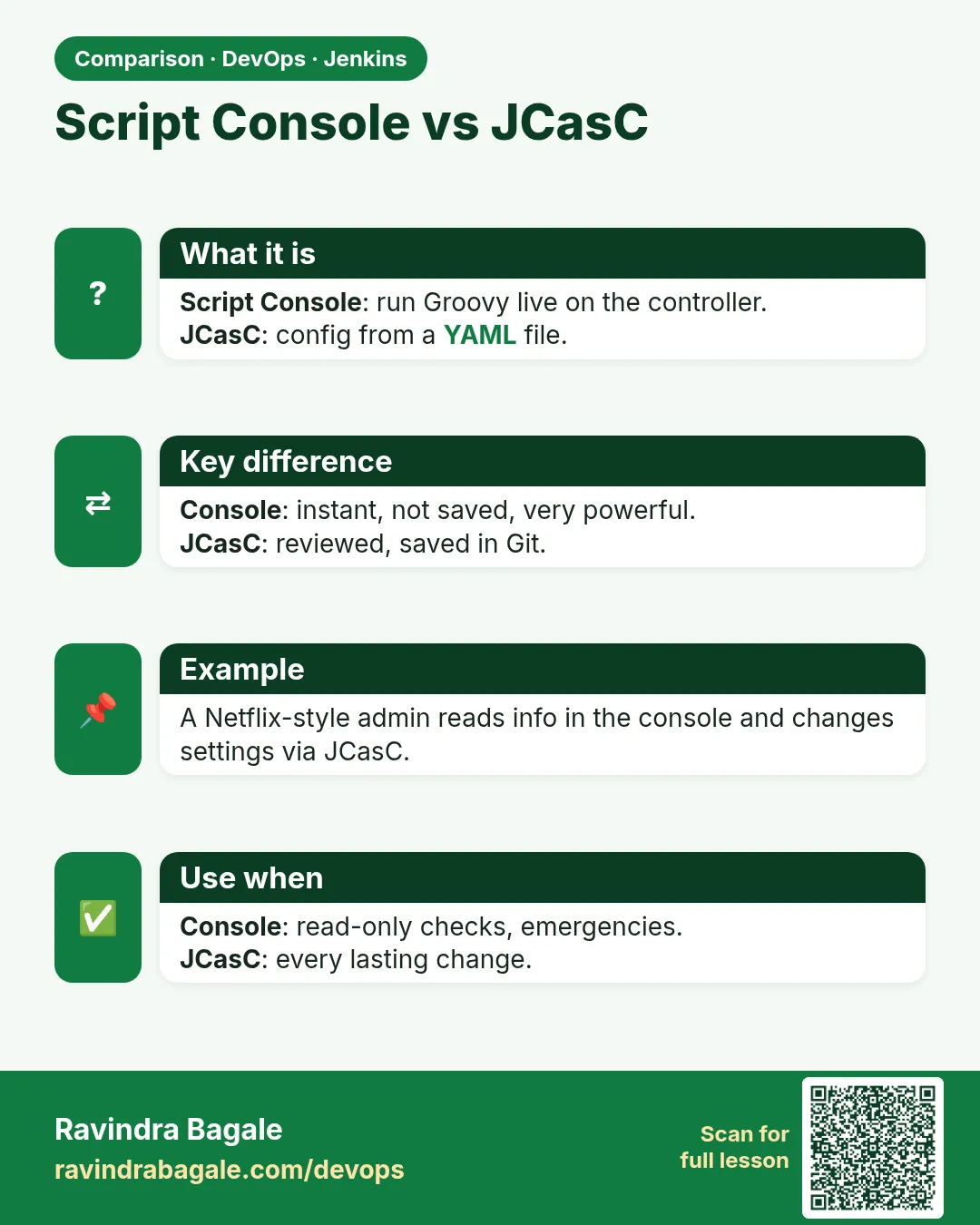
- Prefer CasC and Job DSL for lasting changes.
- Log every run in a change ticket.
FAQ
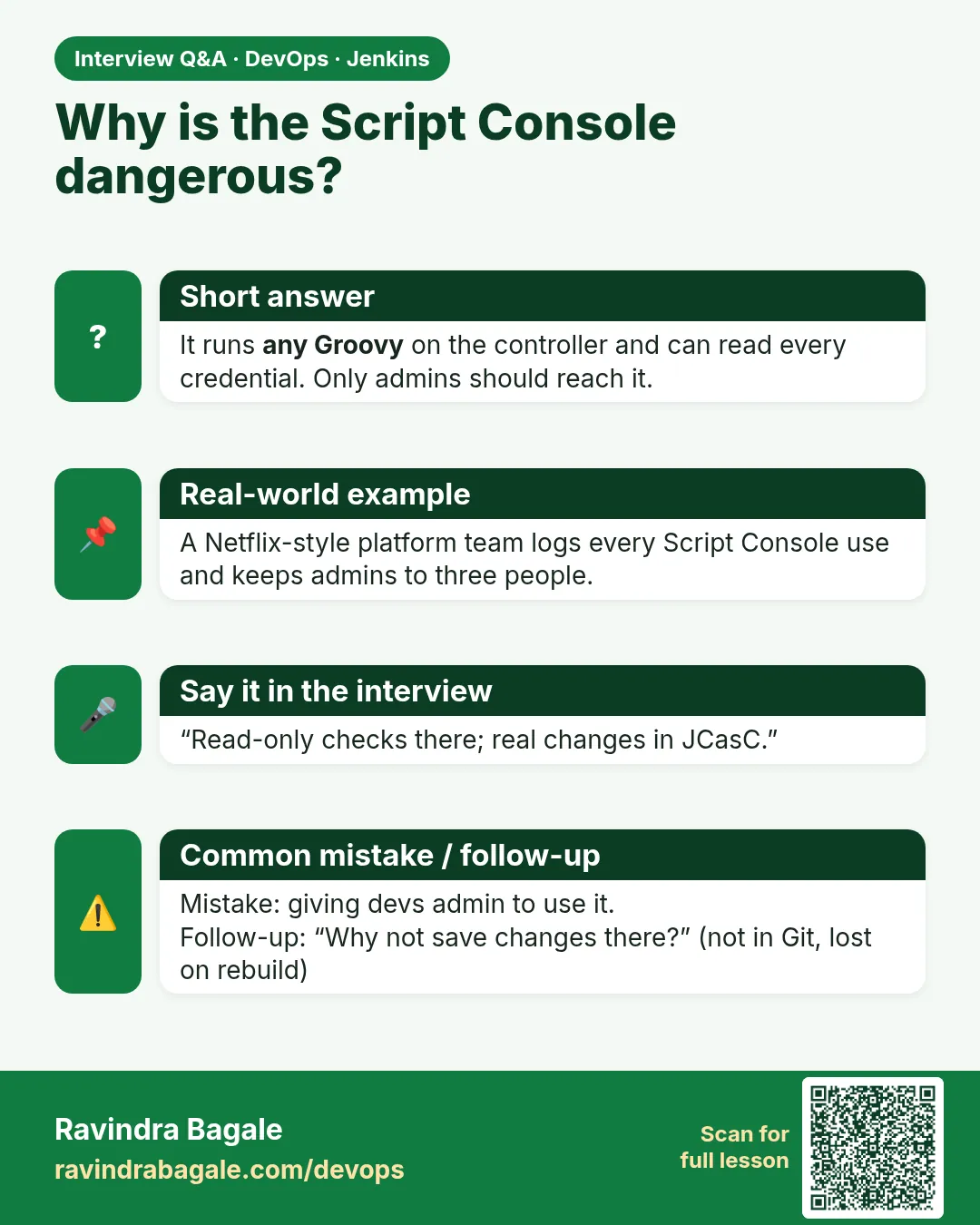
Is the Script Console dangerous?
Yes. It can read all secrets and delete anything.
Should developers have access?
No.
Can I undo a script?
Only from backup. That is why you test on a copy.
Is a pipeline script the same?
No. Pipelines run in a sandbox with fewer rights.
When is it the right tool?
One-off admin tasks, incidents, bulk fixes.
Interview questions
-
What is the Jenkins Script Console?
An admin page that runs Groovy inside the controller with full access.
-
How do you use it safely?
Admin-only, reviewed scripts, dry run, test on a copy, audit.
-
Script Console vs pipeline Groovy?
Console is unsandboxed; pipeline Groovy runs in a sandbox.
-
How to run a script remotely?
POST to /scriptText or jenkins-cli groovy.
-
Name a read-only use.
Listing offline agents during an incident.
Quick quiz
Q1. Who may use the Script Console?
Only admins with Overall/Administer.
Q2. Why dry run first?
To see what would change.
Q3. Where do you test?
On a restored copy.
Q4. Can scripts read credentials?
Yes, which is why access is limited.
Q5. Which REST path runs a script?
/scriptText.
Lab
- Take a backup tarball.
- On a disposable lab, restore and open badge-node-pipeline.
- Trigger one build via CLI with auth file outside Git.
Practice task
Write the stop→tar→start backup commands and the restore chown line from memory.
Ravindra Bagale's Tip
Backup vina upgrade nako. Don controllers ek LB — HA nahi. Script Console student tool nahi. Dhyan rakho!
Thodkyaat sangaycha tar
- Backup/restore JENKINS_HOME with a real restore test.
- HA is not two writers behind one LB.
- CasC keeps config in Git.
- Upgrade test first. Monitor disk and journal.
- CLI/REST to start jobs; Script Console admin-only.
Samajla ka?
 Revision card
 Interview card
 Comparison card