Revision cards
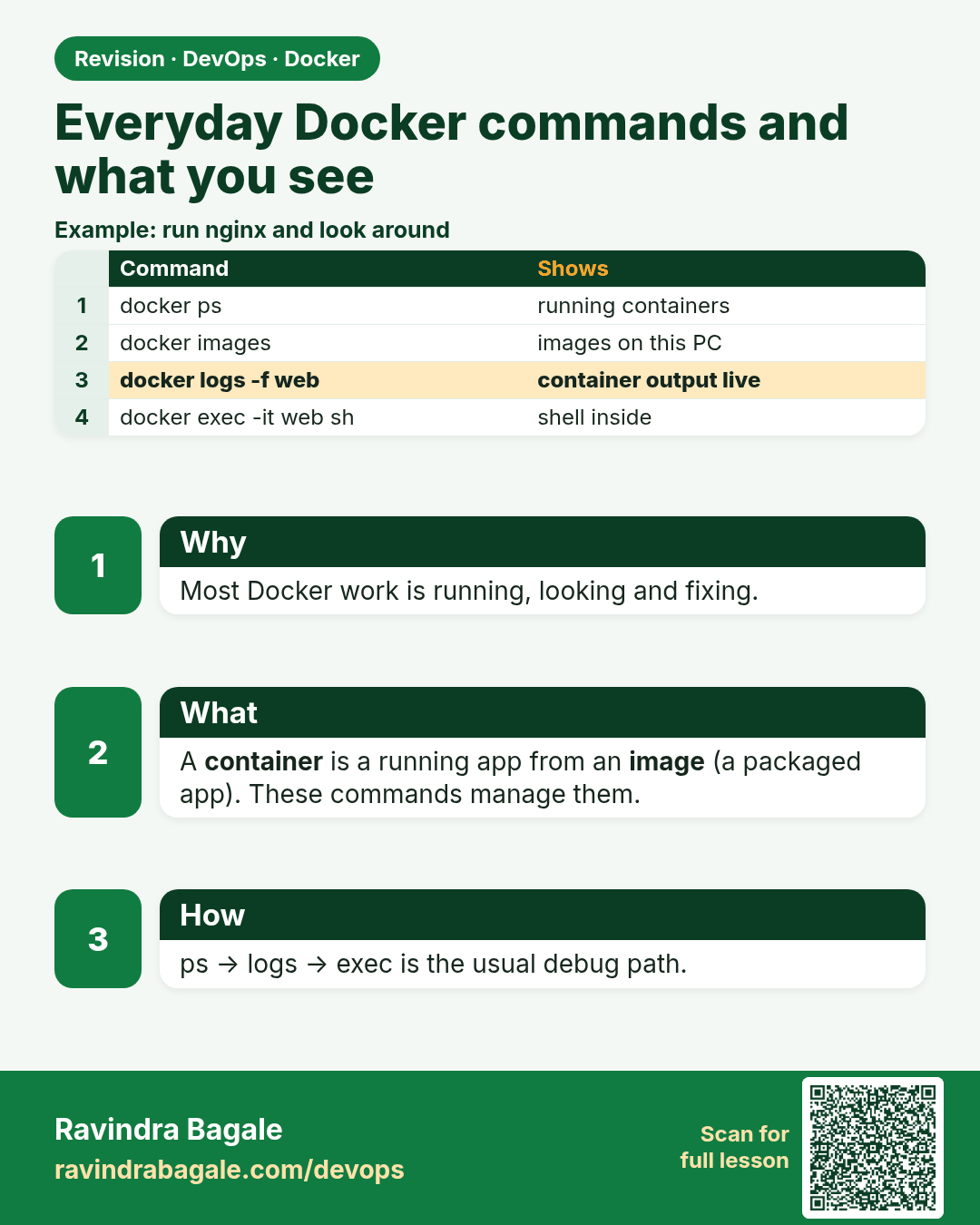
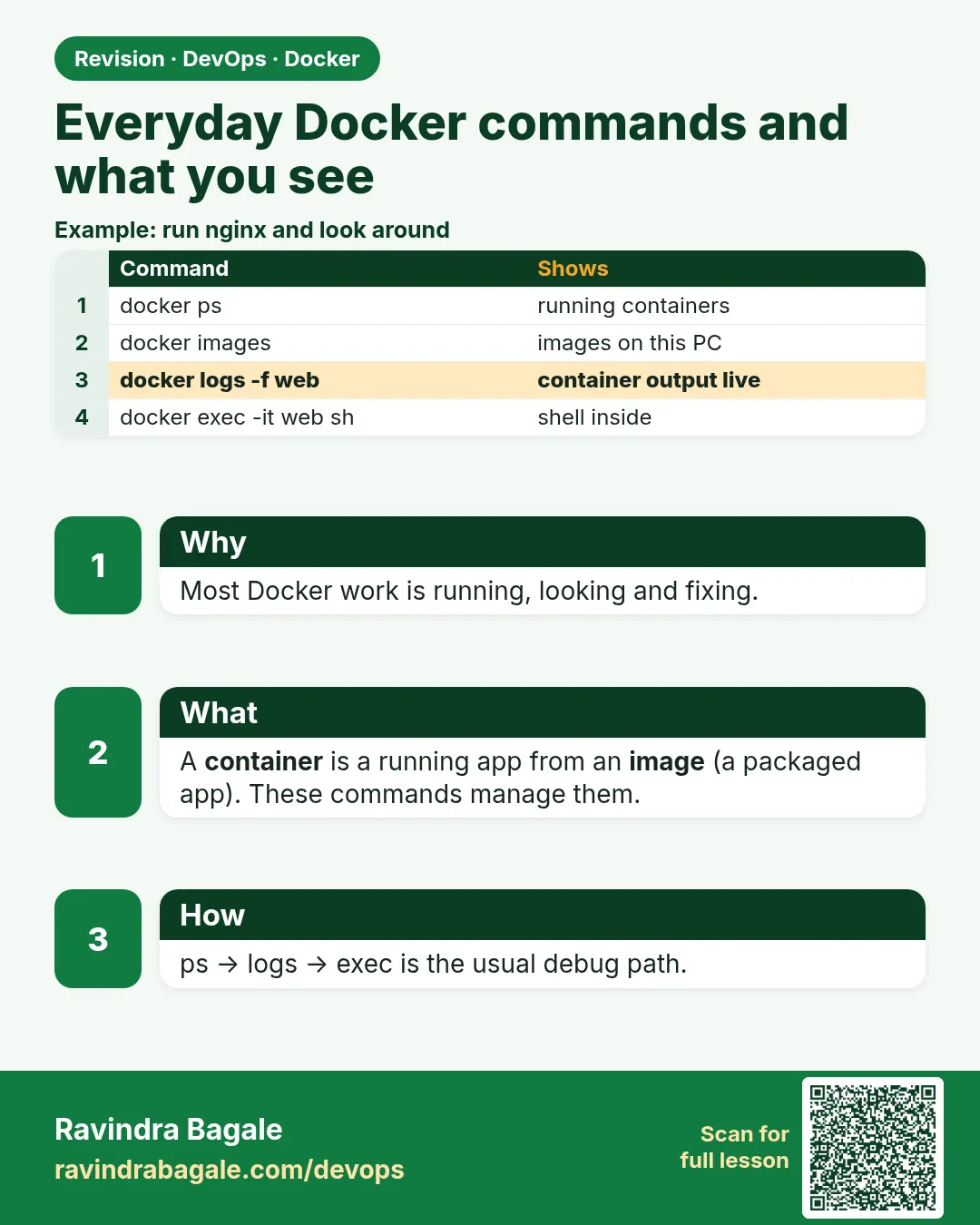 Revision card 1 of 10: Everyday Docker commands and what you see · Download PNG · Open card page
Lesson: 7.1 Everyday commands and what you see
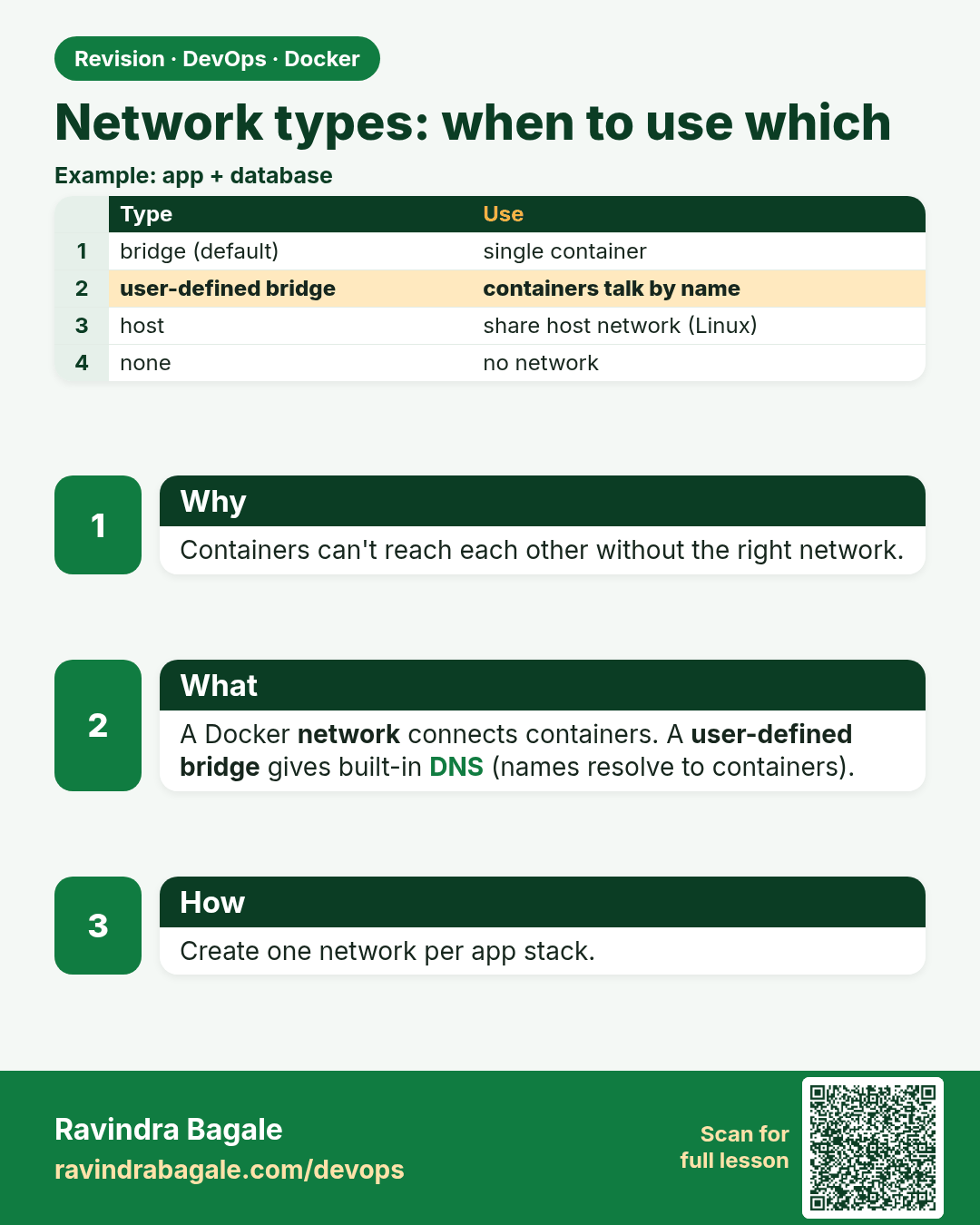
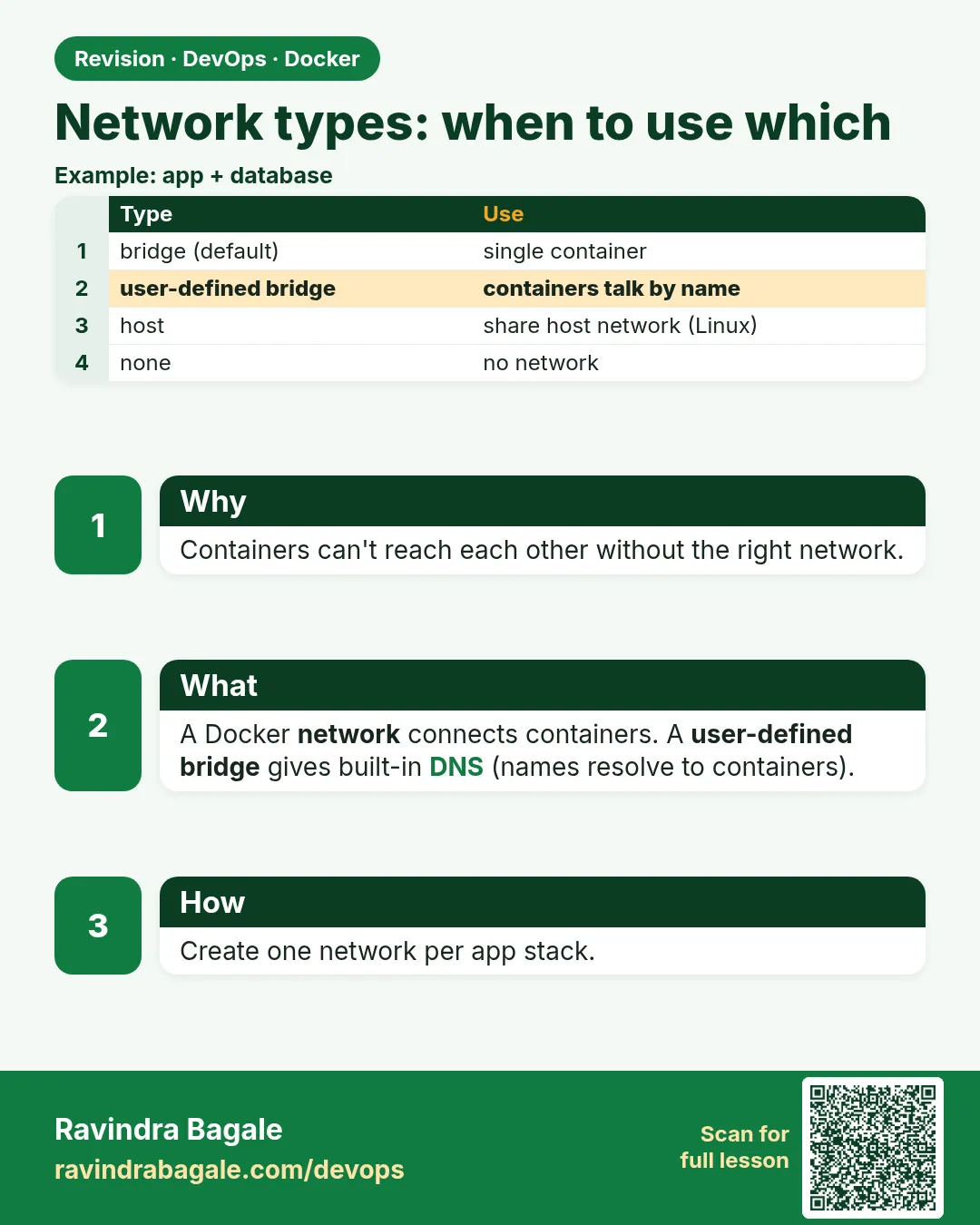 Revision card 2 of 10: Network types: when to use which · Download PNG · Open card page
Lesson: 7.2 Network types — when to use which
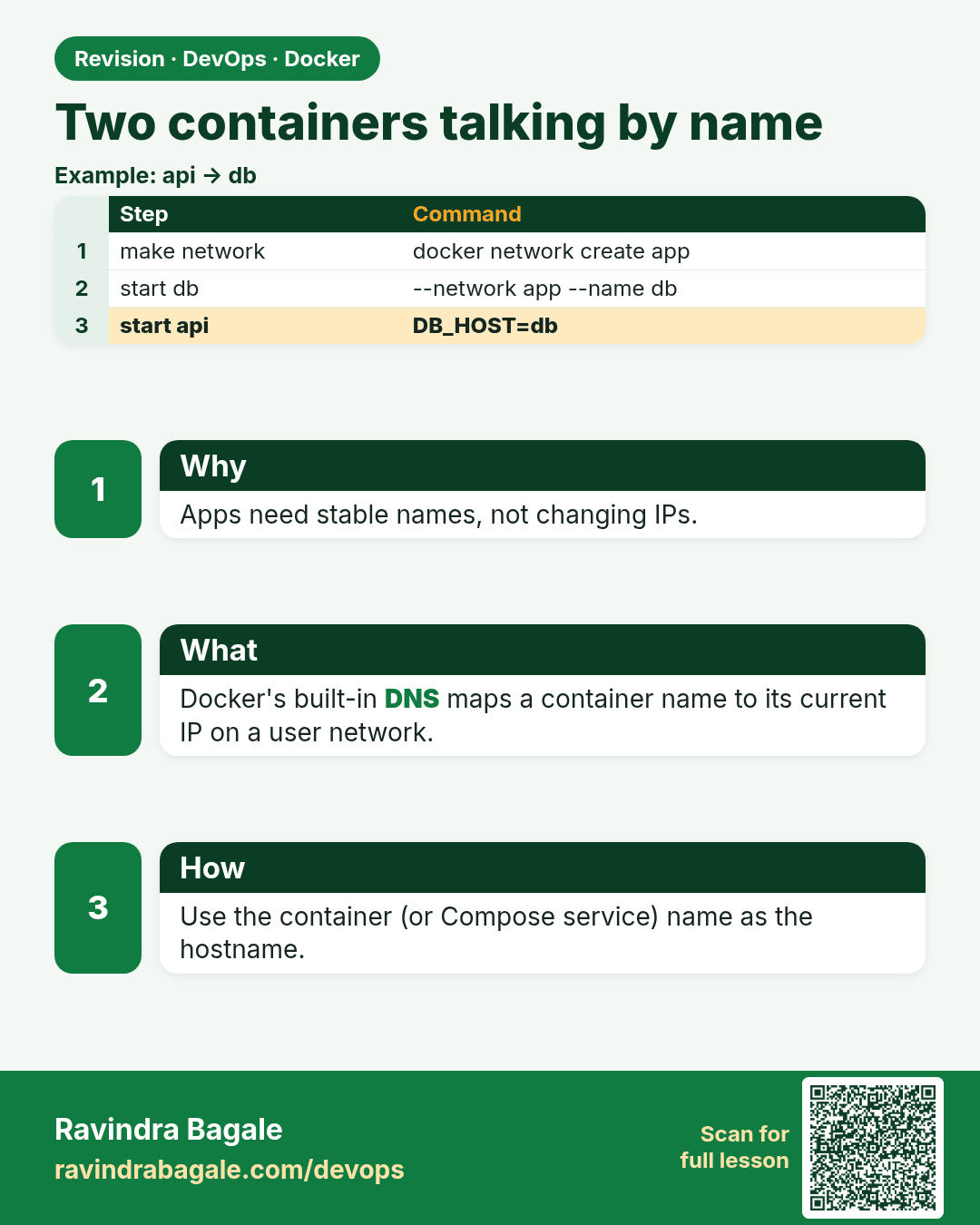
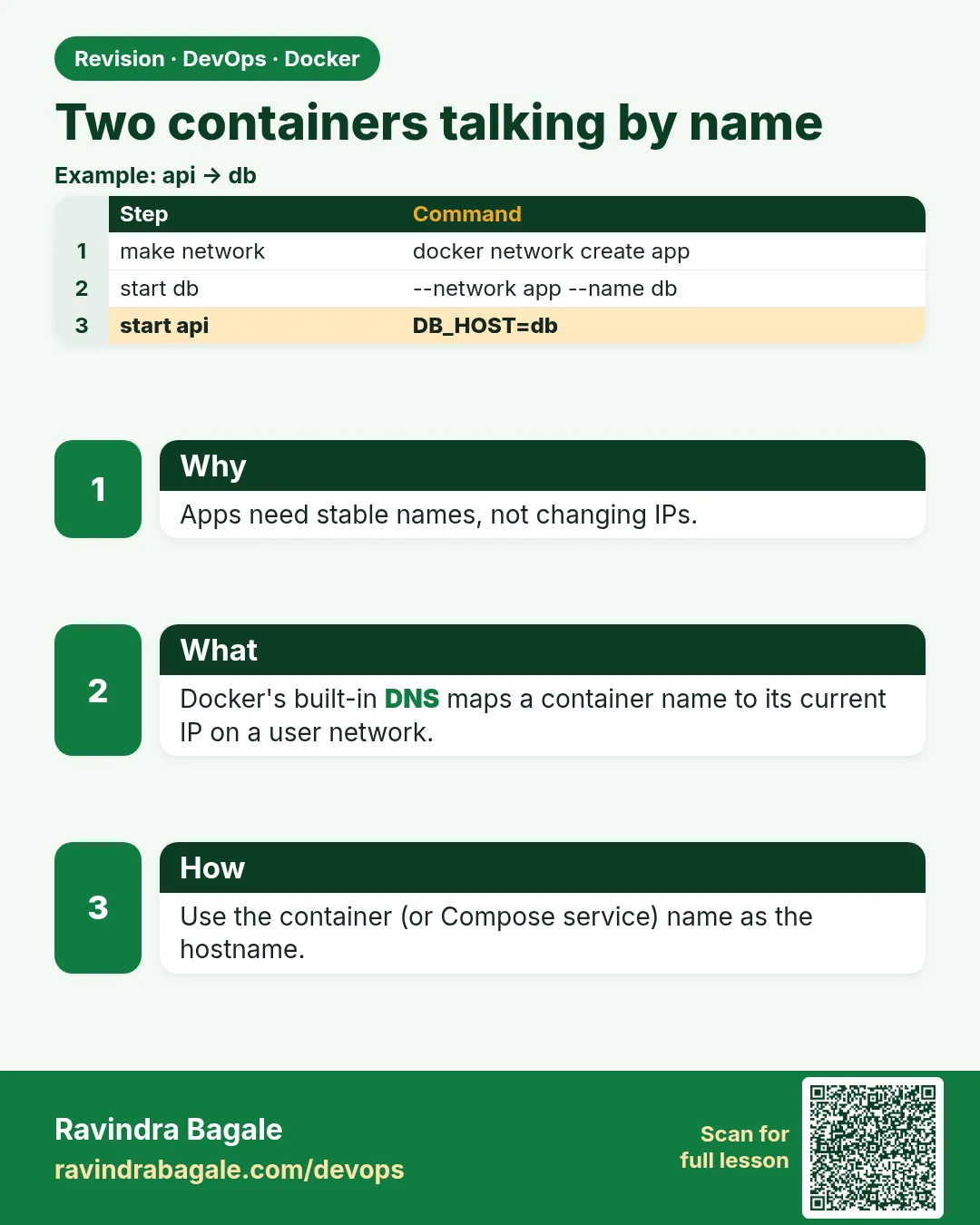 Revision card 3 of 10: Two containers talking by name · Download PNG · Open card page
Lesson: 7.3 Two containers talking by name
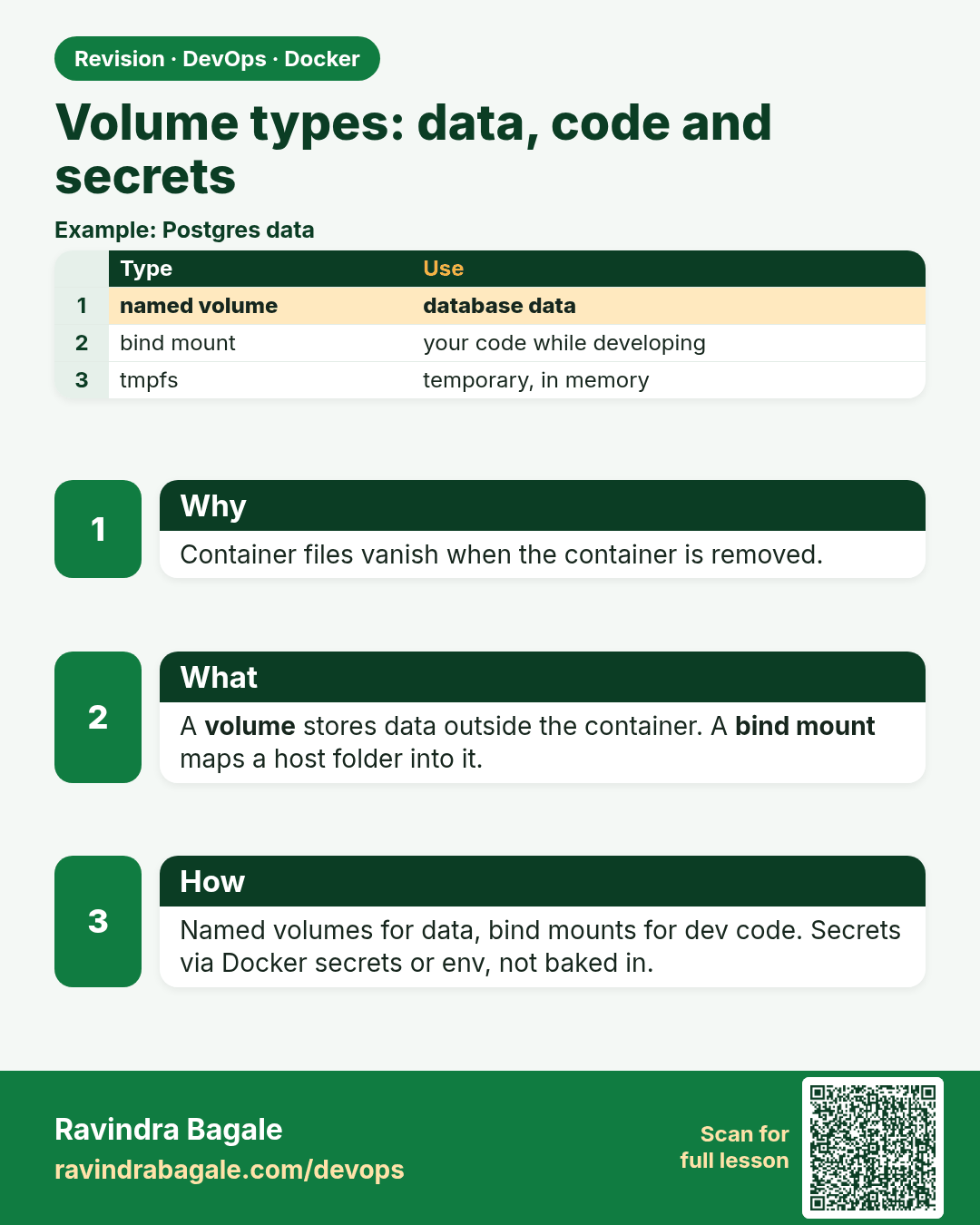
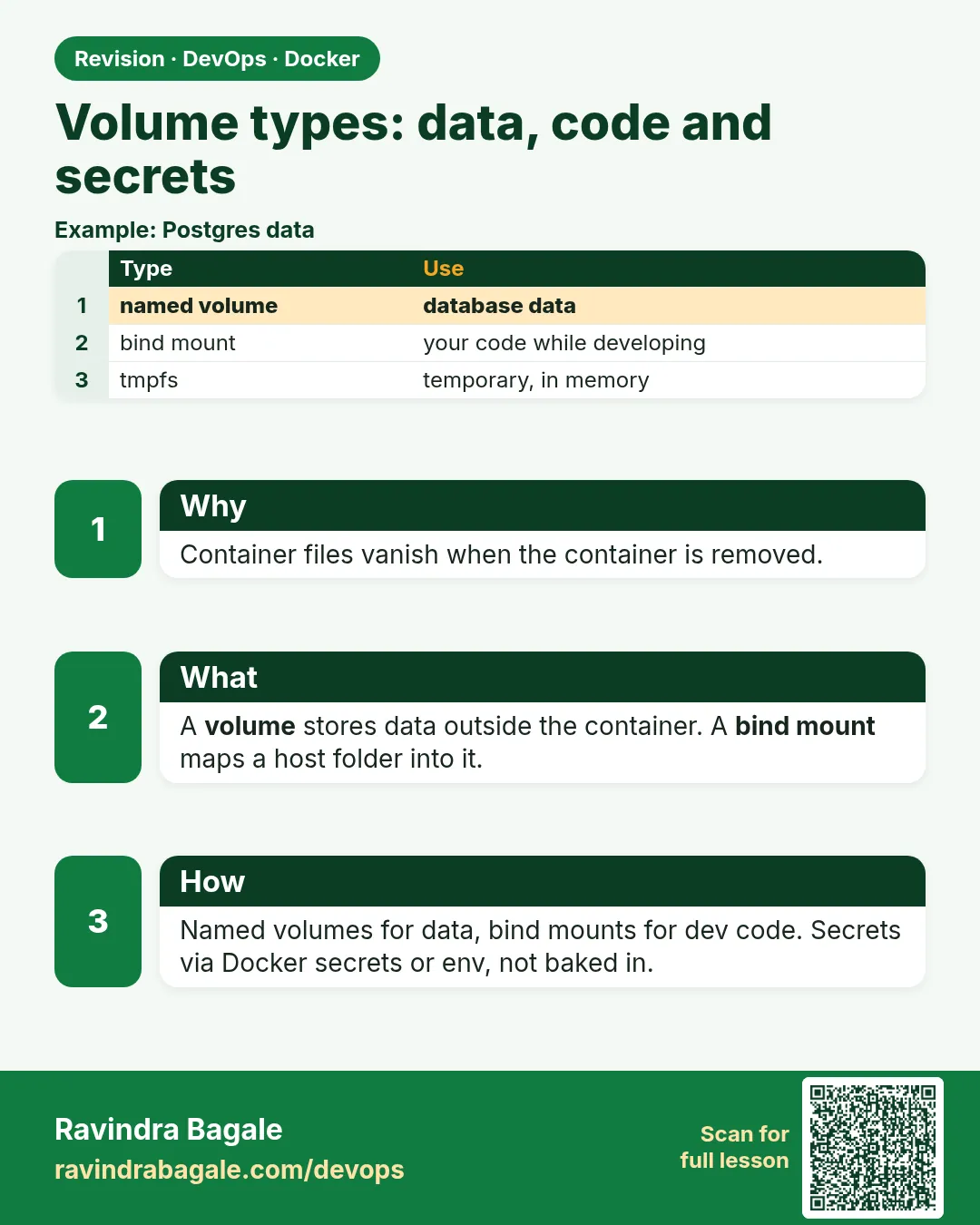 Revision card 4 of 10: Volume types: data, code and secrets · Download PNG · Open card page
Lesson: 7.4 Volume types — data, code and secrets
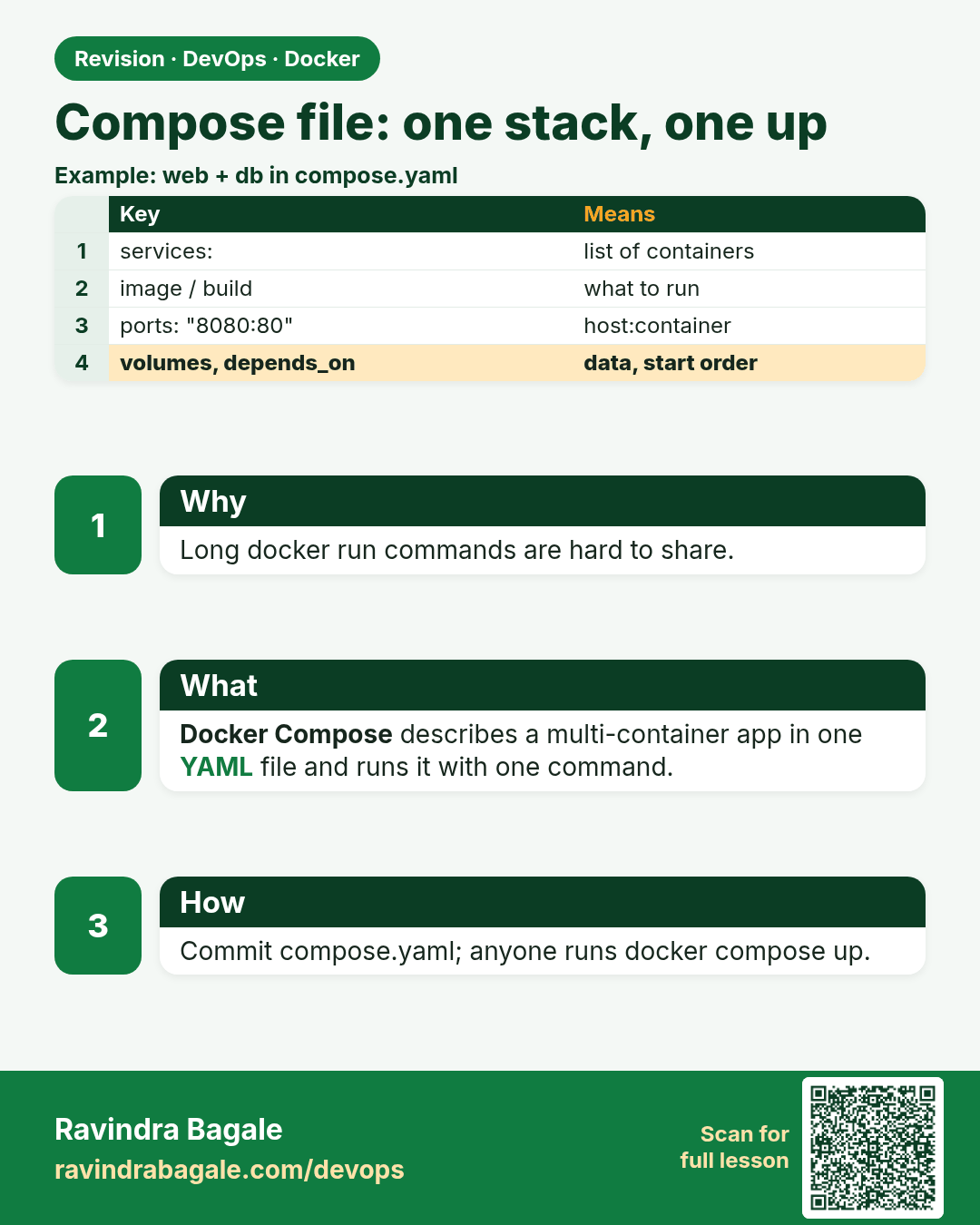
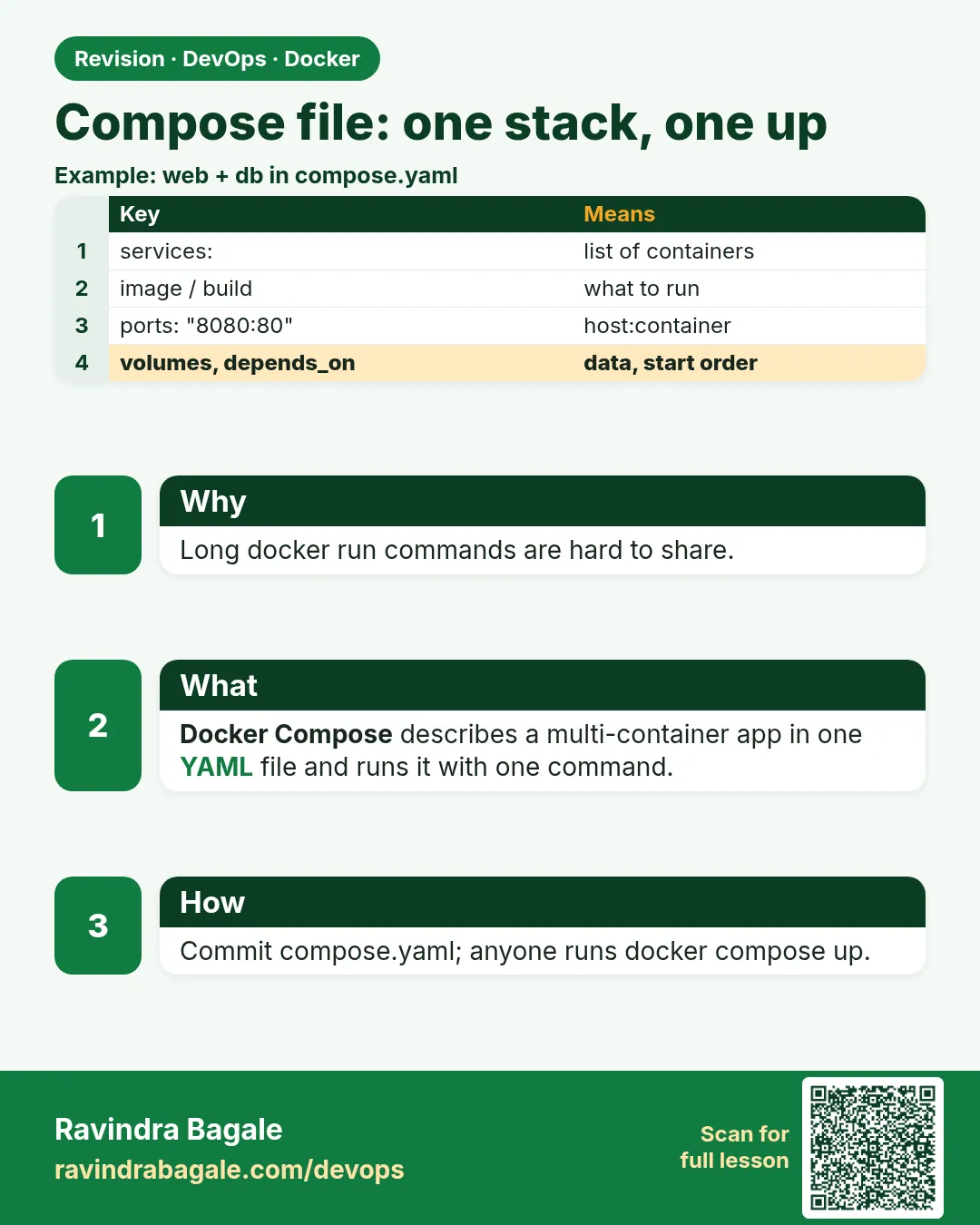 Revision card 5 of 10: Compose file: one stack, one up · Download PNG · Open card page
Lesson: 7.5 Compose file — one stack, one up
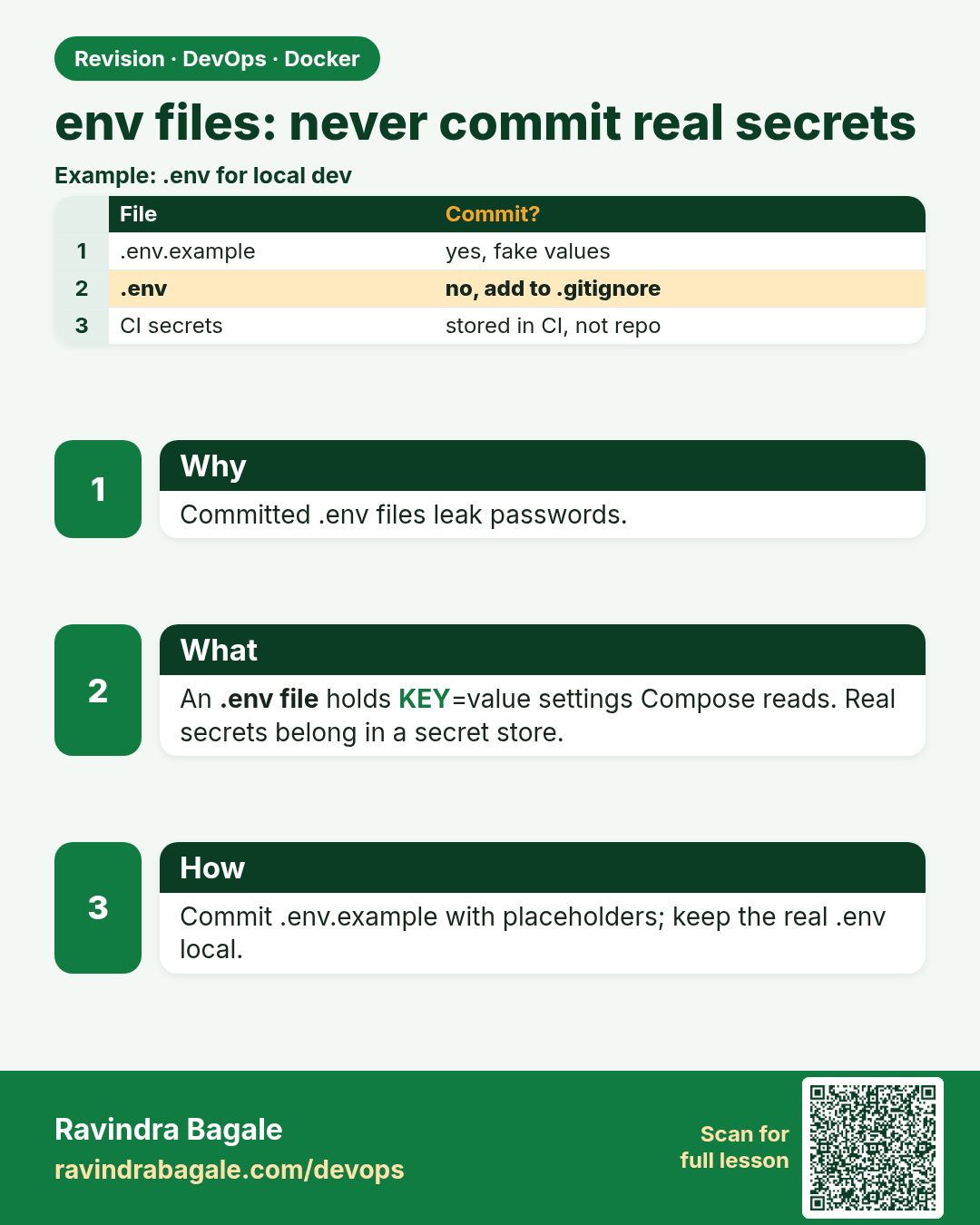
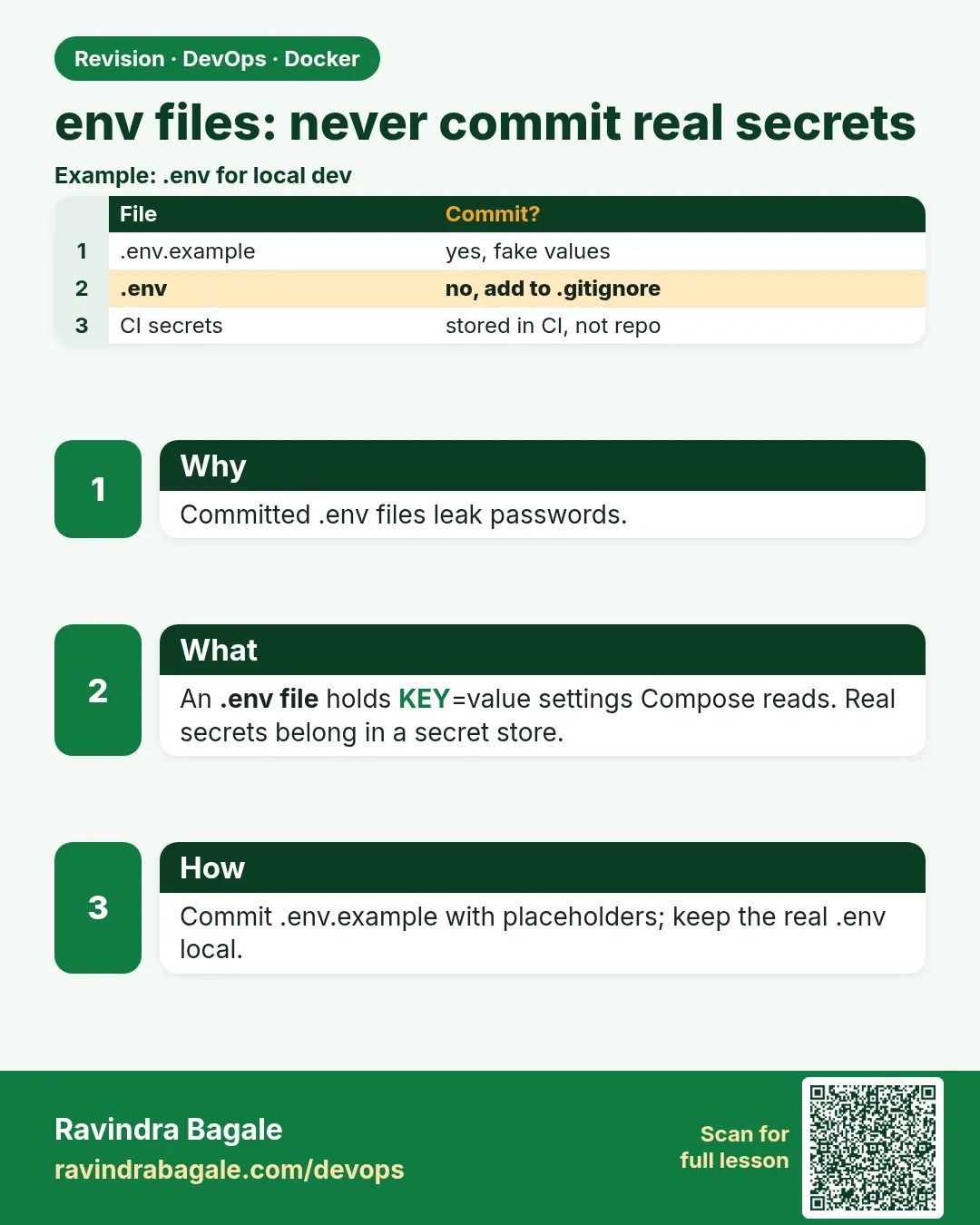 Revision card 6 of 10: env files: never commit real secrets · Download PNG · Open card page
Lesson: 7.6 Env files — never commit real secrets
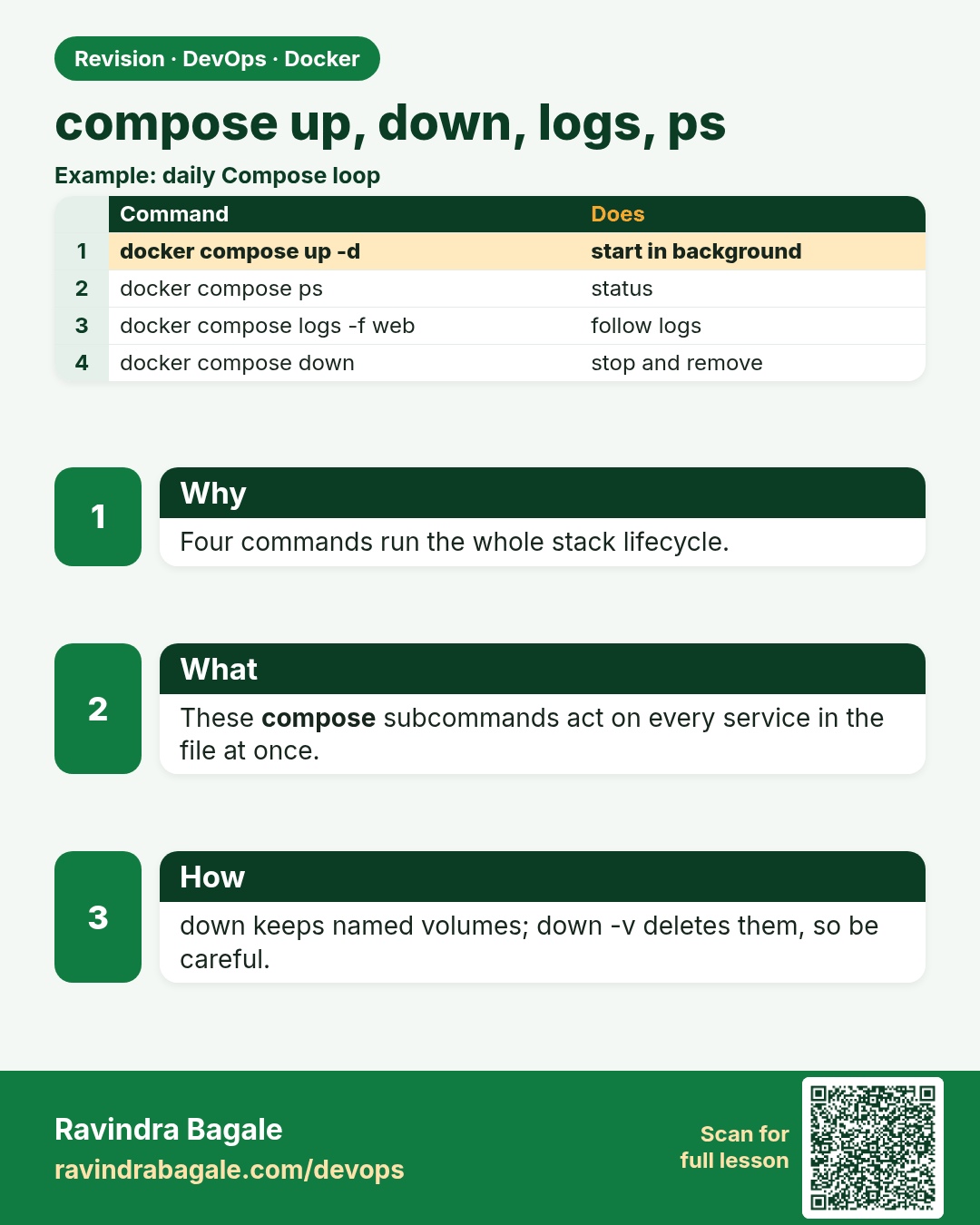
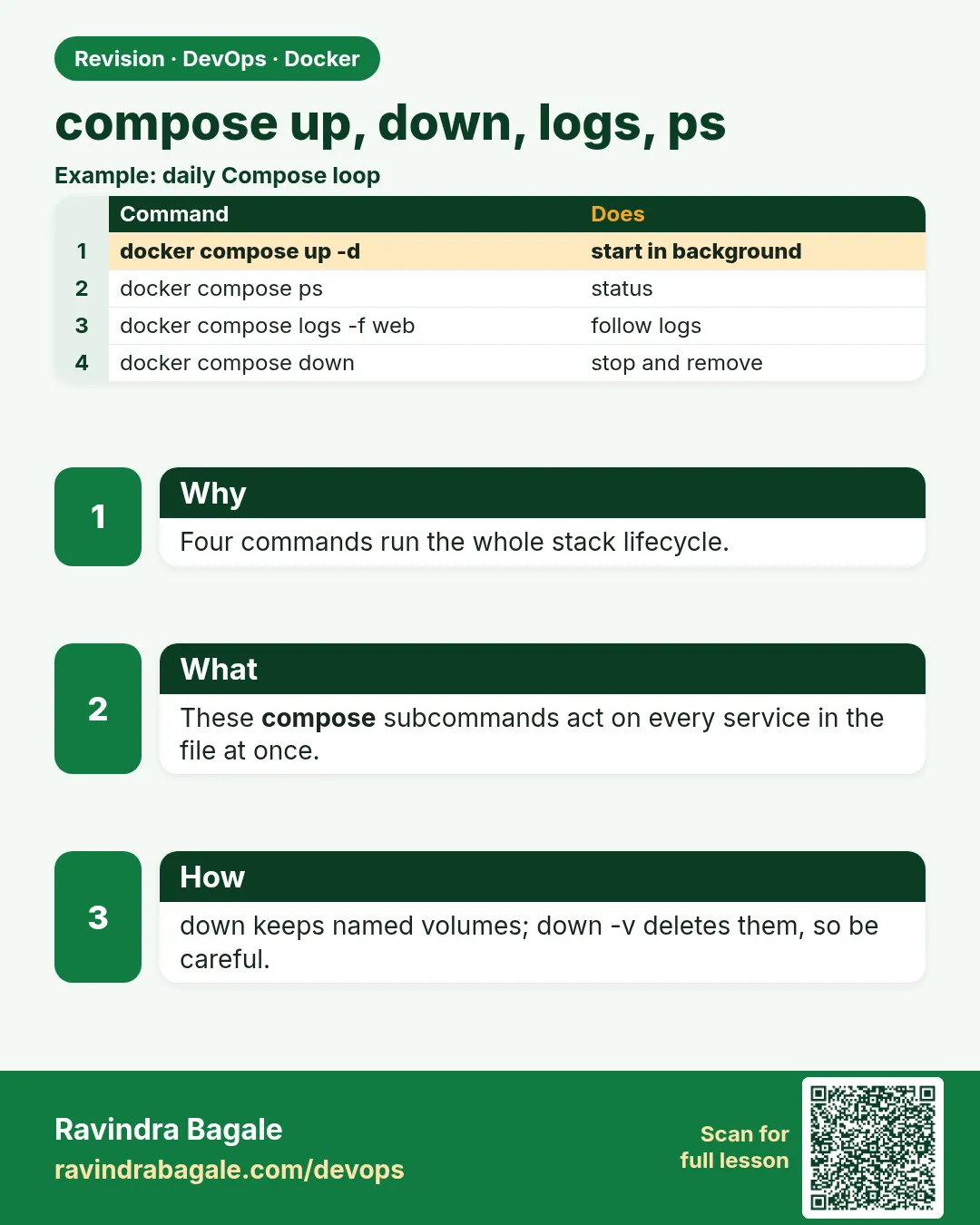 Revision card 7 of 10: compose up, down, logs, ps · Download PNG · Open card page
Lesson: 7.7 Compose up, down, logs, ps
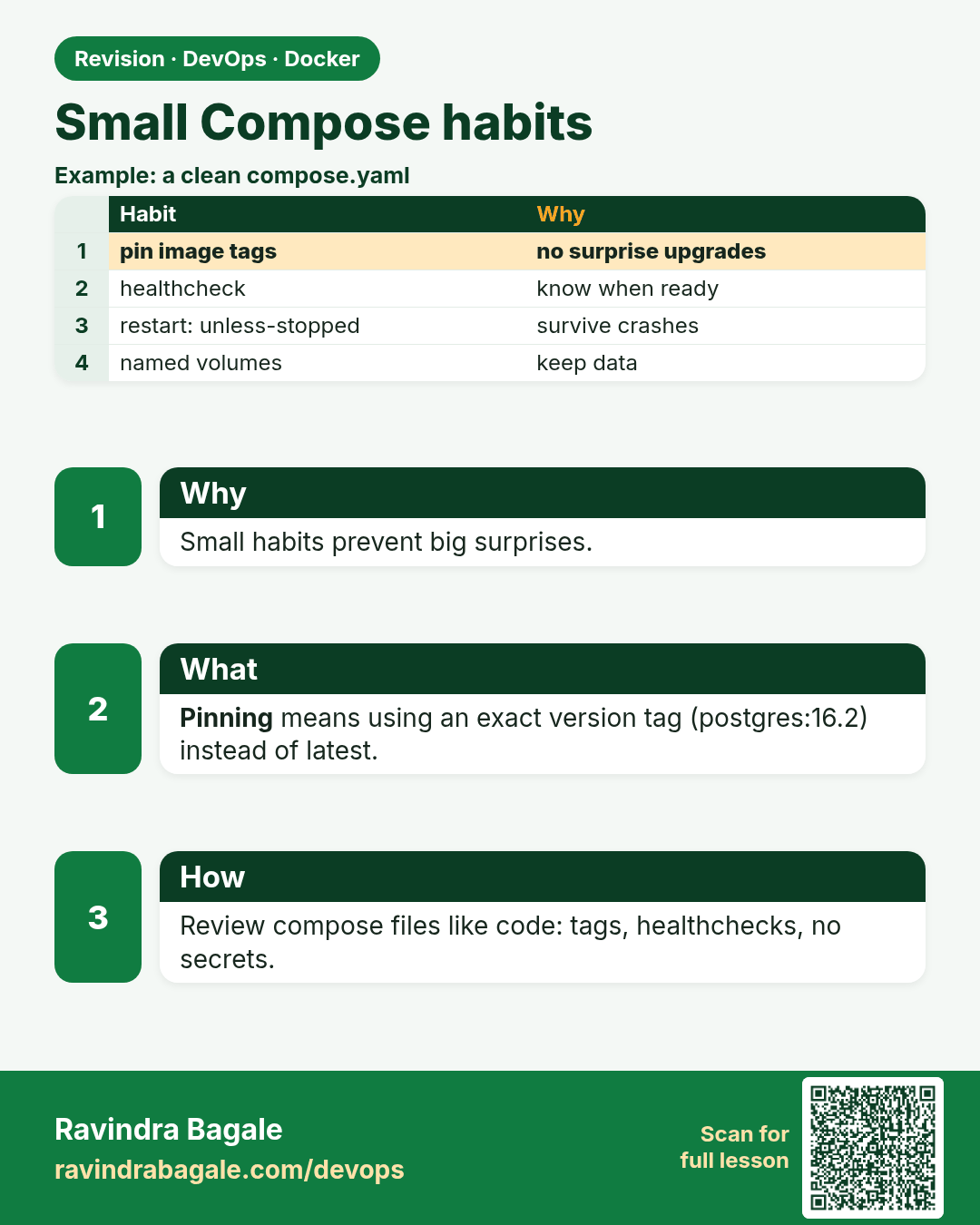
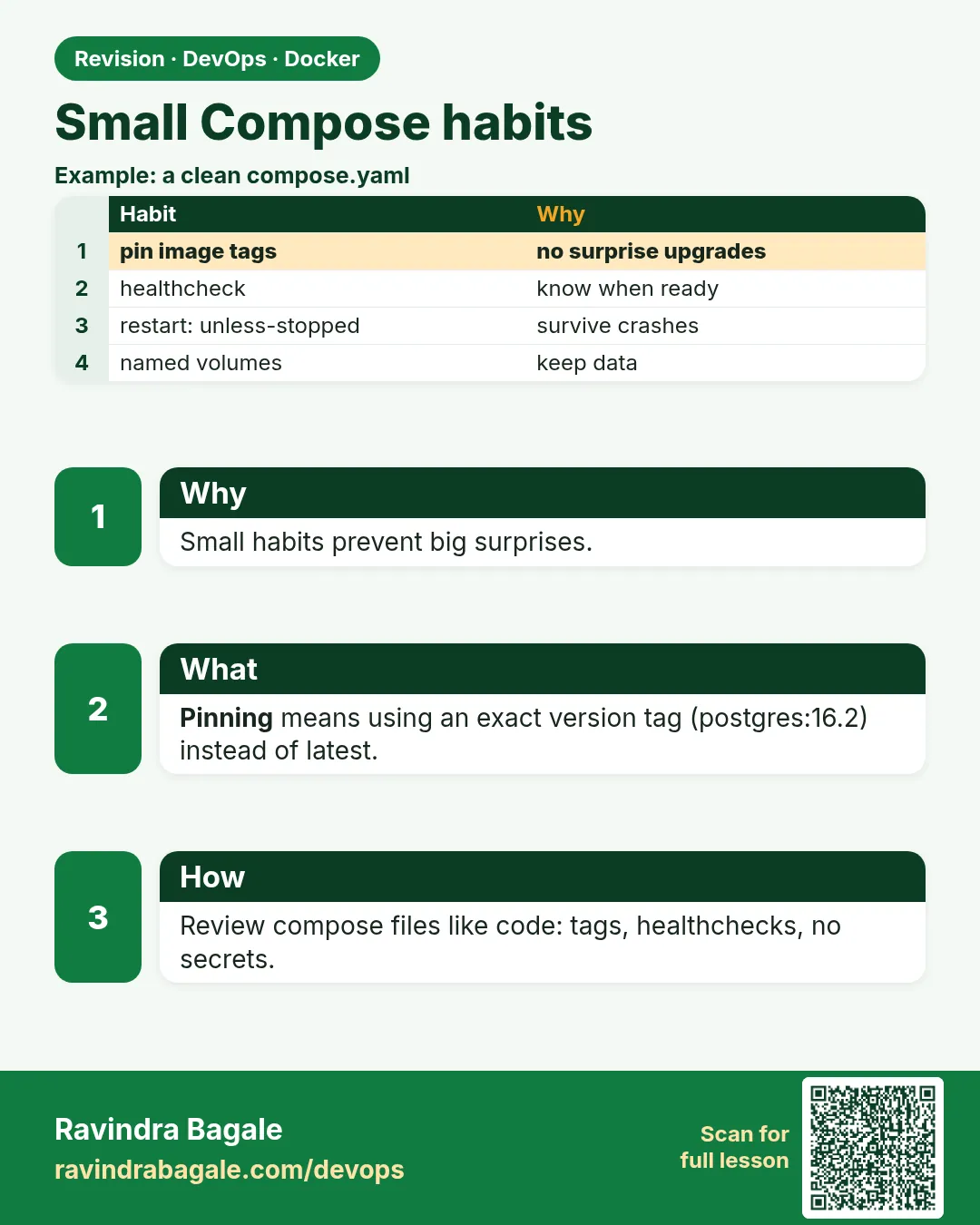 Revision card 8 of 10: Small Compose habits · Download PNG · Open card page
Lesson: 7.8 Small Compose habits
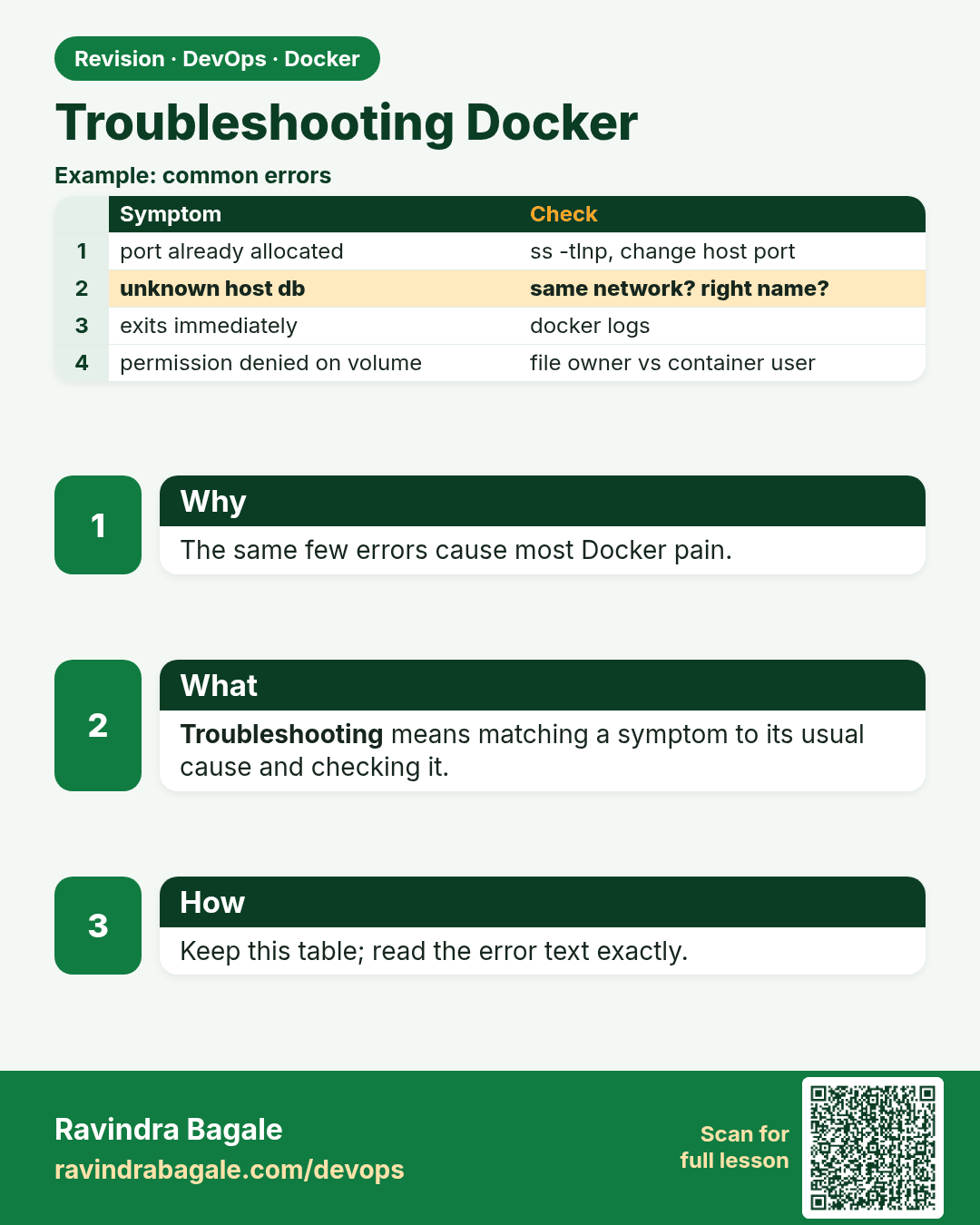
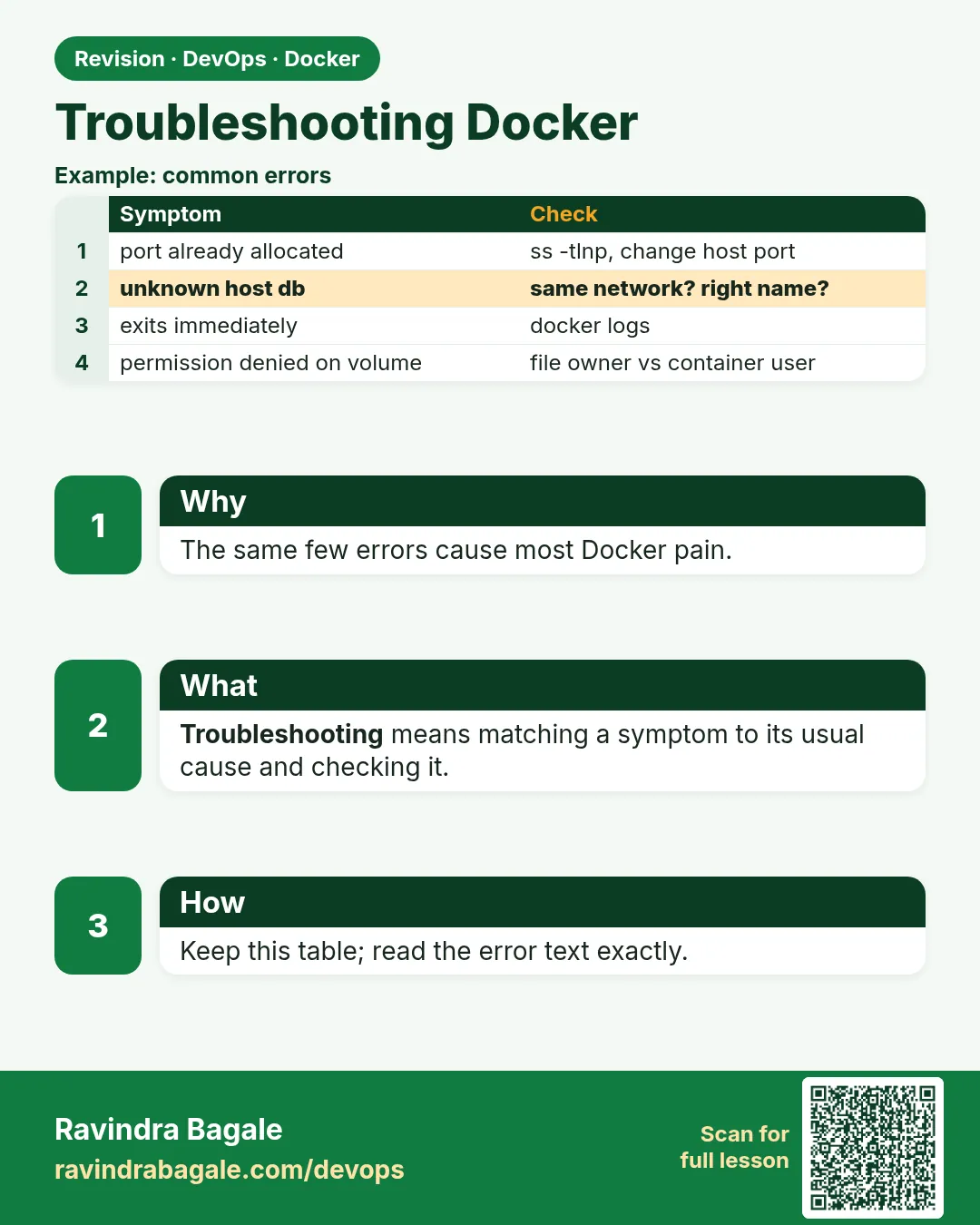 Revision card 9 of 10: Troubleshooting Docker · Download PNG · Open card page
Lesson: 7.9 Troubleshooting
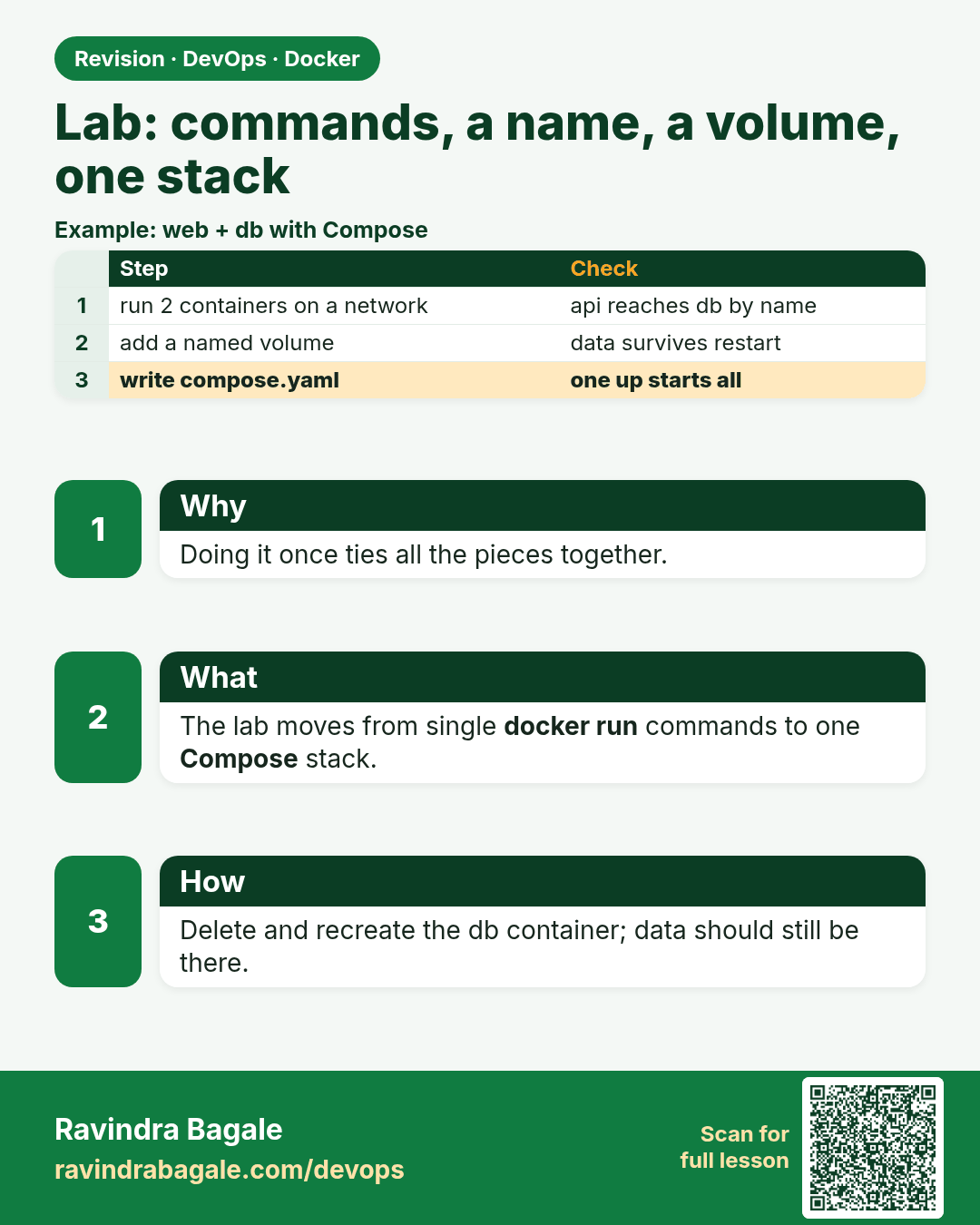
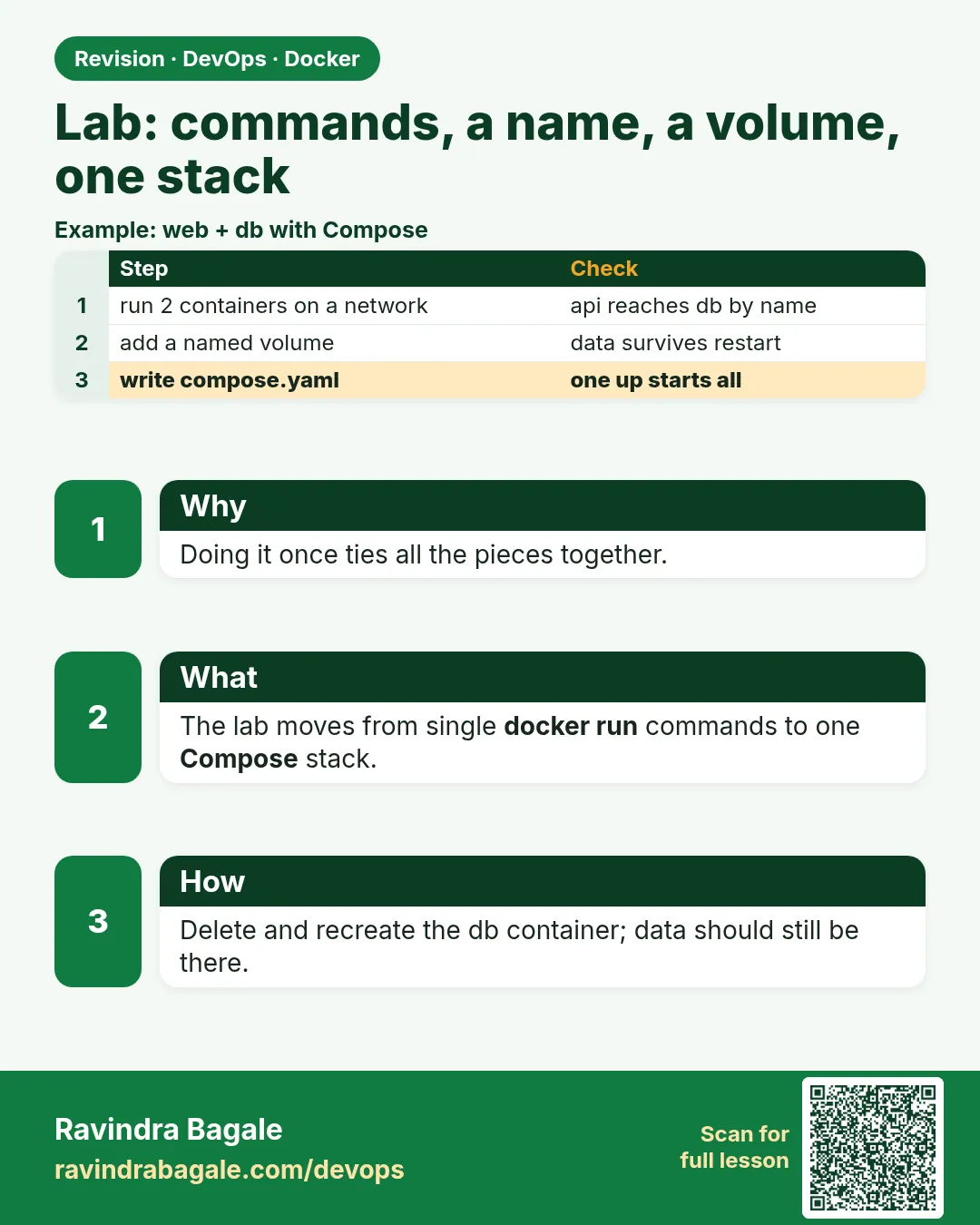 Revision card 10 of 10: Lab: commands, a name, a volume, one stack · Download PNG · Open card page
Lesson: 7.10 Lab — commands, a name, a volume, one stack
Interview cards
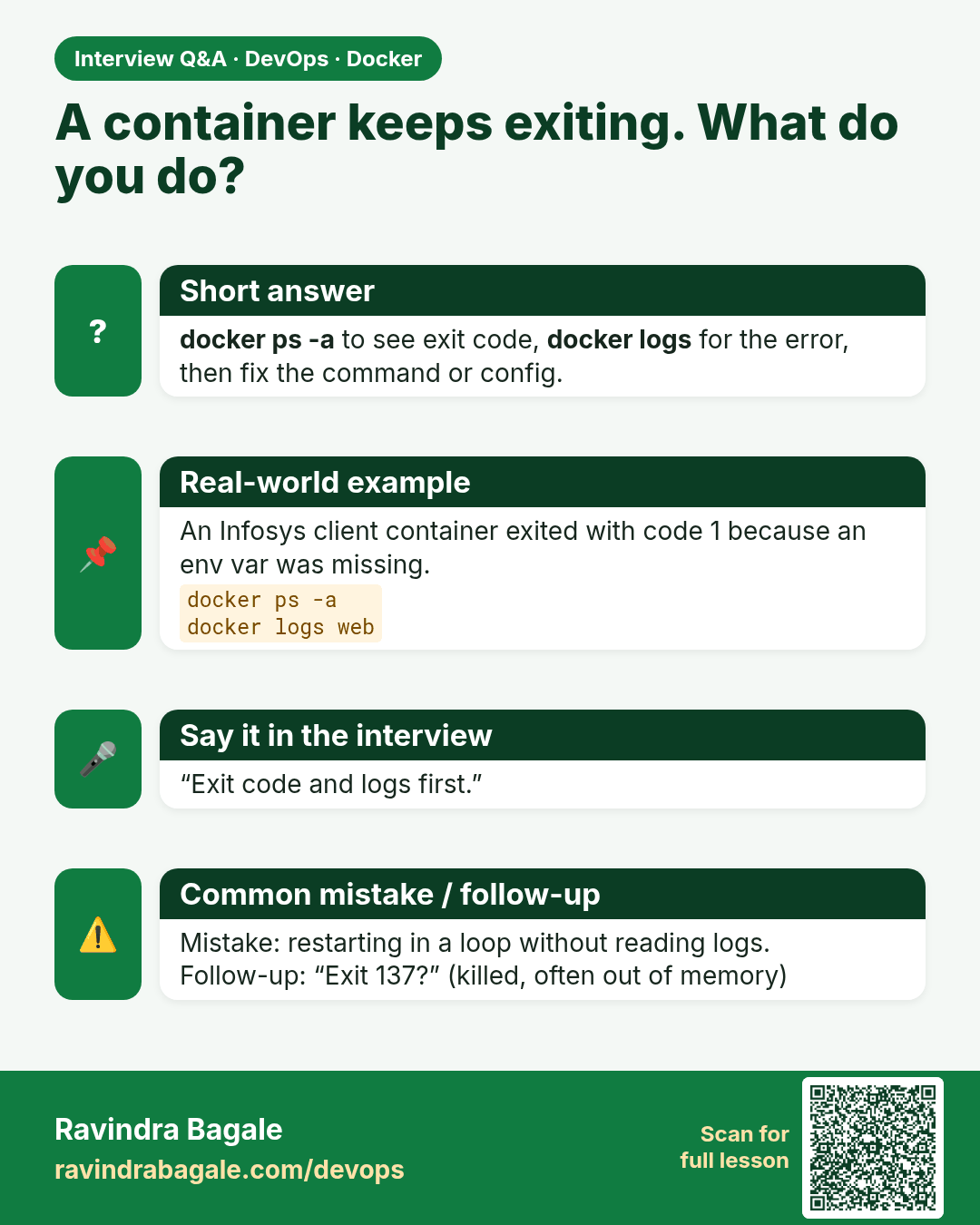
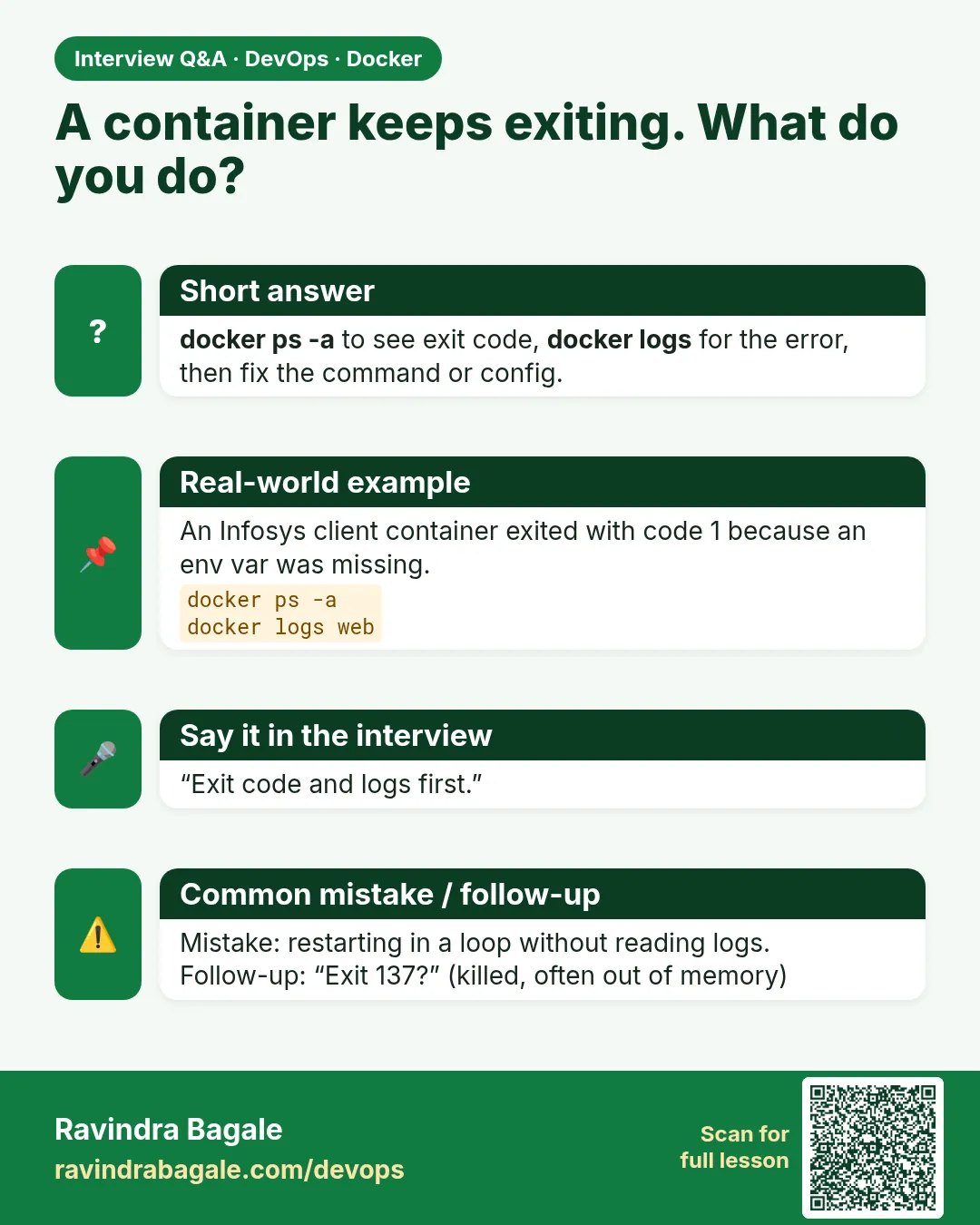 Interview card 1 of 10: A container keeps exiting. What do you do? · Download PNG · Open card page
Lesson: 7.1 Everyday commands and what you see
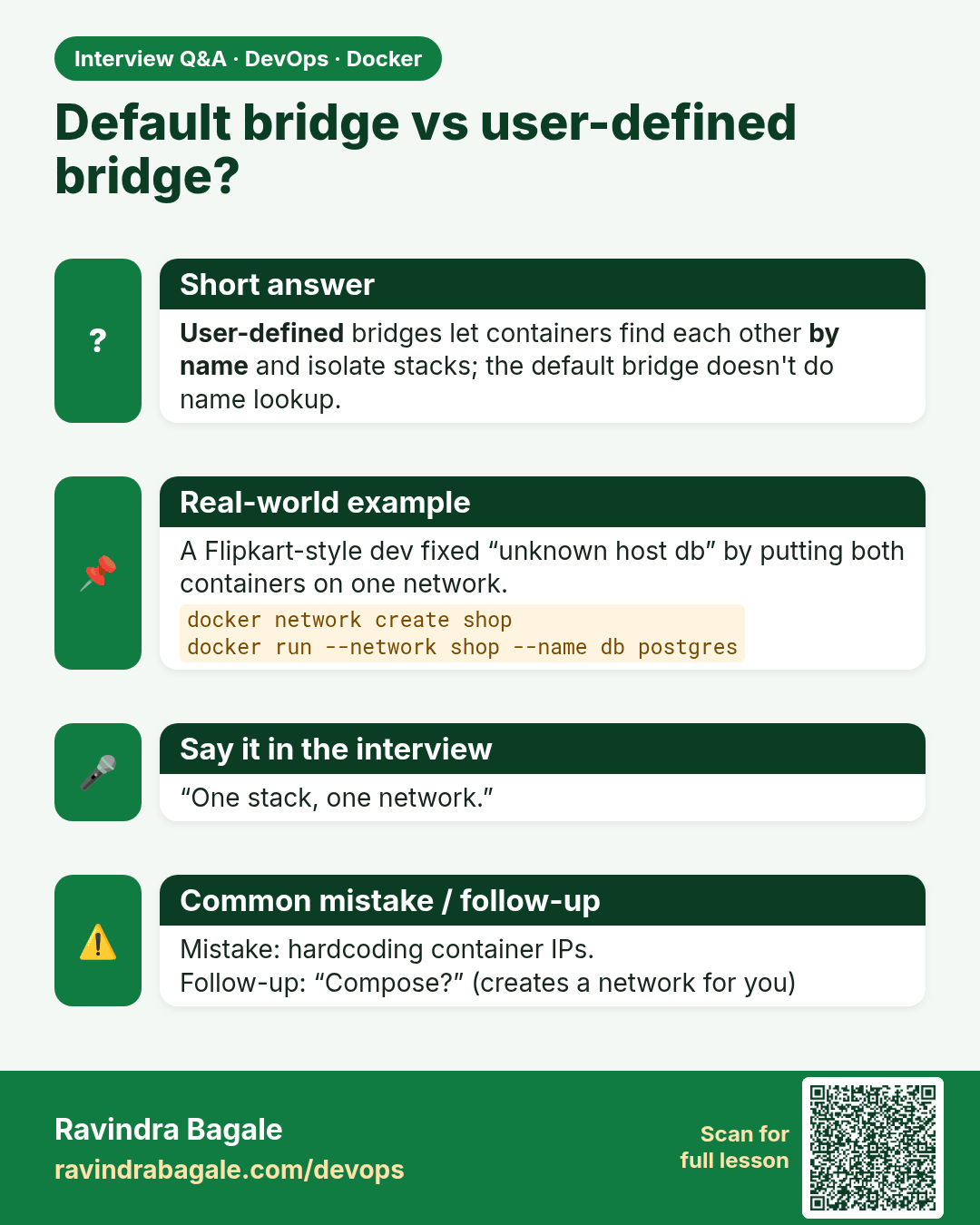
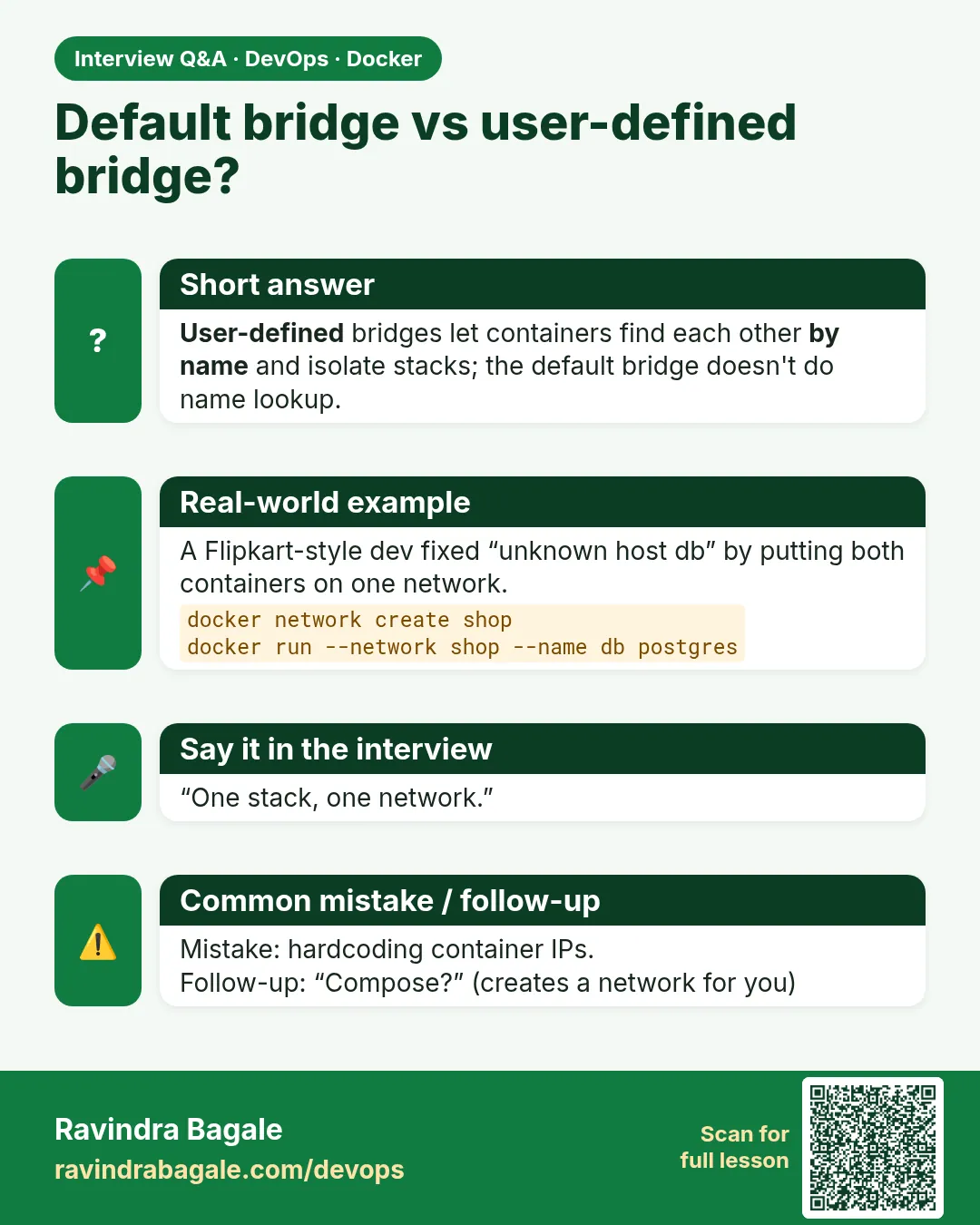 Interview card 2 of 10: Default bridge vs user-defined bridge? · Download PNG · Open card page
Lesson: 7.2 Network types — when to use which
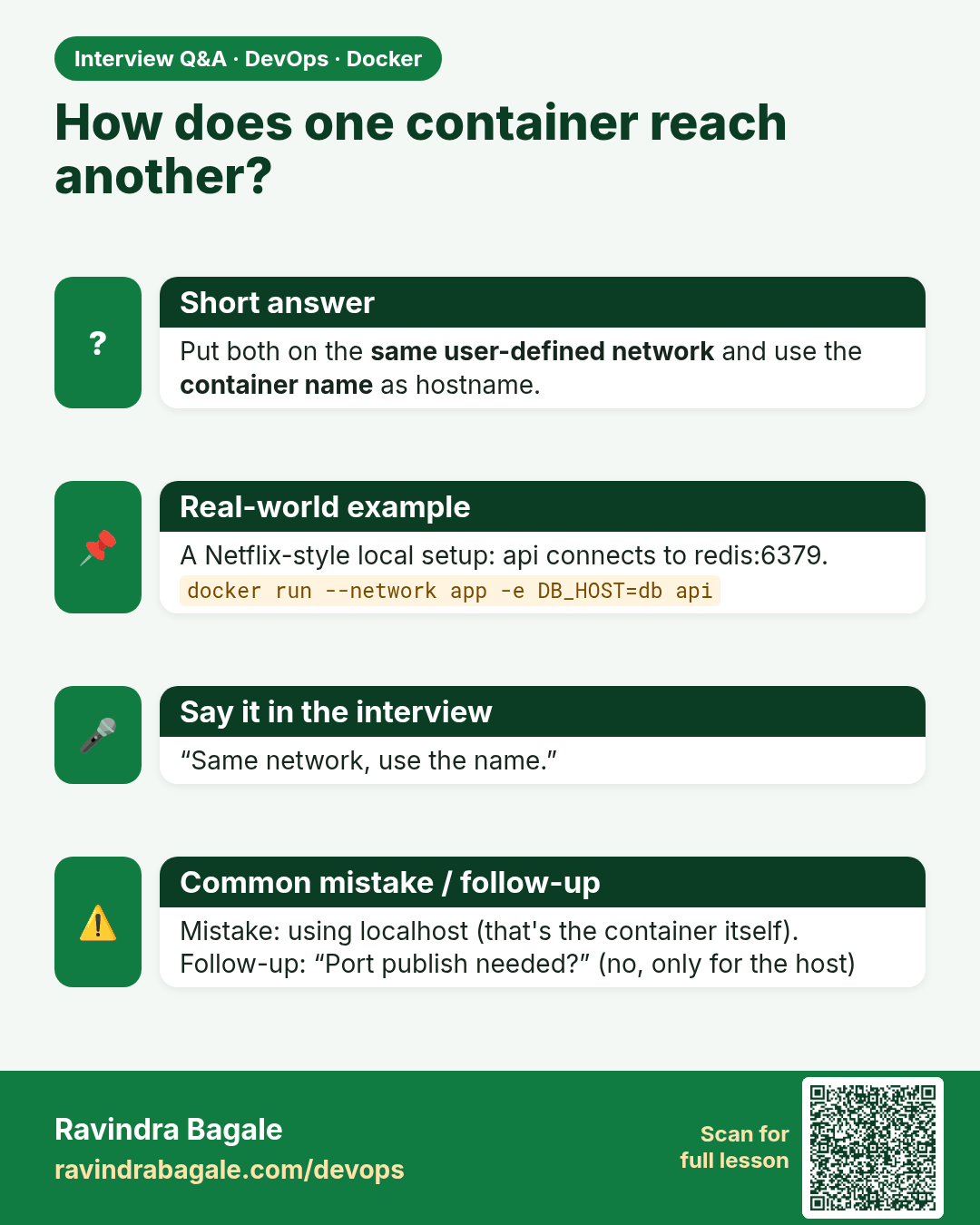
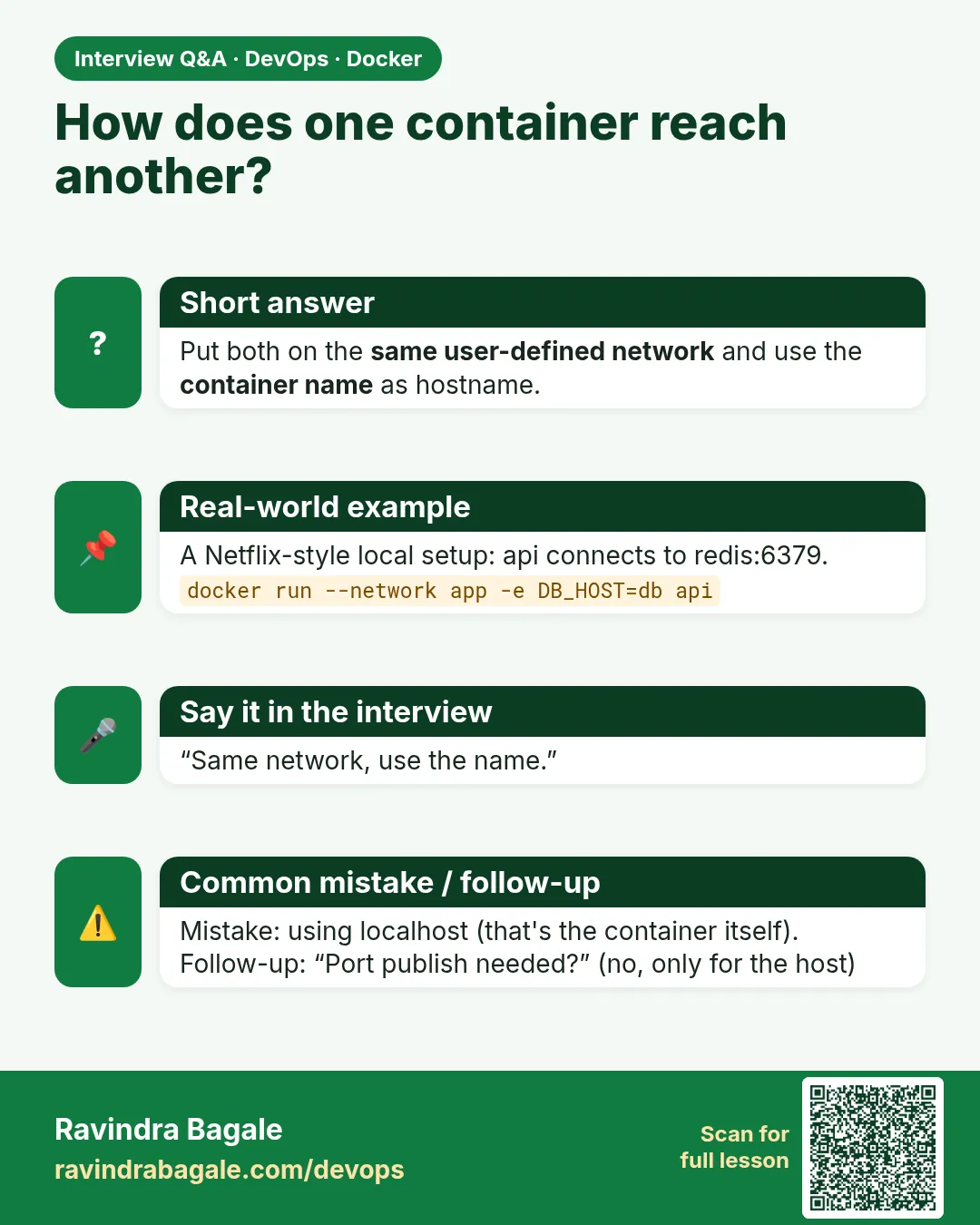 Interview card 3 of 10: How does one container reach another? · Download PNG · Open card page
Lesson: 7.3 Two containers talking by name
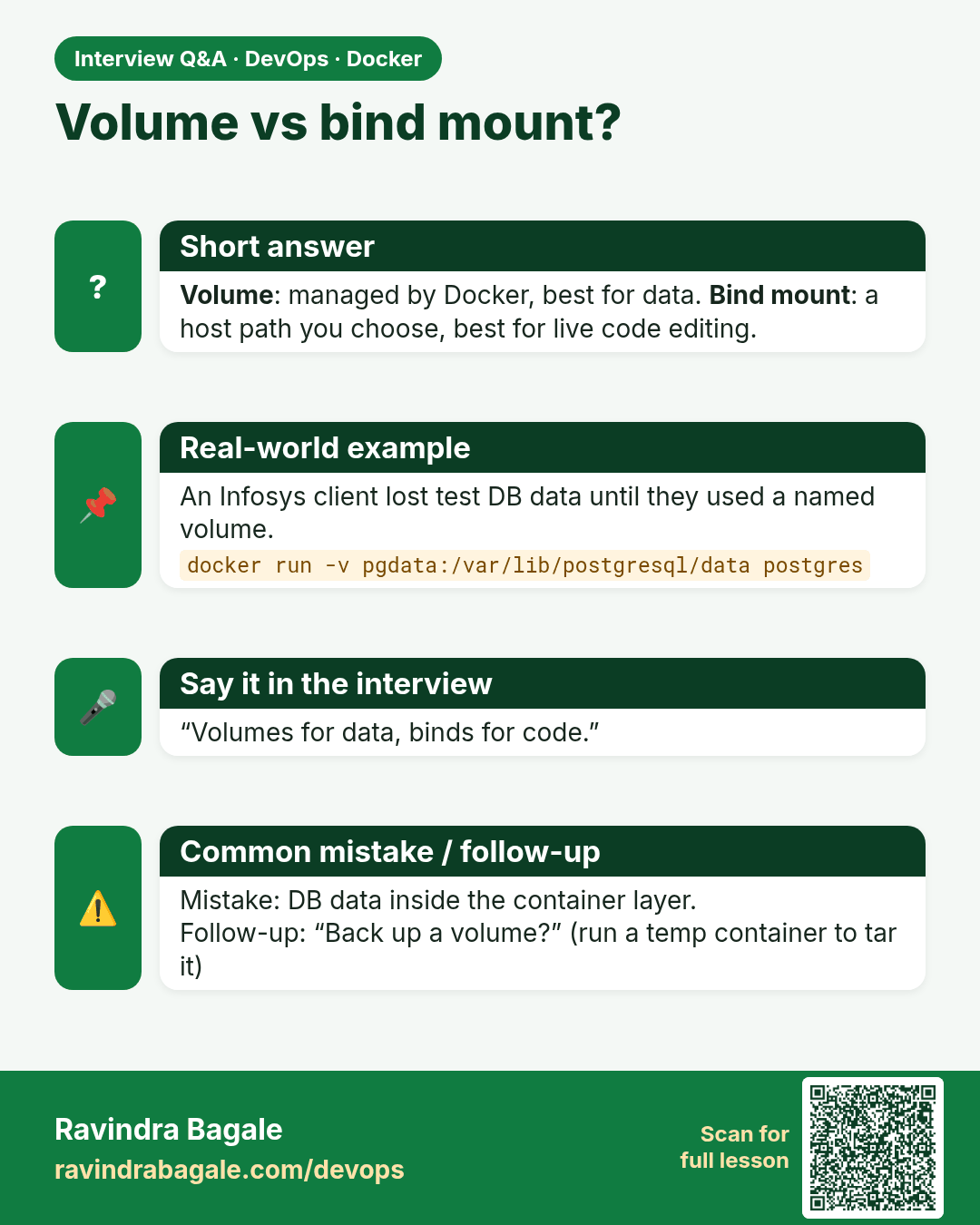
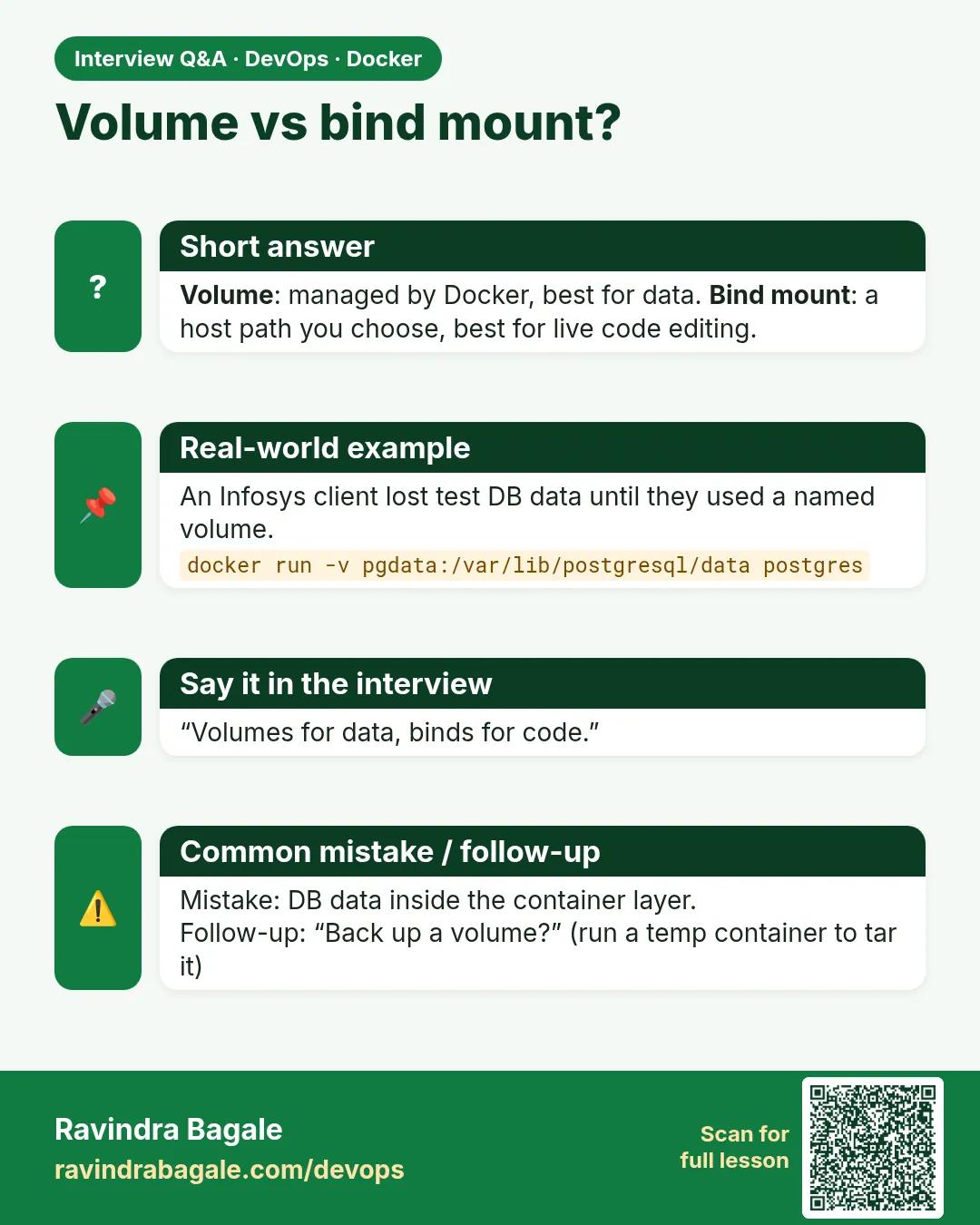 Interview card 4 of 10: Volume vs bind mount? · Download PNG · Open card page
Lesson: 7.4 Volume types — data, code and secrets
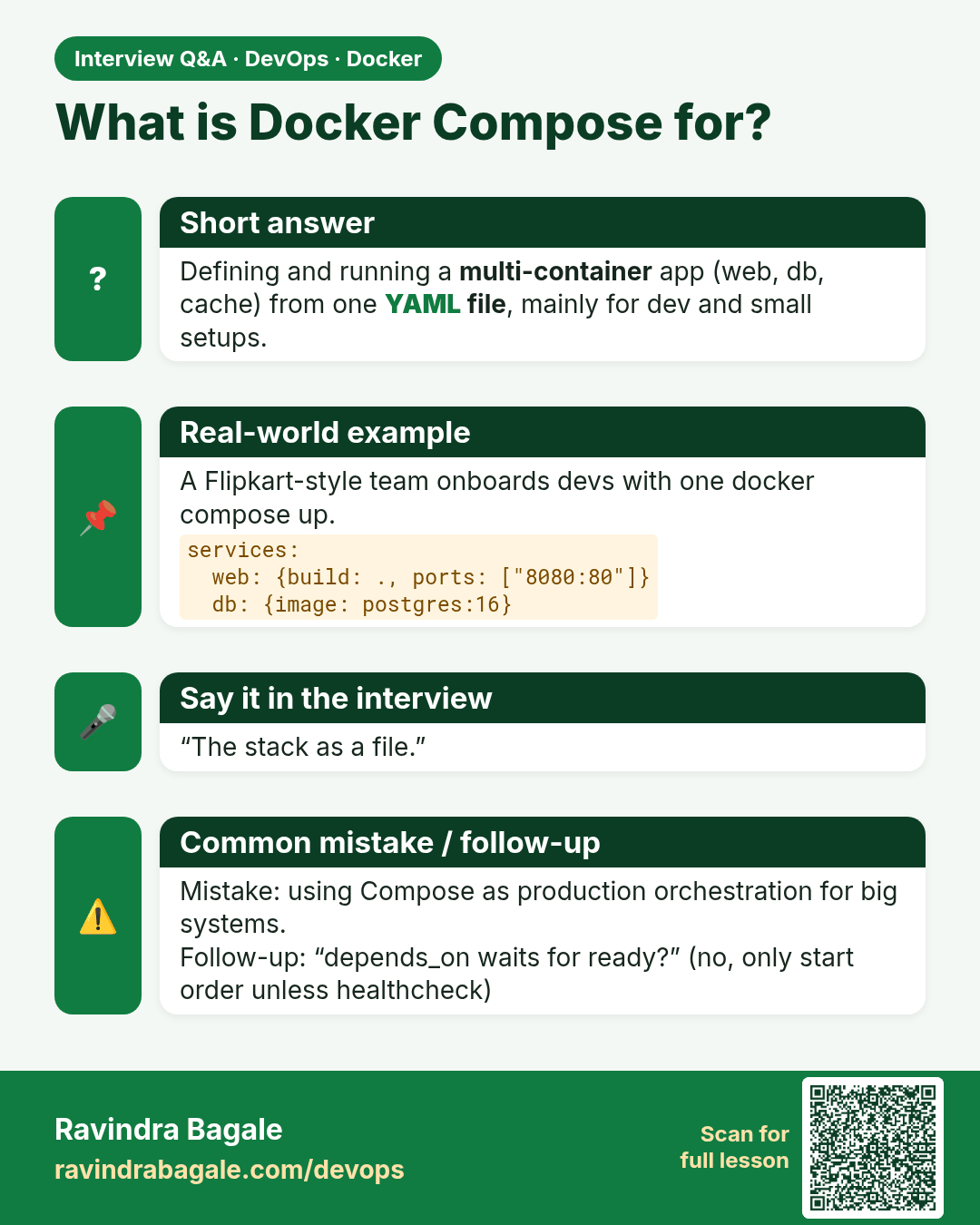
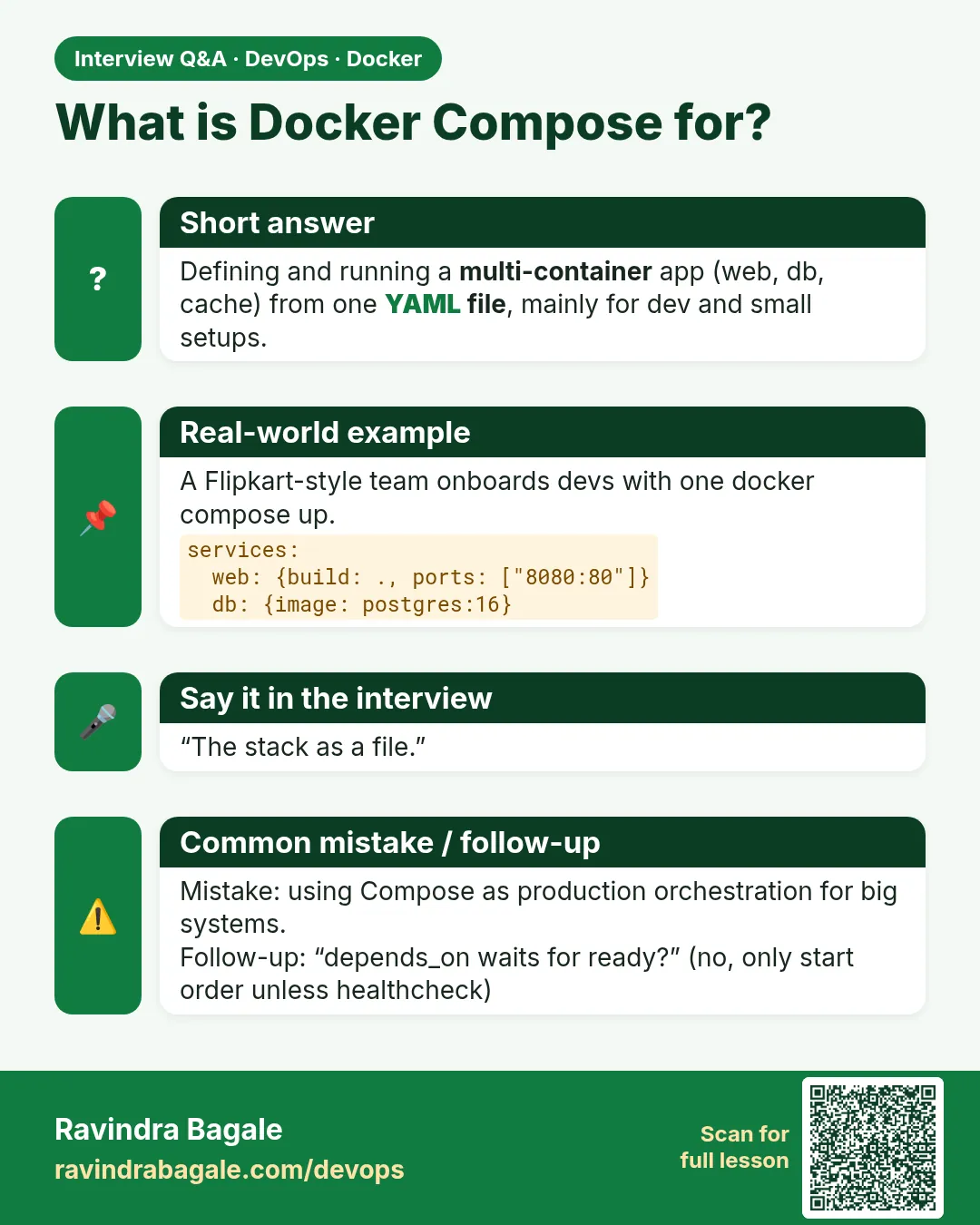 Interview card 5 of 10: What is Docker Compose for? · Download PNG · Open card page
Lesson: 7.5 Compose file — one stack, one up
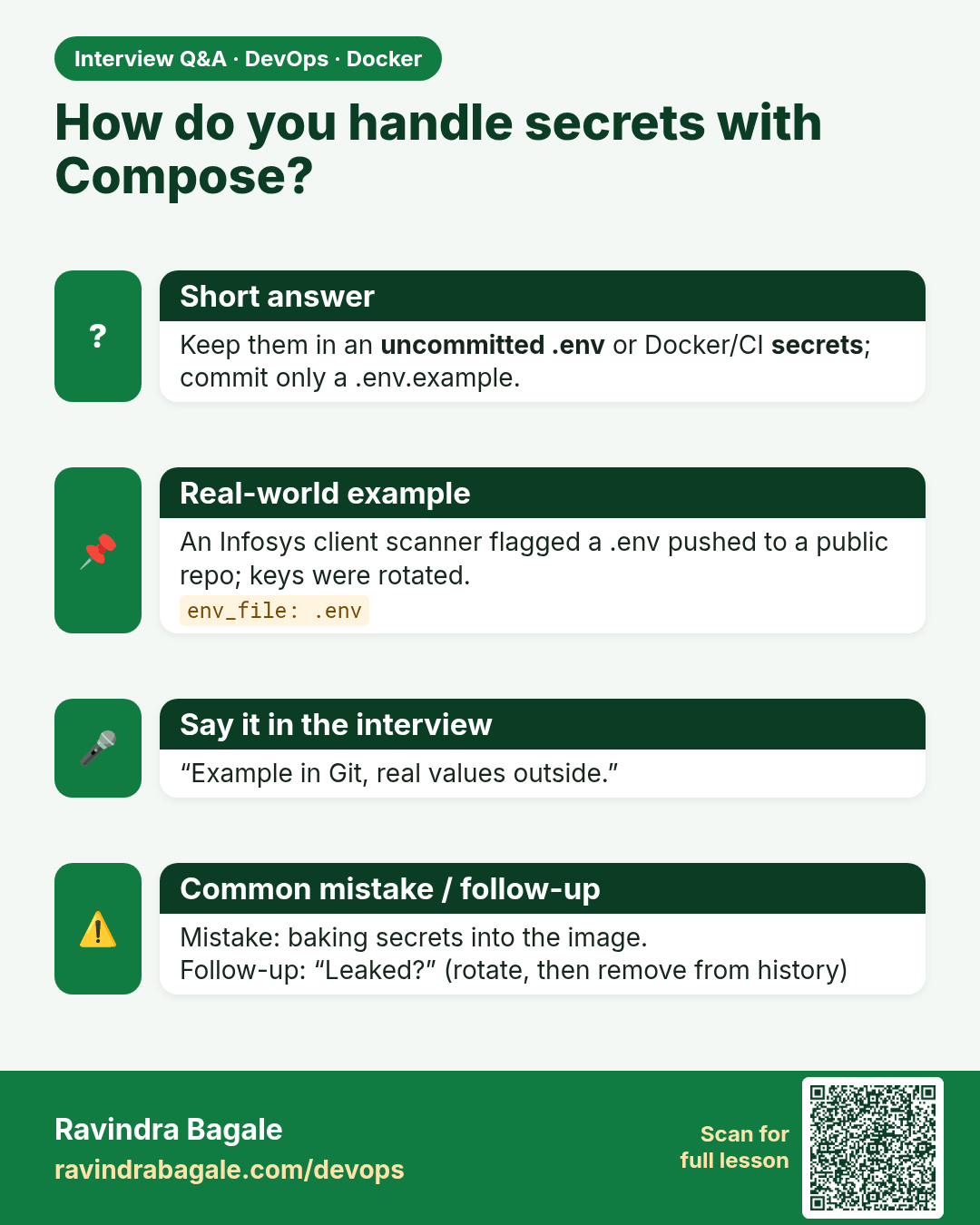
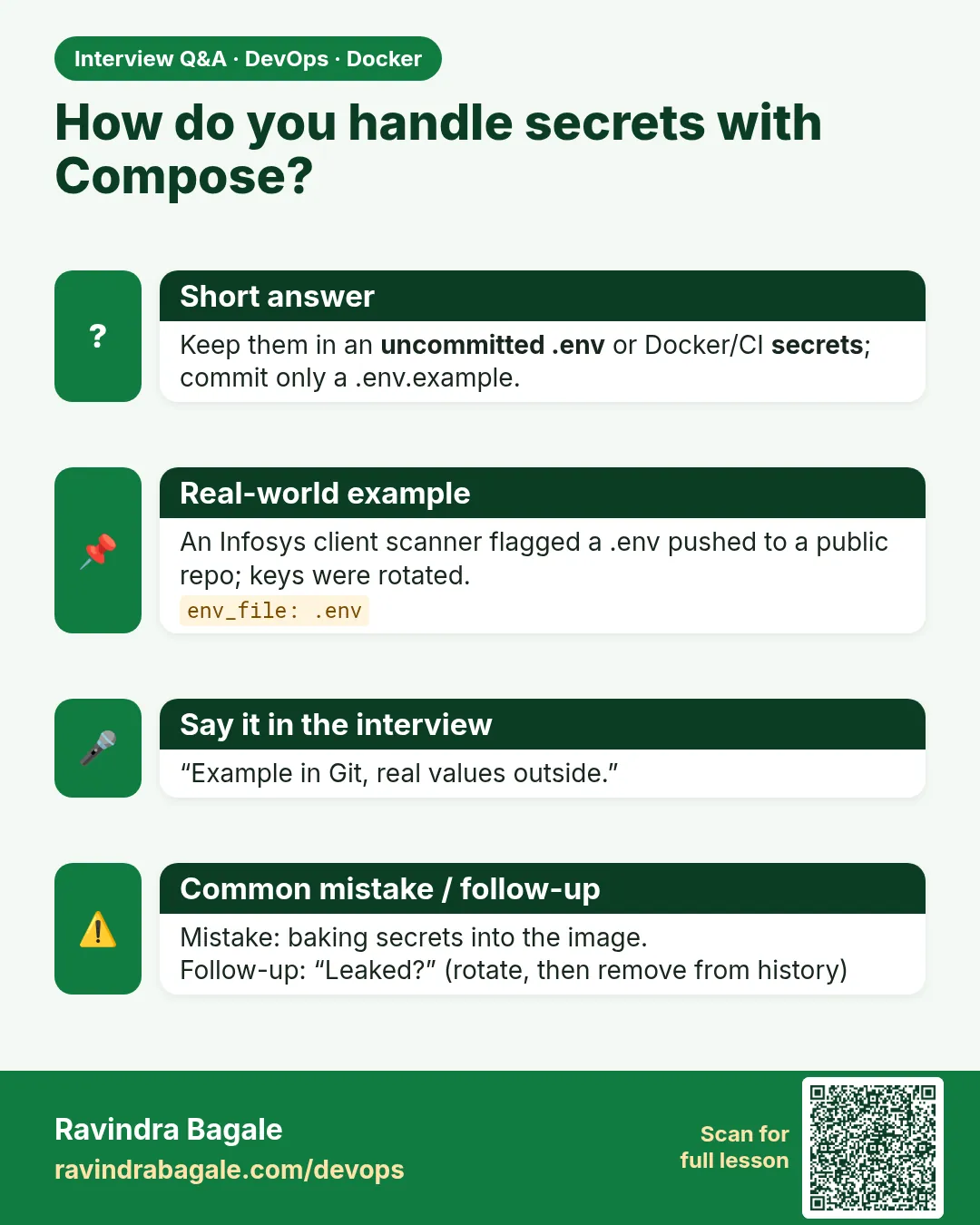 Interview card 6 of 10: How do you handle secrets with Compose? · Download PNG · Open card page
Lesson: 7.6 Env files — never commit real secrets
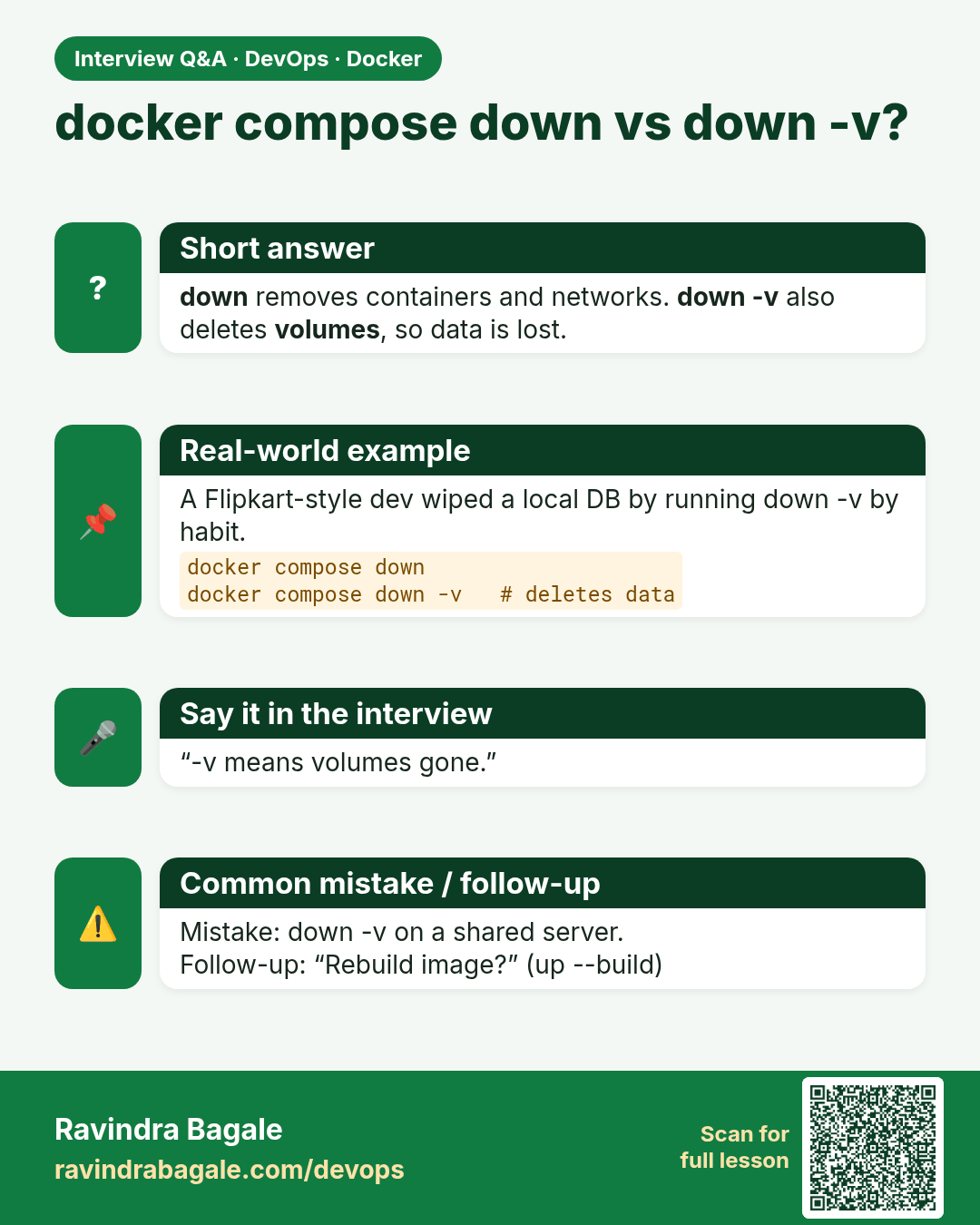
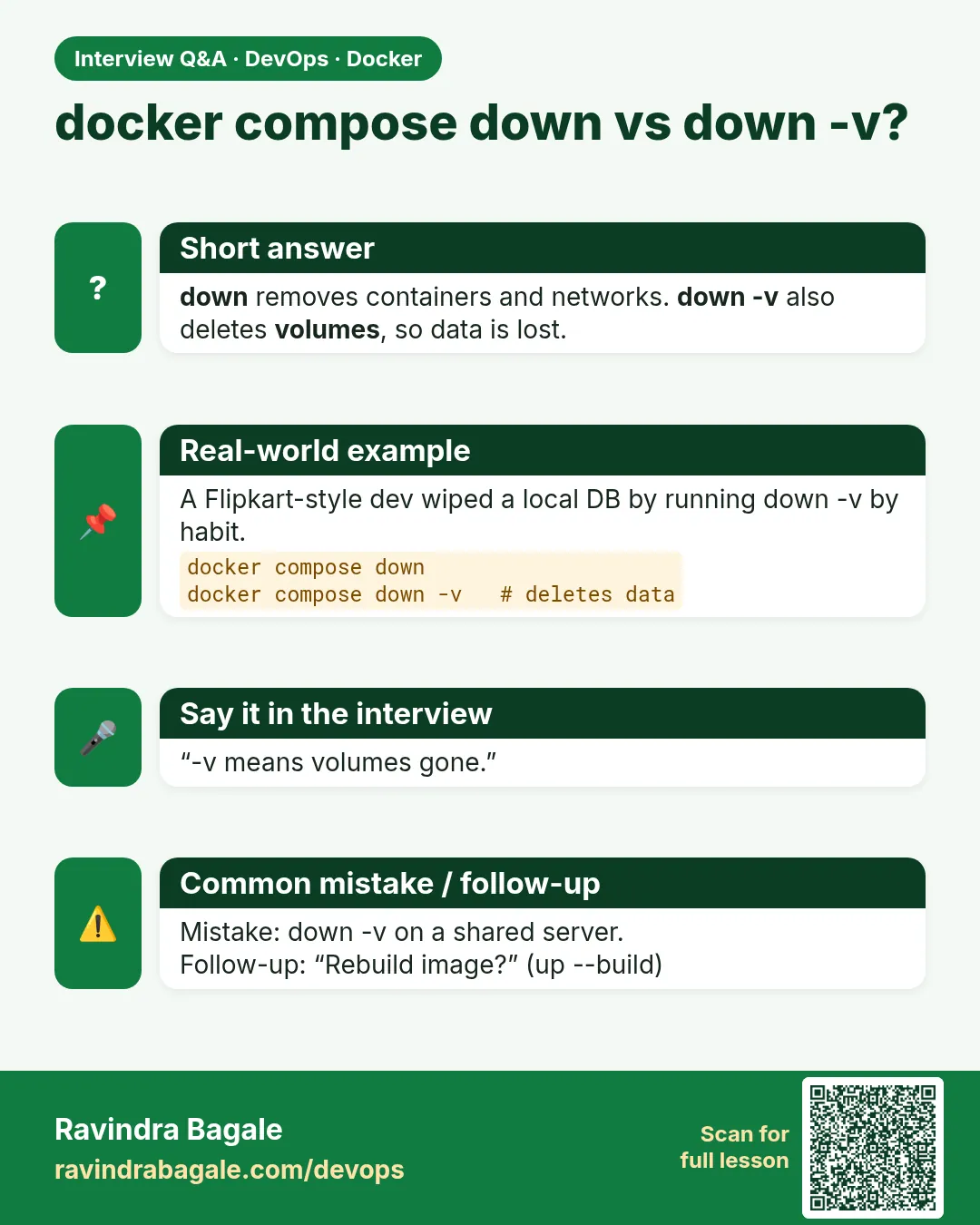 Interview card 7 of 10: docker compose down vs down -v? · Download PNG · Open card page
Lesson: 7.7 Compose up, down, logs, ps
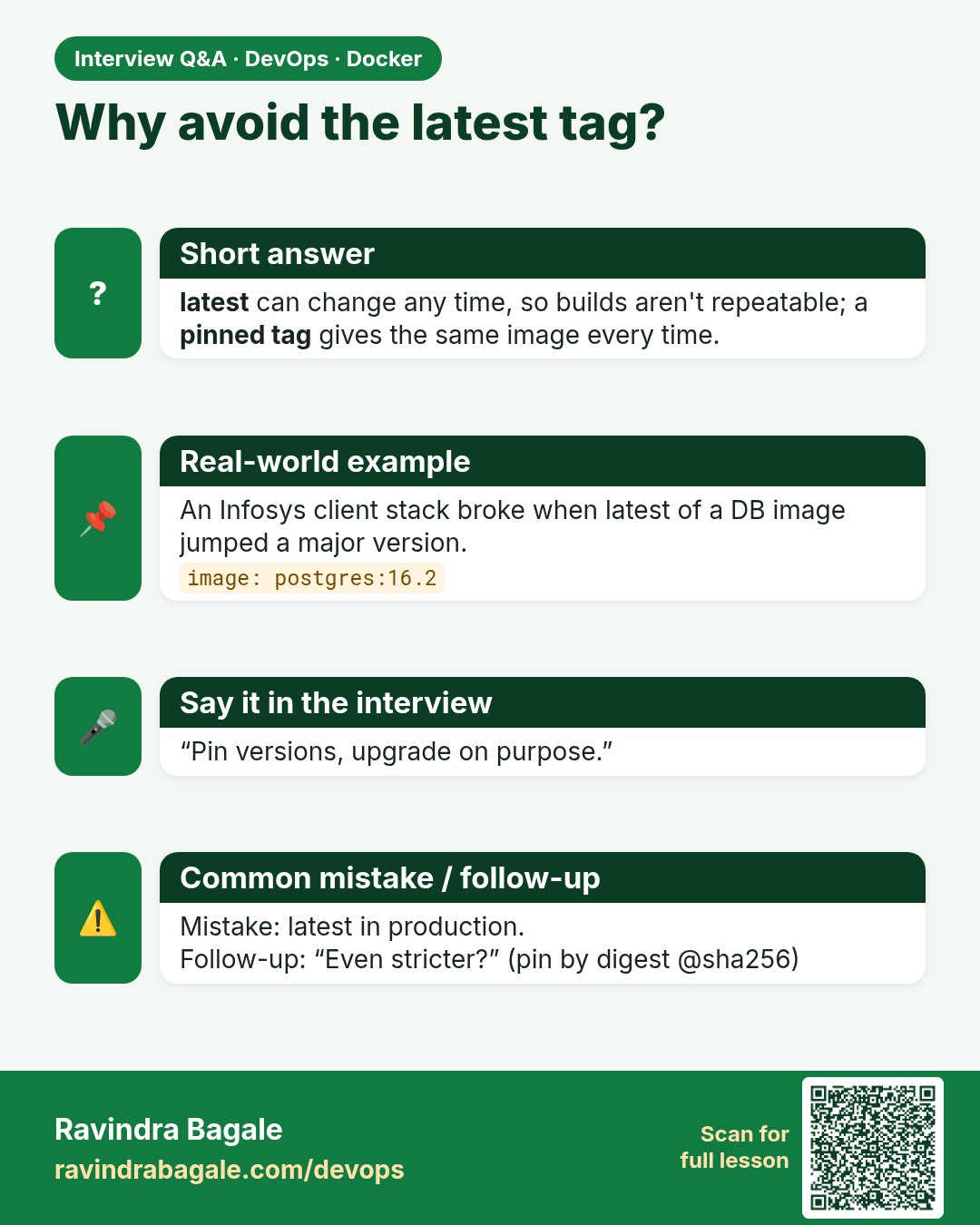
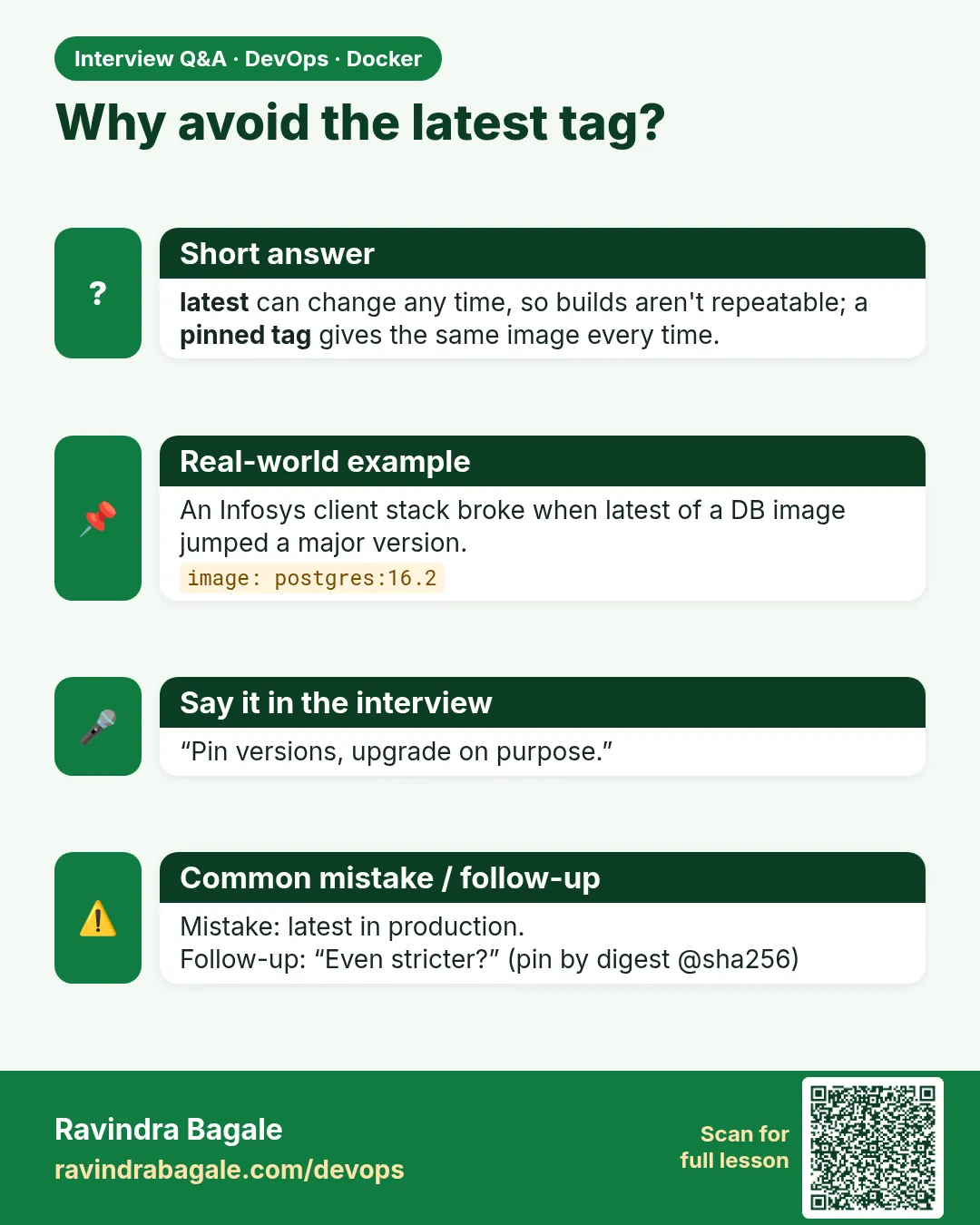 Interview card 8 of 10: Why avoid the latest tag? · Download PNG · Open card page
Lesson: 7.8 Small Compose habits
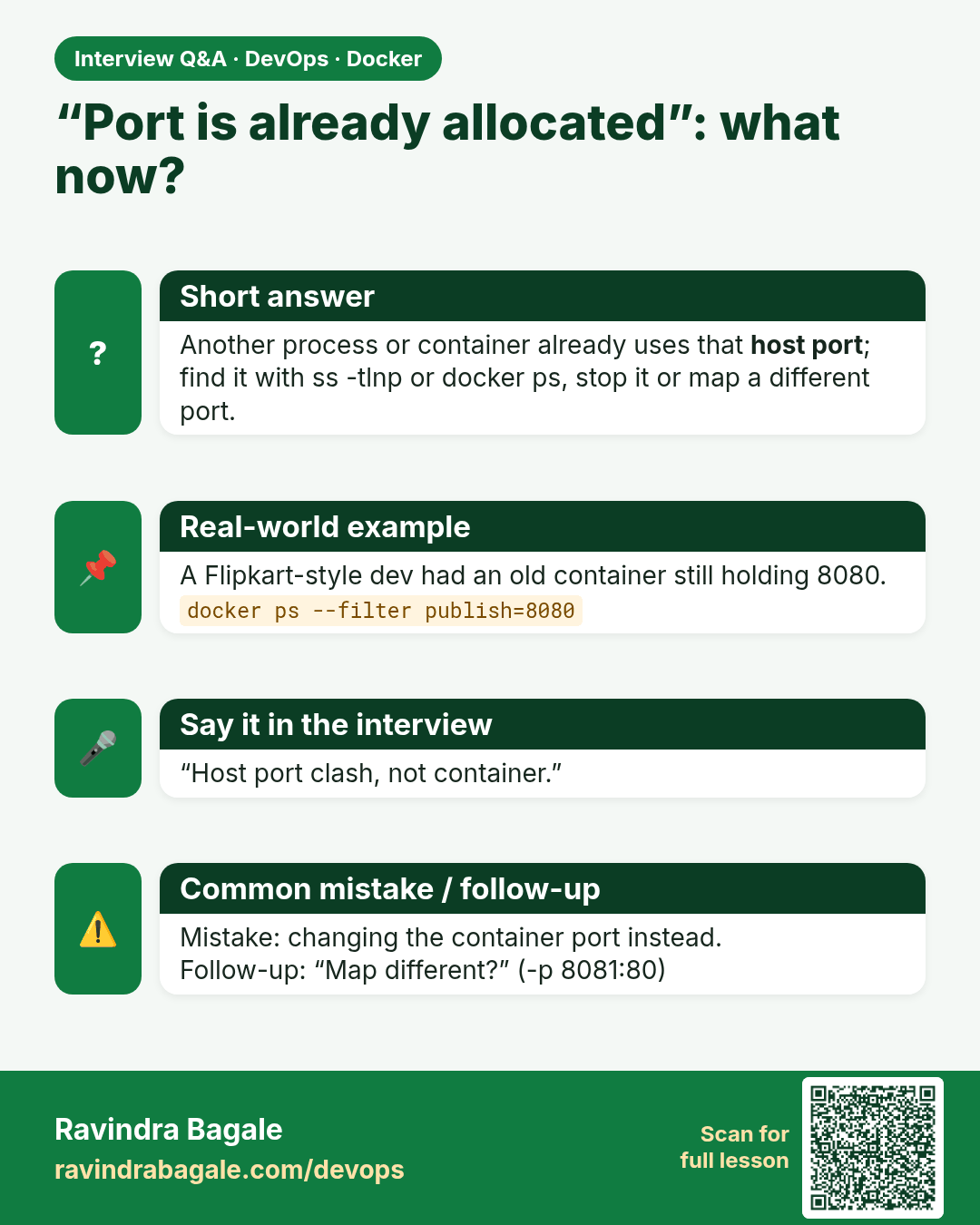
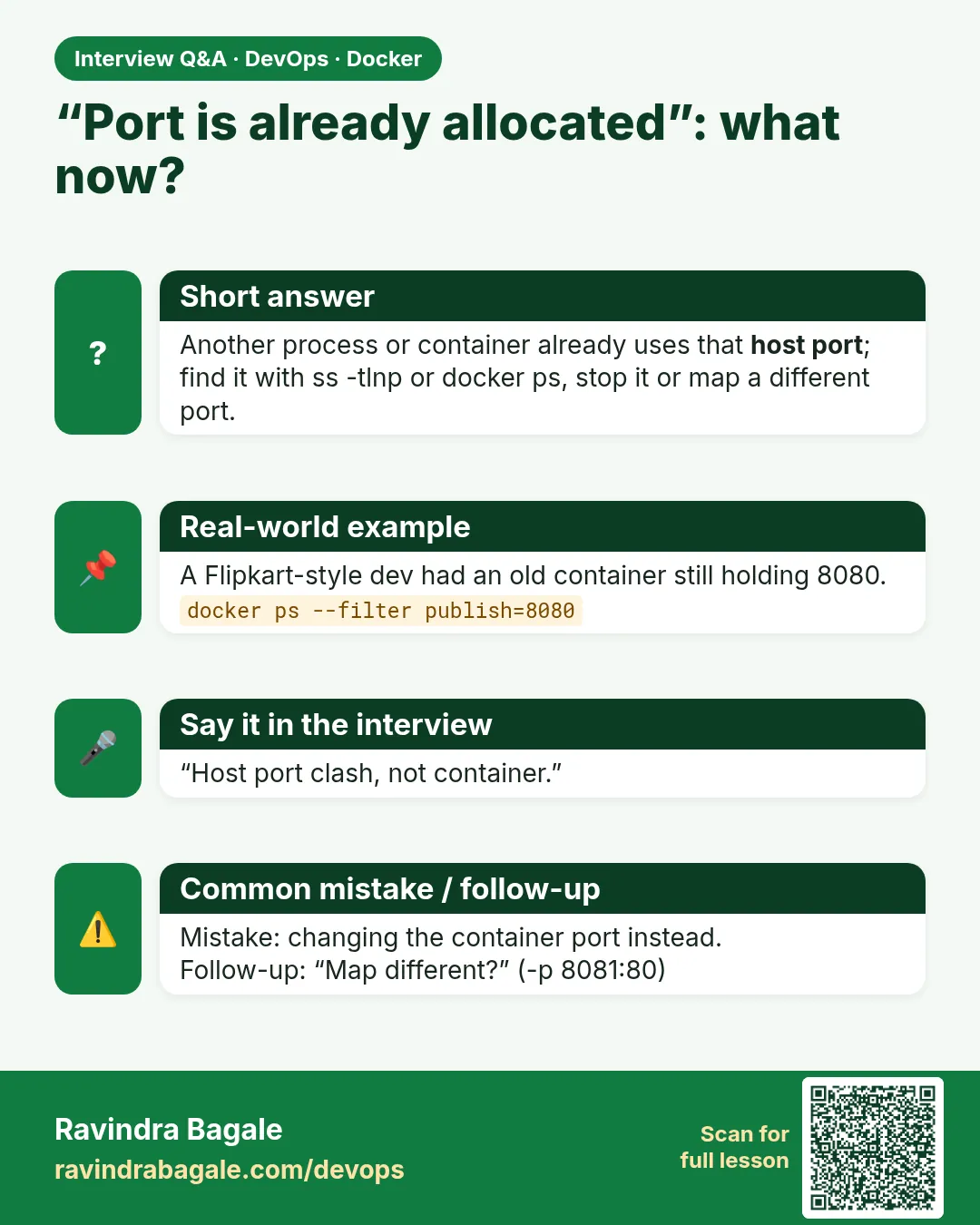 Interview card 9 of 10: “Port is already allocated”: what now? · Download PNG · Open card page
Lesson: 7.9 Troubleshooting
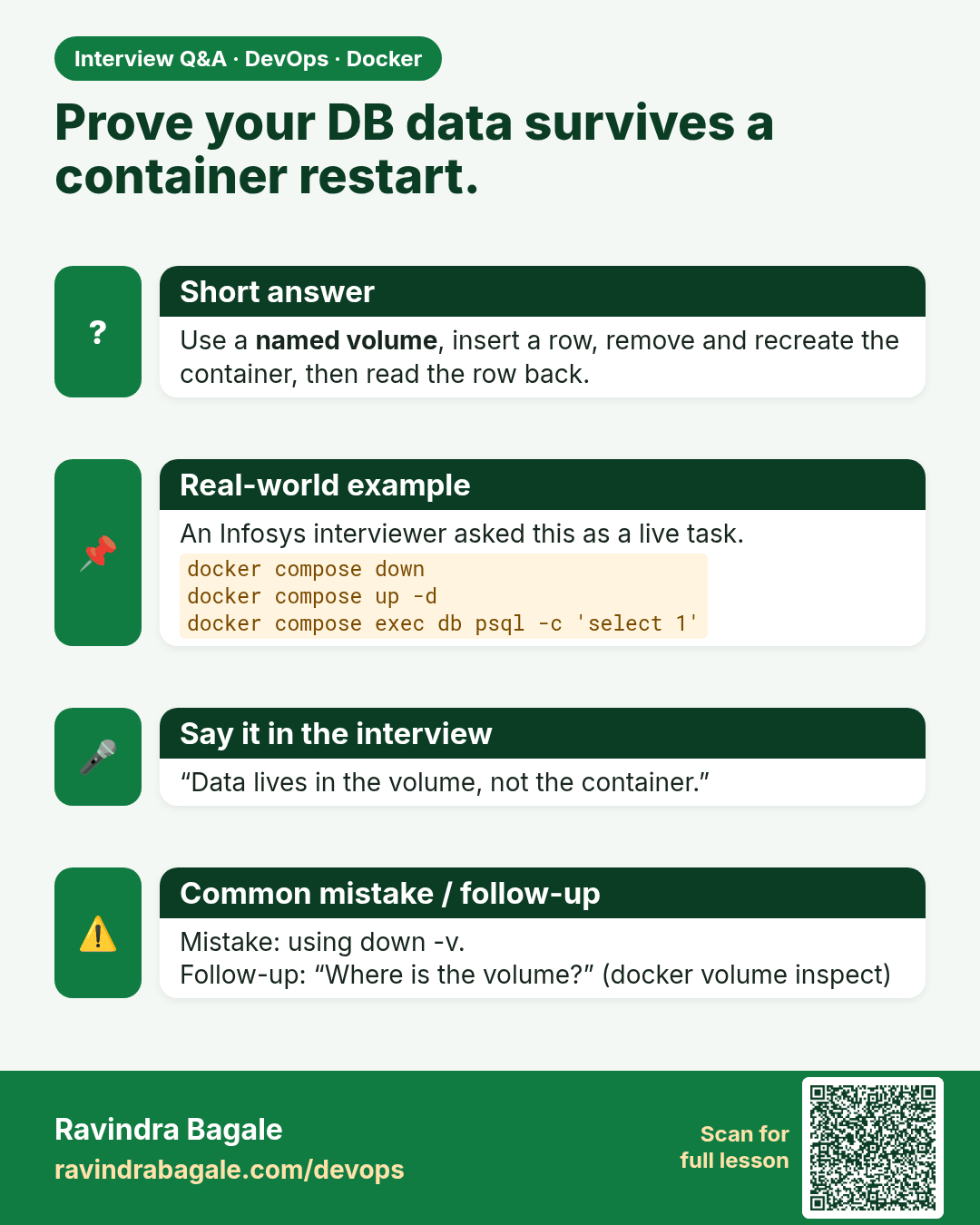
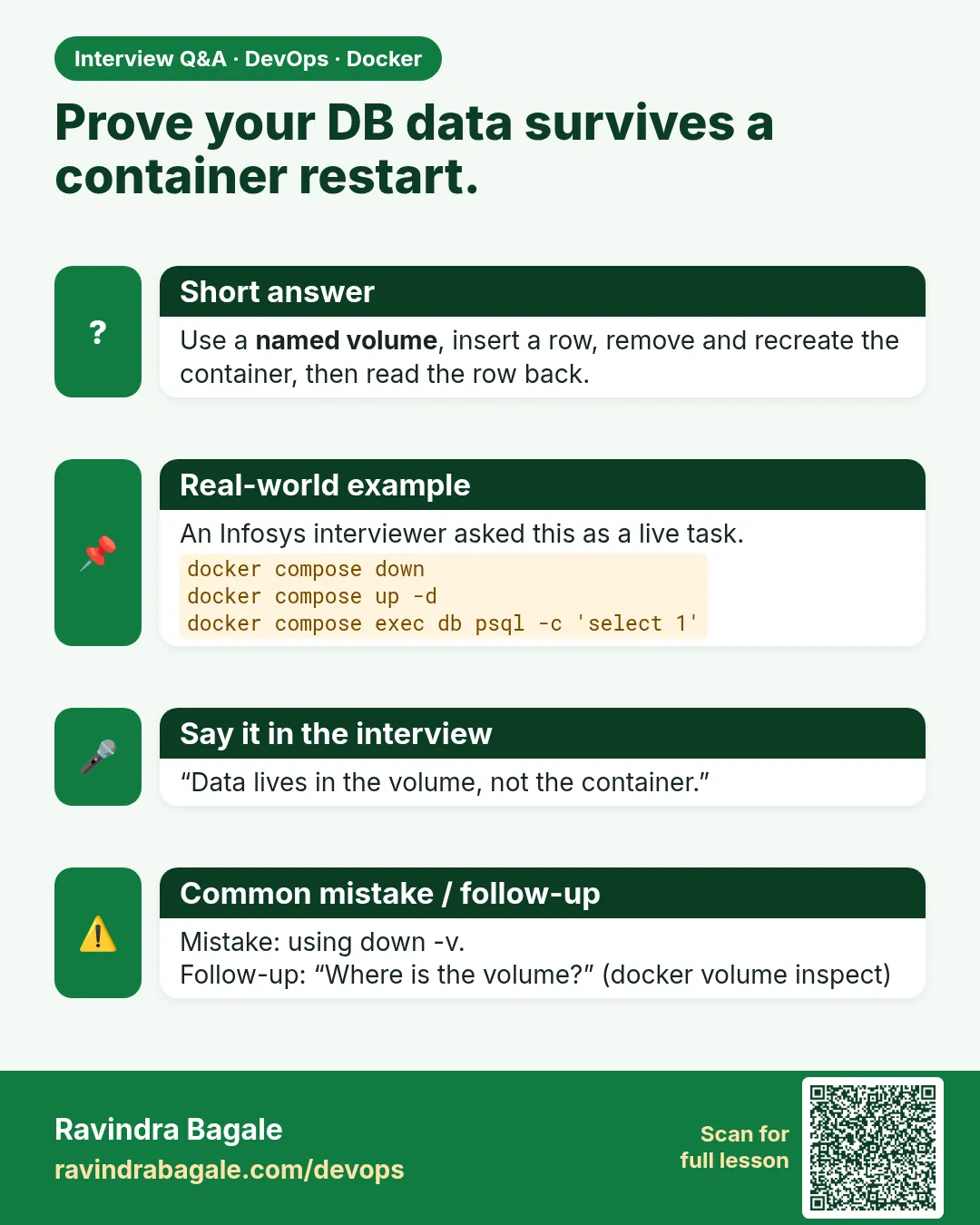 Interview card 10 of 10: Prove your DB data survives a container restart. · Download PNG · Open card page
Lesson: 7.10 Lab — commands, a name, a volume, one stack
Comparison cards
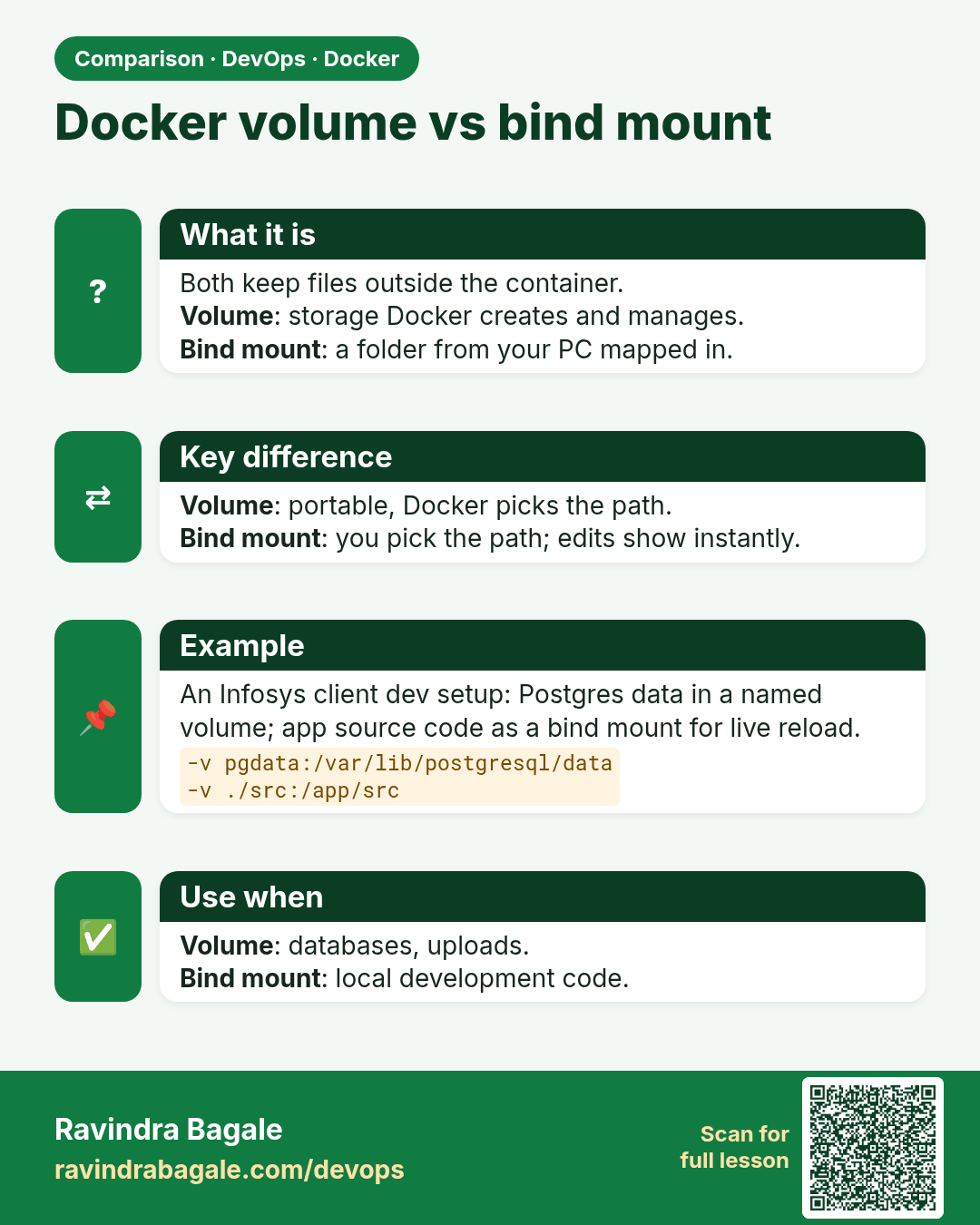
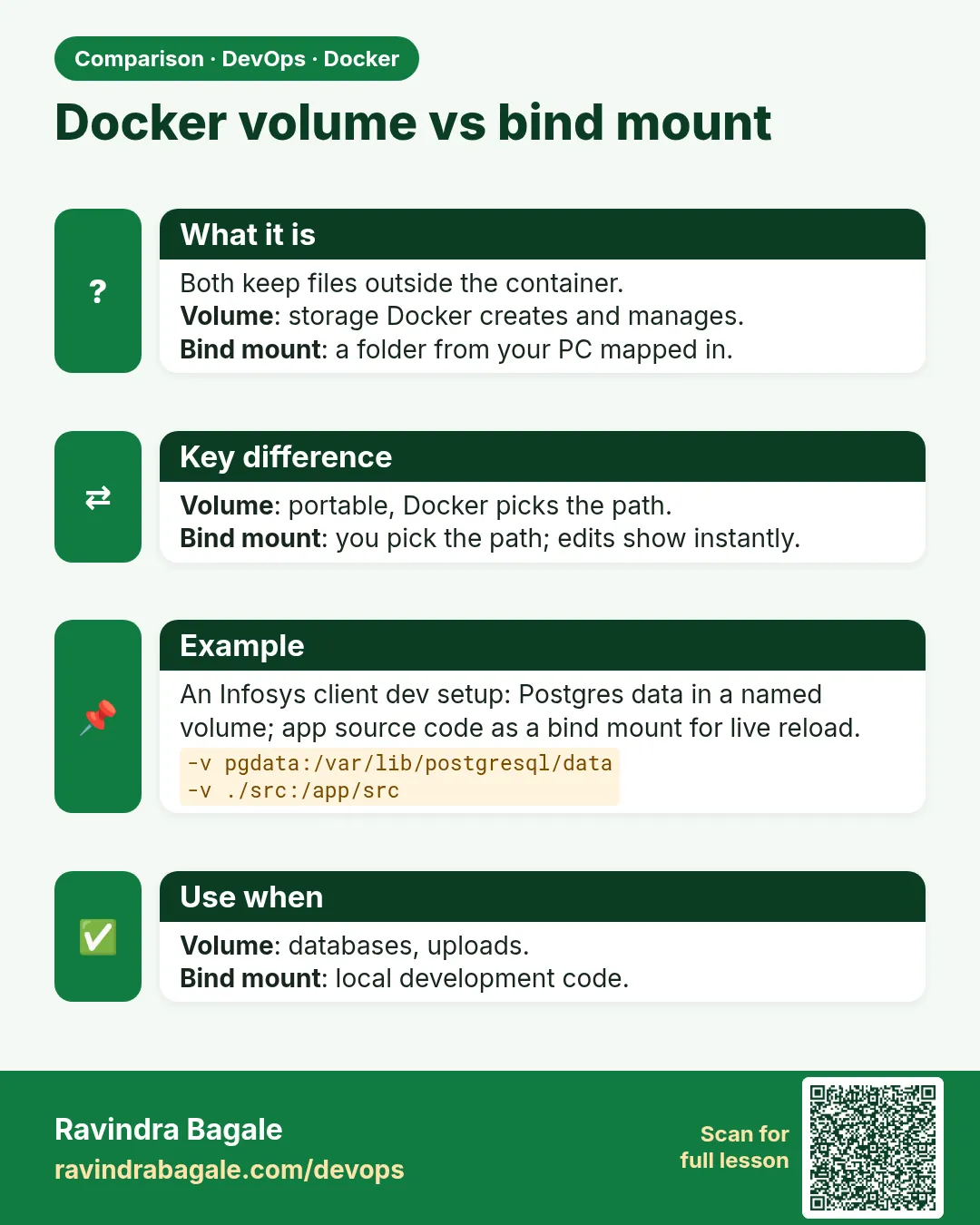 Comparison card 1 of 3: Docker volume vs bind mount · Download PNG · Open card page
Lesson: 7.4 Volume types — data, code and secrets
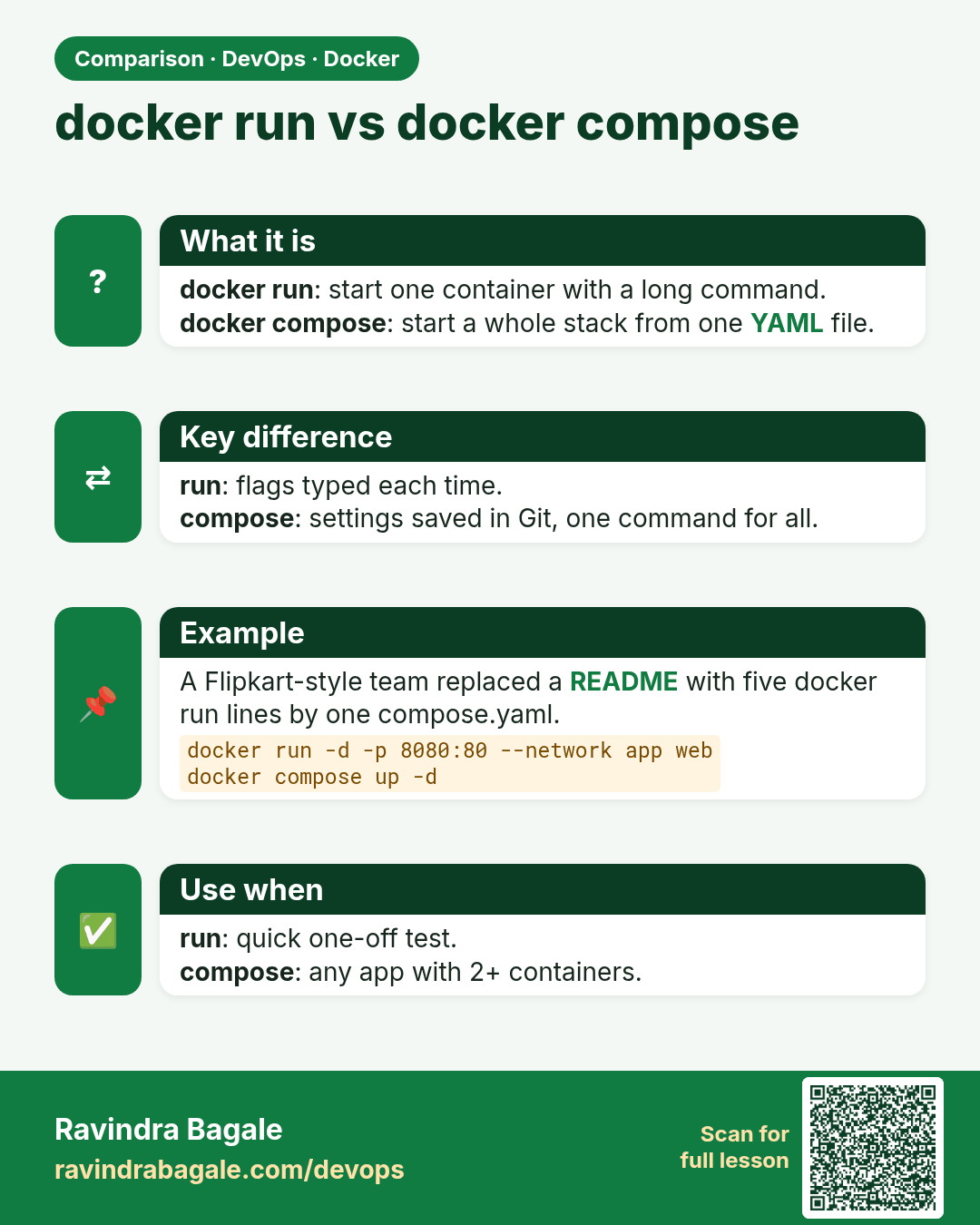
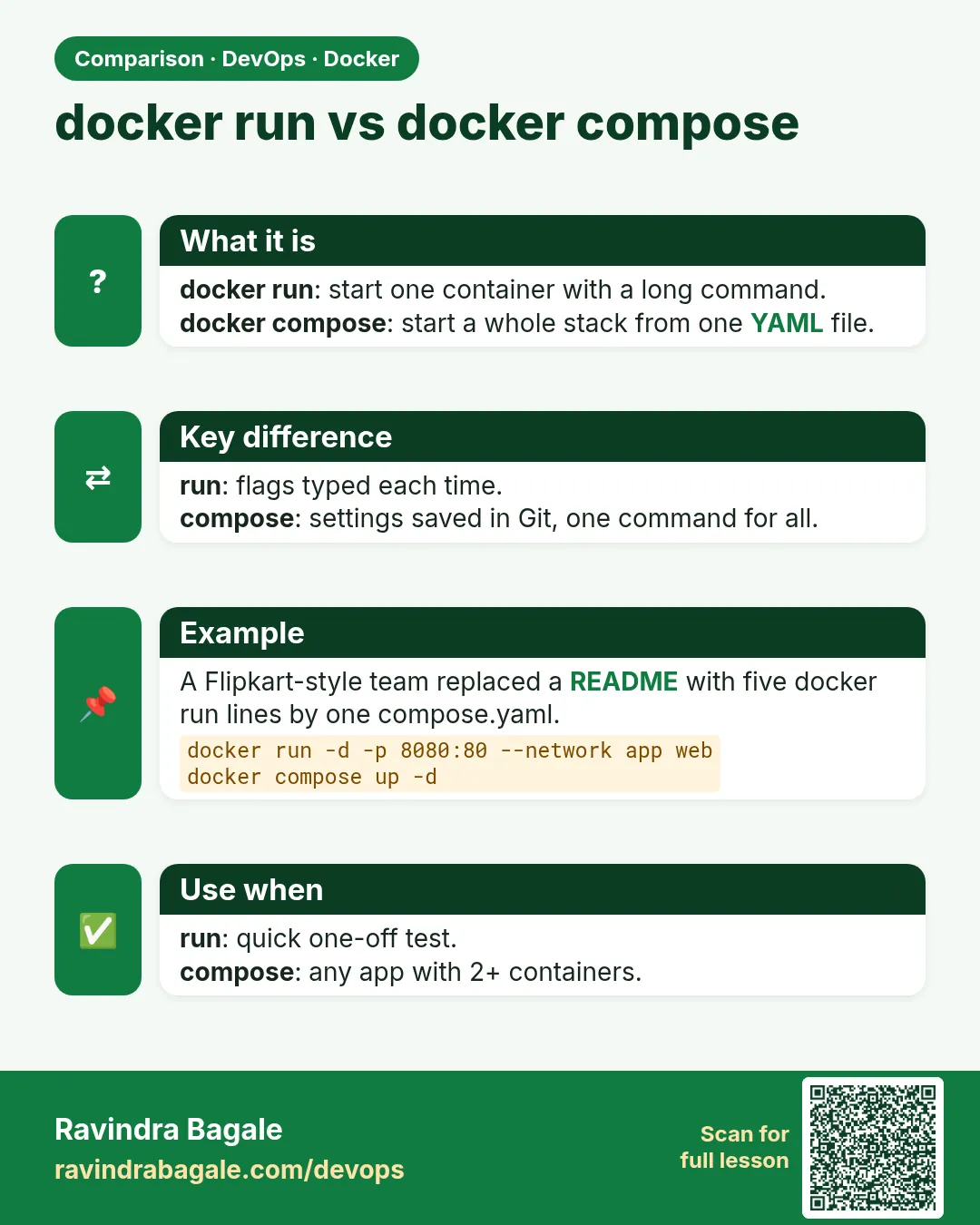 Comparison card 2 of 3: docker run vs docker compose · Download PNG · Open card page
Lesson: 7.5 Compose file — one stack, one up
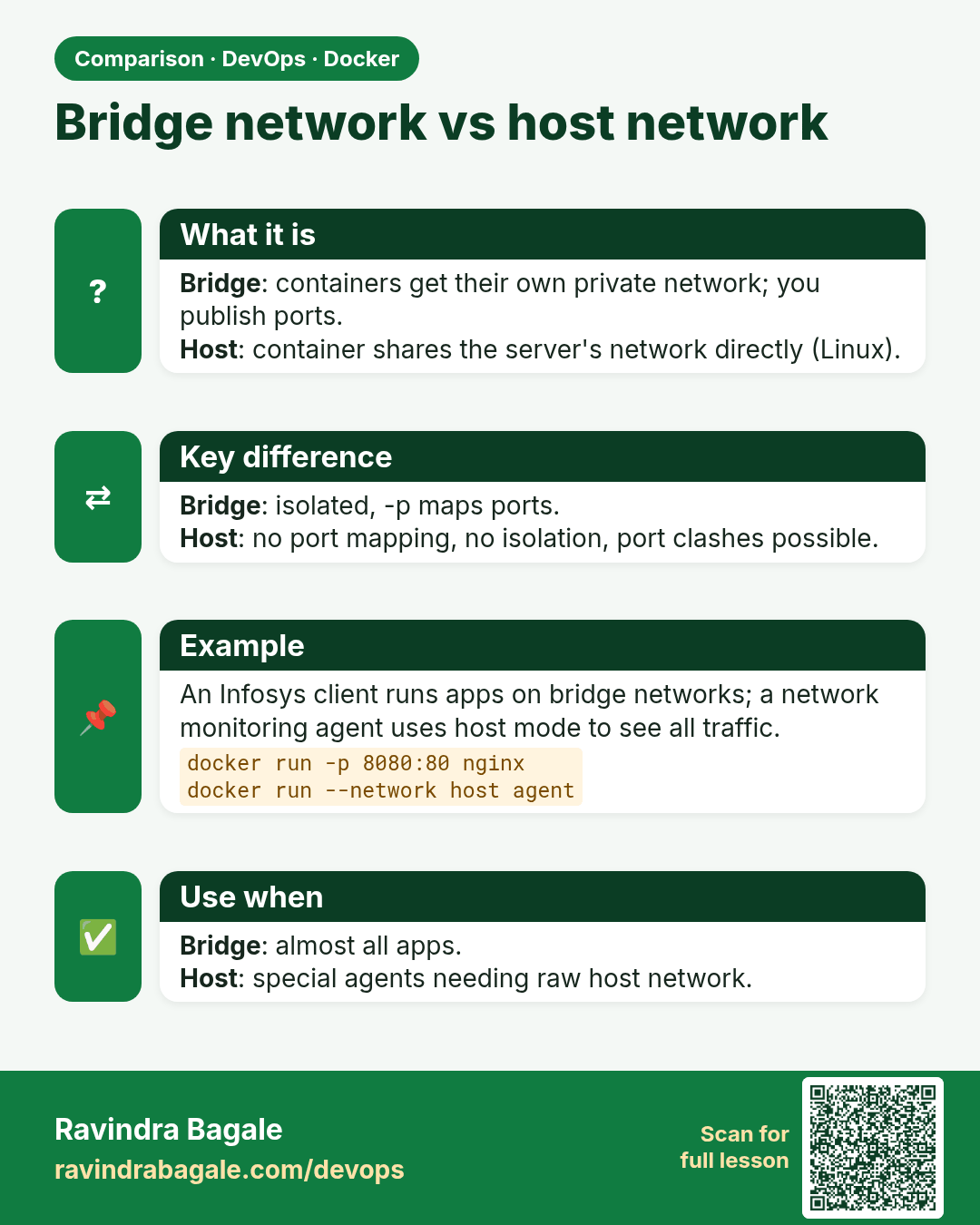
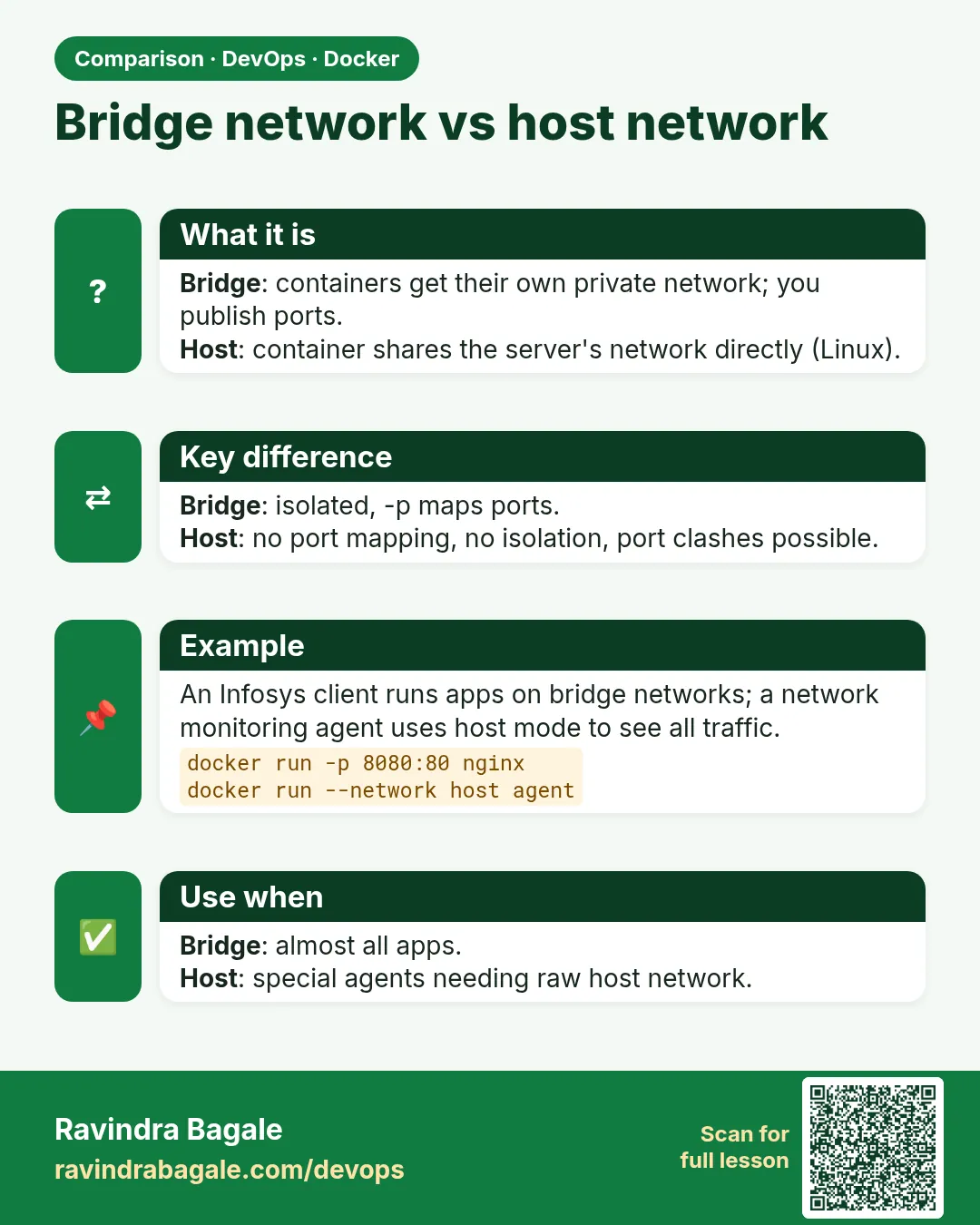 Comparison card 3 of 3: Bridge network vs host network · Download PNG · Open card page
Lesson: 7.2 Network types — when to use which