Chapter 7: Docker Commands, Networks, Volumes and Compose
7.5 Compose file — one stack, one up
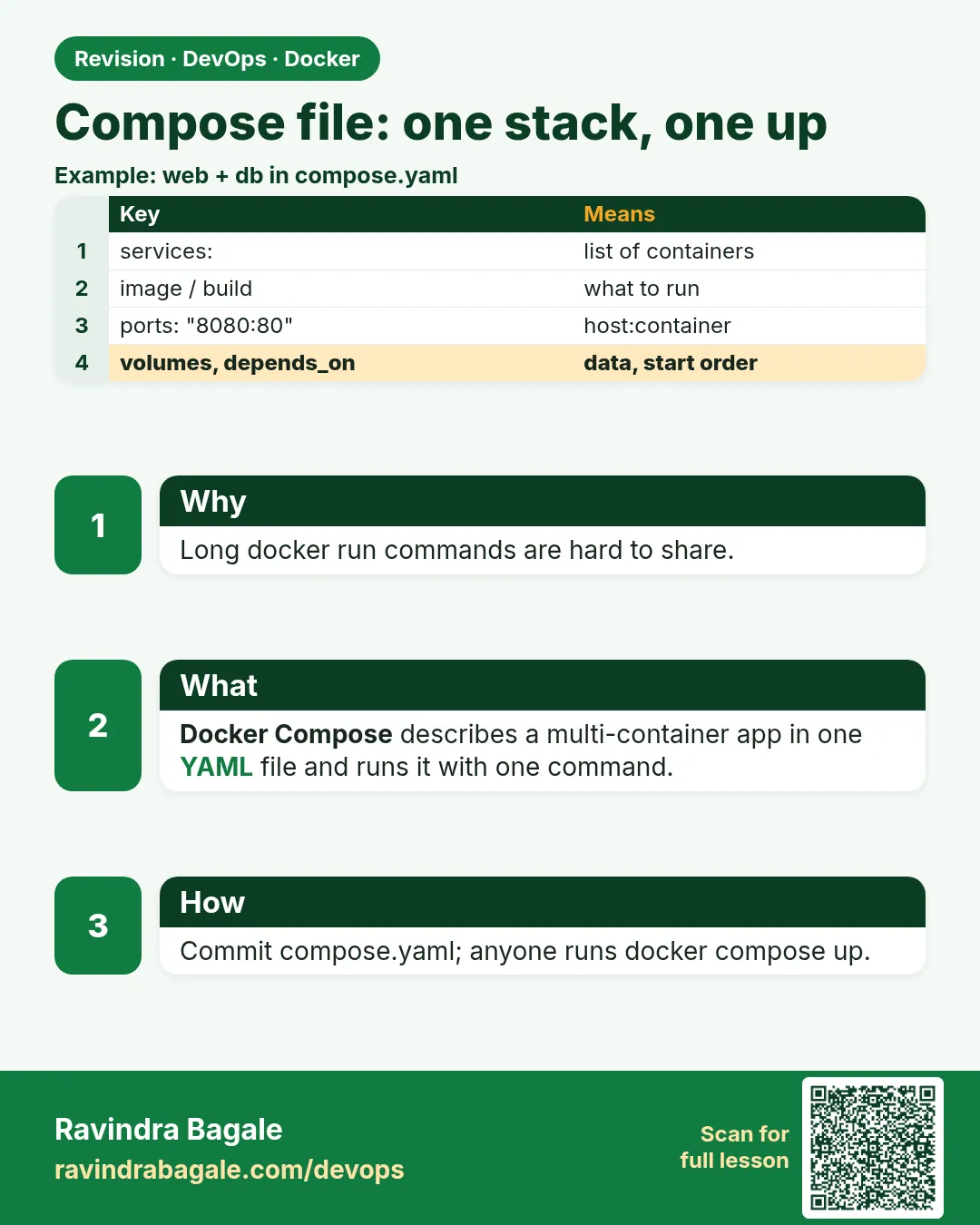
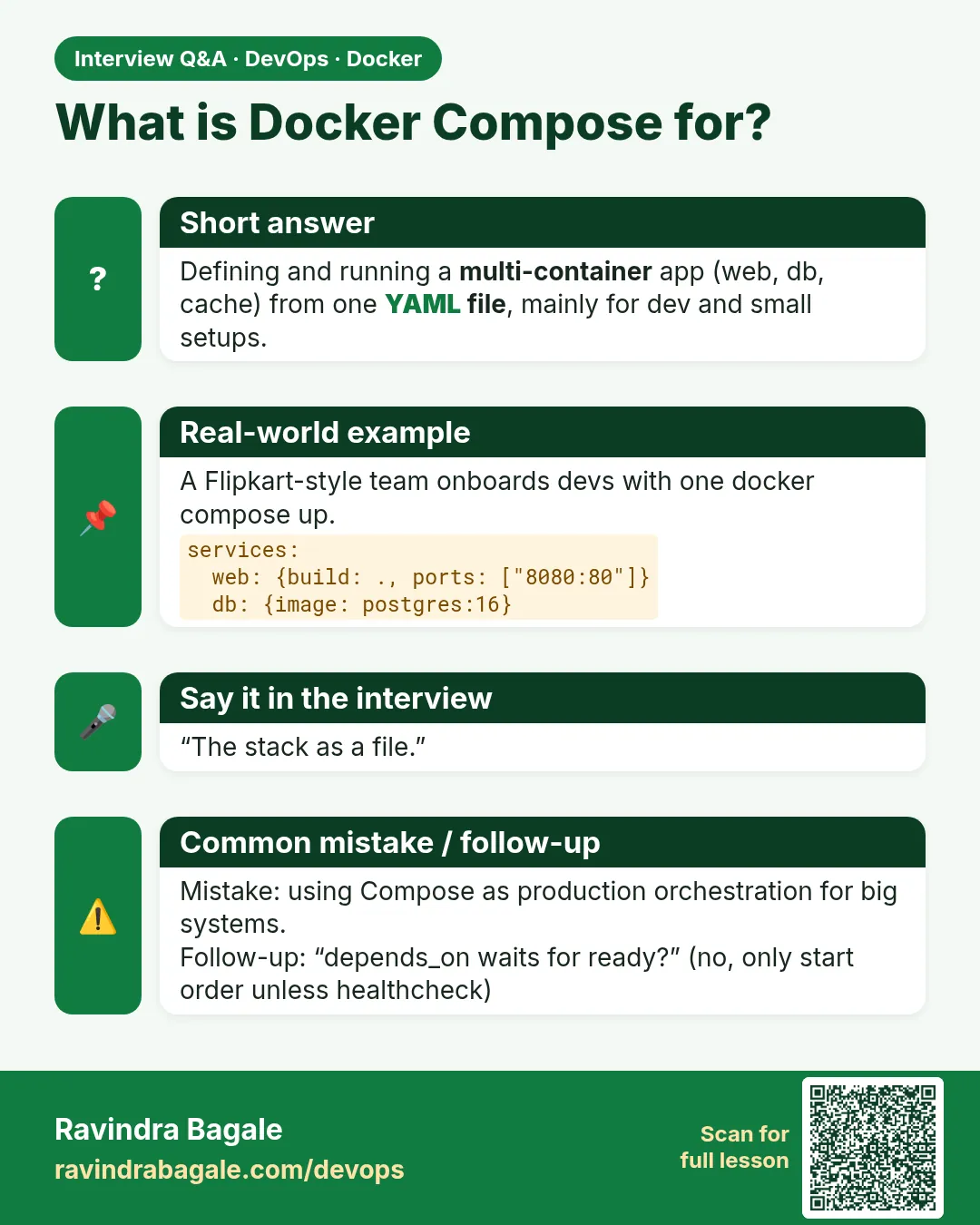
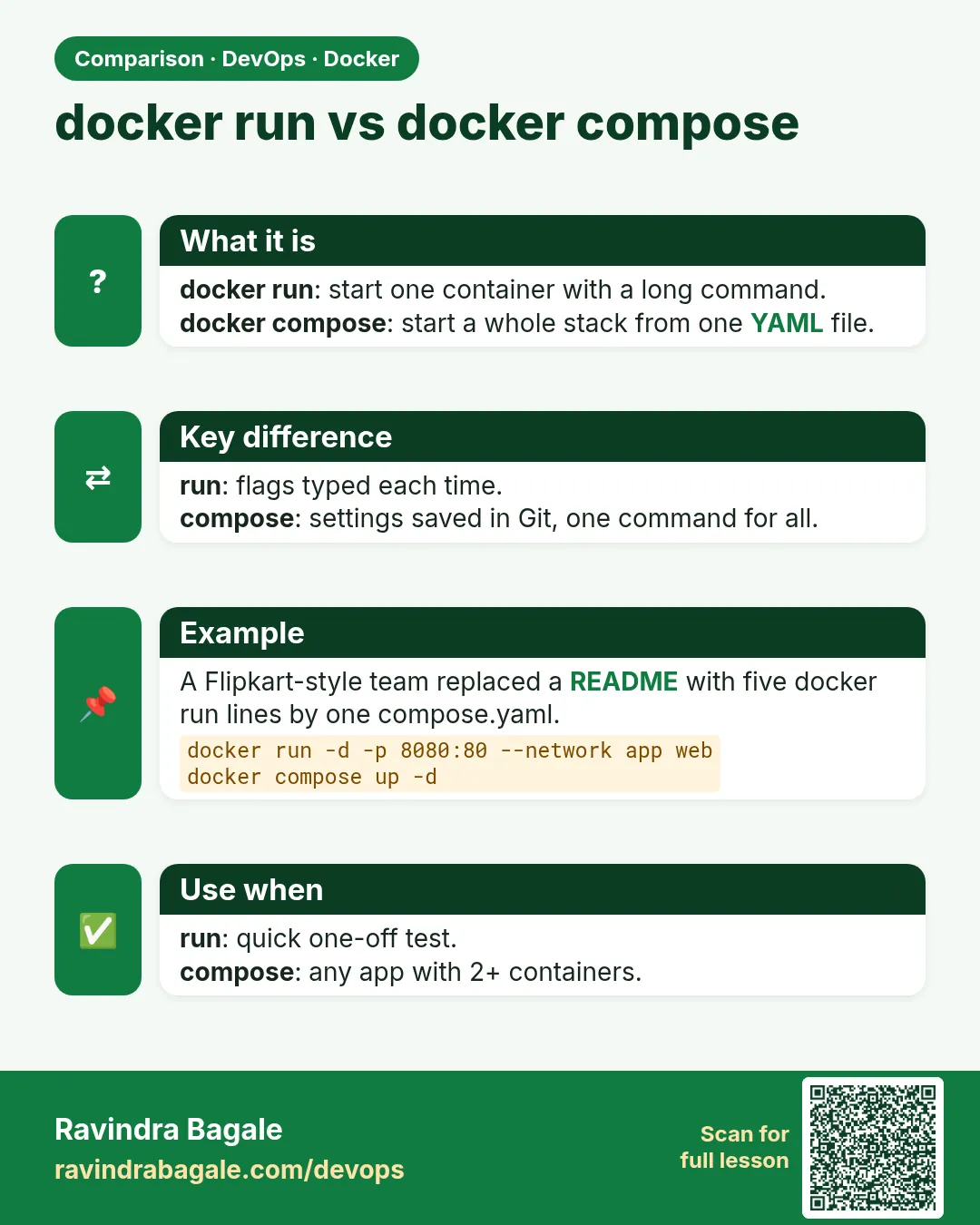
Docker Compose reads a YAML file and starts the stack as one unit. This is way 3 from Chapter 6, once, in full. You do not keep a second one-service file beside it. The usual names are compose.yaml or docker-compose.yml.
# compose.yaml — badge API lab stack (example)
services:
  db:
    image: postgres:16
    volumes:
      - badge-api_pgdata:/var/lib/postgresql/data
    environment:
      POSTGRES_PASSWORD: ${POSTGRES_PASSWORD}
    networks:
      - badge-api_net
    healthcheck:
      test: ["CMD-SHELL", "pg_isready -U postgres"]
      interval: 5s
      timeout: 5s
      retries: 5

  api:
    build: .
    ports:
      - "8080:8080"
    environment:
      DATABASE_URL: postgres://postgres:${POSTGRES_PASSWORD}@db:5432/postgres
      APP_ENV: lab
    depends_on:
      db:
        condition: service_healthy
    networks:
      - badge-api_net

volumes:
  badge-api_pgdata:

networks:
  badge-api_net:
| Key | Role |
|---|---|
services |
Containers Compose will manage |
build / image |
Build from the Dockerfile (Chapter 6) or pull an image |
ports |
Publish a host port (host:container) |
volumes |
Named volume for the database files |
networks |
The user-defined bridge from section 7.2 |
depends_on |
Start order. With a healthcheck, wait until Postgres is ready |
environment / ${VAR} |
Config from the shell or a .env file |
Service name db becomes the DNS name on that network. Same idea as --name badge-api-db, with a shorter sign.
Compose v1 vs v2
Modern Docker uses docker compose (plugin, space). Older docs show docker-compose (hyphen). Prefer docker compose when your install has it.
 Revision card
 Interview card
 Comparison card