Chapter 7: Docker Commands, Networks, Volumes and Compose
7.4 Volume types — data, code and secrets
The database files must survive docker rm. The kind of volume is the choice. One explanation:
| Kind | How it looks | Use it for |
|---|---|---|
| Named volume | -v badge-mysql-data:/var/lib/mysql |
MySQL (or Postgres) data. Docker stores it. Survives docker rm of the container. |
| Bind mount | -v "$PWD/index.php:/var/www/html/index.php:ro" |
Code you are editing on the laptop. The host path is the source. |
| tmpfs | --tmpfs /run/secrets |
A scratch secret in memory. Gone when the container stops. Not for database files. |
| Anonymous volume | -v /var/lib/mysql with no name before the colon |
Avoid. Docker invents a random name you will not recognise. |
docker volume create badge-mysql-data

docker run -d --name badge-mysql \
  -e MYSQL_ROOT_PASSWORD=lab-only-change-me \
  -e MYSQL_DATABASE=badge \
  -v badge-mysql-data:/var/lib/mysql \
  mysql

docker volume ls
docker volume inspect badge-mysql-data
What you see in ls: badge-mysql-data with driver local. Inspect shows a mountpoint under Docker's data directory. You do not edit files there by hand. Postgres in the Compose file below uses a named volume the same way (badge-api_pgdata). The database product changes. The volume kind does not.
Bind-mount a PHP file while you learn, read-only:
docker run -d --name badge-php-dev --network badge-net \
  -p 8081:80 \
  -v "$PWD/index.php:/var/www/html/index.php:ro" \
  badge-php:1.0
What you see: edit index.php on the host, curl again, the new text appears without a rebuild. That is a laptop convenience. The image you push should still COPY the file so the client server does not depend on your folder.
tmpfs:
docker run --rm --tmpfs /run/secrets nginx ls -ld /run/secrets
What you see: a directory line. Nothing there is a MySQL data directory. When the container exits, that memory is gone. A real password still belongs in -e or a secret store, not in the image. tmpfs is only the short-lived scratch case.
Anonymous volume, so you recognise the mess once:
docker run -d --name anon-demo -v /var/lib/mysql mysql
docker volume ls
docker rm -f anon-demo
What you see: a new volume whose name is a long hex string, not badge-mysql-data. The hex volume remains until you remove that volume by its id. Do not docker volume prune while unsure.
Named volume for MySQL data. Bind mount for live code. tmpfs for a short-lived secret. Not an anonymous volume.
Ravindra Bagale's Tip
Khup students MySQL data bind mount random laptop path var thevtat. Server var path vegla asto. Named volume vapra. Lakshat theva!
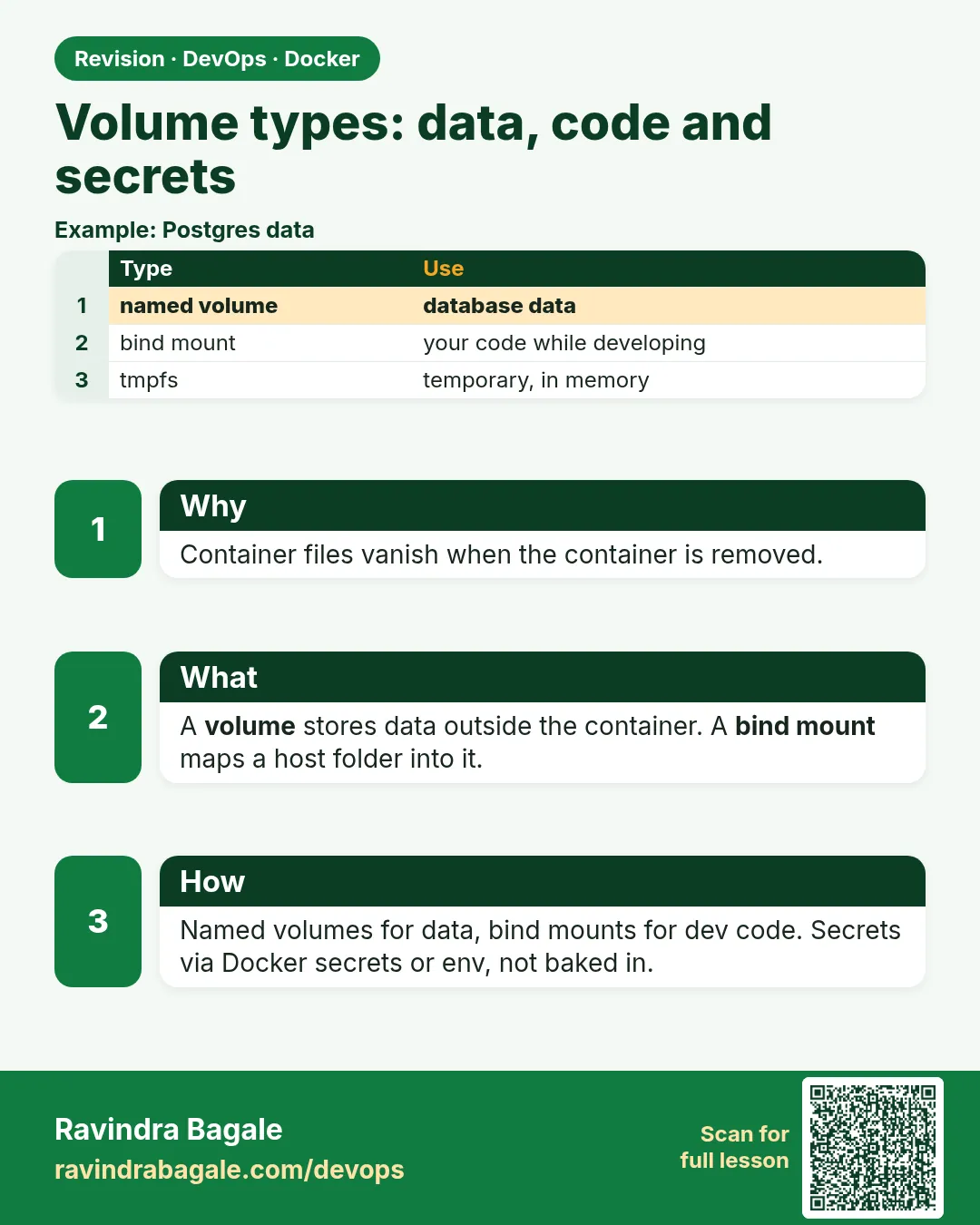 Revision card
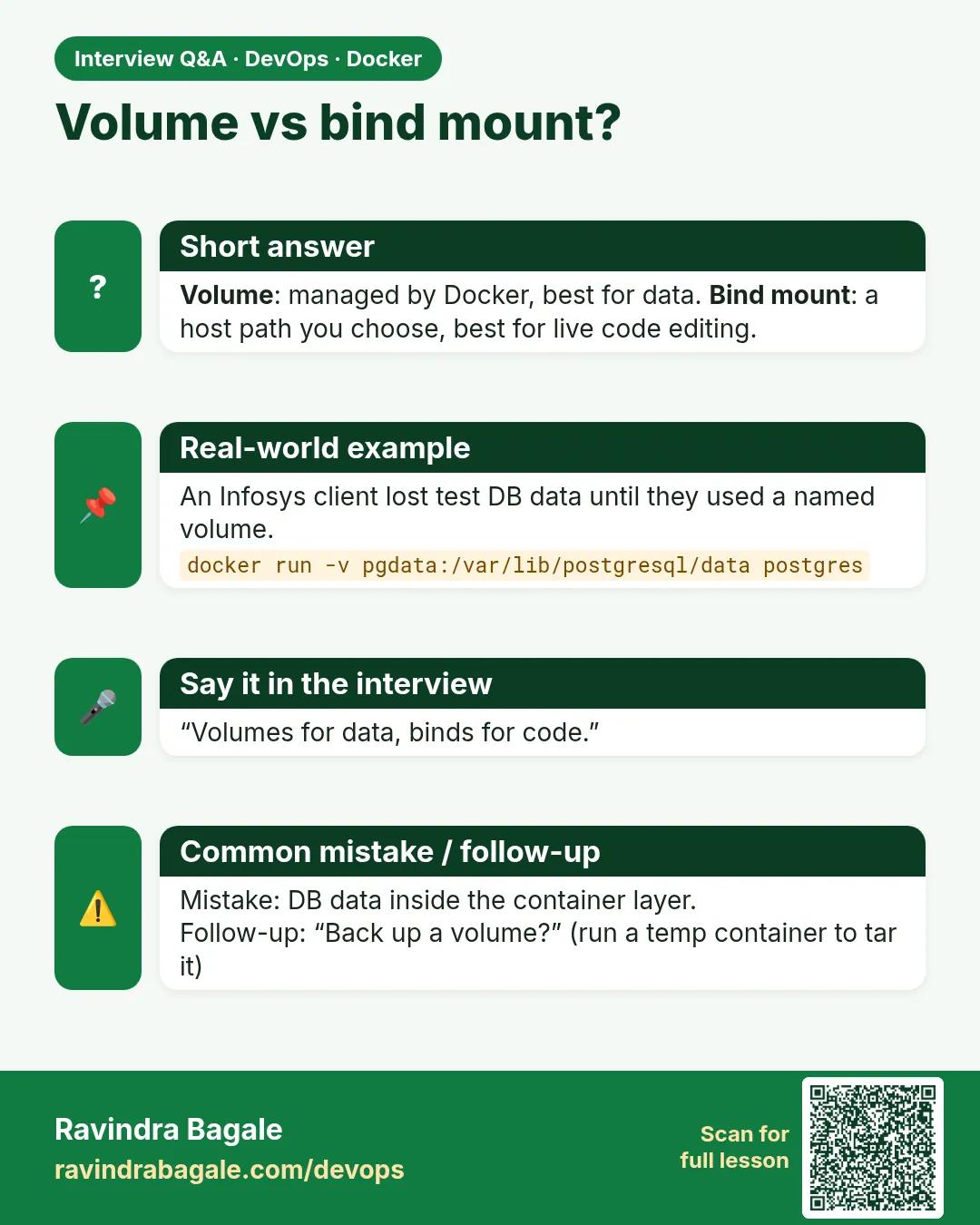 Interview card
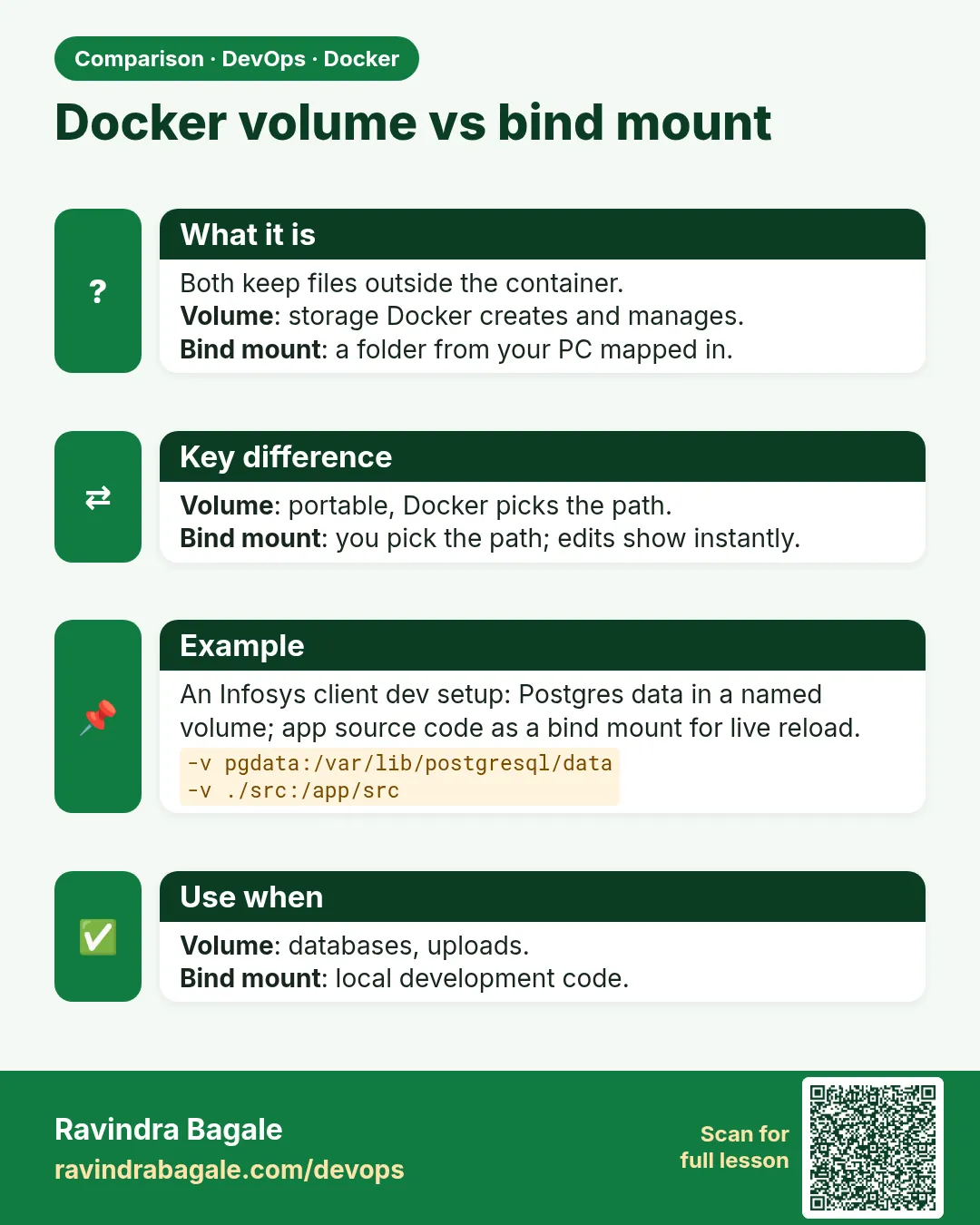 Comparison card