Chapter 7: Docker Commands, Networks, Volumes and Compose
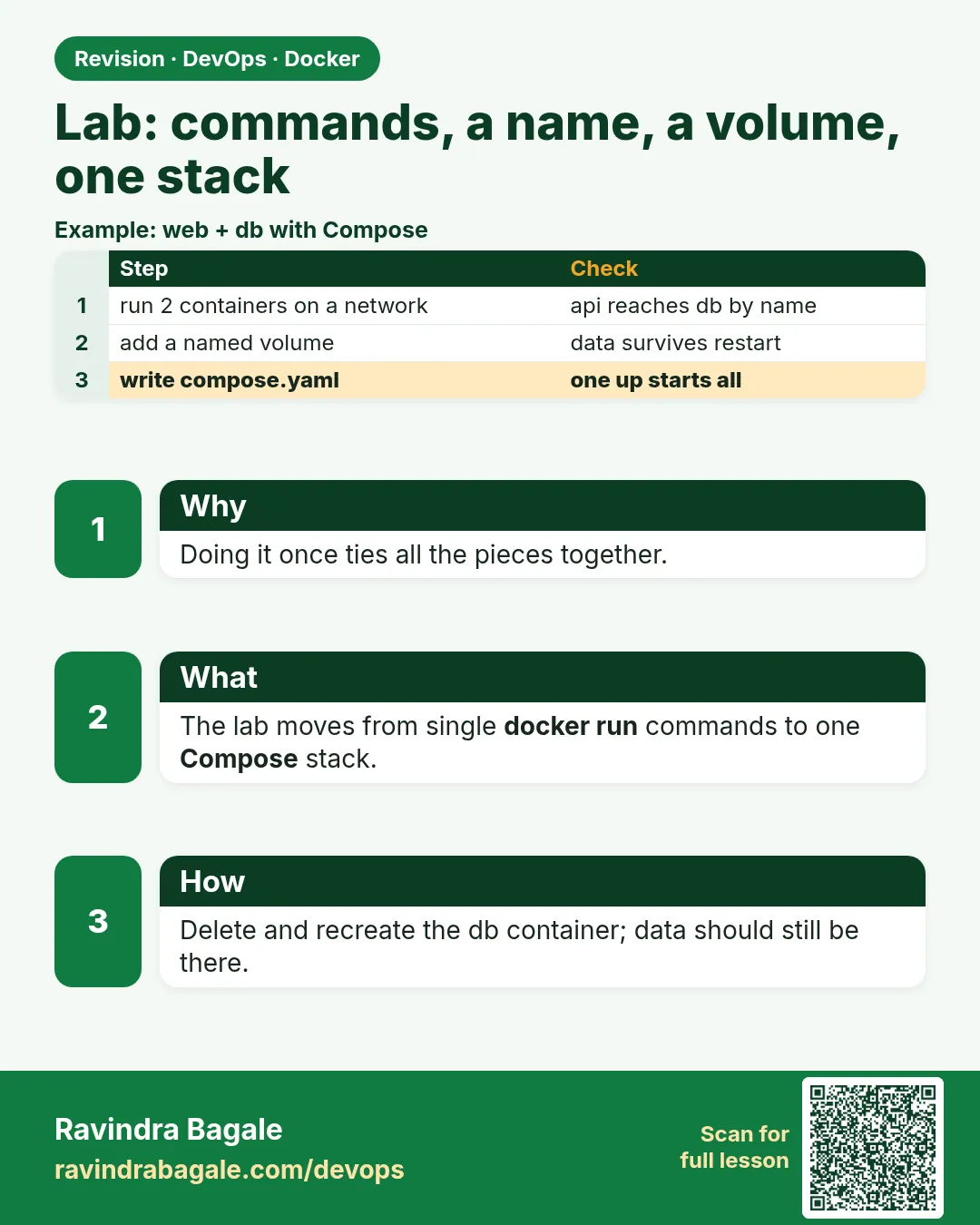
7.10 Lab — commands, a name, a volume, one stack
Lab
Use the fences in this chapter. One lab, not a second Compose file.
docker ps -aanddocker images. Save both tables.docker logs --tail 20onbadge-mysqlor ondb. Write the ready line or the error.docker network ls. Say which type gives DNS by container name, and which type has no network at all.- From inside the API or PHP container, resolve the database by name (
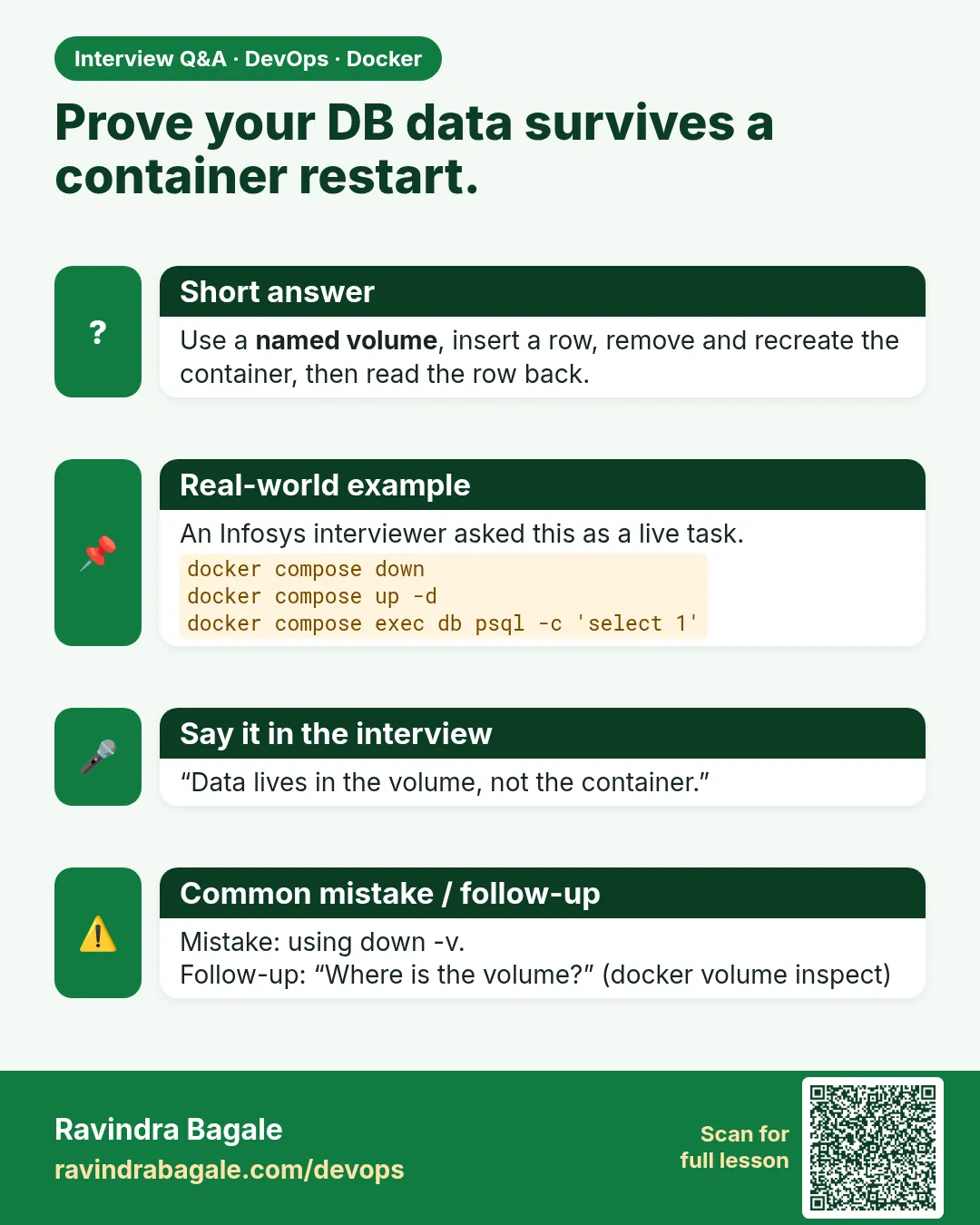
getentor the app health that uses that hostname). docker volume inspectonbadge-mysql-dataorbadge-api_pgdata. Write the volume name.docker compose up -d --buildwith the stack in section 7.5. Curl the API. Insert one row.docker compose downthenup -d. Confirm the row is still there.- One sentence: why you will not run
docker system prune --volumeson this machine.
Practice task
Which volume kind holds MySQL after docker rm, which kind is for code you are editing, and which kind is a secret that disappears when the container stops?
Thodkyaat sangaycha tar
- Section 7.1 is the day-to-day list:
ps, logs,exec, stop,rm, pause, networks, volumes and Compose, each with what you see. Build, history and push stay in Chapter 6.prune --volumesandcompose down -vcan delete database data. - User-defined bridge for name-to-name. Host, none, overlay and macvlan are the special cases. The default bridge does not give you those names.
- Named volume for MySQL data, bind mount for live code, tmpfs for a short-lived secret, not an anonymous volume.
- One Compose file starts the API and the database.
upcreates the containers.downkeeps volumes.down -vdeletes them. .envstays off Git. The password in this chapter is a lab placeholder.
Samajla ka? Nasel tar 7.3 cha name lookup aani 7.7 cha volume survive punha kara. Aata pudhe jaauya CI/CD concepts kade.
 Revision card
 Interview card