Chapter 7: Docker Commands, Networks, Volumes and Compose
7.7 Compose up, down, logs, ps
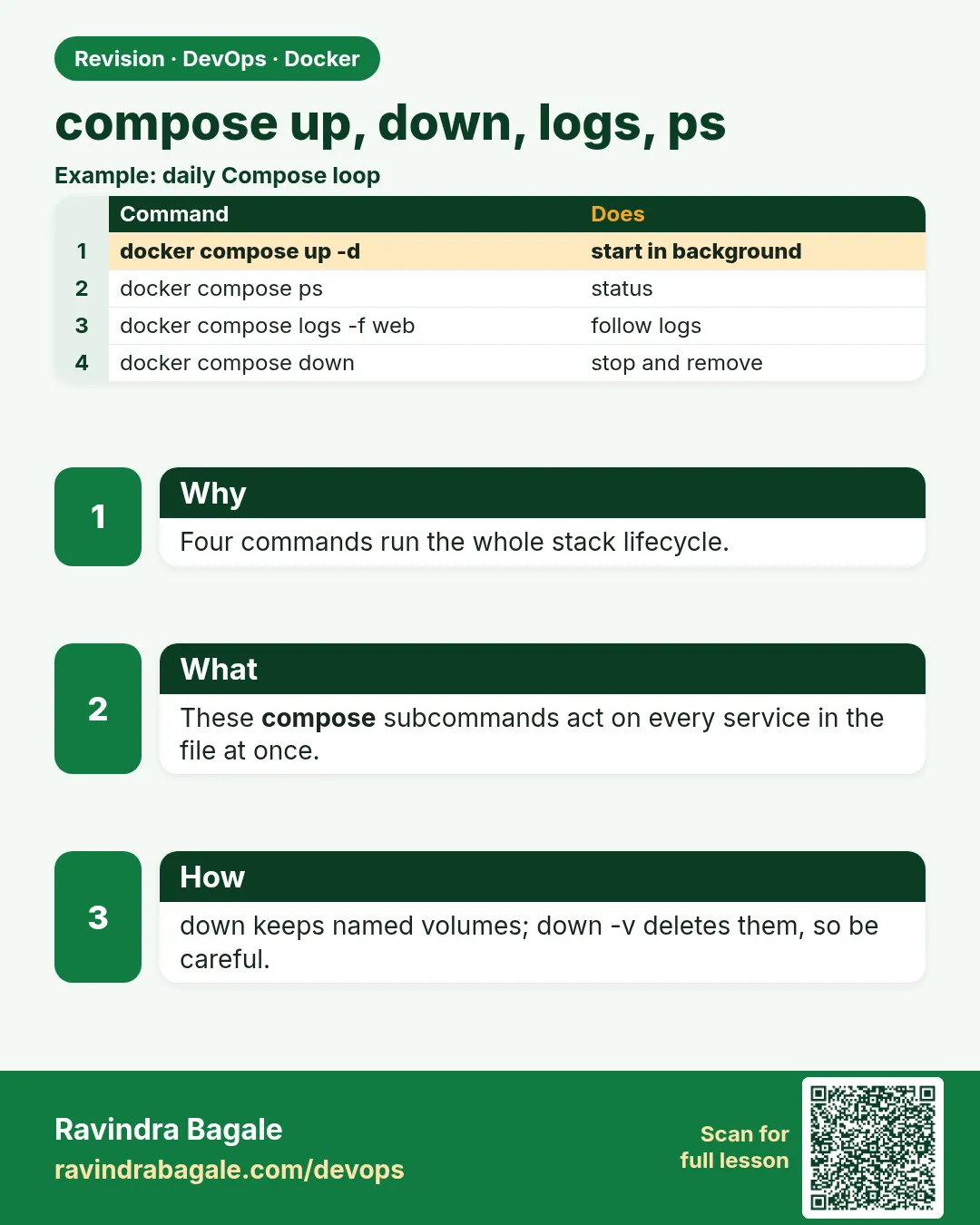
docker compose up -d --build
docker compose ps
docker compose logs -f api
docker compose logs -f db

# stop containers, keep volumes
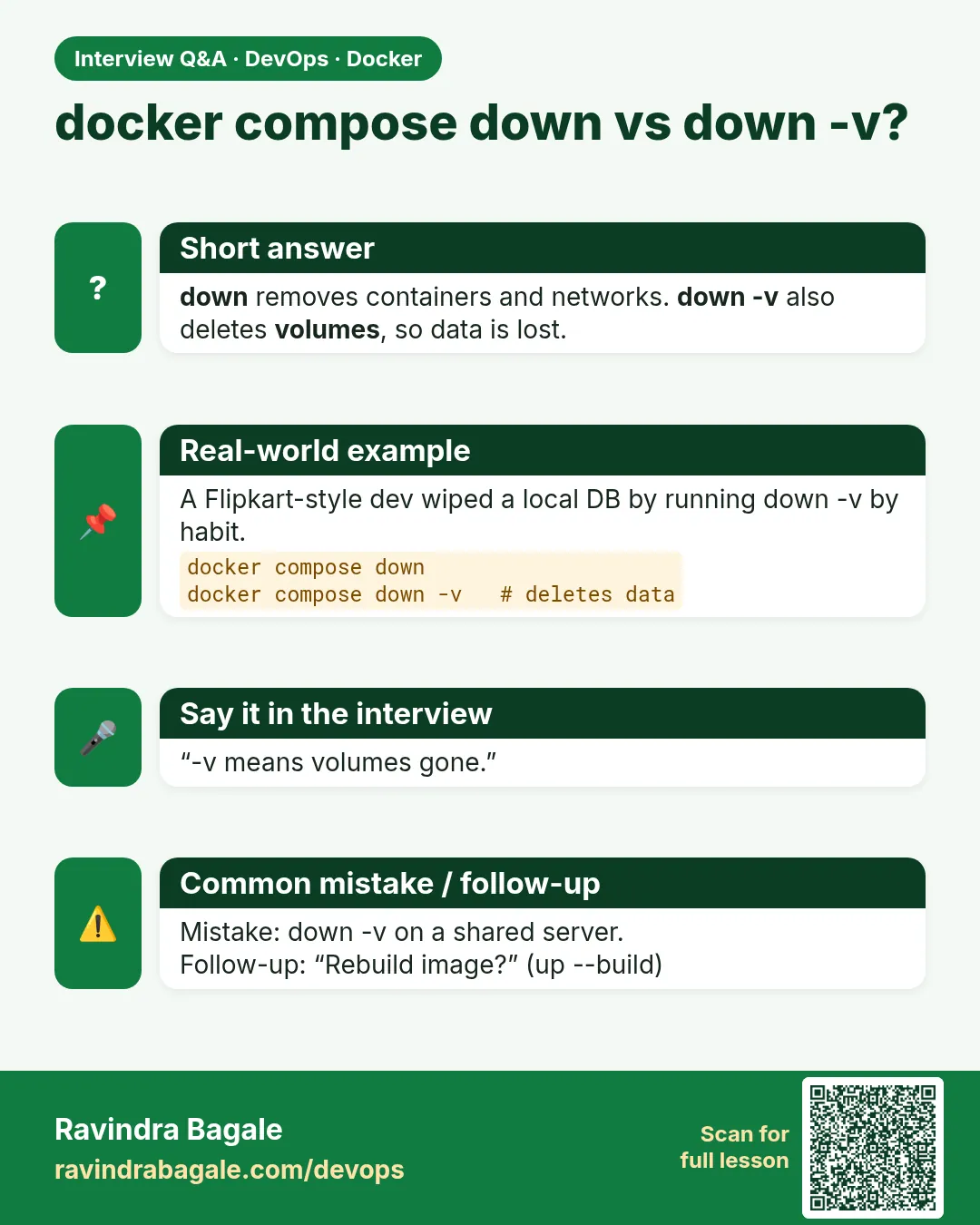
docker compose down

# also removes named volumes — lab data is gone
# docker compose down -v
| Command | Meaning |
|---|---|
up -d --build |
Build if needed, start detached. Compose creates the containers. |
ps |
Stack status |
logs -f api |
Follow one service |
exec api sh |
A command inside a service, same idea as docker exec |
down |
Remove the containers and the network. Volumes stay. |
down -v |
Also delete volumes declared in the file |
What you see after a good up: api and db up, curl http://127.0.0.1:8080/health OK. docker compose down then up -d (no -v) and a row you inserted is still there.
Steps — persist through restart
docker compose up -d --build- Insert one test row through the API or
docker compose exec db psql -U postgres. docker compose down(no-v).docker compose up -d- Read the same row. The named volume worked.
docker compose down -vonly when you want a clean wipe.
Ravindra Bagale's Tip
down -v habitane chalavoo naka. Volume delete = intentional. Lakshat theva!
 Revision card
 Interview card