Chapter 7: Docker Commands, Networks, Volumes and Compose
7.2 Network types — when to use which
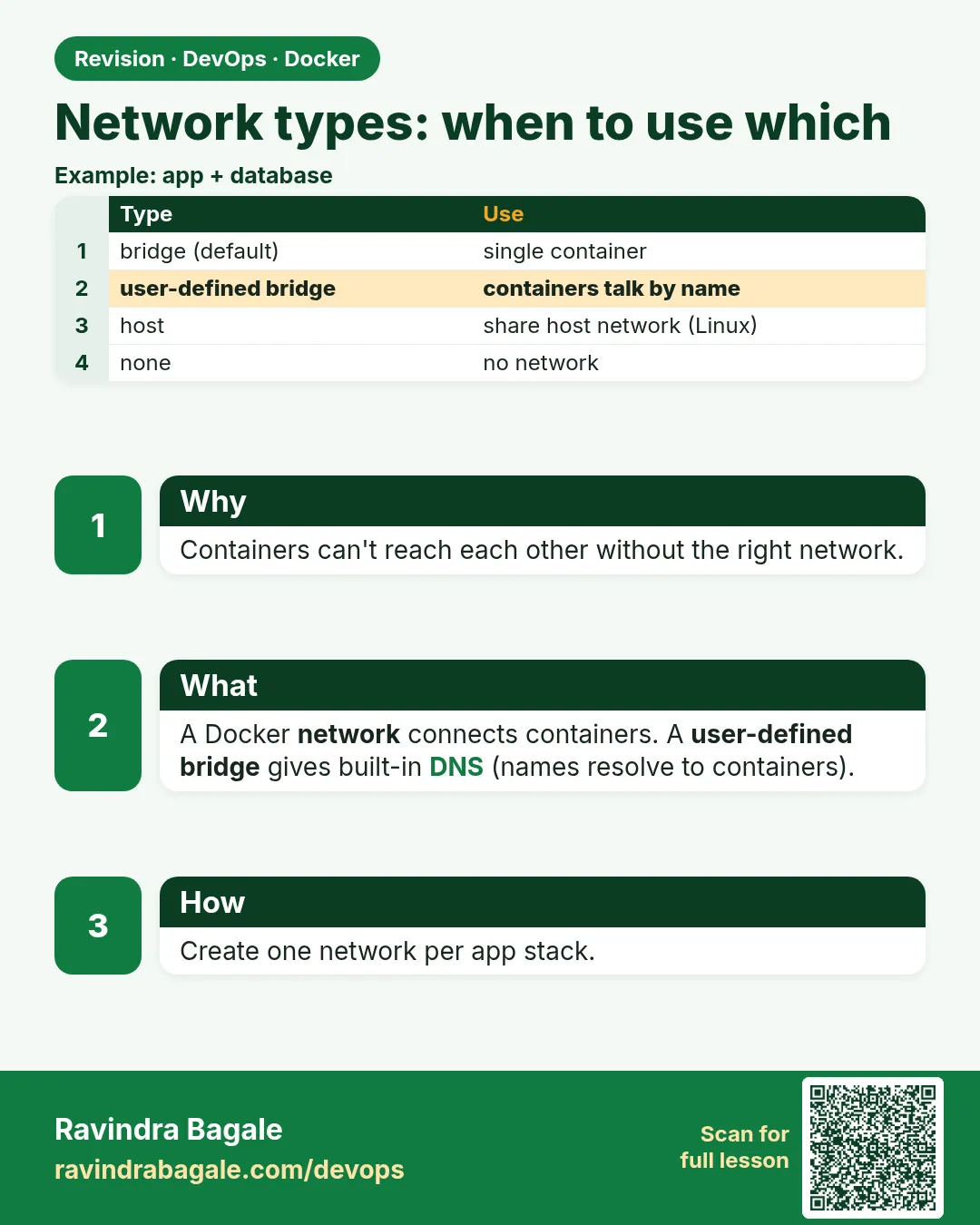
One container is enough for a hello page. The badge API and its database must talk on a private path. These are the Docker network types. You will use one of them.
| Type | When |
|---|---|
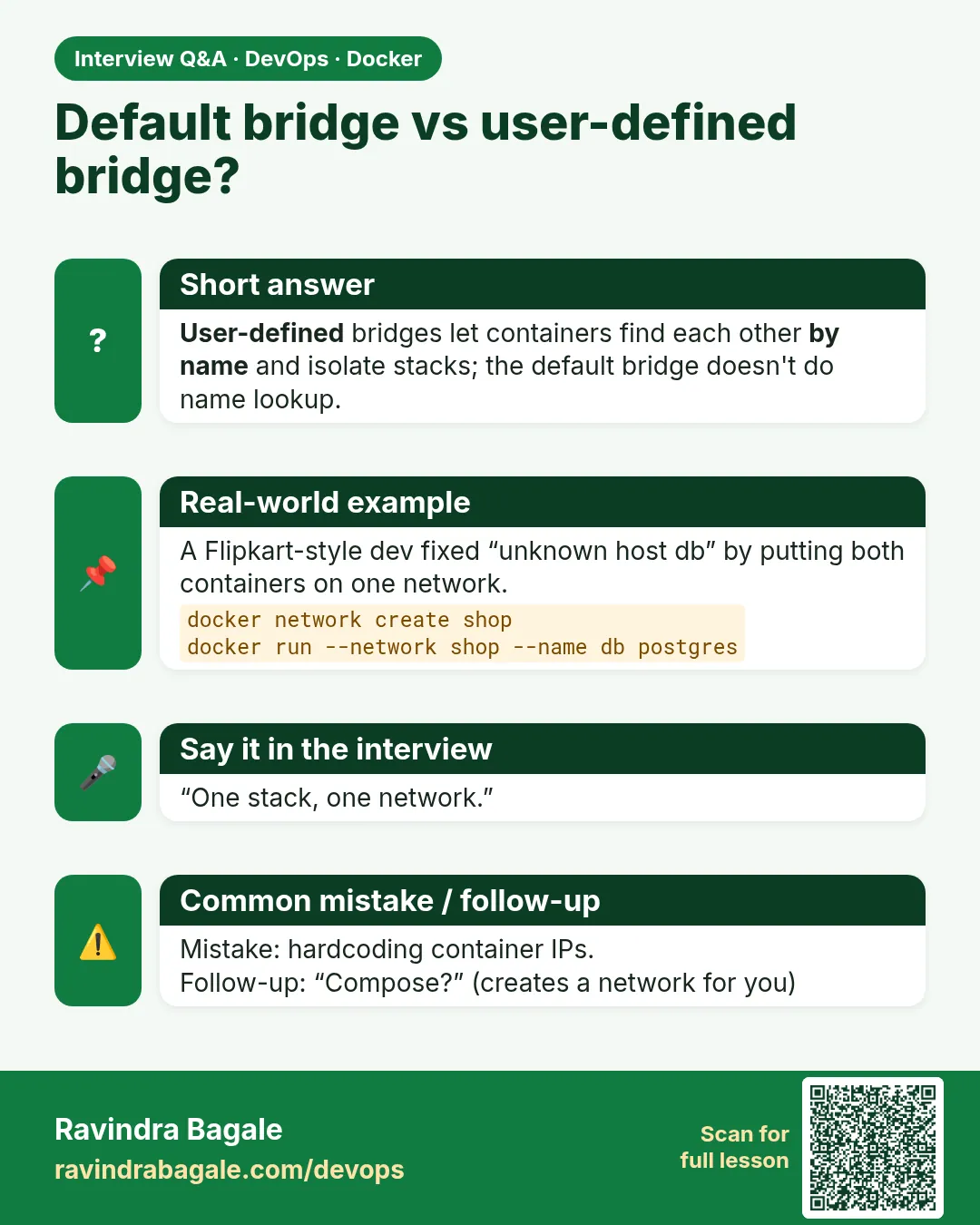
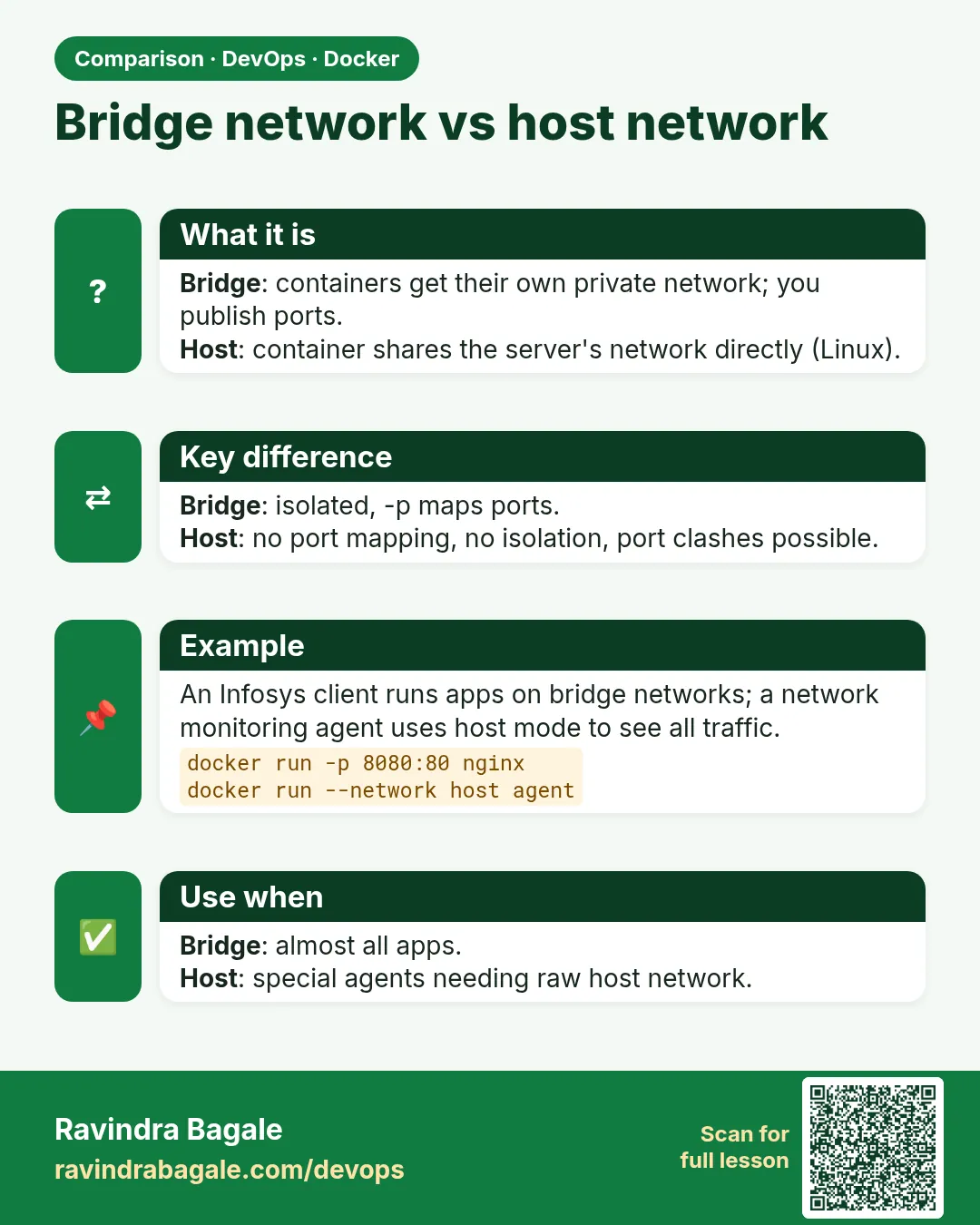
| bridge (default) | The container is fine alone, and you publish a port. Automatic DNS by container name does not work on the default bridge. |
| user-defined bridge | Two of your containers must call each other by name. This is the badge stack. |
| host | The container uses the host network stack directly, with no separate container IP. Rare here. Weaker isolation. Docker Desktop does not behave like a Linux server. Do not use it to "make MySQL easy." |
| none | The container must not have a network. A local batch job that should not phone home. |
| overlay | Containers on more than one host share a network. Used with Swarm. Name it. Do not build it in this lab. |
| macvlan | A container needs its own address on the physical LAN, like a separate machine. Rare, and awkward on laptop Wi-Fi. Not the badge design. |
docker network ls
What you see: at least bridge, host and none. After Chapter 6, also badge-net with driver bridge. That one is user-defined even though the driver name is still bridge.
docker run --rm --network none php:8-apache php -r 'var_export(@fsockopen("1.1.1.1", 80, $e, $s, 3)); echo "\n";'
What you see: false and a failed connection. --rm deletes the container when the command exits. --network none is why it cannot open a socket.
 Revision card
 Interview card
 Comparison card