Chapter 7: Docker Commands, Networks, Volumes and Compose
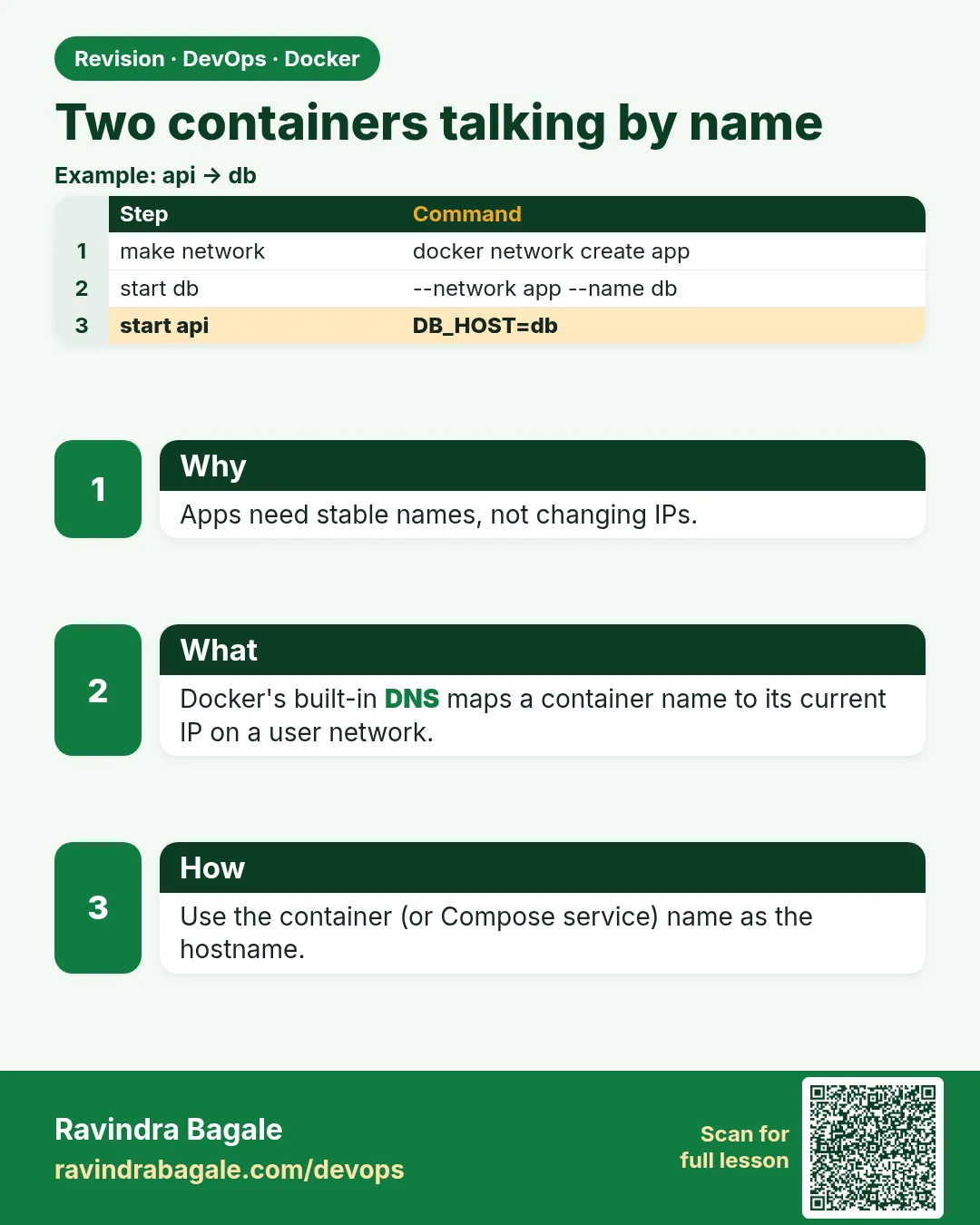
7.3 Two containers talking by name
Suppose we are proving the badge front door from Chapter 6 in one sentence, then doing the same idea with the API and Postgres that Compose will start. The browser hits nginx. Nginx says the name badge-php. PHP says the name badge-mysql. Those names work only on a user-defined bridge. The default bridge would hand out addresses without those names.
The worked pair below is the badge API and Postgres, so the Compose file in section 7.5 uses the same hostnames.
docker network create badge-api_net

docker run -d --name badge-api-db --network badge-api_net \
  -e POSTGRES_PASSWORD=lab-only-change-me \
  postgres:16

docker run -d --name badge-api --network badge-api_net \
  -p 8080:8080 \
  -e DATABASE_URL=postgres://postgres:lab-only-change-me@badge-api-db:5432/postgres \
  badge-api-hello:0.1
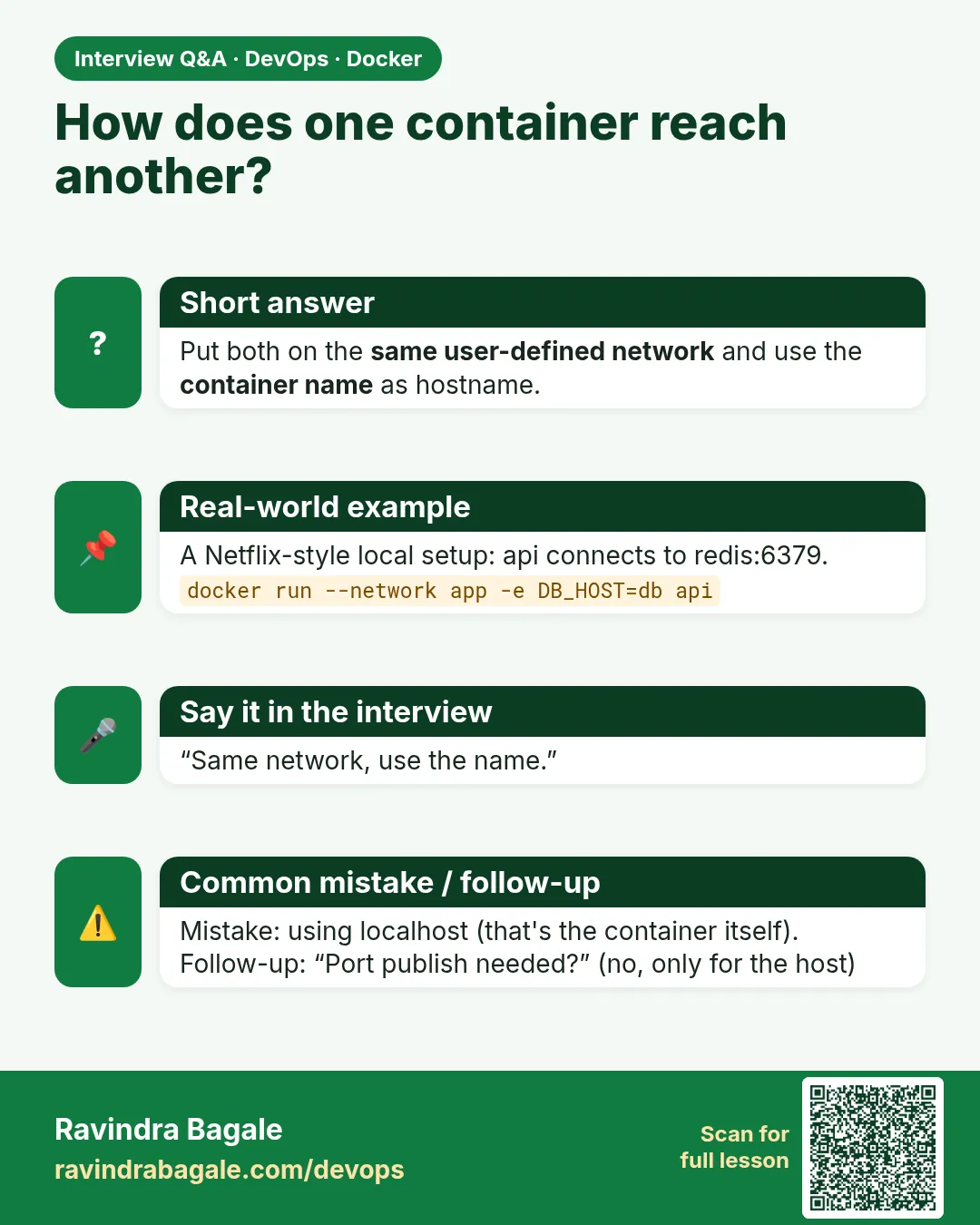
lab-only-change-me is a lab placeholder, not a real secret. Do not commit it. Do not publish 5432 on a public EC2. The API reaches Postgres on the private network. Inside the API container the hostname is badge-api-db. localhost inside that container means the API container itself, not the database.
| Idea | Picture |
|---|---|
| User-defined network | Private lane between containers |
| Container name or Compose service name | Shop sign on that lane |
Published -p port |
Street door for curl from your laptop |
Database without -p |
No street door — only the lane |
Steps — prove the name
docker network create badge-api_net(skip if it exists).- Start Postgres on that network. No
-pon a public VM. - Start the API on the same network with
-p 8080:8080andDATABASE_URLusing hostbadge-api-db. If port 8080 is still nginx from Chapter 6, stop nginx or publish8082:8080instead. docker exec badge-api getent hosts badge-api-db(orshif the image has nogetent).- From the laptop:
curl http://127.0.0.1:8080/health(adjust the host port).
What you see: getent prints an address and the name badge-api-db. docker network inspect badge-api_net lists both containers. That address is on the user-defined bridge, not your home router.
The Chapter 6 check is the same rule: docker exec badge-php getent hosts badge-mysql. A 502 from nginx means nginx is up and badge-php is stopped or not on badge-net.
Ravindra Bagale's Tip
Connection string madhe localhost DB sathi API container madhun chalat nahi — localhost = tyach container. Service name vapra. Bilkul visru naka!
 Revision card
 Interview card