Chapter 7: Docker Commands, Networks, Volumes and Compose
7.9 Troubleshooting
| Symptom | Likely cause | What to try |
|---|---|---|
API cannot resolve db |
Wrong network, or a typo in the service name | Same Compose network; check the service key |
| Database empty after restart | down -v, or an anonymous volume |
Named volume; do not pass -v by habit |
| Port already allocated | Host 8080 is nginx or another API | Change the host side to "8082:8080" or stop the other container |
| Auth failed to Postgres | Password mismatch, or an old volume with the old password | Align .env, or wipe that volume on purpose |
compose: command not found |
Plugin missing | Install the Compose plugin from Docker's docs |
| Build context huge | No .dockerignore |
Same ignore file as Chapter 6 |
Before the lab, walk the path once. The customer hits host port 8080. The API talks to db:5432 on the private network. Postgres writes the named volume. You restart the stack. The row remains because the volume remained.
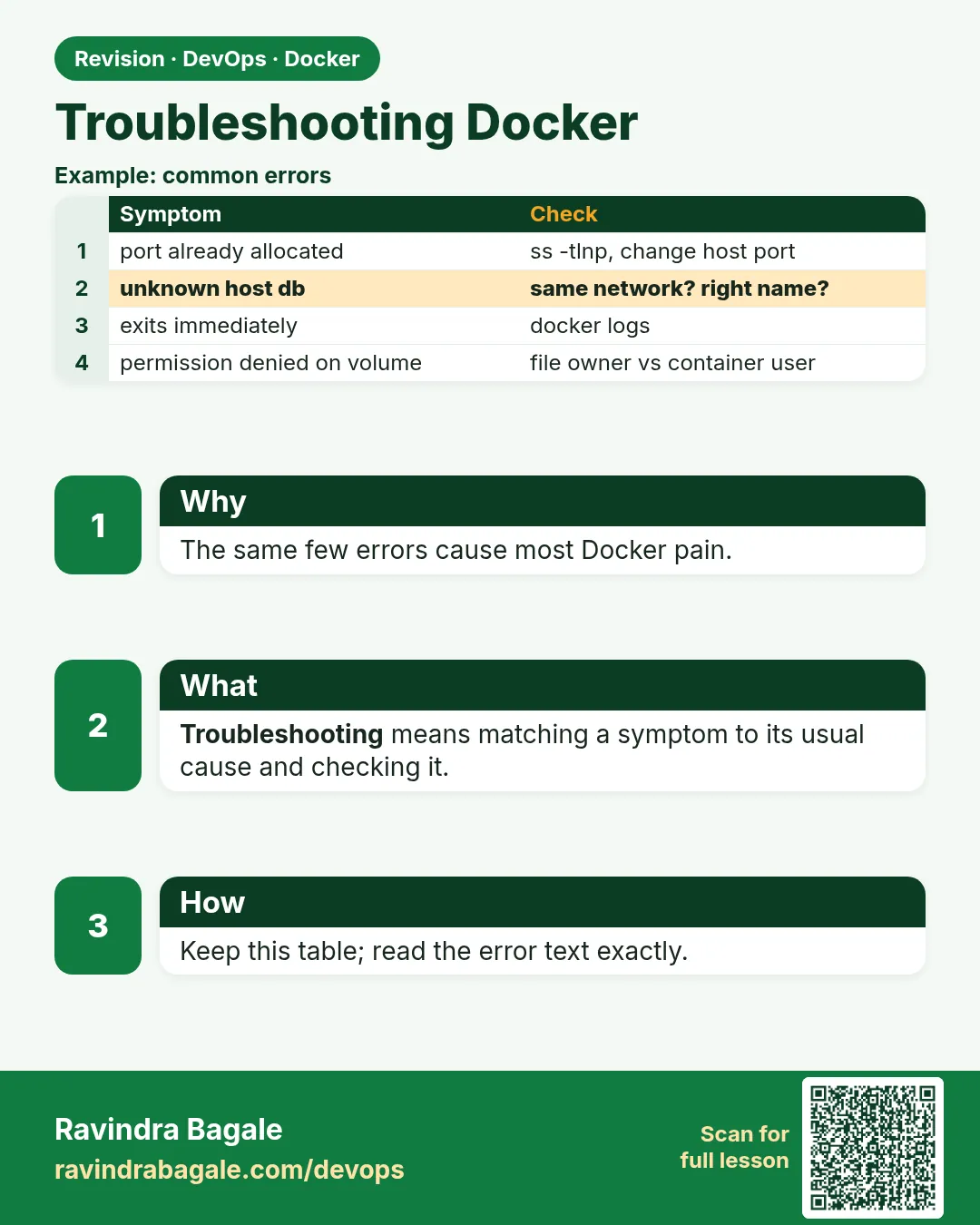 Revision card
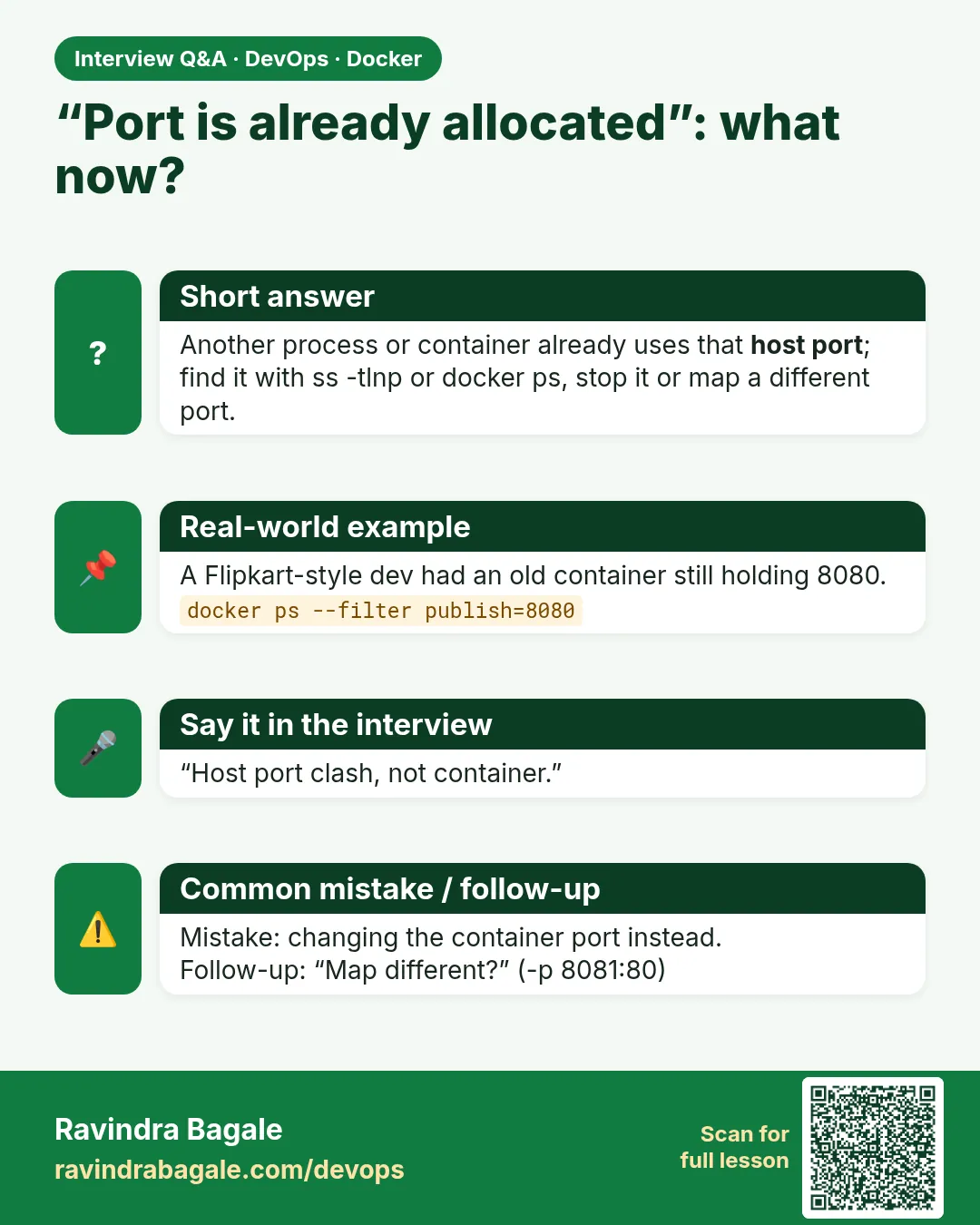 Interview card