Ravindra BagaleCourses & study guides मराठी

Ravi Sir's Cards › DevOps

Chapter 30: Artifacts, Release Patterns and Quality Gates: मराठी Cards

English cards · Chapter उघडा

उजळणी (Revision) cards

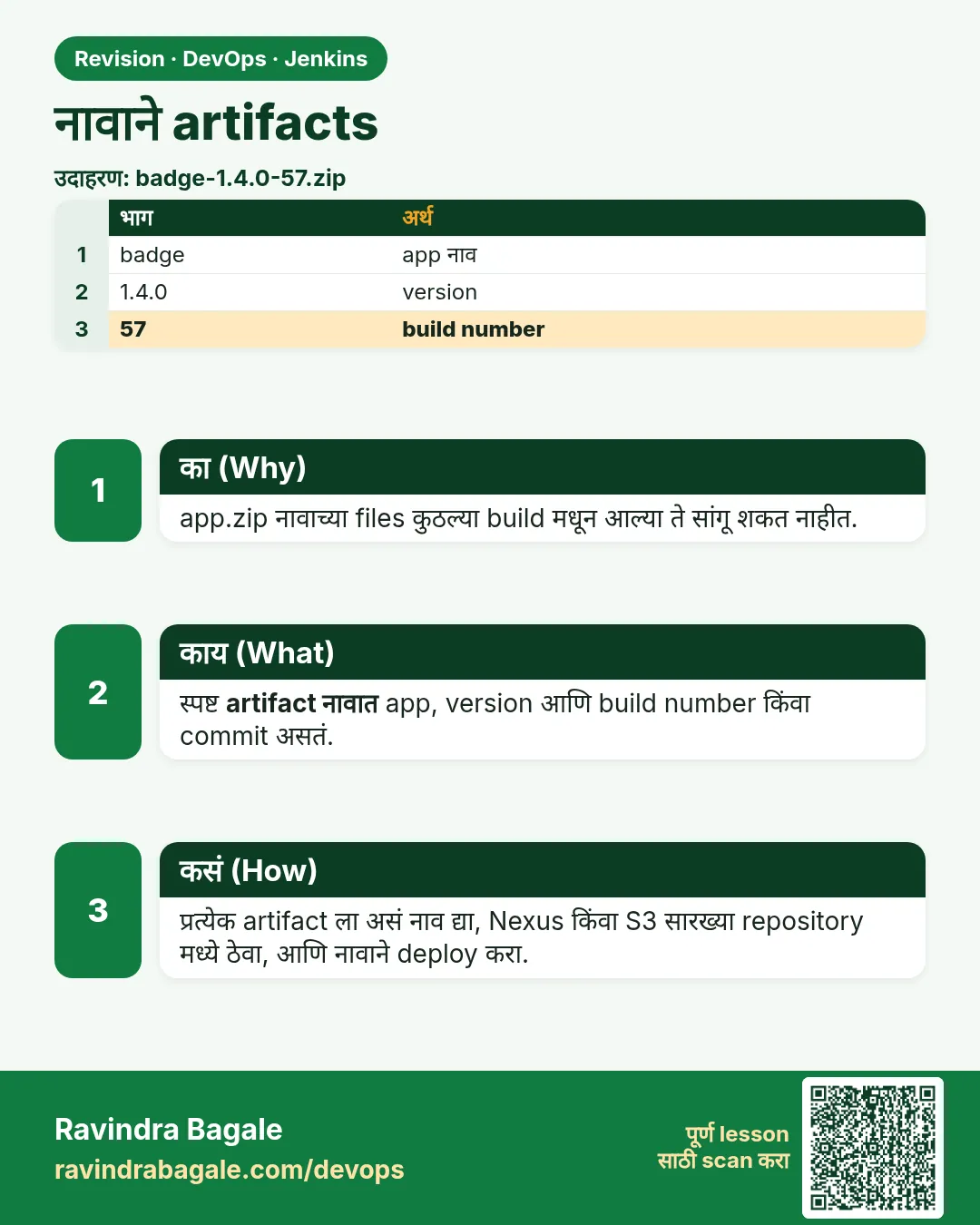
नावाने artifacts. app.zip नावाच्या files कुठल्या build मधून आल्या ते सांगू शकत नाहीत.
उजळणी (Revision) card 1 of 7: नावाने artifacts · PNG download करा · Card page उघडा

Lesson: 30.1 Artifacts by name

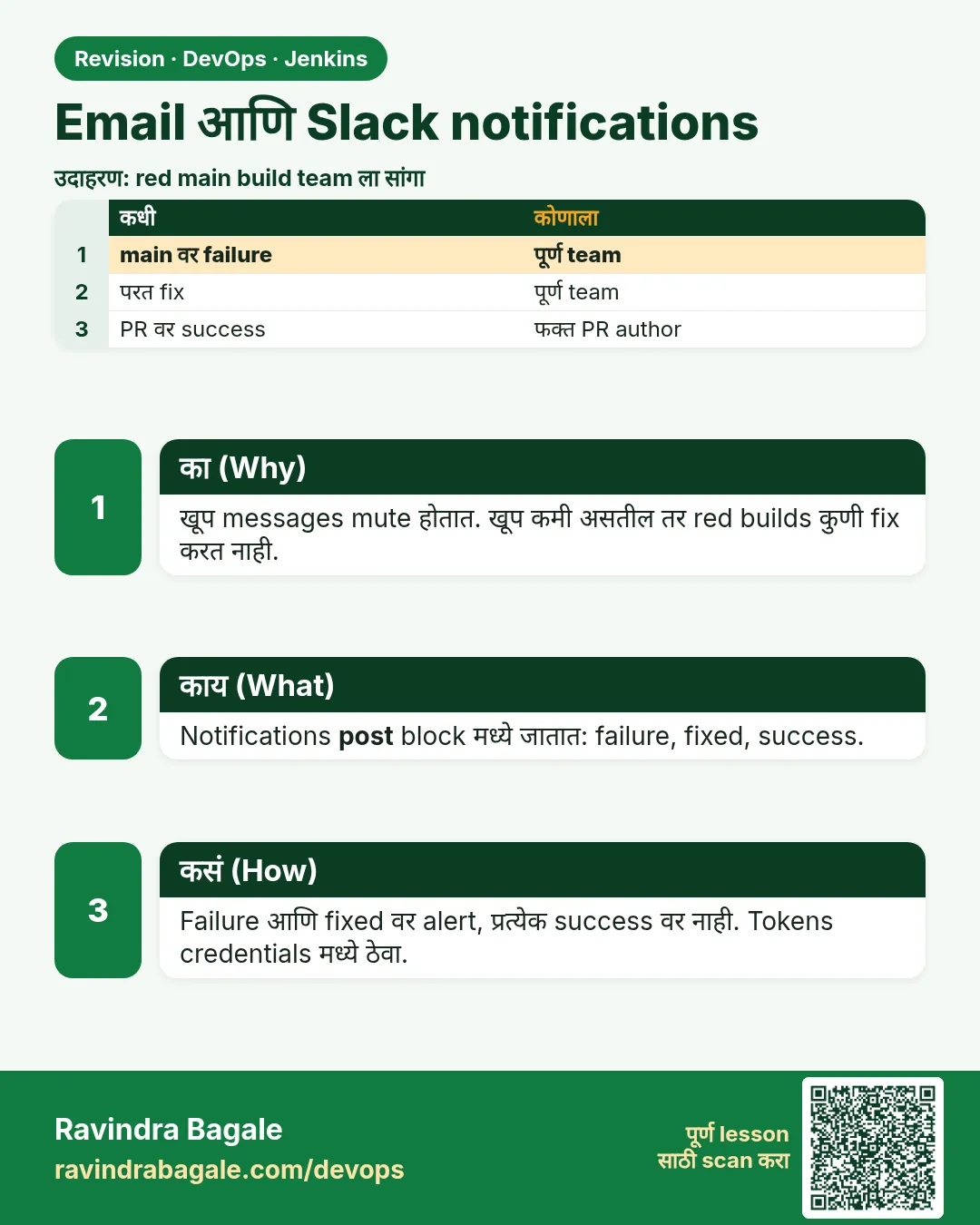
Email आणि Slack notifications. खूप messages mute होतात. खूप कमी असतील तर red builds कुणी fix करत नाही.
उजळणी (Revision) card 2 of 7: Email आणि Slack notifications · PNG download करा · Card page उघडा

Lesson: 30.2 Email and Slack

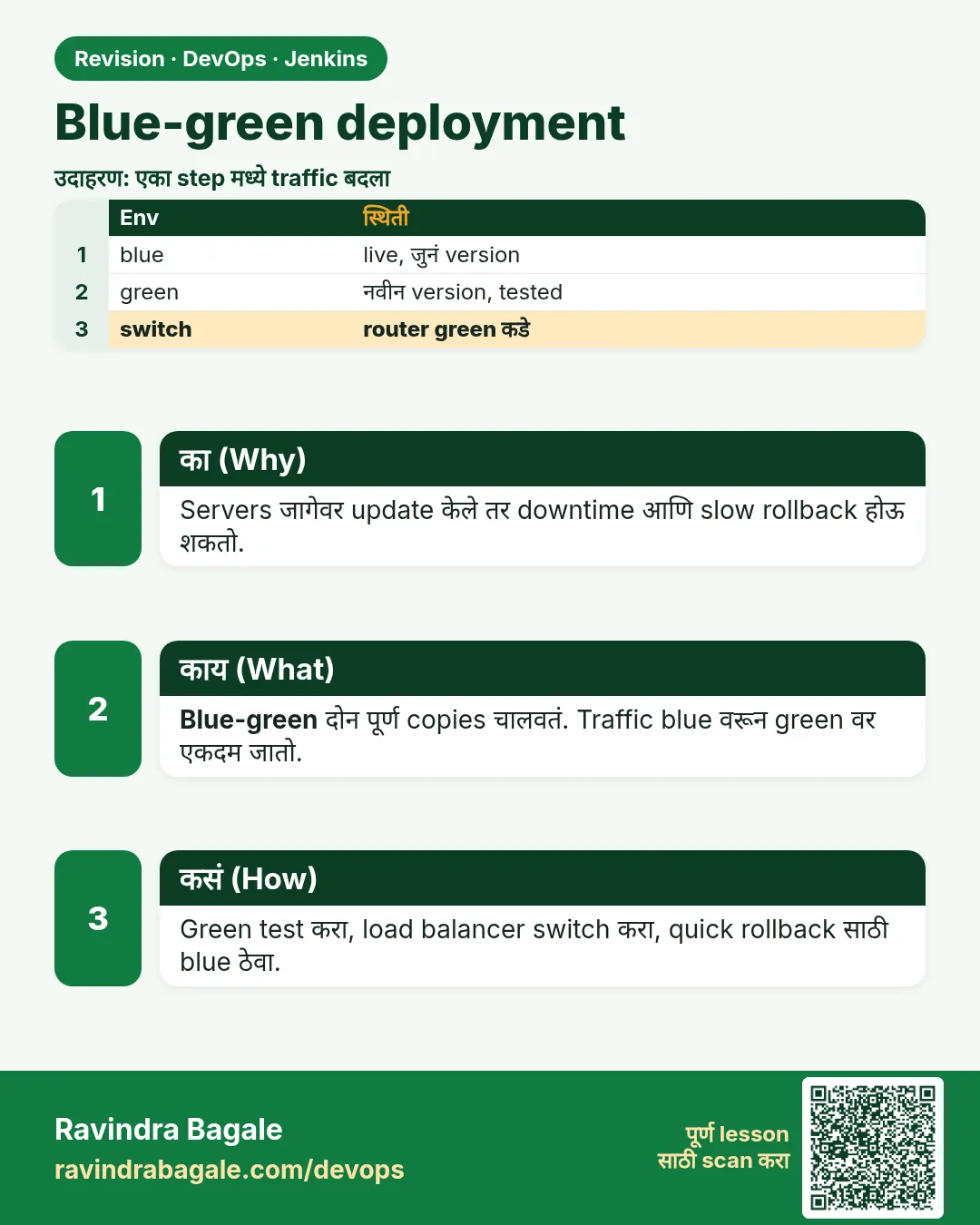
Blue-green deployment. Servers जागेवर update केले तर downtime आणि slow rollback होऊ शकतो.
उजळणी (Revision) card 3 of 7: Blue-green deployment · PNG download करा · Card page उघडा

Lesson: 30.3 Blue-green

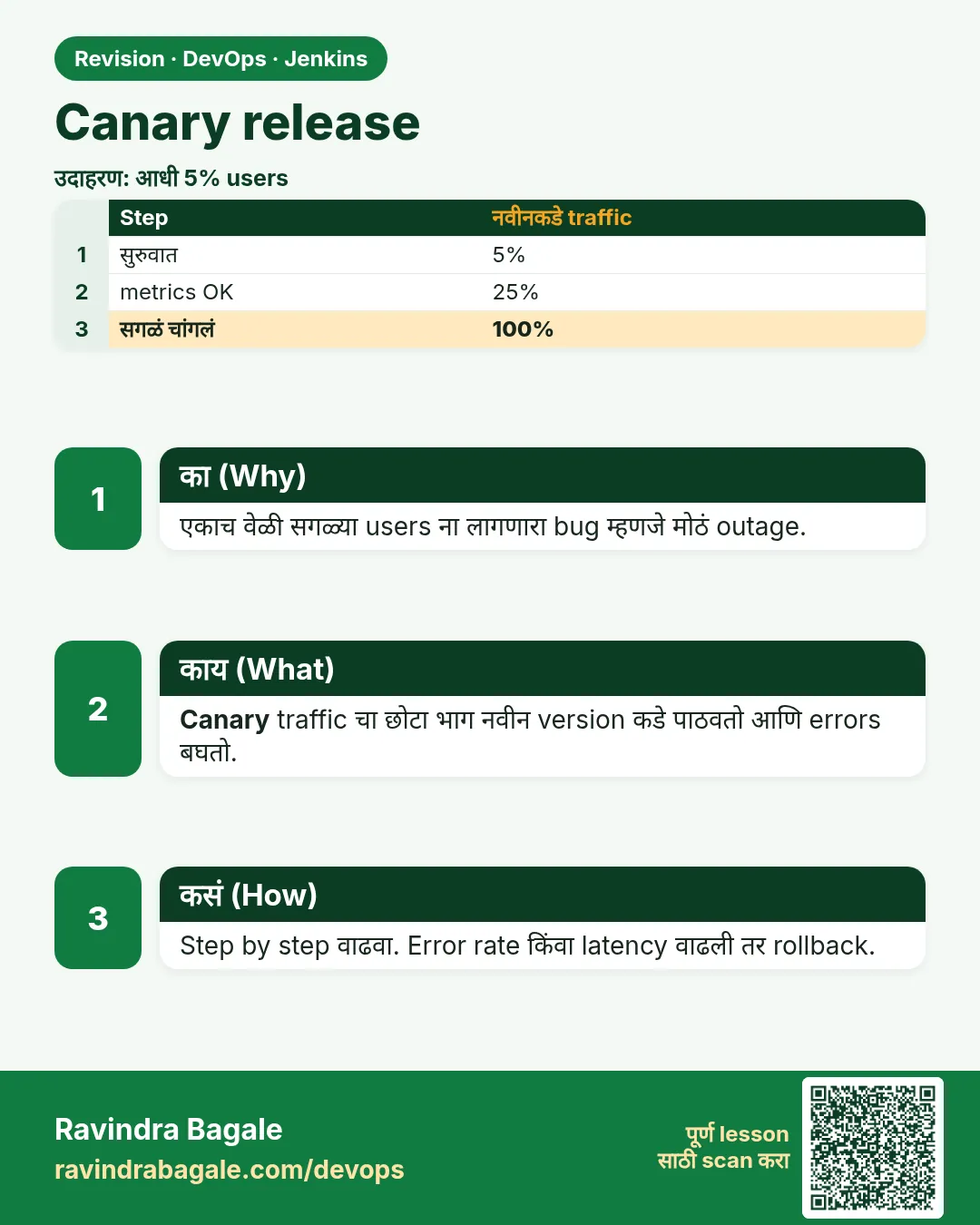
Canary release. एकाच वेळी सगळ्या users ना लागणारा bug म्हणजे मोठं outage.
उजळणी (Revision) card 4 of 7: Canary release · PNG download करा · Card page उघडा

Lesson: 30.4 Canary

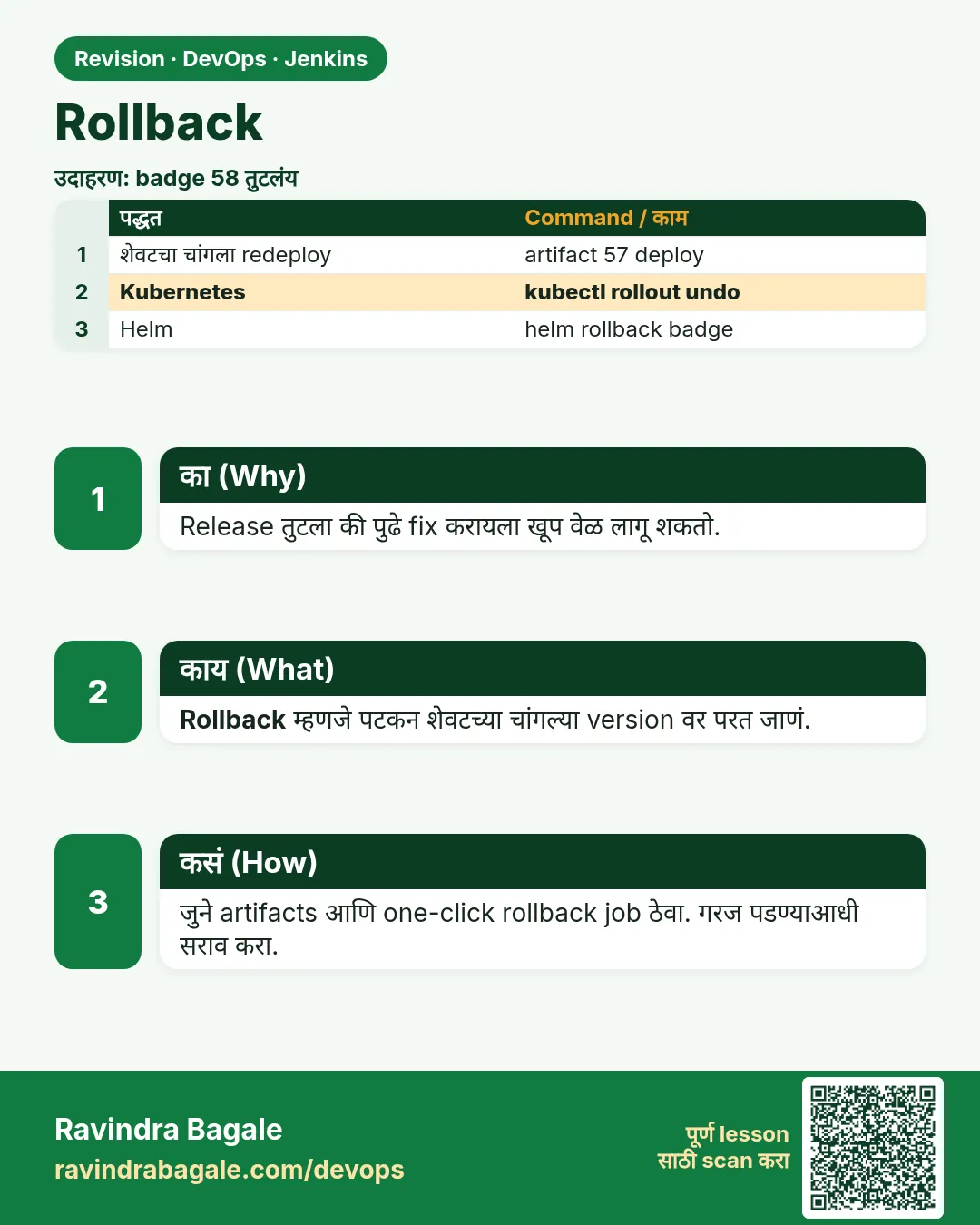
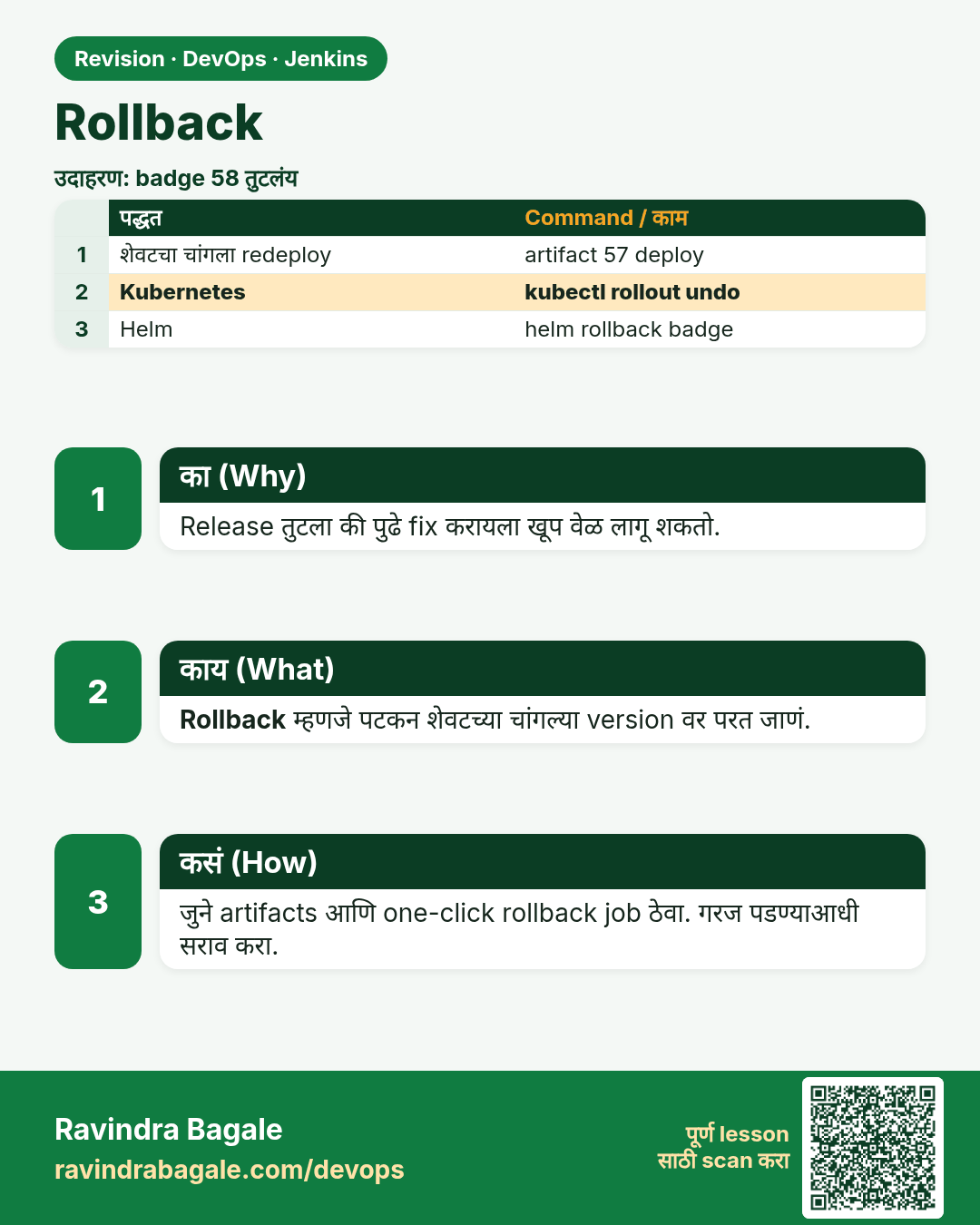
Rollback. Release तुटला की पुढे fix करायला खूप वेळ लागू शकतो.
उजळणी (Revision) card 5 of 7: Rollback · PNG download करा · Card page उघडा

Lesson: 30.5 Rollback

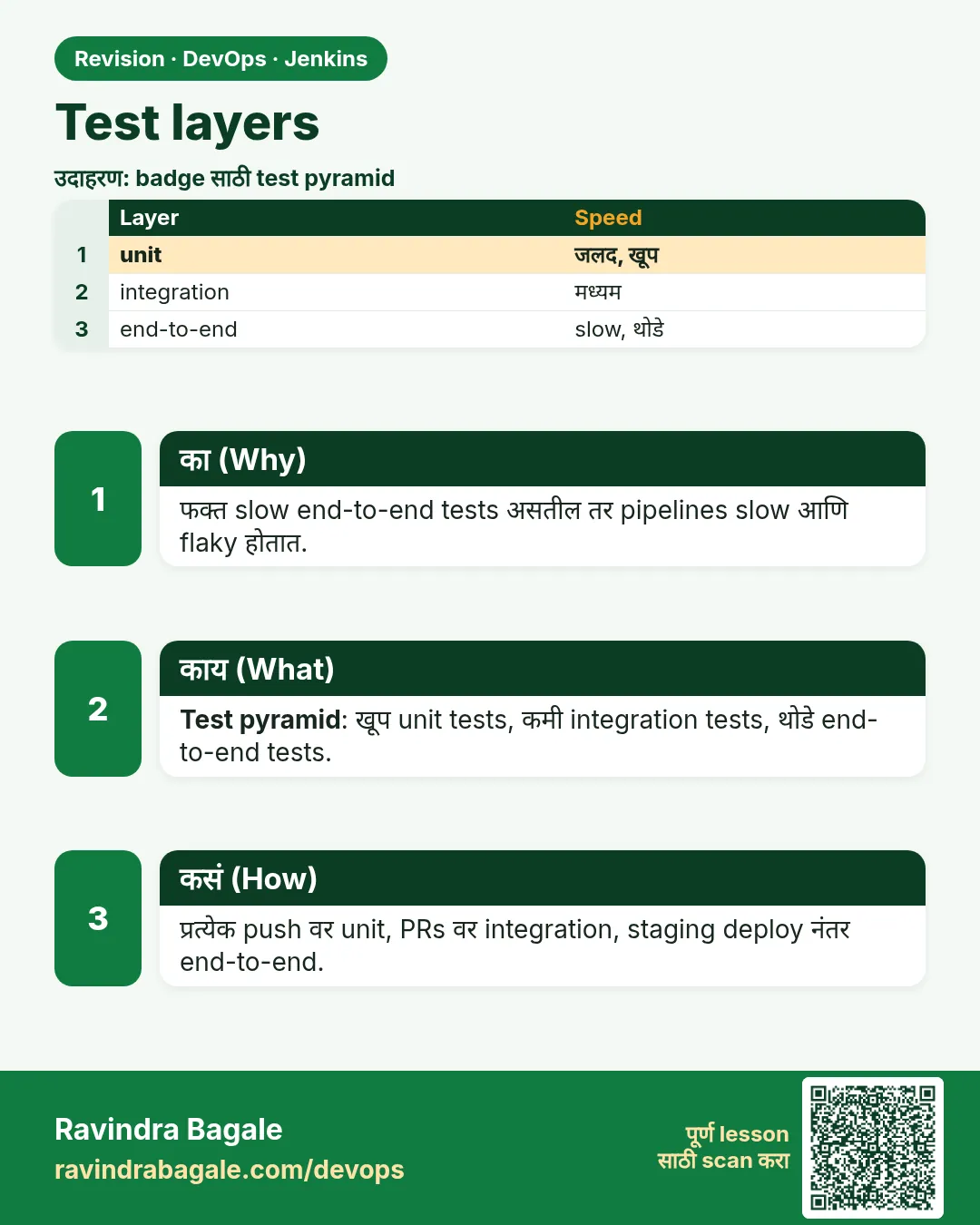
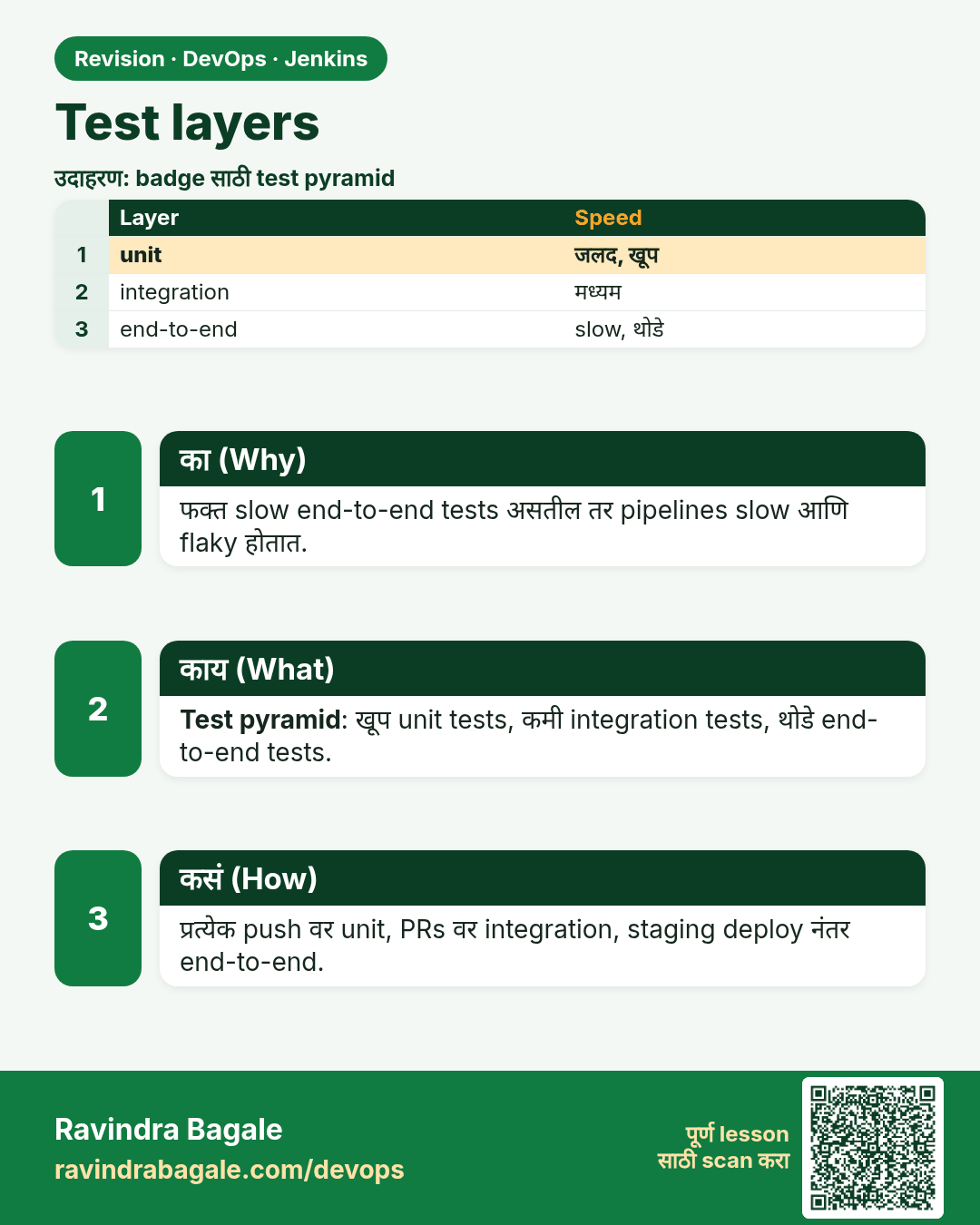
Test layers. फक्त slow end-to-end tests असतील तर pipelines slow आणि flaky होतात.
उजळणी (Revision) card 6 of 7: Test layers · PNG download करा · Card page उघडा

Lesson: 30.6 Test layers

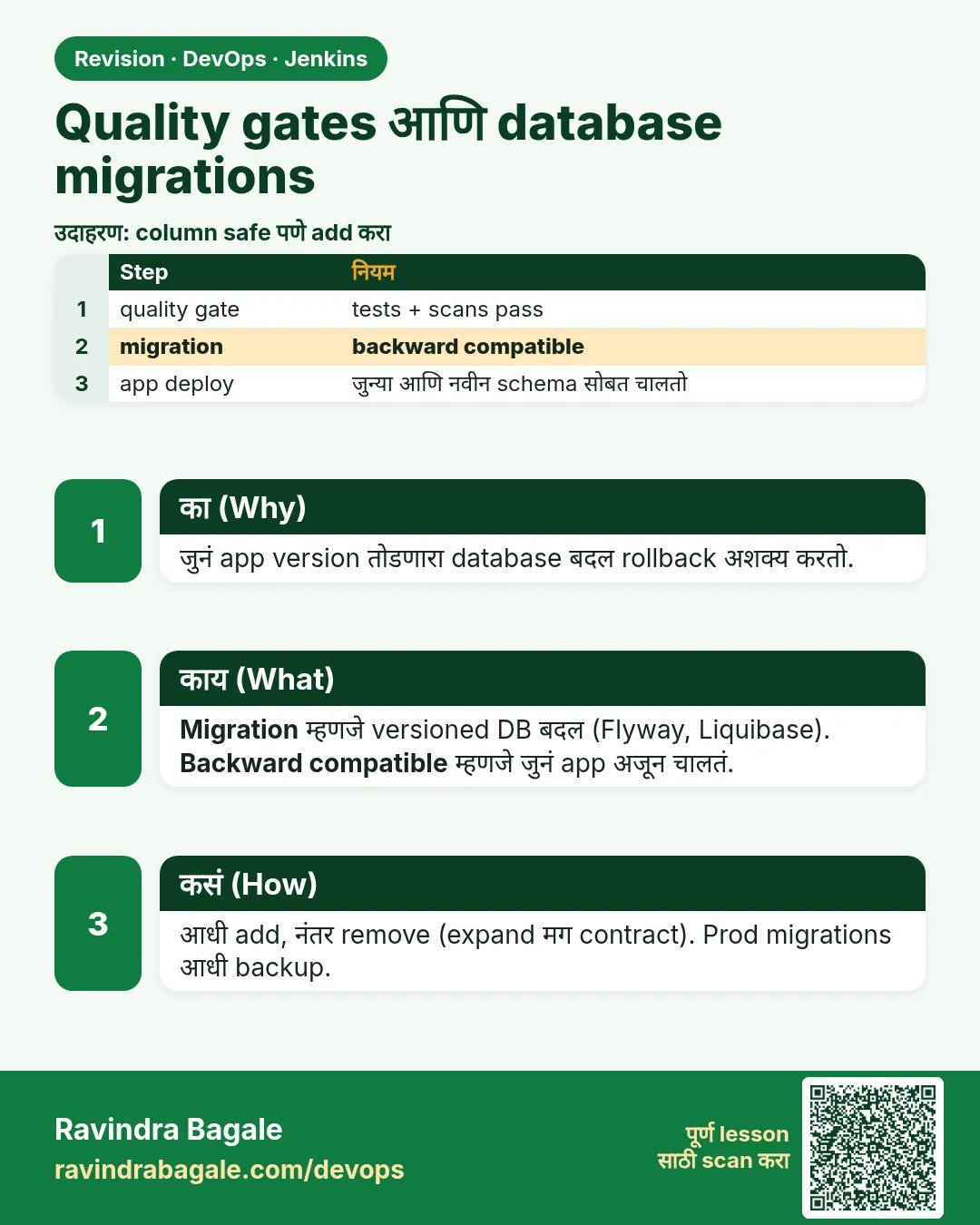
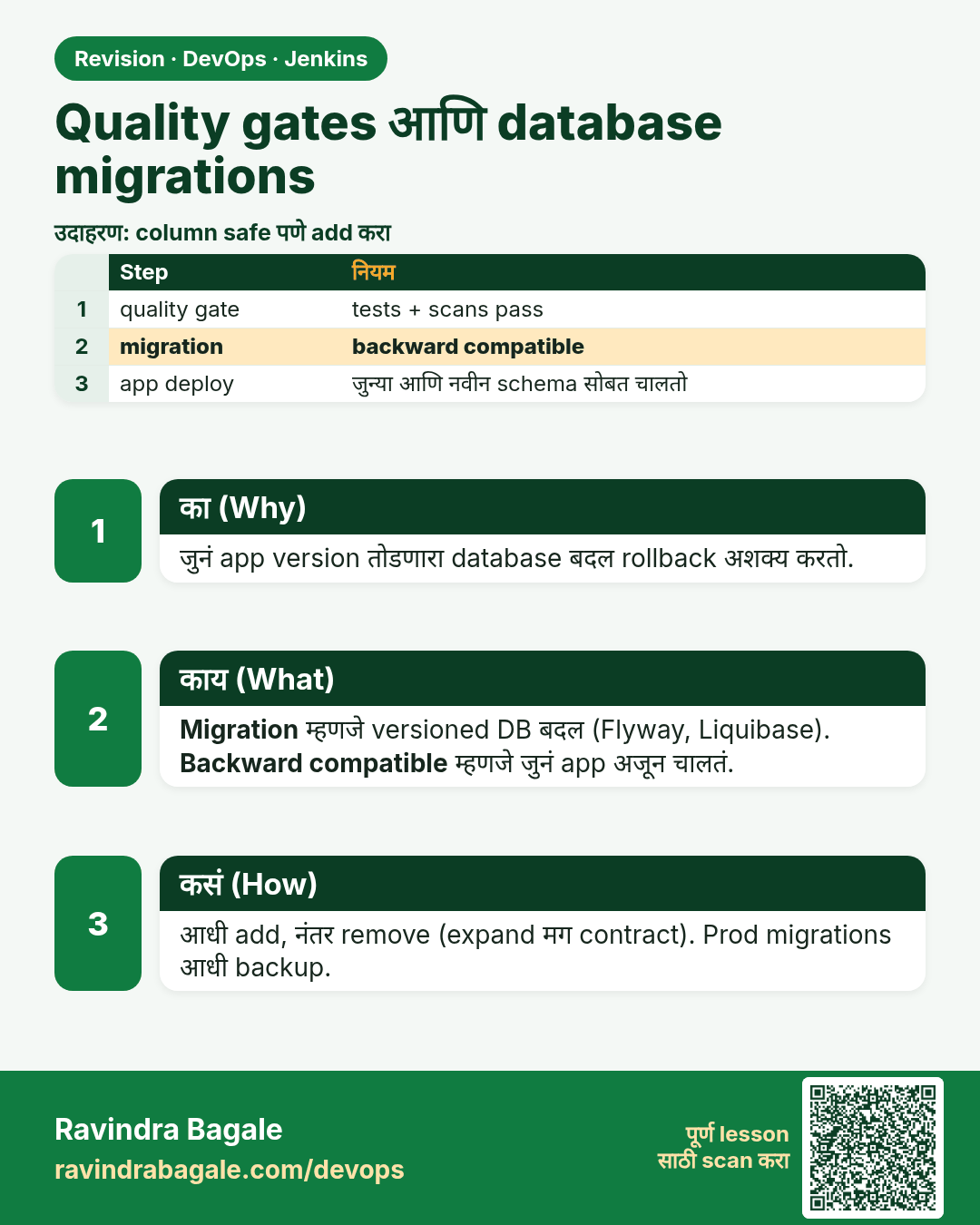
Quality gates आणि database migrations. जुनं app version तोडणारा database बदल rollback अशक्य करतो.
उजळणी (Revision) card 7 of 7: Quality gates आणि database migrations · PNG download करा · Card page उघडा

Lesson: 30.7 Quality gates and database migrations

मुलाखत (Interview) cards
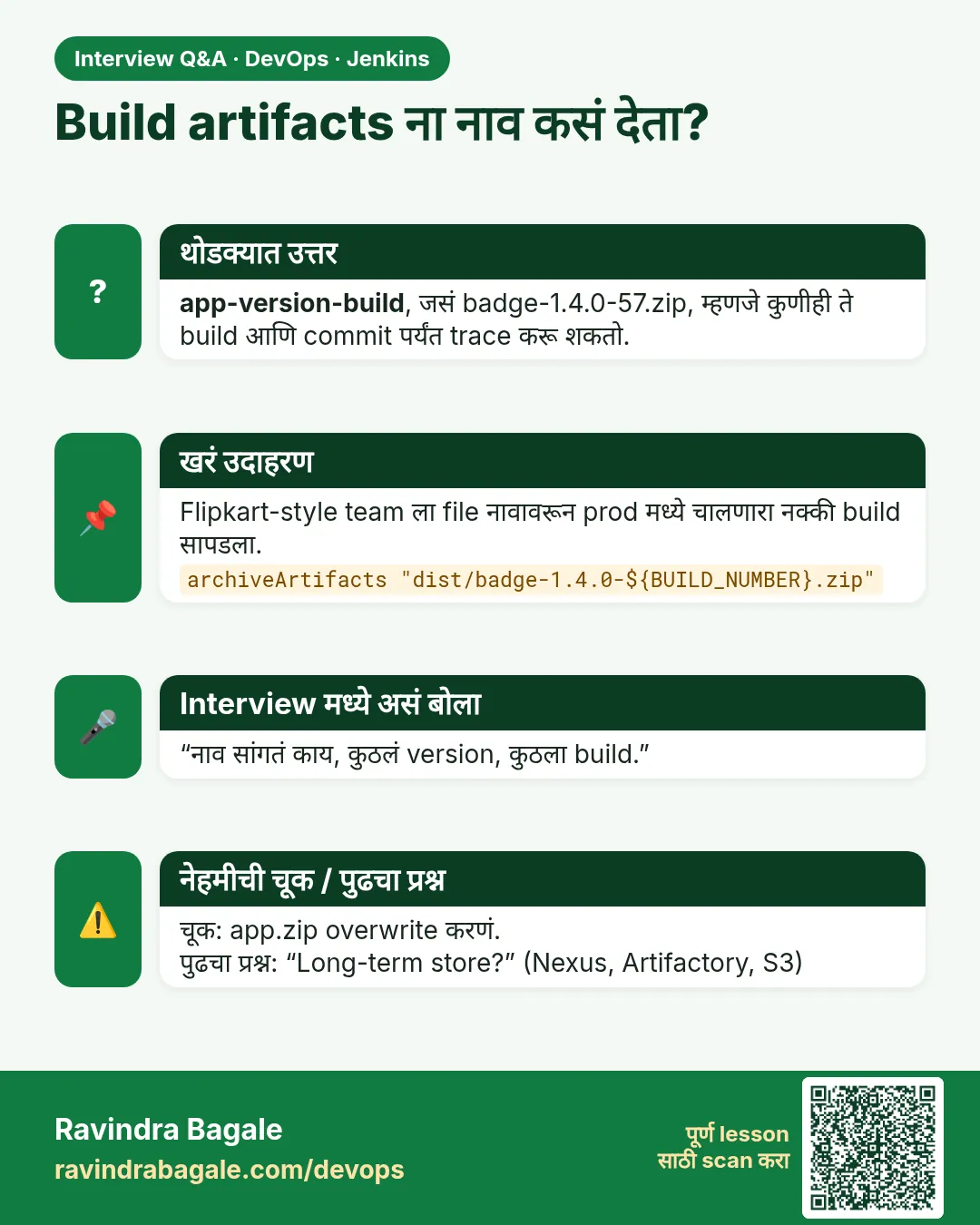
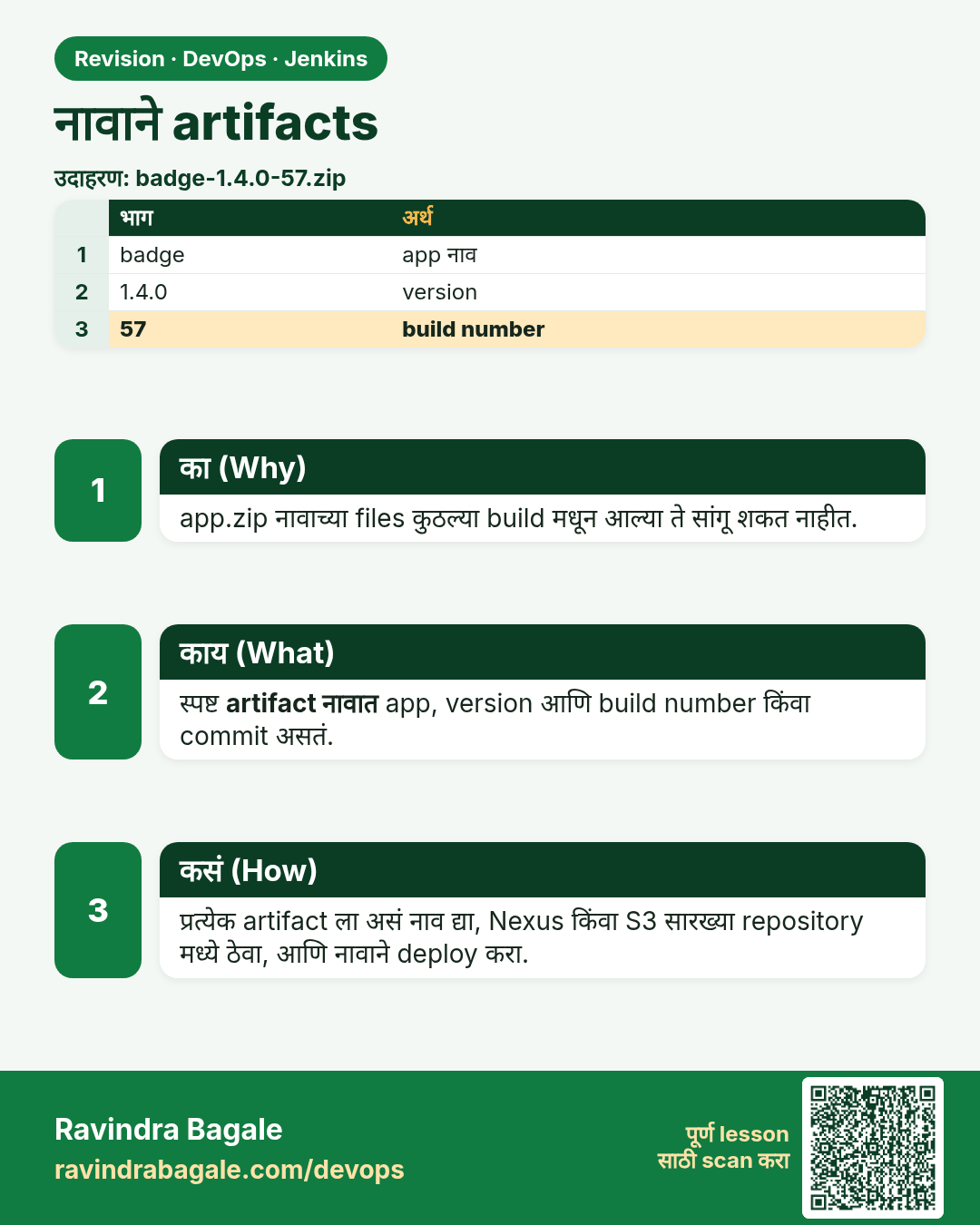
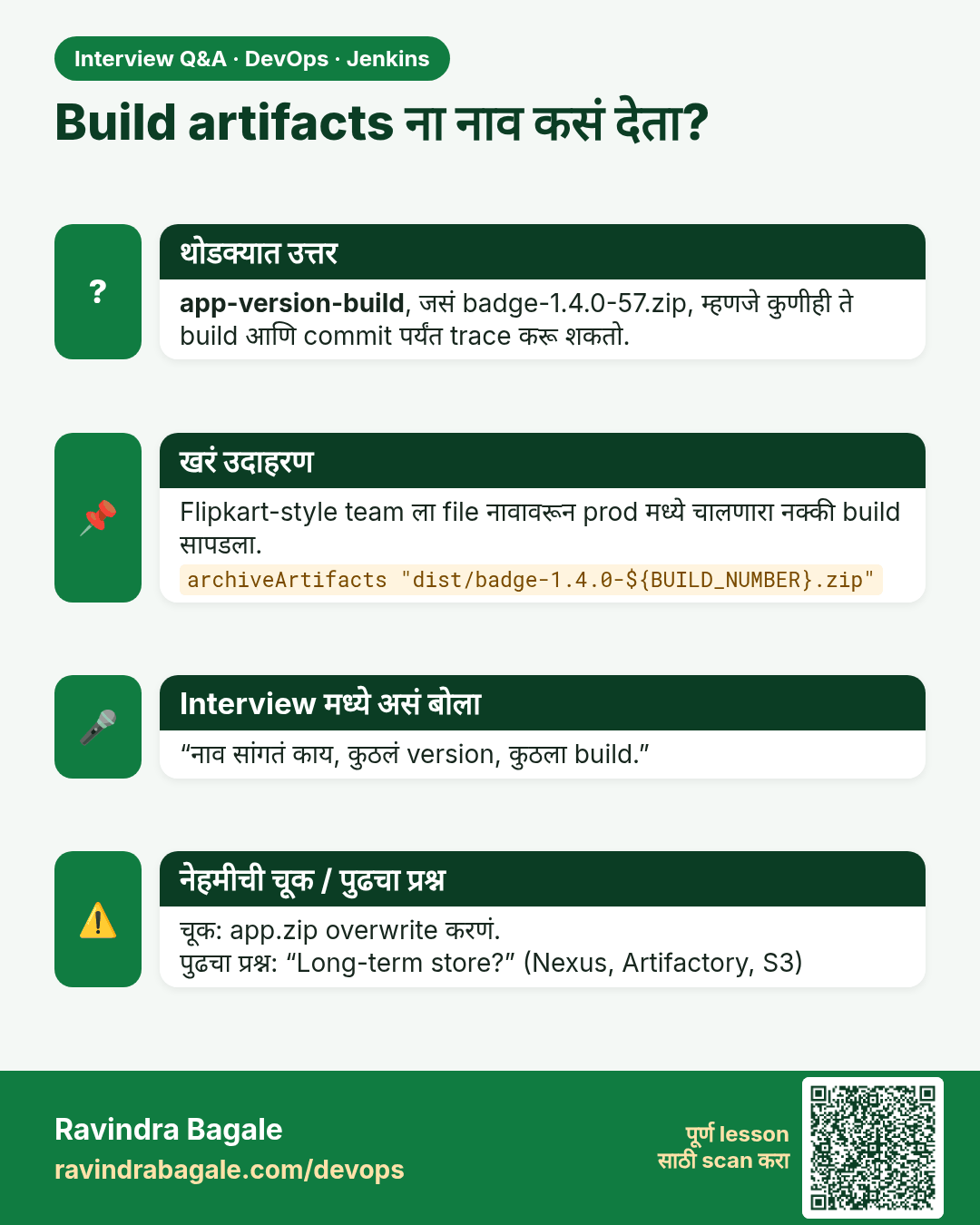
Build artifacts ना नाव कसं देता? app-version-build, जसं badge-1.4.0-57.zip, म्हणजे कुणीही ते build आणि commit पर्यंत trace करू शकतो.
मुलाखत (Interview) card 1 of 7: Build artifacts ना नाव कसं देता? · PNG download करा · Card page उघडा

Lesson: 30.1 Artifacts by name

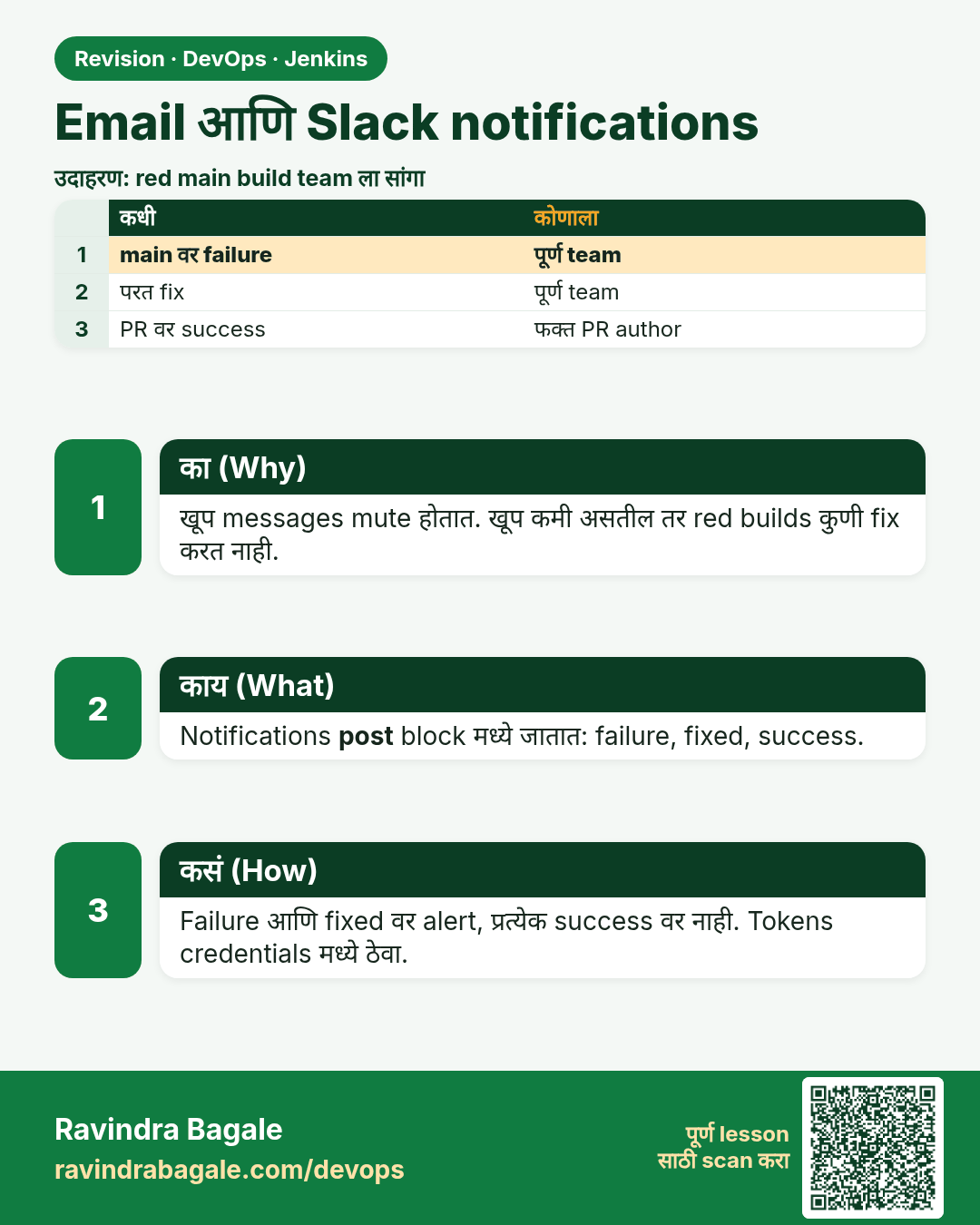
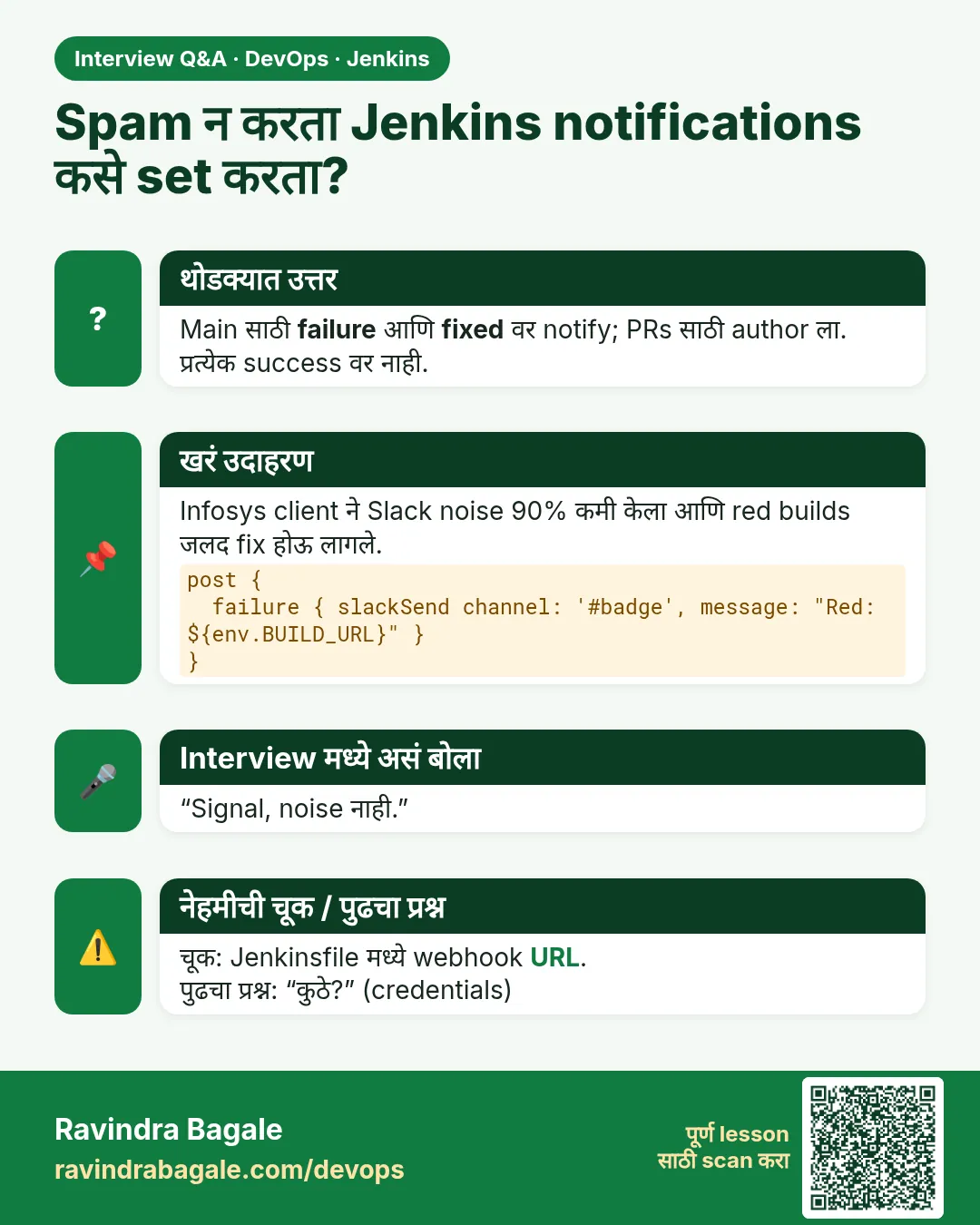
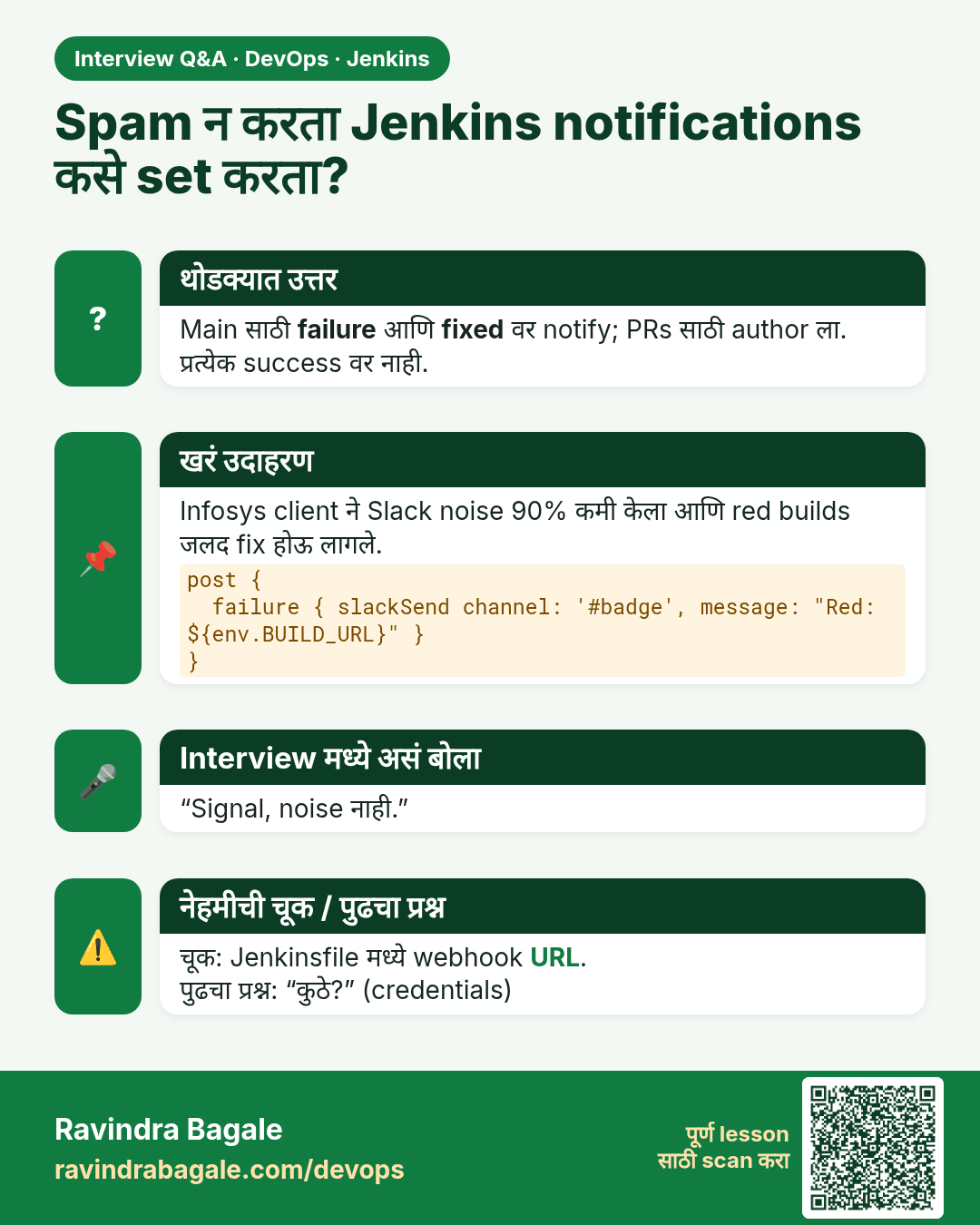
Spam न करता Jenkins notifications कसे set करता? Main साठी failure आणि fixed वर notify; PRs साठी author ला. प्रत्येक success वर नाही.
मुलाखत (Interview) card 2 of 7: Spam न करता Jenkins notifications कसे set करता? · PNG download करा · Card page उघडा

Lesson: 30.2 Email and Slack

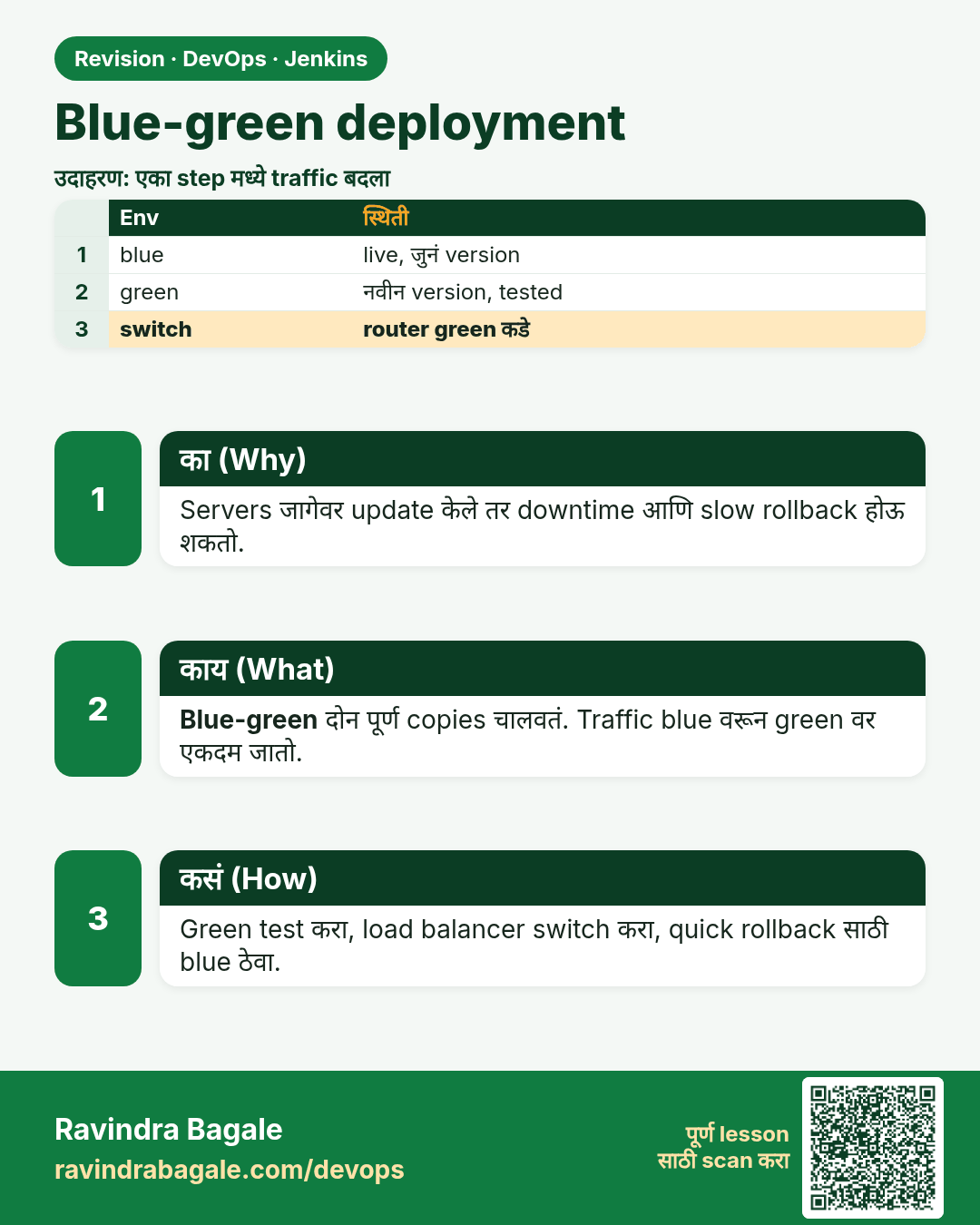
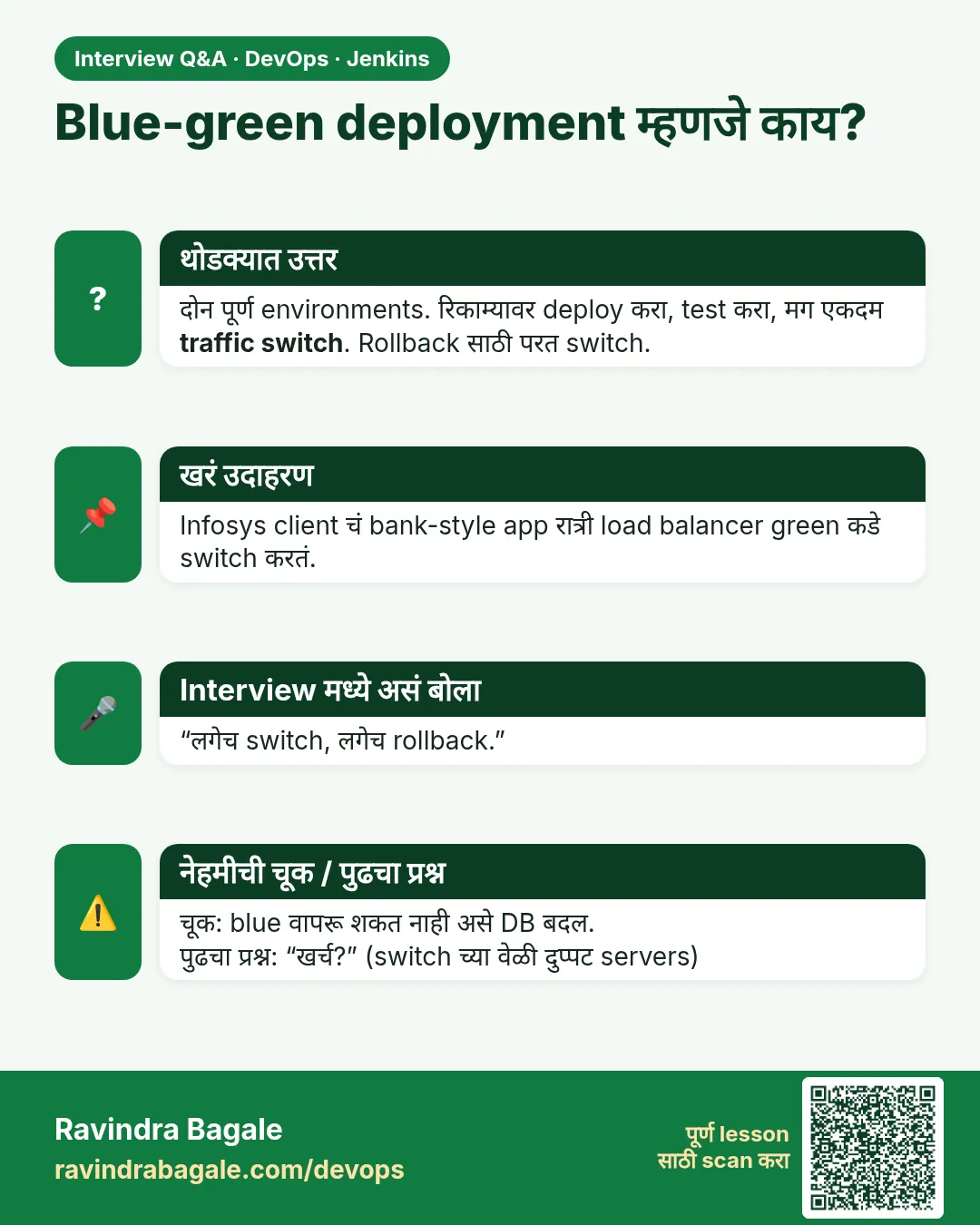
Blue-green deployment म्हणजे काय? दोन पूर्ण environments. रिकाम्यावर deploy करा, test करा, मग एकदम traffic switch. Rollback साठी परत switch.
मुलाखत (Interview) card 3 of 7: Blue-green deployment म्हणजे काय? · PNG download करा · Card page उघडा

Lesson: 30.3 Blue-green

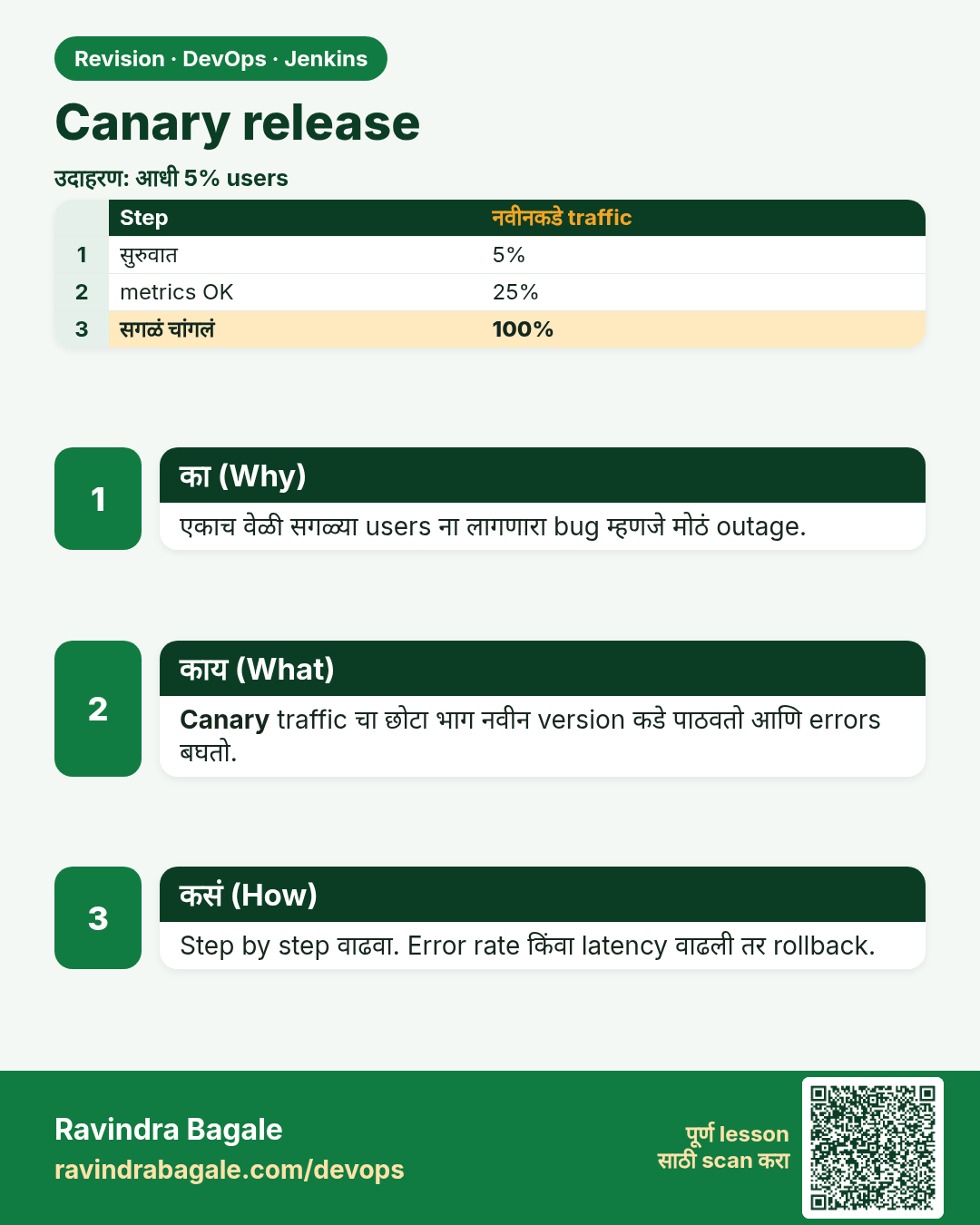
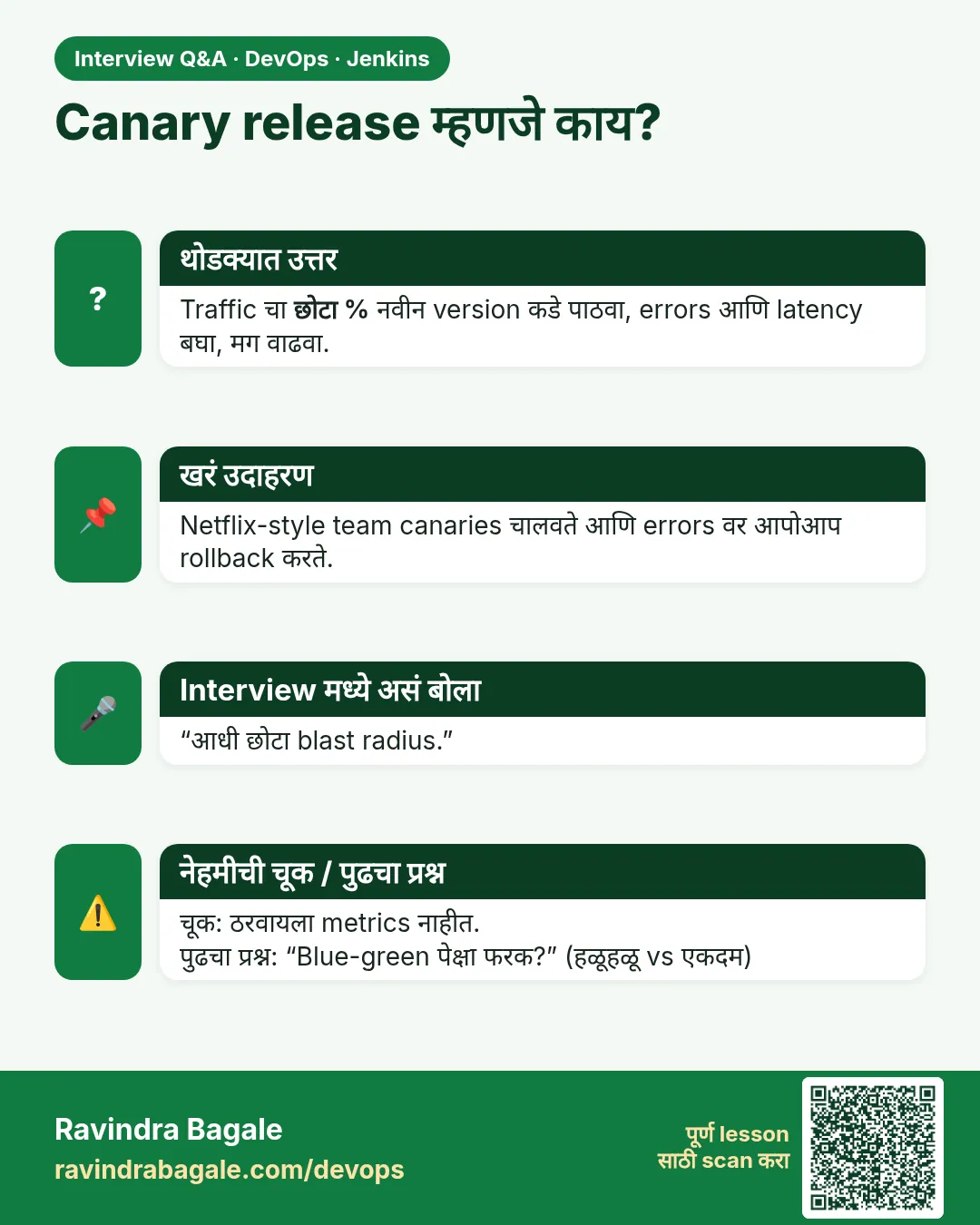
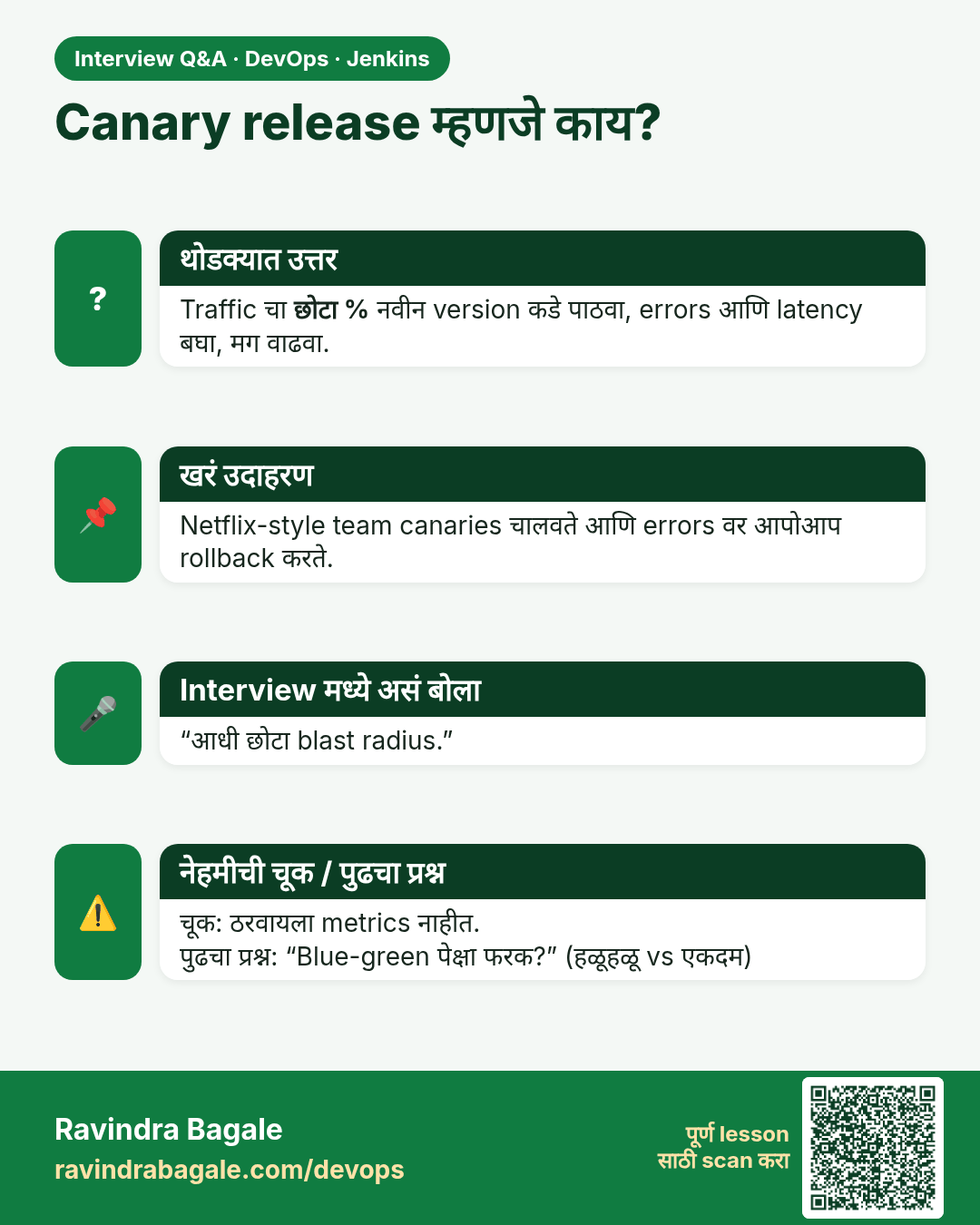
Canary release म्हणजे काय? Traffic चा छोटा % नवीन version कडे पाठवा, errors आणि latency बघा, मग वाढवा.
मुलाखत (Interview) card 4 of 7: Canary release म्हणजे काय? · PNG download करा · Card page उघडा

Lesson: 30.4 Canary

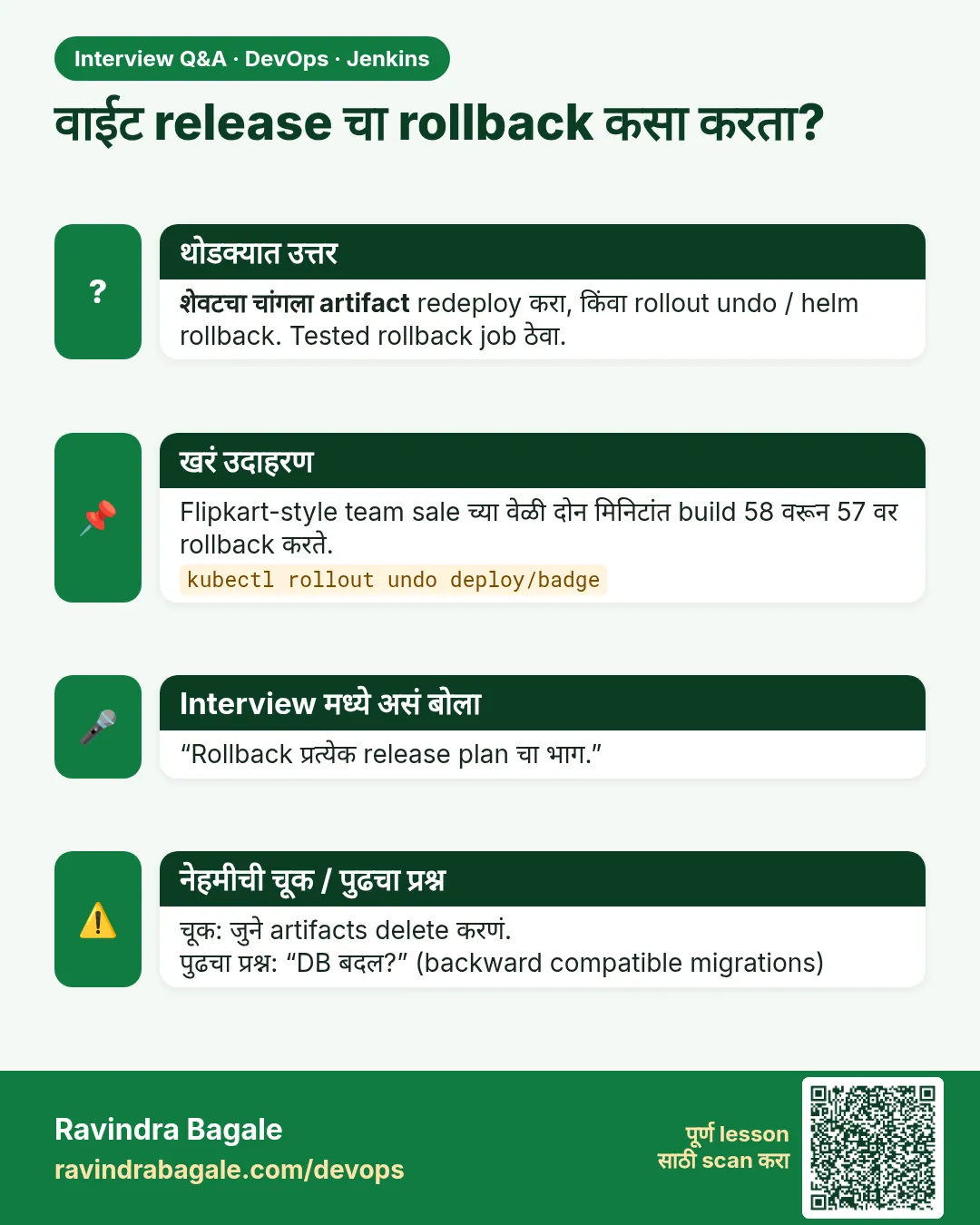
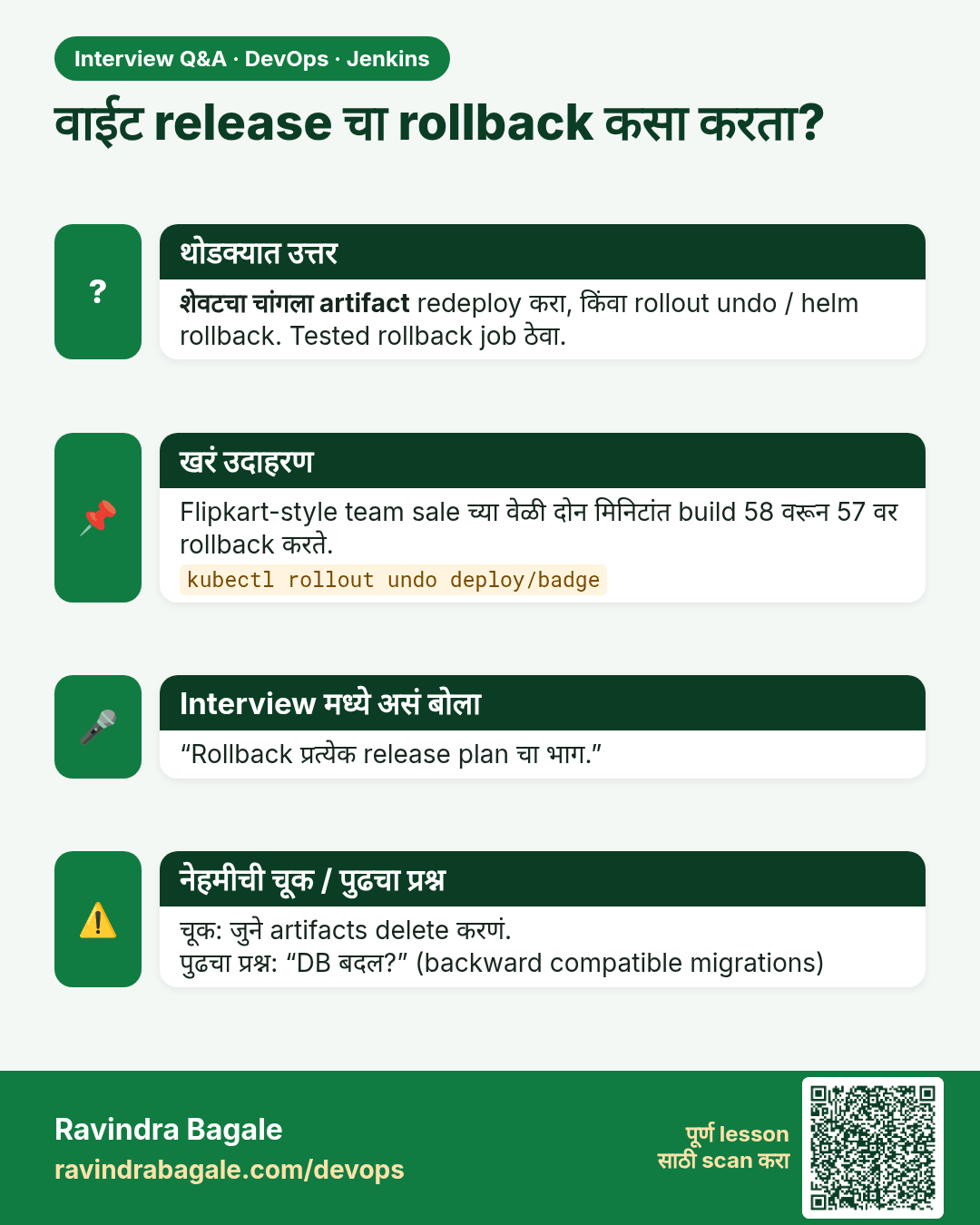
वाईट release चा rollback कसा करता? शेवटचा चांगला artifact redeploy करा, किंवा rollout undo / helm rollback. Tested rollback job ठेवा.
मुलाखत (Interview) card 5 of 7: वाईट release चा rollback कसा करता? · PNG download करा · Card page उघडा

Lesson: 30.5 Rollback

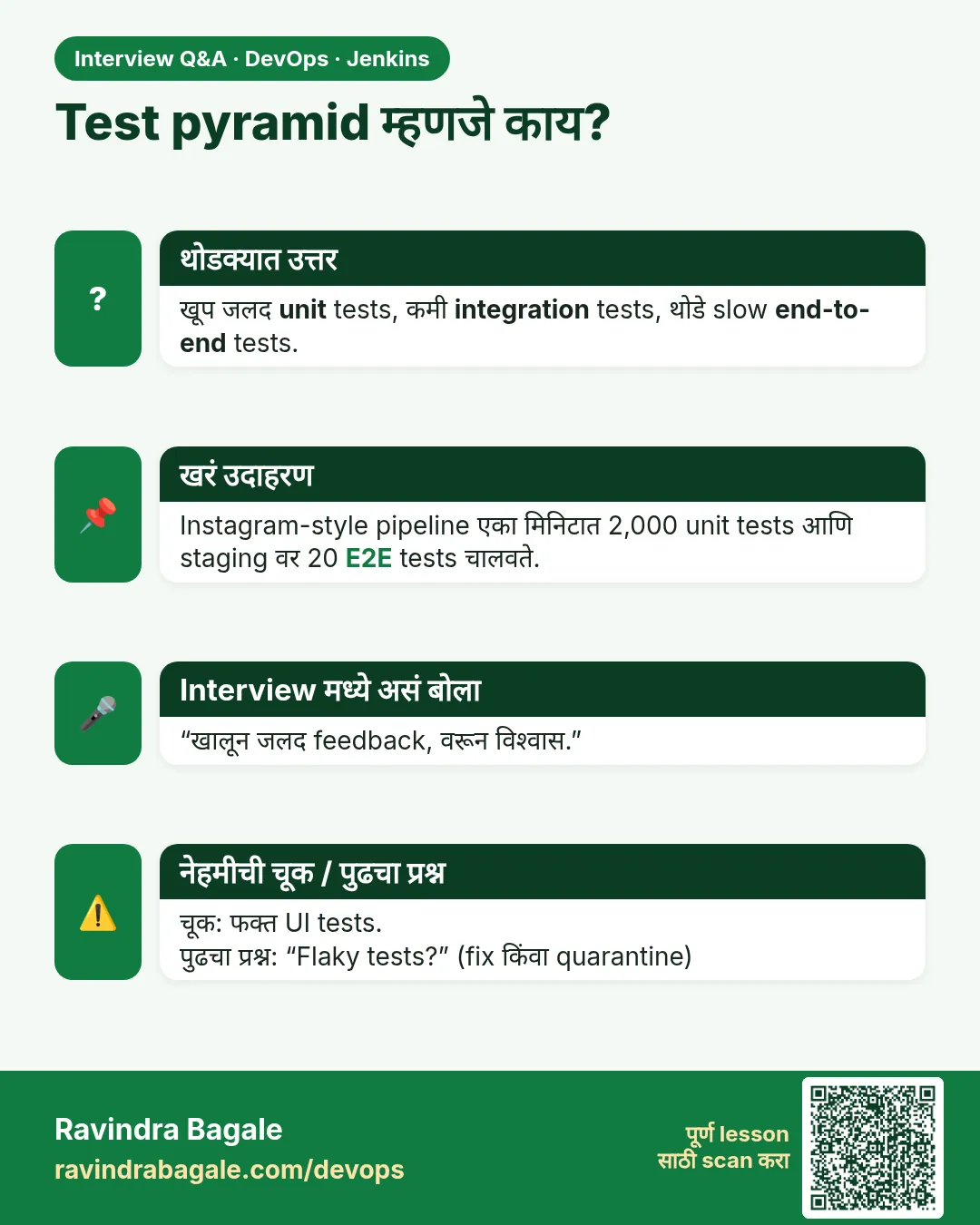
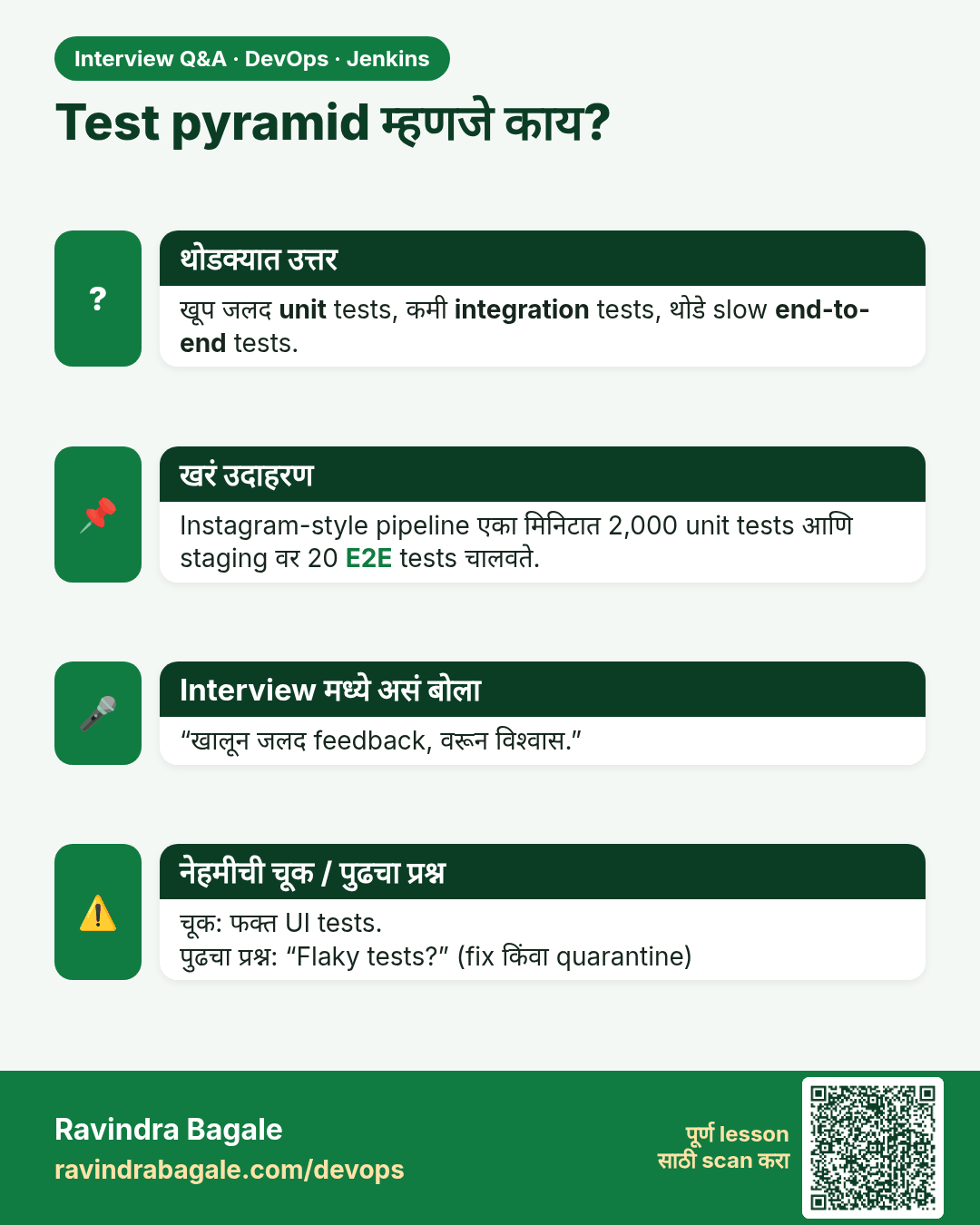
Test pyramid म्हणजे काय? खूप जलद unit tests, कमी integration tests, थोडे slow end-to-end tests.
मुलाखत (Interview) card 6 of 7: Test pyramid म्हणजे काय? · PNG download करा · Card page उघडा

Lesson: 30.6 Test layers

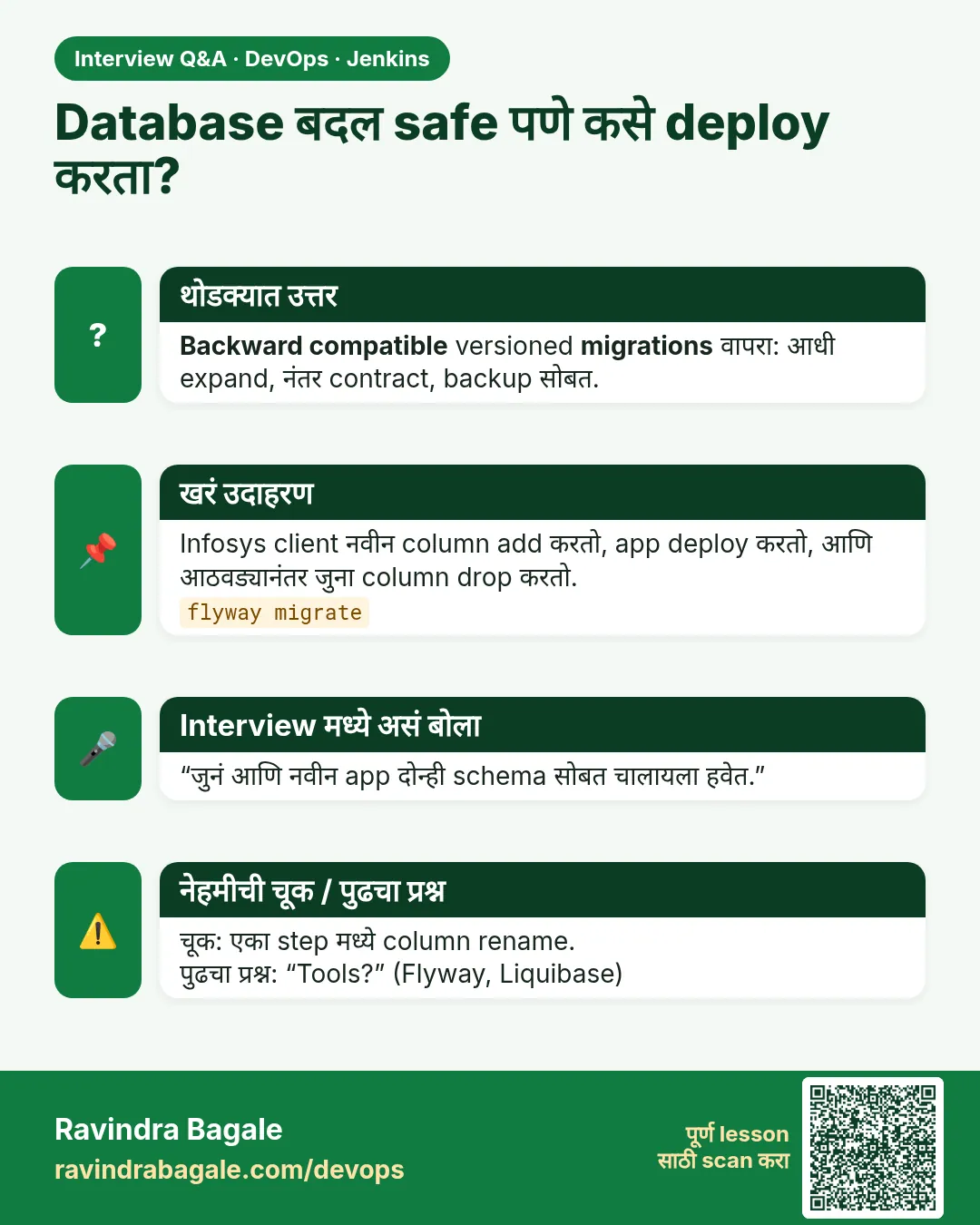
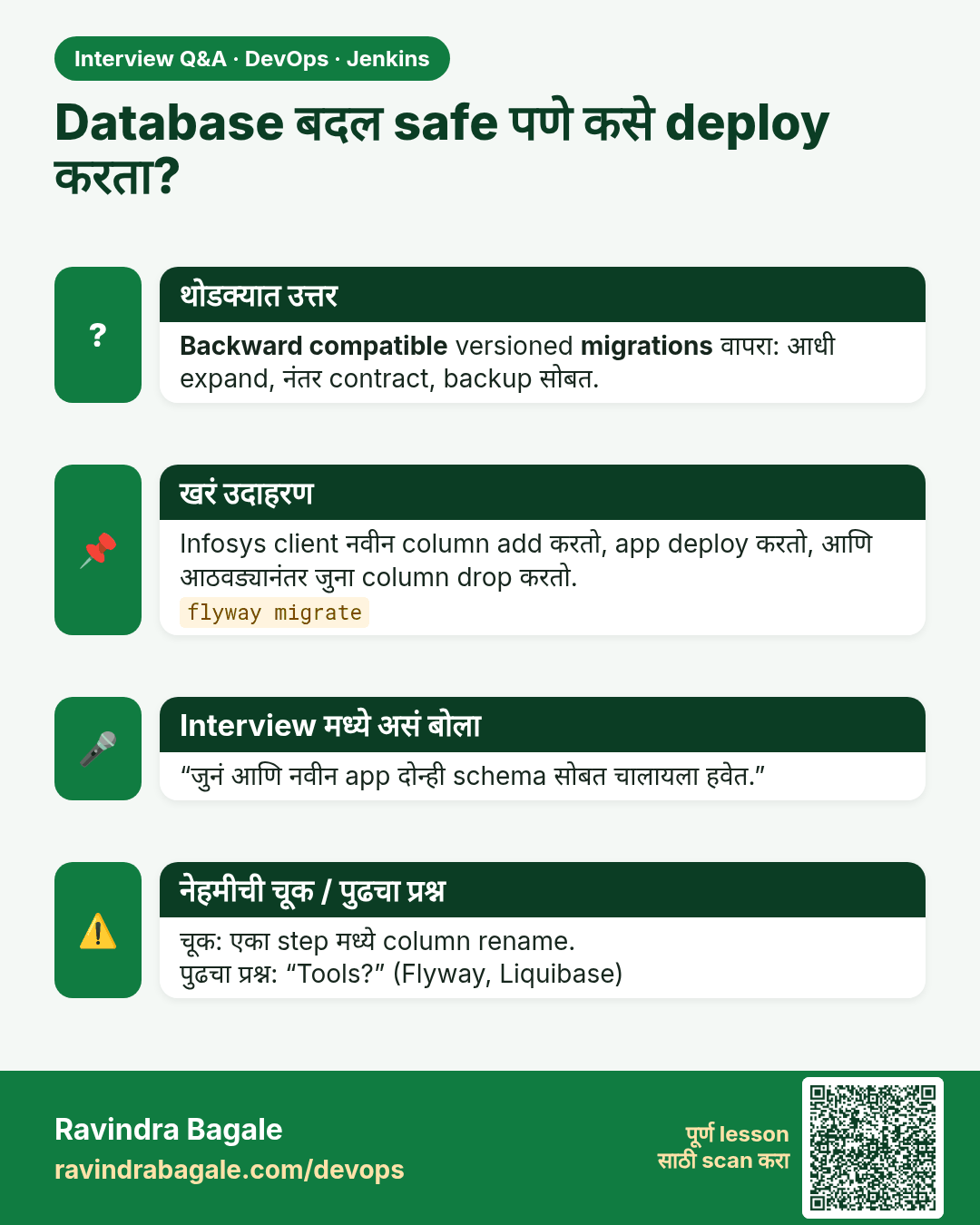
Database बदल safe पणे कसे deploy करता? Backward compatible versioned migrations वापरा: आधी expand, नंतर contract, backup सोबत.
मुलाखत (Interview) card 7 of 7: Database बदल safe पणे कसे deploy करता? · PNG download करा · Card page उघडा

Lesson: 30.7 Quality gates and database migrations

तुलना (Comparison) cards
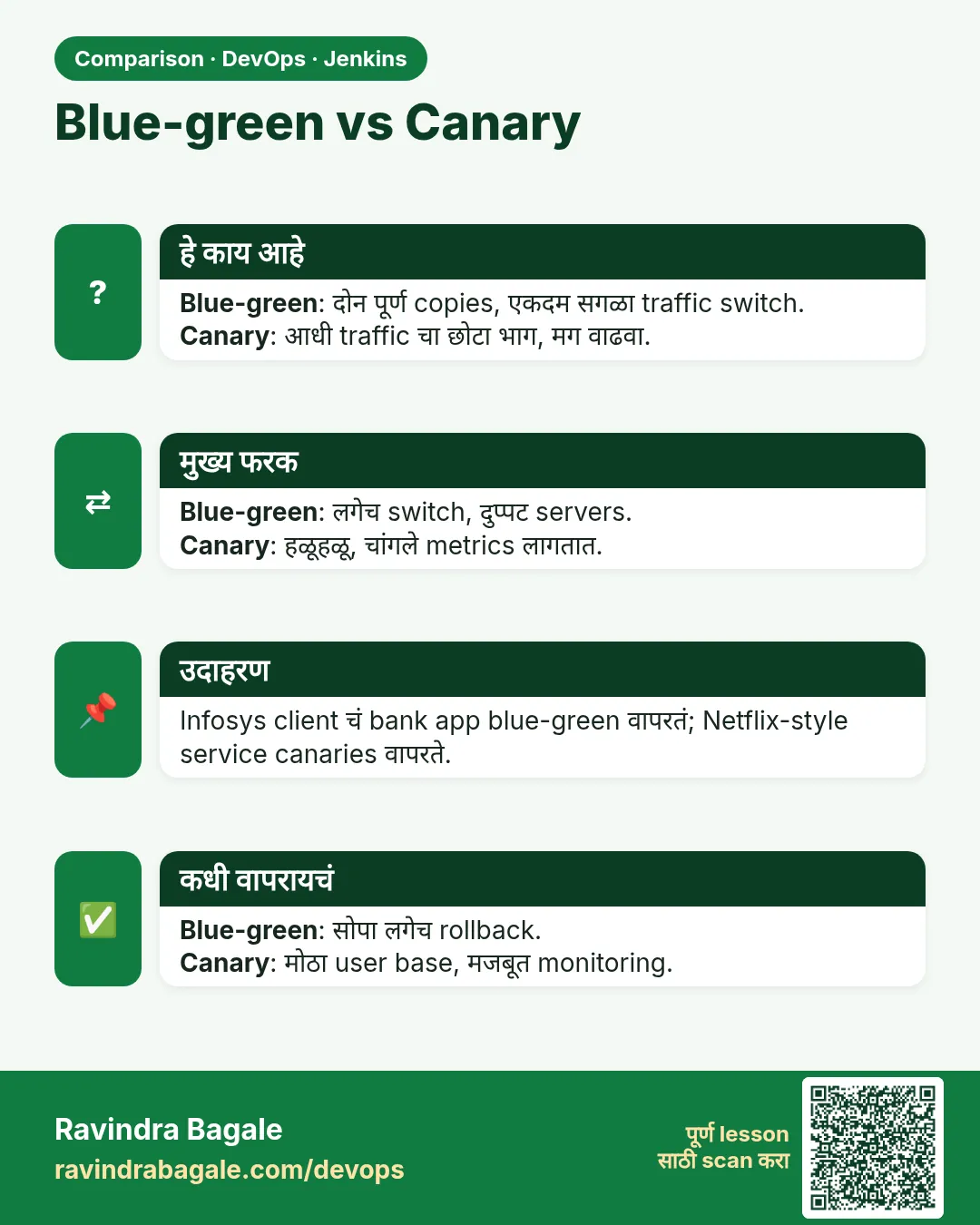
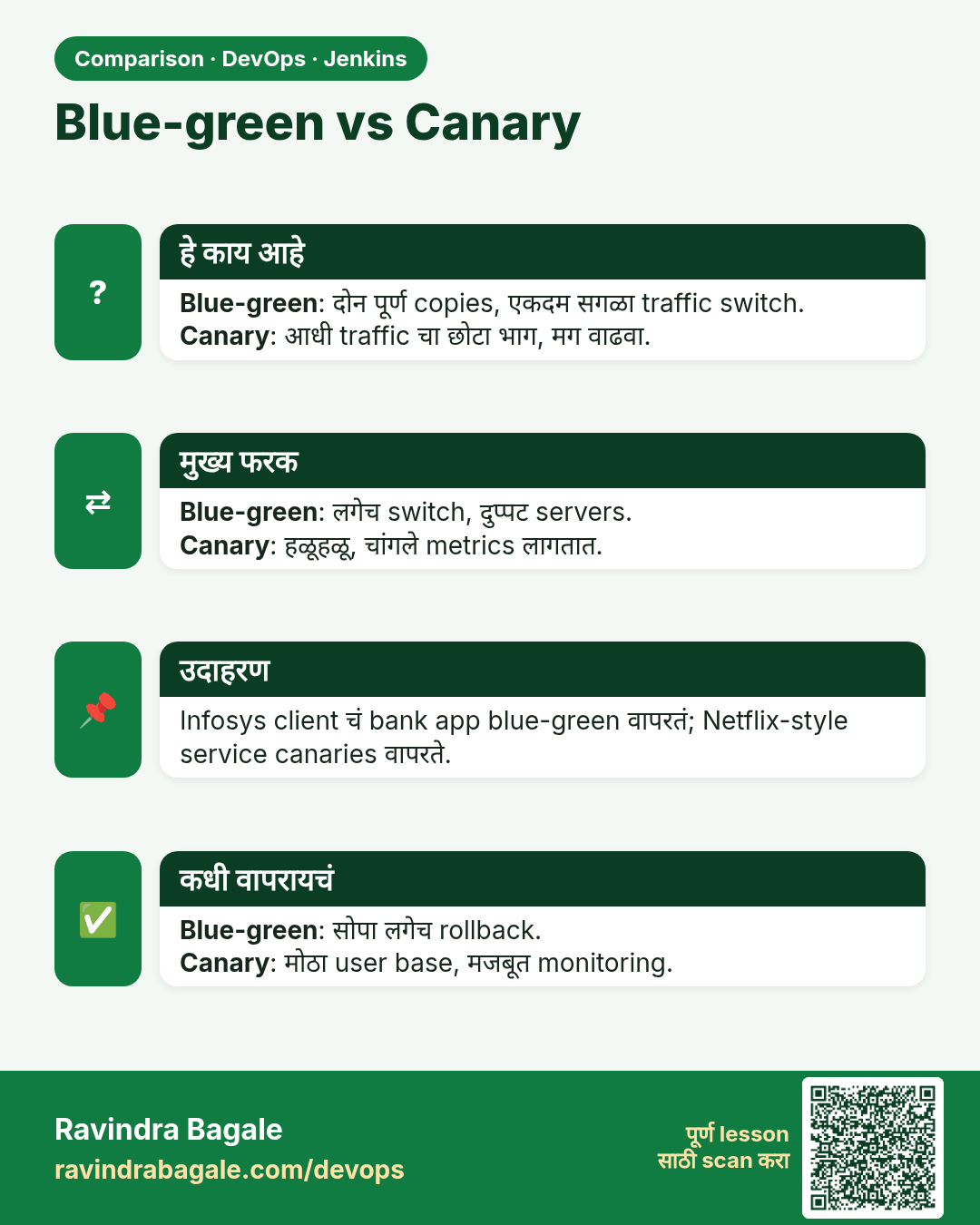
Blue-green vs Canary. Blue-green: दोन पूर्ण copies, एकदम सगळा traffic switch.Canary: आधी traffic चा छोटा भाग, मग वाढवा.
तुलना (Comparison) card 1 of 3: Blue-green vs Canary · PNG download करा · Card page उघडा

Lesson: 30.3 Blue-green

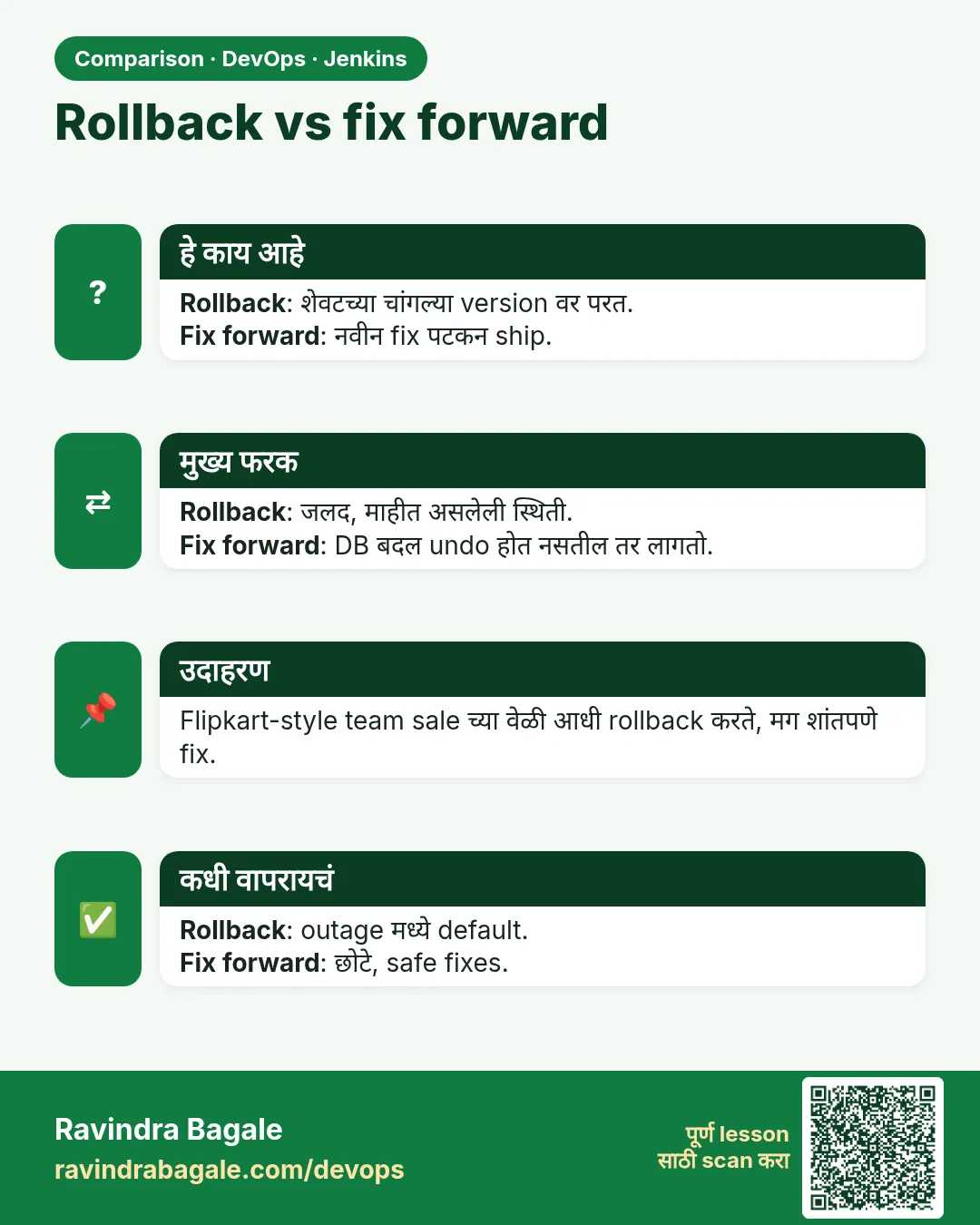
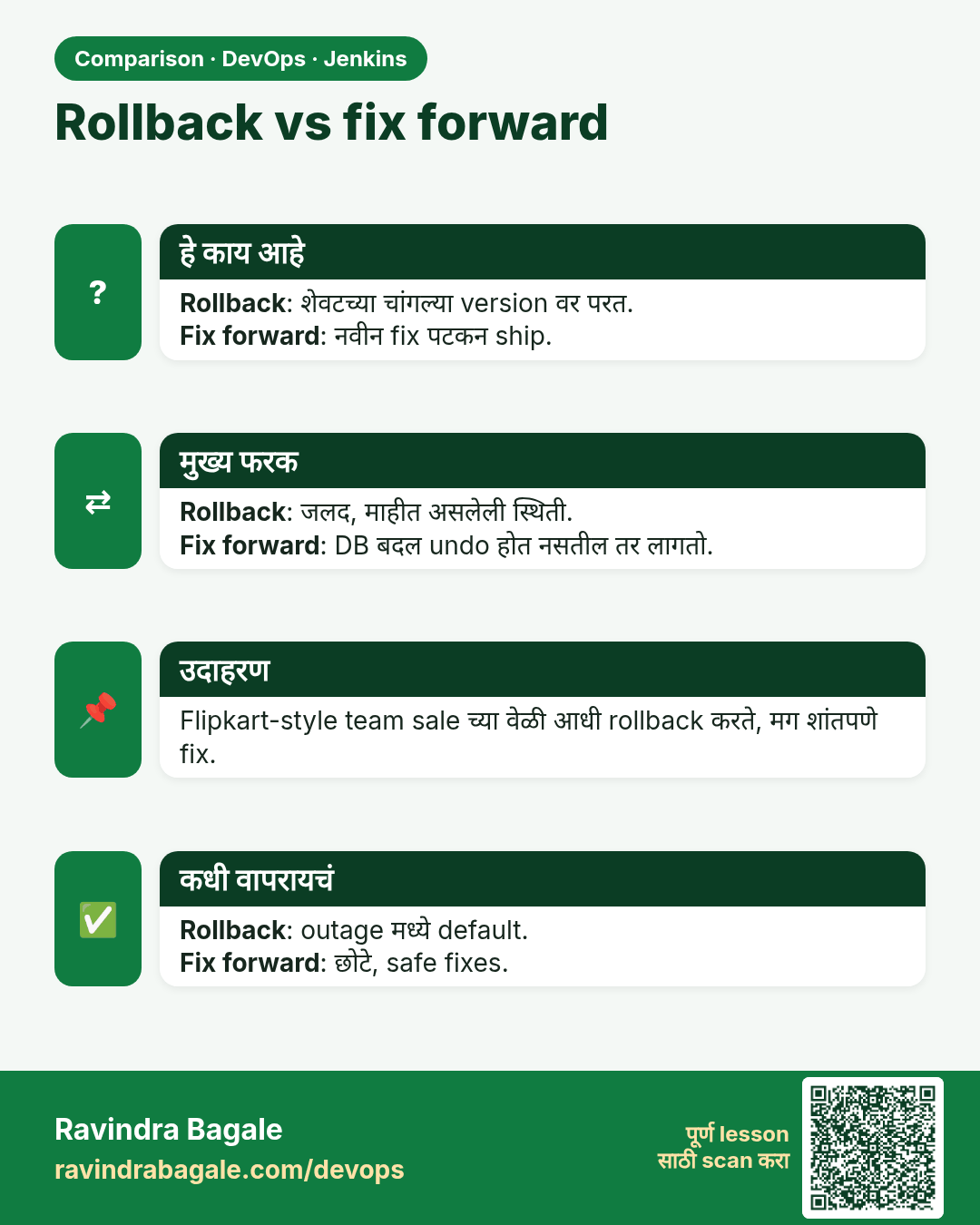
Rollback vs fix forward. Rollback: शेवटच्या चांगल्या version वर परत.Fix forward: नवीन fix पटकन ship.
तुलना (Comparison) card 2 of 3: Rollback vs fix forward · PNG download करा · Card page उघडा

Lesson: 30.5 Rollback

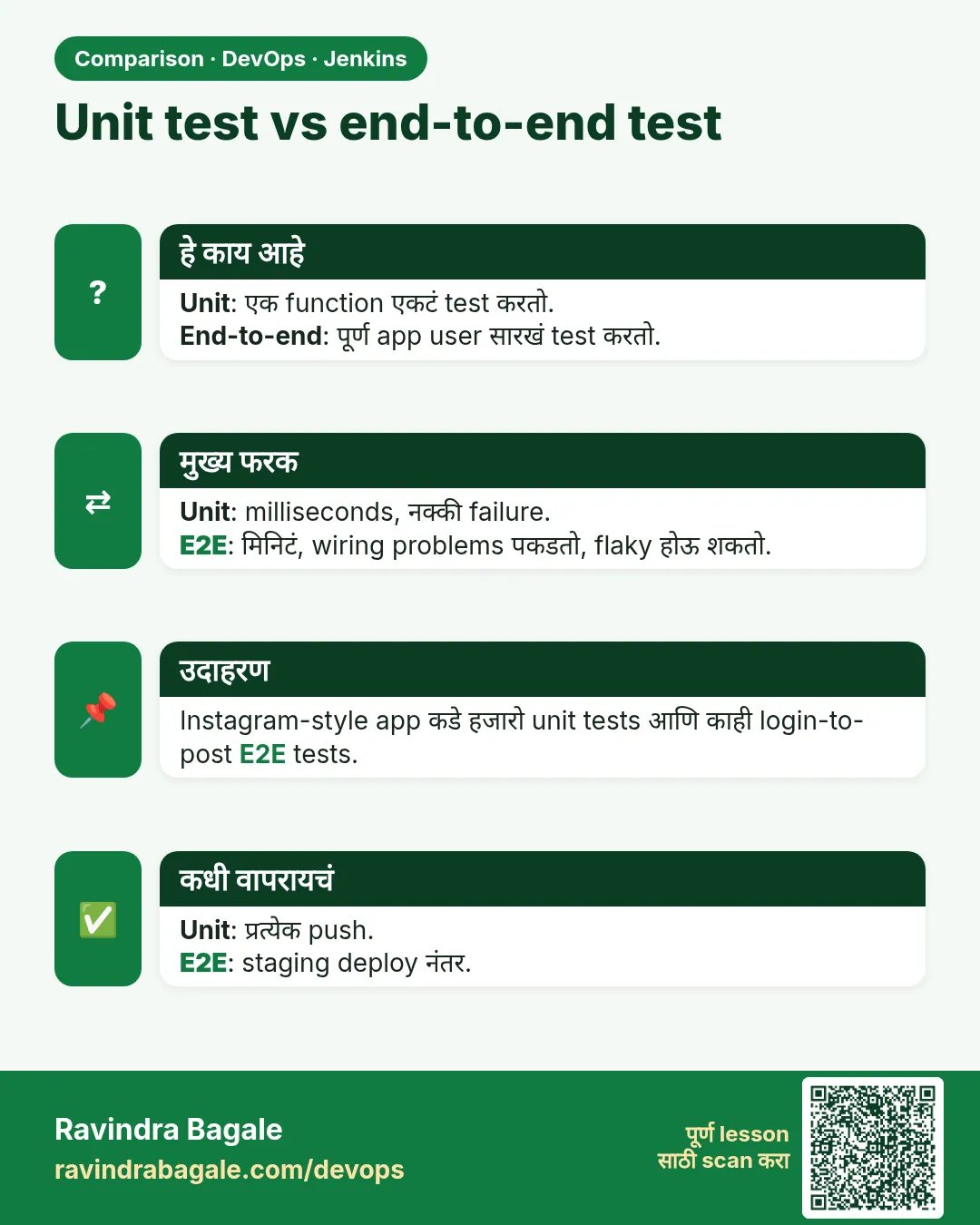
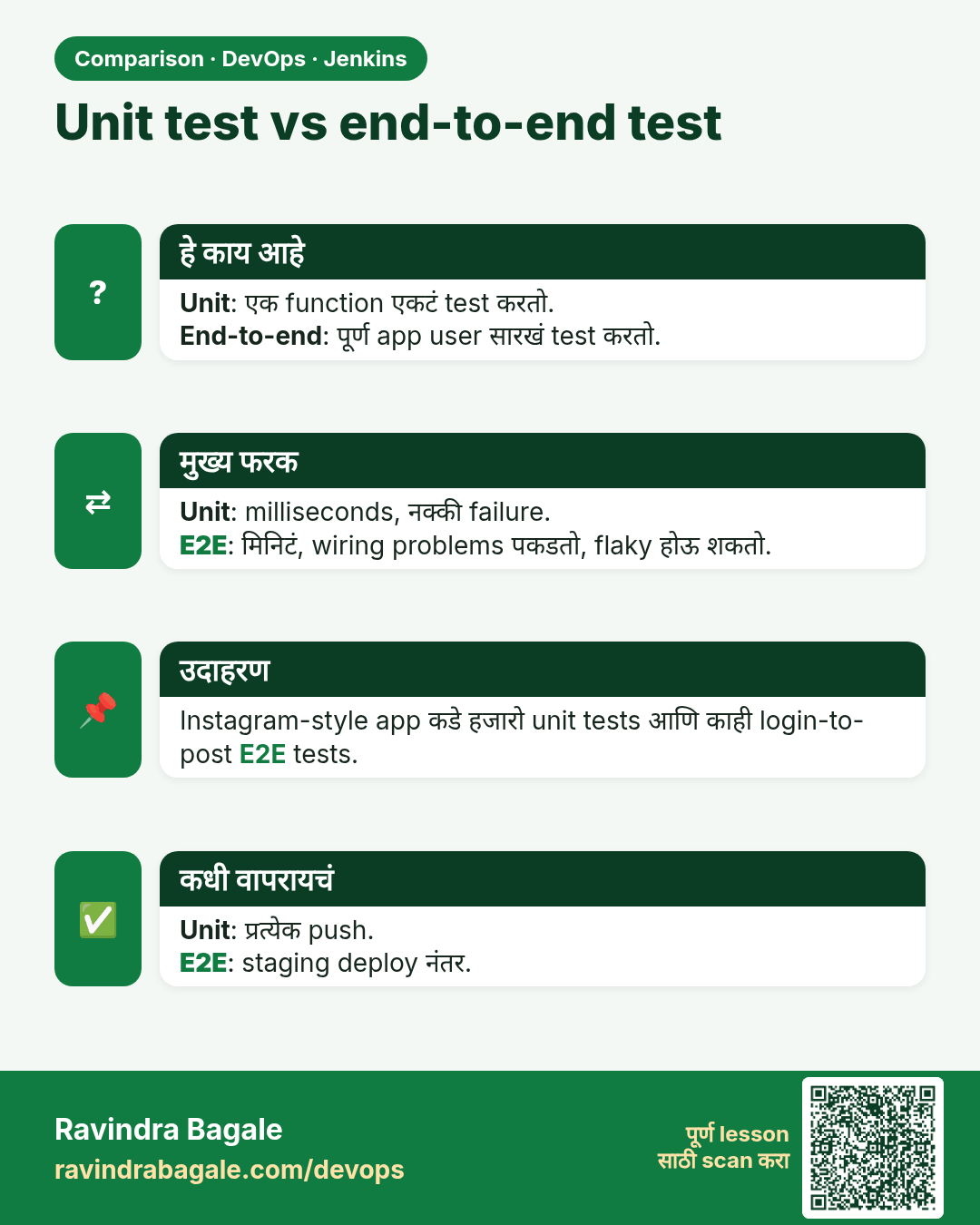
Unit test vs end-to-end test. Unit: एक function एकटं test करतो.End-to-end: पूर्ण app user सारखं test करतो.
तुलना (Comparison) card 3 of 3: Unit test vs end-to-end test · PNG download करा · Card page उघडा

Lesson: 30.6 Test layers