Ravindra BagaleCourses & study guides मराठी

Ravi Sir's Cards › DevOps

Chapter 51: Docker Networking: Port Publishing, Bridge, Host, None, Overlay, Macvlan, DNS and Every Network Command: Cards

मराठी cards · Open the chapter

Revision cards
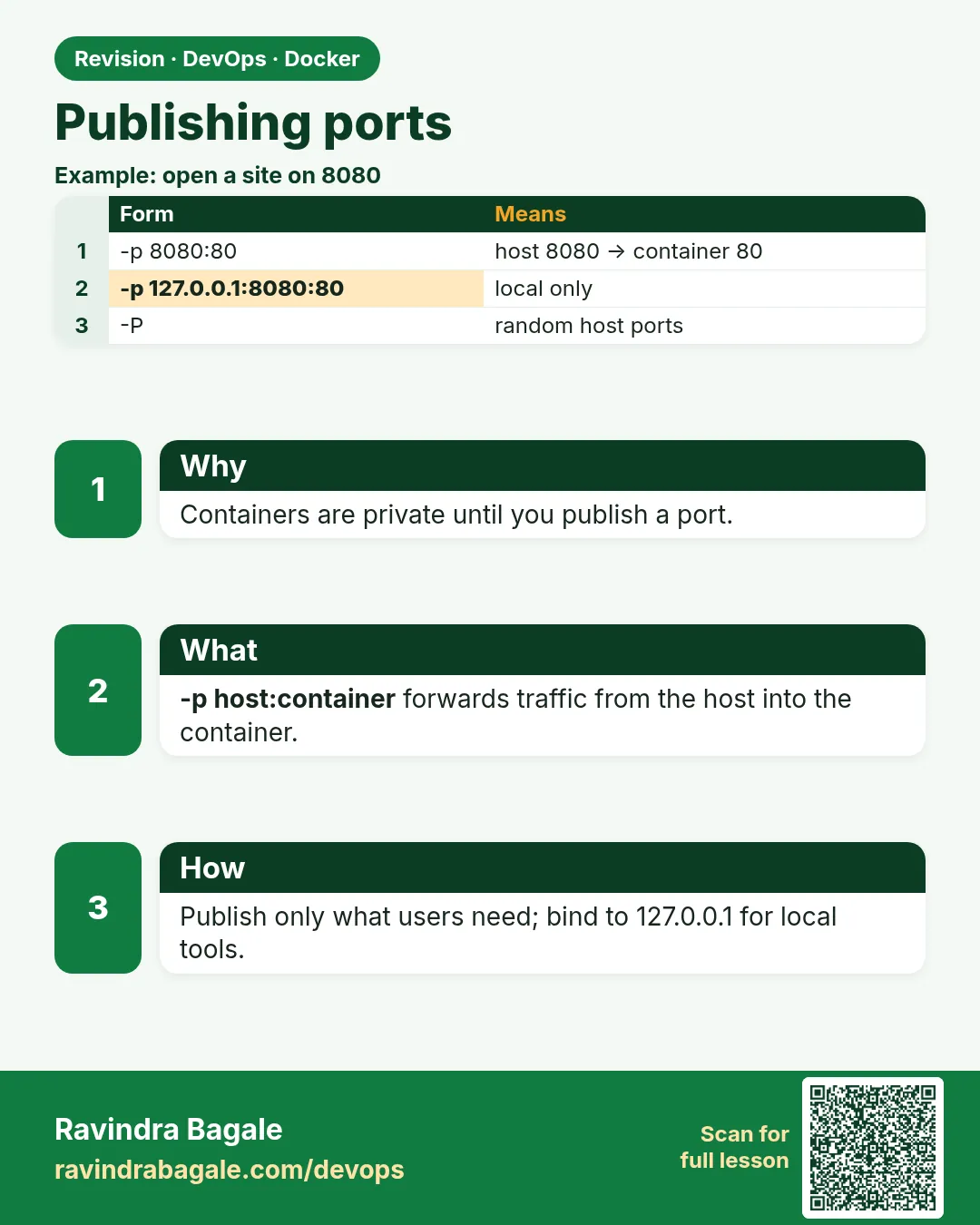
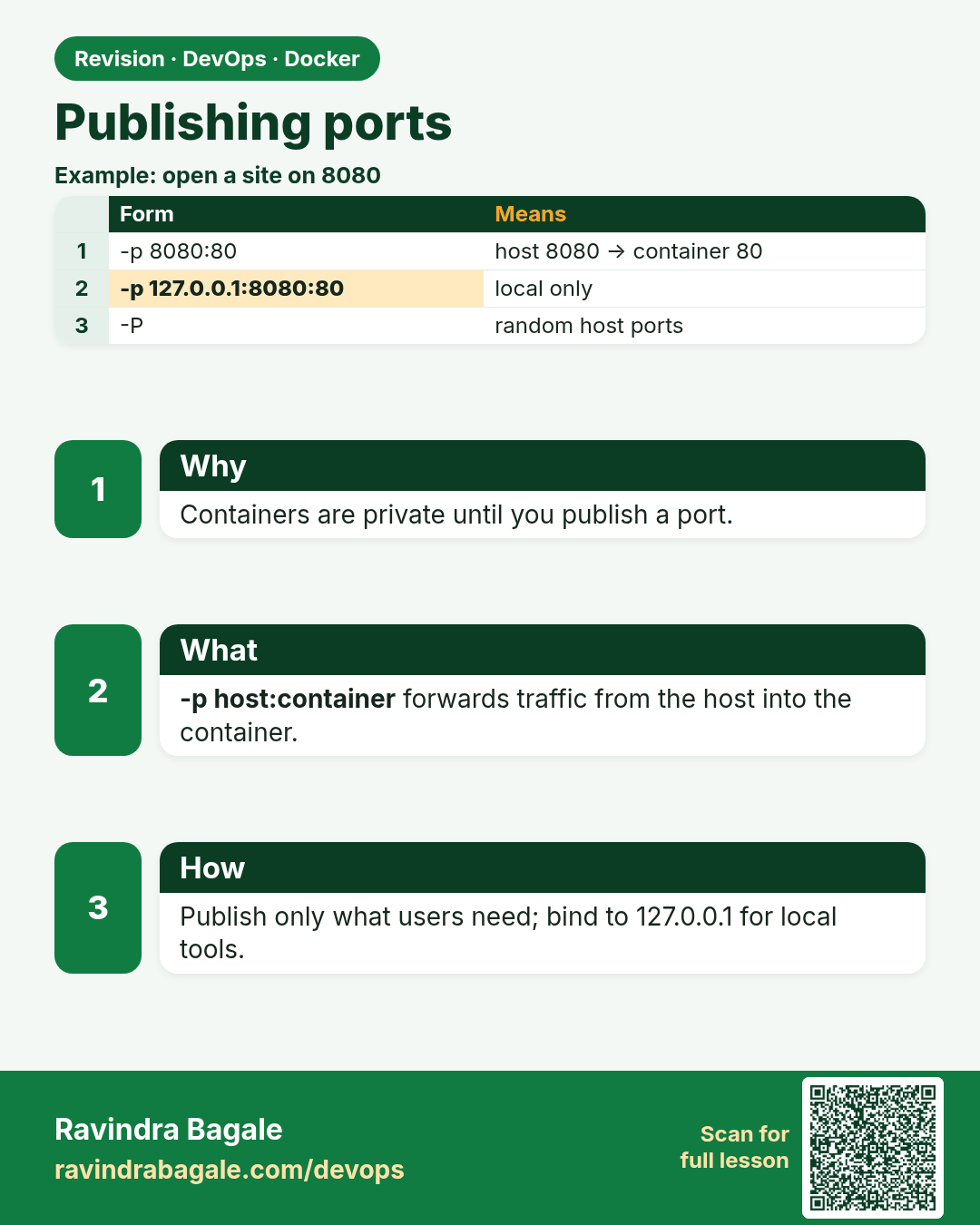
Publishing ports. Containers are private until you publish a port.
Revision card 1 of 7: Publishing ports · Download PNG · Open card page

Lesson: 51.1 Port publishing: reach a container from outside
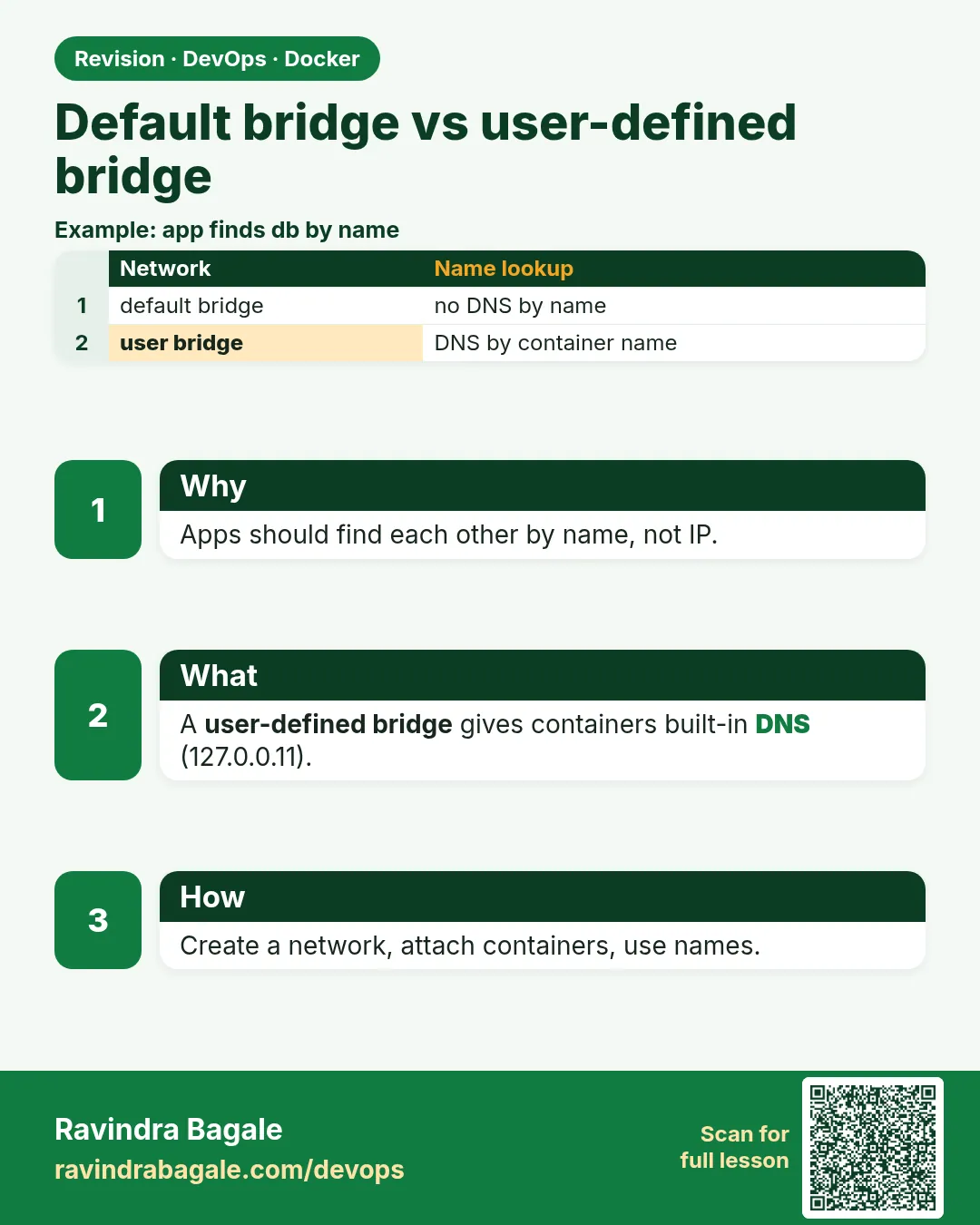
Default bridge vs user-defined bridge. Apps should find each other by name, not IP.
Revision card 2 of 7: Default bridge vs user-defined bridge · Download PNG · Open card page

Lesson: 51.2 Default bridge vs user-defined bridge and DNS

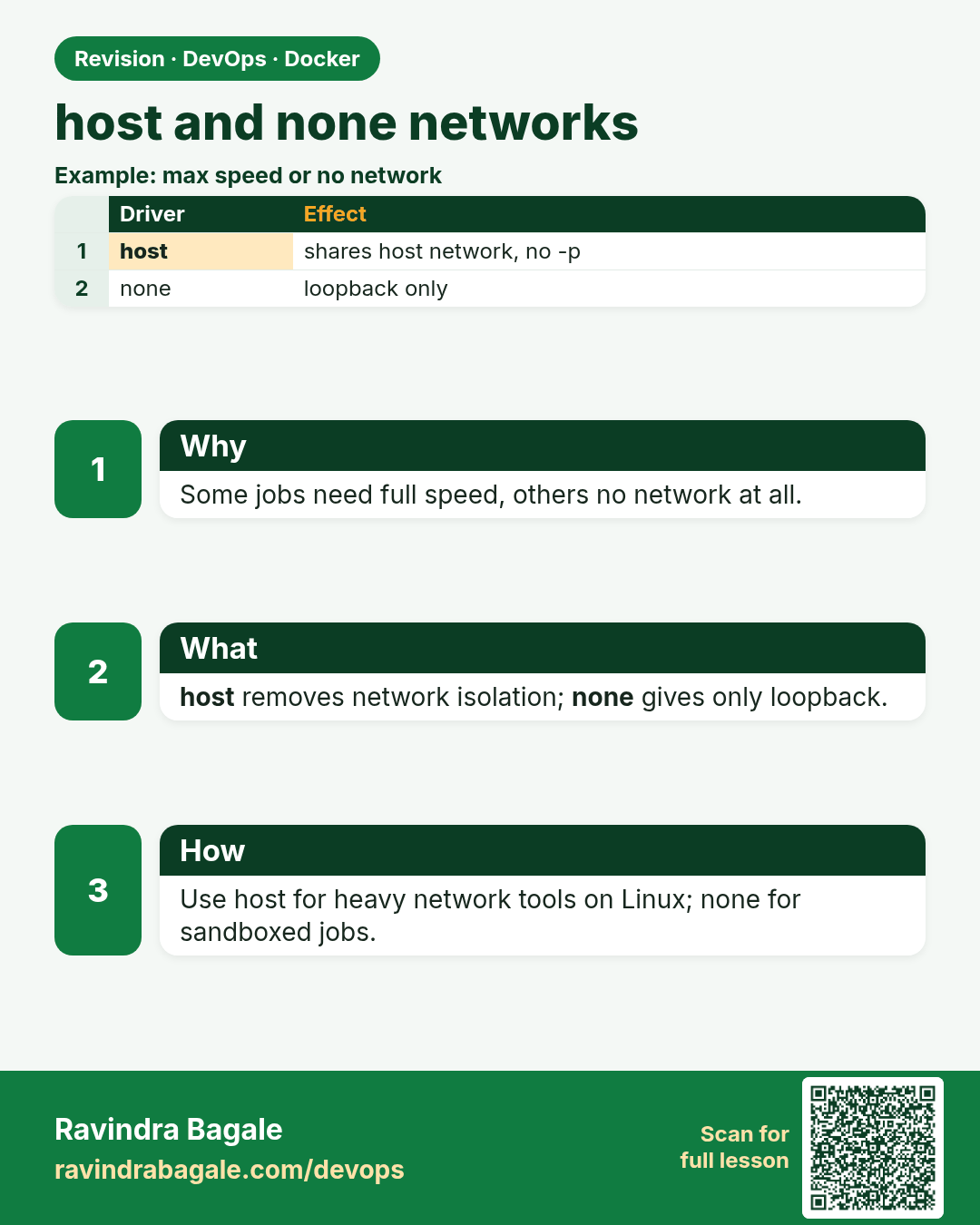
host and none networks. Some jobs need full speed, others no network at all.
Revision card 3 of 7: host and none networks · Download PNG · Open card page

Lesson: 51.3 host and none networks

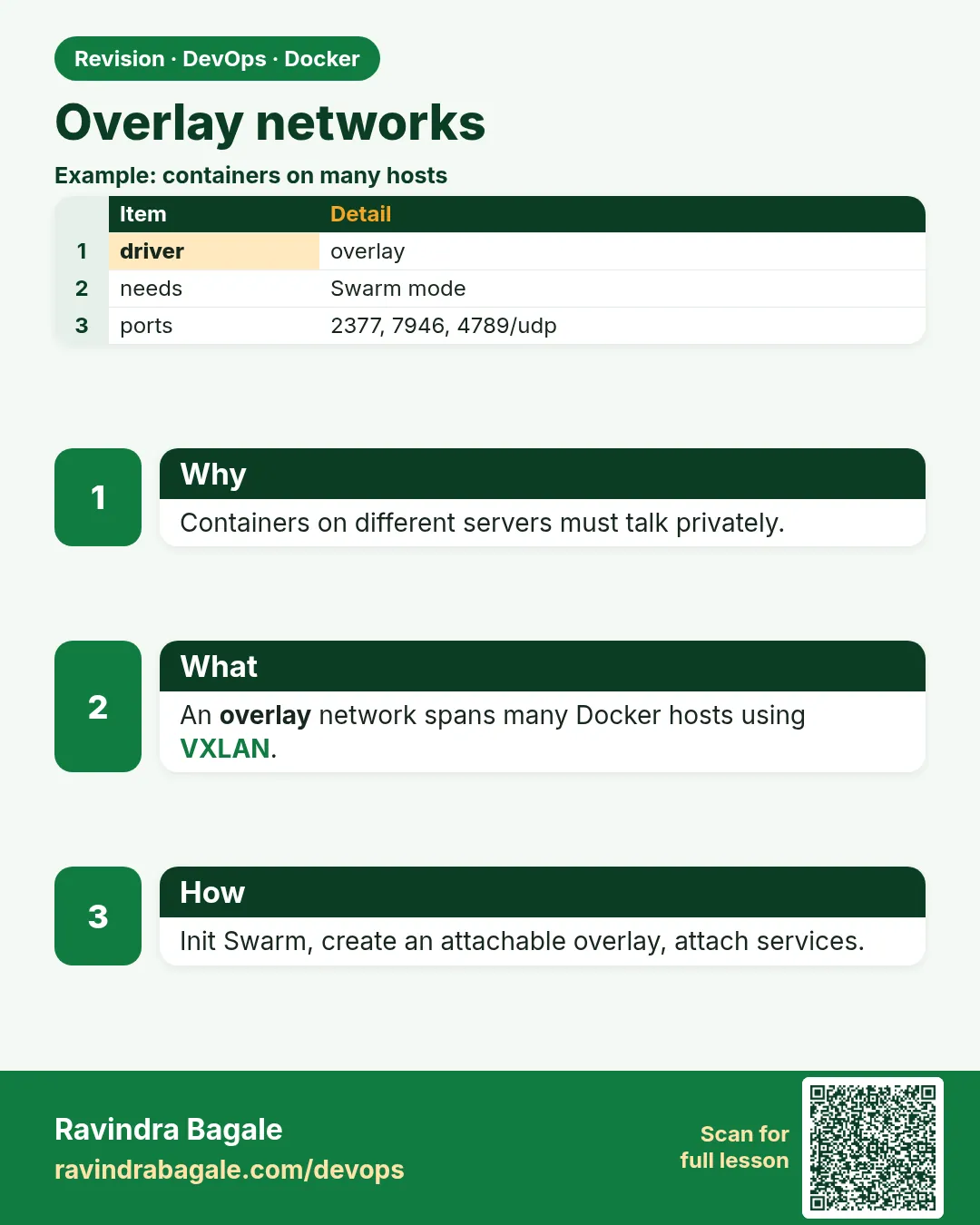
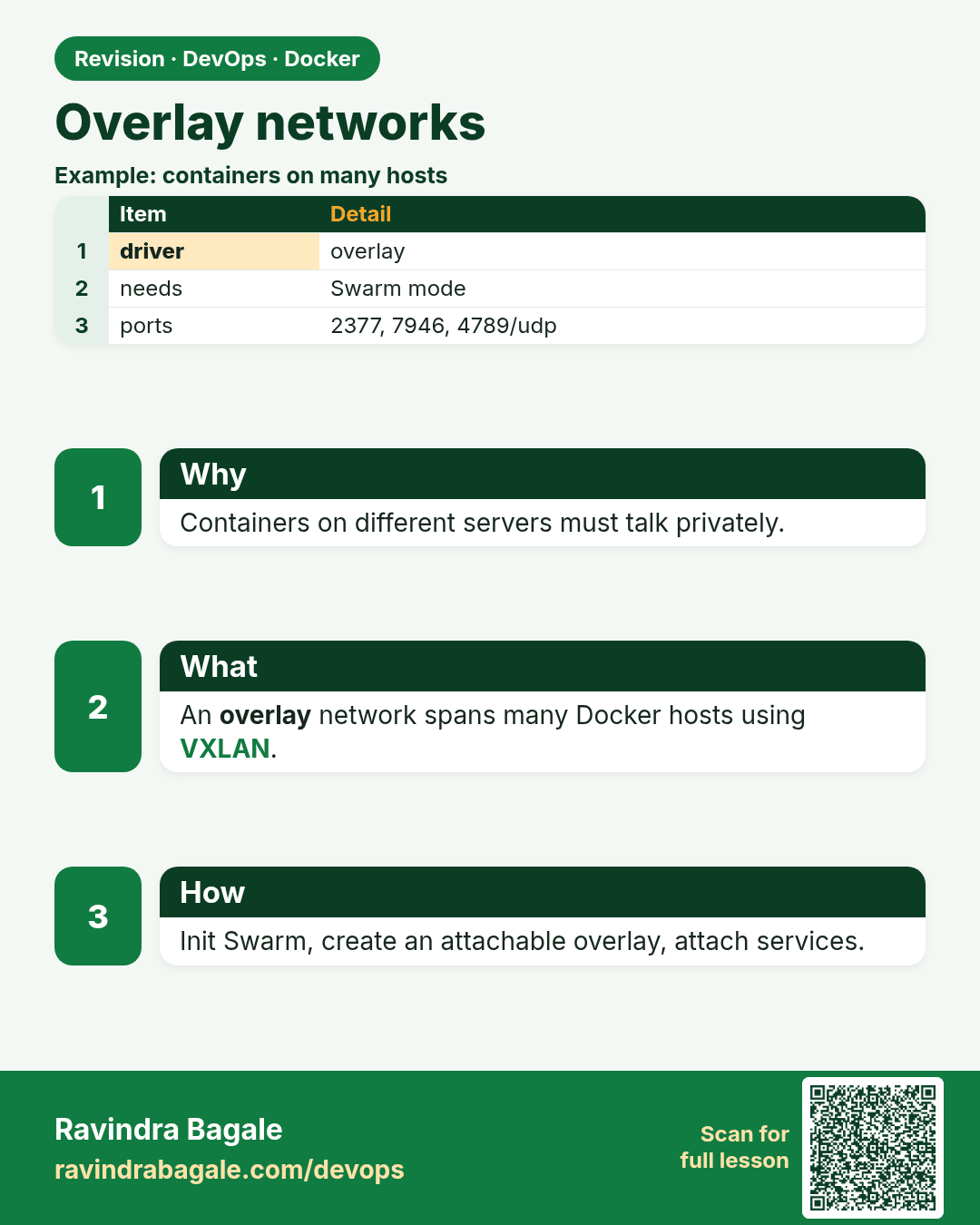
Overlay networks. Containers on different servers must talk privately.
Revision card 4 of 7: Overlay networks · Download PNG · Open card page

Lesson: 51.4 Overlay networks across hosts

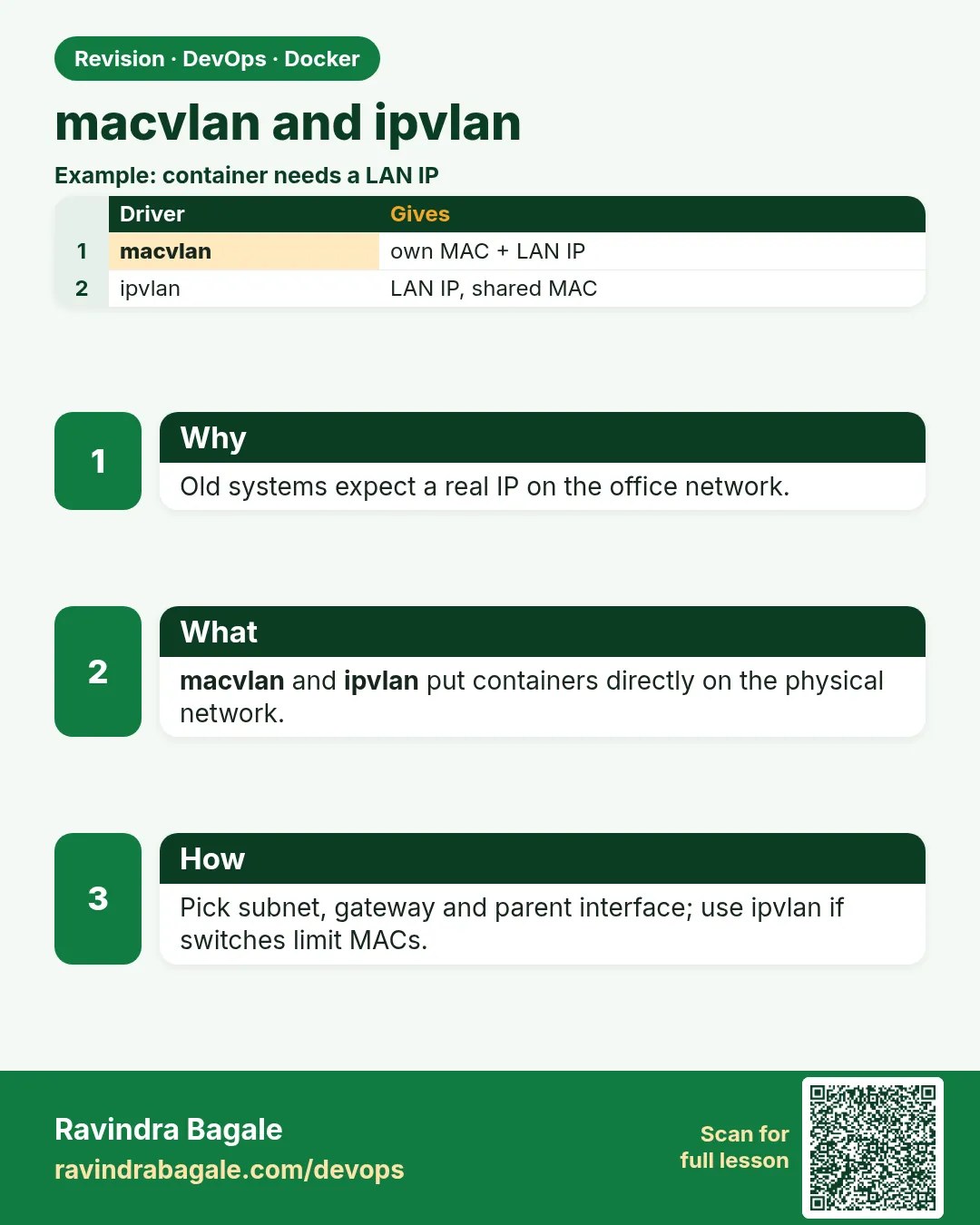
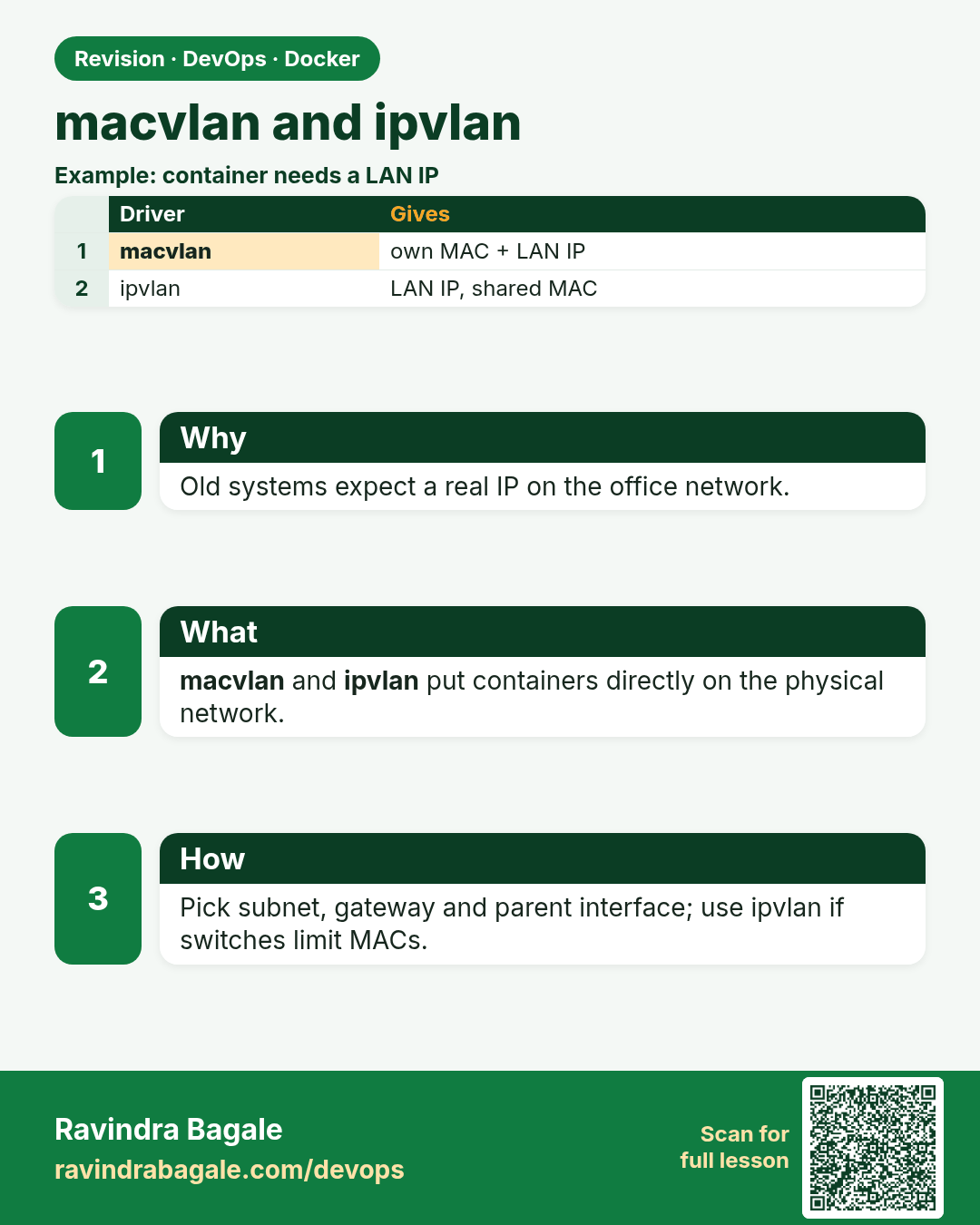
macvlan and ipvlan. Old systems expect a real IP on the office network.
Revision card 5 of 7: macvlan and ipvlan · Download PNG · Open card page

Lesson: 51.5 macvlan and ipvlan: containers on the real LAN

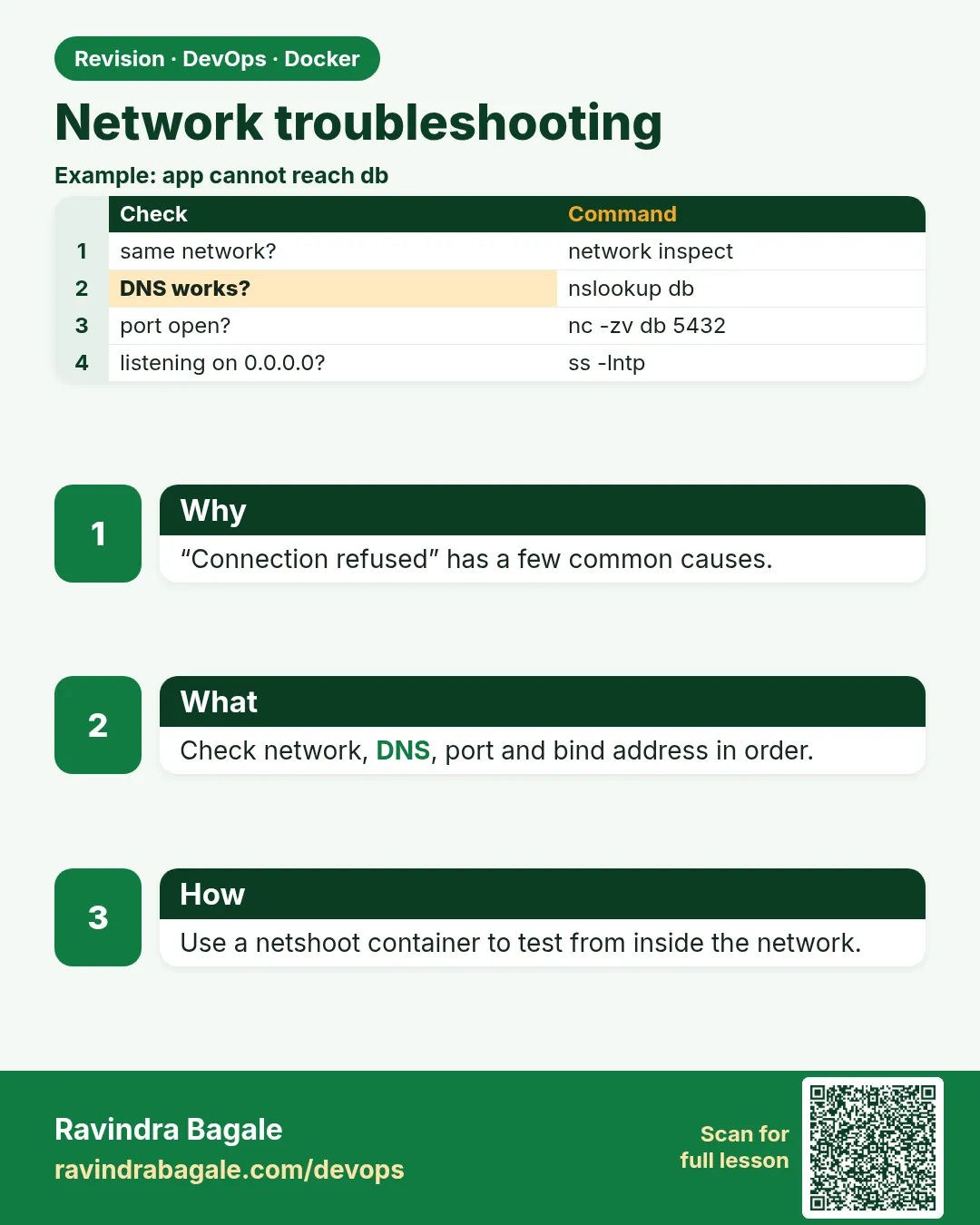
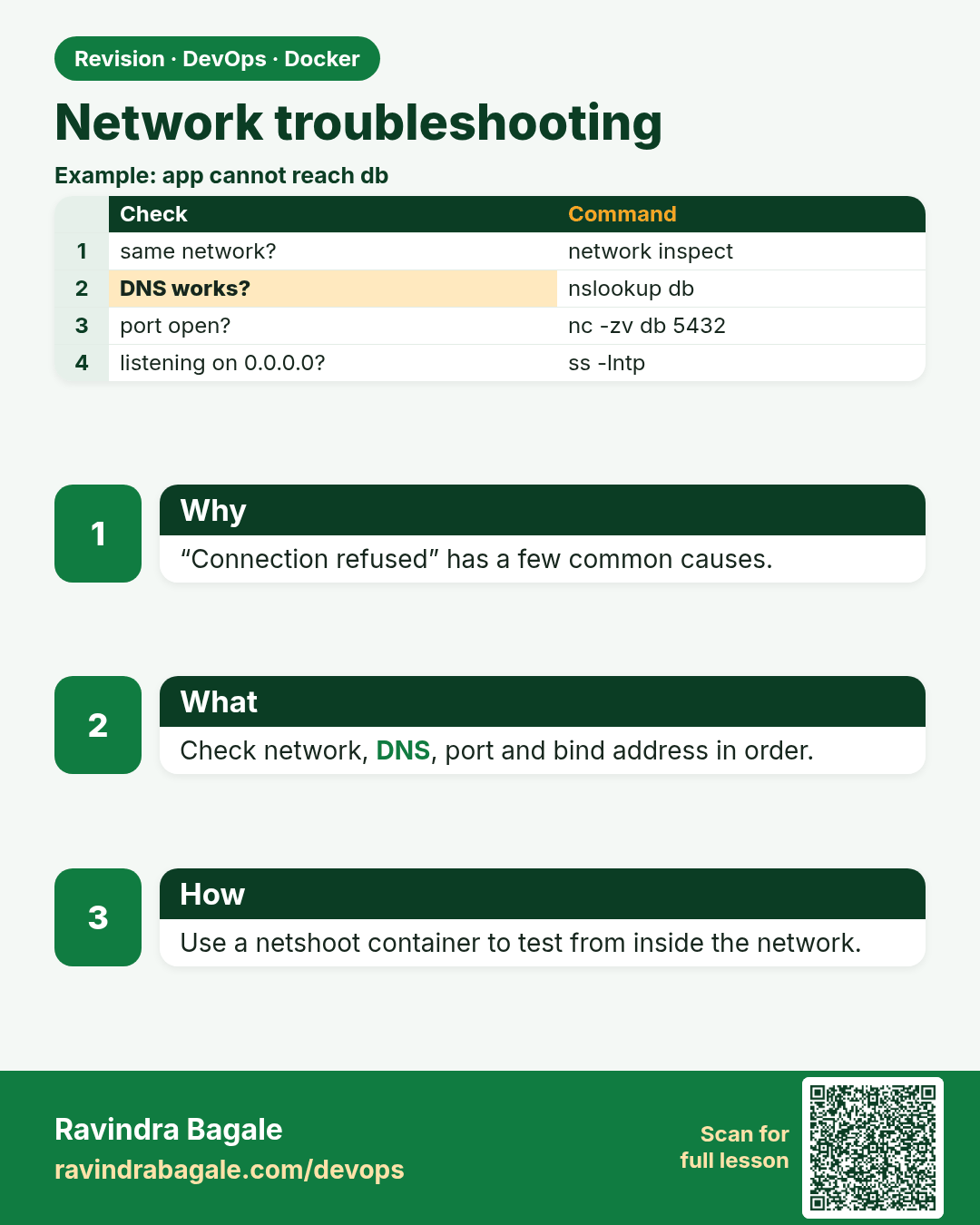
Network troubleshooting. “Connection refused” has a few common causes.
Revision card 6 of 7: Network troubleshooting · Download PNG · Open card page

Lesson: 51.6 Troubleshoot container networking

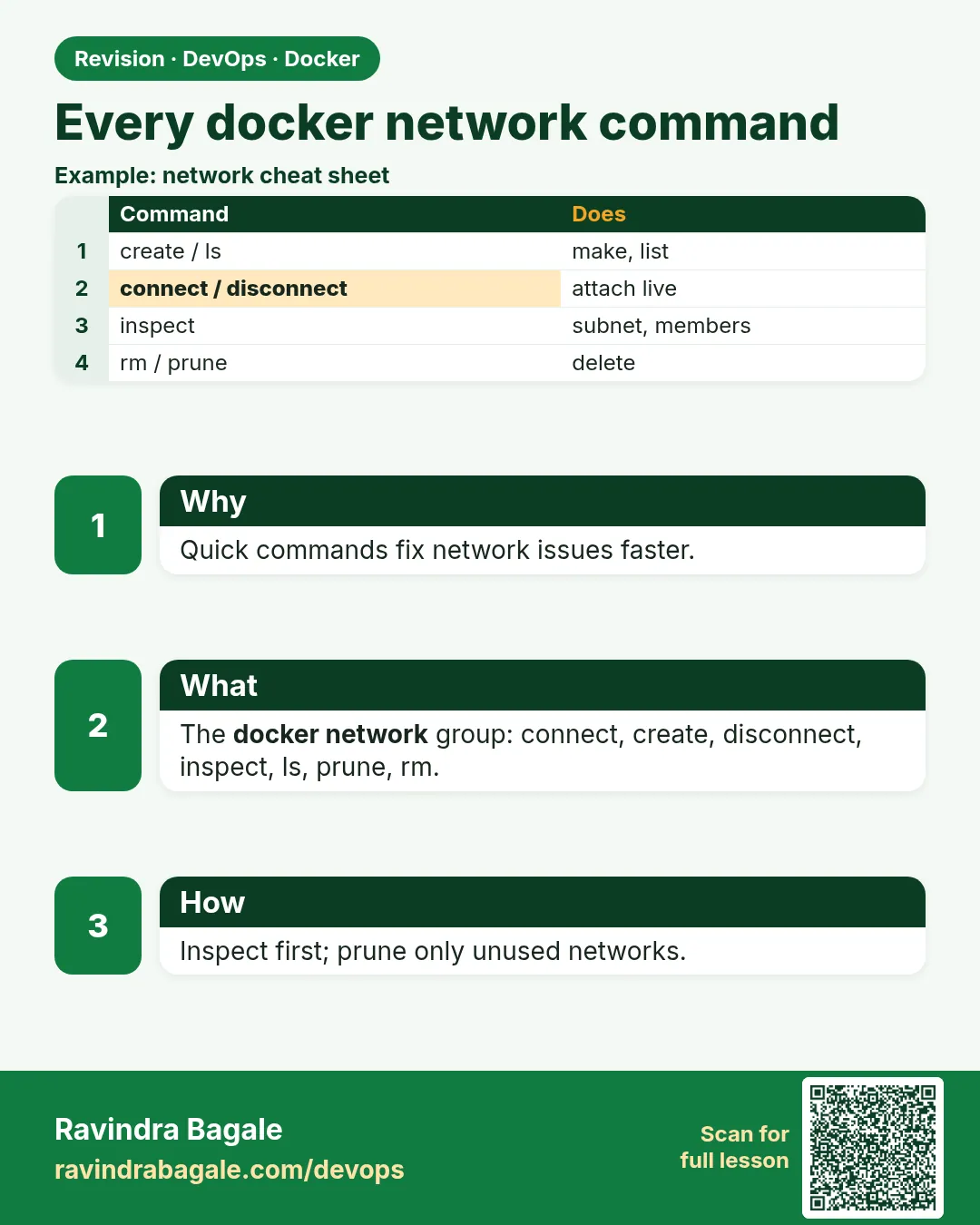
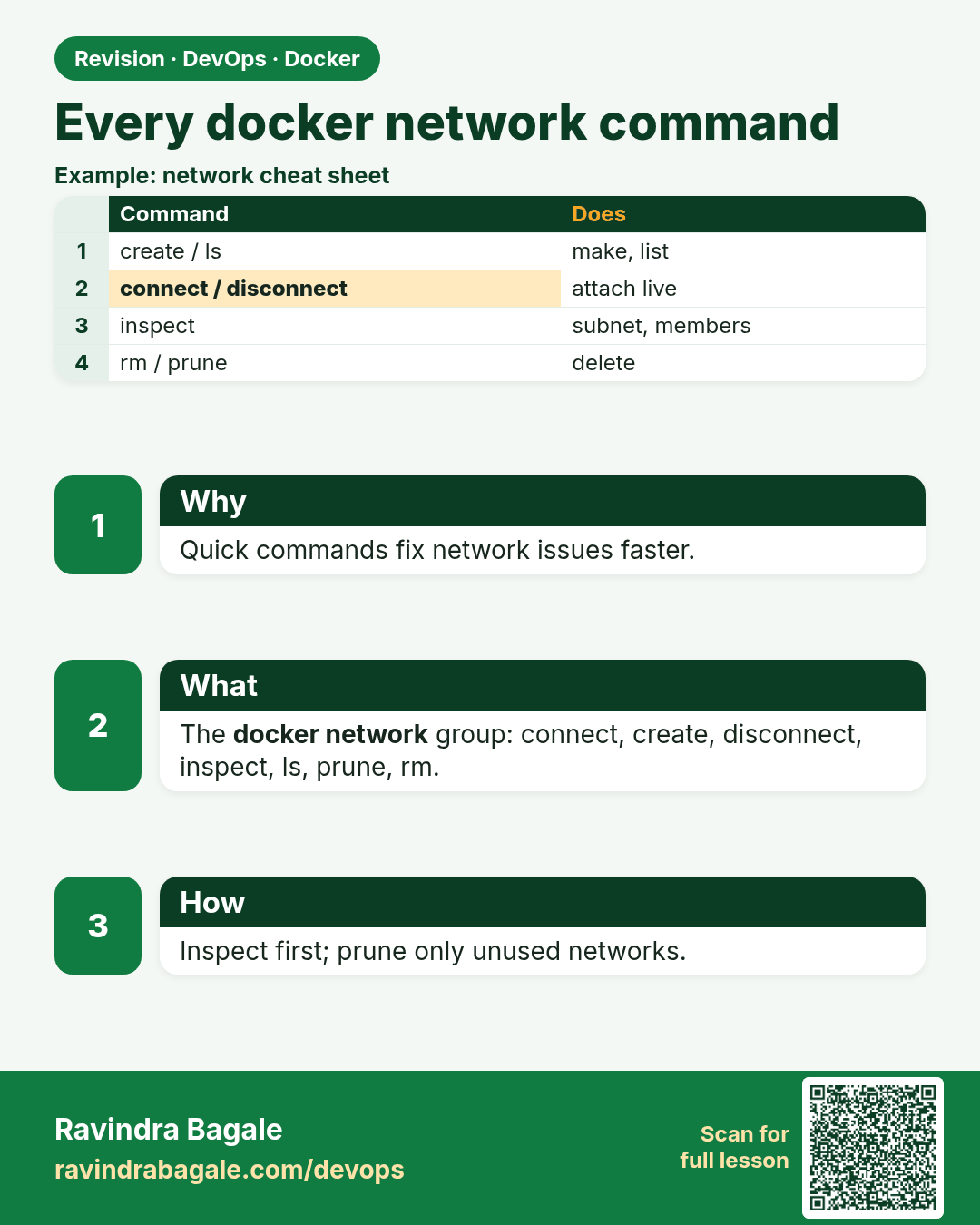
Every docker network command. Quick commands fix network issues faster.
Revision card 7 of 7: Every docker network command · Download PNG · Open card page

Lesson: 51.7 Every docker network command: full reference

Interview cards

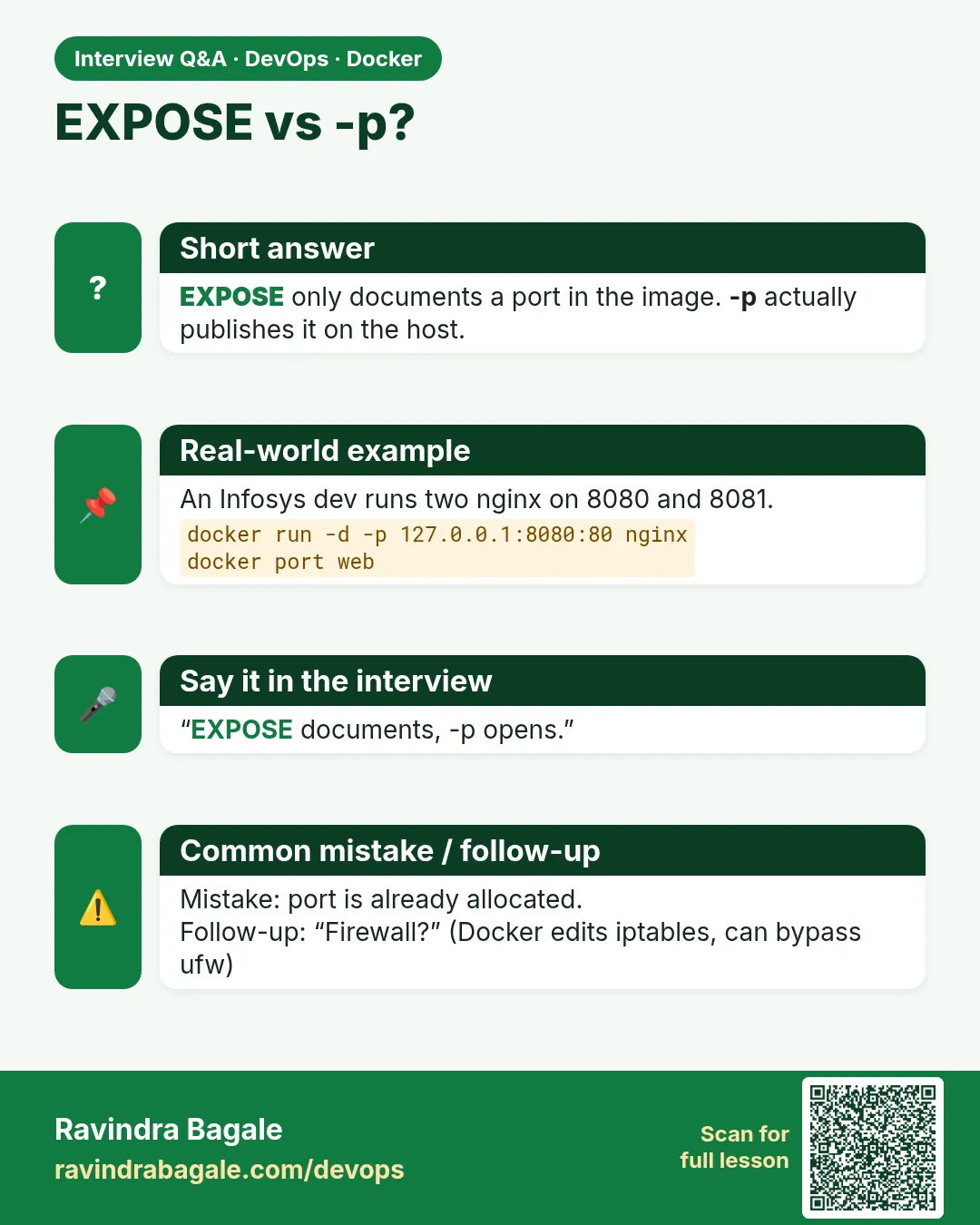
EXPOSE vs -p? EXPOSE only documents a port in the image. -p actually publishes it on the host.
Interview card 1 of 7: EXPOSE vs -p? · Download PNG · Open card page

Lesson: 51.1 Port publishing: reach a container from outside
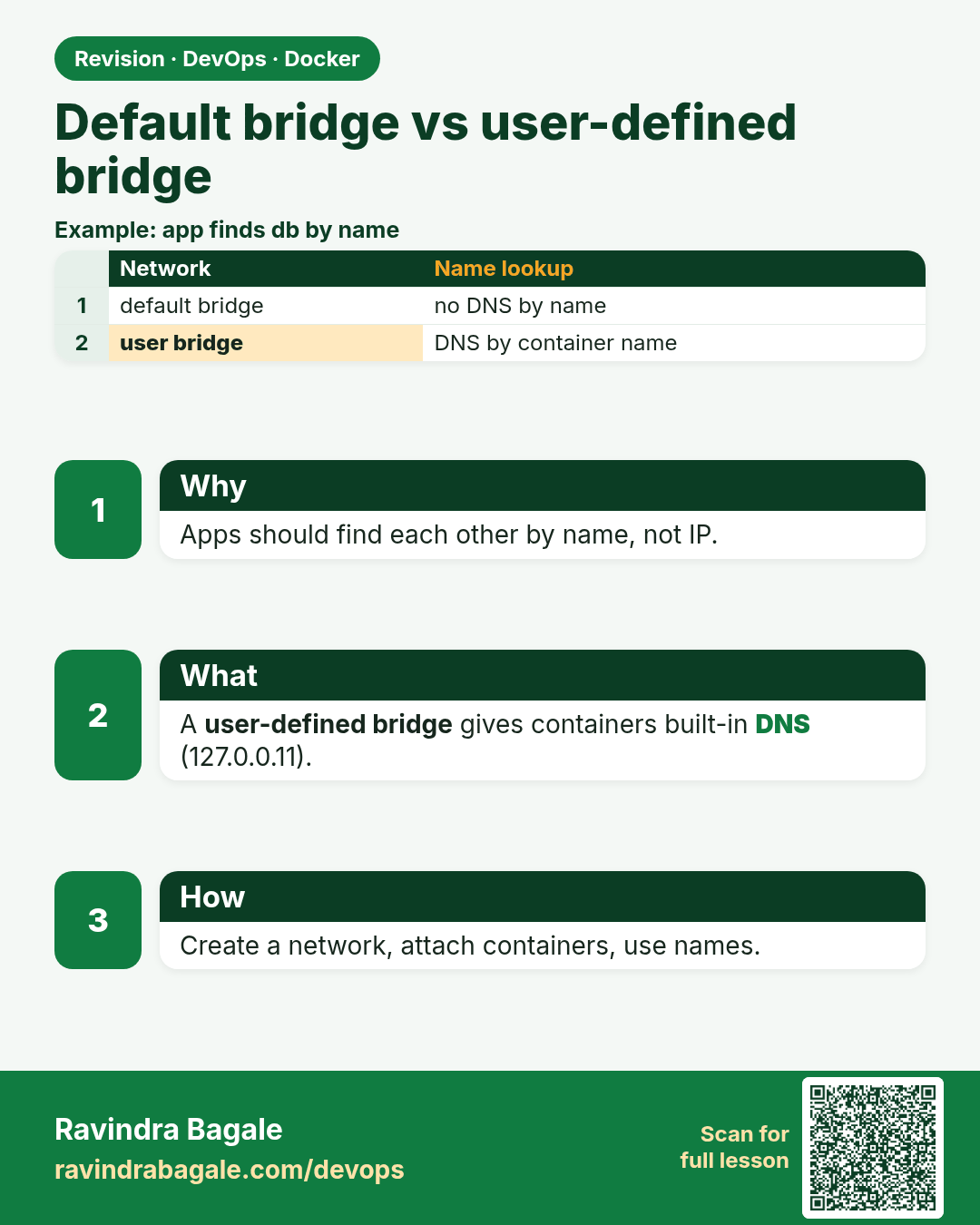
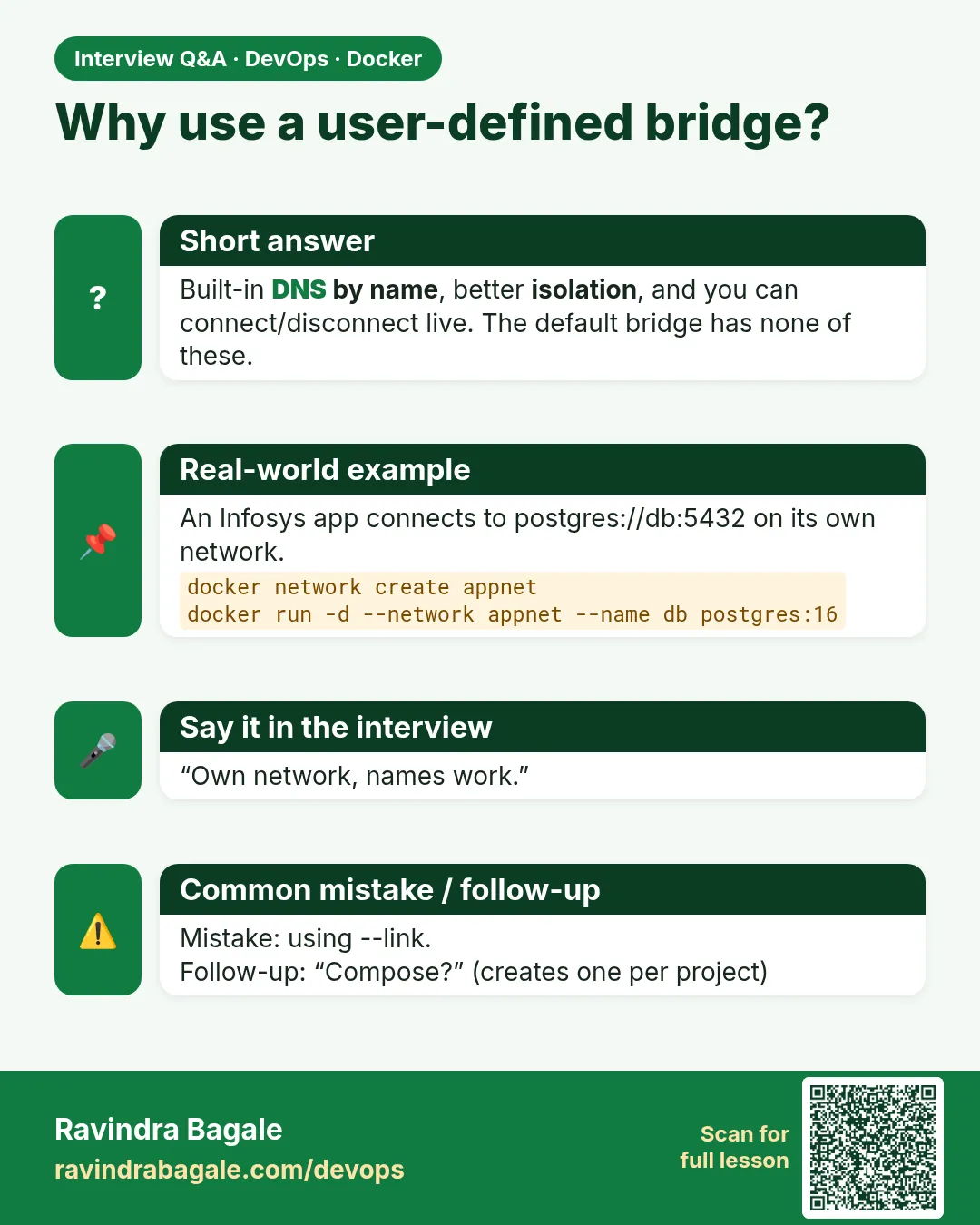
Why use a user-defined bridge? Built-in DNS by name, better isolation, and you can connect/disconnect live. The default bridge has none of these.
Interview card 2 of 7: Why use a user-defined bridge? · Download PNG · Open card page

Lesson: 51.2 Default bridge vs user-defined bridge and DNS
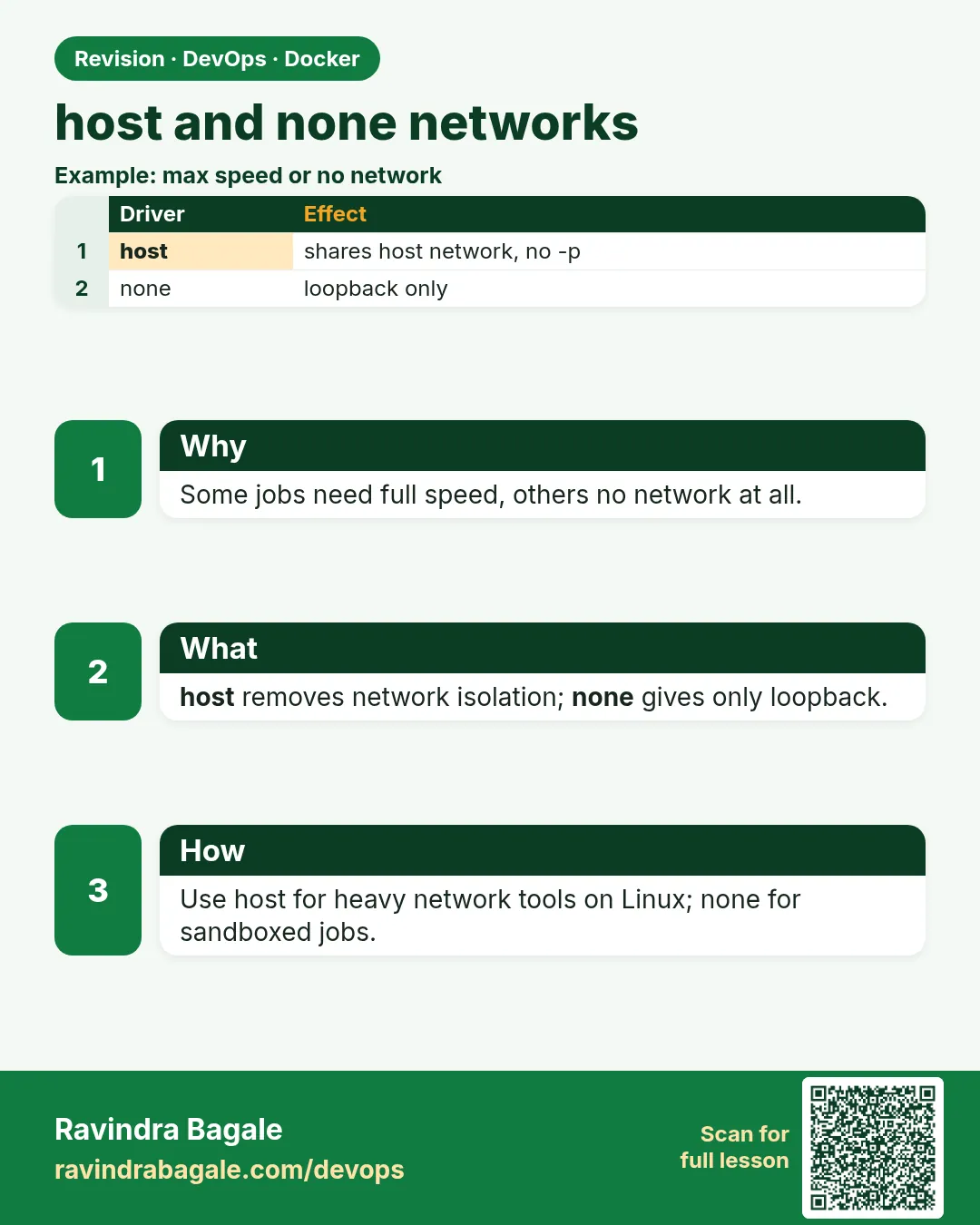
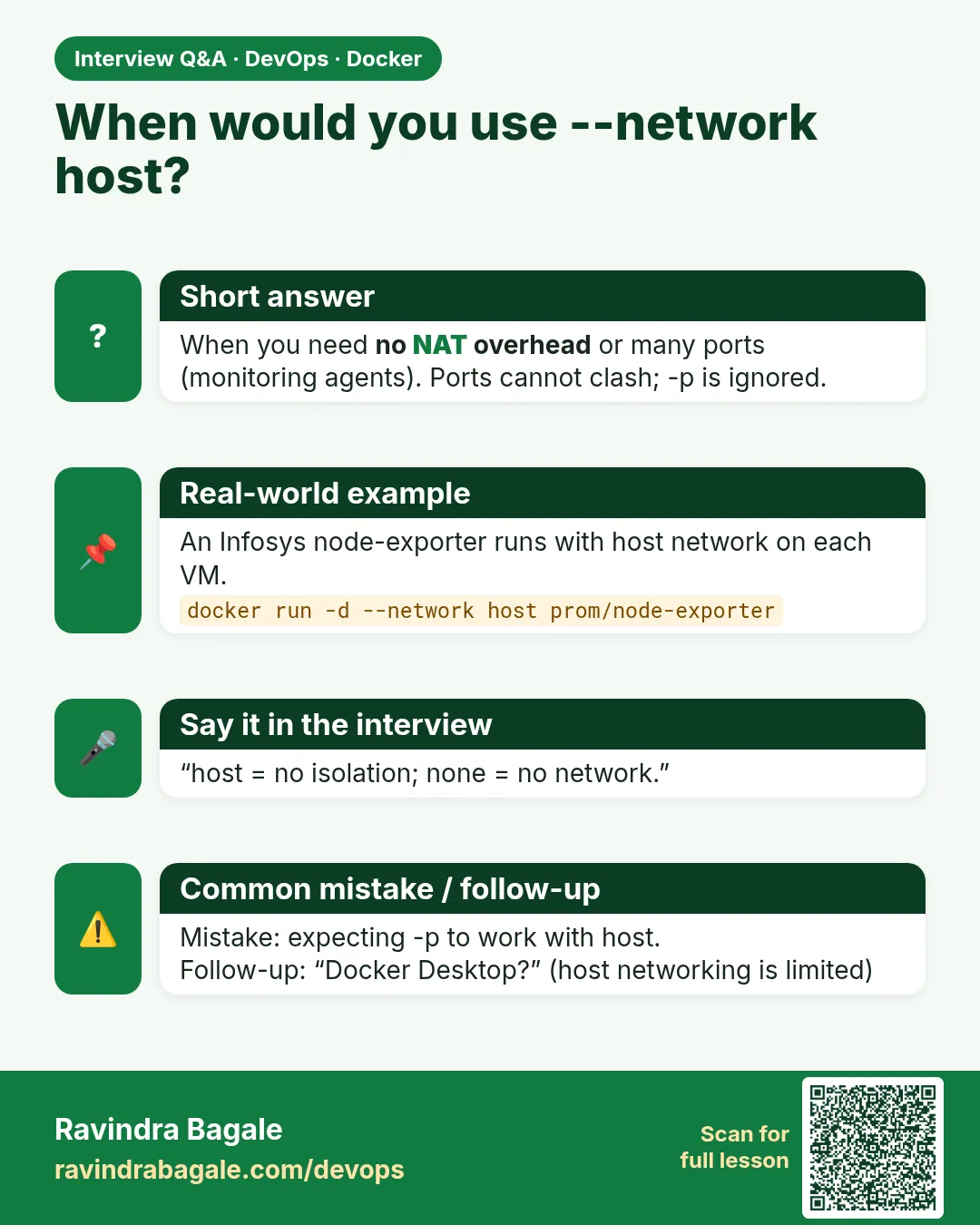
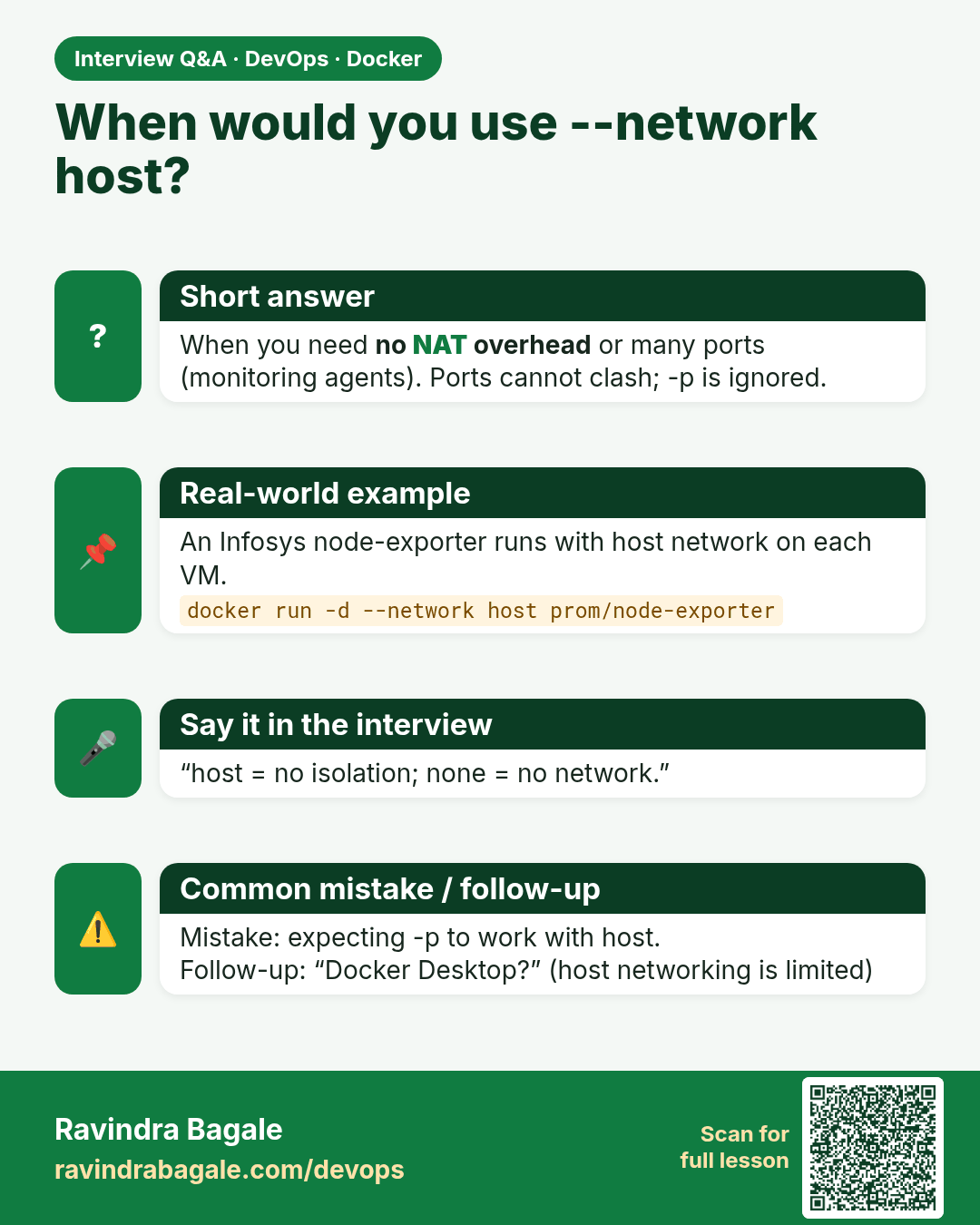
When would you use --network host? When you need no NAT overhead or many ports (monitoring agents). Ports cannot clash; -p is ignored.
Interview card 3 of 7: When would you use --network host? · Download PNG · Open card page

Lesson: 51.3 host and none networks

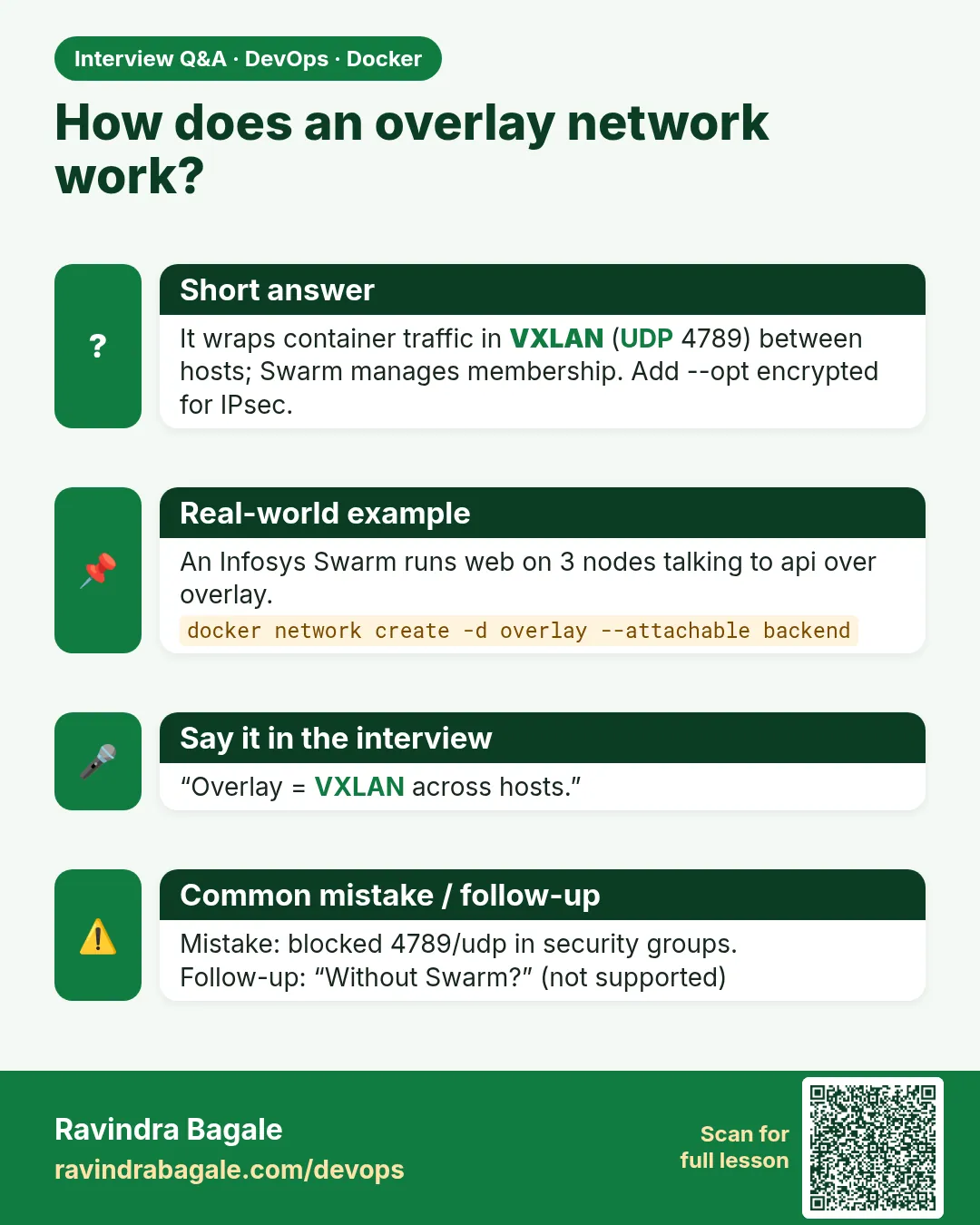
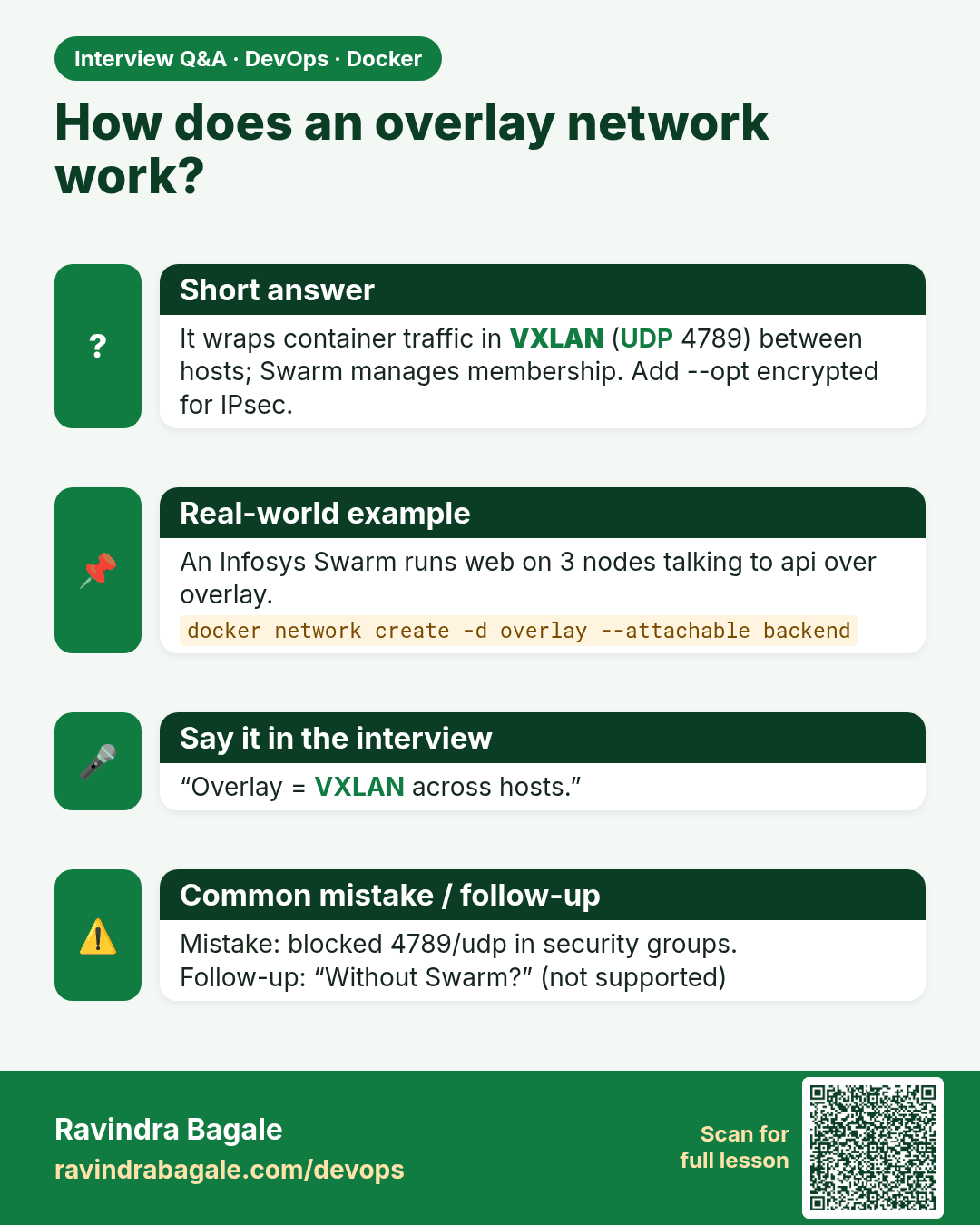
How does an overlay network work? It wraps container traffic in VXLAN (UDP 4789) between hosts; Swarm manages membership. Add --opt encrypted for IPsec.
Interview card 4 of 7: How does an overlay network work? · Download PNG · Open card page

Lesson: 51.4 Overlay networks across hosts

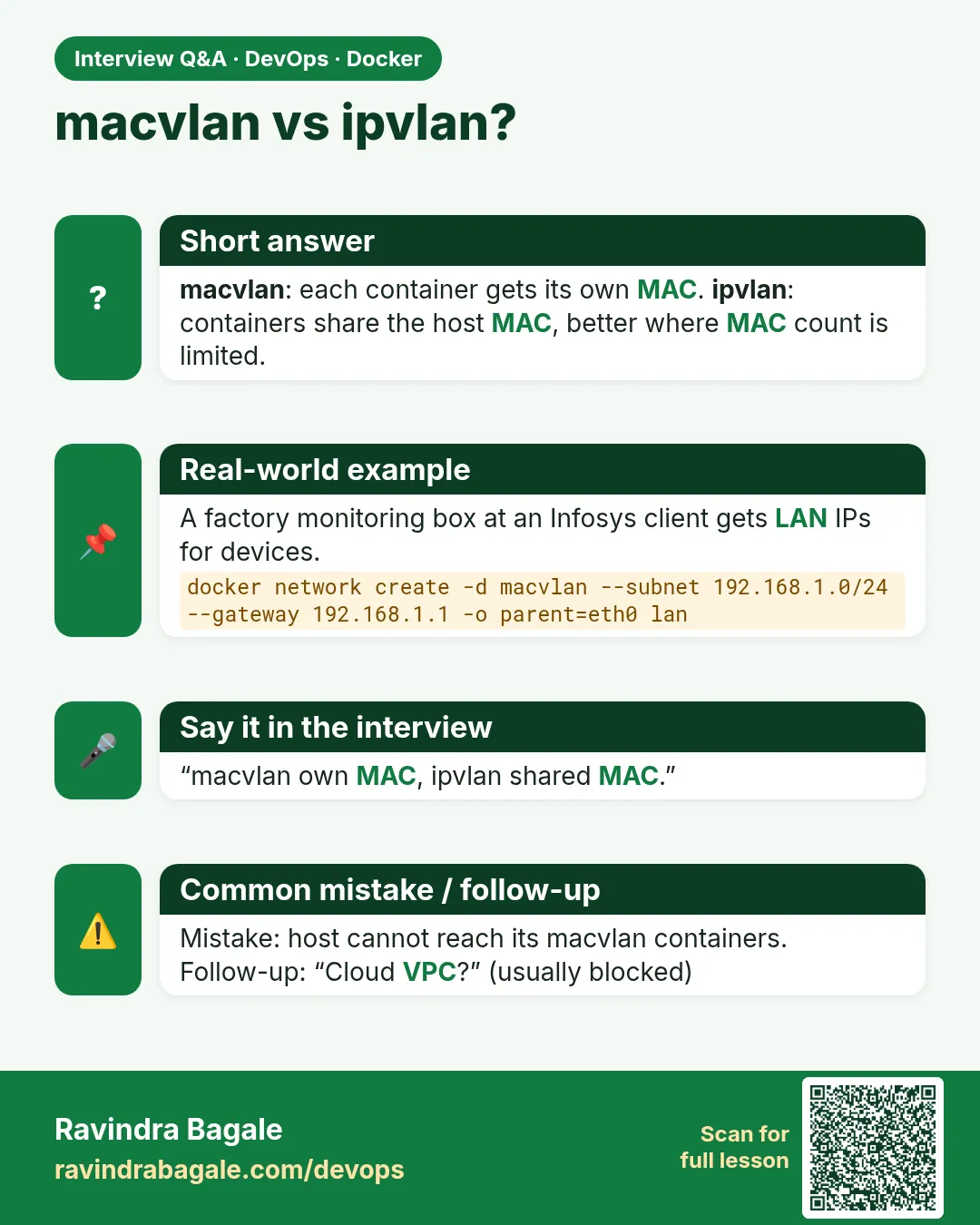
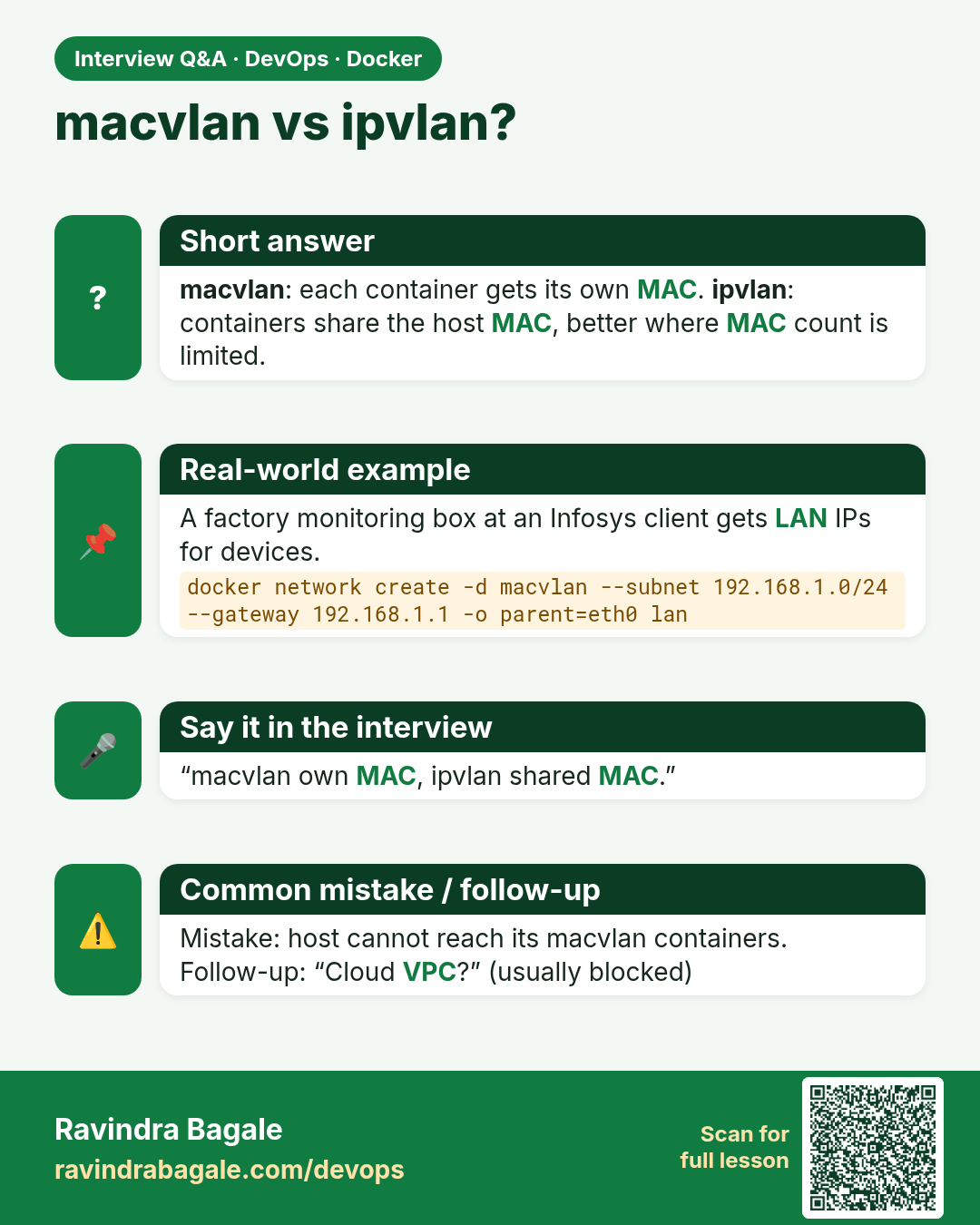
macvlan vs ipvlan? macvlan: each container gets its own MAC. ipvlan: containers share the host MAC, better where MAC count is limited.
Interview card 5 of 7: macvlan vs ipvlan? · Download PNG · Open card page

Lesson: 51.5 macvlan and ipvlan: containers on the real LAN

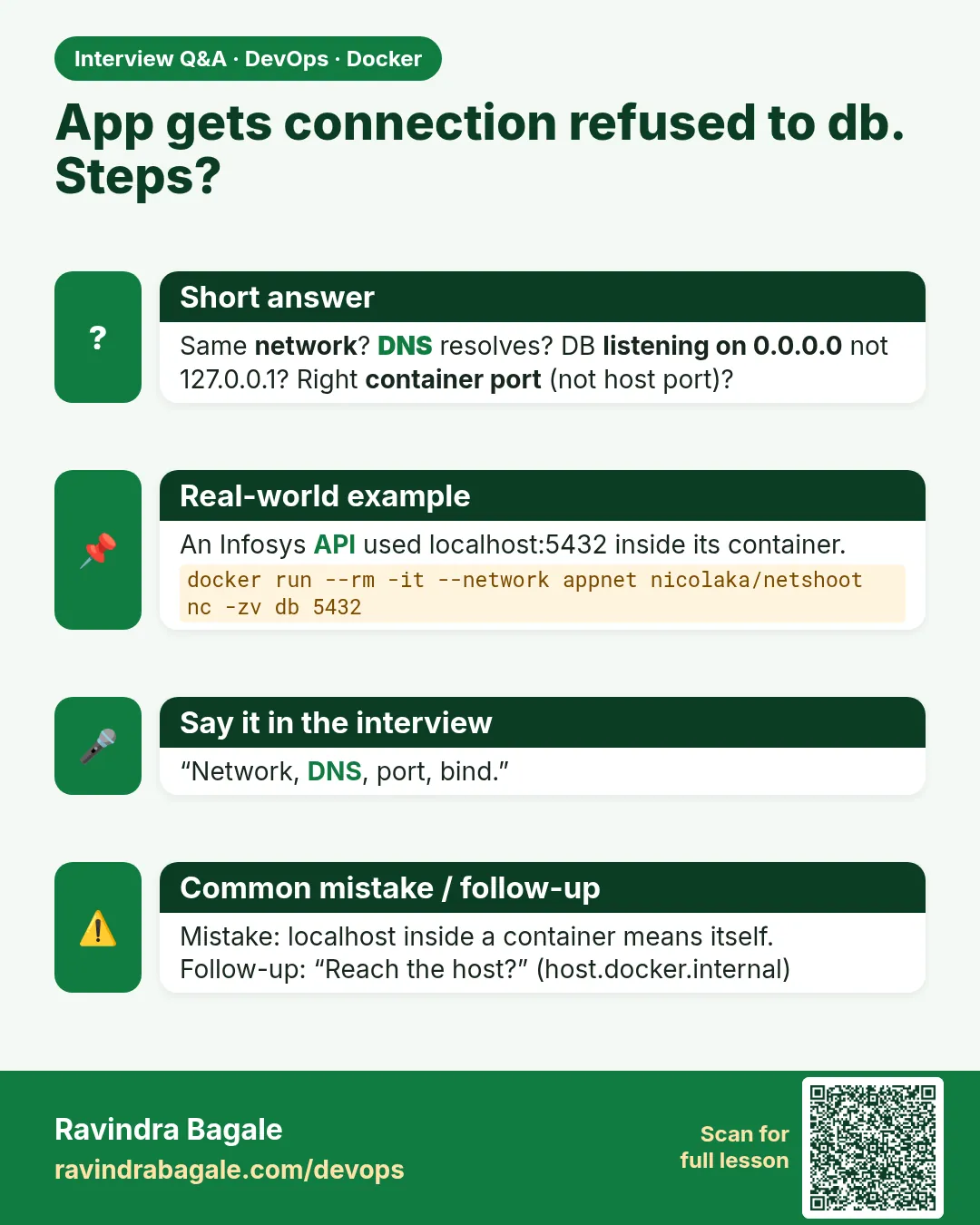
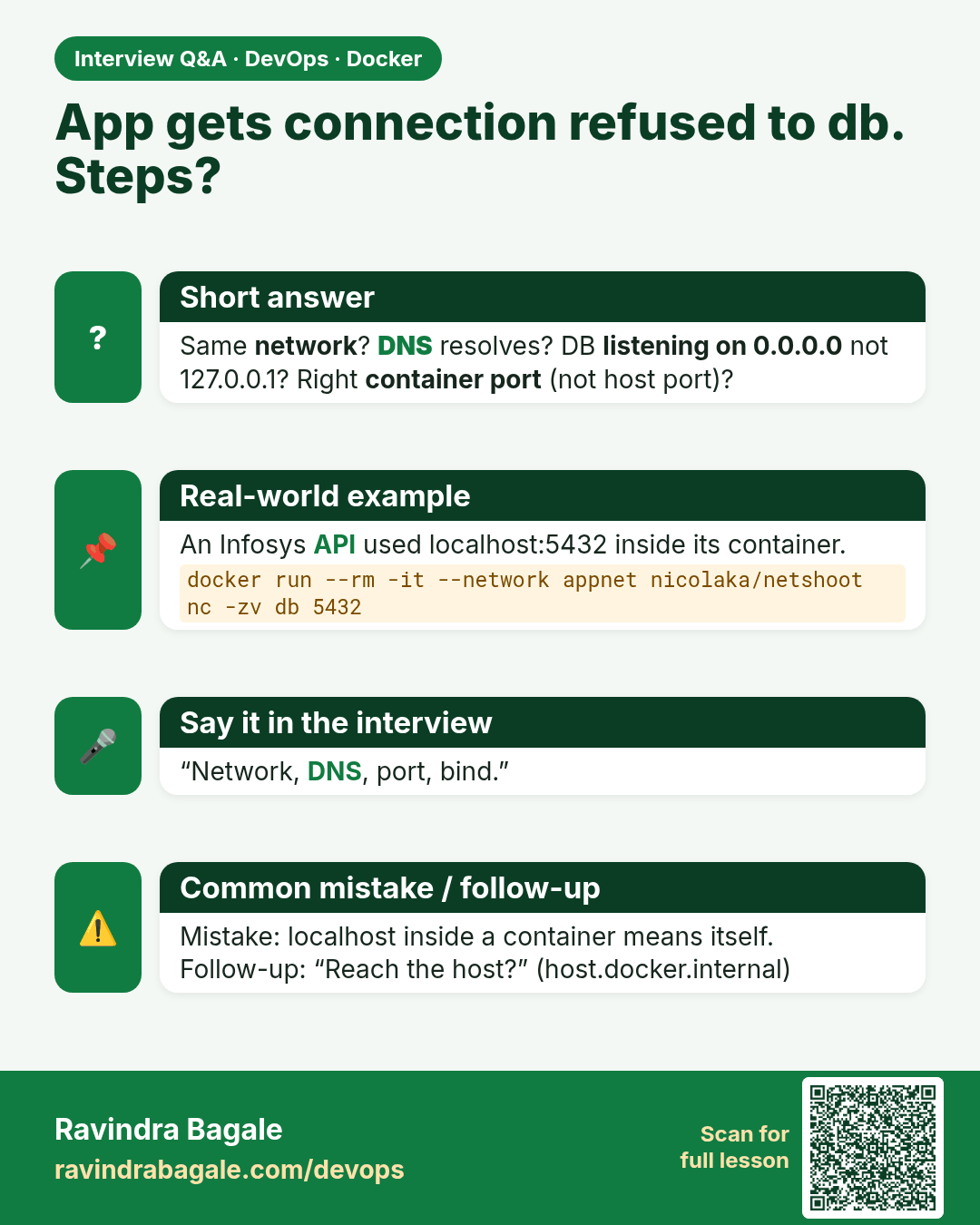
App gets connection refused to db. Steps? Same network? DNS resolves? DB listening on 0.0.0.0 not 127.0.0.1? Right container port (not host port)?
Interview card 6 of 7: App gets connection refused to db. Steps? · Download PNG · Open card page

Lesson: 51.6 Troubleshoot container networking

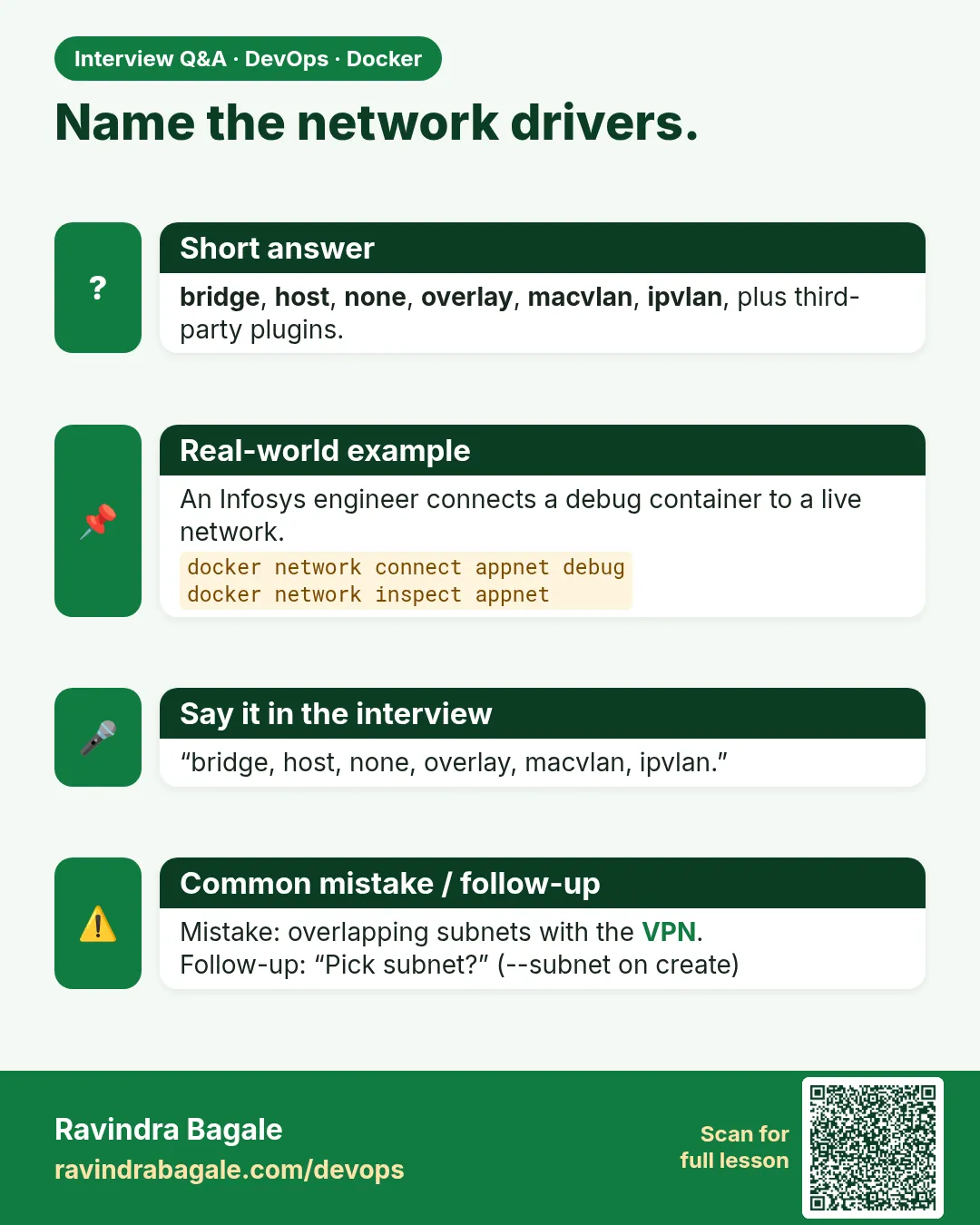
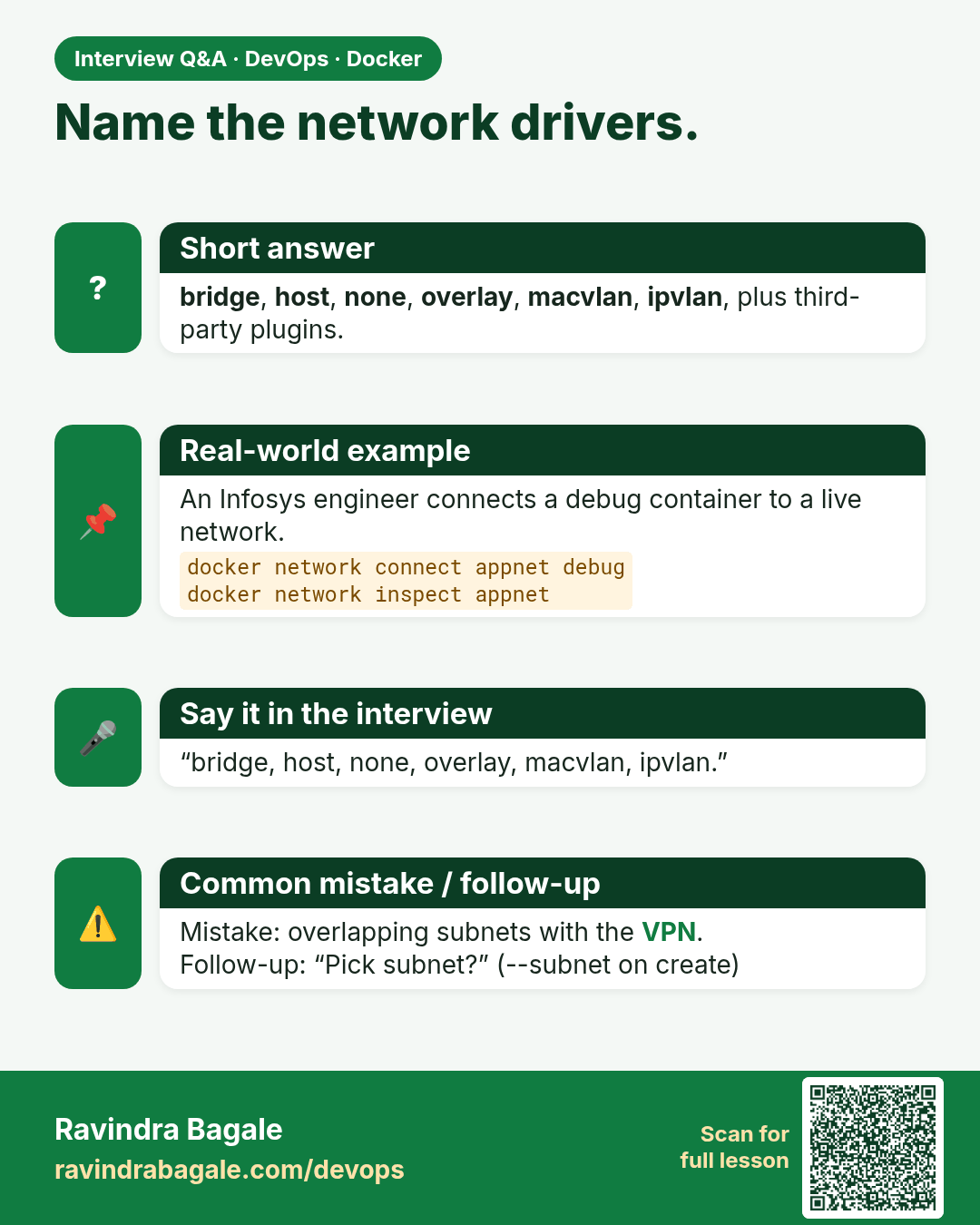
Name the network drivers. bridge, host, none, overlay, macvlan, ipvlan, plus third-party plugins.
Interview card 7 of 7: Name the network drivers. · Download PNG · Open card page

Lesson: 51.7 Every docker network command: full reference

Comparison cards

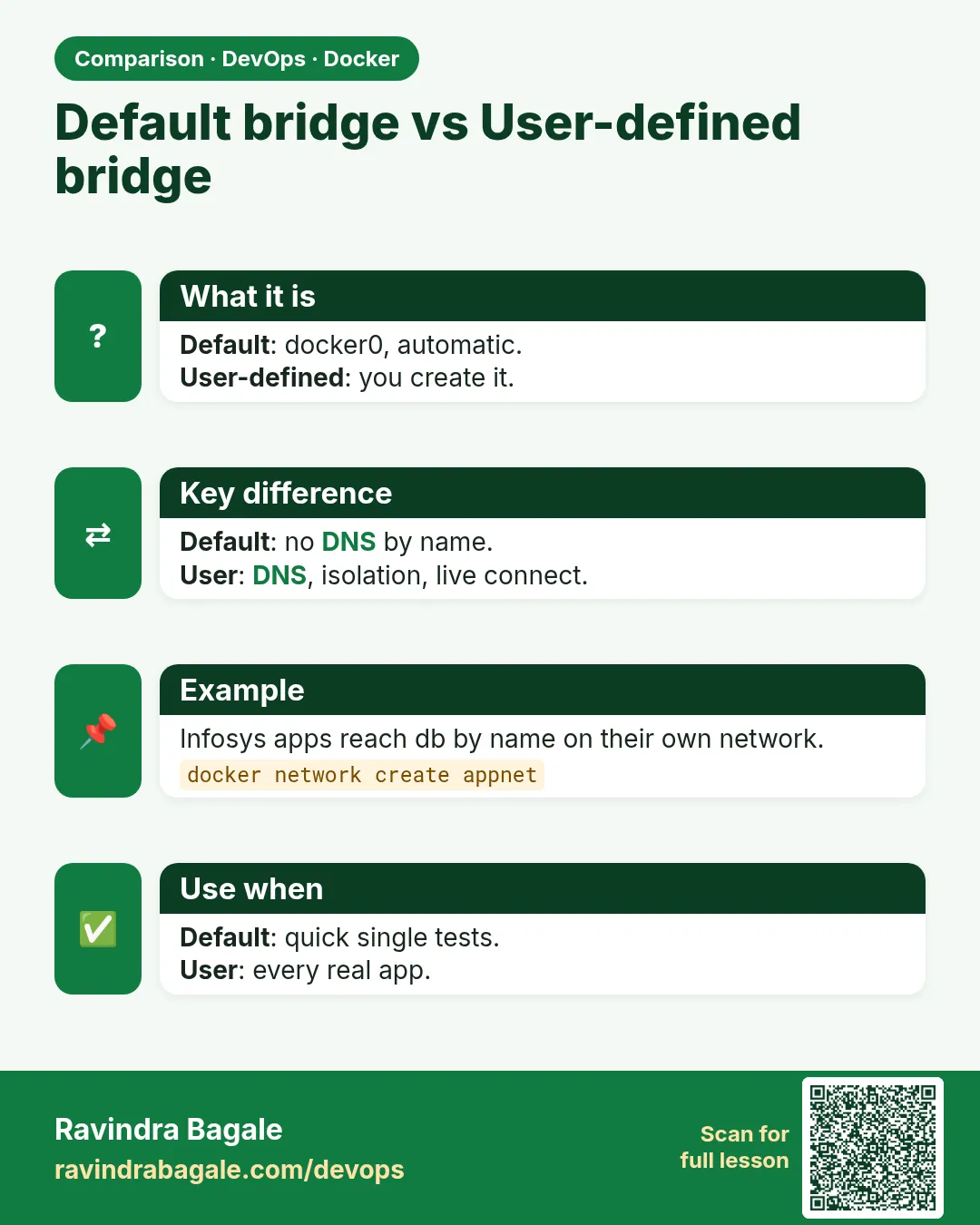
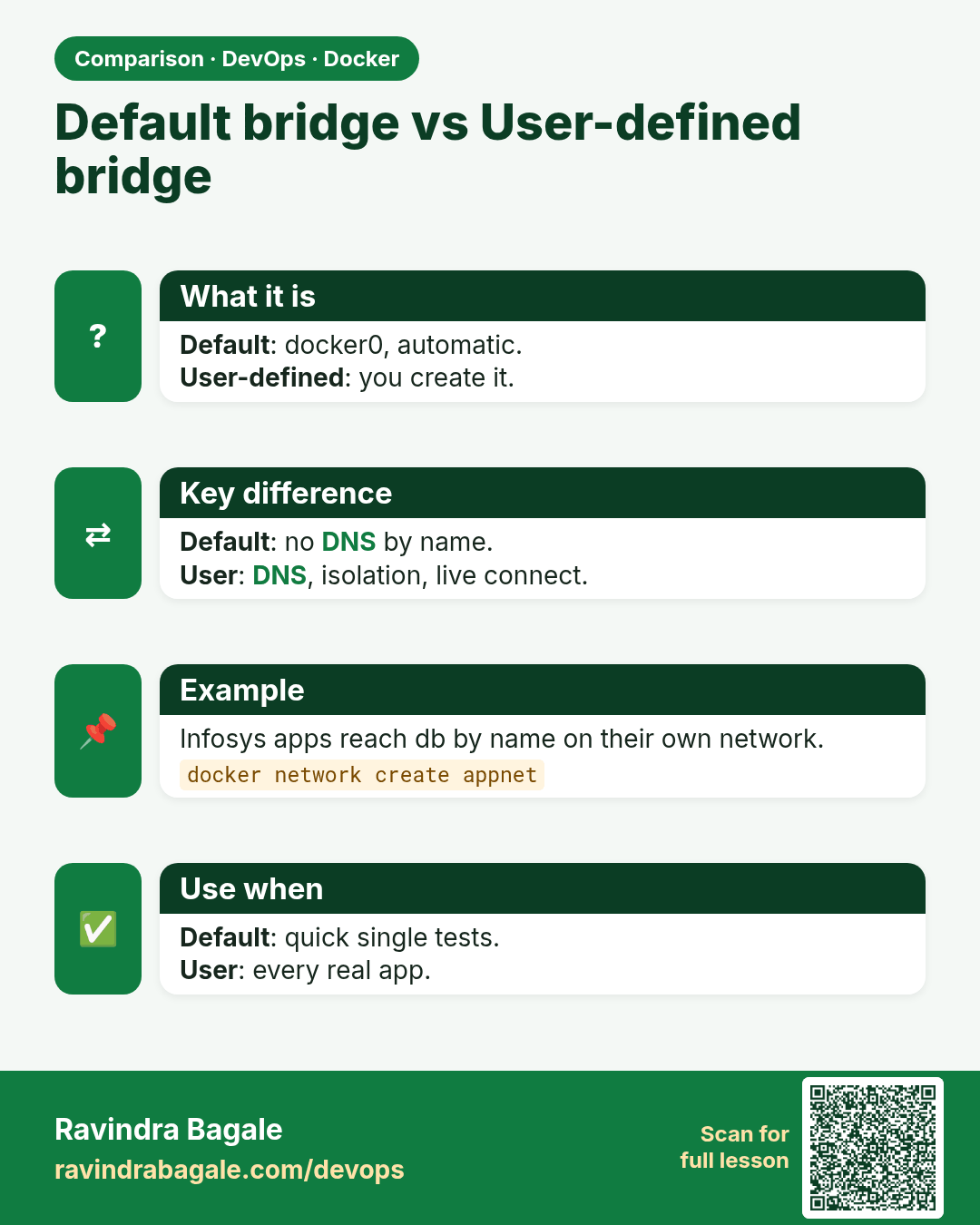
Default bridge vs User-defined bridge. Default: docker0, automatic.User-defined: you create it.
Comparison card 1 of 3: Default bridge vs User-defined bridge · Download PNG · Open card page

Lesson: 51.2 Default bridge vs user-defined bridge and DNS
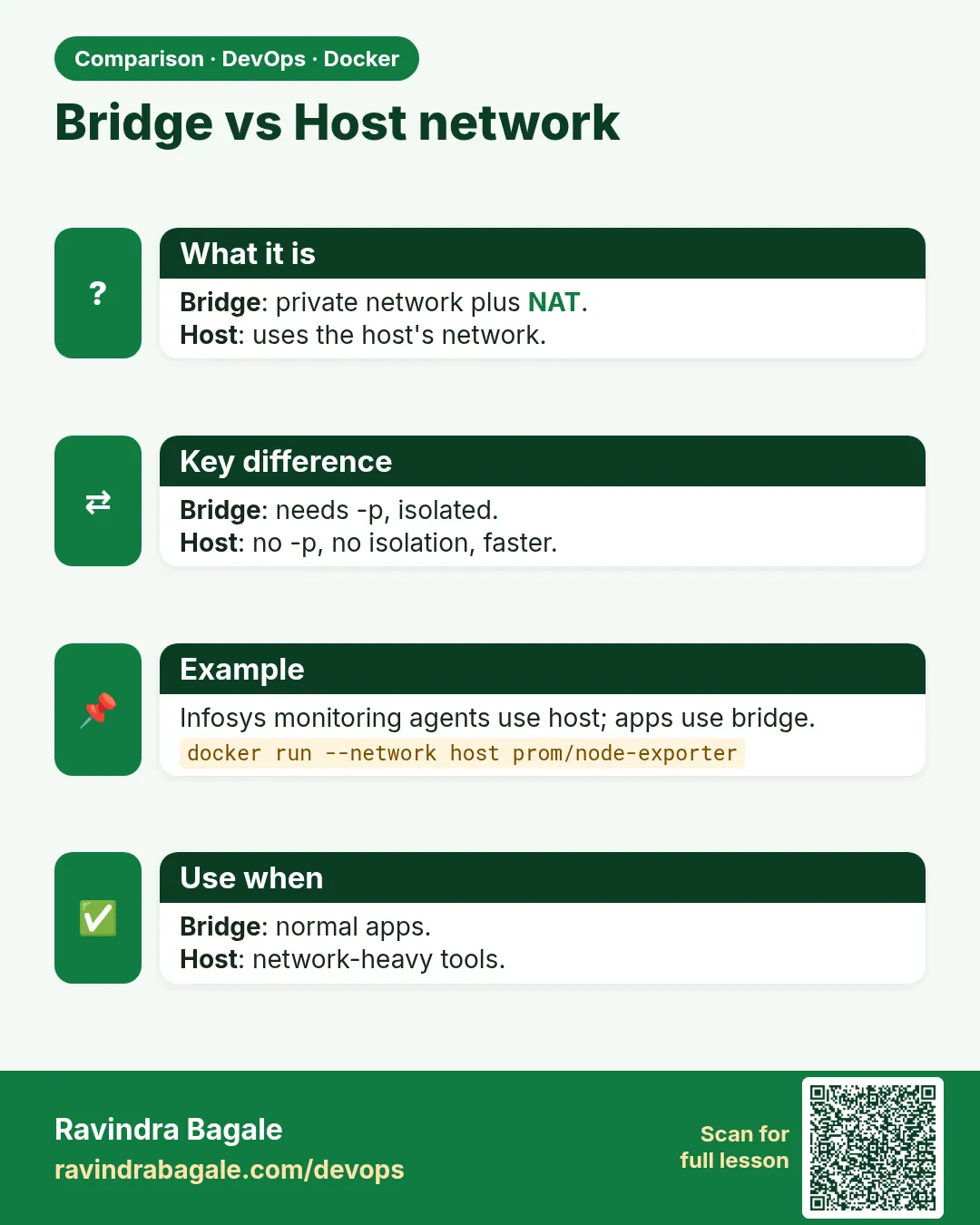
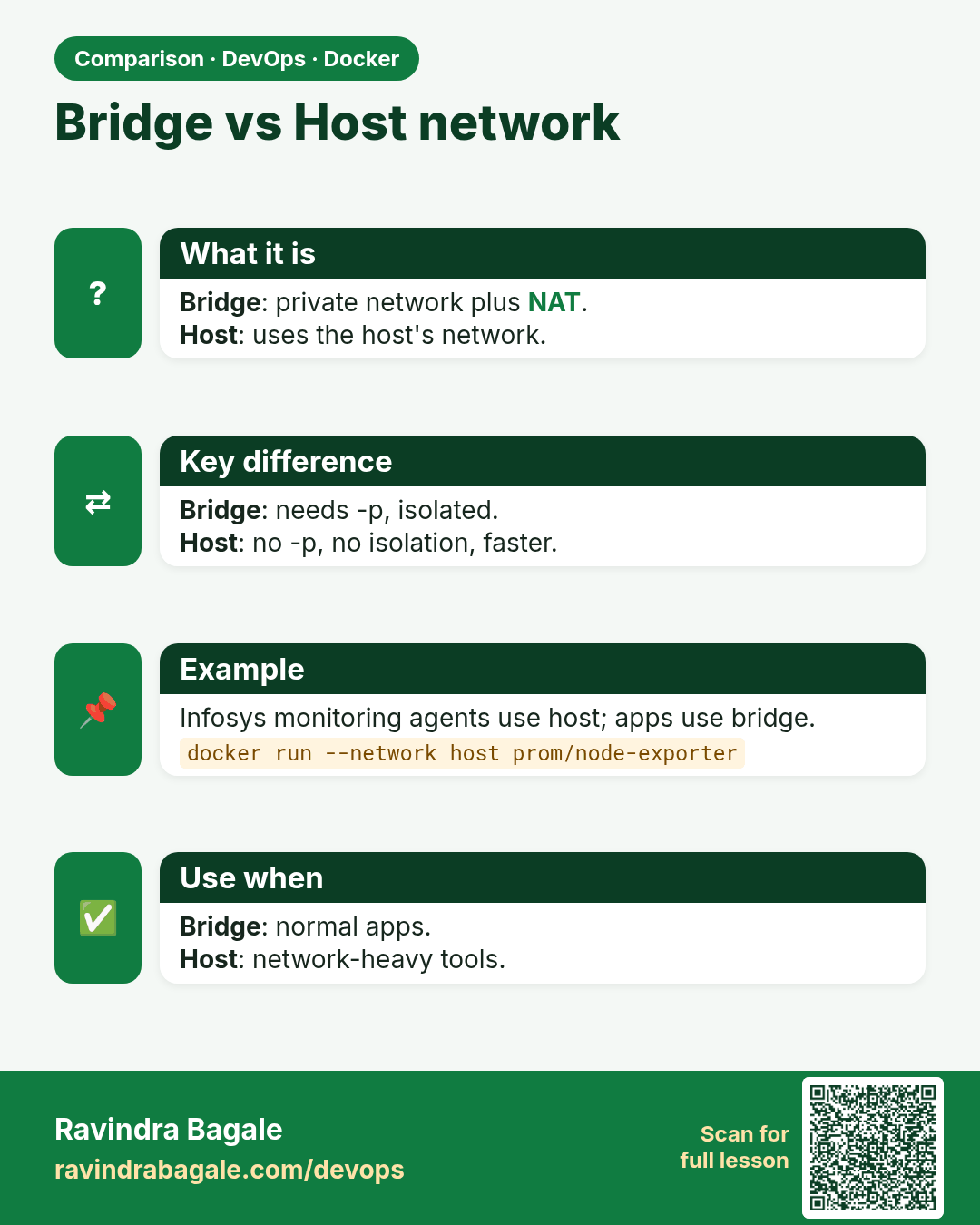
Bridge vs Host network. Bridge: private network plus NAT.Host: uses the host's network.
Comparison card 2 of 3: Bridge vs Host network · Download PNG · Open card page

Lesson: 51.3 host and none networks
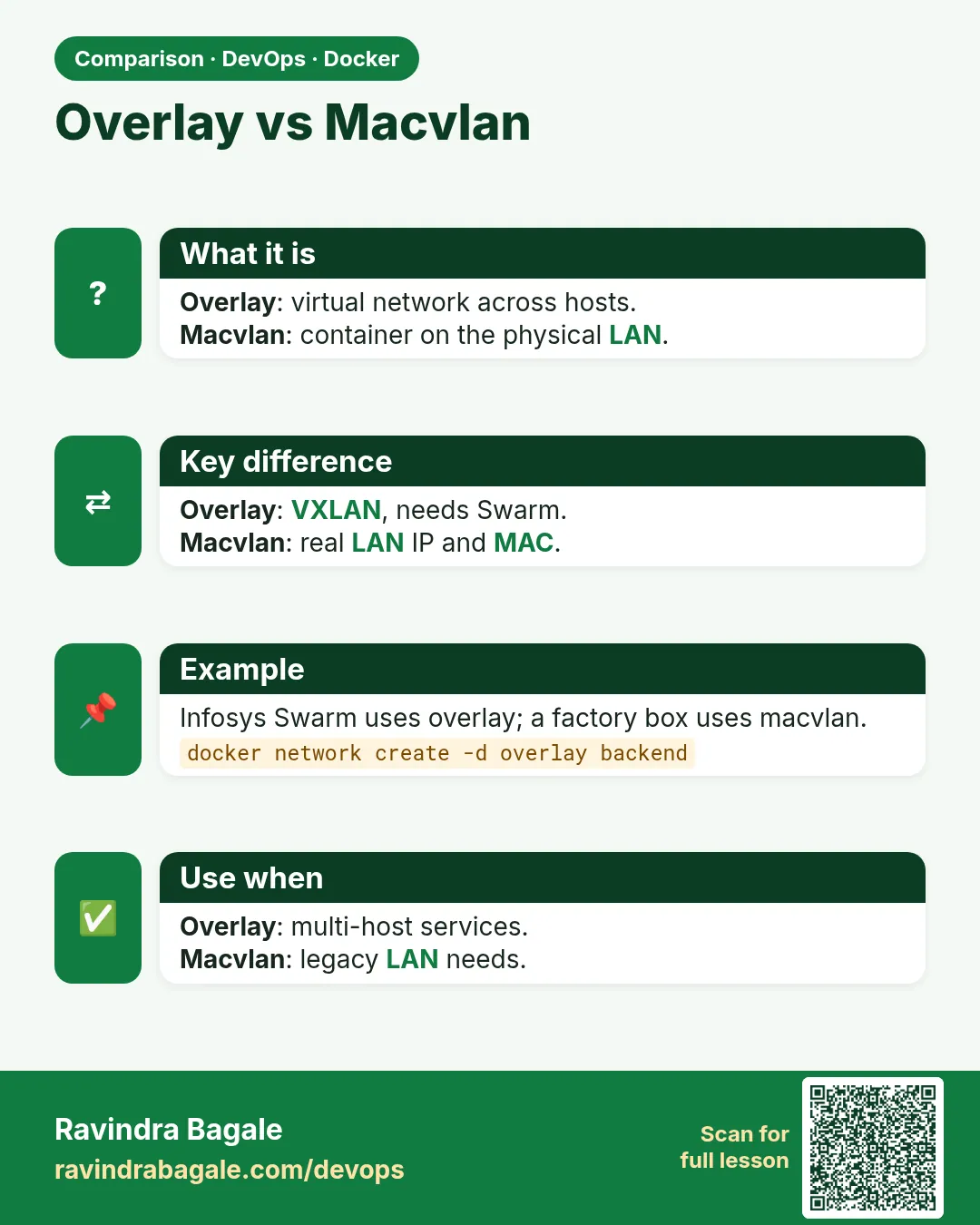
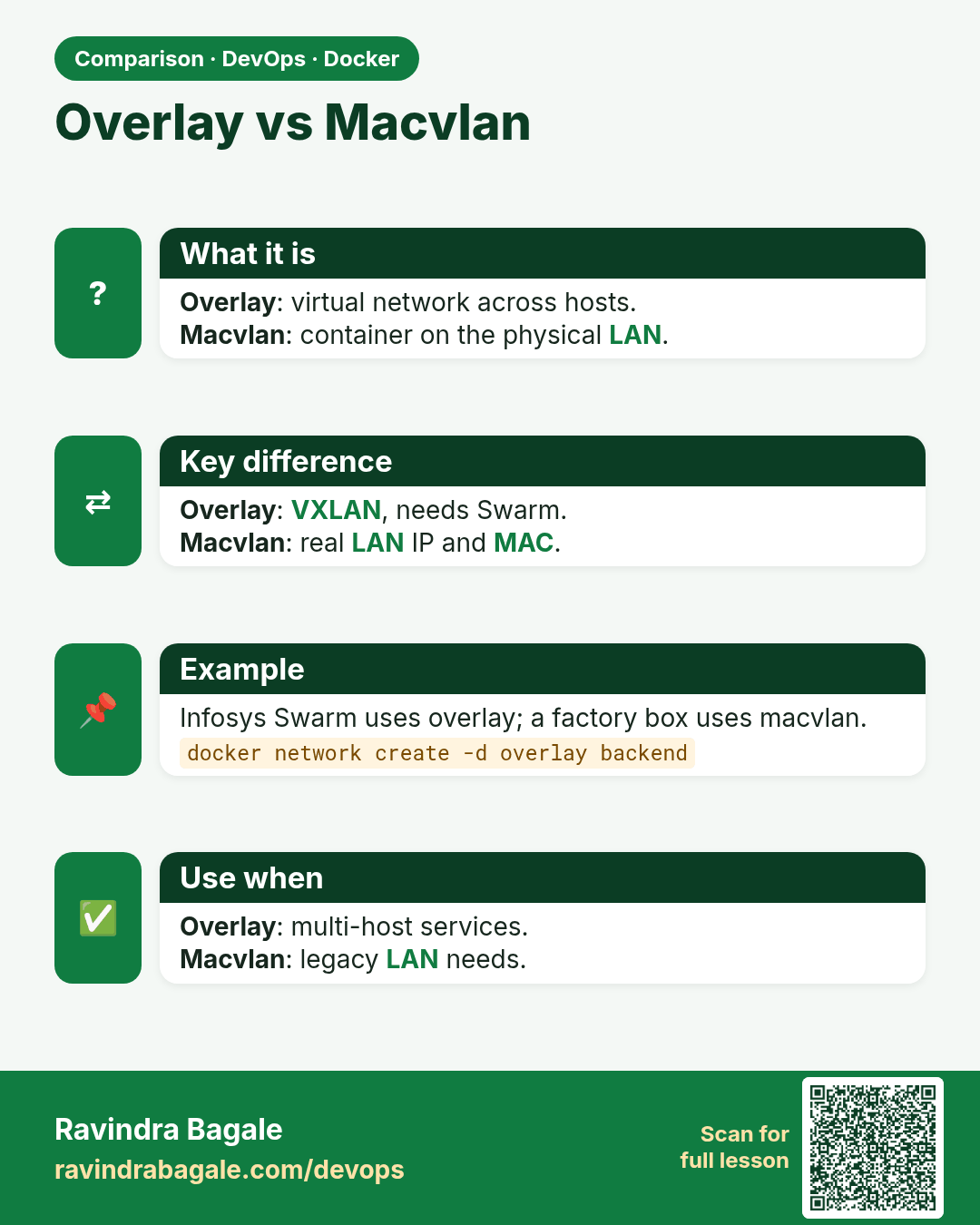
Overlay vs Macvlan. Overlay: virtual network across hosts.Macvlan: container on the physical LAN.
Comparison card 3 of 3: Overlay vs Macvlan · Download PNG · Open card page

Lesson: 51.4 Overlay networks across hosts