Ravindra BagaleCourses & study guides मराठी

Ravi Sir's Cards › DevOps

Chapter 50: Docker Volumes and Storage: Named Volumes, Bind Mounts, tmpfs, Backup and Every Volume Command: Cards

मराठी cards · Open the chapter

Revision cards
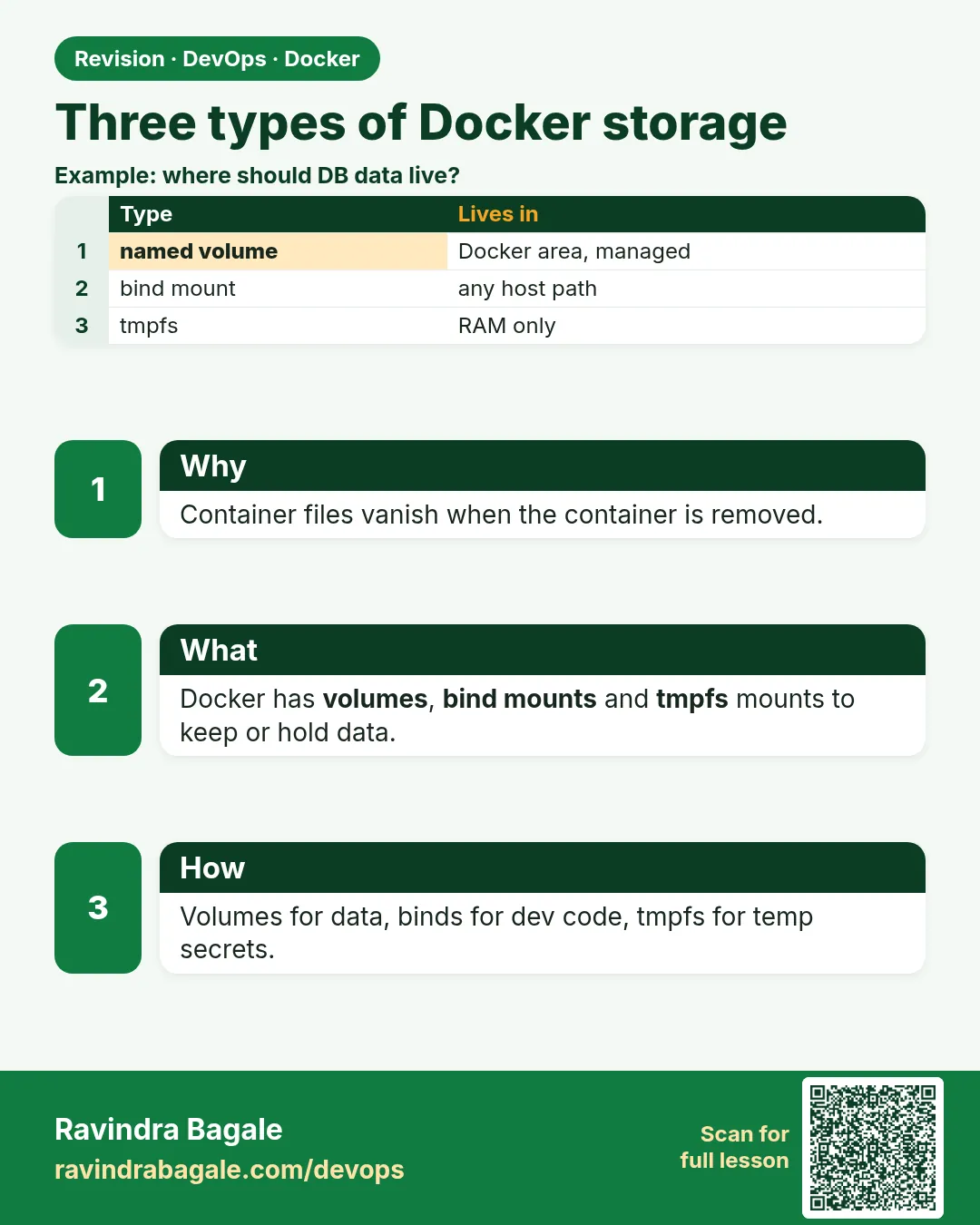
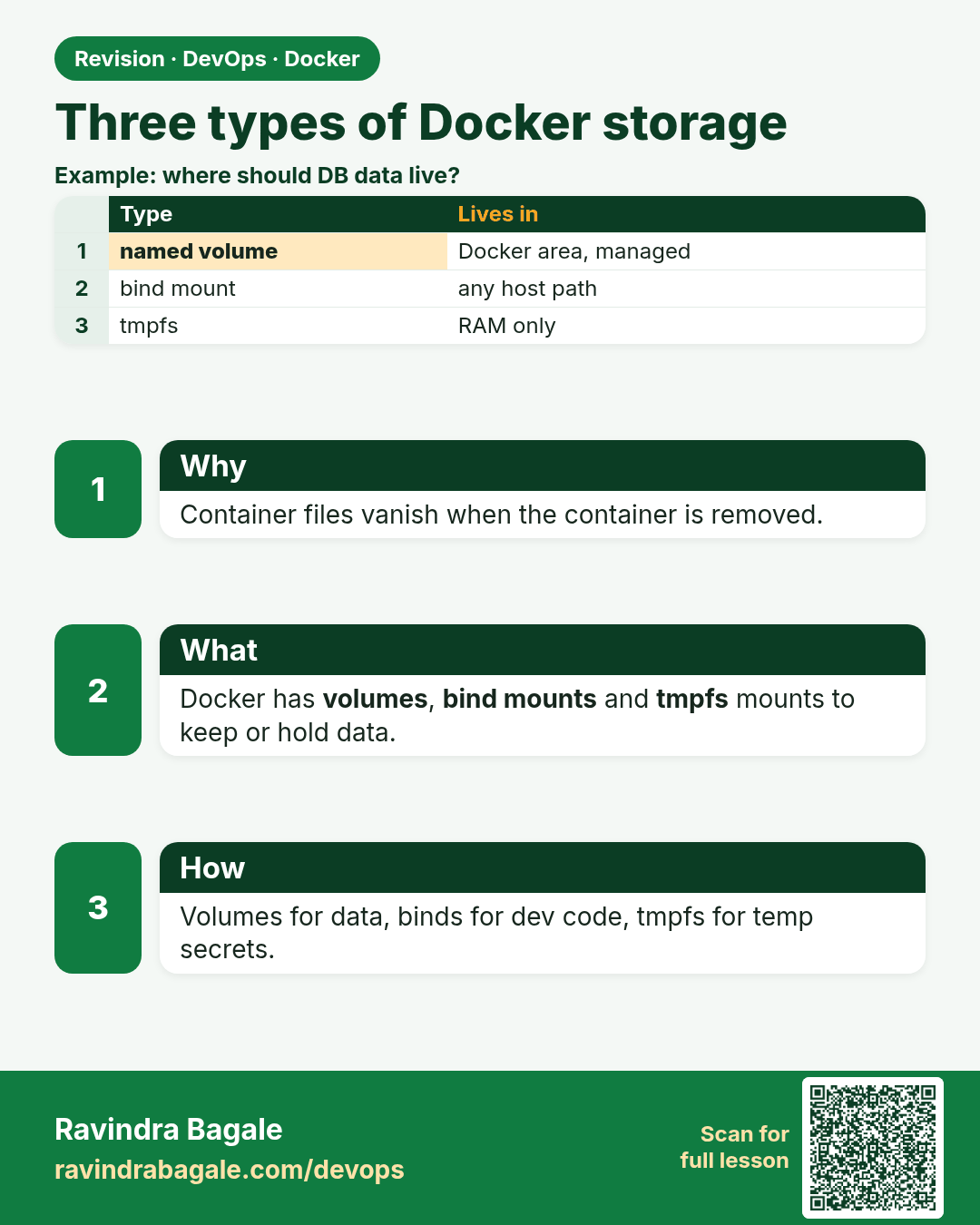
Three types of Docker storage. Container files vanish when the container is removed.
Revision card 1 of 7: Three types of Docker storage · Download PNG · Open card page

Lesson: 50.1 Why data disappears and the three storage types
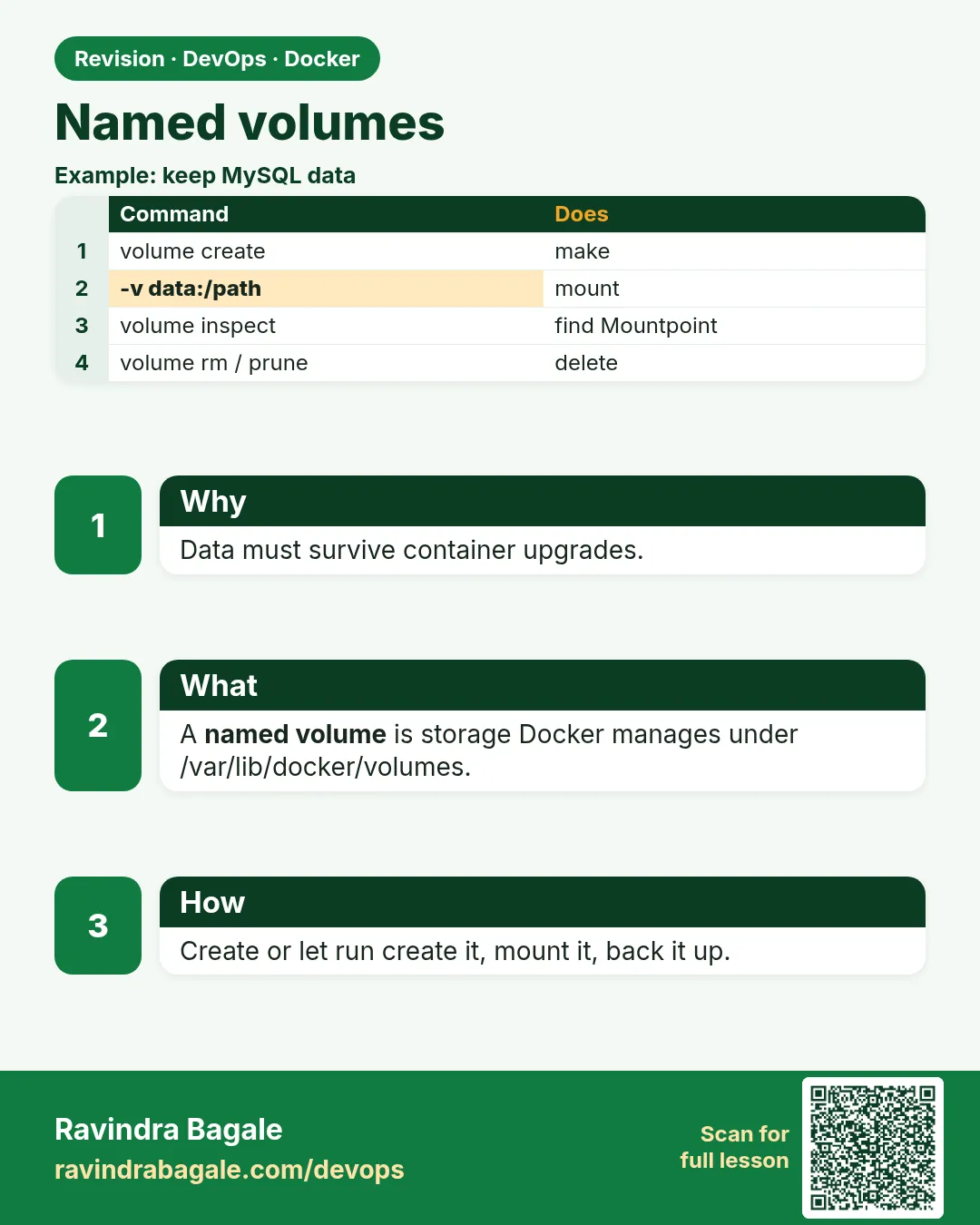
Named volumes. Data must survive container upgrades.
Revision card 2 of 7: Named volumes · Download PNG · Open card page

Lesson: 50.2 Named volumes in depth

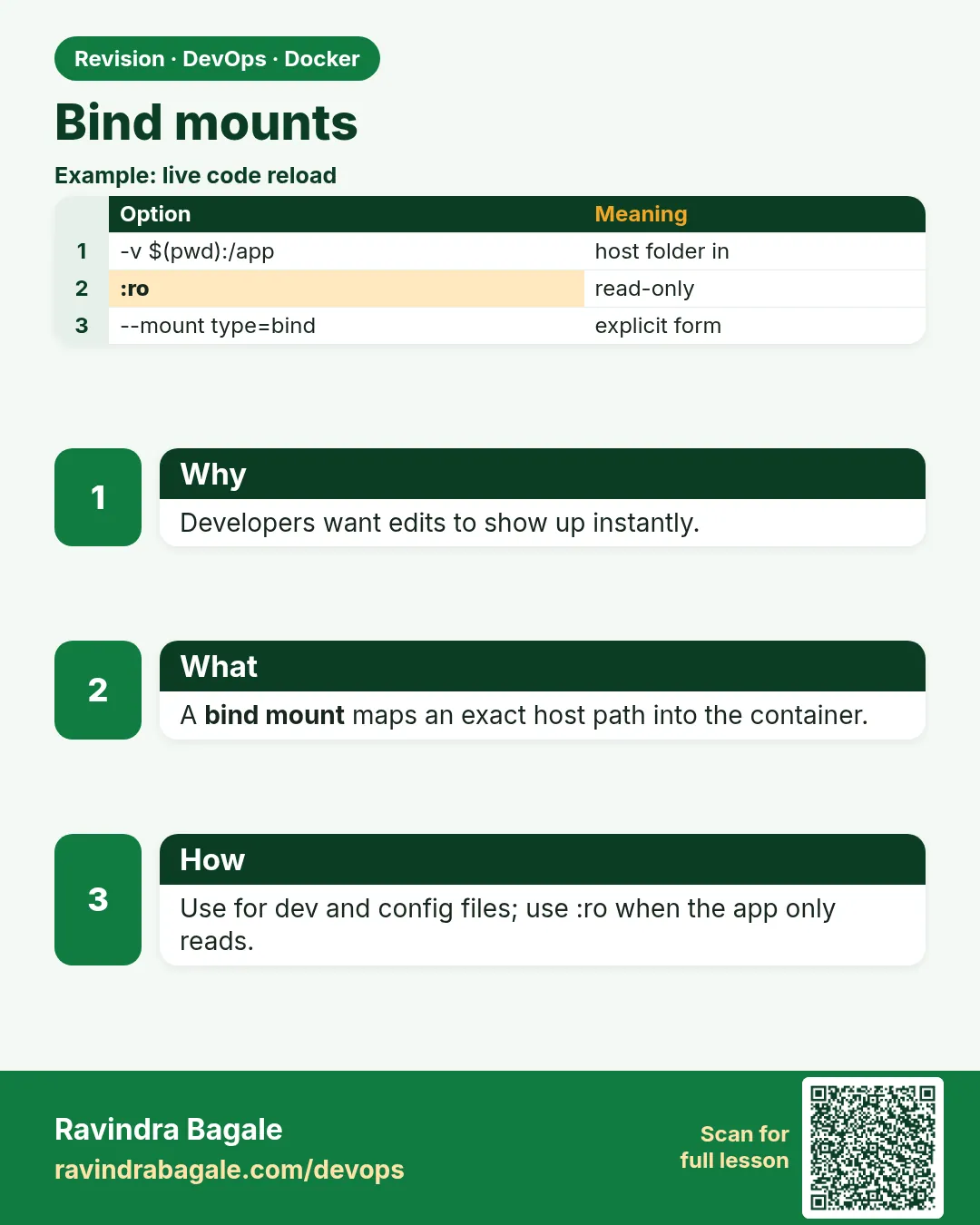
Bind mounts. Developers want edits to show up instantly.
Revision card 3 of 7: Bind mounts · Download PNG · Open card page

Lesson: 50.3 Bind mounts for development

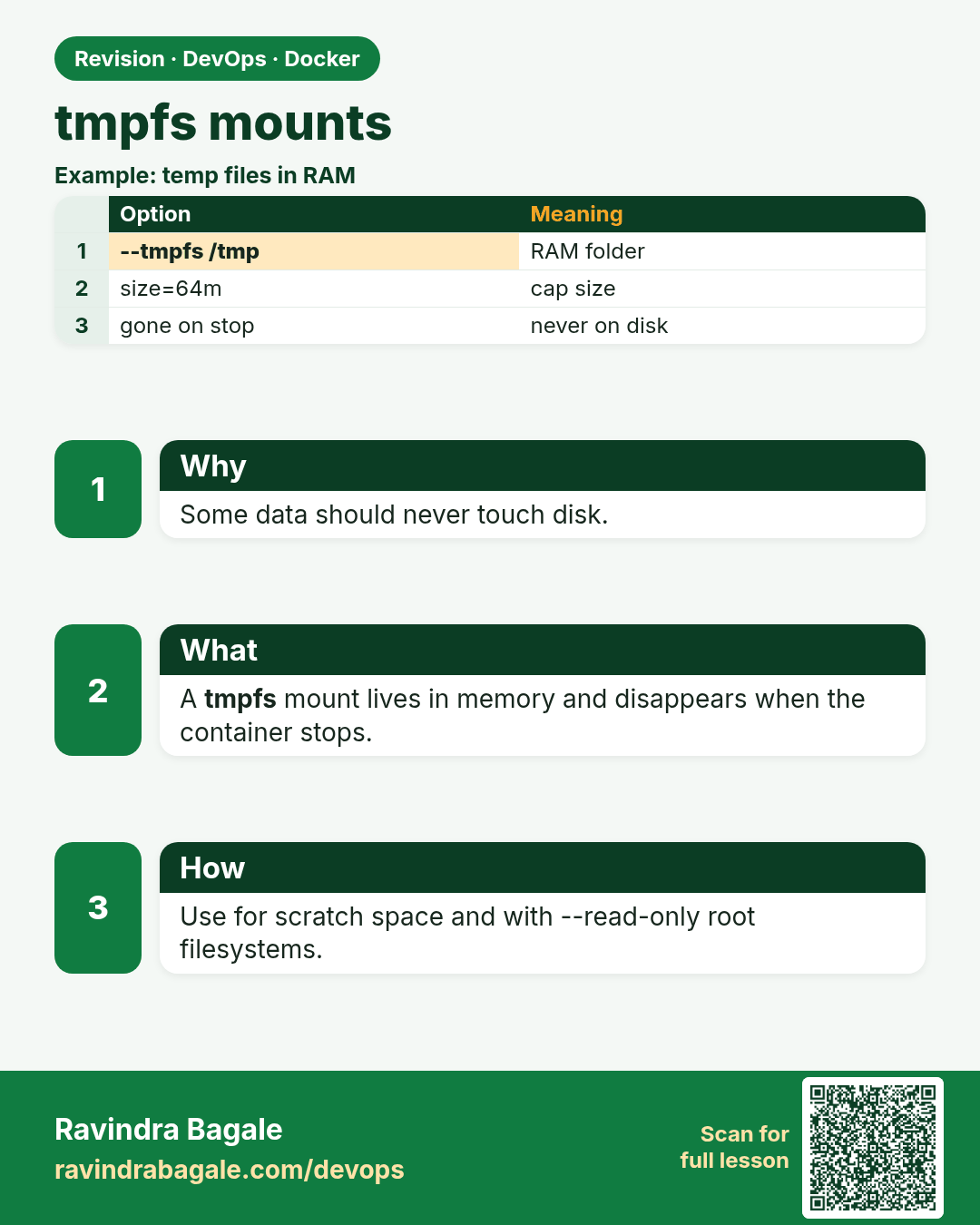
tmpfs mounts. Some data should never touch disk.
Revision card 4 of 7: tmpfs mounts · Download PNG · Open card page

Lesson: 50.4 tmpfs mounts for secrets and scratch space

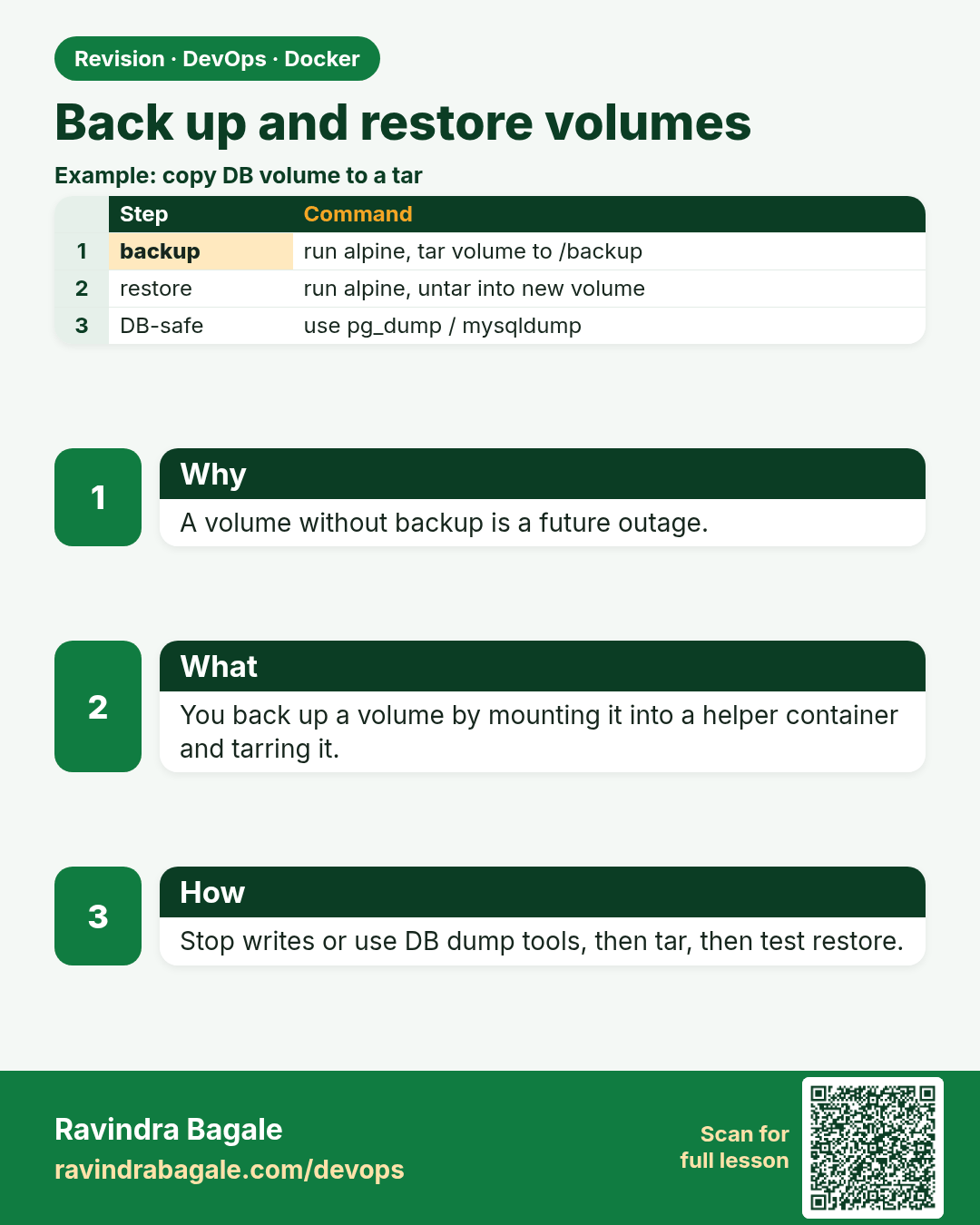
Back up and restore volumes. A volume without backup is a future outage.
Revision card 5 of 7: Back up and restore volumes · Download PNG · Open card page

Lesson: 50.5 Backup and restore a volume

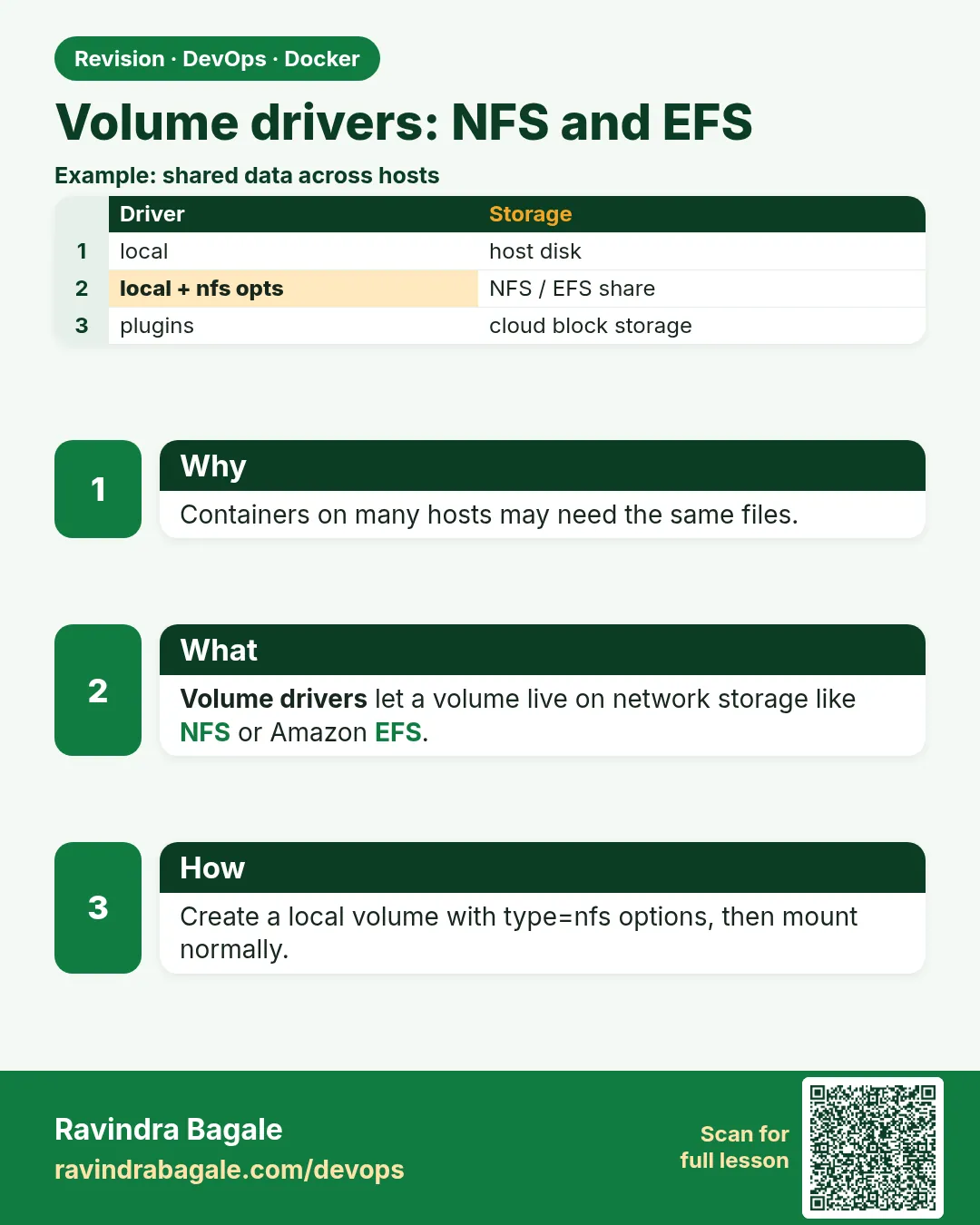
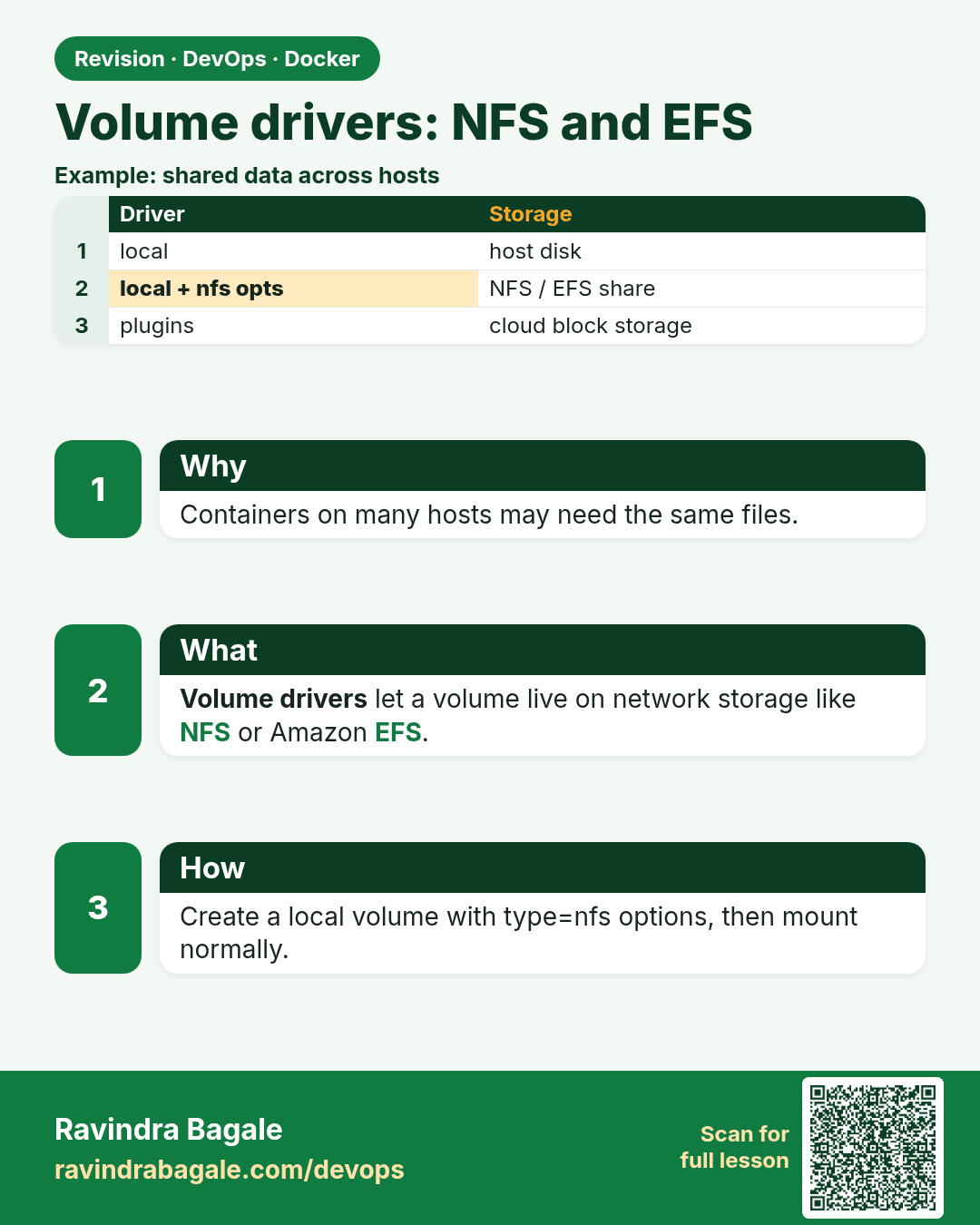
Volume drivers: NFS and EFS. Containers on many hosts may need the same files.
Revision card 6 of 7: Volume drivers: NFS and EFS · Download PNG · Open card page

Lesson: 50.6 Volume drivers: NFS, EFS and plugins

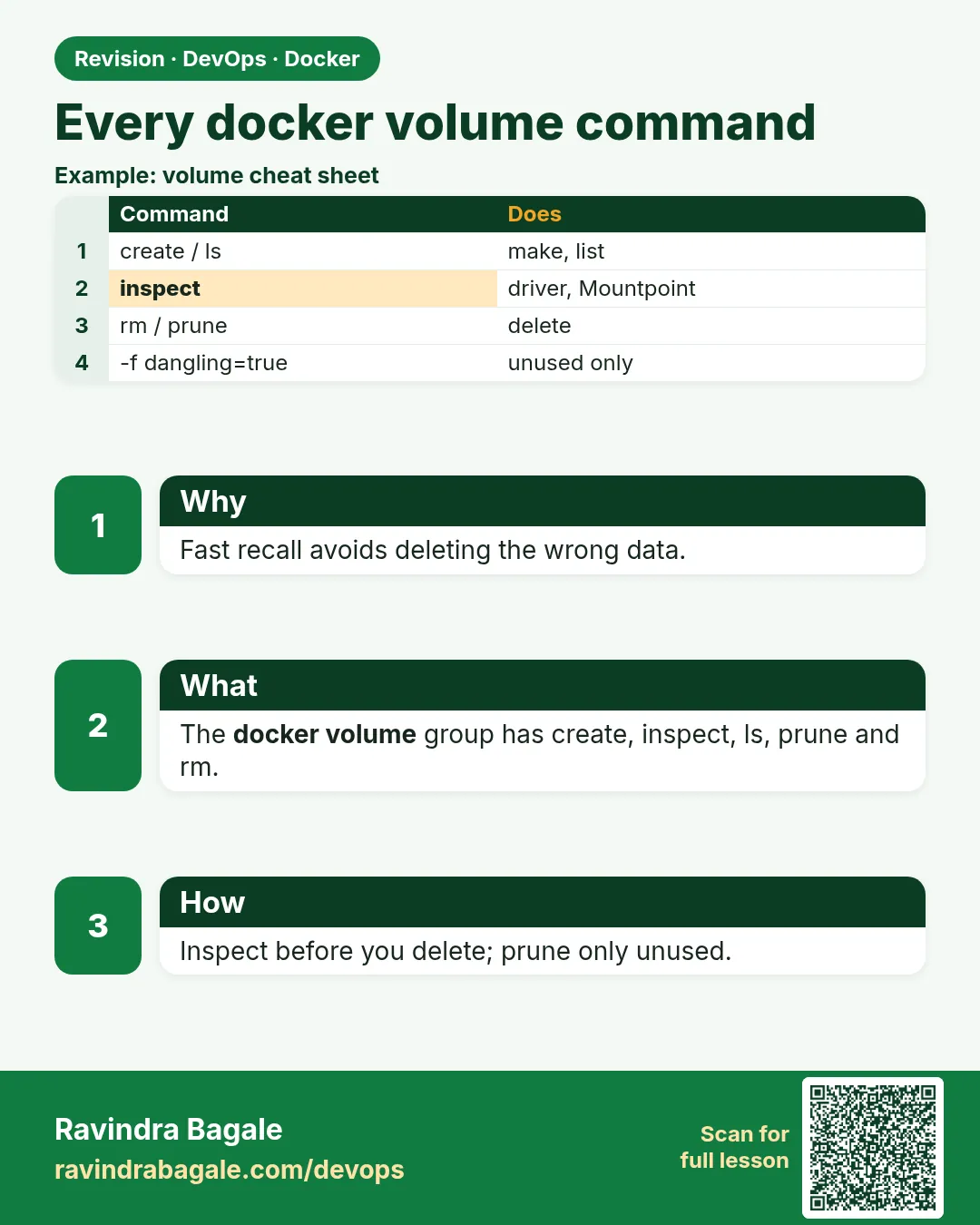
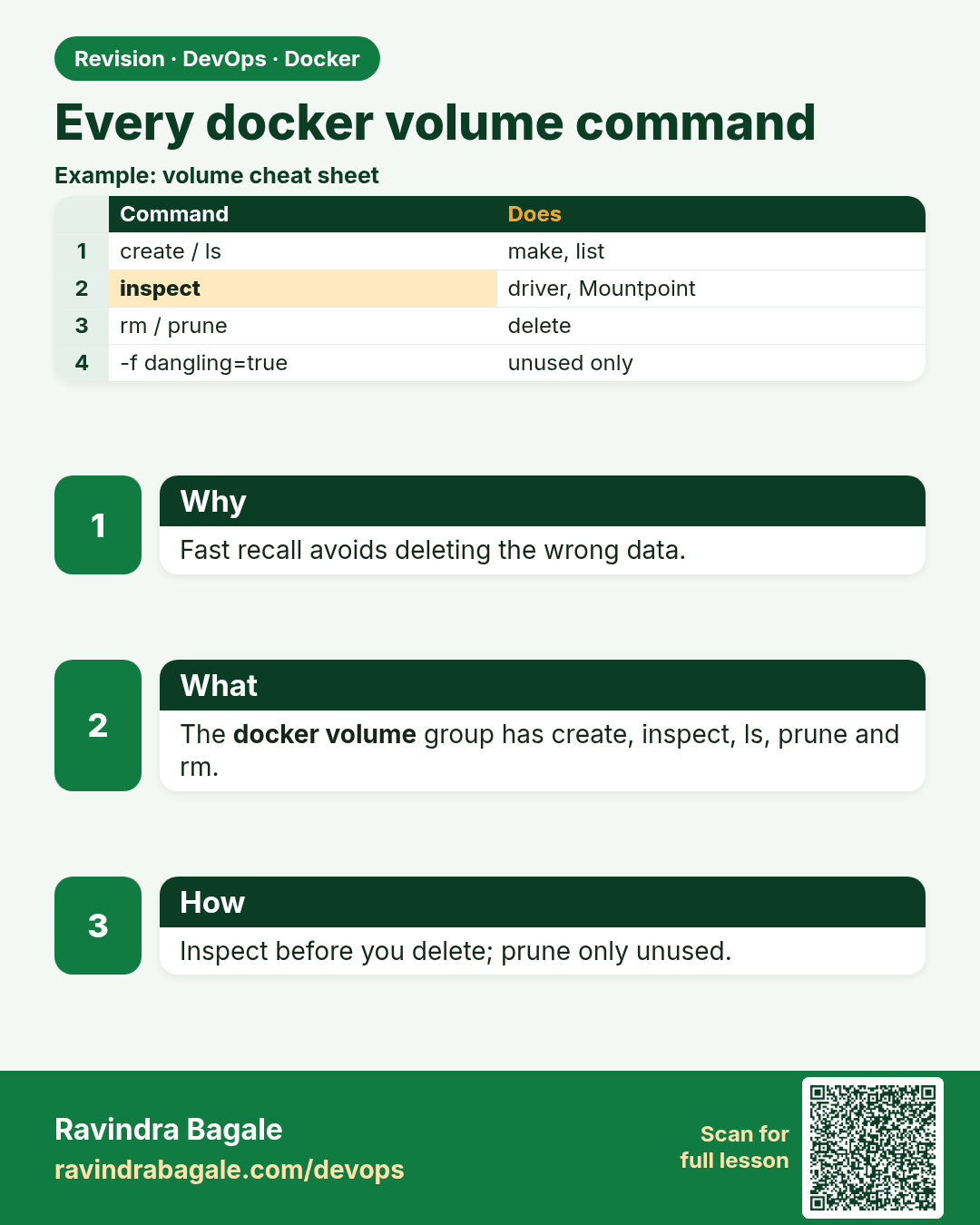
Every docker volume command. Fast recall avoids deleting the wrong data.
Revision card 7 of 7: Every docker volume command · Download PNG · Open card page

Lesson: 50.7 Every docker volume command: full reference

Interview cards

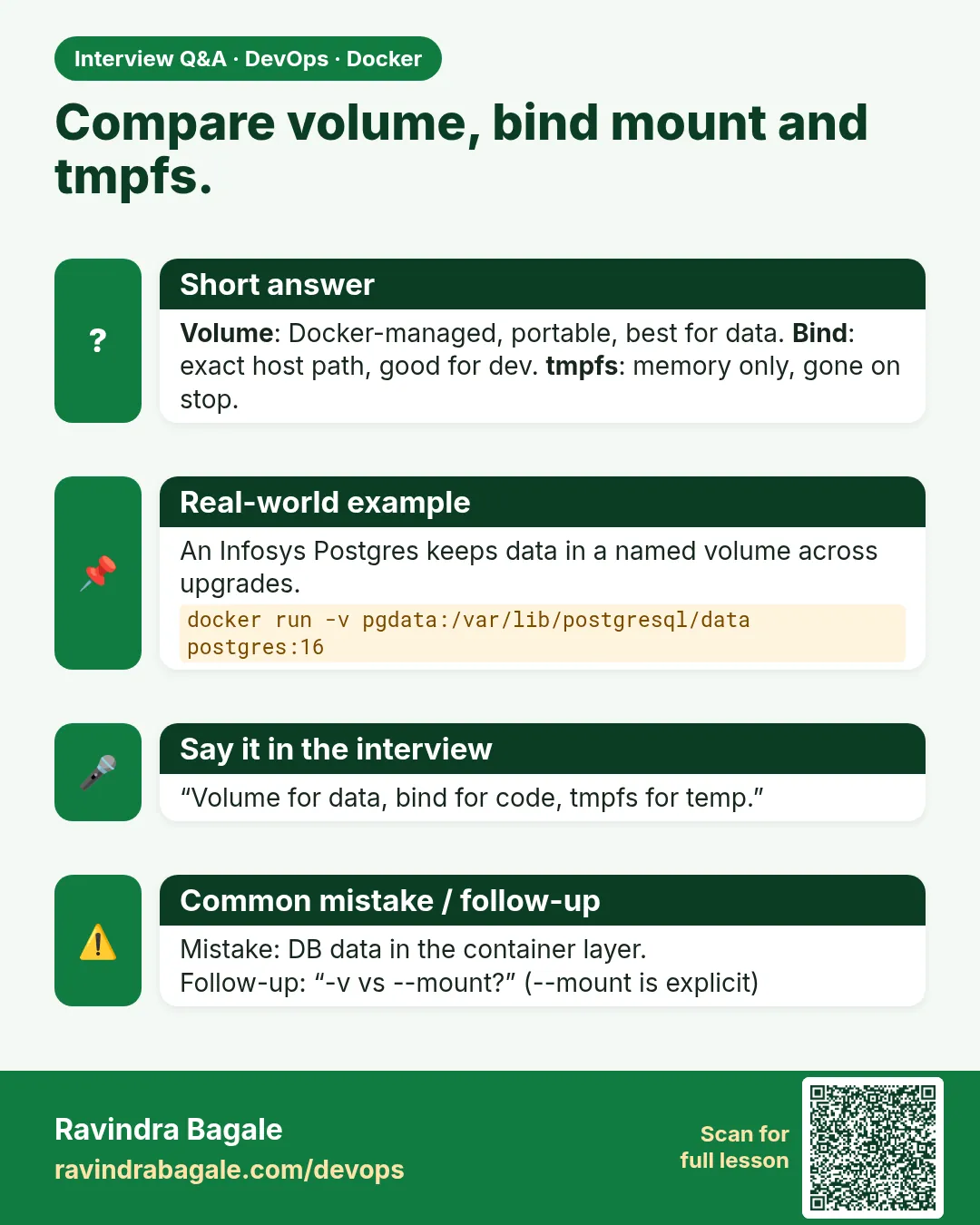
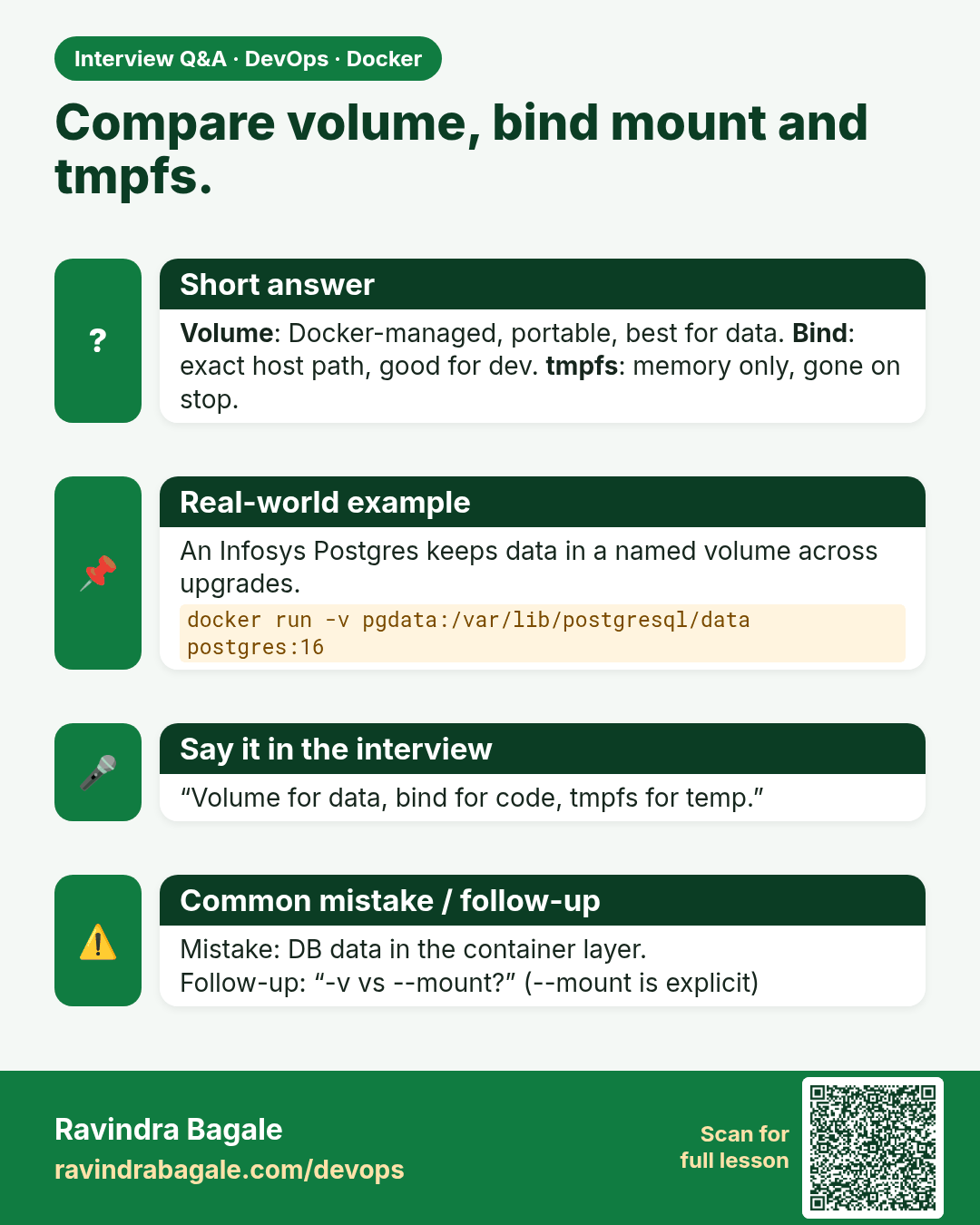
Compare volume, bind mount and tmpfs. Volume: Docker-managed, portable, best for data. Bind: exact host path, good for dev. tmpfs: memory only, gone on stop.
Interview card 1 of 7: Compare volume, bind mount and tmpfs. · Download PNG · Open card page

Lesson: 50.1 Why data disappears and the three storage types
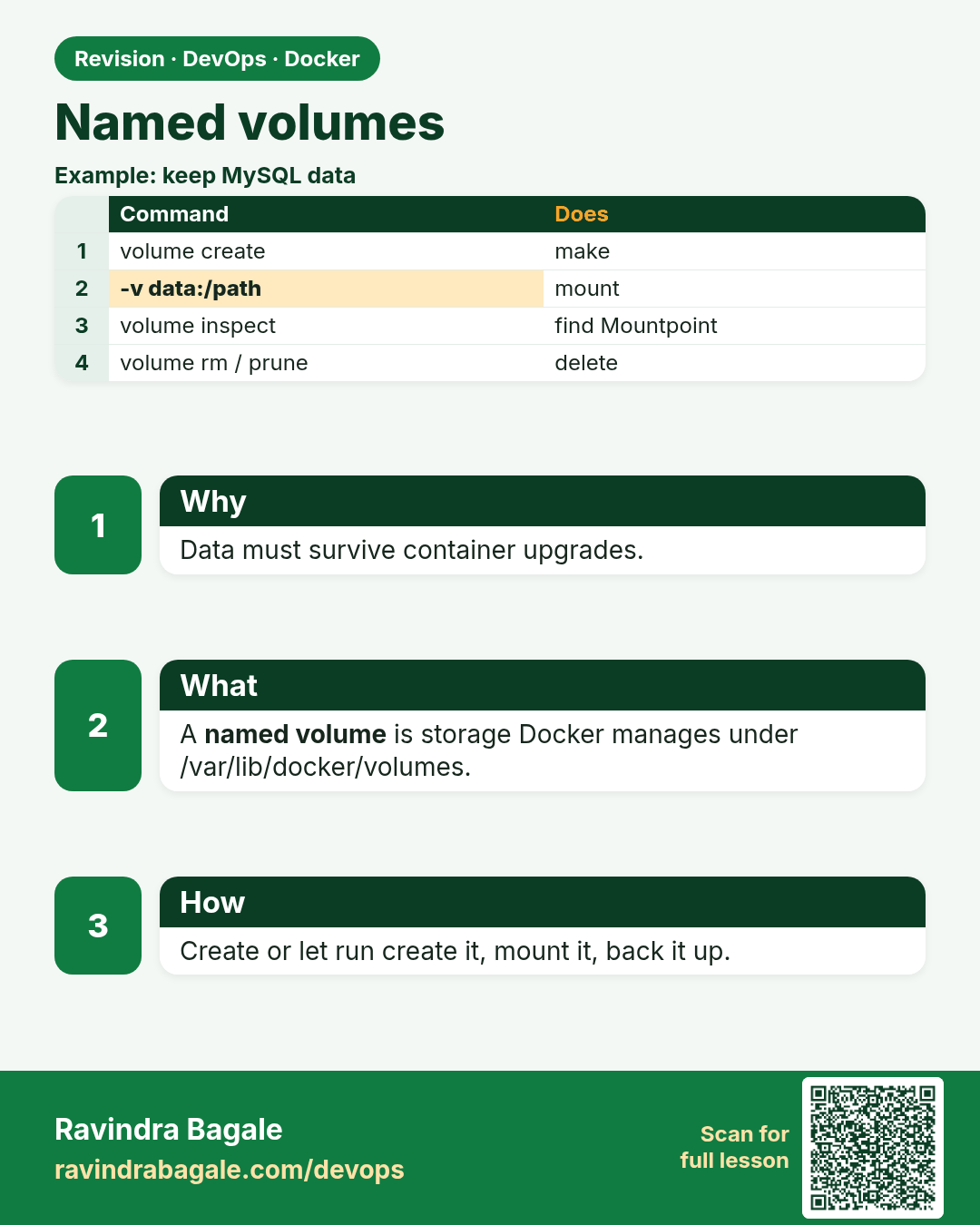
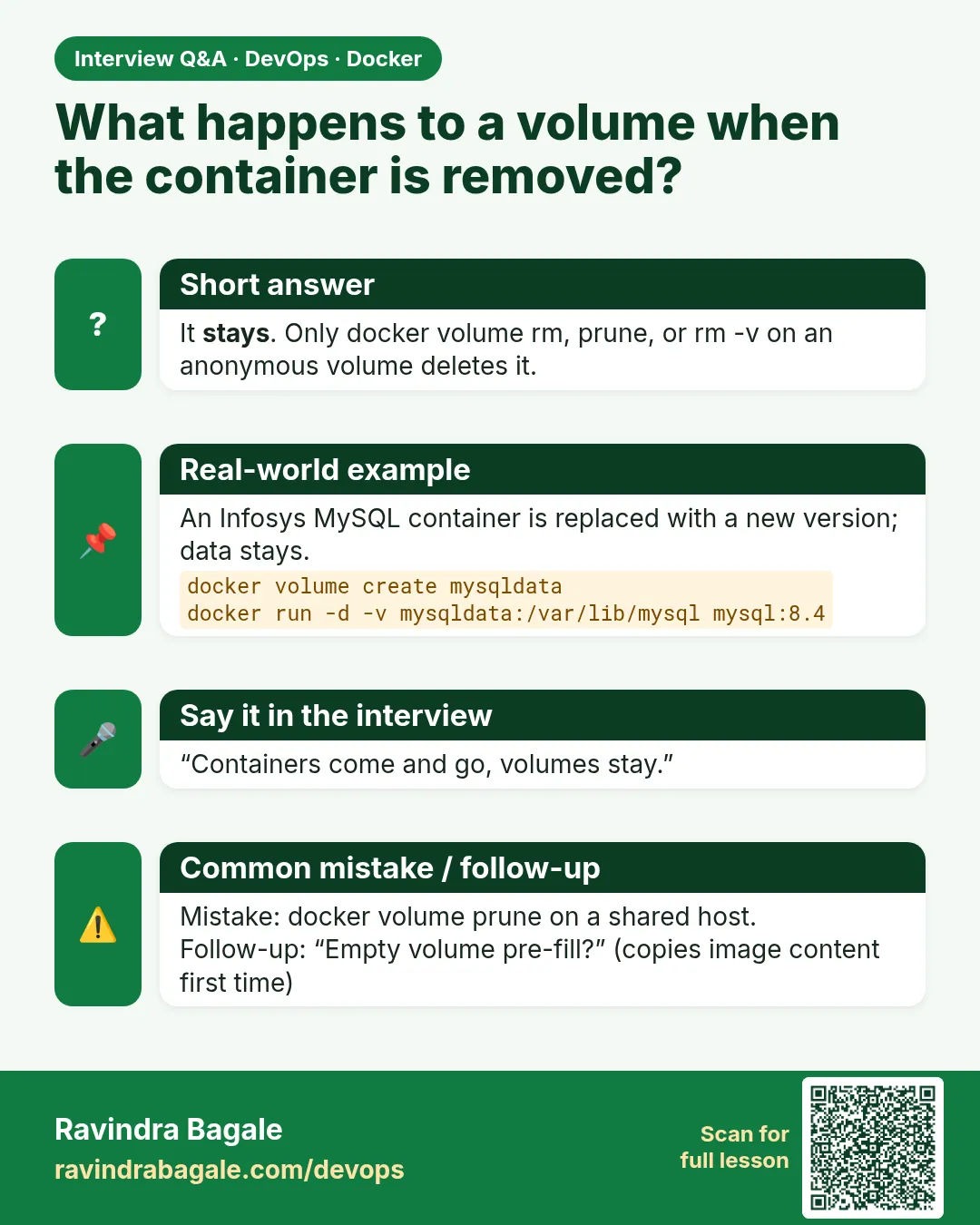
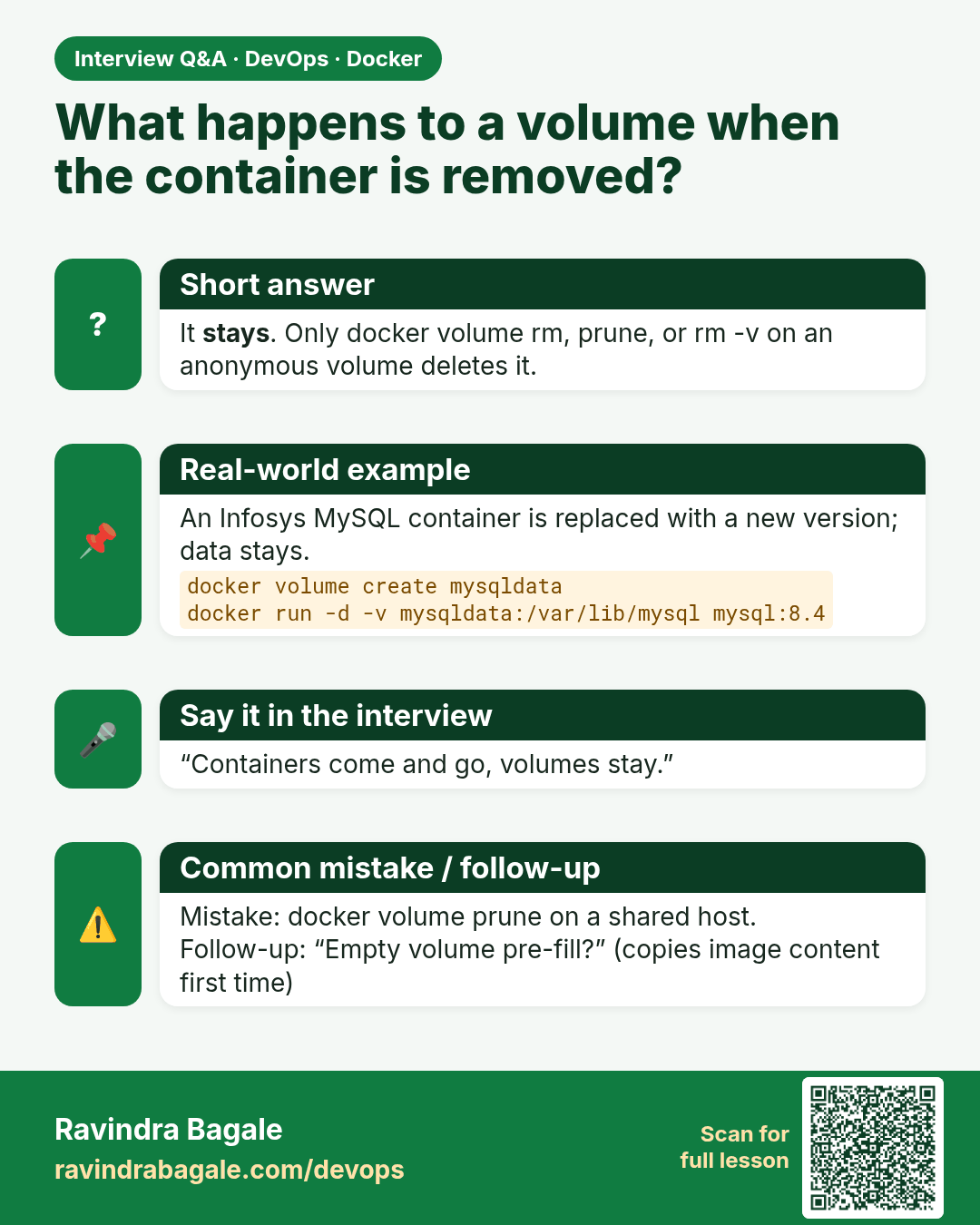
What happens to a volume when the container is removed? It stays. Only docker volume rm, prune, or rm -v on an anonymous volume deletes it.
Interview card 2 of 7: What happens to a volume when the container is removed? · Download PNG · Open card page

Lesson: 50.2 Named volumes in depth
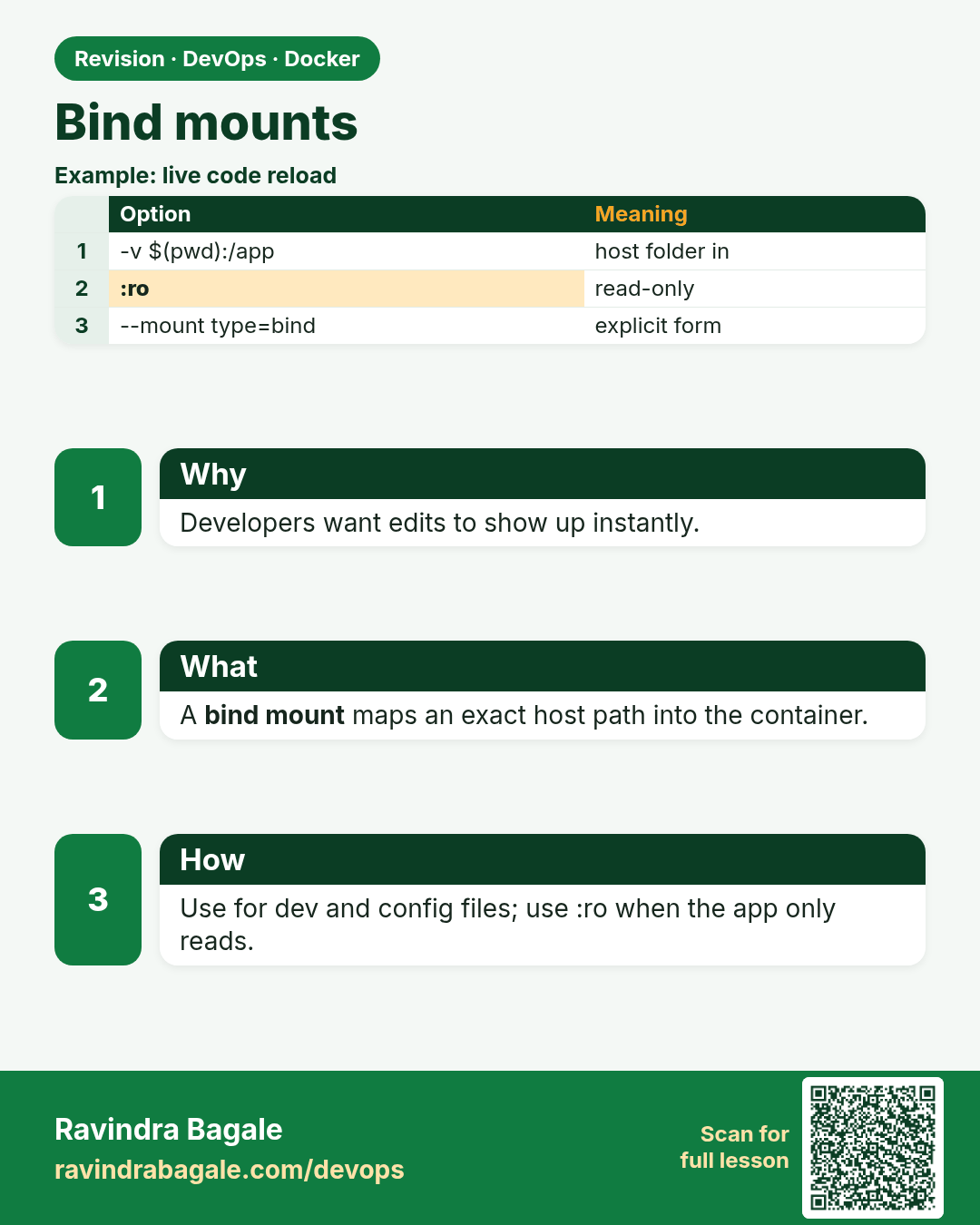
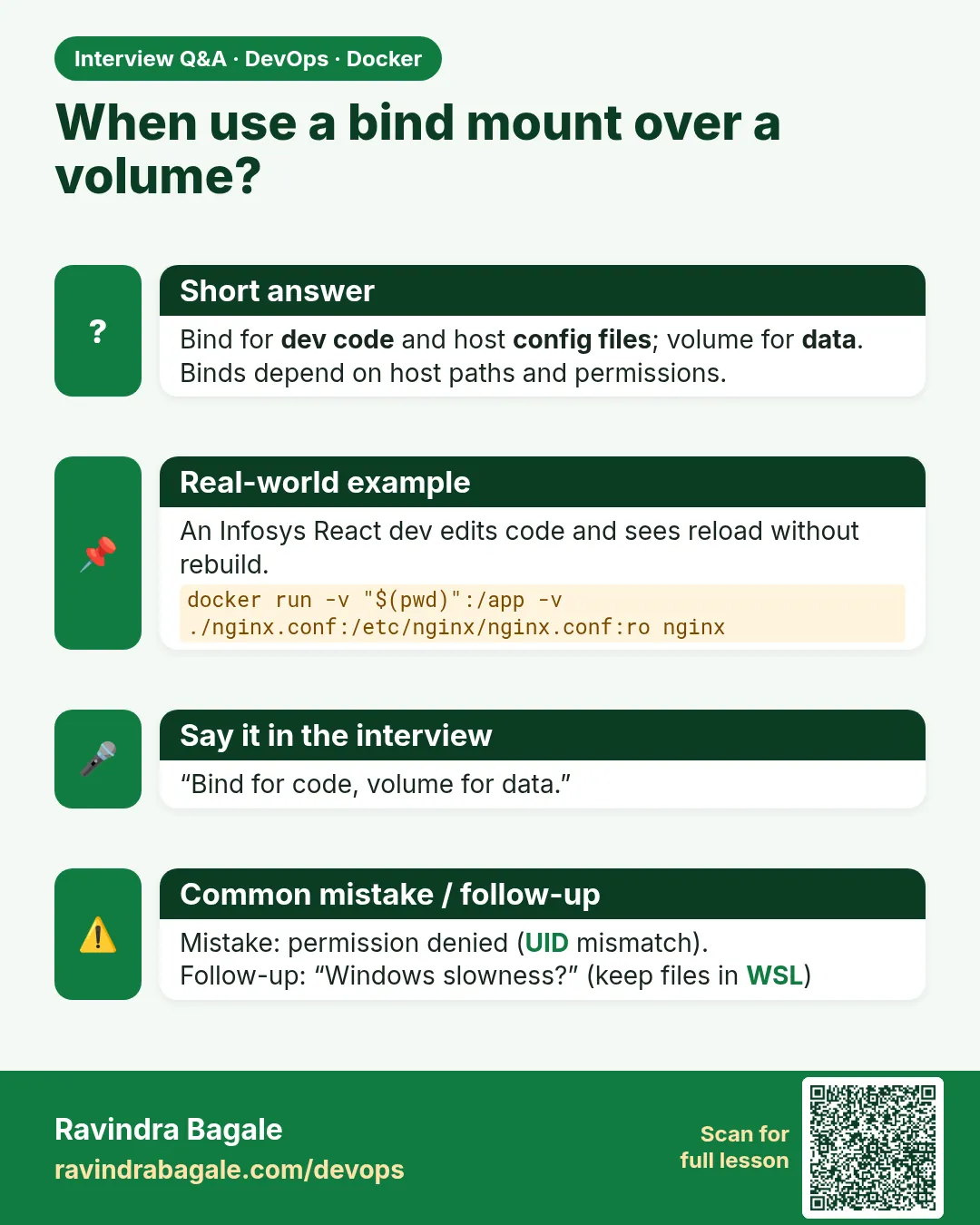
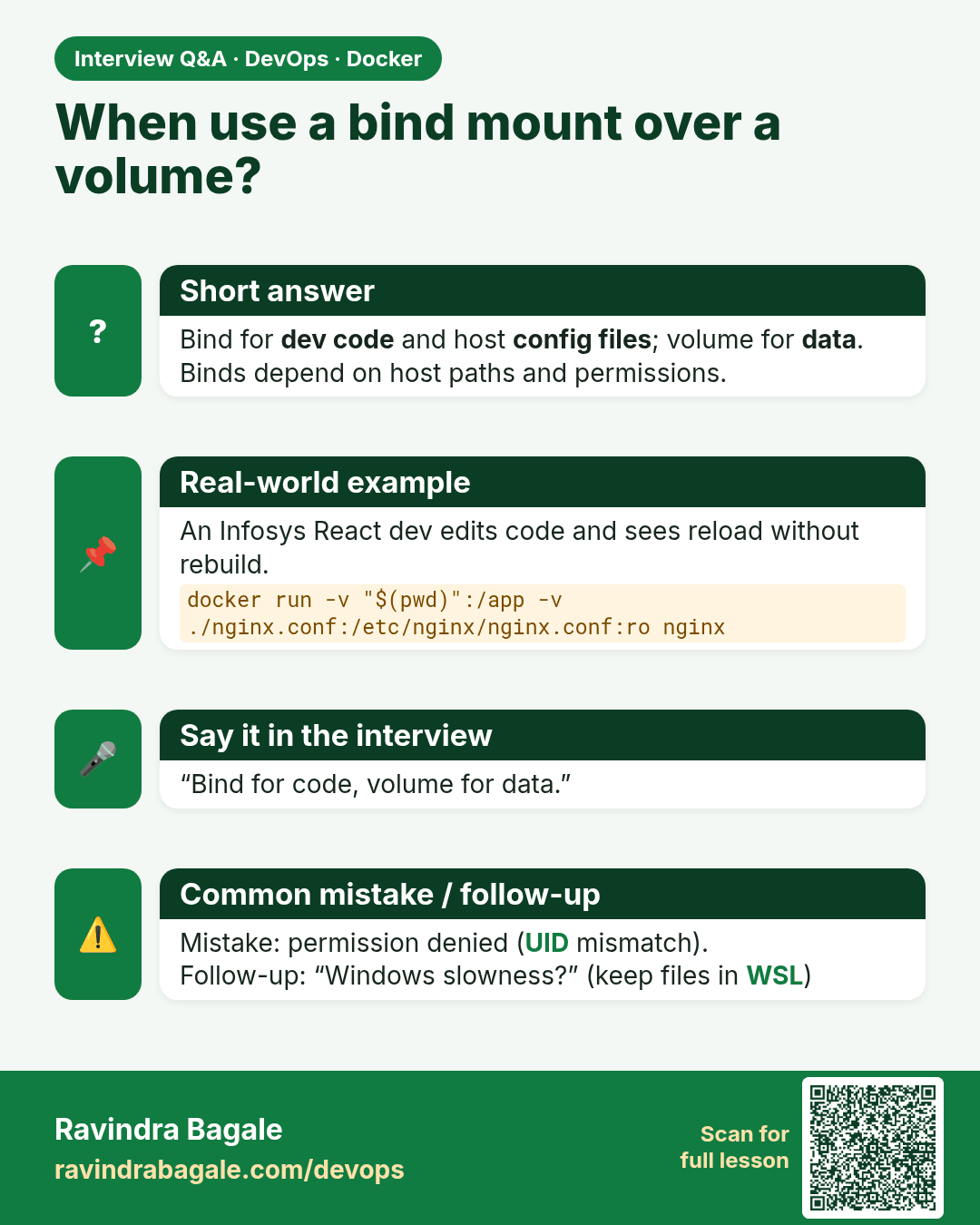
When use a bind mount over a volume? Bind for dev code and host config files; volume for data. Binds depend on host paths and permissions.
Interview card 3 of 7: When use a bind mount over a volume? · Download PNG · Open card page

Lesson: 50.3 Bind mounts for development
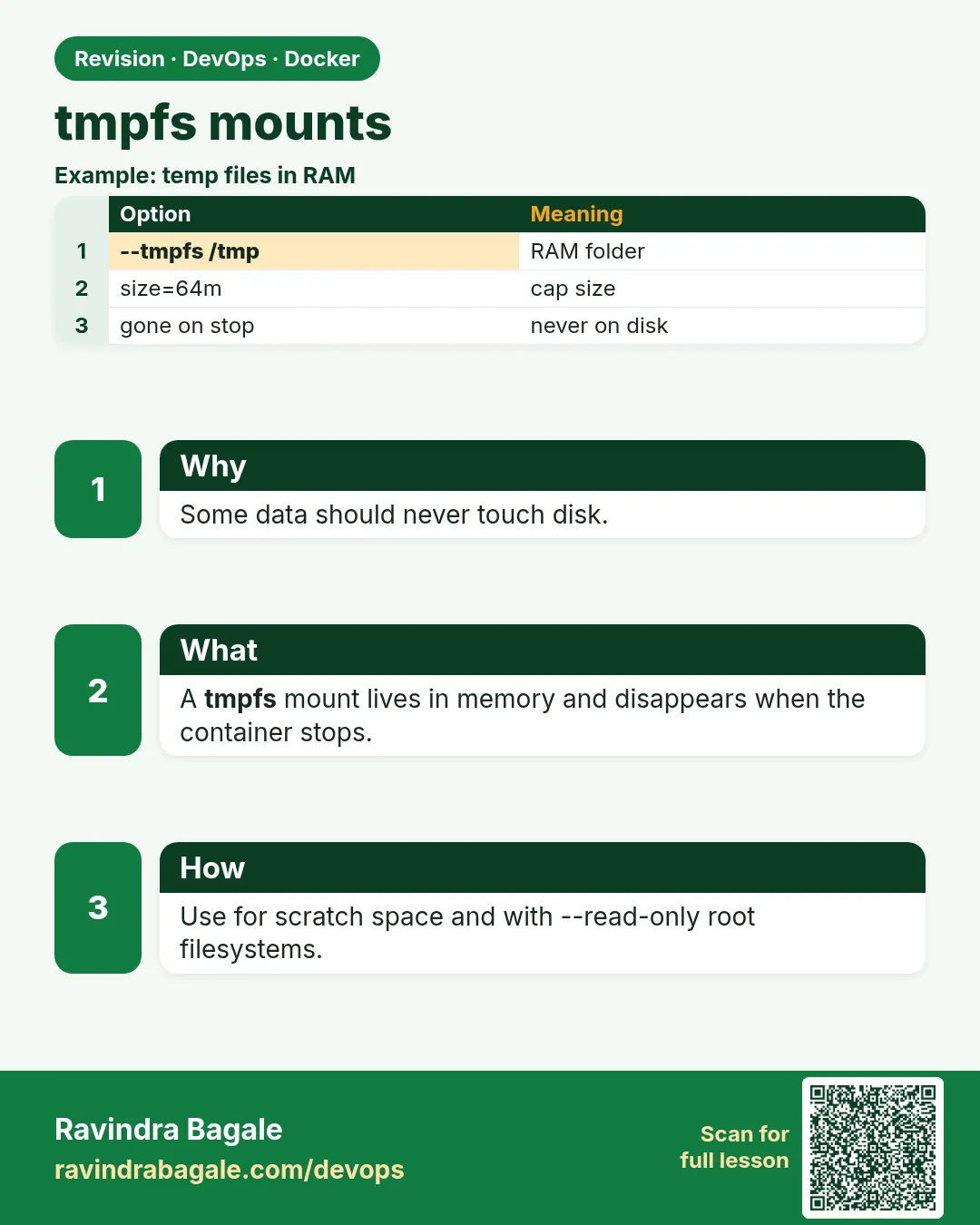
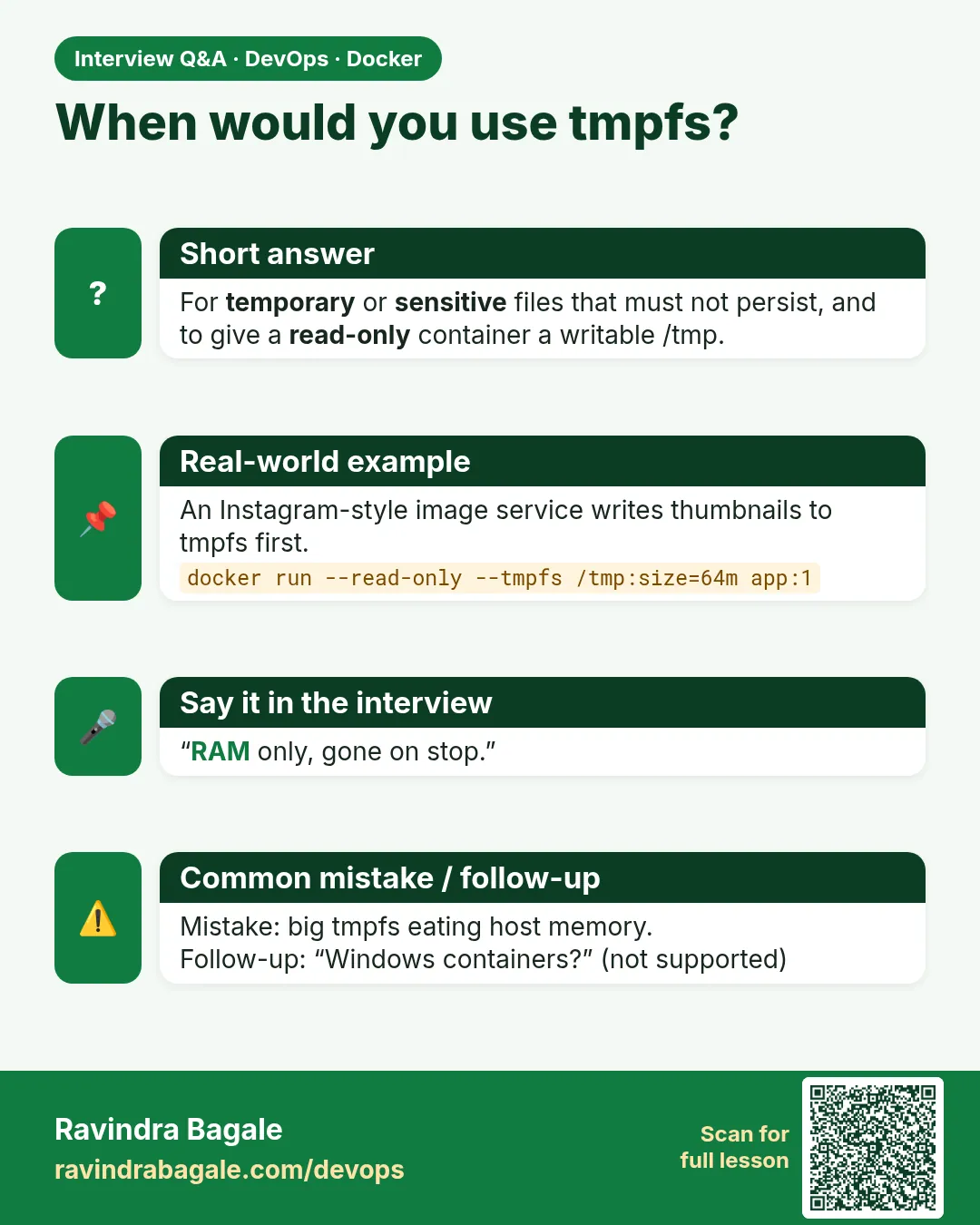
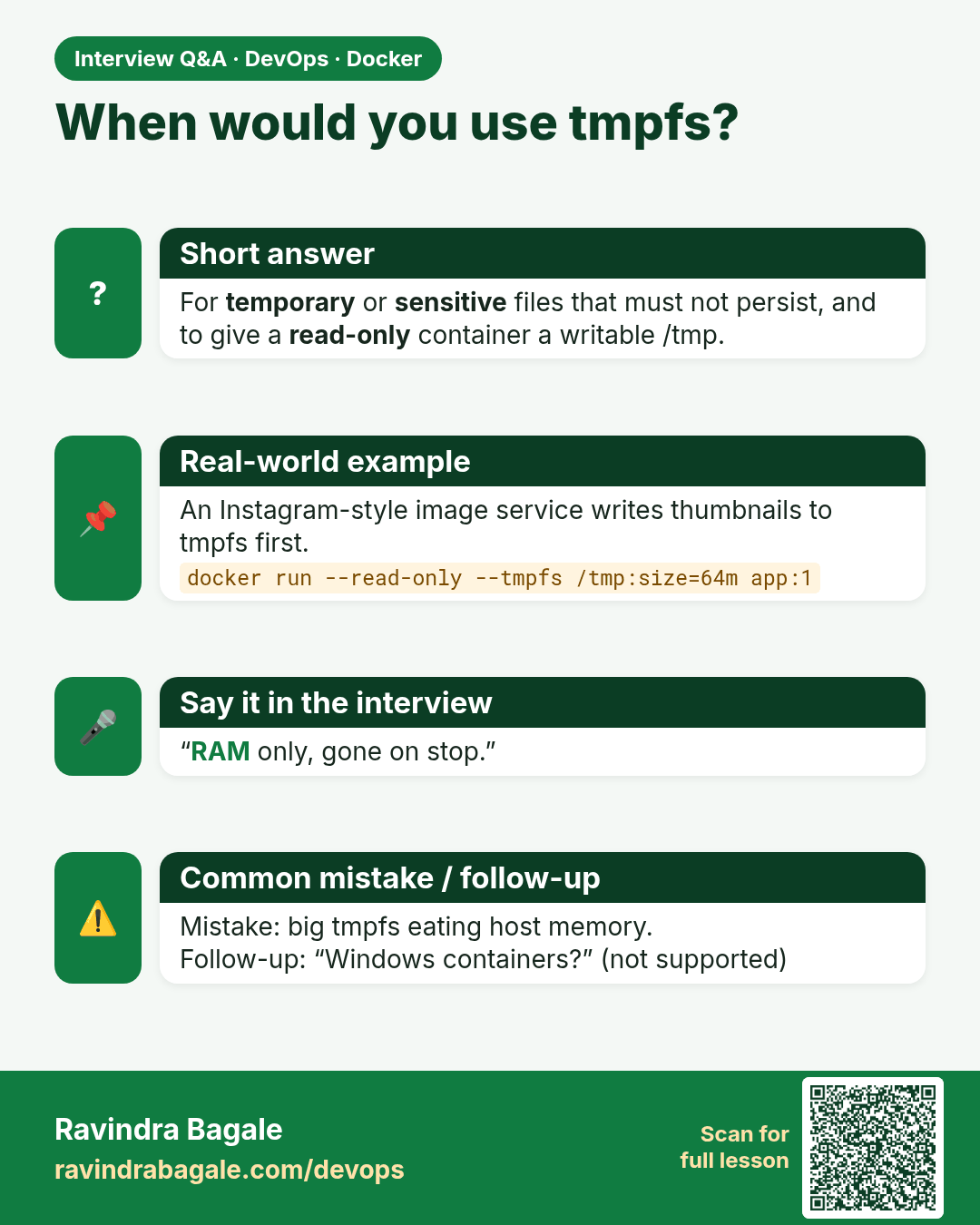
When would you use tmpfs? For temporary or sensitive files that must not persist, and to give a read-only container a writable /tmp.
Interview card 4 of 7: When would you use tmpfs? · Download PNG · Open card page

Lesson: 50.4 tmpfs mounts for secrets and scratch space
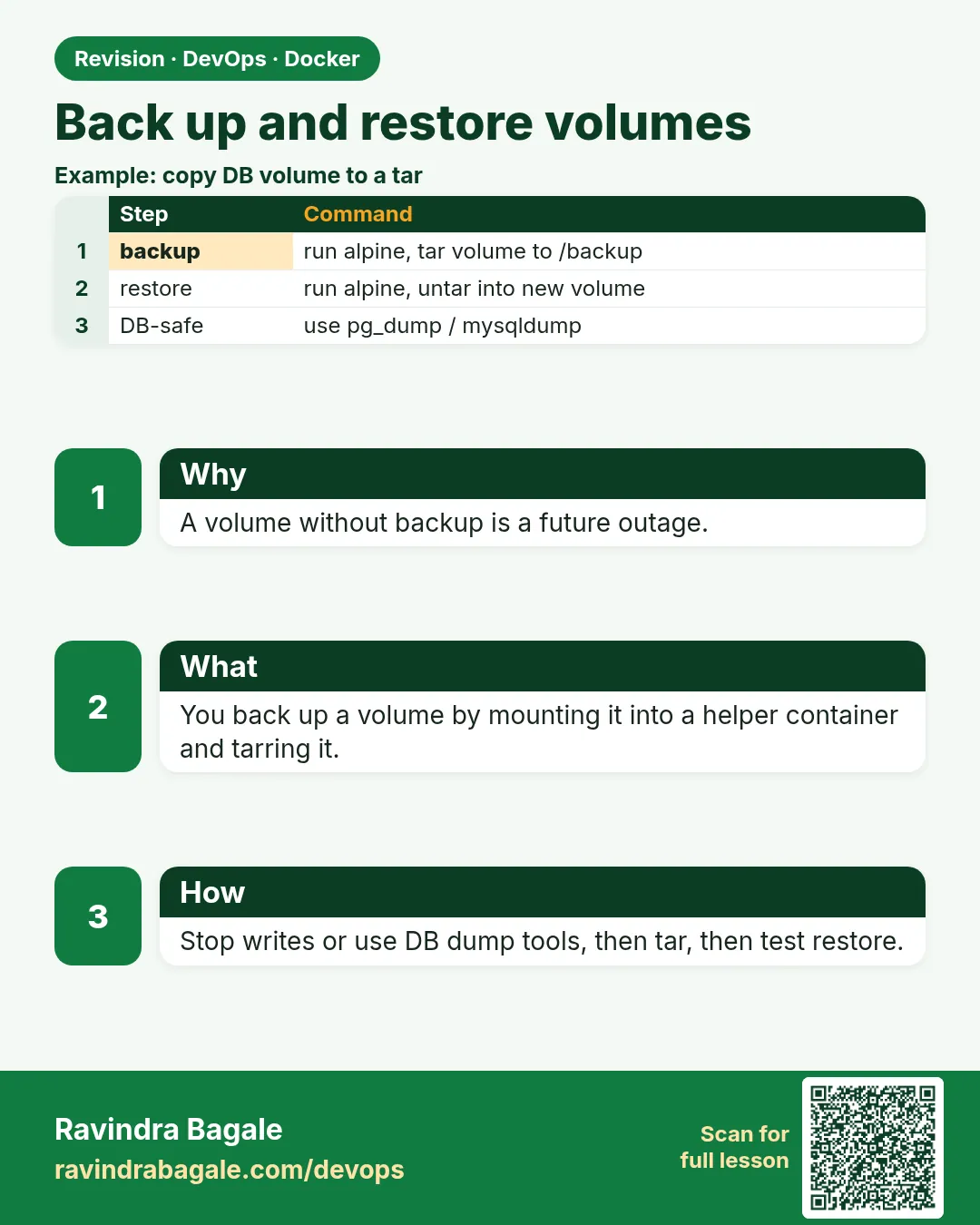
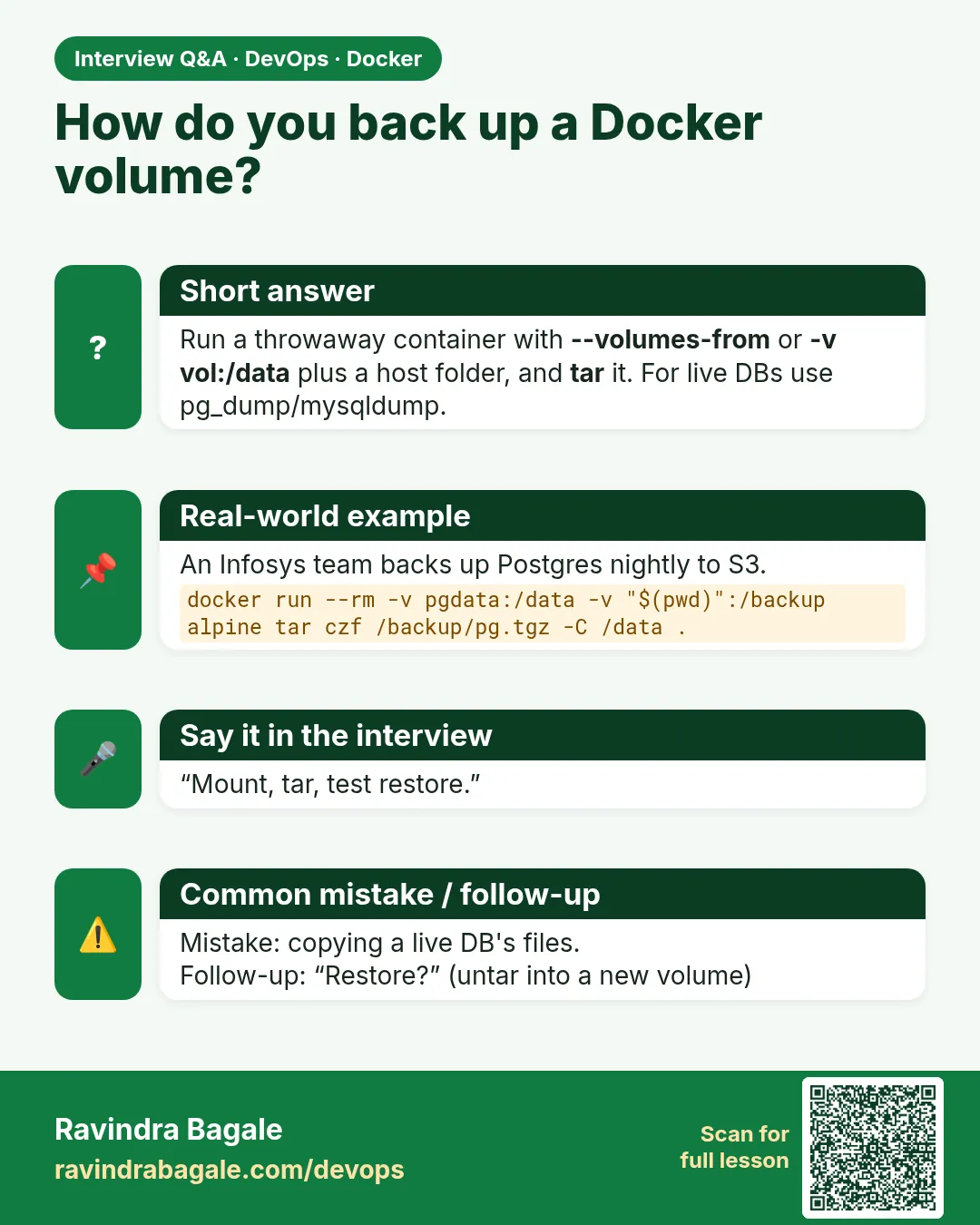
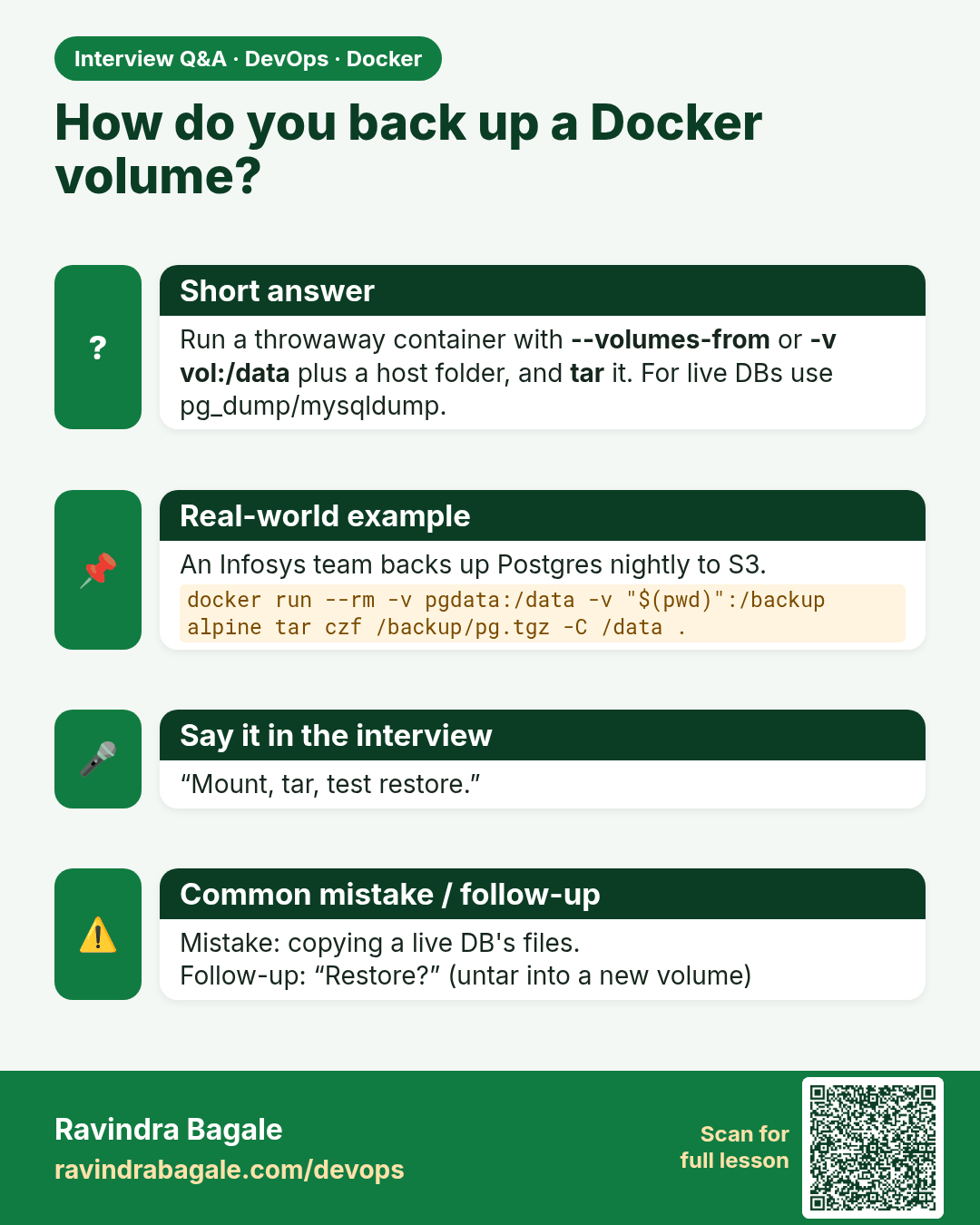
How do you back up a Docker volume? Run a throwaway container with --volumes-from or -v vol:/data plus a host folder, and tar it. For live DBs use pg_dump/mysqldump.
Interview card 5 of 7: How do you back up a Docker volume? · Download PNG · Open card page

Lesson: 50.5 Backup and restore a volume

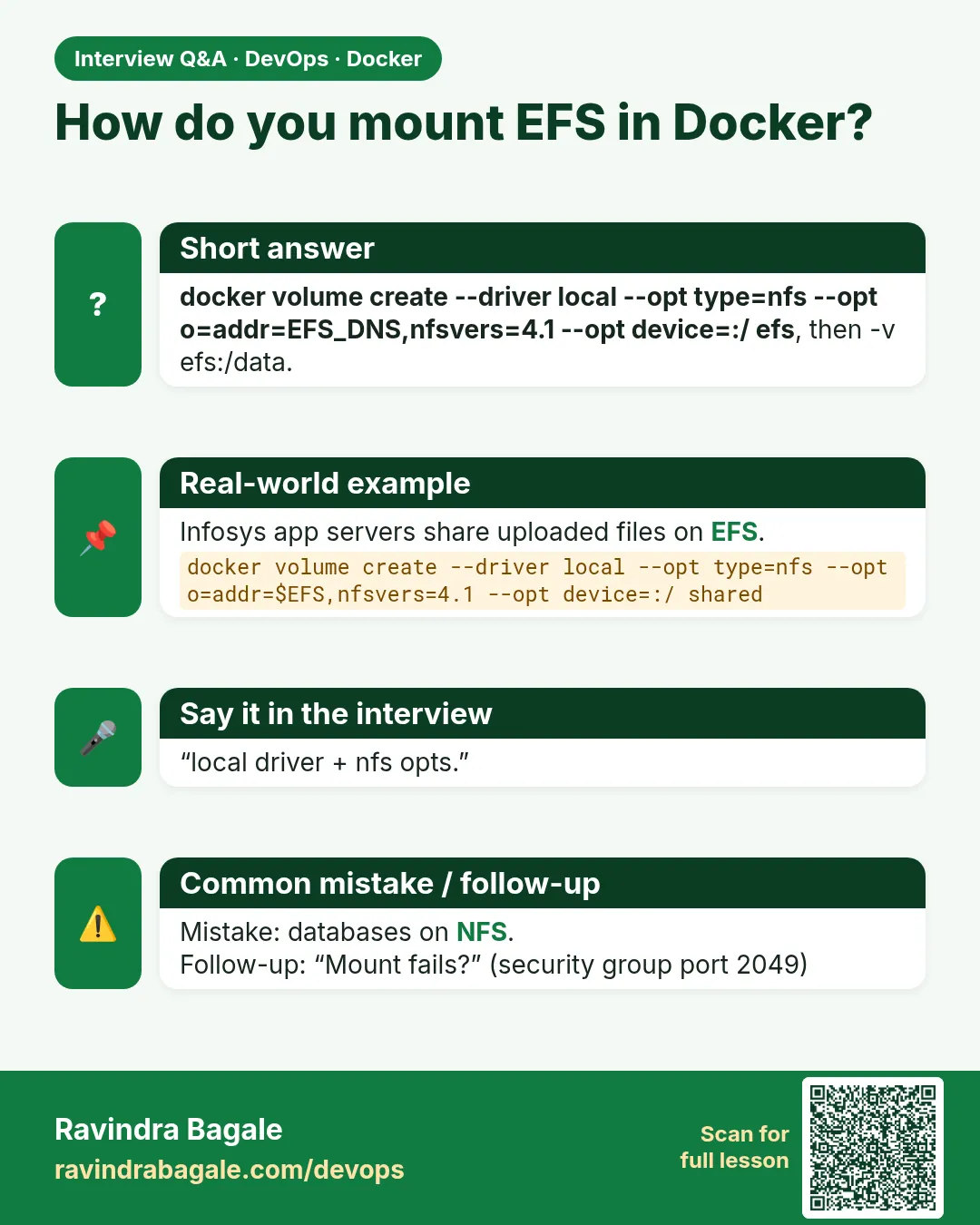
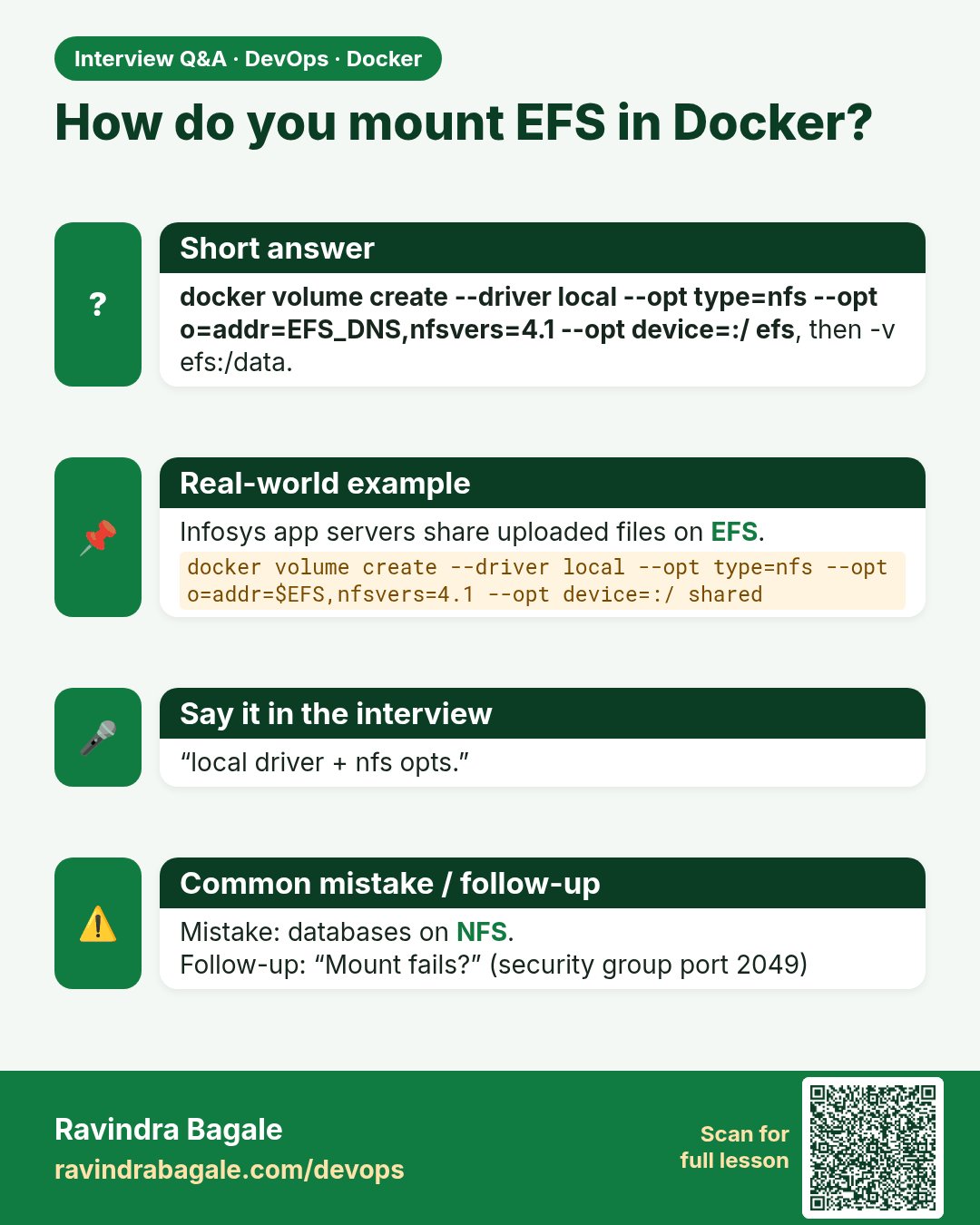
How do you mount EFS in Docker? docker volume create --driver local --opt type=nfs --opt o=addr=EFS_DNS,nfsvers=4.1 --opt device=:/ efs, then -v efs:/data.
Interview card 6 of 7: How do you mount EFS in Docker? · Download PNG · Open card page

Lesson: 50.6 Volume drivers: NFS, EFS and plugins

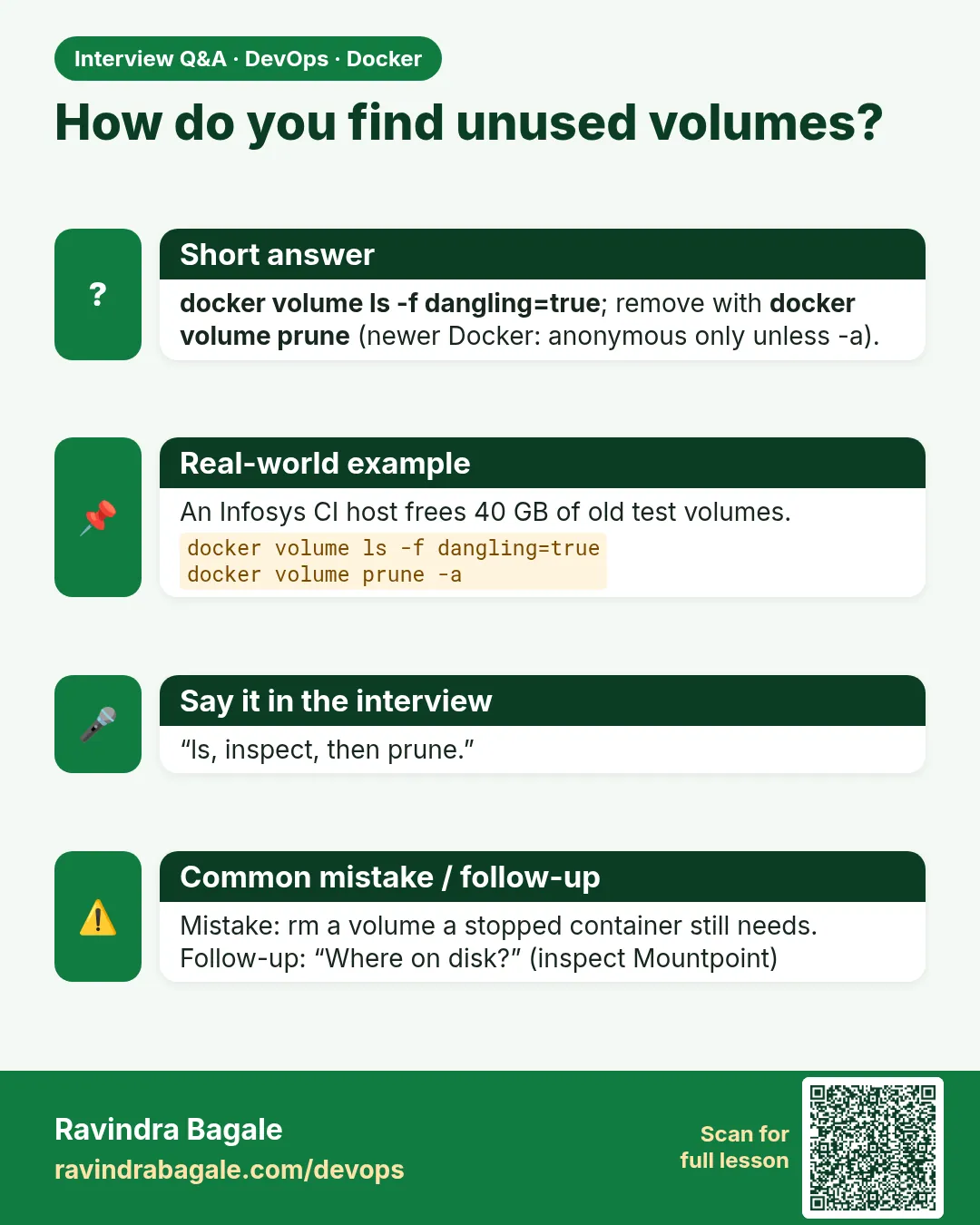
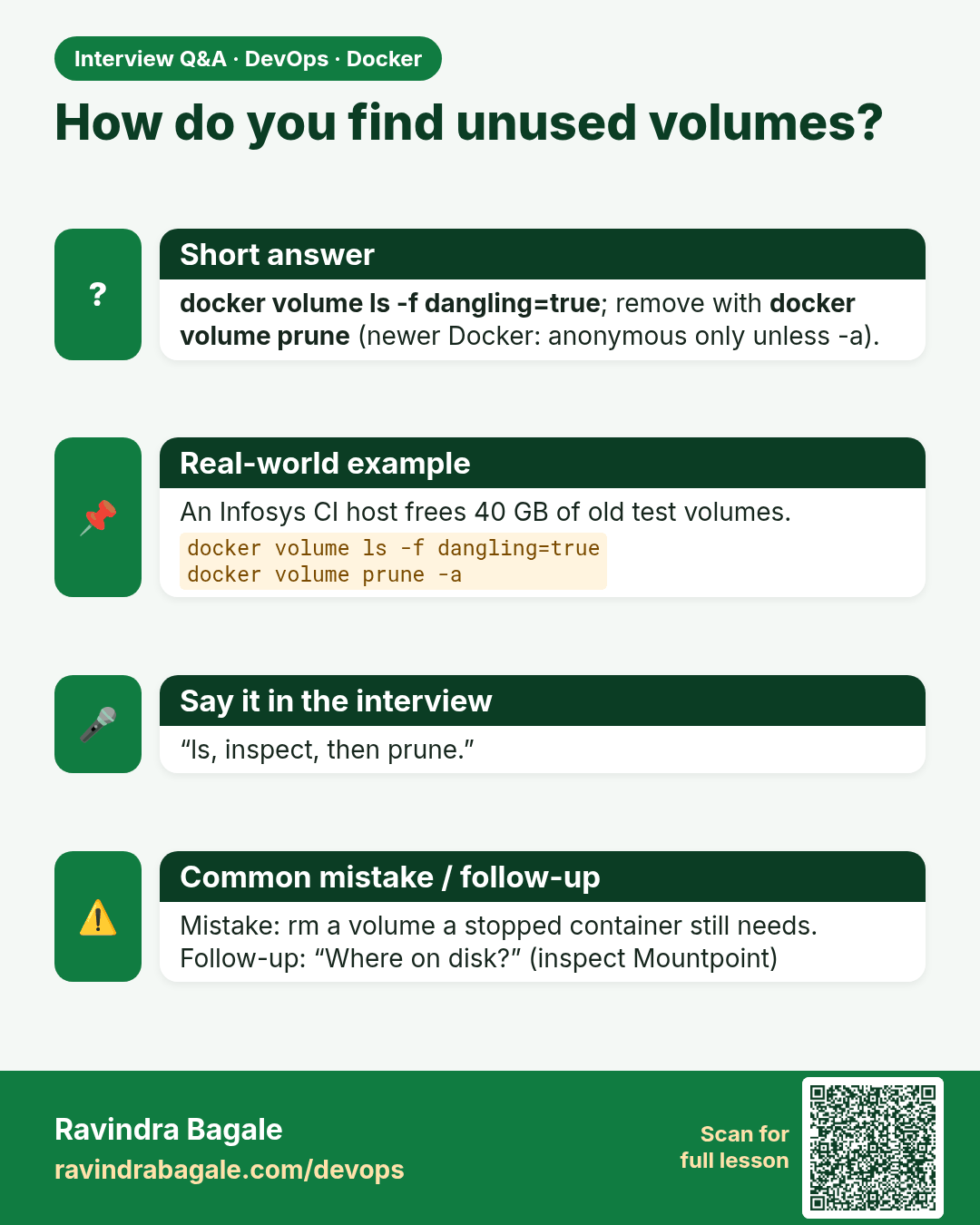
How do you find unused volumes? docker volume ls -f dangling=true; remove with docker volume prune (newer Docker: anonymous only unless -a).
Interview card 7 of 7: How do you find unused volumes? · Download PNG · Open card page

Lesson: 50.7 Every docker volume command: full reference

Comparison cards

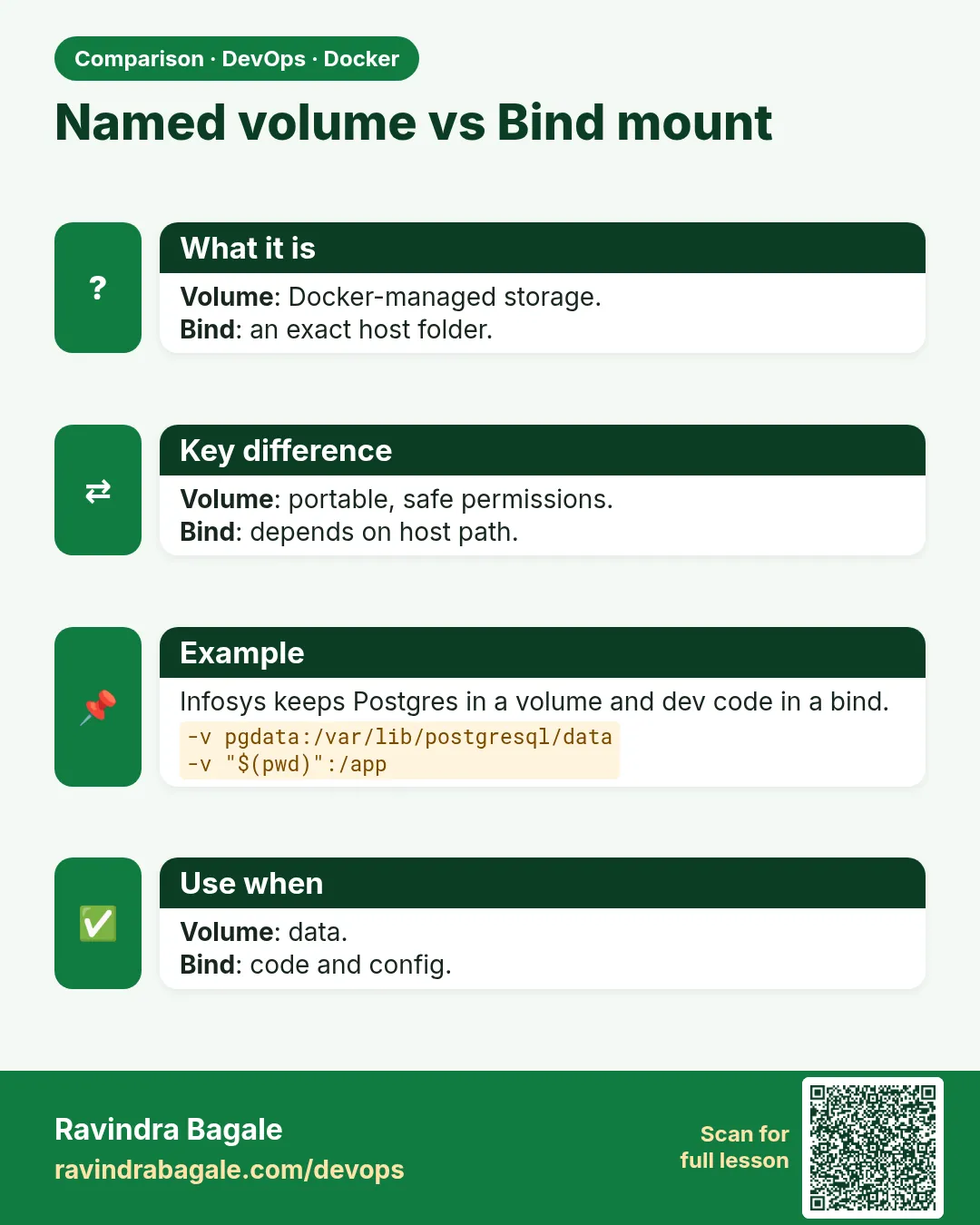
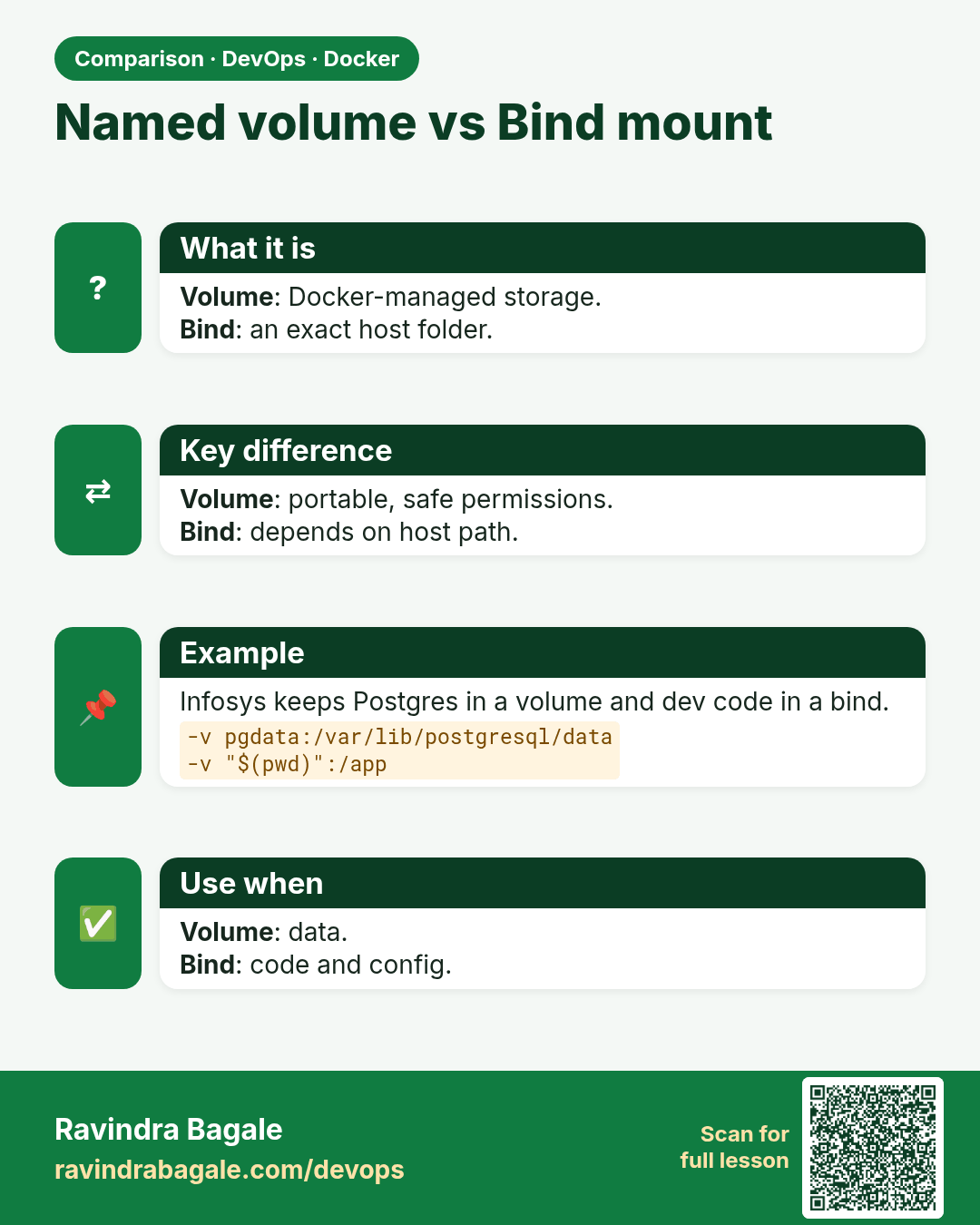
Named volume vs Bind mount. Volume: Docker-managed storage.Bind: an exact host folder.
Comparison card 1 of 3: Named volume vs Bind mount · Download PNG · Open card page

Lesson: 50.1 Why data disappears and the three storage types

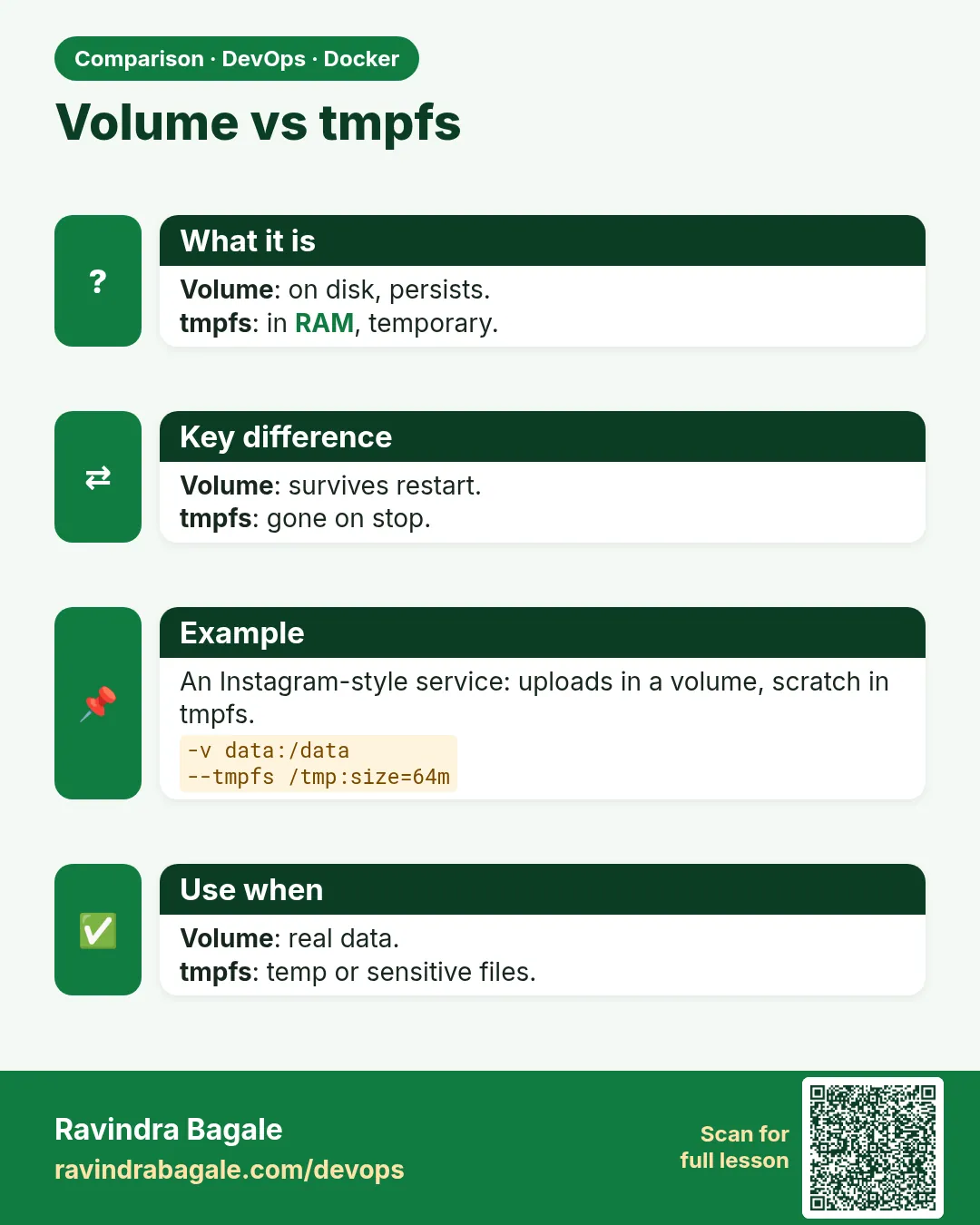
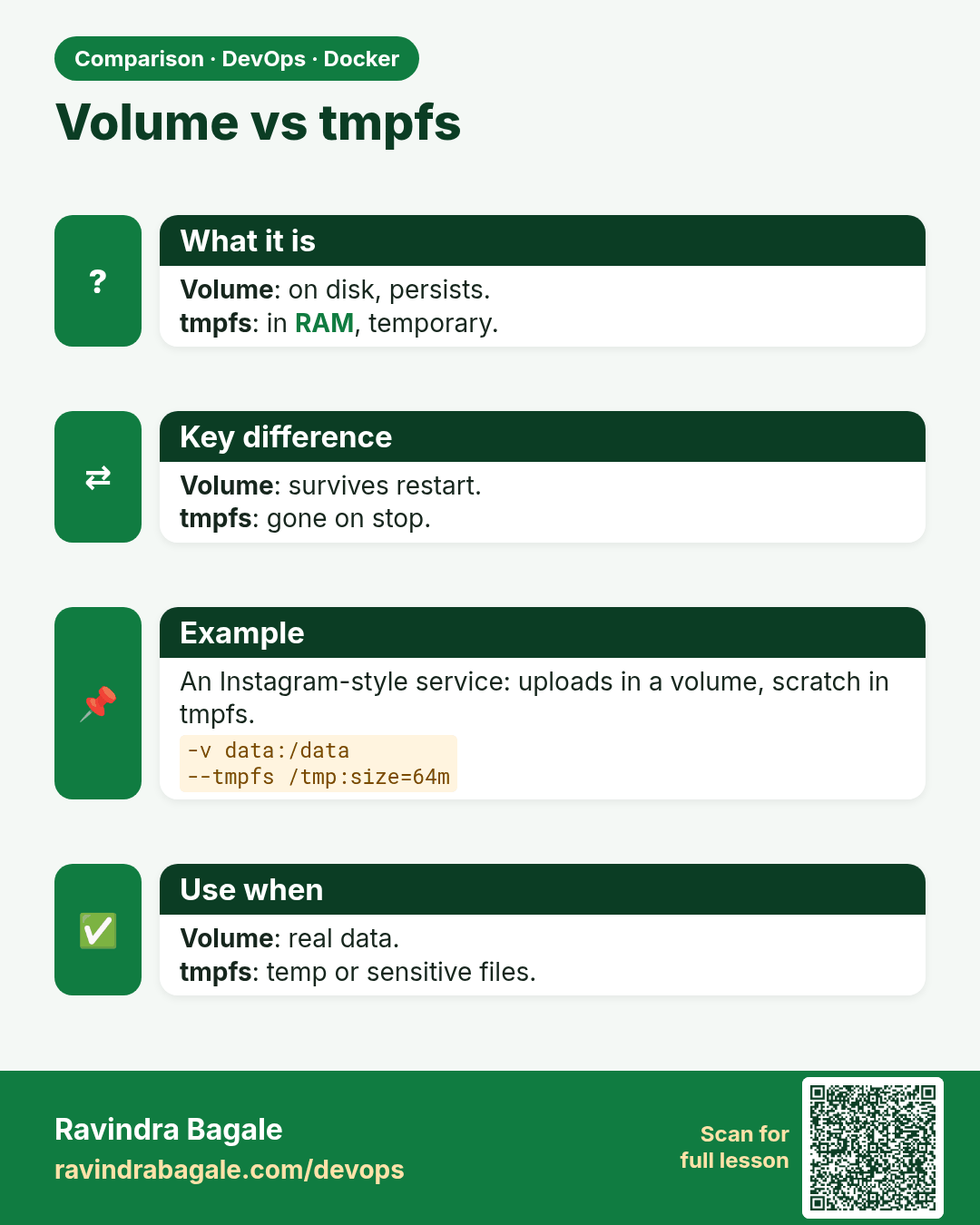
Volume vs tmpfs. Volume: on disk, persists.tmpfs: in RAM, temporary.
Comparison card 2 of 3: Volume vs tmpfs · Download PNG · Open card page

Lesson: 50.4 tmpfs mounts for secrets and scratch space
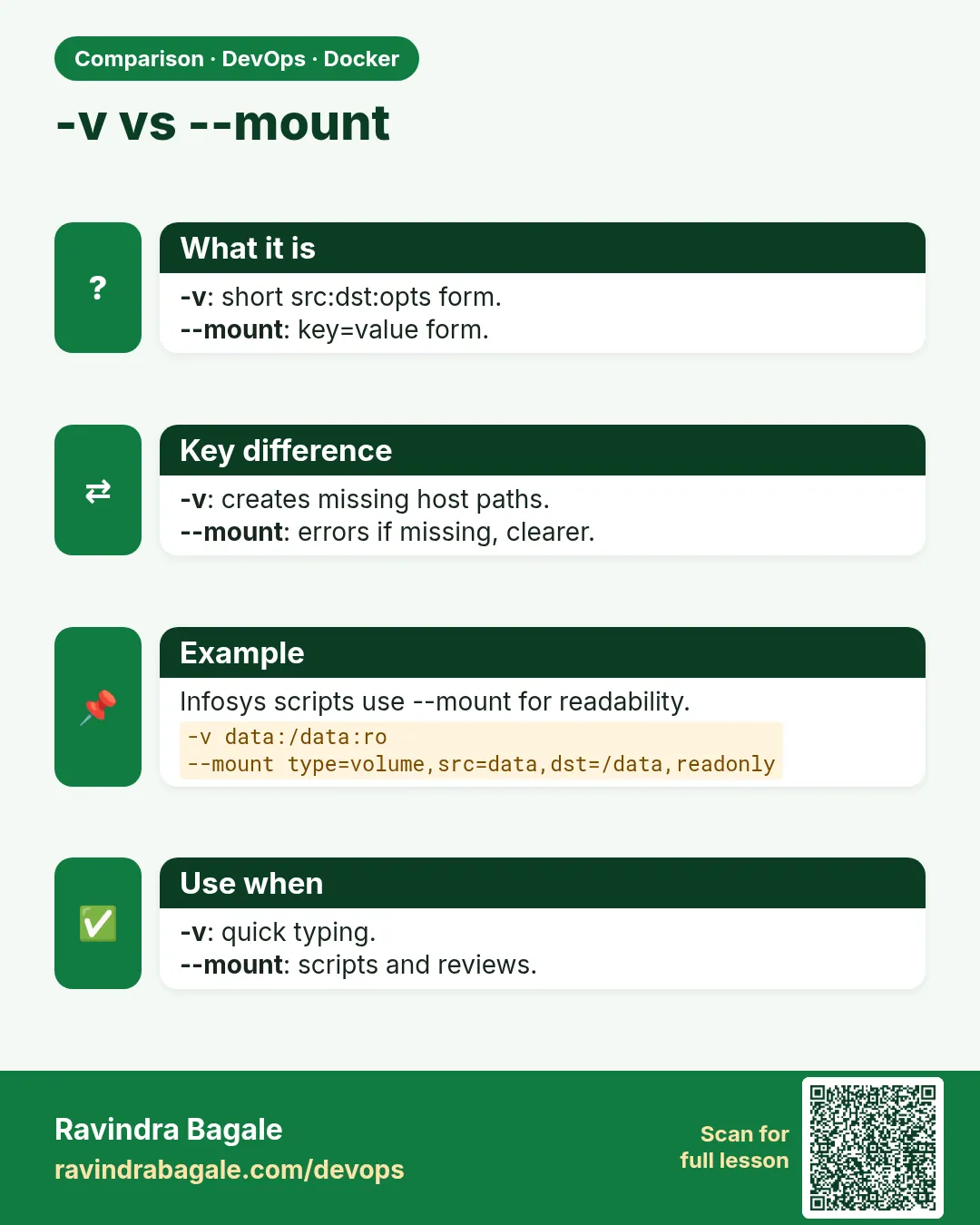
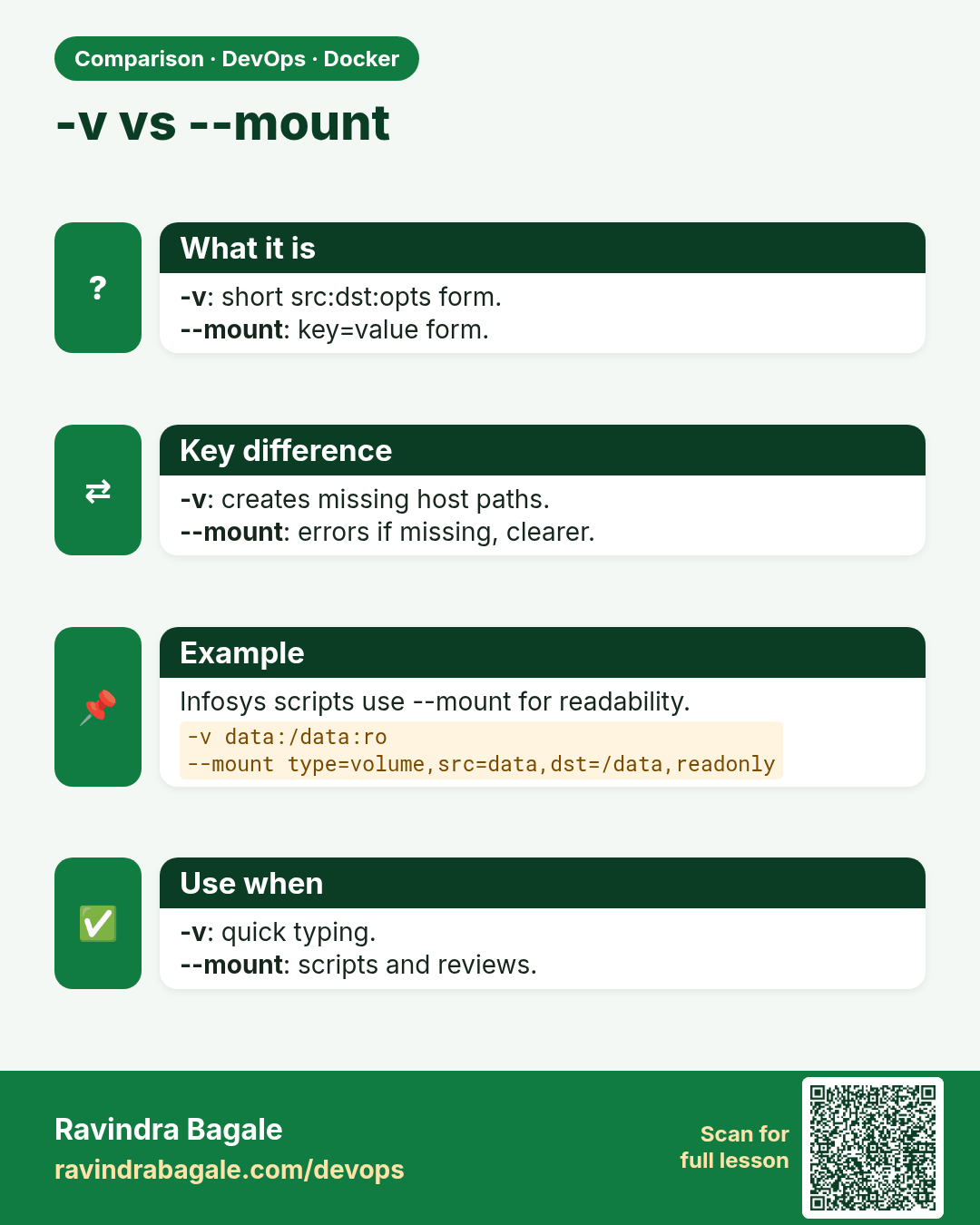
-v vs --mount. -v: short src:dst:opts form.--mount: key=value form.
Comparison card 3 of 3: -v vs --mount · Download PNG · Open card page

Lesson: 50.3 Bind mounts for development