Ravi Sir's Cards › DevOps
Chapter 38: Terraform CLI Commands fmt validate plan apply state and more: Cards
मराठी cards · Open the chapter
Revision cards
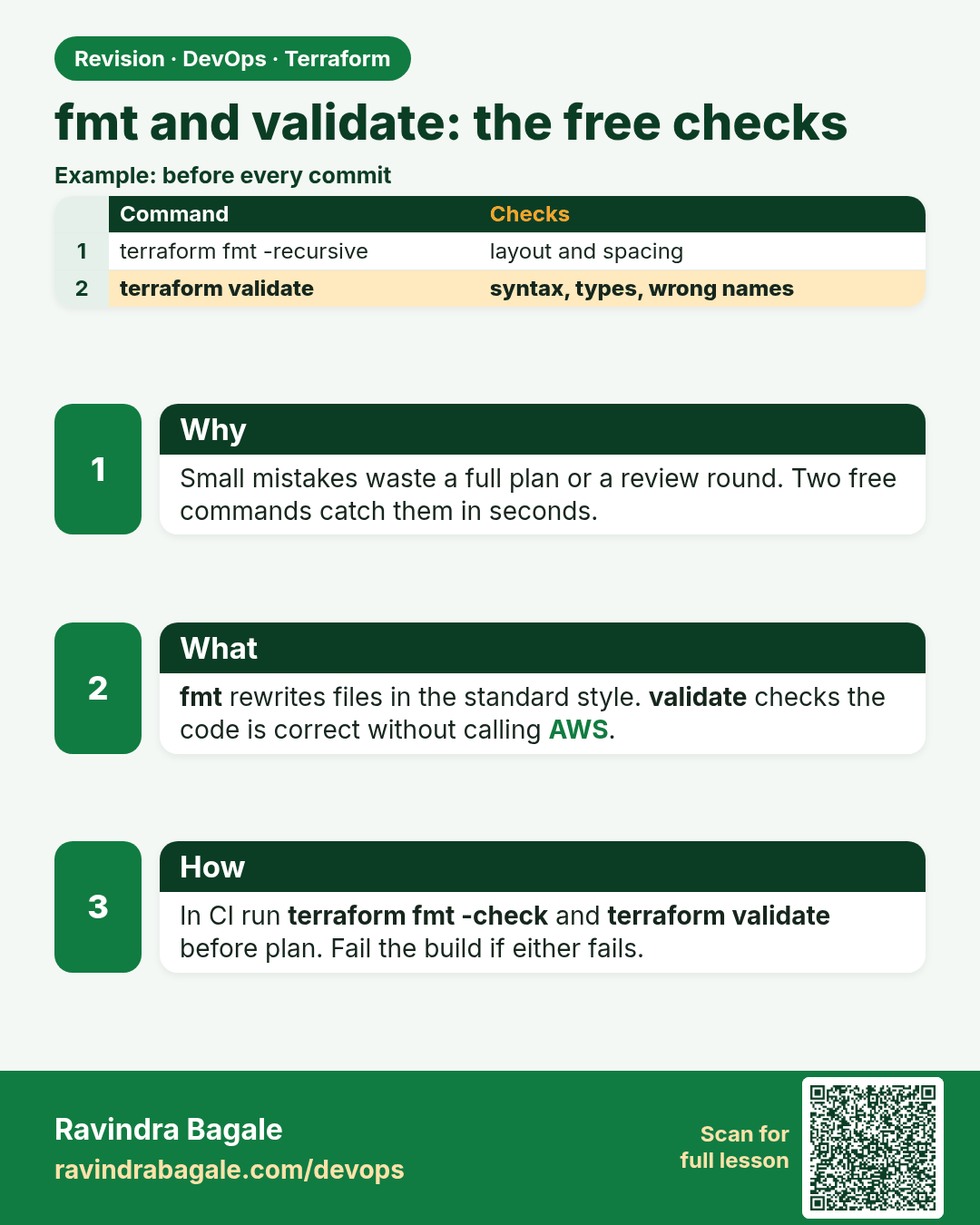
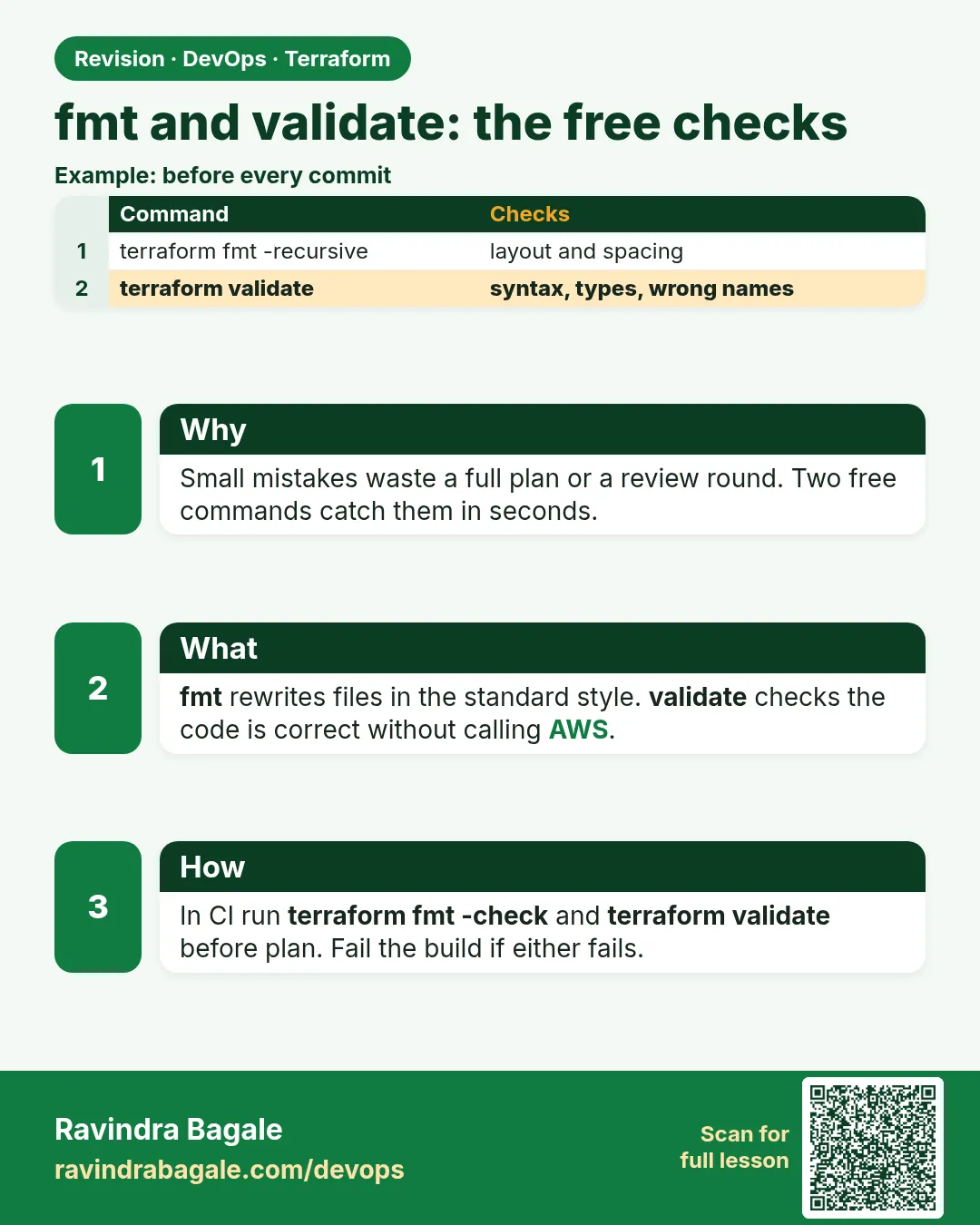 Revision card 1 of 7: fmt and validate: the free checks · Download PNG · Open card page
Lesson: 38.1 fmt and validate — the free checks
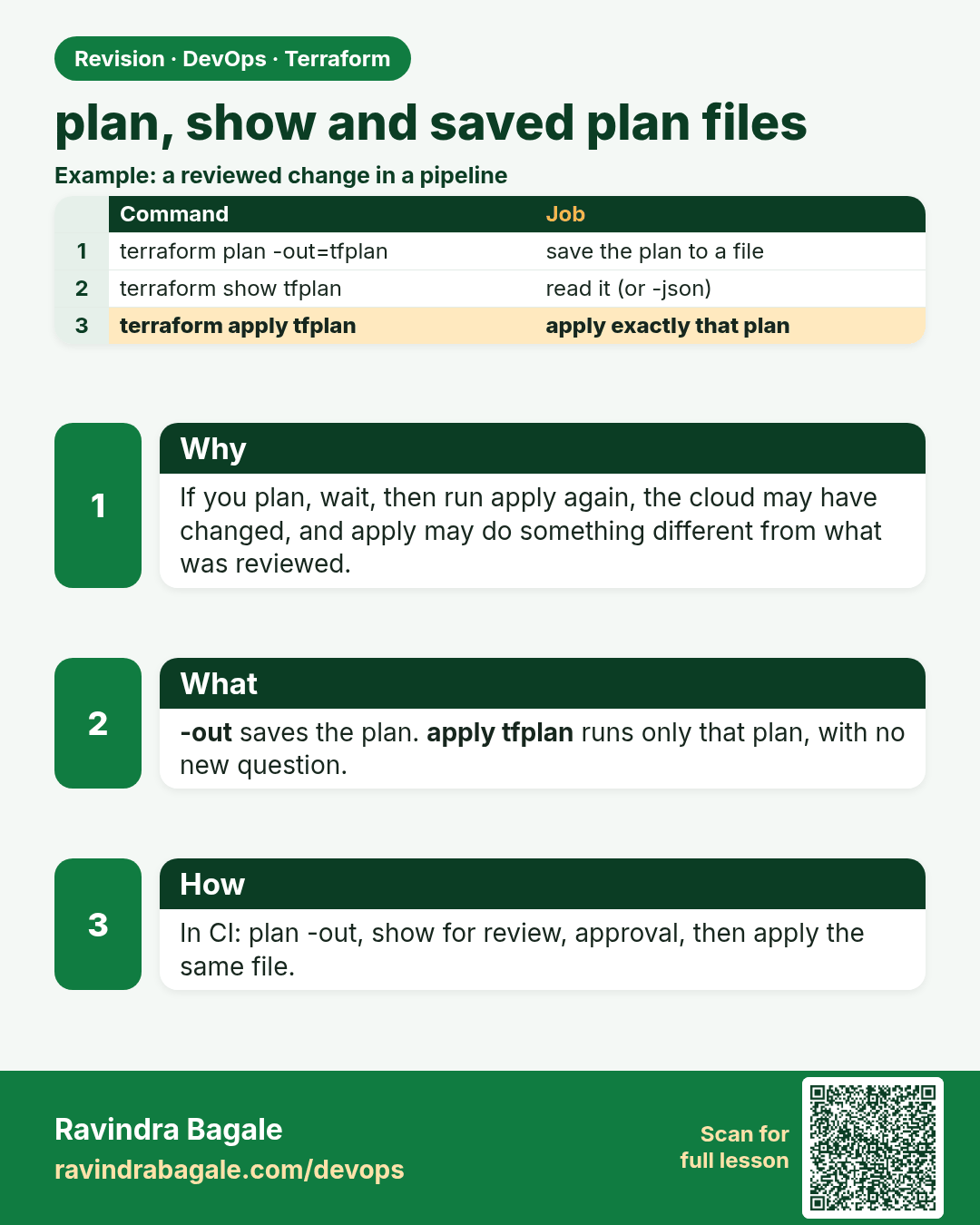
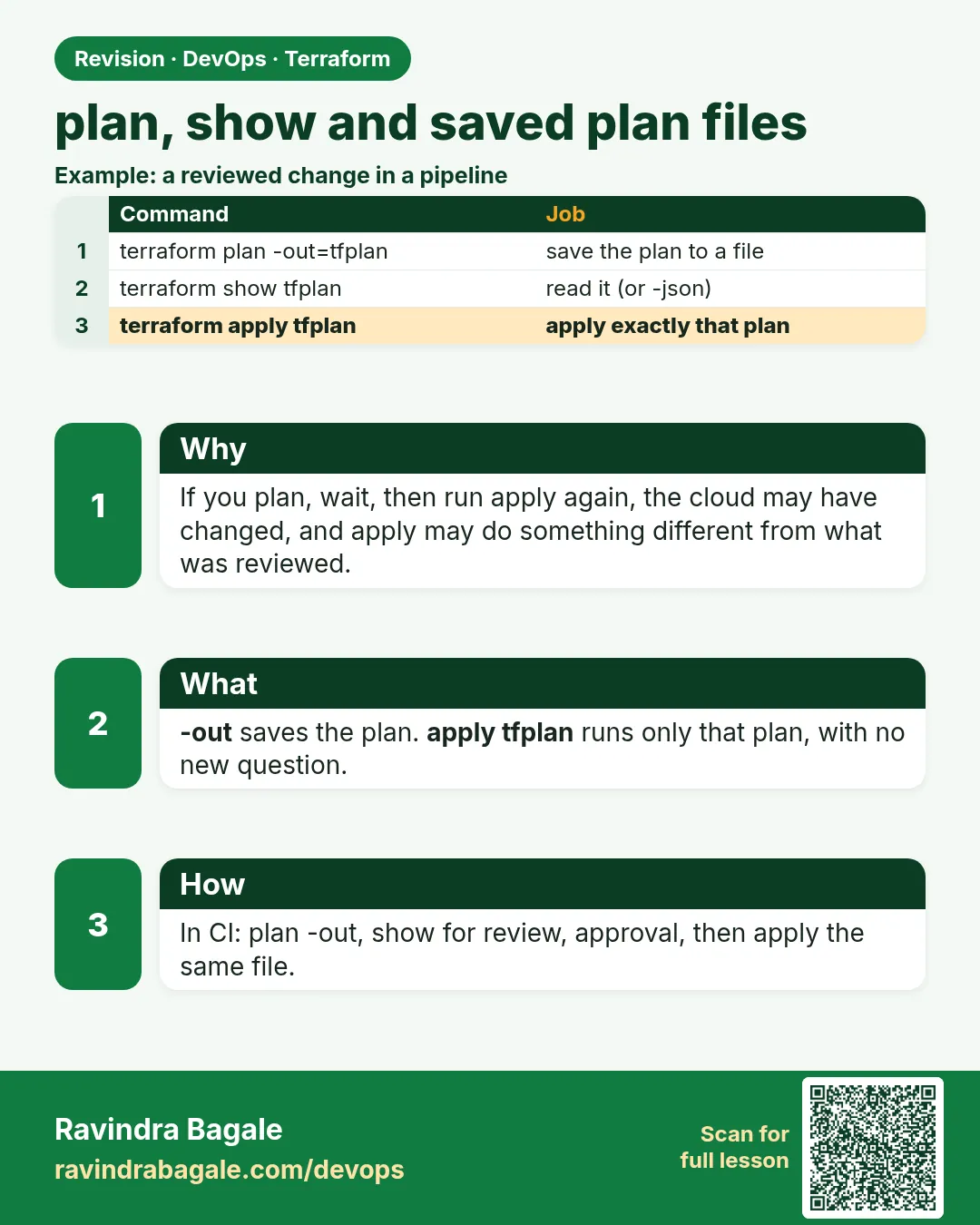 Revision card 2 of 7: plan, show and saved plan files · Download PNG · Open card page
Lesson: 38.2 plan, show and saved plan files
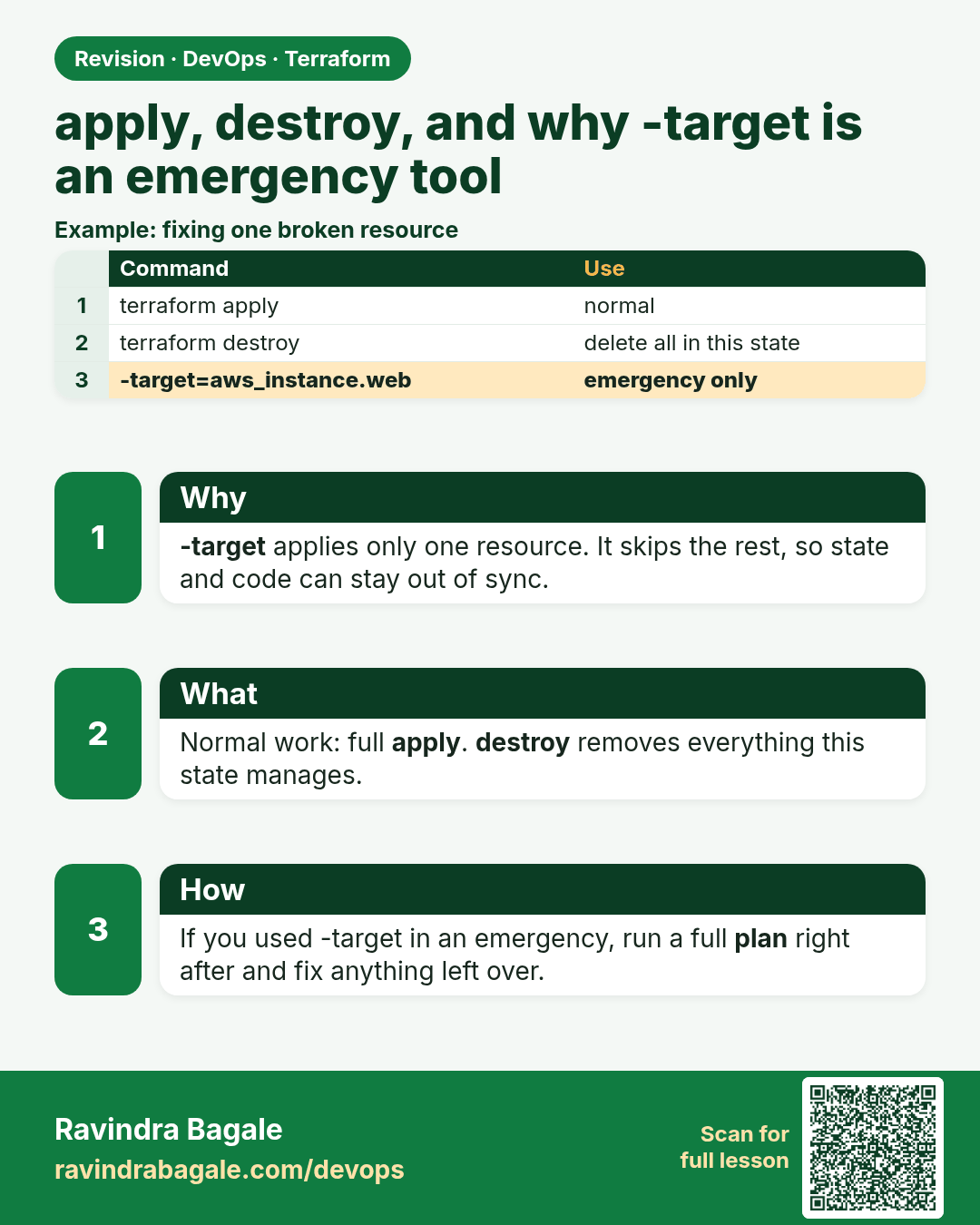
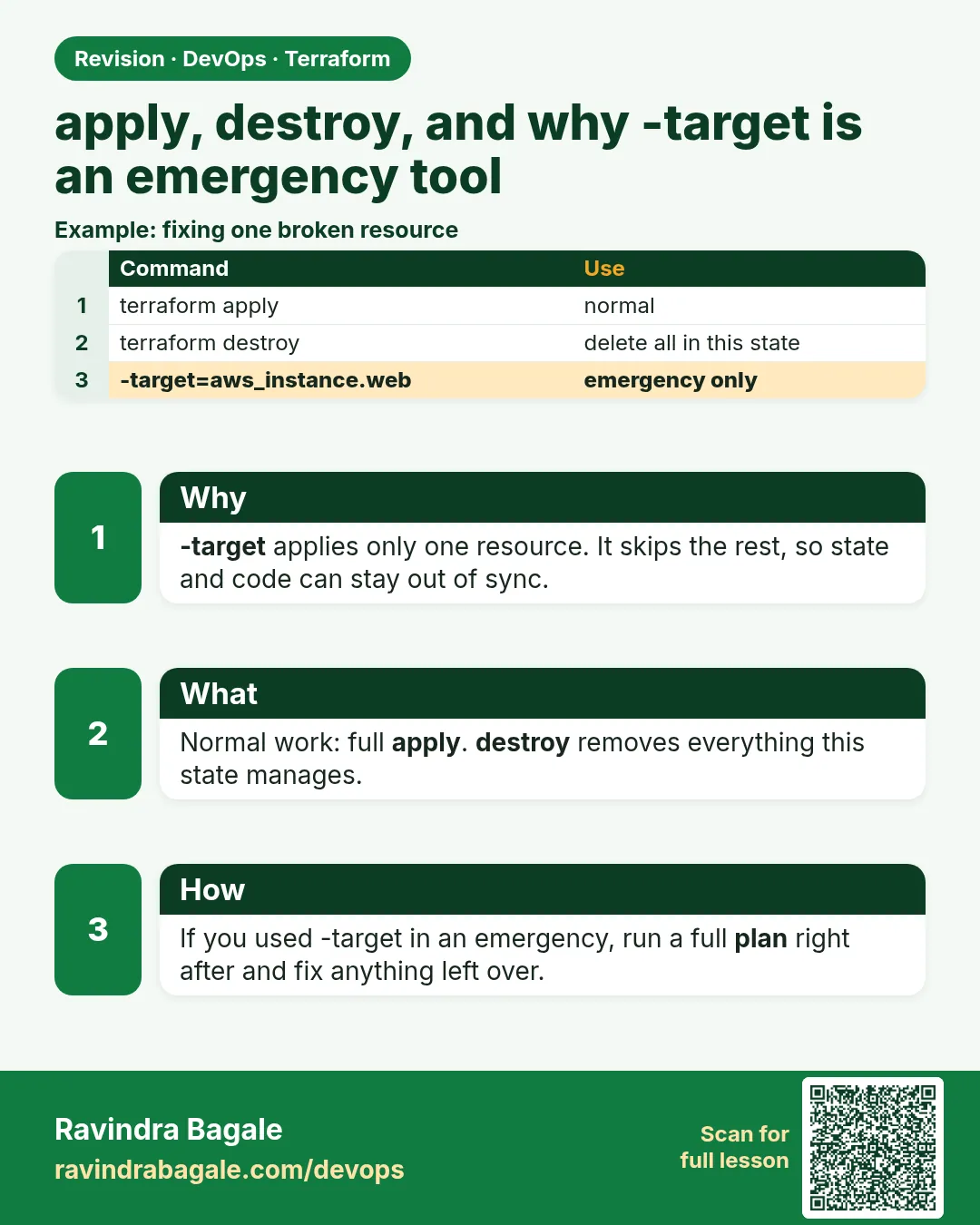 Revision card 3 of 7: apply, destroy, and why -target is an emergency tool · Download PNG · Open card page
Lesson: 38.3 apply and destroy — and why -target is an emergency tool
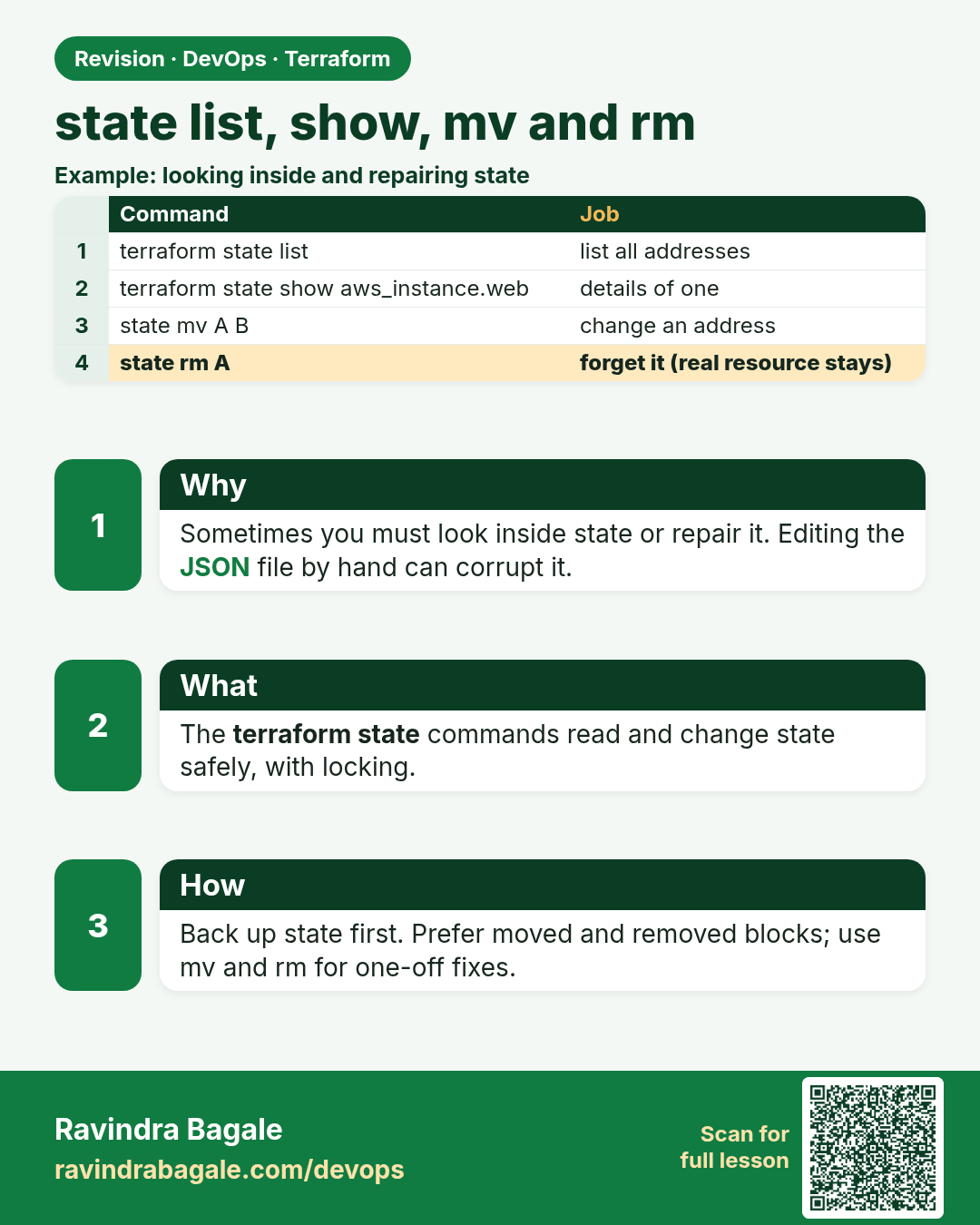
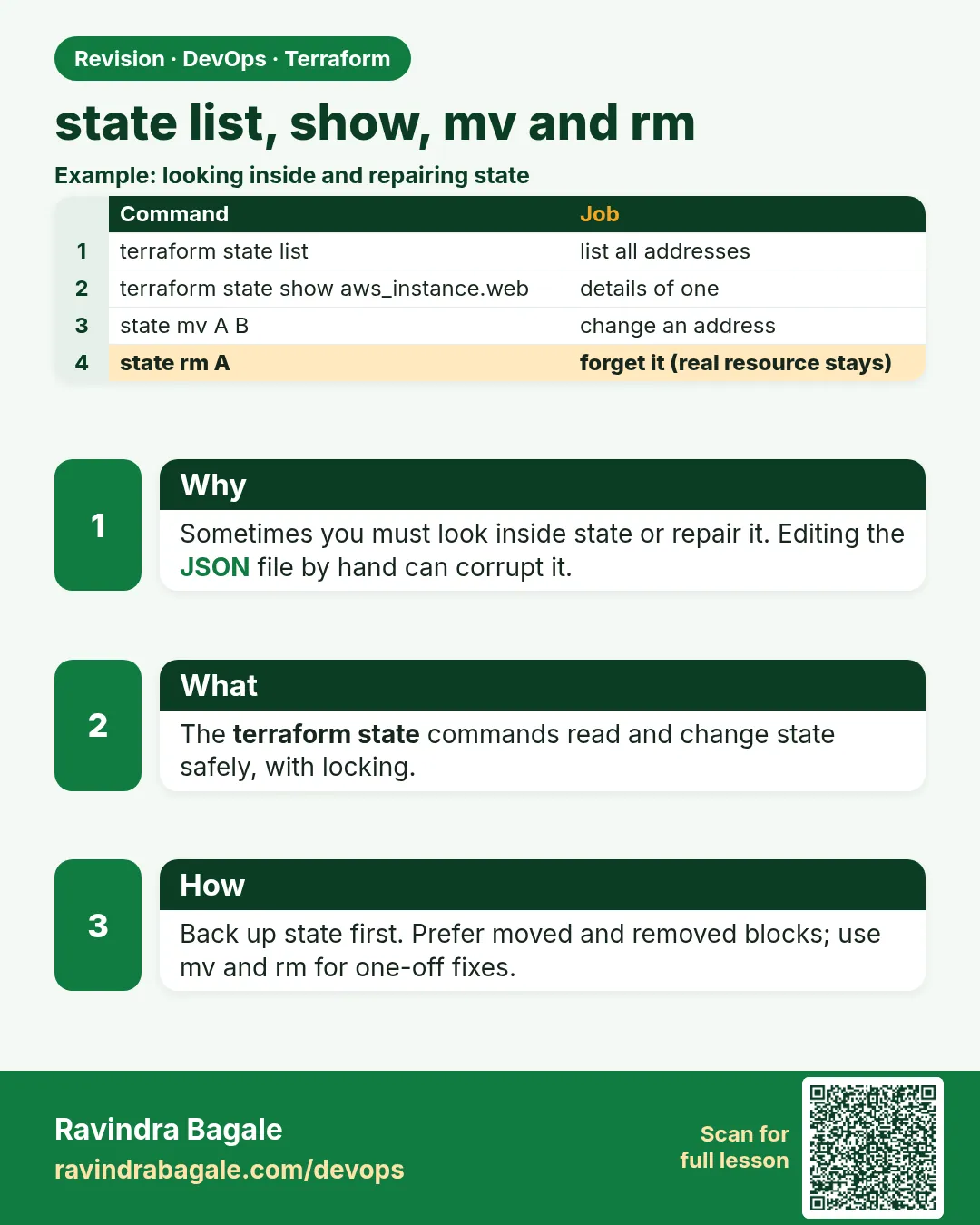 Revision card 4 of 7: state list, show, mv and rm · Download PNG · Open card page
Lesson: 38.4 state list, show, mv and rm
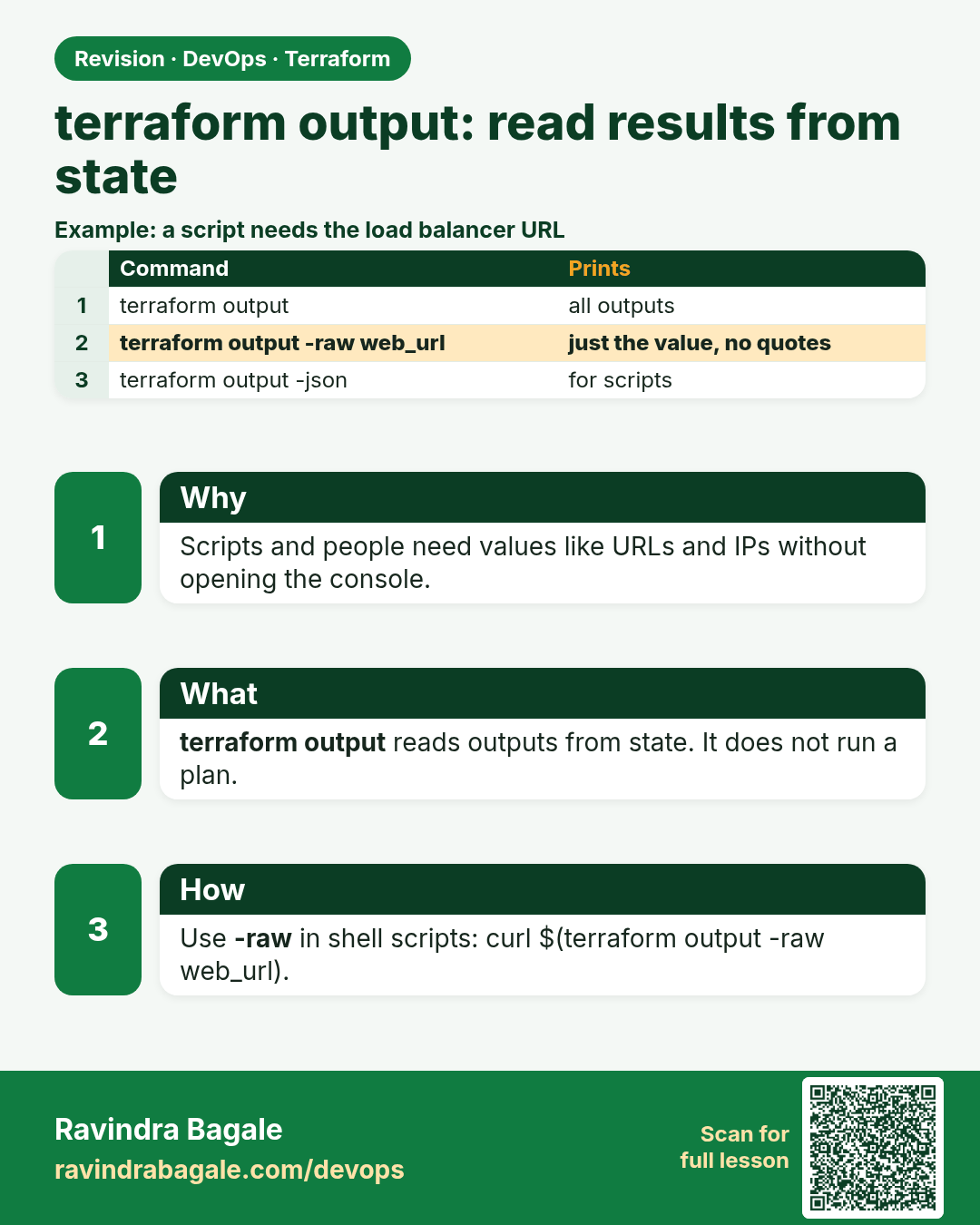
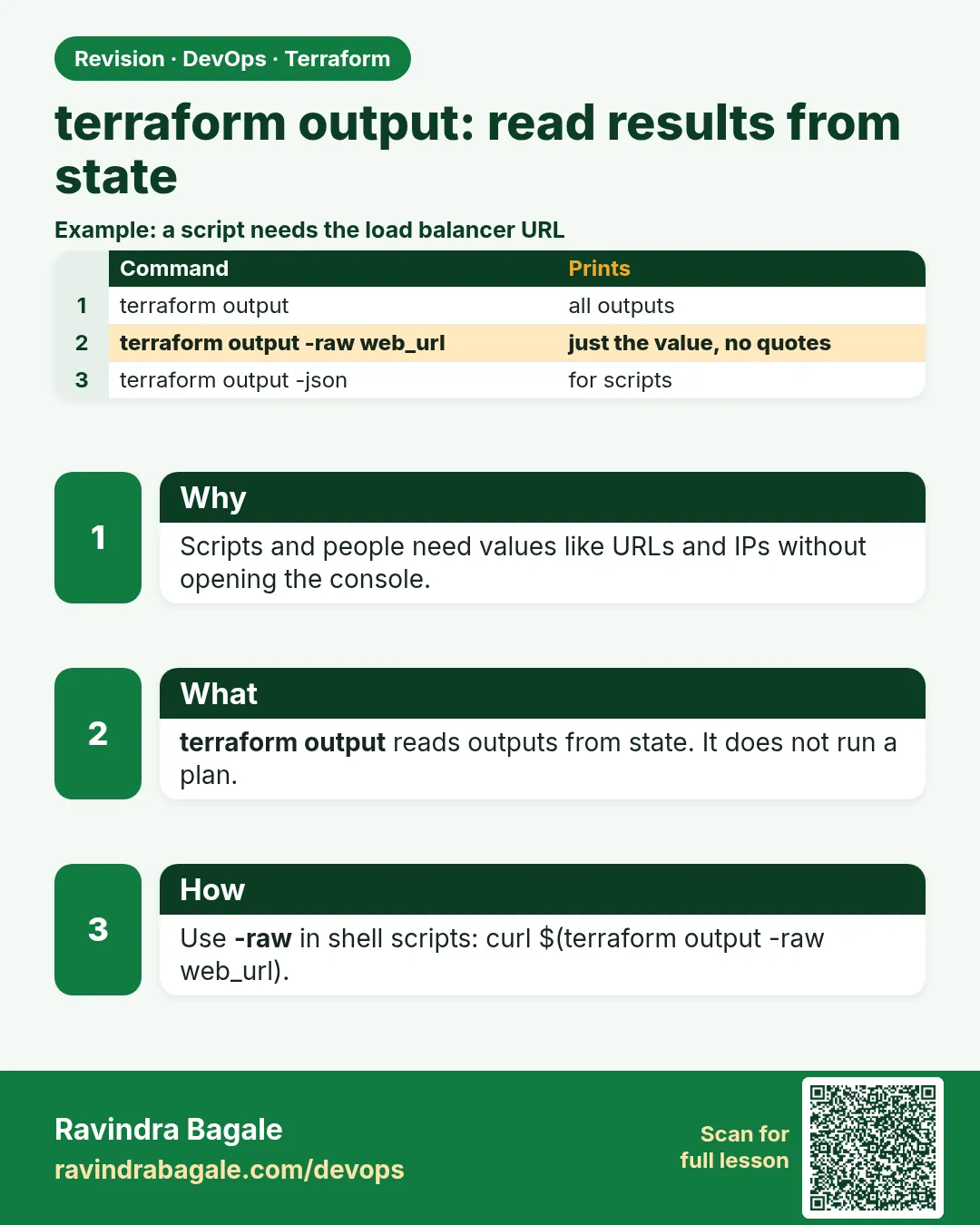 Revision card 5 of 7: terraform output: read results from state · Download PNG · Open card page
Lesson: 38.5 output — read results from state
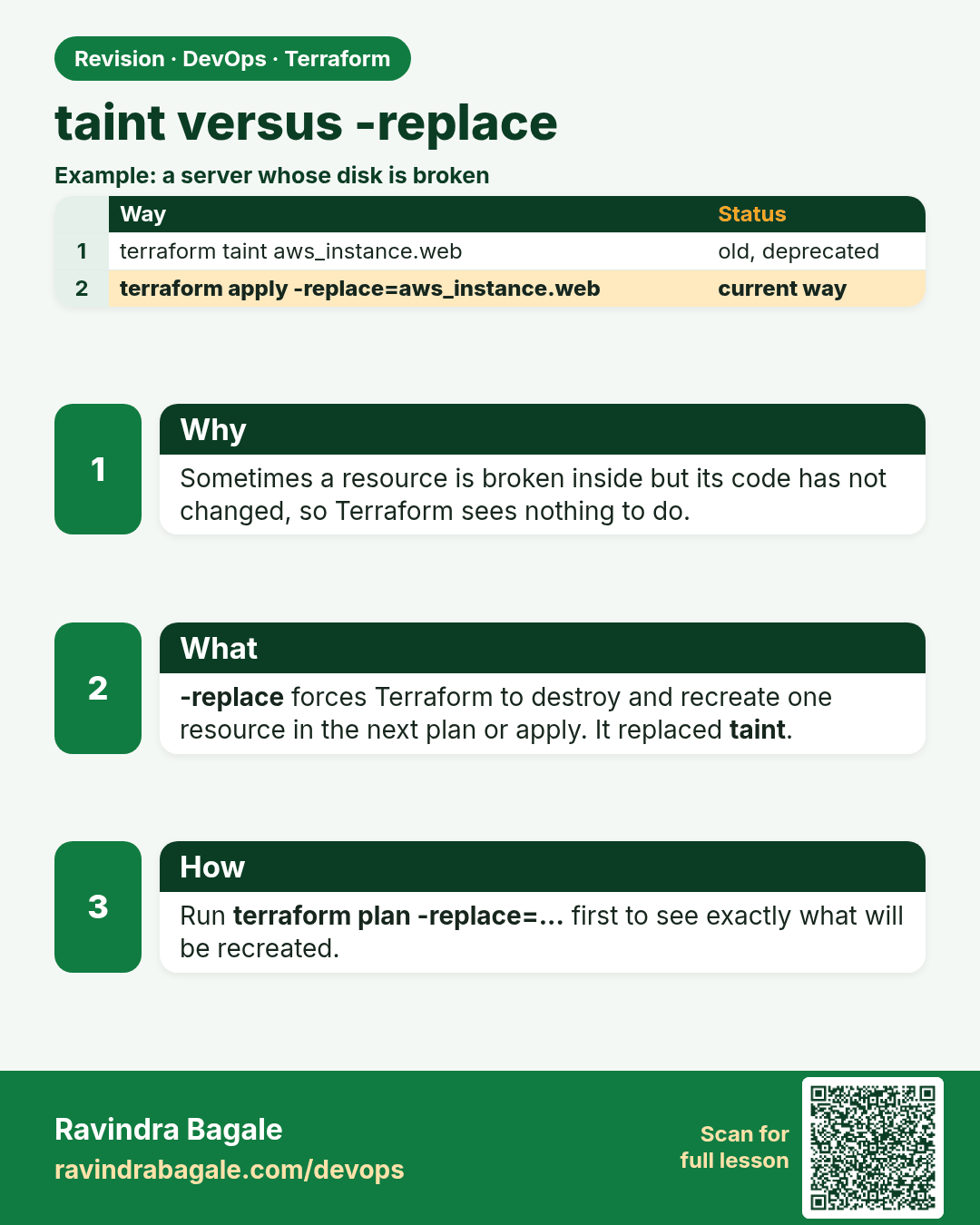
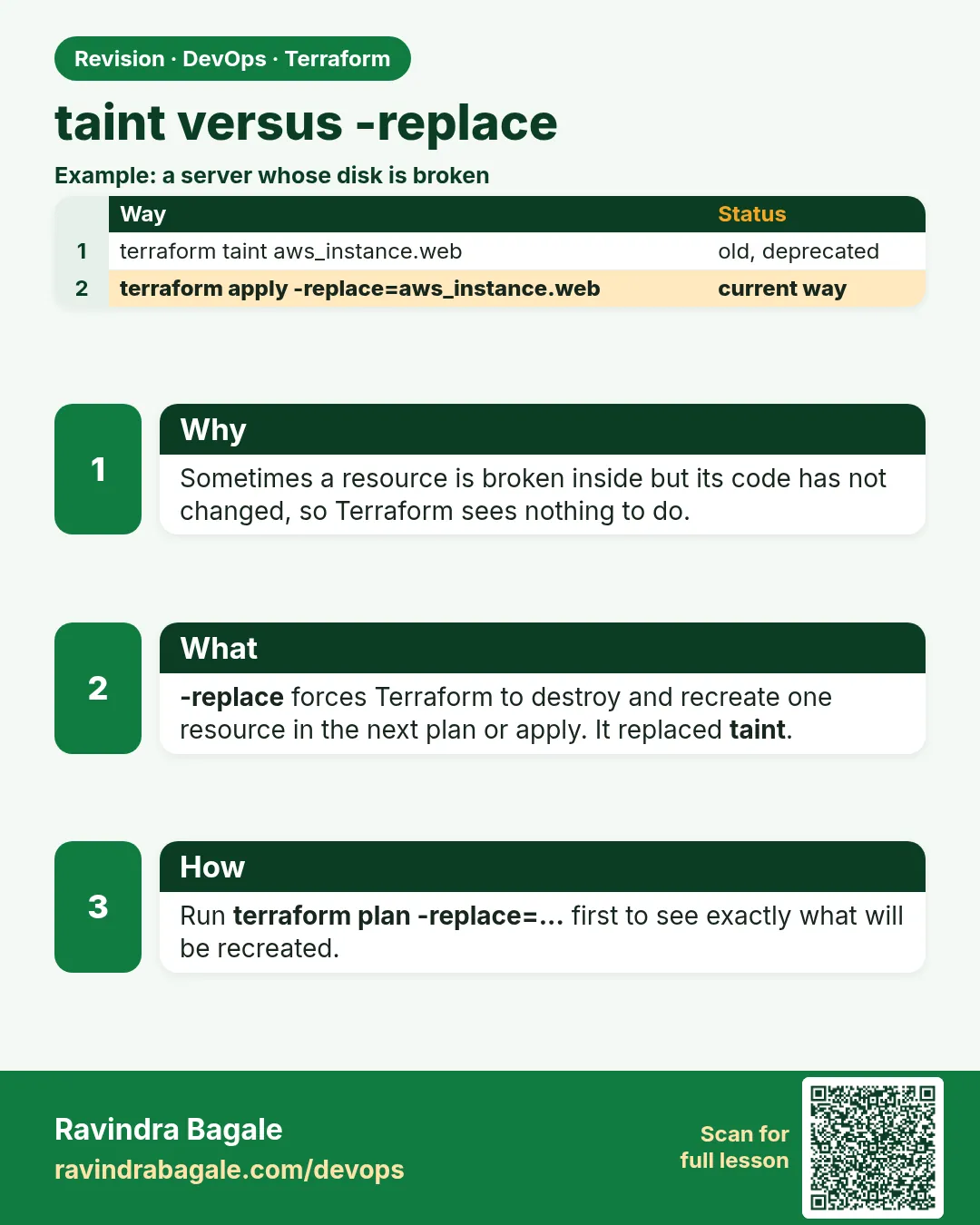 Revision card 6 of 7: taint versus -replace · Download PNG · Open card page
Lesson: 38.6 taint versus -replace
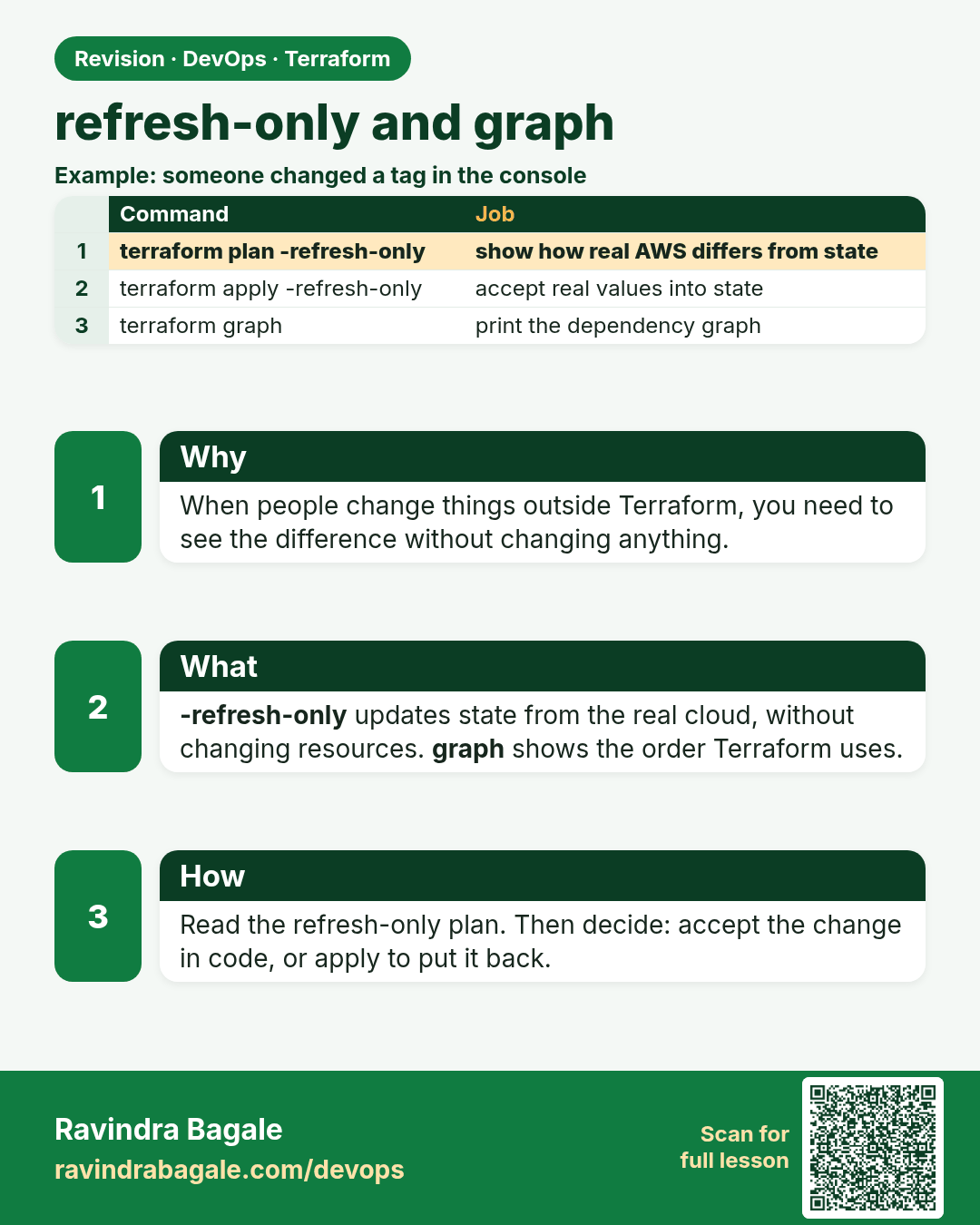
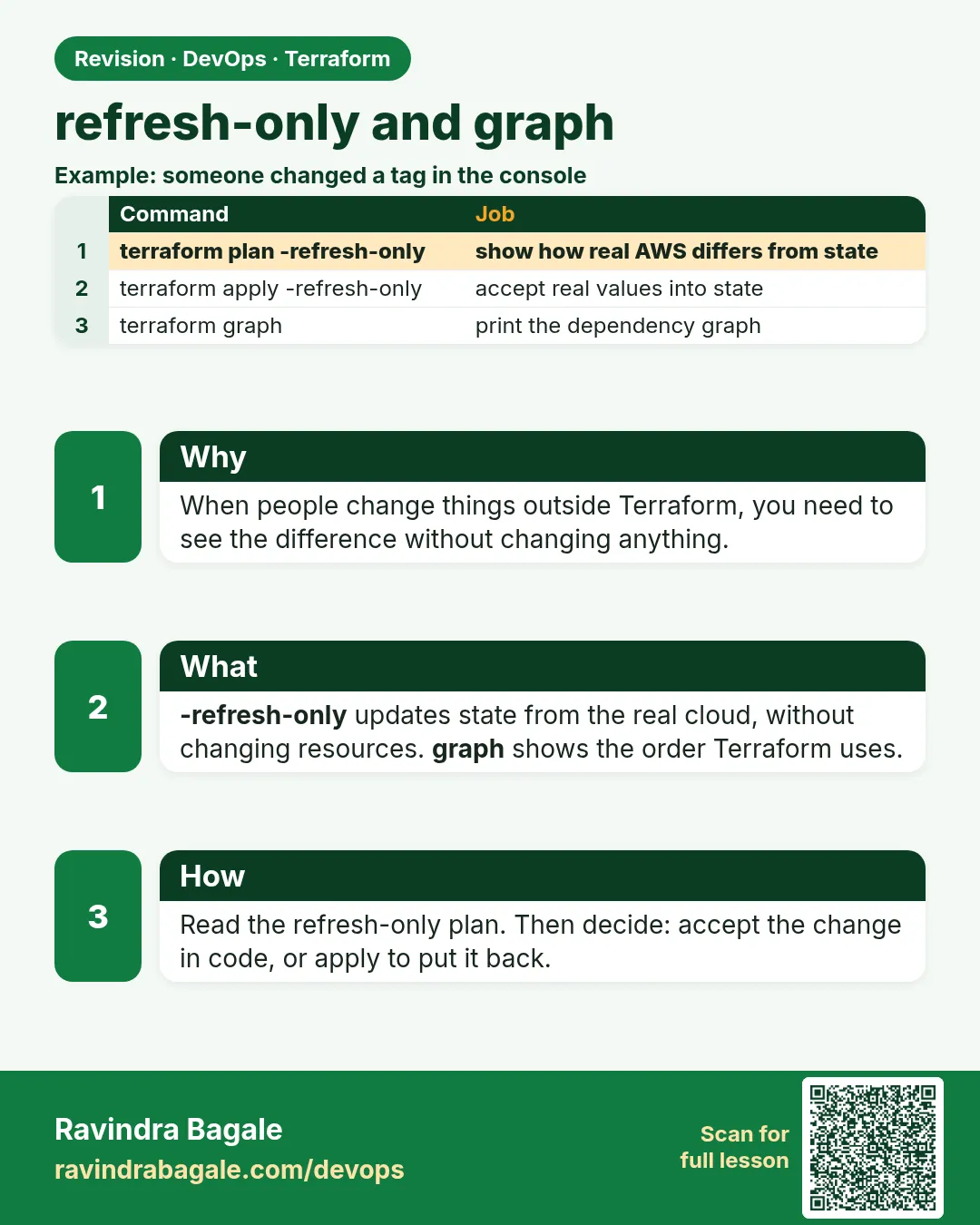 Revision card 7 of 7: refresh-only and graph · Download PNG · Open card page
Lesson: 38.7 refresh-only and graph
Interview cards
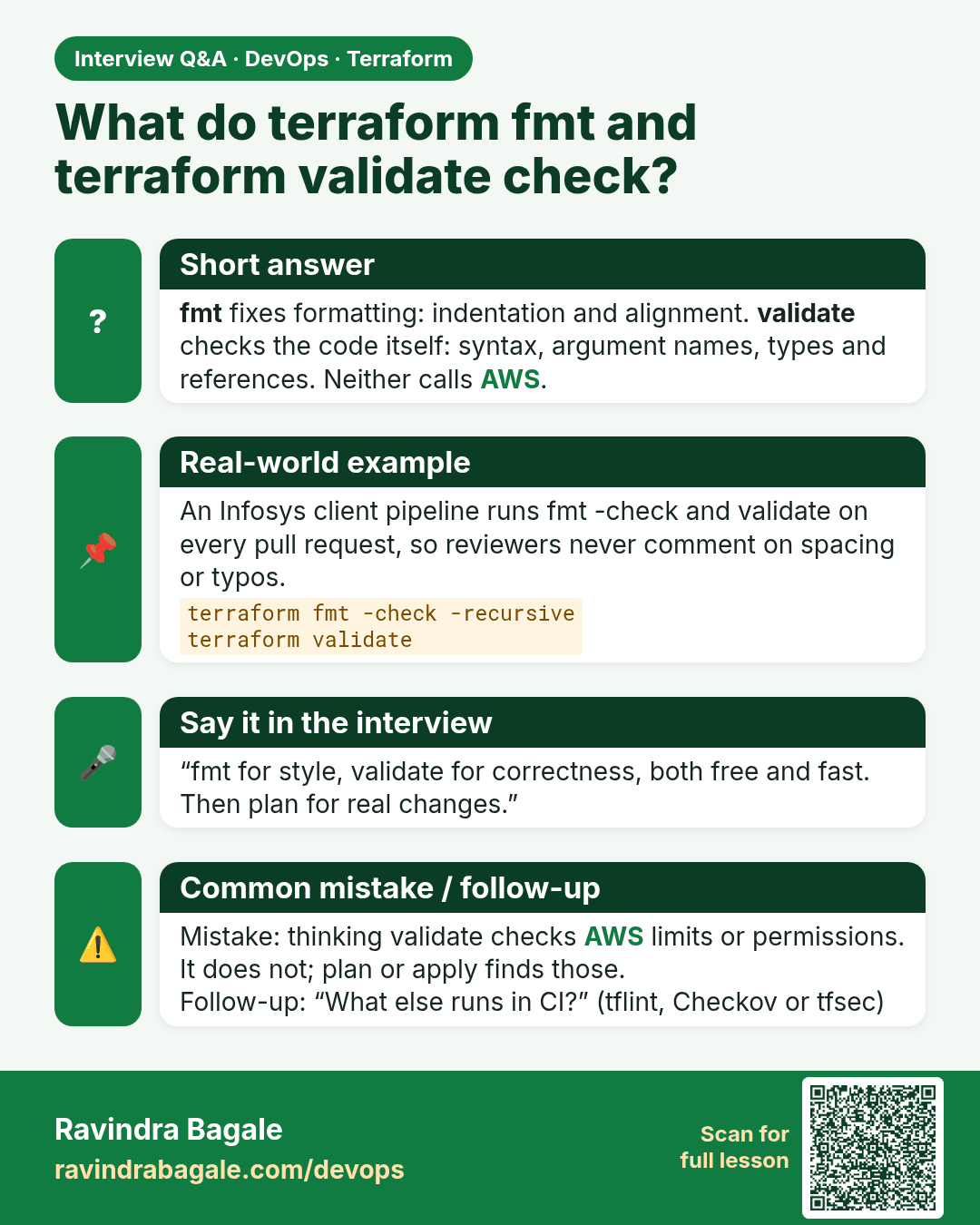
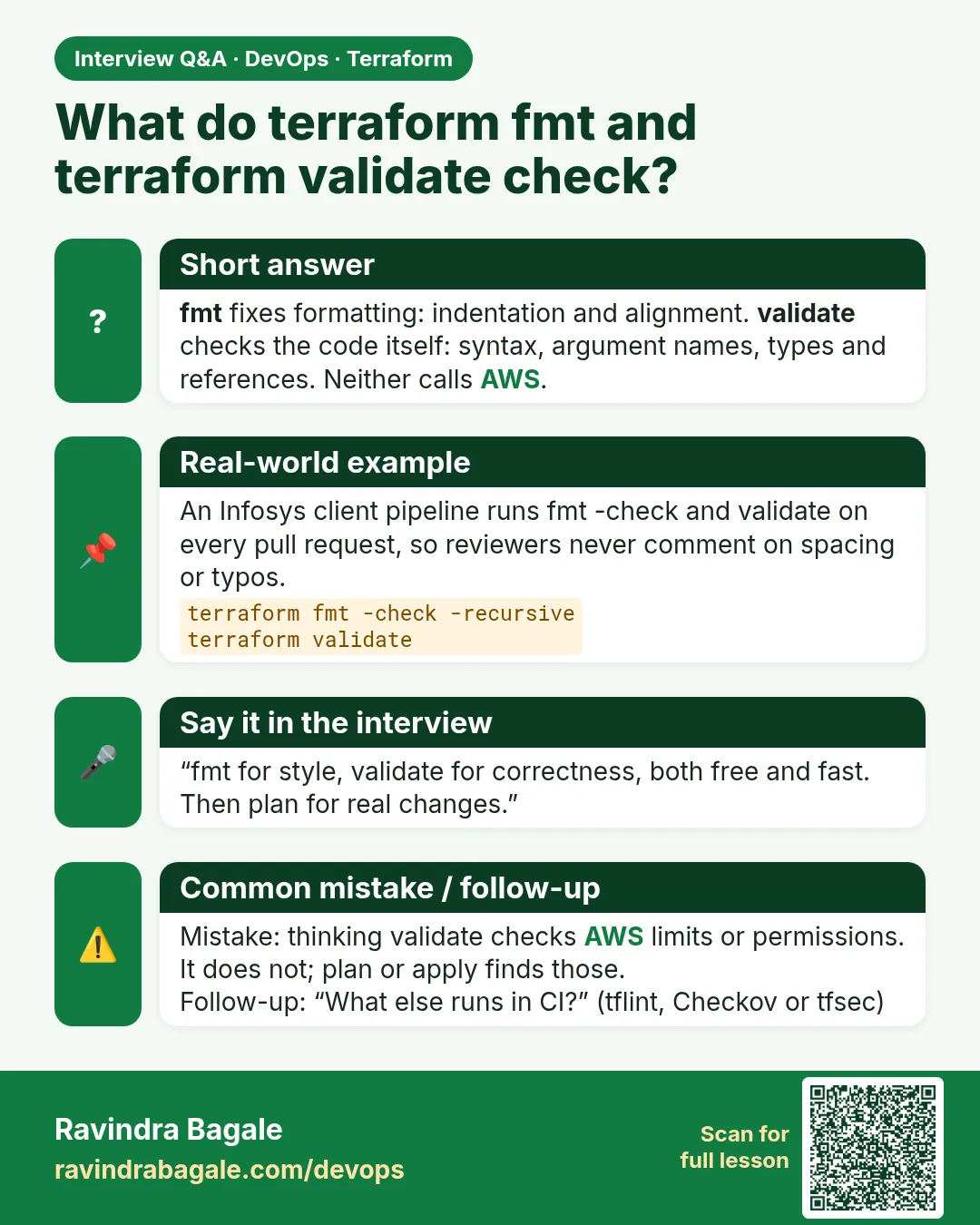 Interview card 1 of 7: What do terraform fmt and terraform validate check? · Download PNG · Open card page
Lesson: 38.1 fmt and validate — the free checks
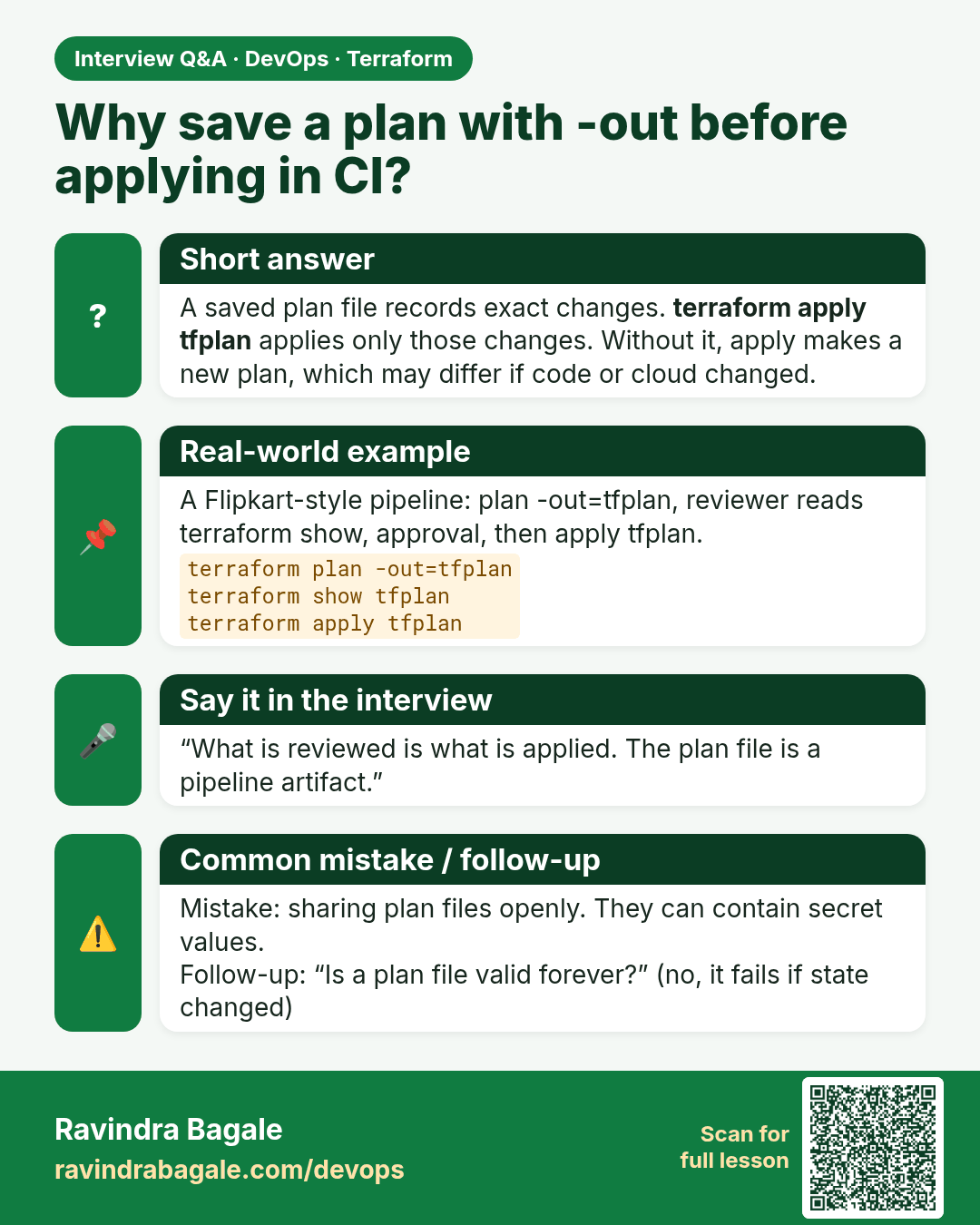
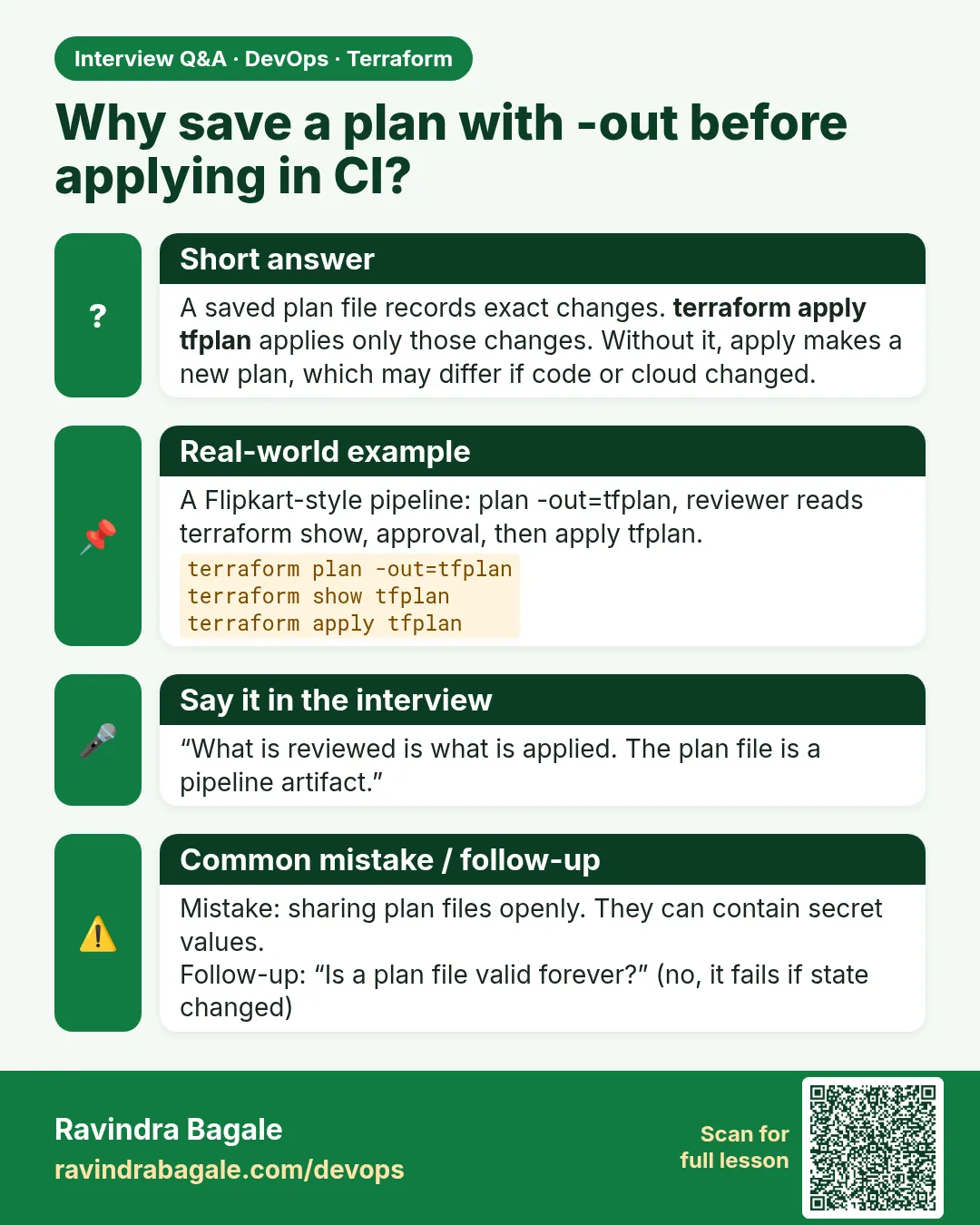 Interview card 2 of 7: Why save a plan with -out before applying in CI? · Download PNG · Open card page
Lesson: 38.2 plan, show and saved plan files
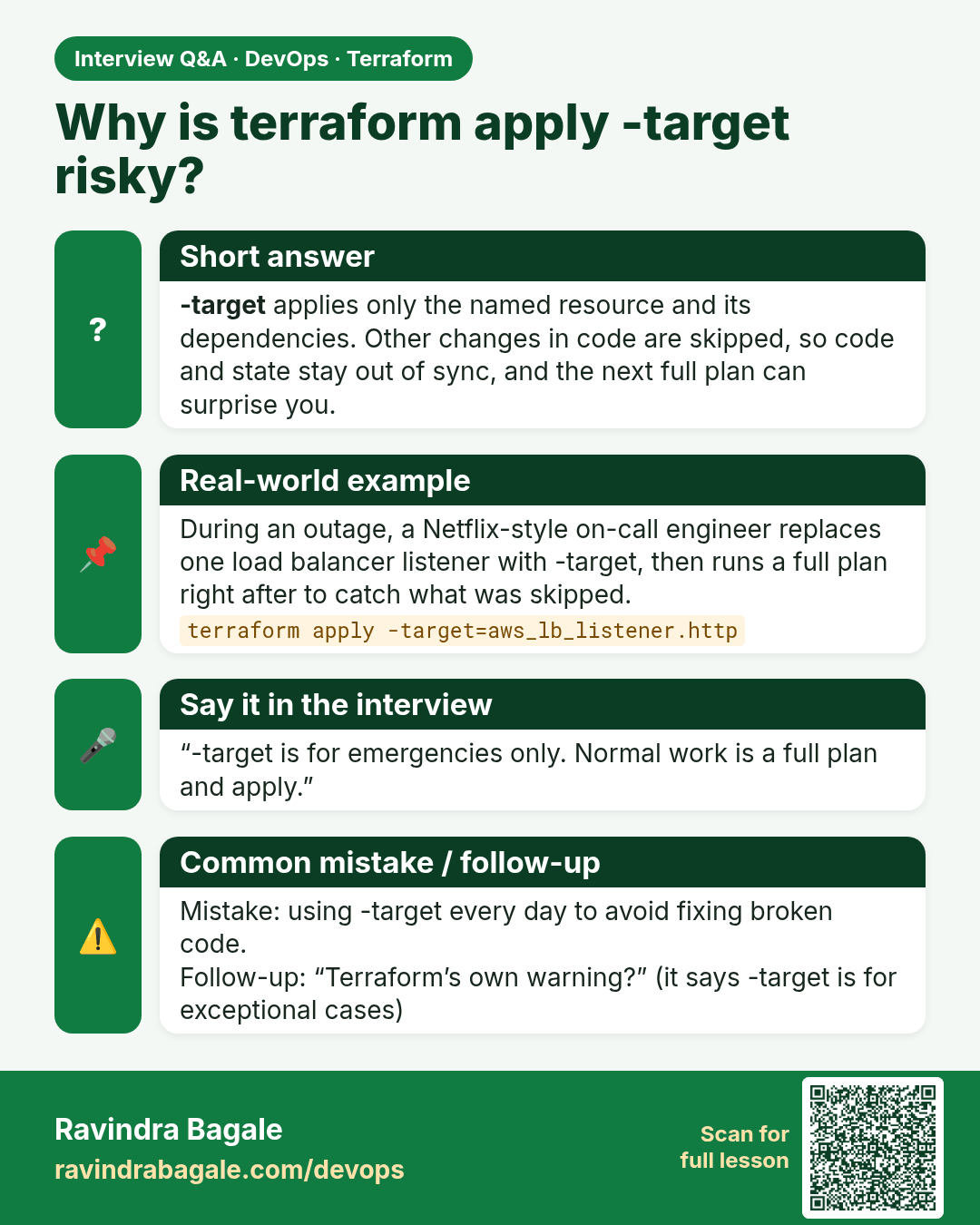
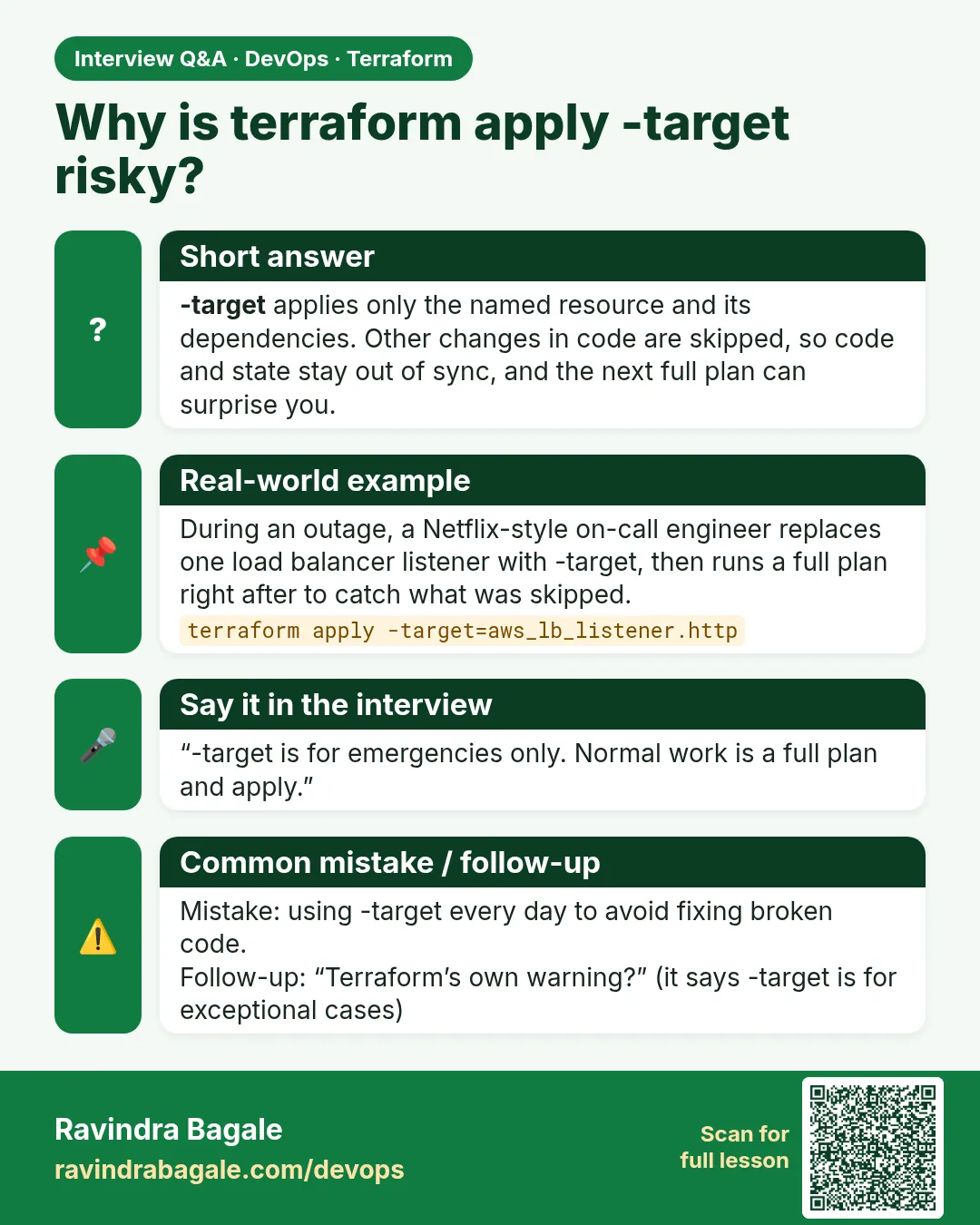 Interview card 3 of 7: Why is terraform apply -target risky? · Download PNG · Open card page
Lesson: 38.3 apply and destroy — and why -target is an emergency tool
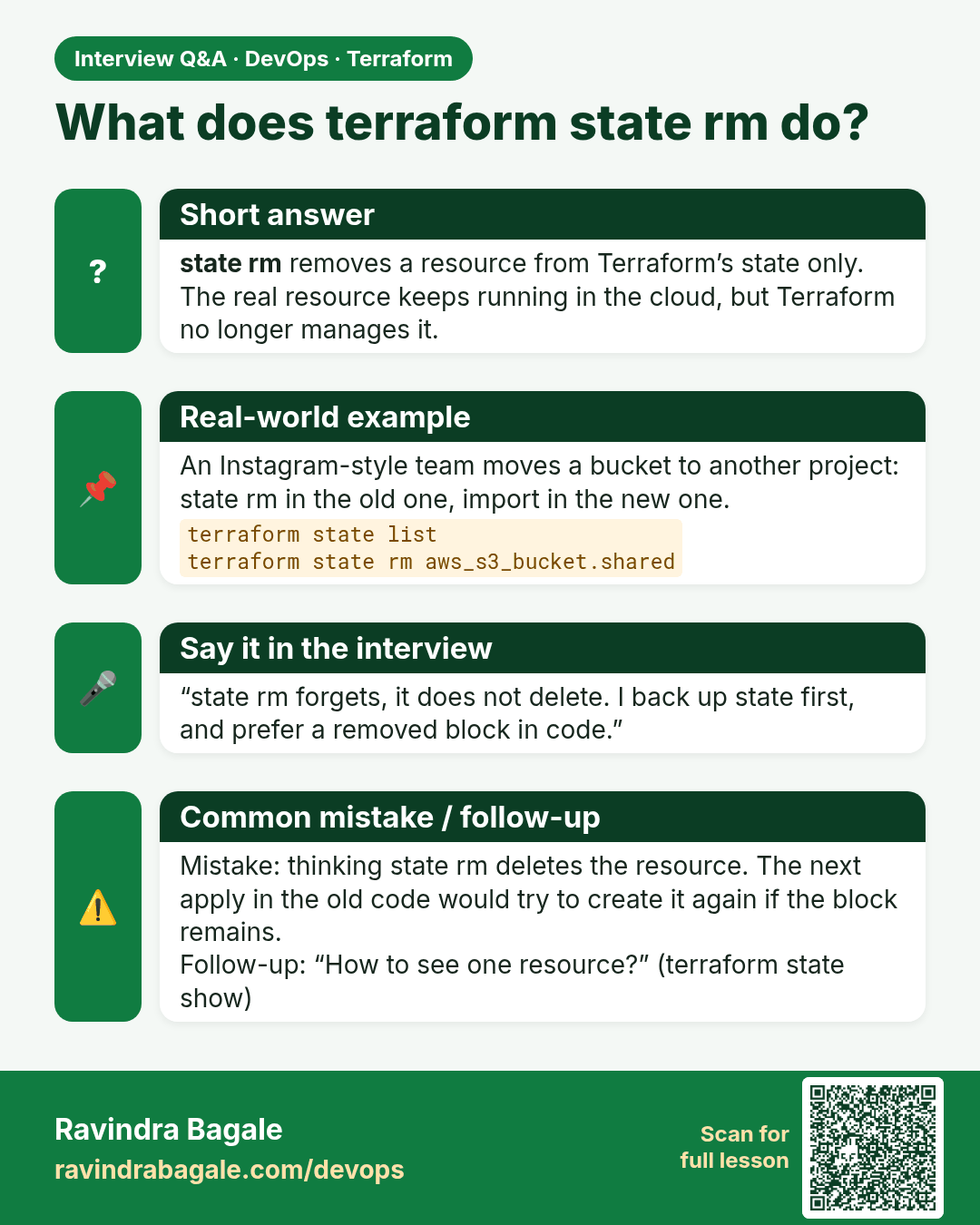
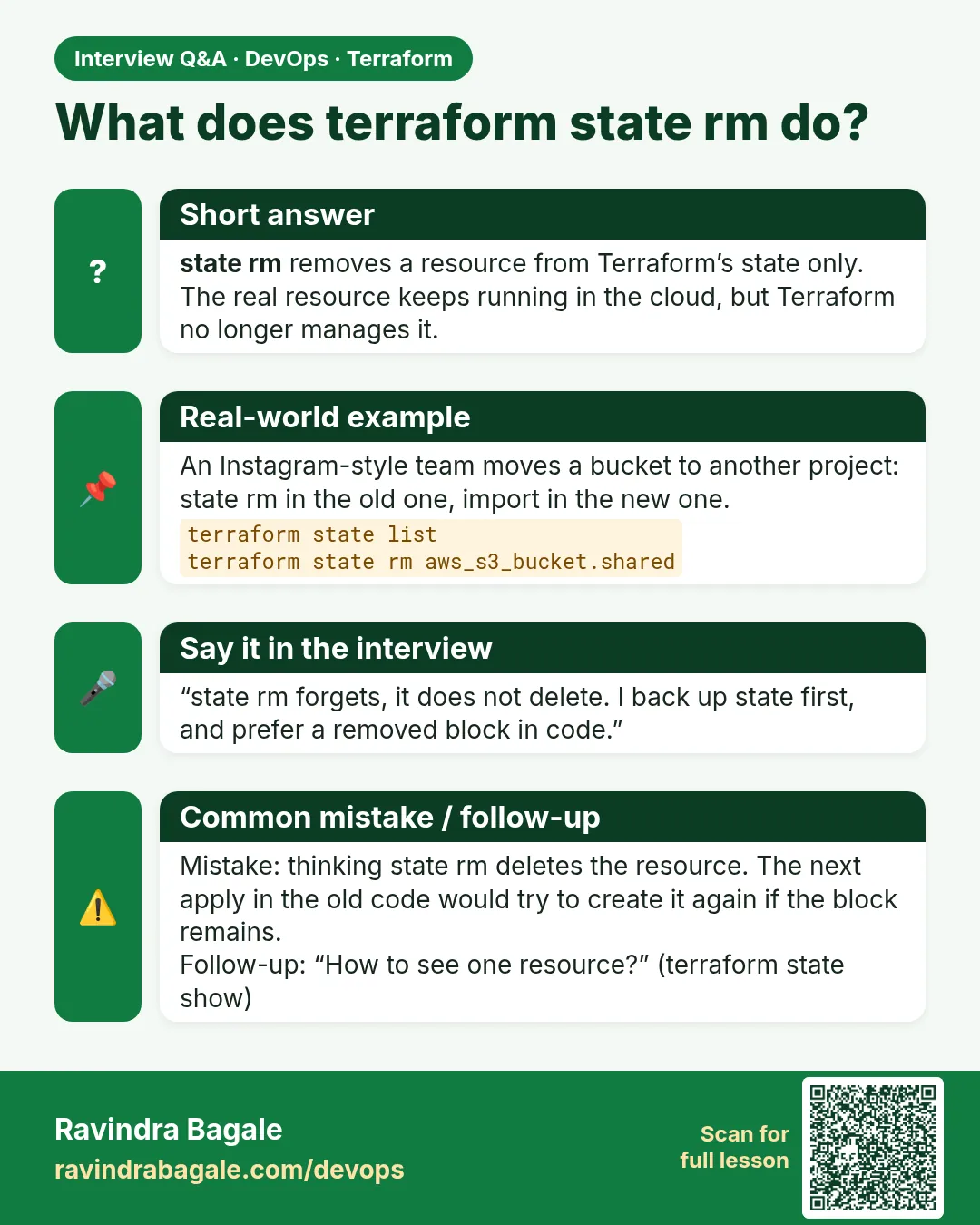 Interview card 4 of 7: What does terraform state rm do? · Download PNG · Open card page
Lesson: 38.4 state list, show, mv and rm
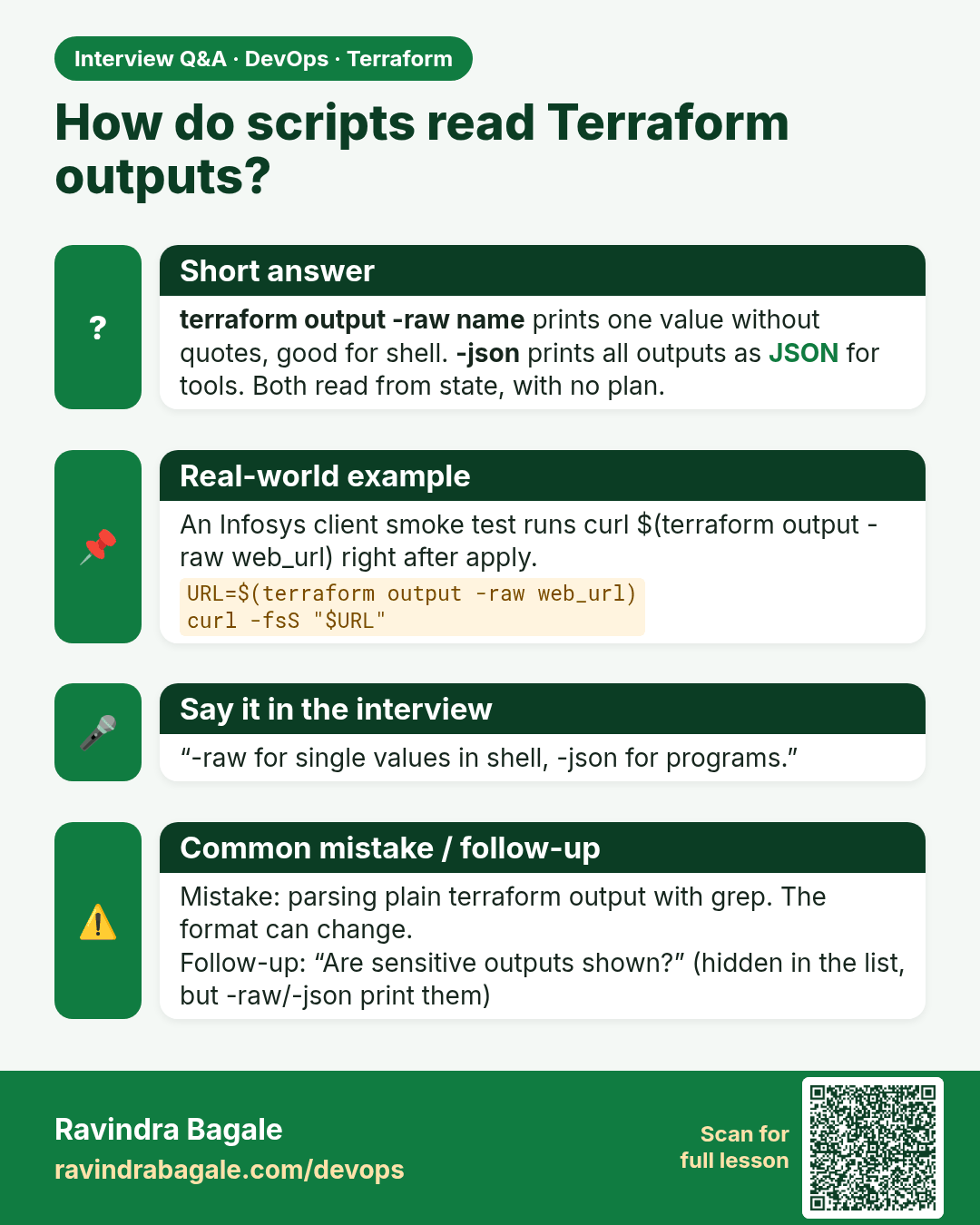
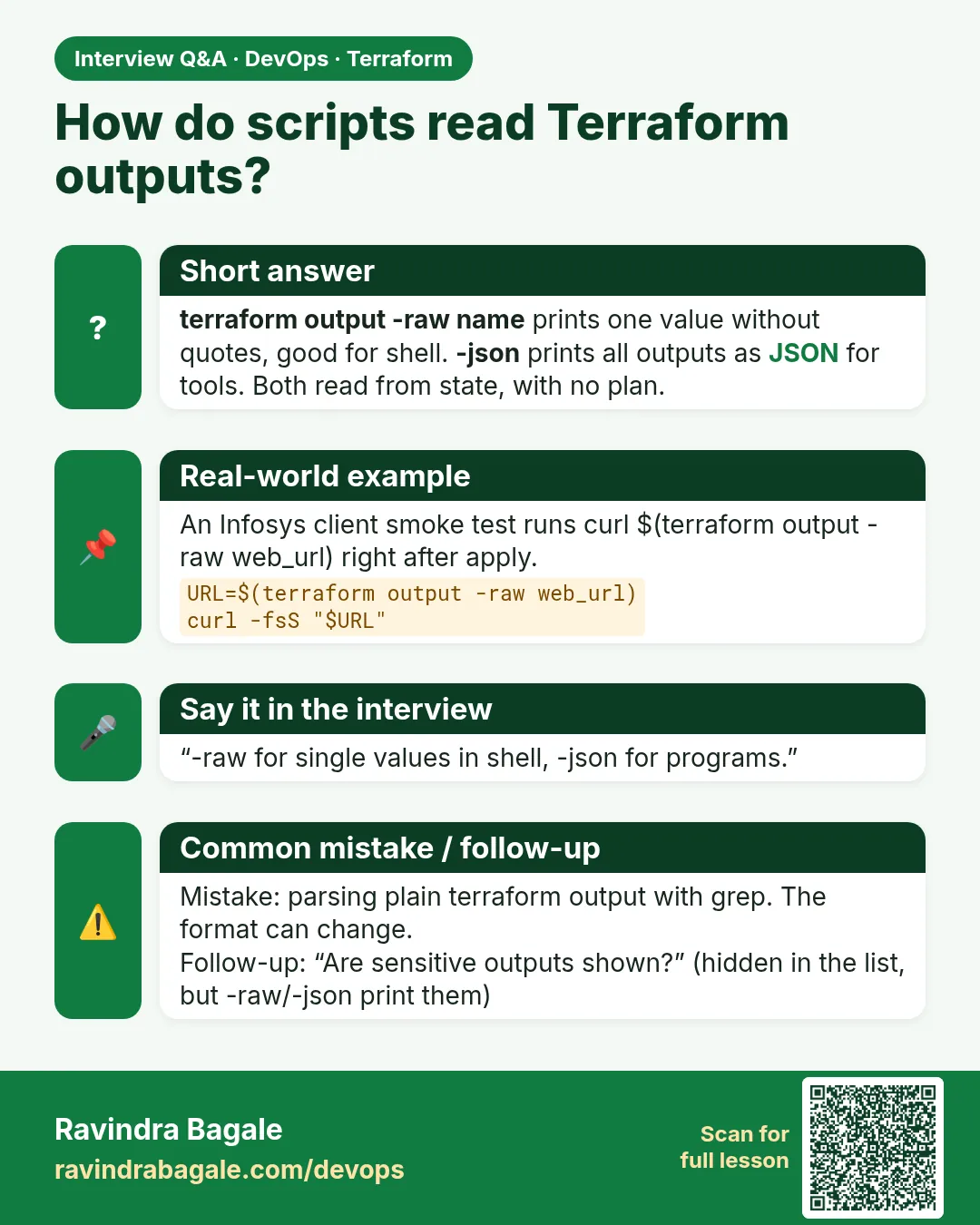 Interview card 5 of 7: How do scripts read Terraform outputs? · Download PNG · Open card page
Lesson: 38.5 output — read results from state
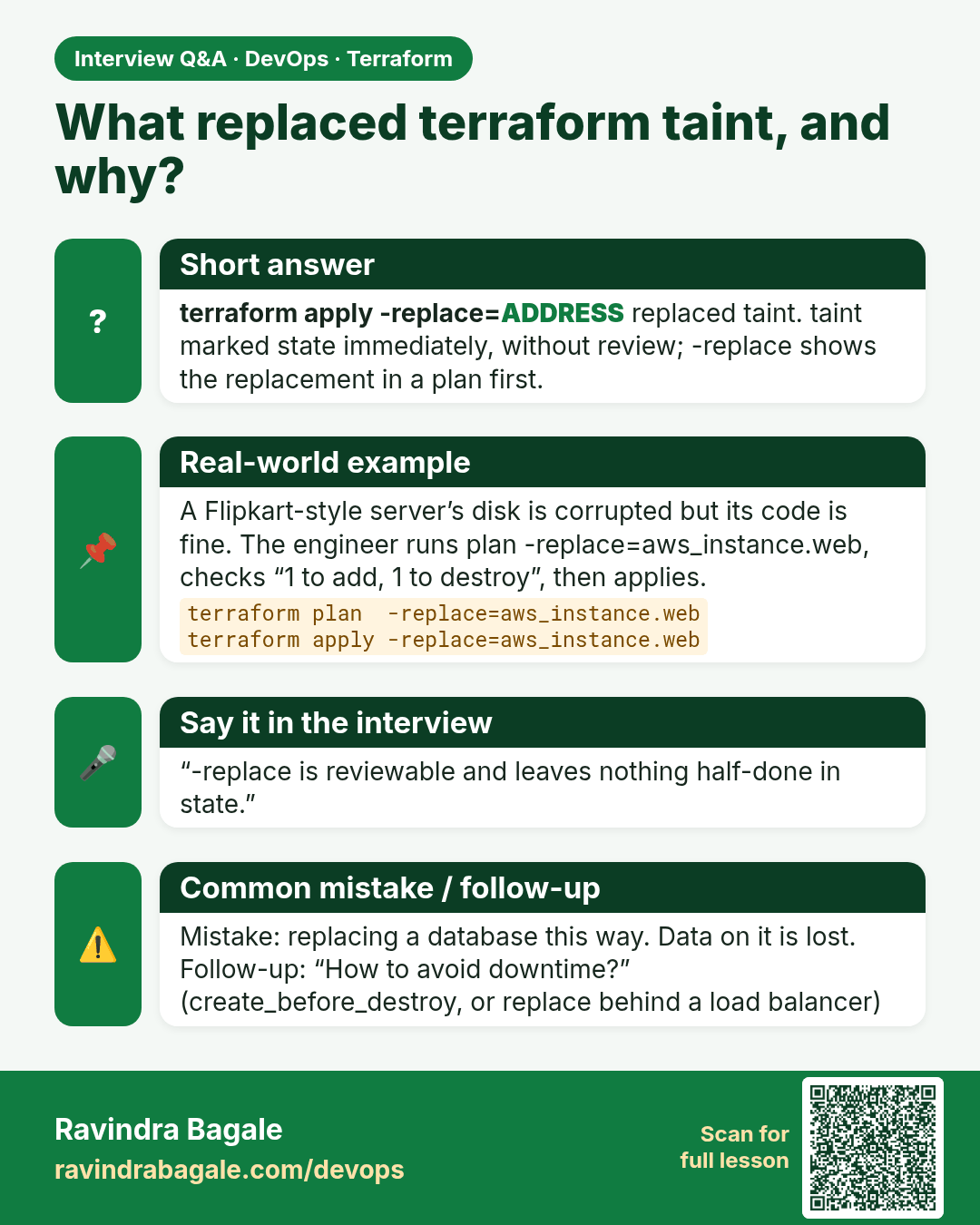
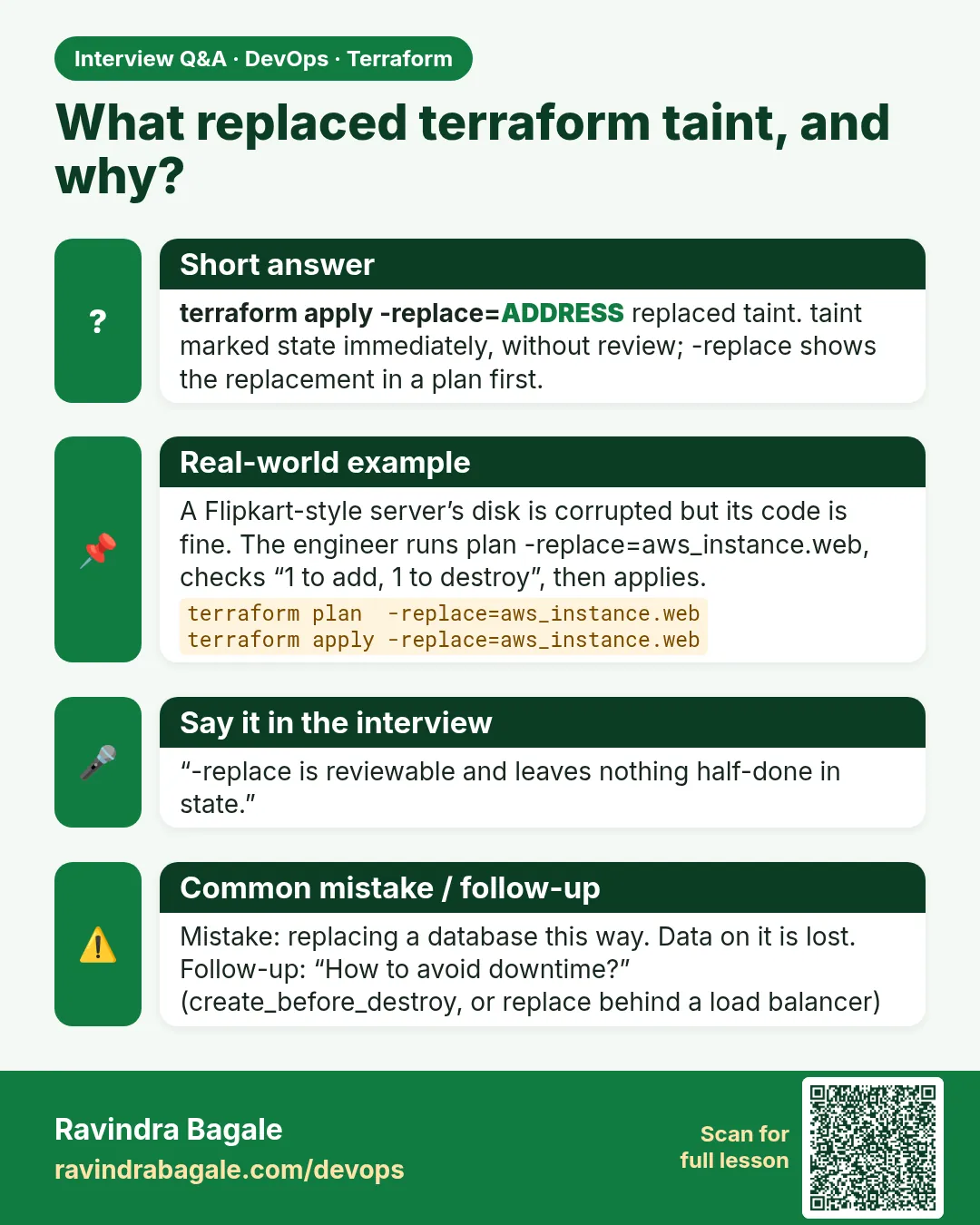 Interview card 6 of 7: What replaced terraform taint, and why? · Download PNG · Open card page
Lesson: 38.6 taint versus -replace
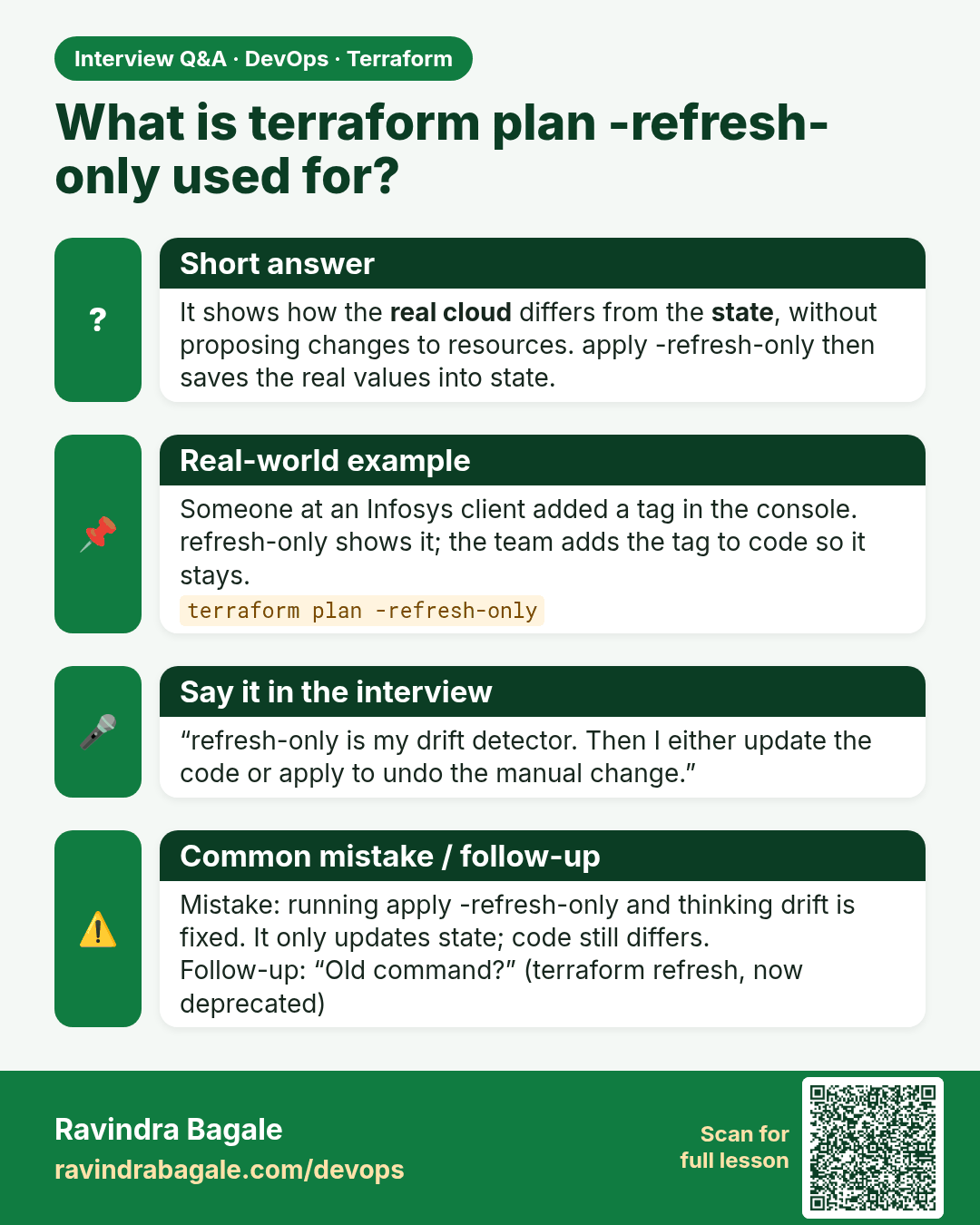
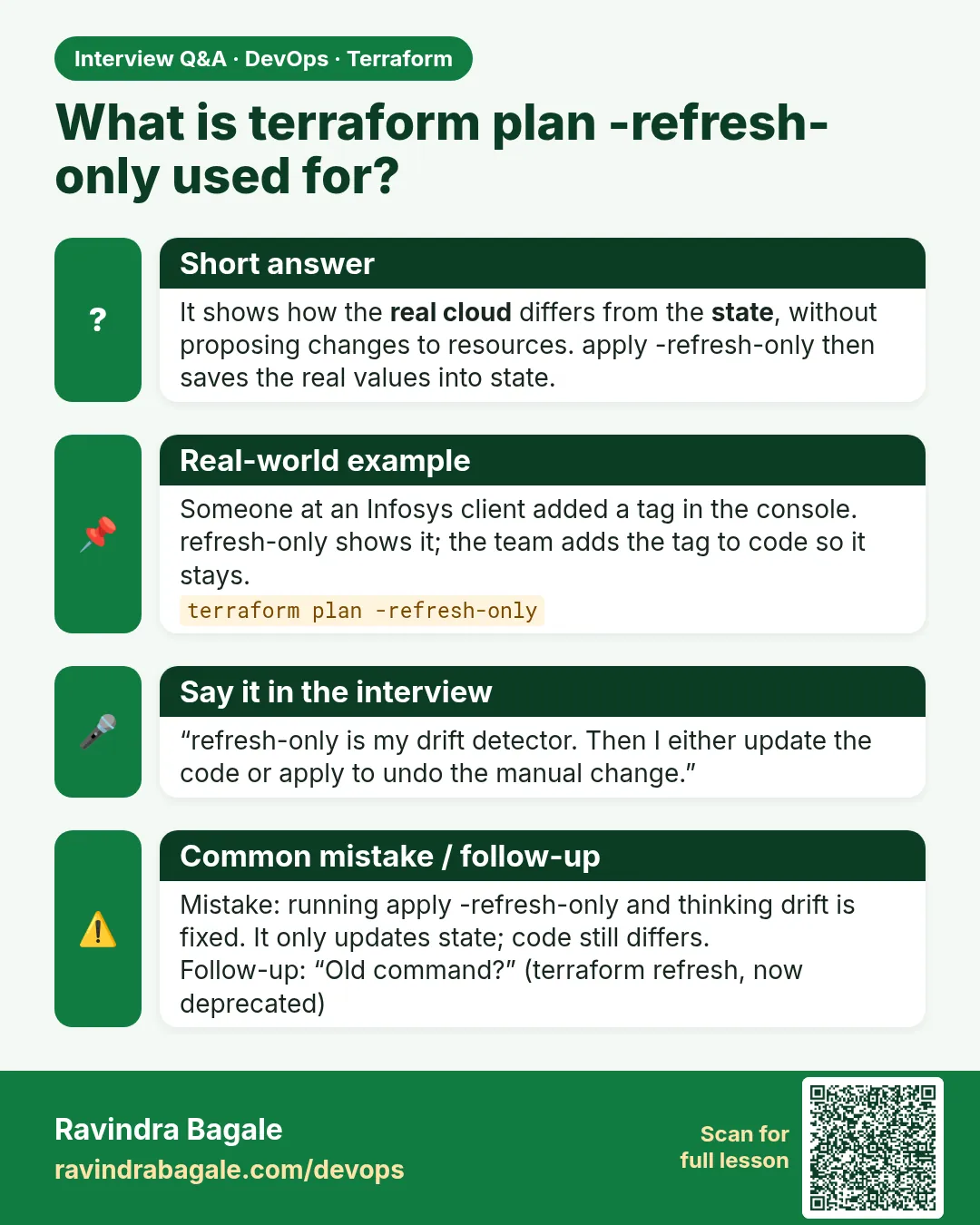 Interview card 7 of 7: What is terraform plan -refresh-only used for? · Download PNG · Open card page
Lesson: 38.7 refresh-only and graph
Comparison cards
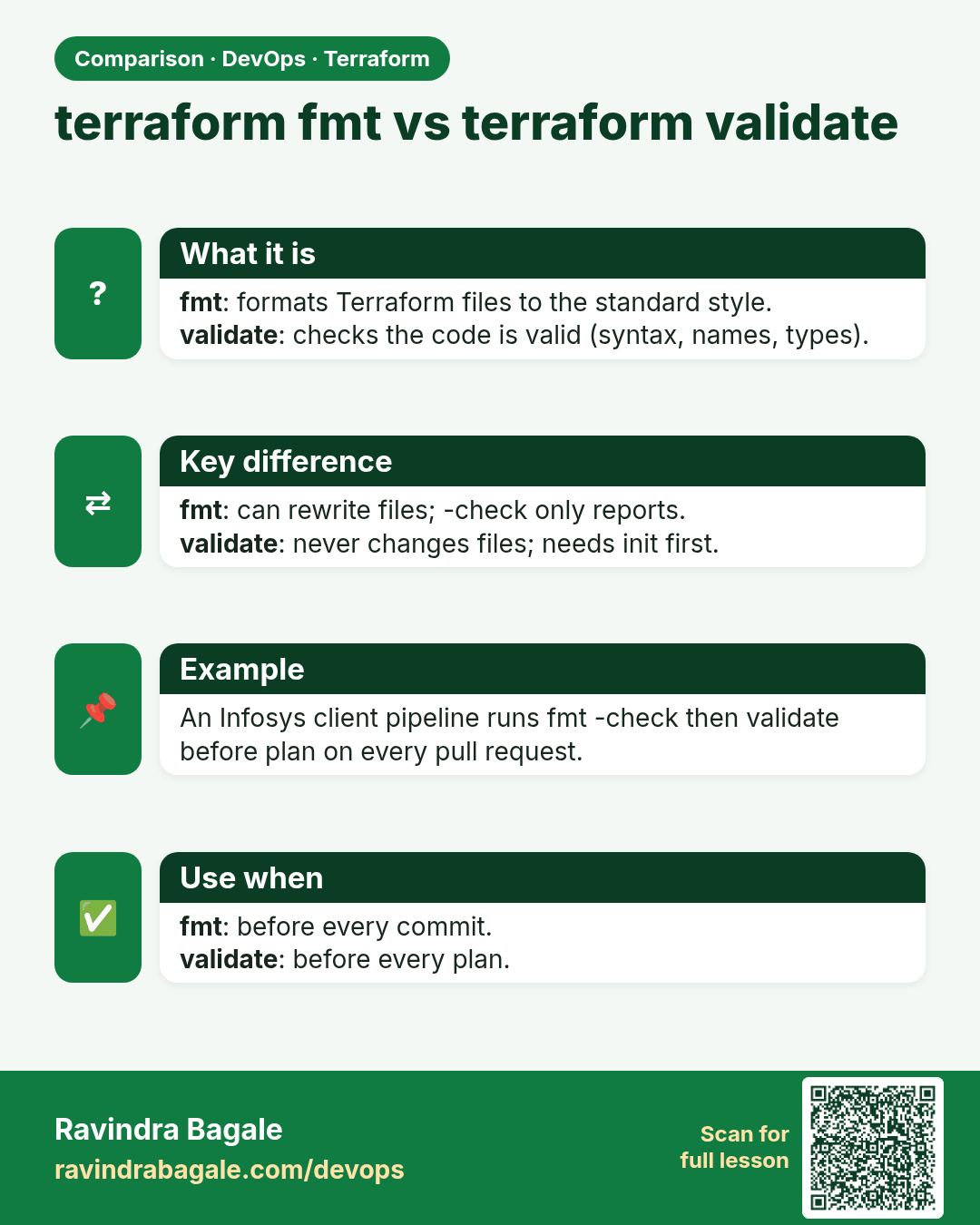
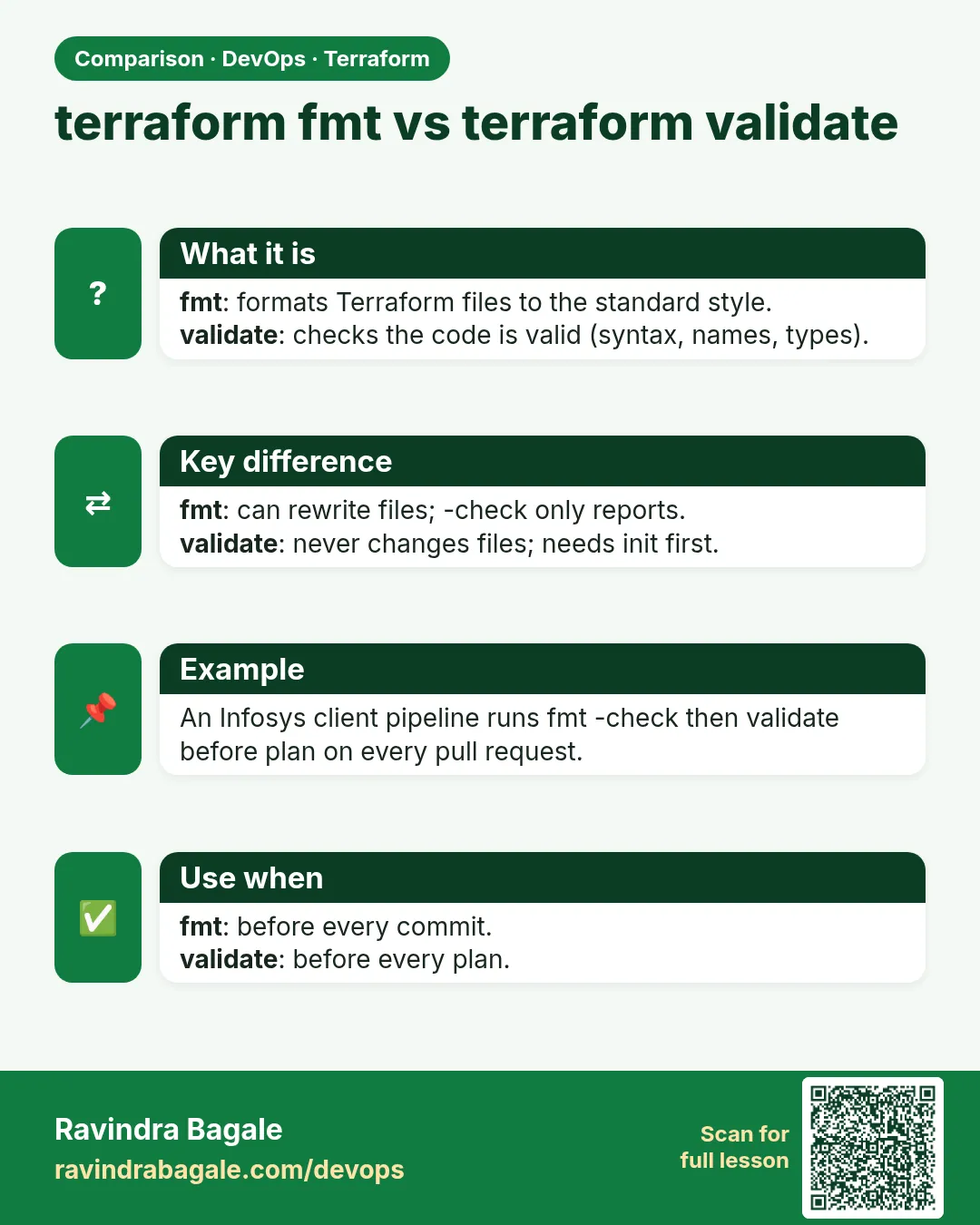 Comparison card 1 of 3: terraform fmt vs terraform validate · Download PNG · Open card page
Lesson: Chapter 38: Terraform CLI Commands fmt validate plan apply state and more
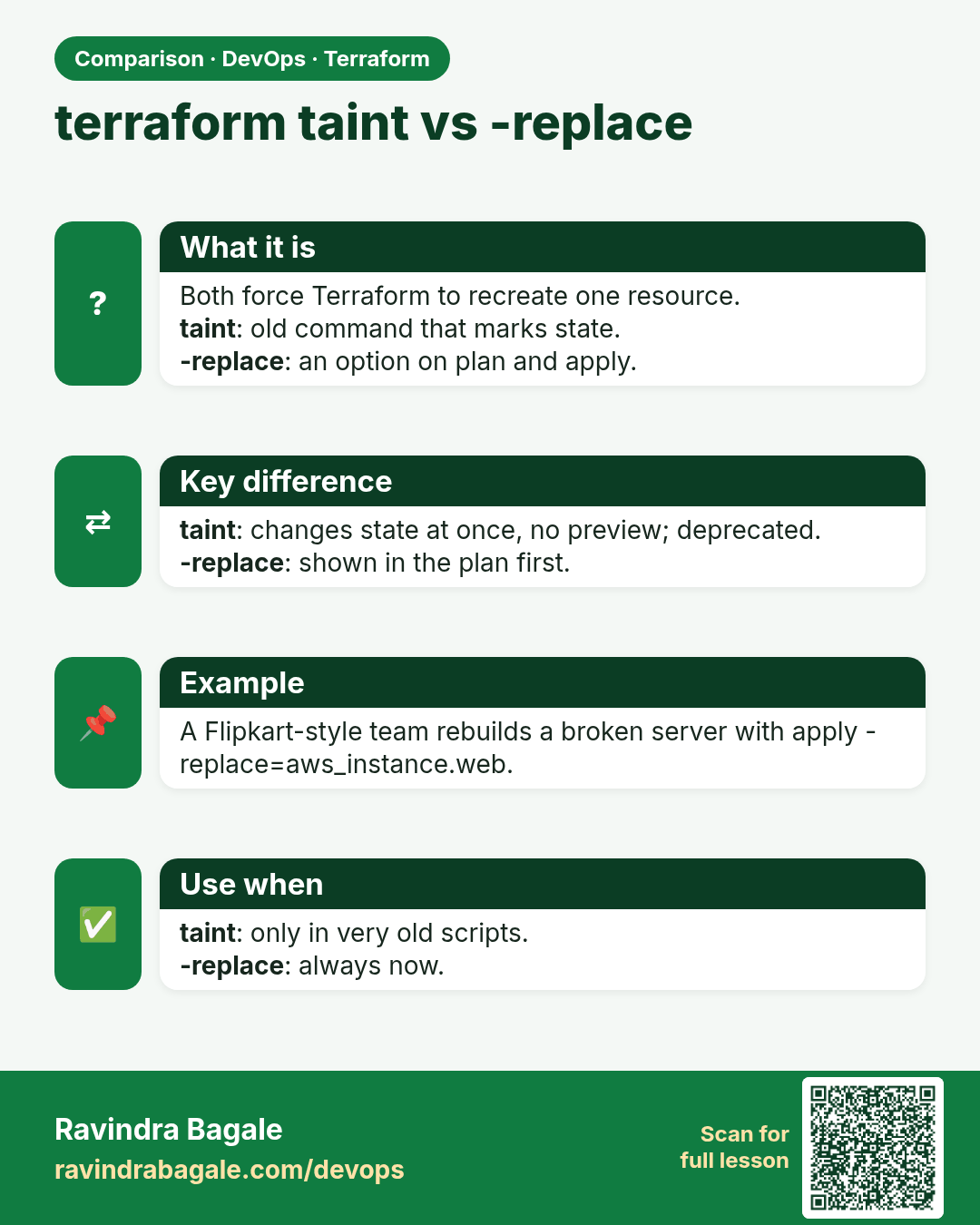
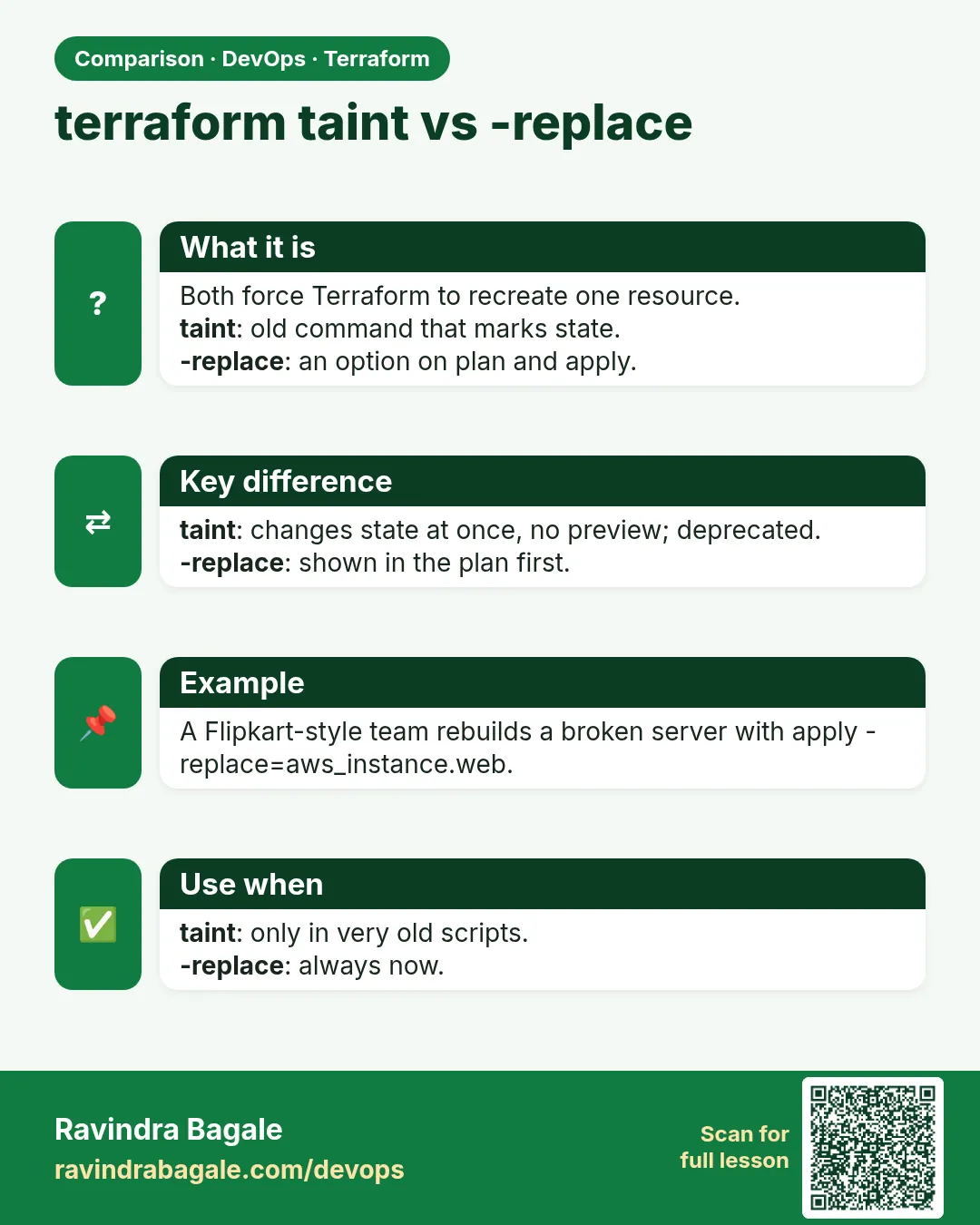 Comparison card 2 of 3: terraform taint vs -replace · Download PNG · Open card page
Lesson: Chapter 38: Terraform CLI Commands fmt validate plan apply state and more
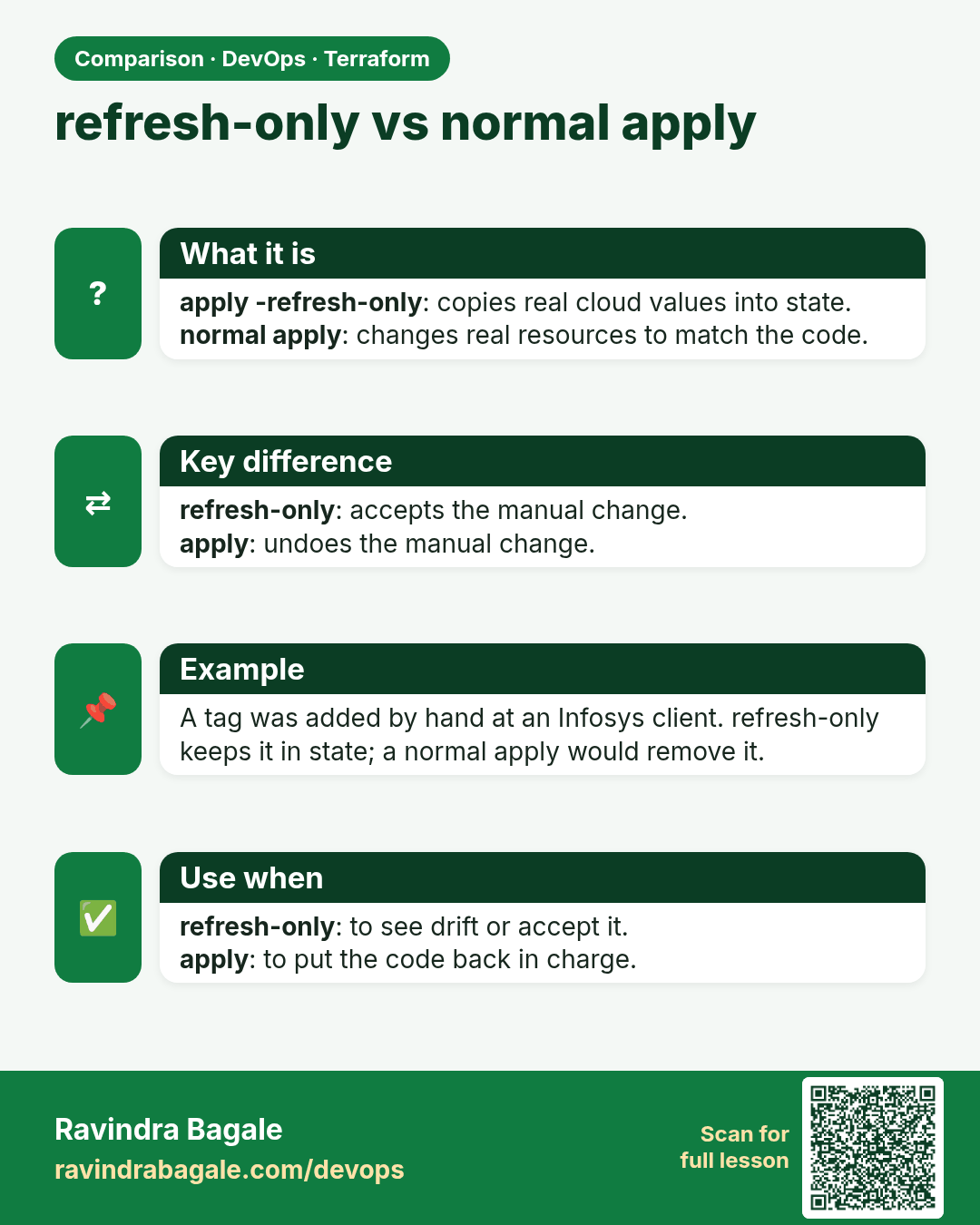
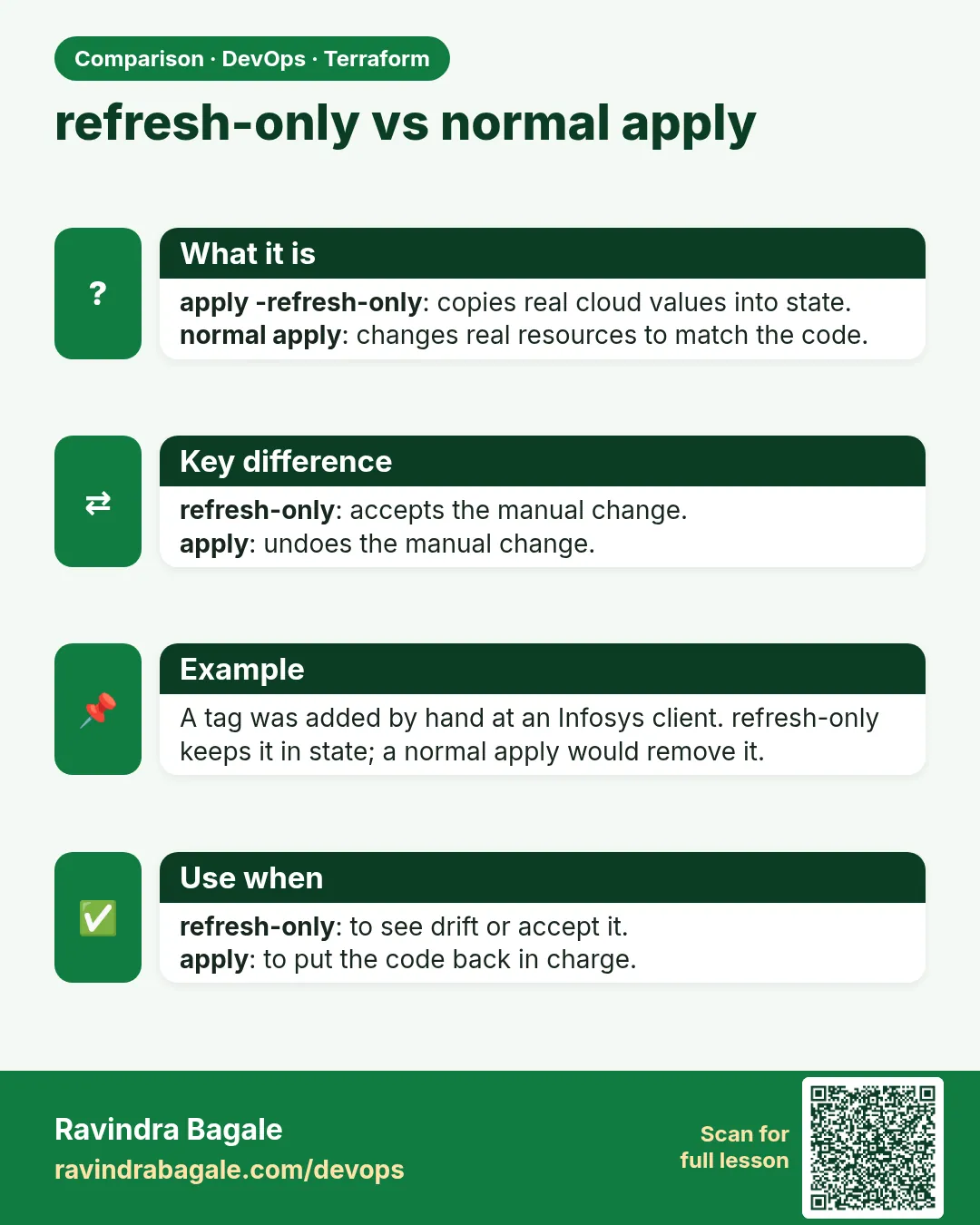 Comparison card 3 of 3: refresh-only vs normal apply · Download PNG · Open card page
Lesson: Chapter 38: Terraform CLI Commands fmt validate plan apply state and more