Chapter 38: Terraform CLI Commands fmt validate plan apply state and more
38.5 output — read results from state
Story. A Netflix-style deployment script needs the load balancer DNS name from Terraform without parsing log text. terraform output reads values straight from state. -raw gives a single plain value and -json gives everything in a structured form. Sensitive outputs stay hidden in the list but can be read explicitly by name.
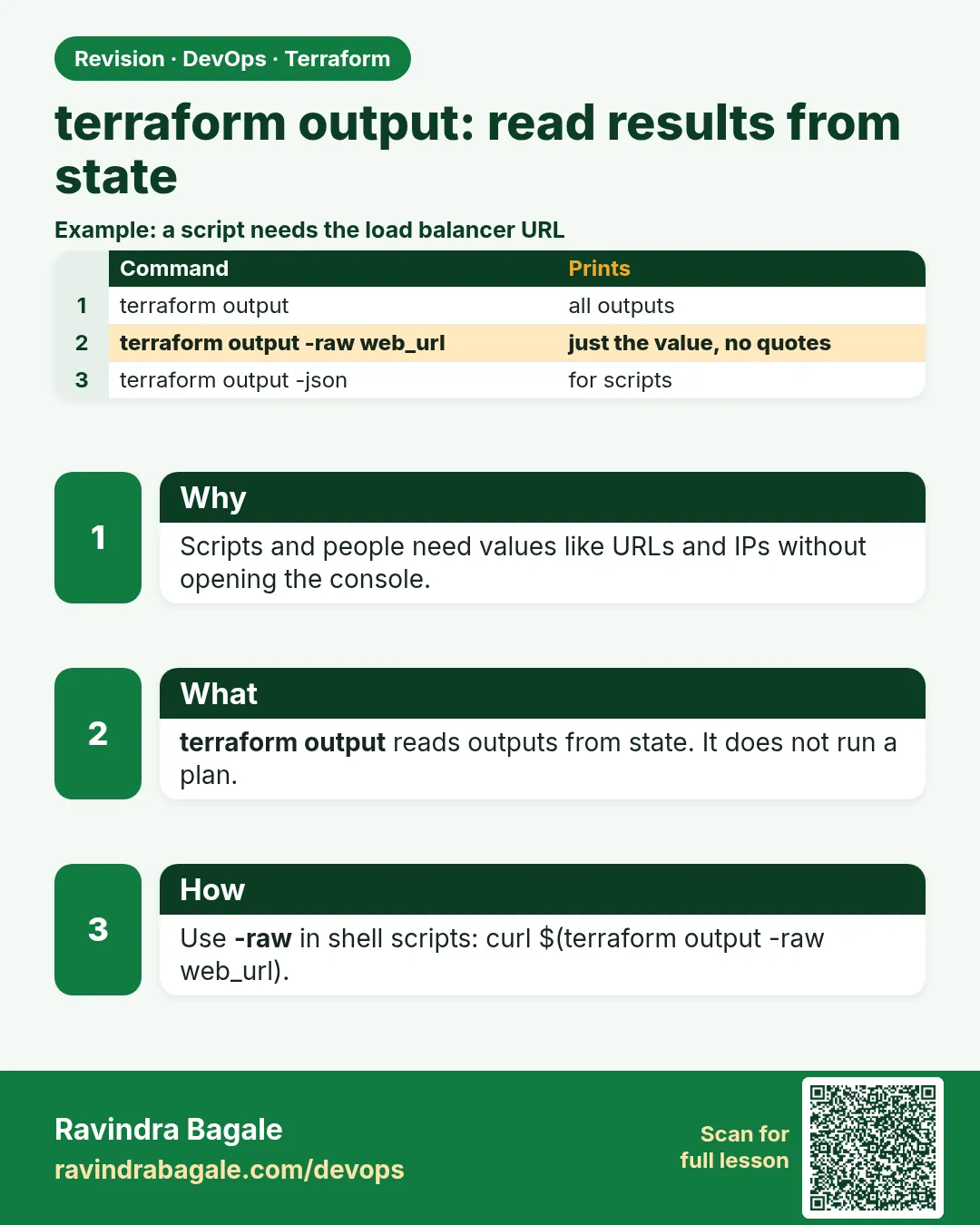
terraform output
terraform output -raw web_url
terraform output -json | jq -r '.web_url.value'
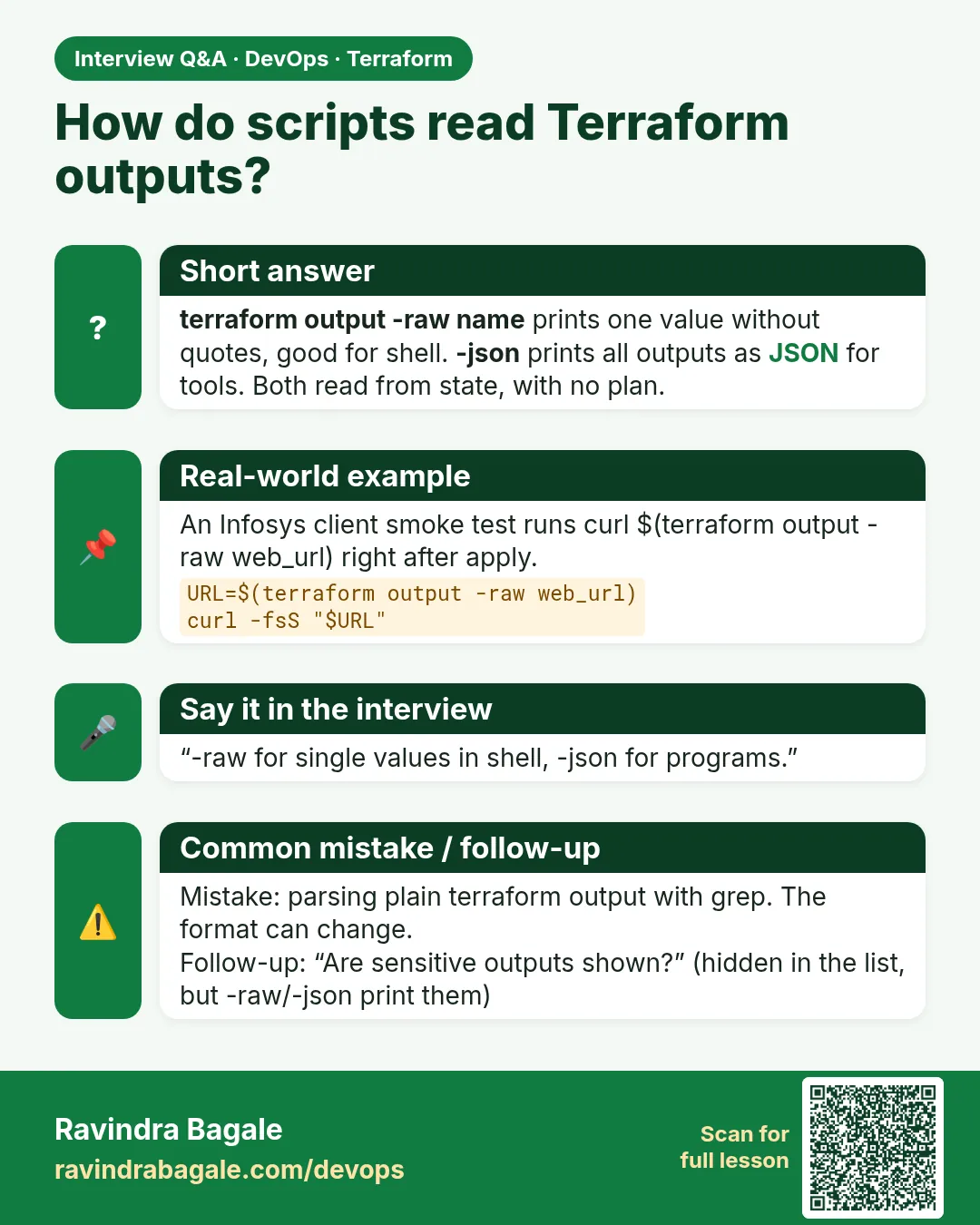
curl -I "$(terraform output -raw web_url)"
What each line does
terraform output— Lists all outputs; sensitive ones show as sensitive.terraform output -raw web_url— Prints one value with no quotes.terraform output -json | jq -r '.web_url.value'— Reads the same value from JSON with jq.curl -I "$(terraform output -raw web_url)"— Uses the output directly to test the site.
When it is green.
db_password = <sensitive>
web_url = "http://ec2-203-0-113-25.ap-south-1.compute.amazonaws.com"
HTTP/1.1 200 OK
Server: nginx
When it is red.
Warning: No outputs found
The state file either has no outputs defined, or all the defined outputs are empty.
Fix. Either you are in the wrong folder or workspace, or apply has not run since you added the output. Run terraform apply (or apply -refresh-only) to record outputs.
What: every term in plain English
- output block — A named value Terraform prints after apply and saves in state.
- terraform output — Reads outputs from state. No plan, no AWS call.
- -raw — Prints a plain string with no quotes. Best for scripts.
- -json — Prints all outputs as JSON for tools.
- sensitive = true — Hides the value in normal output.
Example 1: Outputs for a web server
After apply, people need the IP and URL. Do not make them search the console.
output "public_ip" {
  description = "Public IP of the web server"
  value       = aws_instance.web.public_ip
}

output "url" {
  value = "http://${aws_instance.web.public_dns}"
}

output "tags" {
  value = aws_instance.web.tags
}
terraform apply -auto-approve
terraform output
Output
Outputs:

public_ip = "13.233.45.67"
tags = tomap({
  "Name" = "apply-lab"
})
url = "http://ec2-13-233-45-67.ap-south-1.compute.amazonaws.com"
What it shows: Outputs print after apply and any time later with terraform output.
Example 2: Use -raw in a shell script
Scripts need clean text with no quotes.
IP=$(terraform output -raw public_ip)
echo "Testing $IP"
curl -s -o /dev/null -w "%{http_code}\n" "http://$IP"
ssh -i ~/.ssh/lab.pem ec2-user@"$(terraform output -raw public_ip)" hostname
Output
Testing 13.233.45.67
200
ip-172-31-5-20.ap-south-1.compute.internal
What it shows: Without -raw the IP comes with quotes and curl fails.
Example 3: Read JSON outputs with jq
Ansible inventories and CI jobs read many values at once.
terraform output -json | jq -r '.public_ip.value'
terraform output -json | jq '.tags.value.Name'
Output
13.233.45.67
"apply-lab"
What it shows: JSON keeps types such as maps and lists.
Example 4: Hide a sensitive output
A database endpoint plus password must not appear in CI logs.
output "db_password" {
  value     = random_password.db.result
  sensitive = true
}
terraform output
terraform output -raw db_password | wc -c
Output
db_password = (sensitive value)
public_ip = "13.233.45.67"
24
What it shows: Hidden in the list, but still readable on purpose with -raw, and still stored in state. Protect the state.
Example 5: Pass outputs from a module to the root
At Infosys-style client projects the network lives in a module. The root folder must show its ids to people and pipelines.
- Add an outputs.tf inside modules/vpc.
- Read it from the root with module.vpc.NAME.
- Apply and print.
# modules/vpc/main.tf
resource "aws_vpc" "this" {
  cidr_block = "10.30.0.0/16"
  tags = {
    Name = "output-lab"
  }
}

# modules/vpc/outputs.tf
output "vpc_id" {
  value = aws_vpc.this.id
}
# main.tf
module "vpc" {
  source = "./modules/vpc"
}

# outputs.tf
output "vpc_id" {
  description = "VPC id for the app stack"
  value       = module.vpc.vpc_id
}
terraform init
terraform apply -auto-approve
terraform output -raw vpc_id
Output
Initializing modules...
- vpc in modules/vpc
module.vpc.aws_vpc.this: Creating...
module.vpc.aws_vpc.this: Creation complete after 2s [id=vpc-0c1d2e3f4a5b67890]

Apply complete! Resources: 1 added, 0 changed, 0 destroyed.

Outputs:

vpc_id = "vpc-0c1d2e3f4a5b67890"
vpc-0c1d2e3f4a5b67890
What it shows: A module output is invisible from the command line until the root re-exports it.
Example 6: Share outputs through SSM Parameter Store
The app team should not need read access to the network state file. Write the value to SSM instead.
resource "aws_ssm_parameter" "vpc_id" {
  name  = "/shopkart/dev/vpc_id"
  type  = "String"
  value = module.vpc.vpc_id
}
# in the app stack
data "aws_ssm_parameter" "vpc_id" {
  name = "/shopkart/dev/vpc_id"
}

resource "aws_security_group" "app" {
  name   = "app-dev"
  vpc_id = data.aws_ssm_parameter.vpc_id.value
}
aws ssm get-parameter --name /shopkart/dev/vpc_id --query Parameter.Value --output text
Output
vpc-0c1d2e3f4a5b67890
What it shows: Each stack keeps its own state private. Only the one value is shared.
Command cheat sheet
| Command | What it does | When to use it |
|---|---|---|
terraform output |
All outputs | After apply |
terraform output NAME |
One output | Quick look |
terraform output -raw NAME |
Plain text, no quotes | Shell scripts |
terraform output -json |
All outputs as JSON | Tools and Ansible |
sensitive = true |
Hides the value in logs | Passwords and keys |
module.NAME.OUTPUT |
Read a module output | Inside the parent code |
terraform_remote_state |
Read another stack outputs | Network and app stacks |
Verify: did it work?
-
Outputs exist in state
terraform output -json | jq "keys"Output
[ "public_ip", "url", "vpc_id" ] -
The URL answers
curl -s -o /dev/null -w "%{http_code}" "$(terraform output -raw url)"Output
200
When it is red 1
Warning: No outputs found
The state file either has no outputs defined, or all the defined outputs are empty.
Cause. Outputs are written by apply, not by adding the block.
Fix, step by step
- Run terraform apply (even with no resource changes).
- Run terraform output again.
When it is red 2
Error: Output refers to sensitive values
To reduce the risk of accidentally exporting sensitive data that was intended to be only internal, Terraform requires that any root module output containing sensitive data be explicitly marked as sensitive.
Cause. The value comes from something sensitive.
Fix, step by step
- Add sensitive = true to the output.
- Apply again.
When it is red 3
Error: Unsupported value for raw output
The -raw option only supports strings, numbers, and boolean values, but output value "tags" is map of string.
Cause. -raw cannot print a map.
Fix, step by step
- Use terraform output -json tags.
- Or output one key: value = aws_instance.web.tags["Name"].
When it is red 4
Error: Unsupported attribute
  on outputs.tf line 2, in output "vpc_id":
   2:   value = module.vpc.id
This object does not have an attribute named "id".
Cause. The module has no output called id. Only names in its outputs.tf exist.
Fix, step by step
- Open modules/vpc/outputs.tf.
- Use the exact name, here module.vpc.vpc_id.
- Run validate.
Cleanup
terraform destroy -auto-approve
Practice tasks
Easy Add a description
Why: Outputs are docs too.
What to do: Add description to every output.
- Edit outputs.tf.
- Apply.
Check: Each output has a description.
Medium Build an Ansible inventory
Why: Terraform hands off to Ansible.
What to do: Write hosts.ini from terraform output -raw.
- echo "[web]" and the IP into hosts.ini.
Check: ansible -i hosts.ini web -m ping works.
Medium Output a list
Why: count makes lists.
What to do: Make 2 instances and output all IPs.
- value = aws_instance.web[*].public_ip
Check: terraform output shows a list of two.
Hard Read another stack
Why: Network and app stacks share values.
What to do: Use terraform_remote_state to read a VPC id output.
- Point it at the network S3 state.
Check: Plan uses the VPC id.
Easy Say it in two lines
Why: If you can say it simply, you understand it.
What to do: Write two short lines about this lesson for a fresher.
- Write the problem it solves.
- Write the one command or file you use.
- Read it aloud.
Check: A fresher understands it without a question.
Easy Start a safe lab folder
Why: Practice needs a throwaway place.
What to do: Make a new folder with versions.tf and a random_pet resource, so no AWS cost.
- mkdir tf-lab and cd into it.
- Add the hashicorp/random provider and one random_pet.
- Run terraform init and terraform apply.
Check: Apply complete! with 1 added.
Medium Break it on purpose
Why: You must know the red output by face.
What to do: Cause one error from the red part of this lesson and fix it.
- Follow one red section.
- Copy the exact message to your notes.
- Write the fix in one line.
Check: You fixed it without searching the web.
Medium Run it twice
Why: A second run must be quiet.
What to do: Run the same plan two times with no edits.
- Run terraform plan.
- Run it again.
- Explain any change it still shows.
Check: The second plan says No changes, or you can explain each line.
Medium Write a runbook page
Why: At 2 a.m. nobody remembers flags.
What to do: Write a one-page runbook for this lesson.
- Title, when to use, exact commands, how to check, how to undo.
Check: A teammate can follow it alone.
Medium Run it from a pipeline
Why: Real teams run Terraform from CI, not from laptops.
What to do: Run the main command of this lesson inside a GitHub Actions or Jenkins job.
- Add a job with hashicorp/setup-terraform or a Terraform Docker image.
- Give it AWS access through an IAM role, never a key in the file.
- Run init, then the command from this lesson.
Check: The job log shows the same output you saw on your laptop.
Medium Check the cost
Why: Labs left running cost real money.
What to do: Find what this lesson would cost per day if you forgot to destroy it.
- Open the AWS Pricing Calculator.
- Add each resource from your plan.
- Write the daily cost in your notes.
Check: You know the daily cost and you ran terraform destroy.
Hard Draw the flow top to bottom
Why: A drawing shows the order of work.
What to do: Draw this lesson as boxes from top to bottom.
- Start at your code, go through plan and state, end at AWS.
- Mark where each command reads or writes.
Check: Each box matches a real step you ran.
Hard Explain it like an interview
Why: Interviewers want real stories.
What to do: Record a 60 second answer about this lesson.
- Say the problem, the command, and one error you hit.
Check: Your answer has a real command and a real error message.
Homework: try at home
Try at home
Add three outputs to any lab: IP, URL and a tag. Then write a one-line script that curls the URL using -raw.
Recap
- output blocks name the values people need.
- terraform output reads state; no plan needed.
- -raw for scripts, -json for tools.
- sensitive hides output text but not state.
- Run apply after adding outputs.
FAQ
Do outputs cost money?
No.
Can a module have outputs?
Yes. The parent reads them as module.NAME.OUTPUT.
Why is my output empty?
The value may be null, such as no public IP in a private subnet.
Can I output a whole resource?
Yes, but it is noisy. Output only what people need.
Does sensitive encrypt state?
No. Use an encrypted S3 backend.
Can outputs depend on other outputs?
No, but they can use the same locals.
Does terraform output work after destroy?
No. State is empty, so outputs are gone.
Interview questions
-
How do two Terraform stacks share data?
Outputs in one and terraform_remote_state or SSM parameters in the other.
-
What does sensitive do?
Hides the value in CLI output. It is still in state.
-
-raw or -json?
-raw for one plain value; -json for many or complex values.
-
Why add outputs to modules?
So callers can use ids the module creates.
-
Does terraform output call AWS?
No. It reads state.
Quick quiz
Q1. Which flag removes quotes?
-raw.
Q2. Where are outputs saved?
In state.
Q3. What does sensitive show?
(sensitive value).
Q4. Can -raw print a map?
No.
Q5. Which command prints all outputs as JSON?
terraform output -json.
Samajla ka?
 Revision card
 Interview card