Ravindra BagaleCourses & study guides मराठी

Ravi Sir's Cards › DevOps

Chapter 32: Jenkins Governance, Troubleshooting and Expert Projects: Cards

मराठी cards · Open the chapter

Revision cards
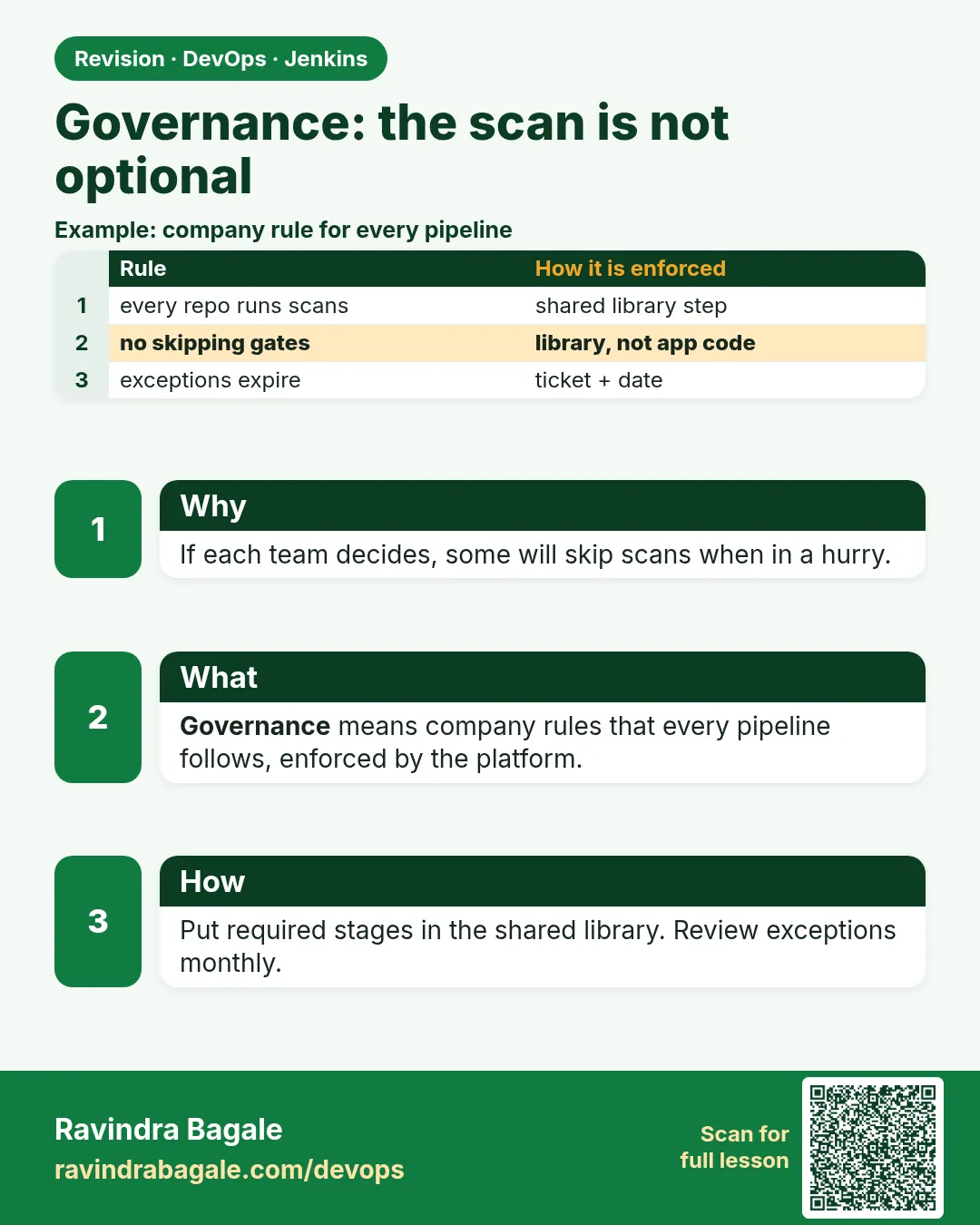
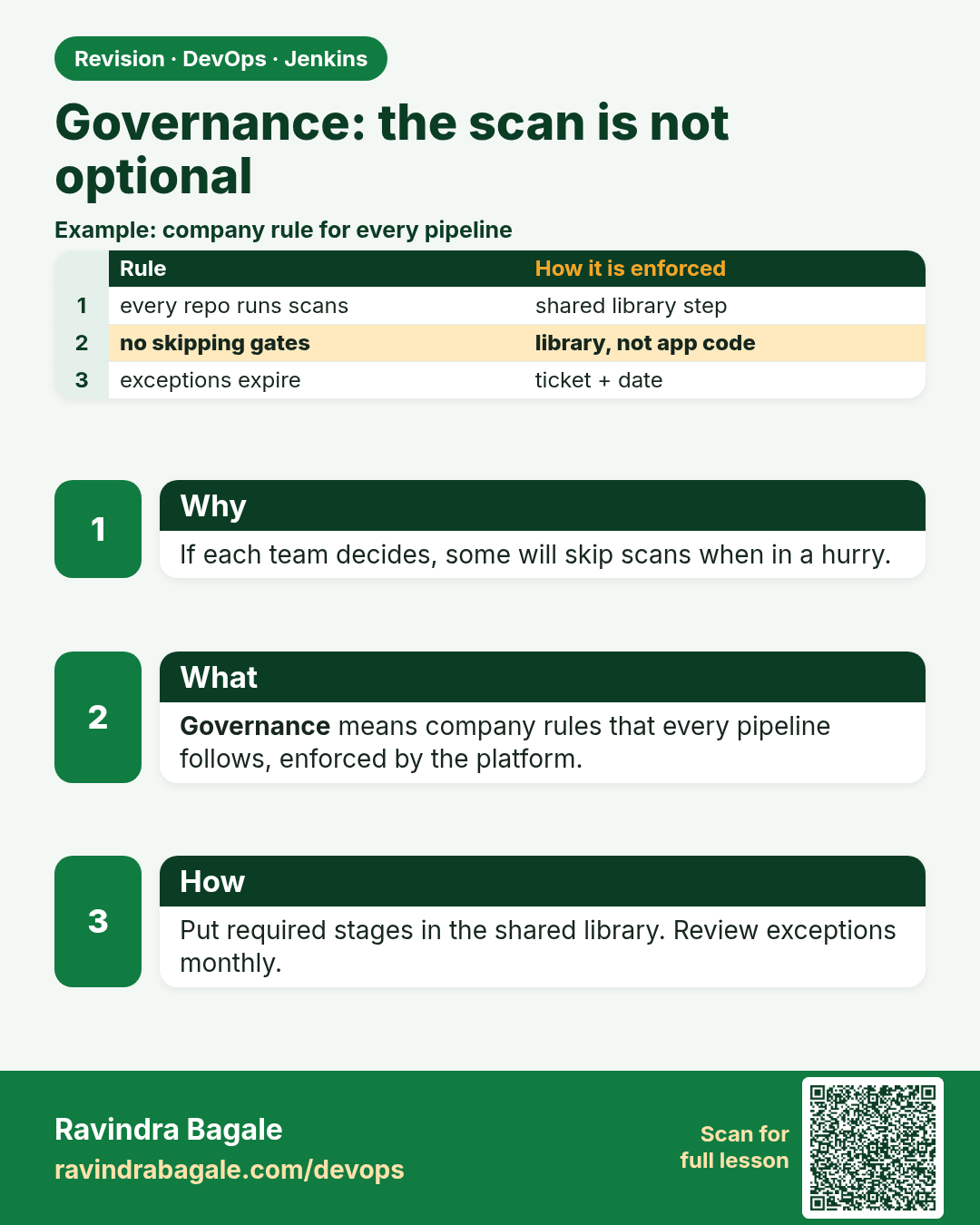
Governance: the scan is not optional. If each team decides, some will skip scans when in a hurry.
Revision card 1 of 7: Governance: the scan is not optional · Download PNG · Open card page

Lesson: 32.1 Governance: the scan is not optional
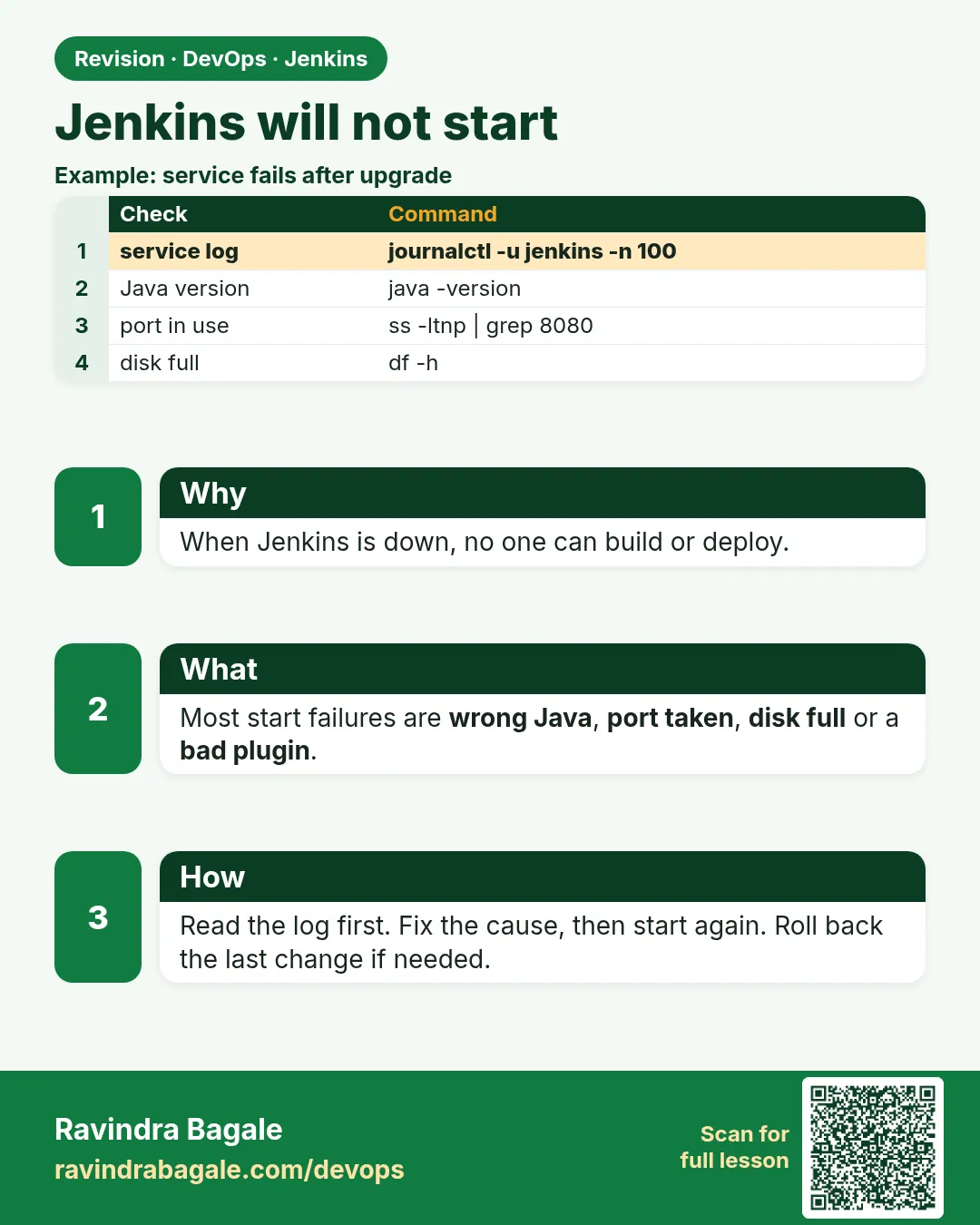
Jenkins will not start. When Jenkins is down, no one can build or deploy.
Revision card 2 of 7: Jenkins will not start · Download PNG · Open card page

Lesson: 32.2 Will not start

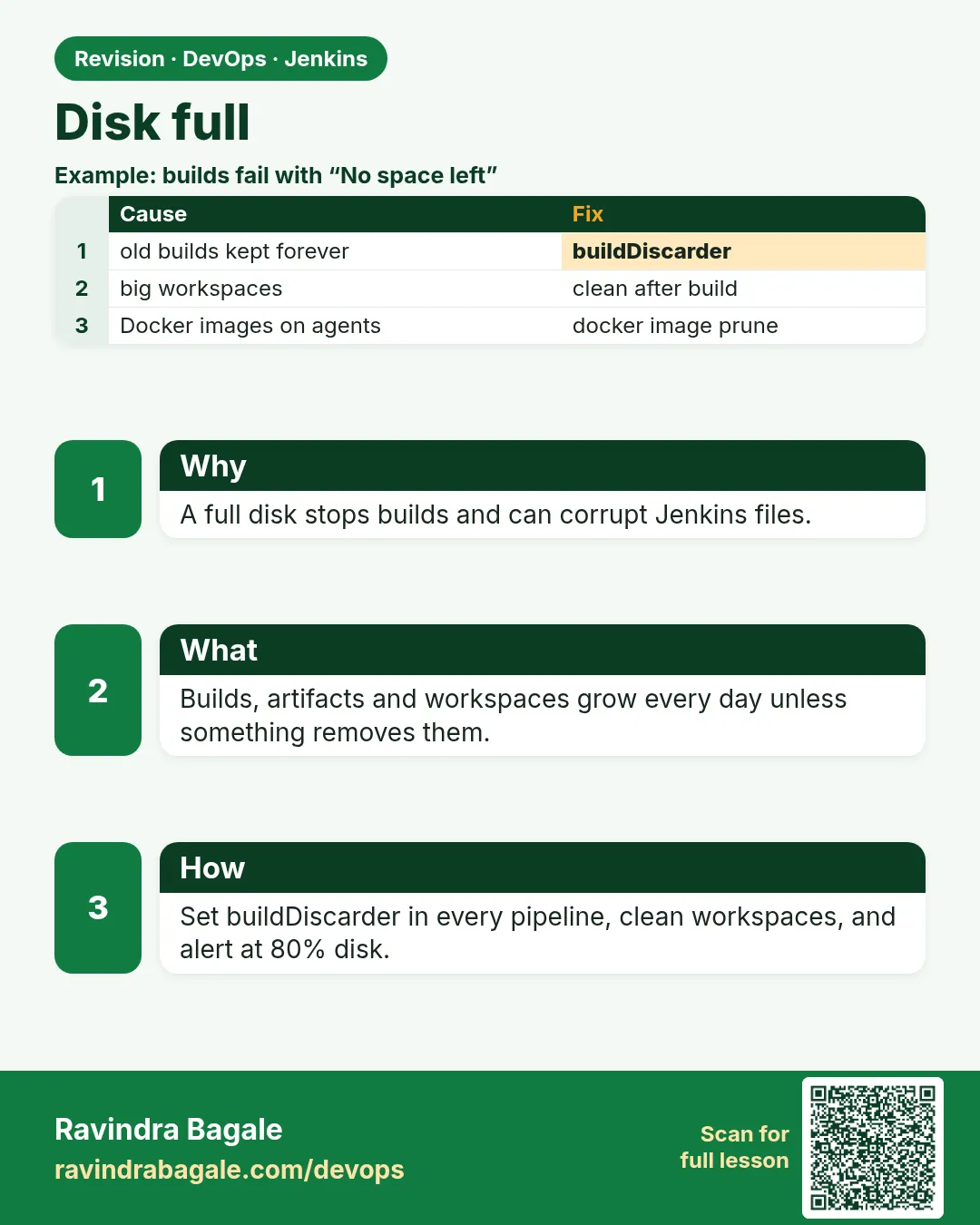
Disk full. A full disk stops builds and can corrupt Jenkins files.
Revision card 3 of 7: Disk full · Download PNG · Open card page

Lesson: 32.3 Disk full

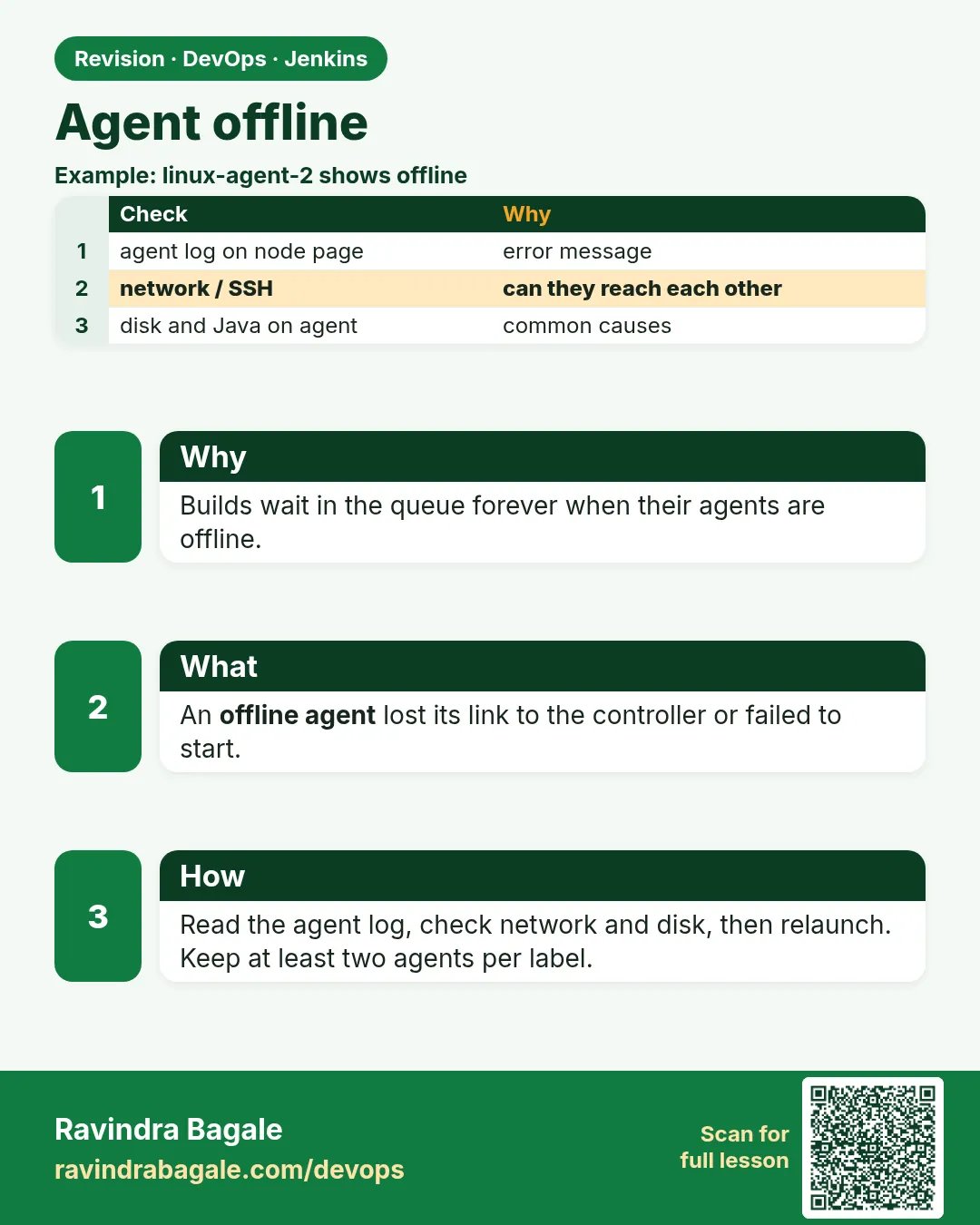
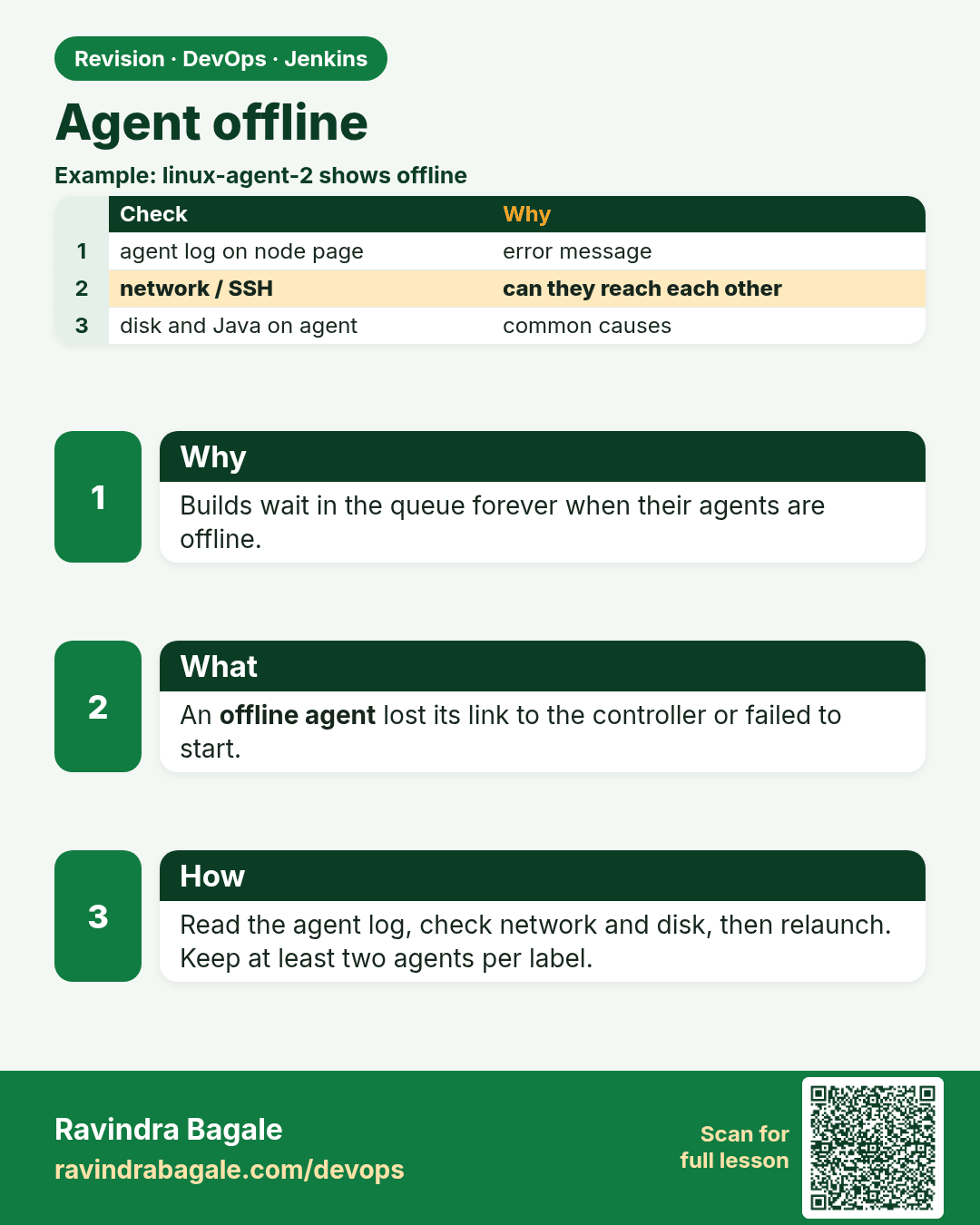
Agent offline. Builds wait in the queue forever when their agents are offline.
Revision card 4 of 7: Agent offline · Download PNG · Open card page

Lesson: 32.4 Agent offline

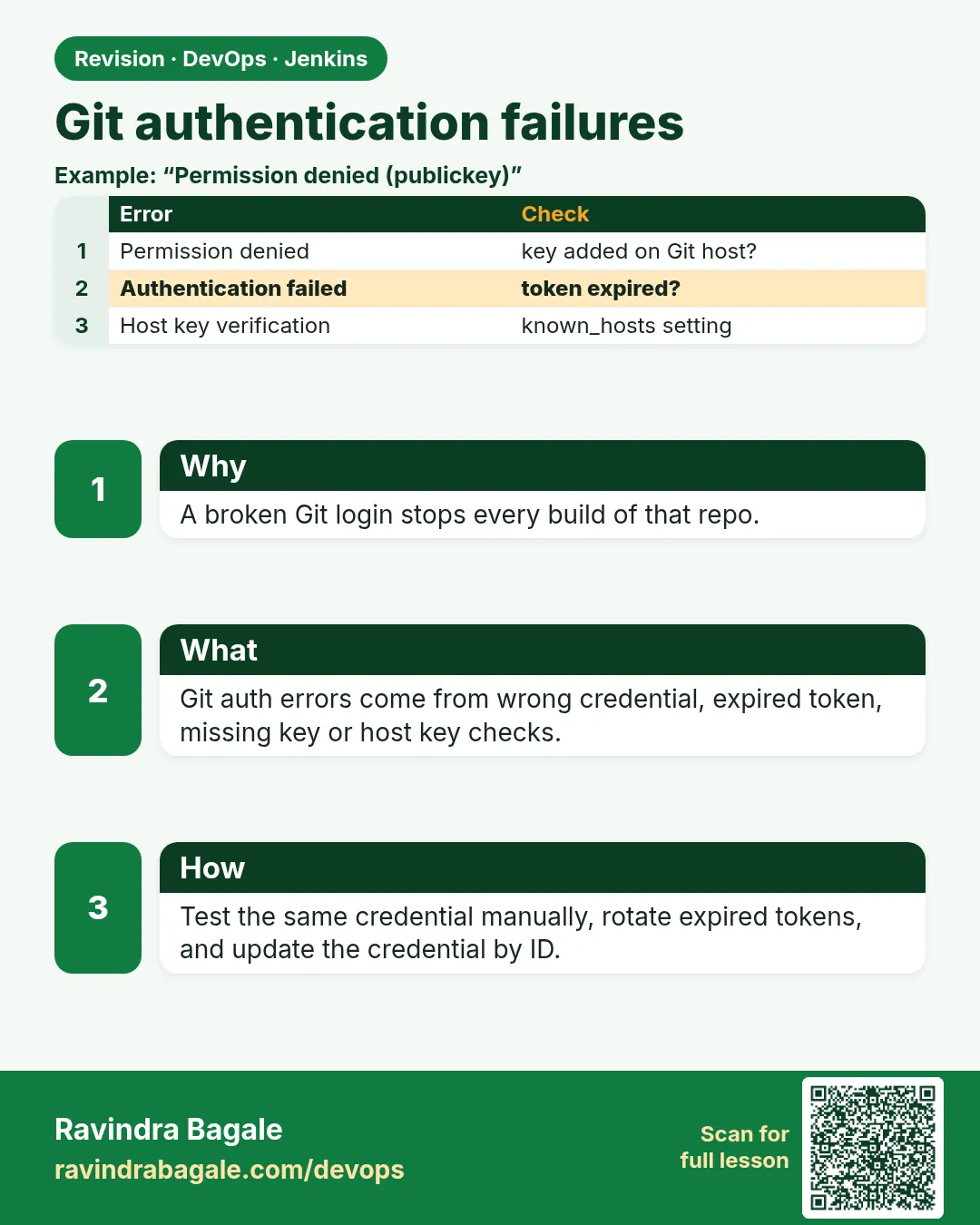
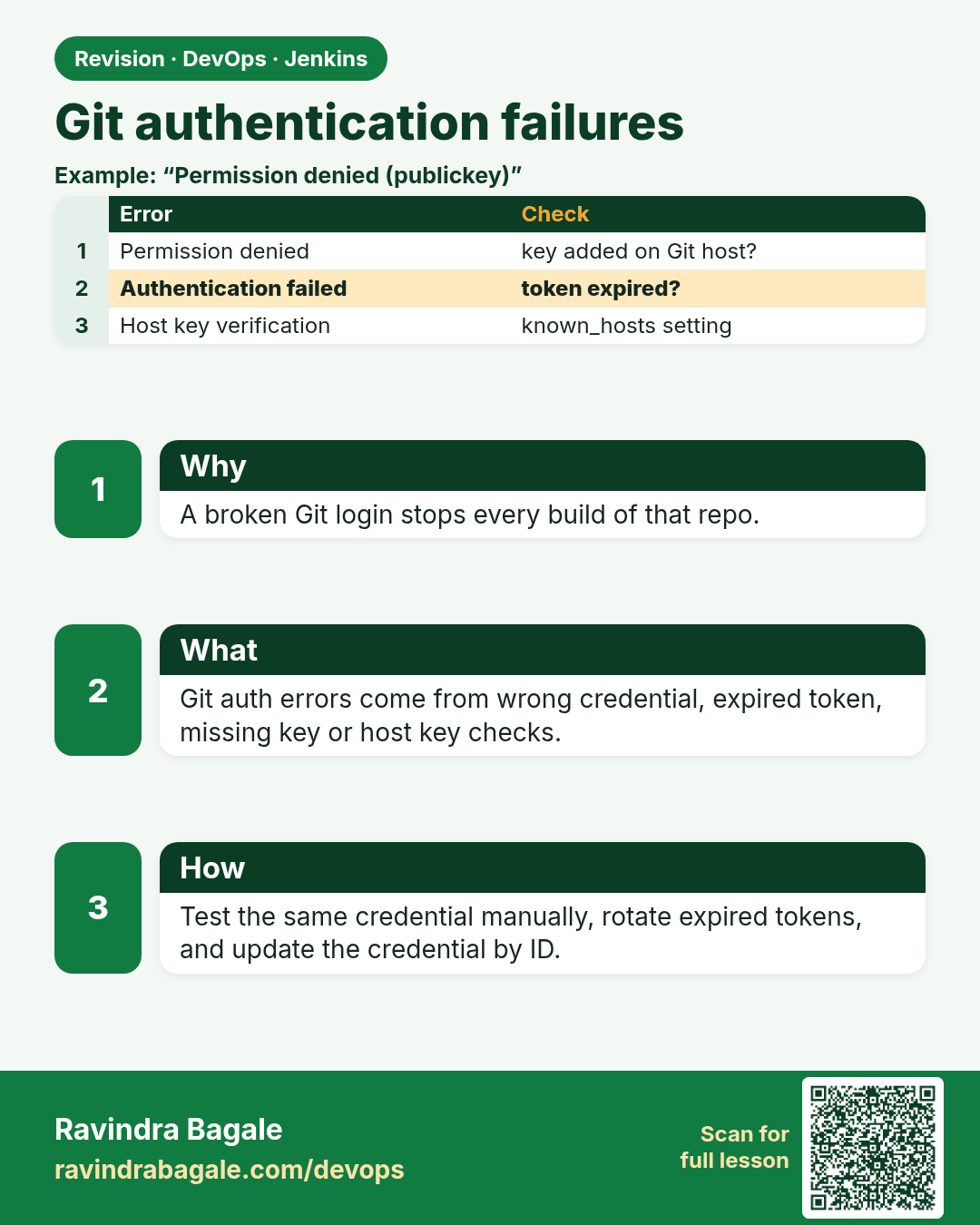
Git authentication failures. A broken Git login stops every build of that repo.
Revision card 5 of 7: Git authentication failures · Download PNG · Open card page

Lesson: 32.5 Git auth

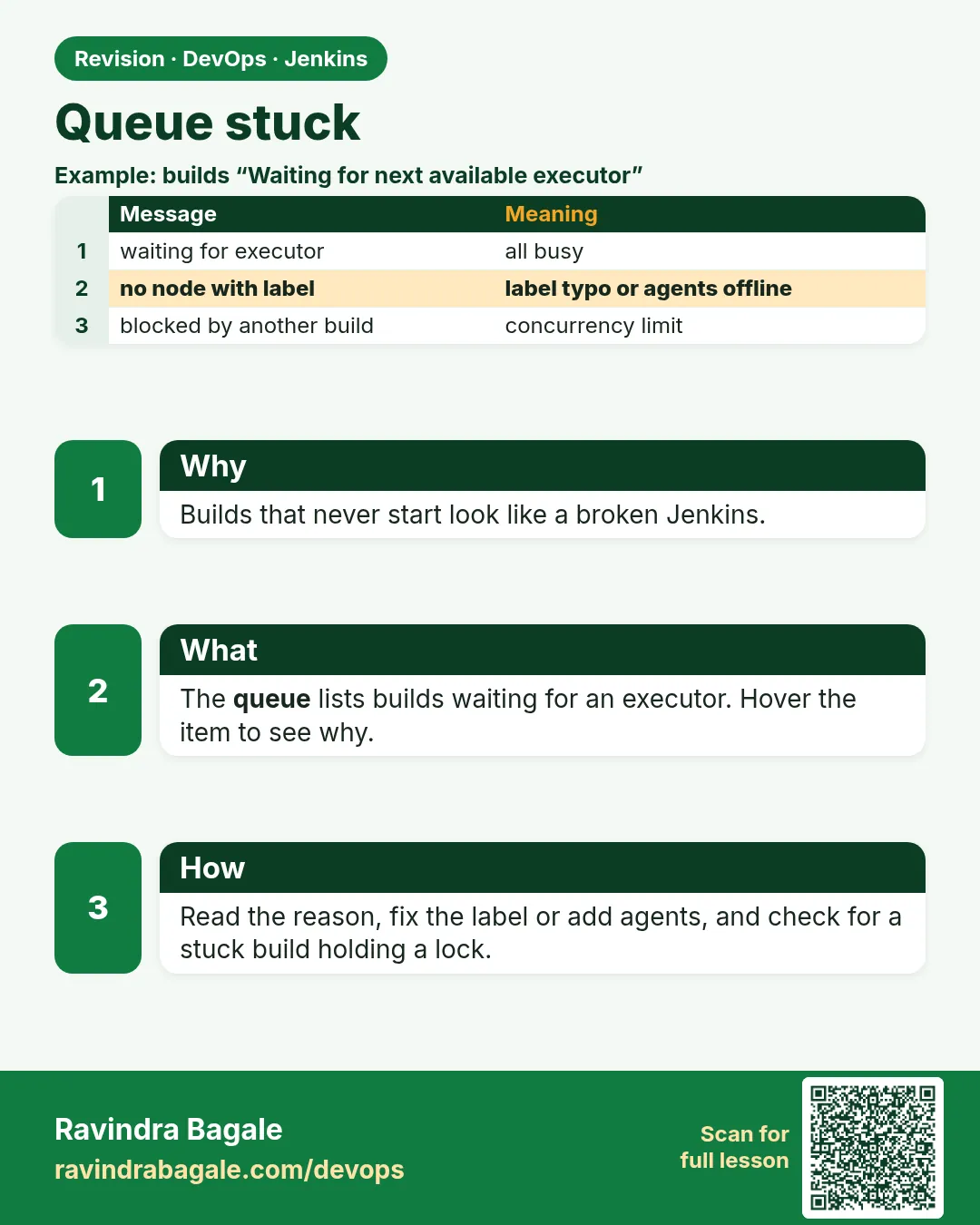
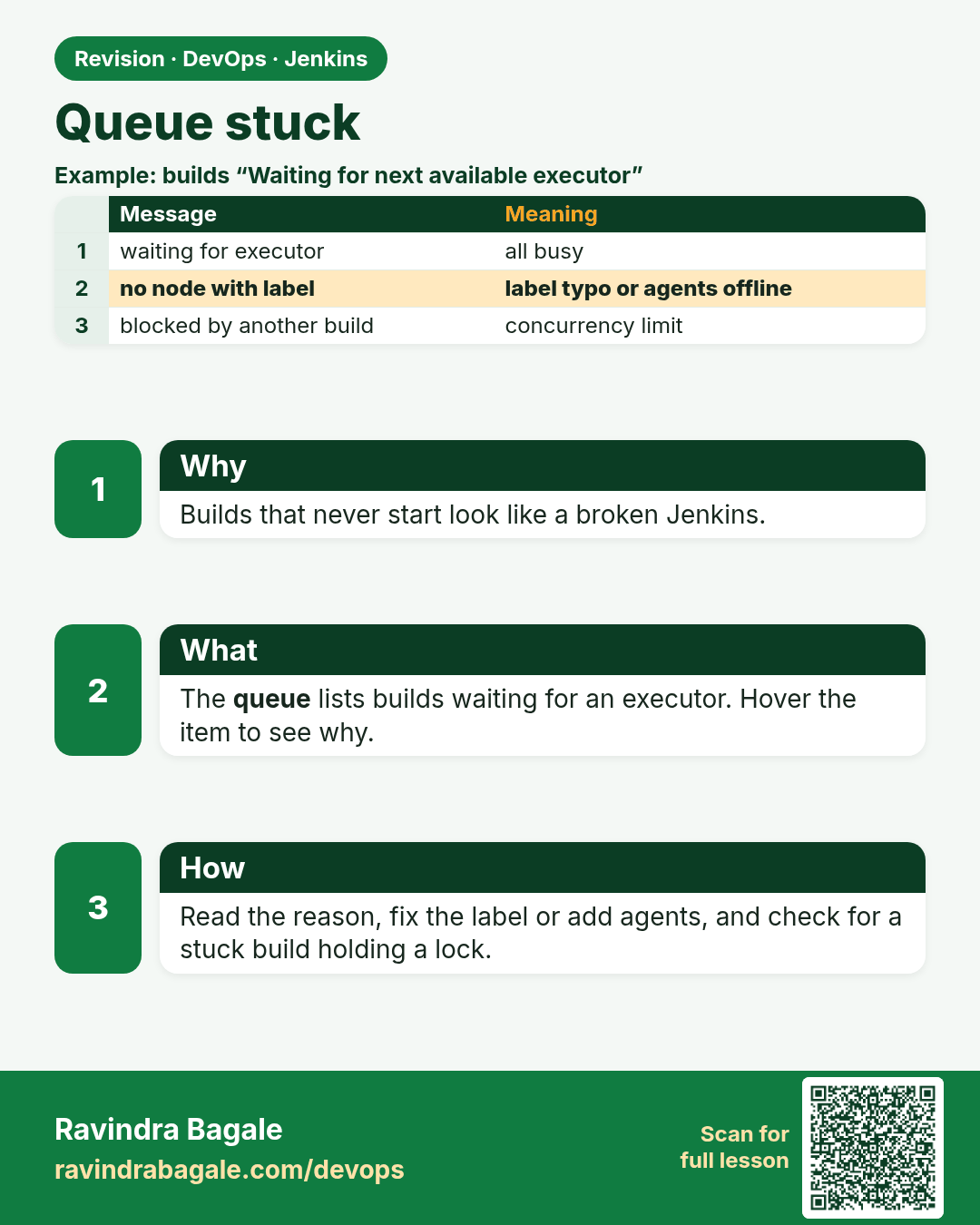
Queue stuck. Builds that never start look like a broken Jenkins.
Revision card 6 of 7: Queue stuck · Download PNG · Open card page

Lesson: 32.6 Queue stuck

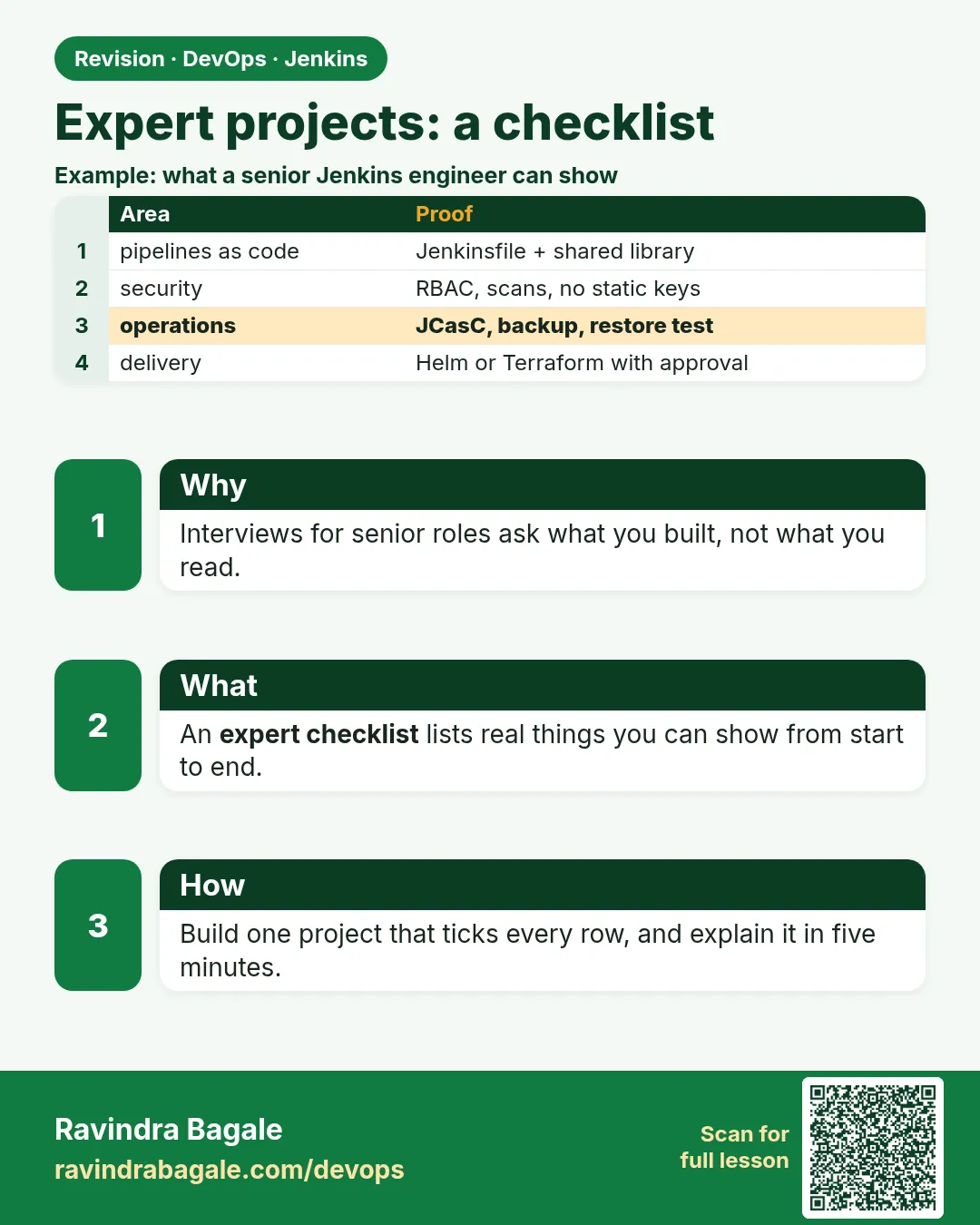
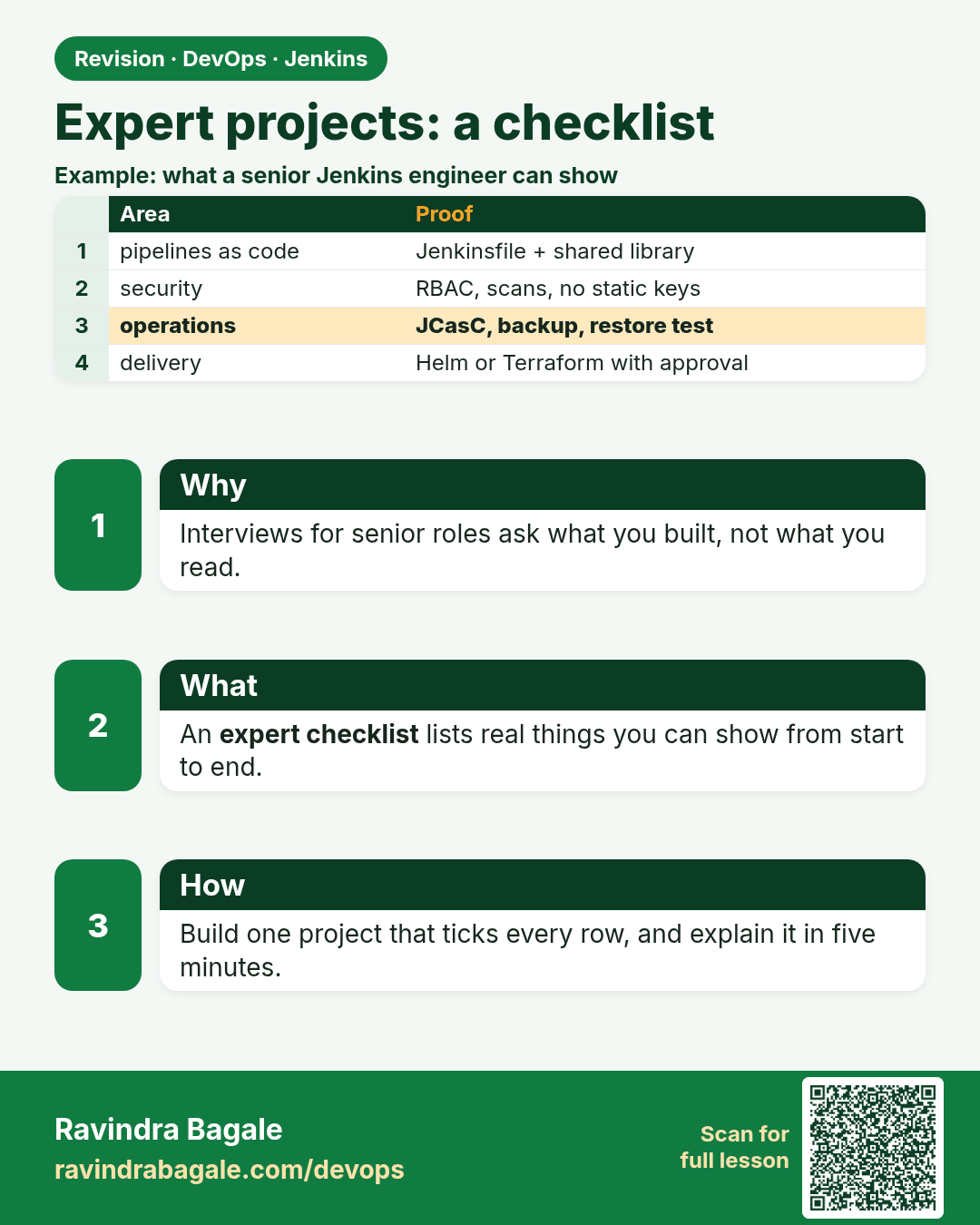
Expert projects: a checklist. Interviews for senior roles ask what you built, not what you read.
Revision card 7 of 7: Expert projects: a checklist · Download PNG · Open card page

Lesson: 32.7 Expert projects — a checklist, not ten courses

Interview cards

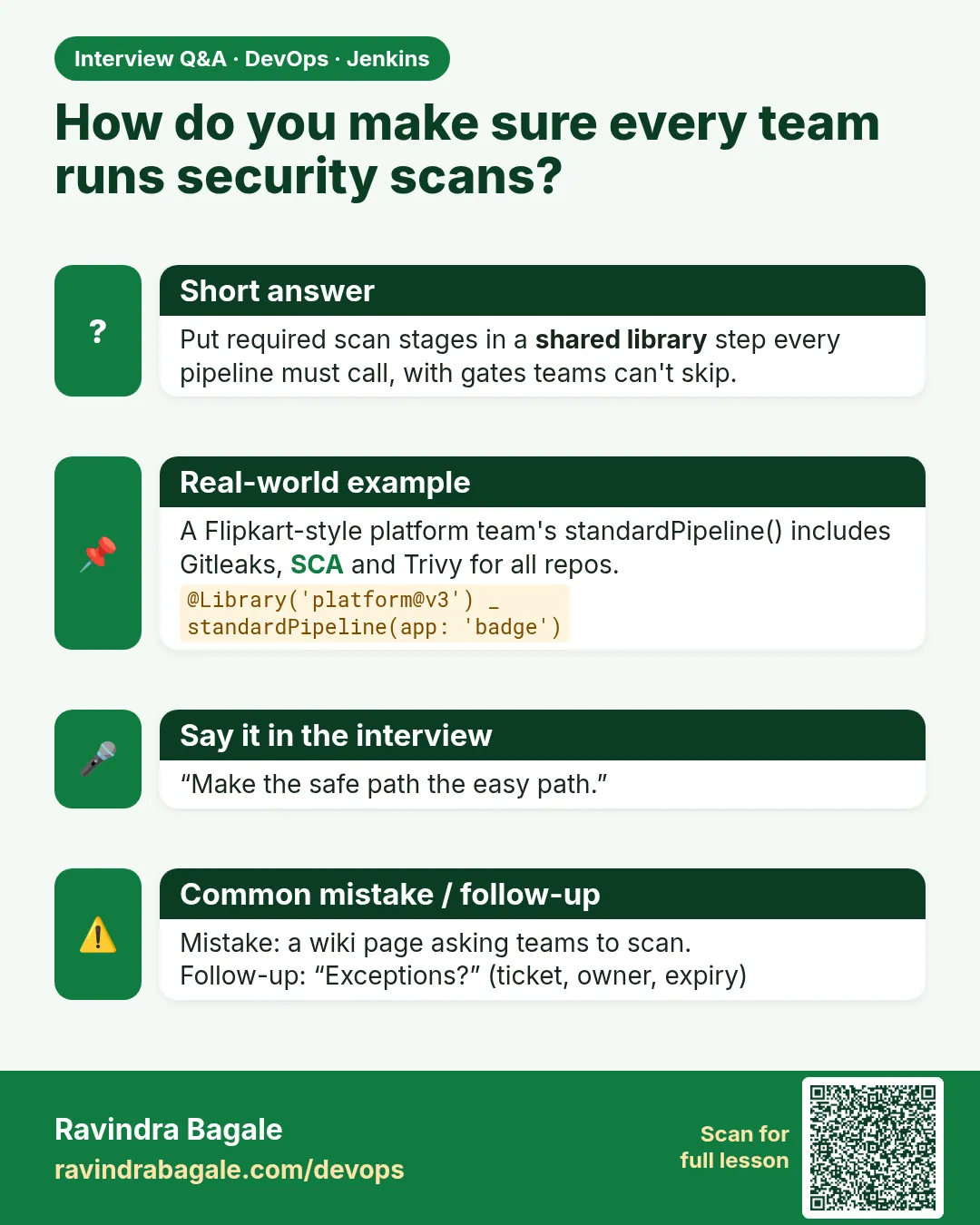
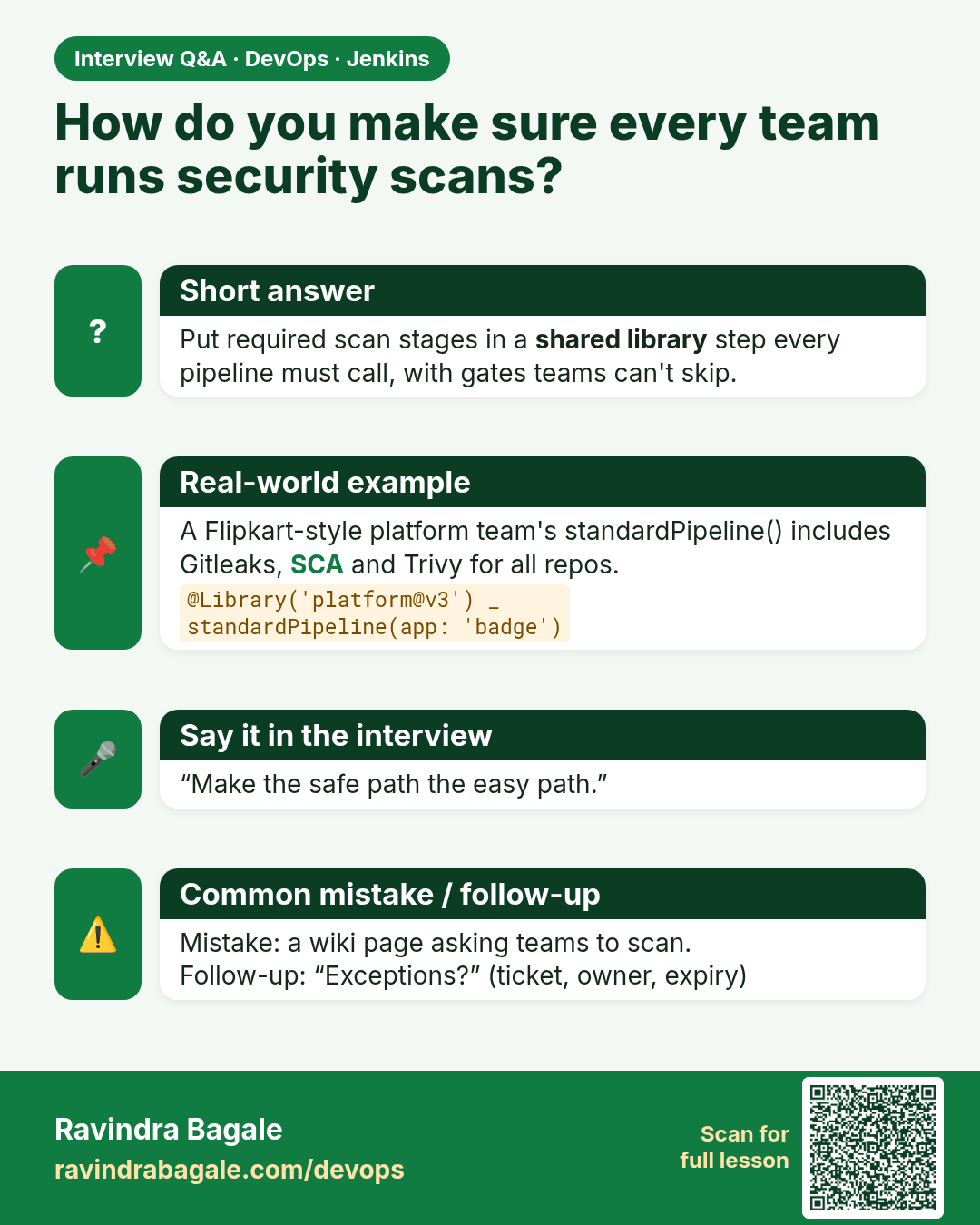
How do you make sure every team runs security scans? Put required scan stages in a shared library step every pipeline must call, with gates teams can't skip.
Interview card 1 of 7: How do you make sure every team runs security scans? · Download PNG · Open card page

Lesson: 32.1 Governance: the scan is not optional
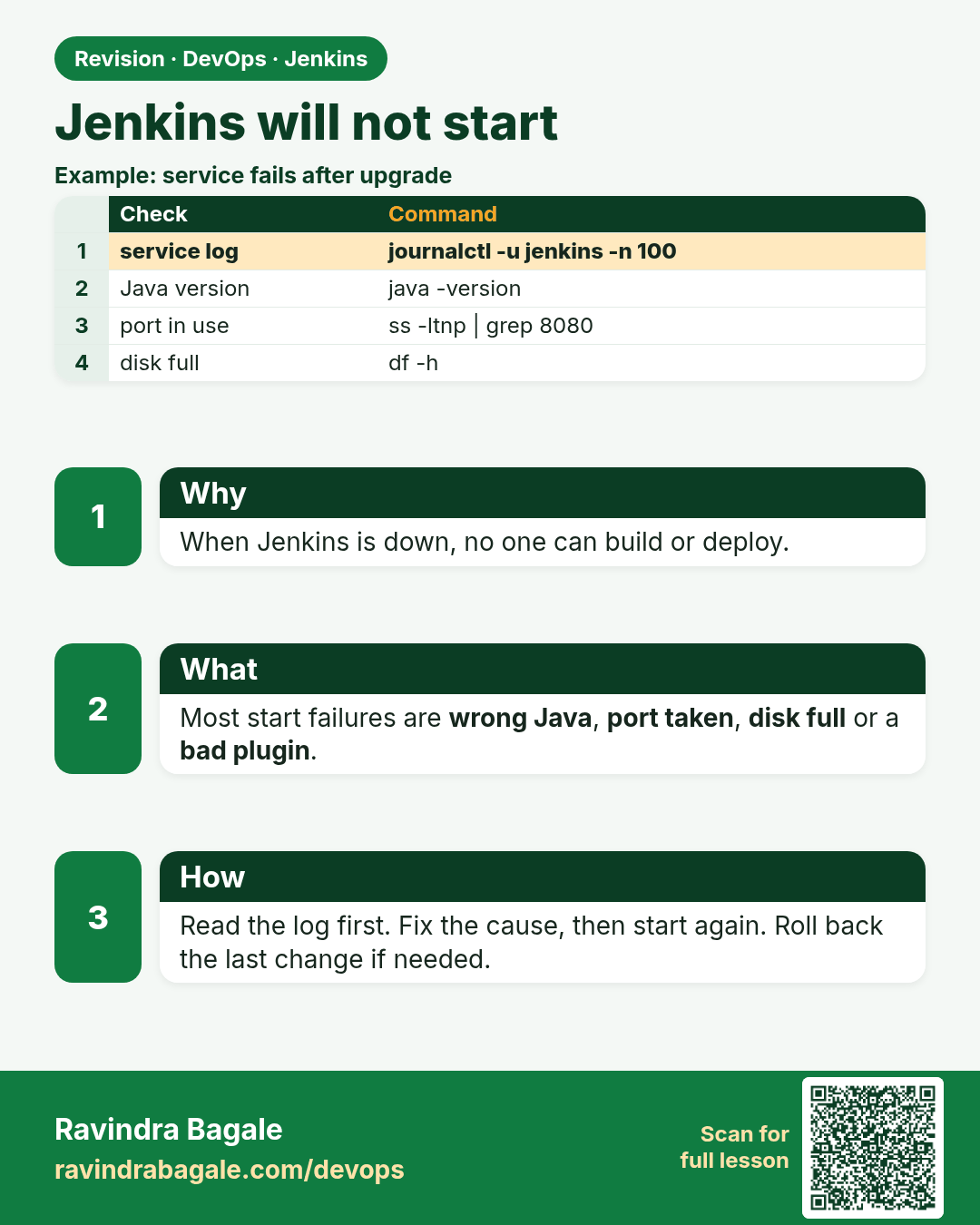
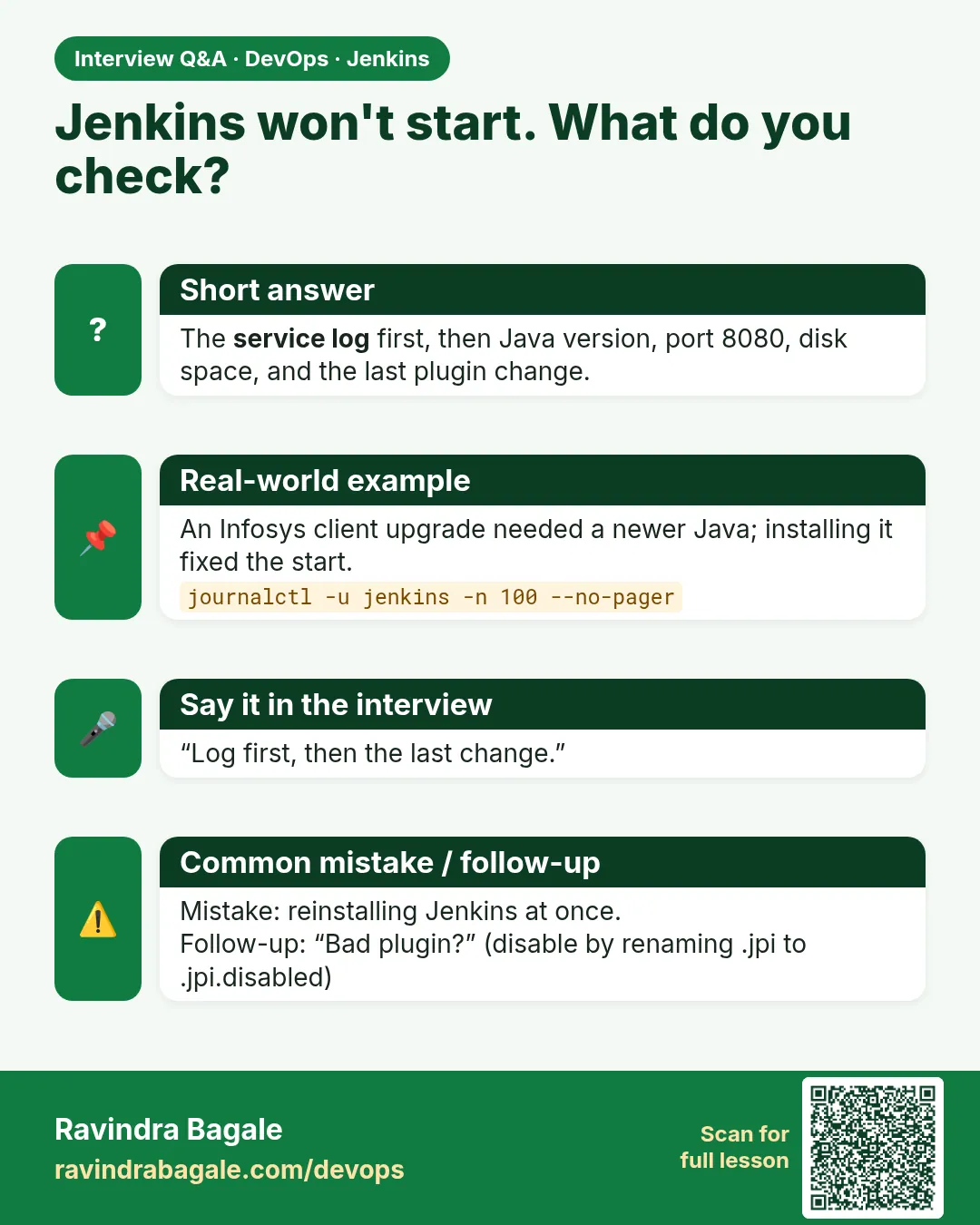
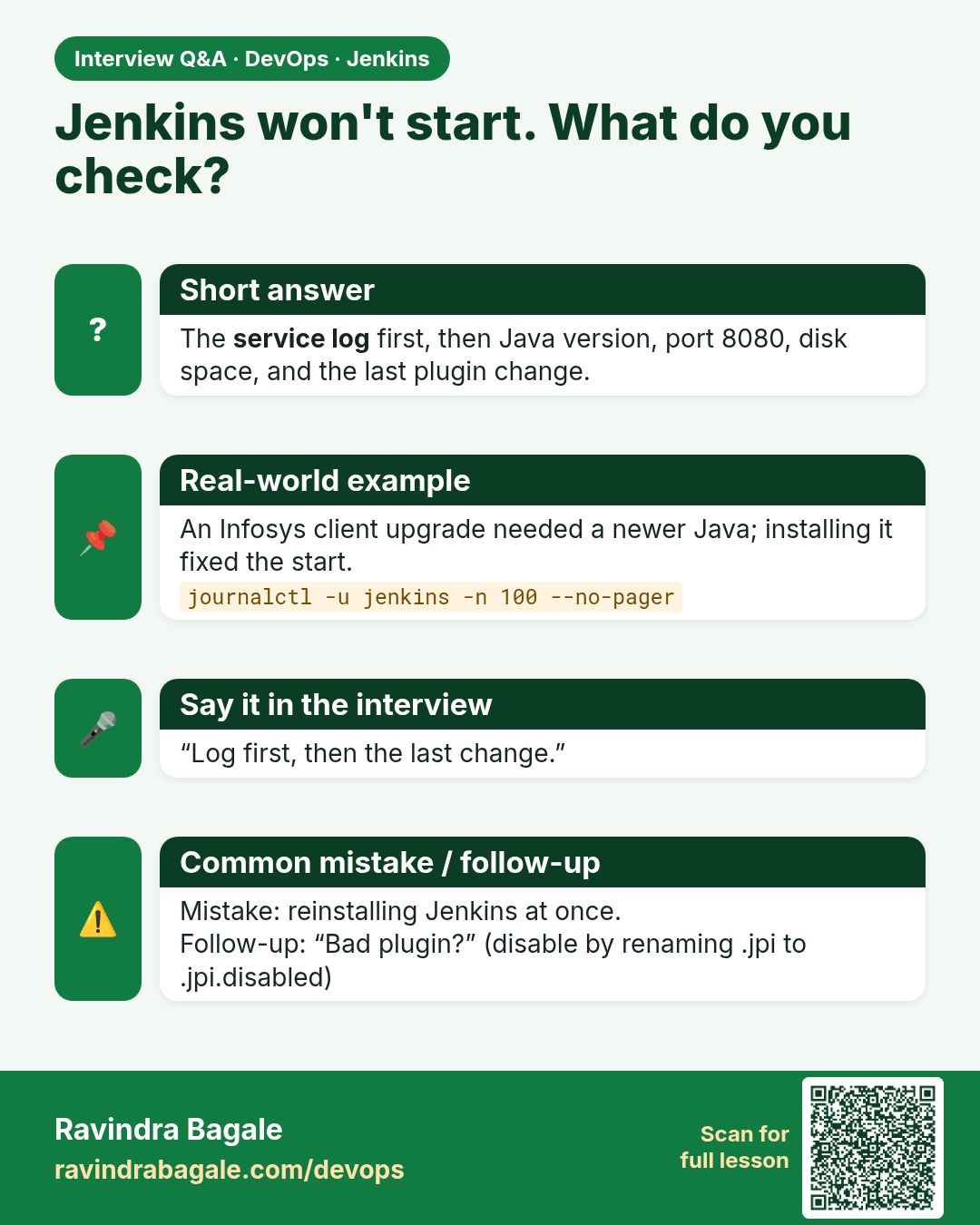
Jenkins won't start. What do you check? The service log first, then Java version, port 8080, disk space, and the last plugin change.
Interview card 2 of 7: Jenkins won't start. What do you check? · Download PNG · Open card page

Lesson: 32.2 Will not start

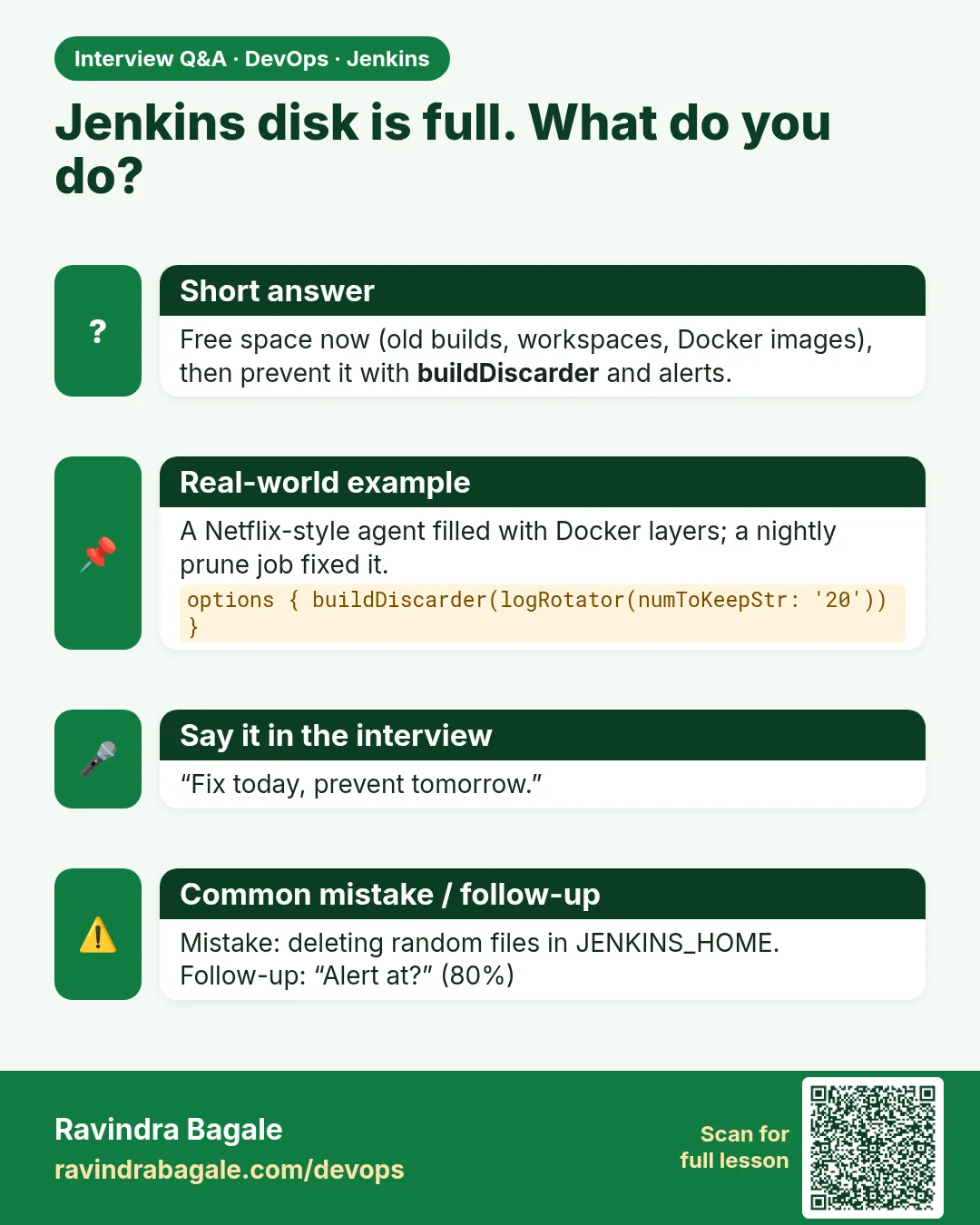
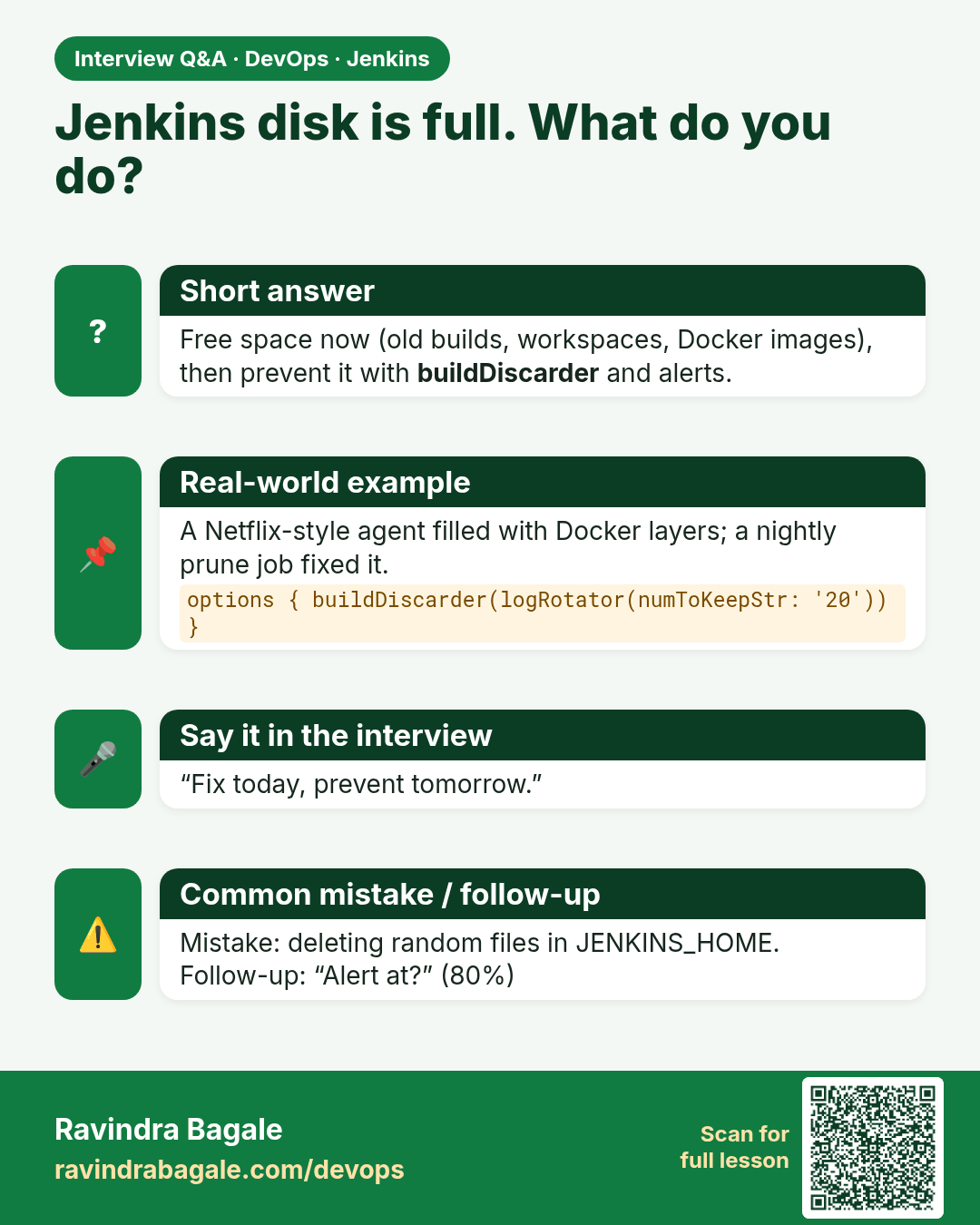
Jenkins disk is full. What do you do? Free space now (old builds, workspaces, Docker images), then prevent it with buildDiscarder and alerts.
Interview card 3 of 7: Jenkins disk is full. What do you do? · Download PNG · Open card page

Lesson: 32.3 Disk full

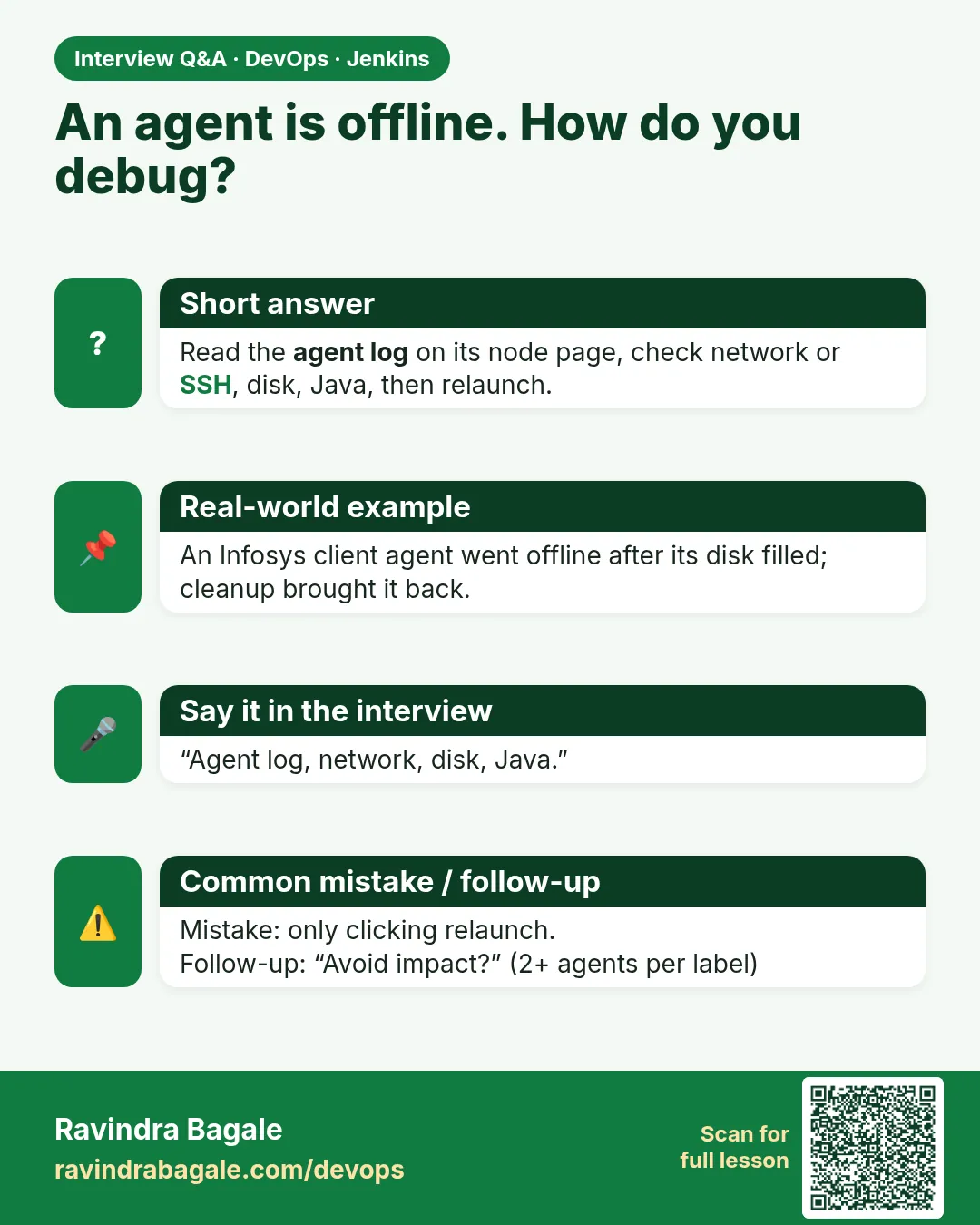
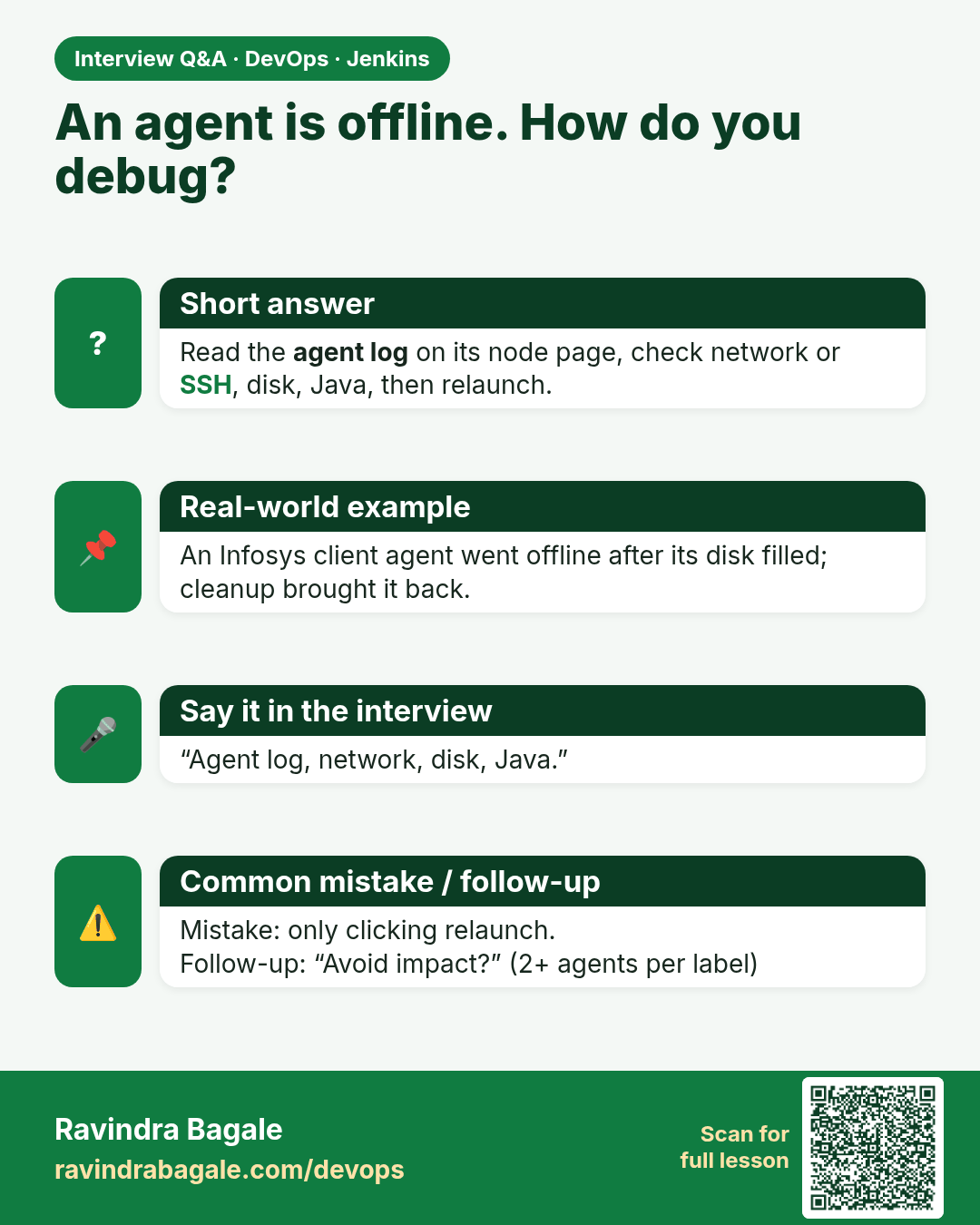
An agent is offline. How do you debug? Read the agent log on its node page, check network or SSH, disk, Java, then relaunch.
Interview card 4 of 7: An agent is offline. How do you debug? · Download PNG · Open card page

Lesson: 32.4 Agent offline

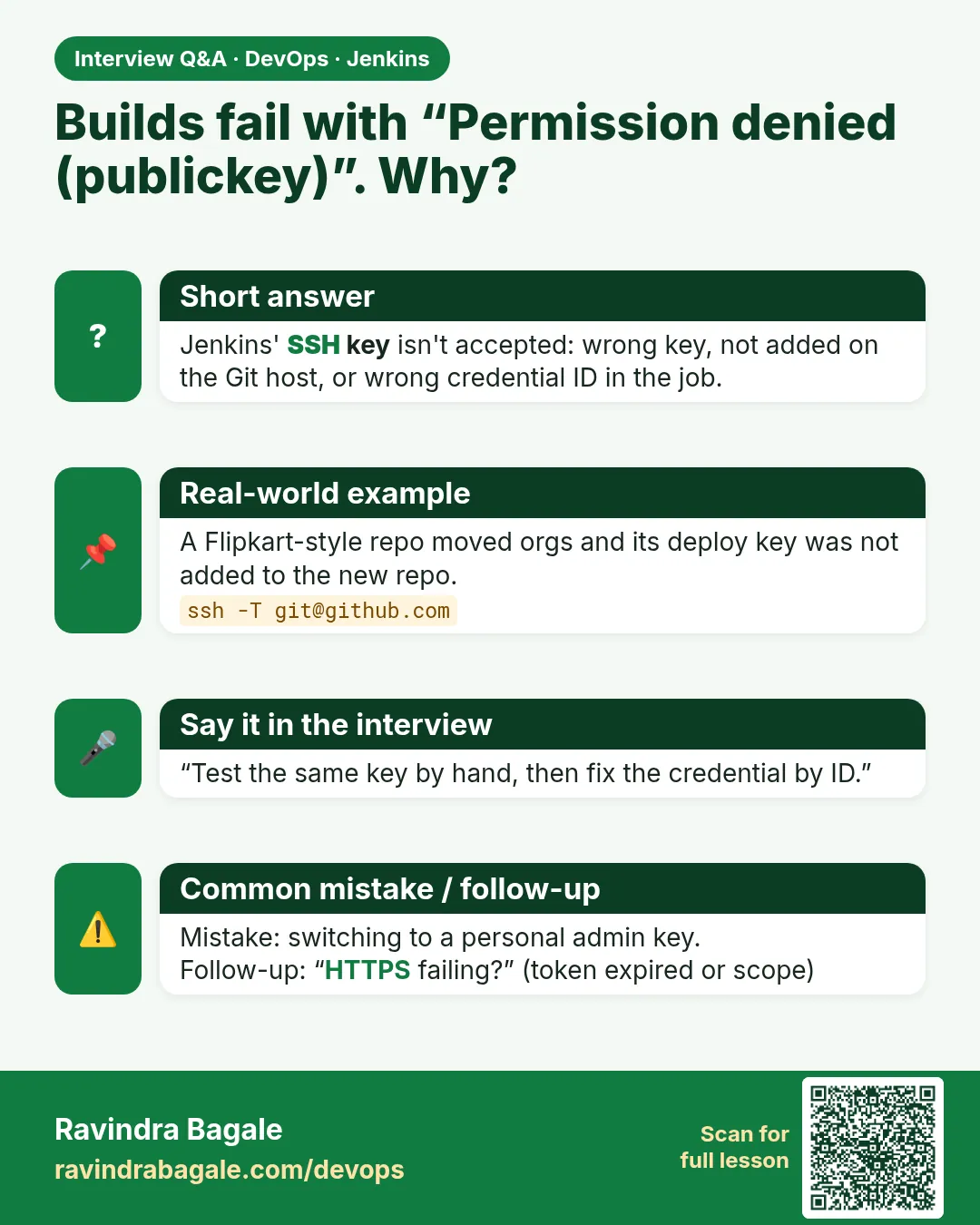
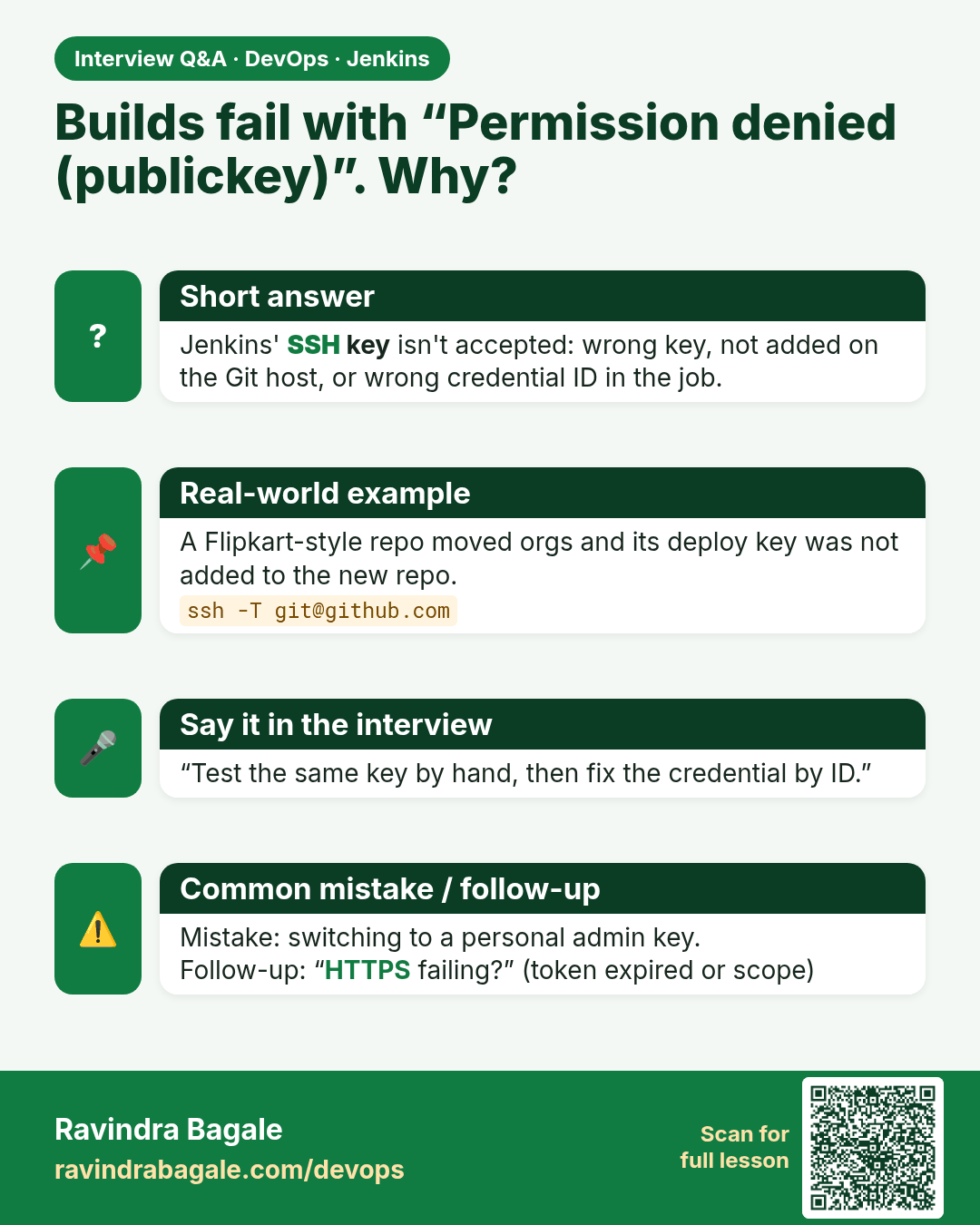
Builds fail with “Permission denied (publickey)”. Why? Jenkins' SSH key isn't accepted: wrong key, not added on the Git host, or wrong credential ID in the job.
Interview card 5 of 7: Builds fail with “Permission denied (publickey)”. Why? · Download PNG · Open card page

Lesson: 32.5 Git auth

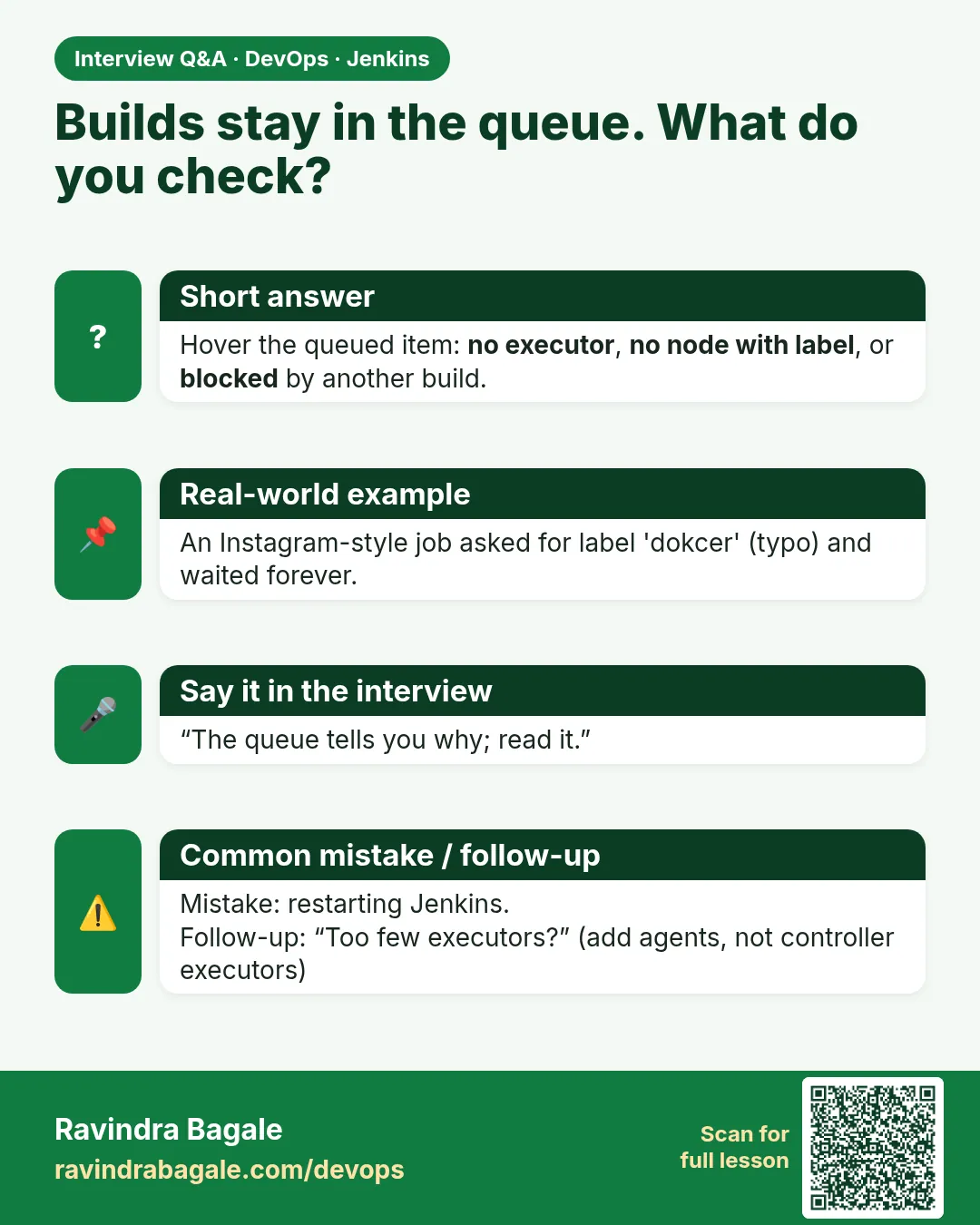
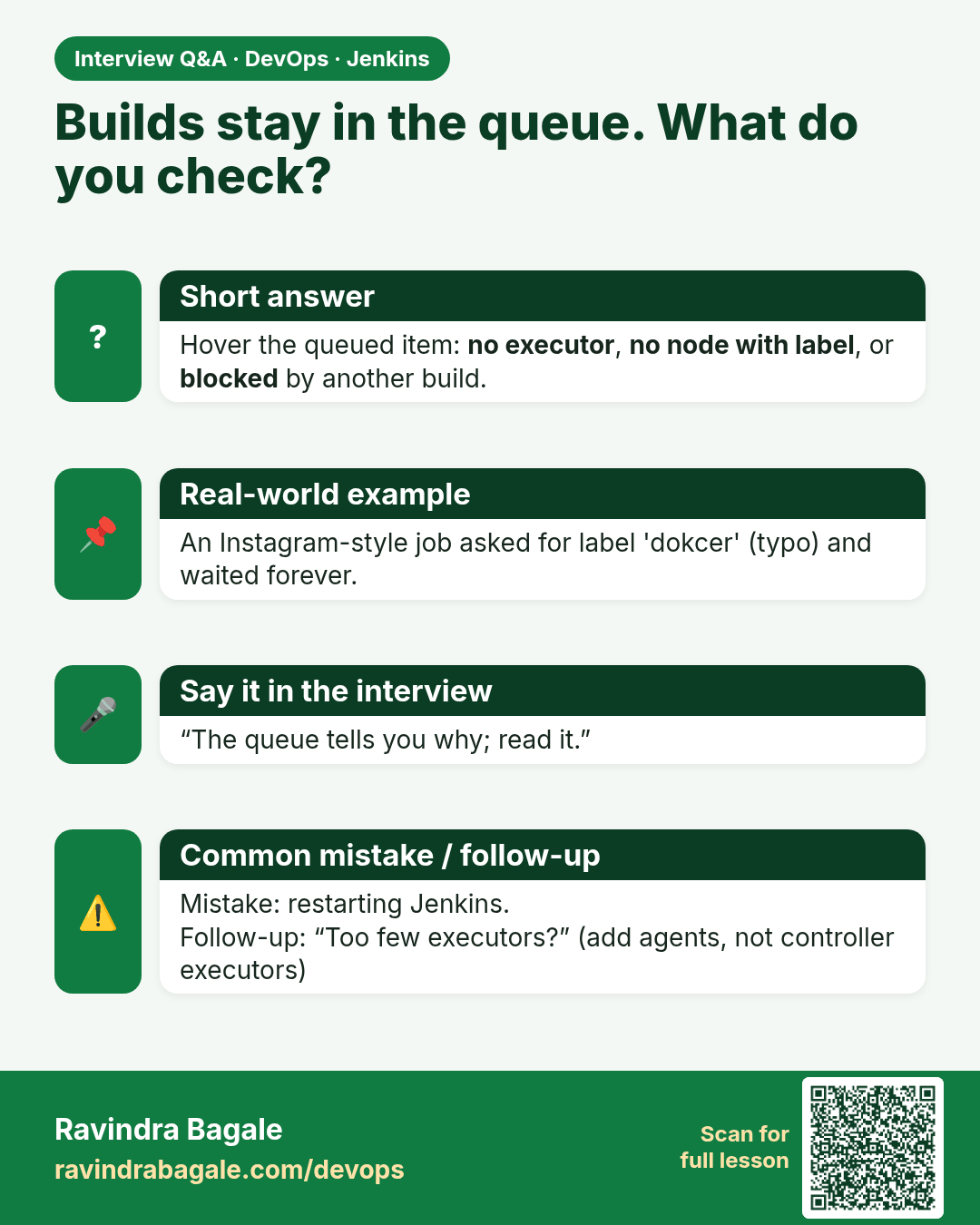
Builds stay in the queue. What do you check? Hover the queued item: no executor, no node with label, or blocked by another build.
Interview card 6 of 7: Builds stay in the queue. What do you check? · Download PNG · Open card page

Lesson: 32.6 Queue stuck

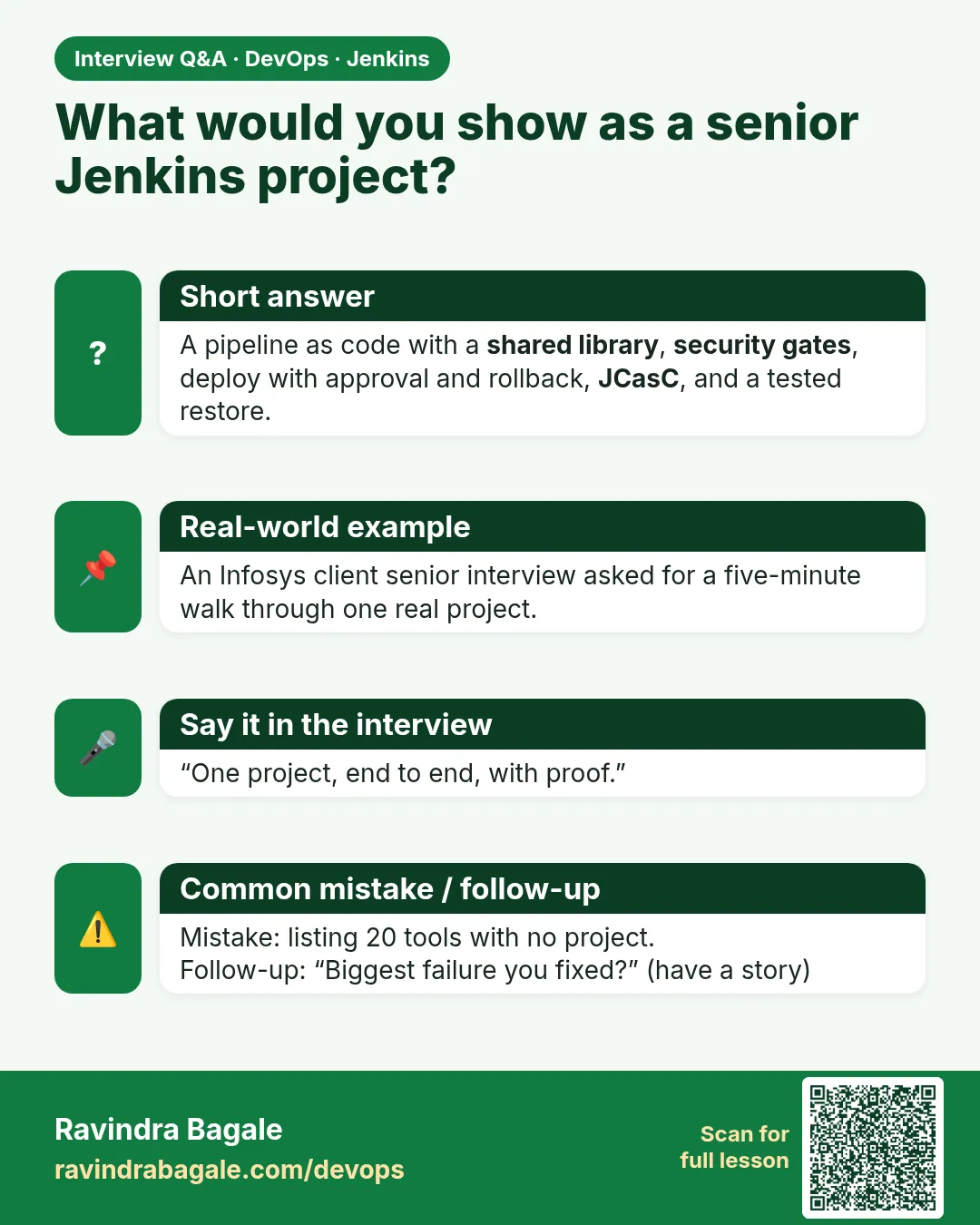
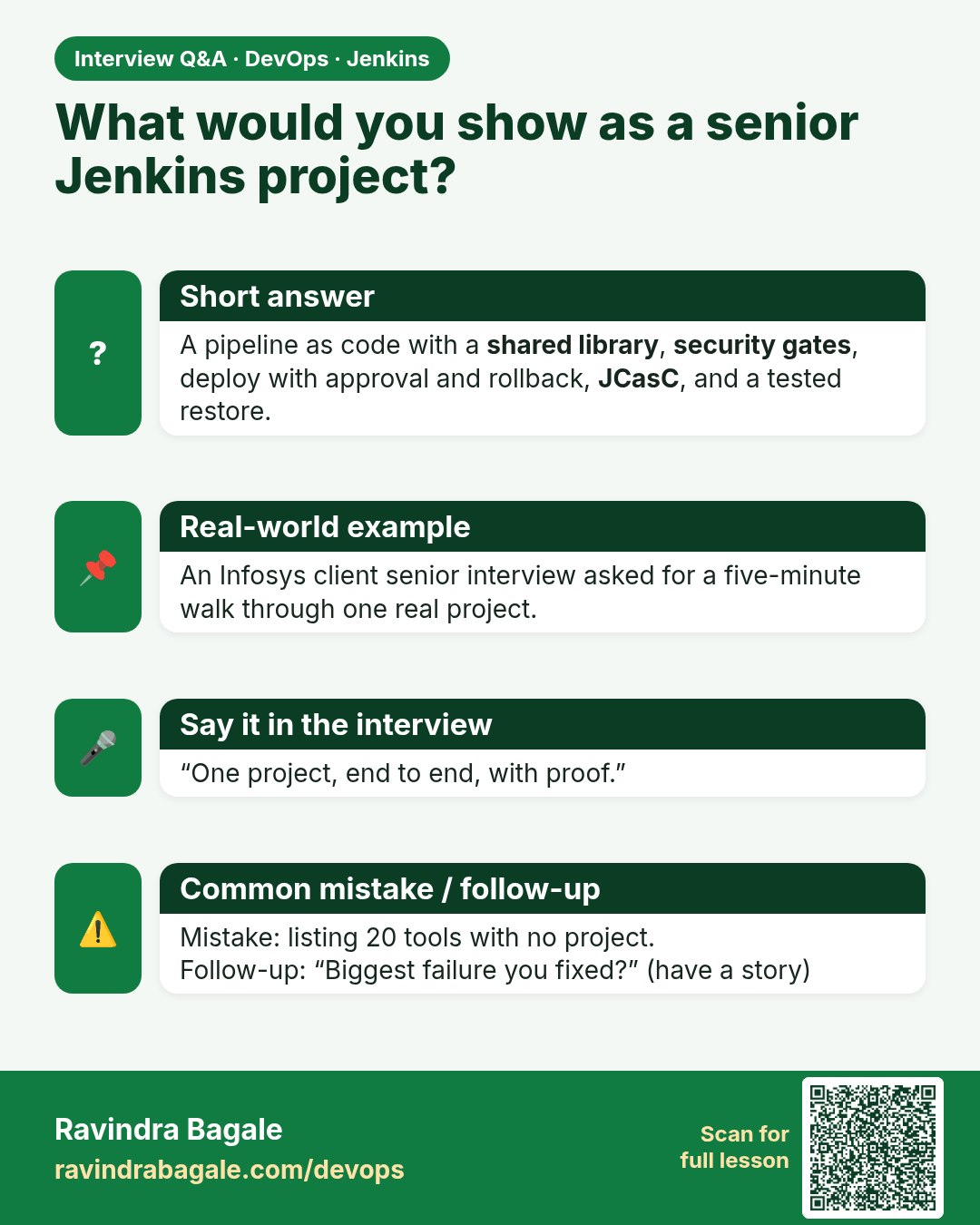
What would you show as a senior Jenkins project? A pipeline as code with a shared library, security gates, deploy with approval and rollback, JCasC, and a tested restore.
Interview card 7 of 7: What would you show as a senior Jenkins project? · Download PNG · Open card page

Lesson: 32.7 Expert projects — a checklist, not ten courses

Comparison cards
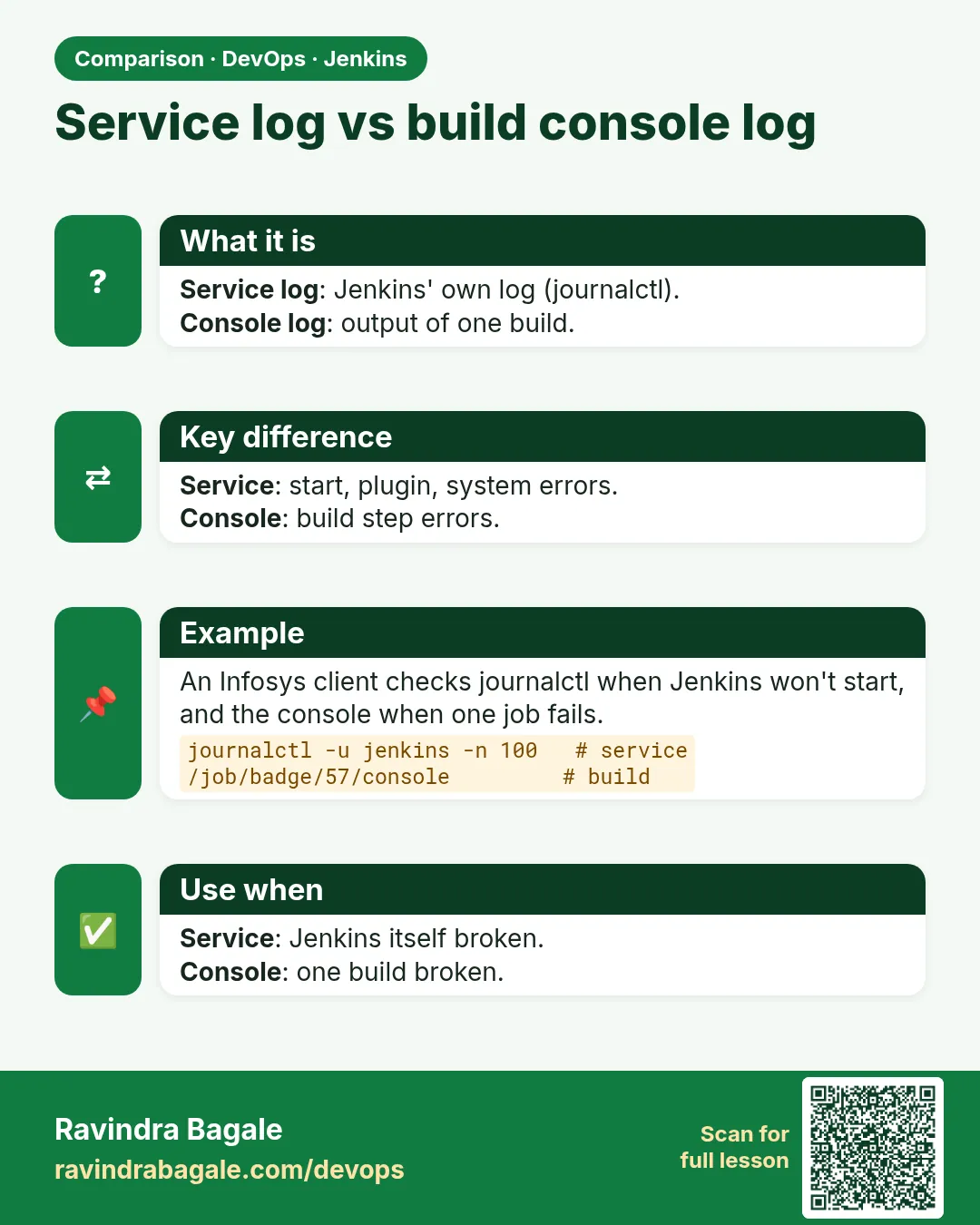
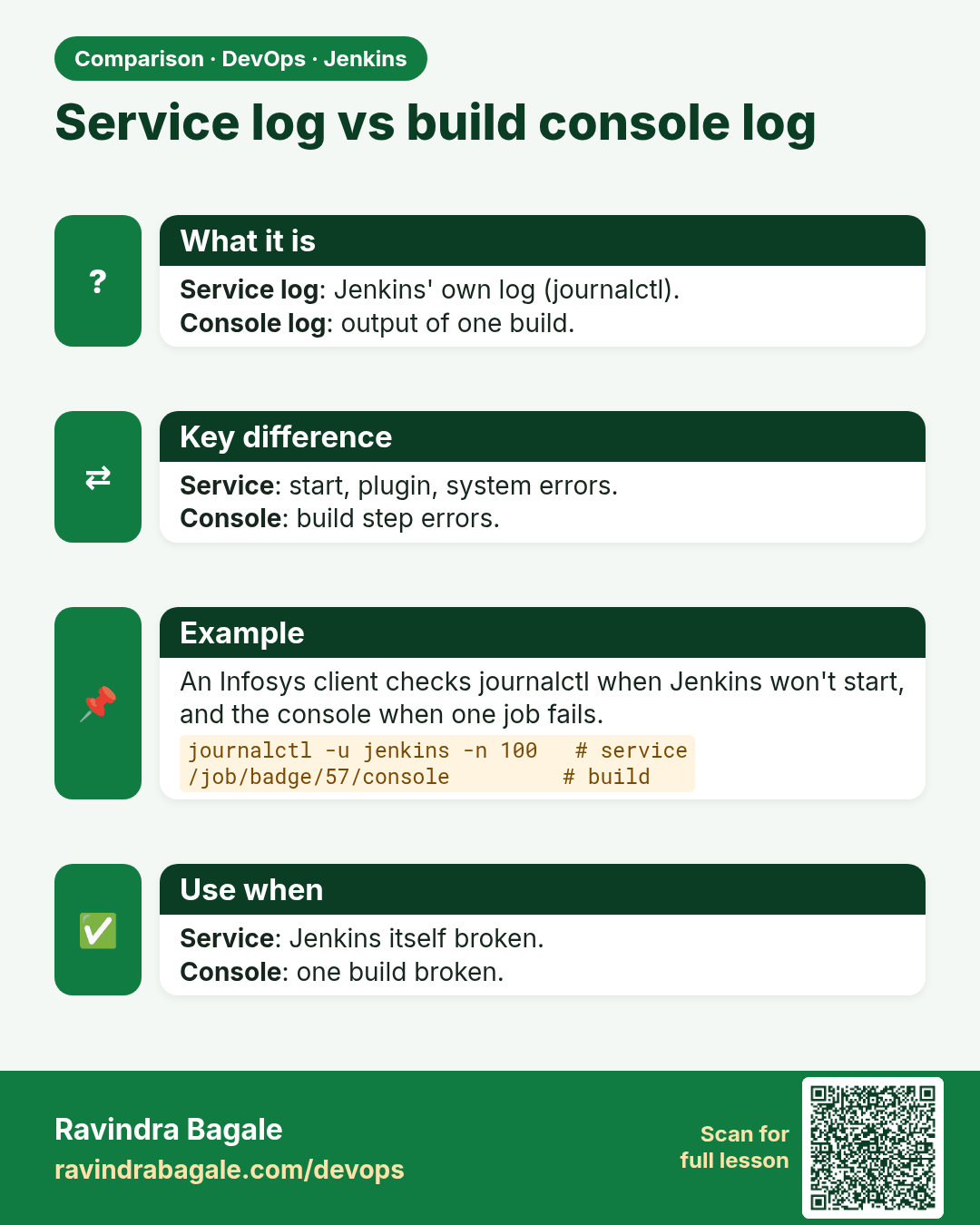
Service log vs build console log. Service log: Jenkins' own log (journalctl).Console log: output of one build.
Comparison card 1 of 3: Service log vs build console log · Download PNG · Open card page

Lesson: 32.2 Will not start

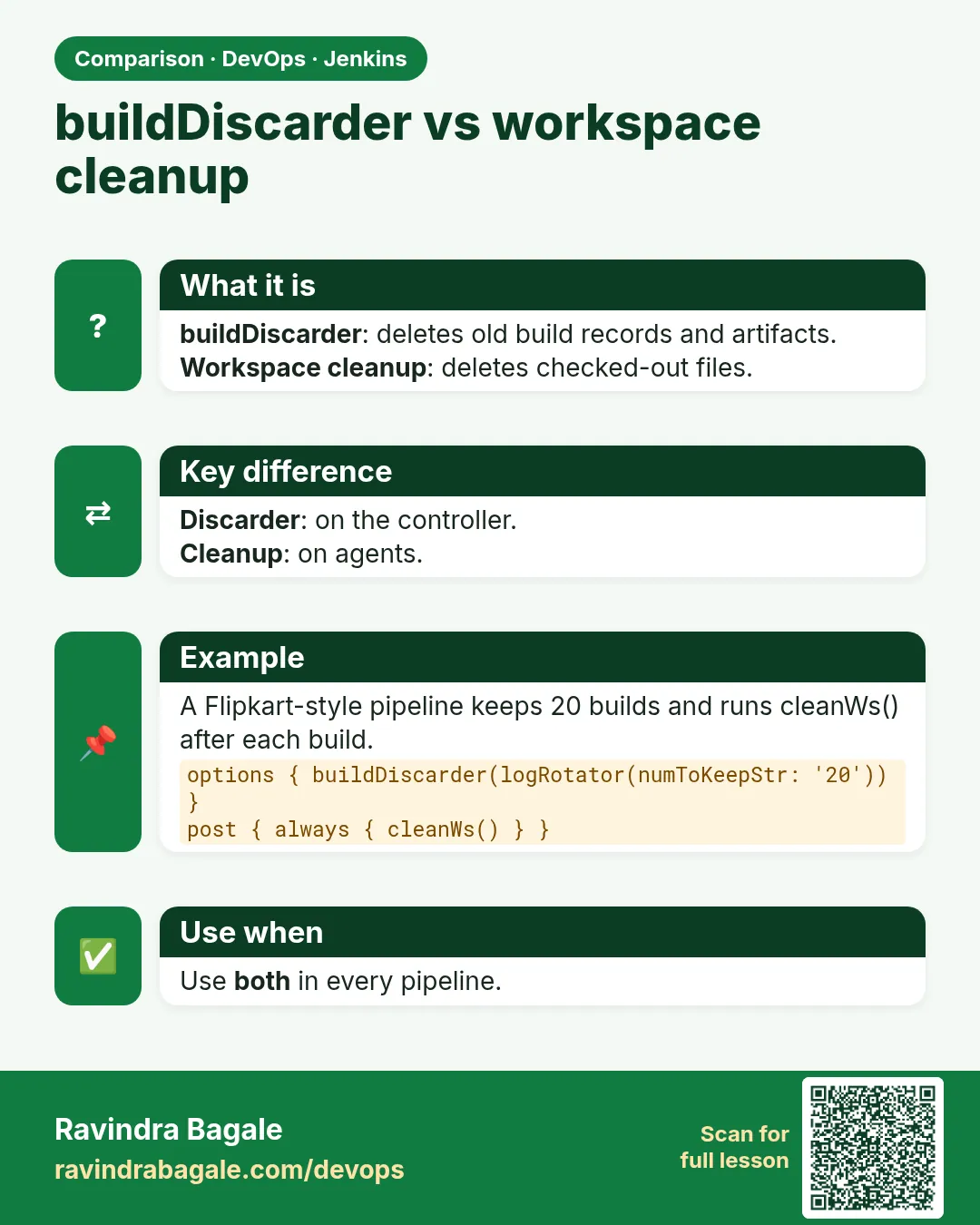
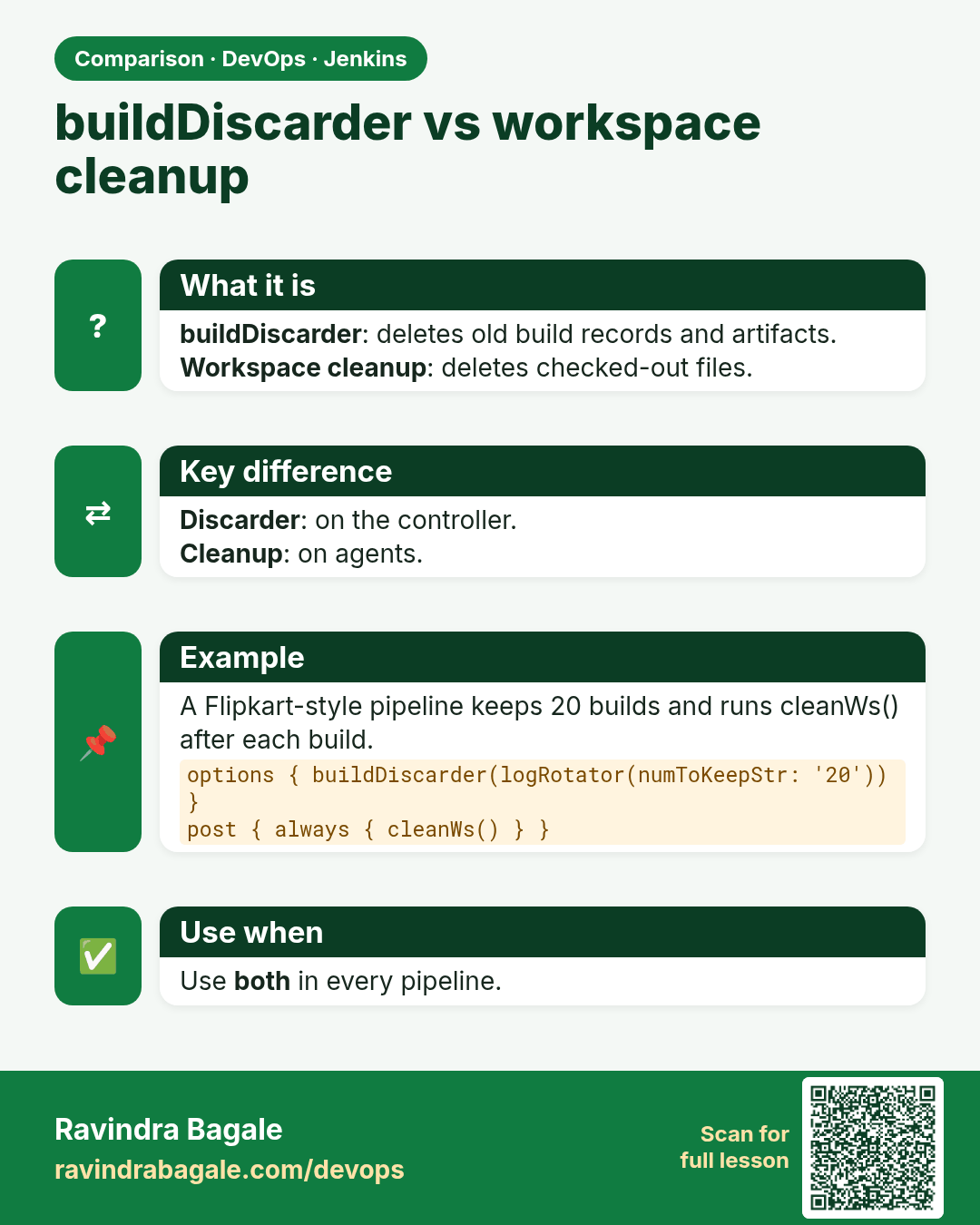
buildDiscarder vs workspace cleanup. buildDiscarder: deletes old build records and artifacts.Workspace cleanup: deletes checked-out files.
Comparison card 2 of 3: buildDiscarder vs workspace cleanup · Download PNG · Open card page

Lesson: 32.3 Disk full

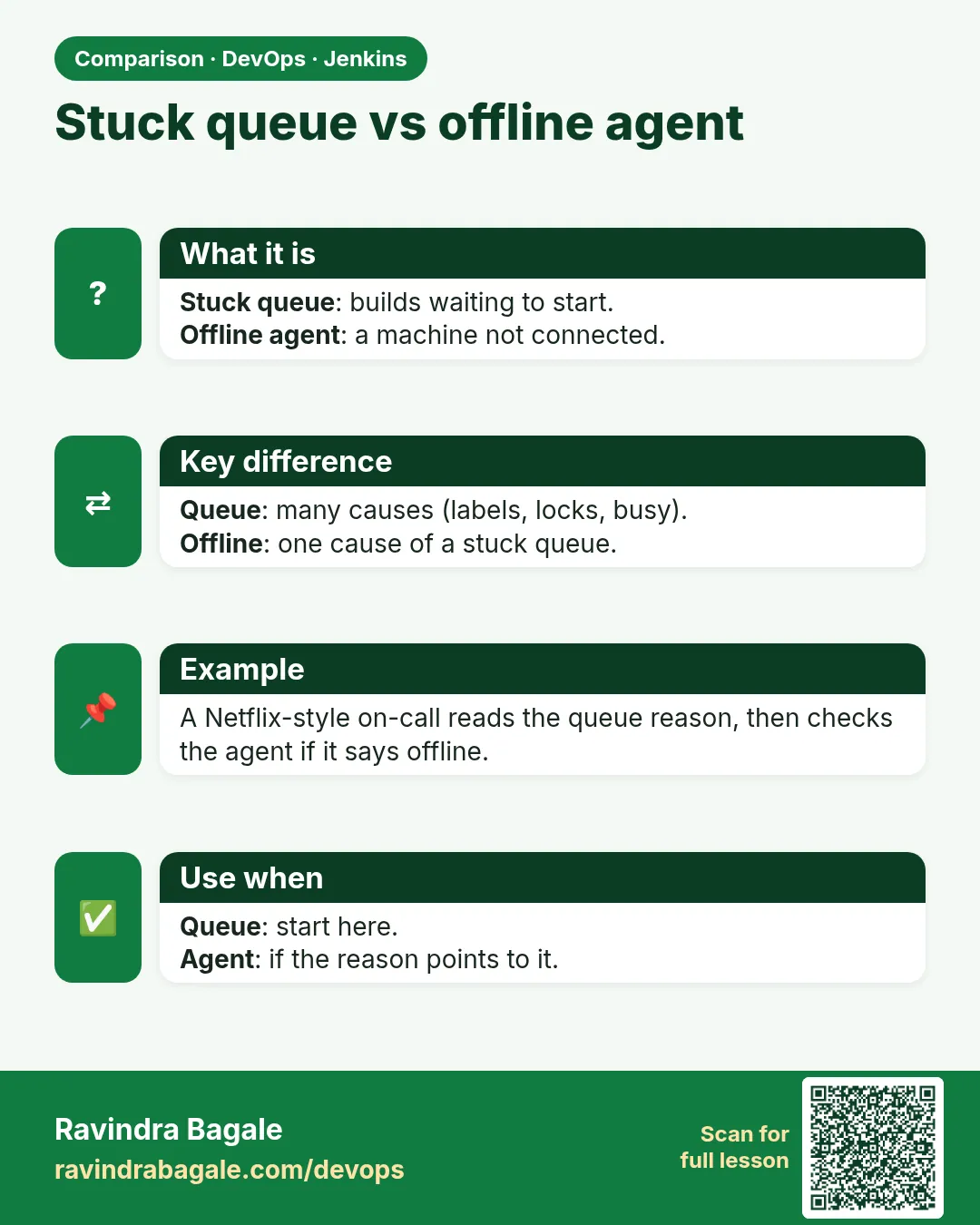
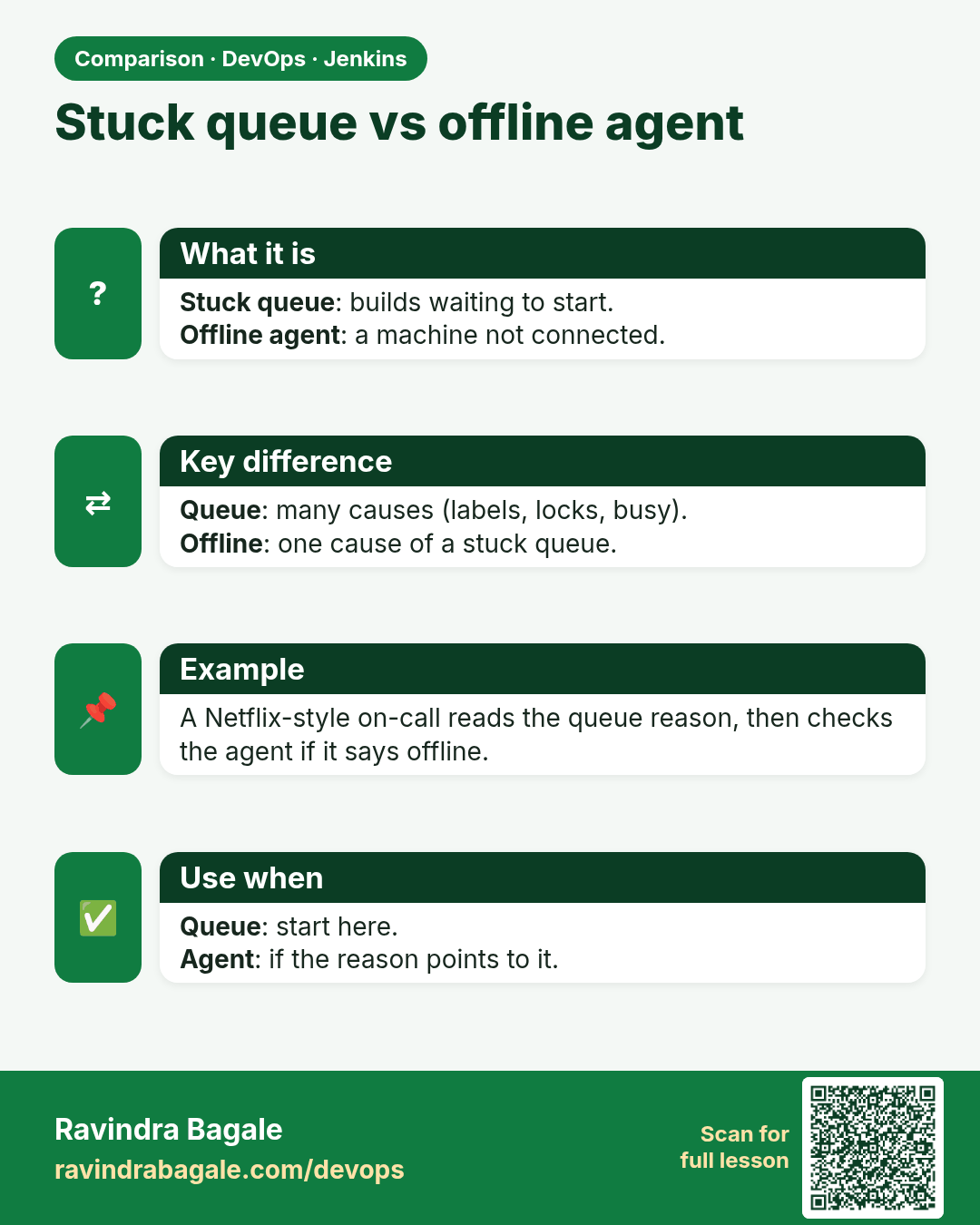
Stuck queue vs offline agent. Stuck queue: builds waiting to start.Offline agent: a machine not connected.
Comparison card 3 of 3: Stuck queue vs offline agent · Download PNG · Open card page

Lesson: 32.6 Queue stuck