Chapter 32: Jenkins Governance, Troubleshooting and Expert Projects
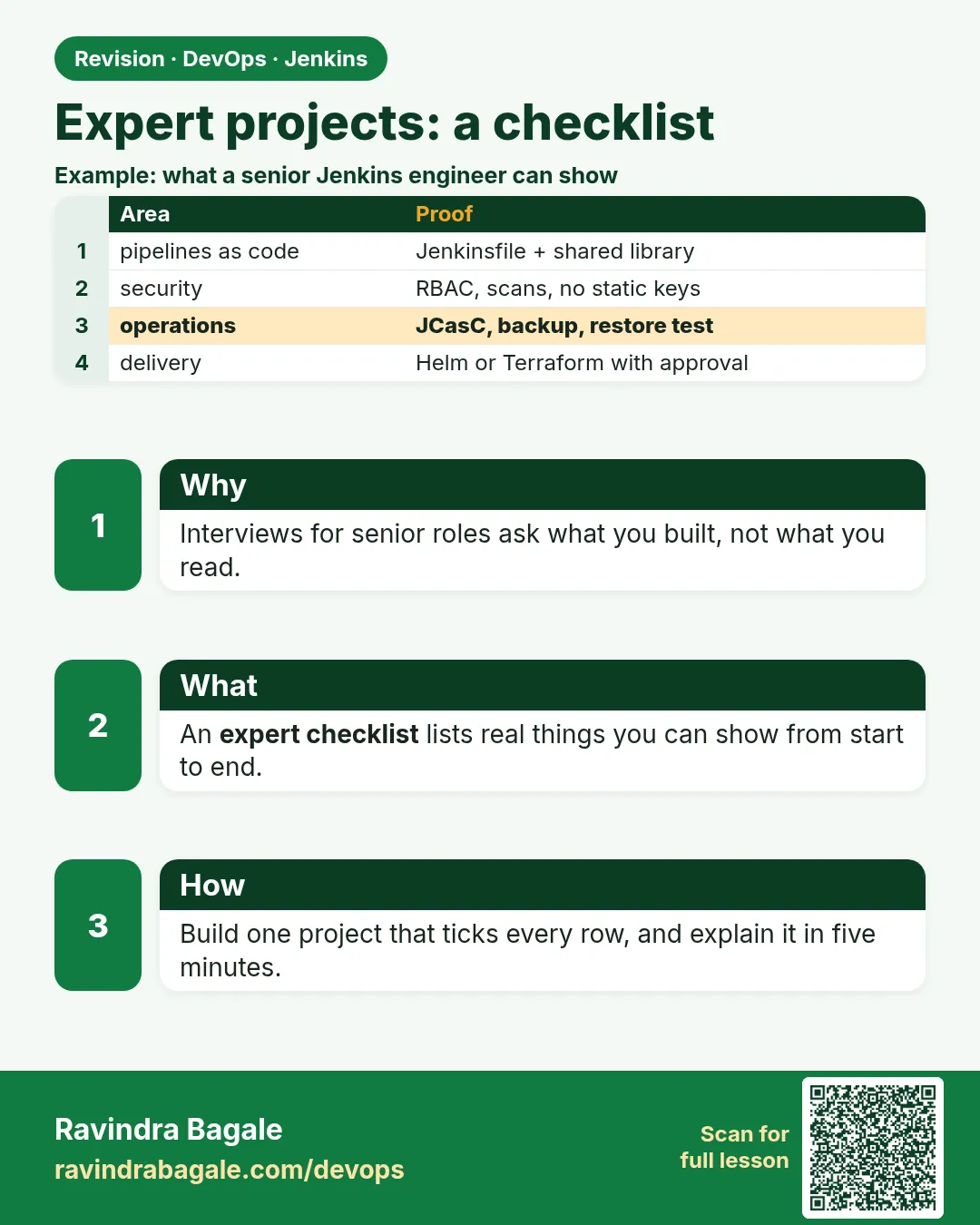
32.7 Expert projects — a checklist, not ten courses
Why: the problem
You have learned many Jenkins parts: scans, multibranch, shared libraries, agents, backup and troubleshooting. In a real job at a company like TCS or Swiggy, nobody asks "do you know agents?". They ask "can you set up CI for this team and keep it running?". This lesson is a checklist of five expert projects. Each one combines earlier chapters. You tick a line only when the Console Output or a real file proves it, not a slide.
What we will build
You will build five small projects on your lab Jenkins: a scan pipeline, a language matrix, a multibranch job with a shared library, labelled agents with zero controller executors, and a tested backup restore. Each has a "done means" proof.
What: every term in plain English
- Evidence — A console line, file or screenshot that proves the work is done.
- Capstone — A project that uses many earlier lessons together.
- Shared library — Reusable pipeline code, like badgePipeline(), called from many Jenkinsfiles.
- Matrix — One pipeline that runs the same stages for many versions or languages.
- Restore test — Bringing a backup up on a fresh machine to prove it works.
- Runbook — Short written steps someone else can follow.
How: step by step
-
Make a project folder
mkdir -p ~/jenkins-expert && cd ~/jenkins-expertWhat it does: Keep all proofs together.
Output
(no output) -
Write the checklist file
Create CHECKLIST.md with the 5 projects and an Evidence columnWhat it does: You fill it as you go.
Output
CHECKLIST.md created -
Do project 1: scan pipeline
Jenkinsfile with Gitleaks and Trivy stagesWhat it does: Both scanners must be able to fail the build.
Output
Stage "Secrets scan" FAILED: leaks found: 1 -
Do project 2: matrix
matrix with Java 17 and Node 20 axesWhat it does: Two languages in one run.
Output
Matrix - LANG = java: SUCCESS Matrix - LANG = node: SUCCESS -
Do project 3: multibranch plus library
Multibranch job, Jenkinsfile with @LibraryWhat it does: main and a feature branch both green.
Output
Branch indexing: main, feature/login -
Do project 4: agents
Built-in node executors 0, builds on label linux-dockerWhat it does: Controller runs nothing.
Output
Running on linux-docker-1 in /home/jenkins/agent/workspace/orders -
Do project 5: restore test
Restore JENKINS_HOME backup into a fresh containerWhat it does: The job opens and builds.
Output
Finished: SUCCESS (on restored Jenkins)
Example 1: Project 1 and 2 together: a matrix with a secrets scan that can fail
Stack. Java Maven and Node.js, Gitleaks, Docker agents
Goal. Project 1 and 2 together: a matrix with a secrets scan that can fail.
Jenkinsfile
pipeline {
  agent { label 'linux-docker' }
  options { timeout(time: 30, unit: 'MINUTES') }
  stages {
    stage('Secrets scan') {
      steps {
        sh 'docker run --rm -v "$PWD:/repo" zricethezav/gitleaks:v8.18.4 detect -s /repo --redact --exit-code 1'
      }
    }
    stage('Build and test') {
      matrix {
        axes { axis { name 'LANG'; values 'java', 'node' } }
        stages {
          stage('Run') {
            steps {
              script {
                if (env.LANG == 'java') {
                  sh 'docker run --rm -v "$PWD/java:/w" -w /w maven:3.9-eclipse-temurin-17 mvn -B -ntp test'
                } else {
                  sh 'docker run --rm -v "$PWD/node:/w" -w /w node:20 sh -c "npm ci && npm test"'
                }
              }
            }
          }
        }
      }
    }
  }
}
What each line does
gitleaks --redact— Finds secrets but hides their values in the log.--exit-code 1— A found secret fails the stage.axis LANG java, node— Two parallel runs.docker run maven / node— No tools installed on the agent, only Docker.
Green output
[Pipeline] stage (Secrets scan)
INF 1 commits scanned.
INF no leaks found
[Pipeline] stage (Matrix - LANG = 'java')
Tests run: 42, Failures: 0, Errors: 0, Skipped: 0
[Pipeline] stage (Matrix - LANG = 'node')
Tests:       18 passed, 18 total
Finished: SUCCESS
Expected result. Write in CHECKLIST.md: build URL and the two "Tests" lines. Then add a fake key AKIAIOSFODNN7EXAMPLE to a test file, run again, and save the red "leaks found" line too.
Example 2: Project 3: multibranch job that calls a shared library step
Stack. Go service, multibranch, shared library
Goal. Project 3: multibranch job that calls a shared library step.
vars/badgePipeline.groovy
def call(Map cfg = [:]) {
  pipeline {
    agent { label cfg.label ?: 'linux-docker' }
    options { timeout(time: 30, unit: 'MINUTES'); buildDiscarder(logRotator(numToKeepStr: '20')) }
    stages {
      stage('Test')  { steps { sh cfg.test ?: 'make test' } }
      stage('Image') {
        when { branch 'main' }
        steps { sh "docker build -t registry.example.com/${cfg.app}:${env.GIT_COMMIT.take(7)} ." }
      }
    }
  }
}
Jenkinsfile (in the app repo)
@Library('ci-lib@v1.2.0') _
badgePipeline(app: 'badge-api', test: 'go test ./...')
What each line does
@Library('ci-lib@v1.2.0') _— Load a pinned version of the library.cfg.label ?: ...— Use the given label or a default.when { branch 'main' }— Only main builds images. Feature branches only test.GIT_COMMIT.take(7)— Short commit hash as the image tag.
Green output
Branch indexing
Checking branches...
  Checking branch main       Met criteria
  Checking branch feature/login  Met criteria
Loading library ci-lib@v1.2.0
[badge-api/main] Stage "Image": docker build -t registry.example.com/badge-api:a3f2c1d .
[badge-api/feature%2Flogin] Stage "Image" skipped due to when conditional
Expected result. Evidence: both branch logs, one with Image, one skipped.
Example 3: Project 4 and 5: zero controller executors and a real restore test
Stack. JCasC, SSH agents, AWS S3 backup
Goal. Project 4 and 5: zero controller executors and a real restore test.
casc.yaml (part)
jenkins:
  numExecutors: 0
  labelString: "controller"
  nodes:
    - permanent:
        name: "linux-docker-1"
        labelString: "linux-docker"
        remoteFS: "/home/jenkins/agent"
        launcher:
          ssh:
            host: "10.0.2.21"
            credentialsId: "agent-ssh-key"
            sshHostKeyVerificationStrategy:
              knownHostsFileKeyVerificationStrategy: {}
restore-test.sh
set -euo pipefail
LATEST=$(aws s3 ls s3://acme-jenkins-backup/ | sort | tail -1 | awk '{print $4}')
aws s3 cp "s3://acme-jenkins-backup/$LATEST" /tmp/jh.tgz
mkdir -p /tmp/restore && tar -xzf /tmp/jh.tgz -C /tmp/restore
docker run -d --name jenkins-restore -p 9090:8080 -v /tmp/restore/jenkins_home:/var/jenkins_home jenkins/jenkins:lts-jdk17
sleep 60
curl -s -o /dev/null -w "%{http_code}\n" http://localhost:9090/login
What each line does
numExecutors: 0— The controller runs no builds.labelString linux-docker— Jobs ask for this label.knownHostsFileKeyVerificationStrategy— Checks the agent host key.aws s3 ls | sort | tail -1— Pick the newest backup.docker run ... -p 9090:8080— A separate restored Jenkins, not touching production.curl /login— 200 means Jenkins came up.
Green output
Configuration as Code: applied
Built-In Node  executors: 0
download: s3://acme-jenkins-backup/jenkins-home-2026-10-25.tgz to ../tmp/jh.tgz
200
Expected result. Log in to port 9090, open a job, press Build Now. Write the restore time in minutes in CHECKLIST.md. Then docker rm -f jenkins-restore.
Verify: did it work?
-
Checklist complete
cat CHECKLIST.mdWhat it does: Every line has a build URL or log line.
Output
5/5 projects with evidence -
Controller executors
Manage Jenkins > Nodes > Built-In NodeWhat it does: Shows 0.
Output
Executors: 0 -
Restore time
From your notesWhat it does: Know your real recovery time.
Output
Restore took 7 minutes
When it is red 1
ERROR: Could not find any definition of libraries [ci-lib@v1.2.0]
Cause. The library is not set in Global Trusted Pipeline Libraries, or the tag does not exist.
Fix, step by step
- Add it under Manage Jenkins > System.
- Push the v1.2.0 tag.
When it is red 2
No such DSL method matrix found
Cause. Old Declarative plugin.
Fix, step by step
- Update Pipeline: Declarative.
- Restart Jenkins.
When it is red 3
Still waiting to schedule task
Waiting for next available executor on 'linux-docker'
Cause. Controller is 0 and no agent online.
Fix, step by step
- Bring linux-docker-1 online.
- Check the agent log.
When it is red 4
Restored Jenkins shows: Unable to load secrets / credentials show blank
Cause. secrets/ folder was not in the backup.
Fix, step by step
- Include secrets/master.key and secrets/hudson.util.Secret in the backup.
- Keep the backup encrypted.
Cleanup
-
Remove restore container
docker rm -f jenkins-restore && rm -rf /tmp/restore /tmp/jh.tgzWhat it does: Clean the lab.
Output
jenkins-restore -
Delete test branch
git push origin --delete feature/loginWhat it does: Lab only.
Output
- [deleted] feature/login
Ravindra Bagale's Tip
Pratyek project sathi proof liha: build URL kiva console line. Slide nako, proof pahije!
Practice tasks
Easy Fill CHECKLIST.md
Why: Track proof.
What to do: Make the five-row table.
- Project, uses, done means, evidence.
Check: File exists with five rows.
Medium Do projects 1 to 3
Why: Pipeline skills.
What to do: Scan, matrix, multibranch.
- Save build URLs.
Check: Three rows filled.
Hard Do projects 4 and 5
Why: Platform skills.
What to do: Agents and restore test.
- Time the restore.
Check: All five rows filled with evidence.
Easy Say Jenkins expert projects in two lines
Why: If you can say it simply, you understand it. Juniors and interviewers both want the short version first.
What to do: Write two short lines about Jenkins expert projects for a fresher who knows only Linux and Git basics.
- Write the problem it solves.
- Write the one Jenkinsfile step or command you use for it.
- Read it aloud to a friend.
Check: A fresher understands it without asking a question.
Easy Start a fresh lab Jenkins
Why: Practice needs a throwaway Jenkins. If you break it, you delete it and start again.
What to do: Run Jenkins LTS in Docker with a named volume.
- docker volume create jenkins_home
- docker run -d --name jenkins -p 8080:8080 -v jenkins_home:/var/jenkins_home jenkins/jenkins:lts-jdk17
- docker logs jenkins 2>&1 | grep -A2 "initialAdminPassword"
Check: The Jenkins login page opens on localhost:8080.
Medium Do it on the second setup
Why: A release idea must work on a VM, on Docker and on Kubernetes. Only the deploy step should change.
What to do: Repeat this lesson on a different target than the one you used first.
- If you used Docker, use kind or minikube now.
- Change only the deploy commands.
- Keep the same Jenkinsfile stages.
Check: Same result, and the stage names did not change.
Medium Break it on purpose
Why: You must know the red output by face. In a real outage there is no time to read slowly.
What to do: Cause one error from the "When it is red" part of this lesson and fix it.
- Follow the error section.
- Copy the exact message into your notes.
- Write the fix in one line.
Check: You fixed it using only the steps, without searching the web.
Medium Write a release runbook page
Why: At 2 a.m. nobody remembers flags. A short page saves the on-call person.
What to do: Write a one-page runbook for this lesson.
- Title, when to use, exact commands, how to check, how to undo.
Check: A teammate can follow it alone.
Hard Explain it like an interview
Why: Interviewers want real stories, not definitions.
What to do: Record a 60 second answer about this lesson.
- Say the problem, the Jenkinsfile step, and one error you hit.
Check: Your answer has a real command and a real error message.
Hard Draw the flow top to bottom
Why: A drawing shows the order of work and who is waiting on whom.
What to do: Draw this lesson as boxes from top to bottom.
- Start at git push, go through the stages, end at the check in production.
Check: Each box matches a real step you ran.
Homework: try at home
Try at home
At home, do one project per day for five days. Each day write one evidence line in CHECKLIST.md.
Recap
- Expert work means combining parts.
- Tick a line only with real proof.
- Pin library versions.
- Keep the controller at 0 executors.
- Test restores and know the time.
FAQ
Do I need all five projects?
For interviews, yes. They show you can run Jenkins end to end.
Can I use GitLab or Bitbucket?
Yes. Multibranch works with any Git server plugin.
Can I do it on a laptop?
Yes, with Docker: one controller container and one agent container.
How long does it take?
About one evening per project.
Should I put this in my resume?
Yes, with the numbers: build time, restore time, number of branches.
Interview questions
-
Tell me about a Jenkins platform you built.
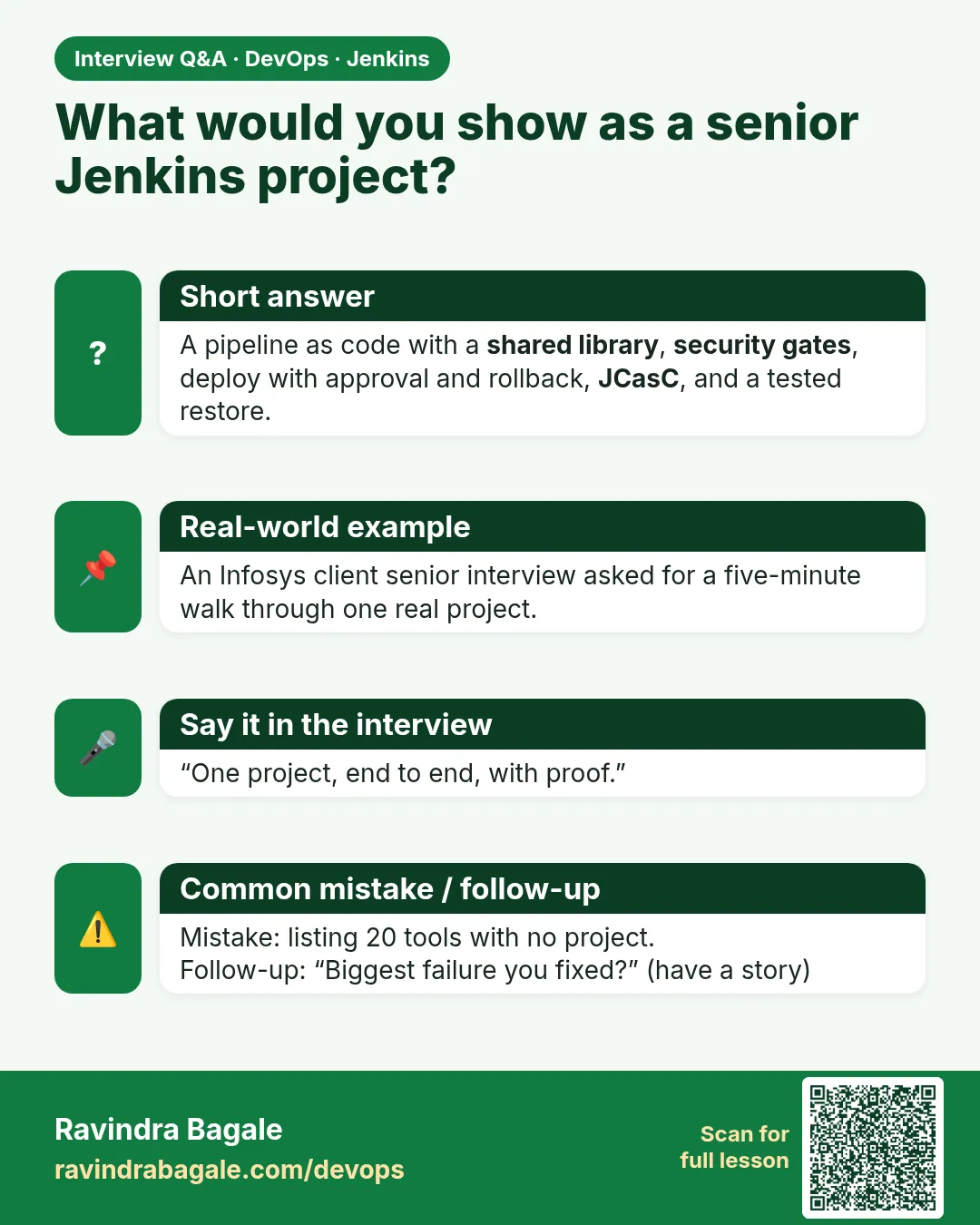
Explain the five parts with numbers: scan gates, matrix, multibranch with a shared library, agents with 0 controller executors, tested restore in N minutes.
-
How do you keep many Jenkinsfiles the same?
A versioned shared library with a small call like badgePipeline().
-
How do you prove backups work?
Regular restore tests into a separate instance.
-
How do you stop secrets in code?
Gitleaks stage that fails the build, plus redacted logs.
-
Why use Docker images for build tools?
Agents stay clean and versions are pinned per job.
Quick quiz
Q1. What counts as evidence?
A console line, build URL or file, not a slide.
Q2. Why pin the library version?
So a library change does not break every job at once.
Q3. Why 0 executors on the controller?
Safety and speed of the controller.
Q4. Why test a restore?
A backup you never restored may not work.
Q5. What does --redact do in Gitleaks?
Hides secret values in logs.
Lab
- Move scan stages into badgePipeline in badge-lib; app only calls it.
- Multibranch main + feature both green through scans.
- Break a scanner on purpose; confirm Live skipped.
- Document one queue-stuck fix you actually performed.
Practice task
Write the queue reason if controller executors are 0 and the only agent is offline. Write the library call that must stay in the app Jenkinsfile.
Ravindra Bagale's Tip
Scan library madhe. App fakt call. Queue reason vacha. Dhyan rakho!
Thodkyaat sangaycha tar
- badgePipeline() owns scans; review rejects scan-less apps.
- Troubleshoot: journal, disk, agent, Git auth, queue reason.
- Expert projects reuse earlier chapters with proof in Console Output.
Samajla ka?
 Revision card
 Interview card