Ravindra BagaleCourses & study guides मराठी

Ravi Sir's Cards › DevOps

Chapter 13: Monitoring Basics: Cards

मराठी cards · Open the chapter

Revision cards
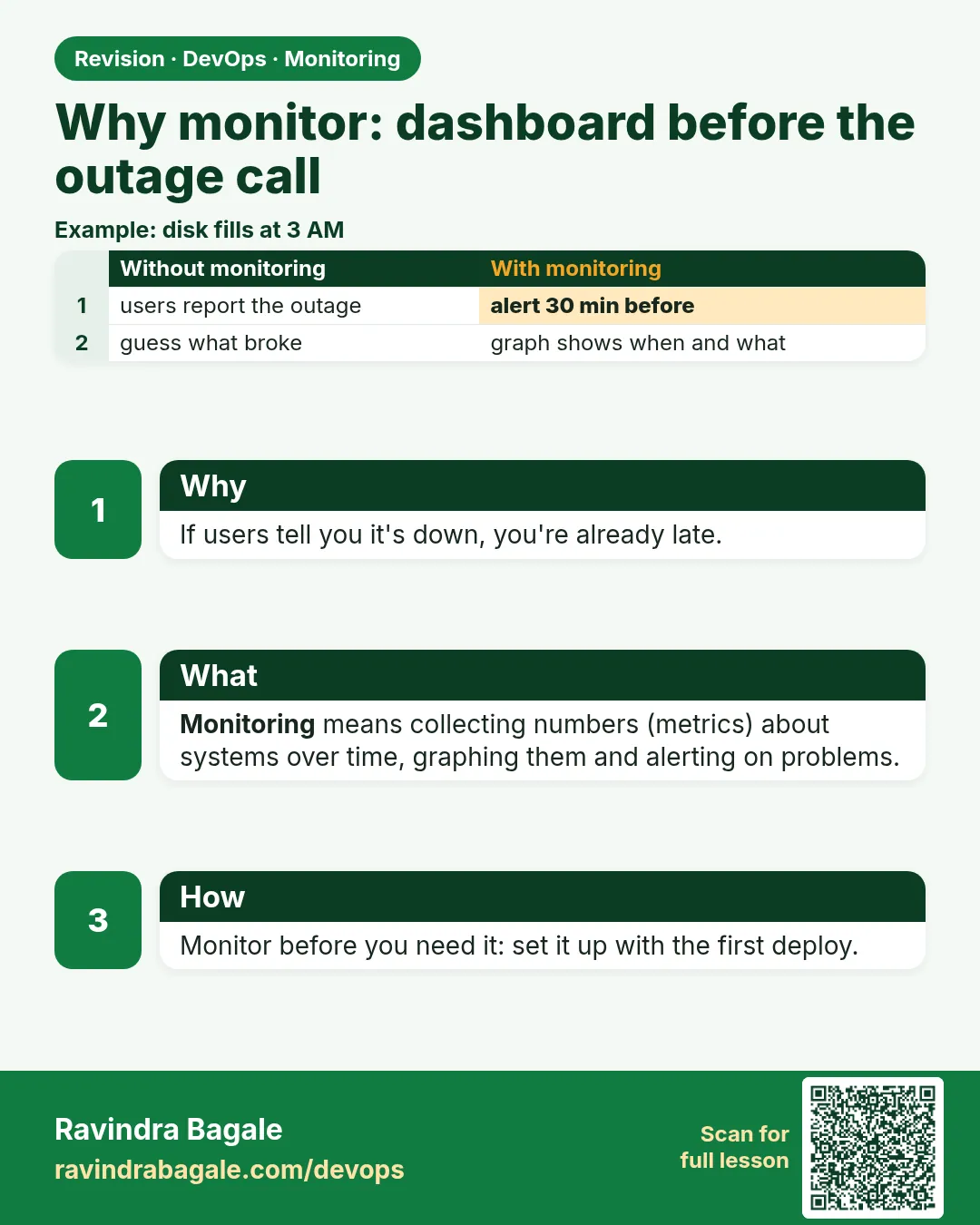
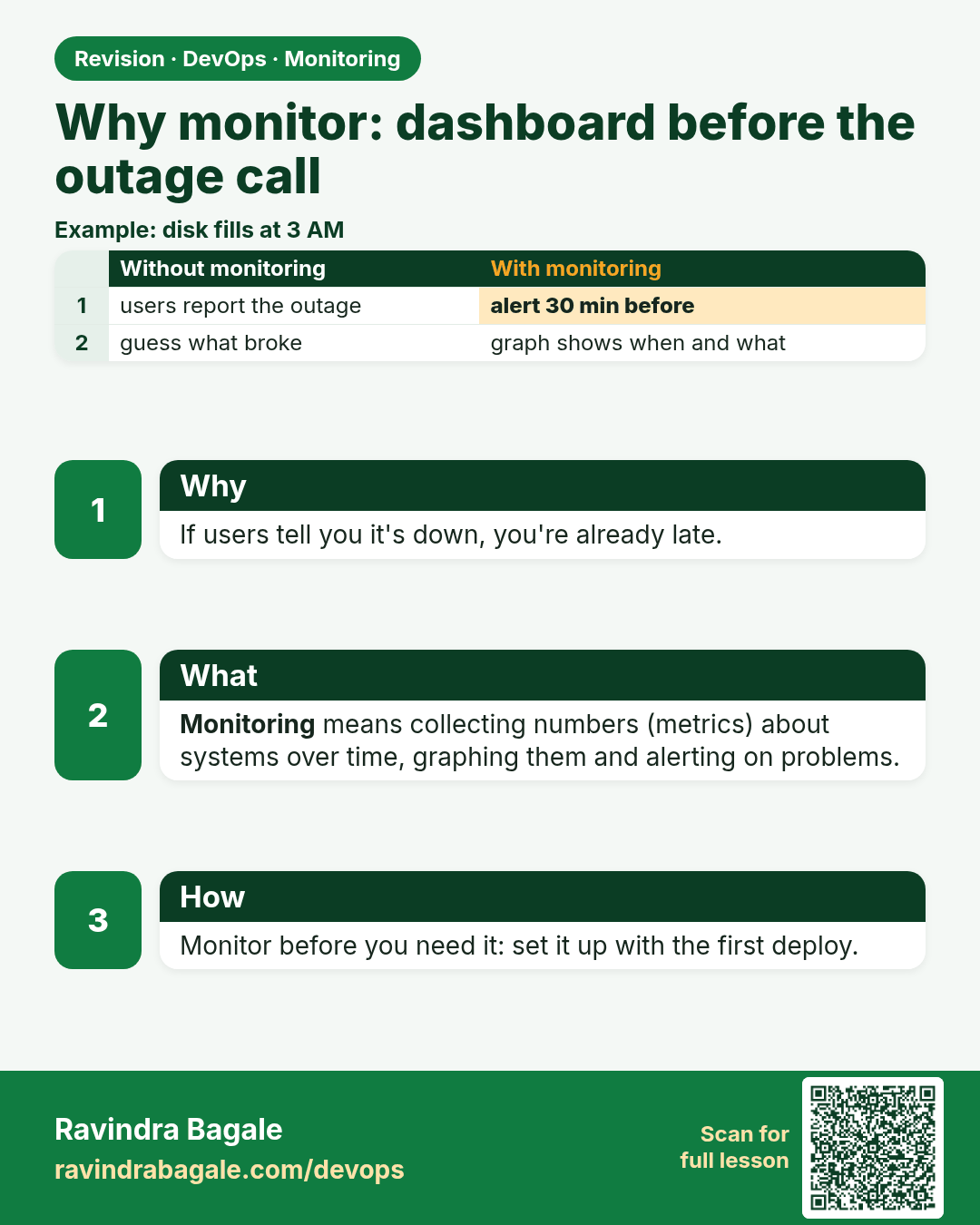
Why monitor: dashboard before the outage call. If users tell you it's down, you're already late.
Revision card 1 of 13: Why monitor: dashboard before the outage call · Download PNG · Open card page

Lesson: 13.1 Why monitor — dashboard before the outage call
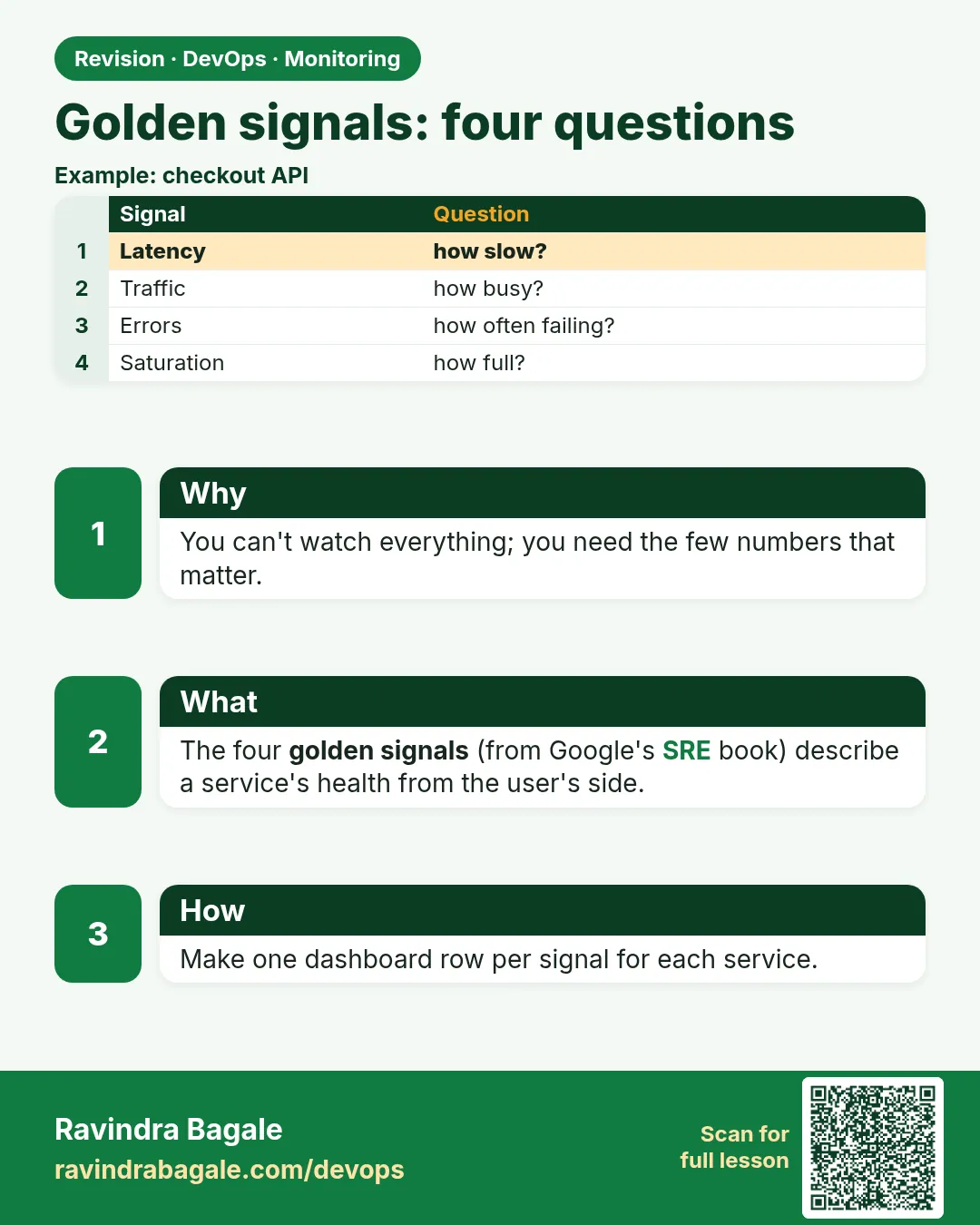
Golden signals: four questions. You can't watch everything; you need the few numbers that matter.
Revision card 2 of 13: Golden signals: four questions · Download PNG · Open card page

Lesson: 13.2 Golden signals — four questions in plain English

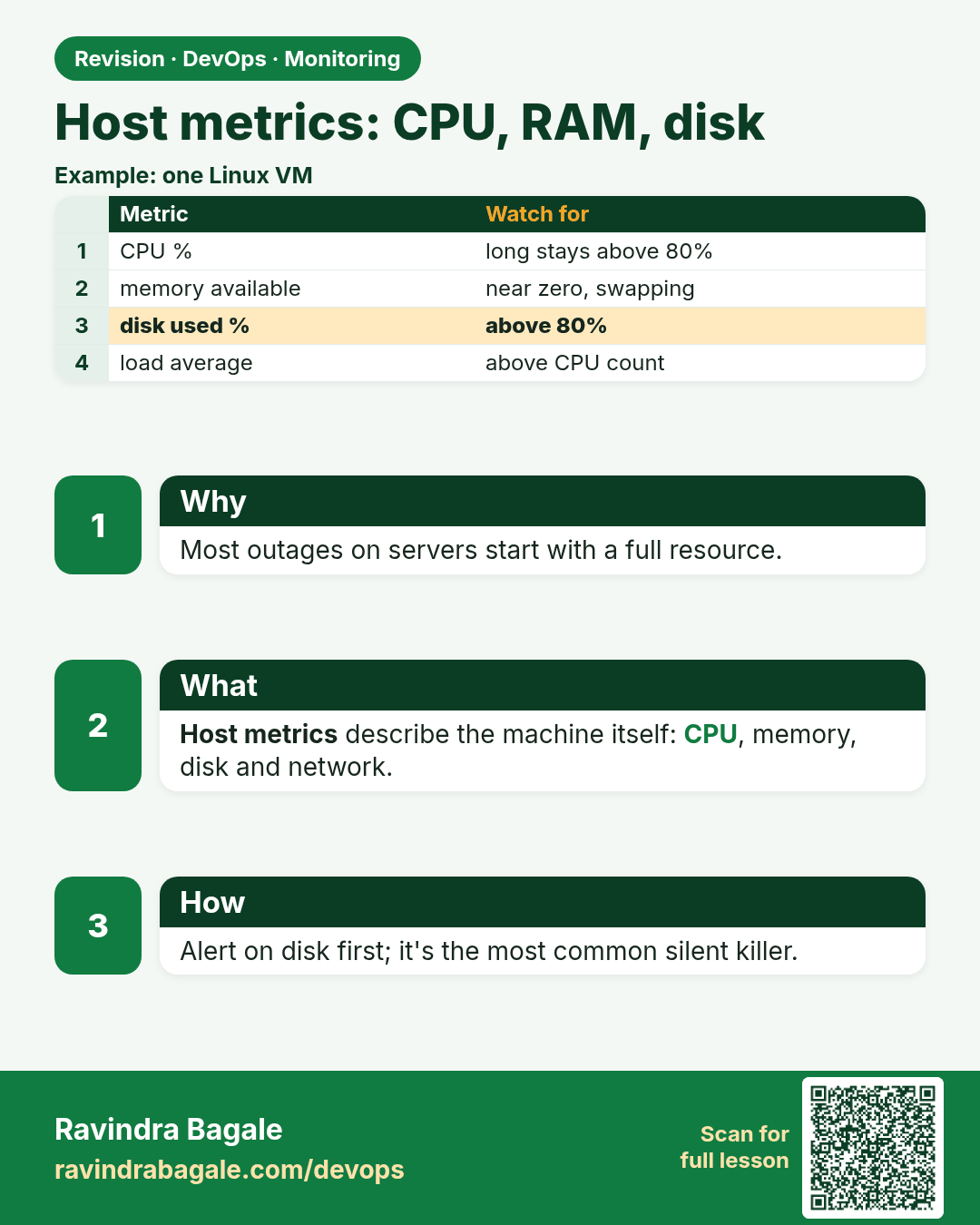
Host metrics: CPU, RAM, disk. Most outages on servers start with a full resource.
Revision card 3 of 13: Host metrics: CPU, RAM, disk · Download PNG · Open card page

Lesson: 13.3 Host metrics — CPU, RAM, disk

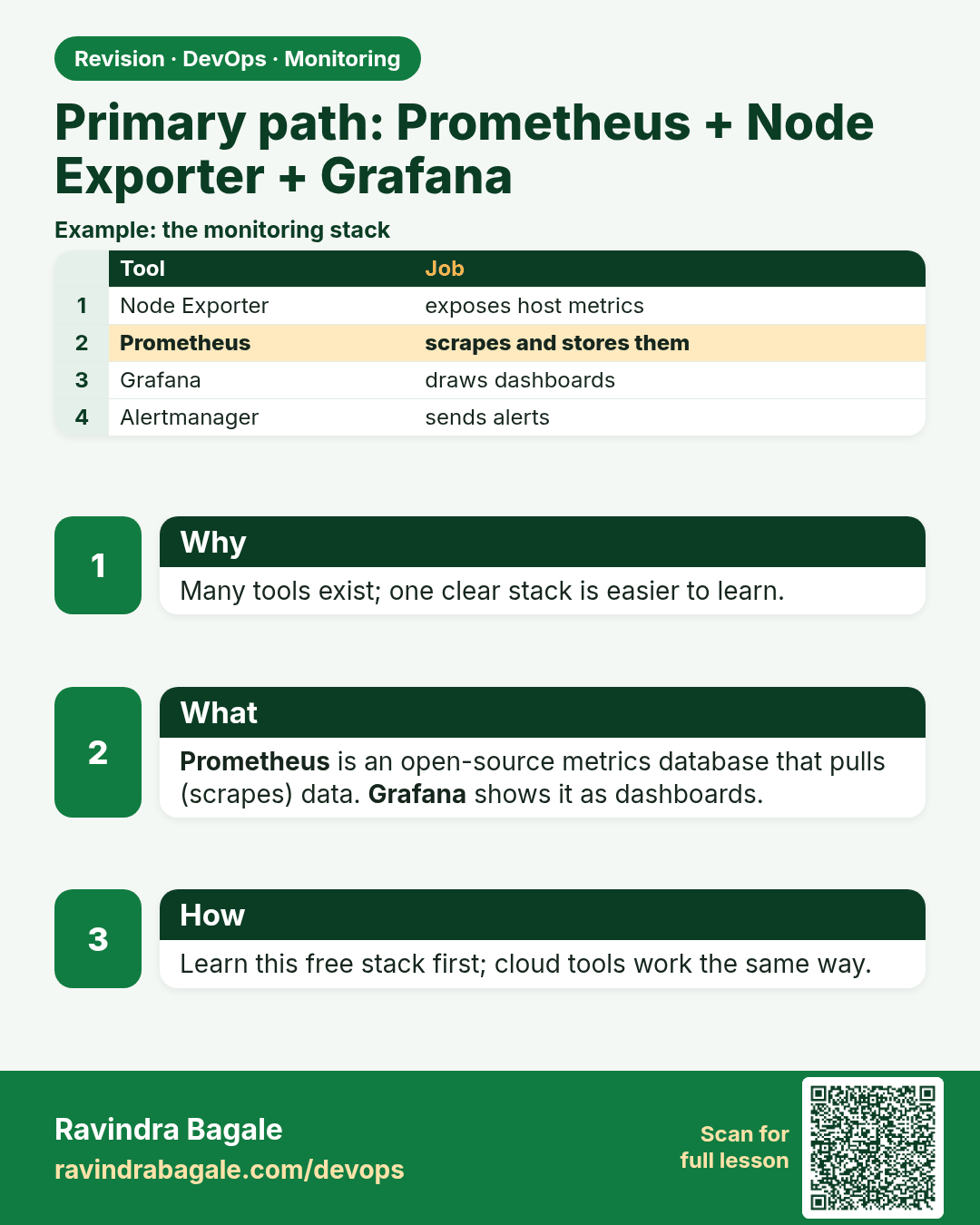
Primary path: Prometheus + Node Exporter + Grafana. Many tools exist; one clear stack is easier to learn.
Revision card 4 of 13: Primary path: Prometheus + Node Exporter + Grafana · Download PNG · Open card page

Lesson: 13.4 Primary path — Prometheus + Node Exporter + Grafana

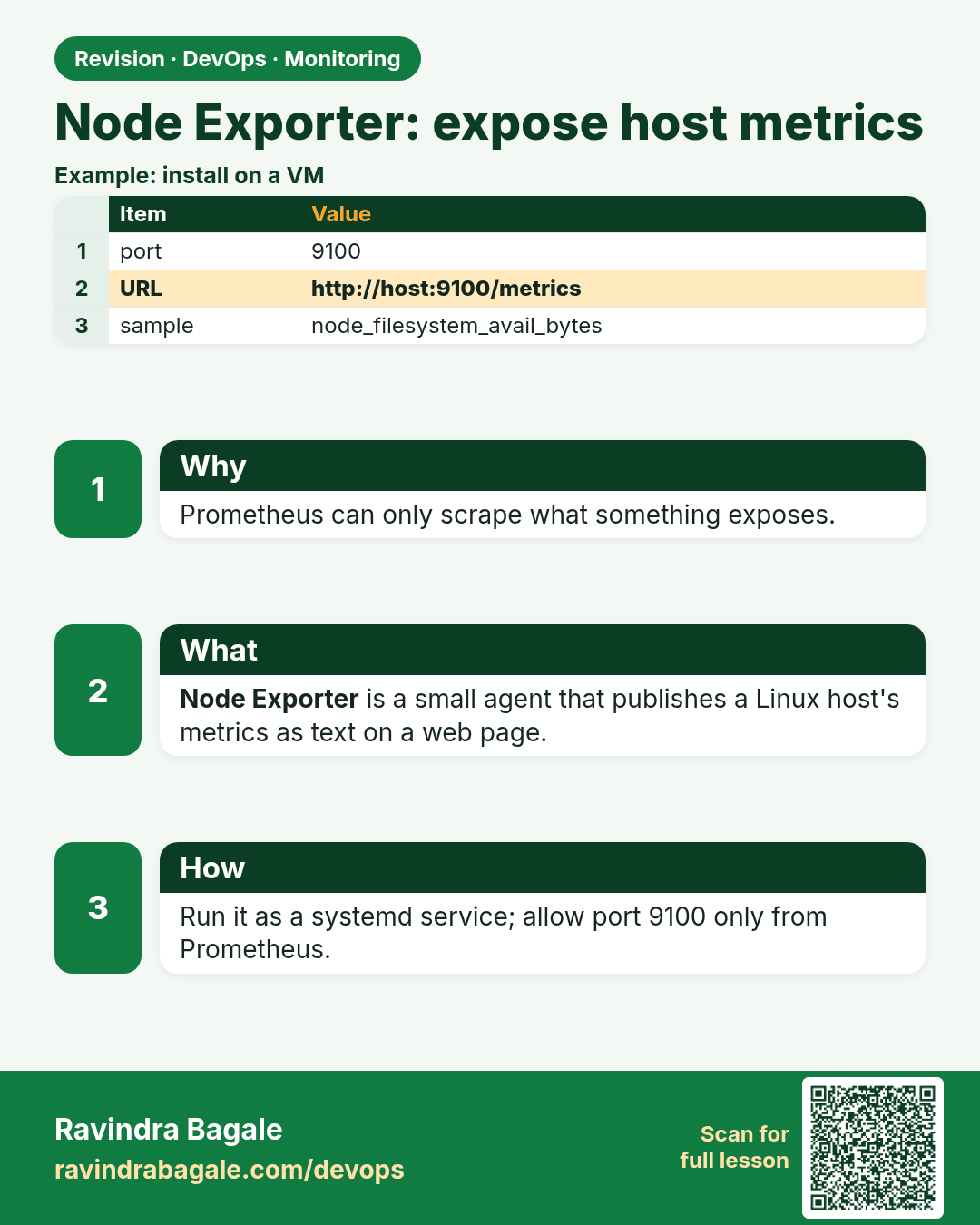
Node Exporter: expose host metrics. Prometheus can only scrape what something exposes.
Revision card 5 of 13: Node Exporter: expose host metrics · Download PNG · Open card page

Lesson: 13.5 Node Exporter — expose host metrics

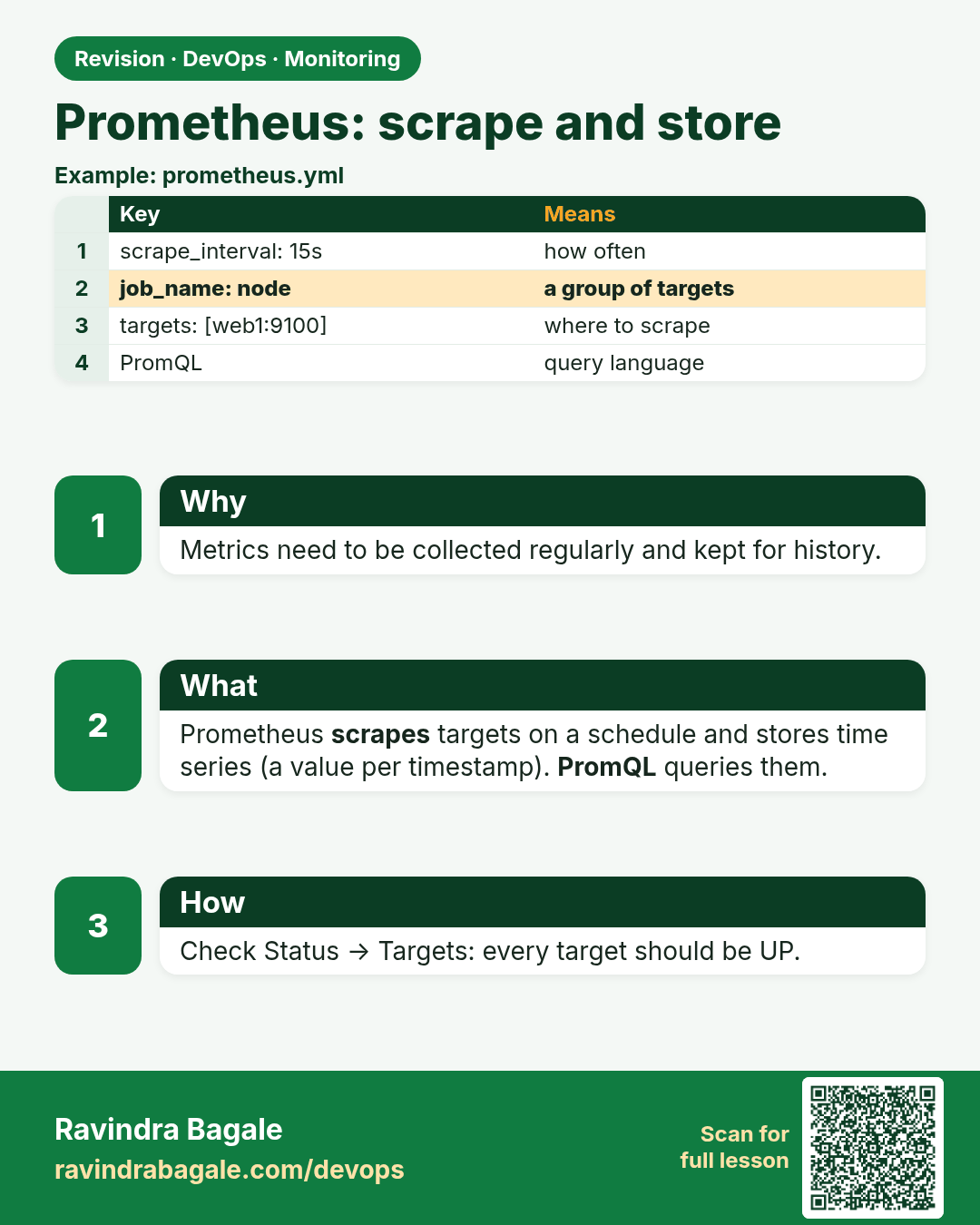
Prometheus: scrape and store. Metrics need to be collected regularly and kept for history.
Revision card 6 of 13: Prometheus: scrape and store · Download PNG · Open card page

Lesson: 13.6 Prometheus — scrape and store

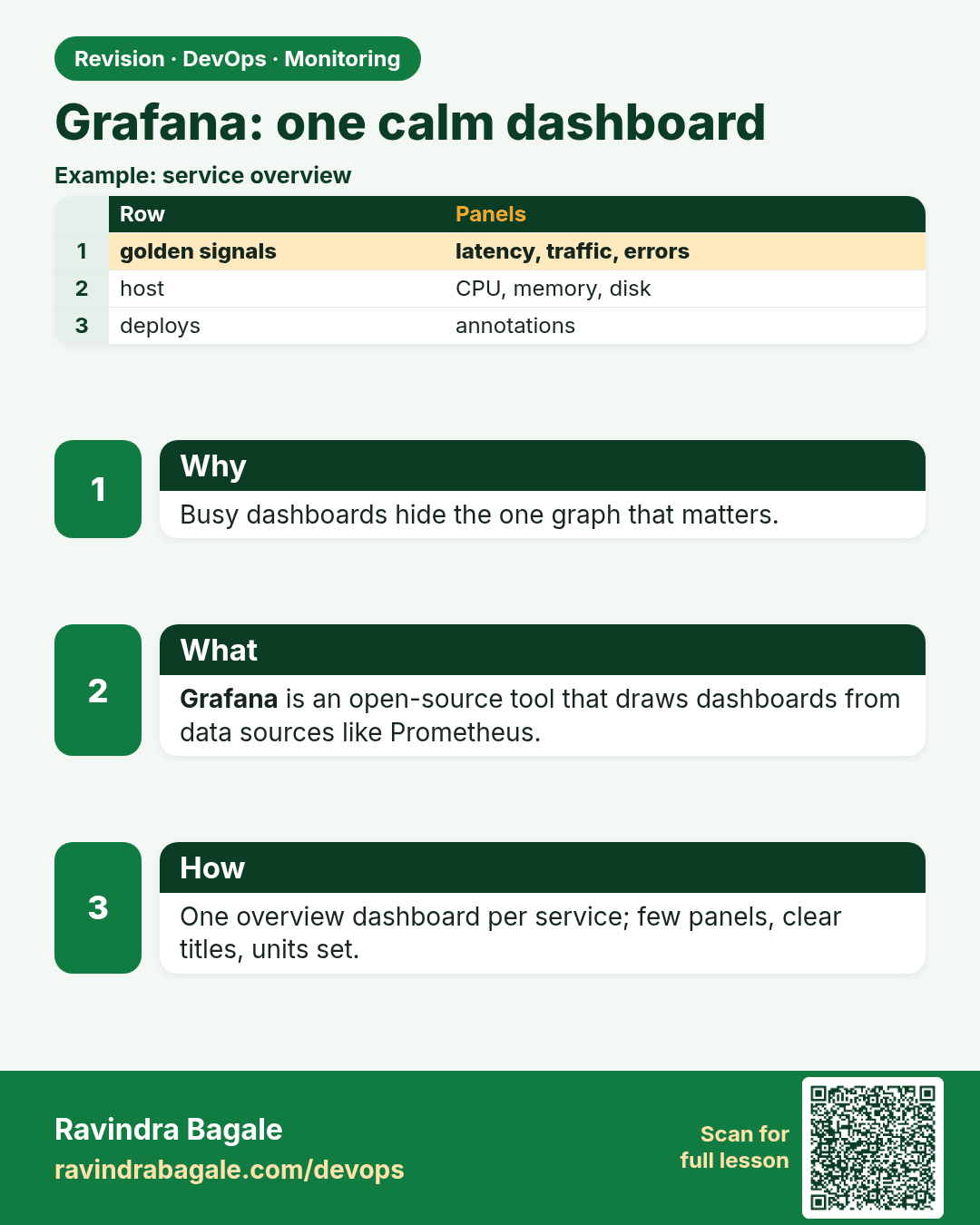
Grafana: one calm dashboard. Busy dashboards hide the one graph that matters.
Revision card 7 of 13: Grafana: one calm dashboard · Download PNG · Open card page

Lesson: 13.7 Grafana — one calm dashboard

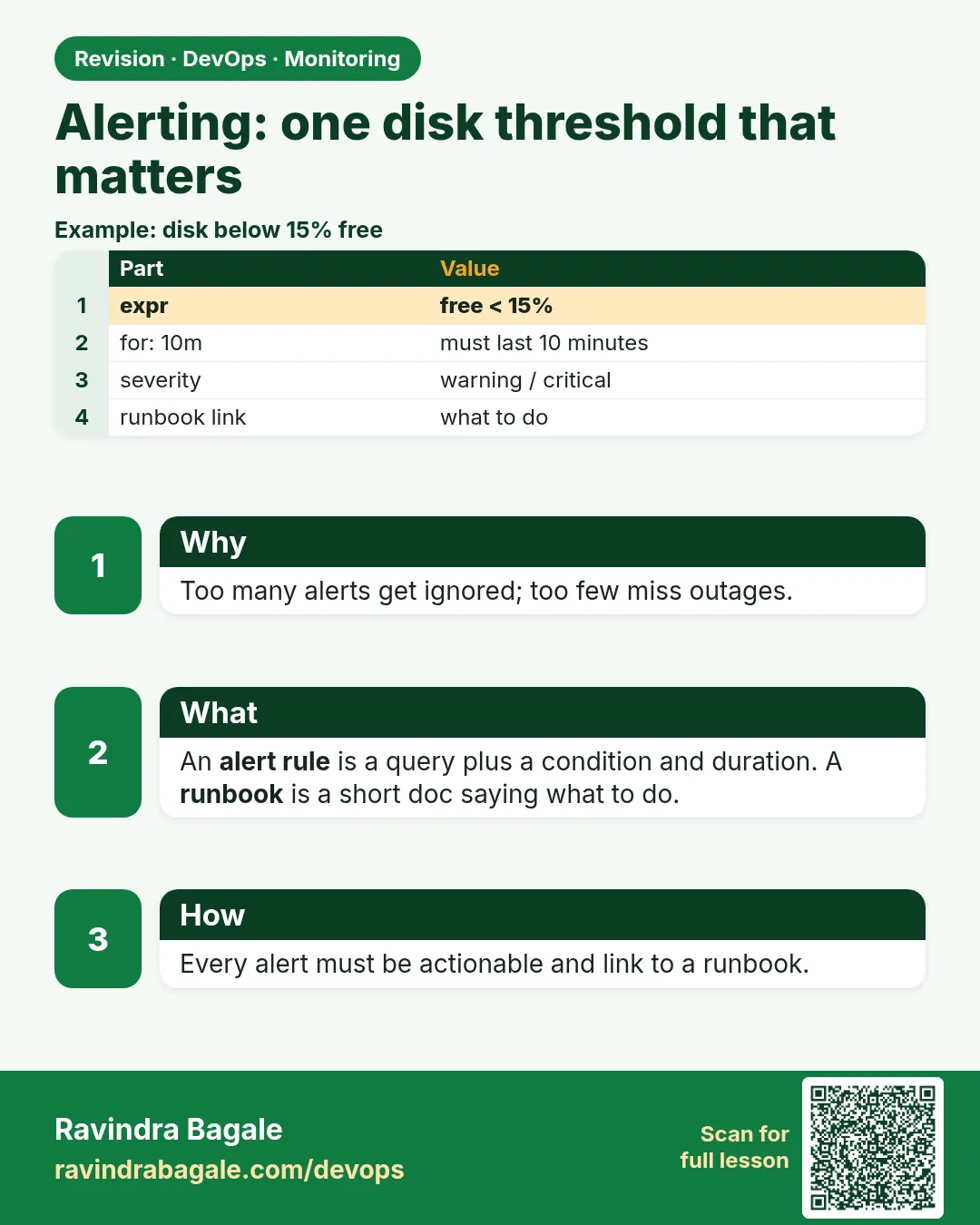
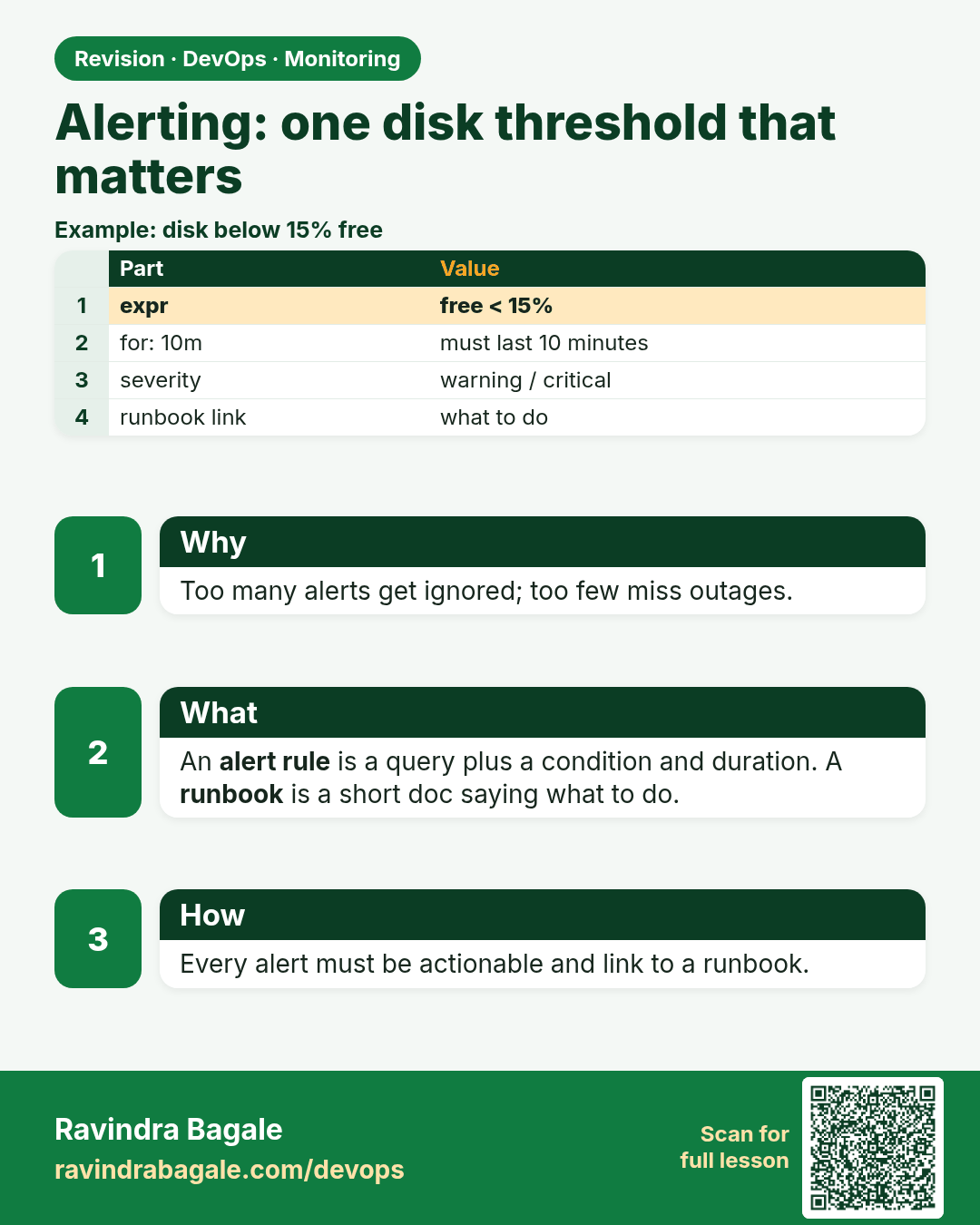
Alerting: one disk threshold that matters. Too many alerts get ignored; too few miss outages.
Revision card 8 of 13: Alerting: one disk threshold that matters · Download PNG · Open card page

Lesson: 13.8 Alerting — one disk threshold that matters

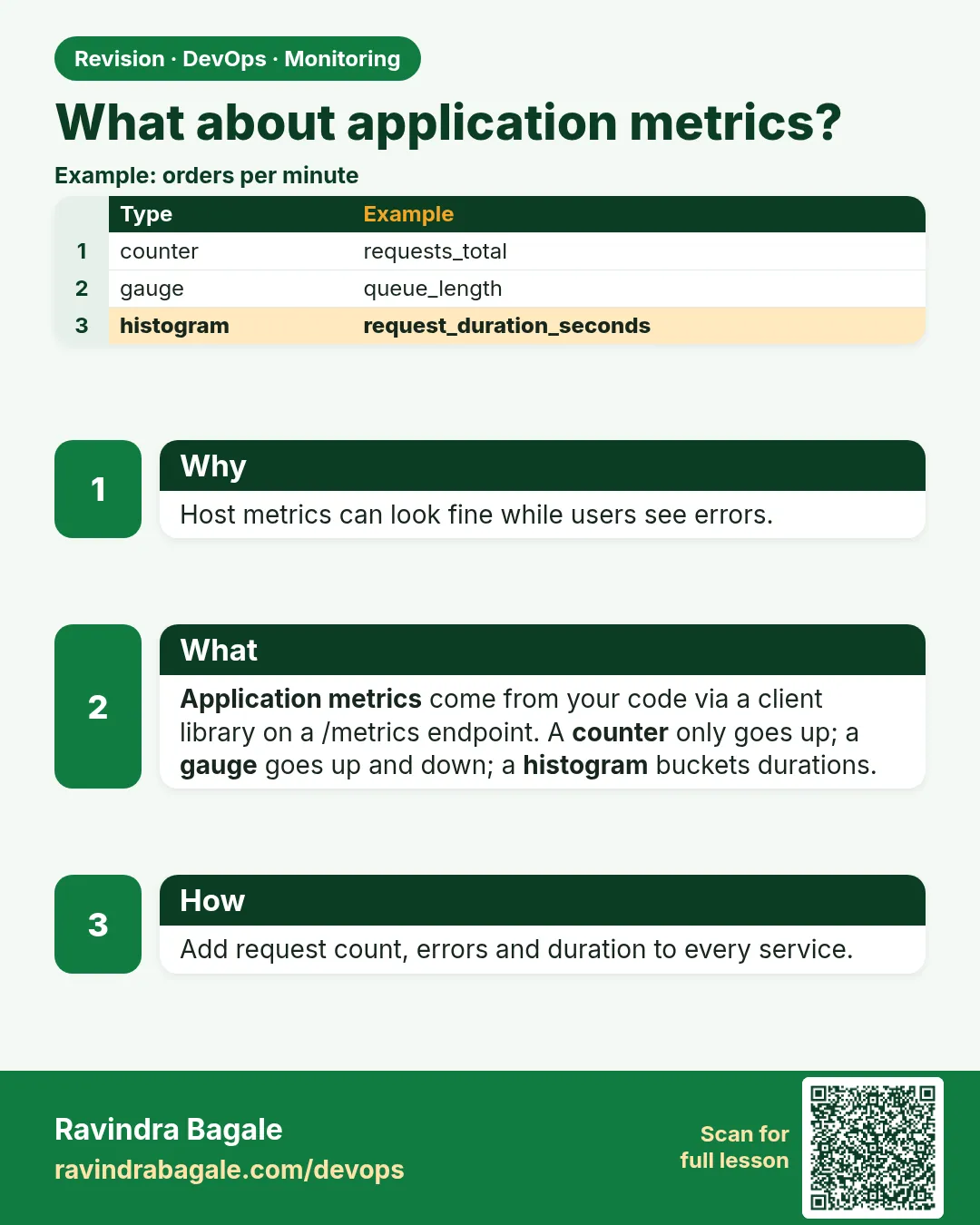
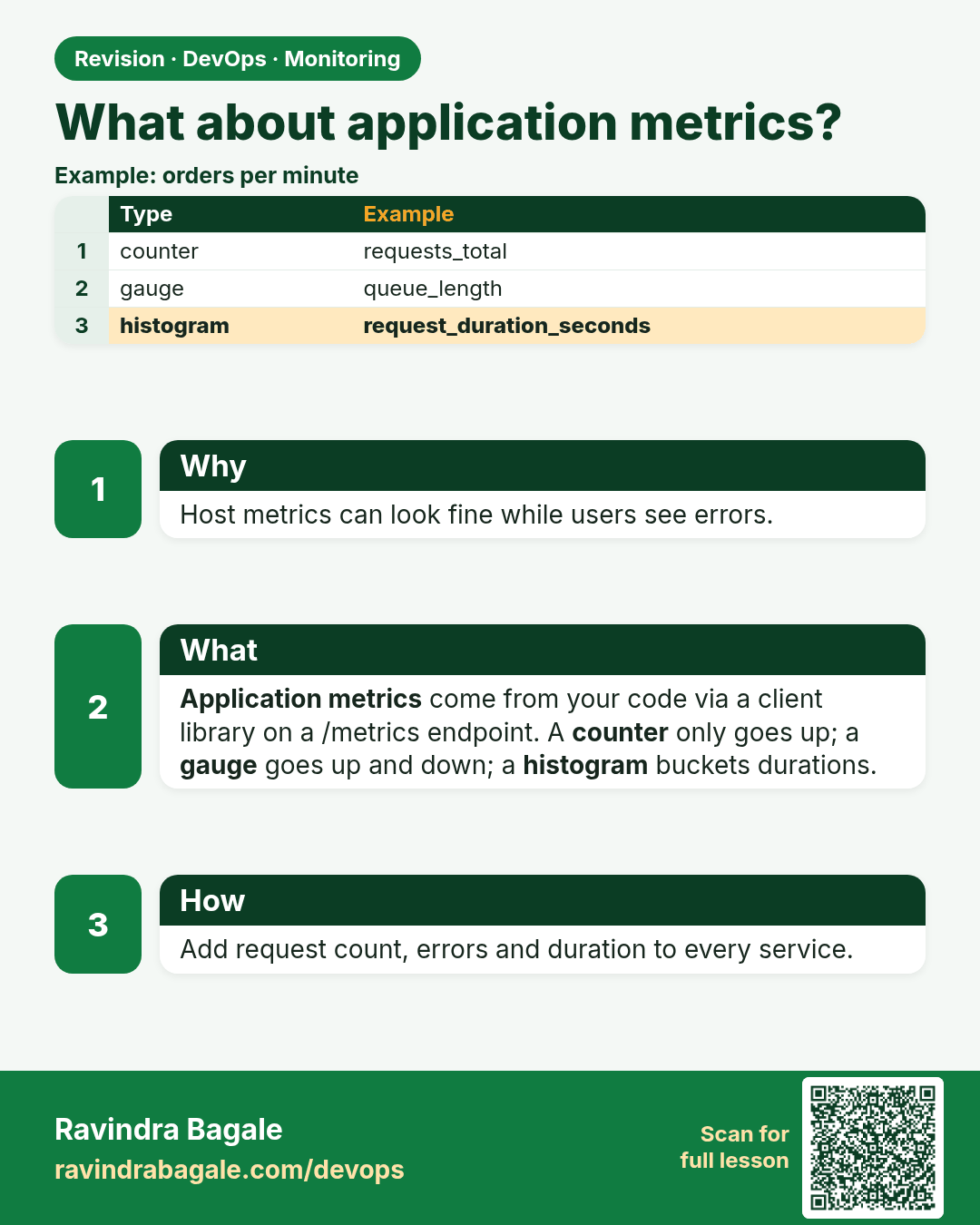
What about application metrics?. Host metrics can look fine while users see errors.
Revision card 9 of 13: What about application metrics? · Download PNG · Open card page

Lesson: 13.9 What about application metrics?

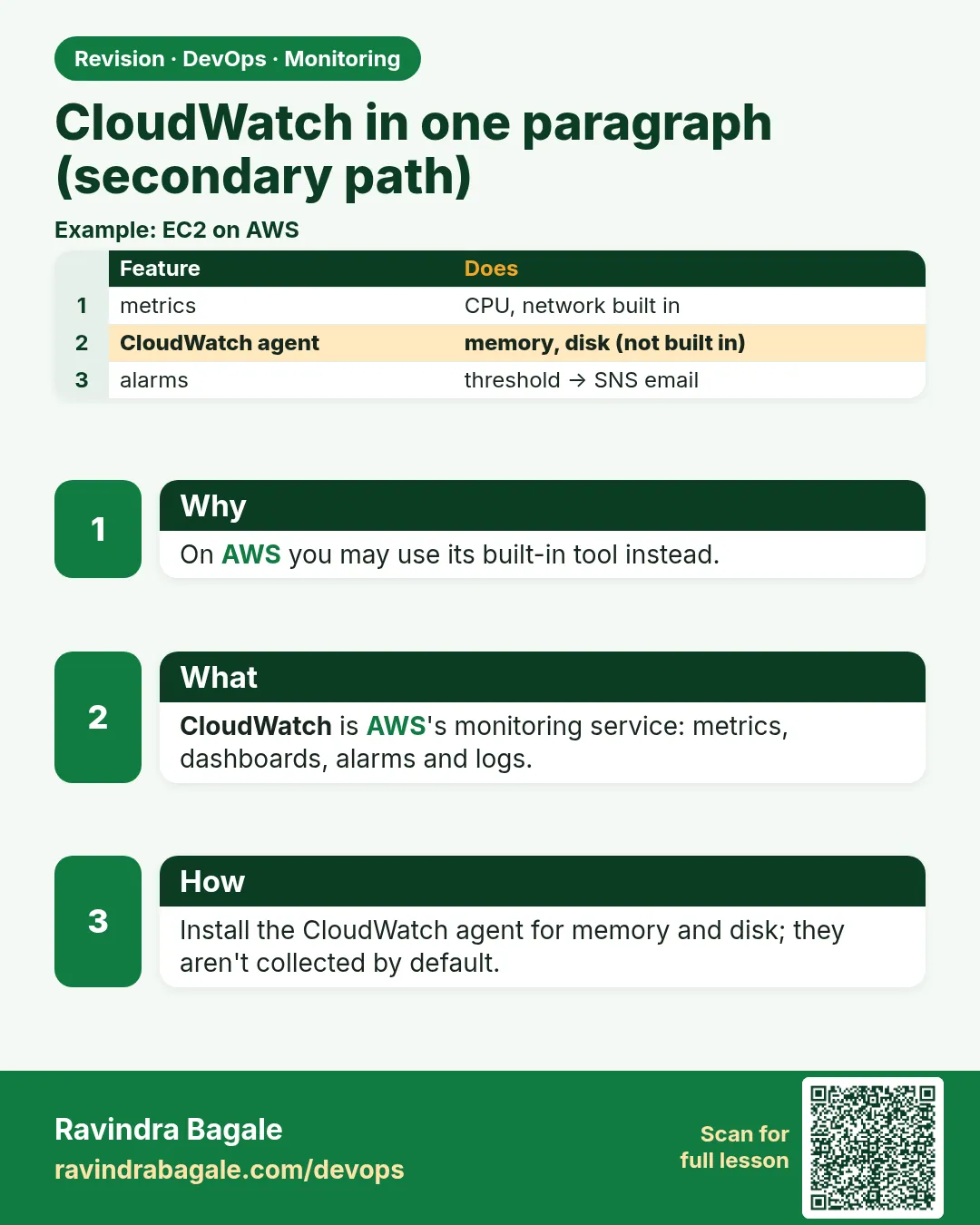
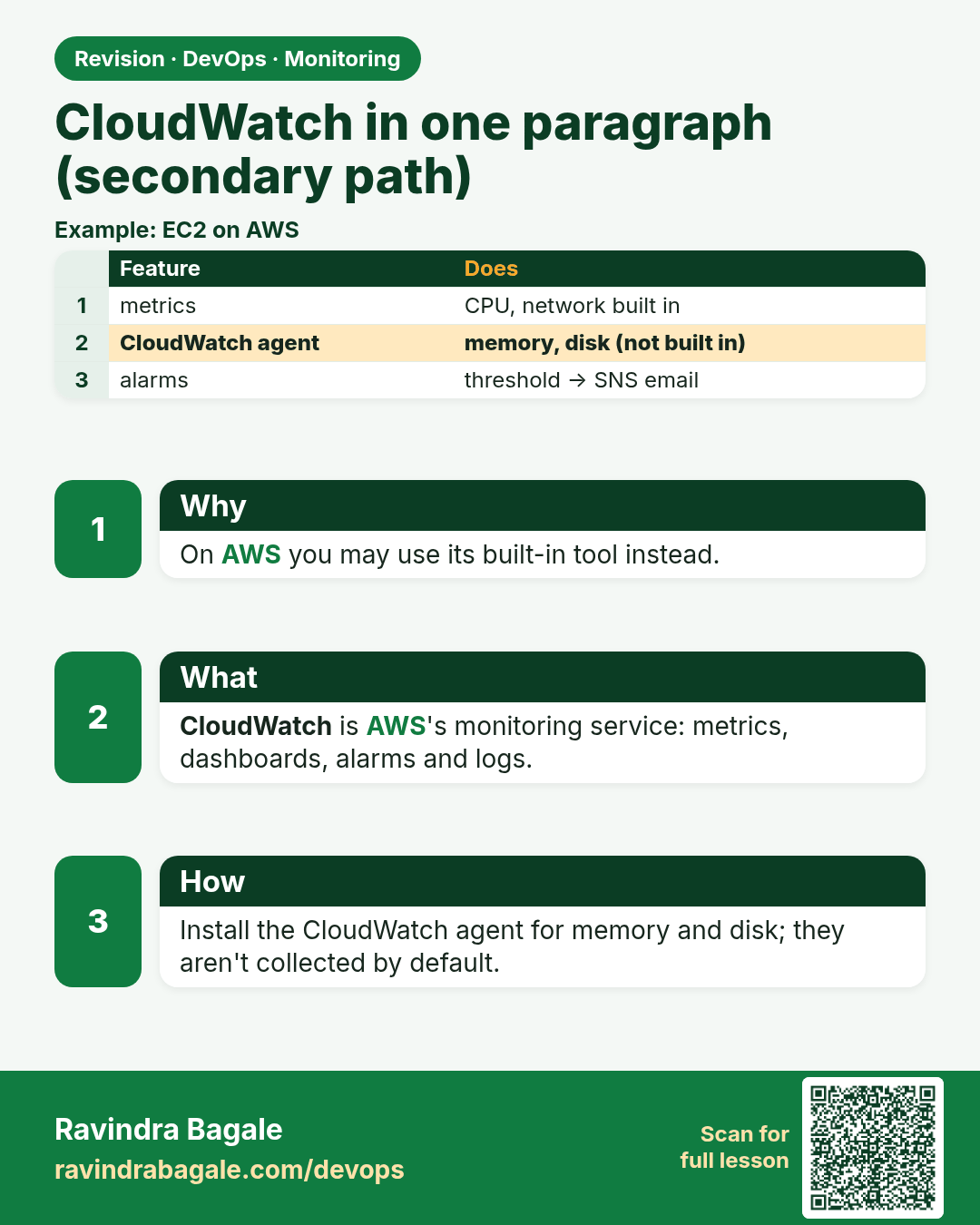
CloudWatch in one paragraph (secondary path). On AWS you may use its built-in tool instead.
Revision card 10 of 13: CloudWatch in one paragraph (secondary path) · Download PNG · Open card page

Lesson: 13.10 CloudWatch in one paragraph (secondary path)

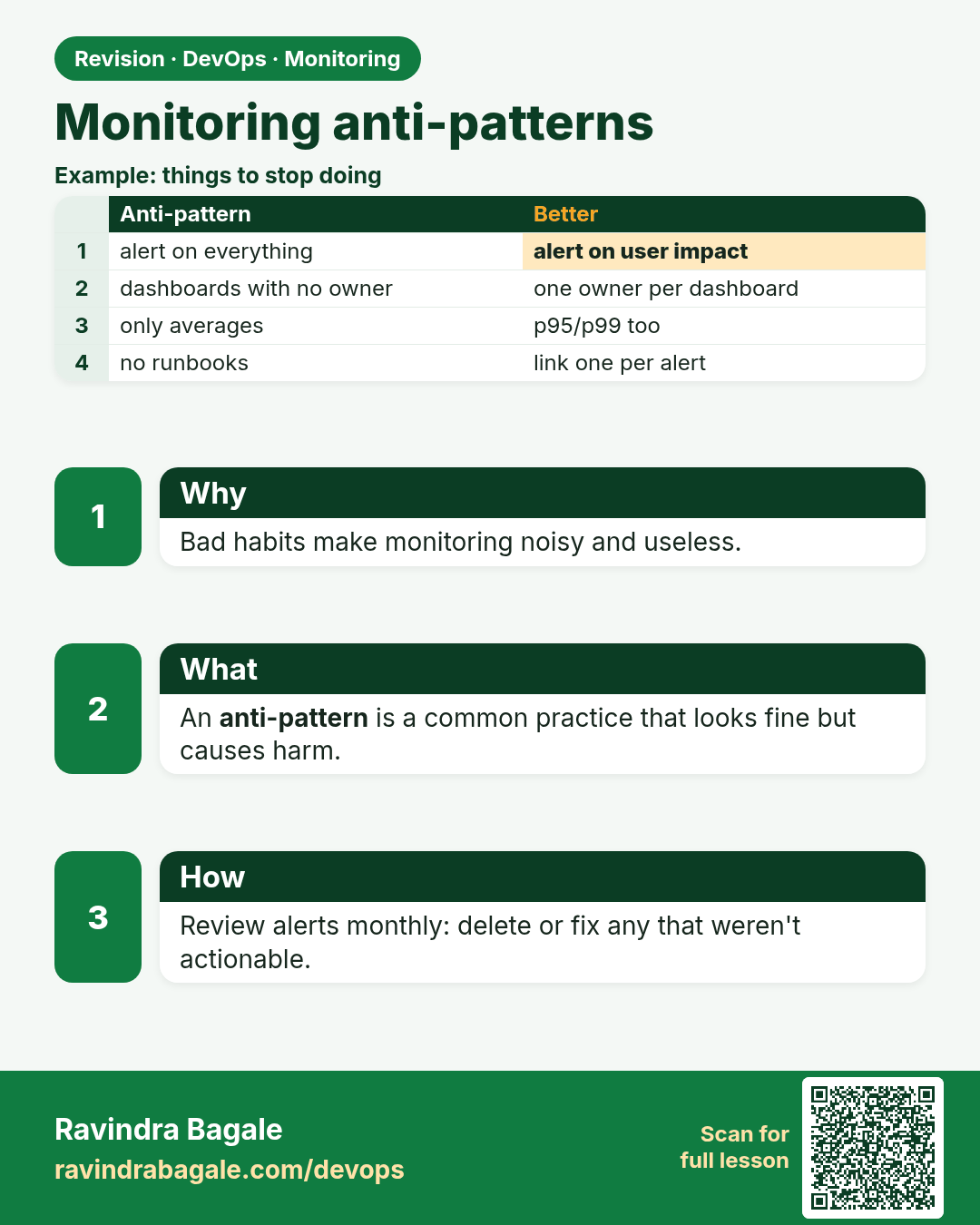
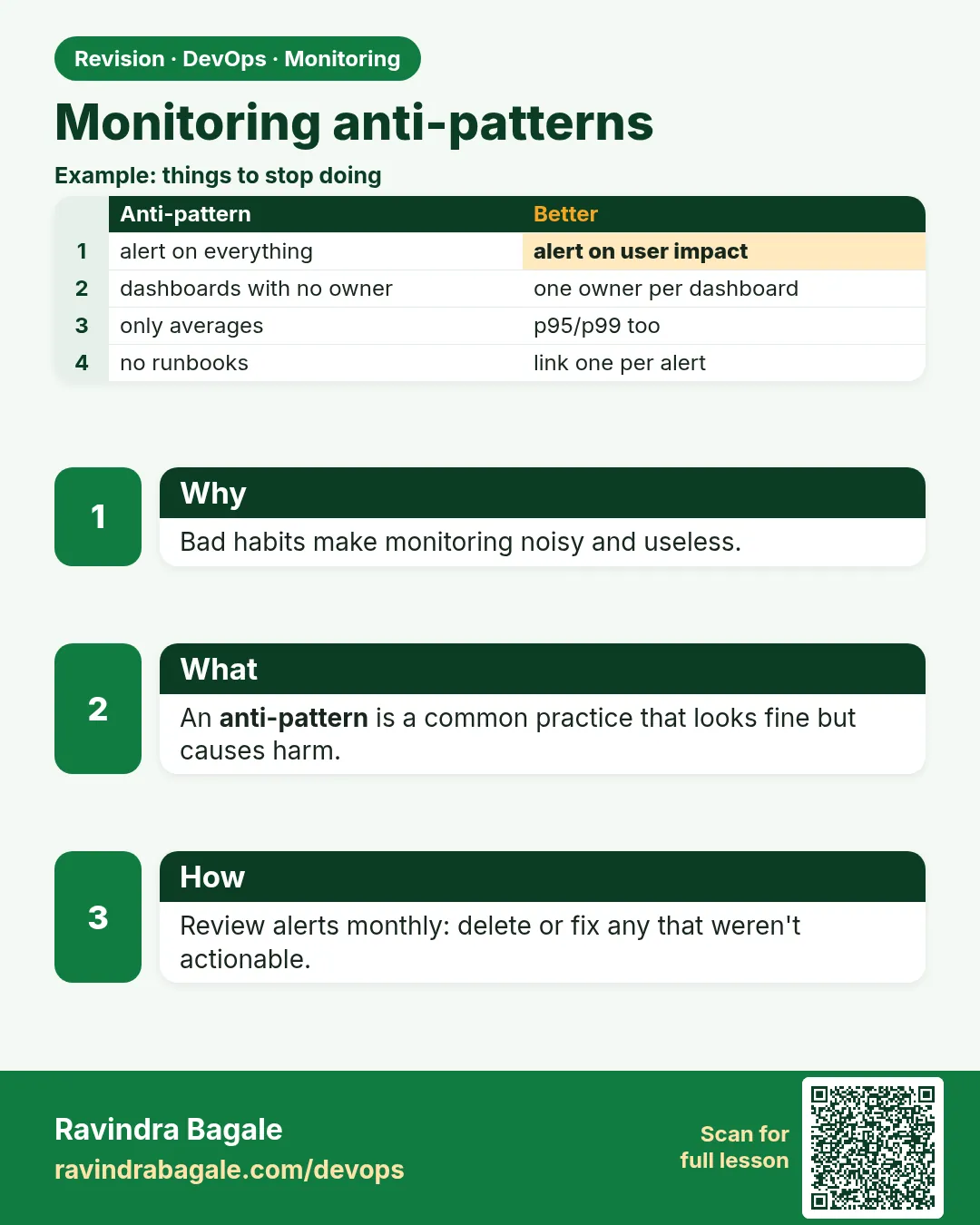
Monitoring anti-patterns. Bad habits make monitoring noisy and useless.
Revision card 11 of 13: Monitoring anti-patterns · Download PNG · Open card page

Lesson: 13.11 Anti-patterns

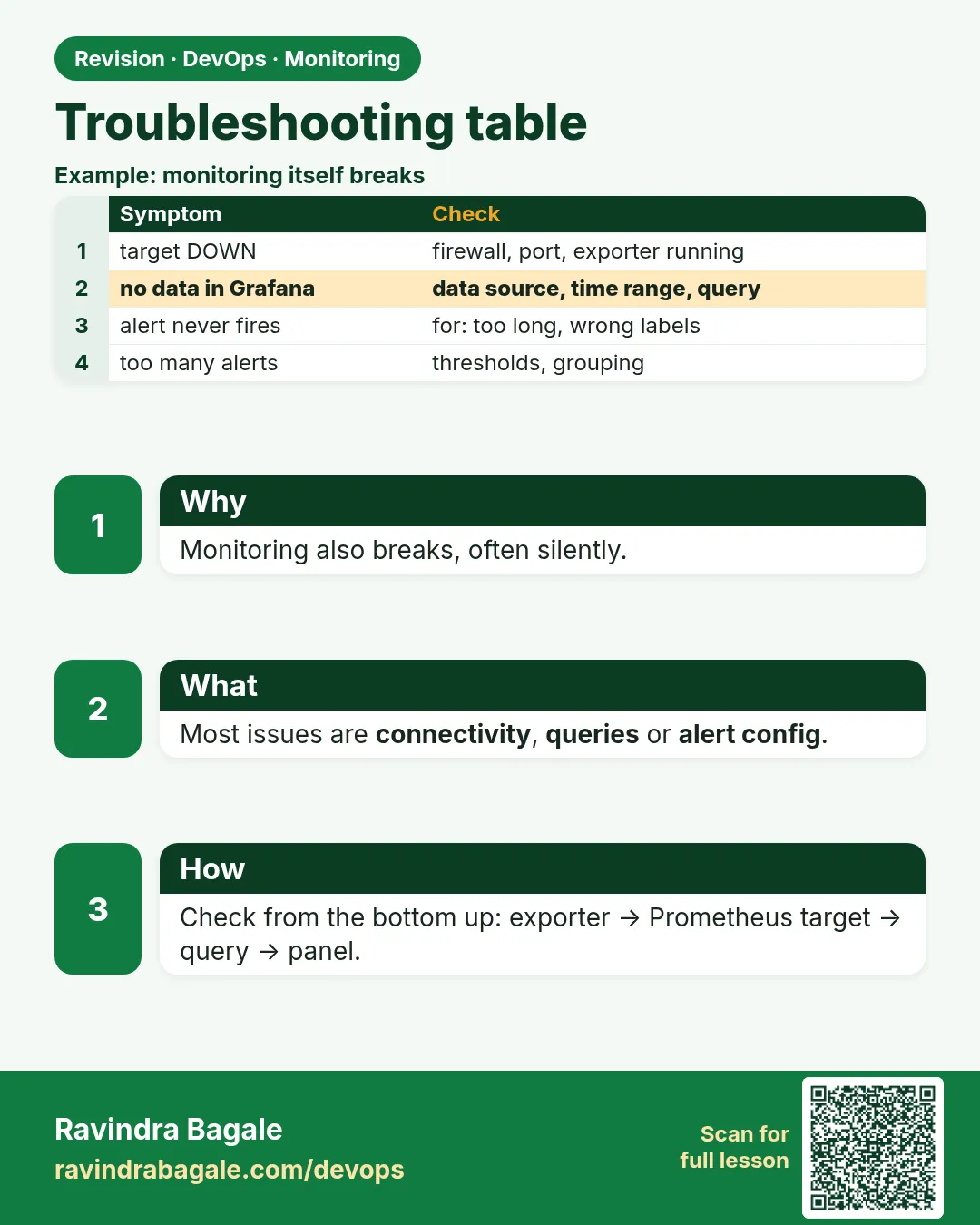
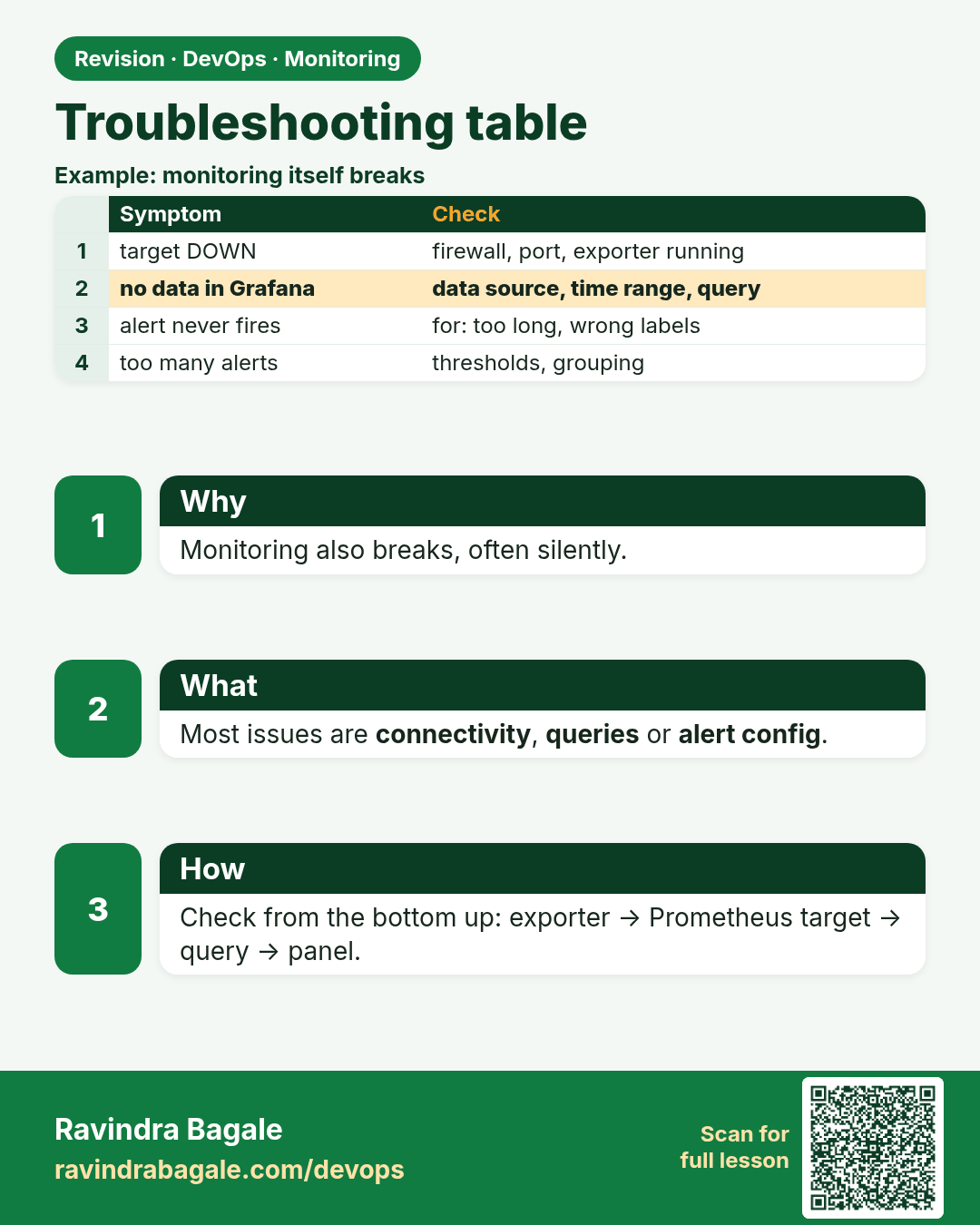
Troubleshooting table. Monitoring also breaks, often silently.
Revision card 12 of 13: Troubleshooting table · Download PNG · Open card page

Lesson: 13.12 Troubleshooting table

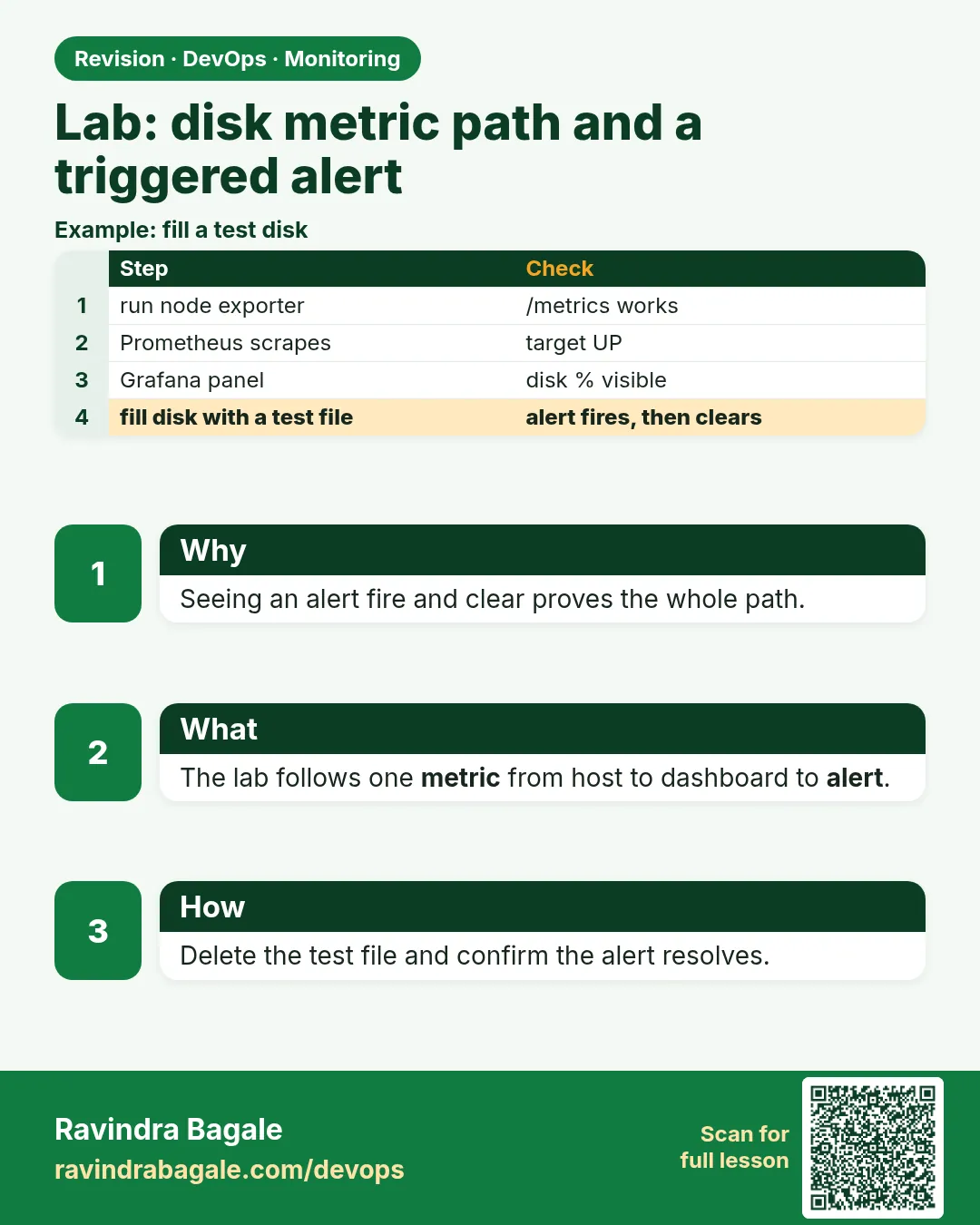
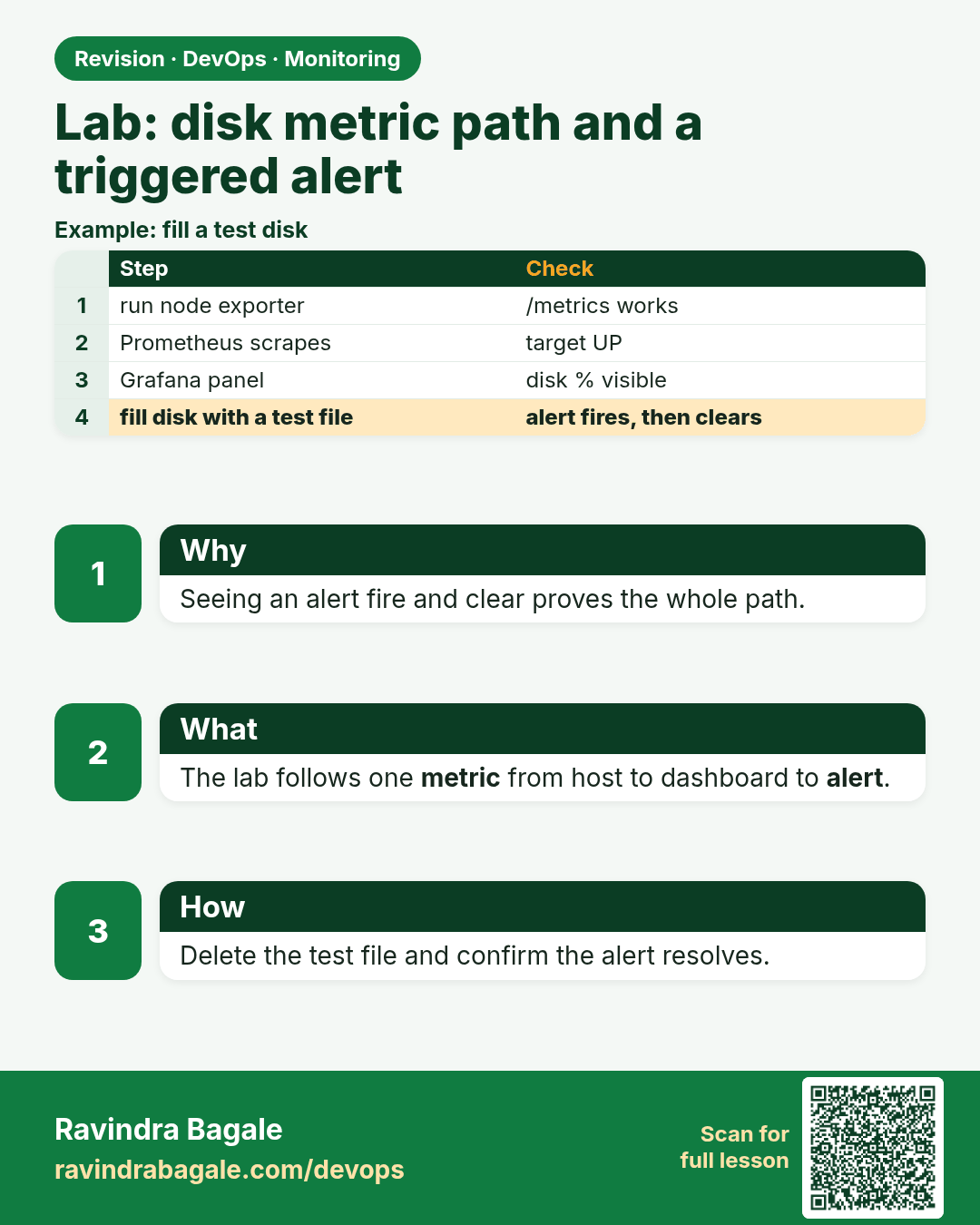
Lab: disk metric path and a triggered alert. Seeing an alert fire and clear proves the whole path.
Revision card 13 of 13: Lab: disk metric path and a triggered alert · Download PNG · Open card page

Lesson: 13.13 Lab — disk metric path and a triggered alert

Interview cards

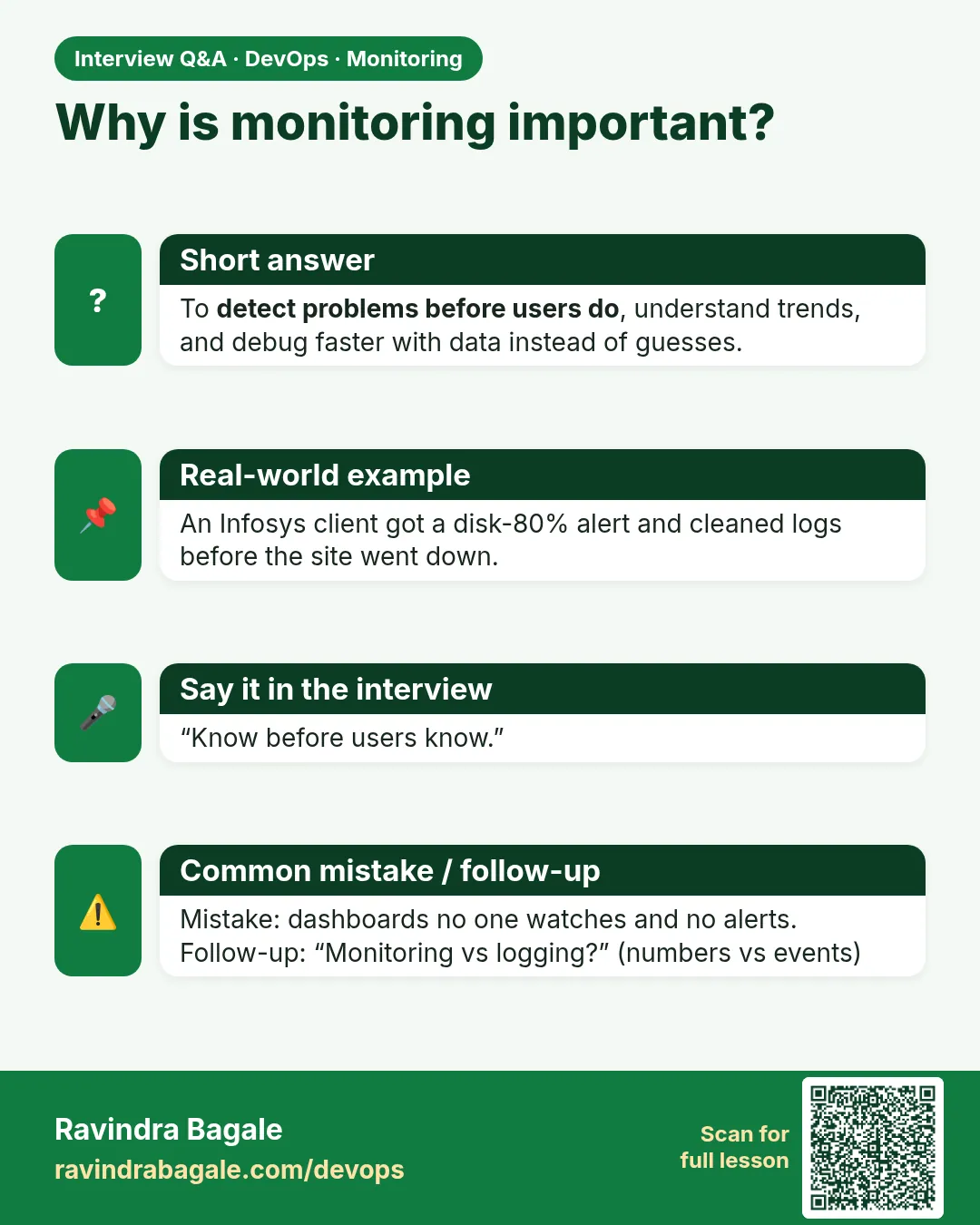
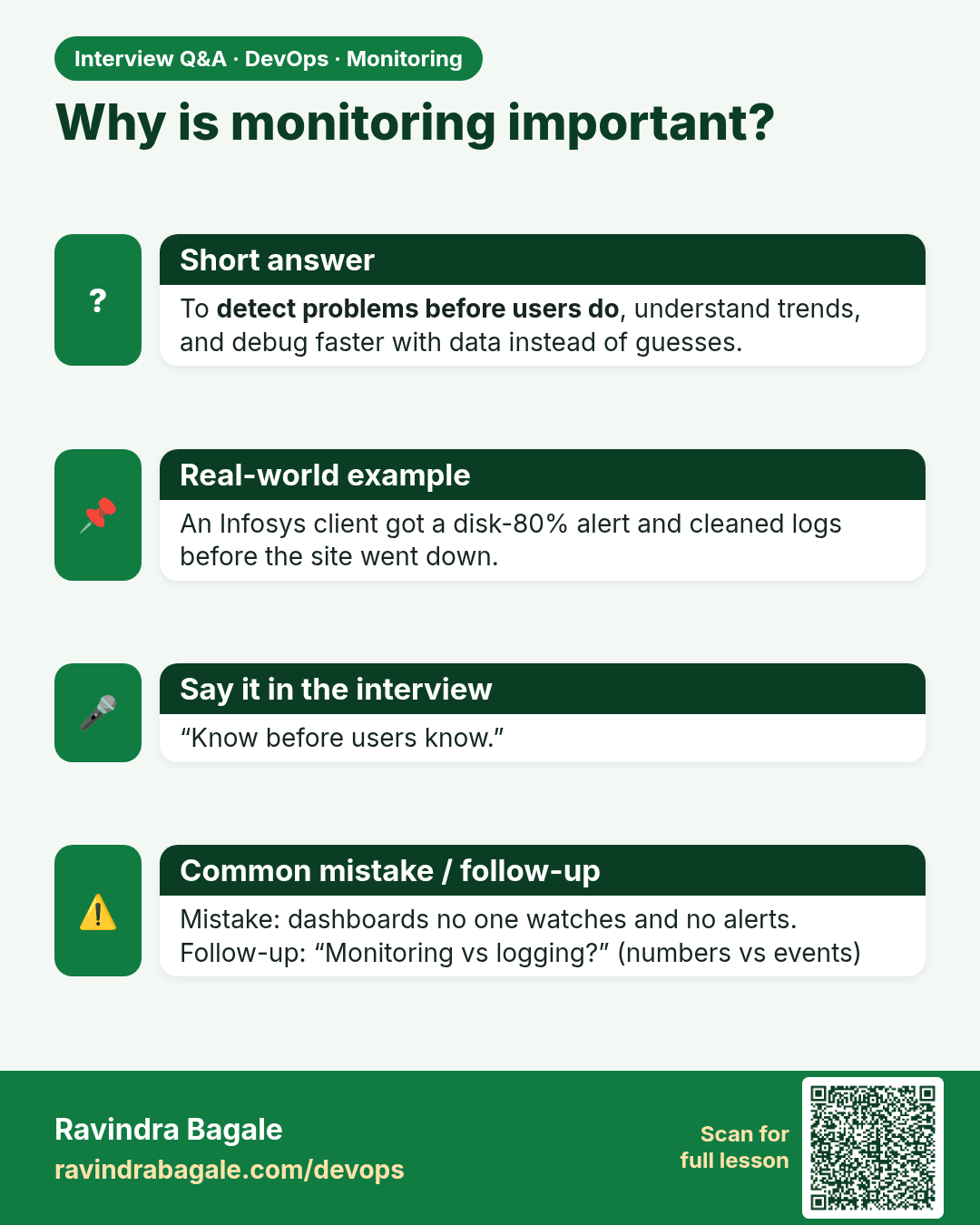
Why is monitoring important? To detect problems before users do, understand trends, and debug faster with data instead of guesses.
Interview card 1 of 13: Why is monitoring important? · Download PNG · Open card page

Lesson: 13.1 Why monitor — dashboard before the outage call
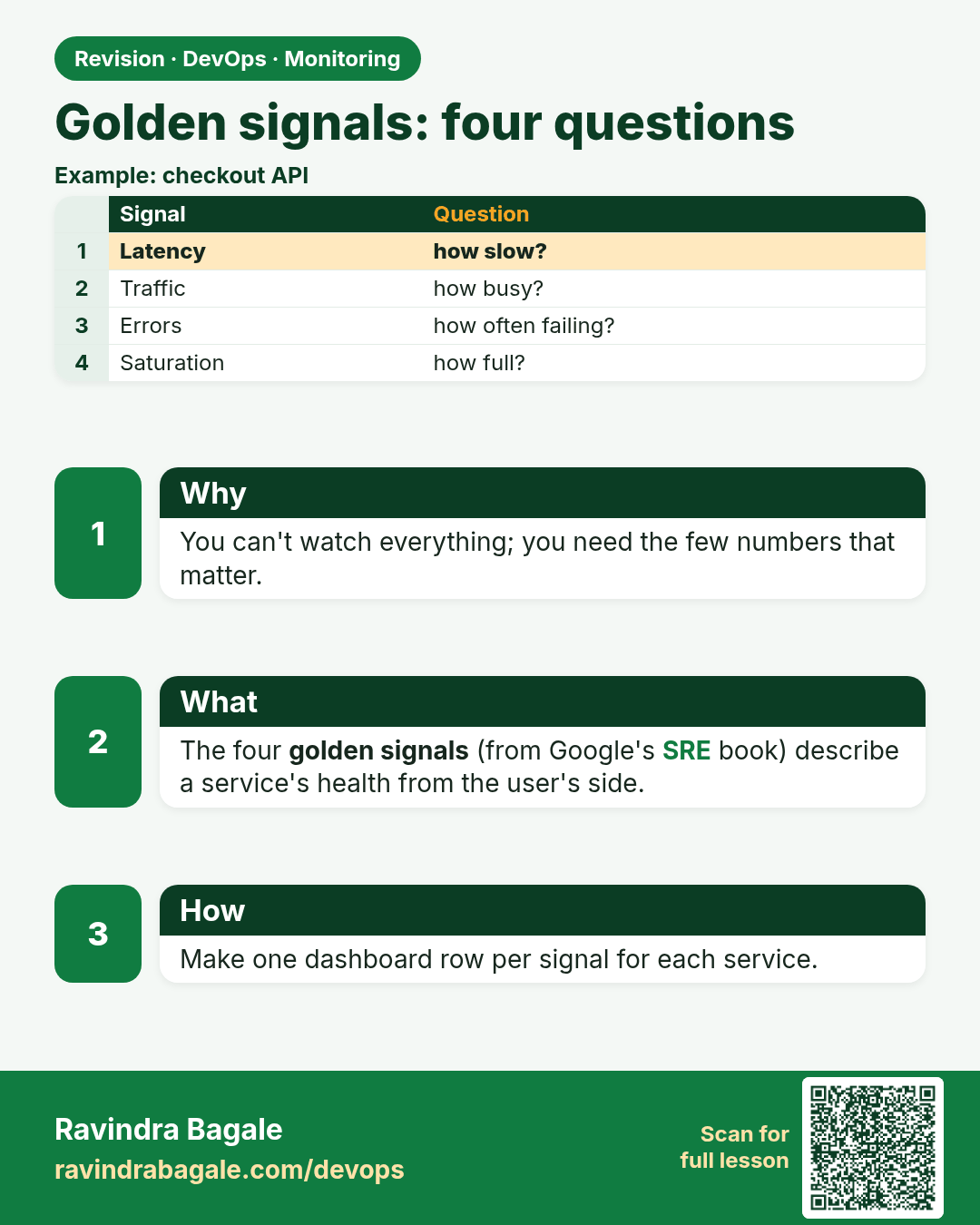
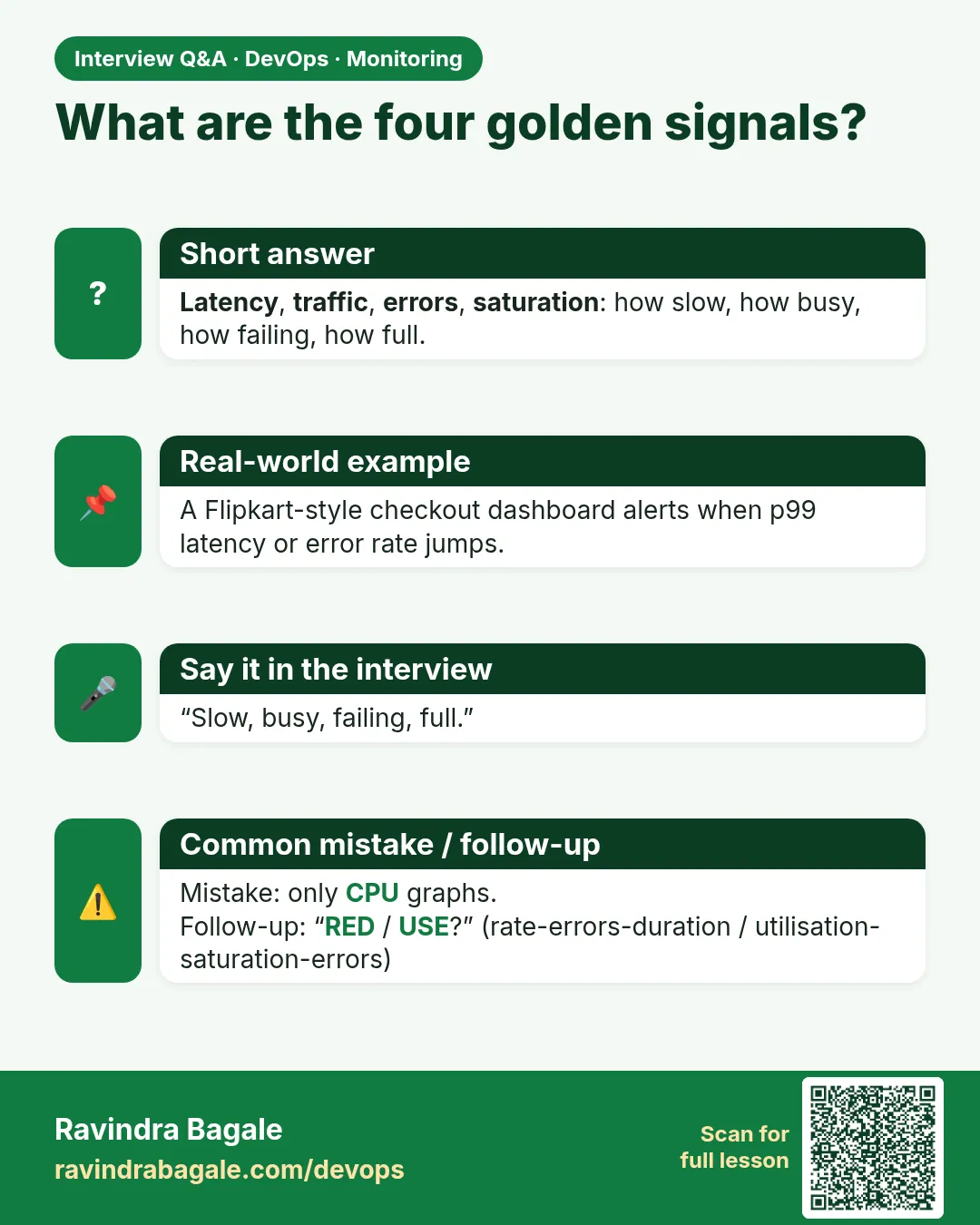
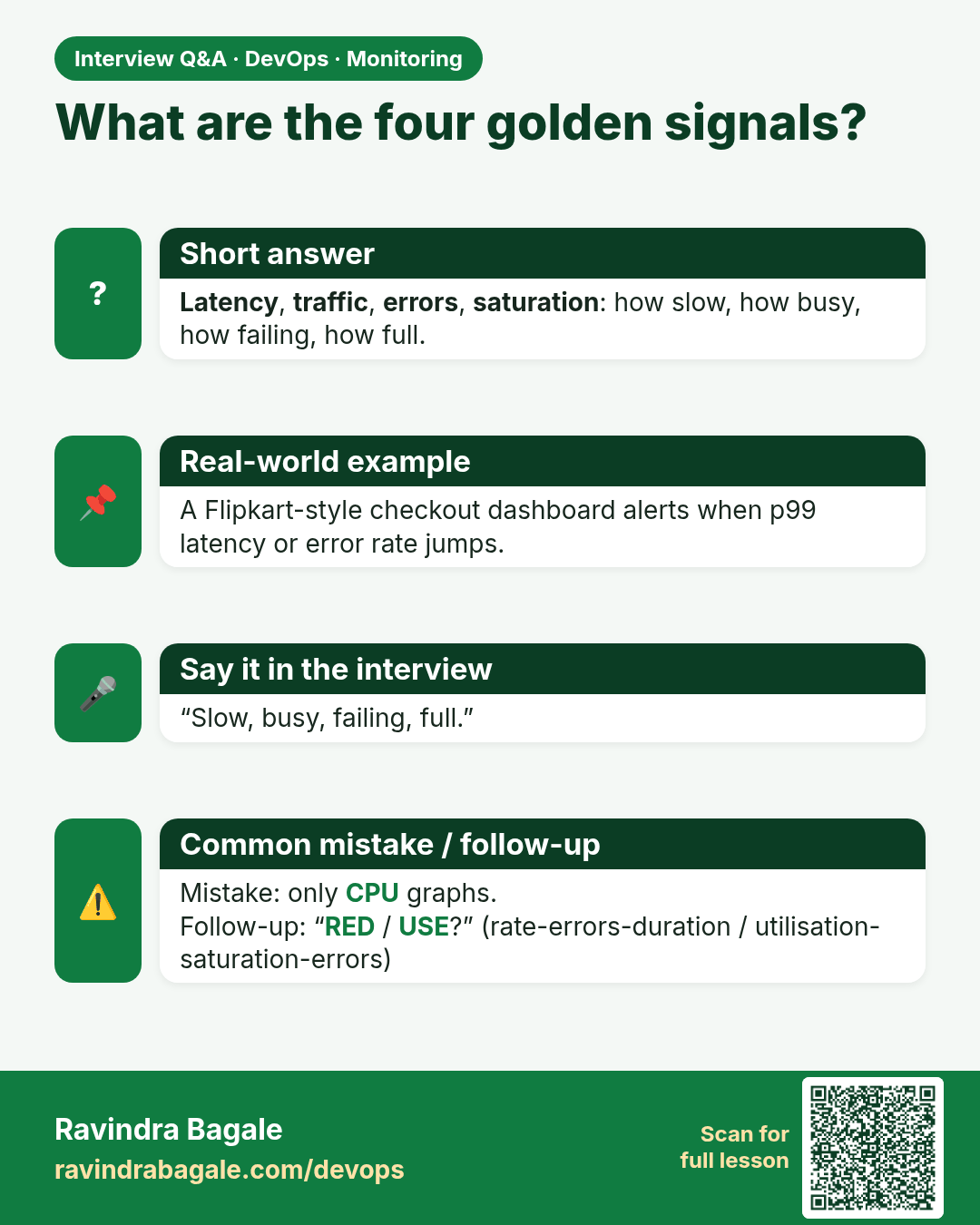
What are the four golden signals? Latency, traffic, errors, saturation: how slow, how busy, how failing, how full.
Interview card 2 of 13: What are the four golden signals? · Download PNG · Open card page

Lesson: 13.2 Golden signals — four questions in plain English
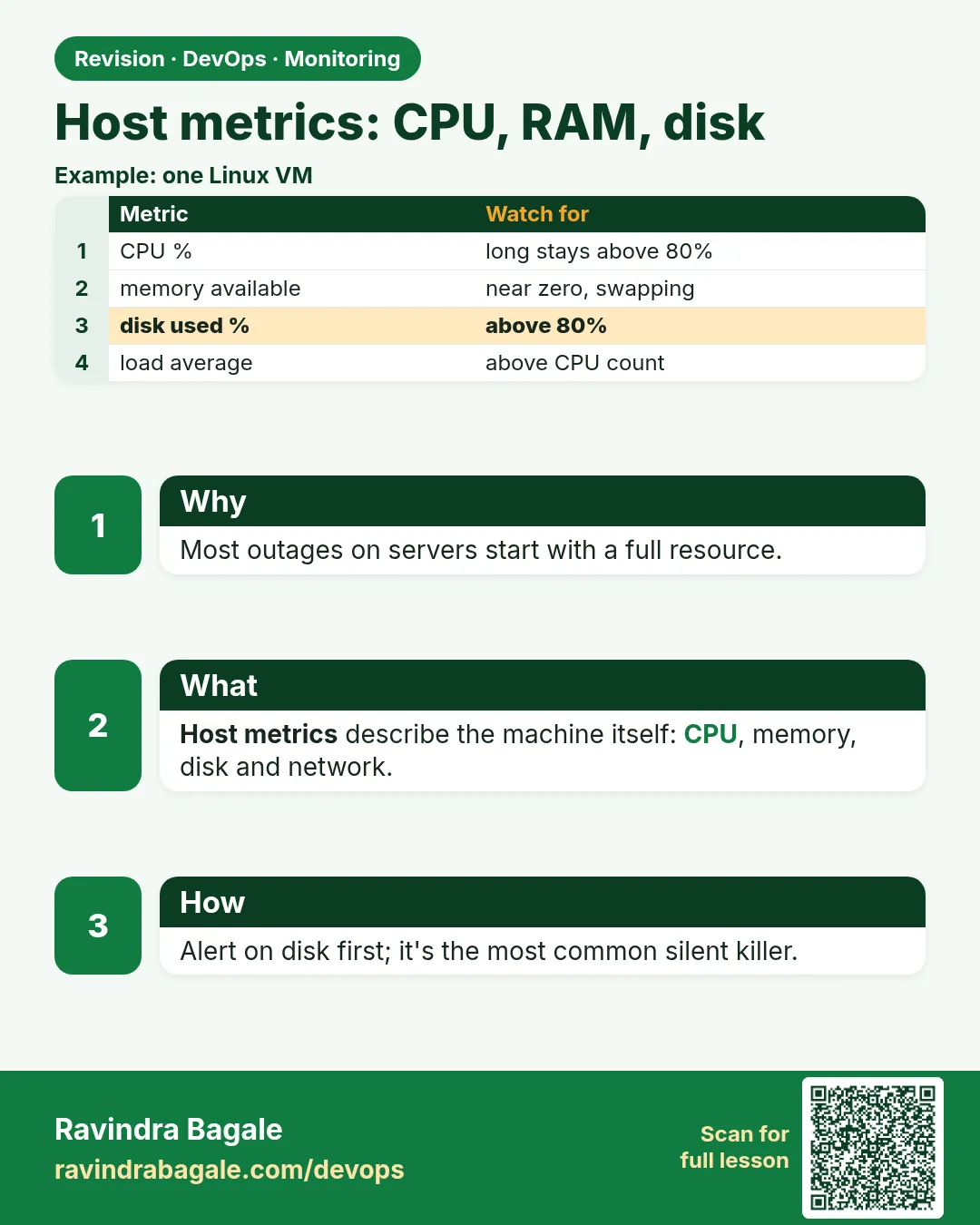
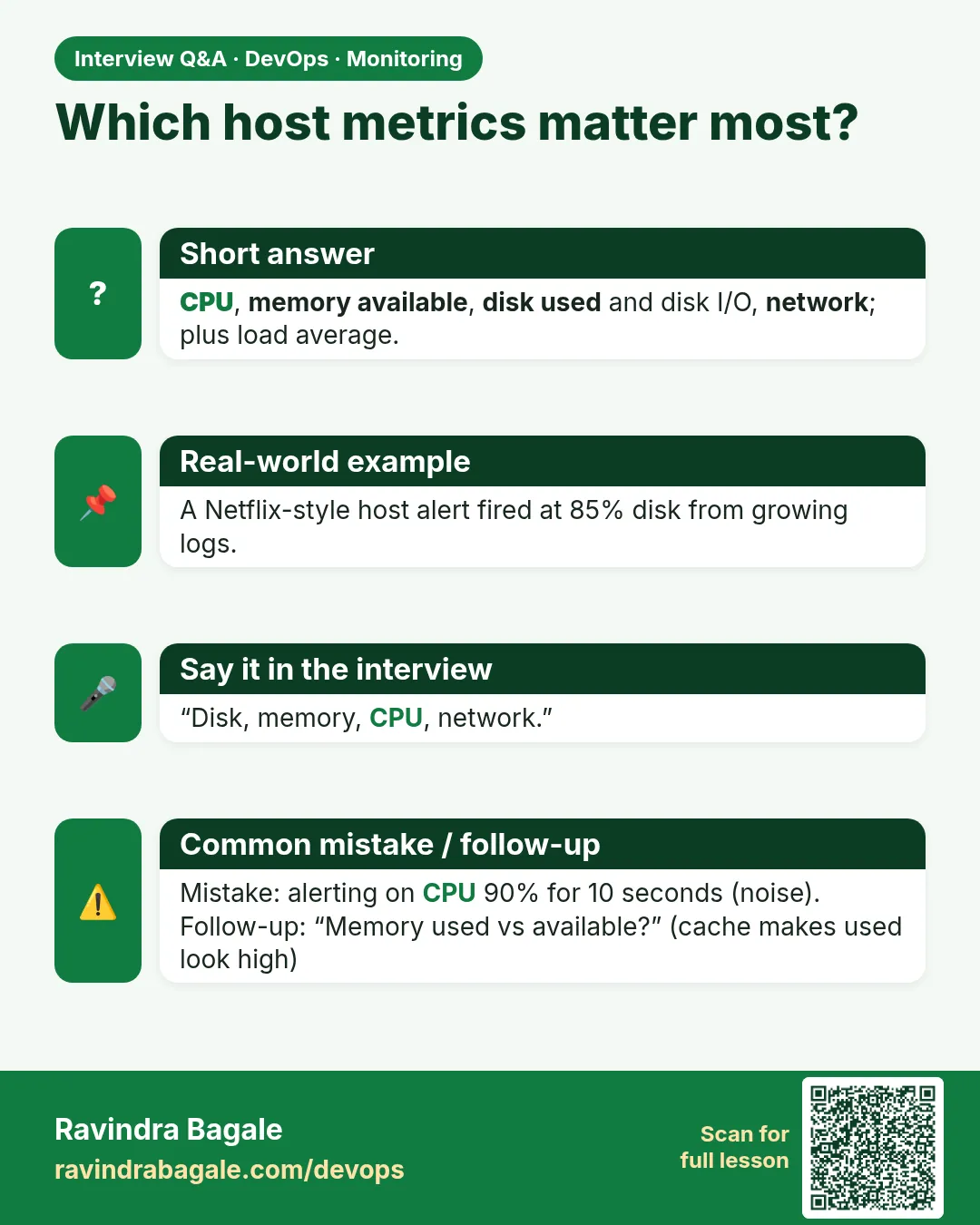
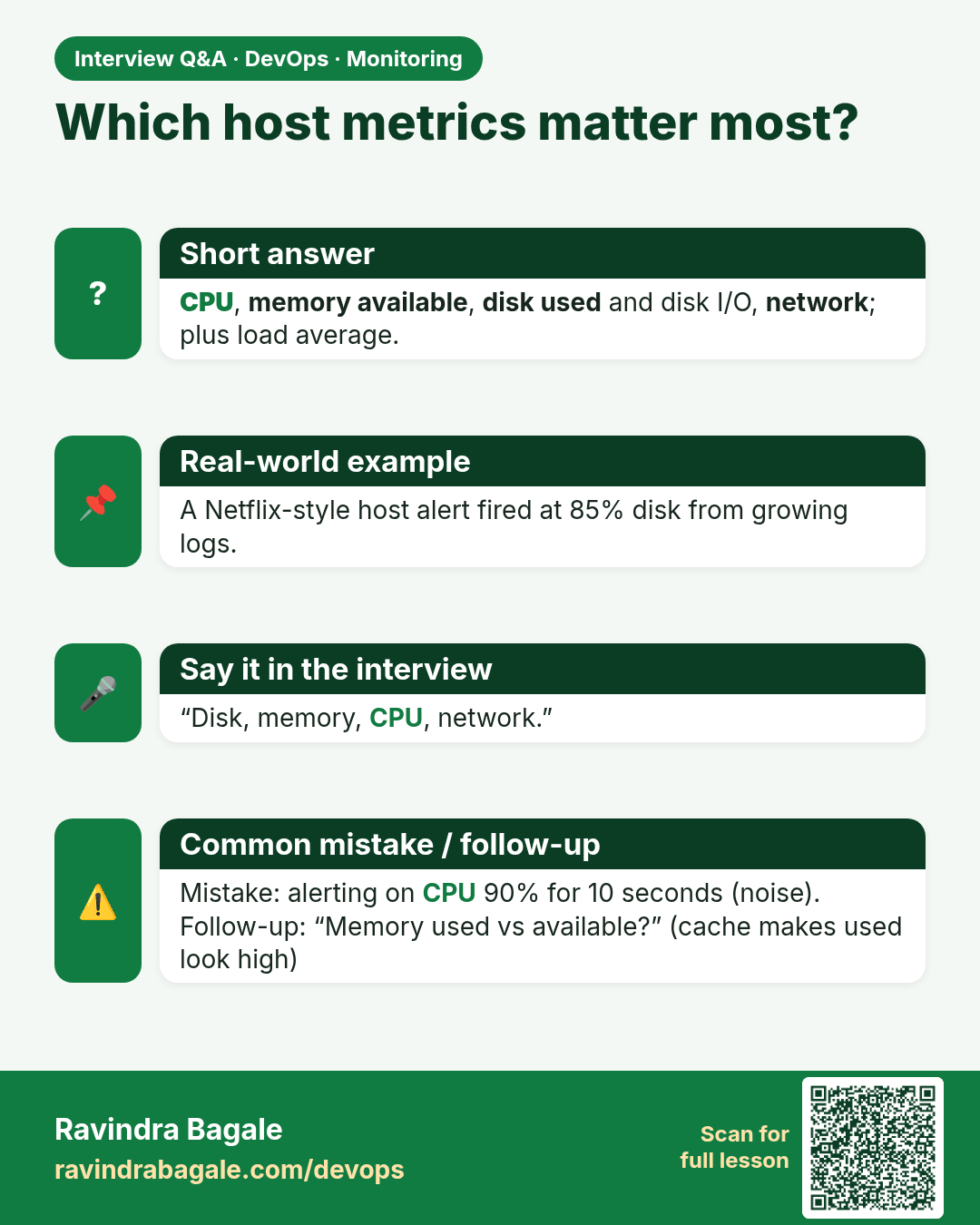
Which host metrics matter most? CPU, memory available, disk used and disk I/O, network; plus load average.
Interview card 3 of 13: Which host metrics matter most? · Download PNG · Open card page

Lesson: 13.3 Host metrics — CPU, RAM, disk
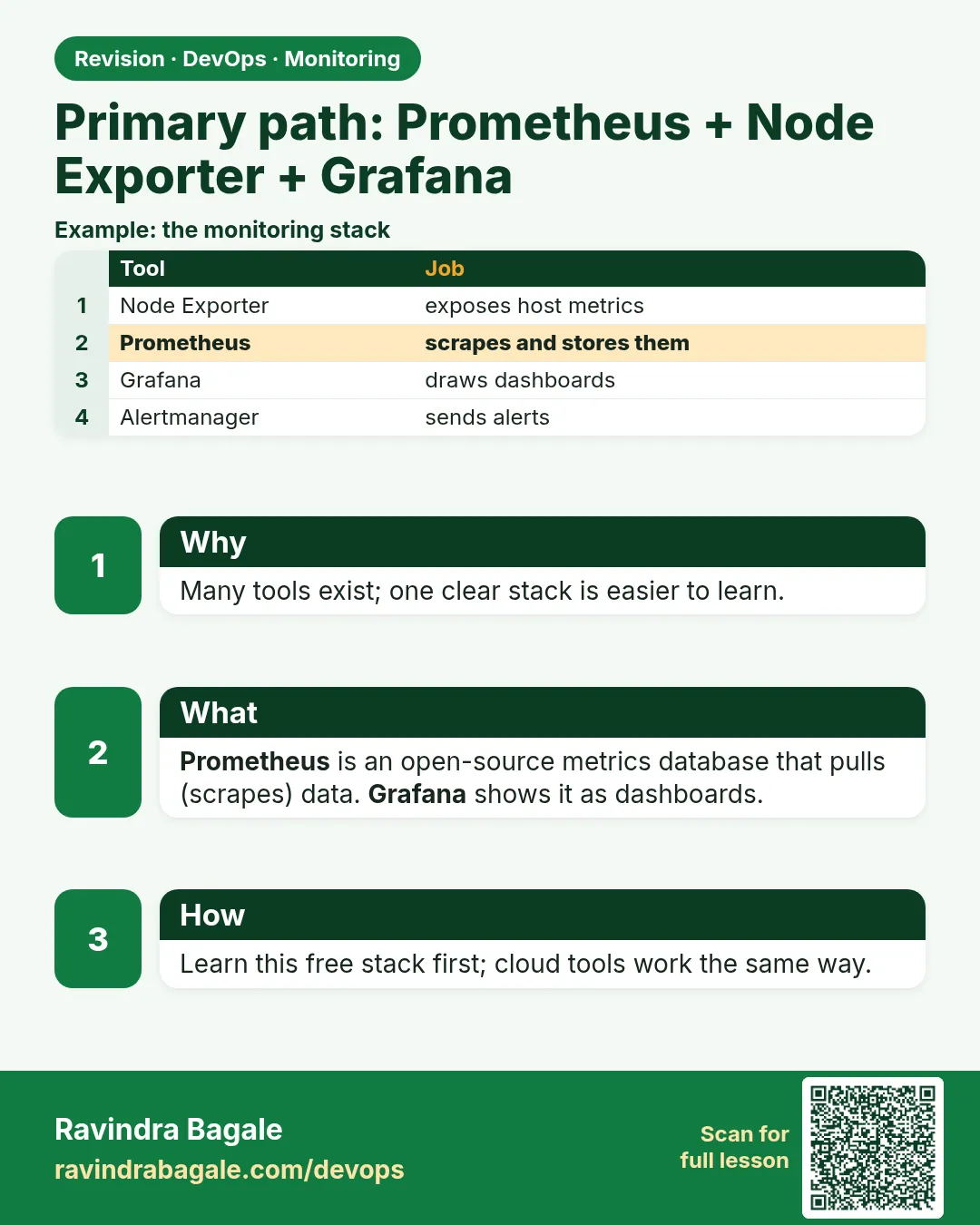
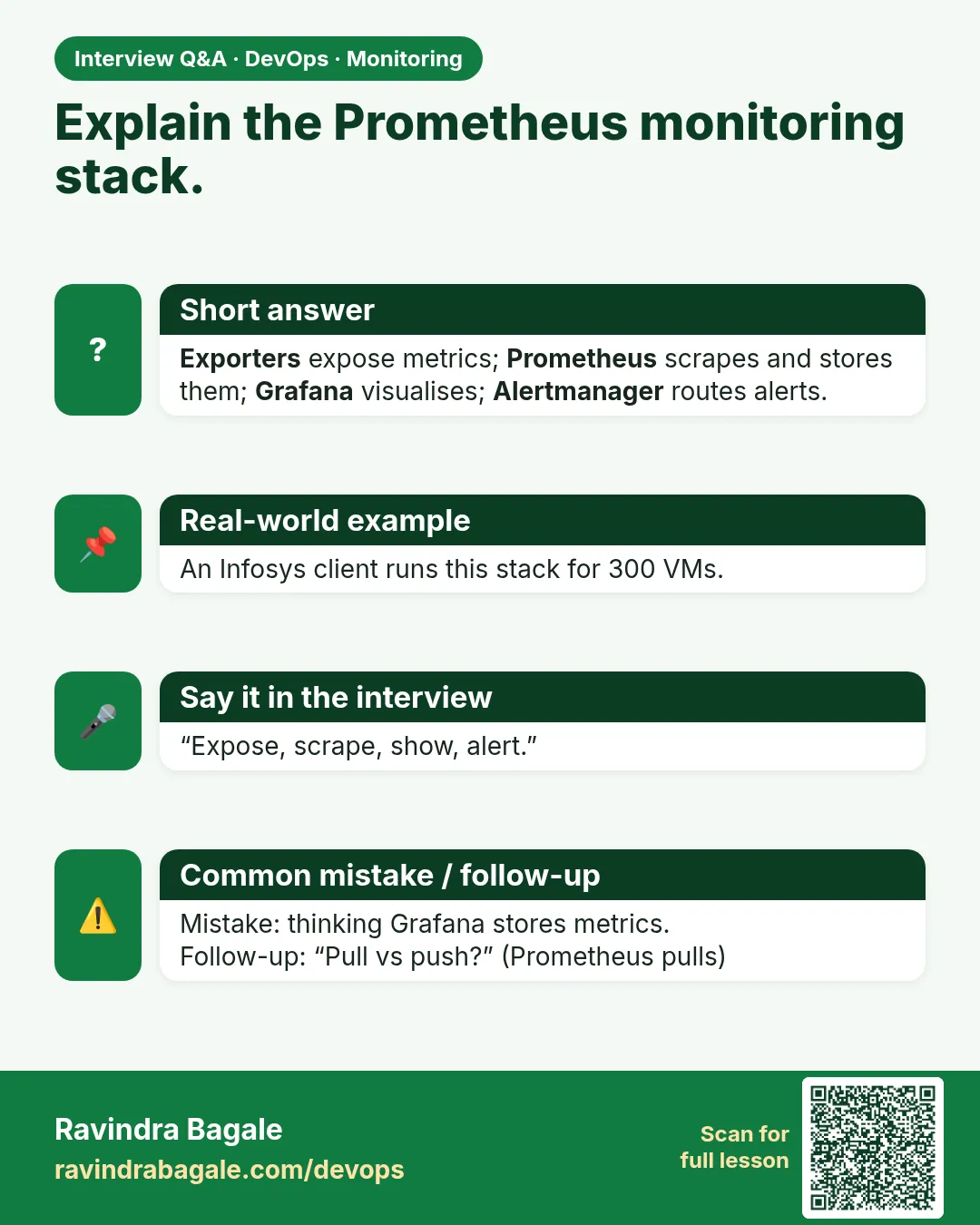
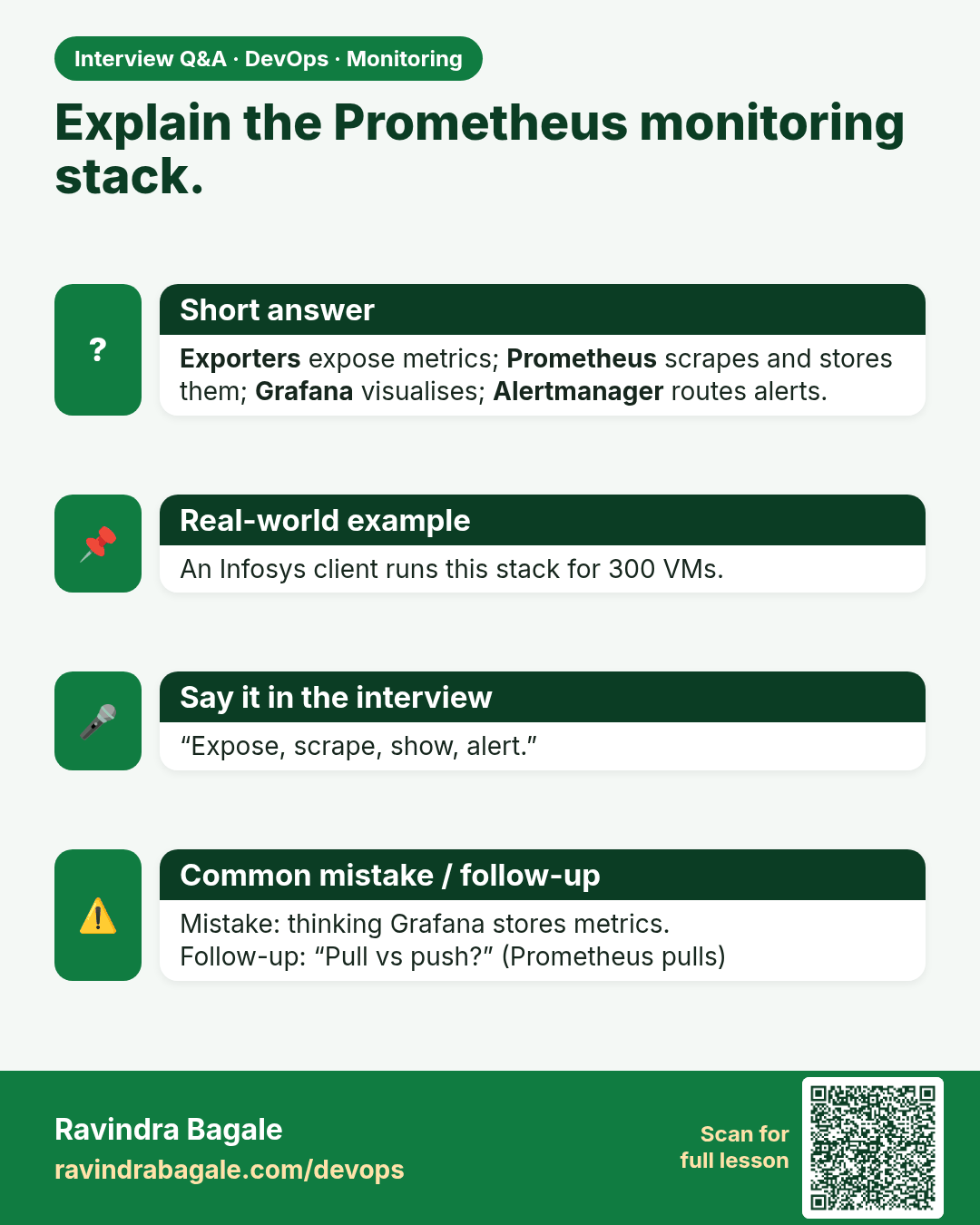
Explain the Prometheus monitoring stack. Exporters expose metrics; Prometheus scrapes and stores them; Grafana visualises; Alertmanager routes alerts.
Interview card 4 of 13: Explain the Prometheus monitoring stack. · Download PNG · Open card page

Lesson: 13.4 Primary path — Prometheus + Node Exporter + Grafana
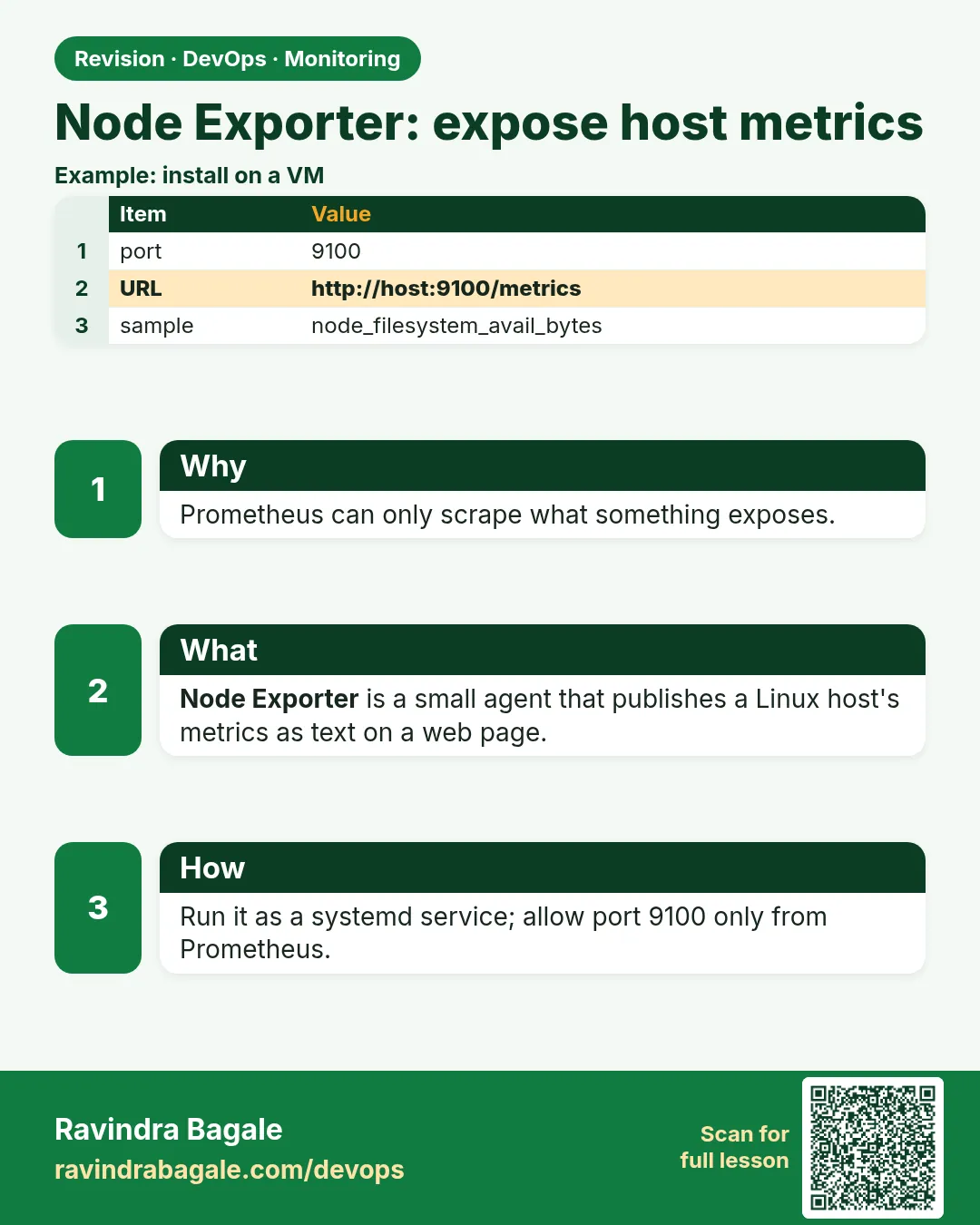
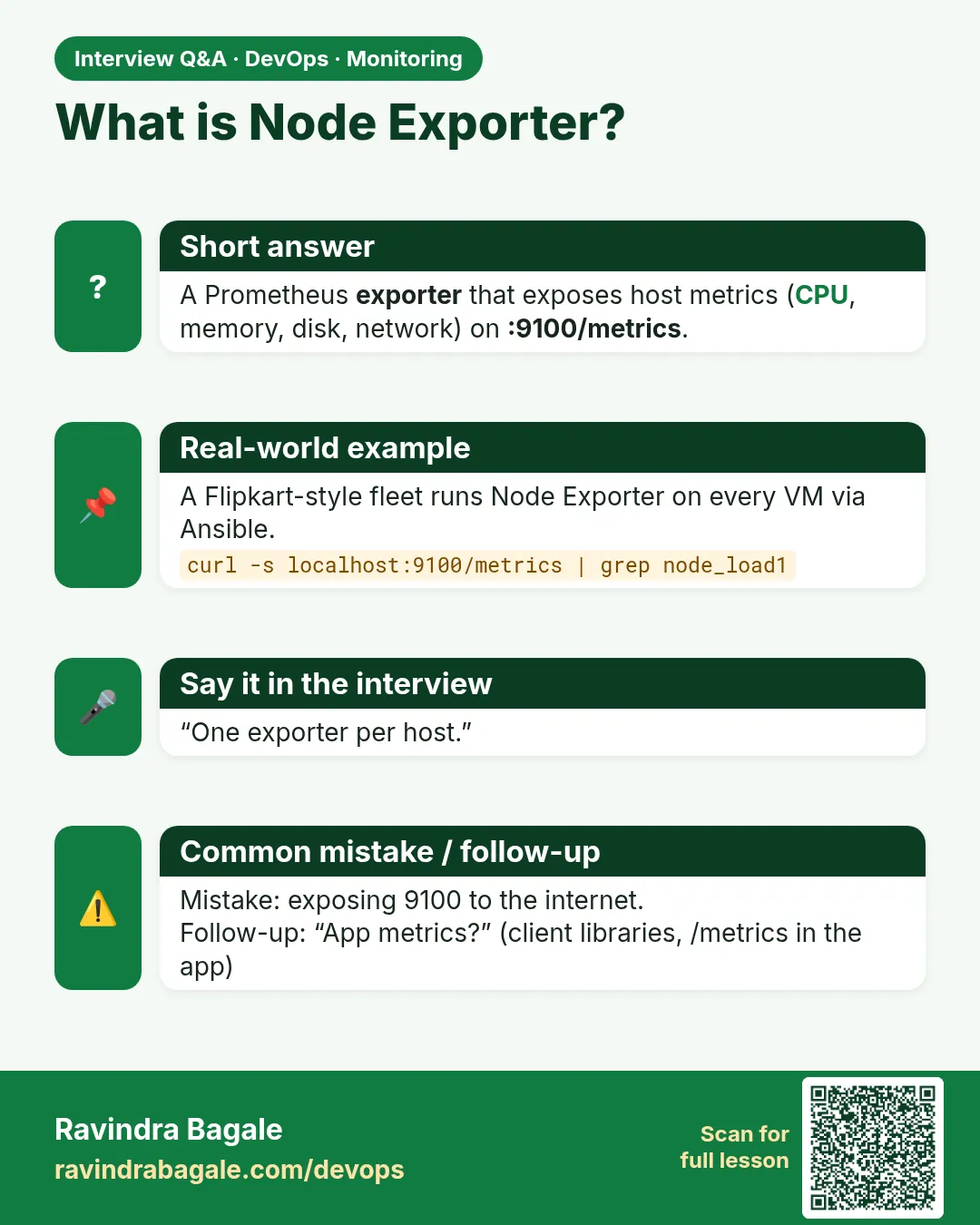
What is Node Exporter? A Prometheus exporter that exposes host metrics (CPU, memory, disk, network) on :9100/metrics.
Interview card 5 of 13: What is Node Exporter? · Download PNG · Open card page

Lesson: 13.5 Node Exporter — expose host metrics
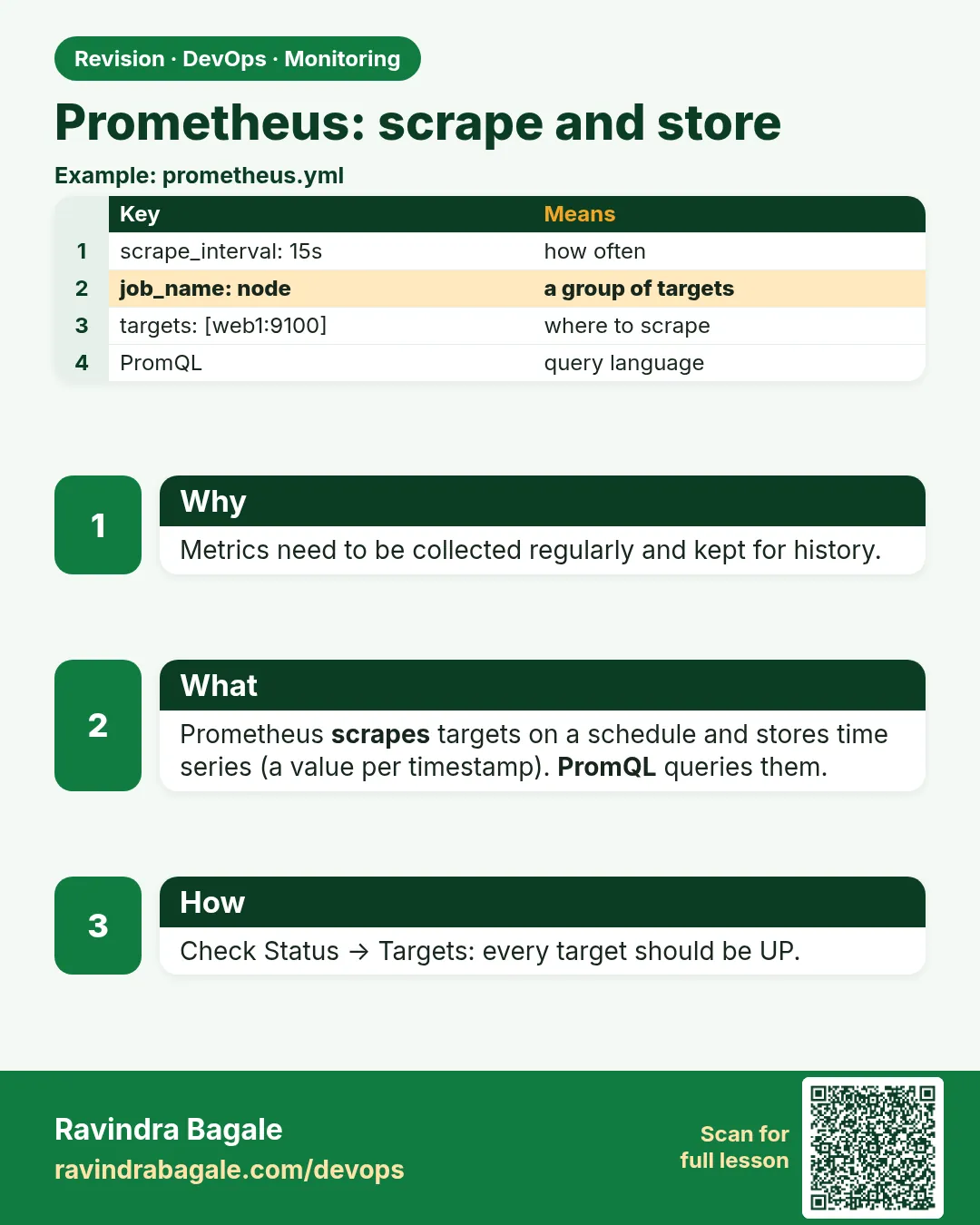
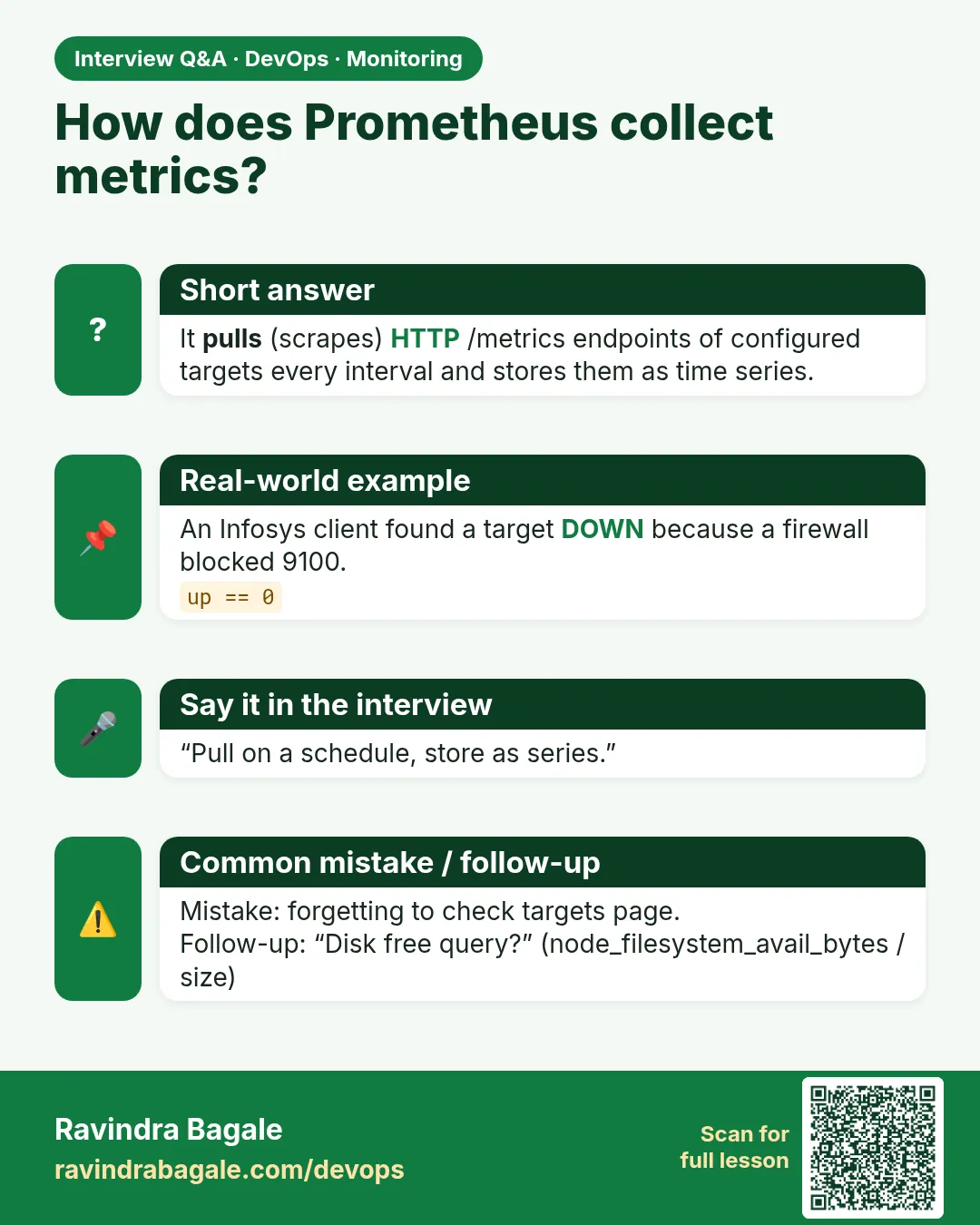
How does Prometheus collect metrics? It pulls (scrapes) HTTP /metrics endpoints of configured targets every interval and stores them as time series.
Interview card 6 of 13: How does Prometheus collect metrics? · Download PNG · Open card page

Lesson: 13.6 Prometheus — scrape and store
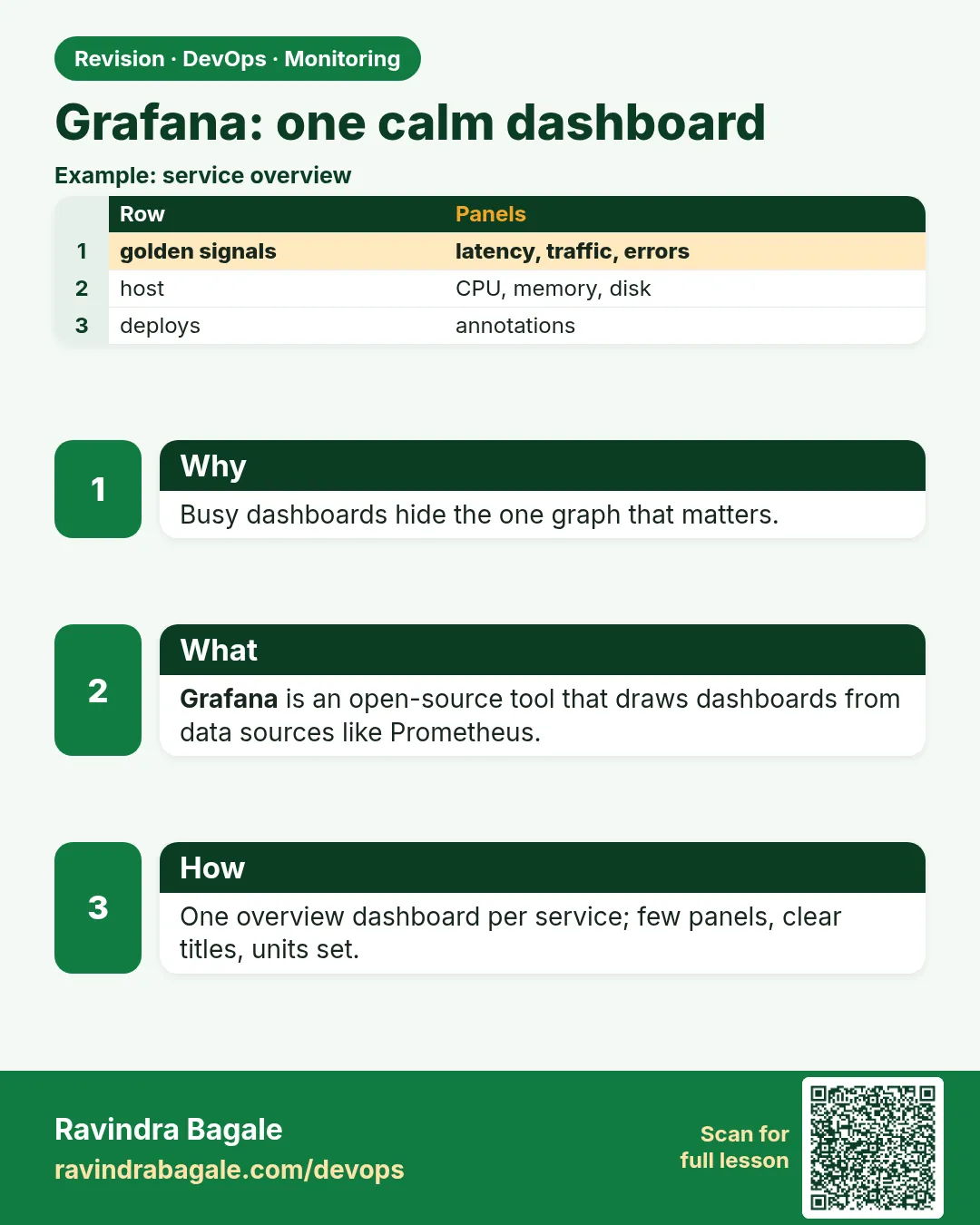
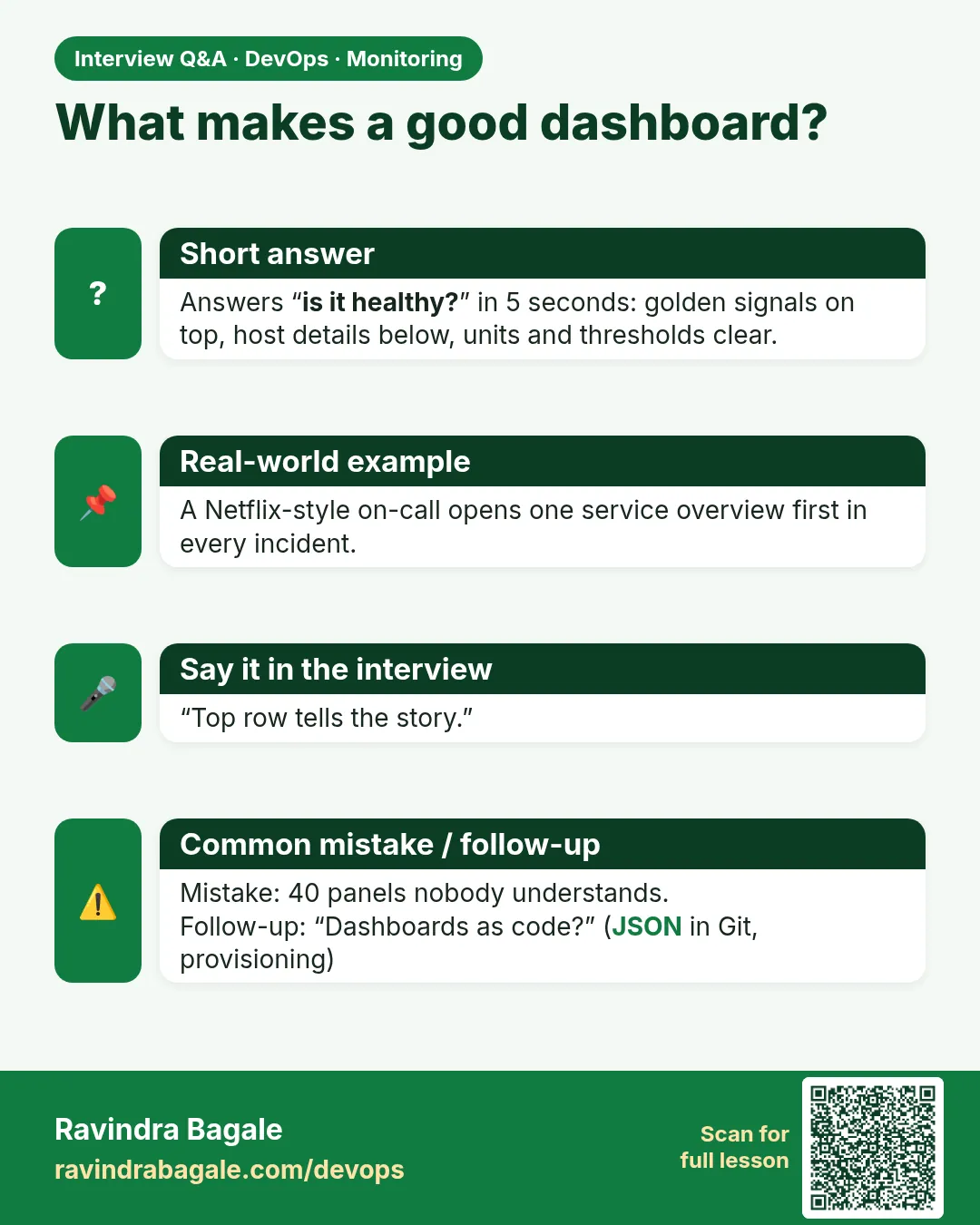
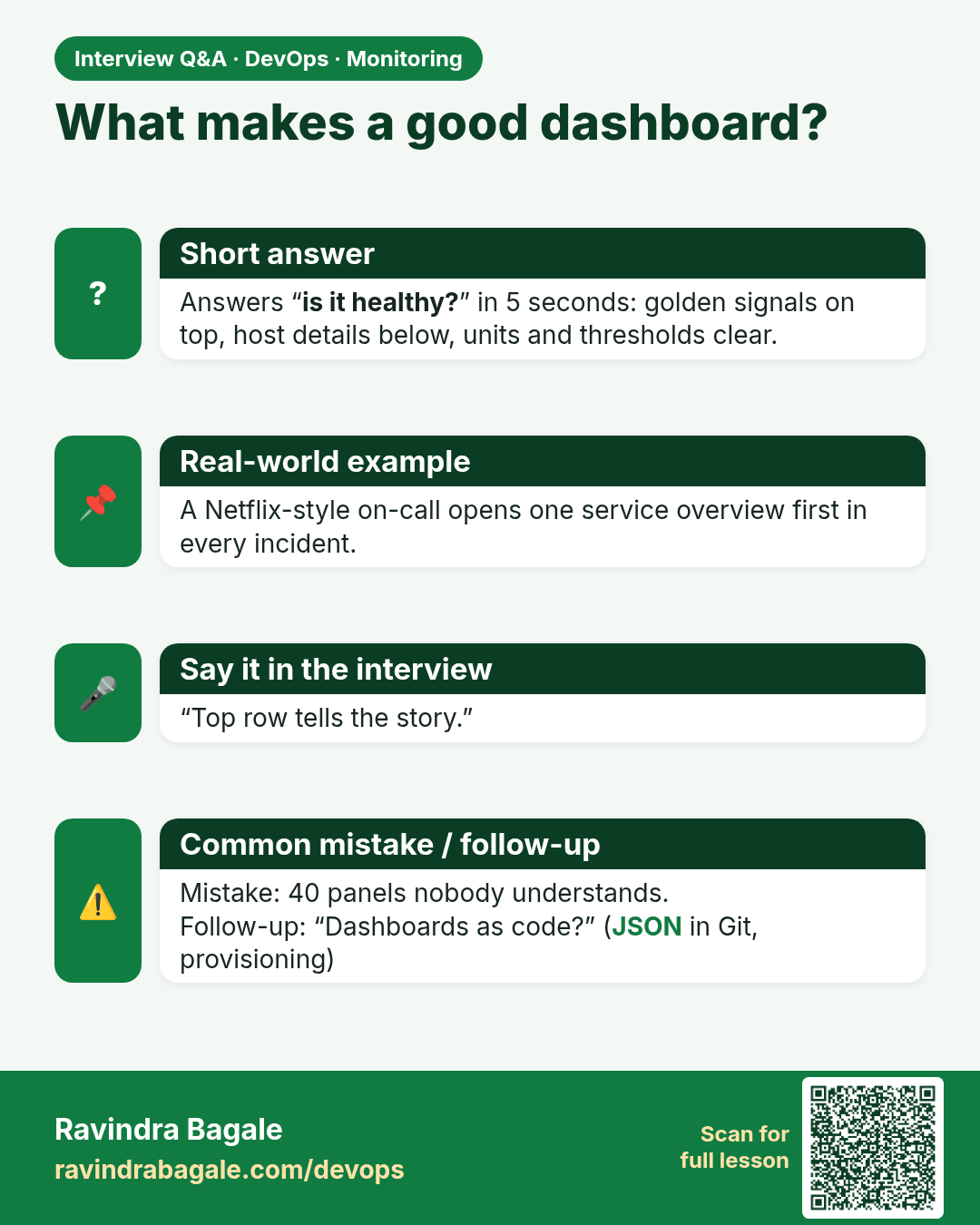
What makes a good dashboard? Answers “is it healthy?” in 5 seconds: golden signals on top, host details below, units and thresholds clear.
Interview card 7 of 13: What makes a good dashboard? · Download PNG · Open card page

Lesson: 13.7 Grafana — one calm dashboard

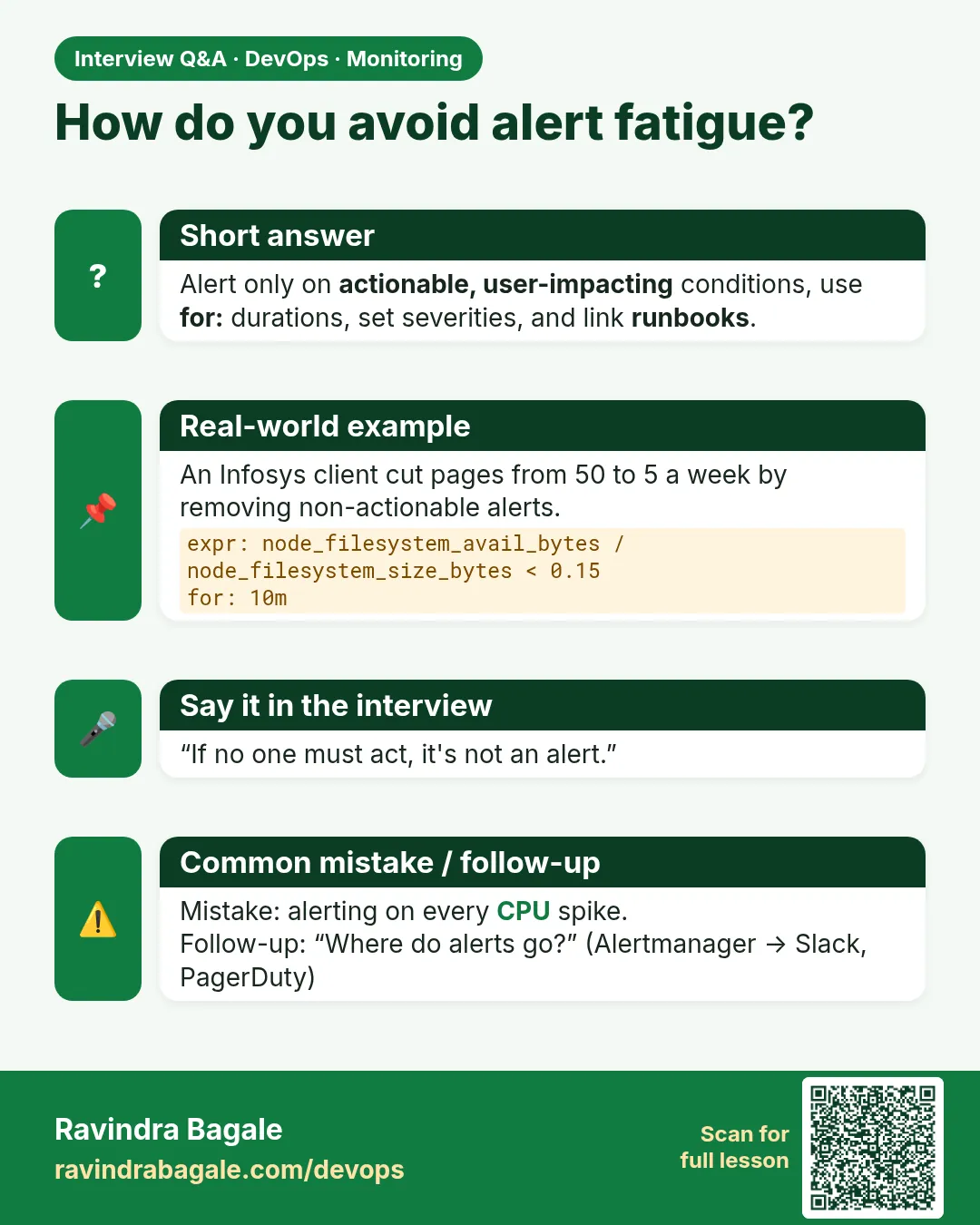
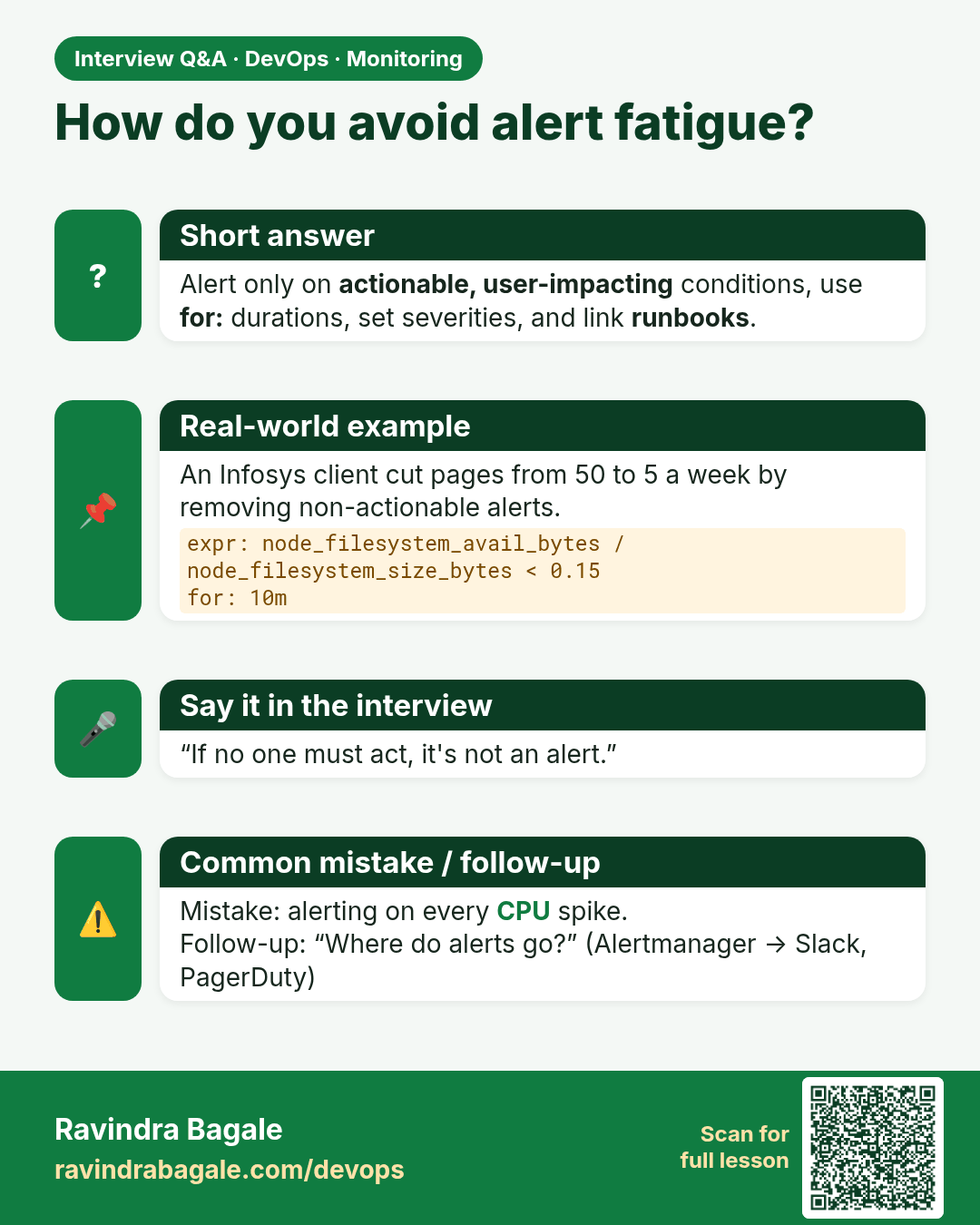
How do you avoid alert fatigue? Alert only on actionable, user-impacting conditions, use for: durations, set severities, and link runbooks.
Interview card 8 of 13: How do you avoid alert fatigue? · Download PNG · Open card page

Lesson: 13.8 Alerting — one disk threshold that matters

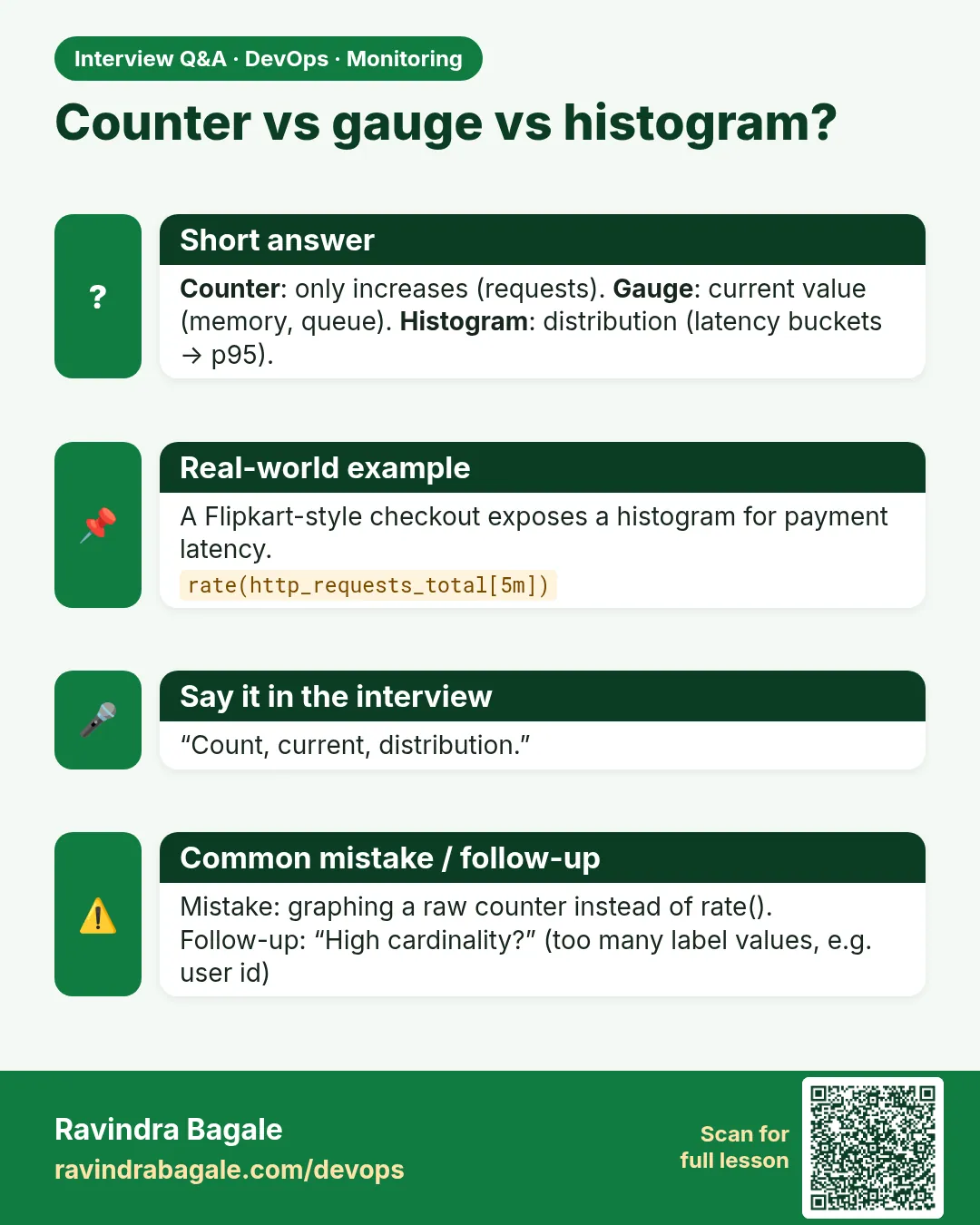
Counter vs gauge vs histogram? Counter: only increases (requests). Gauge: current value (memory, queue). Histogram: distribution (latency buckets → p95).
Interview card 9 of 13: Counter vs gauge vs histogram? · Download PNG · Open card page

Lesson: 13.9 What about application metrics?

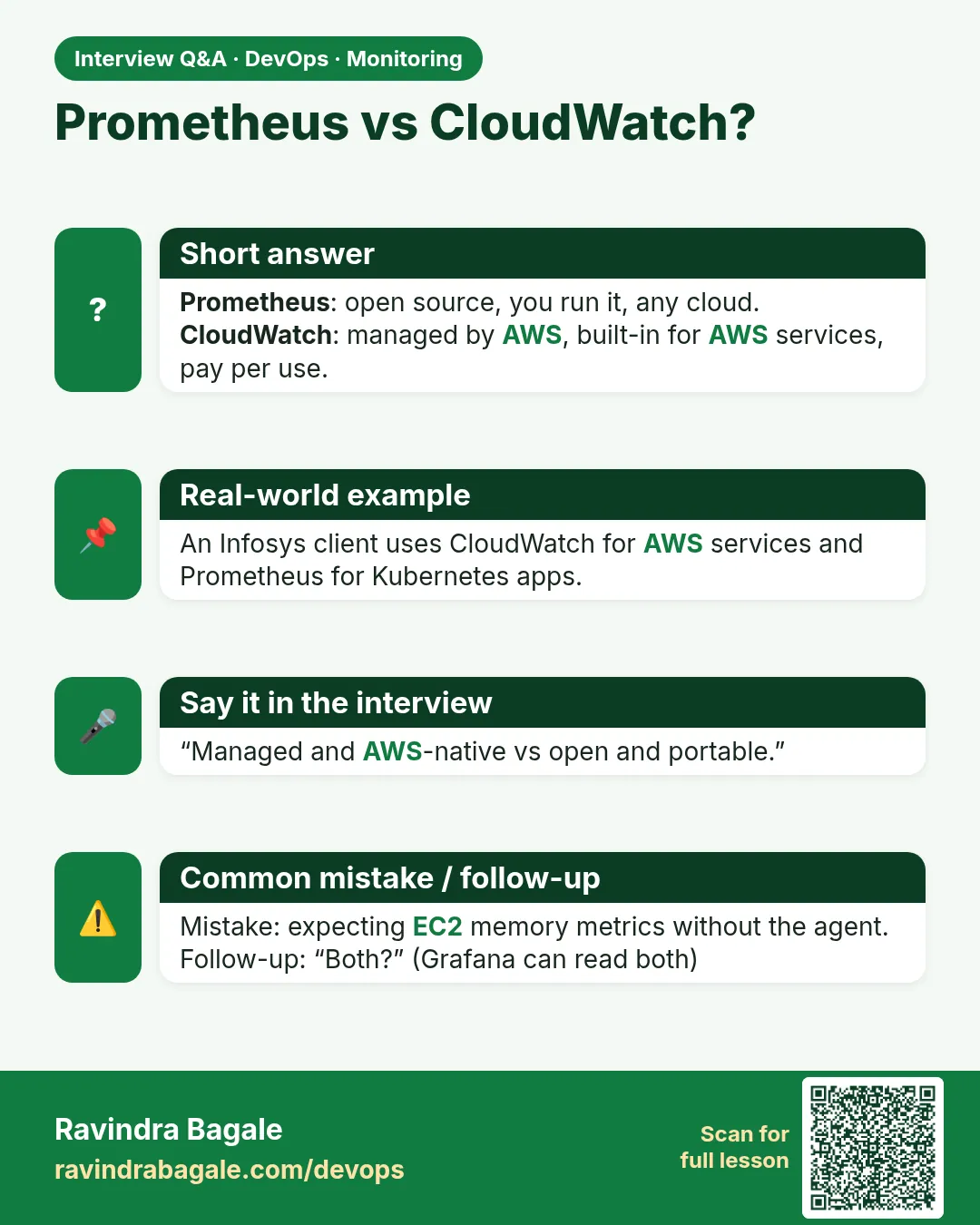
Prometheus vs CloudWatch? Prometheus: open source, you run it, any cloud. CloudWatch: managed by AWS, built-in for AWS services, pay per use.
Interview card 10 of 13: Prometheus vs CloudWatch? · Download PNG · Open card page

Lesson: 13.10 CloudWatch in one paragraph (secondary path)

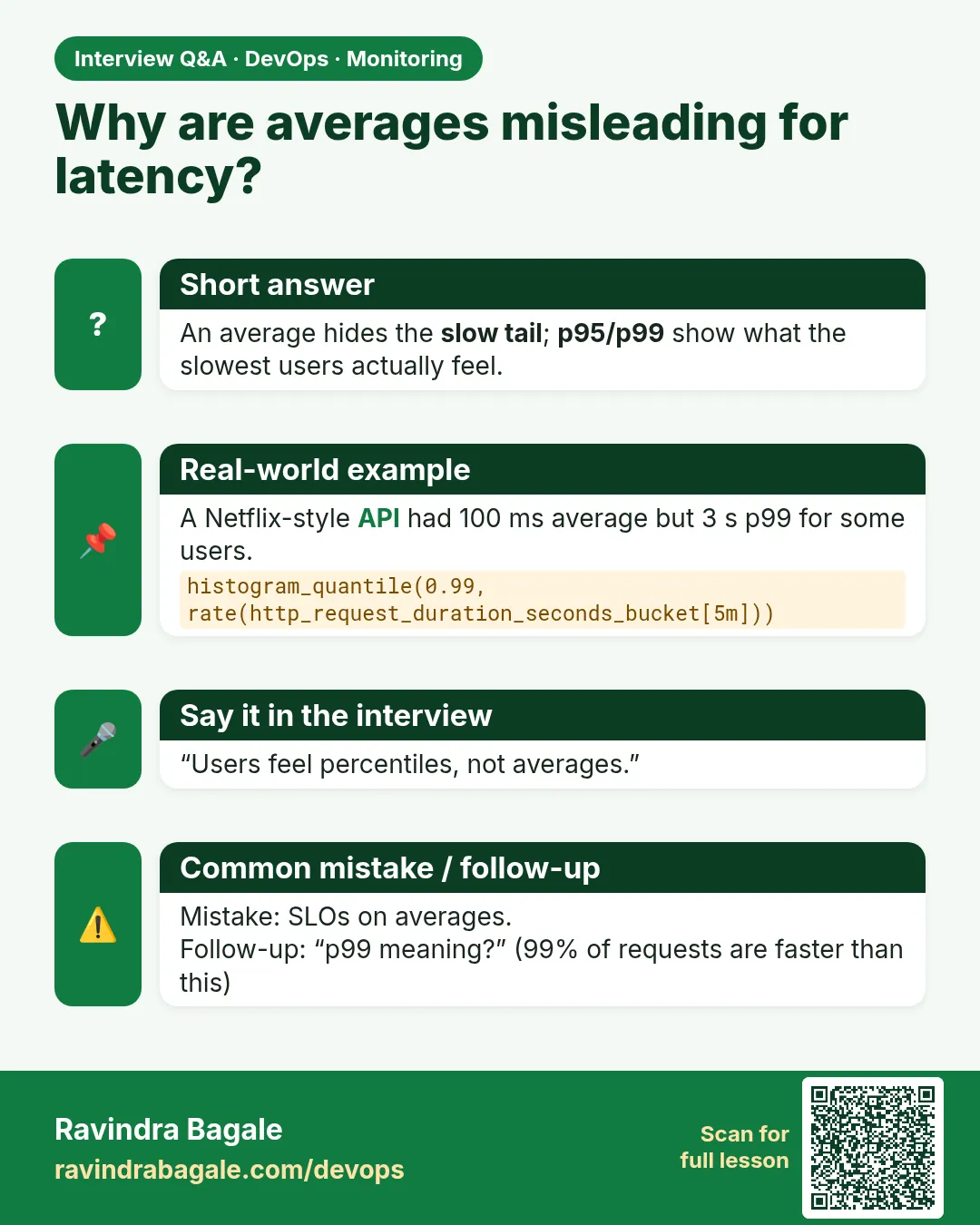
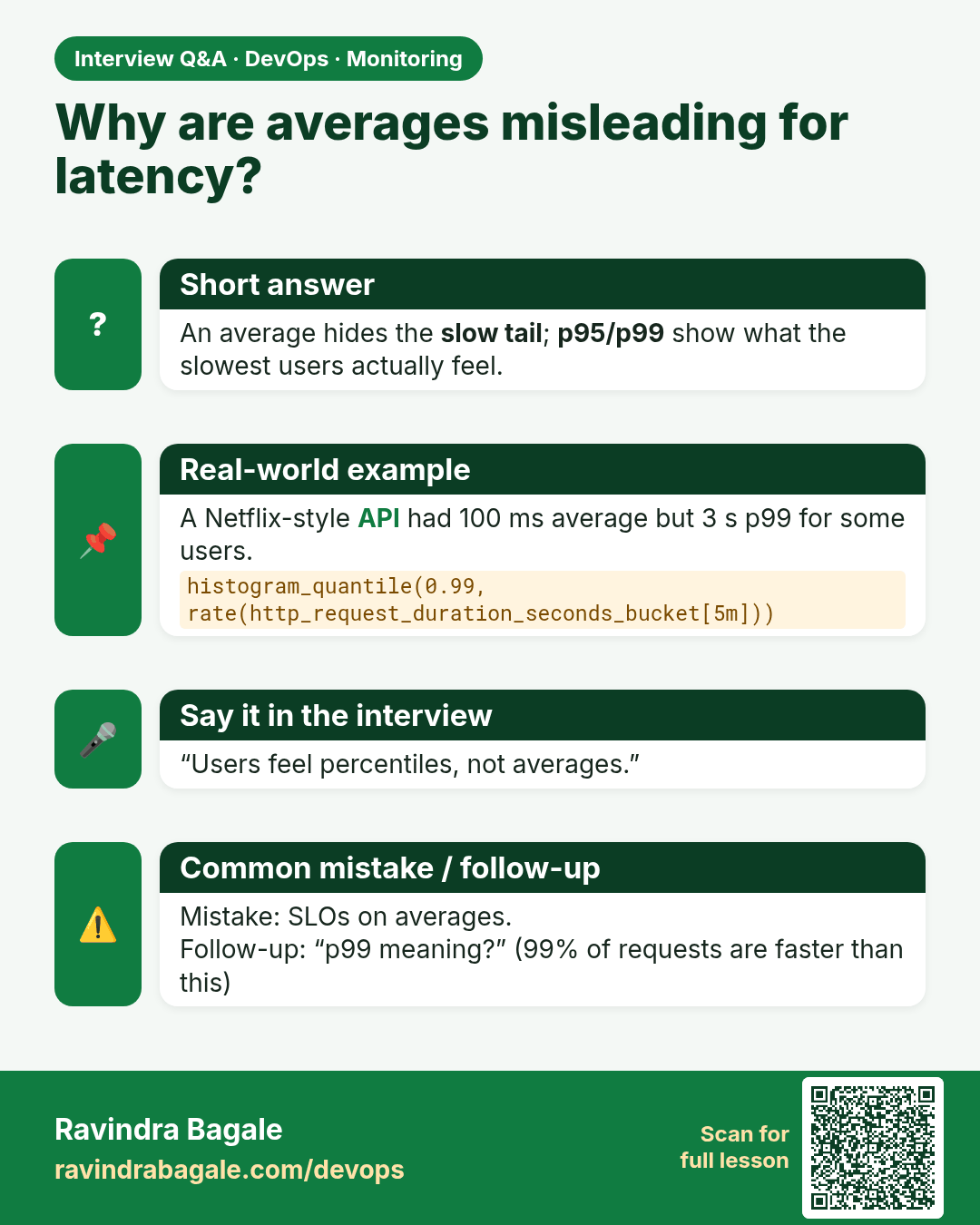
Why are averages misleading for latency? An average hides the slow tail; p95/p99 show what the slowest users actually feel.
Interview card 11 of 13: Why are averages misleading for latency? · Download PNG · Open card page

Lesson: 13.11 Anti-patterns

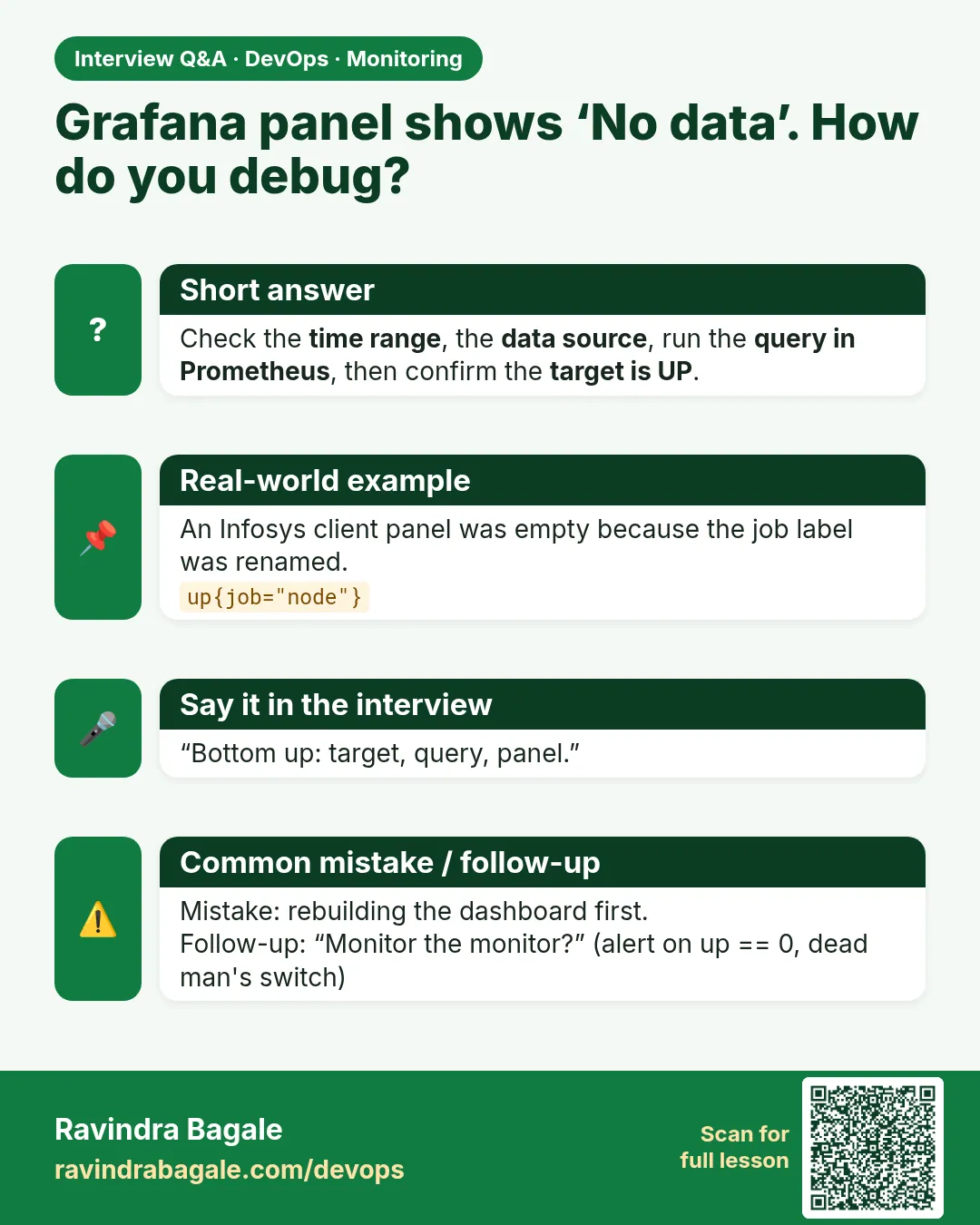
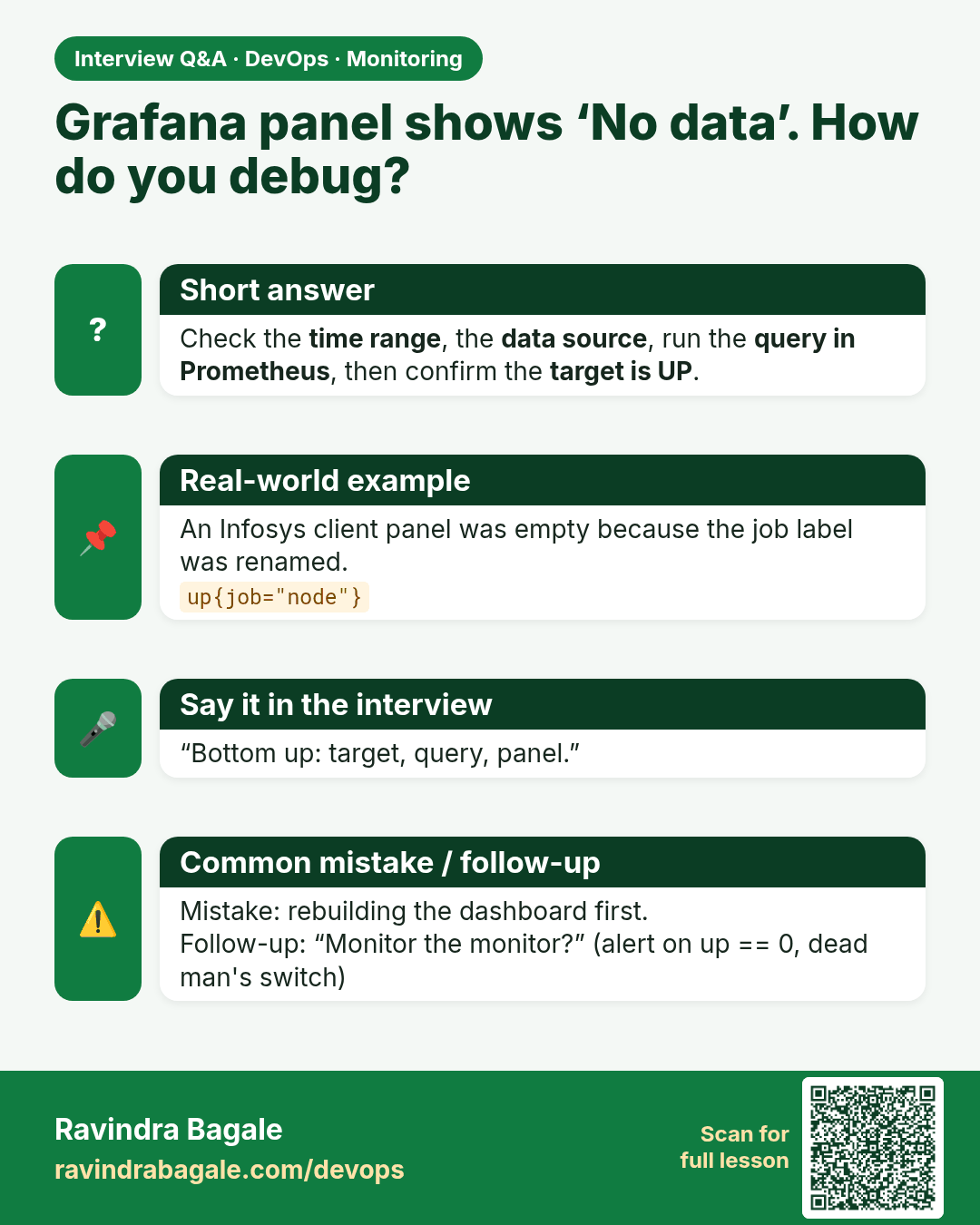
Grafana panel shows ‘No data’. How do you debug? Check the time range, the data source, run the query in Prometheus, then confirm the target is UP.
Interview card 12 of 13: Grafana panel shows ‘No data’. How do you debug? · Download PNG · Open card page

Lesson: 13.12 Troubleshooting table

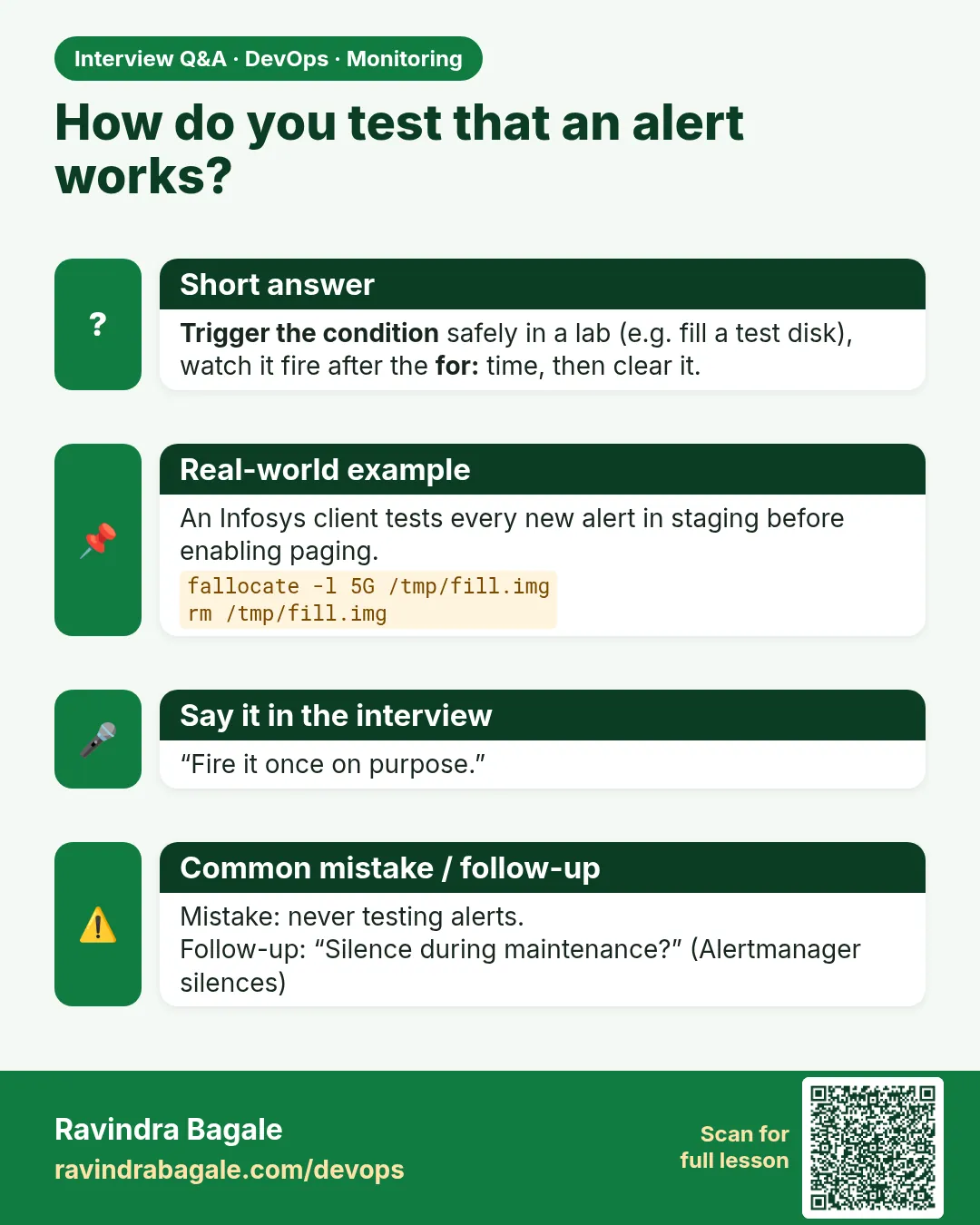
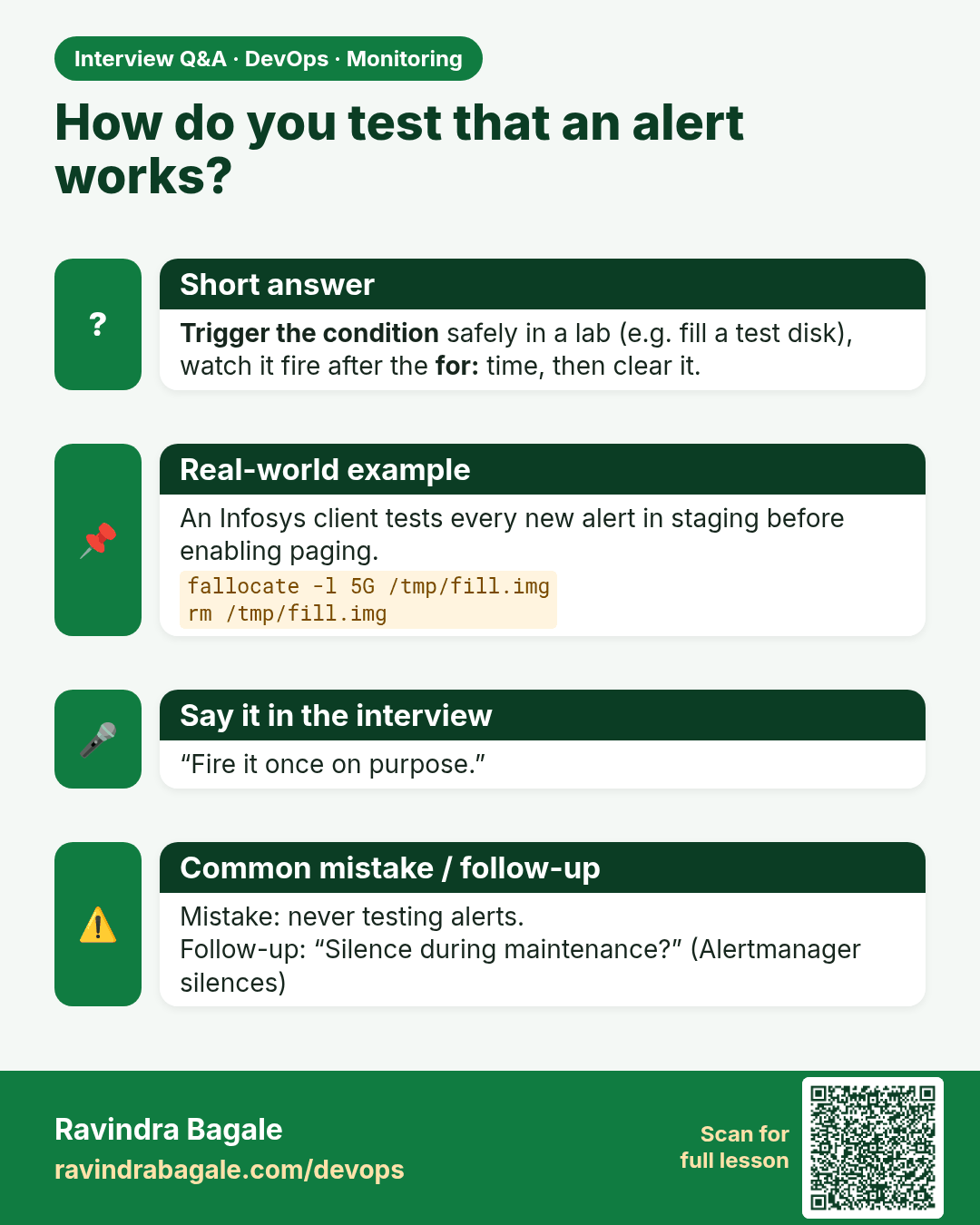
How do you test that an alert works? Trigger the condition safely in a lab (e.g. fill a test disk), watch it fire after the for: time, then clear it.
Interview card 13 of 13: How do you test that an alert works? · Download PNG · Open card page

Lesson: 13.13 Lab — disk metric path and a triggered alert

Comparison cards

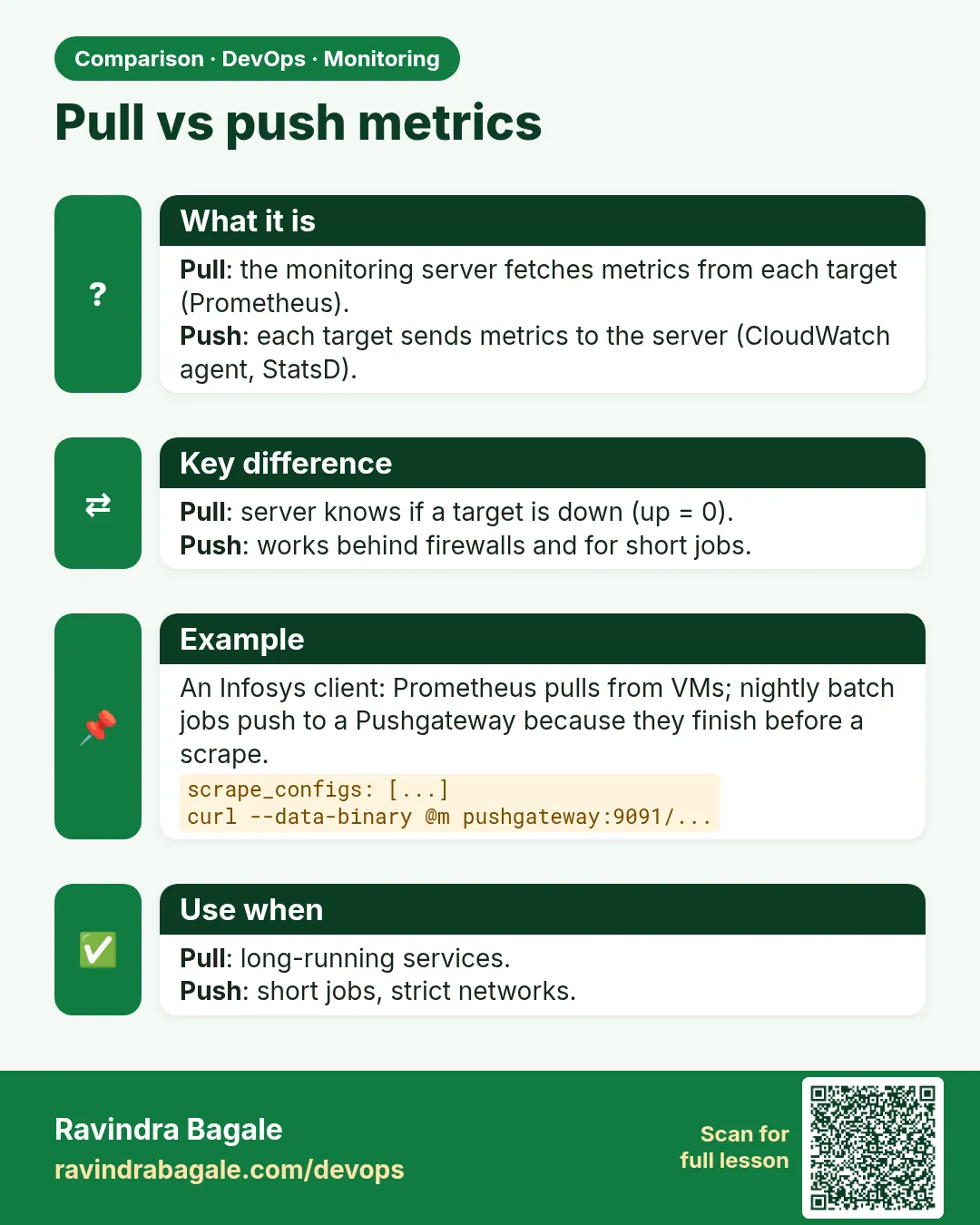
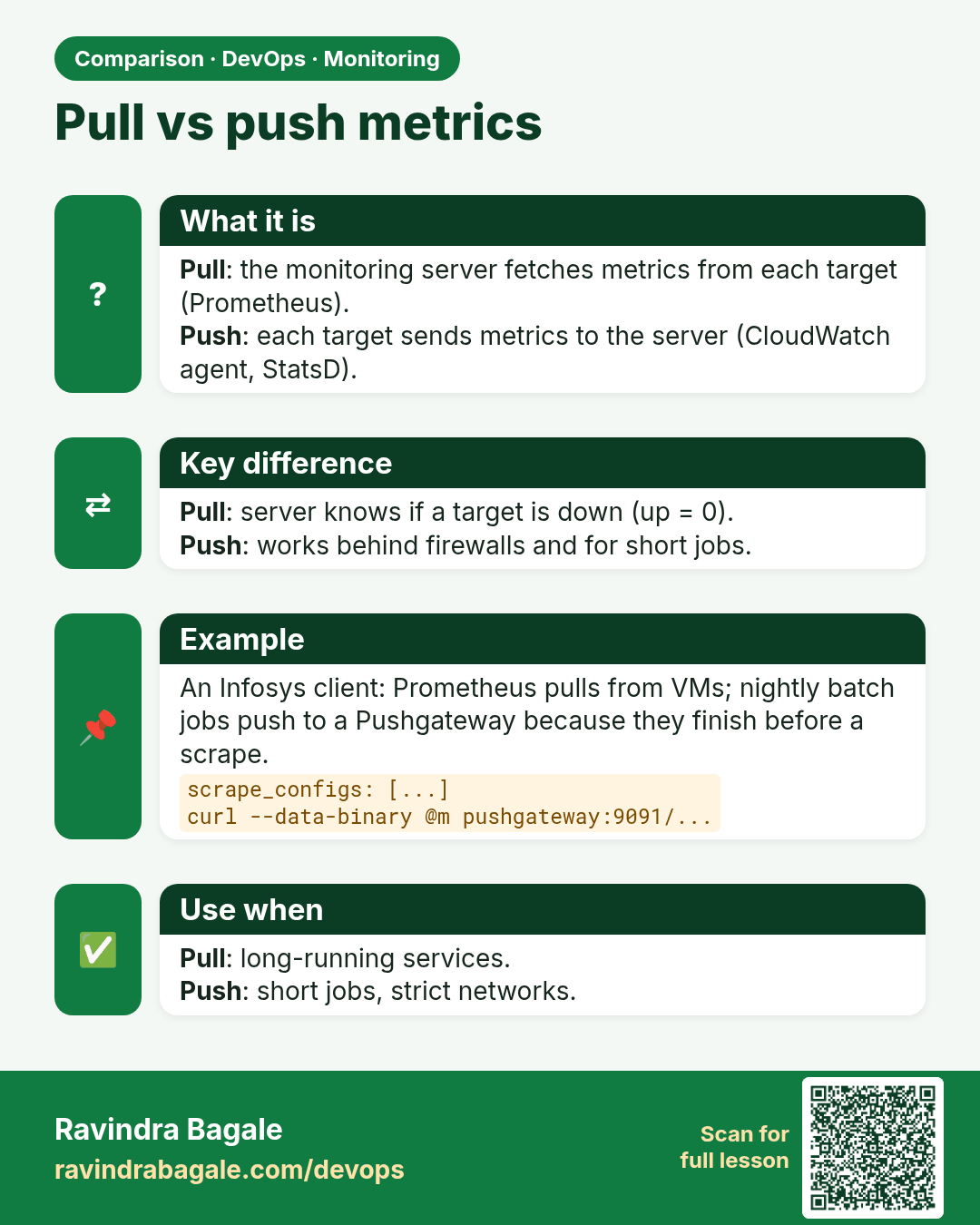
Pull vs push metrics. Pull: the monitoring server fetches metrics from each target (Prometheus).Push: each target sends metrics to the server (CloudWatch agent, StatsD).
Comparison card 1 of 3: Pull vs push metrics · Download PNG · Open card page

Lesson: 13.6 Prometheus — scrape and store
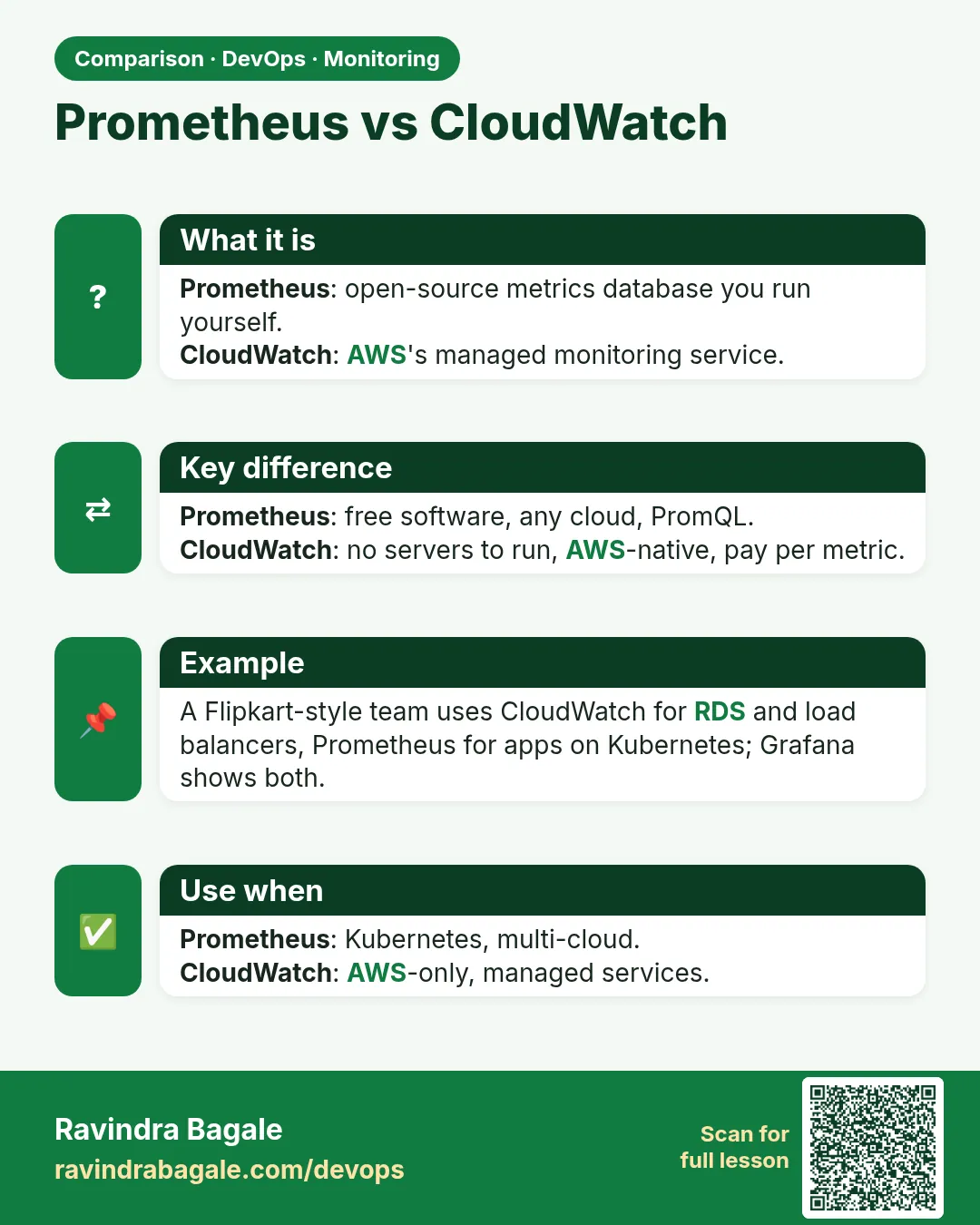
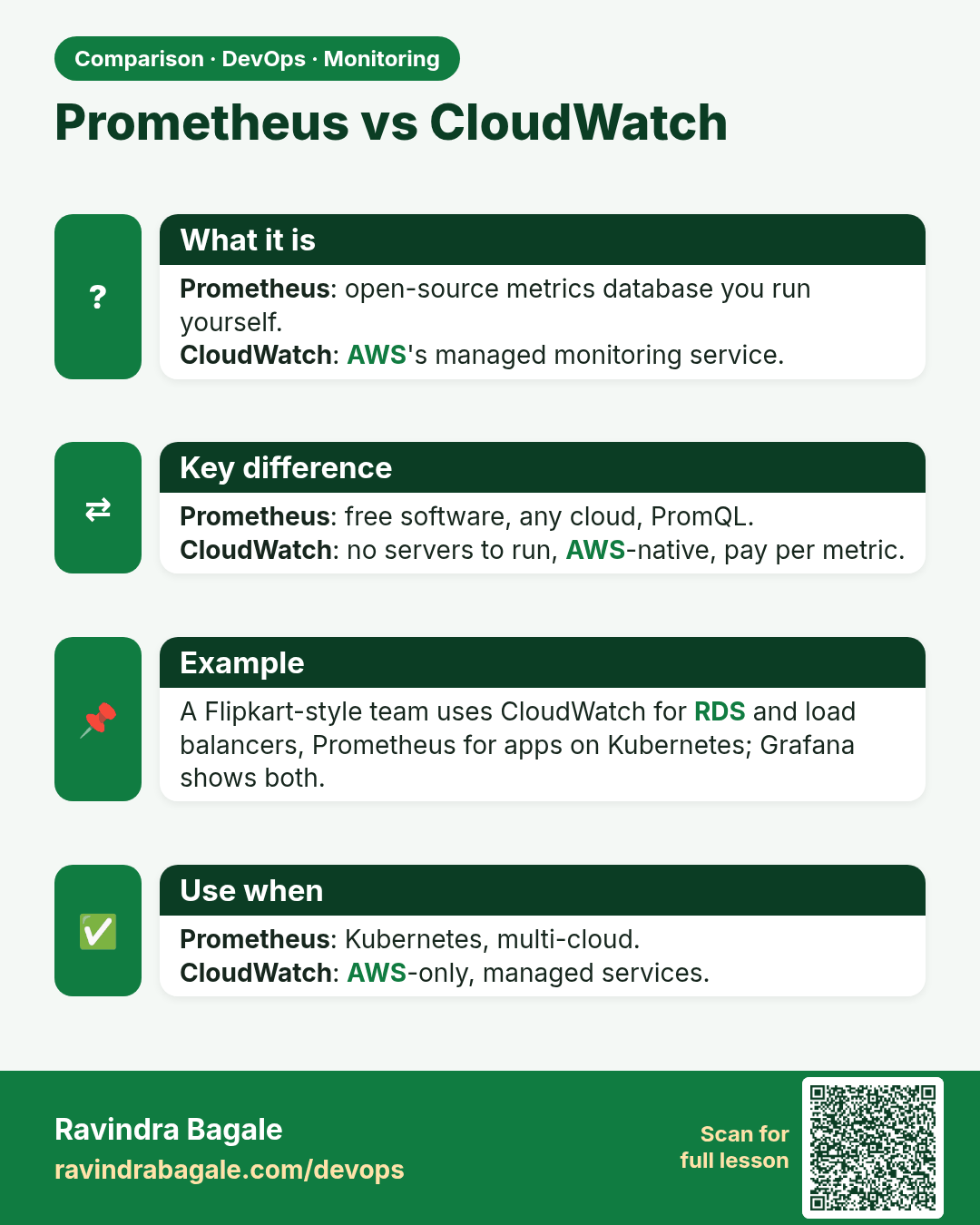
Prometheus vs CloudWatch. Prometheus: open-source metrics database you run yourself.CloudWatch: AWS's managed monitoring service.
Comparison card 2 of 3: Prometheus vs CloudWatch · Download PNG · Open card page

Lesson: 13.10 CloudWatch in one paragraph (secondary path)
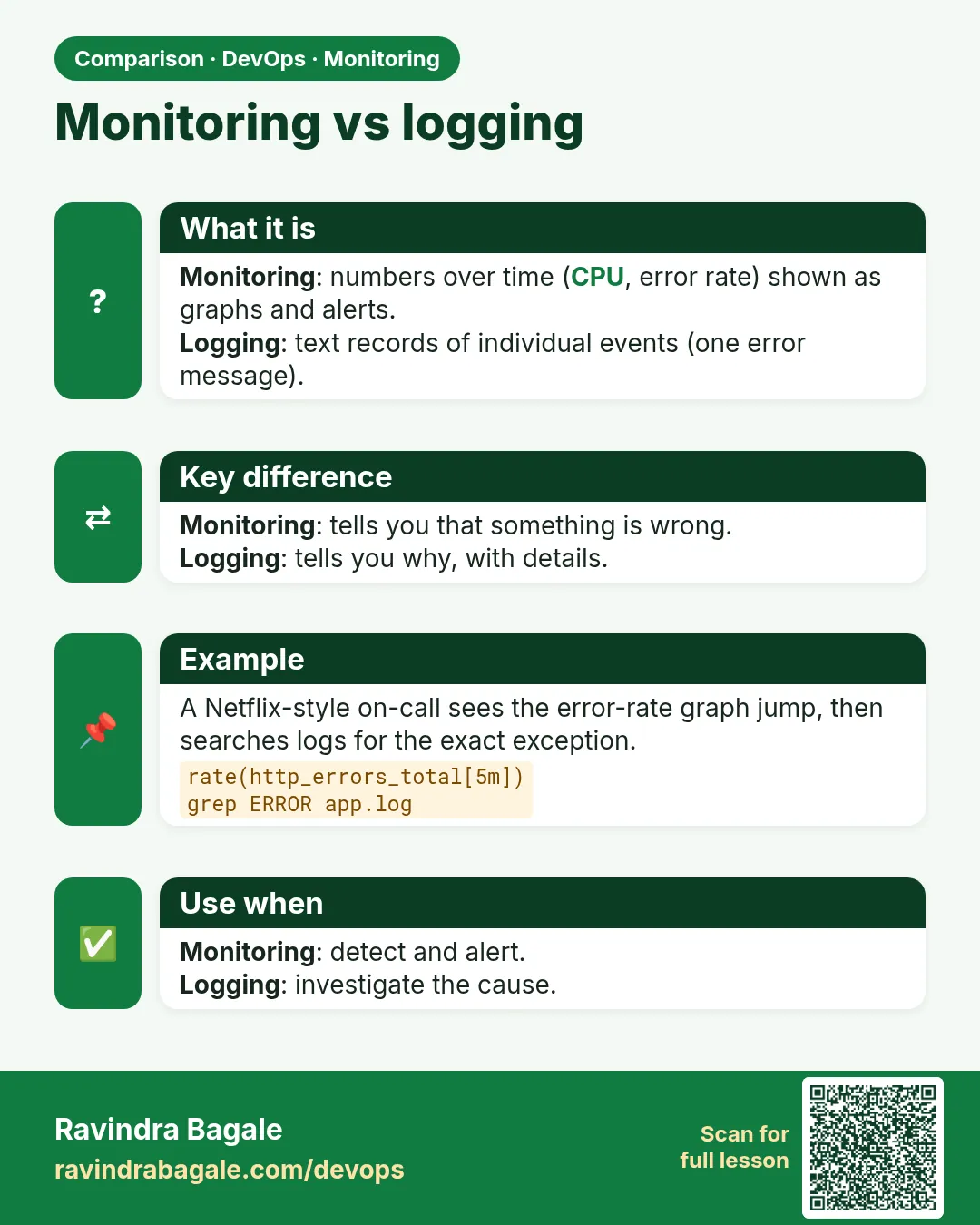
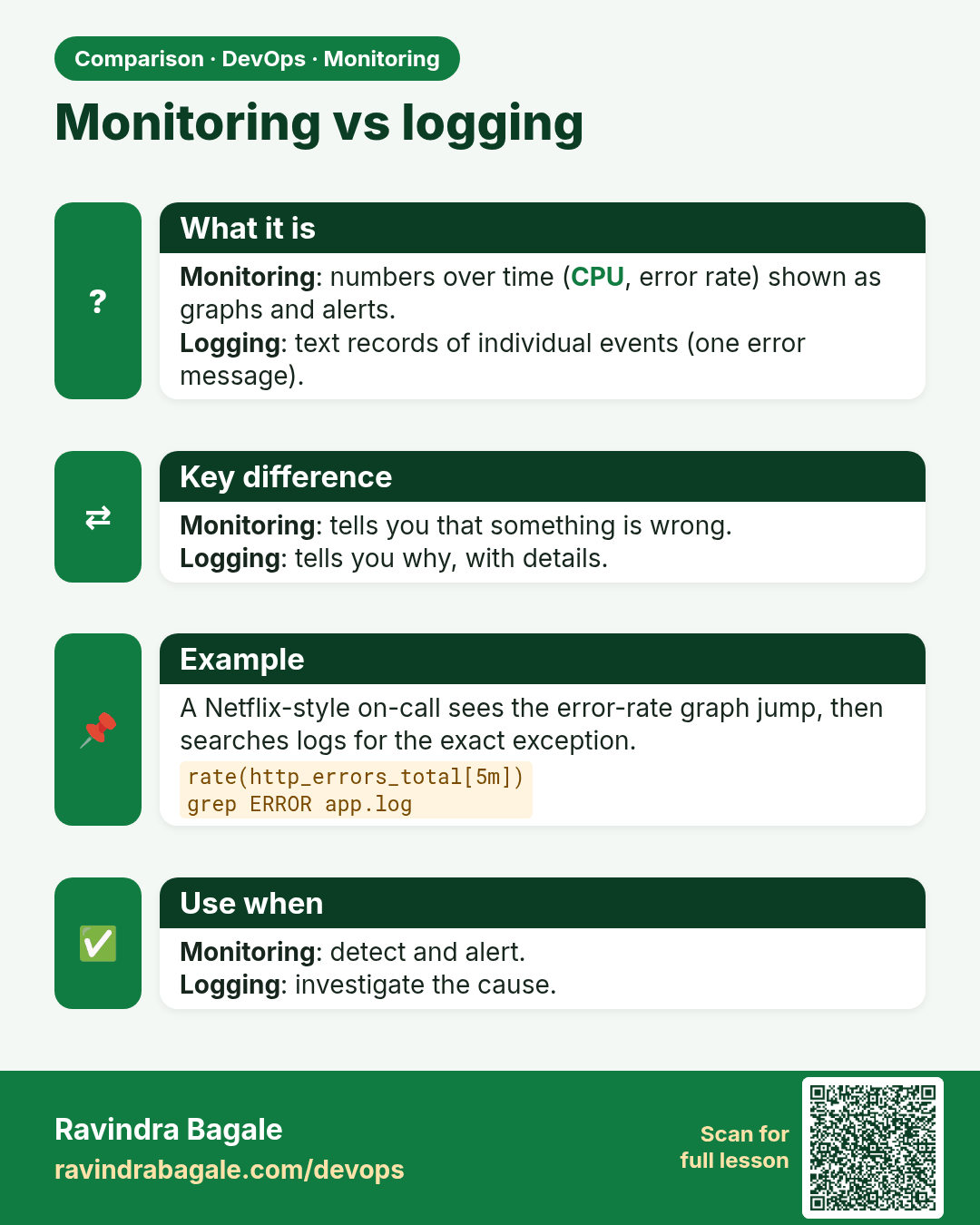
Monitoring vs logging. Monitoring: numbers over time (CPU, error rate) shown as graphs and alerts.Logging: text records of individual events (one error message).
Comparison card 3 of 3: Monitoring vs logging · Download PNG · Open card page

Lesson: 13.1 Why monitor — dashboard before the outage call