Chapter 29: Scan Pipeline in Jenkins
29.9 Syft SBOM
Why: the problem
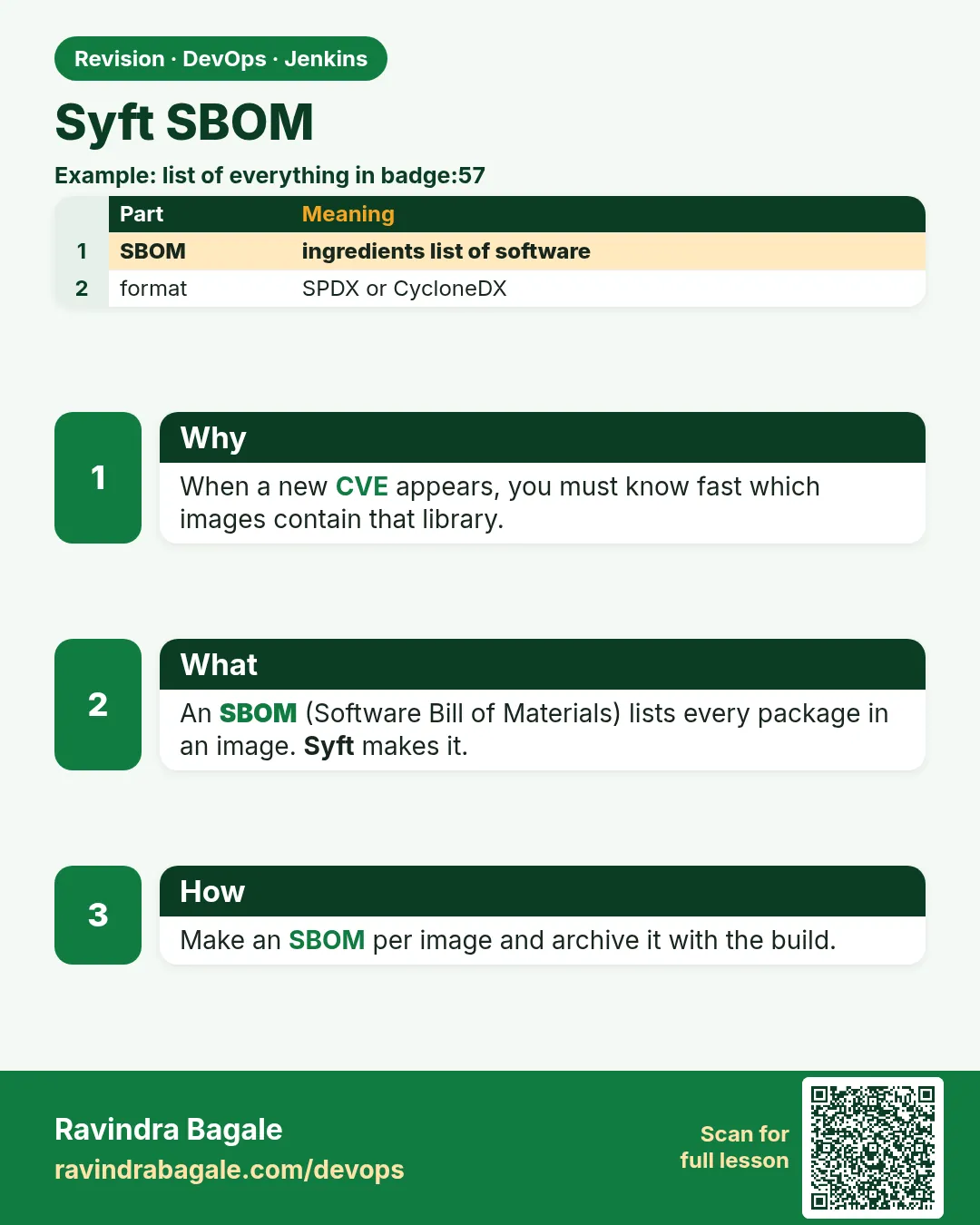
Suppose a new CVE is announced on a Monday morning, like the famous Log4Shell in December 2021. The CTO asks: "Which of our 40 images use log4j, and which version?" Teams without a list spent days opening every image. Teams with an SBOM answered in minutes with one search. An SBOM (Software Bill of Materials) is like the ingredients list on a food packet: every package and library inside your image, with versions. Syft makes SBOMs. In this lesson every badge image gets an SBOM file, archived with the build, and you scan the SBOM with Grype, so you can answer the CTO's question in seconds.
What we will build
A Syft stage that makes SPDX and CycloneDX SBOMs for the Node, Python and Java badge images, archives them in Jenkins, and checks them with Grype. Then you will search the SBOMs for one library, the Log4Shell way.
What: every term in plain English
- SBOM — Software Bill of Materials: a list of all components in your software with versions.
- Syft — A free tool by Anchore that makes SBOMs from images, folders and archives.
- SPDX — An SBOM standard format (Linux Foundation).
- CycloneDX — Another SBOM standard (OWASP). Both are accepted widely.
- Grype — Anchore's vulnerability scanner that can read an SBOM.
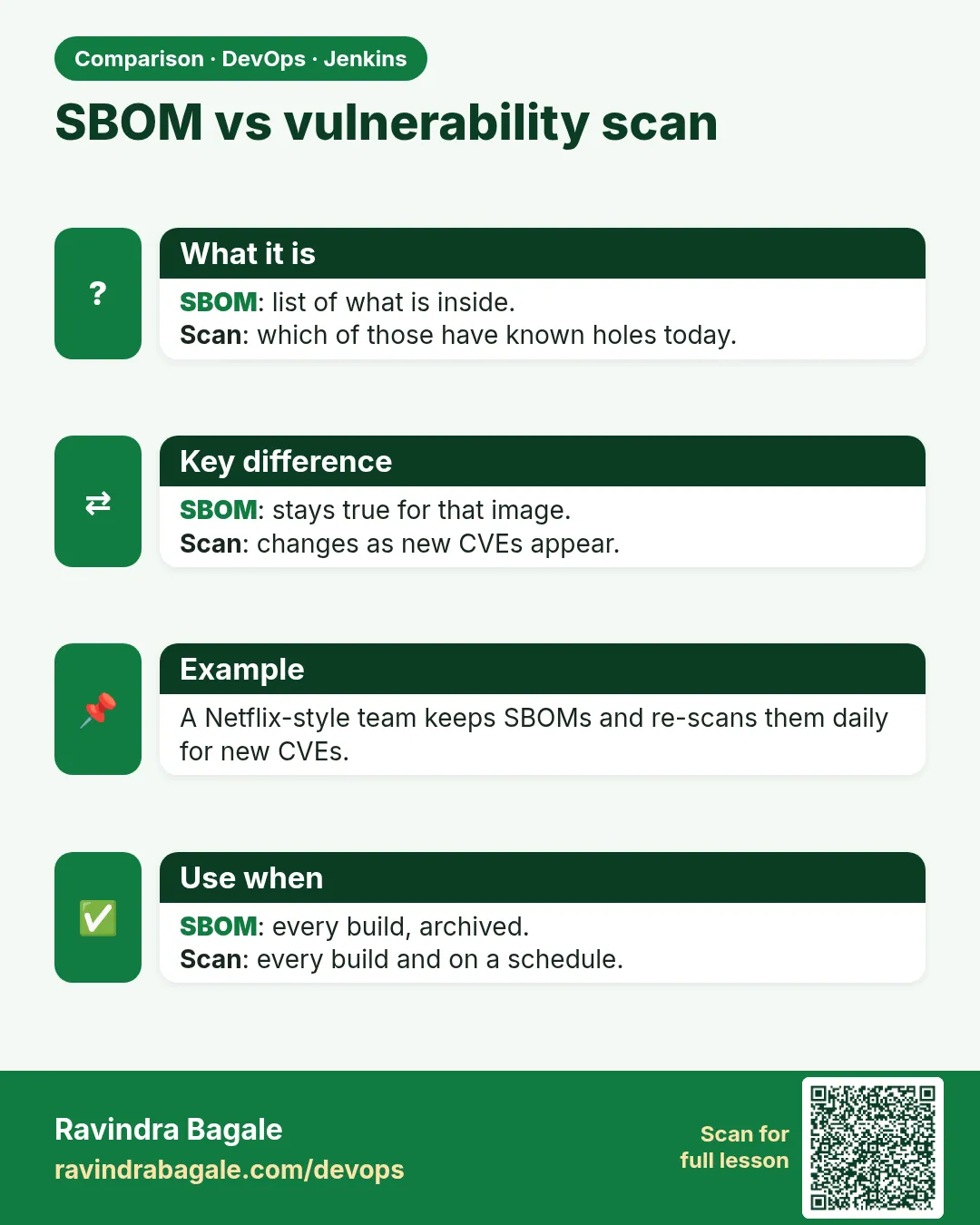
- Inventory — Syft only lists; it does not judge. Grype or Trivy judges.
- Purl — Package URL, a standard name like pkg:npm/express@4.19.2.
How: step by step
-
Install Syft and Grype
curl -sSfL https://raw.githubusercontent.com/anchore/syft/main/install.sh | sudo sh -s -- -b /usr/local/bin
curl -sSfL https://raw.githubusercontent.com/anchore/grype/main/install.sh | sudo sh -s -- -b /usr/local/bin
What it does: Official install scripts put both binaries in /usr/local/bin. Read a script before you pipe it to sh.
Output
[info] installed /usr/local/bin/syft [info] installed /usr/local/bin/grype -
Check versions
syft version | head -2; grype version | head -2What it does: Confirms both tools.
Output
Application: syft Version: 1.9.0 Application: grype Version: 0.79.0 -
List packages in the image
syft badge-api:1.1What it does: Prints a table of every package.
Output
NAME VERSION TYPE busybox 1.36.1-r29 apk express 4.19.2 npm musl 1.2.5-r0 apk ... -
Write SBOM files
mkdir -p reports && syft badge-api:1.1 -o spdx-json=reports/sbom.spdx.json -o cyclonedx-json=reports/sbom.cdx.jsonWhat it does: Writes both standard formats in one run.
Output
(no output; two files written) -
Count components
jq ".packages | length" reports/sbom.spdx.jsonWhat it does: How many components are inside.
Output
212 -
Scan the SBOM with Grype
grype sbom:reports/sbom.cdx.json --fail-on high; echo "exit=$?"What it does: Checks every component in the list for CVEs. Fails on HIGH or above.
Output
NAME INSTALLED FIXED-IN TYPE VULNERABILITY SEVERITY No vulnerabilities found exit=0 -
Search for one library
jq -r '.components[] | select(.name=="express") | "\(.name) \(.version)"' reports/sbom.cdx.jsonWhat it does: The "which version of X do we have" question in one line.
Output
express 4.19.2
Example 1: Node
Stack. Node.js image, Syft, Grype
Goal. Node.js: SBOM in Jenkins, archived with fingerprint.
Jenkinsfile
pipeline {
  agent { label 'scan' }
  options { timestamps(); timeout(time: 30, unit: 'MINUTES') }
  stages {
    stage('Checkout') { steps { checkout scm } }
    stage('Build image') { steps { sh 'docker build -t badge-api:${GIT_COMMIT} .' } }
    stage('SBOM (Syft)') {
      steps {
        sh 'mkdir -p reports'
        sh 'syft badge-api:${GIT_COMMIT} -o spdx-json=reports/sbom.spdx.json -o cyclonedx-json=reports/sbom.cdx.json'
        sh 'grype sbom:reports/sbom.cdx.json --fail-on high'
      }
      post { always { archiveArtifacts artifacts: 'reports/sbom.*.json', fingerprint: true } }
    }
    stage('Live (lab)') {
      steps { echo 'All gates green: deploying badge-api to the lab' }
    }
  }
}
What each line does
syft badge-api:${GIT_COMMIT} -o ...— SBOM for the exact image that will be pushed.grype sbom:... --fail-on high— Turns the inventory into a gate.fingerprint: true— Jenkins tracks this file, so you can see which build made it.stage('Live (lab)')— Runs only if every stage above it passed. A red scan means this stage never starts.
Green output
+ syft badge-api:9c1e2f7 -o spdx-json=reports/sbom.spdx.json -o cyclonedx-json=reports/sbom.cdx.json
 ✔ Loaded image badge-api:9c1e2f7
 ✔ Cataloged contents  [212 packages]
+ grype sbom:reports/sbom.cdx.json --fail-on high
No vulnerabilities found
Archiving artifacts
Finished: SUCCESS
Expected result. Every build has its ingredients list, downloadable from the build page.
Example 2: Python: SBOM from the source folder, before any image exists
Stack. Python, Syft dir scan
Goal. Python: SBOM from the source folder, before any image exists.
Command
syft dir:. -o cyclonedx-json=reports/sbom-src.cdx.json
jq -r '.components[] | "\(.name)@\(.version)"' reports/sbom-src.cdx.json | sort
What each line does
dir:.— Scans the folder (requirements.txt, poetry.lock and more).jq ... | sort— Prints a sorted name@version list.
Green output
blinker@1.8.2
click@8.1.7
flask@3.0.3
gunicorn@22.0.0
itsdangerous@2.2.0
jinja2@3.1.4
werkzeug@3.0.3
Expected result. A source SBOM is quick; the image SBOM also includes OS packages.
Example 3: Java: the Log4Shell question across many SBOMs
Stack. Java services, CycloneDX, jq
Goal. Java: the Log4Shell question across many SBOMs.
Command
for f in sboms/*.cdx.json; do
  jq -r --arg f "$f" '.components[] | select(.name=="log4j-core") | "\($f) \(.version)"' "$f"
done
What each line does
for f in sboms/*.cdx.json— Loops over all archived SBOMs (one per service).select(.name=="log4j-core")— Keeps only the log4j-core library."\($f) \(.version)"— Prints which SBOM and which version.
Green output
sboms/billing-api.cdx.json 2.14.1
sboms/report-api.cdx.json 2.17.1
Expected result. In seconds: billing-api has the vulnerable 2.14.1 and must be fixed first; report-api has 2.17.1.
Verify: did it work?
-
Validate the SPDX file
jq -r .spdxVersion reports/sbom.spdx.jsonWhat it does: Shows the SPDX version field.
Output
SPDX-2.3 -
Validate CycloneDX
jq -r .bomFormat,.specVersion reports/sbom.cdx.jsonWhat it does: Shows format and spec.
Output
CycloneDX 1.5 -
Find the build that made it
Jenkins > Fingerprints > search sbom.cdx.jsonWhat it does: Shows the job and build number.
Output
badge-api/main #42
When it is red 1
1 error occurred: * could not fetch image "badge-api:latest": unable to use DockerDaemon source
Cause. Wrong tag, or no access to Docker.
Fix, step by step
- Use the same ${GIT_COMMIT} tag as the build.
- Check docker images as jenkins.
- Or point at a registry: syft registry:registry.lab/badge-api:9c1e2f7.
When it is red 2
[0000] ERROR discovered vulnerabilities at or above the severity threshold
Cause. Grype found HIGH+: the gate works.
Fix, step by step
- Read the table to see the package and fixed version.
- Update the base image or library.
- Rebuild; SBOM and Grype run again.
When it is red 3
Cataloged contents [3 packages] (expected hundreds)
Cause. You scanned dir:. without lock files, or a distroless image Syft cannot read fully.
Fix, step by step
- Commit lock files.
- Scan the image, not only the folder.
- Check the SBOM has OS packages.
Cleanup
-
Remove local SBOMs
rm -f reports/sbom*.jsonWhat it does: Jenkins keeps the archived ones.
Output
(no output) -
Clear Grype DB cache (optional)
grype db deleteWhat it does: Frees disk; it downloads again next run.
Output
Vulnerability database deleted
Ravindra Bagale's Tip
SBOM mhanje ingredients list. Pratyek build barobar archive kara.
Practice tasks
Easy First SBOM
Why: See what is inside your image.
What to do: Run syft on badge-api.
- syft badge-api:1.1
Check: A package table.
Medium Two formats
Why: Customers ask for SPDX or CycloneDX.
What to do: Write both from one run.
- Use step 4.
Check: Two valid files.
Medium SBOM gate
Why: Inventory plus judgment.
What to do: Run grype on the SBOM with --fail-on high.
- Use step 6.
- Try with node:14 image.
Check: node:14 SBOM fails.
Hard Log4Shell drill
Why: Practice the real incident question.
What to do: Make SBOMs for three Java images and search log4j-core.
- Build or pull three images.
- Run Example 3.
Check: You list versions per image in a minute.
Easy Run Syft by hand once
Why: Running a tool by hand first shows you what Jenkins will see.
What to do: Run Syft on your laptop against the Node badge app, before Jenkins.
- Open a terminal in the badge-api folder.
- Run the Syft command from step-by-step.
- Read the summary line.
Check: You can say how many findings there are and what the exit code was (echo $?).
Medium Make Syft go red on purpose
Why: A gate you have never seen fail is a gate you do not trust.
What to do: Add one bad thing that Syft should catch and run the build.
- Create a branch called break-scan.
- Add the bad change from the "When it is red" section.
- Push and watch the build.
Check: The scan stage is red and the Live (lab) stage is skipped.
Medium Archive the Syft report
Why: Reviewers and auditors need the report file, not only the console.
What to do: Save the report as a build artifact in Jenkins.
- Write the report to reports/ in the scan command.
- Add post { always { archiveArtifacts artifacts: 'reports/**', allowEmptyArchive: true } }.
- Run the build and open the Artifacts link.
Check: The report file is downloadable from the build page.
Hard Explain Syft in 60 seconds
Why: Interviewers ask "what does this stage do and why".
What to do: Record yourself explaining the stage to a fresher.
- Say the problem it solves.
- Say the command and the exit code rule.
- Say what you do when it is red.
Check: A friend can repeat back when the build should go red.
Homework: try at home
Try at home
Make SBOMs for node:20-alpine and python:3.12-slim. Compare component counts and find which one includes openssl and at what version.
Recap
- An SBOM lists every component and version in your software.
- Syft makes SPDX and CycloneDX from images or folders.
- Grype scans an SBOM; --fail-on high makes it a gate.
- Archive SBOMs per build with fingerprints.
- SBOMs answer incident questions fast (Log4Shell).
FAQ
Is an SBOM required by law?
Some governments (like US federal suppliers) ask for them; many enterprises do.
Which format?
Either; CycloneDX is common in security tools, SPDX in licensing.
Can Trivy make SBOMs?
Yes: trivy image --format cyclonedx.
Does it include licences?
Yes, Syft records licences when it can find them.
Where to store them?
Jenkins artifacts, a registry (attached to the image) or a tool like Dependency-Track.
Interview questions
-
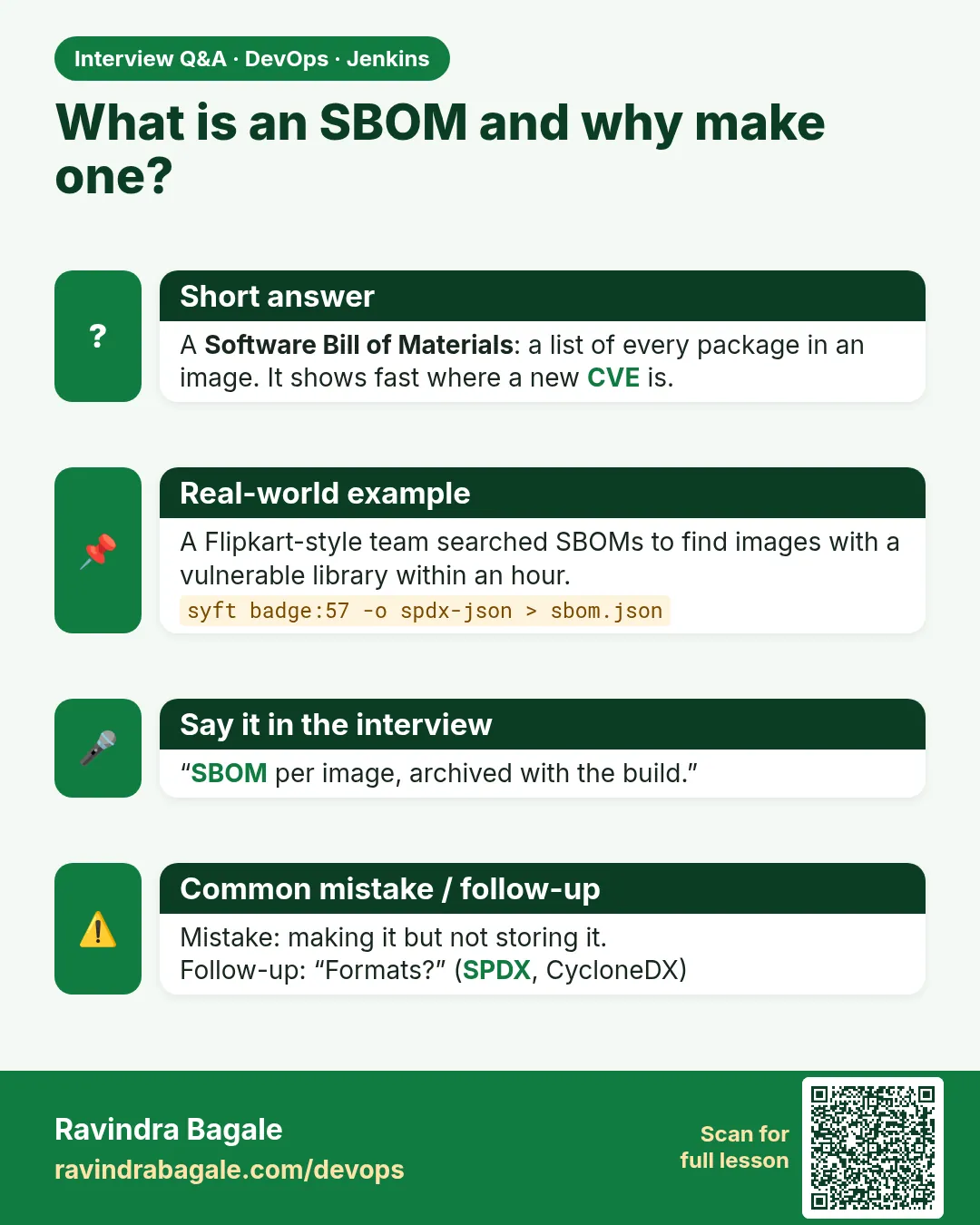
What is an SBOM and why is it important?
A machine-readable inventory of components; it speeds up vulnerability response, licence checks and supply-chain audits.
-
How do you generate an SBOM in CI?
After building the image, syft
-o cyclonedx-json=..., archive it, optionally scan with grype. -
Syft vs Grype?
Syft lists components; Grype finds vulnerabilities in them.
-
SPDX vs CycloneDX?
Both are SBOM standards; SPDX from the Linux Foundation, CycloneDX from OWASP.
-
How did SBOMs help with Log4Shell?
Teams could search SBOMs for log4j-core versions instead of inspecting every image.
Quick quiz
Q1. What is an SBOM?
A list of every component in software, with versions.
Q2. Does Syft find vulnerabilities?
No, it lists. Grype or Trivy finds vulnerabilities.
Q3. Two SBOM formats?
SPDX and CycloneDX.
Q4. Why archive SBOMs per build?
To answer "do we use X?" later, for exactly what shipped.
Q5. Command to scan an SBOM?
grype sbom:file.json.
Samajla ka?
 Revision card
 Interview card
 Comparison card