Chapter 29: Scan Pipeline in Jenkins
29.4 OWASP Dependency-Check
Why: the problem
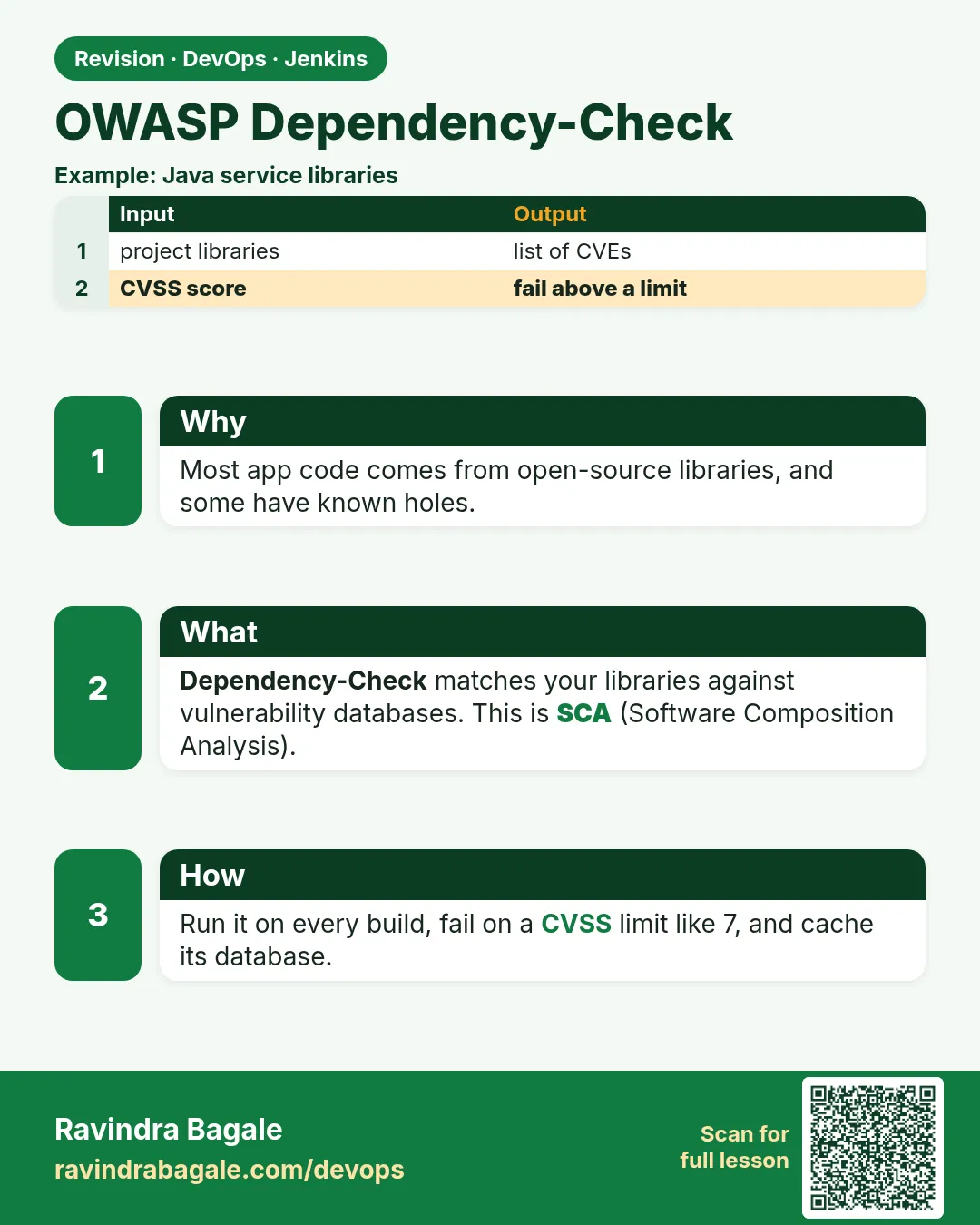
Suppose we are on an Infosys banking project. The bank's auditor asks one question: "Show me that no library in this app has a known vulnerability with a score above 7." Our Java app has 80 libraries, and each library pulls in more libraries. Nobody can check that by hand. OWASP Dependency-Check does it. It reads the dependency files, finds each library's identity (called a CPE), and looks it up in the US National Vulnerability Database (NVD). Each finding has a CVSS score from 0 to 10. We tell the tool: fail the build at 7 or above. Then the auditor gets a clean HTML report from every build, and Jenkins refuses to ship a risky library.
What we will build
The Dependency-Check scan for the badge API in three ways: the CLI on a Node project, the Maven plugin on the Java project, and the Jenkins plugin with a published report. You will add an NVD API key the safe way, fail the build at CVSS 7, and write a suppression file for a false positive.
What: every term in plain English
- OWASP — Open Worldwide Application Security Project, a non-profit that makes free security tools.
- Dependency — A library your app uses. A transitive dependency is a library your library uses.
- NVD — National Vulnerability Database, the US public list of CVEs with scores.
- NVD API key — A free key from NVD that makes the database download much faster. Stored as credential lab-nvd-key.
- CVSS — Common Vulnerability Scoring System: 0-10. 7.0-8.9 HIGH, 9.0-10 CRITICAL.
- CPE — A standard name for a product and version, used to match a library to CVEs.
- Suppression file — An XML file that hides a false positive, with a note explaining why.
How: step by step
-
Download the CLI
VER=10.0.3; curl -sLO https://github.com/jeremylong/DependencyCheck/releases/download/v$VER/dependency-check-$VER-release.zip && unzip -q dependency-check-$VER-release.zip -d /optWhat it does: Installs the CLI into /opt/dependency-check. It needs Java 11+.
Output
(no output) -
Check it runs
/opt/dependency-check/bin/dependency-check.sh --versionWhat it does: Prints the version.
Output
Dependency-Check Core version 10.0.3 -
Get an NVD key and save it in Jenkins
Request at nvd.nist.gov/developers/request-an-api-key, then Credentials > Secret text, ID lab-nvd-keyWhat it does: The key is free. Store it only in Jenkins.
Output
Credential lab-nvd-key created -
Update the database once
/opt/dependency-check/bin/dependency-check.sh --updateonly --nvdApiKey "$NVD_API_KEY" --data /var/cache/odcWhat it does: Downloads the NVD data into a shared cache folder. The first time takes 10-20 minutes.
Output
[INFO] NVD API has 251,000 records in this update [INFO] Download Complete for NVD CVE - 2002 (12 seconds) ... [INFO] Begin database defrag -
Scan the Node project
/opt/dependency-check/bin/dependency-check.sh --project badge-api --scan . --exclude "**/node_modules/**" --data /var/cache/odc --noupdate --format HTML --format JSON --out reports --failOnCVSS 7What it does: Scans package-lock.json, writes HTML and JSON, and fails on CVSS 7+.
Output
[INFO] Analysis Started [INFO] Finished Node.js Package Analyzer (1 seconds) [INFO] Analysis Complete (4 seconds) [INFO] Writing HTML report to: reports/dependency-check-report.html -
Read the exit code
echo $?What it does: 0 means nothing at 7+. Non-zero means the gate closed.
Output
0 -
Open the report
xdg-open reports/dependency-check-report.htmlWhat it does: Shows each dependency, its CPE, CVEs and scores.
Output
(browser opens the report)
Example 1: Node
Stack. Node.js, Dependency-Check CLI
Goal. Node.js with the CLI inside Jenkins. The key comes from credentials.
Jenkinsfile
pipeline {
  agent { label 'scan' }
  options { timestamps(); timeout(time: 30, unit: 'MINUTES') }
  stages {
    stage('Checkout') { steps { checkout scm } }
    stage('Dependency-Check') {
      steps {
        withCredentials([string(credentialsId: 'lab-nvd-key', variable: 'NVD_API_KEY')]) {
          sh '''
            /opt/dependency-check/bin/dependency-check.sh \
              --project badge-api --scan . --exclude "**/node_modules/**" \
              --data /var/cache/odc --nvdApiKey "$NVD_API_KEY" \
              --format HTML --format XML --out reports --failOnCVSS 7
          '''
        }
      }
      post { always { archiveArtifacts artifacts: 'reports/dependency-check-report.*', allowEmptyArchive: true } }
    }
    stage('Live (lab)') {
      steps { echo 'All gates green: deploying badge-api to the lab' }
    }
  }
}
What each line does
withCredentials([string(credentialsId: 'lab-nvd-key', ...)])— Puts the key in NVD_API_KEY only inside this block, and Jenkins masks it in logs.--data /var/cache/odc— Shared DB folder on the agent so every build does not download NVD again.--failOnCVSS 7— Exit non-zero if any finding scores 7 or more.post { always { archiveArtifacts ... } }— Keeps the HTML report even when the stage is red, so you can read why.stage('Live (lab)')— Runs only if every stage above it passed. A red scan means this stage never starts.
Green output
+ /opt/dependency-check/bin/dependency-check.sh --project badge-api ... --nvdApiKey ****
[INFO] Checking for updates
[INFO] Analysis Complete (5 seconds)
[Pipeline] archiveArtifacts
Archiving artifacts
[Pipeline] stage (Live (lab))
Finished: SUCCESS
Expected result. Report archived, key masked as ****, gate passed.
Example 2: Java with the Maven plugin and a real red build
Stack. Java 17, Maven plugin
Goal. Java with the Maven plugin and a real red build.
pom.xml (plugin)
<plugin>
  <groupId>org.owasp</groupId>
  <artifactId>dependency-check-maven</artifactId>
  <version>10.0.3</version>
  <configuration>
    <failBuildOnCVSS>7</failBuildOnCVSS>
    <formats><format>HTML</format><format>JSON</format></formats>
    <suppressionFiles><suppressionFile>dc-suppressions.xml</suppressionFile></suppressionFiles>
    <nvdApiKeyEnvironmentVariable>NVD_API_KEY</nvdApiKeyEnvironmentVariable>
  </configuration>
</plugin>
pom.xml (old library on purpose)
<dependency>
  <groupId>com.fasterxml.jackson.core</groupId>
  <artifactId>jackson-databind</artifactId>
  <version>2.9.8</version>
</dependency>
Command
mvn -B org.owasp:dependency-check-maven:check
What each line does
<failBuildOnCVSS>7</failBuildOnCVSS>— Maven fails when any library scores 7+.<nvdApiKeyEnvironmentVariable>— Reads the key from an environment variable, never from the pom.jackson-databind 2.9.8— An old version with many known CRITICAL CVEs, to see red.<suppressionFile>— Loads the false-positive file from Example 3.
Green output
[ERROR] One or more dependencies were identified with vulnerabilities that have a CVSS score greater than or equal to '7.0':
jackson-databind-2.9.8.jar: CVE-2019-12384(8.1), CVE-2019-14379(9.8), CVE-2020-36518(7.5) ...
[INFO] BUILD FAILURE
Expected result. Red, with the library and scores named. Update to jackson-databind 2.17.2 and it goes green.
Example 3: Python and a false positive, suppressed the right way
Stack. Python 3.11, requirements.txt
Goal. Python and a false positive, suppressed the right way.
dc-suppressions.xml
<?xml version="1.0" encoding="UTF-8"?>
<suppressions xmlns="https://jeremylong.github.io/DependencyCheck/dependency-suppression.1.3.xsd">
  <suppress until="2026-12-31Z">
    <notes>False positive: CPE matched the "requests" CLI tool, not the Python library. SEC-151.</notes>
    <packageUrl regex="true">^pkg:pypi/requests@.*$</packageUrl>
    <cve>CVE-2014-1830</cve>
  </suppress>
</suppressions>
Command
dependency-check.sh --project badge-py --scan requirements.txt --enableExperimental --suppression dc-suppressions.xml --data /var/cache/odc --noupdate --failOnCVSS 7 --out reports
What each line does
--enableExperimental— The Python analyzer is marked experimental; this turns it on.<suppress until="2026-12-31Z">— The suppression expires, so someone must look again.<notes>— Why it is safe to ignore, with a ticket number.<packageUrl> + <cve>— Hides only that CVE on that package, nothing else.
Green output
[INFO] Analysis Complete (3 seconds)
[INFO] 1 vulnerability suppressed
exit=0
Expected result. Green, and the report shows the suppressed item in its own section, so auditors can still see it.
Verify: did it work?
-
Count findings in JSON
jq "[.dependencies[] | .vulnerabilities // [] | .[]] | length" reports/dependency-check-report.jsonWhat it does: Counts all CVEs found across libraries.
Output
0 -
Top scores
jq -r ".dependencies[] | select(.vulnerabilities) | .fileName" reports/dependency-check-report.jsonWhat it does: Lists libraries that have any CVE.
Output
(empty when clean) -
Publish in Jenkins
dependencyCheckPublisher pattern: "reports/dependency-check-report.xml"What it does: With the OWASP Dependency-Check Jenkins plugin, this draws a trend chart on the job page.
Output
[DependencyCheck] Collecting results
[DependencyCheck] Found 0 vulnerabilities
When it is red 1
[WARN] An NVD API Key was not provided - it is highly recommended to use one
[INFO] Downloading NVD data... (this may take 2+ hours)
Cause. No API key, so NVD throttles the download.
Fix, step by step
- Get the free key from NVD.
- Store it as lab-nvd-key and pass with --nvdApiKey "$NVD_API_KEY".
- Use a shared --data cache folder.
When it is red 2
[ERROR] Unable to obtain an exclusive lock on the H2 database to perform updates
Cause. Two builds update the same --data folder at the same time.
Fix, step by step
- Run updates only in one nightly job with --updateonly.
- In normal builds use --noupdate.
- Or use lock('odc-db') { ... } from the Lockable Resources plugin.
When it is red 3
Analysis Complete. 0 dependencies scanned.
Cause. You scanned the wrong folder, or node_modules is missing and the lock file is not found.
Fix, step by step
- Check the --scan path.
- Make sure package-lock.json, requirements.txt or pom.xml is in it.
- Rerun and check "Finished ... Analyzer" lines.
Cleanup
-
Remove local reports
rm -rf reports/What it does: Deletes local report files (Jenkins keeps archived copies).
Output
(no output) -
Keep the cache, drop the zip
rm -f dependency-check-*-release.zipWhat it does: Removes the download; keep /var/cache/odc for speed.
Output
(no output)
Ravindra Bagale's Tip
NVD key credential madhe. Suppression la kaaran aani expiry date dyaa.
Practice tasks
Easy Get the NVD key
Why: Without it updates take hours.
What to do: Request the key and store it in Jenkins.
- Request on the NVD site.
- Add Secret text lab-nvd-key.
Check: The credential exists.
Medium Nightly DB update job
Why: Builds must not fight over the DB.
What to do: Create a nightly pipeline that runs --updateonly.
- triggers { cron('H 1 * * *') }
- Run with --data /var/cache/odc.
Check: Builds show "Skipping update" and run fast.
Medium Break with jackson 2.9.8
Why: See a real red report.
What to do: Use Example 2.
- Add the old dependency.
- Run mvn dependency-check:check.
Check: BUILD FAILURE with CVE list.
Hard Write a suppression
Why: False positives happen; handle them honestly.
What to do: Suppress one false positive with notes and until date.
- Find a CVE that does not apply.
- Write the XML.
- Rerun.
Check: Report lists it as suppressed.
Easy Run Dependency-Check by hand once
Why: Running a tool by hand first shows you what Jenkins will see.
What to do: Run Dependency-Check on your laptop against the Node badge app, before Jenkins.
- Open a terminal in the badge-api folder.
- Run the Dependency-Check command from step-by-step.
- Read the summary line.
Check: You can say how many findings there are and what the exit code was (echo $?).
Medium Make Dependency-Check go red on purpose
Why: A gate you have never seen fail is a gate you do not trust.
What to do: Add one bad thing that Dependency-Check should catch and run the build.
- Create a branch called break-scan.
- Add the bad change from the "When it is red" section.
- Push and watch the build.
Check: The scan stage is red and the Live (lab) stage is skipped.
Medium Archive the Dependency-Check report
Why: Reviewers and auditors need the report file, not only the console.
What to do: Save the report as a build artifact in Jenkins.
- Write the report to reports/ in the scan command.
- Add post { always { archiveArtifacts artifacts: 'reports/**', allowEmptyArchive: true } }.
- Run the build and open the Artifacts link.
Check: The report file is downloadable from the build page.
Hard Explain Dependency-Check in 60 seconds
Why: Interviewers ask "what does this stage do and why".
What to do: Record yourself explaining the stage to a fresher.
- Say the problem it solves.
- Say the command and the exit code rule.
- Say what you do when it is red.
Check: A friend can repeat back when the build should go red.
Homework: try at home
Try at home
Add jackson-databind 2.9.8 to the Java app, see the red build, then fix it by upgrading, and write down the before/after CVE count.
Recap
- Dependency-Check maps libraries to CVEs from the NVD.
- Gate with --failOnCVSS 7 (or failBuildOnCVSS in Maven).
- Use an NVD API key from credentials and a shared data cache.
- Update the DB nightly; use --noupdate in builds.
- Suppressions need notes, narrow match and an expiry.
FAQ
Dependency-Check or Trivy fs?
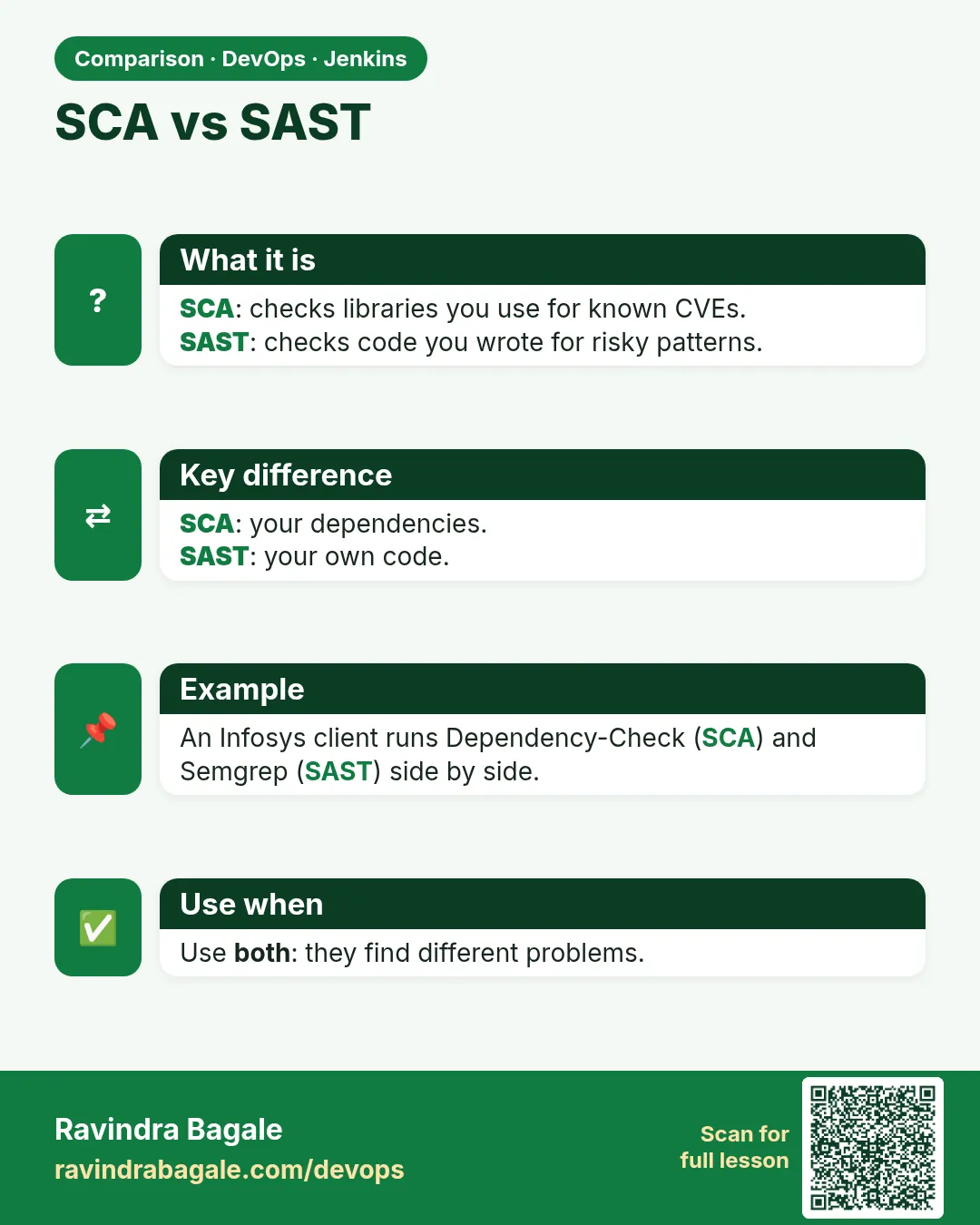
Both find vulnerable libraries. Many teams use Dependency-Check for audit reports in Java, Trivy for speed.
Why so many false positives?
CPE matching by name is not perfect. Suppress carefully.
Does it scan node_modules?
Exclude it; scanning package-lock.json is enough and faster.
Can it run in Docker?
Yes, the owasp/dependency-check image, with the data folder mounted as a volume.
Which report for Jenkins plugin?
XML, used by dependencyCheckPublisher.
Interview questions
-
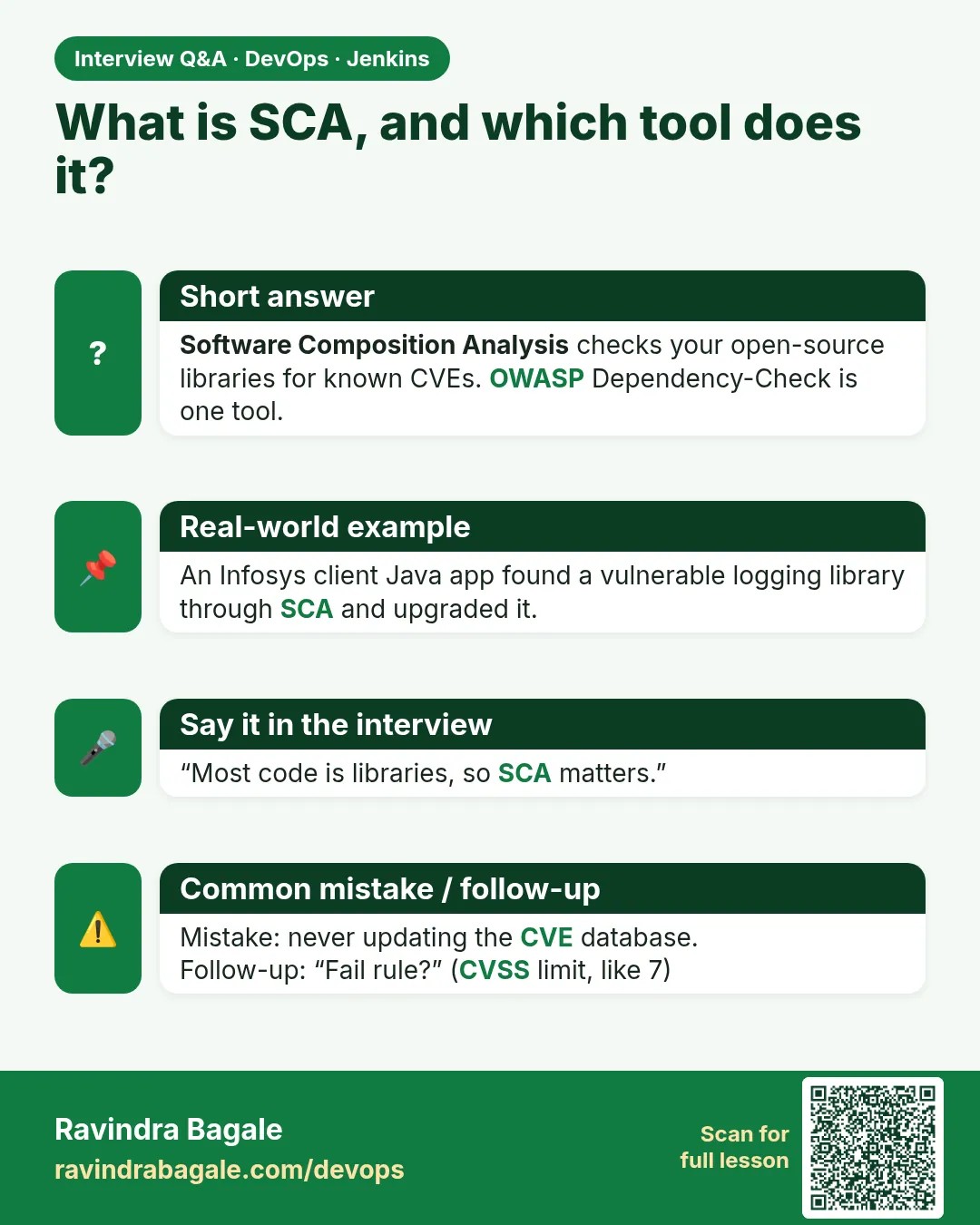
What is SCA?
Software Composition Analysis: finding known vulnerabilities and licenses in third-party dependencies. Dependency-Check is an SCA tool.
-
How do you fail a build on vulnerable dependencies?
Run Dependency-Check with --failOnCVSS 7 (or Maven failBuildOnCVSS) in a pipeline stage.
-
How do you deal with false positives?
A suppression file with a narrow match, reason and expiry, reviewed in code review.
-
Why is the first run slow?
It downloads the whole NVD; use an API key and cache, update nightly.
-
What is a transitive dependency and why does it matter?
A dependency of your dependency; most vulnerabilities hide there, and SCA tools check them too.
Quick quiz
Q1. What does --failOnCVSS 7 do?
Fails the scan if any CVE scores 7.0 or more.
Q2. Where is the NVD key kept?
Jenkins credential lab-nvd-key, used with withCredentials.
Q3. Why --noupdate in builds?
A nightly job updates the DB; builds stay fast and avoid lock errors.
Q4. What must a suppression have?
Notes with a reason, a narrow match, and an until date.
Q5. Name one CVSS band.
7.0-8.9 is HIGH.
Samajla ka?
 Revision card
 Interview card
 Comparison card