Chapter 29: Scan Pipeline in Jenkins
29.6 Semgrep
Why: the problem
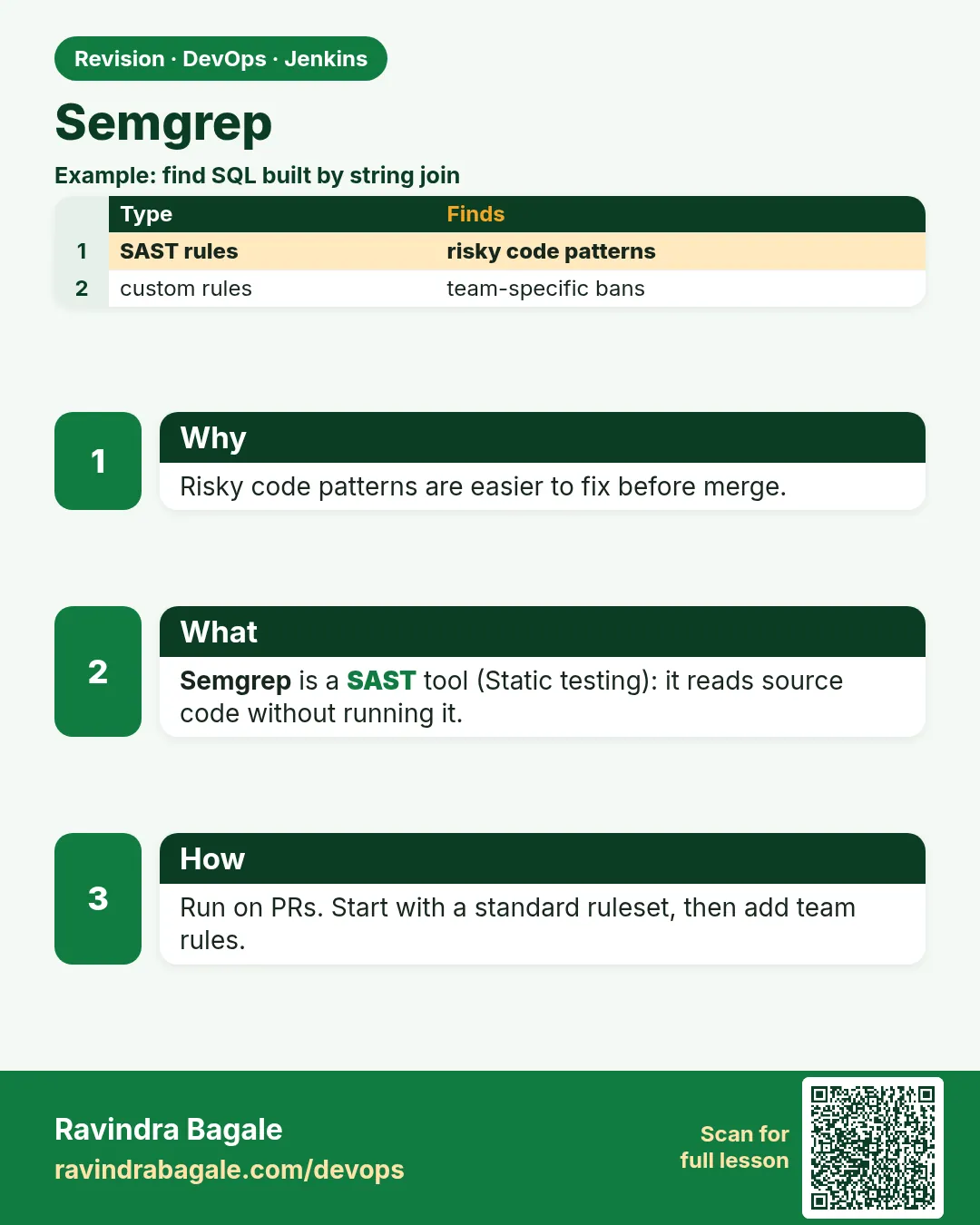
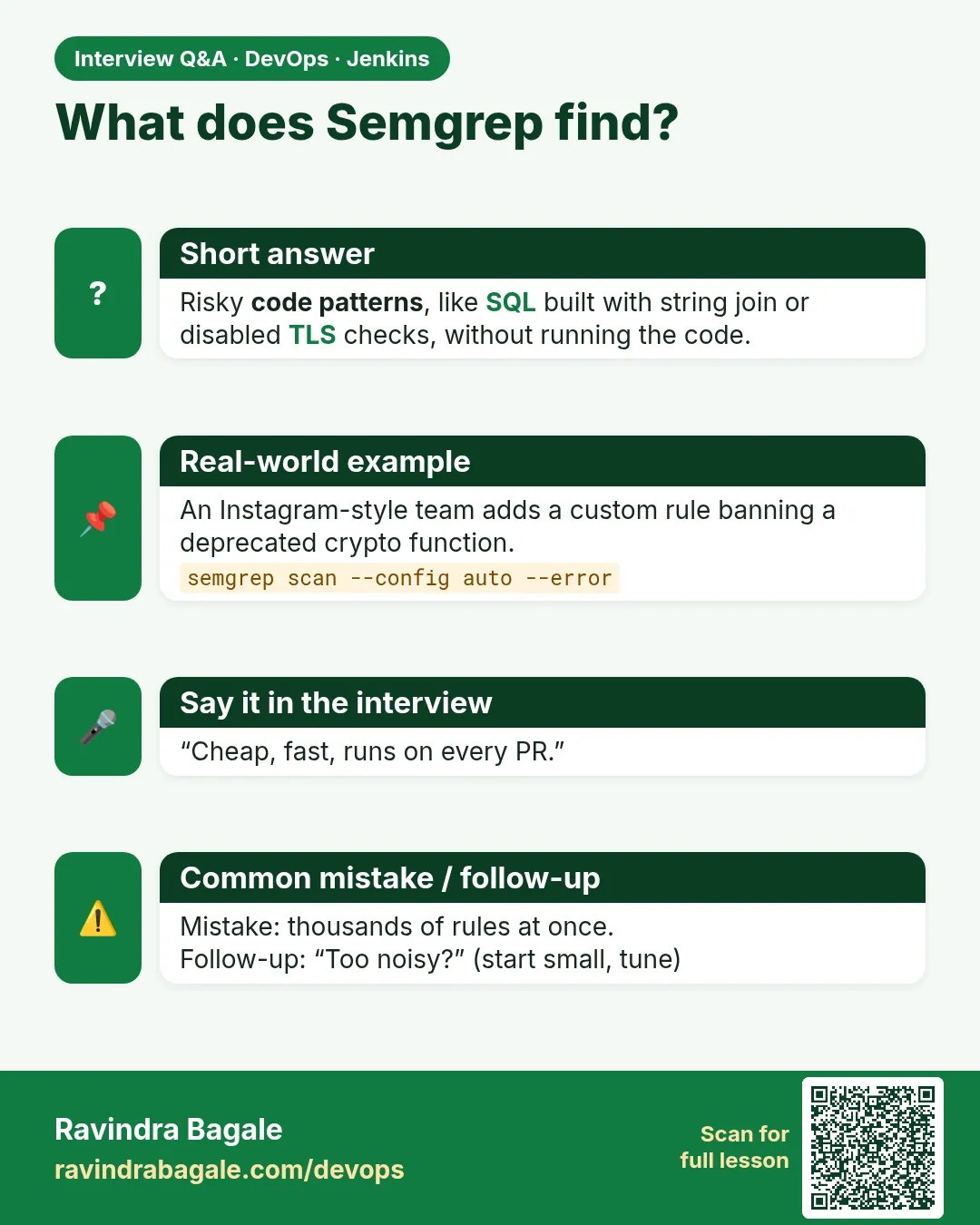
Suppose we are reviewing a pull request at a Bengaluru startup. A new developer wrote a login search that builds an SQL query by joining strings: "SELECT * FROM users WHERE name = '" + name + "'". This is SQL injection, one of the oldest bugs. A tired reviewer can miss it at 7 pm. Semgrep does not get tired. It is a fast code scanner that matches patterns in source code, like a smart grep that understands code structure. It has ready rule packs for many languages, and you can write your own rule in a few lines of YAML. In this lesson Semgrep runs on every build and fails it when a rule with ERROR severity matches.
What we will build
A Semgrep stage in Jenkins using the official Docker image. You will scan Node, Python and Java versions of the badge API with ready rule packs, write one custom team rule, and learn the honest way to mark a false positive with nosemgrep.
What: every term in plain English
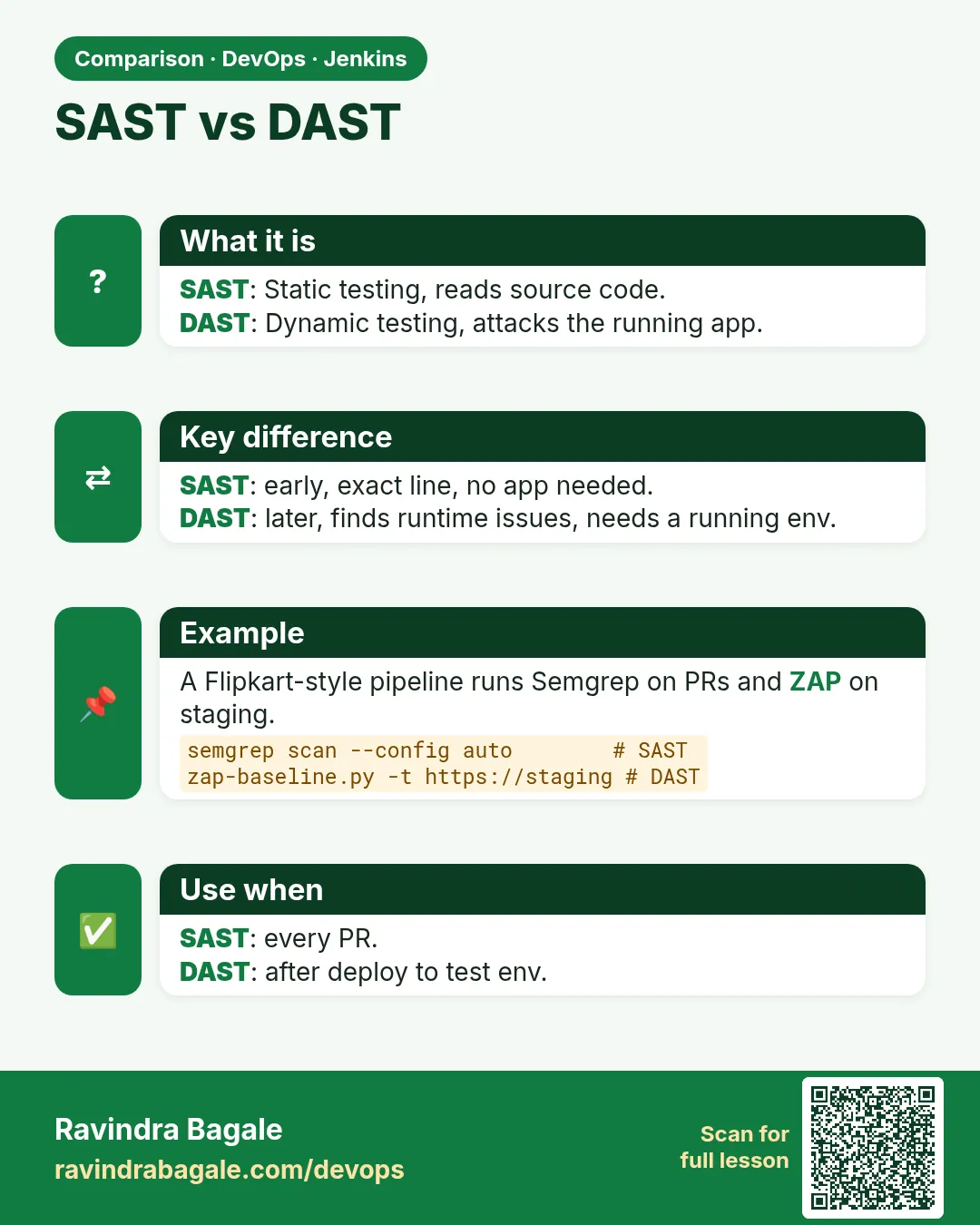
- SAST — Static Application Security Testing: scanning source code without running it.
- Semgrep — A free, open-source pattern-based code scanner for 30+ languages.
- Rule — A YAML pattern plus a message and severity (INFO, WARNING, ERROR).
- Rule pack — A ready set of rules from the registry, e.g. p/javascript, p/python, p/java, p/secrets.
- --error — Exit with code 1 when there are findings. Without it Semgrep exits 0.
- SARIF — A standard JSON format for scan results that many tools can display.
- nosemgrep — A code comment that hides one finding on one line. Use with a reason.
How: step by step
-
Pull the image
docker pull semgrep/semgrepWhat it does: Gets Semgrep with all its dependencies.
Output
Status: Downloaded newer image for semgrep/semgrep:latest -
Check the version
docker run --rm semgrep/semgrep semgrep --versionWhat it does: Prints the version.
Output
1.78.0 -
Scan the Node app
docker run --rm -v "$PWD:/src" -w /src semgrep/semgrep semgrep scan --config p/javascript --metrics offWhat it does: Scans code with the JavaScript pack. --metrics off sends no usage data.
Output
Ran 82 rules on 4 files: 0 findings. -
Add a bad line on purpose
echo 'app.get("/q", (req, res) => db.query("SELECT * FROM users WHERE name = \x27" + req.query.name + "\x27"));' >> app/server.jsWhat it does: Adds a string-built SQL query.
Output
(no output) -
Scan again with --error
docker run --rm -v "$PWD:/src" -w /src semgrep/semgrep semgrep scan --config p/javascript --config p/nodejsscan --error --metrics off; echo "exit=$?"What it does: Now a finding makes exit code 1.
Output
app/server.js javascript.express.security.injection.tainted-sql-string Detected user input used to manually construct a SQL string. Ran 140 rules on 4 files: 1 finding. exit=1 -
Fix with a parameter
sed -i '$d' app/server.js # remove the bad line; use db.query("... WHERE name = ?", [req.query.name])What it does: Placeholders keep user input away from the SQL text.
Output
(no output) -
Write SARIF for reports
... semgrep scan --config p/javascript --sarif -o reports/semgrep.sarif --metrics offWhat it does: Saves results for the Warnings Next Generation plugin or other viewers.
Output
Ran 82 rules on 4 files: 0 findings.
Example 1: Node
Stack. Node.js, Semgrep Docker agent
Goal. Node.js: Semgrep stage in Jenkins with the Docker agent.
Jenkinsfile
pipeline {
  agent { label 'scan' }
  options { timestamps(); timeout(time: 30, unit: 'MINUTES') }
  stages {
    stage('Checkout') { steps { checkout scm } }
    stage('Semgrep') {
      agent { docker { image 'semgrep/semgrep'; reuseNode true } }
      steps {
        sh 'mkdir -p reports'
        sh 'semgrep scan --config p/javascript --config .semgrep/ --error --metrics off --sarif -o reports/semgrep.sarif'
      }
      post { always { recordIssues tools: [sarif(pattern: 'reports/semgrep.sarif')] } }
    }
    stage('Live (lab)') {
      steps { echo 'All gates green: deploying badge-api to the lab' }
    }
  }
}
What each line does
agent { docker { image 'semgrep/semgrep'; reuseNode true } }— Runs this stage inside the Semgrep container, on the same workspace.--config p/javascript --config .semgrep/— Uses the ready pack plus your team rules folder.--error— Findings make exit code 1: the gate.--sarif -o reports/semgrep.sarif— Writes the report even when it fails.recordIssues tools: [sarif(...)]— Warnings Next Generation plugin shows findings on the build page.stage('Live (lab)')— Runs only if every stage above it passed. A red scan means this stage never starts.
Green output
+ semgrep scan --config p/javascript --config .semgrep/ --error --metrics off --sarif -o reports/semgrep.sarif
Ran 83 rules on 4 files: 0 findings.
[Pipeline] recordIssues
[SARIF] Successfully parsed file reports/semgrep.sarif
[Pipeline] stage (Live (lab))
Finished: SUCCESS
Expected result. Green, and an "Issues" panel appears on the build.
Example 2: Python: a custom team rule
Stack. Python, Flask, custom rule
Goal. Python: a custom team rule. Our team bans debug=True in Flask.
.semgrep/flask-debug.yml
rules:
  - id: flask-debug-true
    languages: [python]
    severity: ERROR
    message: >-
      Flask debug mode lets anyone run code on the server. Never use debug=True in deployed code.
    pattern: $APP.run(..., debug=True, ...)
app.py (bad, at the bottom)
if __name__ == "__main__":
    app.run(host="0.0.0.0", debug=True)
Command
docker run --rm -v "$PWD:/src" -w /src semgrep/semgrep semgrep scan --config p/python --config .semgrep/ --error --metrics off
What each line does
id: flask-debug-true— Unique name of the rule.severity: ERROR— Marks it serious.pattern: $APP.run(..., debug=True, ...)— $APP matches any object; ... matches any other arguments.message— What the developer sees. Write it in plain English.
Green output
app.py
  .semgrep.flask-debug-true
     Flask debug mode lets anyone run code on the server. Never use debug=True in deployed code.
      14| app.run(host="0.0.0.0", debug=True)
Ran 61 rules on 3 files: 1 finding.
Expected result. Red. Remove debug=True (use an environment variable if needed) and it turns green.
Example 3: Java: the Java pack, and a reasoned nosemgrep
Stack. Java, Spring Boot, p/java
Goal. Java: the Java pack, and a reasoned nosemgrep.
Snippet
// Hash for cache keys only, never for passwords. SEC-160 approved.
MessageDigest md = MessageDigest.getInstance("MD5"); // nosemgrep: java.lang.security.audit.crypto.use-of-md5.use-of-md5
Command
docker run --rm -v "$PWD:/src" -w /src semgrep/semgrep semgrep scan --config p/java --error --metrics off
What each line does
getInstance("MD5")— MD5 is weak; Semgrep flags it.// nosemgrep: <rule-id>— Ignores only that rule on this line. Always name the rule.Comment above— Says why and gives the approval ticket, so reviewers can check.
Green output
Ran 112 rules on 9 files: 0 findings.
(1 finding ignored by nosemgrep)
Expected result. Green and honest: the ignore is visible in code review.
Verify: did it work?
-
Read findings from SARIF
jq ".runs[0].results | length" reports/semgrep.sarifWhat it does: Counts findings.
Output
0 -
Test a custom rule
docker run --rm -v "$PWD:/src" -w /src semgrep/semgrep semgrep --test .semgrep/What it does: Runs rule tests if you add example files with ruleid: comments.
Output
1/1: ✓ All tests passed -
Scan only changed files on a PR
semgrep scan --config p/javascript --baseline-commit origin/main --errorWhat it does: Reports only new findings compared with main.
Output
Ran 82 rules on 1 file: 0 findings.
When it is red 1
[WARN] Semgrep could not find any files to scan... 0 files
Cause. The folder was not mounted, or -w points to the wrong path.
Fix, step by step
- Use -v "$PWD:/src" -w /src.
- In Jenkins, use the docker agent with reuseNode true.
- Check .semgrepignore is not excluding everything.
When it is red 2
Ran 82 rules on 4 files: 2 findings.
Finished: SUCCESS
Cause. --error is missing, so findings do not fail the build.
Fix, step by step
- Add --error.
- Run again with the SQL example to confirm it goes red.
When it is red 3
Failed to download configuration from https://semgrep.dev/c/p/javascript HTTP 4xx/timeout
Cause. The agent has no internet access to the registry.
Fix, step by step
- Ask for a proxy rule to semgrep.dev, or
- Download packs once and keep them in a repo folder, then use --config that folder.
Cleanup
-
Remove the Semgrep image (optional)
docker rmi semgrep/semgrepWhat it does: Frees space.
Output
Untagged: semgrep/semgrep:latest -
Delete test branch
git switch main && git branch -D semgrep-breakWhat it does: Removes the branch where you added bad code.
Output
Deleted branch semgrep-break.
Ravindra Bagale's Tip
Swatachya team che rules lihaa. nosemgrep la rule-id aani kaaran pahije.
Practice tasks
Easy First Semgrep scan
Why: Know the tool before the pipeline.
What to do: Scan the Node app with p/javascript.
- docker pull semgrep/semgrep
- Run step 3.
Check: 0 findings and a rule count.
Medium Catch SQL injection
Why: See taint rules work.
What to do: Add the bad query and scan with --error.
- Run steps 4 and 5.
Check: exit=1 and the rule name.
Medium Custom rule
Why: Team rules catch your own mistakes.
What to do: Add flask-debug-true.
- Create .semgrep/flask-debug.yml.
- Add debug=True.
- Scan.
Check: 1 finding from your rule.
Hard PR-only findings
Why: Old code should not block new PRs.
What to do: Use --baseline-commit origin/main on a PR build.
- git fetch origin main
- Run with --baseline-commit.
Check: Only new findings appear.
Easy Run Semgrep by hand once
Why: Running a tool by hand first shows you what Jenkins will see.
What to do: Run Semgrep on your laptop against the Node badge app, before Jenkins.
- Open a terminal in the badge-api folder.
- Run the Semgrep command from step-by-step.
- Read the summary line.
Check: You can say how many findings there are and what the exit code was (echo $?).
Medium Make Semgrep go red on purpose
Why: A gate you have never seen fail is a gate you do not trust.
What to do: Add one bad thing that Semgrep should catch and run the build.
- Create a branch called break-scan.
- Add the bad change from the "When it is red" section.
- Push and watch the build.
Check: The scan stage is red and the Live (lab) stage is skipped.
Medium Archive the Semgrep report
Why: Reviewers and auditors need the report file, not only the console.
What to do: Save the report as a build artifact in Jenkins.
- Write the report to reports/ in the scan command.
- Add post { always { archiveArtifacts artifacts: 'reports/**', allowEmptyArchive: true } }.
- Run the build and open the Artifacts link.
Check: The report file is downloadable from the build page.
Hard Explain Semgrep in 60 seconds
Why: Interviewers ask "what does this stage do and why".
What to do: Record yourself explaining the stage to a fresher.
- Say the problem it solves.
- Say the command and the exit code rule.
- Say what you do when it is red.
Check: A friend can repeat back when the build should go red.
Homework: try at home
Try at home
Write a custom rule that bans eval( in JavaScript, add one test file, run semgrep --test, then add the rule to the Jenkins stage.
Recap
- Semgrep is fast SAST using code patterns.
- Use rule packs (p/javascript, p/python, p/java) plus team rules.
- --error turns findings into a red build.
- SARIF report + recordIssues shows results in Jenkins.
- nosemgrep needs a rule id and a reason.
FAQ
Semgrep or SonarQube?
Both are SAST. Semgrep is fast and easy to write rules for; SonarQube adds quality metrics and a dashboard. Many teams use both.
Does it need internet?
Only to download registry packs. Local rule files work offline.
Does --metrics off matter?
It stops sending usage data. Good default in companies.
Can it scan Terraform?
Yes, with p/terraform, though Checkov (29.8) is more complete.
Is it free?
The open-source CLI and community rules are free.
Interview questions
-
What is SAST and name a tool?
Static analysis of source code for security bugs; Semgrep or SonarQube.
-
How would you write a Semgrep rule?
YAML with id, languages, severity, message and a pattern using metavariables like $X and ... .
-
How do you avoid blocking PRs on old findings?
Diff-aware scanning with --baseline-commit, fail only on new findings.
-
How do you handle false positives?
nosemgrep with rule id and reason, or refine the rule; review in PR.
-
How do you show results in Jenkins?
Write SARIF and publish with Warnings Next Generation recordIssues.
Quick quiz
Q1. What makes Semgrep fail the build?
--error with at least one finding.
Q2. What is p/python?
A ready rule pack for Python.
Q3. How do you hide one false positive?
// nosemgrep: rule-id with a reason comment.
Q4. What does --baseline-commit do?
Only new findings since that commit.
Q5. Is Semgrep SAST or DAST?
SAST.
Samajla ka?
 Revision card
 Interview card
 Comparison card