Chapter 29: Scan Pipeline in Jenkins
29.7 Gitleaks
Why: the problem
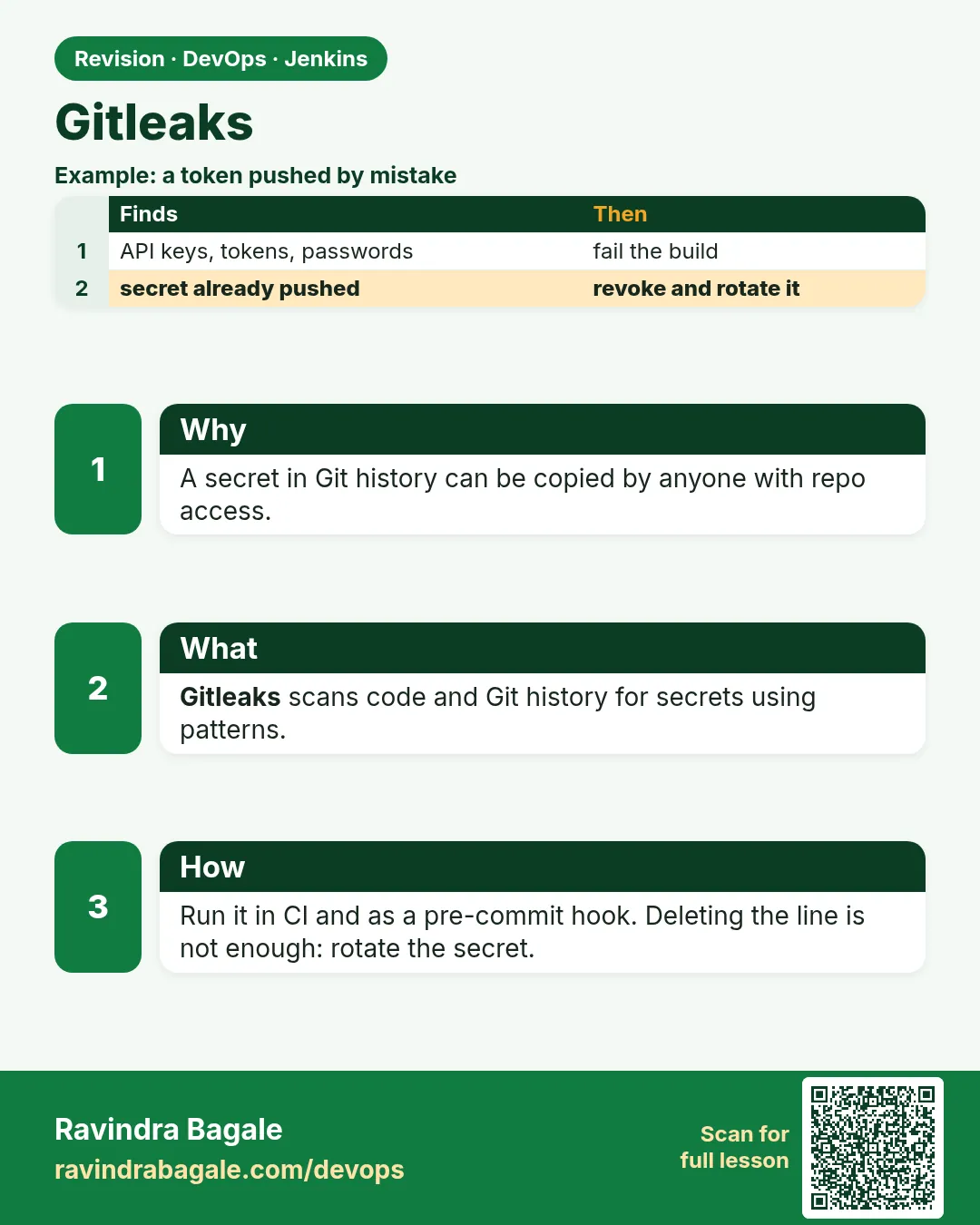
Suppose we are at a Pune startup and a developer is in a hurry. To test S3 upload, they paste an AWS access key into config.js and push. Two minutes later, bots that scan public GitHub find it and start crypto-mining on the company account. The bill next morning is lakhs of rupees. Deleting the file later does not help, because the key is still in Git history. Gitleaks finds secrets in files and in every old commit. In this lesson it becomes a gate that fails the build when it sees a secret, and it always prints the secret redacted, so the build log itself does not leak it again.
What we will build
A Gitleaks stage that scans the full Git history with --redact, a pre-commit hook that stops secrets before they leave the laptop, and an allowlist for a test fixture. You will plant a fake (non-working) key, see it caught in Node, Python and Java repos, and learn the real fix: rotate the key, then clean history.
What: every term in plain English
- Secret — Anything that gives access: passwords, API keys, tokens, private keys.
- Gitleaks — A free tool that finds secrets in Git repos using regex rules and entropy.
- --redact — Hides the secret value in the output. Always use it in CI logs.
- Git history — Every old commit. A secret deleted today is still in old commits.
- Rotate — Make the old key useless (revoke it) and create a new one. The first thing to do after a leak.
- Allowlist — Paths or patterns Gitleaks should skip, set in .gitleaks.toml.
- Fingerprint — A unique ID for one finding (commit:file:rule:line), used in .gitleaksignore.
How: step by step
-
Install Gitleaks
VER=8.18.4; curl -sL https://github.com/gitleaks/gitleaks/releases/download/v$VER/gitleaks_${VER}_linux_x64.tar.gz | sudo tar -xz -C /usr/local/bin gitleaksWhat it does: Puts the single gitleaks binary on the PATH.
Output
(no output) -
Check it
gitleaks versionWhat it does: Prints the version.
Output
8.18.4 -
Scan the repo (history)
gitleaks detect --source . --redact -v; echo "exit=$?"What it does: Scans every commit. Exit 0 means no leaks.
Output
○ │╲ │ ○ ○ ░ ░ gitleaks INF 12 commits scanned. INF no leaks found exit=0 -
Plant a fake key on a test branch
git switch -c leak-test && echo 'const key = "AKIAZ7EXAMPLE4TESTQ2K";' >> app/config.js && git commit -am "test: fake key"What it does: Adds an AWS-style key that is fake (it never worked). Never test with a real key.
Output
[leak-test 71b9e0a] test: fake key -
Scan again
gitleaks detect --source . --redact -v; echo "exit=$?"What it does: Now Gitleaks finds it and returns exit 1.
Output
Finding: const key = "REDACTED"; Secret: REDACTED RuleID: aws-access-token File: app/config.js Line: 1 Commit: 71b9e0a... Fingerprint: 71b9e0a...:app/config.js:aws-access-token:1 WRN leaks found: 1 exit=1 -
Scan only what you are about to commit
gitleaks protect --staged --redact -vWhat it does: Checks staged changes. Used by the pre-commit hook.
Output
INF no leaks found -
Remove the test branch
git switch main && git branch -D leak-testWhat it does: The fake key was never pushed.
Output
Deleted branch leak-test.
Example 1: Node
Stack. Node.js repo, Gitleaks CLI
Goal. Node.js: Gitleaks gate in Jenkins with full history.
Jenkinsfile
pipeline {
  agent { label 'scan' }
  options { timestamps(); timeout(time: 30, unit: 'MINUTES') }
  stages {
    stage('Checkout') { steps { checkout scm } }
    stage('Gitleaks') {
      steps {
        sh 'git fetch --unshallow || true'
        sh 'mkdir -p reports'
        sh 'gitleaks detect --source . --redact --report-format json --report-path reports/gitleaks.json -v'
      }
      post { always { archiveArtifacts artifacts: 'reports/gitleaks.json', allowEmptyArchive: true } }
    }
    stage('Live (lab)') {
      steps { echo 'All gates green: deploying badge-api to the lab' }
    }
  }
}
What each line does
git fetch --unshallow || true— Jenkins may clone only the last commit. This gets full history so old leaks are found. || true here is fine: it only means "already full".--redact— The log and report show REDACTED, not the secret.--report-format json --report-path— Saves findings for the security team.-v— Prints each finding (redacted) in the console.stage('Live (lab)')— Runs only if every stage above it passed. A red scan means this stage never starts.
Green output
+ gitleaks detect --source . --redact --report-format json --report-path reports/gitleaks.json -v
INF 57 commits scanned.
INF scan completed in 312ms
INF no leaks found
[Pipeline] stage (Live (lab))
Finished: SUCCESS
Expected result. History is clean. If a leak exists, the stage is red and Live never runs.
Example 2: Python: a pre-commit hook stops the leak on the laptop
Stack. Python, pre-commit
Goal. Python: a pre-commit hook stops the leak on the laptop.
.pre-commit-config.yaml
repos:
  - repo: https://github.com/gitleaks/gitleaks
    rev: v8.18.4
    hooks:
      - id: gitleaks
Setup commands
pip install pre-commit
pre-commit install
echo 'DB_PASSWORD = "Sup3rS3cretLabOnly9x!"' >> settings.py
git add settings.py && git commit -m "add settings"
What each line does
repo / rev— Uses the official Gitleaks hook at a pinned version.pre-commit install— Adds the hook to .git/hooks/pre-commit.git commit— The hook runs gitleaks on staged changes before the commit is made.
Green output
Detect hardcoded secrets.................................................Failed
- hook id: gitleaks
- exit code: 1
Finding:     DB_PASSWORD = "REDACTED"
RuleID:      generic-api-key
WRN leaks found: 1
Expected result. The commit is blocked on the laptop. Use os.environ["DB_PASSWORD"] instead. Jenkins is still the final gate, because hooks can be skipped.
Example 3: Java: allowlist a test fixture without hiding real leaks
Stack. Java, Maven, .gitleaks.toml
Goal. Java: allowlist a test fixture without hiding real leaks.
.gitleaks.toml
[extend]
useDefault = true

[allowlist]
description = "Fake keys used only in unit tests (SEC-170)"
paths = [
  '''src/test/resources/fixtures/fake-keys\.properties'''
]
Command
gitleaks detect --source . --config .gitleaks.toml --redact -v
What each line does
useDefault = true— Keep all built-in rules.[allowlist] paths— Skip only this one test file of fake keys.description— Why, with a ticket.
Green output
INF 34 commits scanned.
INF no leaks found
Expected result. Test fixtures pass; a key anywhere else in src/main is still caught.
Verify: did it work?
-
Count findings in the report
jq length reports/gitleaks.jsonWhat it does: Number of findings.
Output
0 -
Check the report is redacted
grep -c REDACTED reports/gitleaks.json || trueWhat it does: Every secret field should be REDACTED.
Output
0 (no findings) or N (all redacted) -
Check full history was scanned
git rev-list --count HEADWhat it does: Compare with "commits scanned".
Output
57
When it is red 1
WRN leaks found: 1
RuleID: aws-access-token  File: app/config.js  Commit: 71b9e0a
Cause. A real secret was committed (and maybe pushed).
Fix, step by step
- Rotate first: revoke the key in AWS IAM and create a new one. This matters more than deleting.
- Move the value to Jenkins credentials or a secret manager.
- Remove it from code and commit.
- If pushed, clean history with git filter-repo and force-push only with team agreement.
- Rescan with gitleaks detect.
When it is red 2
INF 1 commits scanned.
Cause. Shallow clone: only the last commit was checked.
Fix, step by step
- Add git fetch --unshallow, or
- In the Git step, turn off shallow clone (Advanced clone behaviours).
When it is red 3
Finding: password = "changeme" (in docs/README.md)
Cause. A false positive: an example in docs.
Fix, step by step
- Add the fingerprint to .gitleaksignore with a comment, or
- Change docs to use
. - Do not allowlist the whole docs folder unless agreed.
Cleanup
-
Delete the leak-test branch on remote too (if pushed)
git push origin --delete leak-testWhat it does: Removes the branch; history cleanup is separate.
Output
- [deleted] leak-test -
Uninstall the hook (optional)
pre-commit uninstallWhat it does: Removes the local hook.
Output
pre-commit uninstalled
Ravindra Bagale's Tip
Leak sapadla tar adhi key rotate kara, mag history saaf. Log madhe --redact vina kahi chalvu naka.
Practice tasks
Easy Scan your own repo
Why: Most people find something old.
What to do: Run gitleaks detect --redact on a repo of yours.
- cd into a repo.
- gitleaks detect --source . --redact -v
Check: You know if history is clean.
Medium Pre-commit hook
Why: Stop leaks before they leave the laptop.
What to do: Add the hook from Example 2.
- pip install pre-commit
- pre-commit install
- Try committing a fake password.
Check: Commit is blocked.
Medium Unshallow in Jenkins
Why: A shallow scan misses old leaks.
What to do: Compare commits scanned with and without --unshallow.
- Run the stage once without.
- Add git fetch --unshallow.
- Compare counts.
Check: Counts match git rev-list --count.
Hard Write a leak runbook
Why: Under pressure, people forget rotation.
What to do: Write a one-page runbook for a leaked AWS key.
- Rotate.
- Check CloudTrail for use.
- Clean code and history.
- Rescan.
Check: A teammate can follow it alone.
Easy Run Gitleaks by hand once
Why: Running a tool by hand first shows you what Jenkins will see.
What to do: Run Gitleaks on your laptop against the Node badge app, before Jenkins.
- Open a terminal in the badge-api folder.
- Run the Gitleaks command from step-by-step.
- Read the summary line.
Check: You can say how many findings there are and what the exit code was (echo $?).
Medium Make Gitleaks go red on purpose
Why: A gate you have never seen fail is a gate you do not trust.
What to do: Add one bad thing that Gitleaks should catch and run the build.
- Create a branch called break-scan.
- Add the bad change from the "When it is red" section.
- Push and watch the build.
Check: The scan stage is red and the Live (lab) stage is skipped.
Medium Archive the Gitleaks report
Why: Reviewers and auditors need the report file, not only the console.
What to do: Save the report as a build artifact in Jenkins.
- Write the report to reports/ in the scan command.
- Add post { always { archiveArtifacts artifacts: 'reports/**', allowEmptyArchive: true } }.
- Run the build and open the Artifacts link.
Check: The report file is downloadable from the build page.
Hard Explain Gitleaks in 60 seconds
Why: Interviewers ask "what does this stage do and why".
What to do: Record yourself explaining the stage to a fresher.
- Say the problem it solves.
- Say the command and the exit code rule.
- Say what you do when it is red.
Check: A friend can repeat back when the build should go red.
Homework: try at home
Try at home
Plant a fake key in an old commit (commit, then delete the line in a new commit). Show that gitleaks detect still finds it, and write the 5-step response plan.
Recap
- Gitleaks finds secrets in files and full Git history.
- Always --redact in CI; save a JSON report.
- Use full history (unshallow) in Jenkins.
- Pre-commit hooks help; Jenkins is the final gate.
- After a real leak: rotate first, then clean history.
FAQ
Is removing the line enough?
No. Old commits still have it. Rotate the key.
Does Gitleaks need internet?
No. It is one offline binary.
detect vs protect?
detect scans history; protect scans staged changes.
Newer versions say "git" instead of "detect"?
Yes, v8.19+ adds gitleaks git and gitleaks dir; detect still works.
Can I test with a real key?
Never. Use fake values.
Interview questions
-
How do you prevent secrets in Git?
Pre-commit Gitleaks hook, CI Gitleaks gate on full history, secrets in a vault or Jenkins credentials, code review.
-
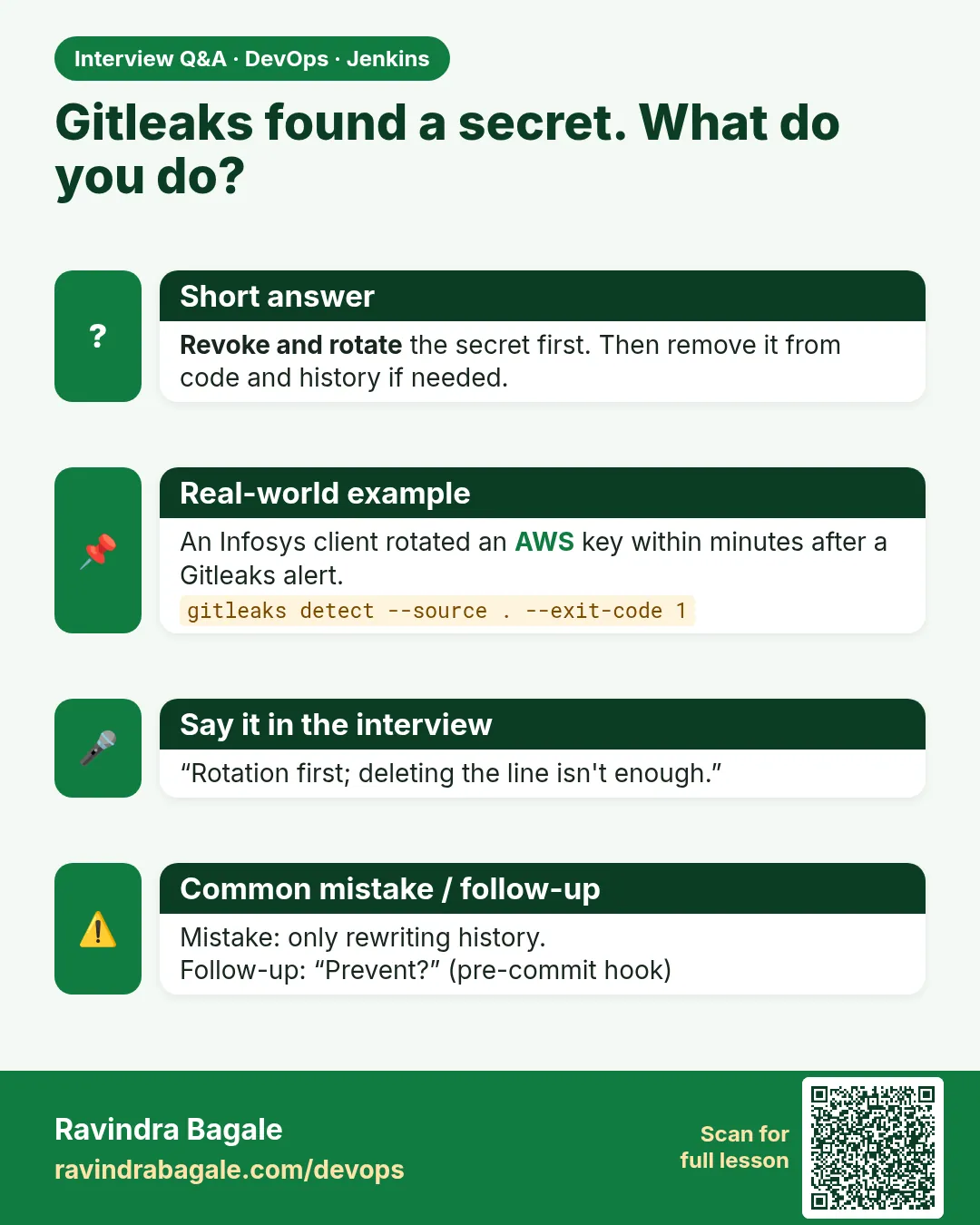
A key was pushed to GitHub. What do you do?
Revoke/rotate immediately, check access logs, remove from code, clean history with git filter-repo, rescan, post-incident review.
-
Why --redact?
So the CI log and reports do not become a second leak.
-
How do you handle false positives?
.gitleaksignore fingerprints or a narrow allowlist with reason.
-
Why is a shallow clone a problem?
Only the latest commit is scanned; leaks in history are missed.
Quick quiz
Q1. Why scan history?
A deleted secret is still in old commits.
Q2. Which flag hides secrets in logs?
--redact.
Q3. First action after a real leak?
Rotate (revoke) the key.
Q4. protect --staged is for?
Pre-commit checks of staged changes.
Q5. Why is Jenkins still needed with hooks?
Hooks can be skipped with --no-verify.
Samajla ka?
 Revision card
 Interview card