Chapter 29: Scan Pipeline in Jenkins
29.3 Trivy
Why: the problem
Suppose we are on the Netflix-style badge team and our Docker image is built from node:18. Our own code is clean, SonarQube is green. But the base image has hundreds of system packages: openssl, glibc, curl. One of them has a CRITICAL hole that was announced last week. Our tests cannot see it, because it is not our code. Trivy can. Trivy opens the image layer by layer, lists every OS package and every app library, and compares them with public vulnerability databases. In this lesson Trivy becomes a gate: if the image has a fixable HIGH or CRITICAL hole, the image is not pushed and Live does not run.
What we will build
A pipeline that builds the badge image, scans it with Trivy, and only then pushes it. You will scan a Node image, a Python image and a Java image, see the findings table, fix one by changing the base image, and use .trivyignore the right way for an accepted risk.
What: every term in plain English
- Trivy — A free scanner by Aqua Security for images, folders, Git repos, IaC and Kubernetes.
- CVE — Common Vulnerabilities and Exposures: a public ID for one known hole, like CVE-2024-6387.
- OS package — A package from the base image, installed by apt or apk (openssl, libc).
- Fixed version — The version where the hole is fixed. If empty, no fix exists yet.
- --ignore-unfixed — Do not fail on holes that have no fix yet; you cannot act on them today.
- --exit-code 1 — Return 1 when findings match the filter. Without it Trivy always returns 0.
- .trivyignore — A file of CVE IDs the team accepted, each with a reason and review date.
How: step by step
-
Install Trivy on the scan agent
sudo apt-get install -y wget gnupg
wget -qO - https://aquasecurity.github.io/trivy-repo/deb/public.key | sudo gpg --dearmor -o /usr/share/keyrings/trivy.gpg
echo "deb [signed-by=/usr/share/keyrings/trivy.gpg] https://aquasecurity.github.io/trivy-repo/deb generic main" | sudo tee /etc/apt/sources.list.d/trivy.list
sudo apt-get update && sudo apt-get install -y trivy
What it does: Adds the official Trivy apt repository and installs it.
Output
Setting up trivy (0.53.0) ... -
Check the version
trivy --versionWhat it does: Confirms Trivy is on the PATH for the jenkins user.
Output
Version: 0.53.0 -
Build the badge image
docker build -t badge-api:1.0 .What it does: Builds the image you will scan.
Output
Successfully tagged badge-api:1.0 -
First scan (report only)
trivy image badge-api:1.0What it does: Downloads the vulnerability DB (first time only) and prints every finding.
Output
2024-07-01T10:02:11Z INFO Need to update DB badge-api:1.0 (debian 12.5) Total: 41 (UNKNOWN: 0, LOW: 25, MEDIUM: 12, HIGH: 3, CRITICAL: 1) -
Scan as a gate
trivy image --severity HIGH,CRITICAL --ignore-unfixed --exit-code 1 badge-api:1.0; echo "exit=$?"What it does: Only fixable HIGH/CRITICAL count, and they make exit code 1.
Output
Total: 2 (HIGH: 1, CRITICAL: 1) exit=1 -
Fix by changing the base image
sed -i "s/FROM node:18/FROM node:20-alpine/" Dockerfile && docker build -t badge-api:1.1 .What it does: A newer, smaller base image usually removes most OS holes.
Output
Successfully tagged badge-api:1.1 -
Scan again
trivy image --severity HIGH,CRITICAL --ignore-unfixed --exit-code 1 badge-api:1.1; echo "exit=$?"What it does: Same gate on the new image.
Output
badge-api:1.1 (alpine 3.20.1)
Total: 0 (HIGH: 0, CRITICAL: 0)
exit=0
Example 1: Node
Stack. Node.js 20, Alpine, Trivy
Goal. Node.js image: build, Trivy gate, then push.
Dockerfile
FROM node:20-alpine
WORKDIR /app
COPY package*.json ./
RUN npm ci --omit=dev
COPY app/ ./app/
USER node
EXPOSE 3000
CMD ["node", "app/server.js"]
Jenkinsfile
pipeline {
  agent { label 'scan' }
  options { timestamps(); timeout(time: 30, unit: 'MINUTES') }
  stages {
    stage('Checkout') { steps { checkout scm } }
    stage('Build image') { steps { sh 'docker build -t badge-api:${GIT_COMMIT} .' } }
    stage('Trivy image scan') {
      steps {
        sh 'mkdir -p reports'
        sh 'trivy image --format json -o reports/trivy.json badge-api:${GIT_COMMIT}'
        sh 'trivy image --severity HIGH,CRITICAL --ignore-unfixed --exit-code 1 badge-api:${GIT_COMMIT}'
      }
    }
    stage('Push') { steps { echo 'push badge-api:${GIT_COMMIT} to the registry (chapter 28)' } }
    stage('Live (lab)') {
      steps { echo 'All gates green: deploying badge-api to the lab' }
    }
  }
}

// add: post { always { archiveArtifacts 'reports/**' } }
What each line does
FROM node:20-alpine— Small, recent base image: fewer packages, fewer CVEs.USER node— Runs as non-root. Trivy misconfig scan would warn about root.trivy image --format json -o reports/trivy.json— First run: save the full report for people to read. It never fails.--severity HIGH,CRITICAL --ignore-unfixed --exit-code 1— Second run: the gate. Fixable serious holes stop the build before Push.badge-api:${GIT_COMMIT}— Tag with the commit, so you scan exactly what you will push.stage('Live (lab)')— Runs only if every stage above it passed. A red scan means this stage never starts.
Green output
+ trivy image --severity HIGH,CRITICAL --ignore-unfixed --exit-code 1 badge-api:9c1e2f7
badge-api:9c1e2f7 (alpine 3.20.1)
Total: 0 (HIGH: 0, CRITICAL: 0)
app/package-lock.json (npm)
Total: 0 (HIGH: 0, CRITICAL: 0)
[Pipeline] stage (Push)
Finished: SUCCESS
Expected result. Image scanned before push. Trivy checked both the Alpine packages and package-lock.json.
Example 2: Python image: see a library finding, not only OS packages
Stack. Python 3.12, gunicorn, Trivy
Goal. Python image: see a library finding, not only OS packages.
Dockerfile
FROM python:3.12-slim
WORKDIR /app
COPY requirements.txt .
RUN pip install --no-cache-dir -r requirements.txt
COPY app.py .
USER 1000
CMD ["gunicorn", "-b", "0.0.0.0:8000", "app:app"]
requirements.txt (old, on purpose)
flask==2.2.2
gunicorn==20.1.0
Command
docker build -t badge-py:1.0 .
trivy image --severity HIGH,CRITICAL --ignore-unfixed --exit-code 1 badge-py:1.0
What each line does
python:3.12-slim— Debian slim base. Smaller than python:3.12.flask==2.2.2— An old pin with a known advisory; Trivy reads installed Python packages too.gunicorn==20.1.0— Old gunicorn with a HIGH request-smuggling CVE.
Green output
Python (python-pkg)
Total: 2 (HIGH: 2, CRITICAL: 0)
| Library  | Vulnerability  | Severity | Installed | Fixed Version |
| flask    | CVE-2023-30861 | HIGH     | 2.2.2     | 2.3.2, 2.2.5  |
| gunicorn | CVE-2024-1135  | HIGH     | 20.1.0    | 22.0.0        |
exit=1
Expected result. Red, with the fix written in the table. Update to flask==3.0.3 and gunicorn==22.0.0, rebuild, and the gate is green.
Example 3: Java: scan the repo folder before building, and use
Stack. Java 17, Maven, Trivy fs
Goal. Java: scan the repo folder before building, and use .trivyignore properly.
.trivyignore
# Accepted by security team on 2026-10-20, review by 2026-11-20.
# Reason: XML parser not reachable from our endpoints. Ticket SEC-142.
CVE-2022-45688
Jenkinsfile (stage)
stage('Trivy filesystem scan') {
  steps {
    sh 'trivy fs --scanners vuln,secret --severity HIGH,CRITICAL --exit-code 1 --ignorefile .trivyignore .'
  }
}
What each line does
trivy fs .— Scans the folder: pom.xml dependencies (and lock files of other languages).--scanners vuln,secret— Also look for secrets in files, as a bonus check.--ignorefile .trivyignore— Skip only the listed CVEs. Each one has a reason, ticket and review date in a comment.
Green output
pom.xml (pom)
Total: 0 (HIGH: 0, CRITICAL: 0)
Finished: SUCCESS
Expected result. Green, and the one accepted CVE is written down. Without a reason and a date, an ignore file becomes a hiding place.
Verify: did it work?
-
Count findings in the saved report
jq "[.Results[].Vulnerabilities // [] | .[]] | length" reports/trivy.jsonWhat it does: Counts all findings (all severities) in the JSON report.
Output
7 -
List only CRITICAL IDs
jq -r ".Results[].Vulnerabilities // [] | .[] | select(.Severity==\"CRITICAL\") | .VulnerabilityID" reports/trivy.jsonWhat it does: Shows the IDs your team must fix first.
Output
(no output means none) -
Check the DB age
trivy image --download-db-only && trivy --versionWhat it does: Shows when the vulnerability DB was updated. Old DB = missed CVEs.
Output
Vulnerability DB:
  Version: 2
  UpdatedAt: 2026-10-24 06:12:03 UTC
When it is red 1
FATAL init error: DB error: failed to download vulnerability DB:
GET https://ghcr.io/v2/aquasecurity/trivy-db/...: TOOMANYREQUESTS
Cause. Many builds download the DB at the same time and hit the registry rate limit.
Fix, step by step
- Cache the DB: set TRIVY_CACHE_DIR=/var/cache/trivy on the agent and keep it between builds.
- Download once per day with a scheduled job: trivy image --download-db-only.
- In builds, add --skip-db-update after the daily download.
When it is red 2
Total: 0 (HIGH: 0, CRITICAL: 0)
Finished: SUCCESS   (but the image had 3 HIGH holes yesterday)
Cause. --exit-code was missing, or the severity filter was typed wrong, so it could never fail.
Fix, step by step
- Check that the gate line has --exit-code 1.
- Test the gate with an old image like node:14 to see it go red.
- Keep a test like this in your pipeline review checklist.
When it is red 3
unable to inspect the image (badge-api:latest): Cannot connect to the Docker daemon
Cause. The jenkins user cannot reach Docker, or the image name is different.
Fix, step by step
- Run docker images on the agent as the jenkins user.
- Add jenkins to the docker group, or scan a saved tar: trivy image --input badge.tar.
- Use the same tag in build and scan (${GIT_COMMIT}).
Cleanup
-
Remove test images
docker rmi badge-api:1.0 badge-api:1.1 badge-py:1.0What it does: Frees disk on the agent.
Output
Untagged: badge-api:1.0 Deleted: sha256:... -
Clear old Trivy cache (optional)
trivy clean --scan-cacheWhat it does: Removes cached scan results; keeps disk small.
Output
INFO Removing scan cache...
Ravindra Bagale's Tip
Base image navin theva. .trivyignore madhe kaaran aani date lihaa, nahi tar to lapavnyacha kopra hoto.
Practice tasks
Easy Install Trivy on the agent
Why: The gate needs the tool on the right machine.
What to do: Install Trivy on the scan agent and check the version as jenkins.
- Follow step 1.
- sudo -u jenkins trivy --version
Check: The version prints.
Easy Compare base images
Why: Base image choice decides most findings.
What to do: Scan three Node base images.
- trivy image -q --severity HIGH,CRITICAL node:18
- Repeat for node:20 and node:20-alpine.
- Write the totals.
Check: You have three numbers and a choice.
Medium Gate before push
Why: Scanning after push is too late.
What to do: Put the Trivy gate between Build and Push.
- Use Example 1 Jenkinsfile.
- Push code.
- Break with FROM node:14.
Check: With node:14, Push is skipped.
Hard Daily DB cache
Why: Rate limits break builds at busy times.
What to do: Make a nightly job that downloads the DB, and use --skip-db-update in builds.
- Create a pipeline with cron H 2 * * *.
- Run trivy image --download-db-only.
- Add --skip-db-update to builds.
Check: Builds no longer download the DB.
Easy Run Trivy by hand once
Why: Running a tool by hand first shows you what Jenkins will see.
What to do: Run Trivy on your laptop against the Node badge app, before Jenkins.
- Open a terminal in the badge-api folder.
- Run the Trivy command from step-by-step.
- Read the summary line.
Check: You can say how many findings there are and what the exit code was (echo $?).
Medium Make Trivy go red on purpose
Why: A gate you have never seen fail is a gate you do not trust.
What to do: Add one bad thing that Trivy should catch and run the build.
- Create a branch called break-scan.
- Add the bad change from the "When it is red" section.
- Push and watch the build.
Check: The scan stage is red and the Live (lab) stage is skipped.
Medium Archive the Trivy report
Why: Reviewers and auditors need the report file, not only the console.
What to do: Save the report as a build artifact in Jenkins.
- Write the report to reports/ in the scan command.
- Add post { always { archiveArtifacts artifacts: 'reports/**', allowEmptyArchive: true } }.
- Run the build and open the Artifacts link.
Check: The report file is downloadable from the build page.
Hard Explain Trivy in 60 seconds
Why: Interviewers ask "what does this stage do and why".
What to do: Record yourself explaining the stage to a fresher.
- Say the problem it solves.
- Say the command and the exit code rule.
- Say what you do when it is red.
Check: A friend can repeat back when the build should go red.
Homework: try at home
Try at home
Scan node:14, node:20 and node:20-alpine with the gate command. Make a table of HIGH+CRITICAL counts and decide which base image the team should use.
Recap
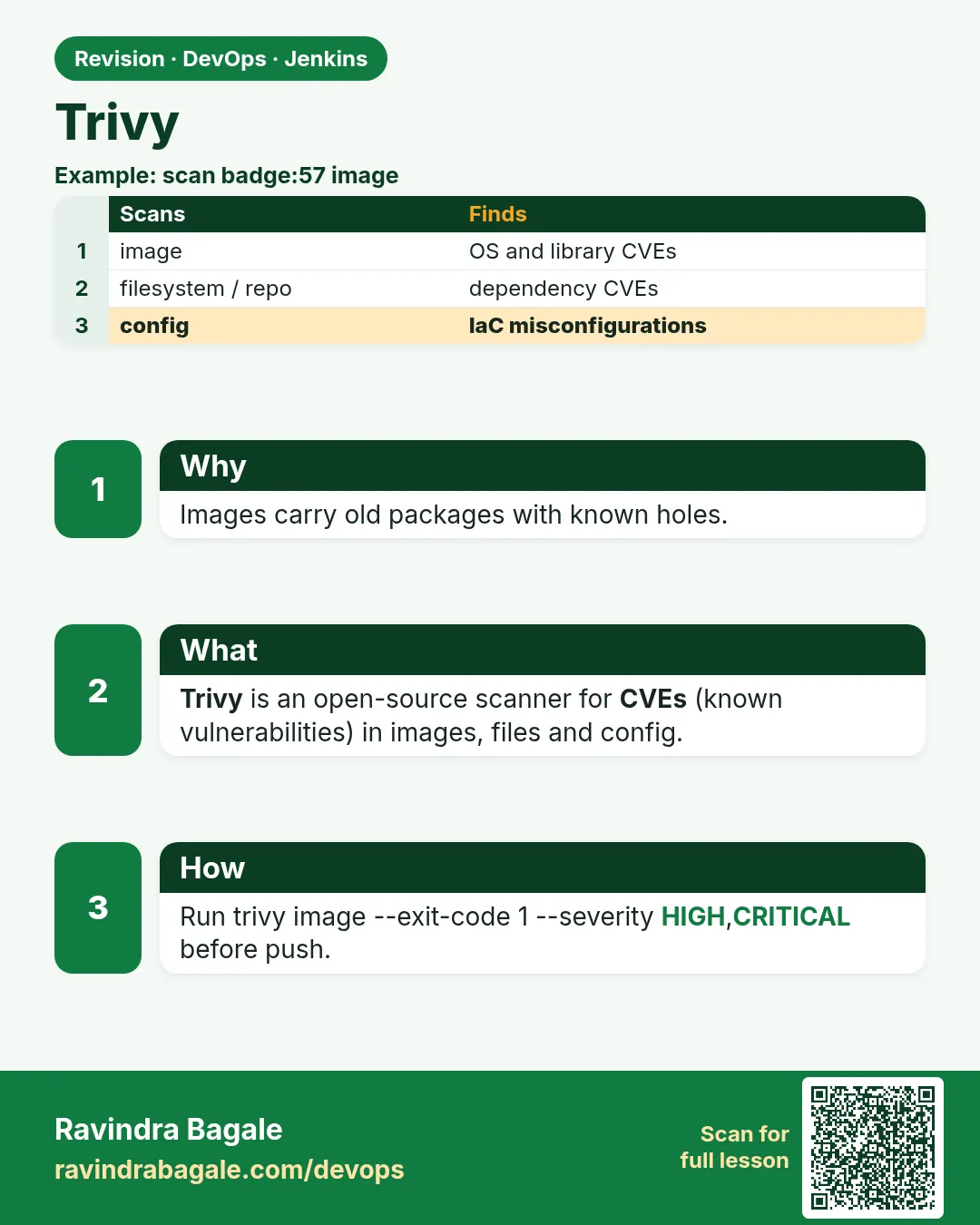
- Trivy scans images, folders and config for known CVEs.
- Gate = --severity HIGH,CRITICAL --ignore-unfixed --exit-code 1.
- Scan the exact tag you will push, before push.
- Fix most OS findings by updating the base image.
- .trivyignore needs reason, ticket and review date; cache the DB.
FAQ
Trivy or Docker Scout?
Both work. Trivy is free, offline-capable and scans more than images, so it is common in Jenkins.
Why do two scans show different counts?
The DB was updated between them. New CVEs are published daily.
Can Trivy scan Kubernetes YAML?
Yes: trivy config k8s/ finds misconfigurations.
Does --ignore-unfixed hide risk?
It hides what you cannot fix today. Review unfixed ones in the full report.
Is distroless better?
Often yes: fewer packages means fewer CVEs, but debugging is harder.
Interview questions
-
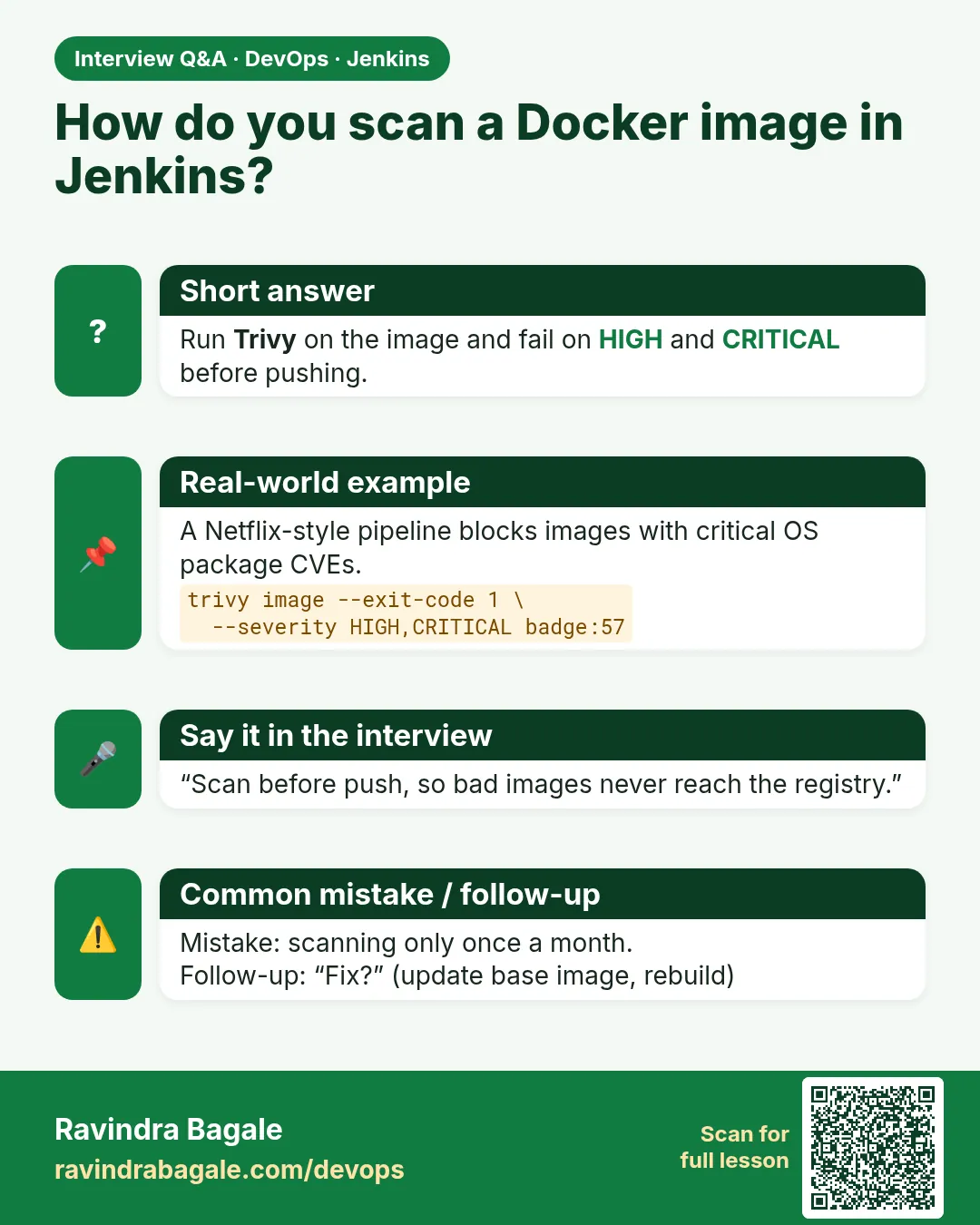
How do you integrate Trivy into Jenkins?
After docker build, run trivy image with severity filter and --exit-code 1 before push; archive a JSON report; cache the DB.
-
What is the difference between trivy image and trivy fs?
image scans a built image layers and packages; fs scans a directory such as source and lock files.
-
How do you handle a CVE with no fix?
Use --ignore-unfixed in the gate, assess reachability, document, and track until a fix exists.
-
How do you reduce image CVEs?
Smaller and newer base images, multi-stage builds, fewer packages, regular rebuilds.
-
Why tag images with the commit SHA when scanning?
So the scanned image is exactly the one pushed and deployed; latest can change.
Quick quiz
Q1. Which flag makes Trivy fail the build?
--exit-code 1.
Q2. Why use --ignore-unfixed?
You cannot fix holes with no fixed version yet.
Q3. What does trivy fs scan?
A folder: lock files, manifests, and optionally secrets.
Q4. Best quick fix for many OS CVEs?
Move to a newer or smaller base image.
Q5. What must every .trivyignore line have?
A reason, a ticket and a review date.
Samajla ka?
 Revision card
 Interview card