Excel Interview Prep — MIS Executive
Friends, mIS desk mode: refresh checklist, KPI dictionary, slicers, exceptions and control totals. Reliability beats fancy charts.
चला मित्रांनो — MIS: refresh checklist, KPI dictionary, slicers, exceptions, controls. Reliability > fancy charts.
चलो दोस्तों — MIS: refresh checklist, KPI dictionary, slicers, exceptions, controls. Reliability > fancy charts.
Why → What → How
Why: Excel interviews are not memory tests of every function name. They check if you can clean a small sheet, write a correct formula, and explain the result in plain English.
What: This page has 28 real interview-style questions for MIS Executive. Each one has a short answer, vertical steps, a tiny example, a common wrong answer, and a follow-up question.
How — study plan:
- Skim all question titles once (10 minutes).
- Download the practice workbook and open sheet
About this data. - Answer aloud, then type the formula in the file.
- Check the yellow cells on sheet
Answersonly after you try. - Revise with the three cards and take the quiz.
Download practice file: practice-mis-interview.xlsx (includes About this data, practice sheets, Answers).
Ravindra Bagale's Tip
Friends, put control totals on every pack — that habit gets you hired and trusted.
Ravindra Bagale's Tip – मराठी
मित्रांनो, प्रत्येक pack वर control totals ठेवा — ही सवय trust मिळवते.
Ravindra Bagale's Tip – हिंदी
दोस्तों, हर pack पर control totals रखो — ये आदत trust दिलाती है.
Ravindra Bagale's Tip
Define the KPI before you chart it. Dictionary first, colours later.
Ravindra Bagale's Tip – मराठी
Chart आधी KPI define करा. Dictionary first.
Ravindra Bagale's Tip – हिंदी
Chart से पहले KPI define करो. Dictionary first.
Questions (28)
What is an MIS refresh discipline?
Why interviewers ask: To see if you understand the idea, not only the button clicks.
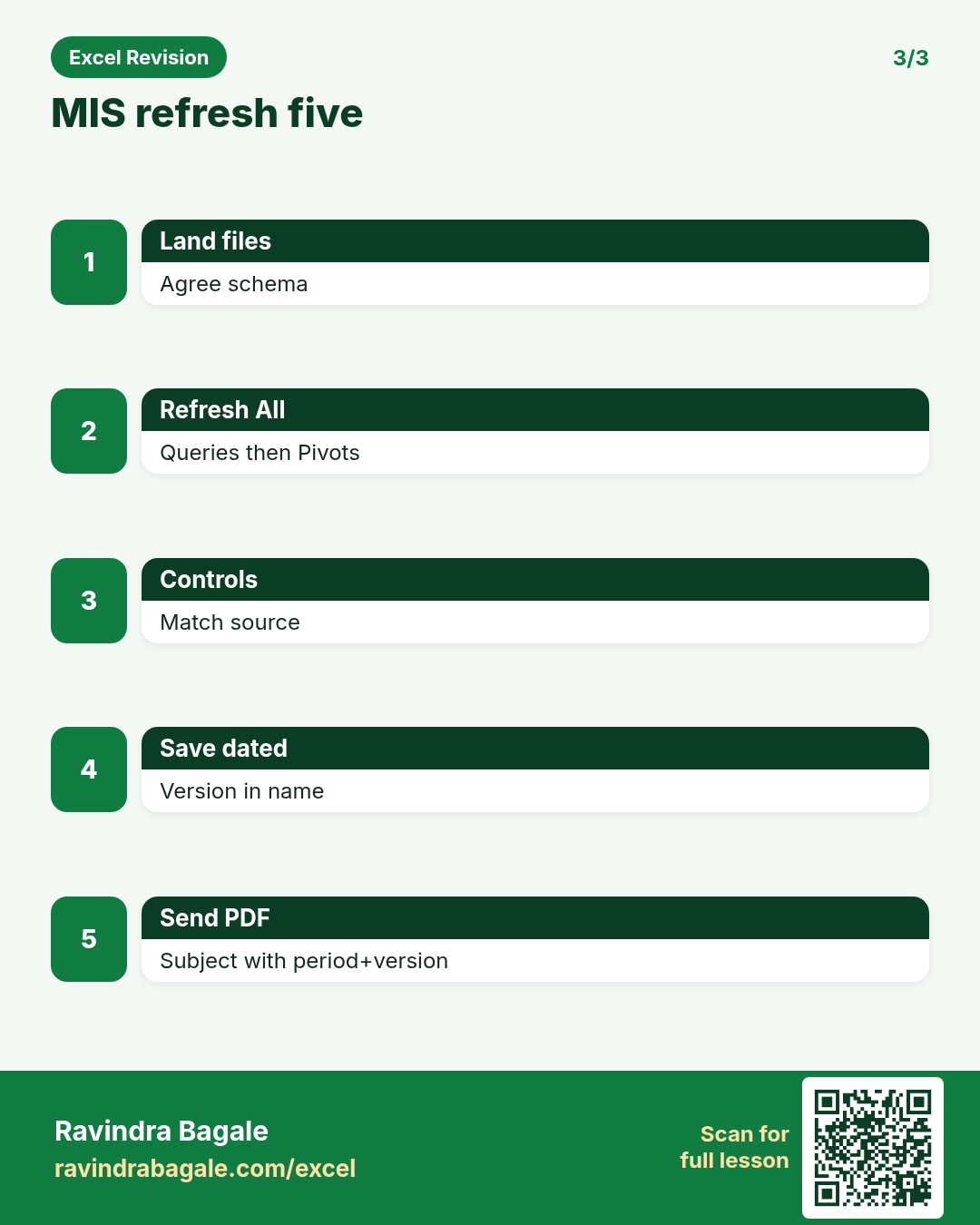
What (short answer): Same steps every time: land files → refresh queries → refresh pivots → check control totals → save dated copy → send pack.
How — tiny example (vertical steps):
- Write steps on About.
- Never skip controls.
Formula: (checklist)
Result: reliable pack
What it means: Trustworthy MIS.
Why a standardised template?
Why interviewers ask: To see if you understand the idea, not only the button clicks.
What (short answer): Same columns and sheet names every month so Power Query and Pivot do not break.
How — tiny example (vertical steps):
- Freeze header names.
- Version the template.
Formula: (template)
Result: stable schema
What it means: Less firefighting.
KPI dictionary sheet — what is on it?
Why interviewers ask: To see if you understand the idea, not only the button clicks.
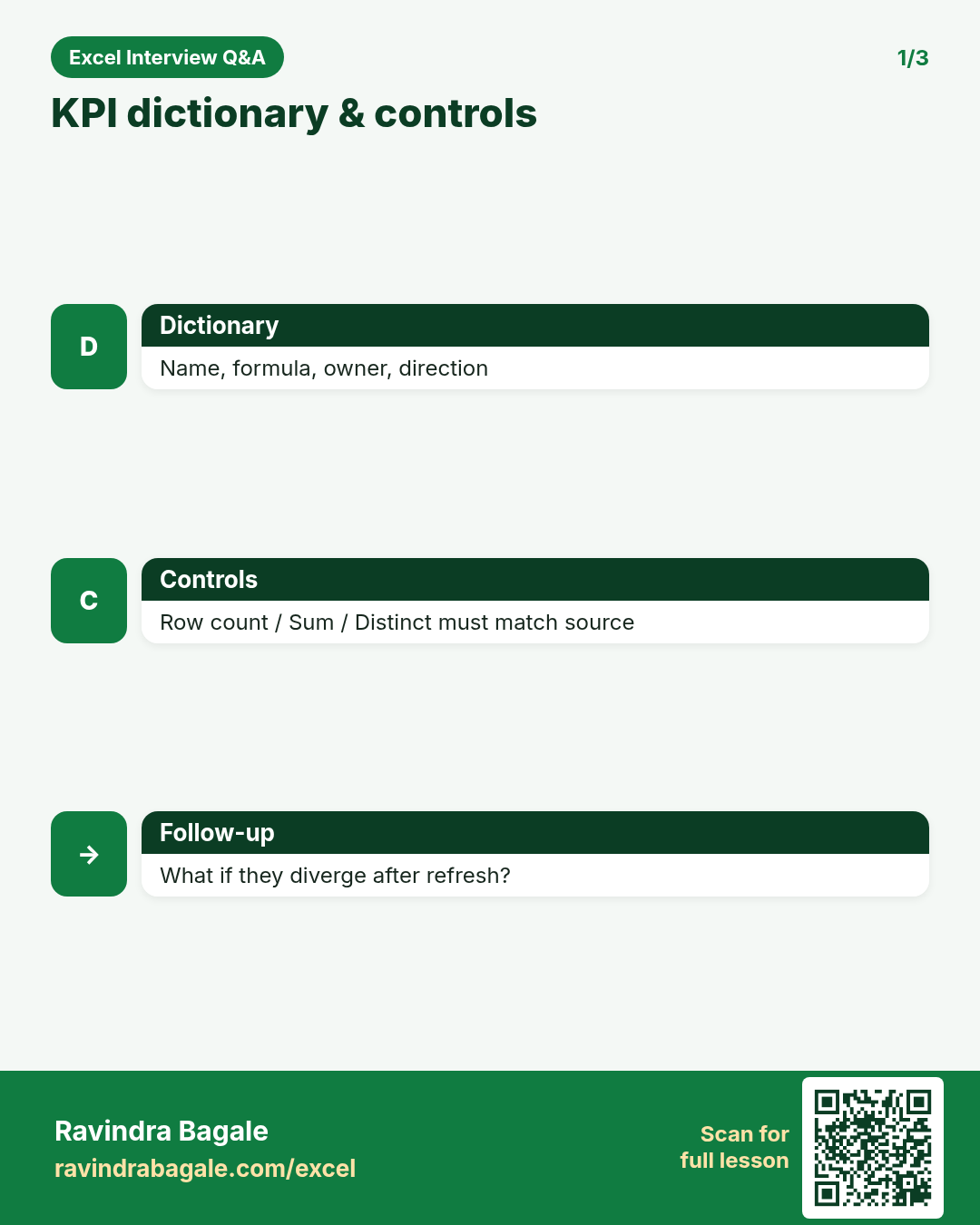
What (short answer): KPI name, definition, formula, owner, source, refresh timing, good/bad direction.
How — tiny example (vertical steps):
- One row per KPI.
- Link dashboard to dictionary.
Formula: (KPI dict)
Result: definitions
What it means: No ambiguous metrics.
Build a Pivot + slicer pack for City and Month.
Why interviewers ask: To see if you understand the idea, not only the button clicks.
What (short answer): One Pivot, slicers for City and Month, sync if multiple pivots.
How — tiny example (vertical steps):
- Insert slicers.
- Report connections if needed.
Formula: (slicers)
Result: interactive MIS
What it means: Manager self-serve.
Month folder automation via Power Query?
Why interviewers ask: To see if you understand the idea, not only the button clicks.
What (short answer): Drop new month file in folder; From Folder query picks it up on Refresh All.
How — tiny example (vertical steps):
- Stable file name pattern.
- Combine files.
Formula: (From Folder)
Result: auto month
What it means: Less manual append.
Exception report with FILTER.
Why interviewers ask: To see if you understand the idea, not only the button clicks.
What (short answer): FILTER rows where KPI breaches a threshold for a follow-up list.
How — tiny example (vertical steps):
- =FILTER(data, variance<-0.1).
Formula: =FILTER(A2:F100,E2:E100<-0.1)
Result: exceptions
What it means: Action list.
Version control of MIS workbooks?
Why interviewers ask: To see if you understand the idea, not only the button clicks.
What (short answer): Date in file name, OneDrive history, change log on About, never edit prior locked months in place without a copy.
How — tiny example (vertical steps):
- MIS_Sales_2026-10-31.xlsx
Formula: (version)
Result: audit trail
What it means: Recoverable packs.
Email-ready PDF summary steps?
Why interviewers ask: To see if you understand the idea, not only the button clicks.
What (short answer): Set print area, one page wide, export PDF, check page breaks, attach with short commentary.
How — tiny example (vertical steps):
- Page Layout → break preview.
- Export PDF.
Formula: (PDF)
Result: CFO pack
What it means: Readable offline.
Data validation for MIS input form.
Why interviewers ask: To see if you understand the idea, not only the button clicks.
What (short answer): Lists for City/Status, whole numbers for qty, dates for order date — stop junk at entry.
How — tiny example (vertical steps):
- Data Validation lists.
Formula: (DV)
Result: clean inputs
What it means: Better upstream data.
Numbers changed after you sent the pack — what do you do?
Why interviewers ask: To see if you understand the idea, not only the button clicks.
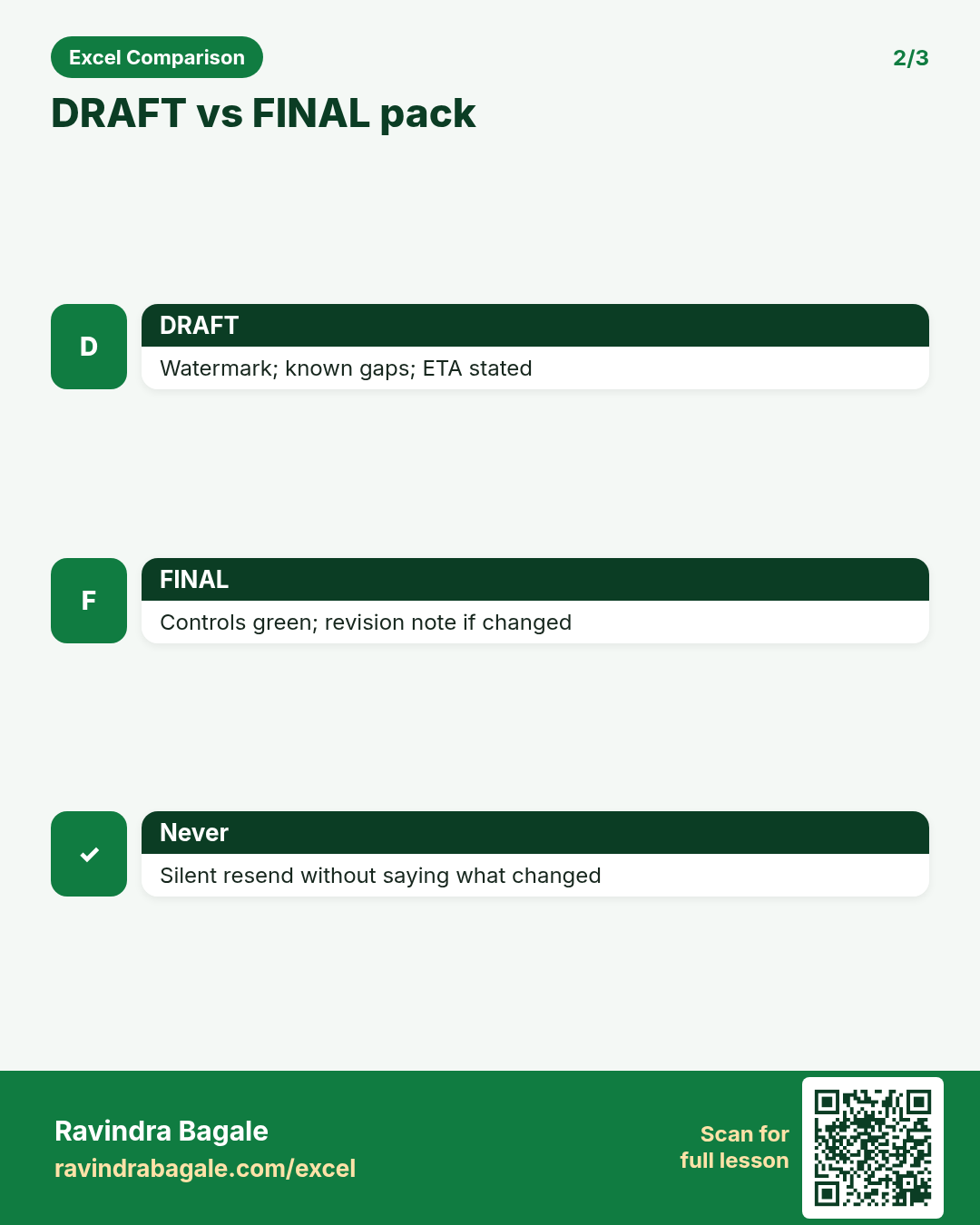
What (short answer): Re-open dated file, compare control totals, find which source refreshed, issue a revision note.
How — tiny example (vertical steps):
- Diff controls.
- Revise PDF with version B.
Formula: (revision)
Result: honest correction
What it means: Professional MIS.
One workbook vs many linked workbooks?
Why interviewers ask: To see if you understand the idea, not only the button clicks.
What (short answer): Prefer one workbook with multiple sheets/queries when possible. Links break on path changes.
How — tiny example (vertical steps):
- Document any remaining links.
Formula: (architecture)
Result: fewer breaks
What it means: Stable refresh.
TEXT for report labels (month name).
Why interviewers ask: To see if you understand the idea, not only the button clicks.
What (short answer): =TEXT(date,"mmm-yyyy") for headers that stay readable in PDFs.
How — tiny example (vertical steps):
- =TEXT(EOMONTH(TODAY(),-1),"mmm-yyyy").
Formula: =TEXT(A1,"mmm-yyyy")
Result: Oct-2026
What it means: Report header.
Control total panel on a dashboard.
Why interviewers ask: To see if you understand the idea, not only the button clicks.
What (short answer): Cells that must match: row count, sum amount, distinct cities — compared to source.
How — tiny example (vertical steps):
- =COUNTA / =SUM / =COUNTA(UNIQUE()).
Formula: =SUM(Amount)
Result: control
What it means: Green = matched.
What is a data contract with the ops team?
Why interviewers ask: To see if you understand the idea, not only the button clicks.
What (short answer): Written agreement on columns, types, arrival time, and who fixes bad files.
How — tiny example (vertical steps):
- Publish the contract on the About sheet.
Formula: (contract)
Result: clear ownership
What it means: Fewer surprises.
COUNTIF late rows for SLA MIS.
Why interviewers ask: To see if you understand the idea, not only the button clicks.
What (short answer): COUNTIF Status="Late" or Mins>threshold.
How — tiny example (vertical steps):
- =COUNTIF(Status,"Late").
Formula: =COUNTIF(F:F,"Late")
Result: late count
What it means: SLA KPI.
Colour standards in MIS?
Why interviewers ask: To see if you understand the idea, not only the button clicks.
What (short answer): Blue/yellow inputs, black formulas, red negatives, green OK — stay consistent across packs.
How — tiny example (vertical steps):
- Document in About.
Formula: (colours)
Result: readable
What it means: Team convention.
Stakeholder wants a new KPI mid-month.
Why interviewers ask: To see if you understand the idea, not only the button clicks.
What (short answer): Add to dictionary first, define formula, backfill if needed, then dashboard. Do not invent silently.
How — tiny example (vertical steps):
- Dictionary → build → validate → publish.
Formula: (change mgmt)
Result: governed KPI
What it means: No shadow metrics.
Build UNIQUE list of owners for a coverage check.
Why interviewers ask: To see if you understand the idea, not only the button clicks.
What (short answer): SORT(UNIQUE(Owner)) and COUNTIF coverage.
How — tiny example (vertical steps):
- Compare to employee master.
Formula: =SORT(UNIQUE(G2:G200))
Result: owners
What it means: Coverage gap.
Pivot cache refresh gotchas?
Why interviewers ask: To see if you understand the idea, not only the button clicks.
What (short answer): Changing source range without updating Pivot cache; old names stick. Use Tables so range grows.
How — tiny example (vertical steps):
- Ctrl+Alt+F5.
- Change Data Source if needed.
Formula: (Pivot cache)
Result: fresh fields
What it means: Correct MIS.
IFERROR around XLOOKUP for dimension map.
Why interviewers ask: To see if you understand the idea, not only the button clicks.
What (short answer): Map codes to names; show "Unmapped" for follow-up.
How — tiny example (vertical steps):
- =IFERROR(XLOOKUP(code,map[code],map[name]),"Unmapped").
Formula: =IFERROR(XLOOKUP(...),"Unmapped")
Result: Unmapped
What it means: Data quality KPI.
Access control for MIS files?
Why interviewers ask: To see if you understand the idea, not only the button clicks.
What (short answer): Share read-only PDF to wide audience; editable file to owners only. Use OneDrive permissions.
How — tiny example (vertical steps):
- Separate edit vs view links.
Formula: (ACL)
Result: least privilege
What it means: Safer MIS.
Month-on-month column with structured references.
Why interviewers ask: To see if you understand the idea, not only the button clicks.
What (short answer): Table columns Actual, Prior, MoM =[@Actual]-[@Prior].
How — tiny example (vertical steps):
- Add calculated column.
Formula: =[@Actual]-[@Prior]
Result: MoM
What it means: Trend MIS.
What do you put in the email subject of an MIS pack?
Why interviewers ask: To see if you understand the idea, not only the button clicks.
What (short answer): Product + period + version + status, e.g. Sales MIS Oct-2026 v1 FINAL.
How — tiny example (vertical steps):
- Keep searchable.
Formula: (subject)
Result: findable
What it means: Professional comms.
Source file arrived late — communication?
Why interviewers ask: To see if you understand the idea, not only the button clicks.
What (short answer): Tell stakeholders ETA, publish partial with watermark DRAFT if needed, then FINAL when complete.
How — tiny example (vertical steps):
- Status message early.
Formula: (comms)
Result: no silence
What it means: Trust.
LARGE/SMALL for top/bottom exceptions.
Why interviewers ask: To see if you understand the idea, not only the button clicks.
What (short answer): LARGE(range,1) top value; combine with INDEX/MATCH for the label.
How — tiny example (vertical steps):
- =INDEX(City,MATCH(LARGE(Amt,1),Amt,0)).
Formula: =LARGE(E2:E100,1)
Result: top amount
What it means: Exception highlight.
Why separate staging and presentation sheets?
Why interviewers ask: To see if you understand the idea, not only the button clicks.
What (short answer): Staging holds raw/query output; presentation is formatted for humans. Prevents accidental edits to raw.
How — tiny example (vertical steps):
- Hide staging or protect it.
Formula: (layers)
Result: safe design
What it means: Clean architecture.
Build a one-page print layout.
Why interviewers ask: To see if you understand the idea, not only the button clicks.
What (short answer): Margins, landscape, fit 1 page wide, title, date, confidentiality footer.
How — tiny example (vertical steps):
- Page Setup.
- Print preview.
Formula: (print)
Result: 1 page
What it means: Board ready.
Interview closer: how do you know the MIS is right?
Why interviewers ask: To see if you understand the idea, not only the button clicks.
What (short answer): Control totals, recon to source system, peer check, and a written definition for every KPI.
How — tiny example (vertical steps):
- Show the control panel.
Formula: (quality)
Result: evidence
What it means: Strong answer.
Practice tasks (12)
- 1. Write refresh checklist on About (easy)Hint: Include control totals step.
- 2. KPI dictionary 5 rows (medium)Hint: Name, formula, owner, direction.
- 3. Pivot + City/Month slicers (medium)Hint: Click inside Pivot first.
- 4. FILTER exception variance<-10% (medium)Hint: Threshold in a cell.
- 5. Unmapped XLOOKUP count (medium)Hint: IFERROR then COUNTIF Unmapped.
- 6. MoM calculated column (easy)Hint: Structured reference [@].
- 7. Control panel SUM vs Pivot (medium)Hint: Must match grand total.
- 8. PDF export one page wide (easy)Hint: Page Setup fit width.
- 9. UNIQUE owners coverage (medium)Hint: Compare to master list.
- 10. File naming with date version (easy)Hint: YYYY-MM-DD in name.
- 11. Data validation on Status (easy)Hint: List of allowed statuses.
- 12. Revision note sample text (easy)Hint: What changed and why.
Quiz (8 questions)
1. A KPI dictionary defines formula and owner.
2. From Folder can automate monthly file pickup.
3. Silent resends without a revision note are fine.
4. Control totals should match the Pivot grand total.
5. Linked workbooks across personal drives are ideal.
6. Yellow often marks inputs in MIS packs.
7. PDF packs need print layout checks.
8. Schema changes should be communicated, not silent.
Interview, comparison and revision cards
Standalone cards (no tip or photo strip). Each has a QR to this lesson. Download the PNG and revise offline.
Next: back to the Interview Prep hub · related lesson Formulas and Functions.