Excel Interview Prep — Accountant / Finance
Friends, accounts interview: GST register logic, EMI, ageing, recon, and control totals. Numbers must tie.
चला मित्रांनो — accounts: GST, EMI, ageing, recon, control totals. आकडे जुळले पाहिजेत.
चलो दोस्तों — accounts: GST, EMI, ageing, recon, control totals. आंकड़े मिलने चाहिए.
Why → What → How
Why: Excel interviews are not memory tests of every function name. They check if you can clean a small sheet, write a correct formula, and explain the result in plain English.
What: This page has 28 real interview-style questions for Accountant / Finance. Each one has a short answer, vertical steps, a tiny example, a common wrong answer, and a follow-up question.
How — study plan:
- Skim all question titles once (10 minutes).
- Download the practice workbook and open sheet
About this data. - Answer aloud, then type the formula in the file.
- Check the yellow cells on sheet
Answersonly after you try. - Revise with the three cards and take the quiz.
Download practice file: practice-accountant-interview.xlsx (includes About this data, practice sheets, Answers).
Ravindra Bagale's Tip
Friends, never force the GST portal to match by editing the total — find the missing invoice.
Ravindra Bagale's Tip – मराठी
मित्रांनो, portal जुळवण्यासाठी total संपादित करू नका — missing invoice शोधा.
Ravindra Bagale's Tip – हिंदी
दोस्तों, portal मिलाने के लिए total मत बदलो — missing invoice ढूँढो.
Ravindra Bagale's Tip
Yellow cells = inputs, locked formulas = trust. Auditors notice this habit.
Ravindra Bagale's Tip – मराठी
Yellow = input, locked formulas = विश्वास. Auditor हे पाहतात.
Ravindra Bagale's Tip – हिंदी
Yellow = input, locked formulas = भरोसा. Auditor ये नोटिस करते हैं.
Questions (28)
How do you structure a simple GST sales register in Excel?
Why interviewers ask: To see if you understand the idea, not only the button clicks.
What (short answer): Columns: Date, Invoice, Party, Taxable, CGST, SGST, IGST, Total. One row per invoice line. Keep rates as numbers.
How — tiny example (vertical steps):
- Yellow inputs.
- Formulas for tax = Taxable*Rate.
- Separate CGST/SGST vs IGST.
Formula: =Taxable*0.09
Result: CGST
What it means: GST line.
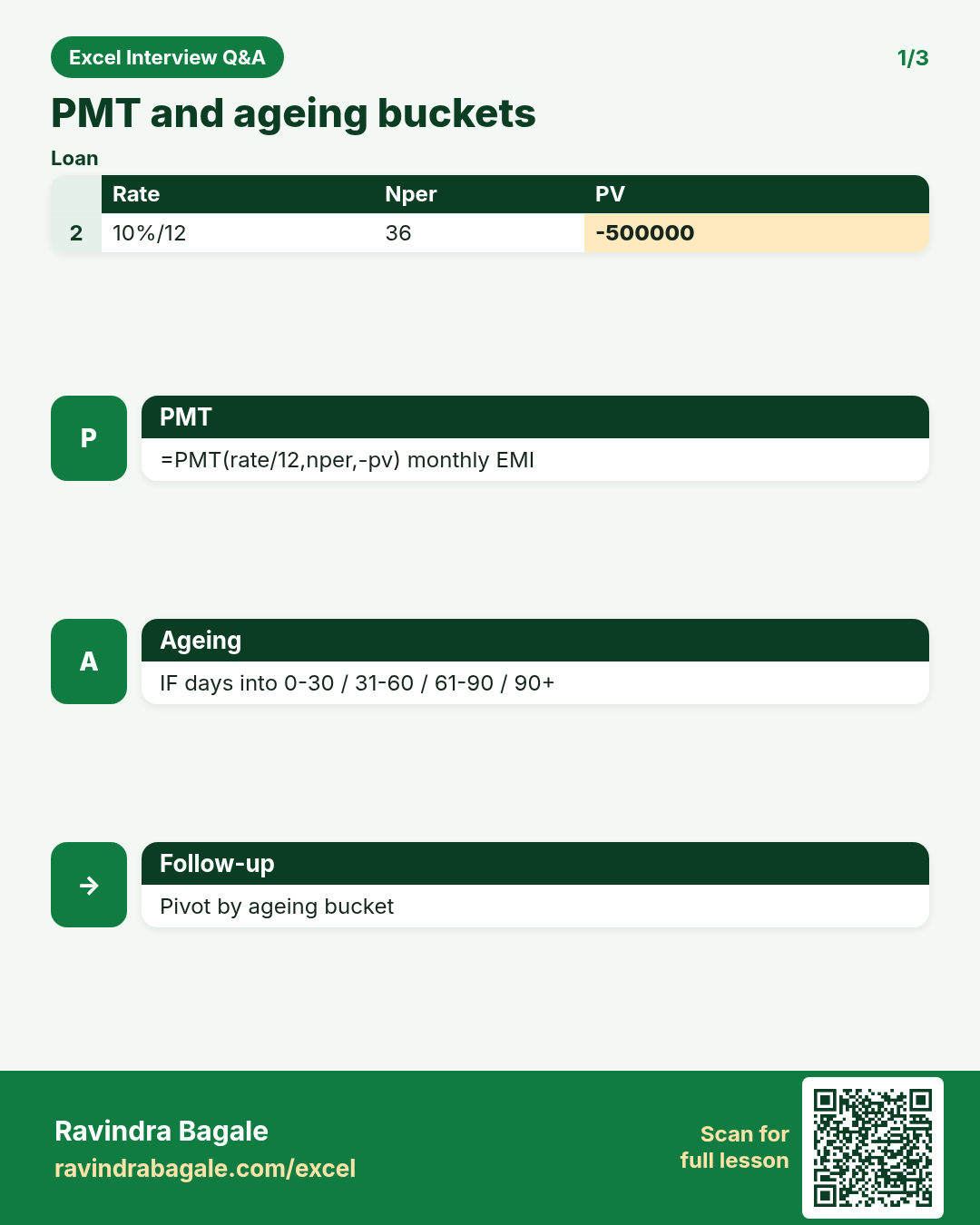
PMT for an EMI — explain arguments.
Why interviewers ask: To see if you understand the idea, not only the button clicks.
What (short answer): PMT(rate, nper, pv) returns the payment. Divide annual rate by 12 for monthly.
How — tiny example (vertical steps):
- Loan 500000, 10% yearly, 36 months.
- =PMT(10%/12,36,-500000).
Formula: =PMT(10%/12,36,-500000)
Result: EMI
What it means: Monthly instalment.
Ageing buckets with nested IF or LOOKUP.
Why interviewers ask: To see if you understand the idea, not only the button clicks.
What (short answer): Bucket overdue days into 0-30, 31-60, 61-90, 90+ using nested IF or approximate LOOKUP on a slab table.
How — tiny example (vertical steps):
- Days = TODAY()-Due.
- =IF(days<=30,"0-30",IF(days<=60,"31-60",IF(days<=90,"61-90","90+"))).
Formula: =IF(E2<=30,"0-30",IF(E2<=60,"31-60",IF(E2<=90,"61-90","90+")))
Result: 31-60
What it means: Receivable ageing.
Bank vs book reconciliation approach in Excel?
Why interviewers ask: To see if you understand the idea, not only the button clicks.
What (short answer): Two lists: bank statement and cash book. MATCH/XLOOKUP unmatched rows; SUMIF totals; tick cleared items.
How — tiny example (vertical steps):
- XLOOKUP each bank row in book.
- Filter #N/A as outstanding.
- Explain difference.
Formula: =XLOOKUP(A2,Book[Ref],Book[Amt],"Unmatched")
Result: recon
What it means: Find breaks.
Budget vs actual variance %.
Why interviewers ask: To see if you understand the idea, not only the button clicks.
What (short answer): Variance = Actual-Budget. % = Actual/Budget-1 or Variance/Budget. Watch divide by zero.
How — tiny example (vertical steps):
- =IF(Budget=0,"n/a",Actual/Budget-1).
Formula: =C2/B2-1
Result: 8%
What it means: Over budget signal.
Depreciation schedule — straight line in Excel?
Why interviewers ask: To see if you understand the idea, not only the button clicks.
What (short answer): Annual dep = (Cost-Salvage)/Life. Rows for each year with opening, dep, closing.
How — tiny example (vertical steps):
- Year 1 closing = Cost-Dep.
- Copy pattern for N years.
Formula: =(Cost-Salvage)/Life
Result: yearly dep
What it means: SLM schedule.
SUMIF for vendor-wise purchase total.
Why interviewers ask: To see if you understand the idea, not only the button clicks.
What (short answer): SUMIF on vendor name to get purchase register totals for TDS or MIS.
How — tiny example (vertical steps):
- =SUMIF(Vendor,G2,Amount).
Formula: =SUMIF(A:A,G2,C:C)
Result: vendor total
What it means: Purchase MIS.
What is a trial balance sheet layout?
Why interviewers ask: To see if you understand the idea, not only the button clicks.
What (short answer): List of ledger balances with Debit and Credit columns; totals must match.
How — tiny example (vertical steps):
- Account | Dr | Cr.
- =SUM(Dr) equals =SUM(Cr).
Formula: =SUM(B:B)
Result: TB totals
What it means: Books balance check.
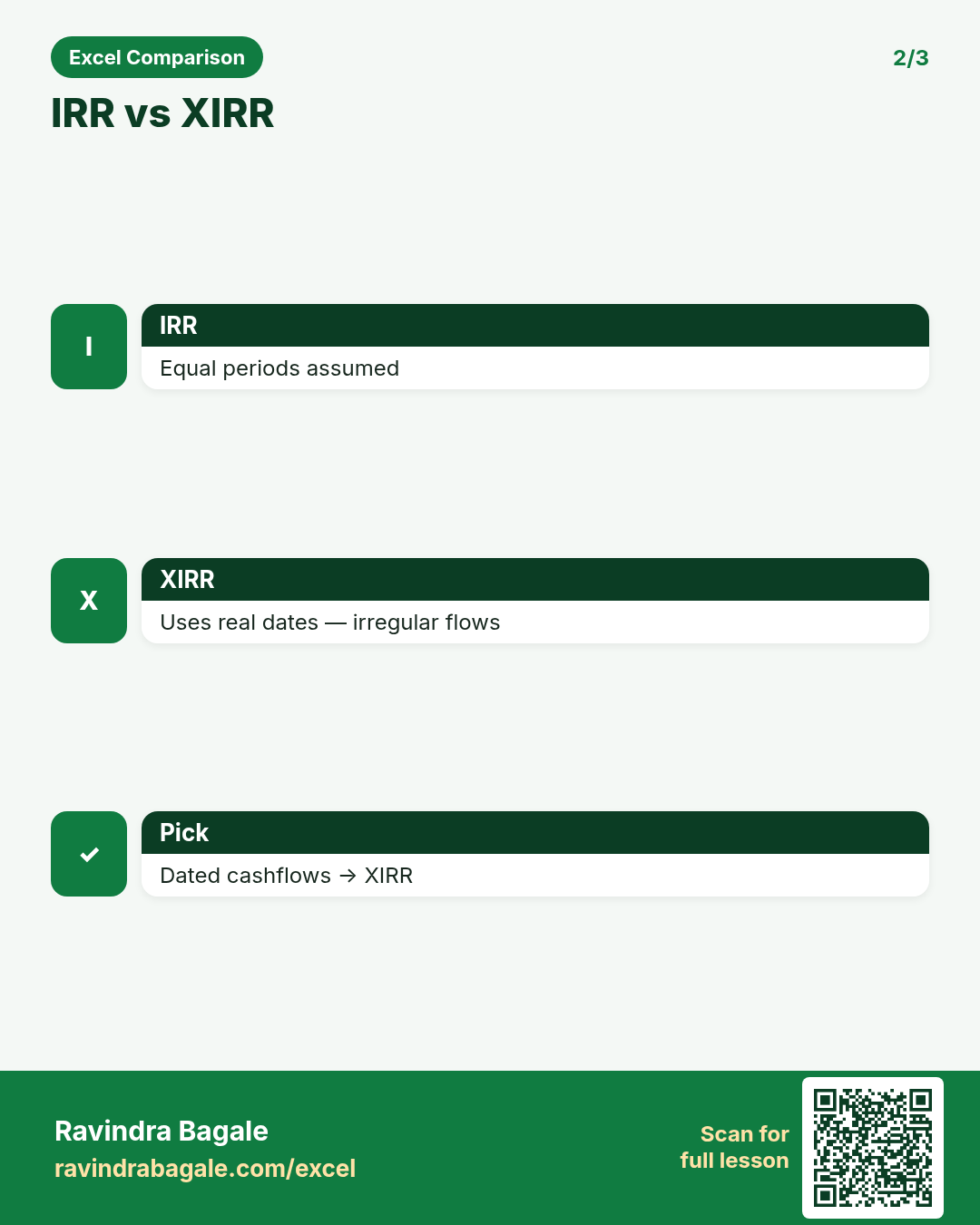
XIRR vs IRR — interview line?
Why interviewers ask: To see if you understand the idea, not only the button clicks.
What (short answer): IRR assumes equal periods. XIRR uses real dates — better for irregular cash flows.
How — tiny example (vertical steps):
- Cashflows in A, dates in B.
- =XIRR(A2:A10,B2:B10).
Formula: =XIRR(A2:A10,B2:B10)
Result: rate
What it means: Project return.
Month-close MIS pack — what do you include?
Why interviewers ask: To see if you understand the idea, not only the button clicks.
What (short answer): P&L vs budget, cash, ageing, GST summary, commentary. Freeze numbers; date-stamp file.
How — tiny example (vertical steps):
- Refresh.
- Pivot summaries.
- PDF for CFO.
Formula: (MIS pack)
Result: month close
What it means: Finance interview story.
Build ageing on practice invoices sheet.
Why interviewers ask: To see if you understand the idea, not only the button clicks.
What (short answer): Compute days overdue, bucket, Pivot by bucket and customer.
How — tiny example (vertical steps):
- Days formula.
- Bucket IF.
- Pivot.
Formula: =TODAY()-Due
Result: ageing
What it means: AR focus list.
CGST+SGST vs IGST formula switch.
Why interviewers ask: To see if you understand the idea, not only the button clicks.
What (short answer): IF customer state = company state then split CGST/SGST else IGST full rate.
How — tiny example (vertical steps):
- =IF(State=Home, Taxable*0.09, 0) for CGST.
Formula: =IF(D2=$H$1,B2*0.09,0)
Result: CGST
What it means: Place of supply logic.
TDS register essentials?
Why interviewers ask: To see if you understand the idea, not only the button clicks.
What (short answer): Section, vendor, PAN, base amount, rate, TDS, due date, paid flag. SUMIF by section for payment challan.
How — tiny example (vertical steps):
- Track due dates.
- Reconcile to books.
Formula: =SUMIF(Section,"194C",TDS)
Result: section total
What it means: Compliance MIS.
Running balance for cash book.
Why interviewers ask: To see if you understand the idea, not only the button clicks.
What (short answer): Balance = previous balance + receipt - payment. First row special; then copy down.
How — tiny example (vertical steps):
- D2 = Opening+C2-B2.
- D3 = D2+C3-B3.
Formula: =D2+C3-B3
Result: running bal
What it means: Cash book.
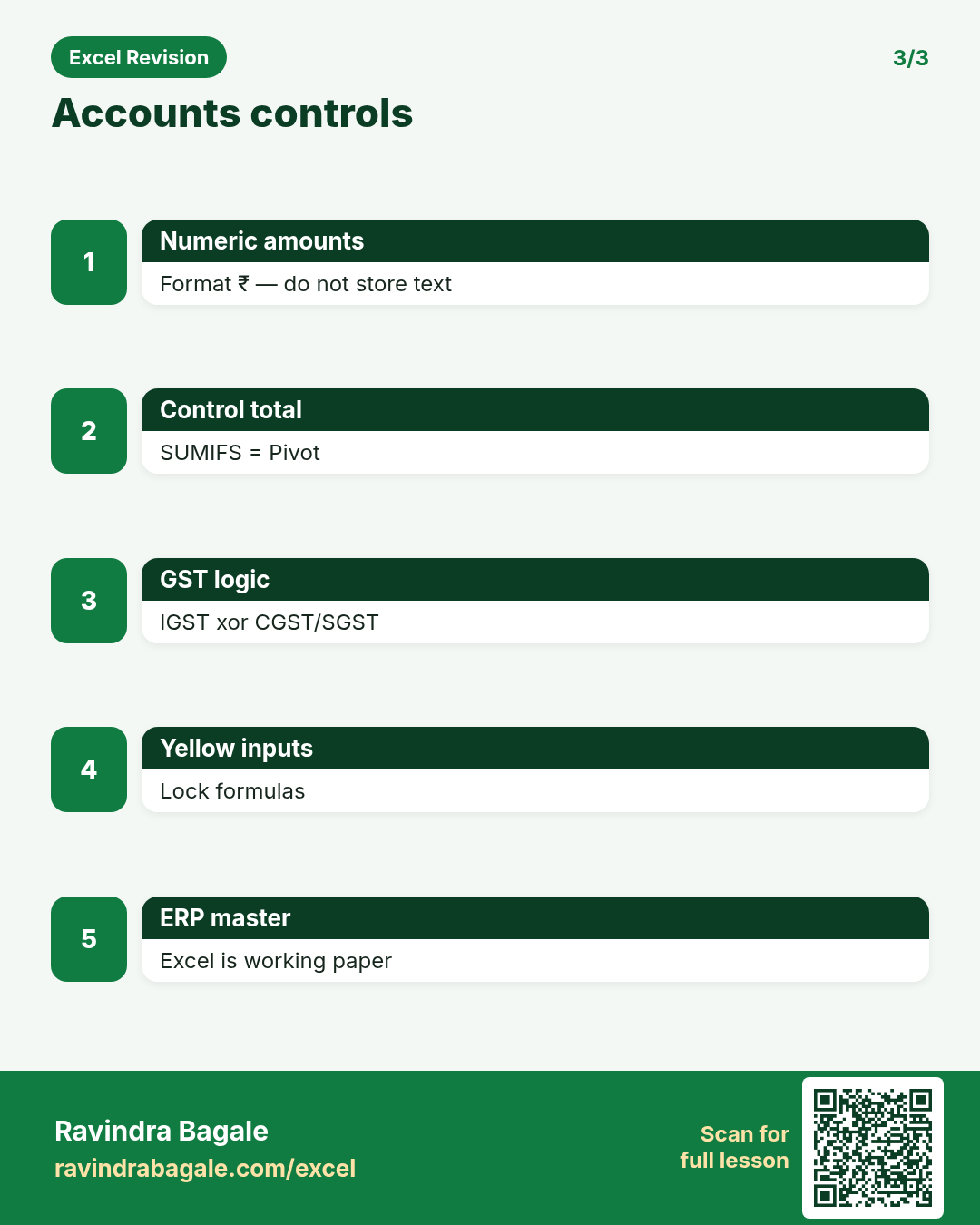
Auditor asks how you know Pivot matches ledger.
Why interviewers ask: To see if you understand the idea, not only the button clicks.
What (short answer): Show source Table, filters, and a control total SUMIFS that equals Pivot grand total.
How — tiny example (vertical steps):
- Control cell.
- Compare to Pivot.
- Screenshot both.
Formula: =SUMIFS(...)
Result: control
What it means: Audit defence.
P&L vertical format in Excel?
Why interviewers ask: To see if you understand the idea, not only the button clicks.
What (short answer): Income block, COGS, Gross Profit, Expenses, Net Profit — formulas between sections, not typed nets.
How — tiny example (vertical steps):
- GP = Income-COGS.
- NP = GP-Expenses.
Formula: =B10-B20
Result: Gross Profit
What it means: Statement logic.
FV of SIP — rough Excel approach.
Why interviewers ask: To see if you understand the idea, not only the button clicks.
What (short answer): FV(rate, nper, pmt) with negative pmt for money out. Monthly rate = annual/12.
How — tiny example (vertical steps):
- =FV(1%/12,60,-5000).
Formula: =FV(1%/12,60,-5000)
Result: corpus
What it means: SIP future value.
Reconcile two amount columns with a helper Match column.
Why interviewers ask: To see if you understand the idea, not only the button clicks.
What (short answer): XLOOKUP or COUNTIF to mark Matched/Unmatched; filter Unmatched.
How — tiny example (vertical steps):
- =IF(COUNTIF(Bank,A2),"Matched","Open").
Formula: =IF(COUNTIF(Bank[Amt],A2),"Matched","Open")
Result: status
What it means: Recon helper.
Currency: store numbers, format as ₹.
Why interviewers ask: To see if you understand the idea, not only the button clicks.
What (short answer): Keep values numeric; use cell format ₹. Never store "₹1,200" as text.
How — tiny example (vertical steps):
- Format Cells → Currency.
- SUM works on numbers.
Formula: ₹ format
Result: numeric
What it means: Clean finance data.
YEARFRAC or DATEDIF for interest days?
Why interviewers ask: To see if you understand the idea, not only the button clicks.
What (short answer): DATEDIF or simple end-start for days; YEARFRAC for fractional years in some interest methods.
How — tiny example (vertical steps):
- =B2-A2 days.
- Know bank day-count basis.
Formula: =B2-A2
Result: days
What it means: Interest base.
GST portal total ≠ Excel register.
Why interviewers ask: To see if you understand the idea, not only the button clicks.
What (short answer): Check date filters, credit notes, amendments, cancelled invoices, and rate mistakes. Export portal CSV and MATCH.
How — tiny example (vertical steps):
- Filter month.
- Match invoice numbers.
- Explain gaps.
Formula: MATCH invoice
Result: gap list
What it means: Compliance debug.
Weighted average cost basic idea?
Why interviewers ask: To see if you understand the idea, not only the button clicks.
What (short answer): Total cost / total qty for the pool. SUMPRODUCT of qty*rate / SUM qty.
How — tiny example (vertical steps):
- =SUMPRODUCT(qty,rate)/SUM(qty).
Formula: =SUMPRODUCT(B2:B5,C2:C5)/SUM(B2:B5)
Result: WAC
What it means: Inventory costing.
Protect formula cells but allow journal inputs.
Why interviewers ask: To see if you understand the idea, not only the button clicks.
What (short answer): Unlock input range, lock formula cells, Protect Sheet. Yellow for inputs.
How — tiny example (vertical steps):
- Format → unlock inputs.
- Protect Sheet.
Formula: (Protect)
Result: safe TB
What it means: Controlled entry.
Build budget vs actual for 3 expense heads.
Why interviewers ask: To see if you understand the idea, not only the button clicks.
What (short answer): Table with Budget, Actual, Variance, %. Conditional format red if adverse.
How — tiny example (vertical steps):
- Formulas for var and %.
- CF on %.
Formula: =C2-B2
Result: variance
What it means: Expense control.
What is a chart of accounts sheet for?
Why interviewers ask: To see if you understand the idea, not only the button clicks.
What (short answer): Master list of account codes and names used in journals and P&L mapping — one source of truth.
How — tiny example (vertical steps):
- Code | Name | Type | P&L/BS.
Formula: (COA)
Result: master
What it means: Mapping control.
EOMONTH for month-end accruals.
Why interviewers ask: To see if you understand the idea, not only the button clicks.
What (short answer): EOMONTH(date,0) month end of date; EOMONTH(date,1) next month end.
How — tiny example (vertical steps):
- =EOMONTH(A2,0).
Formula: =EOMONTH(A2,0)
Result: month end
What it means: Accrual dating.
Explain a ₹1 difference in TB.
Why interviewers ask: To see if you understand the idea, not only the button clicks.
What (short answer): Usually rounding or a missed paisa. Check ROUND on tax lines; find the odd entry with conditional formatting.
How — tiny example (vertical steps):
- Sort by amount.
- Search 0.01 diffs.
Formula: ROUND(tax,2)
Result: paisa
What it means: TB tidy.
Interview: Excel vs Tally/ERP — your line?
Why interviewers ask: To see if you understand the idea, not only the button clicks.
What (short answer): ERP is system of record; Excel is analysis and working papers. Do not maintain parallel unofficial books.
How — tiny example (vertical steps):
- Export → analyse in Excel.
- Post final entries in ERP.
Formula: (ERP+Excel)
Result: right tool
What it means: Mature answer.
Practice tasks (12)
- 1. GST line CGST/SGST formulas (medium)Hint: Lock the home-state cell with $.
- 2. PMT EMI for practice loan (easy)Hint: Rate/12 and negative PV.
- 3. Ageing buckets column (medium)Hint: Nested IF on days overdue.
- 4. Bank vs book unmatched list (hard)Hint: XLOOKUP → filter Missing.
- 5. Budget variance % with IF (easy)Hint: Guard divide by zero.
- 6. SLM depreciation 5-year table (medium)Hint: Opening − dep = closing.
- 7. Vendor SUMIF purchases (easy)Hint: Criteria is vendor cell.
- 8. XIRR on dated cashflows (medium)Hint: Same order for amounts and dates.
- 9. Cash book running balance (medium)Hint: Prior balance + in − out.
- 10. Control total vs Pivot (medium)Hint: SUMIFS must equal Pivot.
- 11. WAC with SUMPRODUCT (medium)Hint: Weight by qty.
- 12. Protect sheet unlock inputs (easy)Hint: Yellow cells unlocked first.
Quiz (8 questions)
1. Monthly EMI uses annual rate divided by 12 in PMT.
2. Ageing should use due date, not only invoice date.
3. XIRR needs real dates for irregular cash flows.
4. Store amounts as text with ₹ signs for accuracy.
5. CGST and IGST should both apply on the same intra-state line.
6. Control totals help auditors trust your Pivot.
7. EOMONTH helps month-end dating.
8. ERP should remain the system of record over personal Excel books.
Interview, comparison and revision cards
Standalone cards (no tip or photo strip). Each has a QR to this lesson. Download the PNG and revise offline.
Next: back to the Interview Prep hub · related lesson Formulas and Functions.