Chapter 22: Jenkins Language Projects — Java to Python
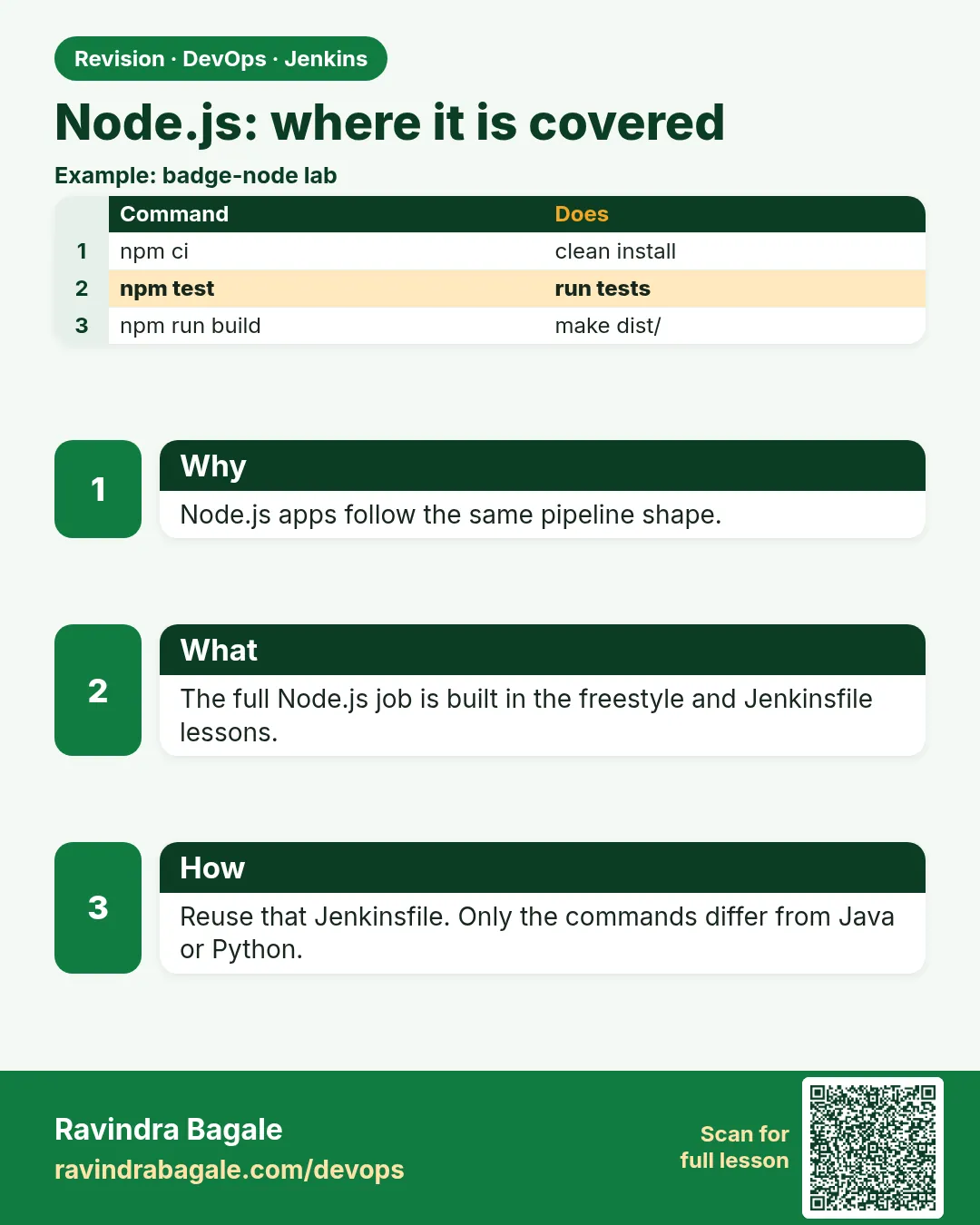
22.9 Node.js — pointer to chapters 20 and 21
Why: the problem
Think of the Swiggy web team and the Instagram-style front ends many Indian startups build. Their apps are Node.js: an Express API or a React site. Chapters 20 and 21 already took a Node app from a Freestyle job to a full Jenkinsfile. So this lesson does not repeat those chapters. Instead it puts Node in the same five-stage shape as every other language here, so you can compare it side by side, and it adds the Node habits that matter most in CI: npm ci instead of npm install, a pinned Node version, a lint step, JUnit test reports and an npm cache. Use this lesson as the quick bridge, and go back to chapters 20 and 21 for the full story.
What we will build
You will create badge-node with Express and the built-in node test runner, run npm ci, lint and test, write the five-stage Jenkinsfile with a node Docker agent, publish JUnit results, and smoke test the API.
What: every term in plain English
- Node.js — JavaScript that runs on a server.
- npm — Node package manager. Reads package.json.
- package-lock.json — Exact library versions. Commit it.
- npm ci — Clean install exactly from the lock file. Use it in CI.
- node --test — Node built-in test runner, no extra library.
- Express — A small Node web framework.
- .nvmrc — A file that names the Node version.
- node_modules — Installed libraries. Never commit it.
How: step by step
-
Make the folder
mkdir -p ~/devops-lab/ch22/badge-node/test && cd ~/devops-lab/ch22/badge-node && echo 20 > .nvmrcWhat it does: Pin Node 20.
Output
(no output) -
Init
npm init -y > /dev/null && npm install express@4.21.1What it does: Creates the lock file.
Output
added 65 packages in 2s -
Add files
badge.js, server.js, test/badge.test.js from Example 1What it does: Copy exactly.
Output
(no output) -
Test
node --testWhat it does: Built-in runner.
Output
# tests 3 # pass 3 # fail 0 -
Run
node server.js & sleep 1; curl -s "localhost:3000/badge?points=55"; kill %1What it does: The API.
Output
{"points":55,"level":"silver"} -
Clean install
rm -rf node_modules && npm ciWhat it does: Exactly from the lock.
Output
added 65 packages in 1s -
Read chapter 20 and 21
Open chapter 20 (Freestyle) and 21 (Jenkinsfile)What it does: Full Node story.
Output
(reading)
Example 1: Node badge API and tests
Stack. Node.js 20, Express
Goal. Node badge API and tests.
badge.js
function level(points) {
  if (points >= 100) return "gold";
  if (points >= 50) return "silver";
  return "bronze";
}
module.exports = { level };
server.js
const express = require("express");
const { level } = require("./badge");
const app = express();
app.get("/health", (req, res) => res.json({ status: "UP" }));
app.get("/badge", (req, res) => {
  const points = Number(req.query.points || 0);
  res.json({ points, level: level(points) });
});
const port = process.env.PORT || 3000;
app.listen(port, () => console.log("badge-node on " + port));
test/badge.test.js
const test = require("node:test");
const assert = require("node:assert");
const { level } = require("../badge");

test("gold at 100", () => assert.strictEqual(level(100), "gold"));
test("silver at 50", () => assert.strictEqual(level(50), "silver"));
test("bronze at 0", () => assert.strictEqual(level(0), "bronze"));
What each line does
module.exports— Share level with other files.process.env.PORT— Port from the environment, default 3000.node:test— Built into Node 20.strictEqual— Value and type must match.
Green output
# tests 3
# pass 3
# fail 0
Expected result. Same rule, now in JavaScript.
Example 2: Five-stage Jenkinsfile for Node
Stack. Jenkins, Docker, Node
Goal. Five-stage Jenkinsfile for Node.
Jenkinsfile
pipeline {
  agent { docker { image 'node:20-alpine'; args '-v npm-cache:/root/.npm' } }
  options { timestamps() }
  environment { PORT = '13000' }
  stages {
    stage('Checkout') { steps { checkout scm } }
    stage('Install')  { steps { sh 'npm ci' } }
    stage('Test')     { steps { sh 'node --test --test-reporter=junit --test-reporter-destination=junit.xml' } }
    stage('Smoke') {
      steps {
        sh 'node server.js > app.log 2>&1 & echo $! > app.pid; sleep 2'
        sh 'wget -qO- "localhost:$PORT/badge?points=120" | grep gold'
        sh 'kill $(cat app.pid)'
      }
    }
    stage('Package') { steps { sh 'npm pack' } }
  }
  post {
    always  { junit 'junit.xml' }
    success { archiveArtifacts '*.tgz' }
  }
}
What each line does
node:20-alpine— Pinned Node, small image.npm-cache volume— Faster npm ci.--test-reporter=junit— JUnit XML for Jenkins.wget— Alpine has wget, not curl.npm pack— Makes a tgz of the app.
Green output
[Pipeline] stage (Test)
[Pipeline] stage (Smoke)
{"points":120,"level":"gold"}
Archiving artifacts
Finished: SUCCESS
Expected result. Node in the same shape as Java, .NET, PHP and Python.
Example 3: npm ci fails when the lock is out of date
Stack. npm
Goal. npm ci fails when the lock is out of date.
console
npm ERR! `npm ci` can only install packages when your package.json and package-lock.json are in sync.
npm ERR! Missing: express@4.21.1 from lock file
What each line does
Cause— package.json changed but the lock was not committed.Fix— npm install locally, commit package-lock.json, push.
Green output
git add package-lock.json && git commit -qm "Update lock" && git push -q
Finished: SUCCESS
Expected result. npm ci protects you from silent version changes.
Example 4: Add a lint step with ESLint
Stack. ESLint
Goal. Add a lint step with ESLint.
commands
npm install -D eslint@9 @eslint/js@9
npx eslint .
eslint.config.js
const js = require("@eslint/js");
module.exports = [js.configs.recommended, { languageOptions: { sourceType: "commonjs", globals: { require: "readonly", module: "writable", process: "readonly", console: "readonly" } } }];
stage
stage('Lint') { steps { sh 'npx eslint .' } }
What each line does
-D— Dev dependency only.recommended— Catches unused variables and typos.globals— Tell ESLint about Node names.
Green output
(no output means no problems)
Expected result. Lint runs in seconds and catches typos before tests.
Verify: did it work?
-
Lock committed
git ls-files package-lock.jsonWhat it does: Needed by npm ci.
Output
package-lock.json -
Node version
node -vWhat it does: Matches .nvmrc.
Output
v20.17.0 -
Health
curl -s localhost:3000/healthWhat it does: Running.
Output
{"status":"UP"}
When it is red 1
npm ERR! code EUSAGE ... package.json and package-lock.json are in sync
Cause. Lock not updated.
Fix, step by step
- npm install locally, commit the lock.
When it is red 2
Error: listen EADDRINUSE: address already in use :::3000
Cause. Old process still on the port.
Fix, step by step
- Use PORT=13000 in CI and kill in cleanup.
When it is red 3
sh: curl: not found
Cause. Alpine image has no curl.
Fix, step by step
- Use wget -qO-, or apk add curl.
When it is red 4
npm ERR! EACCES: permission denied, mkdir '/.npm'
Cause. Container user has no home.
Fix, step by step
- Set HOME=/tmp or mount a cache folder it can write.
Cleanup
-
Clean
rm -rf node_modules *.tgz junit.xmlWhat it does: Fresh.
Output
(no output)
Ravindra Bagale's Tip
CI madhe nehmi npm ci. Lock file commit kara, nahi tar build red hoil!
Practice tasks
Easy Run node --test
Why: Base line.
What to do: Run tests locally.
- node --test
Check: 3 pass.
Medium Pipeline
Why: CI.
What to do: Use the Node Jenkinsfile.
- node:20-alpine agent
Check: Green.
Hard Lint
Why: Quality.
What to do: Add ESLint stage.
- npx eslint .
Check: No problems.
Easy Say Node pipelines in two lines
Why: If you can say it simply, you understand it. Interviewers want the short version first.
What to do: Write two short lines about Node pipelines for a fresher who knows only basic Linux.
- Write the problem it solves.
- Write one real command or file that shows it.
- Read it aloud to a friend.
Check: A fresher understands it without asking a question.
Easy Make a safe lab folder
Why: Practice needs a place you can throw away. Then mistakes cost nothing.
What to do: Create a lab folder for this chapter and work only inside it.
- mkdir -p ~/devops-lab && cd ~/devops-lab
- Run every command of this lesson from here.
- Check with pwd before you delete anything.
Check: All lab files live in ~/devops-lab.
Medium Repeat it in a container
Why: Your laptop is not the server. A clean Ubuntu container shows what a fresh server needs.
What to do: Run the main steps of this lesson again inside an Ubuntu container.
- docker run --rm -it -v "$PWD":/lab -w /lab ubuntu:24.04 bash
- apt update and install what is missing.
- Note every missing tool.
Check: Same result inside the container, or a list of what you had to install.
Medium Break it on purpose
Why: You must know the red message by face. In an outage there is no time to read slowly.
What to do: Cause one error from the "When it is red" part of this lesson and fix it.
- Follow the error section.
- Copy the exact message into your notes.
- Write the fix in one line.
Check: You fixed it using only the steps, without searching the web.
Medium Write a one-page runbook
Why: At 2 a.m. nobody remembers the right command. A short page saves the on-call person.
What to do: Write a runbook page for this lesson.
- Title, when to use, exact command, how to check, how to undo.
Check: A teammate can follow it alone.
Hard Explain it like an interview
Why: Interviewers want real stories, not definitions.
What to do: Record a 60 second answer about this lesson.
- Say the problem, the command or file you used, and one error you hit.
Check: Your answer has a real command and a real error message.
Hard Draw the flow top to bottom
Why: A drawing shows who does what and in which order.
What to do: Draw this lesson as boxes from top to bottom.
- Start at the developer laptop, end at the user on the website.
Check: Each box matches a real thing you ran.
Homework: try at home
Try at home
Put badge-node next to badge-python and write both Jenkinsfiles side by side. Circle only the lines that differ.
Recap
- Node fits the same stages.
- Use npm ci and commit the lock.
- Pin the Node version.
- Publish JUnit XML.
- Chapters 20 and 21 have the full story.
FAQ
Can Jenkins build the Node app and a Java API in the same job?
Yes. Use two stages or two parallel branches, each with its own Docker agent image. Lesson 22.10 shows the parallel version for all six languages.
Why not just copy the folder with node_modules to the server?
Libraries built on your laptop may not match the server, and the folder is huge. Install on the target with npm ci, or ship an image.
Yarn or pnpm?
Fine; use their frozen-lockfile install in CI.
Jest or node --test?
Either. Jest is more common in older projects.
React apps?
Same: npm ci, npm test, npm run build, then copy the build folder or make an image.
Should node_modules be cached?
Cache ~/.npm, not node_modules.
Which Node version?
An LTS like 20 or 22, same as production.
Do I need PM2?
On a VM yes; in containers the container runtime restarts the app.
Interview questions
-
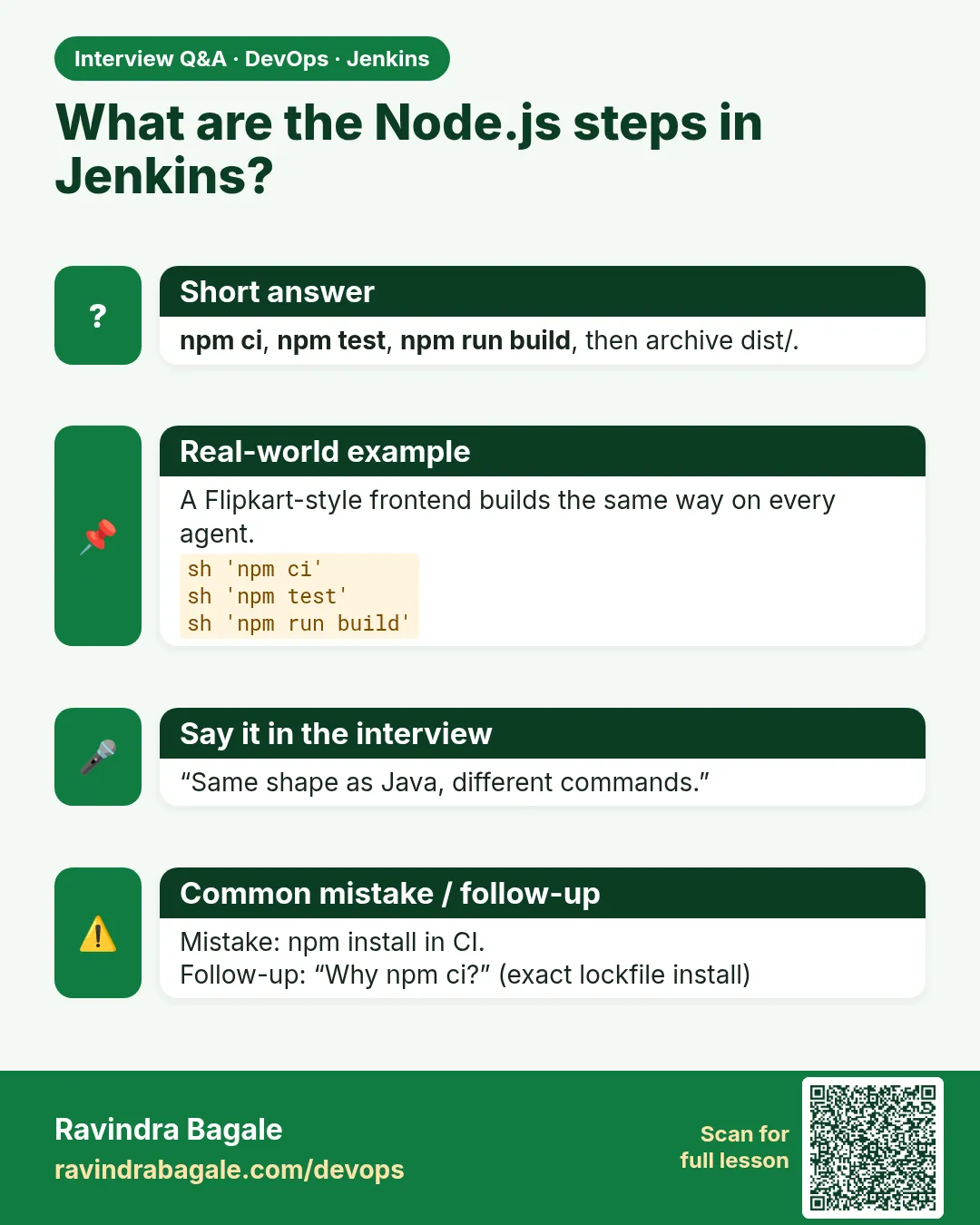
Why npm ci in CI?
Exact, clean installs from the lock; fails if out of sync.
-
How do you report Node tests in Jenkins?
JUnit reporter output plus the junit step.
-
How do you pin Node in CI?
Docker image tag or .nvmrc with a tool installer.
-
What does EADDRINUSE mean?
Port already in use.
-
What does npm pack make?
A tgz of the package.
Quick quiz
Q1. npm install or npm ci in CI?
npm ci.
Q2. Which file pins versions?
package-lock.json
Q3. Which test runner is built into Node 20?
node --test
Q4. Why wget in Alpine?
curl is not installed.
Q5. Where is the full Node story?
Chapters 20 and 21.
Samajla ka?
 Revision card
 Interview card