Chapter 22: Jenkins Language Projects — Java to Python
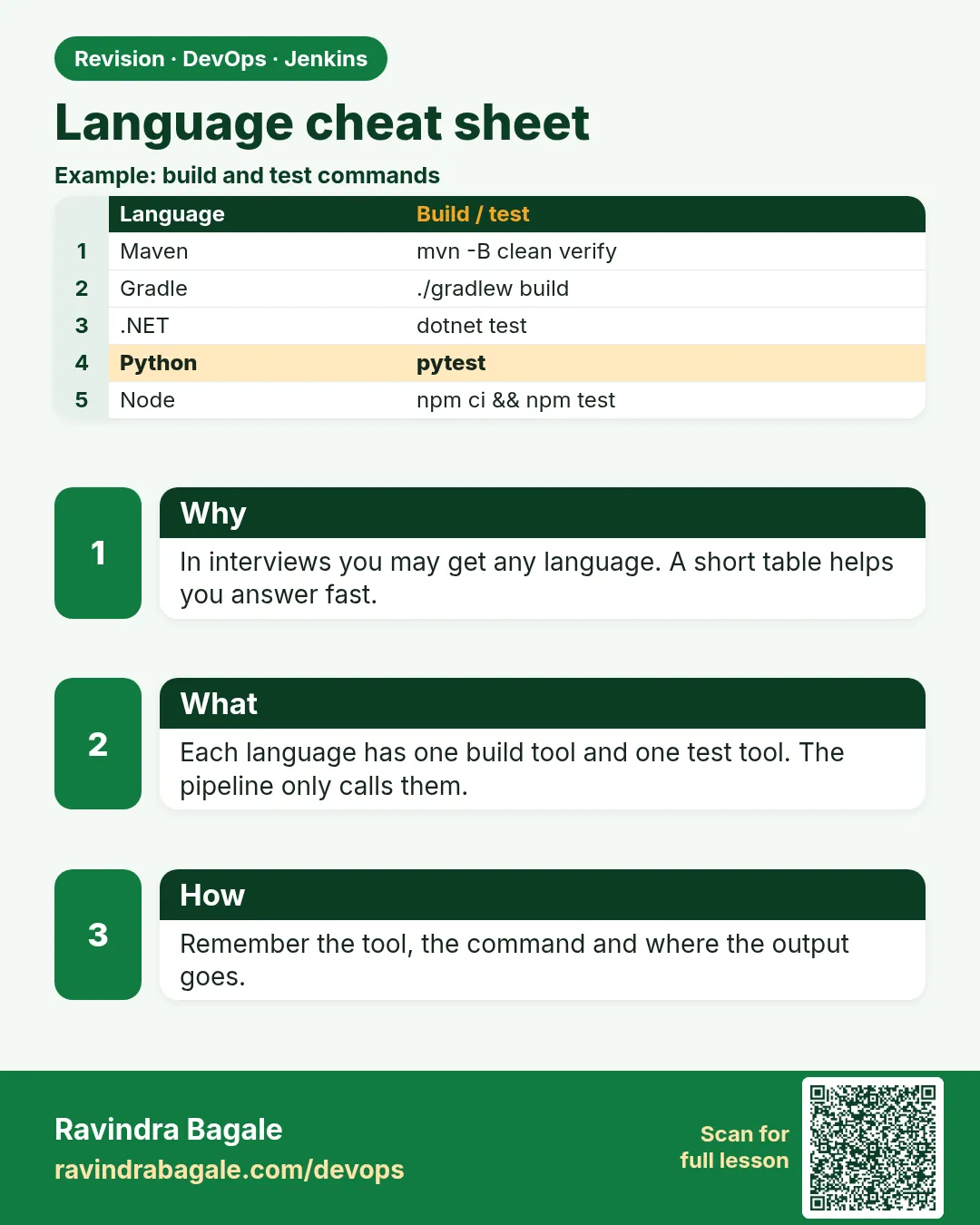
22.10 Side-by-side cheat sheet
Why: the problem
Think of a new DevOps engineer at TCS who joins a project with six services in six languages. On day one, a build is red, and the senior is on leave. You do not have time to learn six tools. You need one page that says, for each language: which file to look at, how to install, how to test, where the artifact is, where the test reports are, and which Docker image to use as an agent. That page is this lesson. We put all six languages from this chapter next to each other, then prove the table by running a small script that builds every project and prints a summary, just like a real platform team health check.
What we will build
You will read the side-by-side table, run a script that builds every badge project in its own Docker image, generate a Jenkins parallel pipeline that builds all languages at once, and use a lookup function to answer which command a language needs.
What: every term in plain English
- Build file — The file that defines the project: pom.xml, build.gradle.kts, .csproj, composer.json, requirements.txt, package.json.
- Install command — Downloads libraries.
- Test command — Runs unit tests.
- Artifact path — Where the built output lands.
- Report path — Where JUnit or TRX XML lands.
- Agent image — Docker image with the tool.
- Parallel stage — Jenkins runs several branches at the same time.
- Matrix — Jenkins runs the same stages for many values.
How: step by step
-
Print the table
column -t -s"|" langs.txtWhat it does: Readable in the terminal.
Output
(table below) -
Java Maven
mvn -B packageWhat it does: Report: target/surefire-reports/*.xml
Output
target/*.jar -
Gradle
./gradlew buildWhat it does: Report: build/test-results/test/*.xml
Output
build/libs/*.jar -
.NET
dotnet test --logger trx; dotnet publish -o outWhat it does: Report: TestResults/*.trx
Output
out/ -
PHP
composer install; vendor/bin/phpunit --log-junit junit.xmlWhat it does: Report: junit.xml
Output
dist/*.zip -
Python
pip install -r requirements.txt; pytest --junitxml=report.xmlWhat it does: Report: report.xml
Output
wheel or image -
Node
npm ci; node --testWhat it does: Report: junit.xml
Output
*.tgz or build/
Example 1: The cheat sheet as a file
Stack. Bash
Goal. The cheat sheet as a file.
langs.txt
Language|Build file|Install|Test|Artifact|Agent image
Java Maven|pom.xml|mvn -B dependency:go-offline|mvn -B test|target/*.jar|maven:3.9-eclipse-temurin-17
Spring Boot|pom.xml|mvn -B dependency:go-offline|mvn -B test|target/*.jar (fat)|maven:3.9-eclipse-temurin-17
Gradle|build.gradle.kts|./gradlew dependencies|./gradlew test|build/libs/*.jar|eclipse-temurin:17-jdk
.NET|*.csproj, *.sln|dotnet restore|dotnet test|out/|mcr.microsoft.com/dotnet/sdk:8.0
PHP|composer.json|composer install|vendor/bin/phpunit|dist/*.zip|composer:2
Python|requirements.txt|pip install -r requirements.txt|pytest|image or wheel|python:3.12-slim
Node|package.json|npm ci|node --test|*.tgz|node:20-alpine
show
column -t -s"|" langs.txt
What each line does
column -t— Align columns.-s"|"— Pipe is the separator.
Green output
Language     Build file        Install                         Test                Artifact           Agent image
Java Maven   pom.xml           mvn -B dependency:go-offline    mvn -B test         target/*.jar       maven:3.9-eclipse-temurin-17
Gradle       build.gradle.kts  ./gradlew dependencies          ./gradlew test      build/libs/*.jar   eclipse-temurin:17-jdk
.NET         *.csproj, *.sln   dotnet restore                  dotnet test         out/               mcr.microsoft.com/dotnet/sdk:8.0
PHP          composer.json     composer install                vendor/bin/phpunit  dist/*.zip         composer:2
Python       requirements.txt  pip install -r requirements.txt pytest              image or wheel     python:3.12-slim
Node         package.json      npm ci                          node --test         *.tgz              node:20-alpine
Expected result. One screen answers most day-one questions.
Example 2: Build every project in its own image
Stack. Docker, Bash
Goal. Build every project in its own image.
build-all.sh
#!/usr/bin/env bash
set -u
cd ~/devops-lab/ch22
run() { name=$1 image=$2 cmd=$3
  if docker run --rm -v "$PWD/$name":/w -w /w -e HOME=/tmp "$image" sh -c "$cmd" > "$name.log" 2>&1
  then echo "GREEN $name"; else echo "RED   $name (see $name.log)"; fi
}
run badge-java   maven:3.9-eclipse-temurin-17     "mvn -B -q package"
run badge-gradle eclipse-temurin:17-jdk           "./gradlew -q --no-daemon build"
run badge-dotnet mcr.microsoft.com/dotnet/sdk:8.0 "dotnet test --nologo -v q"
run badge-php    composer:2                       "composer install -q && vendor/bin/phpunit"
run badge-python python:3.12-slim                 "pip install -q -r requirements.txt && pytest -q"
run badge-node   node:20-alpine                   "npm ci --silent && node --test"
What each line does
run()— One helper for every language.-v "$PWD/$name":/w— Mount the project.> "$name.log"— Keep the full log for red ones.set -u— Fail on unset variables, but keep going on red builds.
Green output
GREEN badge-java
GREEN badge-gradle
GREEN badge-dotnet
GREEN badge-php
GREEN badge-python
GREEN badge-node
Expected result. Your laptop needs only Docker to build all six languages.
Example 3: Build all languages in parallel in Jenkins
Stack. Jenkins
Goal. Build all languages in parallel in Jenkins.
Jenkinsfile
pipeline {
  agent none
  stages {
    stage('All languages') {
      parallel {
        stage('Java')   { agent { docker { image 'maven:3.9-eclipse-temurin-17' } } steps { dir('badge-java')   { sh 'mvn -B package' } } }
        stage('.NET')   { agent { docker { image 'mcr.microsoft.com/dotnet/sdk:8.0'; args '-e HOME=/tmp' } } steps { dir('badge-dotnet') { sh 'dotnet test' } } }
        stage('PHP')    { agent { docker { image 'composer:2' } } steps { dir('badge-php')    { sh 'composer install && vendor/bin/phpunit' } } }
        stage('Python') { agent { docker { image 'python:3.12-slim'; args '-e HOME=/tmp' } } steps { dir('badge-python') { sh 'pip install -r requirements.txt && pytest -q' } } }
        stage('Node')   { agent { docker { image 'node:20-alpine' } } steps { dir('badge-node')   { sh 'npm ci && node --test' } } }
      }
    }
  }
}
What each line does
agent none— Each parallel branch picks its own image.parallel— Branches run at the same time.dir()— Each project is a folder in one monorepo.
Green output
[Java] BUILD SUCCESS
[.NET] Passed!  - Failed: 0, Passed: 3
[PHP] OK (3 tests, 3 assertions)
[Python] 4 passed in 0.30s
[Node] # pass 3
Finished: SUCCESS
Expected result. Five languages in about the time of the slowest one.
Example 4: A lookup helper for the team
Stack. Bash
Goal. A lookup helper for the team.
cmd.sh
#!/usr/bin/env bash
case "${1:-}" in
  java)   echo "mvn -B test package  | reports: target/surefire-reports" ;;
  gradle) echo "./gradlew build      | reports: build/test-results/test" ;;
  dotnet) echo "dotnet test --logger trx | reports: TestResults" ;;
  php)    echo "vendor/bin/phpunit --log-junit junit.xml" ;;
  python) echo "pytest --junitxml=report.xml" ;;
  node)   echo "npm ci && node --test" ;;
  *)      echo "usage: cmd.sh java|gradle|dotnet|php|python|node"; exit 2 ;;
esac
What each line does
case— Pick one line by name.exit 2— Wrong usage is an error.
Green output
$ ./cmd.sh dotnet
dotnet test --logger trx | reports: TestResults
$ ./cmd.sh ruby
usage: cmd.sh java|gradle|dotnet|php|python|node
Expected result. A tiny tool new joiners can run.
Verify: did it work?
-
All green
./build-all.sh | grep -c GREENWhat it does: Six.
Output
6 -
Logs exist
ls ~/devops-lab/ch22/*.log | wc -lWhat it does: One per project.
Output
6 -
Helper works
./cmd.sh pythonWhat it does: Answer.
Output
pytest --junitxml=report.xml
When it is red 1
RED badge-dotnet (see badge-dotnet.log)
Cause. Read the log: often HOME not writable.
Fix, step by step
- Pass -e HOME=/tmp to the container.
When it is red 2
docker: Cannot connect to the Docker daemon
Cause. Docker not running or user not in docker group.
Fix, step by step
- sudo systemctl start docker
- Add the user to the docker group and log in again.
When it is red 3
Unable to find image 'composer:2' locally ... TLS handshake timeout
Cause. Network or proxy problem pulling images.
Fix, step by step
- Retry, or use a company registry mirror.
When it is red 4
parallel: Invalid parameter 'agent'
Cause. Old Pipeline plugin or wrong nesting.
Fix, step by step
- Update plugins; put agent inside each parallel stage.
Cleanup
-
Clean logs
rm -f ~/devops-lab/ch22/*.logWhat it does: Tidy.
Output
(no output)
Ravindra Bagale's Tip
Sagle bhasha lakshat thevu naka. Ha table javal theva ani red build cha log aadhi vacha!
Practice tasks
Easy Read the table
Why: Fast lookup.
What to do: Find the test command for each language.
- column -t
Check: Six answers.
Medium build-all.sh
Why: Prove it.
What to do: Run the script.
- Docker only
Check: Six GREEN.
Hard Parallel pipeline
Why: Speed.
What to do: Run all in Jenkins.
- parallel block
Check: All branches green.
Easy Say the language cheat sheet in two lines
Why: If you can say it simply, you understand it. Interviewers want the short version first.
What to do: Write two short lines about the language cheat sheet for a fresher who knows only basic Linux.
- Write the problem it solves.
- Write one real command or file that shows it.
- Read it aloud to a friend.
Check: A fresher understands it without asking a question.
Easy Make a safe lab folder
Why: Practice needs a place you can throw away. Then mistakes cost nothing.
What to do: Create a lab folder for this chapter and work only inside it.
- mkdir -p ~/devops-lab && cd ~/devops-lab
- Run every command of this lesson from here.
- Check with pwd before you delete anything.
Check: All lab files live in ~/devops-lab.
Medium Repeat it in a container
Why: Your laptop is not the server. A clean Ubuntu container shows what a fresh server needs.
What to do: Run the main steps of this lesson again inside an Ubuntu container.
- docker run --rm -it -v "$PWD":/lab -w /lab ubuntu:24.04 bash
- apt update and install what is missing.
- Note every missing tool.
Check: Same result inside the container, or a list of what you had to install.
Medium Break it on purpose
Why: You must know the red message by face. In an outage there is no time to read slowly.
What to do: Cause one error from the "When it is red" part of this lesson and fix it.
- Follow the error section.
- Copy the exact message into your notes.
- Write the fix in one line.
Check: You fixed it using only the steps, without searching the web.
Medium Write a one-page runbook
Why: At 2 a.m. nobody remembers the right command. A short page saves the on-call person.
What to do: Write a runbook page for this lesson.
- Title, when to use, exact command, how to check, how to undo.
Check: A teammate can follow it alone.
Hard Explain it like an interview
Why: Interviewers want real stories, not definitions.
What to do: Record a 60 second answer about this lesson.
- Say the problem, the command or file you used, and one error you hit.
Check: Your answer has a real command and a real error message.
Hard Draw the flow top to bottom
Why: A drawing shows who does what and in which order.
What to do: Draw this lesson as boxes from top to bottom.
- Start at the developer laptop, end at the user on the website.
Check: Each box matches a real thing you ran.
Homework: try at home
Try at home
Print langs.txt and stick it near your desk. Then add a Go row: go.mod, go mod download, go test ./..., the binary, golang:1.23.
Recap
- Every language has build file, install, test, artifact, report.
- Docker images remove install pain.
- parallel builds many at once.
- Keep a cheat sheet.
- Read the log of the red one first.
FAQ
Do I need to memorise this table?
No. Know where it is, and know the shape.
What about Go and Rust?
Same shape: go test, cargo test.
Matrix or parallel?
Matrix when the same steps run for many values; parallel when steps differ.
Why does .NET need HOME=/tmp?
Its CLI writes a cache to the home folder.
Can one agent have all tools?
Yes, but images are easier to update.
Where do I add Go?
A new row and a new run line in build-all.sh.
Interview questions
-
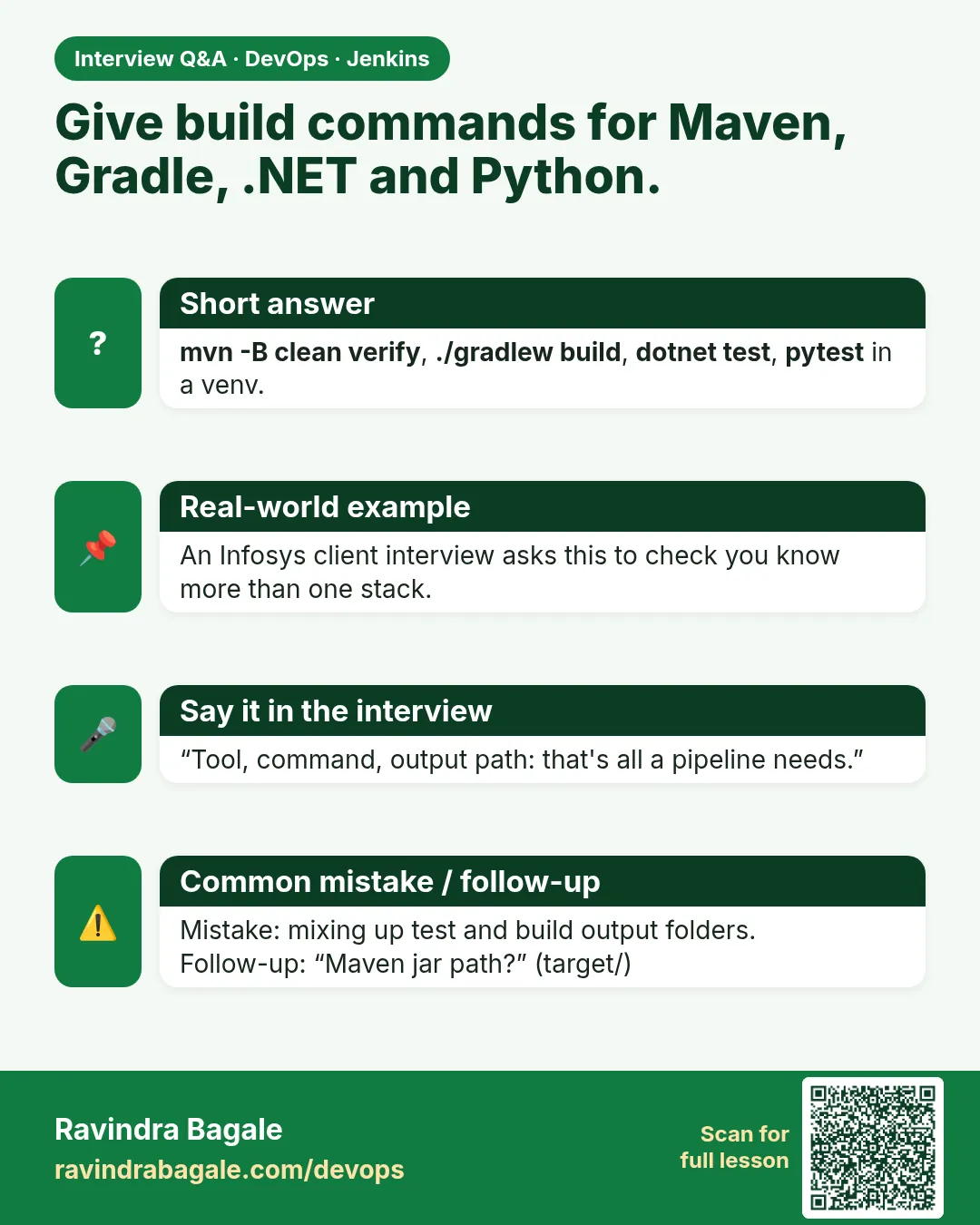
How do you support many languages in one Jenkins?
Docker agents per language and a standard stage shape.
-
How do you speed up a monorepo build?
parallel stages, caches, build only changed folders.
-
What are typical report paths?
Maven target/surefire-reports, Gradle build/test-results, .NET TRX, pytest/npm junit.xml.
-
What is agent none?
No global agent; stages choose.
-
How do you debug one red language in a parallel build?
Open that branch log in Blue Ocean or the stage view.
Quick quiz
Q1. Where are Maven test reports?
target/surefire-reports
Q2. Which image builds .NET?
mcr.microsoft.com/dotnet/sdk:8.0
Q3. PHP test command?
vendor/bin/phpunit
Q4. What does parallel do?
Runs stages at the same time.
Q5. Why agent none at the top?
Each branch picks its own image.
Samajla ka?
 Revision card
 Interview card