Chapter 22: Jenkins Language Projects — Java to Python
22.11 Safety and honesty checklist
Why: the problem
Think of a Paytm release night. A pipeline went green, the team deployed, and users saw errors. Later they found the truth: the test stage had || true at the end, so failing tests never turned the build red. Another team printed an API key in the console log, and anyone with Jenkins read access could copy it. Green must mean real, and logs must be safe. This last lesson is a checklist you run on every language pipeline from this chapter. It covers honest results (no skipped tests, no fake green), safe secrets (credentials, masking), safe files (nothing writable by everyone, no root containers), and clean agents. Each check has a command you can run, so it is not just advice.
What we will build
You will scan your Jenkinsfiles for fake-green patterns, move a secret into Jenkins credentials with withCredentials, check that tests really fail the build, clean workspaces, and run a one-command audit over all six projects.
What: every term in plain English
- Fake green — A build that passes even when something failed.
- || true — Shell trick that hides a failure. Only for reports, never for tests.
- withCredentials — Jenkins step that gives a secret to a block and masks it in logs.
- Masking — Jenkins replaces the secret with **** in the console.
- cleanWs — Delete the workspace after the build.
- Least privilege — Give only the access a job needs.
- Non-root container — App runs as a normal user.
- Audit — A repeatable check you run often.
How: step by step
-
Find fake green
grep -rn "|| true" ~/devops-lab/ch22/*/JenkinsfileWhat it does: Look at each hit.
Output
badge-java/Jenkinsfile:12: sh 'mvn -B test || true' -
Find skipped tests
grep -rn "skipTests\|-DskipTests" ~/devops-lab/ch22/*/JenkinsfileWhat it does: Allowed only in a Package stage after Test.
Output
badge-java/Jenkinsfile:9: sh 'mvn -B -DskipTests package' -
Find secrets in Git
grep -rniE "password|secret|api_key|token" ~/devops-lab/ch22 --include=*.{groovy,yml,properties,json,py,js} | grep -v credentialsWhat it does: Should be empty.
Output
(no output) -
Find world-writable chmod
grep -rnE "chmod (-R )?0?7{3}" ~/devops-lab/ch22What it does: Must be empty.
Output
(no output) -
Find root containers
grep -L "^USER" ~/devops-lab/ch22/*/DockerfileWhat it does: Files without a USER line.
Output
(no output) -
Check cleanup
grep -c "cleanWs" ~/devops-lab/ch22/*/JenkinsfileWhat it does: At least 1 each.
Output
badge-java/Jenkinsfile:1 -
Save the checklist
cp checklist.md ~/devops-lab/ch22/What it does: Reuse it.
Output
(no output)
Example 1: Fix a fake-green test stage
Stack. Jenkins
Goal. Fix a fake-green test stage.
before
stage('Test') { steps { sh 'mvn -B test || true' } }
after
stage('Test') { steps { sh 'mvn -B test' } }
post { always { junit 'target/surefire-reports/*.xml' } }
What each line does
|| true— Turns every failure into success. Remove it.junit in post always— Reports still publish when tests fail.
Green output
Before: Tests run: 3, Failures: 1 ... Finished: SUCCESS
After:  Tests run: 3, Failures: 1 ... Finished: UNSTABLE
Expected result. Now a failing test is visible. UNSTABLE (yellow) or FAILURE (red) stops the release.
Example 2: Use a secret safely with withCredentials
Stack. Jenkins Credentials
Goal. Use a secret safely with withCredentials.
Jenkinsfile
stage('Notify') {
  steps {
    withCredentials([string(credentialsId: 'badge-api-key', variable: 'API_KEY')]) {
      sh 'curl -fs -H "Authorization: Bearer $API_KEY" https://api.example.com/deploys -d "app=badge&build=$BUILD_NUMBER"'
    }
  }
}
What each line does
credentialsId— Secret saved in Manage Jenkins, Credentials.variable— Name inside the block only.single quotes in sh— Groovy does not insert the secret into the script text; the shell reads it from the environment.
Green output
+ curl -fs -H "Authorization: Bearer ****" https://api.example.com/deploys -d app=badge&build=21
Finished: SUCCESS
Expected result. The key never appears in Git or in the log.
Example 3: Prove tests can fail the build
Stack. pytest
Goal. Prove tests can fail the build.
prove.sh
cd ~/devops-lab/ch22/badge-python
. .venv/bin/activate
sed -i 's/>= 100/> 100/' app.py
pytest -q; echo "exit=$?"
git checkout -- app.py
What each line does
Break on purpose— Change the rule.echo exit— Non-zero means CI would go red.git checkout --— Undo the change.
Green output
FAILED tests/test_app.py::test_level[100-gold] - AssertionError
1 failed, 3 passed in 0.22s
exit=1
Expected result. If this printed exit=0, your tests are not testing anything.
Example 4: One audit script for all projects
Stack. Bash
Goal. One audit script for all projects.
audit.sh
#!/usr/bin/env bash
cd ~/devops-lab/ch22
bad=0
for f in */Jenkinsfile; do
  grep -q "|| true" "$f" && grep -n "|| true" "$f" | grep -qiE "test|pytest|phpunit|mvn|gradlew" && { echo "FAKE-GREEN $f"; bad=1; }
  grep -q "cleanWs" "$f" || echo "NO-CLEANUP $f"
done
for d in */Dockerfile; do grep -q "^USER" "$d" || { echo "ROOT $d"; bad=1; }; done
grep -rqE "chmod (-R )?0?7{3}" . && { echo "WORLD-WRITABLE chmod found"; bad=1; }
[ "$bad" = 0 ] && echo "AUDIT PASS" || { echo "AUDIT FAIL"; exit 1; }
What each line does
for f in */Jenkinsfile— Check every project.FAKE-GREEN— || true on a test line.NO-CLEANUP— Warn only.ROOT— Dockerfile without USER.exit 1— Use this script as a Jenkins stage too.
Green output
NO-CLEANUP badge-php/Jenkinsfile
AUDIT PASS
Expected result. Run it before every release review.
Verify: did it work?
-
Audit passes
bash audit.sh; echo $?What it does: Zero.
Output
AUDIT PASS 0 -
Mask works
grep -c "\*\*\*\*" console.txtWhat it does: Secret masked.
Output
1 -
Workspace cleaned
ls /var/lib/jenkins/workspace/badge-python-pipeline 2>/dev/null | wc -lWhat it does: Empty after cleanWs.
Output
0
When it is red 1
Warning: A secret was passed to "sh" using Groovy String interpolation, which is insecure.
Cause. You used double quotes with ${API_KEY} in Groovy.
Fix, step by step
- Use single quotes so the shell reads $API_KEY from the environment.
When it is red 2
ERROR: Could not find credentials entry with ID 'badge-api-key'
Cause. Wrong ID or the job folder cannot see it.
Fix, step by step
- Check the ID in Manage Jenkins, Credentials.
- Store it at the folder or global level.
When it is red 3
Finished: SUCCESS (but Tests run: 3, Failures: 1 above)
Cause. A || true or returnStatus hides failures.
Fix, step by step
- Remove || true from test commands.
When it is red 4
No space left on device
Cause. Old workspaces and images fill the agent disk.
Fix, step by step
- Add cleanWs in post.
- docker system prune -f on a schedule.
Cleanup
-
Remove lab logs
rm -f ~/devops-lab/ch22/*.logWhat it does: Done with the chapter.
Output
(no output)
Ravindra Bagale's Tip
Khota green build sagalyat dhokadayak. || true test var kadhihi lavu naka!
Practice tasks
Easy grep for || true
Why: Find fake green.
What to do: Search all Jenkinsfiles.
- grep -rn
Check: List of lines.
Medium Credentials
Why: Safe secrets.
What to do: Move one key into Jenkins.
- withCredentials
Check: Masked in log.
Hard Audit stage
Why: Automate it.
What to do: Run audit.sh in CI.
- first stage
Check: Fails on a planted problem.
Easy Say pipeline safety and honesty in two lines
Why: If you can say it simply, you understand it. Interviewers want the short version first.
What to do: Write two short lines about pipeline safety and honesty for a fresher who knows only basic Linux.
- Write the problem it solves.
- Write one real command or file that shows it.
- Read it aloud to a friend.
Check: A fresher understands it without asking a question.
Easy Make a safe lab folder
Why: Practice needs a place you can throw away. Then mistakes cost nothing.
What to do: Create a lab folder for this chapter and work only inside it.
- mkdir -p ~/devops-lab && cd ~/devops-lab
- Run every command of this lesson from here.
- Check with pwd before you delete anything.
Check: All lab files live in ~/devops-lab.
Medium Repeat it in a container
Why: Your laptop is not the server. A clean Ubuntu container shows what a fresh server needs.
What to do: Run the main steps of this lesson again inside an Ubuntu container.
- docker run --rm -it -v "$PWD":/lab -w /lab ubuntu:24.04 bash
- apt update and install what is missing.
- Note every missing tool.
Check: Same result inside the container, or a list of what you had to install.
Medium Break it on purpose
Why: You must know the red message by face. In an outage there is no time to read slowly.
What to do: Cause one error from the "When it is red" part of this lesson and fix it.
- Follow the error section.
- Copy the exact message into your notes.
- Write the fix in one line.
Check: You fixed it using only the steps, without searching the web.
Medium Write a one-page runbook
Why: At 2 a.m. nobody remembers the right command. A short page saves the on-call person.
What to do: Write a runbook page for this lesson.
- Title, when to use, exact command, how to check, how to undo.
Check: A teammate can follow it alone.
Hard Explain it like an interview
Why: Interviewers want real stories, not definitions.
What to do: Record a 60 second answer about this lesson.
- Say the problem, the command or file you used, and one error you hit.
Check: Your answer has a real command and a real error message.
Hard Draw the flow top to bottom
Why: A drawing shows who does what and in which order.
What to do: Draw this lesson as boxes from top to bottom.
- Start at the developer laptop, end at the user on the website.
Check: Each box matches a real thing you ran.
Homework: try at home
Try at home
Run audit.sh on your own projects. Fix every FAKE-GREEN and ROOT line. Then add audit.sh as the first stage of one Jenkinsfile.
Recap
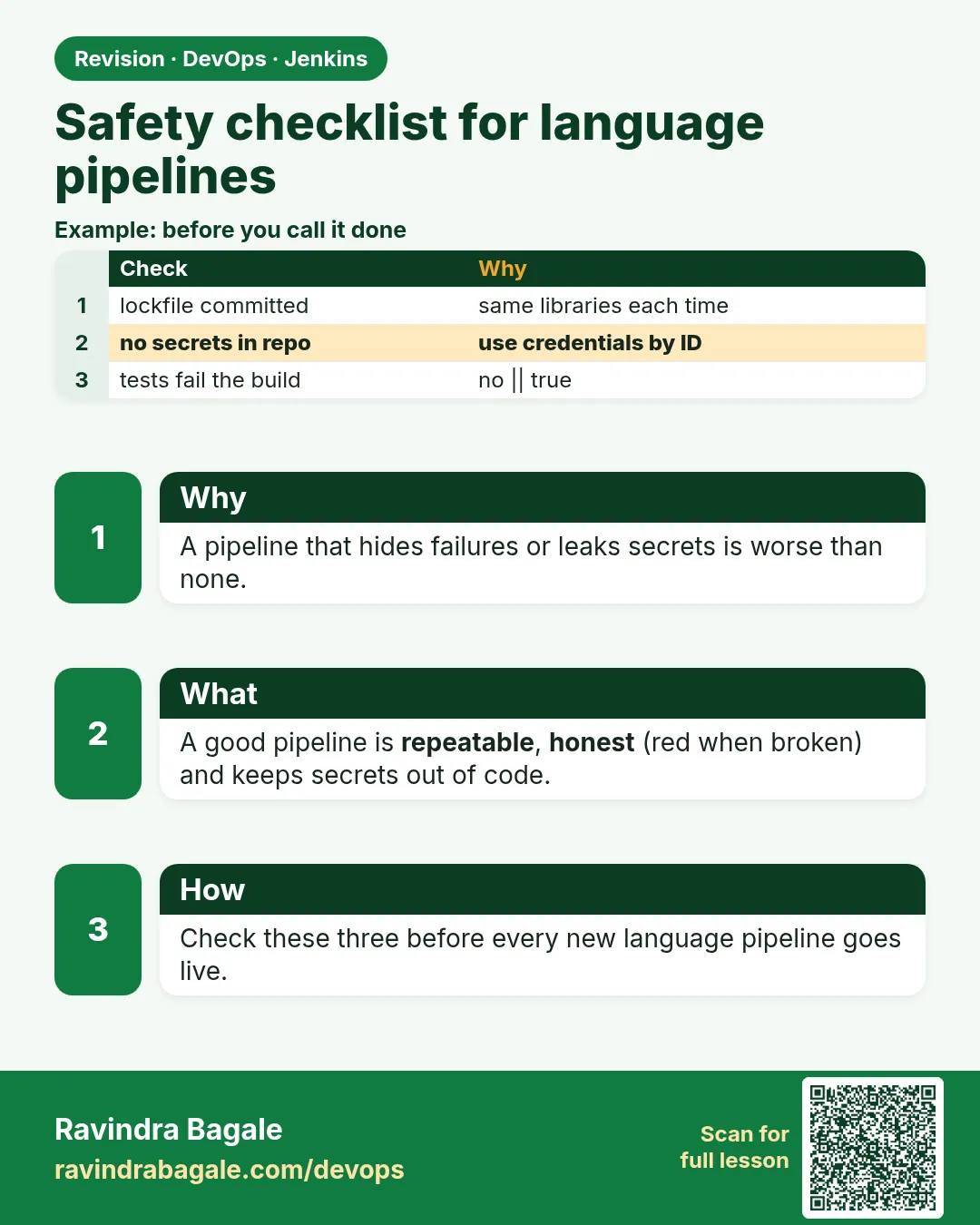
- Green must mean every test ran and passed.
- Never || true on tests.
- Secrets via withCredentials, single quotes.
- No world-writable files, no root containers.
- Clean workspaces and run an audit.
FAQ
Is || true ever OK?
Only for optional reporting commands, never for build or tests.
UNSTABLE vs FAILURE?
UNSTABLE: tests failed but reports published. FAILURE: a step crashed. Both should block release.
Can Jenkins mask every secret?
Only those given through credentials. Secrets printed in other ways leak.
Where should .env files live?
On the server or in a secret manager, not in Git.
Should every job clean the workspace?
Yes on shared agents, unless you rely on a cache folder.
Who reviews Jenkinsfiles?
The same reviewers as code, through merge requests.
Interview questions
-
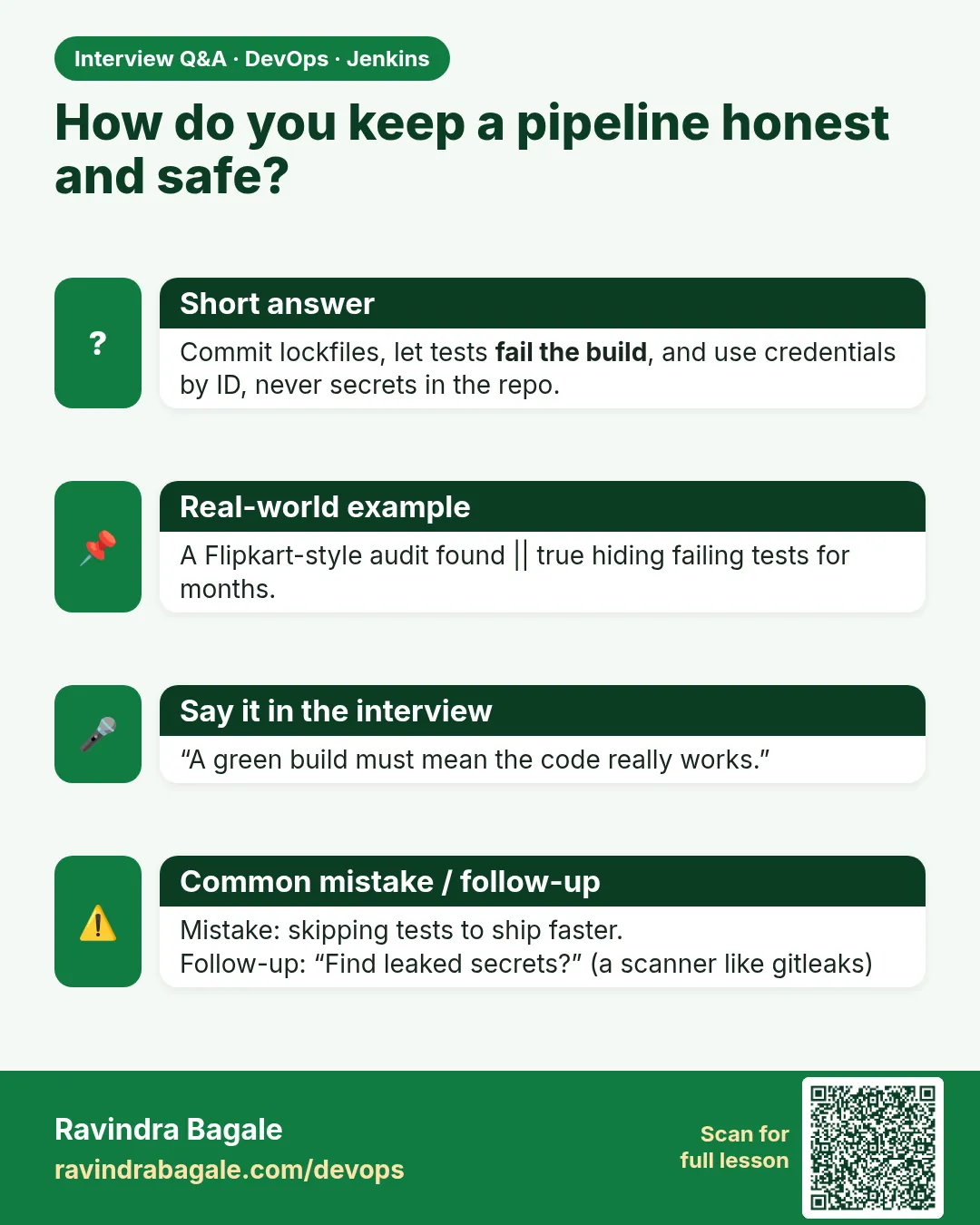
How do you make sure a pipeline is not fake green?
No || true on tests, publish reports, plant a failing test to prove it turns red.
-
How do you handle secrets in Jenkins?
Credentials store plus withCredentials, single-quoted sh, no echo.
-
What is the Groovy interpolation warning?
Secrets in double-quoted Groovy strings leak into the process list and logs.
-
How do you keep agents healthy?
cleanWs, docker prune, disk alerts.
-
What security checks do you add to CI?
Secret scanning, lint, non-root images, dependency scans.
Quick quiz
Q1. What does || true do on a test command?
Hides the failure: fake green.
Q2. How do you give a secret to a step?
withCredentials.
Q3. Why single quotes around sh with secrets?
So Groovy does not put the secret in the script text.
Q4. What does cleanWs do?
Deletes the workspace.
Q5. Why USER in Dockerfiles?
Do not run as root.
Lab
Pick two languages you can install on your agent.
- Create the tiny tree and Jenkinsfile from this chapter.
- Prove local commands.
- Push; create Pipeline-from-SCM job.
- Confirm green, then break a test and confirm red without Live.
Practice task
For Java and Python, write the four stage names and the exact shell line in each stage.
Ravindra Bagale's Tip
Language badalay ki Jenkinsfile chi shape same: Checkout, Build, Test, lab Live. Command badalte. Dhyan rakho!
Thodkyaat sangaycha tar
- Every language: tree → local prove → push → Pipeline from SCM → green/red.
- Java, Spring Boot, Gradle, .NET, PHP, Python each keep their Jenkinsfile.
- Node stays in chapters 20 and 21.
- Lab Live is a folder copy. Secrets are credential ids only.
Samajla ka?
 Revision card
 Interview card