Chapter 22: Jenkins Language Projects — Java to Python
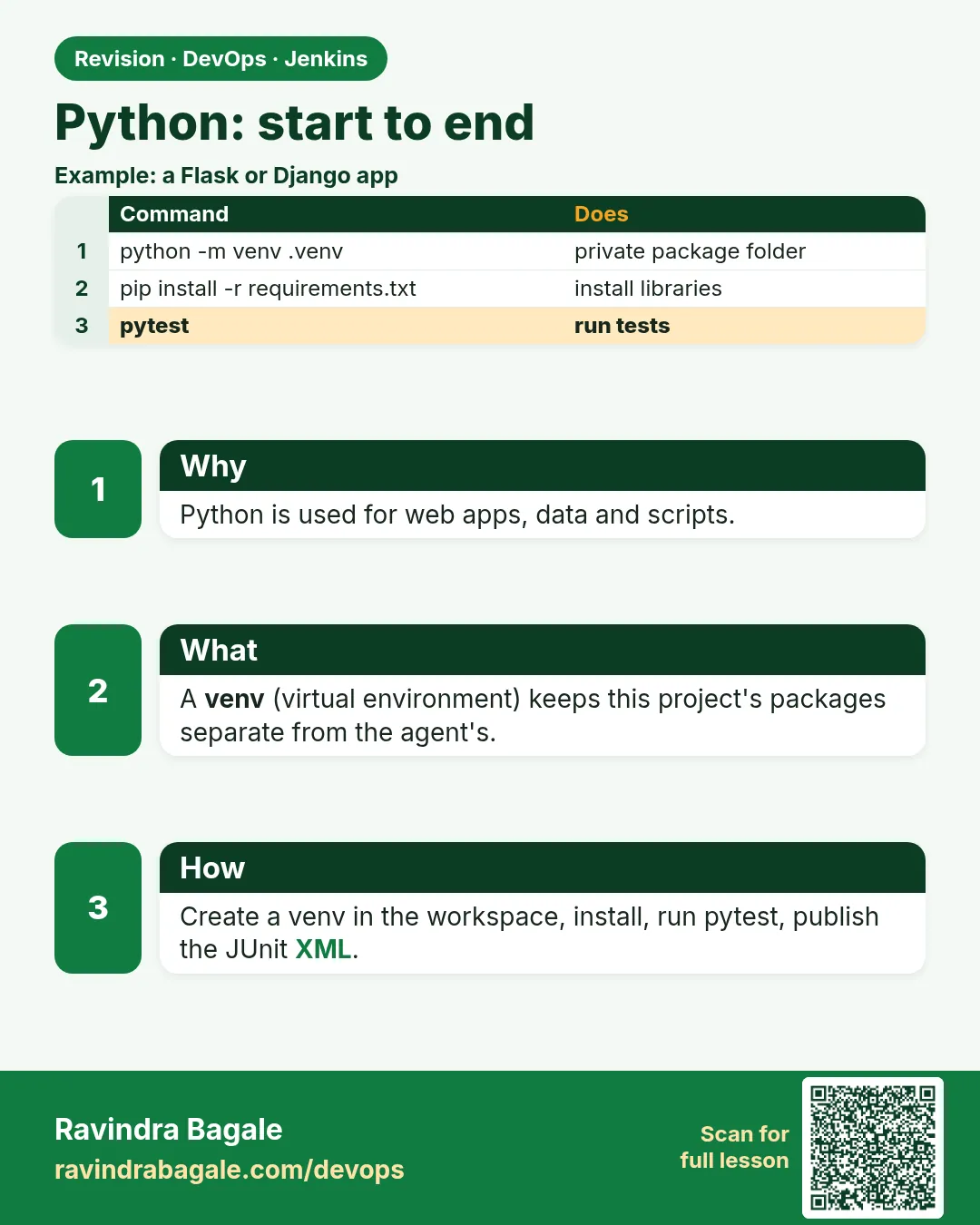
22.7 Python — start to end
Why: the problem
Think of the Razorpay data team, or any Indian startup that writes APIs in Python with Flask or FastAPI. Python looks simple: no compile step. So people copy .py files to the server and hope. Then one day a library version changes, and the live API breaks. Python CI fixes this with four habits: a virtual environment so every build starts clean, a pinned requirements file, pytest for tests, and a lint tool like ruff to catch mistakes. In this lesson you build the badge API in Flask, test it with pytest, lint it with ruff, and push it so Jenkins runs the same steps in a fresh venv, publishes test results and coverage, and builds a wheel or image.
What we will build
You will create a Flask badge API, a pytest file and pinned requirements, run venv, ruff and pytest locally, write a Jenkinsfile with a python Docker agent and JUnit XML, add a coverage gate, and see a red build from a lint error.
What: every term in plain English
- Python — A popular language for APIs, data and scripts.
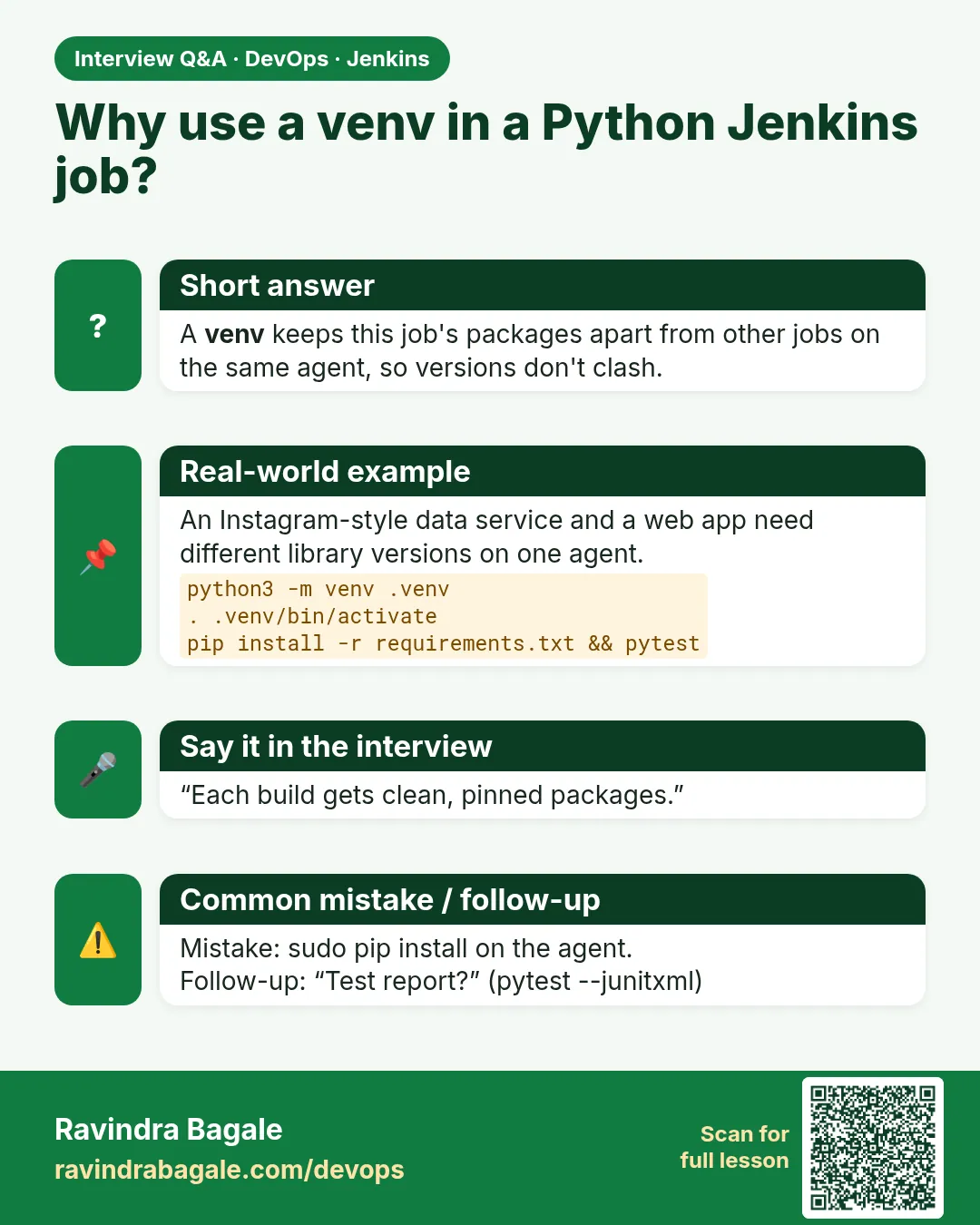
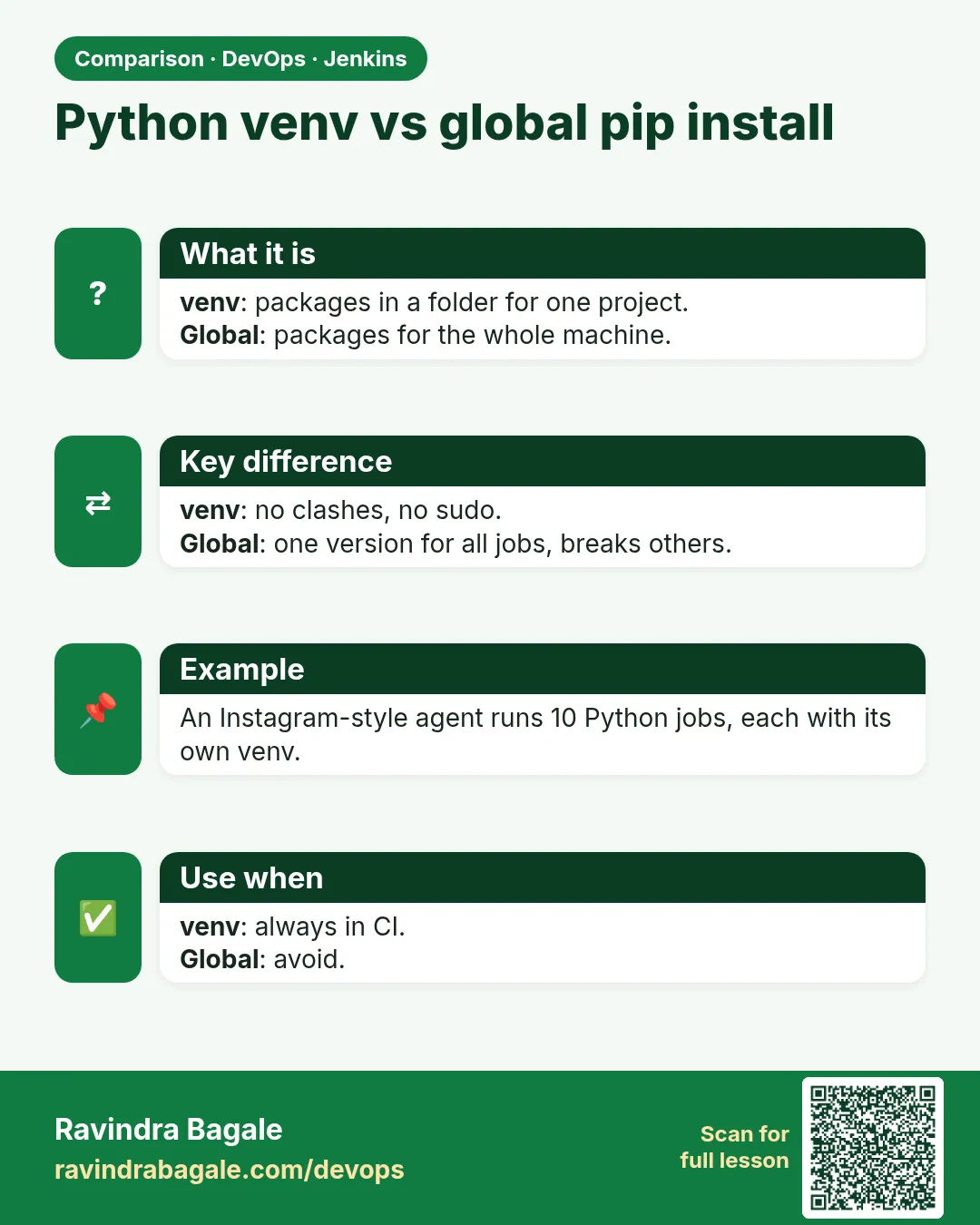
- venv — A private folder of libraries for one project.
- requirements.txt — A list of libraries with exact versions.
- pip — The Python package installer.
- pytest — The common Python test tool.
- ruff — A very fast Python linter.
- Coverage — How much of the code the tests ran, in percent.
- Flask — A small Python web framework.
How: step by step
-
Make the folder
mkdir -p ~/devops-lab/ch22/badge-python/tests && cd ~/devops-lab/ch22/badge-pythonWhat it does: Project root.
Output
(no output) -
Create venv
python3 -m venv .venv && . .venv/bin/activateWhat it does: Clean libraries.
Output
(no output; prompt shows (.venv)) -
Add files
app.py, tests/test_app.py, requirements.txt from Example 1What it does: Copy exactly.
Output
(no output) -
Install
pip install -q -r requirements.txtWhat it does: Exact versions.
Output
(no output) -
Lint
ruff check .What it does: Find mistakes.
Output
All checks passed! -
Test
pytest -qWhat it does: Run tests.
Output
.... [100%] 4 passed in 0.21s -
Run
flask --app app run --port 5050 & sleep 1; curl -s "localhost:5050/badge?points=120"; kill %1What it does: The API.
Output
{"level":"gold","points":120}
Example 1: Flask API, tests and pinned libraries
Stack. Python 3.12, Flask, pytest
Goal. Flask API, tests and pinned libraries.
app.py
from flask import Flask, jsonify, request

app = Flask(__name__)


def level(points: int) -> str:
    if points >= 100:
        return "gold"
    if points >= 50:
        return "silver"
    return "bronze"


@app.get("/health")
def health():
    return {"status": "UP"}


@app.get("/badge")
def badge():
    points = int(request.args.get("points", 0))
    return jsonify(points=points, level=level(points))
tests/test_app.py
import pytest
from app import app, level


@pytest.mark.parametrize("points,expected", [(100, "gold"), (50, "silver"), (0, "bronze")])
def test_level(points, expected):
    assert level(points) == expected


def test_badge_endpoint():
    client = app.test_client()
    r = client.get("/badge?points=60")
    assert r.status_code == 200
    assert r.get_json()["level"] == "silver"
requirements.txt
flask==3.0.3
pytest==8.3.3
pytest-cov==5.0.0
ruff==0.6.9
What each line does
def level— Pure rule, easy to test.@app.get— A GET route.jsonify— Return JSON.parametrize— One test, three inputs.test_client— Call the API without a server.==versions— Pinned so CI gets the same libraries.
Green output
tests/test_app.py ....                                   [100%]
4 passed in 0.21s
Expected result. Rule and endpoint both tested.
Example 2: Jenkinsfile with a python Docker agent
Stack. Jenkins, Docker, Python
Goal. Jenkinsfile with a python Docker agent.
Jenkinsfile
pipeline {
  agent { docker { image 'python:3.12-slim'; args '-e HOME=/tmp' } }
  options { timestamps() }
  stages {
    stage('Checkout') { steps { checkout scm } }
    stage('Install') {
      steps { sh 'python -m venv .venv && . .venv/bin/activate && pip install -q -r requirements.txt' }
    }
    stage('Lint') { steps { sh '. .venv/bin/activate && ruff check .' } }
    stage('Test') {
      steps { sh '. .venv/bin/activate && pytest -q --junitxml=report.xml --cov=app --cov-report=xml --cov-fail-under=80' }
    }
    stage('Live') {
      steps { sh 'mkdir -p "$HOME/lab-live/badge-python" && cp app.py requirements.txt "$HOME/lab-live/badge-python/"' }
    }
  }
  post {
    always { junit 'report.xml' }
    success { archiveArtifacts 'coverage.xml' }
  }
}
What each line does
python:3.12-slim— Same Python as production, nothing to install.. .venv/bin/activate— Each sh step is a new shell, so activate again.--junitxml— Results for Jenkins.--cov-fail-under=80— Red if coverage drops below 80%.
Green output
[Pipeline] stage (Lint)
All checks passed!
[Pipeline] stage (Test)
4 passed in 0.31s
Required test coverage of 80% reached. Total coverage: 94.12%
Finished: SUCCESS
Expected result. Green build with test results and a coverage gate.
Example 3: A lint error turns the build red
Stack. ruff
Goal. A lint error turns the build red.
break.sh
echo "import os" >> app.py
ruff check .
What each line does
import os unused— ruff code F401.exit code 1— Lint stage fails.
Green output
app.py:21:8: F401 [*] `os` imported but unused
Found 1 error.
[*] 1 fixable with the `--fix` option.
script returned exit code 1
Expected result. Remove the line or run ruff check --fix, then push.
Example 4: Production image with gunicorn
Stack. Docker, gunicorn
Goal. Production image with gunicorn.
Dockerfile
FROM python:3.12-slim
WORKDIR /app
ENV PYTHONDONTWRITEBYTECODE=1 PYTHONUNBUFFERED=1
COPY requirements.txt .
RUN pip install --no-cache-dir -r requirements.txt gunicorn==23.0.0
COPY app.py .
USER 1000
EXPOSE 8000
CMD ["gunicorn", "-b", "0.0.0.0:8000", "-w", "2", "app:app"]
smoke.sh
docker build -t badge-python:1 .
docker run -d --rm --name bp -p 18000:8000 badge-python:1
sleep 2 && curl -fs localhost:18000/health && docker stop bp
What each line does
PYTHONUNBUFFERED— Logs appear at once in docker logs.--no-cache-dir— Smaller image.gunicorn -w 2— Two workers; the flask dev server is not for production.USER 1000— Not root.
Green output
{"status":"UP"}
bp
Expected result. A real server process in a small image.
Verify: did it work?
-
venv active
which pythonWhat it does: Inside .venv.
Output
/home/ravi/devops-lab/ch22/badge-python/.venv/bin/python -
Report
ls report.xml coverage.xmlWhat it does: For Jenkins.
Output
coverage.xml report.xml -
Health
curl -s localhost:5050/healthWhat it does: Running app.
Output
{"status":"UP"}
When it is red 1
ModuleNotFoundError: No module named 'flask'
Cause. venv not activated in that sh step.
Fix, step by step
- Add . .venv/bin/activate at the start of each sh line.
When it is red 2
error: externally-managed-environment
Cause. Ubuntu 24.04 blocks pip install into system Python.
Fix, step by step
- Use a venv. Never use --break-system-packages on a server.
When it is red 3
ModuleNotFoundError: No module named 'app'
Cause. pytest cannot find app.py.
Fix, step by step
- Run pytest from the repo root.
- Or add an empty conftest.py in the root.
When it is red 4
FAIL Required test coverage of 80% not reached. Total coverage: 71.43%
Cause. New code has no tests.
Fix, step by step
- Write tests for the new code.
- Do not lower the gate to make it green.
Cleanup
-
Clean
deactivate; rm -rf .venv .pytest_cache report.xml coverage.xmlWhat it does: Fresh.
Output
(no output)
Ravindra Bagale's Tip
Pratyek sh line madhe venv activate kara. Nahi tar flask sapdat nahi ashi error yete!
Practice tasks
Easy Run tests
Why: Base line.
What to do: Run pytest -q.
- activate venv first
Check: 4 passed.
Medium Coverage gate
Why: Stop untested code.
What to do: Add --cov-fail-under=80.
- pytest-cov installed
Check: Gate message in console.
Hard Image smoke
Why: Production shape.
What to do: Build and curl the image.
- docker build
Check: UP from the container.
Easy Say Python pipelines in two lines
Why: If you can say it simply, you understand it. Interviewers want the short version first.
What to do: Write two short lines about Python pipelines for a fresher who knows only basic Linux.
- Write the problem it solves.
- Write one real command or file that shows it.
- Read it aloud to a friend.
Check: A fresher understands it without asking a question.
Easy Make a safe lab folder
Why: Practice needs a place you can throw away. Then mistakes cost nothing.
What to do: Create a lab folder for this chapter and work only inside it.
- mkdir -p ~/devops-lab && cd ~/devops-lab
- Run every command of this lesson from here.
- Check with pwd before you delete anything.
Check: All lab files live in ~/devops-lab.
Medium Repeat it in a container
Why: Your laptop is not the server. A clean Ubuntu container shows what a fresh server needs.
What to do: Run the main steps of this lesson again inside an Ubuntu container.
- docker run --rm -it -v "$PWD":/lab -w /lab ubuntu:24.04 bash
- apt update and install what is missing.
- Note every missing tool.
Check: Same result inside the container, or a list of what you had to install.
Medium Break it on purpose
Why: You must know the red message by face. In an outage there is no time to read slowly.
What to do: Cause one error from the "When it is red" part of this lesson and fix it.
- Follow the error section.
- Copy the exact message into your notes.
- Write the fix in one line.
Check: You fixed it using only the steps, without searching the web.
Medium Write a one-page runbook
Why: At 2 a.m. nobody remembers the right command. A short page saves the on-call person.
What to do: Write a runbook page for this lesson.
- Title, when to use, exact command, how to check, how to undo.
Check: A teammate can follow it alone.
Hard Explain it like an interview
Why: Interviewers want real stories, not definitions.
What to do: Record a 60 second answer about this lesson.
- Say the problem, the command or file you used, and one error you hit.
Check: Your answer has a real command and a real error message.
Hard Draw the flow top to bottom
Why: A drawing shows who does what and in which order.
What to do: Draw this lesson as boxes from top to bottom.
- Start at the developer laptop, end at the user on the website.
Check: Each box matches a real thing you ran.
Homework: try at home
Try at home
Add a test for points=abc. Make the API return 400 for bad input, test it, keep coverage over 80%, and push for green.
Recap
- Always use a venv.
- Pin requirements.
- Lint with ruff, test with pytest.
- Publish JUnit XML and coverage.
- Run gunicorn in the image.
FAQ
pip freeze or hand-written requirements?
Hand-write the top libraries, then pin with pip-tools or freeze for exact versions.
Poetry or uv instead of pip?
Fine. The stages stay the same; only install commands change.
FastAPI instead of Flask?
Same pipeline; use uvicorn in the image.
Why HOME=/tmp in the agent?
pip needs a writable home in the container.
Should .venv be committed?
No. Add it to .gitignore.
How to test with a real database?
Start one with docker compose in CI, or use Testcontainers.
Interview questions
-
How do you make Python builds reproducible?
venv, pinned requirements, same Python image tag.
-
How do you enforce quality in Python CI?
ruff lint, pytest, coverage gate, JUnit reports.
-
What is externally-managed-environment?
PEP 668 protection; use a venv.
-
Flask dev server in production?
No; use gunicorn or uvicorn.
-
Why parametrize tests?
Many inputs with one test function.
Quick quiz
Q1. Why a venv?
A clean, private set of libraries per project.
Q2. Why pin versions?
Same libraries in CI and production.
Q3. Which flag writes JUnit XML?
--junitxml
Q4. What does ruff do?
Lint: finds mistakes and style issues.
Q5. Why gunicorn?
A production server; flask run is for development.
Samajla ka?
 Revision card
 Interview card
 Comparison card