Chapter 22: Jenkins Language Projects — Java to Python
22.1 How to read this chapter
Why: the problem
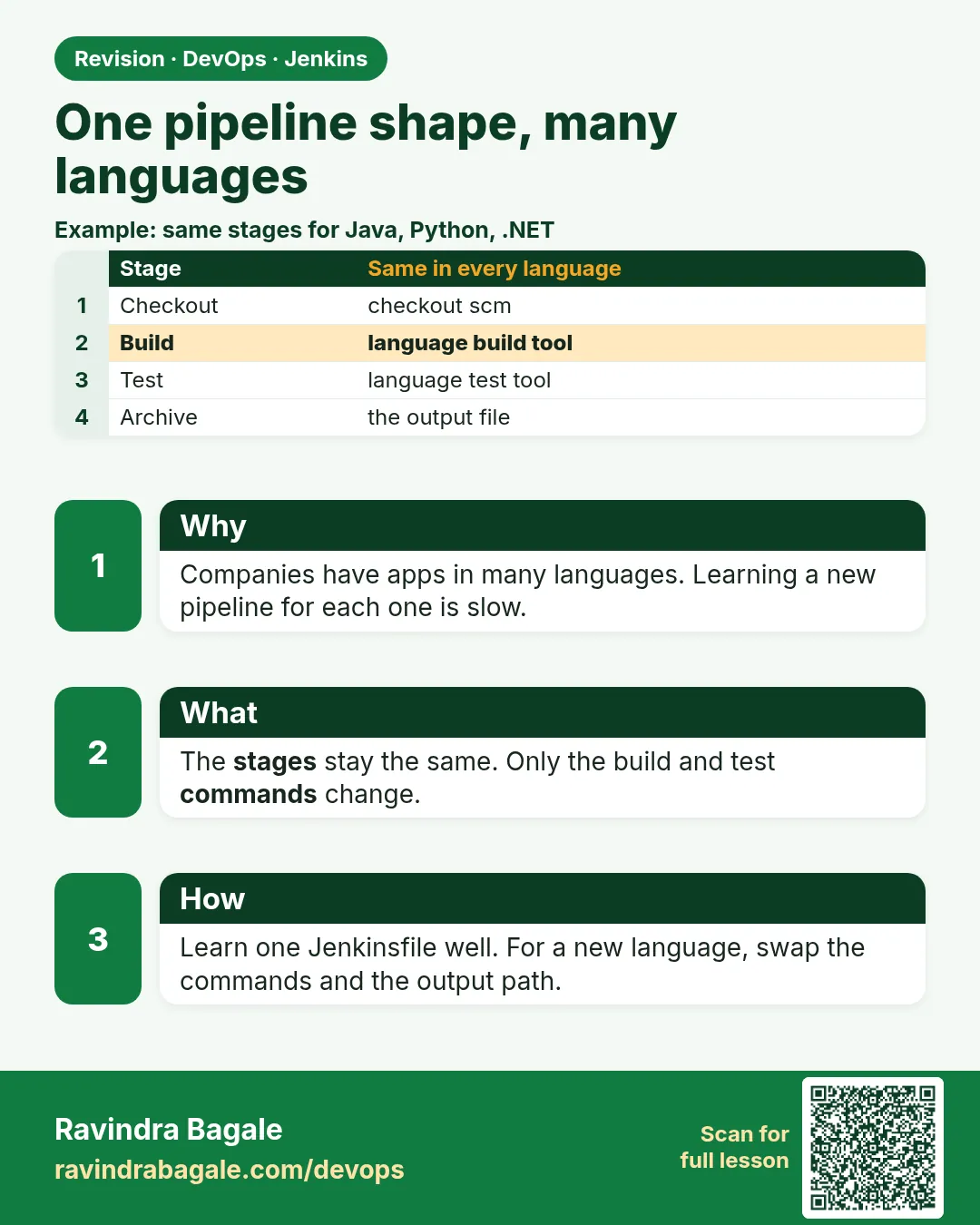
Think of the Infosys training floor on a Monday. One batch writes Java. Another writes Python. A third writes .NET for a bank client. All of them push code to Git, and one Jenkins server must build all of it. New learners panic. They think every language needs a new Jenkins skill. It does not. Every project walks the same road: a folder of files, a few commands you run on your laptop, a git push, a Jenkinsfile with the same stages, and a green or red result. Only the build tool changes: Maven for Java, dotnet for .NET, composer for PHP, pip and pytest for Python, Gradle for Android and Kotlin teams, npm for Node. In this chapter we take one tiny idea, a badge service that turns points into a level (gold, silver or bronze), and build it in each language. This first lesson teaches you how to read every later lesson, so you never get lost.
What we will build
You will make a lab folder, build the tiny badge idea in plain shell first, write the one Jenkinsfile skeleton every language reuses, and run a local tool check so you know which languages your Jenkins agent can build today.
What: every term in plain English
- Language project — A folder with code, tests and a build file, like pom.xml or package.json.
- Build tool — The program that compiles, tests and packages: Maven, Gradle, dotnet, composer, pip, npm.
- Agent — The machine where Jenkins runs the commands. It needs the build tool installed.
- Jenkinsfile — A text file in the repo. It lists the stages Jenkins runs.
- Stage — One named step in the pipeline, like Build or Test. It shows as a box in Jenkins.
- Artifact — The file the build makes: a jar, a dll folder, a wheel, a zip.
- Green build — All stages passed. Jenkins shows a green tick.
- Red build — A command returned a non-zero exit code. Jenkins stops and shows red.
How: step by step
-
Make the lab folder
mkdir -p ~/devops-lab/ch22 && cd ~/devops-lab/ch22 && pwdWhat it does: One place for every language project.
Output
/home/ravi/devops-lab/ch22 -
Check Java and Maven
java -version 2>&1 | head -1; mvn -v | head -1What it does: Needed for 22.3, 22.4 and 22.8.
Output
openjdk version "17.0.12" 2024-07-16 Apache Maven 3.9.9 -
Check .NET
dotnet --versionWhat it does: Needed for 22.5.
Output
8.0.403 -
Check PHP and Composer
php -v | head -1; composer --versionWhat it does: Needed for 22.6.
Output
PHP 8.3.6 (cli) Composer version 2.7.7 -
Check Python
python3 --version; python3 -m pytest --versionWhat it does: Needed for 22.7.
Output
Python 3.12.3 pytest 8.3.3 -
Check Node
node -v; npm -vWhat it does: Needed for 22.9.
Output
v20.17.0 10.8.2 -
Check Jenkins is up
curl -s -o /dev/null -w "%{http_code}\n" http://localhost:8080/loginWhat it does: 200 means the login page answers.
Output
200
Example 1: The badge idea in plain shell, before any language
Stack. Bash
Goal. The badge idea in plain shell, before any language.
badge.sh
#!/usr/bin/env bash
set -euo pipefail
points="${1:-0}"
if [ "$points" -ge 100 ]; then
  echo "gold"
elif [ "$points" -ge 50 ]; then
  echo "silver"
else
  echo "bronze"
fi
run
chmod 755 badge.sh
./badge.sh 120
./badge.sh 60
./badge.sh 10
What each line does
set -euo pipefail— Stop on the first error. CI scripts should always fail loudly.points="${1:-0}"— Read the first argument, or use 0.-ge 100— Greater than or equal to 100 means gold.chmod 755— Owner can edit; everyone can run. Never give write access to everyone.
Green output
gold
silver
bronze
Expected result. Every language lesson builds this same rule, so you compare tools, not ideas.
Example 2: The one Jenkinsfile skeleton every language reuses
Stack. Jenkins
Goal. The one Jenkinsfile skeleton every language reuses.
Jenkinsfile
pipeline {
  agent any
  options { timestamps(); timeout(time: 15, unit: 'MINUTES') }
  environment { APP = 'badge' }
  stages {
    stage('Checkout') { steps { checkout scm } }
    stage('Build')    { steps { sh 'echo build with the language tool' } }
    stage('Test')     { steps { sh 'echo run the unit tests' } }
    stage('Package')  { steps { sh 'echo make the artifact' } }
    stage('Live')     { steps { sh 'mkdir -p "$HOME/lab-live/$APP" && echo copy done' } }
  }
  post {
    success { echo 'GREEN: ready' }
    failure { echo 'RED: read the first error line' }
  }
}
What each line does
agent any— Run on any free agent.timestamps()— Each console line gets a time. Helps find slow steps.timeout— Kill a stuck build after 15 minutes.Checkout— Get the pushed commit.Build/Test/Package/Live— Only the sh lines change per language.post— Runs after all stages, for green or red.
Green output
[Pipeline] stage (Build)
10:02:11  build with the language tool
[Pipeline] stage (Test)
10:02:12  run the unit tests
...
10:02:14  GREEN: ready
Finished: SUCCESS
Expected result. You learn this shape once. Each later lesson only fills in the sh lines.
Example 3: A tool check script for your agent
Stack. Bash
Goal. A tool check script for your agent.
toolcheck.sh
#!/usr/bin/env bash
for t in java mvn gradle dotnet php composer python3 node npm docker; do
  if command -v "$t" >/dev/null 2>&1; then
    printf "%-9s OK   %s\n" "$t" "$(command -v "$t")"
  else
    printf "%-9s MISSING\n" "$t"
  fi
done
What each line does
command -v— Finds the tool on PATH, like which.>/dev/null 2>&1— Hide the normal output; we only want yes or no.printf "%-9s"— Pad the name so the table lines up.
Green output
java      OK   /usr/bin/java
mvn       OK   /usr/bin/mvn
gradle    MISSING
dotnet    OK   /usr/bin/dotnet
php       OK   /usr/bin/php
composer  OK   /usr/local/bin/composer
python3   OK   /usr/bin/python3
node      OK   /usr/bin/node
npm       OK   /usr/bin/npm
docker    OK   /usr/bin/docker
Expected result. Now you know gradle is missing before a build fails at 2 a.m. Run this on every new agent.
Example 4: Run the same check inside Jenkins
Stack. Jenkins
Goal. Run the same check inside Jenkins.
Jenkinsfile
pipeline {
  agent any
  stages {
    stage('Tools') {
      steps {
        sh 'java -version 2>&1 | head -1 || true'
        sh 'mvn -v | head -1 || true'
        sh 'python3 --version || true'
        sh 'echo "Agent user: $(whoami) on $(hostname)"'
      }
    }
  }
}
What each line does
|| true— Do not fail the job if a tool is missing; we only want a report.whoami / hostname— Shows which user and machine Jenkins really used.
Green output
openjdk version "17.0.12" 2024-07-16
Apache Maven 3.9.9
Python 3.12.3
Agent user: jenkins on build-agent-01
Finished: SUCCESS
Expected result. Your laptop and the agent are different machines. This proves what the agent has.
Verify: did it work?
-
Lab exists
ls -d ~/devops-lab/ch22What it does: Folder ready.
Output
/home/ravi/devops-lab/ch22 -
Badge works
./badge.sh 100What it does: Edge value 100 is gold.
Output
gold -
Jenkins answers
curl -s -o /dev/null -w "%{http_code}\n" http://localhost:8080/loginWhat it does: Server up.
Output
200
When it is red 1
mvn: command not found
Cause. Maven is not installed on the agent, or not on the jenkins user PATH.
Fix, step by step
- On Ubuntu: sudo apt install -y maven.
- Or use Manage Jenkins, Tools, Maven, and add tools { maven "M3" } in the Jenkinsfile.
- Run the Tools job again.
When it is red 2
script returned exit code 127
Cause. 127 means command not found inside sh.
Fix, step by step
- Read the line above it for the missing tool name.
- Install it on the agent, or use a Docker agent image that has it.
When it is red 3
ERROR: Couldn't find any revision to build
Cause. The branch name in the job is wrong, often master versus main.
Fix, step by step
- Open the job, Configure, Branch Specifier.
- Set */main and save.
When it is red 4
./badge.sh: Permission denied
Cause. The script is not executable.
Fix, step by step
- chmod 755 badge.sh
- Commit it: git update-index --chmod=+x badge.sh
Cleanup
-
Keep the folder
ls ~/devops-lab/ch22What it does: We use it in every lesson of this chapter.
Output
badge.sh toolcheck.sh
Ravindra Bagale's Tip
Bhasha badalli tari rasta tech: Checkout, Build, Test, Package, Live. Fakt command badalto, ghabru naka!
Practice tasks
Easy Draw the five stages
Why: A picture fixes the order in your head.
What to do: Draw Checkout, Build, Test, Package, Live top to bottom.
- One box per stage.
- Write the Maven command next to each box.
Check: Five boxes with commands.
Medium Fill the skeleton for Python
Why: Practice the one change that matters.
What to do: Copy the skeleton and replace the sh lines with pip and pytest.
- Build: pip install -r requirements.txt
- Test: python3 -m pytest -q
Check: The file has no echo placeholders left.
Easy Say reading a language pipeline in two lines
Why: If you can say it simply, you understand it. Interviewers want the short version first.
What to do: Write two short lines about reading a language pipeline for a fresher who knows only basic Linux.
- Write the problem it solves.
- Write one real command or file that shows it.
- Read it aloud to a friend.
Check: A fresher understands it without asking a question.
Easy Make a safe lab folder
Why: Practice needs a place you can throw away. Then mistakes cost nothing.
What to do: Create a lab folder for this chapter and work only inside it.
- mkdir -p ~/devops-lab && cd ~/devops-lab
- Run every command of this lesson from here.
- Check with pwd before you delete anything.
Check: All lab files live in ~/devops-lab.
Medium Repeat it in a container
Why: Your laptop is not the server. A clean Ubuntu container shows what a fresh server needs.
What to do: Run the main steps of this lesson again inside an Ubuntu container.
- docker run --rm -it -v "$PWD":/lab -w /lab ubuntu:24.04 bash
- apt update and install what is missing.
- Note every missing tool.
Check: Same result inside the container, or a list of what you had to install.
Medium Break it on purpose
Why: You must know the red message by face. In an outage there is no time to read slowly.
What to do: Cause one error from the "When it is red" part of this lesson and fix it.
- Follow the error section.
- Copy the exact message into your notes.
- Write the fix in one line.
Check: You fixed it using only the steps, without searching the web.
Medium Write a one-page runbook
Why: At 2 a.m. nobody remembers the right command. A short page saves the on-call person.
What to do: Write a runbook page for this lesson.
- Title, when to use, exact command, how to check, how to undo.
Check: A teammate can follow it alone.
Hard Explain it like an interview
Why: Interviewers want real stories, not definitions.
What to do: Record a 60 second answer about this lesson.
- Say the problem, the command or file you used, and one error you hit.
Check: Your answer has a real command and a real error message.
Hard Draw the flow top to bottom
Why: A drawing shows who does what and in which order.
What to do: Draw this lesson as boxes from top to bottom.
- Start at the developer laptop, end at the user on the website.
Check: Each box matches a real thing you ran.
Homework: try at home
Try at home
Run toolcheck.sh on your laptop and inside Jenkins. Make a two-column table: tool, laptop, agent. Mark every difference in red.
Recap
- Every language follows the same road.
- Only the build tool changes.
- The agent must have the tool.
- Prove it locally before you blame Jenkins.
- Green means every command returned 0.
FAQ
Do I need a separate Jenkins for each language?
No. One Jenkins, with agents or Docker images that have the tools.
Should I learn every language?
No. Learn to read the build file and the test command. That is enough for DevOps.
Why a badge app and not a real product?
Small code lets you focus on the pipeline. Real apps use the same stages.
What if the developer uses a different tool, like Gradle instead of Maven?
Only the sh lines change. Ask the developer which command they run locally.
Is Node covered?
Yes, in chapters 20 and 21. Lesson 22.9 links them.
Can I use GitHub Actions or GitLab CI instead?
Yes. The commands are the same; only the YAML wrapper changes.
Interview questions
-
How do you onboard a new language into Jenkins?
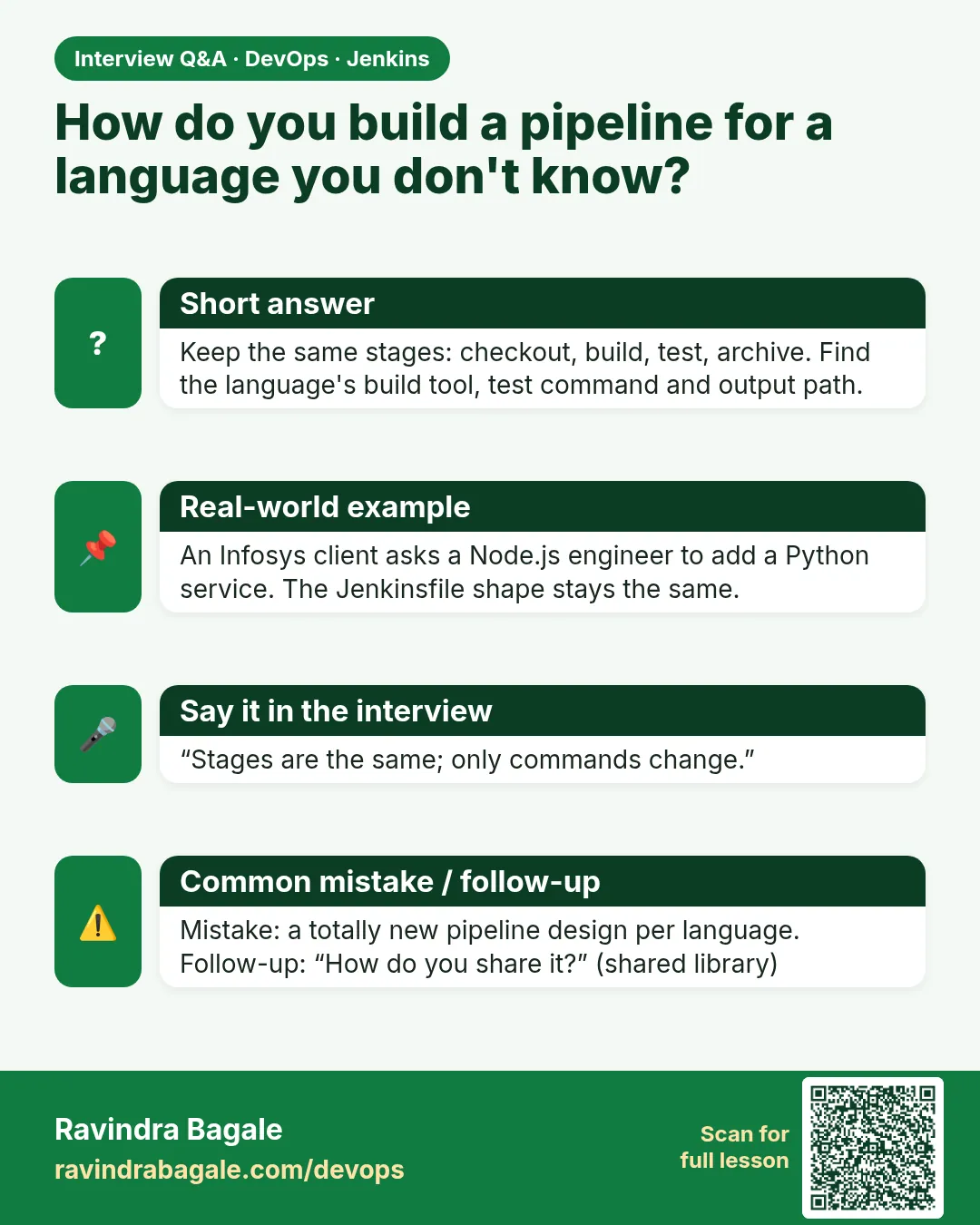
Find the local build and test commands, install the tool on an agent or pick a Docker image, then fill the standard Jenkinsfile stages.
-
Why run the build locally first?
To separate code problems from CI problems.
-
What makes a build red?
Any step that exits non-zero, like a failed test.
-
How do you keep pipelines consistent across teams?
One skeleton or a shared library with the same stage names.
-
What is exit code 127?
Command not found on the agent.
-
Why timestamps in console output?
To see which step is slow.
Quick quiz
Q1. What changes between languages in a Jenkinsfile?
Mostly the sh commands for build, test and package.
Q2. What does exit code 127 mean?
Command not found.
Q3. Why use timeout() in options?
To stop stuck builds.
Q4. Where do build tools need to be installed?
On the agent that runs the job.
Q5. What is an artifact?
The file the build produces, like a jar.
Samajla ka?
 Revision card
 Interview card