Chapter 22: Jenkins Language Projects — Java to Python
22.3 Java (Maven) — start to end
Why: the problem
Think of the HDFC Bank internet banking team. Most of their backend is Java, and Java projects are built with Maven. A developer says: it works on my laptop. But the release manager needs proof from a clean machine, every time, with tests. Maven reads one file, pom.xml, which lists the Java version, the libraries and the test tool. One command, mvn package, compiles the code, runs the tests and makes a jar file. A jar is a zip of compiled Java classes that the server runs with java -jar. In this lesson you build the badge rule in Java, test it with JUnit, run it, then push it so Jenkins does the same on an agent and keeps the jar as an artifact.
What we will build
You will create badge-java with Maven, write Badge.java and a JUnit test, run mvn package locally, push with a Jenkinsfile, see green, then break a test to see red, and finally publish test reports in Jenkins.
What: every term in plain English
- Maven — The Java build tool. Reads pom.xml.
- pom.xml — Project Object Model. Lists name, version, Java version and libraries.
- groupId / artifactId — The company name and the project name, like com.example and badge-java.
- JUnit — The common Java test library.
- Surefire — The Maven plugin that runs tests and writes XML reports.
- jar — The packaged app: a zip of .class files.
- target/ — The folder where Maven writes classes, reports and the jar.
- ~/.m2 — Maven cache of downloaded libraries on the machine.
How: step by step
-
Make the project
mkdir -p ~/devops-lab/ch22/badge-java/src/main/java/lab ~/devops-lab/ch22/badge-java/src/test/java/lab && cd ~/devops-lab/ch22/badge-javaWhat it does: Standard Maven folders.
Output
(no output) -
Write the files
Create pom.xml, Badge.java, BadgeTest.java from Example 1What it does: Copy exactly.
Output
(no output) -
Test and package
mvn -B -q packageWhat it does: Compile, test, jar.
Output
(quiet: no output on success) -
See the jar
ls -l target/*.jarWhat it does: The artifact.
Output
-rw-r--r-- 1 ravi ravi 3712 Oct 25 10:12 target/badge-java-1.0.0.jar -
Run it
java -jar target/badge-java-1.0.0.jar 120What it does: Our rule in Java.
Output
gold -
Push with Jenkinsfile
git init -q -b main && git add . && git commit -qm "Java badge" && git remote add origin GIT_URL && git push -q -u origin mainWhat it does: GIT_URL is your lab repo.
Output
(no output) -
Build in Jenkins
badge-java-pipeline, Build NowWhat it does: Same commands on the agent.
Output
Tests run: 3, Failures: 0
BUILD SUCCESS
Finished: SUCCESS
Example 1: The full Maven project
Stack. Java 17, Maven, JUnit 5
Goal. The full Maven project.
pom.xml
<project xmlns="http://maven.apache.org/POM/4.0.0">
  <modelVersion>4.0.0</modelVersion>
  <groupId>com.example</groupId>
  <artifactId>badge-java</artifactId>
  <version>1.0.0</version>
  <properties>
    <maven.compiler.release>17</maven.compiler.release>
    <project.build.sourceEncoding>UTF-8</project.build.sourceEncoding>
  </properties>
  <dependencies>
    <dependency>
      <groupId>org.junit.jupiter</groupId>
      <artifactId>junit-jupiter</artifactId>
      <version>5.10.2</version>
      <scope>test</scope>
    </dependency>
  </dependencies>
  <build>
    <plugins>
      <plugin>
        <groupId>org.apache.maven.plugins</groupId>
        <artifactId>maven-surefire-plugin</artifactId>
        <version>3.2.5</version>
      </plugin>
      <plugin>
        <groupId>org.apache.maven.plugins</groupId>
        <artifactId>maven-jar-plugin</artifactId>
        <version>3.4.1</version>
        <configuration>
          <archive><manifest><mainClass>lab.Badge</mainClass></manifest></archive>
        </configuration>
      </plugin>
    </plugins>
  </build>
</project>
src/main/java/lab/Badge.java
package lab;

public class Badge {
    public static String level(int points) {
        if (points >= 100) return "gold";
        if (points >= 50) return "silver";
        return "bronze";
    }
    public static void main(String[] args) {
        int p = args.length == 0 ? 0 : Integer.parseInt(args[0]);
        System.out.println(level(p));
    }
}
src/test/java/lab/BadgeTest.java
package lab;

import static org.junit.jupiter.api.Assertions.assertEquals;
import org.junit.jupiter.api.Test;

class BadgeTest {
    @Test void gold()   { assertEquals("gold", Badge.level(100)); }
    @Test void silver() { assertEquals("silver", Badge.level(50)); }
    @Test void bronze() { assertEquals("bronze", Badge.level(0)); }
}
What each line does
maven.compiler.release 17— Compile for Java 17.scope test— JUnit is only for tests, not shipped in the jar.surefire 3.2.5— A version that finds JUnit 5 tests.mainClass— So java -jar knows where to start.assertEquals— Test fails if the two values differ.
Green output
[INFO] Tests run: 3, Failures: 0, Errors: 0, Skipped: 0
[INFO] Building jar: /home/ravi/devops-lab/ch22/badge-java/target/badge-java-1.0.0.jar
[INFO] BUILD SUCCESS
Expected result. A tested jar from one command.
Example 2: The Jenkinsfile with test reports and artifact
Stack. Jenkins, Maven
Goal. The Jenkinsfile with test reports and artifact.
Jenkinsfile
pipeline {
  agent any
  tools { maven 'M3'; jdk 'jdk17' }
  options { timestamps(); buildDiscarder(logRotator(numToKeepStr: '20')) }
  stages {
    stage('Checkout') { steps { checkout scm } }
    stage('Build')    { steps { sh 'mvn -B -DskipTests compile' } }
    stage('Test')     { steps { sh 'mvn -B test' } }
    stage('Package')  { steps { sh 'mvn -B -DskipTests package' } }
    stage('Live') {
      steps {
        sh 'mkdir -p "$HOME/lab-live/badge-java" && cp target/*.jar "$HOME/lab-live/badge-java/"'
        sh 'java -jar "$HOME/lab-live/badge-java/badge-java-1.0.0.jar" 120'
      }
    }
  }
  post {
    always  { junit 'target/surefire-reports/*.xml' }
    success { archiveArtifacts artifacts: 'target/*.jar', fingerprint: true }
  }
}
What each line does
tools— Use Maven and JDK set in Manage Jenkins, Tools.logRotator— Keep only 20 builds so the disk does not fill.junit— Reads Surefire XML and shows a test trend chart.fingerprint— Tracks which build made this jar.Live java -jar— Smoke test: the jar really runs.
Green output
[Pipeline] stage (Test)
[INFO] Tests run: 3, Failures: 0, Errors: 0, Skipped: 0
[Pipeline] stage (Live)
gold
Recording test results
Archiving artifacts
Finished: SUCCESS
Expected result. The job page shows Test Result: 0 failures and a download link for the jar.
Example 3: Break a test and read the red build
Stack. Maven
Goal. Break a test and read the red build.
change
sed -i 's/points >= 100/points > 100/' src/main/java/lab/Badge.java
git commit -qam "Bug: 100 is no longer gold" && git push -q
What each line does
>= to >— Now exactly 100 points gives silver.push— Jenkins runs again.
Green output
[ERROR] Tests run: 3, Failures: 1, Errors: 0, Skipped: 0
[ERROR] BadgeTest.gold:7 expected: [gold] but was: [silver]
[ERROR] BUILD FAILURE
Finished: FAILURE
Expected result. Test stage red, Package and Live skipped. Read the expected and was values, fix the code, push again.
Example 4: Speed up Maven builds with a cache in a Docker agent
Stack. Jenkins, Docker, Maven
Goal. Speed up Maven builds with a cache in a Docker agent.
Jenkinsfile
pipeline {
  agent {
    docker {
      image 'maven:3.9-eclipse-temurin-17'
      args '-v $HOME/.m2:/root/.m2'
    }
  }
  stages {
    stage('Package') { steps { sh 'mvn -B package' } }
  }
}
What each line does
maven:3.9-eclipse-temurin-17— Official image with Maven and Java 17. No install on the agent.-v $HOME/.m2:/root/.m2— Keep downloaded libraries between builds.
Green output
First build:  Total time:  41.203 s
Second build: Total time:  6.118 s
Expected result. Libraries download once. Builds get about 6 times faster.
Verify: did it work?
-
Jar exists
ls target/badge-java-1.0.0.jarWhat it does: Built.
Output
target/badge-java-1.0.0.jar -
Reports exist
ls target/surefire-reports/*.xmlWhat it does: For the junit step.
Output
target/surefire-reports/TEST-lab.BadgeTest.xml -
Live copy runs
java -jar ~/lab-live/badge-java/badge-java-1.0.0.jar 60What it does: Copied by Jenkins.
Output
silver
When it is red 1
[ERROR] Source option 5 is no longer supported. Use 7 or later.
Cause. No Java version in pom.xml.
Fix, step by step
- Add maven.compiler.release 17 in properties.
When it is red 2
Tests run: 0, Failures: 0
Cause. Old Surefire does not see JUnit 5 tests.
Fix, step by step
- Set maven-surefire-plugin to 3.2.5 or newer.
- Test class names must end with Test.
When it is red 3
no main manifest attribute, in target/badge-java-1.0.0.jar
Cause. The jar does not say which class to start.
Fix, step by step
- Add mainClass in maven-jar-plugin configuration.
When it is red 4
Could not transfer artifact ... from/to central: Connect timed out
Cause. The agent cannot reach Maven Central.
Fix, step by step
- Check proxy or firewall.
- Use a company mirror like Nexus in settings.xml.
Cleanup
-
Clean build files
mvn -q cleanWhat it does: Removes target/.
Output
(no output)
Ravindra Bagale's Tip
mvn package local la green zala tarach push kara. Jenkins madhe red aala tar pahila [ERROR] line vacha!
Practice tasks
Easy Run the jar three ways
Why: Know the app before CI.
What to do: Run with 0, 60 and 150.
- java -jar target/badge-java-1.0.0.jar 150
Check: bronze, silver, gold.
Medium Publish test trend
Why: Managers love charts.
What to do: Add junit in post always and run three builds.
- Push three commits.
Check: The trend chart shows three points.
Hard Docker agent build
Why: No tools on agent.
What to do: Use the maven Docker agent.
- Install Docker Pipeline plugin.
Check: Build green with no Maven on the host.
Easy Say Java Maven pipelines in two lines
Why: If you can say it simply, you understand it. Interviewers want the short version first.
What to do: Write two short lines about Java Maven pipelines for a fresher who knows only basic Linux.
- Write the problem it solves.
- Write one real command or file that shows it.
- Read it aloud to a friend.
Check: A fresher understands it without asking a question.
Easy Make a safe lab folder
Why: Practice needs a place you can throw away. Then mistakes cost nothing.
What to do: Create a lab folder for this chapter and work only inside it.
- mkdir -p ~/devops-lab && cd ~/devops-lab
- Run every command of this lesson from here.
- Check with pwd before you delete anything.
Check: All lab files live in ~/devops-lab.
Medium Repeat it in a container
Why: Your laptop is not the server. A clean Ubuntu container shows what a fresh server needs.
What to do: Run the main steps of this lesson again inside an Ubuntu container.
- docker run --rm -it -v "$PWD":/lab -w /lab ubuntu:24.04 bash
- apt update and install what is missing.
- Note every missing tool.
Check: Same result inside the container, or a list of what you had to install.
Medium Break it on purpose
Why: You must know the red message by face. In an outage there is no time to read slowly.
What to do: Cause one error from the "When it is red" part of this lesson and fix it.
- Follow the error section.
- Copy the exact message into your notes.
- Write the fix in one line.
Check: You fixed it using only the steps, without searching the web.
Medium Write a one-page runbook
Why: At 2 a.m. nobody remembers the right command. A short page saves the on-call person.
What to do: Write a runbook page for this lesson.
- Title, when to use, exact command, how to check, how to undo.
Check: A teammate can follow it alone.
Hard Explain it like an interview
Why: Interviewers want real stories, not definitions.
What to do: Record a 60 second answer about this lesson.
- Say the problem, the command or file you used, and one error you hit.
Check: Your answer has a real command and a real error message.
Hard Draw the flow top to bottom
Why: A drawing shows who does what and in which order.
What to do: Draw this lesson as boxes from top to bottom.
- Start at the developer laptop, end at the user on the website.
Check: Each box matches a real thing you ran.
Homework: try at home
Try at home
Add a fourth test for 99 points. It must be silver. Push it and check the Test Result page shows 4 tests.
Recap
- Maven reads pom.xml.
- mvn package compiles, tests and makes a jar.
- Publish JUnit XML with junit.
- Archive the jar with a fingerprint.
- Cache ~/.m2 for speed.
FAQ
What is the difference between mvn install and mvn package?
package makes the jar in target. install also copies it to ~/.m2 for other local projects.
Should CI use -B?
Yes. Batch mode removes colours and prompts.
Should I skip tests in CI?
Never in the Test stage. Skip only when you package after tests already ran.
Where do company libraries come from?
A private repository like Nexus or Artifactory set in settings.xml.
What is mvn verify?
Runs tests plus extra checks after package, like integration tests.
Why is the first build slow?
Maven downloads all libraries once.
Interview questions
-
Explain the Maven lifecycle.
validate, compile, test, package, verify, install, deploy; each phase runs the ones before it.
-
How do you show test results in Jenkins?
junit step on Surefire XML.
-
How do you speed up Maven in CI?
Cache ~/.m2, use a mirror, run in parallel with -T.
-
What is a SNAPSHOT version?
A changing development version; releases have fixed versions.
-
How do you trace which build made a jar?
archiveArtifacts with fingerprint.
-
What does BUILD FAILURE with Tests run: 0 suggest?
Surefire did not detect tests: version or naming problem.
Quick quiz
Q1. Which file does Maven read?
pom.xml
Q2. Where is the jar written?
target/
Q3. Which plugin runs tests?
Surefire.
Q4. What does the junit step read?
target/surefire-reports/*.xml
Q5. Why mount ~/.m2?
Cache libraries between builds.
Samajla ka?
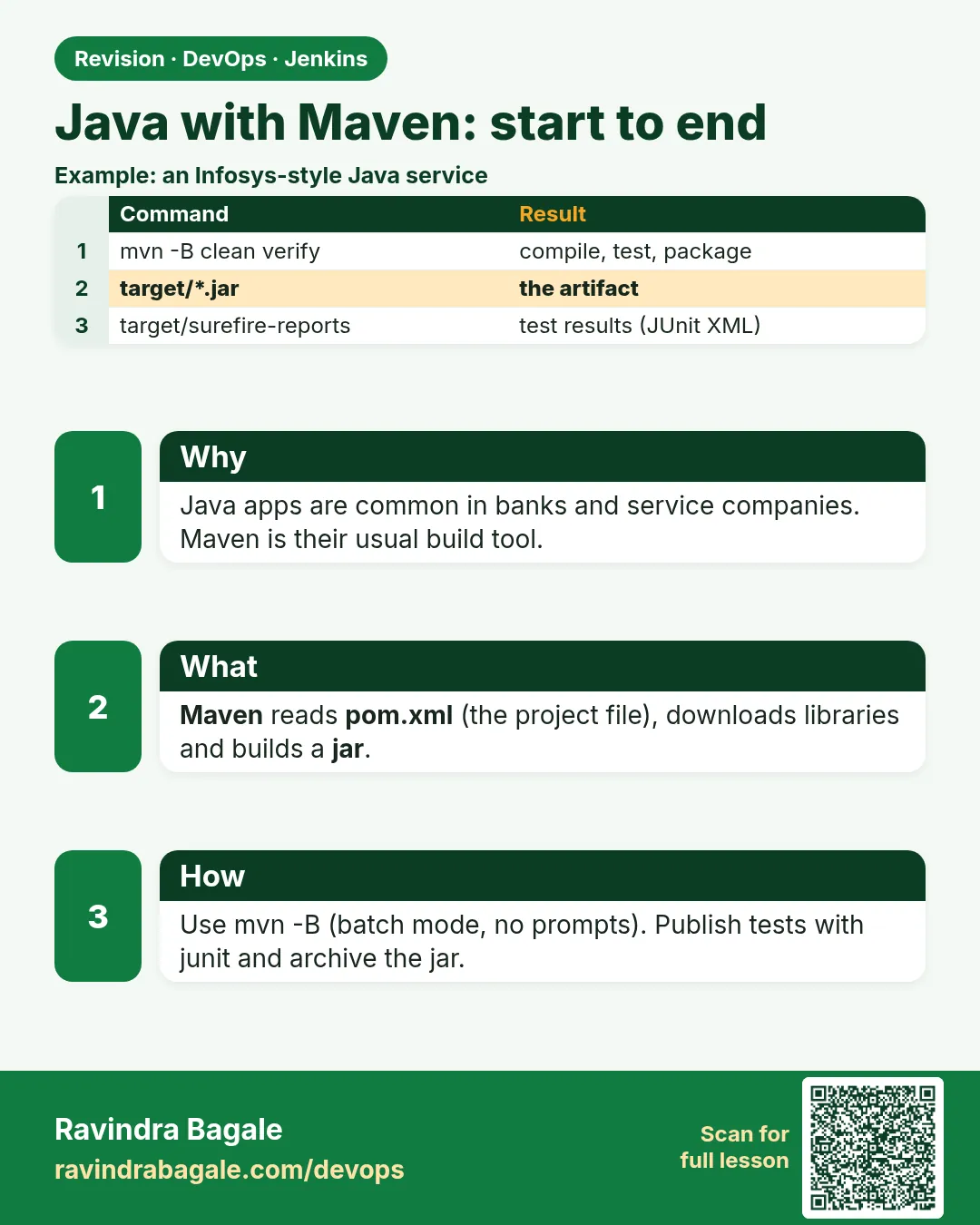 Revision card
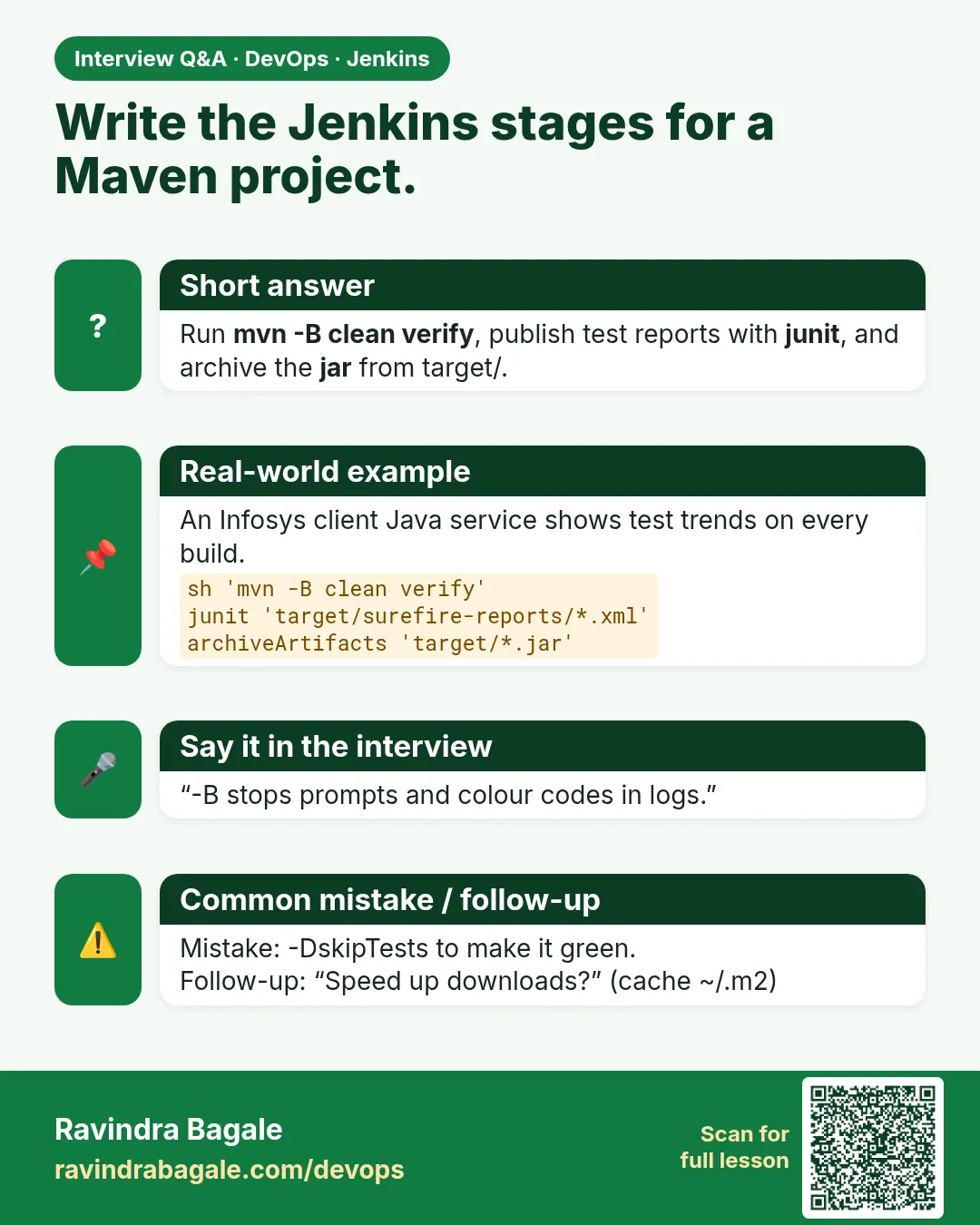 Interview card
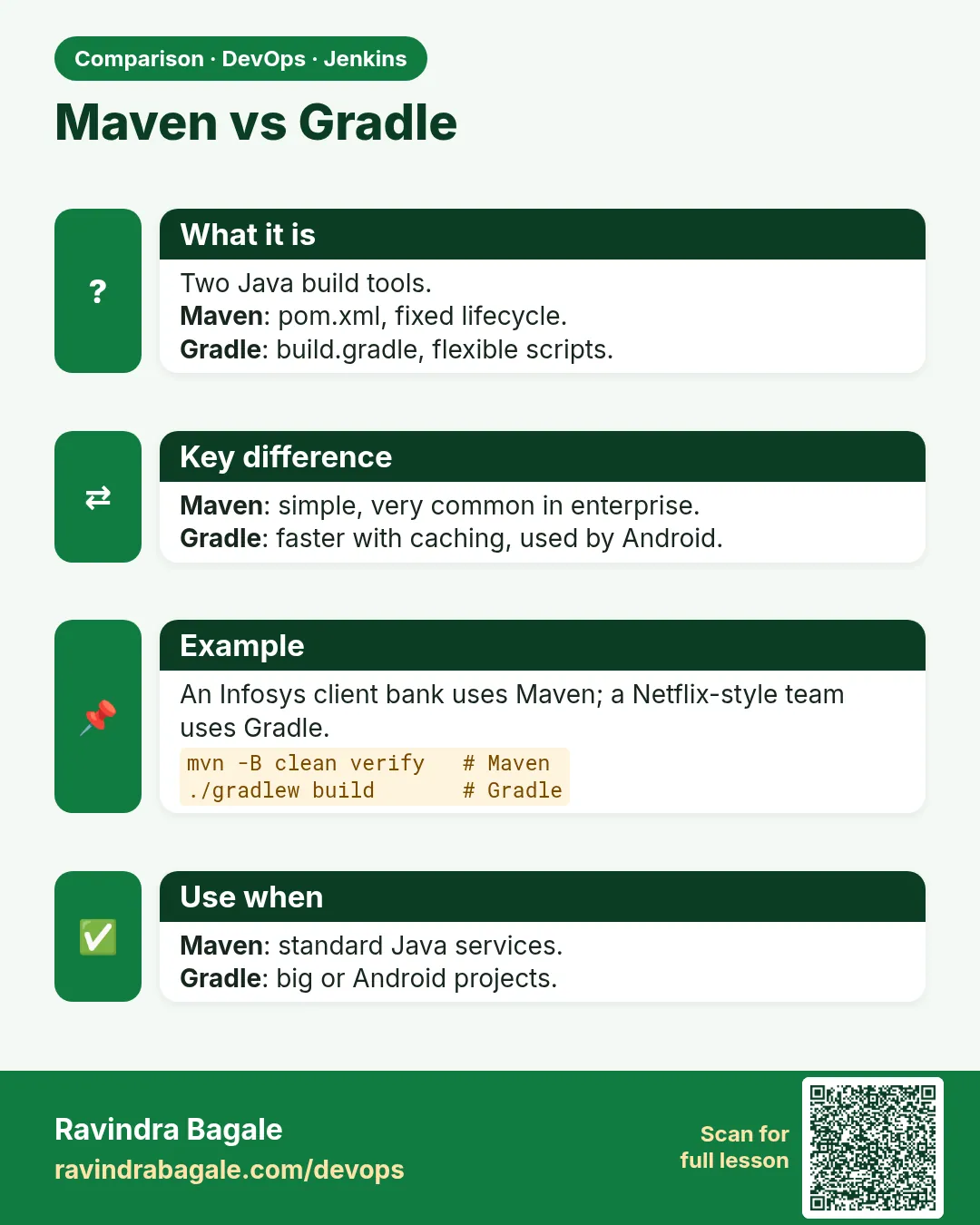 Comparison card