Ravindra BagaleCourses & study guides मराठी

Ravi Sir's Cards › DevOps

Chapter 34: Terraform State Remote S3 Backend Locking and Workspaces: Cards

मराठी cards · Open the chapter

Revision cards
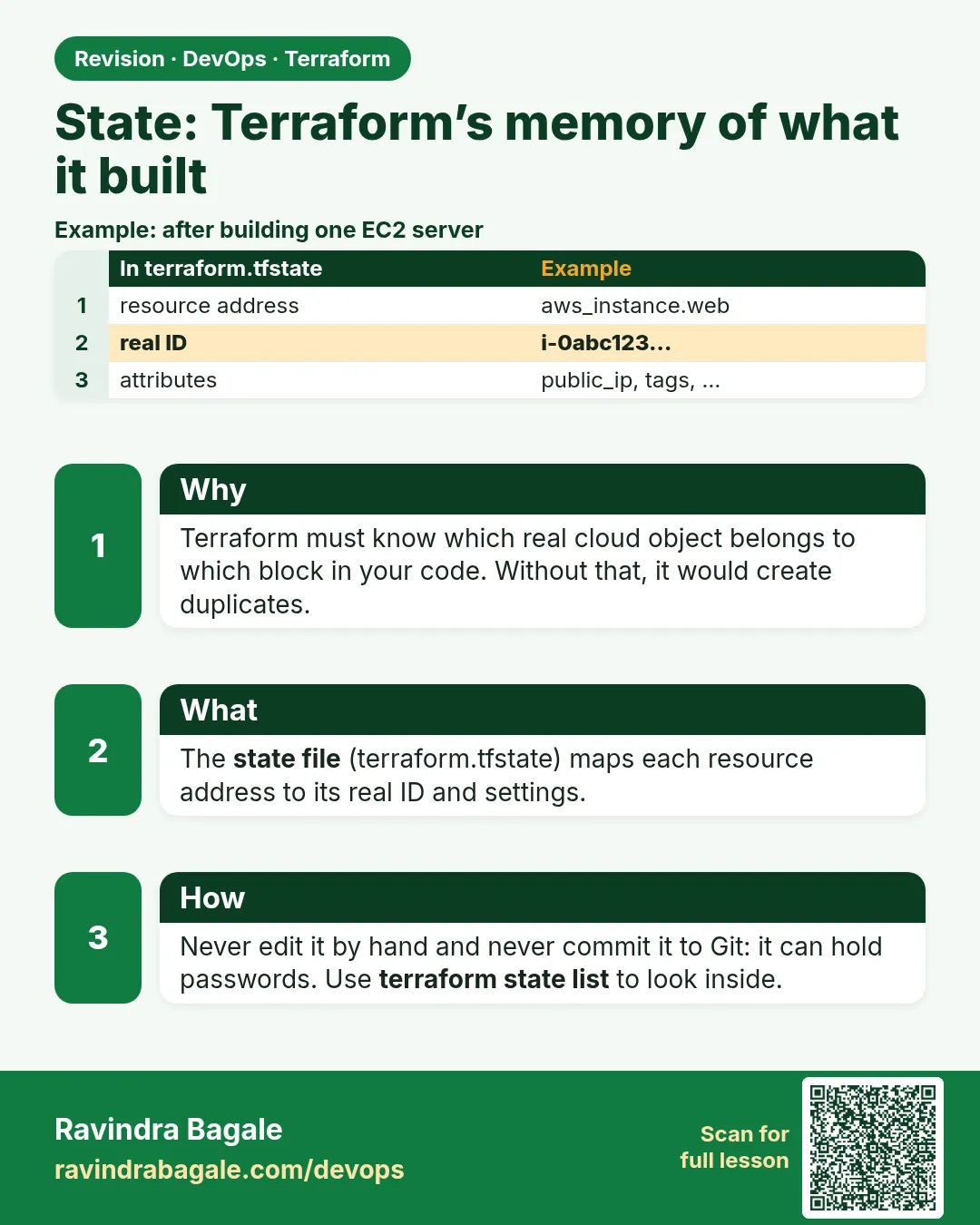
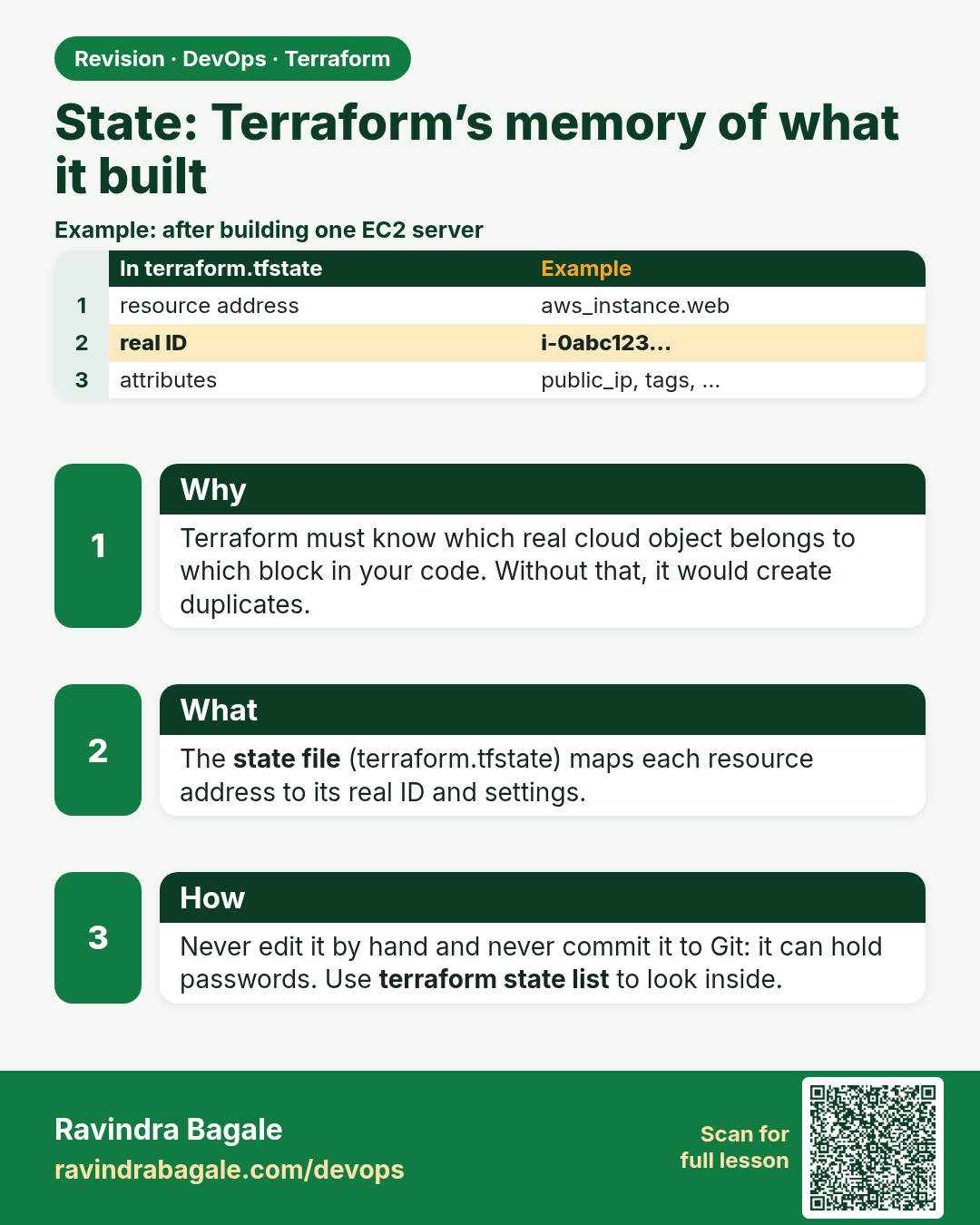
State: Terraform’s memory of what it built. Terraform must know which real cloud object belongs to which block in your code. Without that, it would create duplicates.
Revision card 1 of 5: State: Terraform’s memory of what it built · Download PNG · Open card page

Lesson: 34.1 State — Terraform's memory of what it built
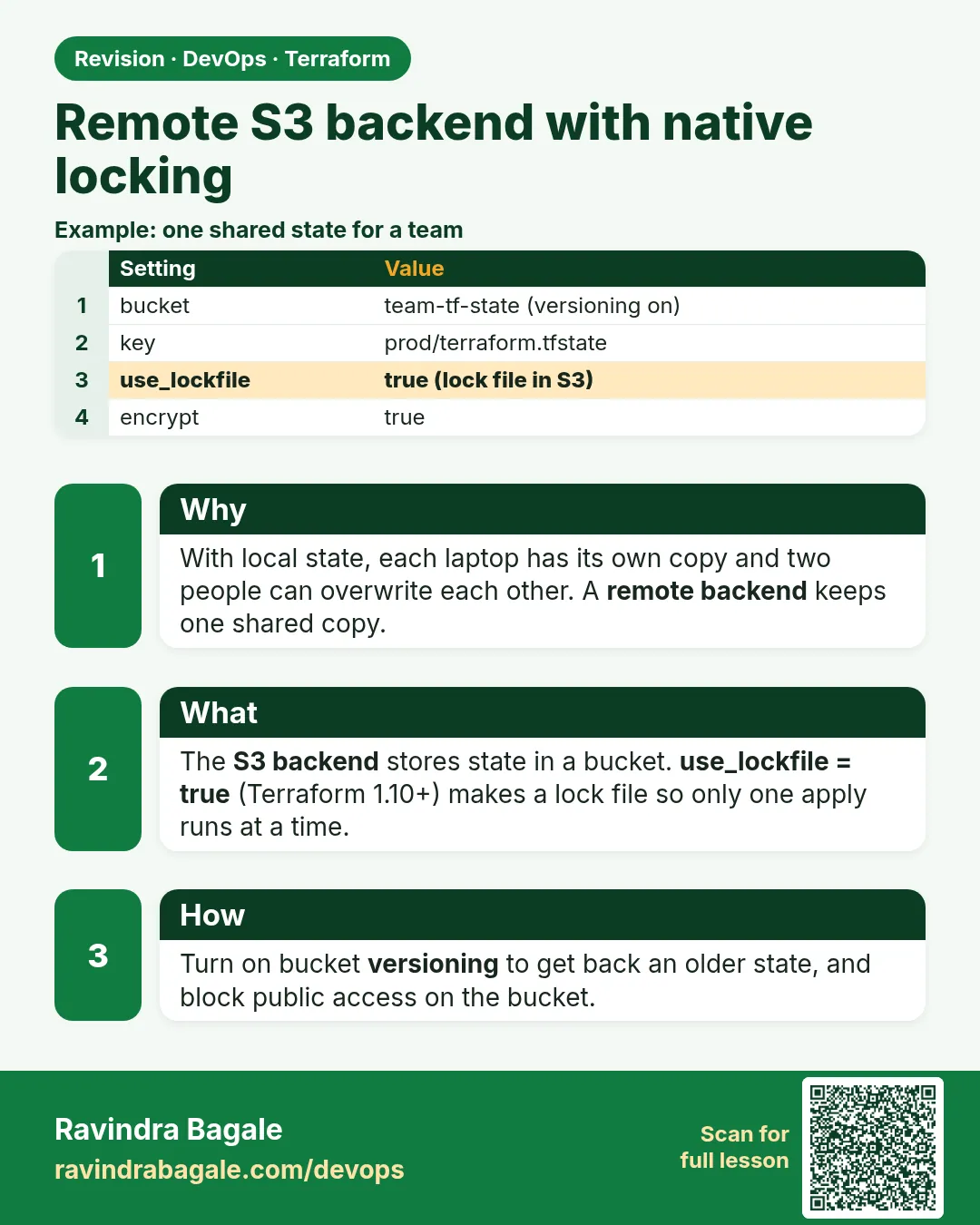
Remote S3 backend with native locking. With local state, each laptop has its own copy and two people can overwrite each other. A remote backend keeps one shared copy.
Revision card 2 of 5: Remote S3 backend with native locking · Download PNG · Open card page

Lesson: 34.2 Remote S3 backend with native locking (use_lockfile)

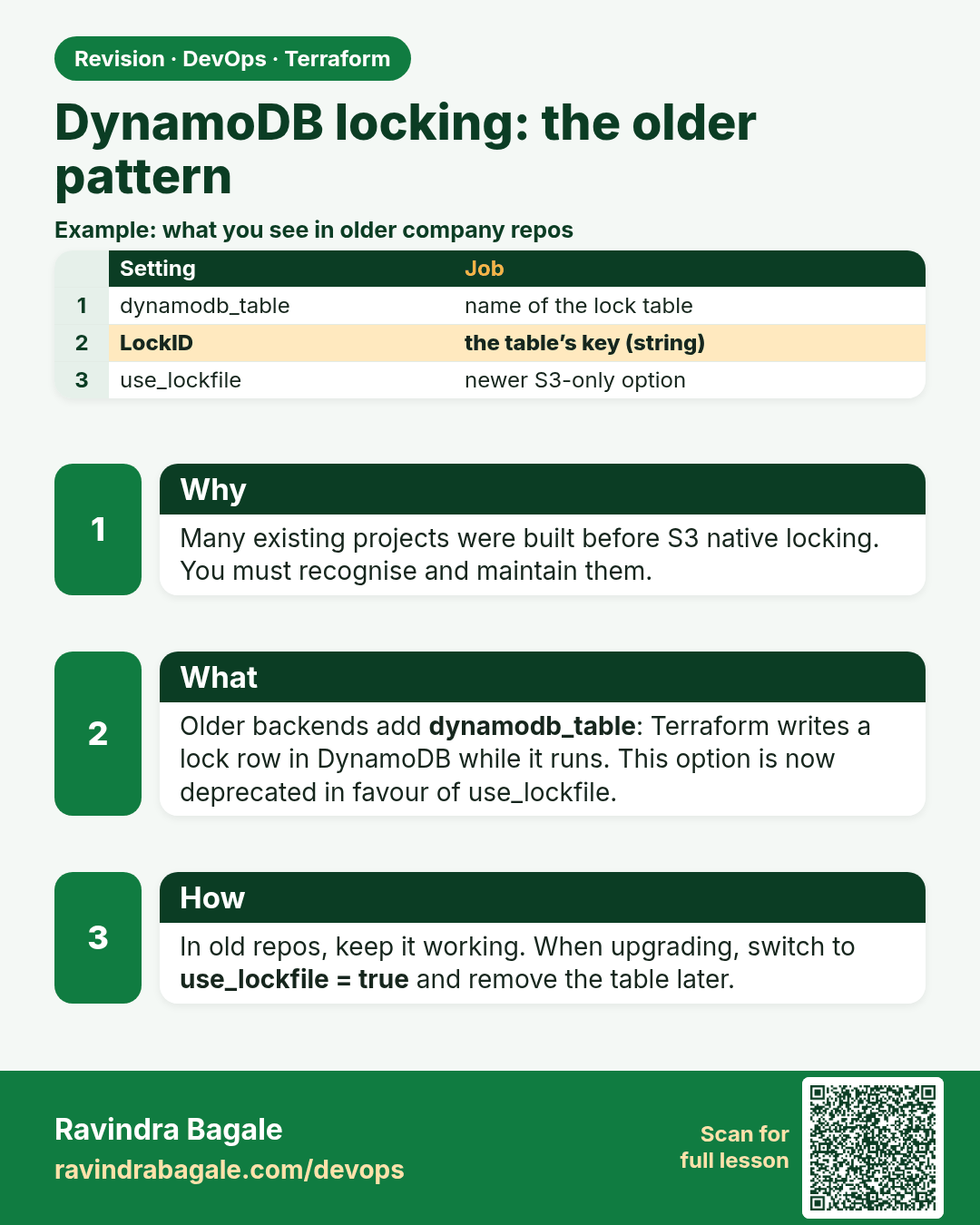
DynamoDB locking: the older pattern. Many existing projects were built before S3 native locking. You must recognise and maintain them.
Revision card 3 of 5: DynamoDB locking: the older pattern · Download PNG · Open card page

Lesson: 34.3 DynamoDB locking — the older pattern you will still meet

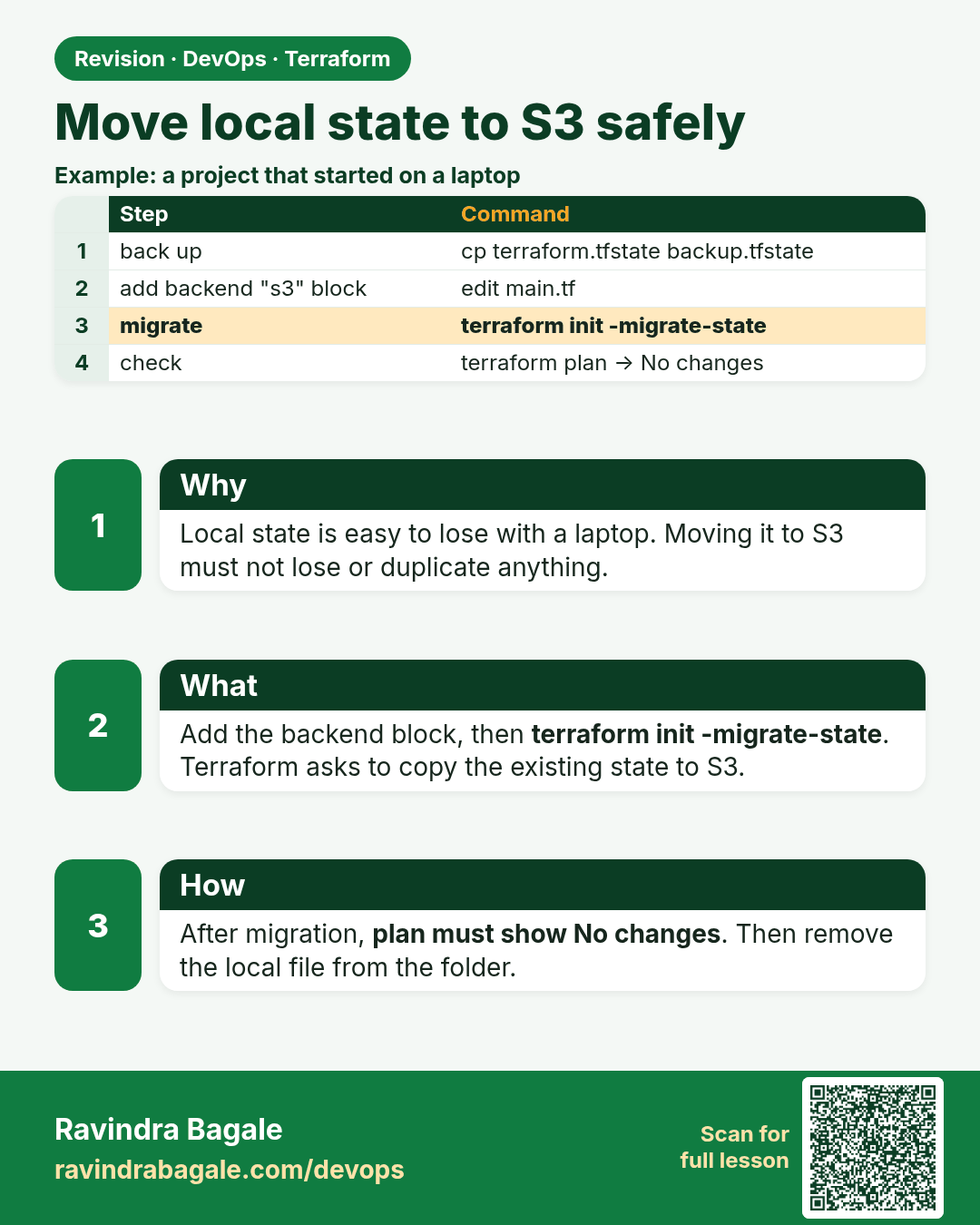
Move local state to S3 safely. Local state is easy to lose with a laptop. Moving it to S3 must not lose or duplicate anything.
Revision card 4 of 5: Move local state to S3 safely · Download PNG · Open card page

Lesson: 34.4 Move local state to S3 safely

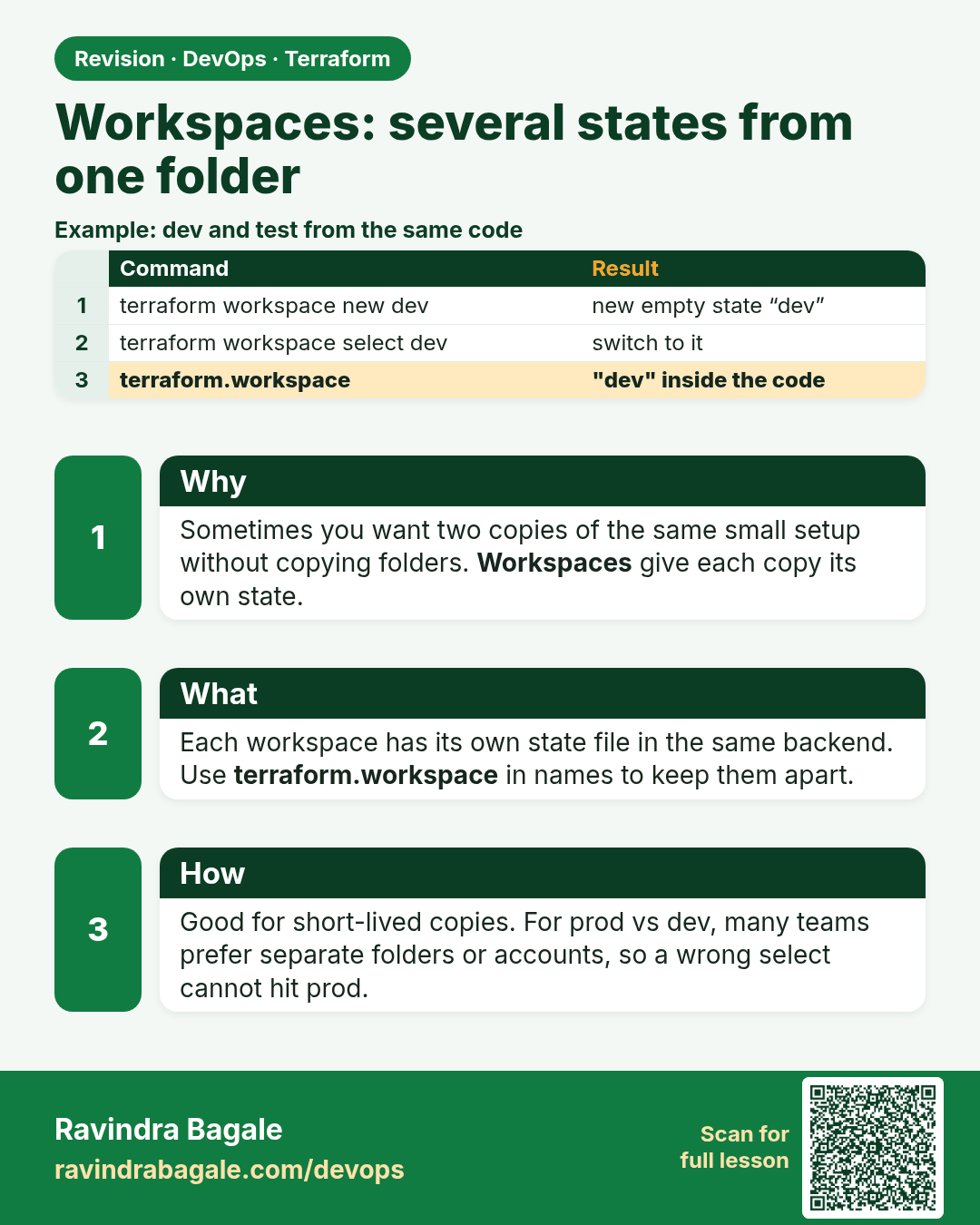
Workspaces: several states from one folder. Sometimes you want two copies of the same small setup without copying folders. Workspaces give each copy its own state.
Revision card 5 of 5: Workspaces: several states from one folder · Download PNG · Open card page

Lesson: 34.5 Workspaces — several states from one folder

Interview cards

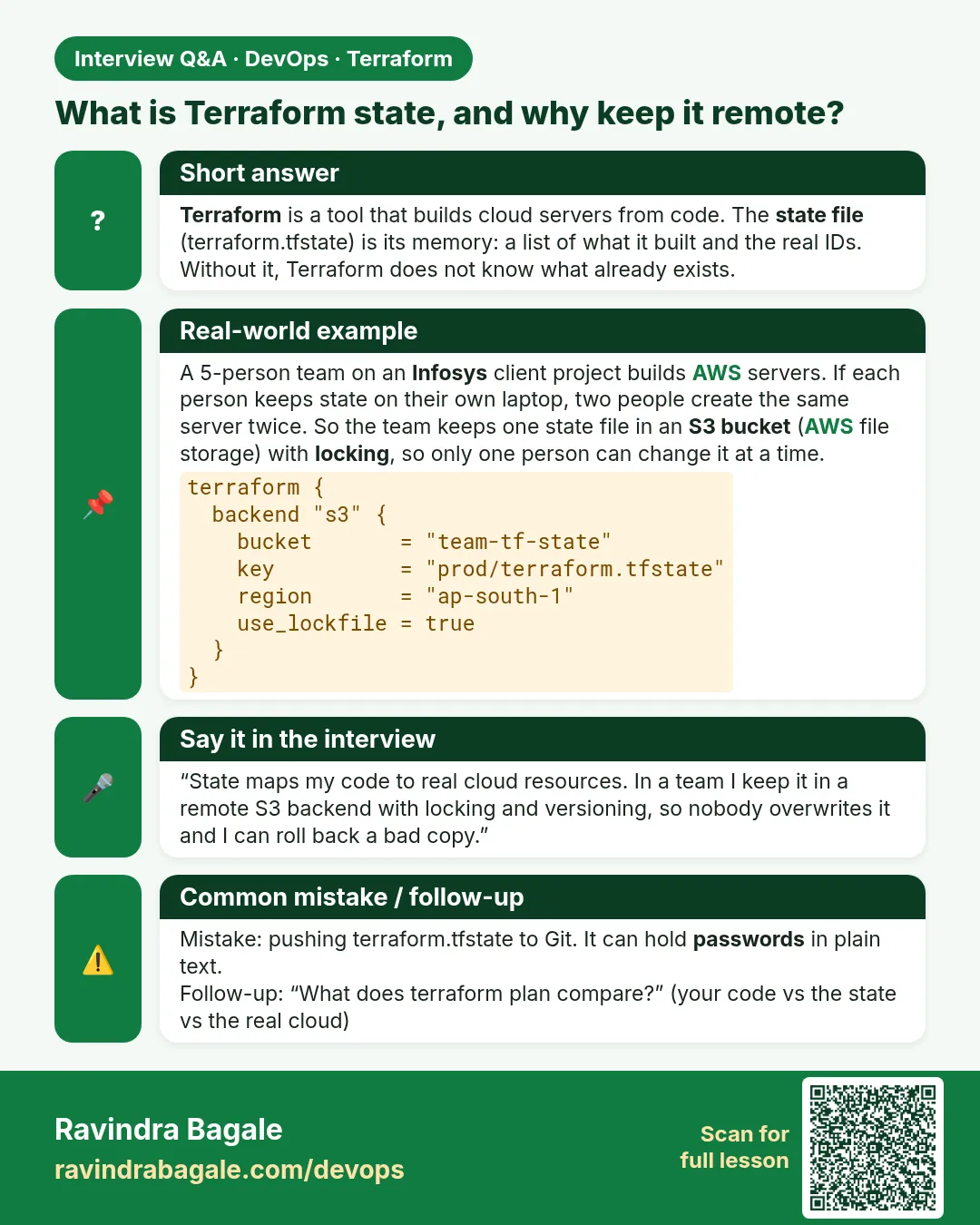
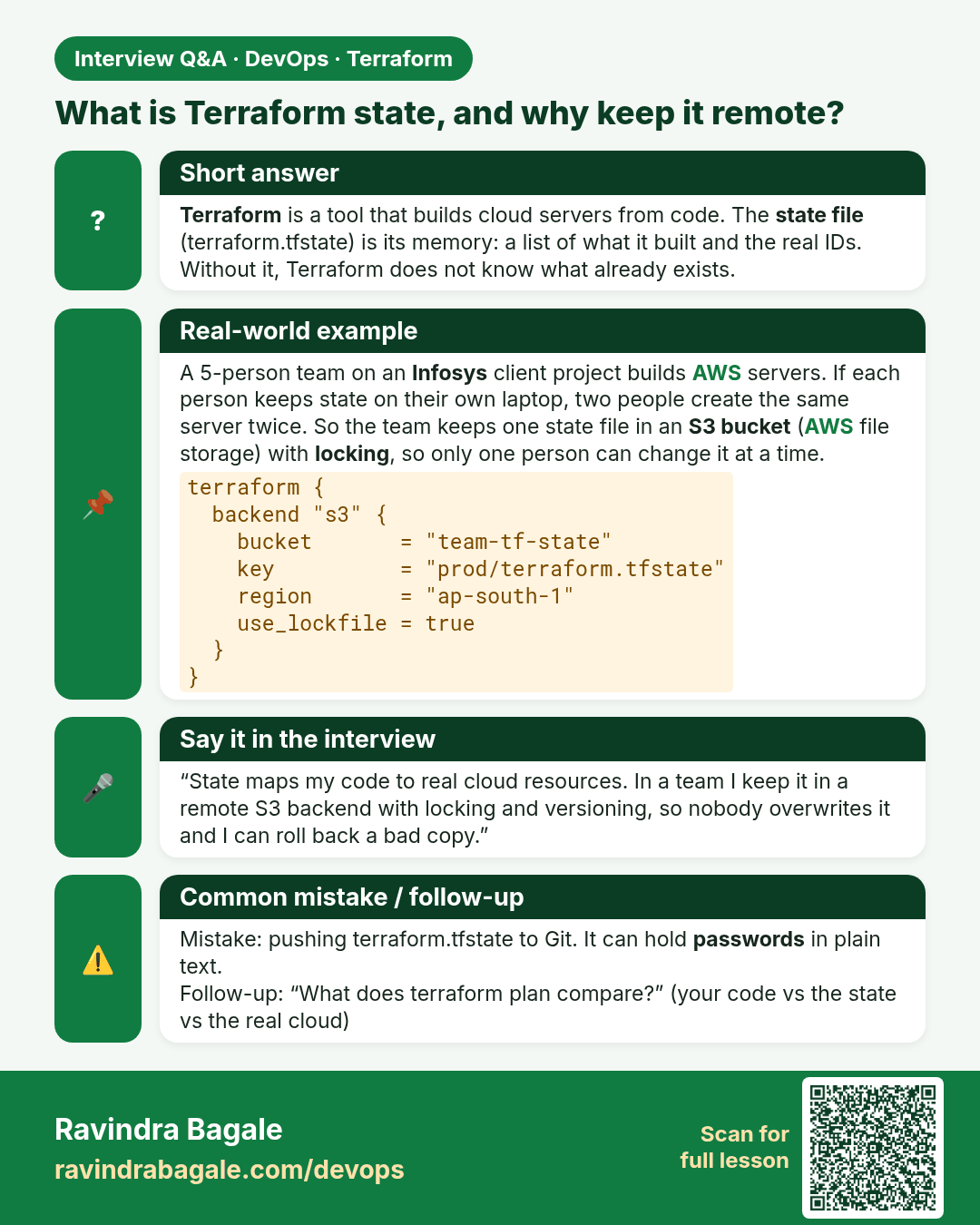
What is Terraform state, and why keep it remote? Terraform is a tool that builds cloud servers from code. The state file (terraform.tfstate) is its memory: a list of what it built and the real IDs. Without it, Terraform does not know what already exists.
Interview card 1 of 5: What is Terraform state, and why keep it remote? · Download PNG · Open card page

Lesson: 34.1 State — Terraform's memory of what it built
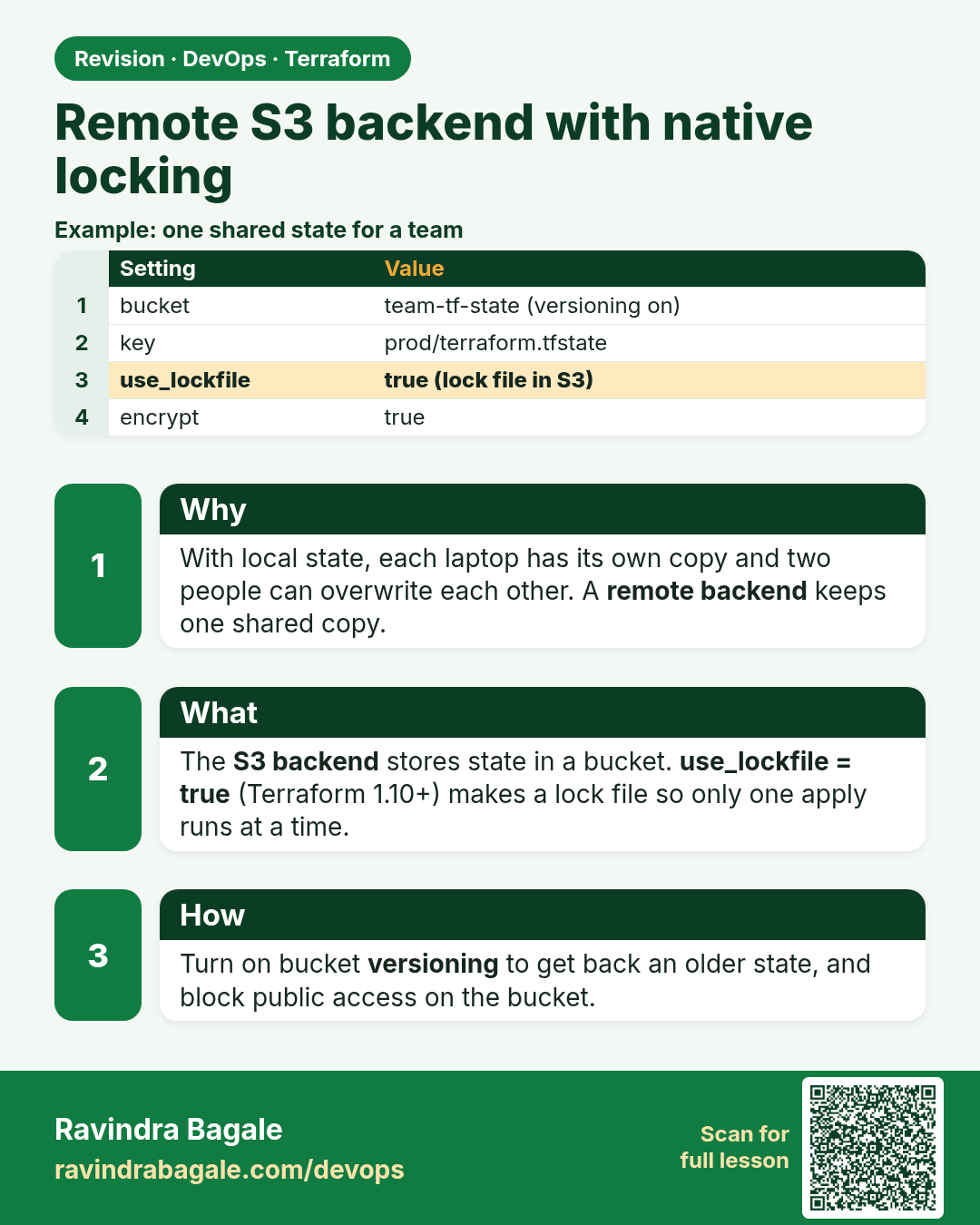
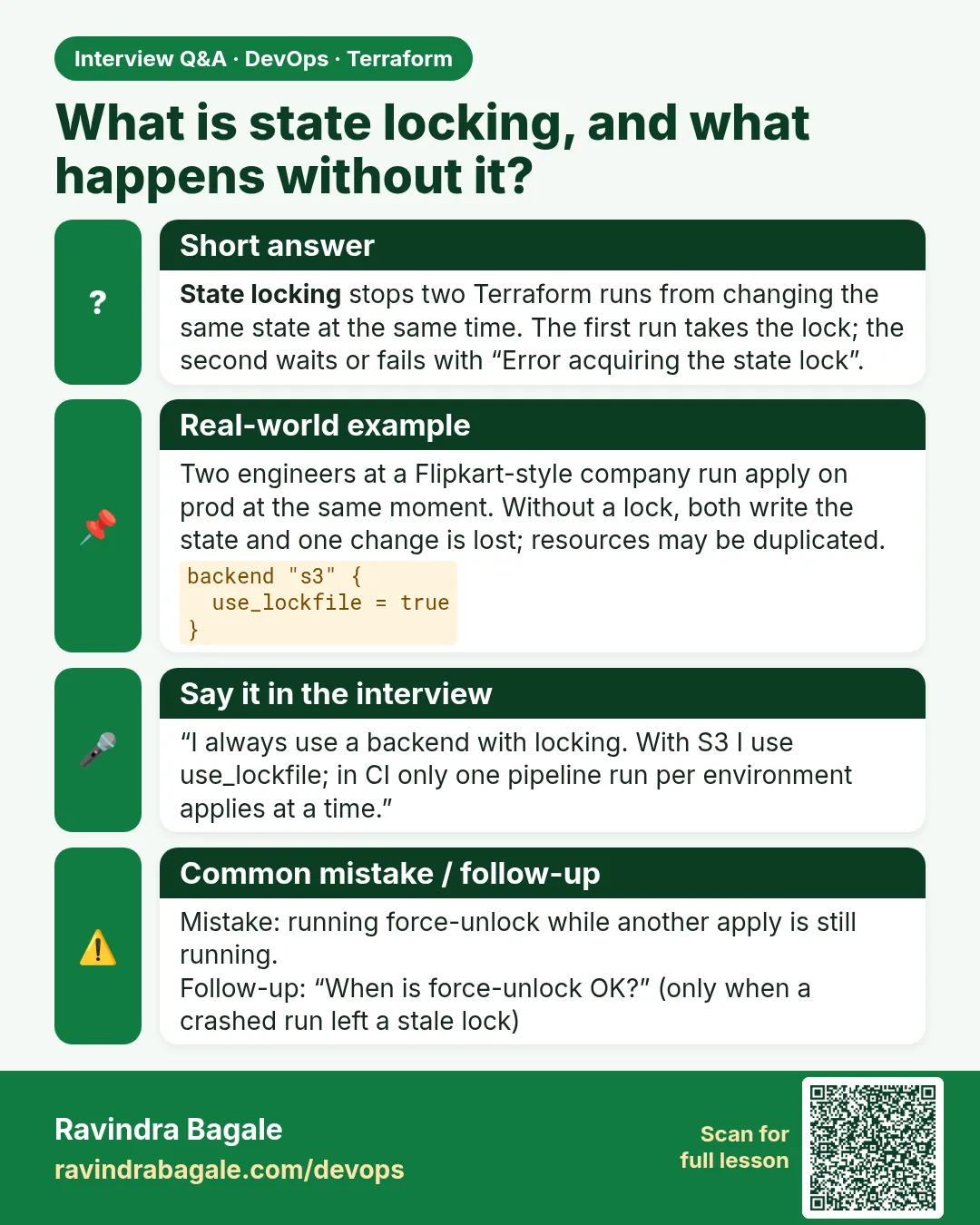
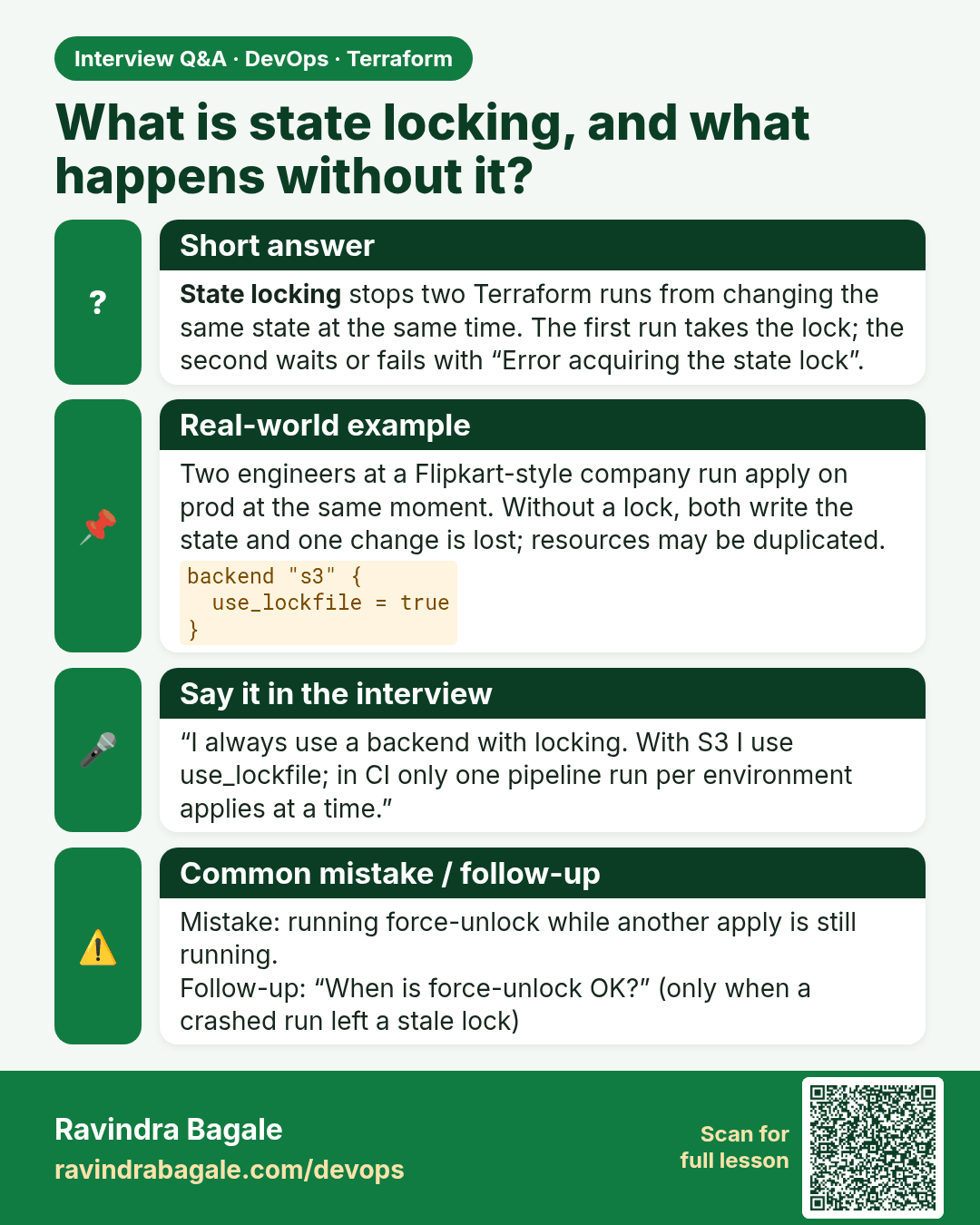
What is state locking, and what happens without it? State locking stops two Terraform runs from changing the same state at the same time. The first run takes the lock; the second waits or fails with “Error acquiring the state lock”.
Interview card 2 of 5: What is state locking, and what happens without it? · Download PNG · Open card page

Lesson: 34.2 Remote S3 backend with native locking (use_lockfile)
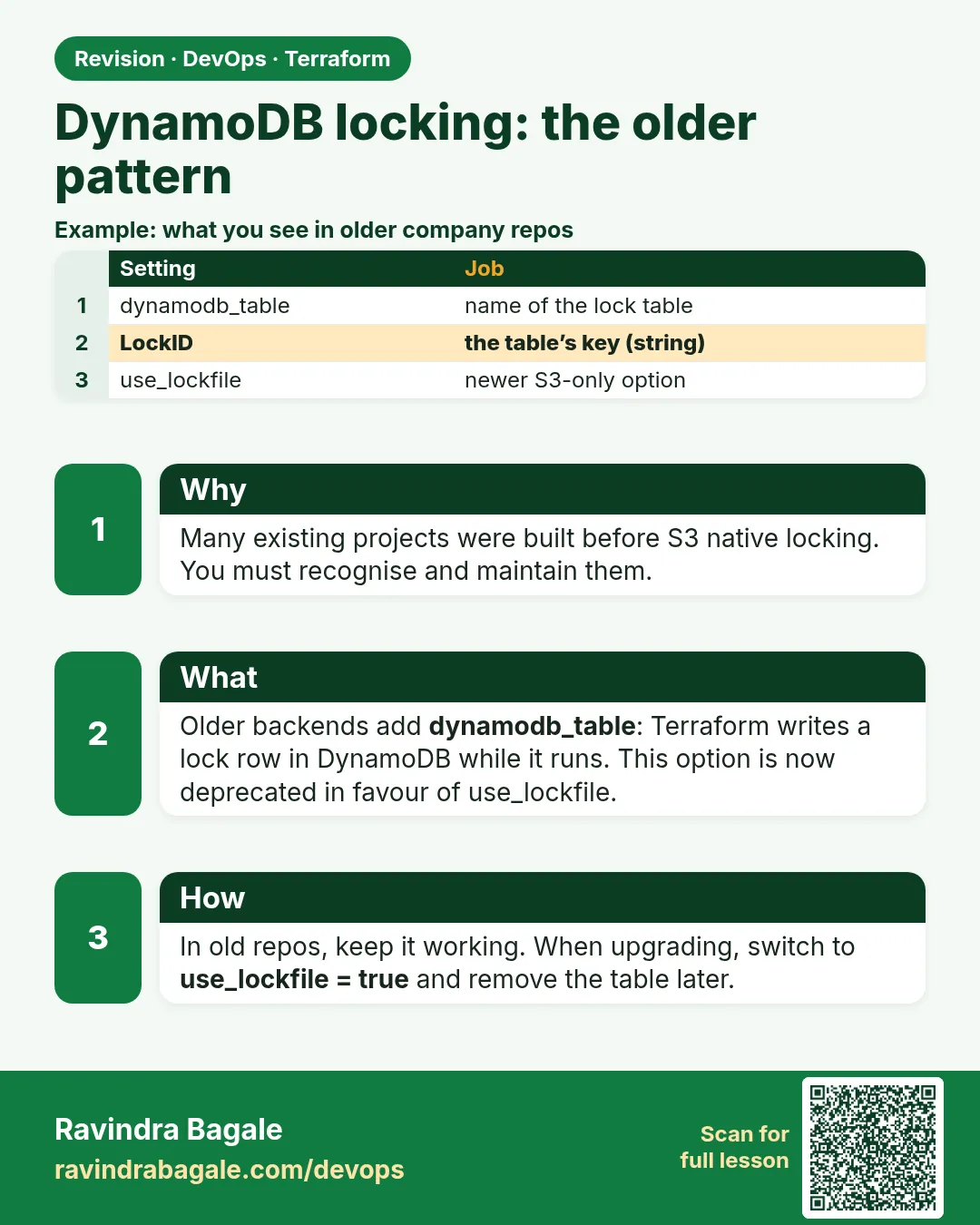
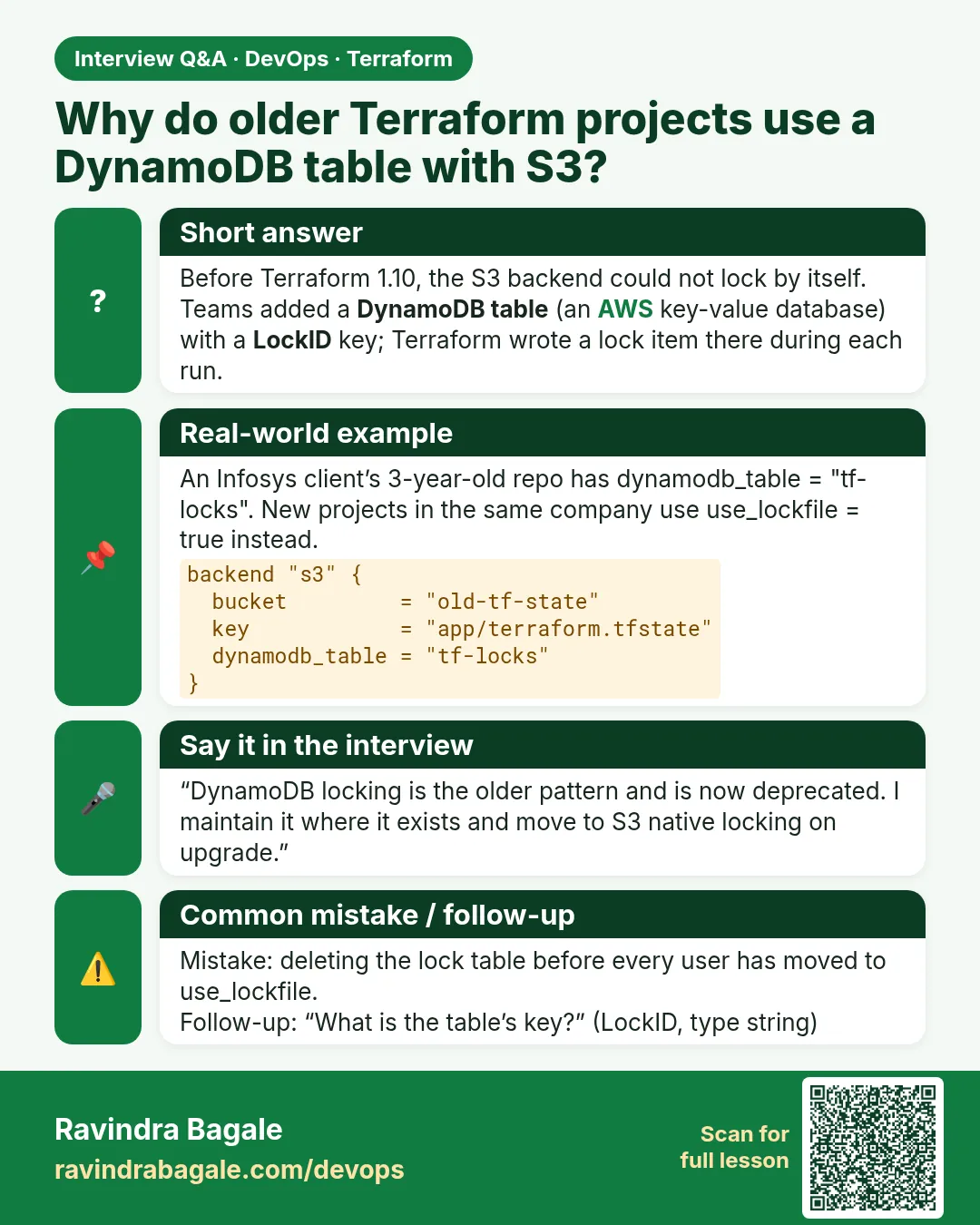
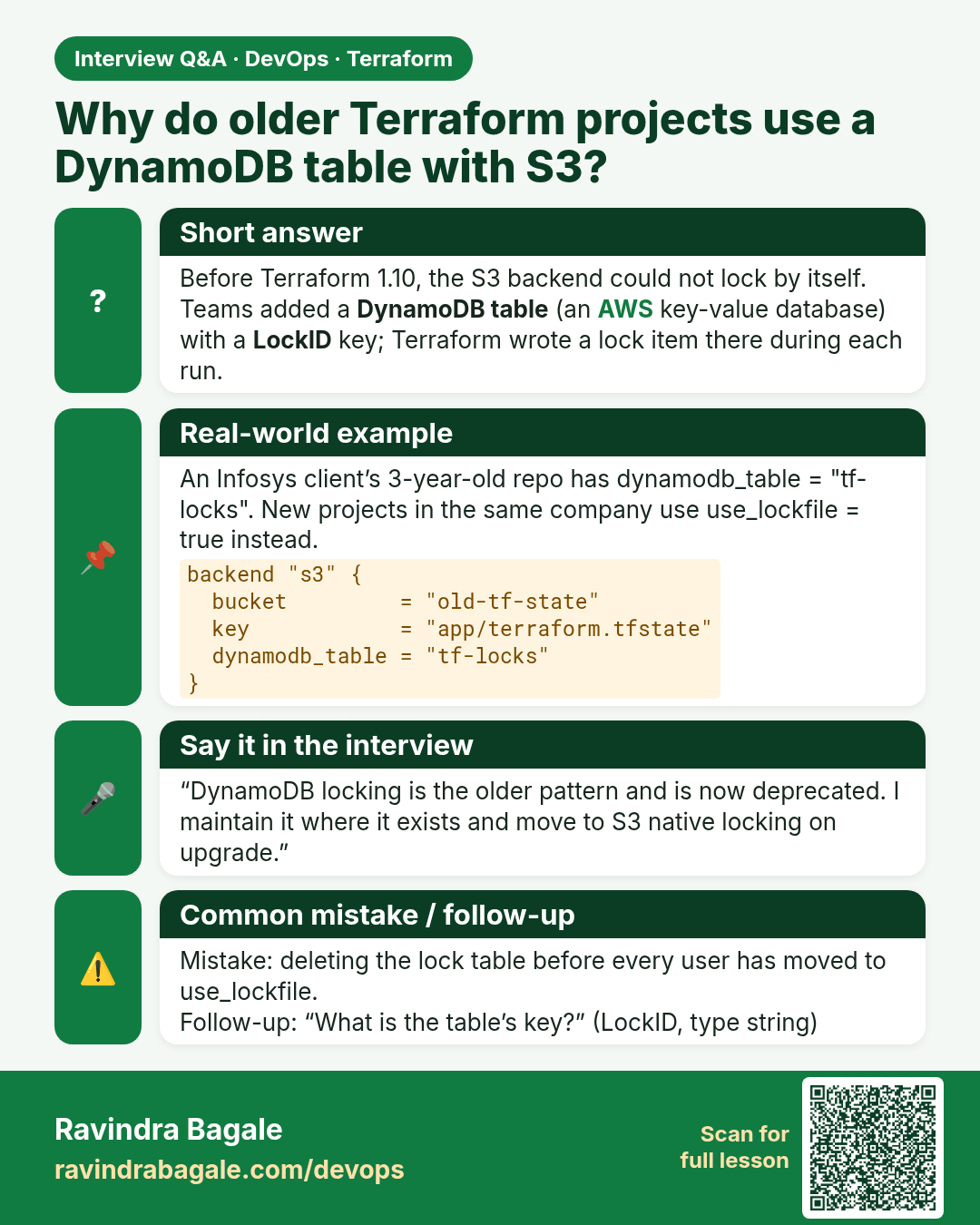
Why do older Terraform projects use a DynamoDB table with S3? Before Terraform 1.10, the S3 backend could not lock by itself. Teams added a DynamoDB table (an AWS key-value database) with a LockID key; Terraform wrote a lock item there during each run.
Interview card 3 of 5: Why do older Terraform projects use a DynamoDB table with S3? · Download PNG · Open card page

Lesson: 34.3 DynamoDB locking — the older pattern you will still meet
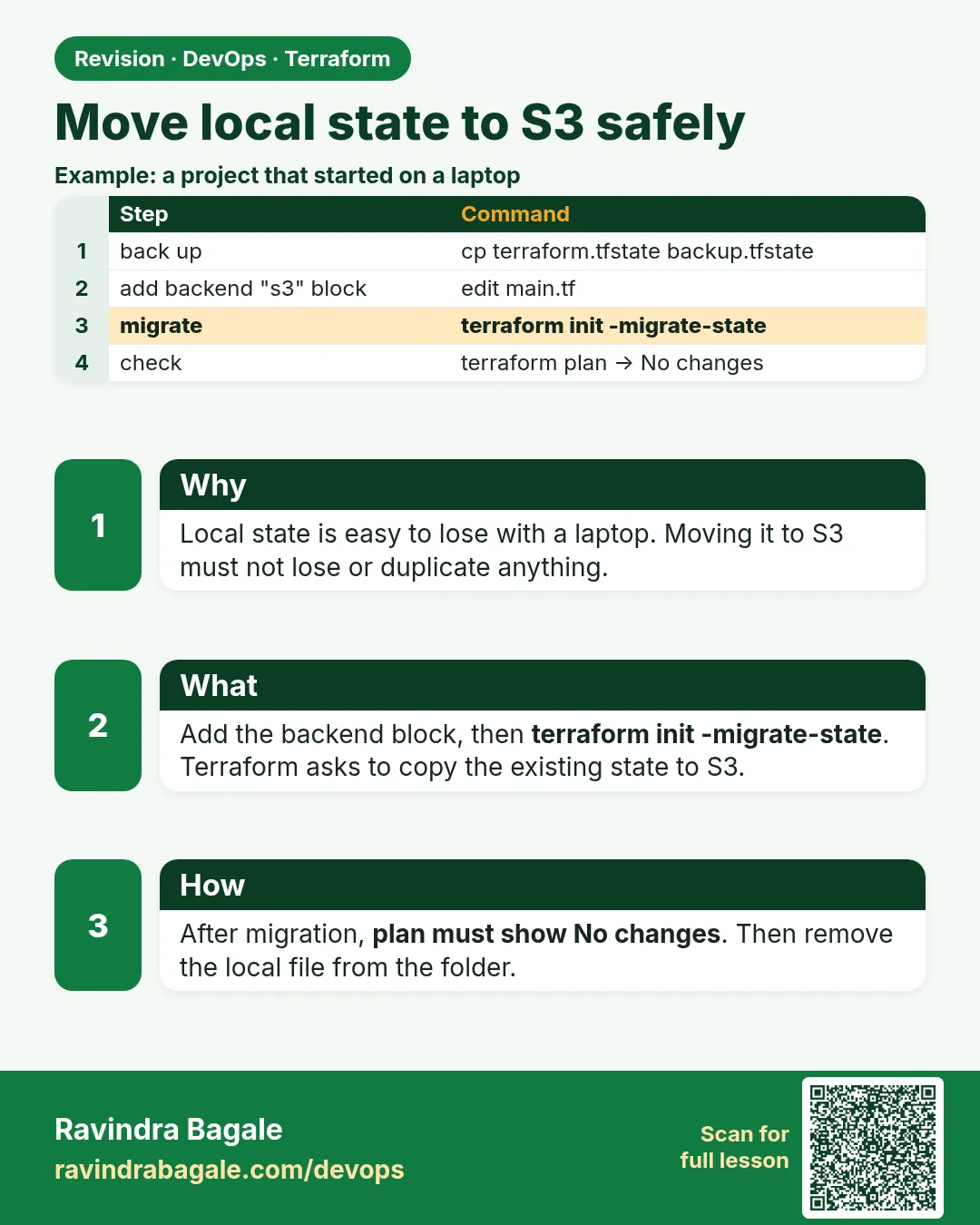
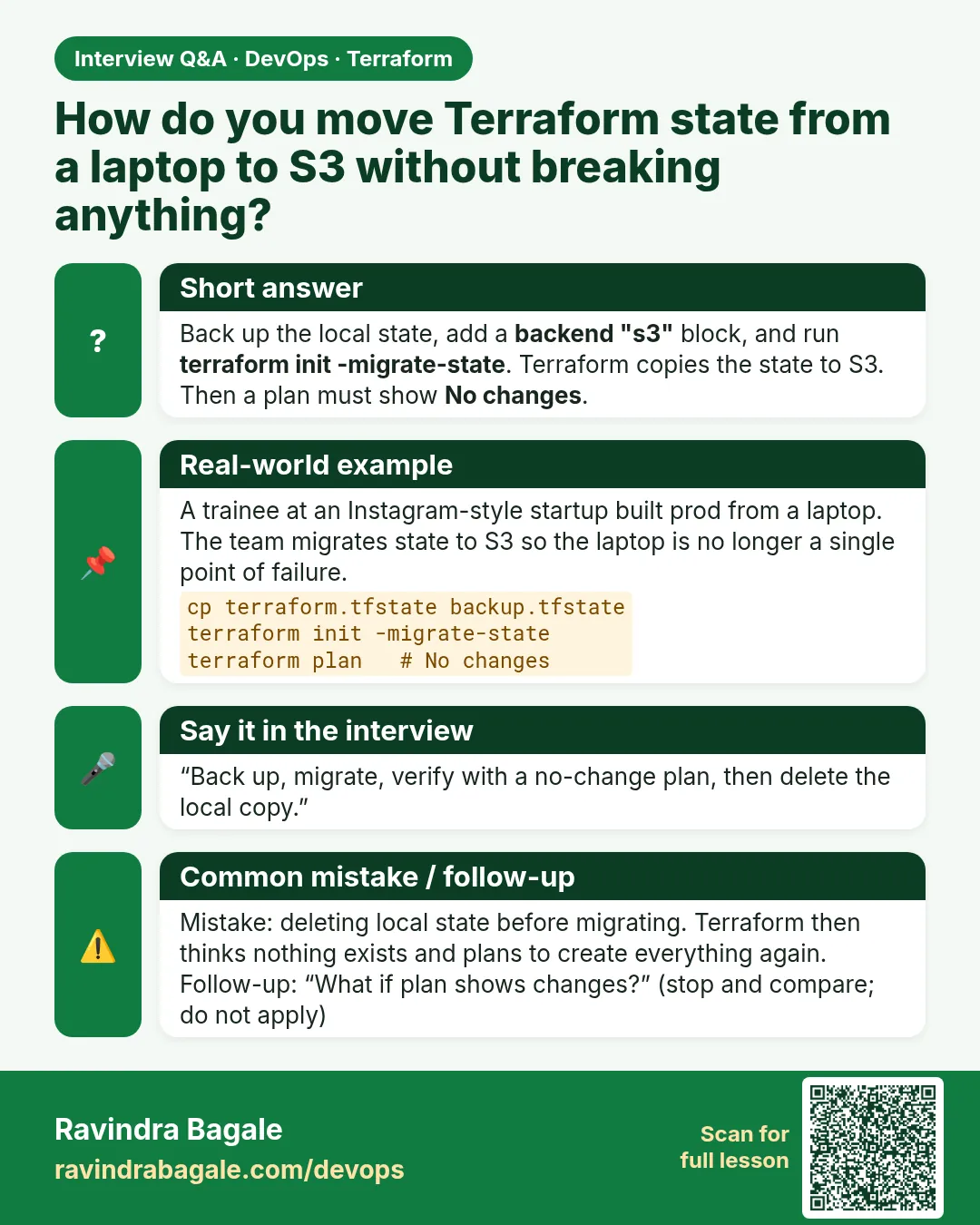
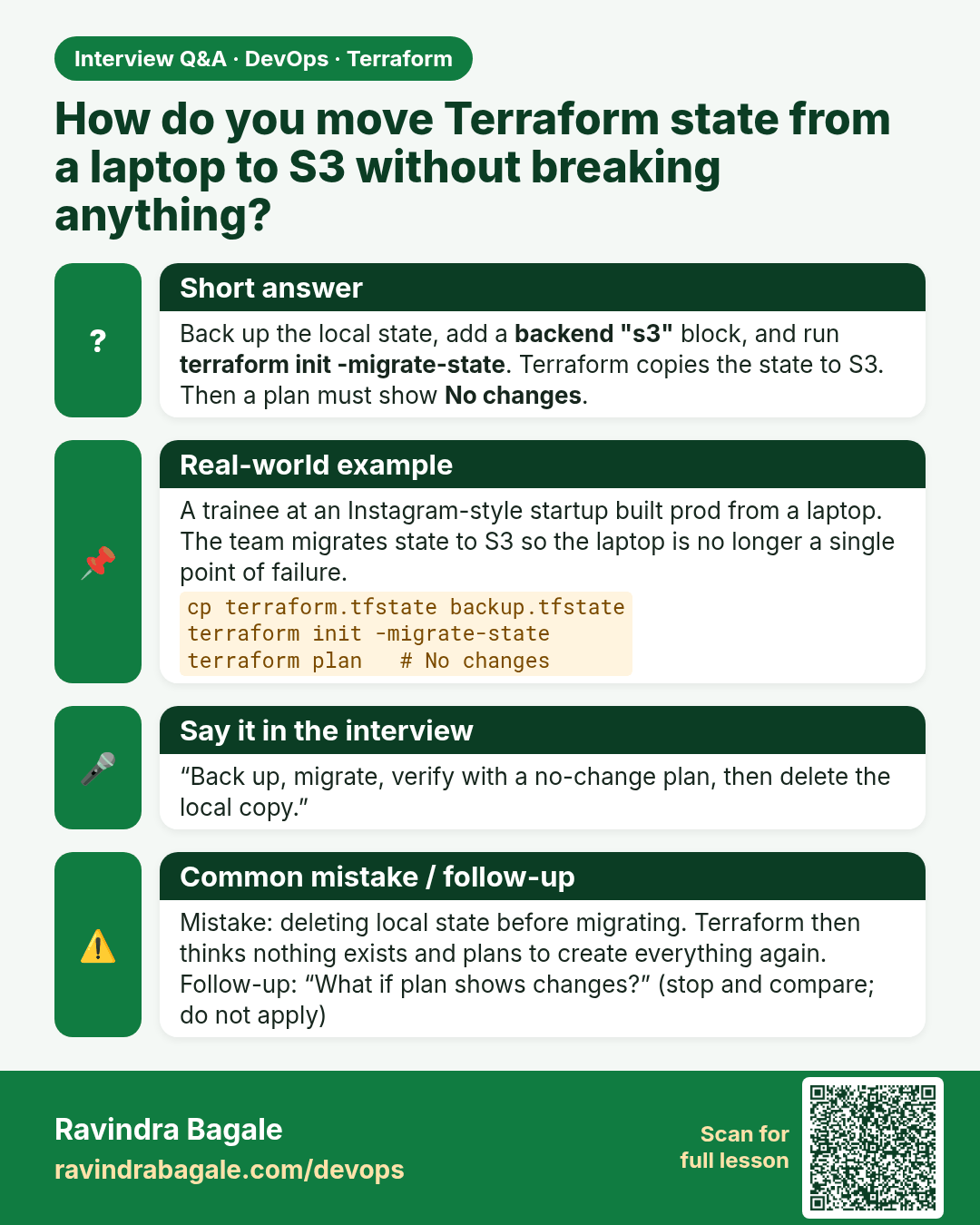
How do you move Terraform state from a laptop to S3 without breaking anything? Back up the local state, add a backend "s3" block, and run terraform init -migrate-state. Terraform copies the state to S3. Then a plan must show No changes.
Interview card 4 of 5: How do you move Terraform state from a laptop to S3 without breaking anything? · Download PNG · Open card page

Lesson: 34.4 Move local state to S3 safely
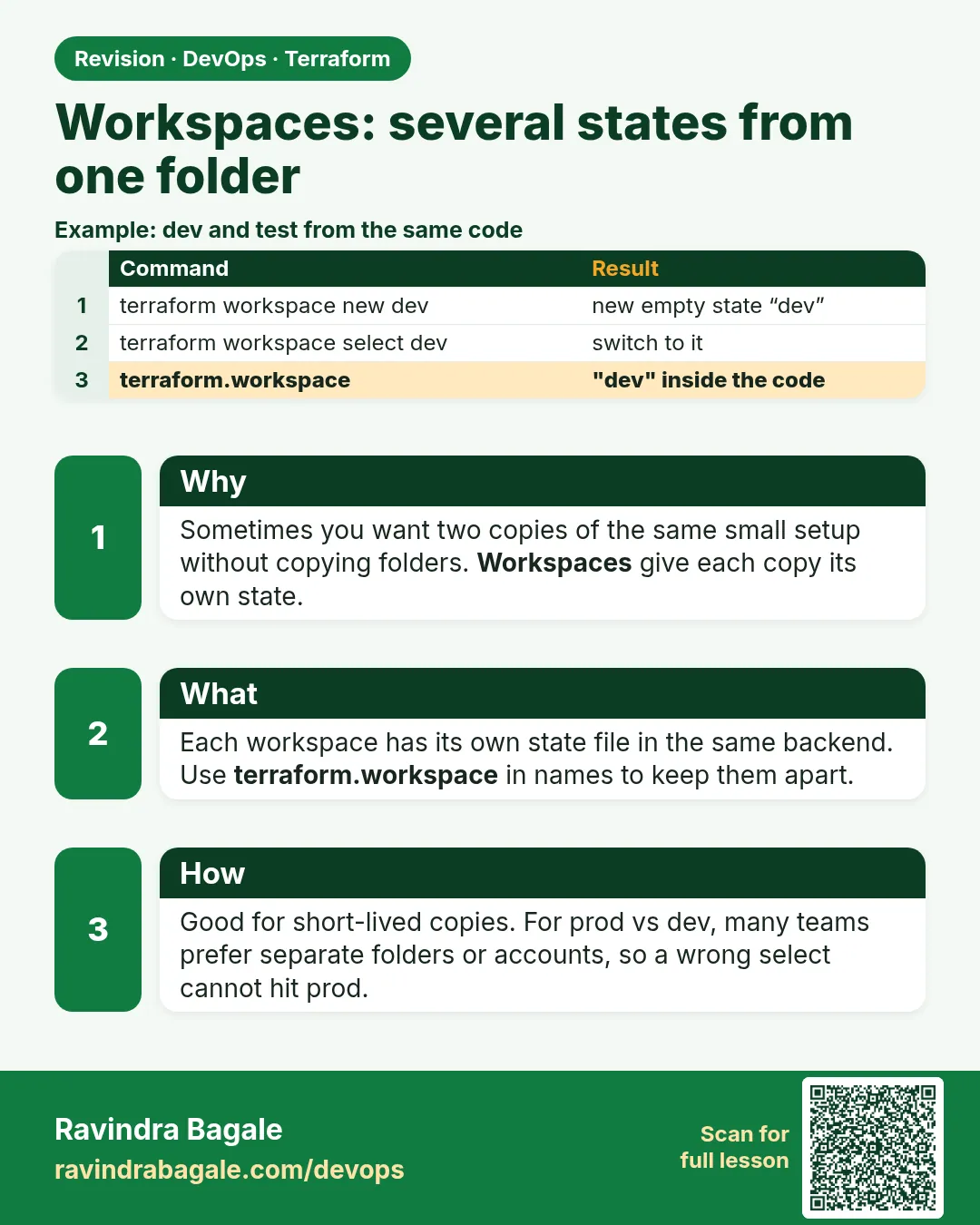
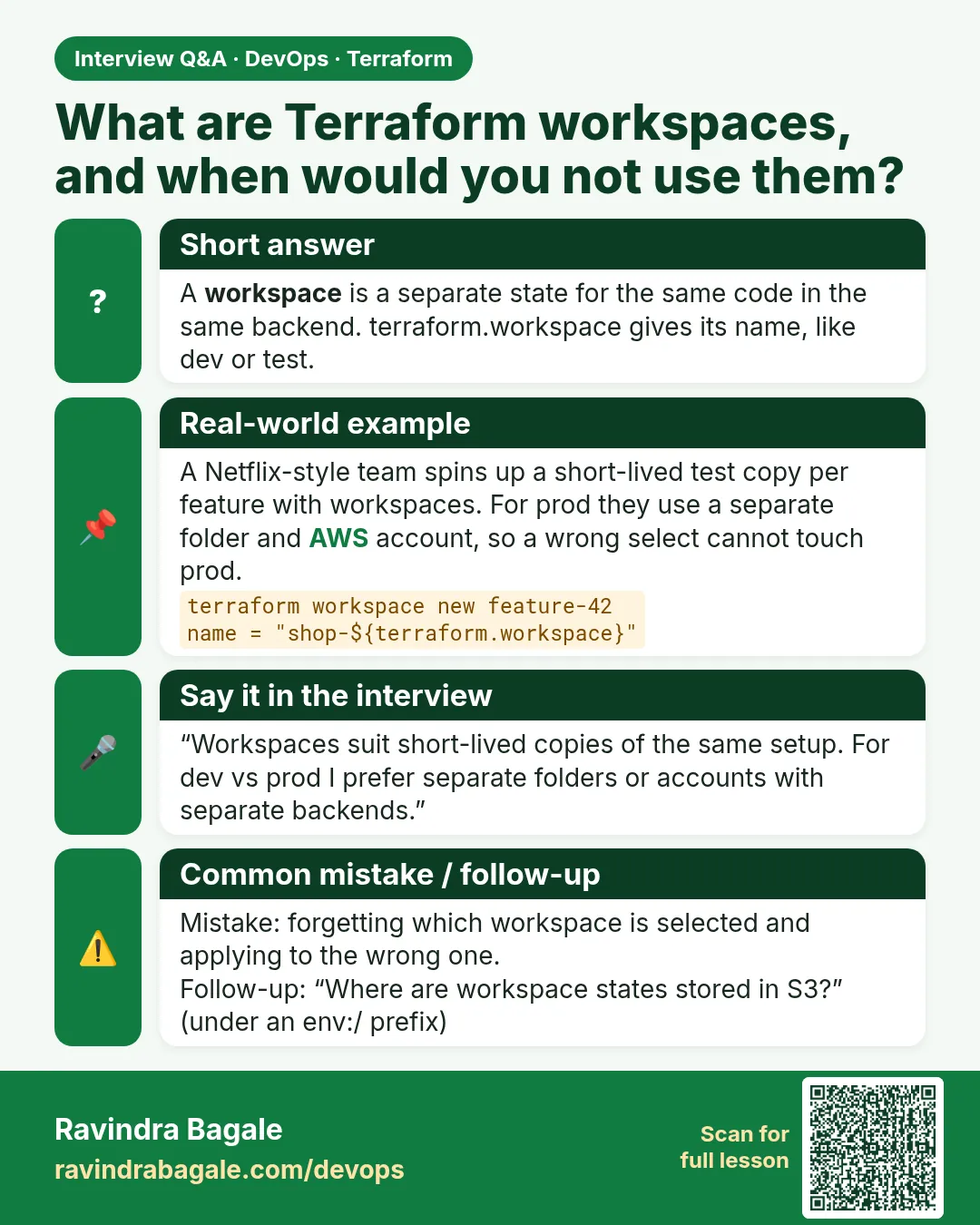
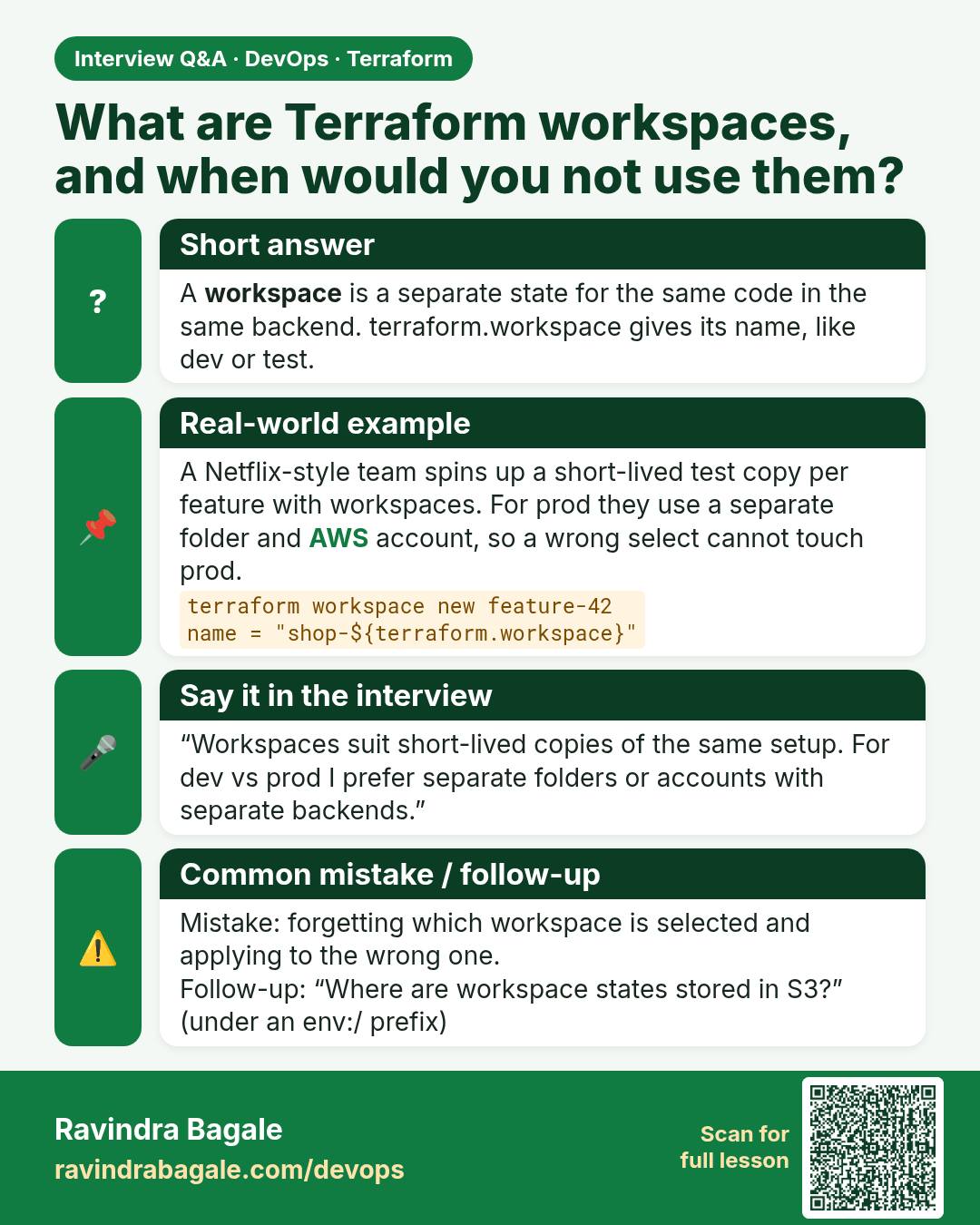
What are Terraform workspaces, and when would you not use them? A workspace is a separate state for the same code in the same backend. terraform.workspace gives its name, like dev or test.
Interview card 5 of 5: What are Terraform workspaces, and when would you not use them? · Download PNG · Open card page

Lesson: 34.5 Workspaces — several states from one folder

Comparison cards
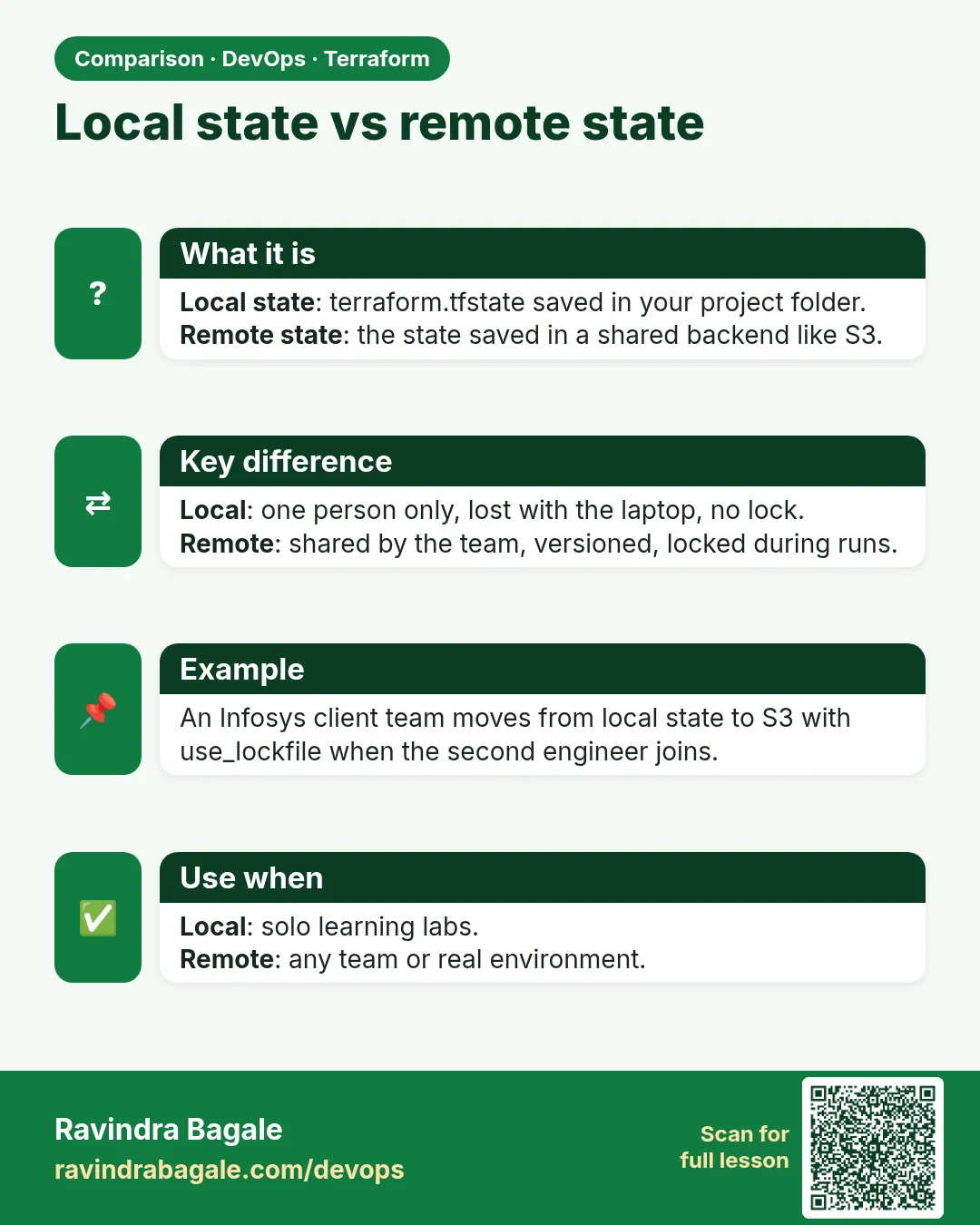
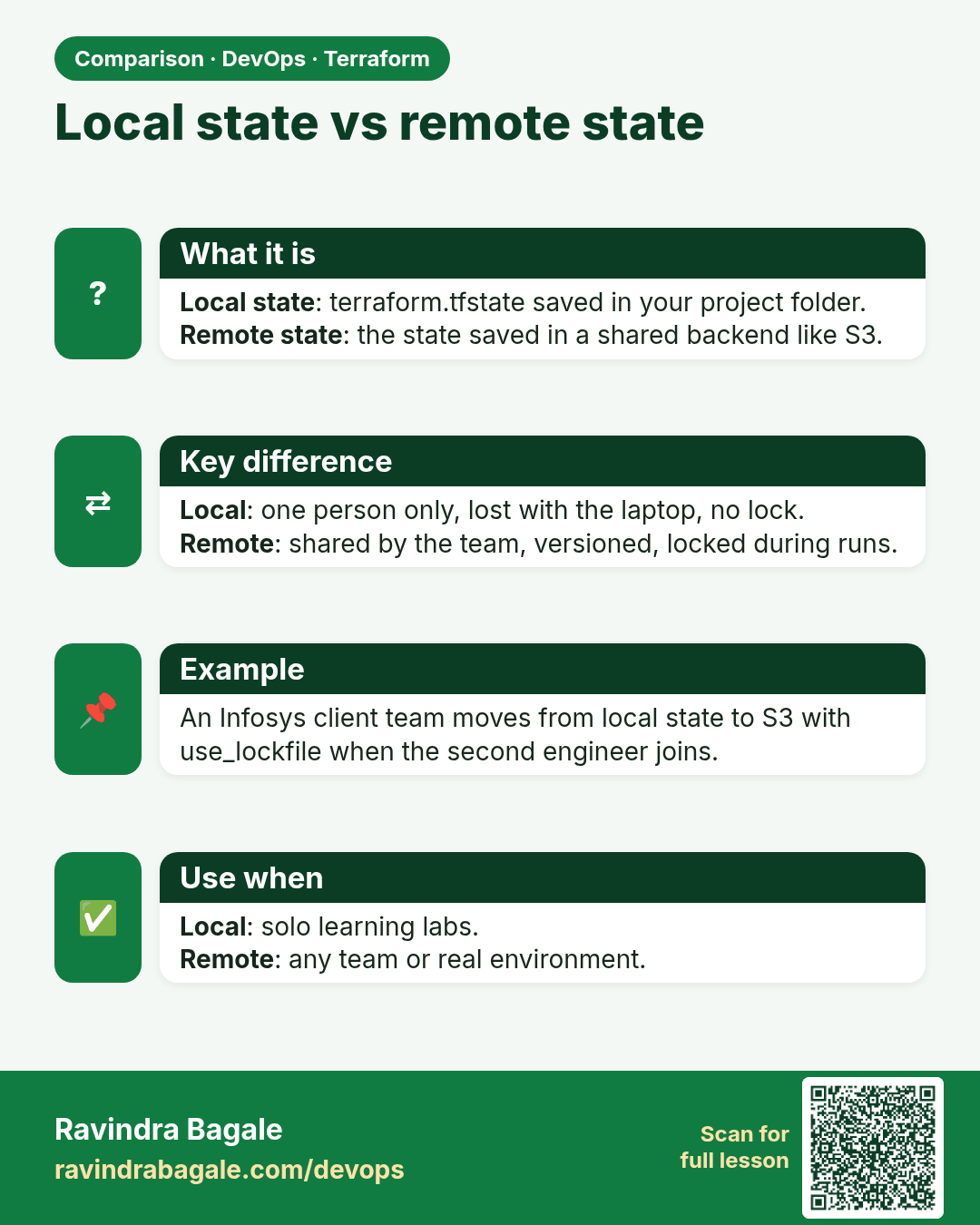
Local state vs remote state. Local state: terraform.tfstate saved in your project folder.Remote state: the state saved in a shared backend like S3.
Comparison card 1 of 3: Local state vs remote state · Download PNG · Open card page

Lesson: Chapter 34: Terraform State Remote S3 Backend Locking and Workspaces
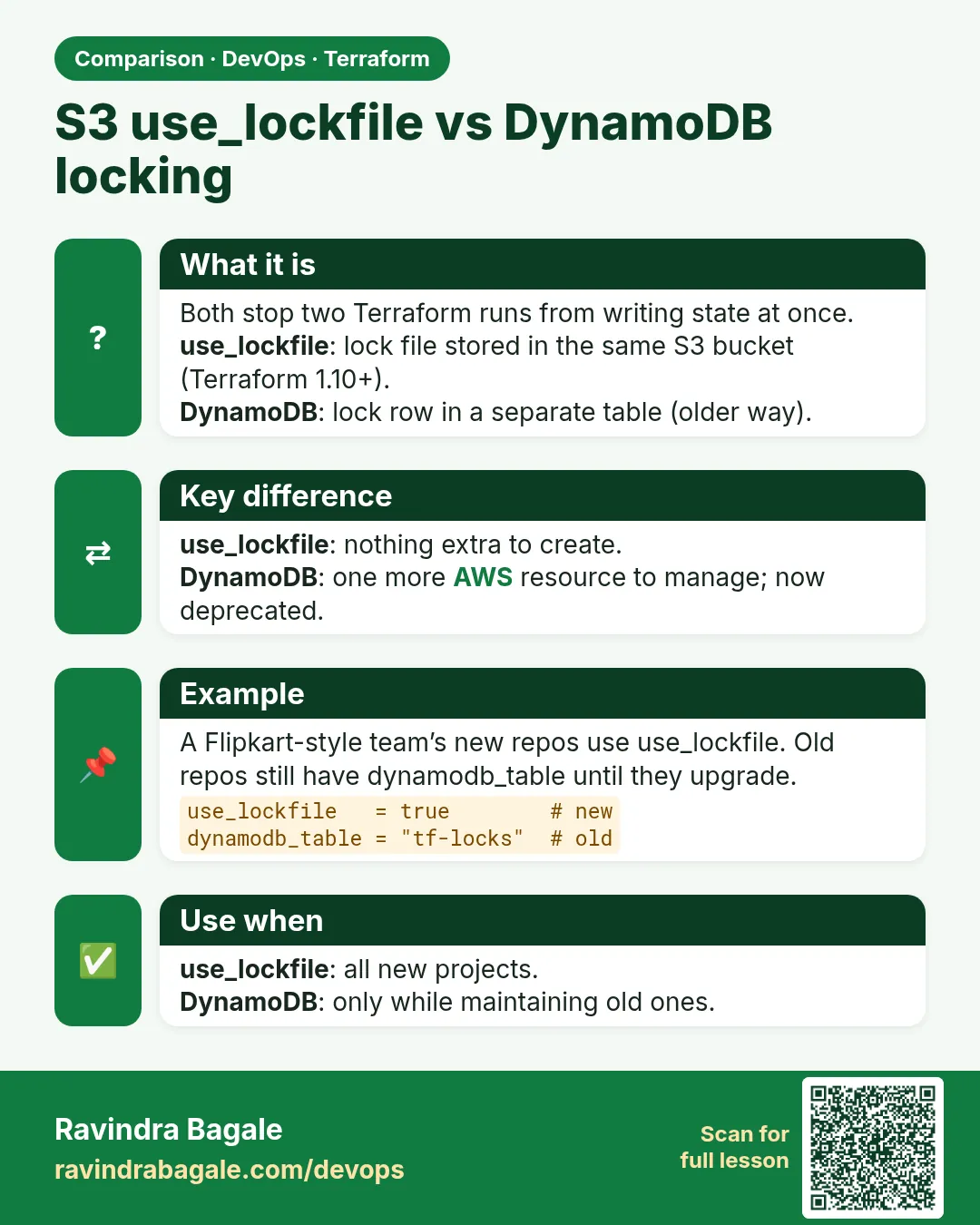
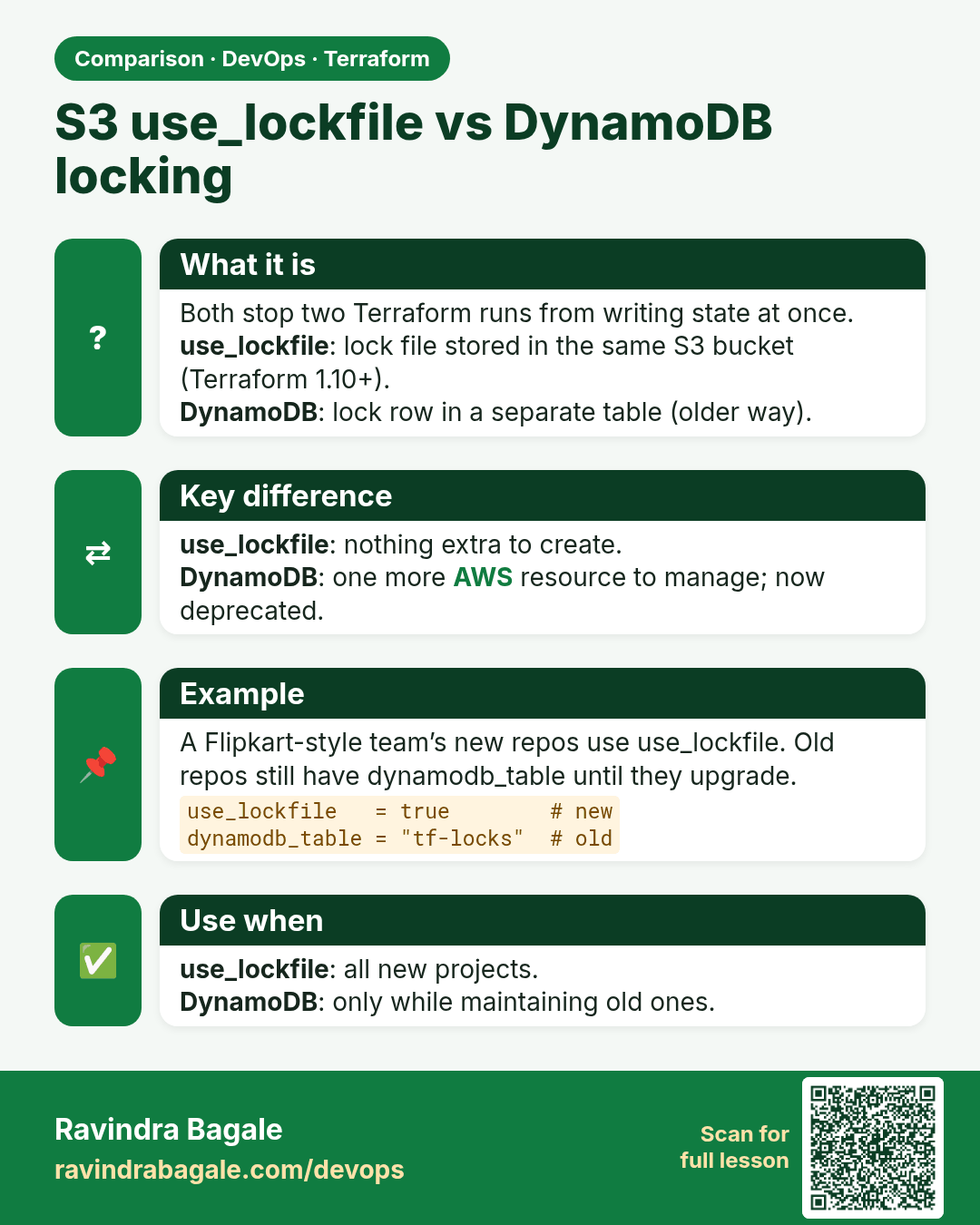
S3 use_lockfile vs DynamoDB locking. Both stop two Terraform runs from writing state at once.use_lockfile: lock file stored in the same S3 bucket (Terraform 1.10+).DynamoDB: lock row in a separate table (older way).
Comparison card 2 of 3: S3 use_lockfile vs DynamoDB locking · Download PNG · Open card page

Lesson: Chapter 34: Terraform State Remote S3 Backend Locking and Workspaces
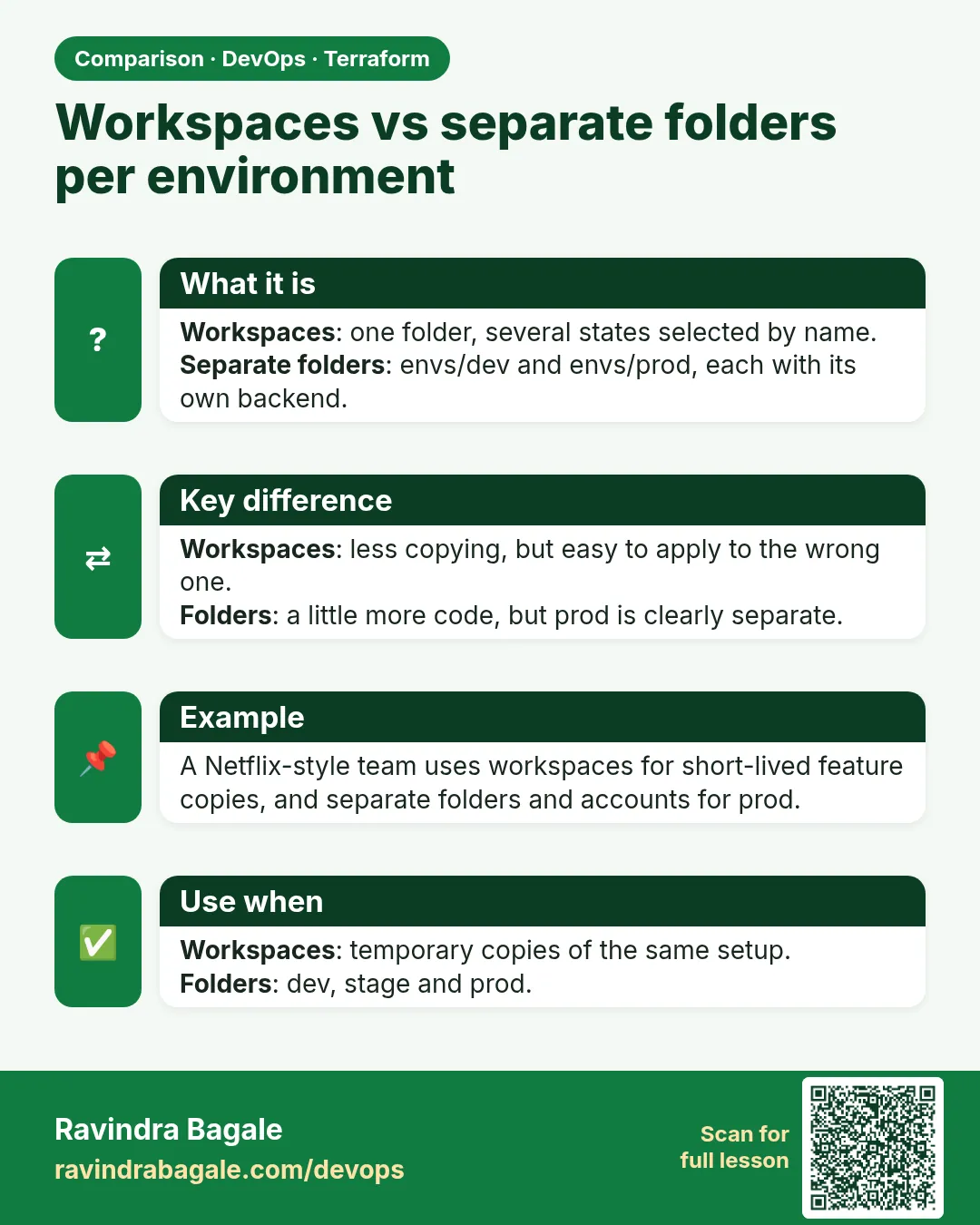
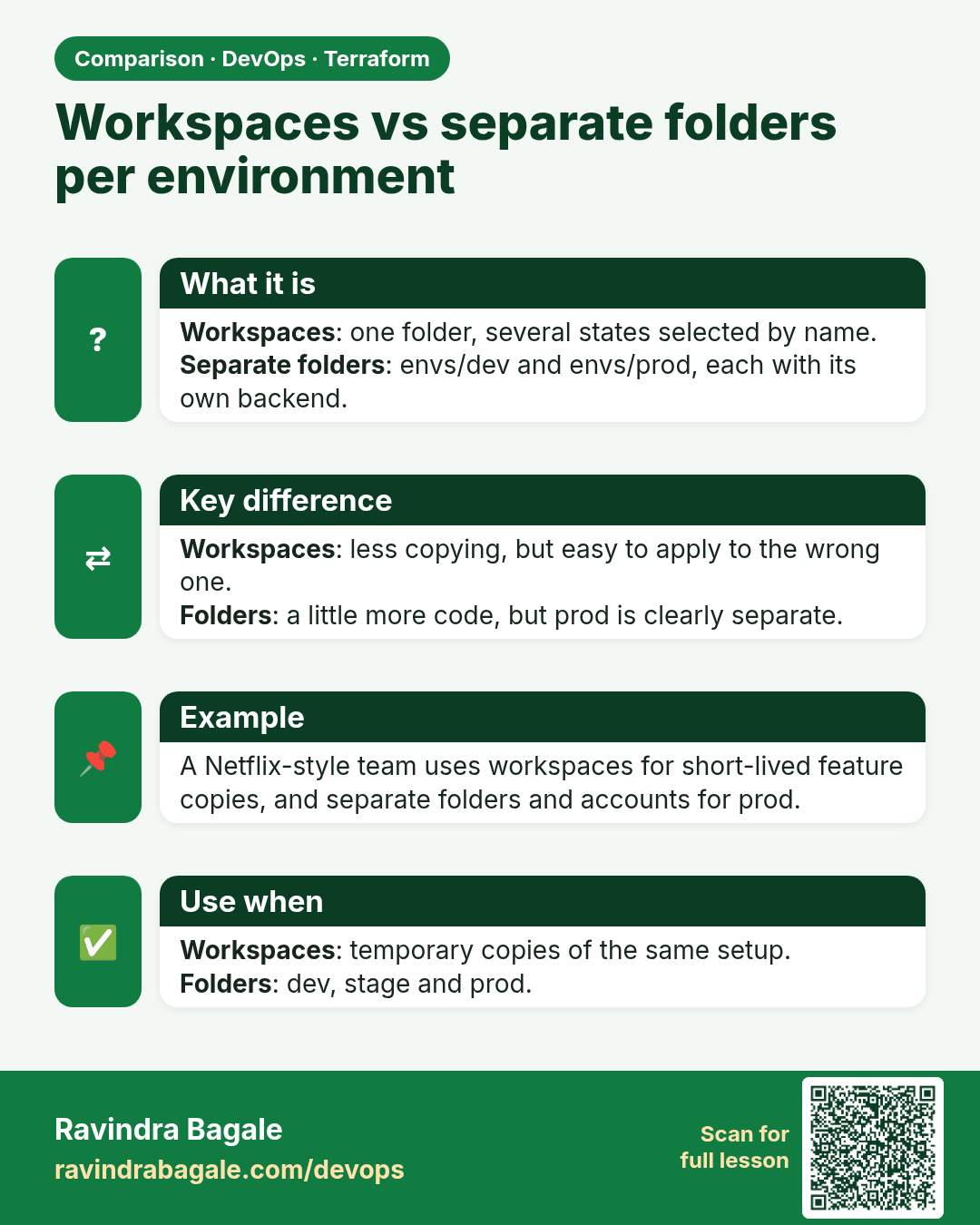
Workspaces vs separate folders per environment. Workspaces: one folder, several states selected by name.Separate folders: envs/dev and envs/prod, each with its own backend.
Comparison card 3 of 3: Workspaces vs separate folders per environment · Download PNG · Open card page

Lesson: Chapter 34: Terraform State Remote S3 Backend Locking and Workspaces