Chapter 34: Terraform State Remote S3 Backend Locking and Workspaces
34.2 Remote S3 backend with native locking (use_lockfile)
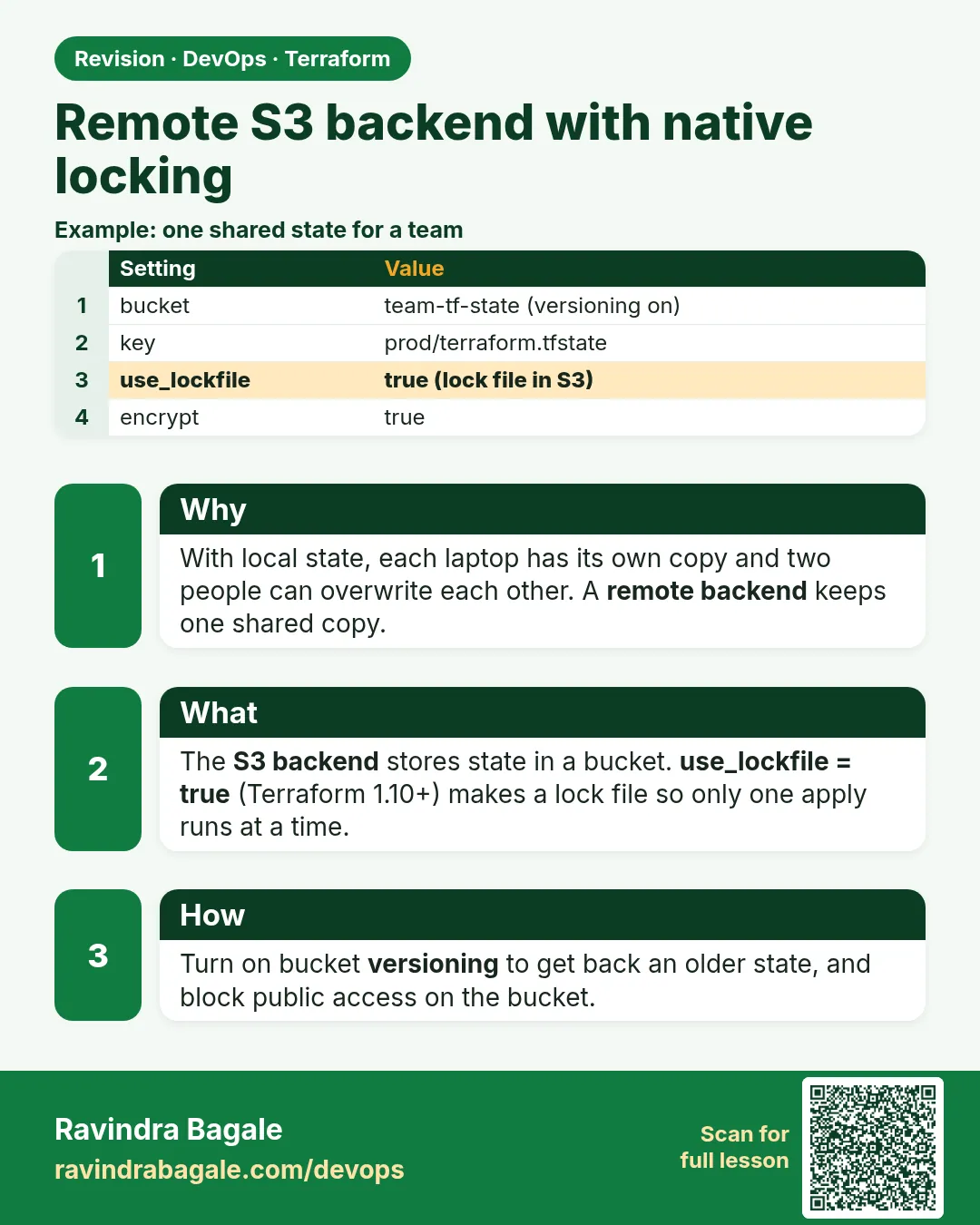
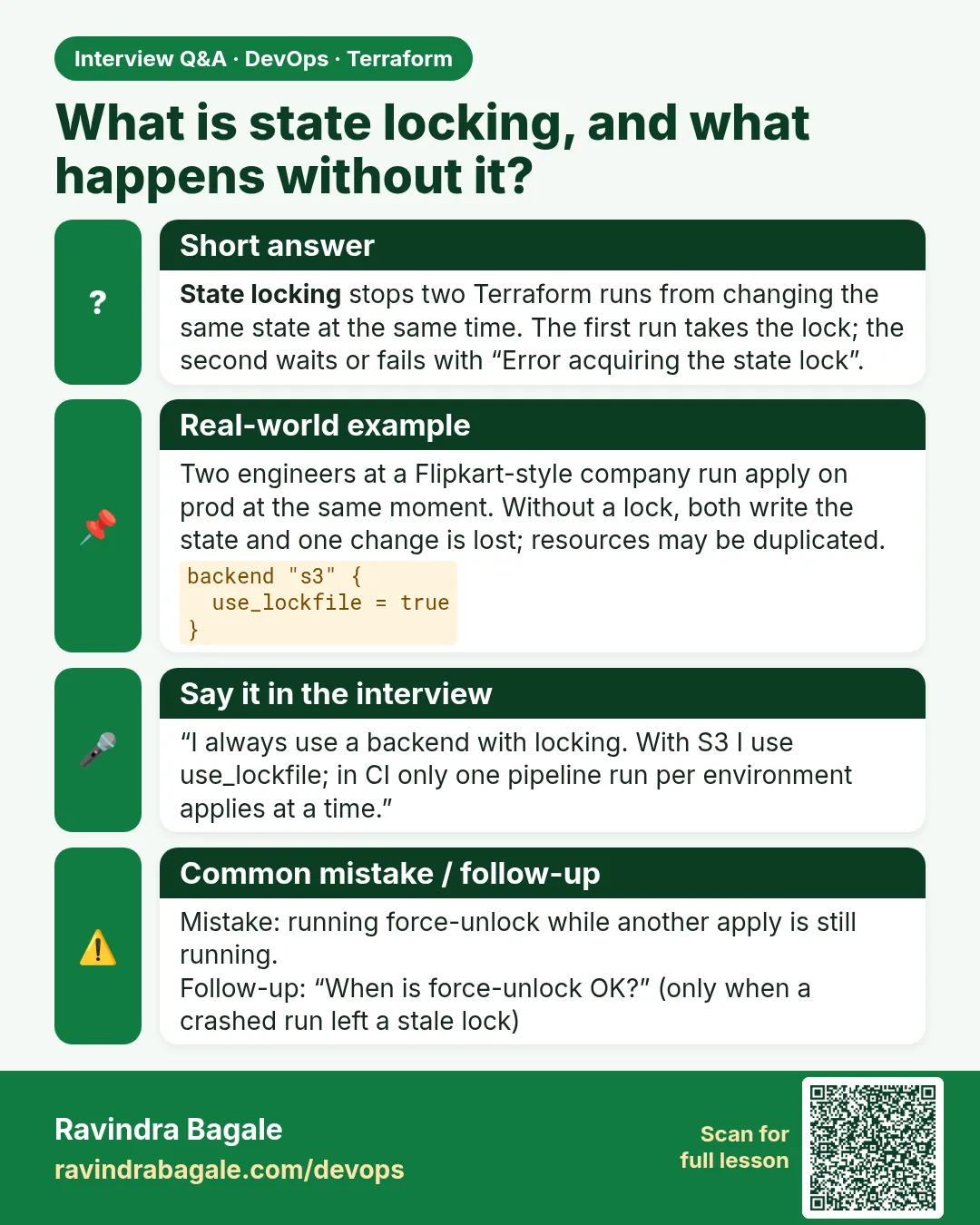
Story. An Infosys client team of six people shared one environment, and two of them ran apply at the same time from different laptops. The state file ended up half-written. A remote backend stores state in one S3 bucket, and locking makes the second person wait. Current Terraform supports S3 native locking with use_lockfile = true, which writes a small .tflock object next to the state, so no DynamoDB table is needed.
Steps
- Apply the bootstrap project once to create the bucket.
- Add backend.tf to the app project.
- Run terraform init.
- Run terraform plan and see Acquiring state lock.
- Ask a teammate to plan at the same time and watch them wait.
# bootstrap/main.tf - create the state bucket once (its own small project)
resource "aws_s3_bucket" "tfstate" {
  bucket = "badge-tfstate-<your-account-id>"
}

resource "aws_s3_bucket_versioning" "tfstate" {
  bucket = aws_s3_bucket.tfstate.id
  versioning_configuration { status = "Enabled" }
}

resource "aws_s3_bucket_server_side_encryption_configuration" "tfstate" {
  bucket = aws_s3_bucket.tfstate.id
  rule {
    apply_server_side_encryption_by_default { sse_algorithm = "aws:kms" }
  }
}

resource "aws_s3_bucket_public_access_block" "tfstate" {
  bucket                  = aws_s3_bucket.tfstate.id
  block_public_acls       = true
  block_public_policy     = true
  ignore_public_acls      = true
  restrict_public_buckets = true
}

# app/backend.tf - every app project points here
terraform {
  backend "s3" {
    bucket       = "badge-tfstate-<your-account-id>"
    key          = "badge-api/dev/terraform.tfstate"
    region       = "ap-south-1"
    encrypt      = true
    use_lockfile = true
  }
}
What each line does
resource "aws_s3_bucket" "tfstate" {— Creates the bucket that will hold state; this lives in a separate bootstrap project.bucket = "badge-tfstate-<your-account-id>"— A unique bucket name with your account id as a placeholder.versioning_configuration { status = "Enabled" }— Keeps every old state version so a bad write can be rolled back.sse_algorithm = "aws:kms"— Encrypts state at rest with KMS.block_public_acls = true (and the three lines after)— Blocks every form of public access to the bucket.backend "s3" {— Tells this app project to store state in S3 instead of a local file.key = "badge-api/dev/terraform.tfstate"— The object path for this project and environment inside the bucket.region = "ap-south-1"— The region of the state bucket; backend blocks cannot use variables.encrypt = true— Asks S3 to encrypt the state object.use_lockfile = true— Turns on S3 native locking with a .tflock object, so two applies cannot run together.
When it is green.
Initializing the backend...
Successfully configured the backend "s3"! Terraform will automatically
use this backend unless the backend configuration changes.

Acquiring state lock. This may take a few moments...
Plan: 0 to add, 0 to change, 0 to destroy.
When it is red.
Error: Error acquiring the state lock
Error message: operation error S3: PutObject, https response error StatusCode: 412, PreconditionFailed
Lock Info:
  ID:        3f2a...
  Path:      badge-tfstate-.../badge-api/dev/terraform.tfstate
  Who:       jenkins@build-agent
  Operation: OperationTypeApply
Fix. Someone else is applying right now. Wait for them. Only if that run truly crashed, run terraform force-unlock
What: every term in plain English
- backend — The place where Terraform keeps state. Local is the default; s3 is the team choice on AWS.
- bootstrap project — A tiny separate Terraform folder that creates the state bucket itself, because a project cannot store its state in a bucket it has not made yet.
- key — The path of the state object inside the bucket, such as badge-api/dev/terraform.tfstate.
- use_lockfile — S3 backend option. Terraform writes KEY.tflock next to the state while it runs, and removes it at the end.
- encrypt — Asks S3 to encrypt the state object at rest.
- bucket versioning — S3 keeps every older copy of the state object, so you can roll back a bad write.
- partial configuration — Leaving some backend values out of code and giving them at init with -backend-config.
Example 1: Create the state bucket with a bootstrap project
At a Zomato-style platform team, the first ticket for any new AWS account is "make the state bucket". It is a small project of its own, applied once with local state.
- Make a folder named bootstrap.
- Paste the bucket, versioning, encryption and public access block from the lesson.
- Replace the account id placeholder with your own account id.
- Run init and apply.
cd bootstrap
aws sts get-caller-identity --query Account --output text
terraform init
terraform apply -auto-approve
aws s3api get-bucket-versioning --bucket badge-tfstate-123456789012
Output
123456789012
Apply complete! Resources: 4 added, 0 changed, 0 destroyed.
{
    "Status": "Enabled"
}
What it shows: The bucket now exists with versioning on. Keep the bootstrap state file safe; it is the only local state you will keep.
Example 2: Point an app project at the bucket
Every app folder at an Infosys client had the same backend block with a different key. One bucket, many keys, one state per project and environment.
- Go to the app folder.
- Add backend.tf from the lesson with your bucket name.
- Run terraform init.
- Apply something small and list the bucket.
cd ../app
terraform init
terraform apply -auto-approve
aws s3 ls s3://badge-tfstate-123456789012/badge-api/dev/
Output
Initializing the backend...

Successfully configured the backend "s3"! Terraform will automatically
use this backend unless the backend configuration changes.
Apply complete! Resources: 1 added, 0 changed, 0 destroyed.
2026-10-25 10:31:08       2143 terraform.tfstate
What it shows: No terraform.tfstate appears in your app folder any more. The state lives in S3 under the key you chose.
Example 3: Watch the lock file appear during apply
Two Swiggy engineers once wondered if locking really works. Open two terminals and see the .tflock object and the error for the second person.
- In terminal 1, run a slow apply with a time_sleep resource.
- In terminal 2, list the bucket.
- In terminal 2, run plan while terminal 1 still runs.
- Wait for terminal 1 to finish and list again.
resource "time_sleep" "wait" {
  create_duration = "60s"
}
# terminal 2, while terminal 1 is applying
aws s3 ls s3://badge-tfstate-123456789012/badge-api/dev/
terraform plan
Output
2026-10-25 10:35:40       2143 terraform.tfstate
2026-10-25 10:35:41        212 terraform.tfstate.tflock
Error: Error acquiring the state lock

Lock Info:
  Path:      badge-tfstate-123456789012/badge-api/dev/terraform.tfstate
  Operation: OperationTypeApply
  Who:       ravi@laptop
What it shows: The second run stops instead of writing over the first. When apply ends, the .tflock object is gone.
Example 4: Keep the bucket name out of code with partial configuration
A TCS team used the same code for three AWS accounts. They kept an empty backend block and passed values per account at init.
- Leave only the backend type in code.
- Write dev.s3.tfbackend with the values.
- Run init with -backend-config.
# backend.tf
terraform {
  backend "s3" {}
}
# dev.s3.tfbackend
bucket       = "badge-tfstate-123456789012"
key          = "badge-api/dev/terraform.tfstate"
region       = "ap-south-1"
encrypt      = true
use_lockfile = true
terraform init -backend-config=dev.s3.tfbackend
Output
Successfully configured the backend "s3"!
What it shows: The same code now works for any account. Jenkins passes a different tfbackend file per environment.
Command cheat sheet
| Command | What it does | When to use it |
|---|---|---|
terraform init |
Connects the folder to the backend | After adding or changing backend.tf |
terraform init -backend-config=FILE |
Gives backend values at init | Same code, many accounts |
terraform init -reconfigure |
Forgets the old backend setting | Switching to a new bucket without moving state |
terraform state pull |
Reads state from S3 | Backup or inspect remote state |
aws s3 ls s3://BUCKET/KEY_PREFIX/ |
Lists state and lock objects | Check where state landed |
aws s3api list-object-versions |
Shows old state versions | Roll back a bad write |
Verify: did it work?
-
State is in S3
aws s3 ls s3://badge-tfstate-123456789012/badge-api/dev/Output
2026-10-25 10:31:08 2143 terraform.tfstate -
No local state
ls terraform.tfstateOutput
ls: cannot access 'terraform.tfstate': No such file or directory
When it is red 1
Error: Failed to get existing workspaces: S3 bucket does not exist.
Cause. The bucket name in backend.tf is wrong or the bootstrap was never applied.
Fix, step by step
- Run aws s3 ls and find the real bucket name.
- Fix the bucket value.
- Run terraform init again.
When it is red 2
Error: AccessDenied: Access Denied (status 403) on PutObject terraform.tfstate.tflock
Cause. Your IAM user or Jenkins role can read state but cannot write the lock object.
Fix, step by step
- Open the IAM policy.
- Allow s3:GetObject, s3:PutObject and s3:DeleteObject on the KEY and KEY.tflock paths.
- Allow s3:ListBucket on the bucket.
- Run plan again.
When it is red 3
Error: Backend configuration changed
Cause. You edited backend.tf after init.
Fix, step by step
- Decide: move state or start fresh.
- Run terraform init -migrate-state to move it.
- Run terraform init -reconfigure only if you do not need the old state.
Cleanup
cd app && terraform destroy -auto-approve
# keep bootstrap if you will do the next lessons
Ravindra Bagale's Tip
Name keys as project/environment/terraform.tfstate. Six months later anyone can find the right state in ten seconds.
Practice tasks
Easy Bootstrap
Why: Have a real state bucket.
What to do: Apply the bootstrap folder in your account.
- Use your account id in the name.
Check: Versioning Status Enabled.
Easy Connect an app
Why: Move state off the laptop.
What to do: Add backend.tf to an app folder and apply.
- Run init first.
Check: terraform.tfstate listed in S3.
Medium See the lock
Why: Trust locking.
What to do: Run two plans at once with a time_sleep resource.
- Use two terminals.
Check: Error acquiring the state lock.
Medium Partial config
Why: Reuse code across accounts.
What to do: Move backend values into dev.s3.tfbackend.
- Use -backend-config.
Check: Backend configured from the file.
Easy Say it in two lines
Why: If you can say it simply, you understand it.
What to do: Write two short lines about this lesson for a fresher.
- Write the problem it solves.
- Write the one command or file you use.
- Read it aloud.
Check: A fresher understands it without a question.
Easy Start a safe lab folder
Why: Practice needs a throwaway place.
What to do: Make a new folder with versions.tf and a random_pet resource, so no AWS cost.
- mkdir tf-lab and cd into it.
- Add the hashicorp/random provider and one random_pet.
- Run terraform init and terraform apply.
Check: Apply complete! with 1 added.
Medium Break it on purpose
Why: You must know the red output by face.
What to do: Cause one error from the red part of this lesson and fix it.
- Follow one red section.
- Copy the exact message to your notes.
- Write the fix in one line.
Check: You fixed it without searching the web.
Medium Run it twice
Why: A second run must be quiet.
What to do: Run the same plan two times with no edits.
- Run terraform plan.
- Run it again.
- Explain any change it still shows.
Check: The second plan says No changes, or you can explain each line.
Medium Write a runbook page
Why: At 2 a.m. nobody remembers flags.
What to do: Write a one-page runbook for this lesson.
- Title, when to use, exact commands, how to check, how to undo.
Check: A teammate can follow it alone.
Medium Run it from a pipeline
Why: Real teams run Terraform from CI, not from laptops.
What to do: Run the main command of this lesson inside a GitHub Actions or Jenkins job.
- Add a job with hashicorp/setup-terraform or a Terraform Docker image.
- Give it AWS access through an IAM role, never a key in the file.
- Run init, then the command from this lesson.
Check: The job log shows the same output you saw on your laptop.
Medium Check the cost
Why: Labs left running cost real money.
What to do: Find what this lesson would cost per day if you forgot to destroy it.
- Open the AWS Pricing Calculator.
- Add each resource from your plan.
- Write the daily cost in your notes.
Check: You know the daily cost and you ran terraform destroy.
Hard Draw the flow top to bottom
Why: A drawing shows the order of work.
What to do: Draw this lesson as boxes from top to bottom.
- Start at your code, go through plan and state, end at AWS.
- Mark where each command reads or writes.
Check: Each box matches a real step you ran.
Hard Explain it like an interview
Why: Interviewers want real stories.
What to do: Record a 60 second answer about this lesson.
- Say the problem, the command, and one error you hit.
Check: Your answer has a real command and a real error message.
Homework: try at home
Try at home
Write the IAM policy a Jenkins role needs to use your state bucket with use_lockfile, listing each action and the path it applies to.
Recap
- A bootstrap project creates the state bucket once.
- backend "s3" stores state under one key per project and environment.
- use_lockfile writes a .tflock object to stop two applies.
- Versioning lets you roll back a bad write.
- Partial configuration keeps account values out of code.
FAQ
Can the app project create its own state bucket?
No. The bucket must exist before init, so it lives in a separate bootstrap project.
Do I still need DynamoDB?
Not with use_lockfile on current Terraform. The next lesson shows DynamoDB because older projects still use it.
Can I use variables inside the backend block?
No. Backend values are read before variables. Use partial configuration instead.
What if the lock stays after a crash?
Use terraform force-unlock with the lock id, only after confirming no run is active.
Is state encrypted?
Yes when encrypt is true and the bucket has default encryption.
Interview questions
-
Why use a remote backend?
So the team shares one state, it is backed up and encrypted, and locking stops parallel applies.
-
How does S3 native locking work?
Terraform writes a .tflock object next to the state with a conditional write and removes it at the end.
-
How do you create the state bucket itself?
With a small bootstrap project that uses local state, applied once.
-
How do you use one codebase for many accounts?
Empty backend block plus -backend-config files per account.
-
What permissions does Terraform need on the bucket?
ListBucket on the bucket, and Get, Put and Delete on the state and lock keys.
Quick quiz
Q1. Which option turns on S3 native locking?
use_lockfile = true
Q2. What file name ending does the lock object have?
.tflock
Q3. Can backend blocks use var.x?
No
Q4. Which init flag gives backend values from a file?
-backend-config
Q5. Why turn on bucket versioning?
To roll back a bad state write.
Samajla ka?
 Revision card
 Interview card