52.3 CMD vs ENTRYPOINT
Friends, this is the most asked Dockerfile question in interviews. CMD and ENTRYPOINT both decide what runs when the container starts, but they behave differently when you pass arguments. Today we test every combination by hand.
मित्रांनो, interview मध्ये Dockerfile बद्दल सगळ्यात जास्त विचारला जाणारा हा प्रश्न. CMD आणि ENTRYPOINT दोन्ही container सुरू झाल्यावर काय चालेल ते ठरवतात, पण arguments दिल्यावर वेगळे वागतात. आज प्रत्येक combination हाताने test करू.
दोस्तों, interview में Dockerfile का यह सबसे ज़्यादा पूछा जाने वाला सवाल है. CMD और ENTRYPOINT दोनों तय करते हैं कि container शुरू होने पर क्या चलेगा, पर arguments देने पर अलग बर्ताव करते हैं. आज हर combination हाथ से test करेंगे.
1. Start from a story
Priya built a small image at Zomato that pinged restaurant partner APIs. Her teammates wanted to run it against different hosts.
With CMD ["ping","partner-api"], every teammate had to type the whole command again: docker run pinger ping other-host. Someone typed it wrong and pinged production by mistake.
Her lead suggested: make ping the ENTRYPOINT and the default host the CMD. Now teammates just type docker run pinger other-host. The program stays fixed; only the argument changes.
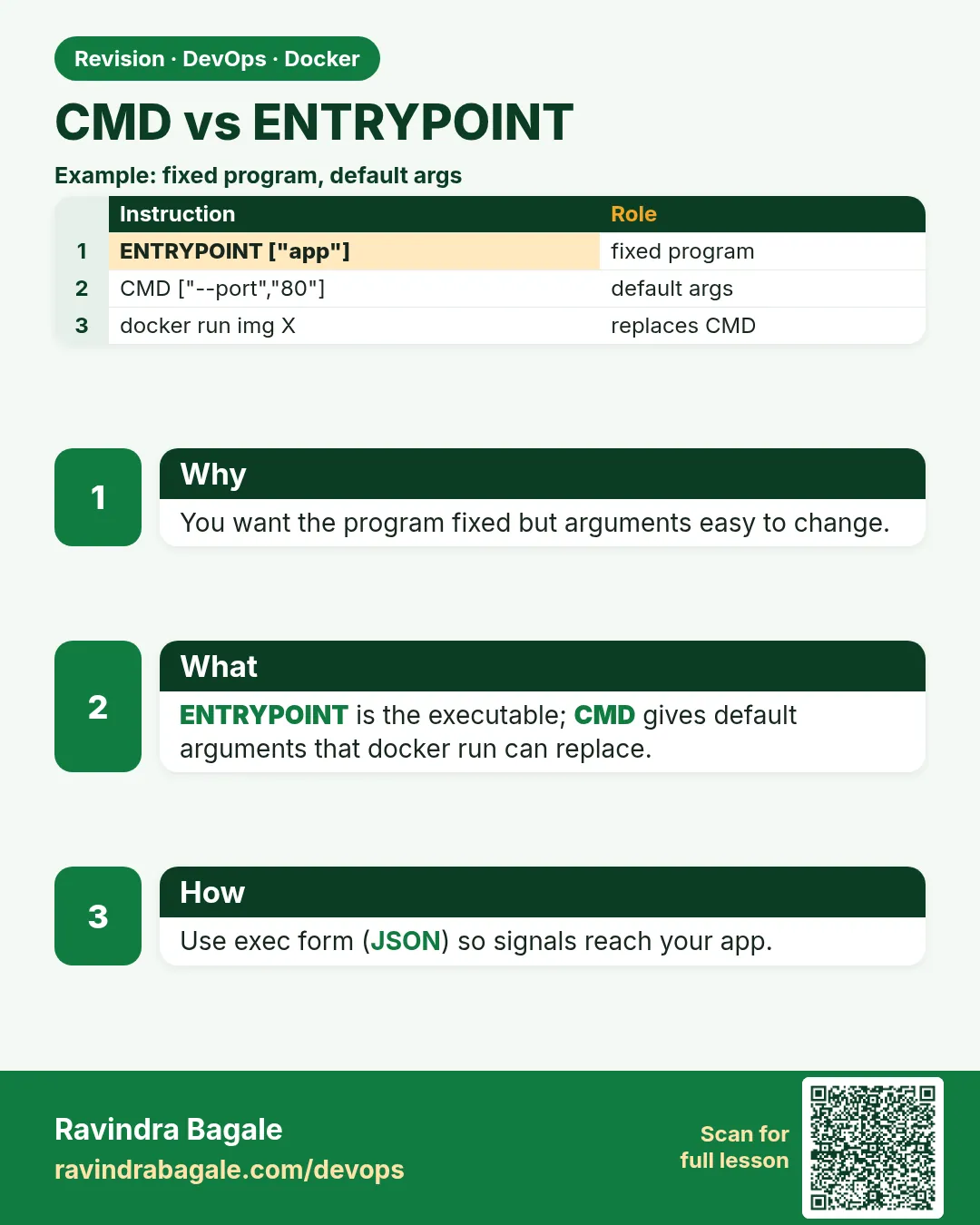
That is the whole idea. ENTRYPOINT is the program. CMD is the default arguments. Today we build Priya's image and prove every rule.
2. CMD alone
Step 1: CMD sets a default command
Why: An image should do something useful by default.
What: CMD is the command used when docker run has no extra words.
Example 1: Default runs
Type this:
printf 'FROM alpine:3.20\nCMD ["echo","hello"]\n' > Dockerfile
docker build -t c1 . && docker run --rm c1
You will see:
hello
What it means: CMD ran.
Example 2: Replace it
Type this:
docker run --rm c1 date
You will see:
Sat Oct 25 06:10:11 UTC 2026
What it means: Extra words replaced the whole CMD.
Example 3: See it
Type this:
docker image inspect c1 -f '{{json .Config.Cmd}}'
You will see:
["echo","hello"]
What it means: Stored in the image config.
Step 2: Only the last CMD counts
Why: People write two CMD lines and wonder why one is ignored.
What: If a Dockerfile has several CMD lines, only the last is used.
Example 4: Two CMDs
Type this:
printf 'FROM alpine:3.20\nCMD ["echo","first"]\nCMD ["echo","second"]\n' > Dockerfile
docker build -t c2 . && docker run --rm c2
You will see:
second
What it means: First is ignored.
Example 5: Inherited CMD
Type this:
docker image inspect nginx:1.27 -f '{{json .Config.Cmd}}'
You will see:
["nginx","-g","daemon off;"]
What it means: Base images bring their own CMD.
Example 6: Override inherited
Type this:
printf 'FROM nginx:1.27\nCMD ["nginx","-T"]\n' > Dockerfile
docker build -t c3 . && docker run --rm c3 | head -1
You will see:
nginx: the configuration file /etc/nginx/nginx.conf syntax is ok
What it means: Your CMD wins over the base.
Step 3: Shell form vs exec form for CMD
Why: The form changes who is PID 1.
What: Exec form runs your program as PID 1. Shell form makes sh PID 1, and sh does not pass Ctrl+C or docker stop signals.
Example 7: Exec form PID
Type this:
printf 'FROM alpine:3.20\nCMD ["sleep","300"]\n' > Dockerfile
docker build -t e1 . && docker run -d --name e1 e1 && docker exec e1 ps -o pid,args | head -2
You will see:
PID   COMMAND
    1 sleep 300
What it means: sleep is PID 1.
Example 8: Shell form PID
Type this:
printf 'FROM alpine:3.20\nCMD sleep 300\n' > Dockerfile
docker build -t s1 . && docker run -d --name s1 s1 && docker exec s1 ps -o pid,args | head -2
You will see:
PID   COMMAND
    1 /bin/sh -c sleep 300
What it means: sh is PID 1.
Example 9: Stop time
Type this:
time docker stop e1 s1
You will see:
e1
s1
real 0m10.4s
What it means: s1 ignored SIGTERM and was killed after 10 s; always prefer exec form.
3. ENTRYPOINT
Step 4: ENTRYPOINT makes the image a program
Why: Some images are tools, like a CLI.
What: With ENTRYPOINT, docker run arguments are appended instead of replacing.
Example 10: Tool image
Type this:
printf 'FROM alpine:3.20\nENTRYPOINT ["echo","you said:"]\n' > Dockerfile
docker build -t ep1 . && docker run --rm ep1 hi there
You will see:
you said: hi there
What it means: Arguments were added.
Example 11: No args
Type this:
docker run --rm ep1
You will see:
you said:
What it means: Program runs with nothing extra.
Example 12: Real tool
Type this:
docker run --rm amazon/aws-cli:2.17.0 --version
You will see:
aws-cli/2.17.0 Python/3.11.9 Linux/6.8 docker/x86_64
What it means: aws-cli image uses ENTRYPOINT aws.
Step 5: ENTRYPOINT plus CMD
Why: Program fixed, defaults changeable.
What: CMD becomes the default arguments of ENTRYPOINT.
Example 13: Priya's pinger
Type this:
printf 'FROM alpine:3.20\nENTRYPOINT ["ping","-c","2"]\nCMD ["localhost"]\n' > Dockerfile
docker build -t pinger . && docker run --rm pinger | tail -1
You will see:
round-trip min/avg/max = 0.04/0.05/0.06 ms
What it means: Pinged the default host.
Example 14: Other host
Type this:
docker run --rm pinger 1.1.1.1 | head -1
You will see:
PING 1.1.1.1 (1.1.1.1): 56 data bytes
What it means: Only the CMD part changed.
Example 15: Check config
Type this:
docker image inspect pinger -f '{{json .Config.Entrypoint}} {{json .Config.Cmd}}'
You will see:
["ping","-c","2"] ["localhost"]
What it means: Both stored separately.
Step 6: Override ENTRYPOINT at run time
Why: Debugging needs a shell inside a tool image.
What: docker run --entrypoint replaces the program. Words after the image become its arguments.
Example 16: Get a shell
Type this:
docker run --rm -it --entrypoint sh pinger
You will see:
/ #
What it means: You are inside instead of pinging.
Example 17: Run another program
Type this:
docker run --rm --entrypoint cat pinger /etc/alpine-release
You will see:
3.20.3
What it means: --entrypoint cat, argument the file.
Example 18: Clear it
Type this:
docker run --rm --entrypoint '' pinger echo plain
You will see:
plain
What it means: Empty entrypoint, then normal command.
Step 7: Shell-form ENTRYPOINT ignores CMD
Why: A common silent bug.
What: ENTRYPOINT written in shell form runs sh -c and drops CMD and run arguments.
Example 19: Shell form
Type this:
printf 'FROM alpine:3.20\nENTRYPOINT echo fixed\nCMD ["ignored"]\n' > Dockerfile
docker build -t bad . && docker run --rm bad extra
You will see:
fixed
What it means: CMD and extra were dropped.
Example 20: Exec form fixes it
Type this:
printf 'FROM alpine:3.20\nENTRYPOINT ["echo","fixed"]\nCMD ["kept"]\n' > Dockerfile
docker build -t good . && docker run --rm good
You will see:
fixed kept
What it means: Now CMD is passed.
Example 21: Lint warns
Type this:
docker run --rm -i hadolint/hadolint:v2.12.0 < Dockerfile
You will see:
(no output)
What it means: Exec form passes lint.
4. Real-world patterns
Step 8: Entrypoint script with exec
Why: Apps often need setup before start.
What: A small script prepares things, then exec "$@" hands PID 1 to the real program.
Example 22: Write script
Type this:
printf '#!/bin/sh\nset -e\necho preparing config\nexec "$@"\n' > entrypoint.sh
printf 'FROM alpine:3.20\nCOPY --chmod=0755 entrypoint.sh /entrypoint.sh\nENTRYPOINT ["/entrypoint.sh"]\nCMD ["sleep","300"]\n' > Dockerfile
docker build -t wrap .
You will see:
=> [2/2] COPY --chmod=0755 entrypoint.sh /entrypoint.sh
What it means: Script plus default command.
Example 23: Run
Type this:
docker run -d --name w wrap && docker logs w && docker exec w ps -o pid,args | head -2
You will see:
preparing config
PID   COMMAND
    1 sleep 300
What it means: exec made sleep PID 1.
Example 24: Pass a command
Type this:
docker run --rm wrap echo migrated
You will see:
preparing config
migrated
What it means: Same setup, any command.
Step 9: Postgres-style flags
Why: Official images accept flags as arguments.
What: Their entrypoint script sees a leading dash and adds the server name.
Example 25: Pass flags
Type this:
docker run -d --name pg -e POSTGRES_PASSWORD=example-only postgres:16 -c max_connections=50
You will see:
b71e...
What it means: Flags go to postgres.
Example 26: Verify
Type this:
docker exec pg psql -U postgres -tc 'show max_connections'
You will see:
50
What it means: Setting applied.
Example 27: Look at it
Type this:
docker image inspect postgres:16 -f '{{json .Config.Entrypoint}} {{json .Config.Cmd}}'
You will see:
["docker-entrypoint.sh"] ["postgres"]
What it means: Same ENTRYPOINT plus CMD pattern.
Step 10: Compose and Kubernetes names
Why: Same idea, other words.
What: Compose uses entrypoint and command. Kubernetes uses command (ENTRYPOINT) and args (CMD).
Example 28: Compose
Type this:
printf 'services:\n  p:\n    image: pinger\n    command: ["8.8.8.8"]\n' > compose.yaml
docker compose up 2>&1 | grep PING
You will see:
p-1 | PING 8.8.8.8 (8.8.8.8): 56 data bytes
What it means: command replaced CMD.
Example 29: Kubernetes args
Type this:
kubectl run p --image=pinger --restart=Never -- 8.8.4.4 && kubectl logs p | head -1
You will see:
PING 8.8.4.4 (8.8.4.4): 56 data bytes
What it means: args replaced CMD.
Example 30: Kubernetes command
Type this:
kubectl run q --image=pinger --restart=Never --command -- echo hi && kubectl logs q
You will see:
hi
What it means: command replaced ENTRYPOINT.
Step 11: Which to choose
Why: Interviewers want a clear rule.
What: Server app: CMD (or ENTRYPOINT script plus CMD). Tool image: ENTRYPOINT the tool, CMD a safe default like --help.
Example 31: Tool default help
Type this:
printf 'FROM alpine:3.20\nRUN apk add --no-cache jq\nENTRYPOINT ["jq"]\nCMD ["--help"]\n' > Dockerfile
docker build -t jq . && docker run --rm jq | head -1
You will see:
Usage: jq [OPTIONS] FILTER [FILES...]
What it means: Safe default.
Example 32: Use it
Type this:
echo '{"city":"Pune"}' | docker run --rm -i jq .city
You will see:
"Pune"
What it means: Feels like a normal command.
Example 33: Web app
Type this:
printf 'FROM nginx:1.27\nCOPY index.html /usr/share/nginx/html/\n' > Dockerfile
docker build -t site . && docker image inspect site -f '{{json .Config.Cmd}}'
You will see:
["nginx","-g","daemon off;"]
What it means: Server apps keep a CMD.
Step 12: Tini and --init for PID 1
Why: PID 1 has special jobs: forward signals and clean zombie processes.
What: Many apps were never written to be PID 1. docker run --init adds a tiny init program called tini in front of your ENTRYPOINT, so signals reach the app and dead child processes are cleaned up.
Example 34: Without init
Type this:
docker run -d --name n1 node:22-slim node -e 'setInterval(()=>{},1000)' && time docker stop n1
You will see:
n1
real 0m10.3s
What it means: Node as PID 1 ignored SIGTERM and was killed after the timeout.
Example 35: With --init
Type this:
docker run -d --init --name n2 node:22-slim node -e 'setInterval(()=>{},1000)' && time docker stop n2
You will see:
n2
real 0m0.4s
What it means: tini passed SIGTERM to node, which exited at once.
Example 36: See tini
Type this:
docker exec n2 ps -o pid,args 2>/dev/null || docker top n2 -o pid,args
You will see:
PID   COMMAND
1     /sbin/docker-init -- node -e ...
7     node -e ...
What it means: PID 1 is docker-init; your app is its child. In Kubernetes, add tini in the image with ENTRYPOINT ["tini","--"].
5. Common mistakes and how Priya avoids them
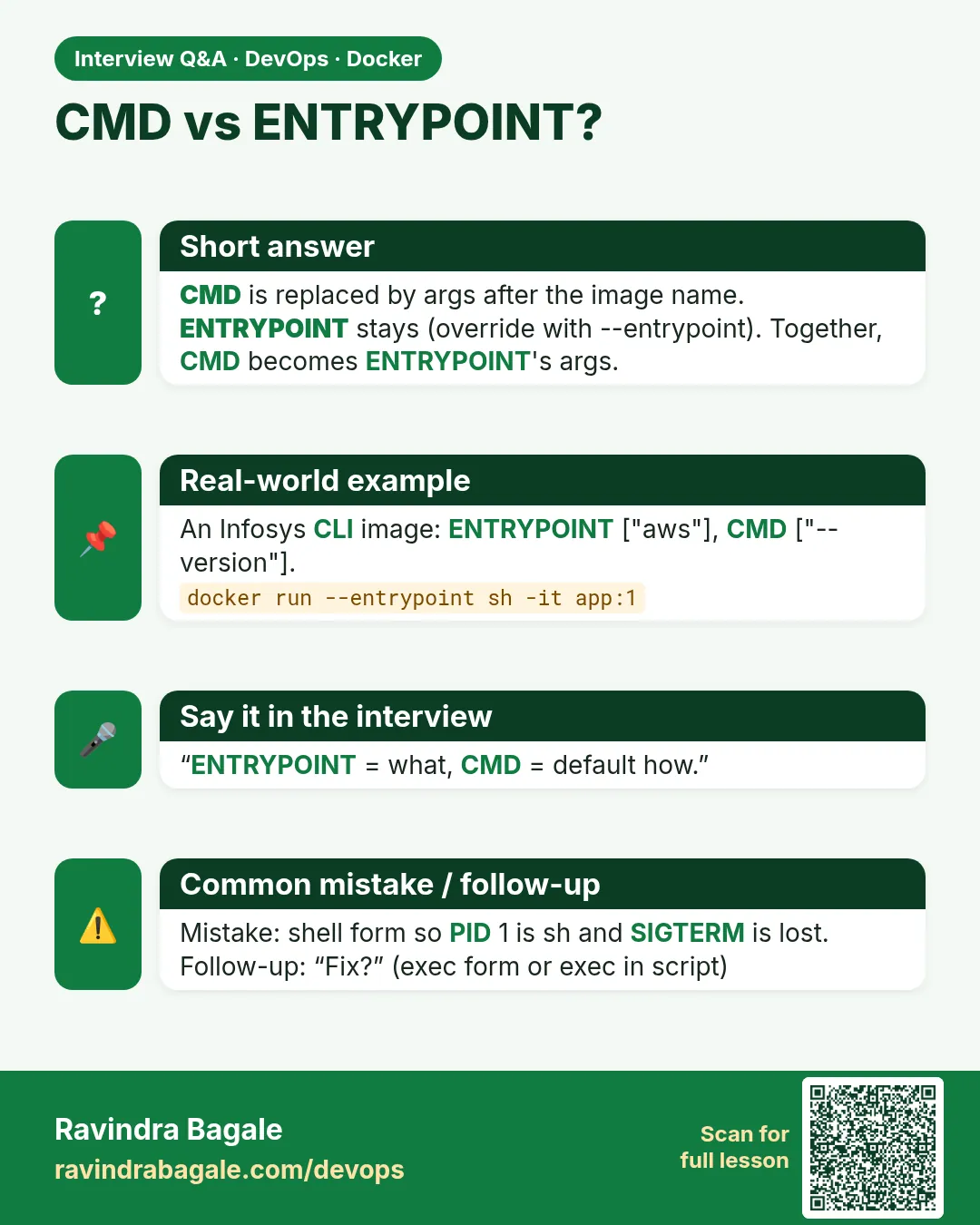
Mistake one: shell-form CMD for a server. sh becomes PID 1, docker stop waits ten seconds and then kills. Priya always uses exec form.
Mistake two: shell-form ENTRYPOINT. It silently drops CMD and every run argument. Priya writes ENTRYPOINT as a JSON array.
Mistake three: an entrypoint script without exec. The script stays PID 1 and signals never reach the app. Priya ends every script with exec "$@".
Mistake four: forgetting that --entrypoint exists. Priya debugs tool images with docker run --entrypoint sh.
Mistake five: mixing up Kubernetes command and args. Priya remembers: command is ENTRYPOINT, args is CMD.
Check yourself
Q1. What happens to CMD when you pass words to docker run?
They replace CMD.
Q2. What happens with ENTRYPOINT?
The words are appended to it.
Q3. Why prefer exec form?
The app is PID 1 and gets stop signals.
Q4. What is Kubernetes args equal to?
CMD.
Friends, one line to remember for life: ENTRYPOINT is the program, CMD is its default arguments. Did you understand? Let us try it once more. Build Priya's pinger and try it with three different hosts.
मित्रांनो, आयुष्यभर लक्षात ठेवायची एक ओळ: ENTRYPOINT म्हणजे program, CMD म्हणजे त्याचे default arguments. समजलं का? चला, पुन्हा एकदा करून पाहू. Priya चा pinger बनवा आणि तीन वेगळ्या hosts सोबत चालवा.
दोस्तों, ज़िंदगी भर याद रखने वाली एक लाइन: ENTRYPOINT program है, CMD उसके default arguments. समझ आया? चलिए, एक बार फिर करके देखते हैं। Priya का pinger बनाइए और तीन अलग hosts के साथ चलाइए.
Ravindra Bagale's Tip
When an interviewer asks CMD vs ENTRYPOINT, answer with the pinger example and the Kubernetes command and args mapping. It shows you have actually used it.
Interviewer CMD vs ENTRYPOINT विचारेल तेव्हा pinger example आणि Kubernetes command आणि args mapping सांगा. त्यावरून कळतं की तुम्ही खरंच वापरलंय.
Interviewer CMD vs ENTRYPOINT पूछे तो pinger example और Kubernetes command और args mapping बताइए. इससे पता चलता है कि आपने सच में इस्तेमाल किया है.
Lab: try at home
- Build CMD-only and override it.
- Build ENTRYPOINT-only and append arguments.
- Build ENTRYPOINT plus CMD and change the default.
- Compare stop time of shell and exec form.
- Write an entrypoint script with exec "$@".
- Run the image in Compose with command.
Recap
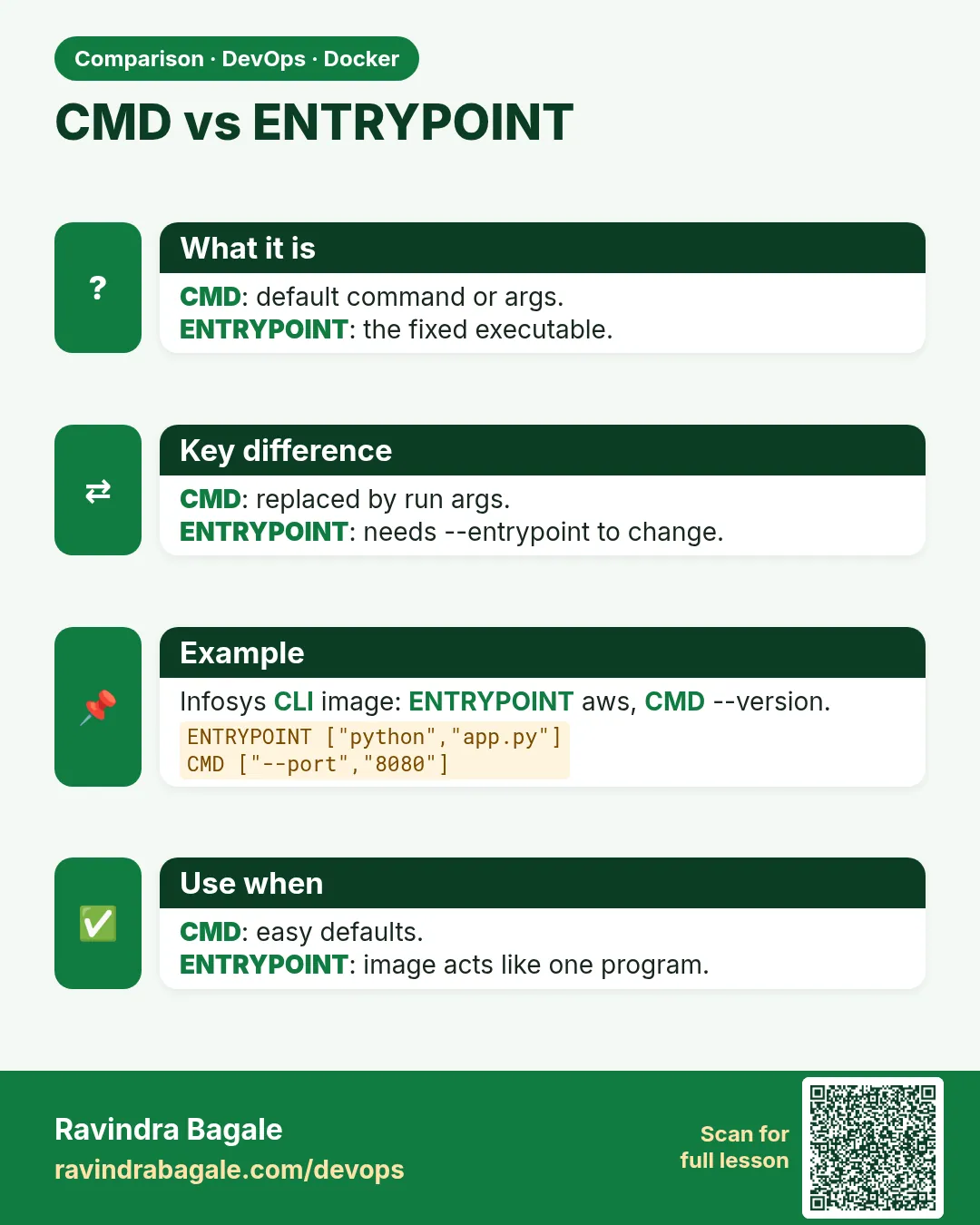
- CMD is the default command; run args replace it.
- ENTRYPOINT is the program; run args are appended.
- Together, CMD is default arguments.
- Use exec form for both.
- Entrypoint scripts end with exec "$@".
- Kubernetes: command = ENTRYPOINT, args = CMD.
 Revision card
 Interview card
 Comparison card