Excel LOOKUP Function
Chala mitrano — classic LOOKUP is approximate by design. Great for slabs; risky for IDs. For exact IDs use XLOOKUP or VLOOKUP FALSE.
चला मित्रांनो — क्लासिक LOOKUP हे approximate आहे. Slabs साठी चांगले; IDs साठी धोकादायक. Exact IDs साठी XLOOKUP किंवा VLOOKUP FALSE.
चलो दोस्तों — क्लासिक LOOKUP लगभग (approximate) काम करता है. Slabs के लिए अच्छा; IDs के लिए जोखिम. Exact IDs के लिए XLOOKUP या VLOOKUP FALSE.
Purpose
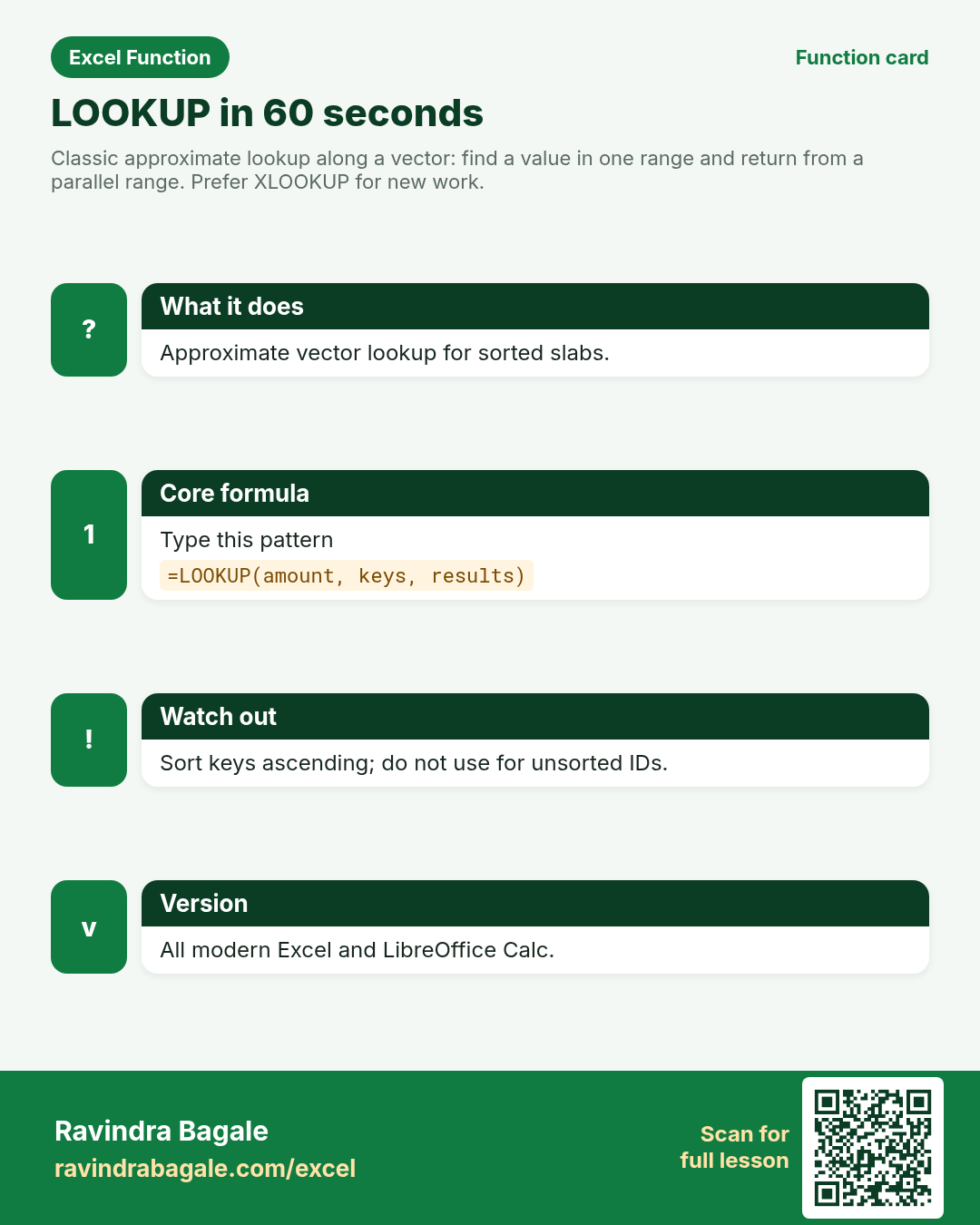
Classic approximate lookup along a vector: find a value in one range and return from a parallel range. Prefer XLOOKUP for new work.
Return value
Approximate match from result_vector (largest value ≤ lookup_value when sorted ascending).
Syntax
Arguments
| Argument | Required? | Description |
|---|---|---|
lookup_value | Required | Value to find (approximate). |
lookup_vector | Required | One row or column of sorted ascending keys. |
result_vector | Optional | Parallel range of results. If omitted, LOOKUP uses array form rules. |
Version
All modern Excel and LibreOffice Calc. Kept for legacy sheets; teach XLOOKUP for new models.
How to use — Why → What → How
Why: Price breaks and tax slabs need “which band does this amount fall into?” Classic LOOKUP is approximate by design and expects ascending keys. Coimbatore electronics shops use it for discount slabs; US web carts use dollar shipping bands the same way. It ...
What: LOOKUP finds the largest key ≤ lookup_value in a sorted vector and returns the parallel result. Read the arguments table carefully; each one changes the answer in a specific way.
How — numbered steps:
- Sort keys ascending.
- Type =LOOKUP(.
- Enter the amount.
- Select the key vector, then the result vector.
- Enter and spot-check band edges.
- Compare your result with the Answers sheet only after you attempt it.
- Write one sentence in your own words explaining when you would use this function at work.
Ravindra Bagale's Tip
Friends, sort the lookup_vector ascending or LOOKUP can return baffling answers.
Ravindra Bagale's Tip – मराठी
मित्रांनो, lookup_vector चढत्या क्रमाने sort करा, नाहीतर LOOKUP गोंधळात टाकणारी उत्तरे देते.
Ravindra Bagale's Tip – हिंदी
दोस्तों, lookup_vector को बढ़ते क्रम में sort करो, नहीं तो LOOKUP अजीब जवाब दे सकता है.
Ravindra Bagale's Tip
Do not use LOOKUP for unsorted employee codes. Interviews may still ask it — know the slab pattern.
Ravindra Bagale's Tip – मराठी
अनसॉर्ट employee codes साठी LOOKUP वापरू नका. Interview मध्ये slab pattern मात्र माहीत असावे.
Ravindra Bagale's Tip – हिंदी
अनसॉर्टेड employee codes के लिए LOOKUP मत इस्तेमाल करो. Interview में slab pattern ज़रूर जानो.
Ravindra Bagale's Tip
Friends, after class open a blank sheet and rebuild one LOOKUP example without looking. That memory test beats re-reading the page.
Ravindra Bagale's Tip – मराठी
मित्रांनो, class नंतर रिकाम्या sheet वर LOOKUP चे एक उदाहरण न पाहता पुन्हा लिहा. हे memory test पृष्ठ पुन्हा वाचण्यापेक्षा जास्त मदत करते.
Ravindra Bagale's Tip – हिंदी
दोस्तों, class के बाद खाली sheet पर LOOKUP का एक उदाहरण बिना देखे फिर से लिखो. यह memory test पेज दोबारा पढ़ने से ज़्यादा मदद करता है.
Download practice file: practice-lookup.xlsx (includes sheet About this data, practice sheets, and Answers).
Worked examples
1) Discount slab
Coimbatore shop: order value → discount %.
| Order from (₹) | Discount |
|---|---|
| 0 | 0% |
| 2000 | 5% |
| 5000 | 8% |
| 10000 | 12% |
Result: 8%
What it means: Largest key ≤ 6500 is 5000 → 8%.
2) Edge of a band
Exact boundary 5000.
| Order from (₹) | Discount |
|---|---|
| 0 | 0% |
| 2000 | 5% |
| 5000 | 8% |
Result: 8%
What it means: Exact key matches that band.
3) Below first key behaviour
Tiny order 50 on a sheet that starts at 0.
| Order from (₹) | Discount |
|---|---|
| 0 | 0% |
| 2000 | 5% |
Result: 0%
What it means: Falls into the first band.
4) US cart $ slab
Web cart thresholds in dollars.
| Order from ($) | Ship |
|---|---|
| 0 | $8 |
| 50 | $4 |
| 100 | Free |
Result: $4
What it means: Largest key ≤ 72 is 50 → $4 shipping.
5) Why not for IDs
Unsorted codes — LOOKUP may “match” wrongly.
| Code | Name |
|---|---|
| C-30 | Asha |
| C-10 | Ben |
| C-20 | Chen |
Result: (unreliable on unsorted text)
What it means: Text approximate rules are confusing — use XLOOKUP exact instead.
6) Classroom recap
Quick check before you close the LOOKUP lesson.
| Order from (₹) | Discount |
|---|---|
| 0 | 0% |
| 2000 | 5% |
| 5000 | 8% |
Result: 8%
What it means: Same pattern as example 1 — rebuild it from memory on the Practice sheet, then check Answers.
Common errors and fixes
Notes and tips
- Array form LOOKUP(lookup_value, array) exists but confuse learners — teach vector form first.
- XLOOKUP with match_mode -1 can replace many LOOKUP slabs with clearer arguments.
- Classic LOOKUP is approximate by design and expects ascending keys. Coimbatore electronics shops use it for discount slabs; US web carts use dollar shipping bands the same way. It is the wrong tool for unsorted SKUs — results look confident and wrong. For new models, XLOOKUP with match_mode -1 can express the same slab logic with clearer arguments. Still learn LOOKUP so you can read legacy finance sheets.
- LOOKUP slabs vs VLOOKUP TRUE: similar idea. XLOOKUP match_mode -1 is the clearest modern spelling of approximate band logic.
- Fictional sample data only — practice amounts and names are made for learning.
- After you finish the 10 tasks, re-read the errors table once; most class mistakes are listed there.
- Keep ranges locked with absolute references when you copy formulas down a column of inputs.
- Say the business question in plain words before you type the equals sign — it prevents wrong arguments.
In real work
Classic LOOKUP is approximate by design and expects ascending keys. Coimbatore electronics shops use it for discount slabs; US web carts use dollar shipping bands the same way. It is the wrong tool for unsorted SKUs — results look confident and wrong. For new models, XLOOKUP with match_mode -1 can express the same slab logic with clearer arguments. Still learn LOOKUP so you can read legacy finance sheets.
How it compares
LOOKUP slabs vs VLOOKUP TRUE: similar idea. XLOOKUP match_mode -1 is the clearest modern spelling of approximate band logic.
Interview corner
- Is LOOKUP exact or approximate?
- Approximate (vector form).
- Must keys be sorted?
- Yes — ascending for reliable results.
- What should replace it for IDs?
- XLOOKUP or VLOOKUP with FALSE.
Related functions
XLOOKUP, VLOOKUP, MATCH, HLOOKUP
Practice tasks (10)
- Task 1. Return discount % for order ₹6,500.Hint: sorted Order-from column.
- Task 2. Return discount for exactly ₹5,000.Hint: boundary should hit the 5000 band.
- Task 3. Return shipping for a $72 US cart.Hint: $ slab sheet.
- Task 4. Add a note explaining why LOOKUP is bad for unsorted SKUs.Hint: approximate behaviour.
- Task 5. Rebuild the same slab with XLOOKUP match_mode -1 if your Excel supports it.Hint: compare results.
- Task 6. Sort a messy key column and re-test LOOKUP.Hint: ascending order.
- Task 7. Try an amount below 0 band and record the result.Hint: may be #N/A.
- Task 8. Document vector vs array form in one sentence.Hint: teach vector form.
- Task 9. Return discount for ₹12,000.Hint: top band.
- Task 10. Bonus: chart the slabs for class.Hint: simple column chart of thresholds.
Quick quiz
Answers: Q1=Sorted slabs, Q2=Ascending, Q3=XLOOKUP or VLOOKUP FALSE, Q4=5000, Q5=False (check after you try).
Revision card
Standalone card (no tip or photo strip). QR opens this lesson. Download the PNG and revise offline.