Excel TEXTJOIN Function
Chala mitrano — today TEXTJOIN. Many cells, one sentence. Put a comma or pipe between names, and skip the blanks so the list stays clean.
चला मित्रांनो — आज TEXTJOIN. अनेक cells, एक वाक्य. नावांमध्ये comma किंवा pipe टाका, आणि रिकाम्या cells वगळा.
चलो दोस्तों — आज TEXTJOIN. कई cells, एक वाक्य. नामों के बीच comma या pipe लगाओ, और खाली cells छोड़ दो.
Purpose
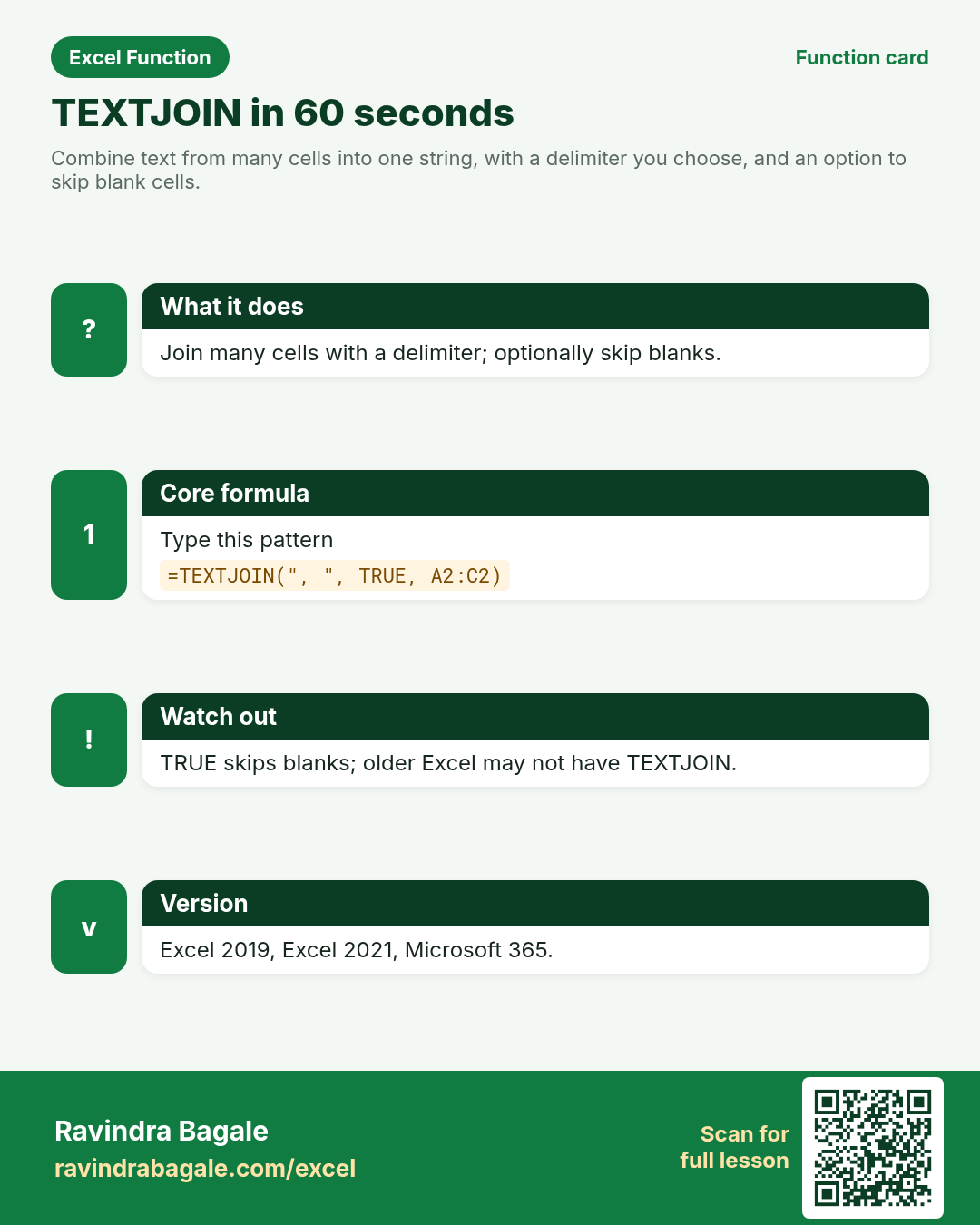
Combine text from many cells into one string, with a delimiter you choose, and an option to skip blank cells.
Return value
One text string. Numbers in the range are converted to text in the result.
Syntax
Arguments
| Argument | Required? | Description |
|---|---|---|
delimiter | Required | Character(s) placed between pieces (comma, space, " | ", CHAR(10) for new line, etc.). |
ignore_empty | Required | TRUE to skip blanks; FALSE to keep empty slots (extra delimiters). |
text1 | Required | First text, cell, or range. |
text2, … | Optional | More text values or ranges (up to Excel’s argument limit). |
Version
Excel 2019, Excel 2021, Microsoft 365. Not in Excel 2016 and older. LibreOffice Calc: TEXTJOIN is available in recent versions.
How to use — Why → What → How
Why: CONCAT and & become messy for long ranges and blank cells. Teams need one clean address line or attendee list.
What: TEXTJOIN inserts your delimiter between each value and can ignore empty cells in a range.
How — numbered steps:
- Select the output cell.
- Type =TEXTJOIN(", ", TRUE, then select the range of names or parts.
- Close with ) and press Enter.
- Adjust the delimiter (space, comma+space, " | ").
- If you use CHAR(10), enable Wrap Text on the result cell.
Ravindra Bagale's Tip
Friends, set ignore_empty to TRUE for almost every list. FALSE leaves ugly double commas when a middle name is blank.
Ravindra Bagale's Tip – मराठी
मित्रांनो, यादीसाठी ignore_empty = TRUE ठेवा. FALSE मध्ये रिकाम्या नावांमुळे दोन commas येतात.
Ravindra Bagale's Tip – हिंदी
दोस्तों, लिस्ट के लिए ignore_empty = TRUE रखो. FALSE में खाली नाम से दो commas आ जाते हैं.
Ravindra Bagale's Tip
Need a line break inside one cell? Use CHAR(10) as the delimiter and turn on Wrap Text.
Ravindra Bagale's Tip – मराठी
एका cell मध्ये नवीन ओळ हवी असेल तर delimiter CHAR(10) वापरा आणि Wrap Text चालू करा.
Ravindra Bagale's Tip – हिंदी
एक cell में नई लाइन चाहिए तो delimiter CHAR(10) और Wrap Text चालू करें.
Download practice file: practice-textjoin.xlsx (includes sheet About this data, practice sheets, and Answers).
Worked examples
1) Full name from three cells
First, middle, last — middle may be blank.
| First | Middle | Last |
|---|---|---|
| Asha | Patil | |
| James | R. | Cole |
Result: Asha Patil
What it means: Blank middle is skipped, so there is no double space.
2) Comma-separated city list
Join unique cities for a footer.
| City |
|---|
| Pune |
| London |
| Dubai |
Result: Pune, London, Dubai
What it means: Comma+space sits between each city.
3) Keep empty slots (ignore_empty FALSE)
Show where a phone extension is missing.
| Dept | Ext |
|---|---|
| HR | 104 |
| IT |
Result: IT-
What it means: FALSE keeps the empty extension, so the trailing hyphen remains.
4) Address line
Flat, street, city for an offer letter.
| Flat | Street | City |
|---|---|---|
| 12-B | FC Road | Pune |
Result: 12-B, FC Road, Pune
What it means: One readable address string for mail merge.
5) Pipe-separated skills
CV skills row for Anita Desai.
| S1 | S2 | S3 |
|---|---|---|
| Excel | Power BI | SQL |
Result: Excel | Power BI | SQL
What it means: A clear delimiter helps humans scan the list.
Common errors and fixes
Notes and tips
- TEXTJOIN can accept full ranges — you do not need one argument per cell.
- Delimiter can be empty "" to smash pieces together with no gap.
- Combine with UNIQUE or FILTER in Microsoft 365 for distinct joined lists.
Related functions
CONCAT, TEXT, TEXTSPLIT, TRIM, SUBSTITUTE
Practice tasks (10)
- Task 1. Join A2:C2 with a space and skip blanks (Asha Patil row).Hint: delimiter " ", ignore_empty TRUE.
- Task 2. Join the City list with comma+space.Hint: select the whole city column range.
- Task 3. Recreate the IT- result using ignore_empty FALSE.Hint: second argument is FALSE.
- Task 4. Build the address line for flat 12-B.Hint: delimiter ", ".
- Task 5. Join skills with " | ".Hint: include spaces around the pipe if you want matching text.
- Task 6. Join First and Last only (two arguments after ignore_empty).Hint: you can pass single cells, not only ranges.
- Task 7. What changes if ignore_empty is FALSE on Asha’s row?Hint: look at the blank middle name.
- Task 8. Join three phone parts with "-" and skip blanks.Hint: same pattern as names.
- Task 9. Write one sentence on when to prefer TEXTJOIN over CONCAT.Hint: think about blanks and delimiters.
- Task 10. Bonus: use CHAR(10) between City and Country and enable Wrap Text.Hint: delimiter is CHAR(10).
Quick quiz
Answers: Q1=True, Q2=False, Q3=A line break, Q4=delimiter (check after you try).
Revision card
Standalone card (no tip or photo strip). QR opens this lesson. Download the PNG and revise offline.