Ravindra BagaleCourses & study guides मराठी

Ravi Sir's Cards › DevOps

Chapter 35: Terraform Modules Writing Using Registry and Versioning: Cards

मराठी cards · Open the chapter

Revision cards
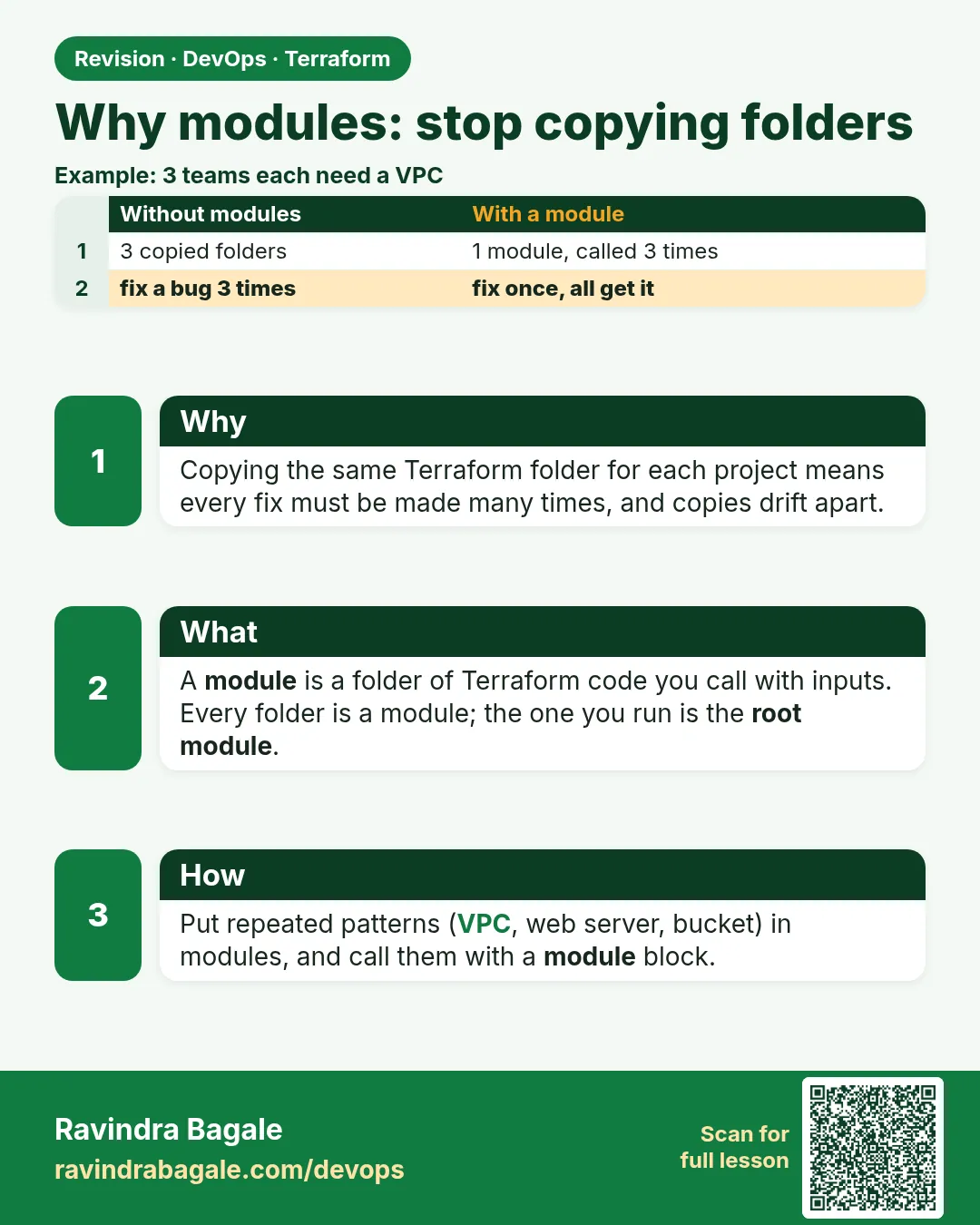
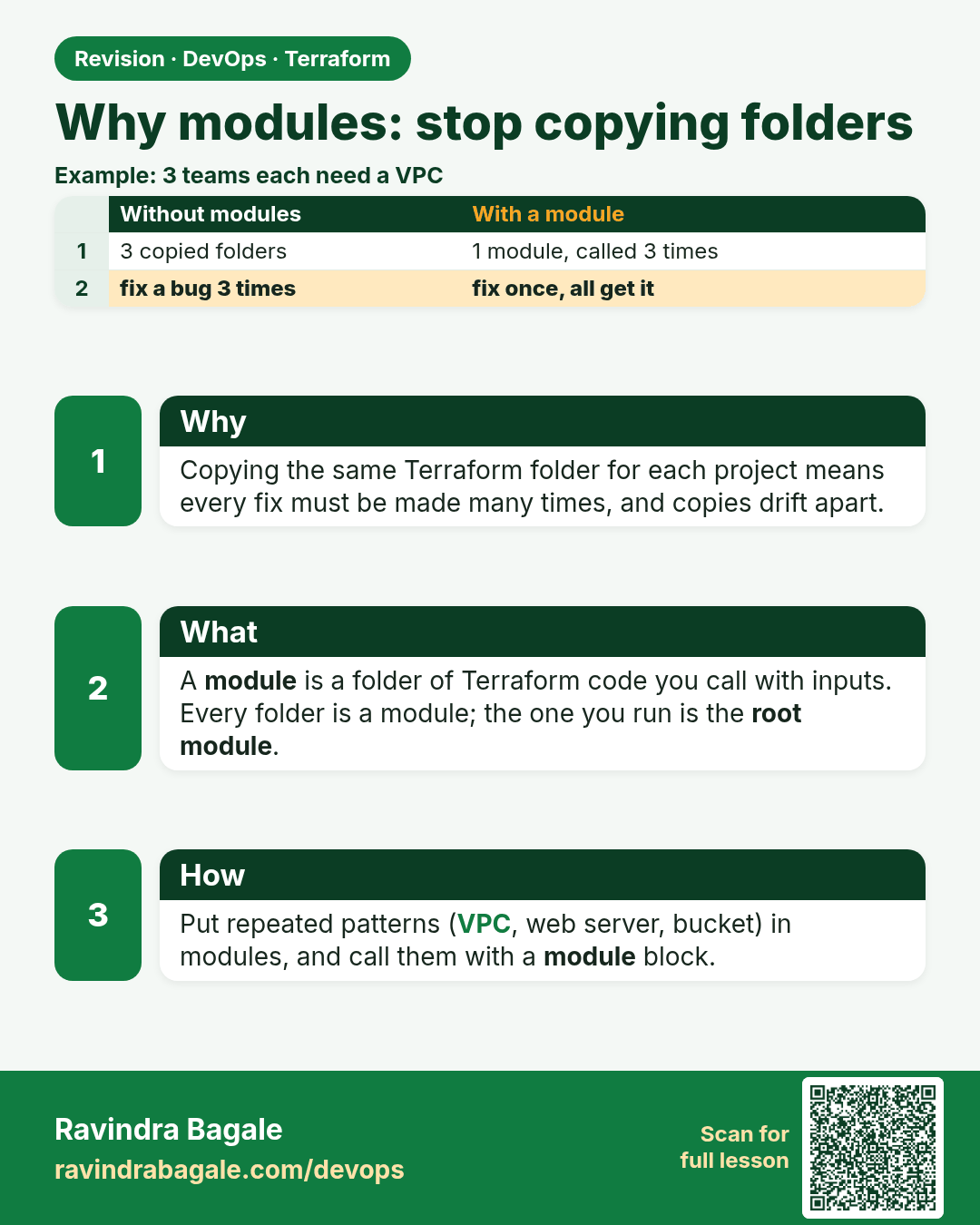
Why modules: stop copying folders. Copying the same Terraform folder for each project means every fix must be made many times, and copies drift apart.
Revision card 1 of 4: Why modules: stop copying folders · Download PNG · Open card page

Lesson: 35.1 Why modules — stop copying folders
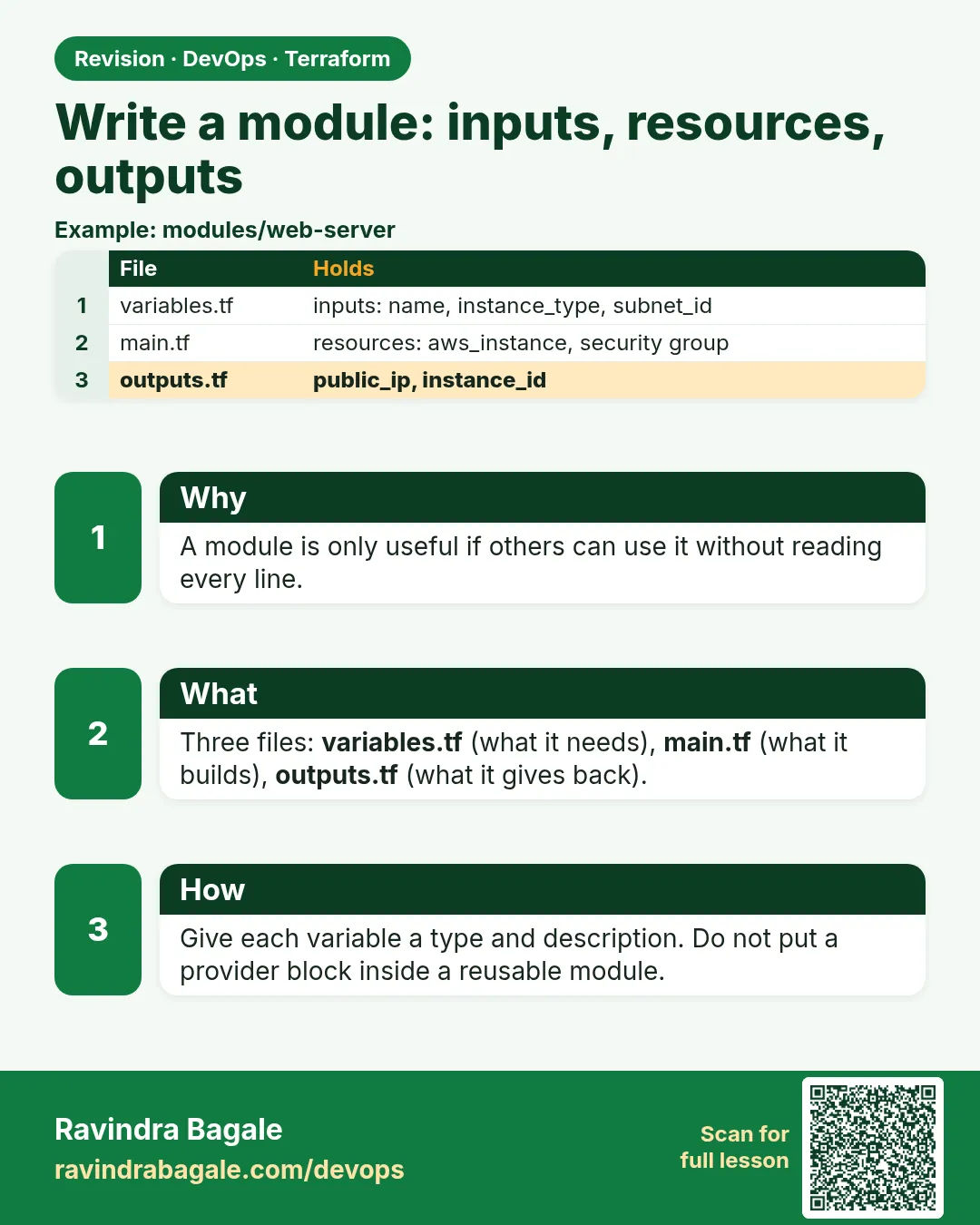
Write a module: inputs, resources, outputs. A module is only useful if others can use it without reading every line.
Revision card 2 of 4: Write a module: inputs, resources, outputs · Download PNG · Open card page

Lesson: 35.2 Write a module — inputs, resources, outputs

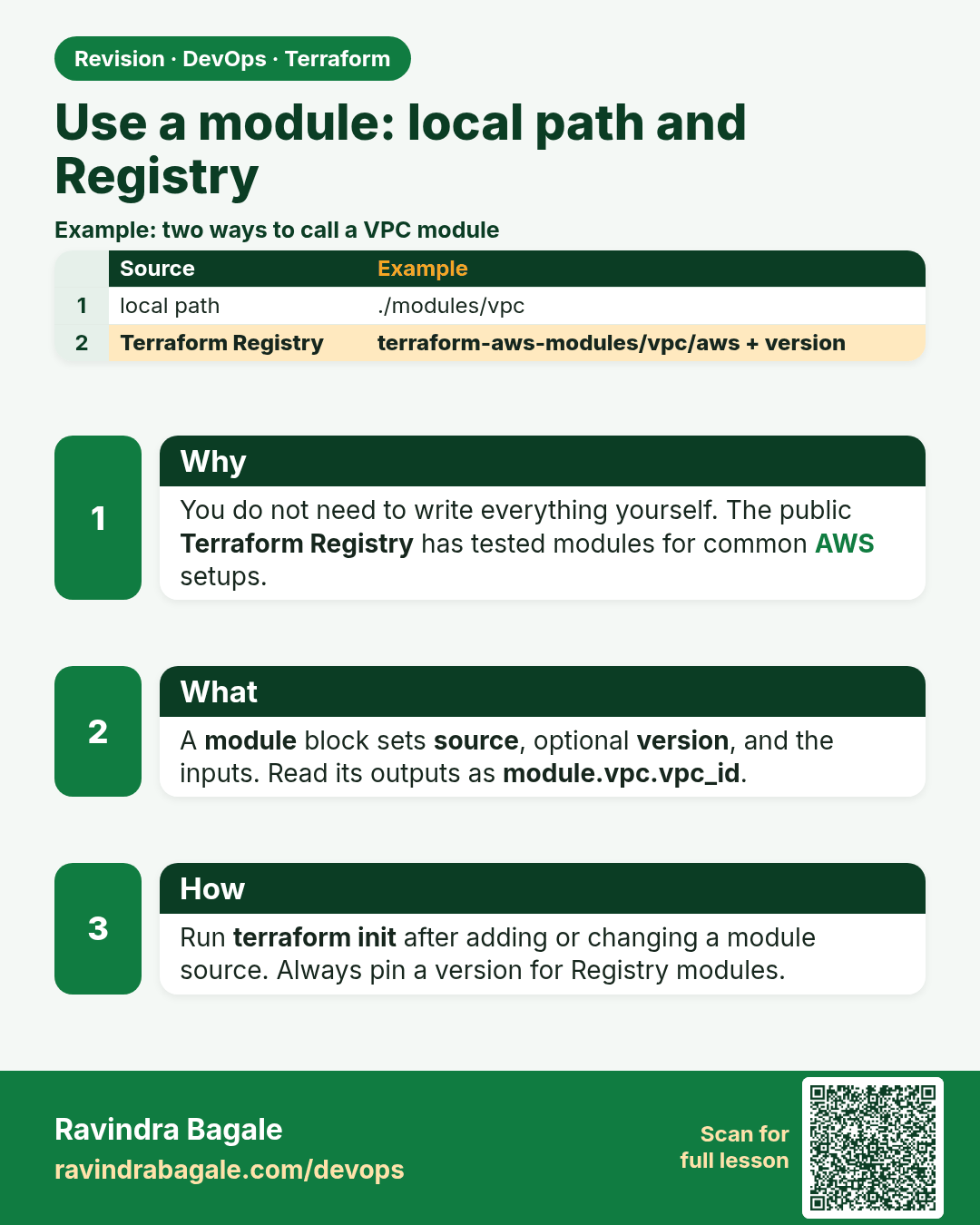
Use a module: local path and Registry. You do not need to write everything yourself. The public Terraform Registry has tested modules for common AWS setups.
Revision card 3 of 4: Use a module: local path and Registry · Download PNG · Open card page

Lesson: 35.3 Use a module — local path and registry

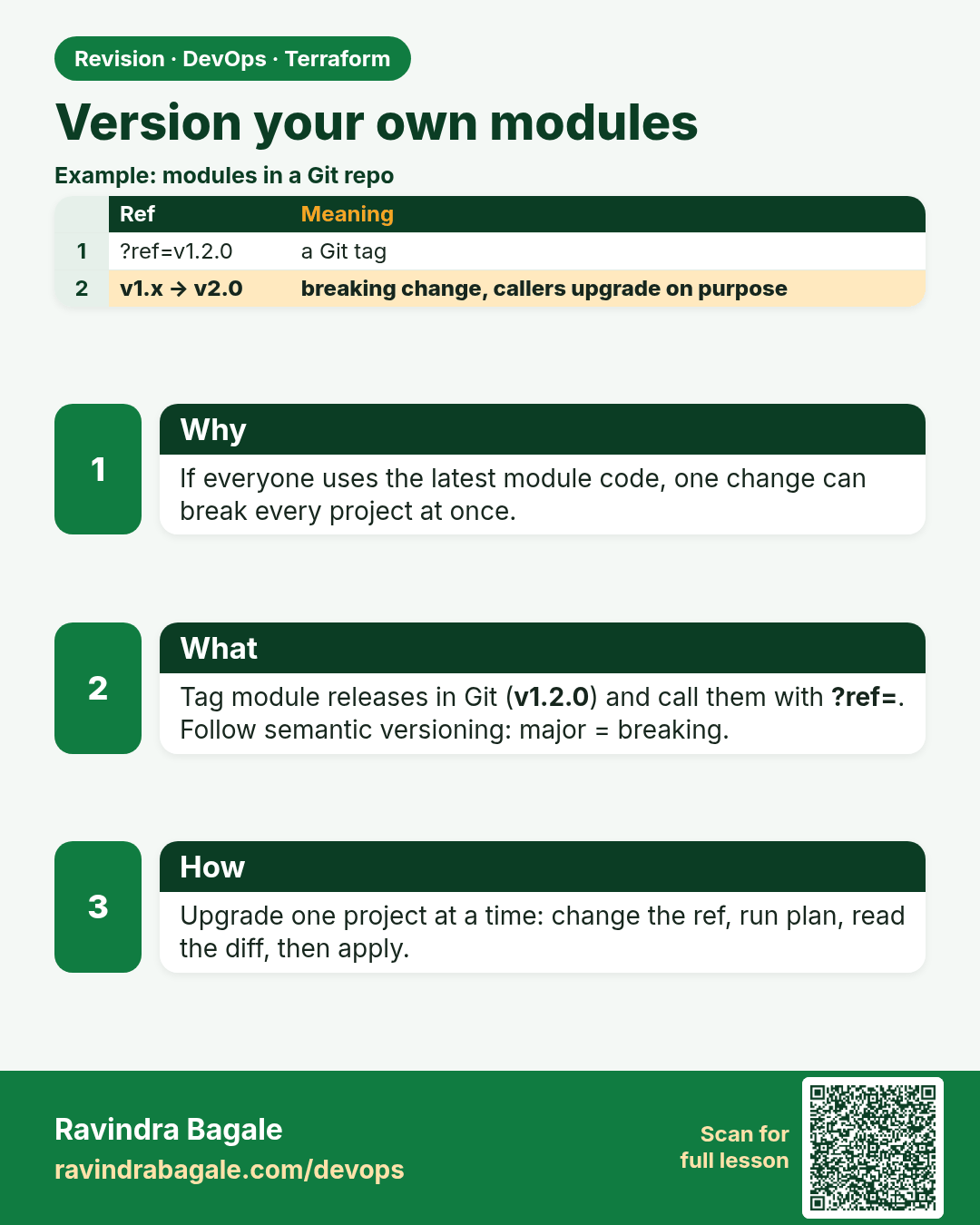
Version your own modules. If everyone uses the latest module code, one change can break every project at once.
Revision card 4 of 4: Version your own modules · Download PNG · Open card page

Lesson: 35.4 Version your own modules

Interview cards

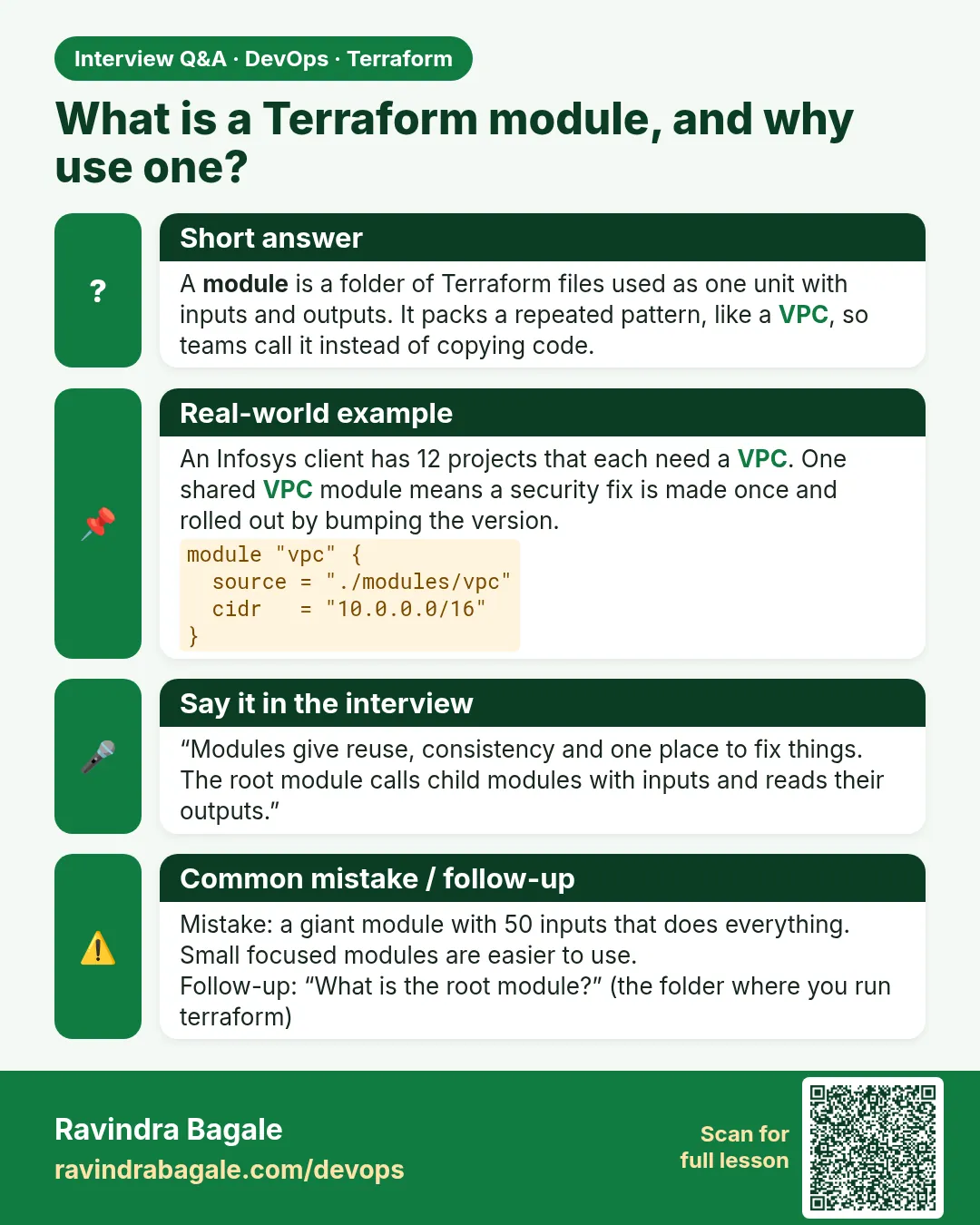
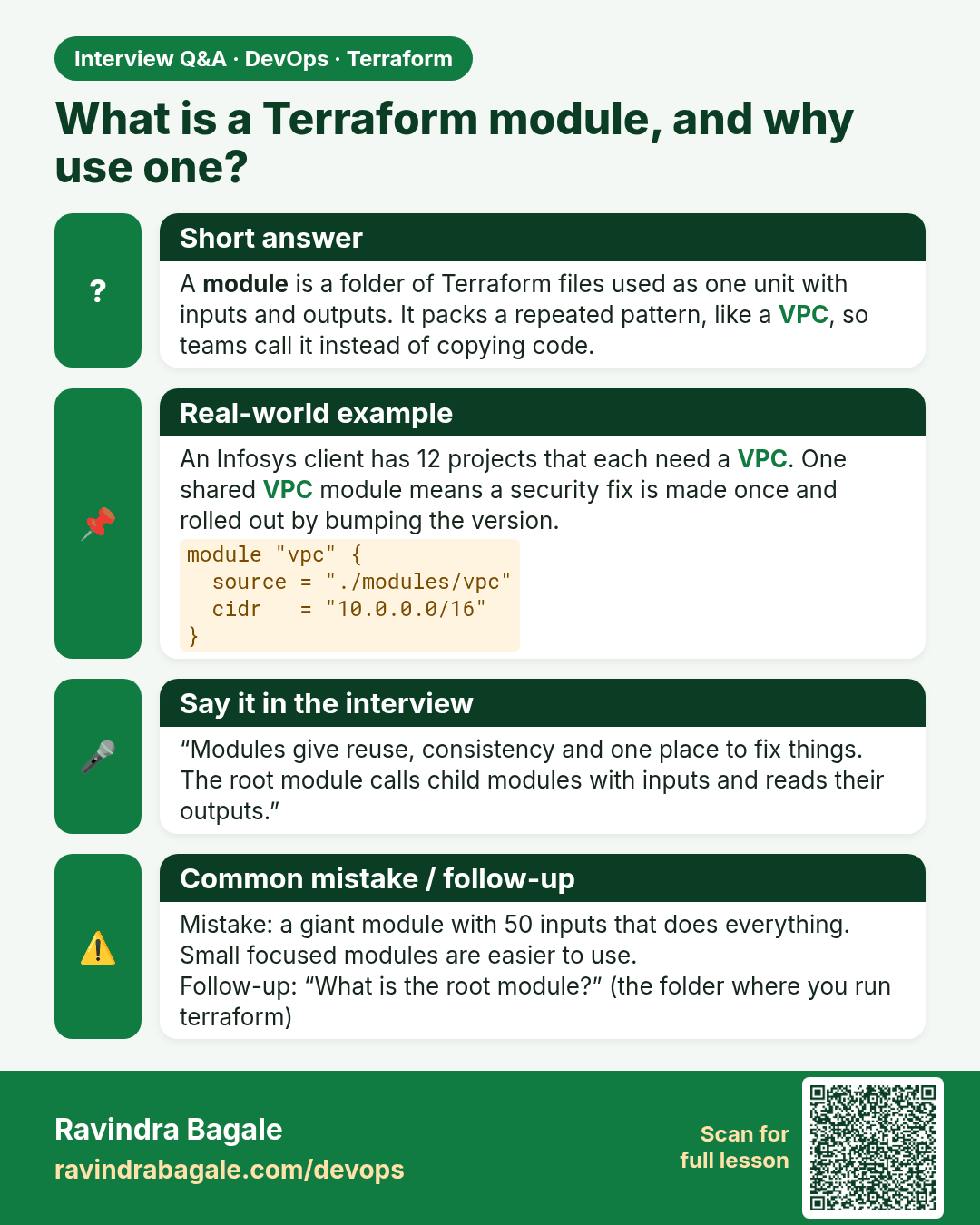
What is a Terraform module, and why use one? A module is a folder of Terraform files used as one unit with inputs and outputs. It packs a repeated pattern, like a VPC, so teams call it instead of copying code.
Interview card 1 of 4: What is a Terraform module, and why use one? · Download PNG · Open card page

Lesson: 35.1 Why modules — stop copying folders
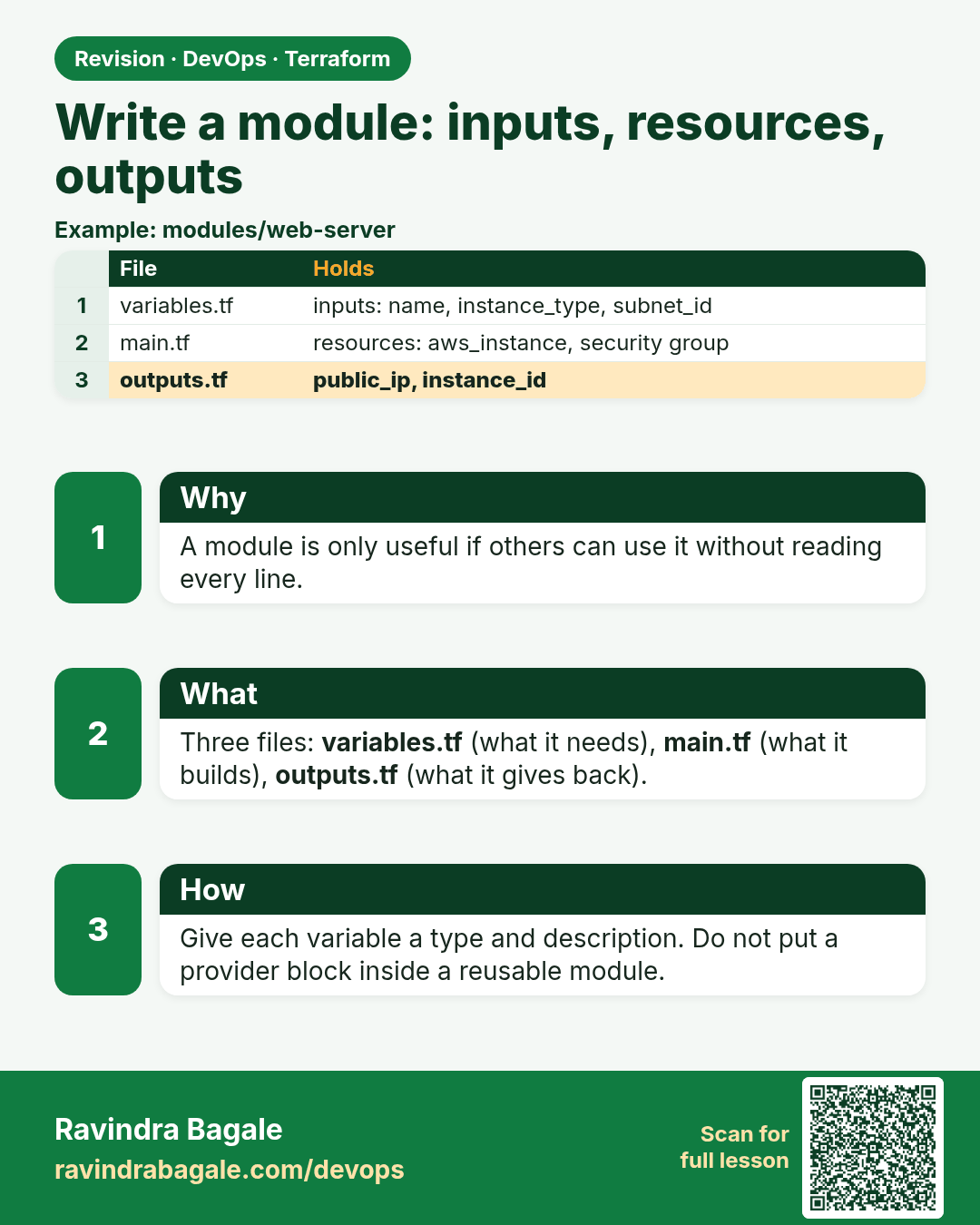
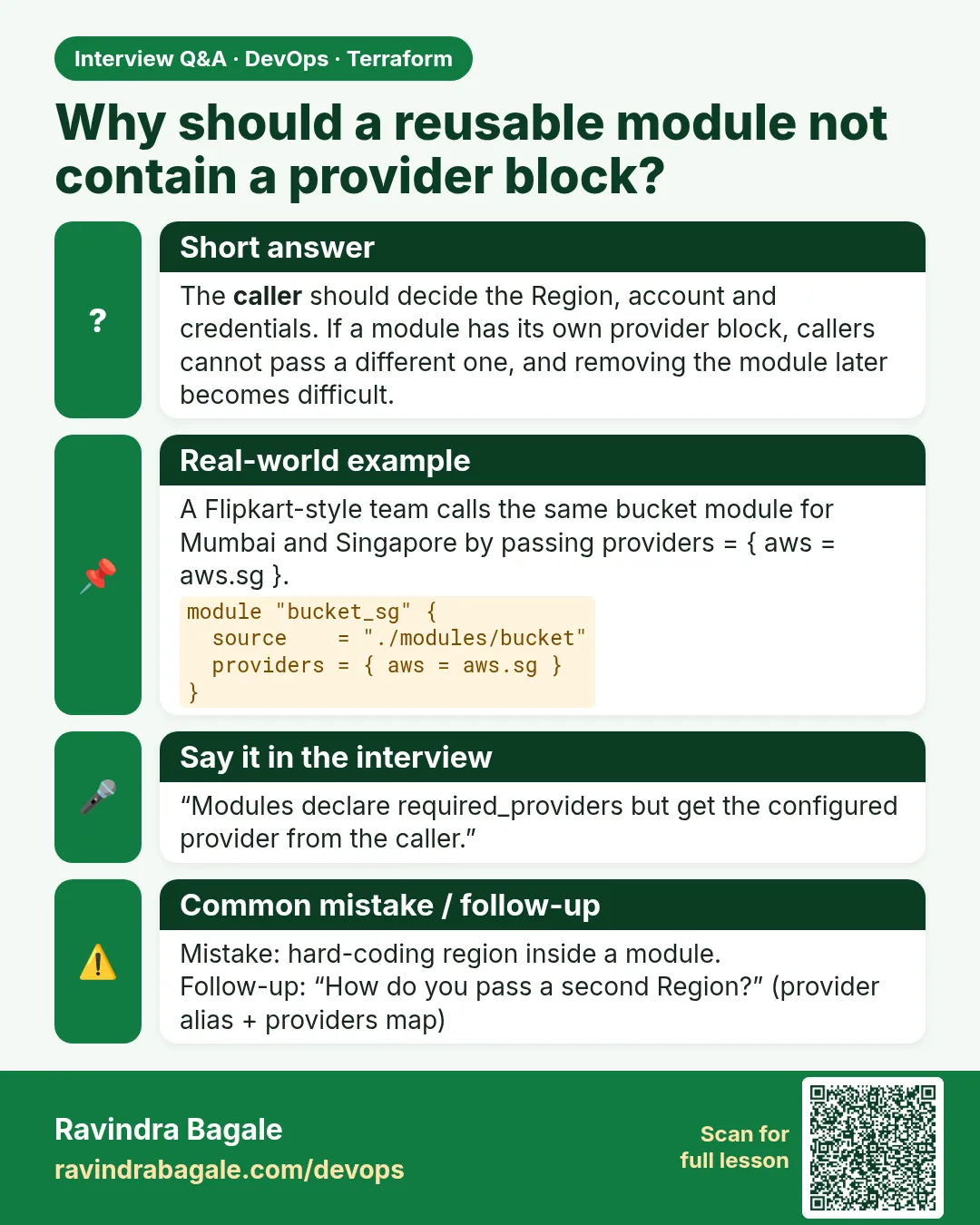
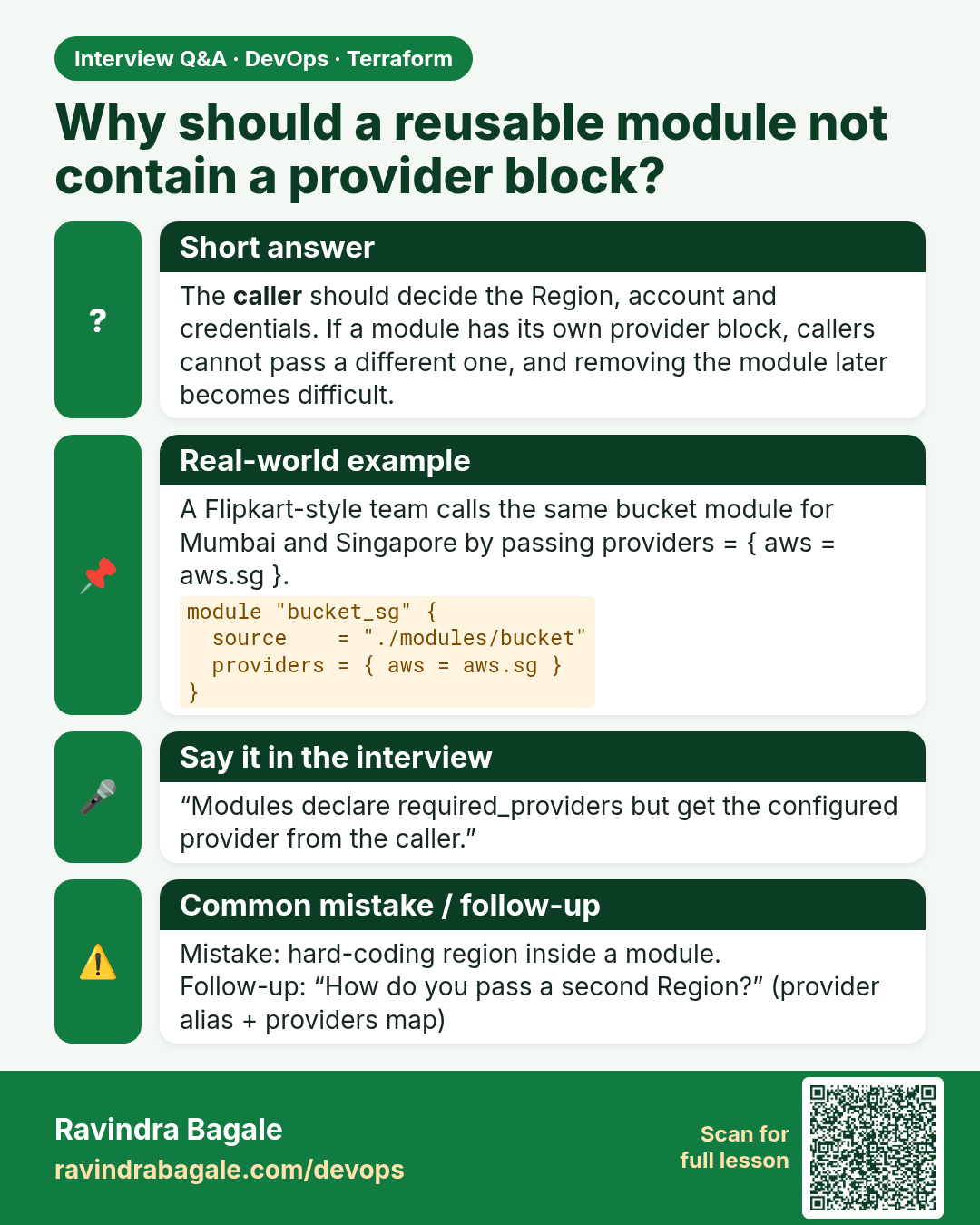
Why should a reusable module not contain a provider block? The caller should decide the Region, account and credentials. If a module has its own provider block, callers cannot pass a different one, and removing the module later becomes difficult.
Interview card 2 of 4: Why should a reusable module not contain a provider block? · Download PNG · Open card page

Lesson: 35.2 Write a module — inputs, resources, outputs
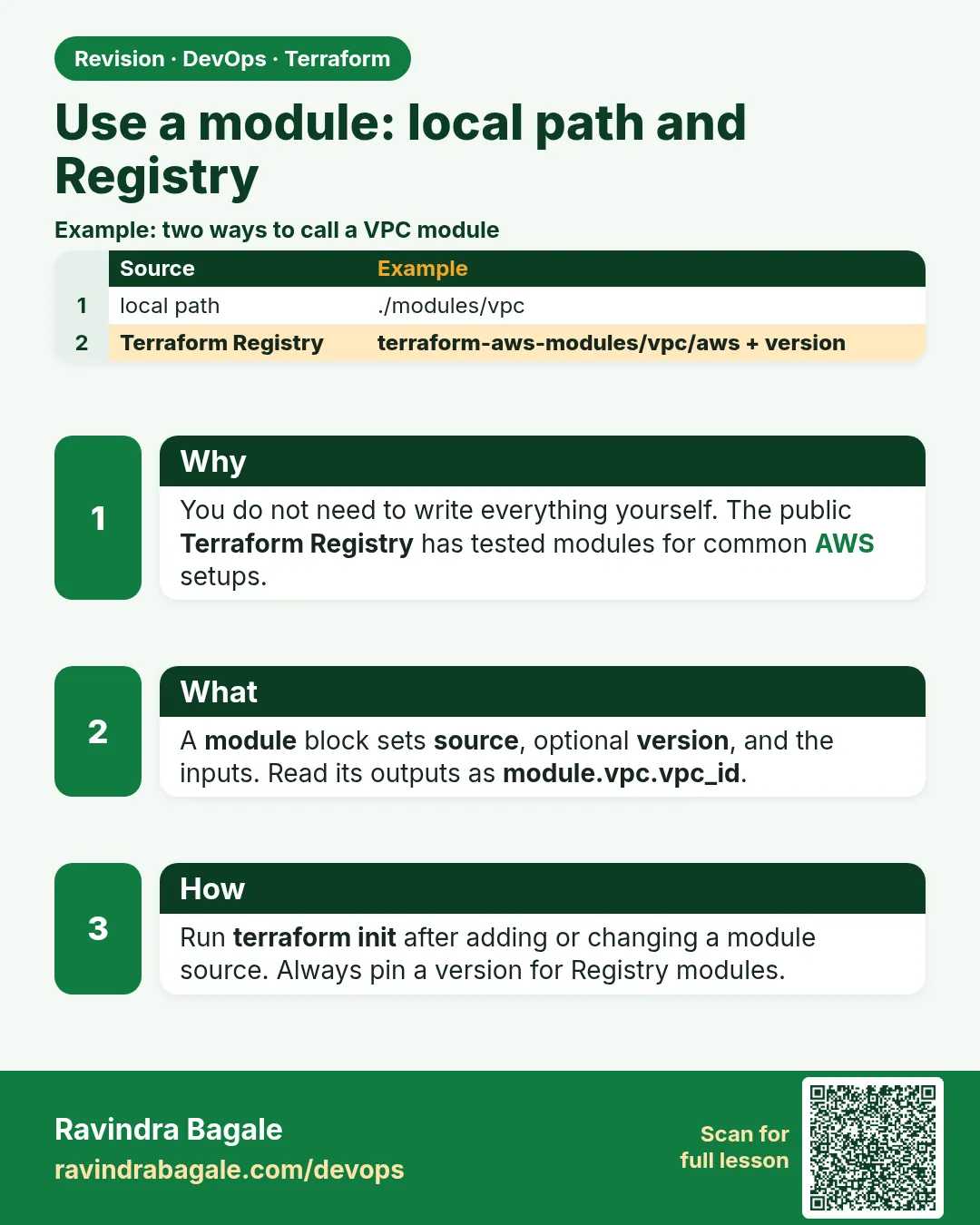
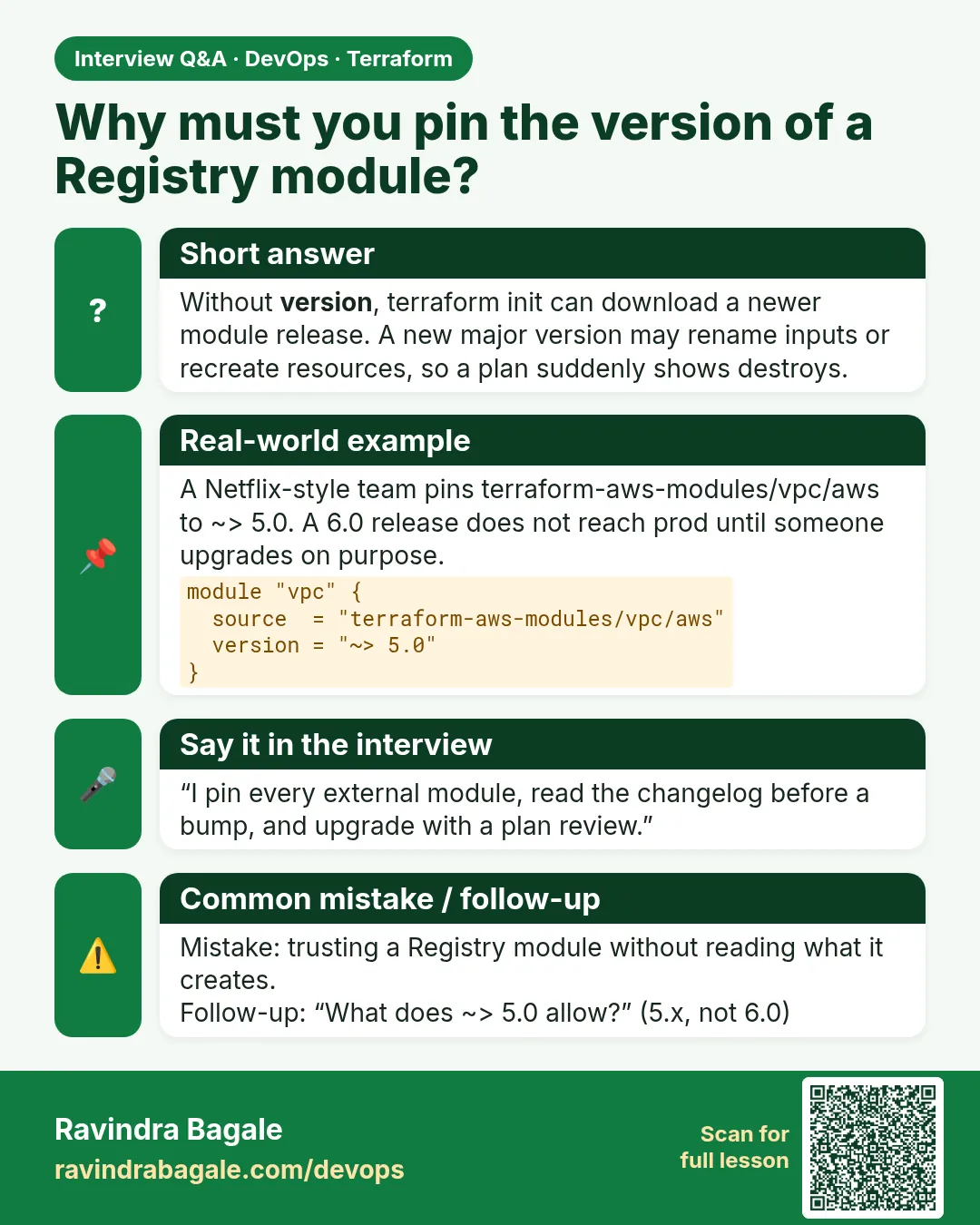
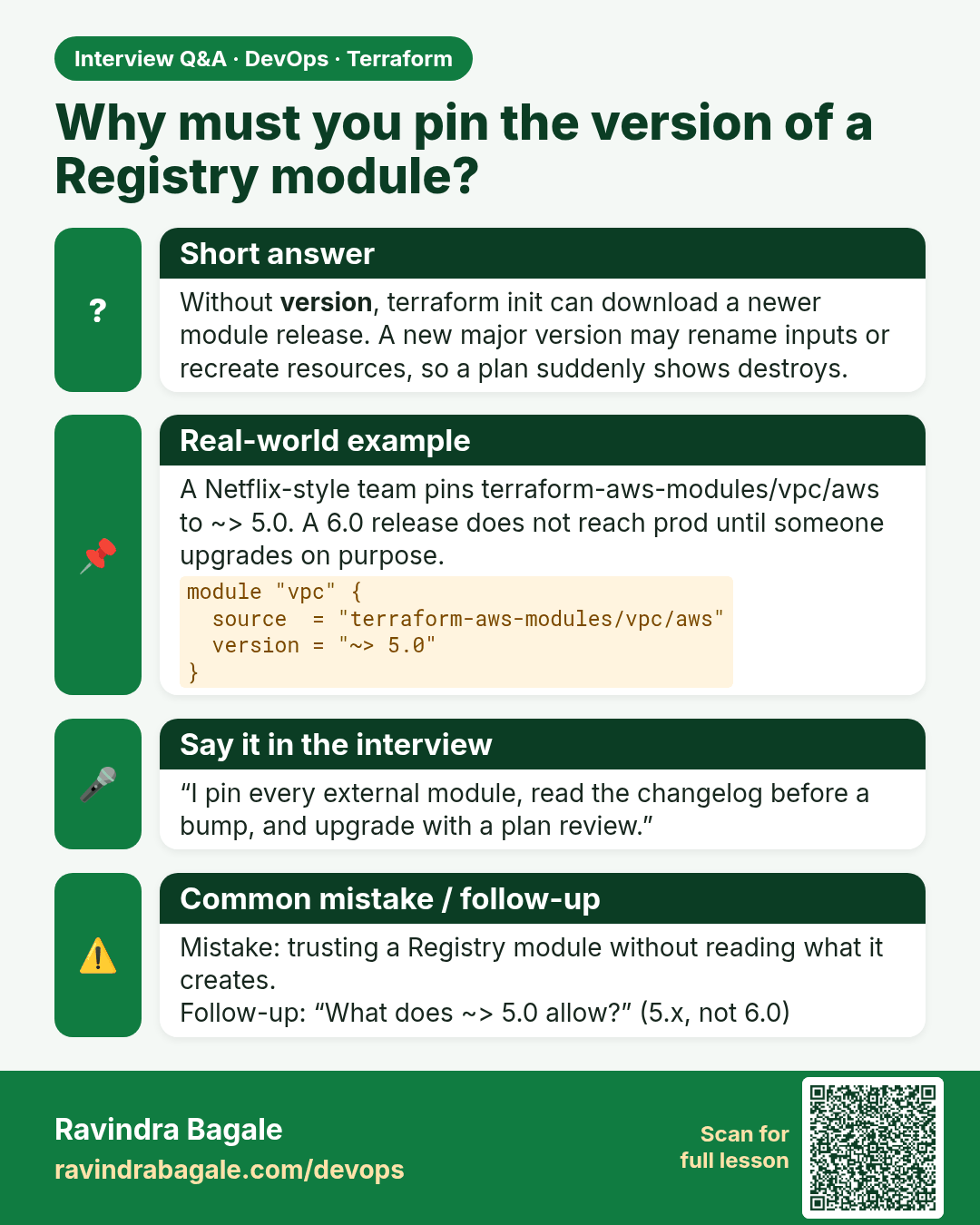
Why must you pin the version of a Registry module? Without version, terraform init can download a newer module release. A new major version may rename inputs or recreate resources, so a plan suddenly shows destroys.
Interview card 3 of 4: Why must you pin the version of a Registry module? · Download PNG · Open card page

Lesson: 35.3 Use a module — local path and registry
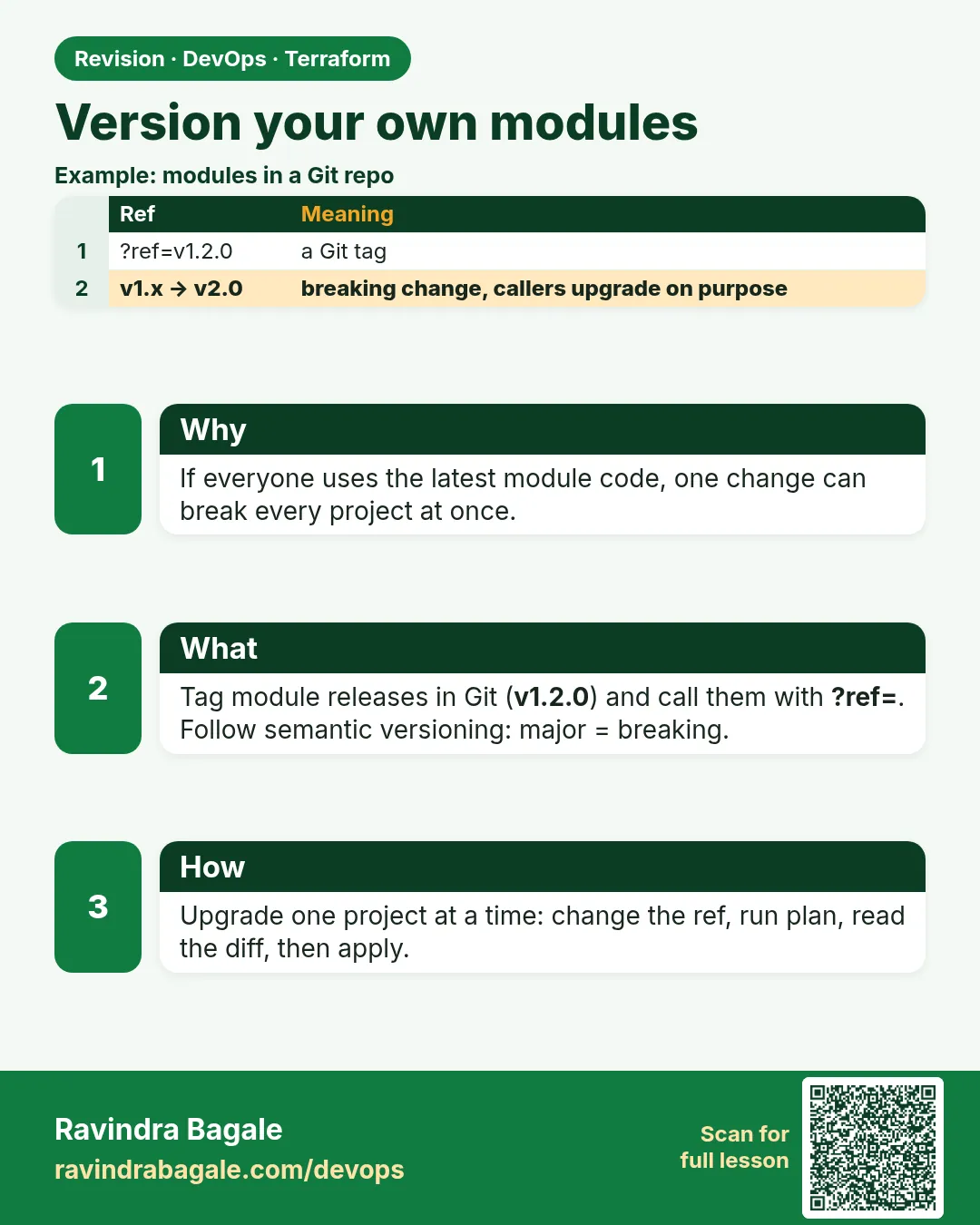
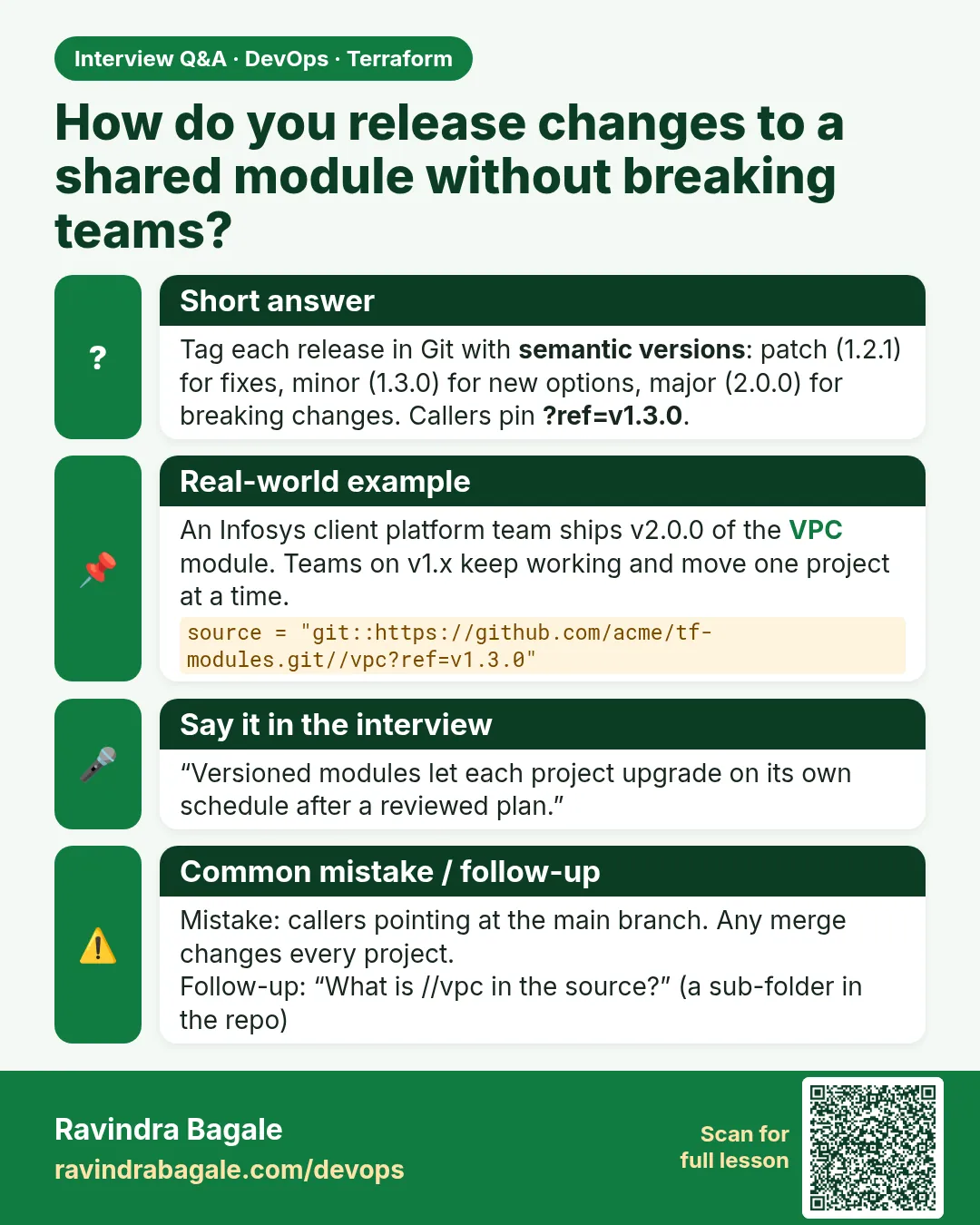
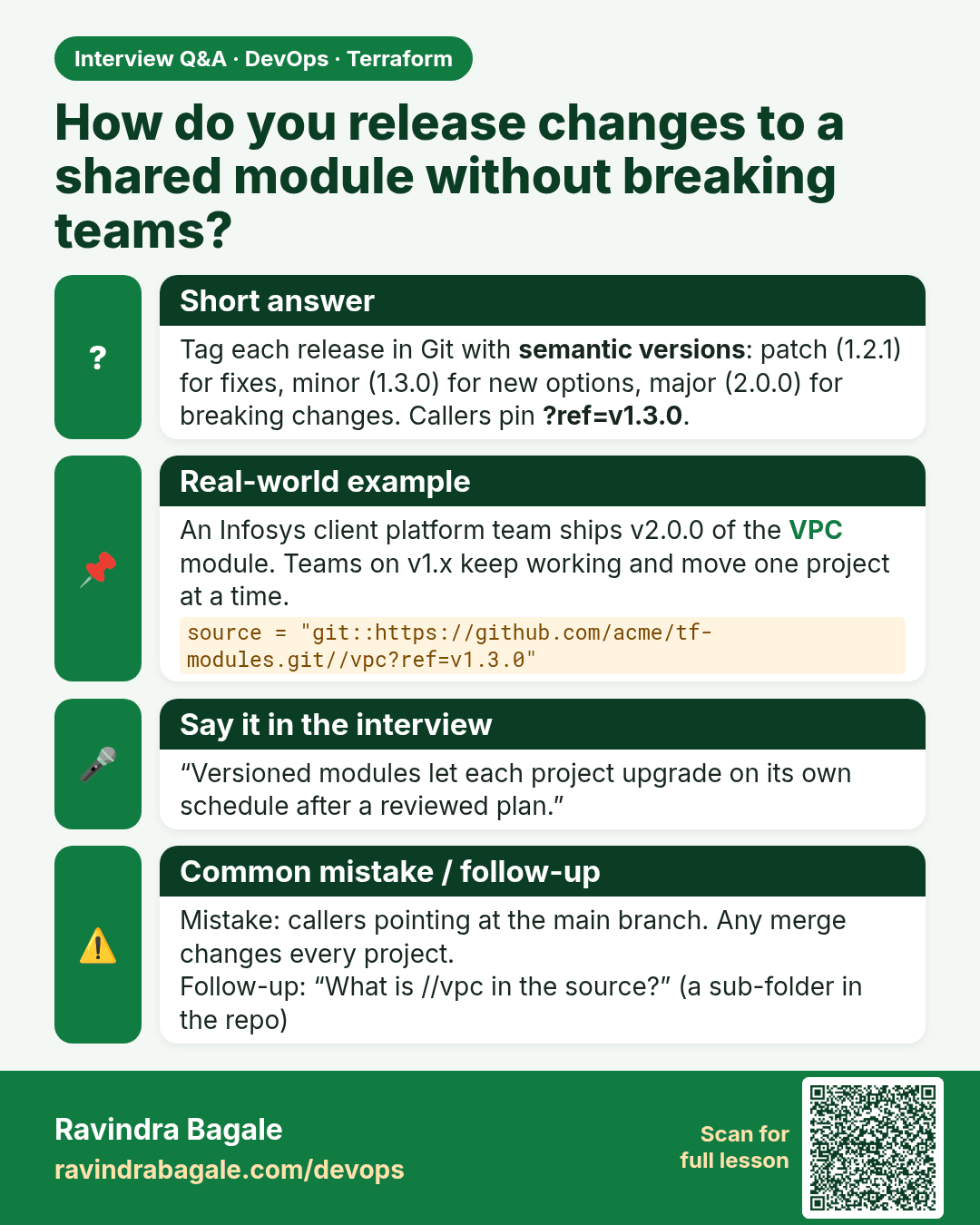
How do you release changes to a shared module without breaking teams? Tag each release in Git with semantic versions: patch (1.2.1) for fixes, minor (1.3.0) for new options, major (2.0.0) for breaking changes. Callers pin ?ref=v1.3.0.
Interview card 4 of 4: How do you release changes to a shared module without breaking teams? · Download PNG · Open card page

Lesson: 35.4 Version your own modules

Comparison cards
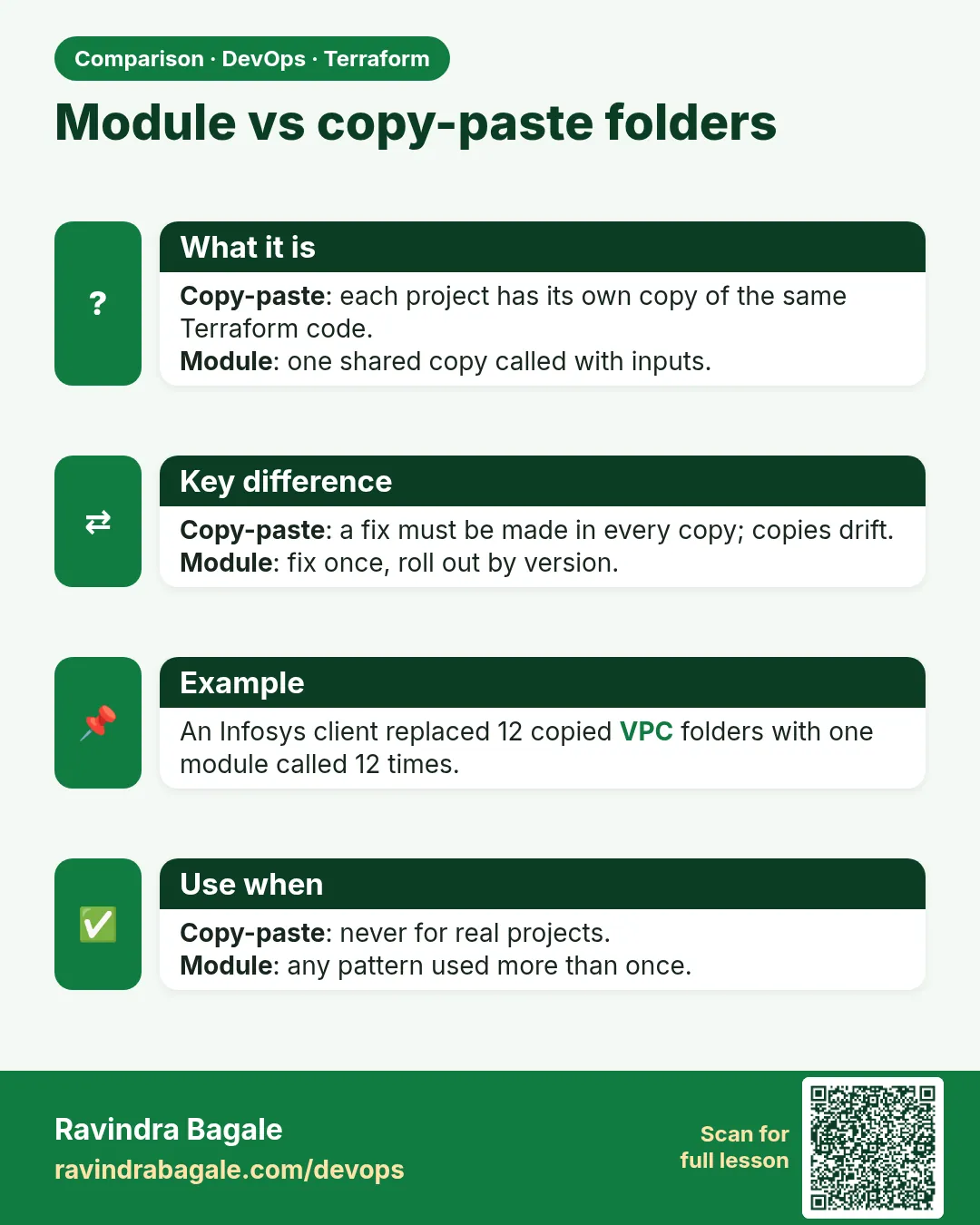
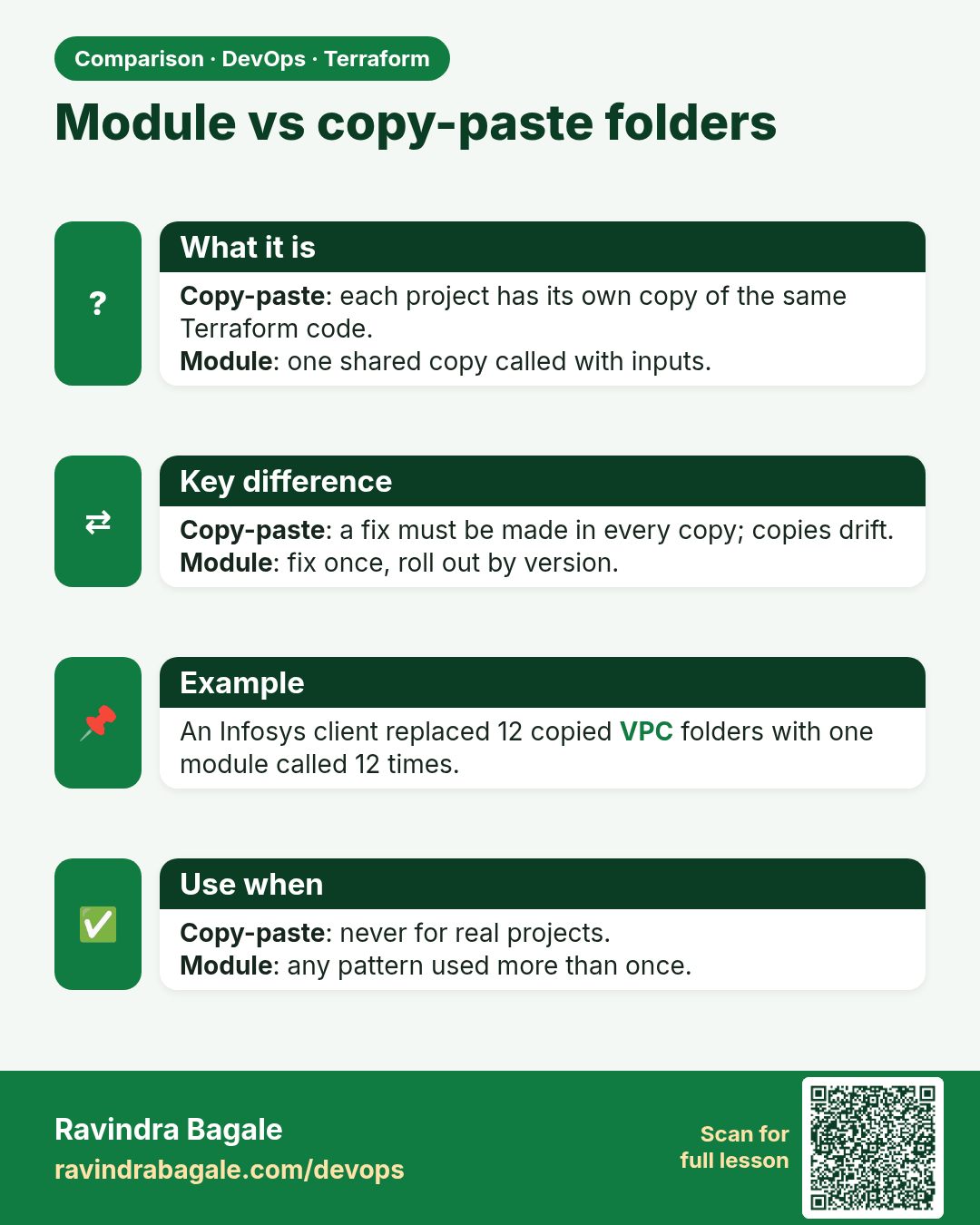
Module vs copy-paste folders. Copy-paste: each project has its own copy of the same Terraform code.Module: one shared copy called with inputs.
Comparison card 1 of 3: Module vs copy-paste folders · Download PNG · Open card page

Lesson: Chapter 35: Terraform Modules Writing Using Registry and Versioning
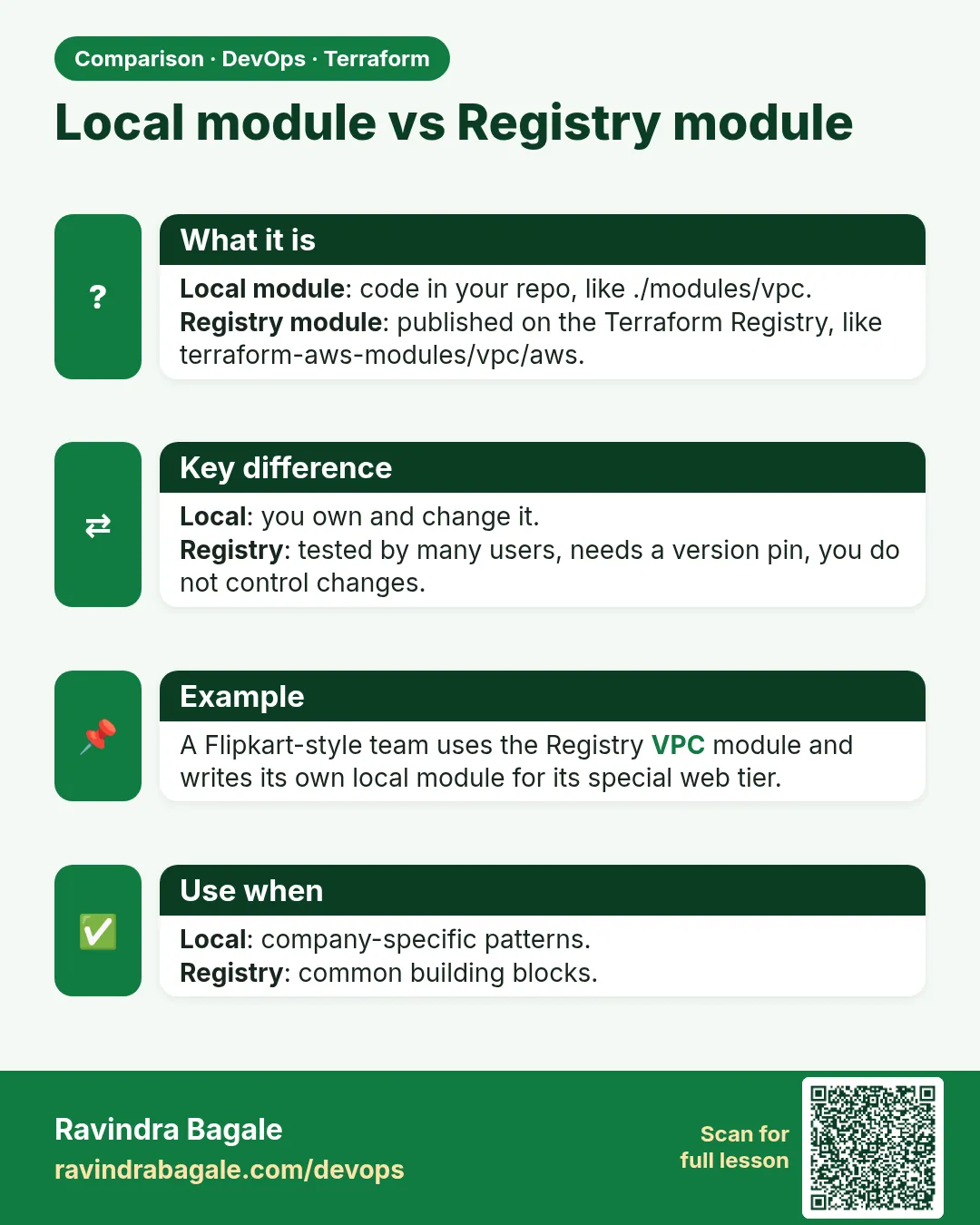
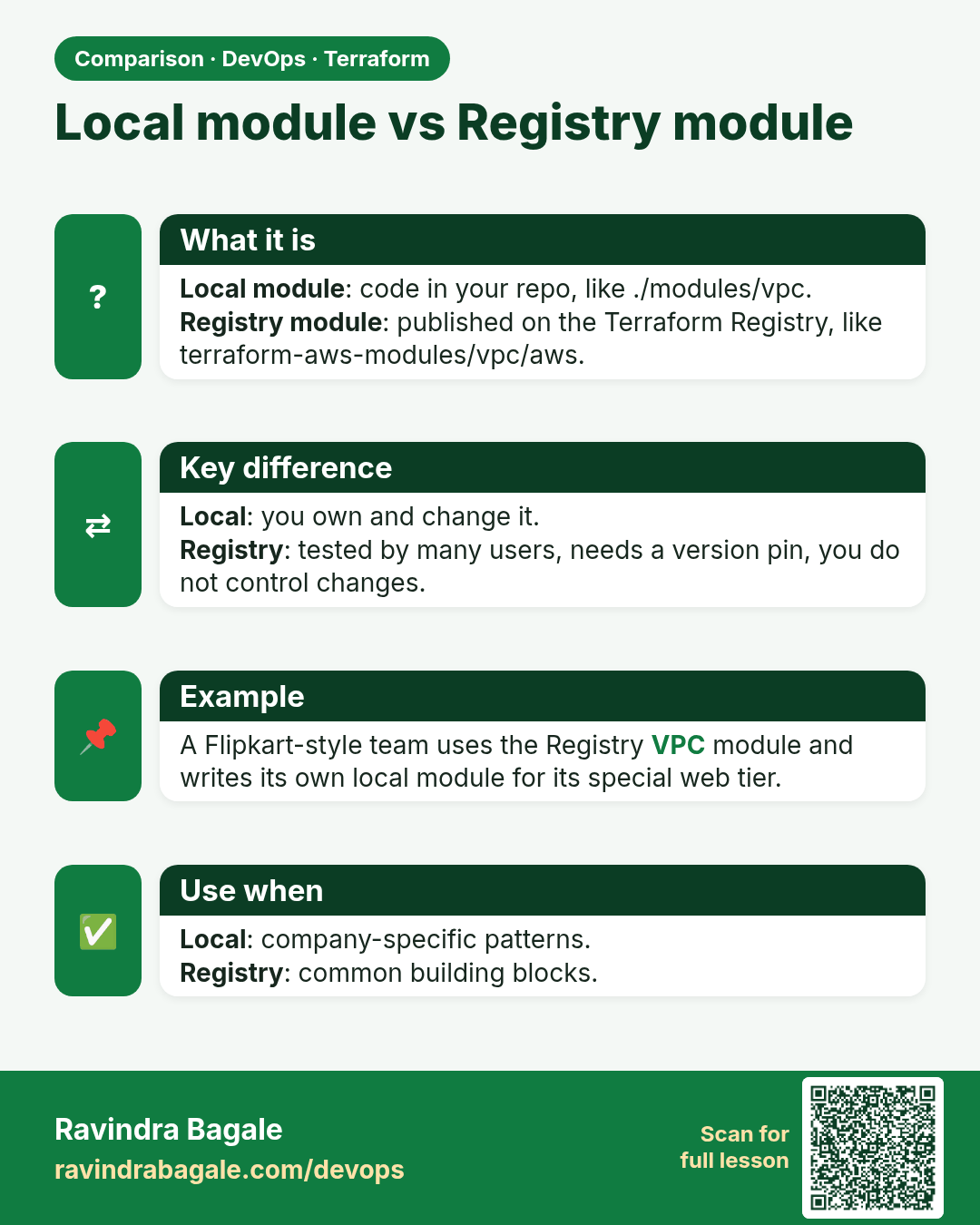
Local module vs Registry module. Local module: code in your repo, like ./modules/vpc.Registry module: published on the Terraform Registry, like terraform-aws-modules/vpc/aws.
Comparison card 2 of 3: Local module vs Registry module · Download PNG · Open card page

Lesson: Chapter 35: Terraform Modules Writing Using Registry and Versioning
Root module vs child module. Root module: the folder where you run terraform init/plan/apply.Child module: a module called by another with a module block.
Comparison card 3 of 3: Root module vs child module · Download PNG · Open card page

Lesson: Chapter 35: Terraform Modules Writing Using Registry and Versioning