Chapter 35: Terraform Modules Writing Using Registry and Versioning
35.1 Why modules — stop copying folders
In short: A module is a folder of .tf files with inputs and outputs that you call like a function.
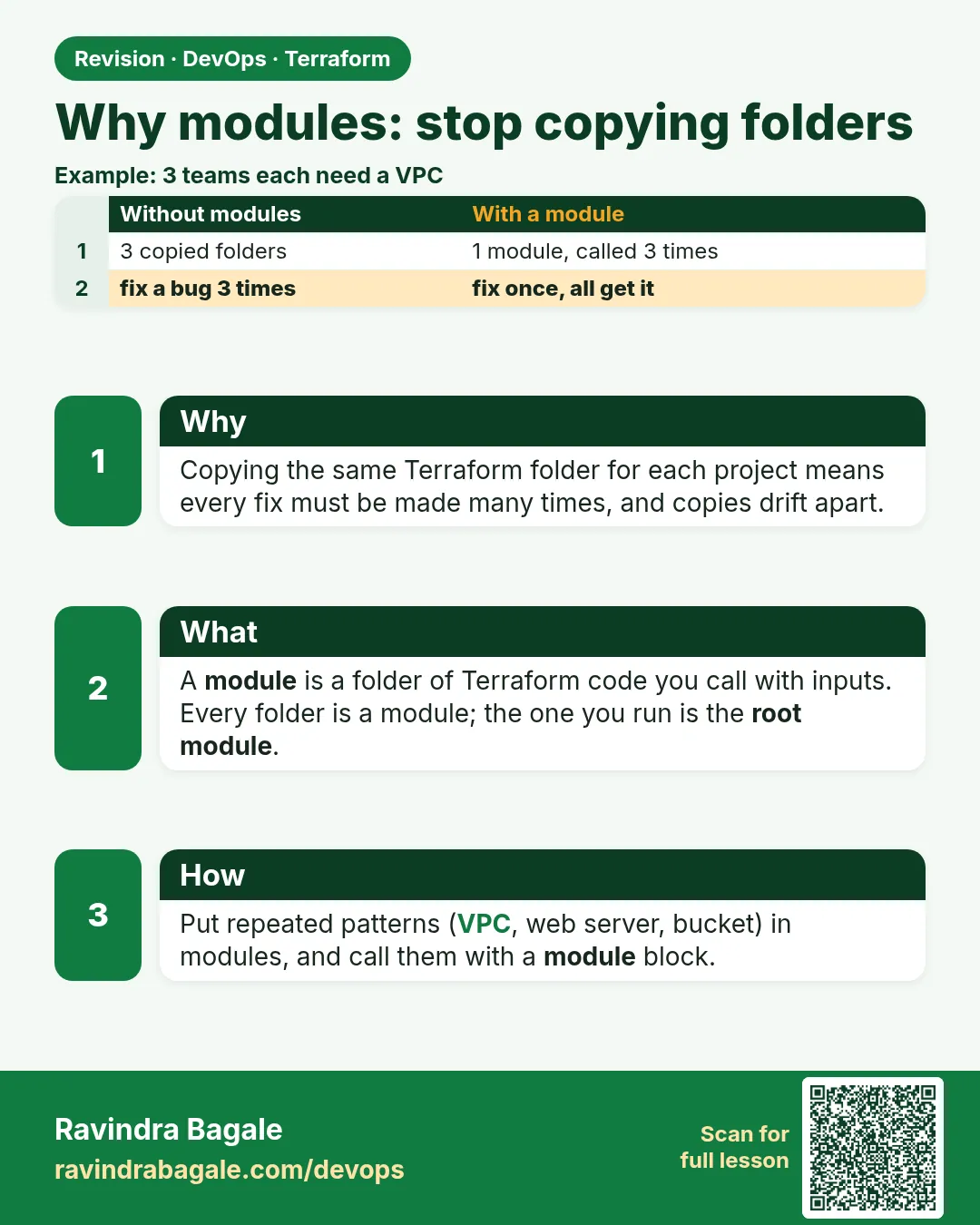
Story. An Infosys client had eleven copies of the same web-server code, one per project, and a security fix had to be applied eleven times. A module is a folder of .tf files with inputs and outputs that you call like a function. The root module is the folder where you run Terraform; every other module is a child. Write the pattern once, review it once, and every caller gets the fix by bumping a version.
modules/
  web-server/
    main.tf
    variables.tf
    outputs.tf
    versions.tf
envs/
  dev/
    main.tf
What each line does
modules/— Holds reusable child modules.web-server/— One module, one job: a web server and its security group.main.tf— The resources the module creates.variables.tf— The inputs callers must or may pass.outputs.tf— The values the module returns to callers.versions.tf— The provider requirement; child modules declare a range but no provider block.envs/dev/main.tf— The root module for dev that calls the child module.
When it is green.
$ terraform init
Initializing modules...
- web in ../../modules/web-server
Terraform has been successfully initialized!
When it is red.
Error: Module not installed
  on main.tf line 1: module "web"
This module is not yet installed. Run "terraform init" to install all modules.
Fix. Every time you add or change a module source, run terraform init again.
What: every term in plain English
- module — A folder of .tf files. You call it with inputs and it gives back outputs.
- root module — The folder where you run terraform init, plan and apply.
- child module — Any module that the root module calls with a module block.
- source — Where Terraform finds the module code: a local path, the registry, or Git.
- input — A variable the module declares. The caller sets it in the module block.
- output — A value the module gives back, read as module.NAME.OUTPUT.
- .terraform/modules — The hidden folder where terraform init copies or downloads modules.
- modules.json — A file inside .terraform/modules that records which module came from where.
Example 1: See the copy-paste problem first
A TCS project team had three folders, dev, test and prod, each with the same 60 lines for a web server. A security group fix was made in dev and forgotten in prod. Let us see the problem with a quick count.
- Make three folders that each hold the same main.tf.
- Count the lines that are the same.
- Change one port in dev only.
- See how prod now differs.
mkdir -p copy-lab/dev copy-lab/test copy-lab/prod
cat > copy-lab/dev/main.tf <<'EOF'
resource "aws_security_group" "web" {
  name = "web-sg"
  ingress {
    from_port   = 80
    to_port     = 80
    protocol    = "tcp"
    cidr_blocks = ["0.0.0.0/0"]
  }
}
EOF
cp copy-lab/dev/main.tf copy-lab/test/main.tf
cp copy-lab/dev/main.tf copy-lab/prod/main.tf
sed -i 's/= 80/= 443/' copy-lab/dev/main.tf
diff copy-lab/dev/main.tf copy-lab/prod/main.tf
Output
4,5c4,5
<     from_port   = 443
<     to_port     = 443
---
>     from_port   = 80
>     to_port     = 80
What it shows: One fix, three places to remember. A module puts the code in one place, so a fix reaches every caller.
Example 2: Turn the folder into a module
The same team moved the code into modules/web-sg and called it three times. Now the port is an input.
- Create modules/web-sg with variables.tf, main.tf and outputs.tf.
- Call it from envs/dev/main.tf.
- Run init and see the module installed.
# modules/web-sg/variables.tf
variable "name" {
  type = string
}
variable "port" {
  type    = number
  default = 443
}

# modules/web-sg/main.tf
resource "aws_security_group" "this" {
  name = var.name
  ingress {
    from_port   = var.port
    to_port     = var.port
    protocol    = "tcp"
    cidr_blocks = ["0.0.0.0/0"]
  }
}

# modules/web-sg/outputs.tf
output "id" {
  value = aws_security_group.this.id
}
# envs/dev/main.tf
provider "aws" {
  region = "ap-south-1"
}

module "web_sg" {
  source = "../../modules/web-sg"
  name   = "dev-web-sg"
}

output "sg_id" {
  value = module.web_sg.id
}
cd module-lab/envs/dev
terraform init
terraform plan
Output
Initializing modules...
- web_sg in ../../modules/web-sg

Initializing provider plugins...
- Installing hashicorp/aws v5.x.x...
Terraform has been successfully initialized!

  # module.web_sg.aws_security_group.this will be created
  + resource "aws_security_group" "this" {
      + name = "dev-web-sg"
      ...
    }

Plan: 1 to add, 0 to change, 0 to destroy.
What it shows: The address now starts with module.web_sg. That tells you the resource lives inside a module.
Example 3: Call one module three times
A Flipkart-style team needs a group for web, admin and api. One module, three calls, three different inputs.
module "web_sg" {
  source = "../../modules/web-sg"
  name   = "dev-web-sg"
  port   = 443
}

module "admin_sg" {
  source = "../../modules/web-sg"
  name   = "dev-admin-sg"
  port   = 8443
}

module "api_sg" {
  source = "../../modules/web-sg"
  name   = "dev-api-sg"
  port   = 8080
}
terraform init
terraform plan | grep "will be created"
Output
# module.admin_sg.aws_security_group.this will be created
# module.api_sg.aws_security_group.this will be created
# module.web_sg.aws_security_group.this will be created
What it shows: Every new module block needs terraform init once, even when the source is the same folder.
Example 4: Look inside .terraform/modules
When something odd happens, check what init really installed.
ls .terraform/modules
cat .terraform/modules/modules.json
terraform state list
Output
modules.json
{"Modules":[{"Key":"","Source":"","Dir":"."},
 {"Key":"admin_sg","Source":"../../modules/web-sg","Dir":"../../modules/web-sg"},
 {"Key":"api_sg","Source":"../../modules/web-sg","Dir":"../../modules/web-sg"},
 {"Key":"web_sg","Source":"../../modules/web-sg","Dir":"../../modules/web-sg"}]}
module.admin_sg.aws_security_group.this
module.api_sg.aws_security_group.this
module.web_sg.aws_security_group.this
What it shows: Local modules are not copied; Dir points to the real folder. Registry and Git modules are downloaded into .terraform/modules.
Command cheat sheet
| Command | What it does | When to use it |
|---|---|---|
terraform init |
Install or link every module and provider | After adding or changing any module block |
terraform get |
Install modules only | Quick refresh of modules without providers |
terraform state list |
Show addresses, including module.NAME. | After apply |
terraform plan |
Preview what the module calls would build | Every change |
cat .terraform/modules/modules.json |
See where each module came from | Debugging a wrong source |
Verify: did it work?
-
Module is installed
terraform initOutput
- web_sg in ../../modules/web-sg -
Resources live inside the module
terraform state listOutput
module.web_sg.aws_security_group.this -
Output works
terraform output sg_idOutput
"sg-0abc1234def567890"
When it is red 1
Error: Module not installed
  on main.tf line 5: module "admin_sg"
This module is not yet installed. Run "terraform init" to install all modules.
Cause. You added a new module block after the last init.
Fix, step by step
- Run terraform init.
- Run terraform plan again.
When it is red 2
Error: Unreadable module directory
Unable to evaluate directory symlink: lstat ../../module/web-sg: no such file or directory
Cause. The source path has a typo, here module instead of modules.
Fix, step by step
- Check the path from the root folder with ls ../../modules.
- Fix source and run terraform init.
When it is red 3
Error: Duplicate module call
  on main.tf line 12: module "web_sg"
A module call named "web_sg" was already defined at main.tf:1.
Cause. Two module blocks have the same label.
Fix, step by step
- Give each call a unique name such as web_sg and api_sg.
Cleanup
terraform destroy
rm -rf copy-lab
Ravindra Bagale's Tip
Make a module when the same code appears a second time, not the tenth time. Small modules with one job are easy to test.
Practice tasks
Easy Spot the copy
Why: Find the problem first.
What to do: Find two folders in your project that hold the same resource.
- Use diff on the two files.
Check: You can name the lines that repeat.
Medium First module
Why: Turn repeat code into one place.
What to do: Move one security group into modules/web-sg and call it.
- Add variables, main and outputs.
- Call it from envs/dev.
Check: plan shows module.web_sg.
Medium Three calls
Why: Reuse with inputs.
What to do: Call the module three times with different ports.
- Change only name and port.
Check: 3 to add.
Hard Read modules.json
Why: Know what init did.
What to do: Explain each line of modules.json to a friend.
- Run init, then cat the file.
Check: You can say which folder each call uses.
Easy Say it in two lines
Why: If you can say it simply, you understand it.
What to do: Write two short lines about this lesson for a fresher.
- Write the problem it solves.
- Write the one command or file you use.
- Read it aloud.
Check: A fresher understands it without a question.
Easy Start a safe lab folder
Why: Practice needs a throwaway place.
What to do: Make a new folder with versions.tf and a random_pet resource, so no AWS cost.
- mkdir tf-lab and cd into it.
- Add the hashicorp/random provider and one random_pet.
- Run terraform init and terraform apply.
Check: Apply complete! with 1 added.
Medium Break it on purpose
Why: You must know the red output by face.
What to do: Cause one error from the red part of this lesson and fix it.
- Follow one red section.
- Copy the exact message to your notes.
- Write the fix in one line.
Check: You fixed it without searching the web.
Medium Run it twice
Why: A second run must be quiet.
What to do: Run the same plan two times with no edits.
- Run terraform plan.
- Run it again.
- Explain any change it still shows.
Check: The second plan says No changes, or you can explain each line.
Medium Write a runbook page
Why: At 2 a.m. nobody remembers flags.
What to do: Write a one-page runbook for this lesson.
- Title, when to use, exact commands, how to check, how to undo.
Check: A teammate can follow it alone.
Medium Run it from a pipeline
Why: Real teams run Terraform from CI, not from laptops.
What to do: Run the main command of this lesson inside a GitHub Actions or Jenkins job.
- Add a job with hashicorp/setup-terraform or a Terraform Docker image.
- Give it AWS access through an IAM role, never a key in the file.
- Run init, then the command from this lesson.
Check: The job log shows the same output you saw on your laptop.
Medium Check the cost
Why: Labs left running cost real money.
What to do: Find what this lesson would cost per day if you forgot to destroy it.
- Open the AWS Pricing Calculator.
- Add each resource from your plan.
- Write the daily cost in your notes.
Check: You know the daily cost and you ran terraform destroy.
Hard Draw the flow top to bottom
Why: A drawing shows the order of work.
What to do: Draw this lesson as boxes from top to bottom.
- Start at your code, go through plan and state, end at AWS.
- Mark where each command reads or writes.
Check: Each box matches a real step you ran.
Hard Explain it like an interview
Why: Interviewers want real stories.
What to do: Record a 60 second answer about this lesson.
- Say the problem, the command, and one error you hit.
Check: Your answer has a real command and a real error message.
Homework: try at home
Try at home
Look at your last project. Write down three blocks you copied more than once. For each, write the inputs a module would need.
Recap
- A module is a folder with inputs, resources and outputs.
- The root module is where you run Terraform.
- Use module.NAME.OUTPUT to read values.
- Run terraform init after every new module block.
- Fix once in the module and every caller gets it.
FAQ
Is every Terraform folder a module?
Yes. The folder where you run Terraform is the root module. Folders it calls are child modules.
Should a child module have a provider block?
No. Declare required_providers only. The root passes the provider.
Can a module call another module?
Yes, but keep it to one or two levels. Deep nesting is hard to debug.
Do I need terraform init for local modules?
Yes. init records the module even though nothing is downloaded.
How small should a module be?
One clear job, such as a web server or a bucket with logging.
Interview questions
-
What is a Terraform module?
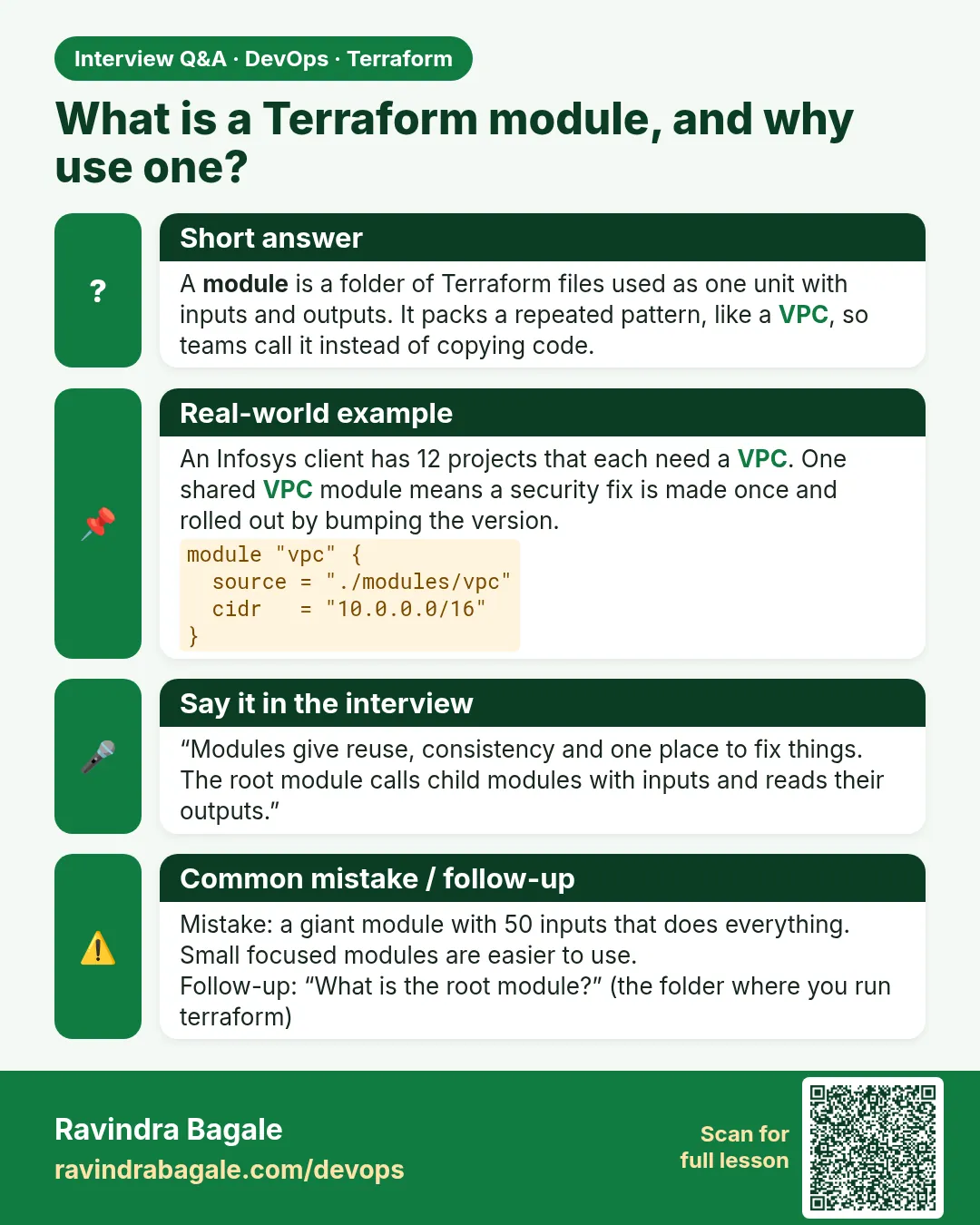
A folder of .tf files with inputs and outputs, called with a module block so the same code is reused.
-
Root module vs child module?
The root is where you run commands. A child is called by the root with a module block.
-
Why not just copy folders?
Copies drift apart. A fix has to be made many times. A module fixes it once.
-
How do you read a value from a module?
With module.NAME.OUTPUT, for example module.web_sg.id.
-
What does terraform init do for modules?
It links local modules and downloads registry or Git modules into .terraform/modules.
Quick quiz
Q1. Where do you run terraform apply?
In the root module.
Q2. How do you read output id from module web_sg?
module.web_sg.id
Q3. What must you run after adding a module block?
terraform init
Q4. Does a child module need a provider block?
No.
Q5. Where are downloaded modules kept?
.terraform/modules
Samajla ka?
 Revision card
 Interview card