Revision cards
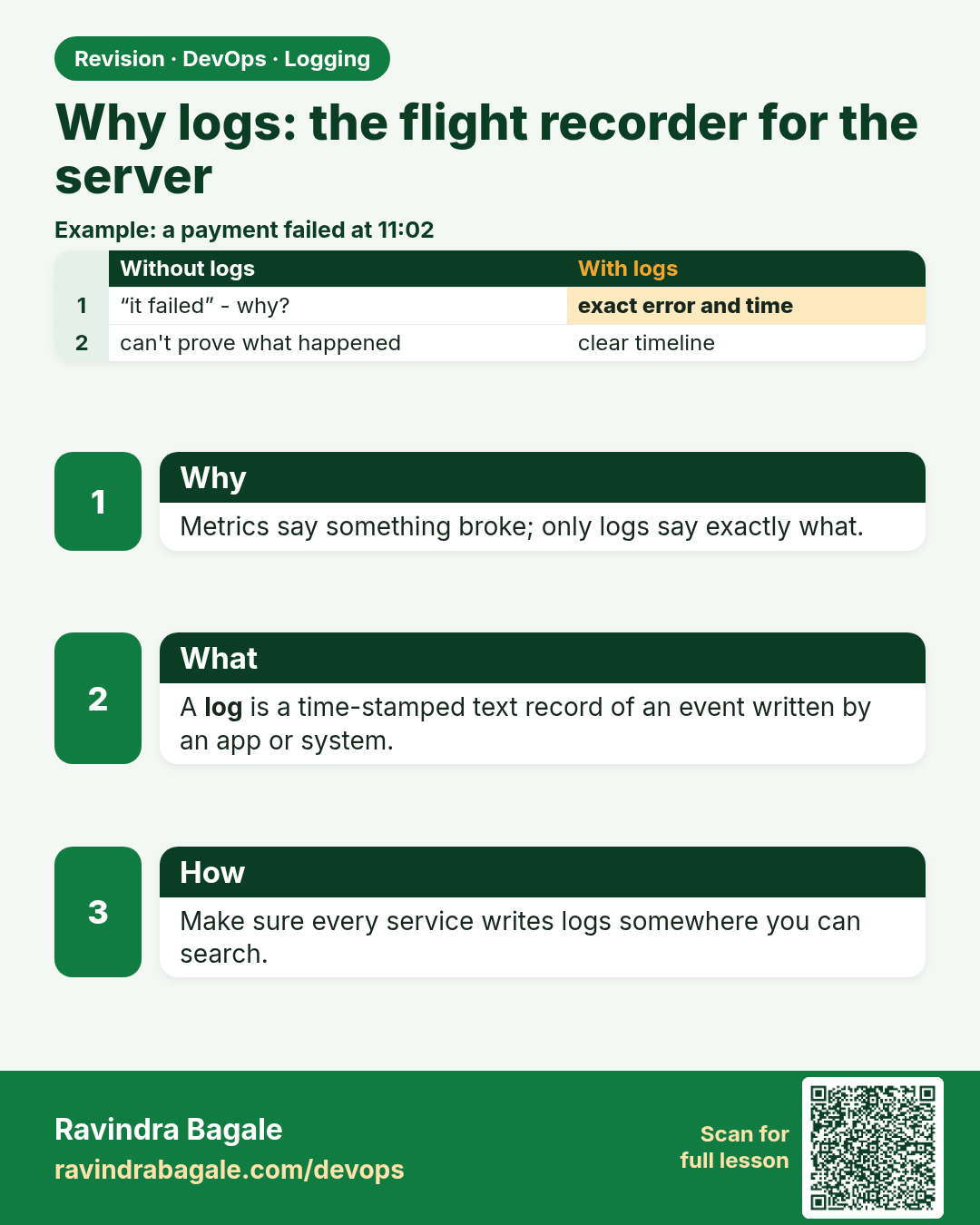
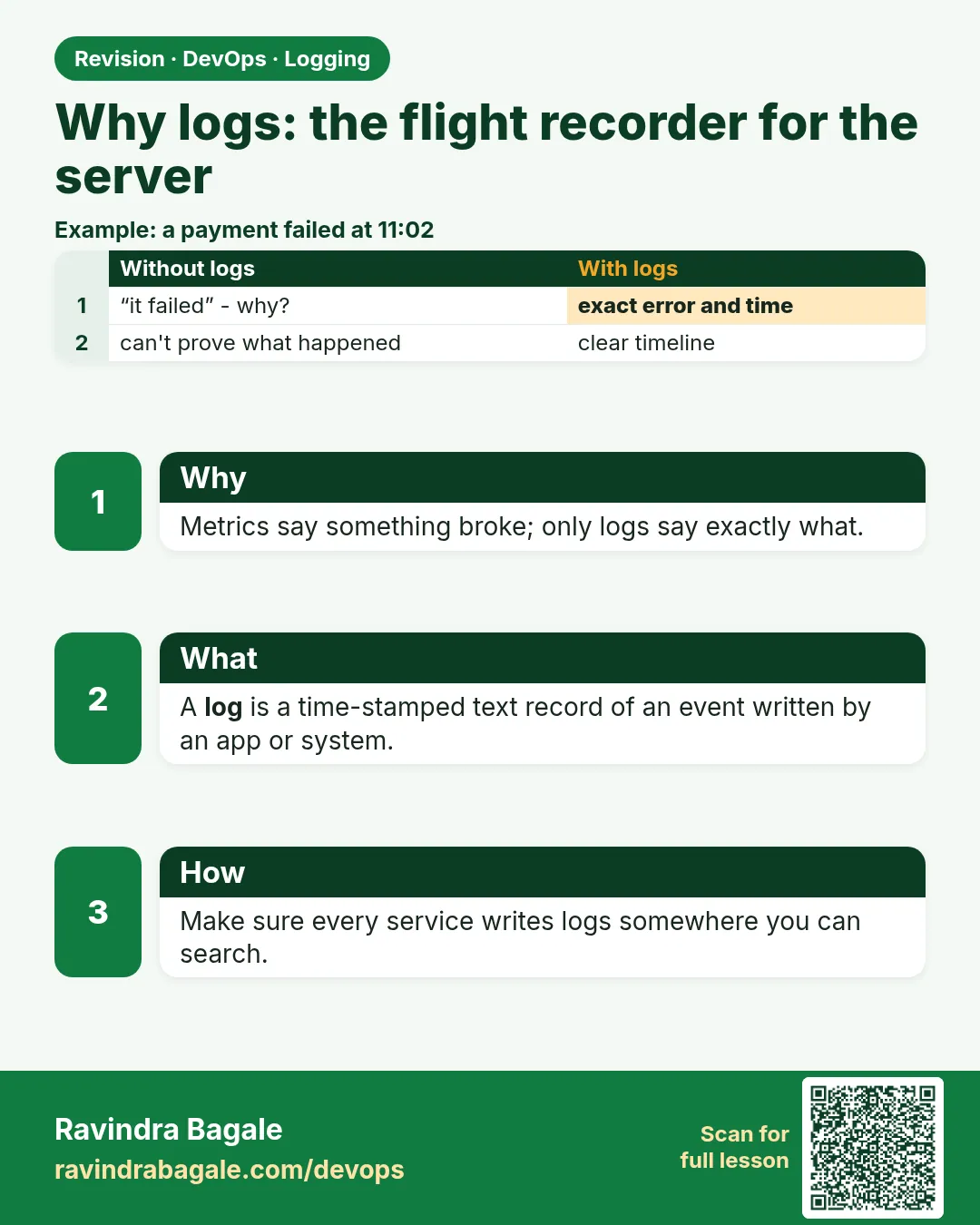 Revision card 1 of 15: Why logs: the flight recorder for the server · Download PNG · Open card page
Lesson: 14.1 Why logs — flight recorder for the server
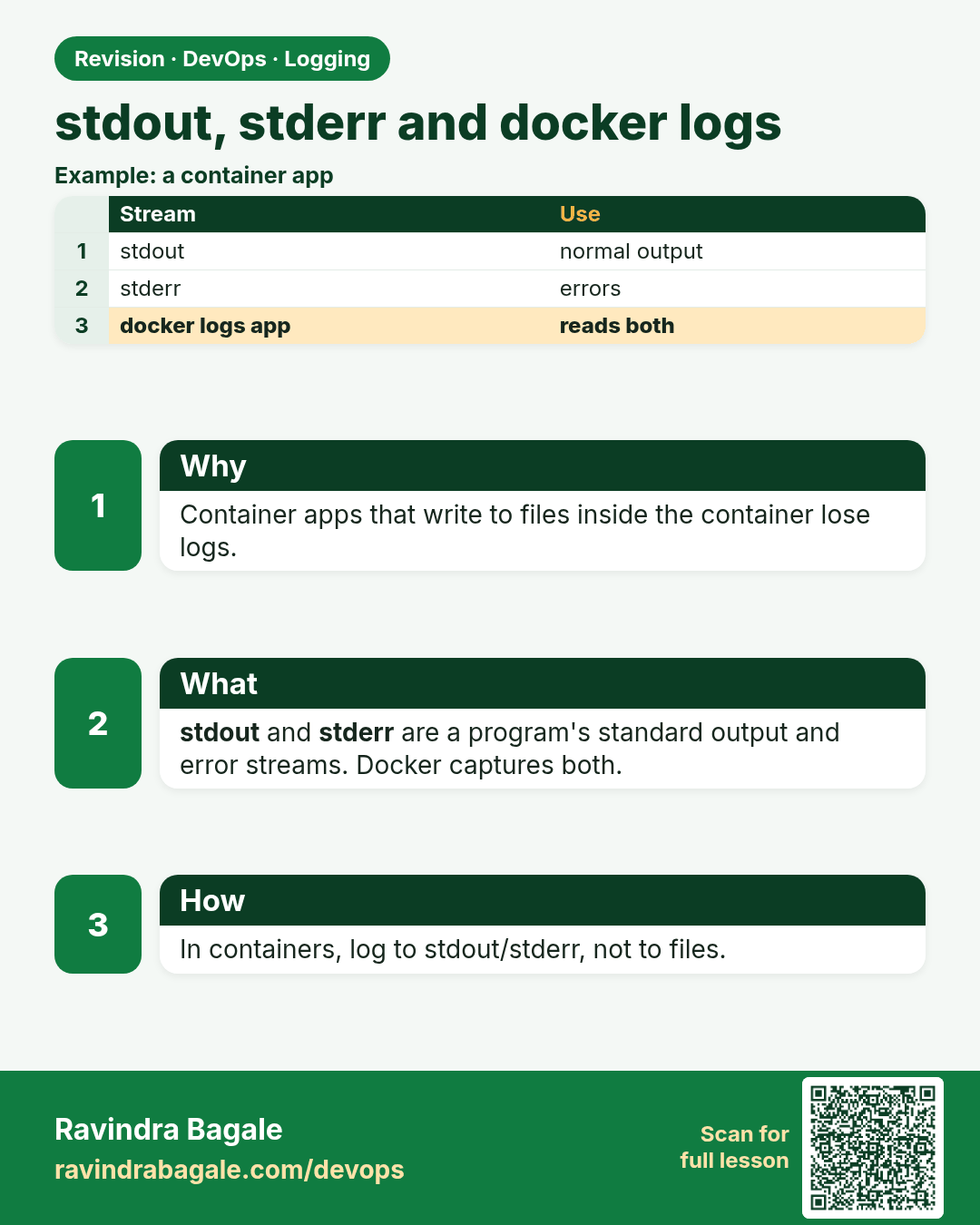
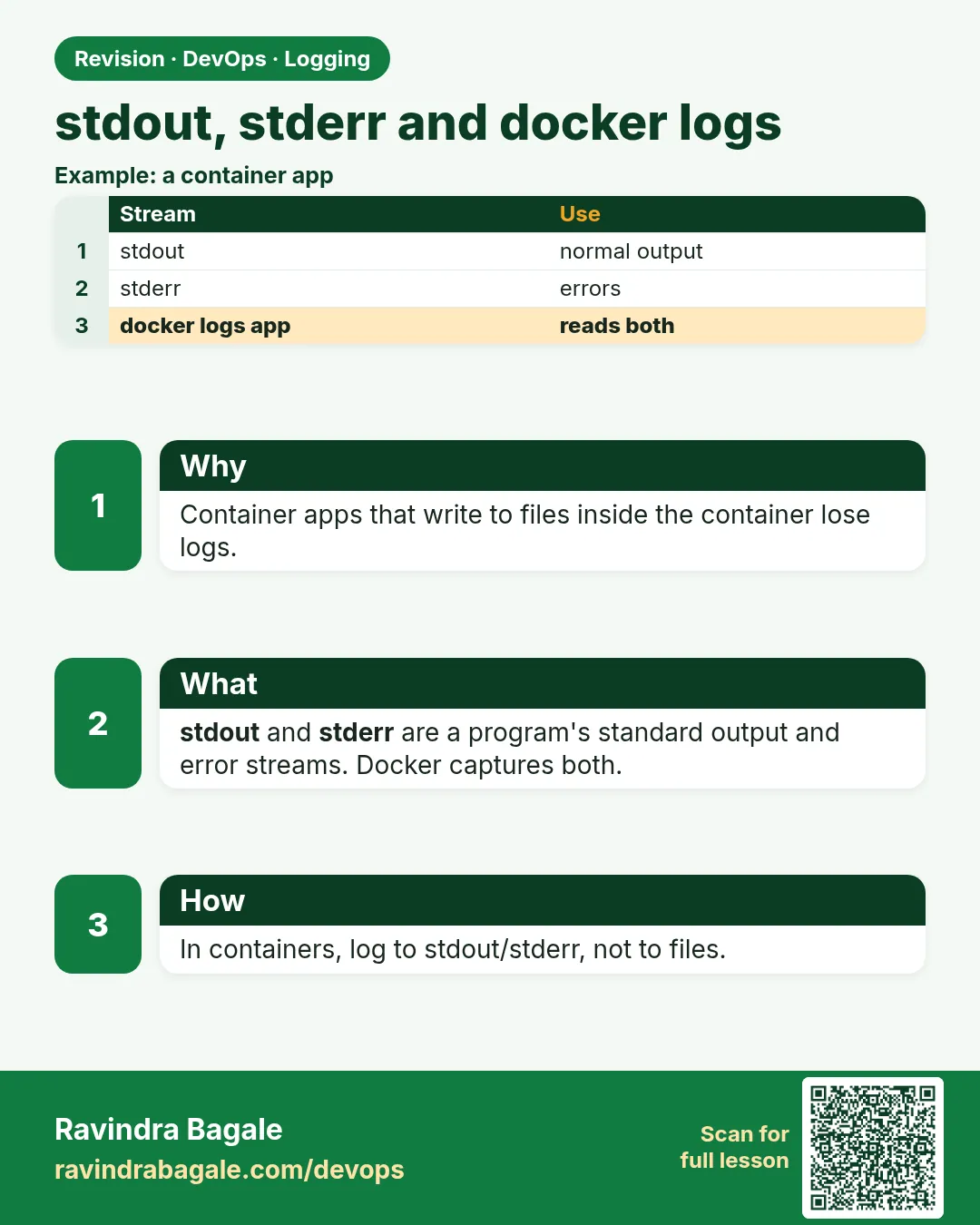 Revision card 2 of 15: stdout, stderr and docker logs · Download PNG · Open card page
Lesson: 14.2 stdout/stderr and docker logs
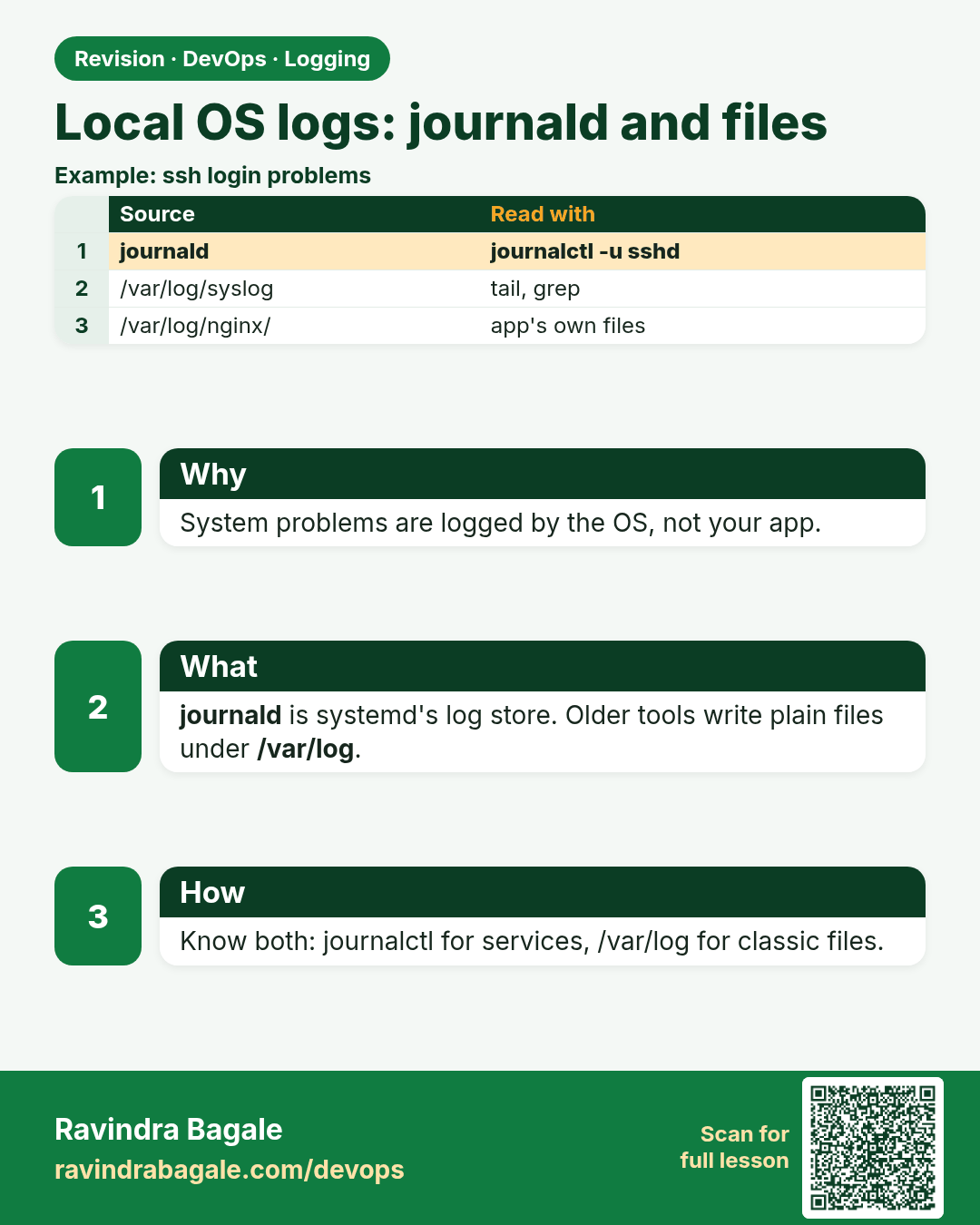
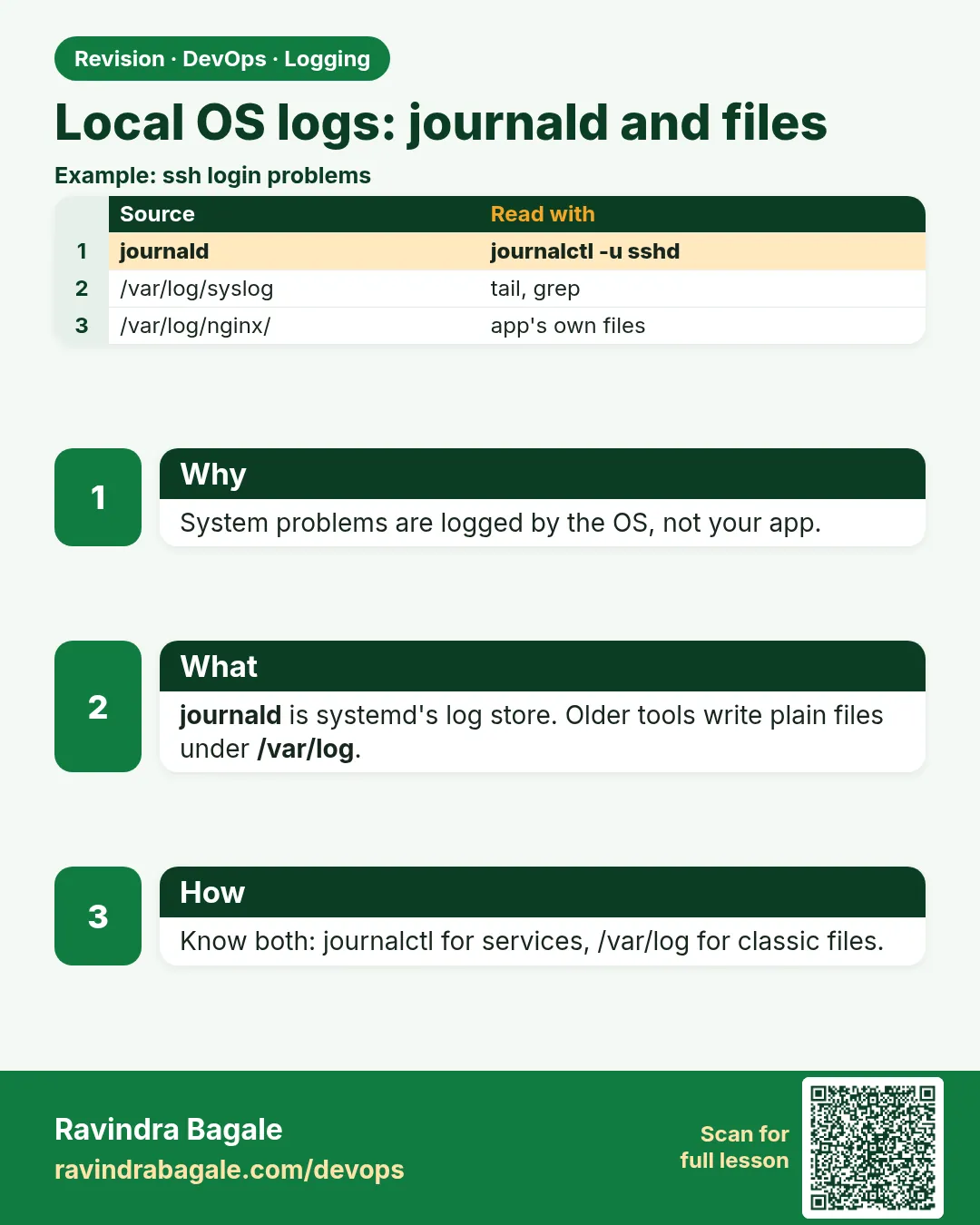 Revision card 3 of 15: Local OS logs: journald and files · Download PNG · Open card page
Lesson: 14.3 Local OS logs — journald and files
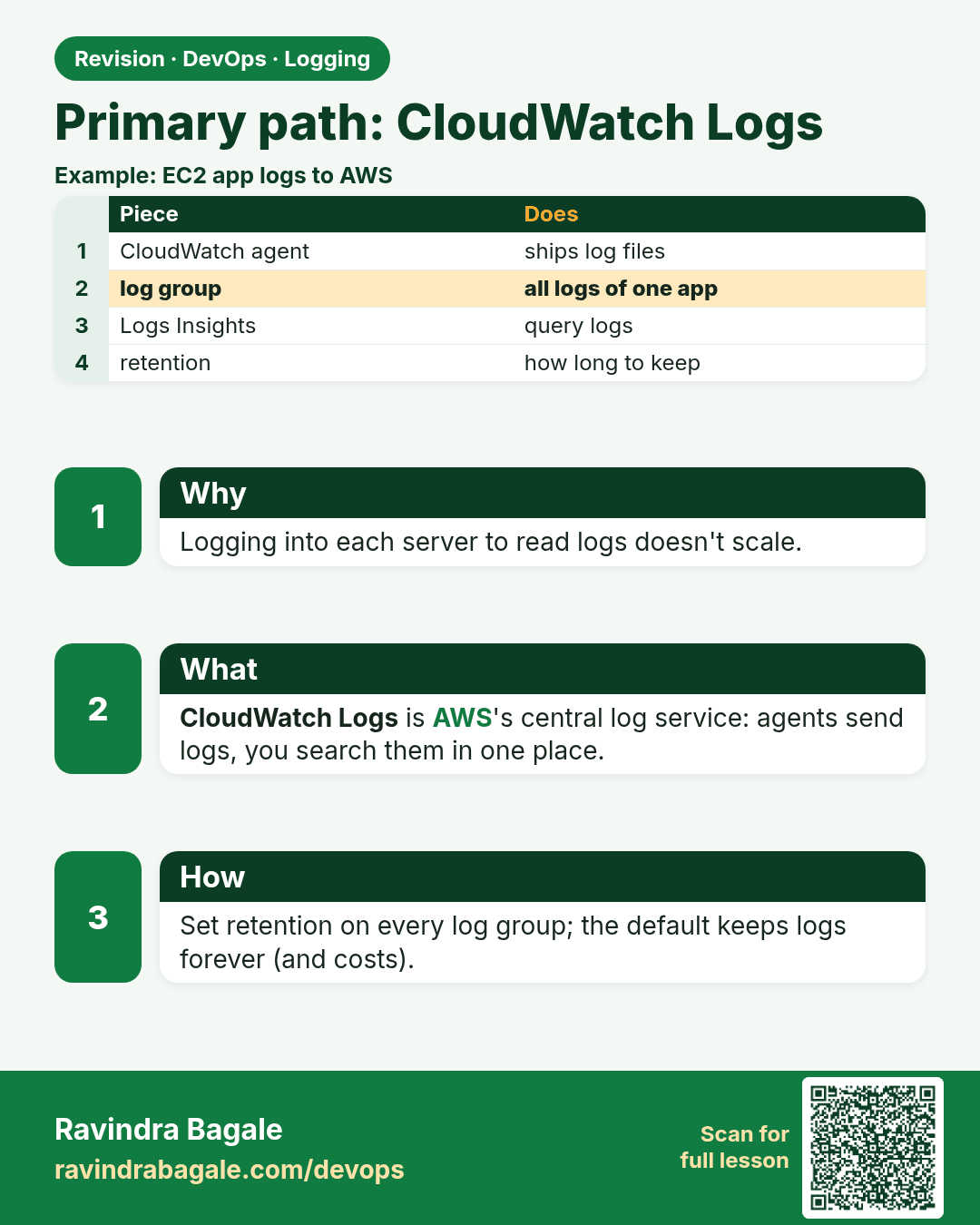
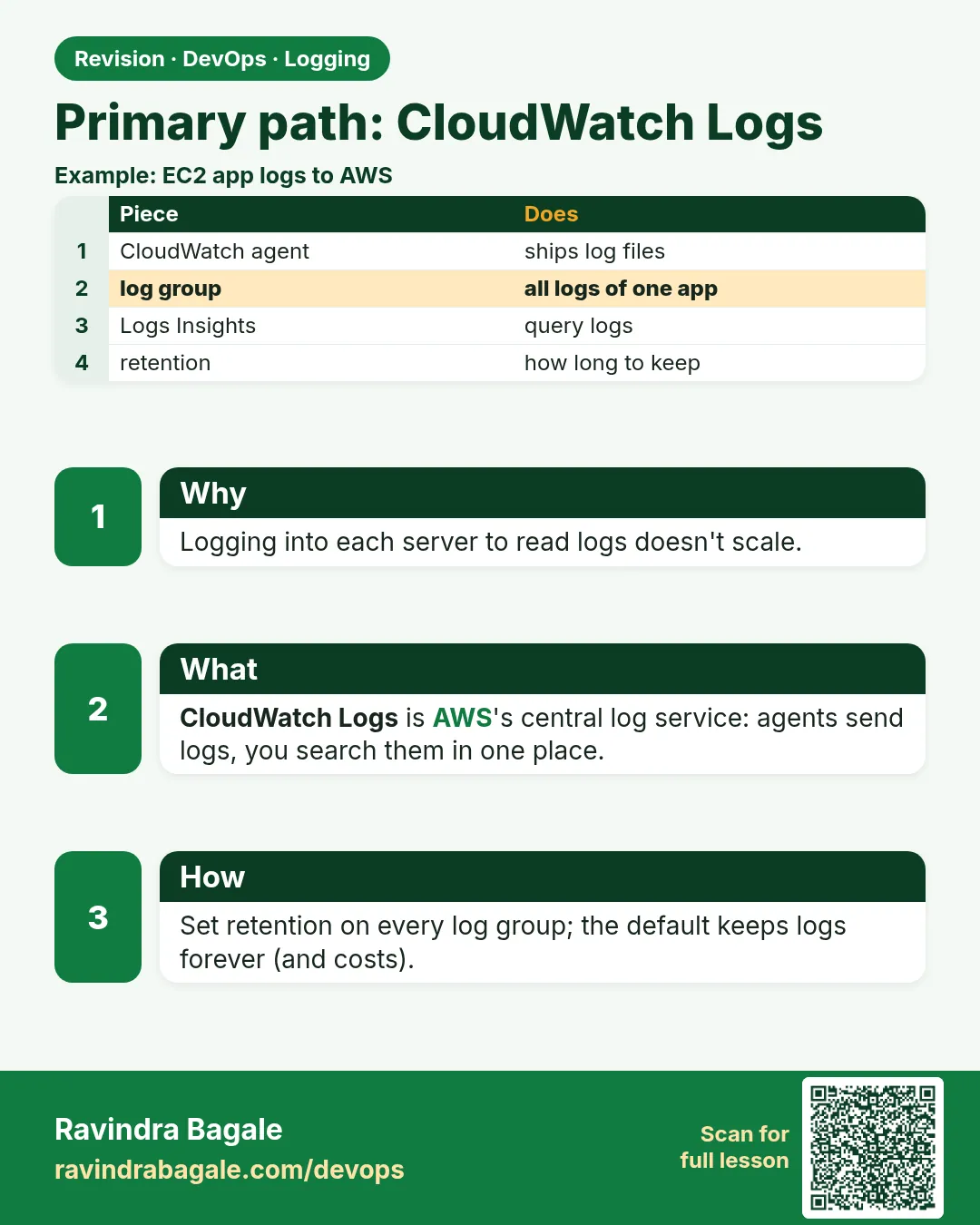 Revision card 4 of 15: Primary path: CloudWatch Logs · Download PNG · Open card page
Lesson: 14.4 Primary path — CloudWatch Logs
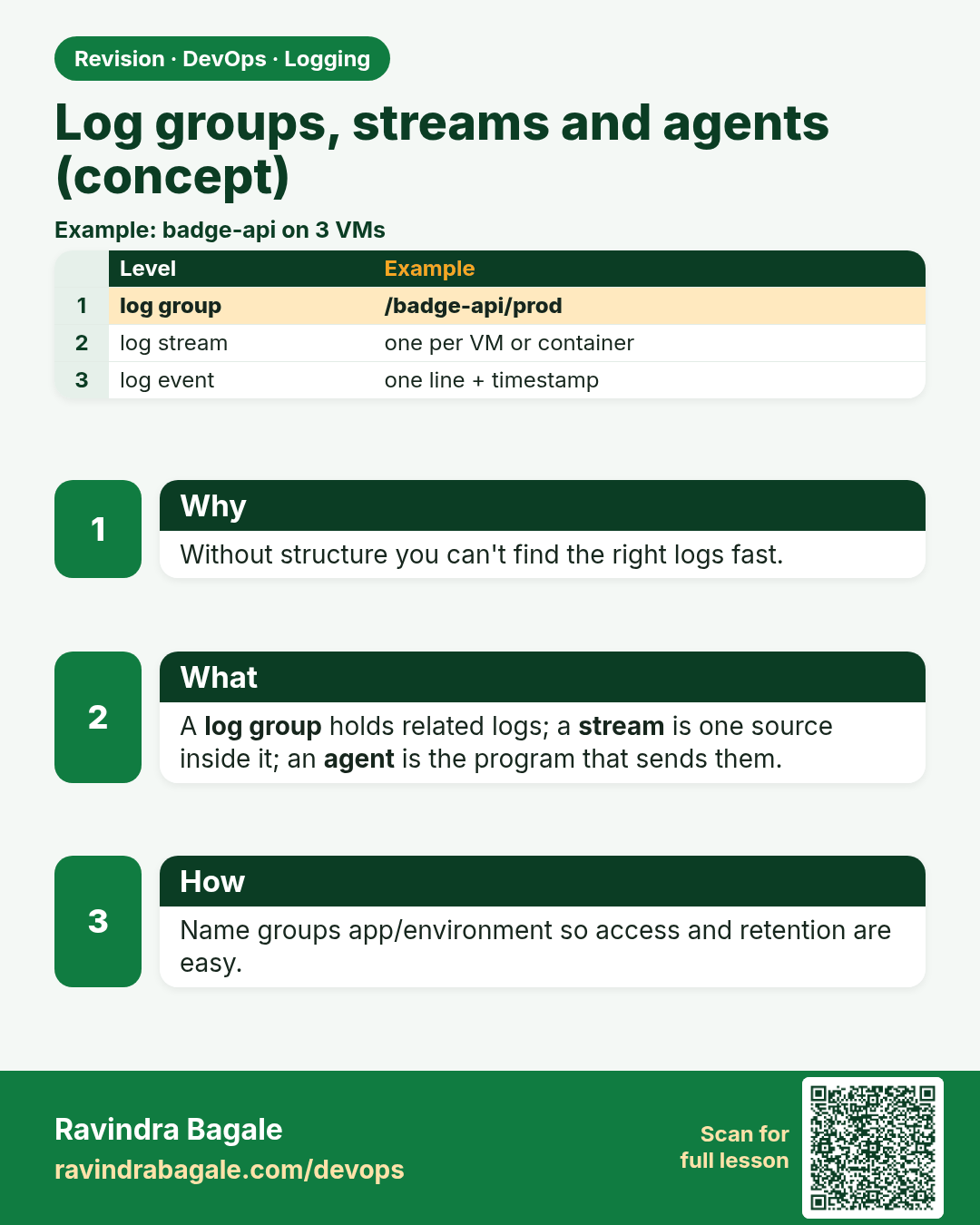
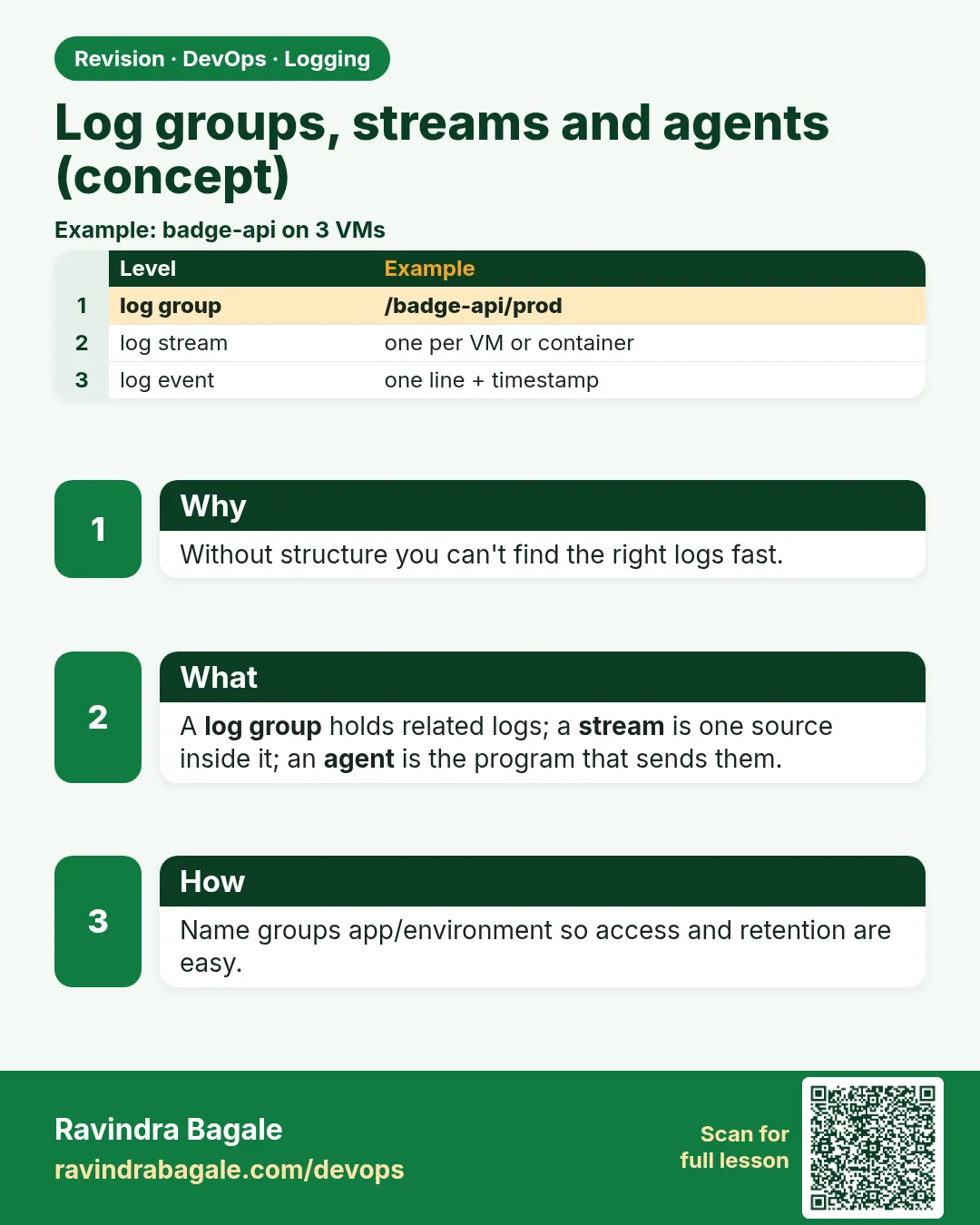 Revision card 5 of 15: Log groups, streams and agents (concept) · Download PNG · Open card page
Lesson: 14.5 Log groups, streams and agents (conceptual)
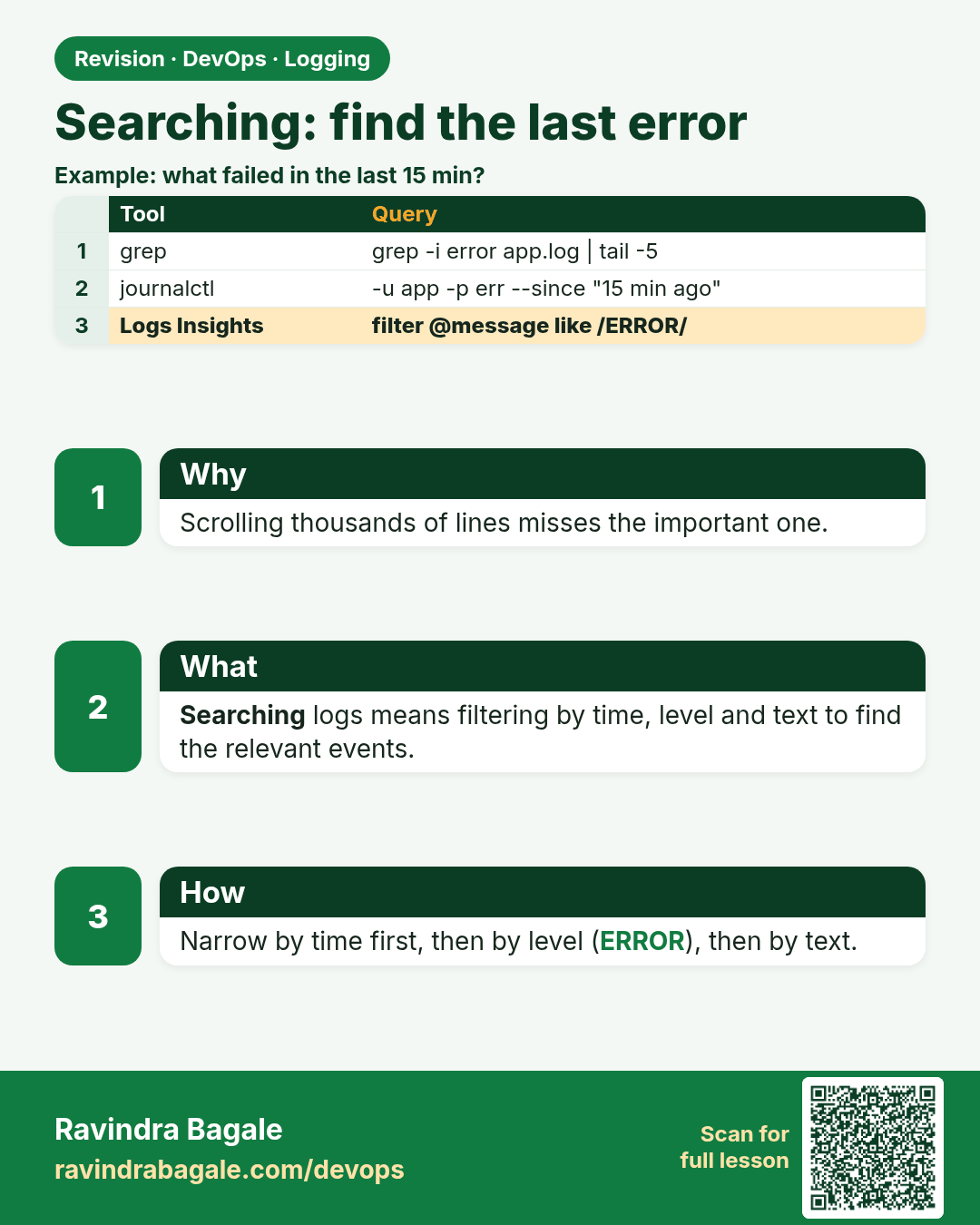
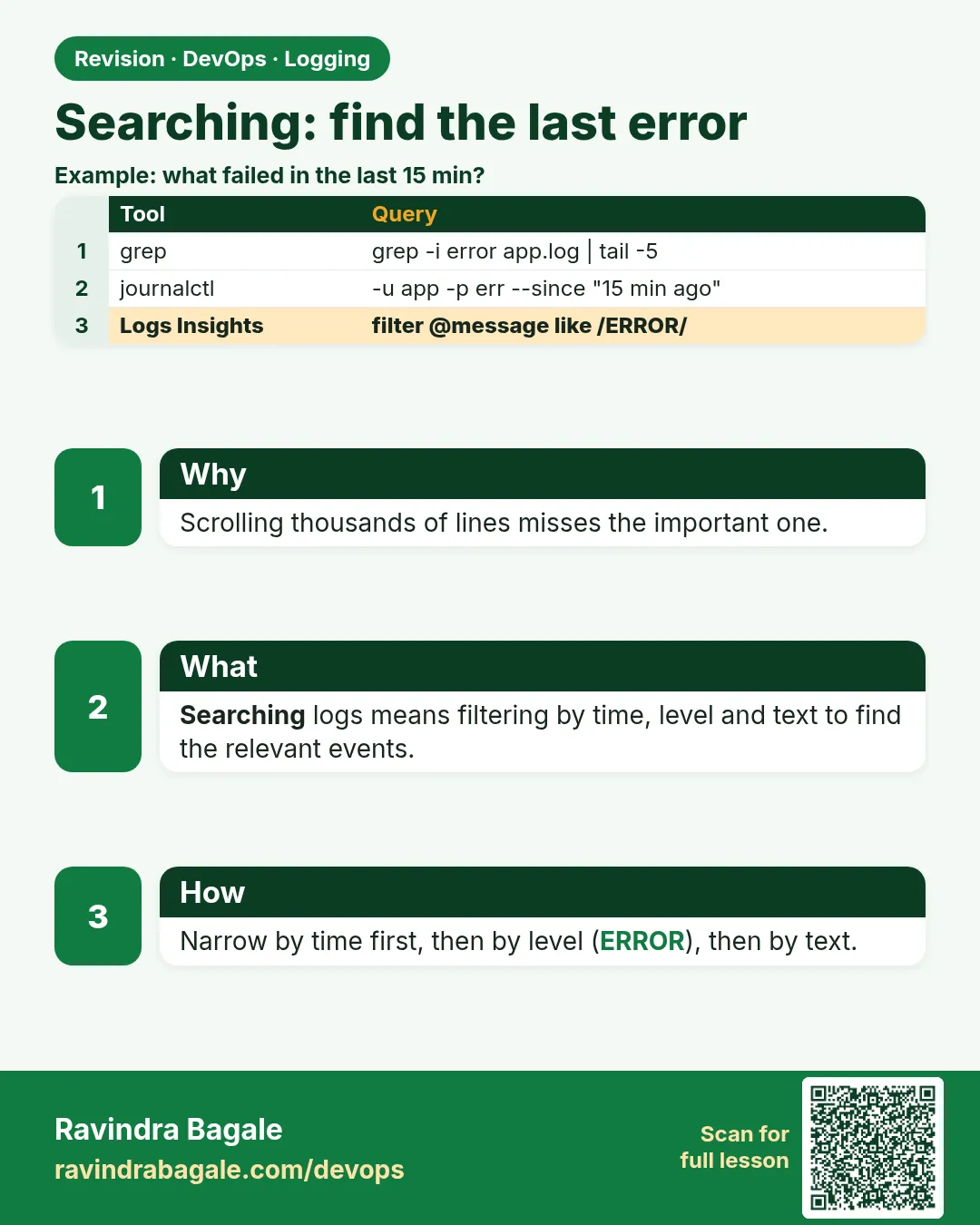 Revision card 6 of 15: Searching: find the last error · Download PNG · Open card page
Lesson: 14.6 Searching — find the last error
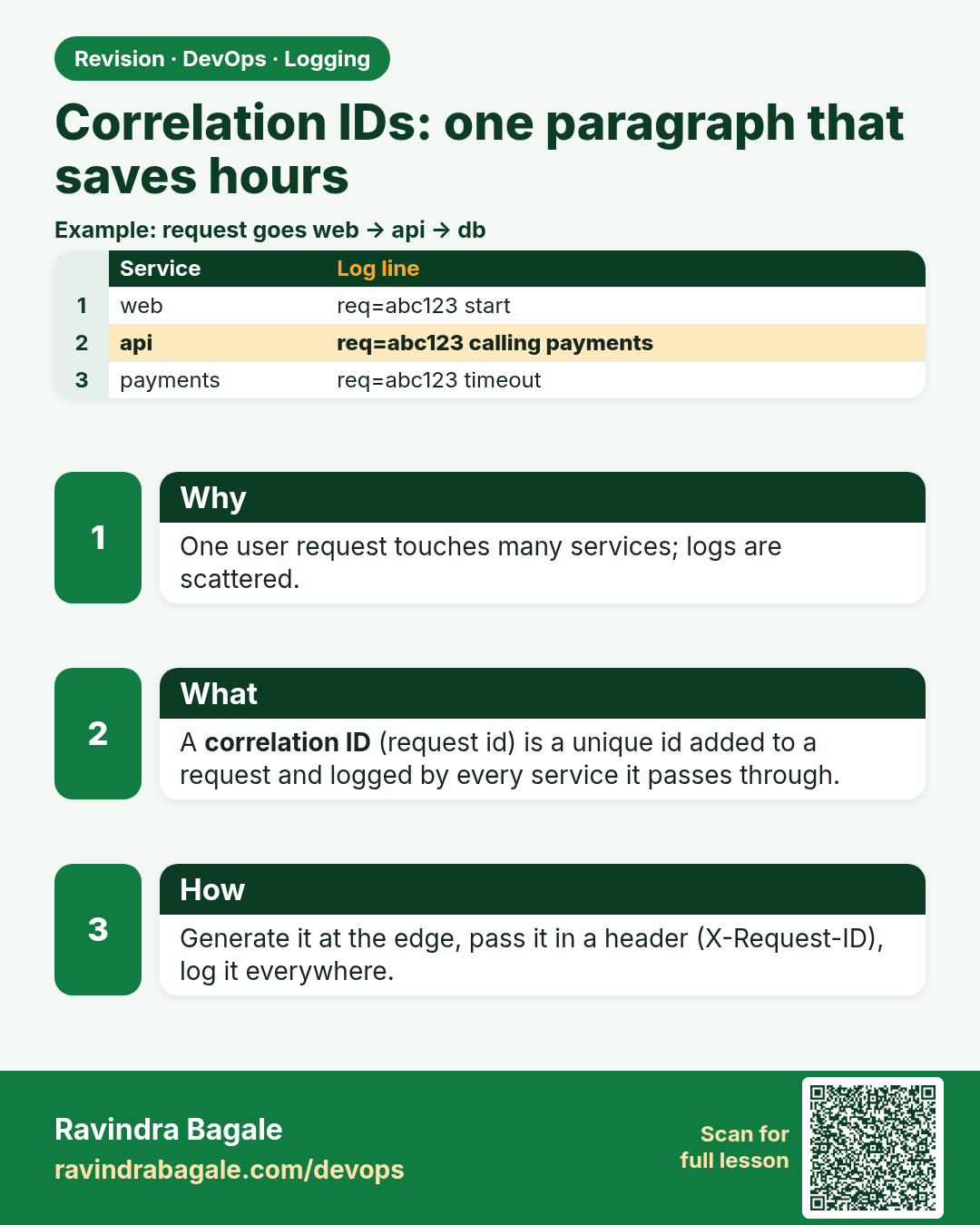
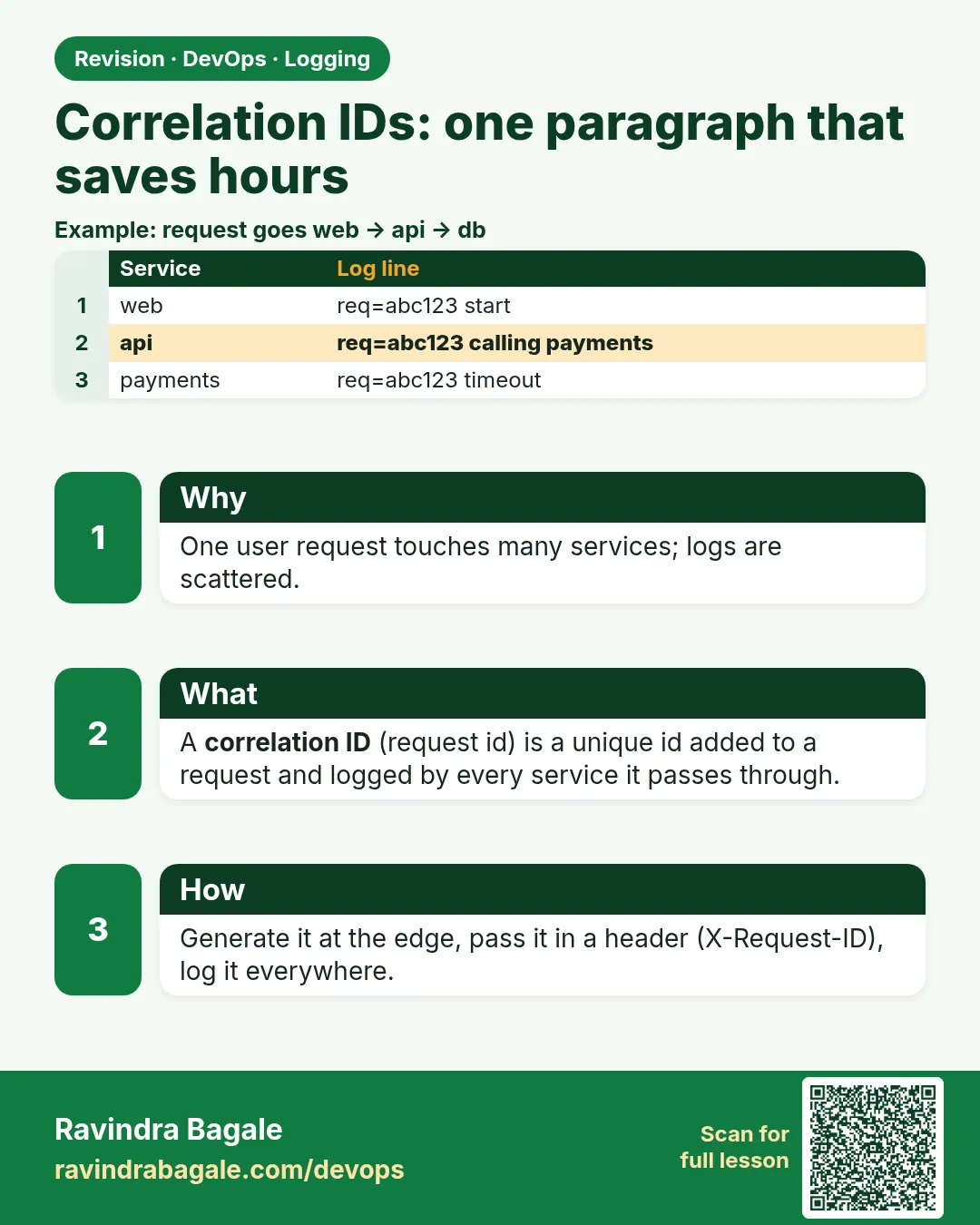 Revision card 7 of 15: Correlation IDs: one paragraph that saves hours · Download PNG · Open card page
Lesson: 14.7 Correlation IDs — one paragraph that saves hours
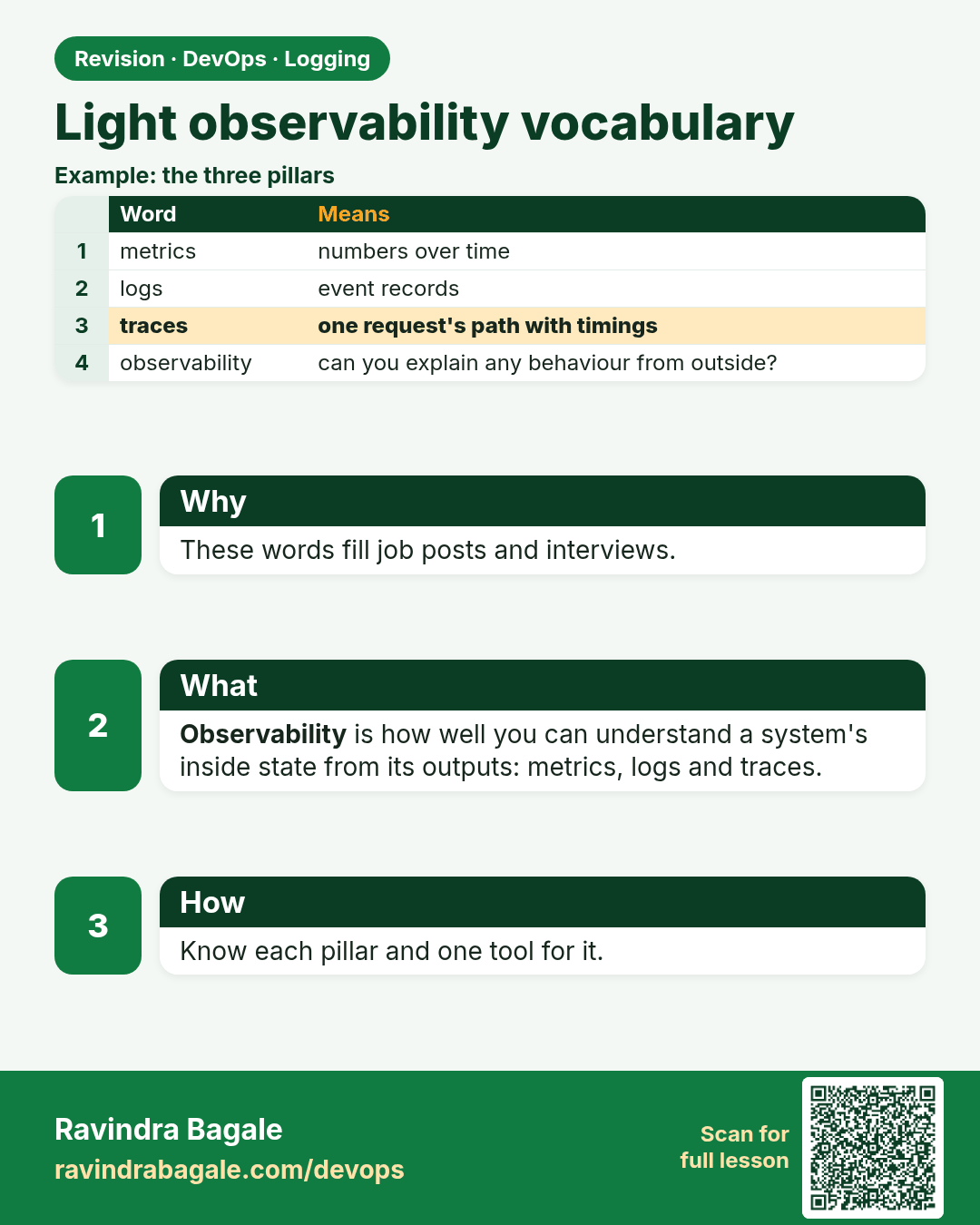
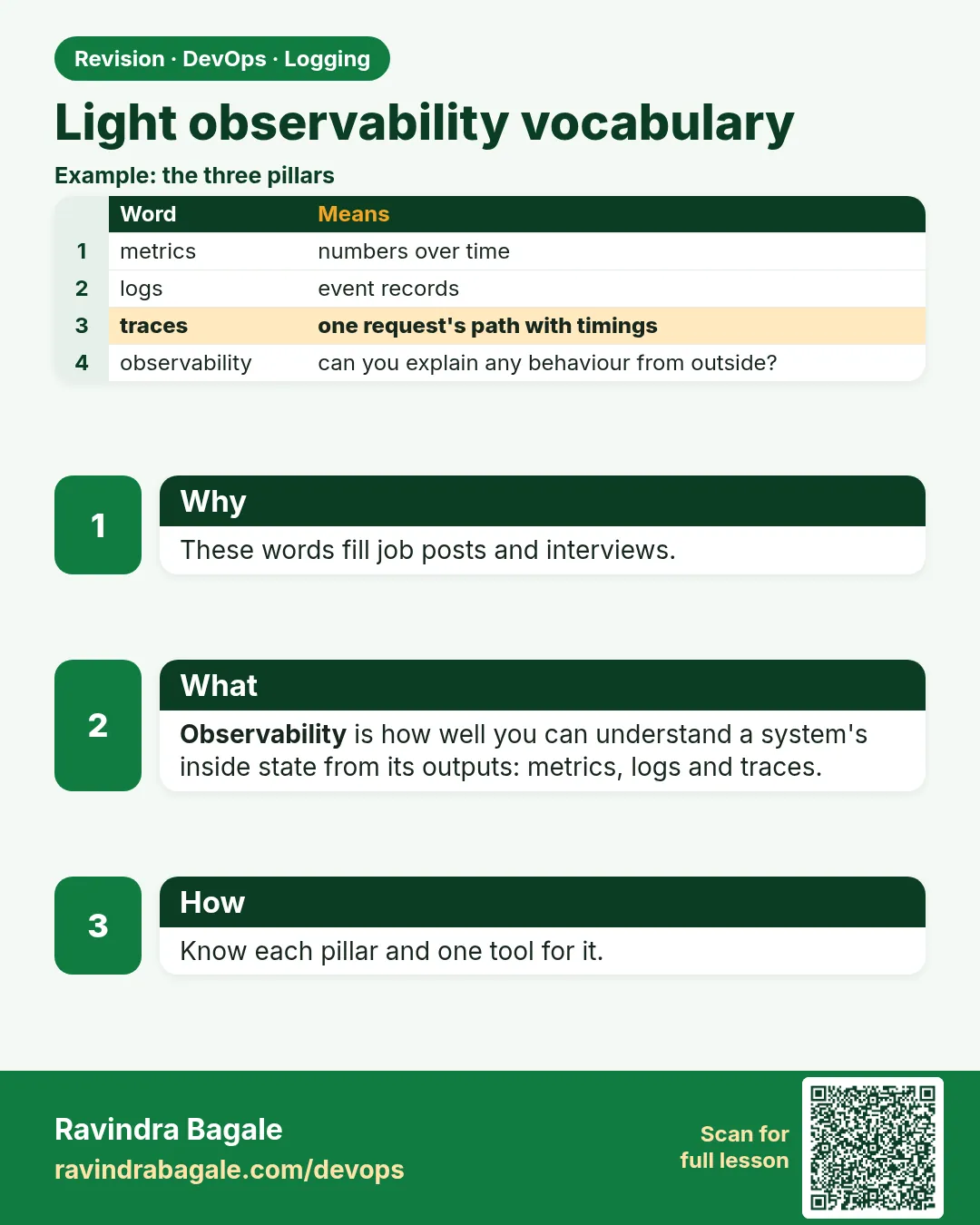 Revision card 8 of 15: Light observability vocabulary · Download PNG · Open card page
Lesson: 14.8 Light observability vocabulary
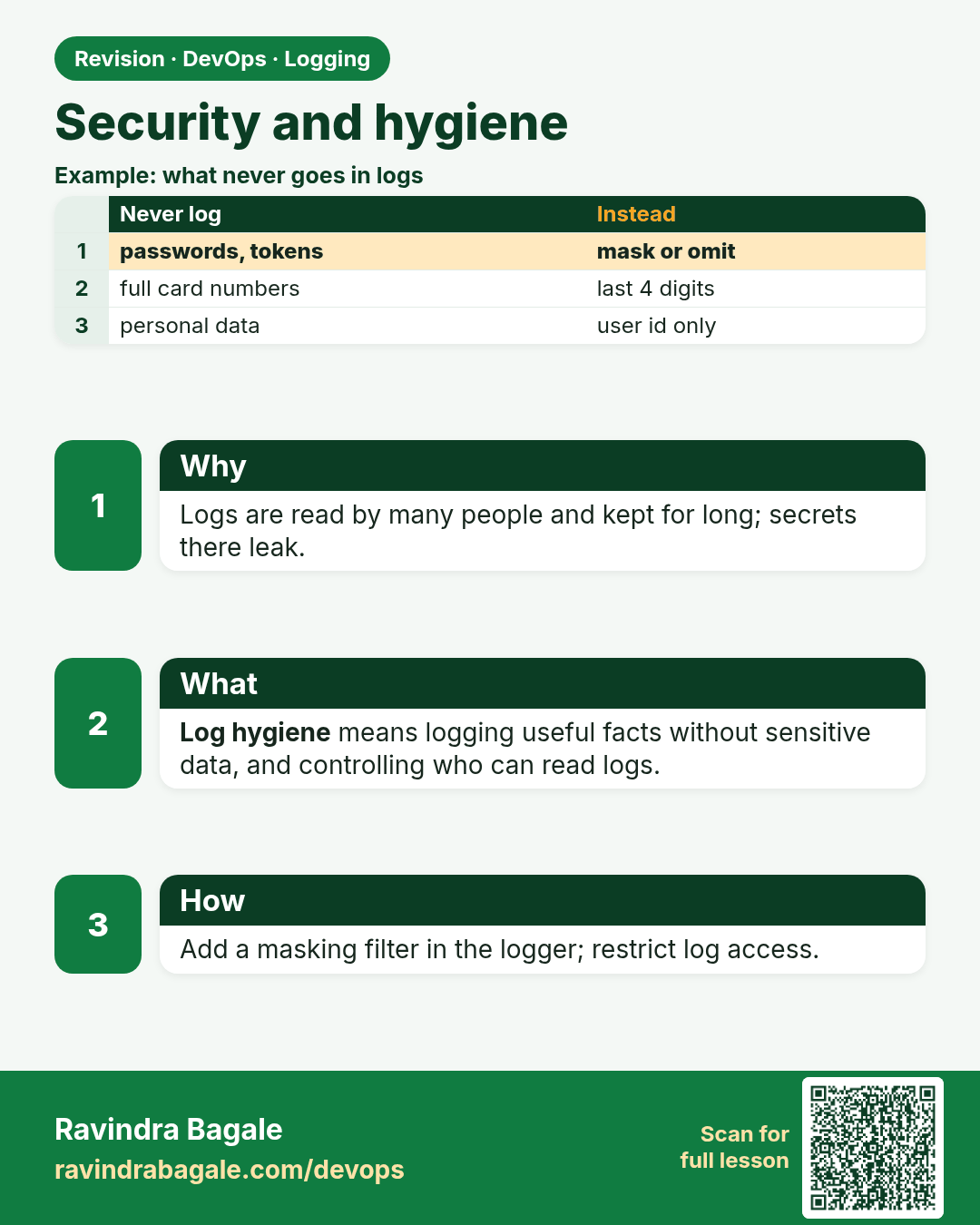
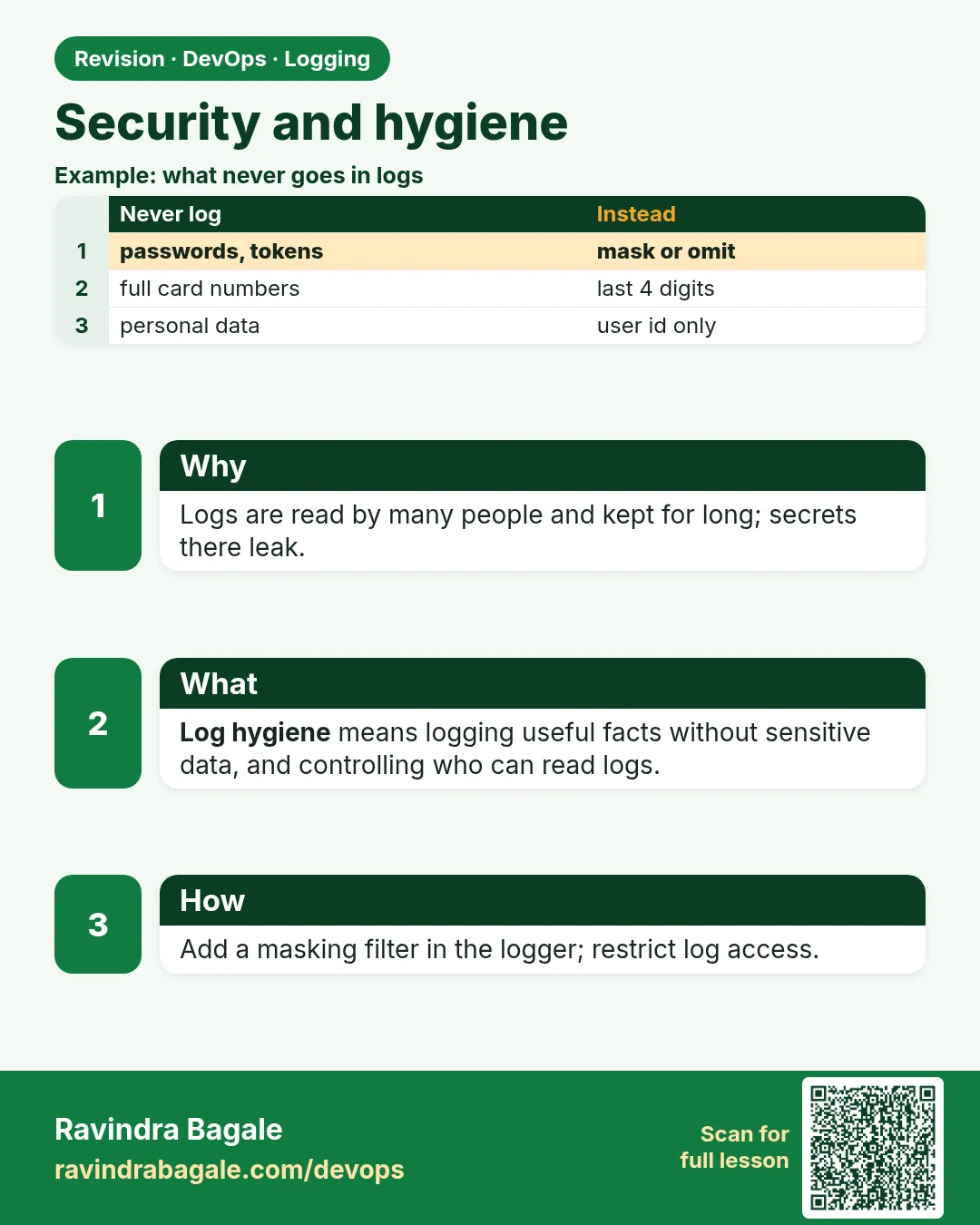 Revision card 9 of 15: Security and hygiene · Download PNG · Open card page
Lesson: 14.9 Security and hygiene
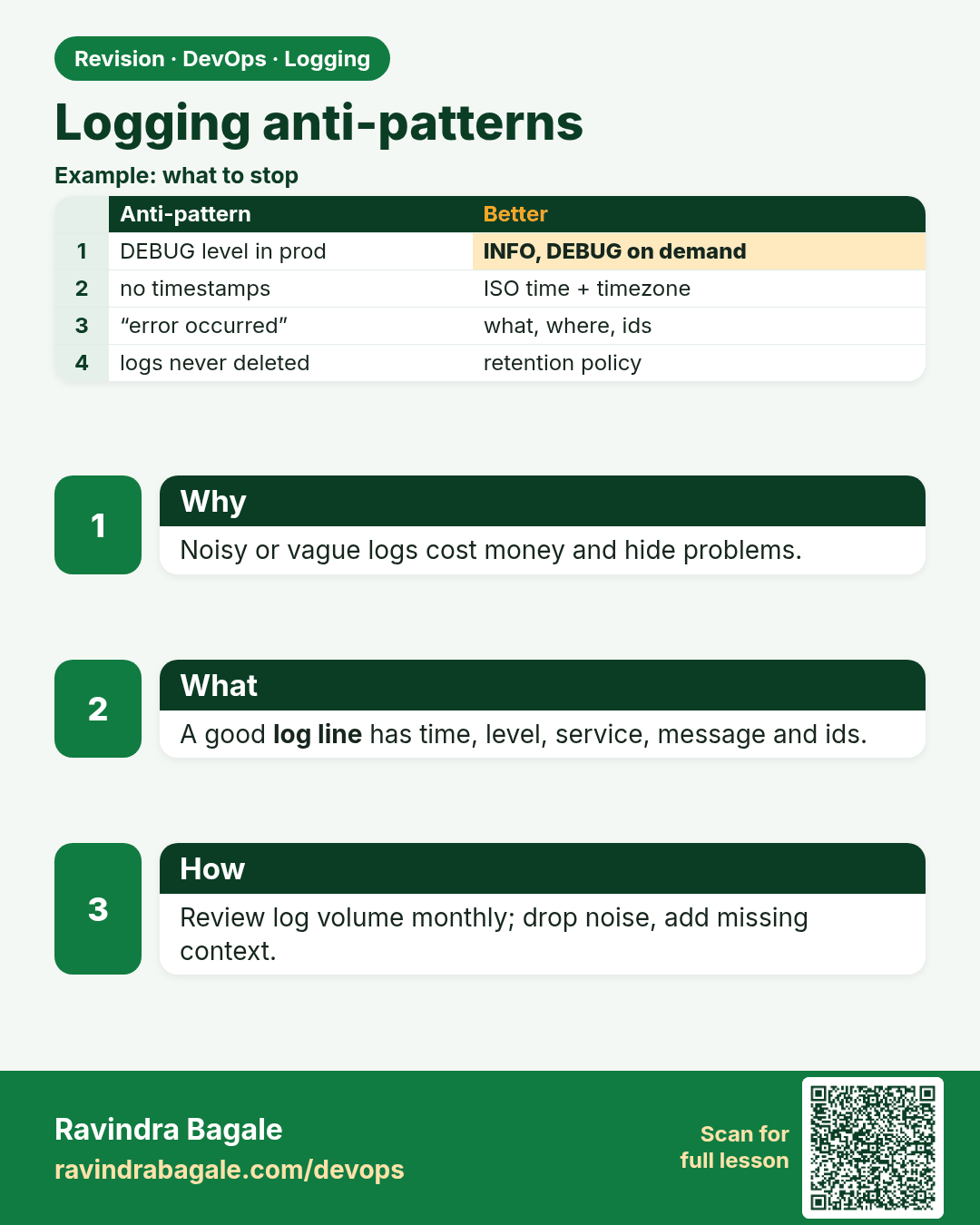
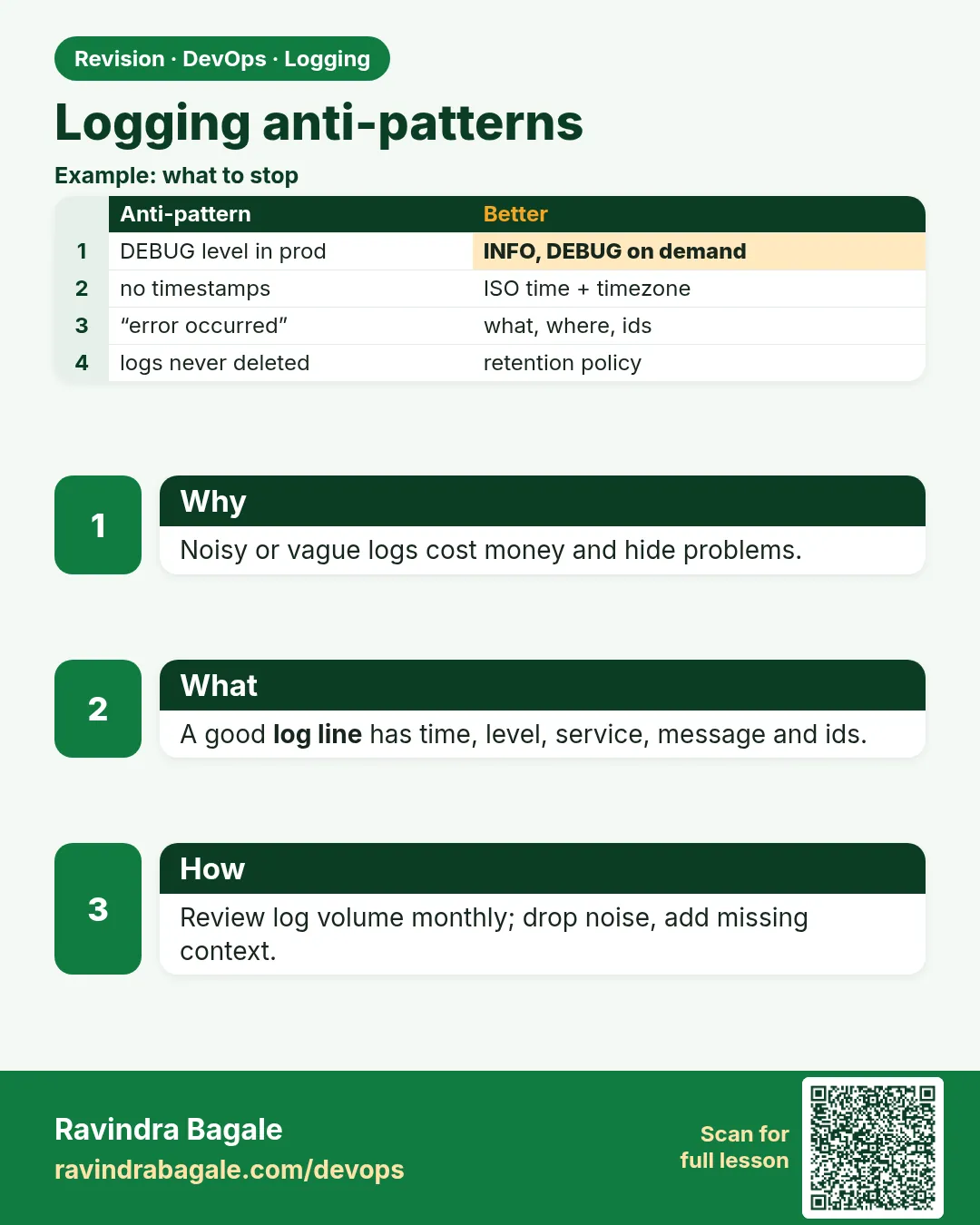 Revision card 10 of 15: Logging anti-patterns · Download PNG · Open card page
Lesson: 14.10 Anti-patterns
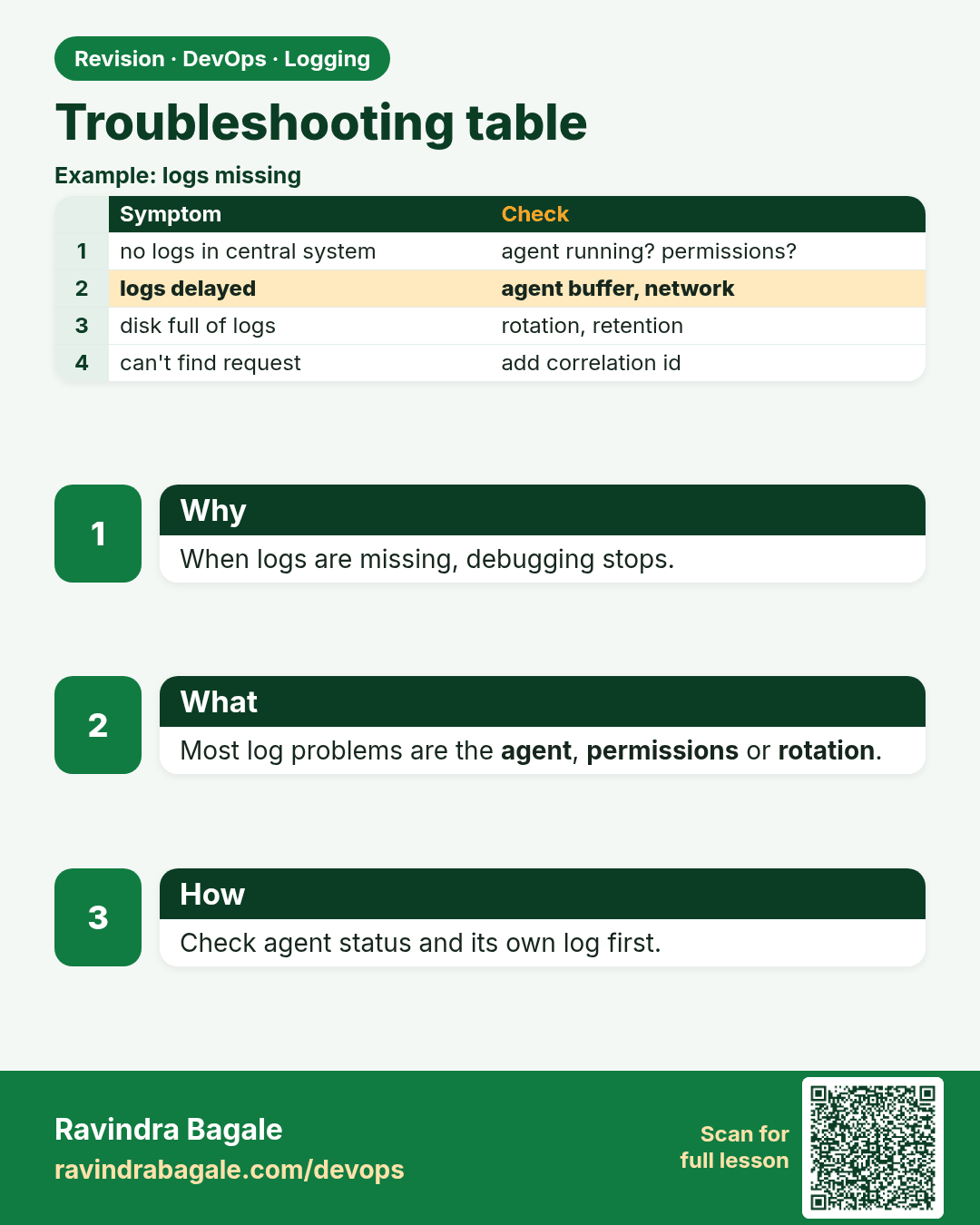
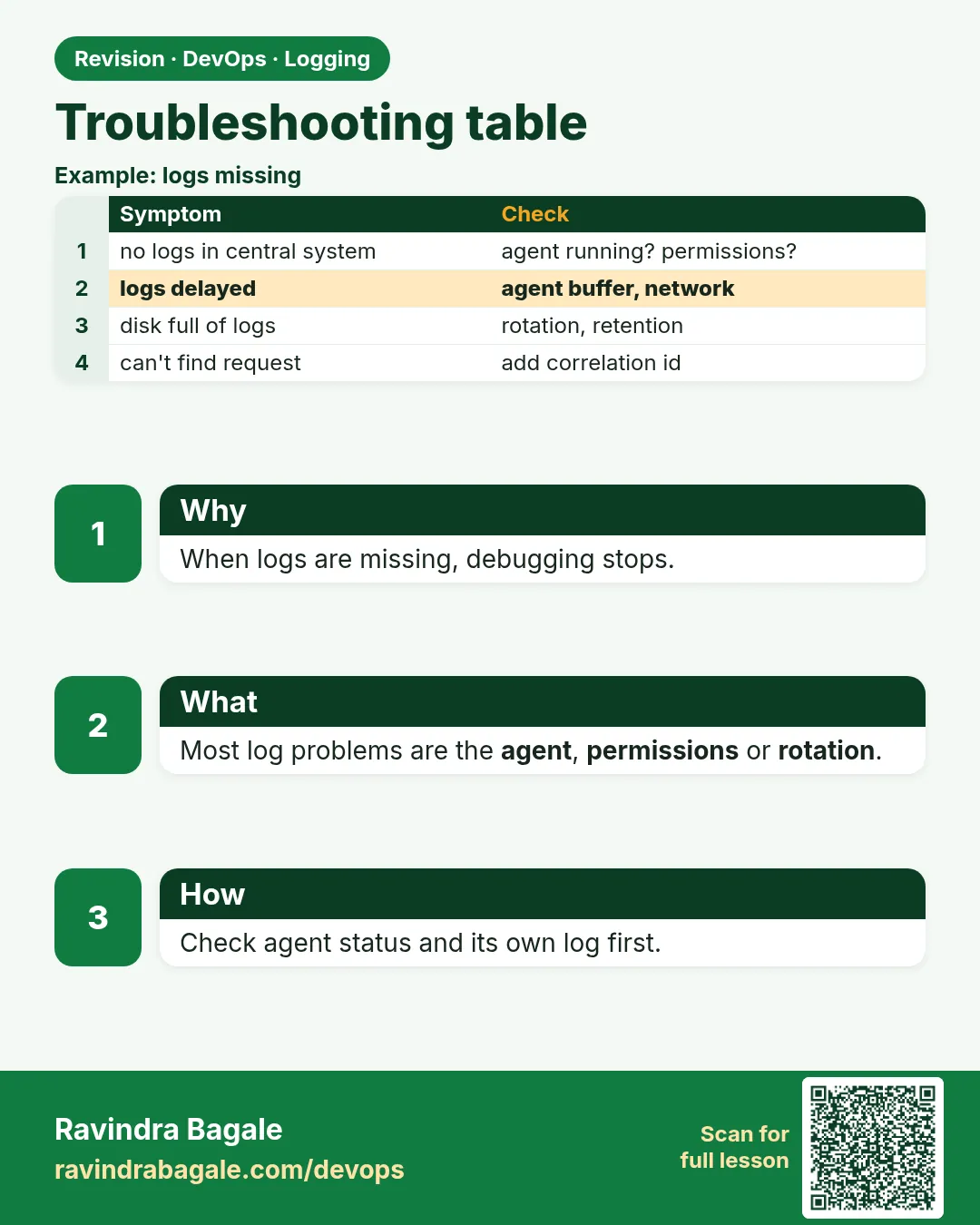 Revision card 11 of 15: Troubleshooting table · Download PNG · Open card page
Lesson: 14.11 Troubleshooting table
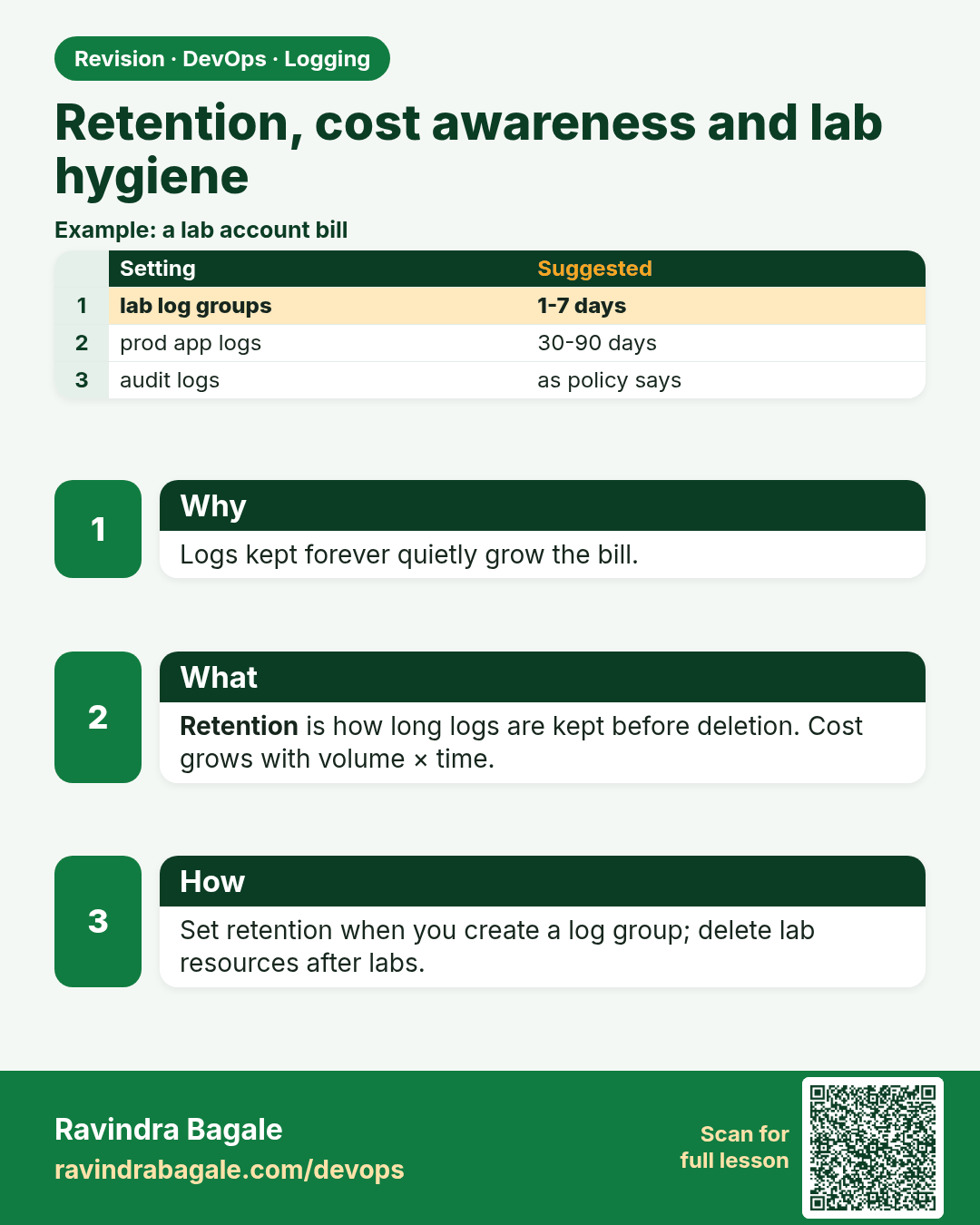
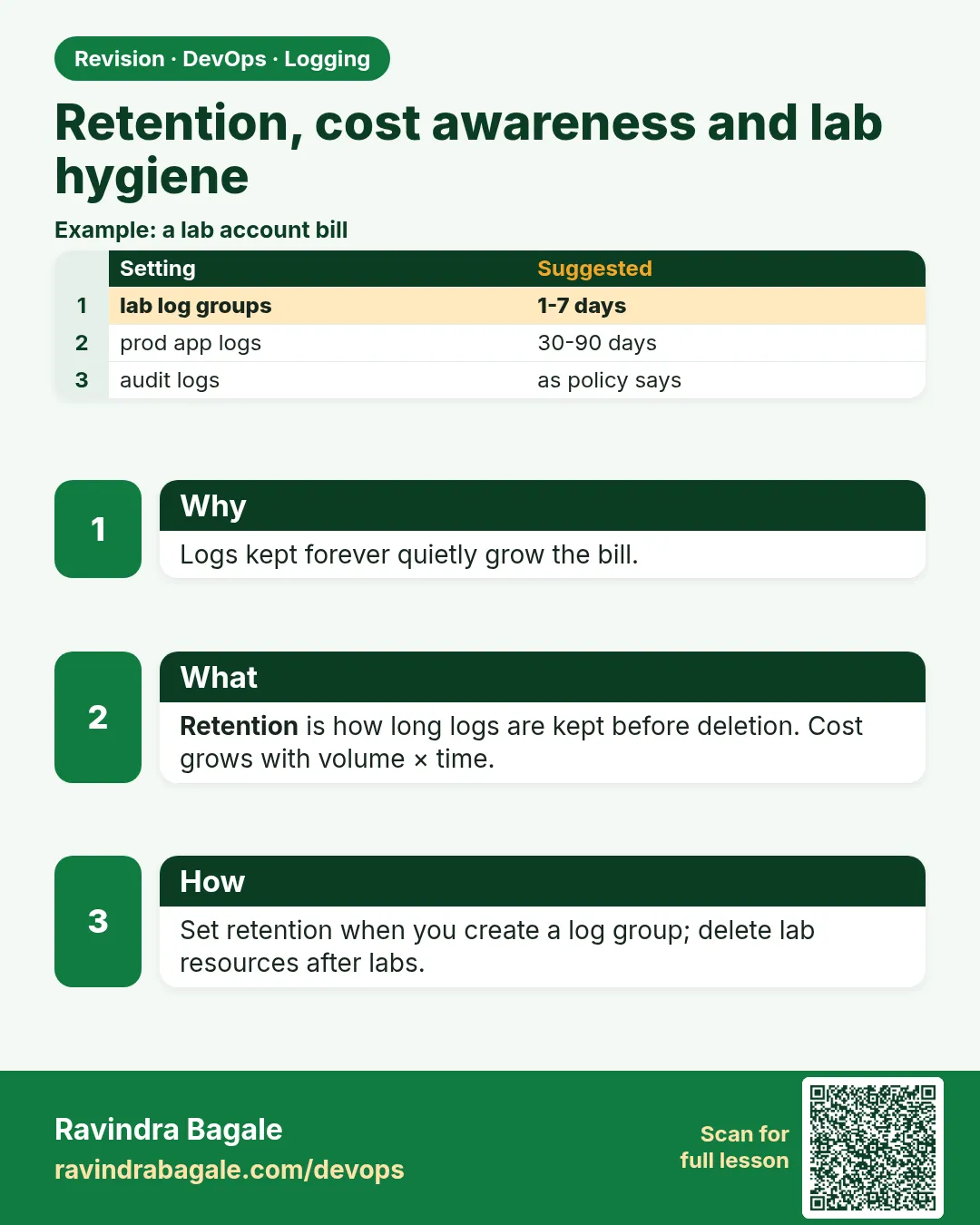 Revision card 12 of 15: Retention, cost awareness and lab hygiene · Download PNG · Open card page
Lesson: 14.11b Retention, cost awareness and lab hygiene
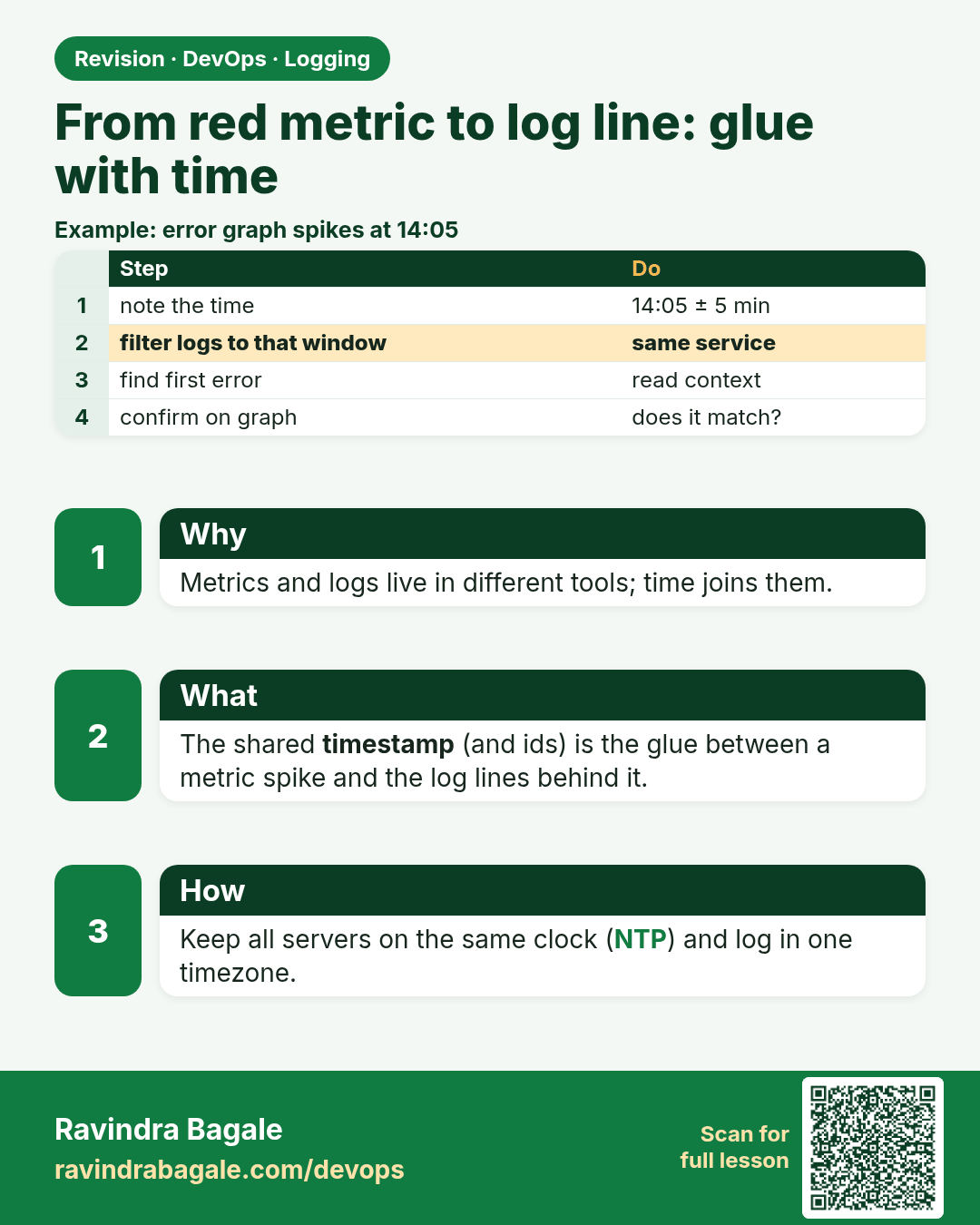
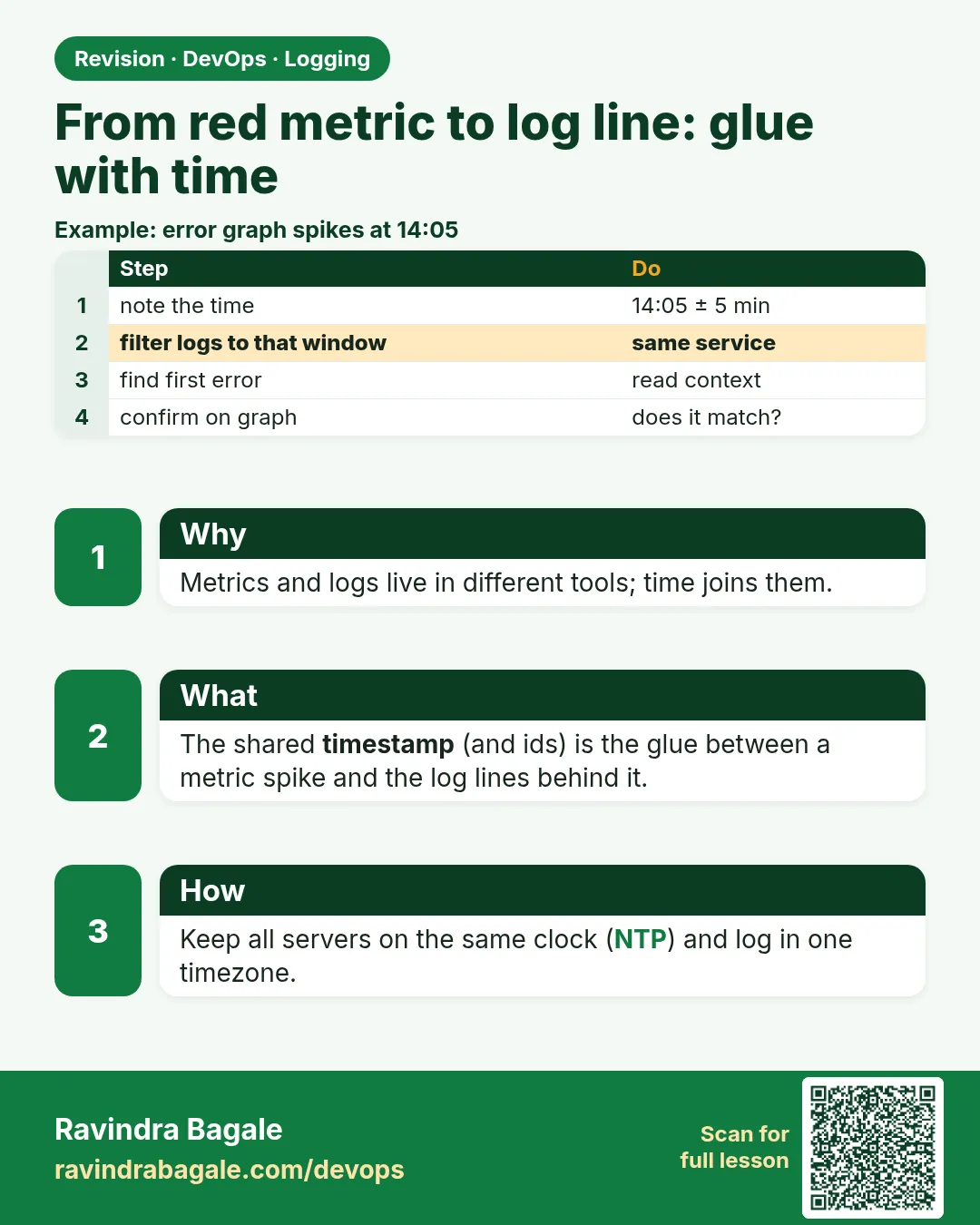 Revision card 13 of 15: From red metric to log line: glue with time · Download PNG · Open card page
Lesson: 14.11c From red metric to log line (glue with Chapter 13)
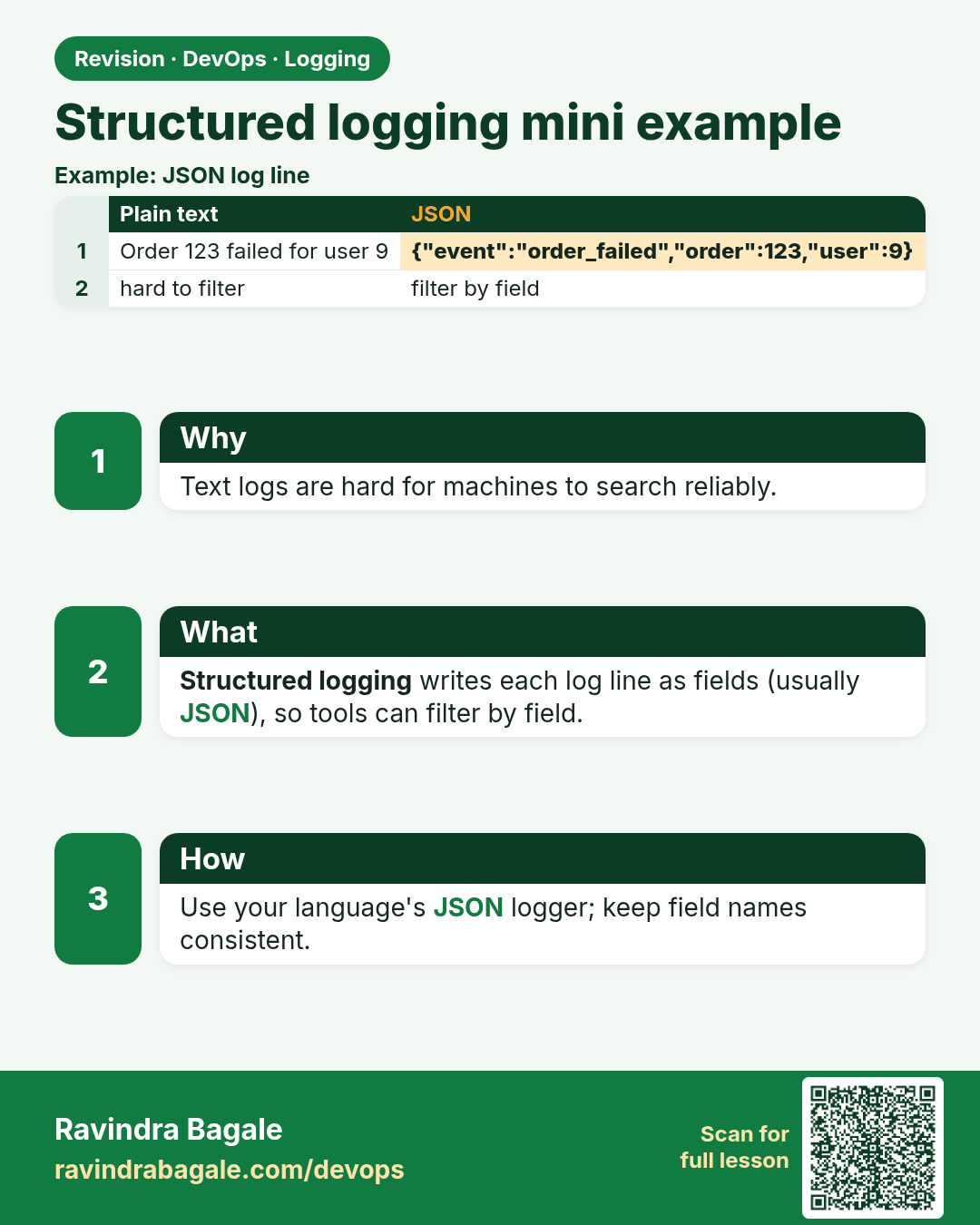
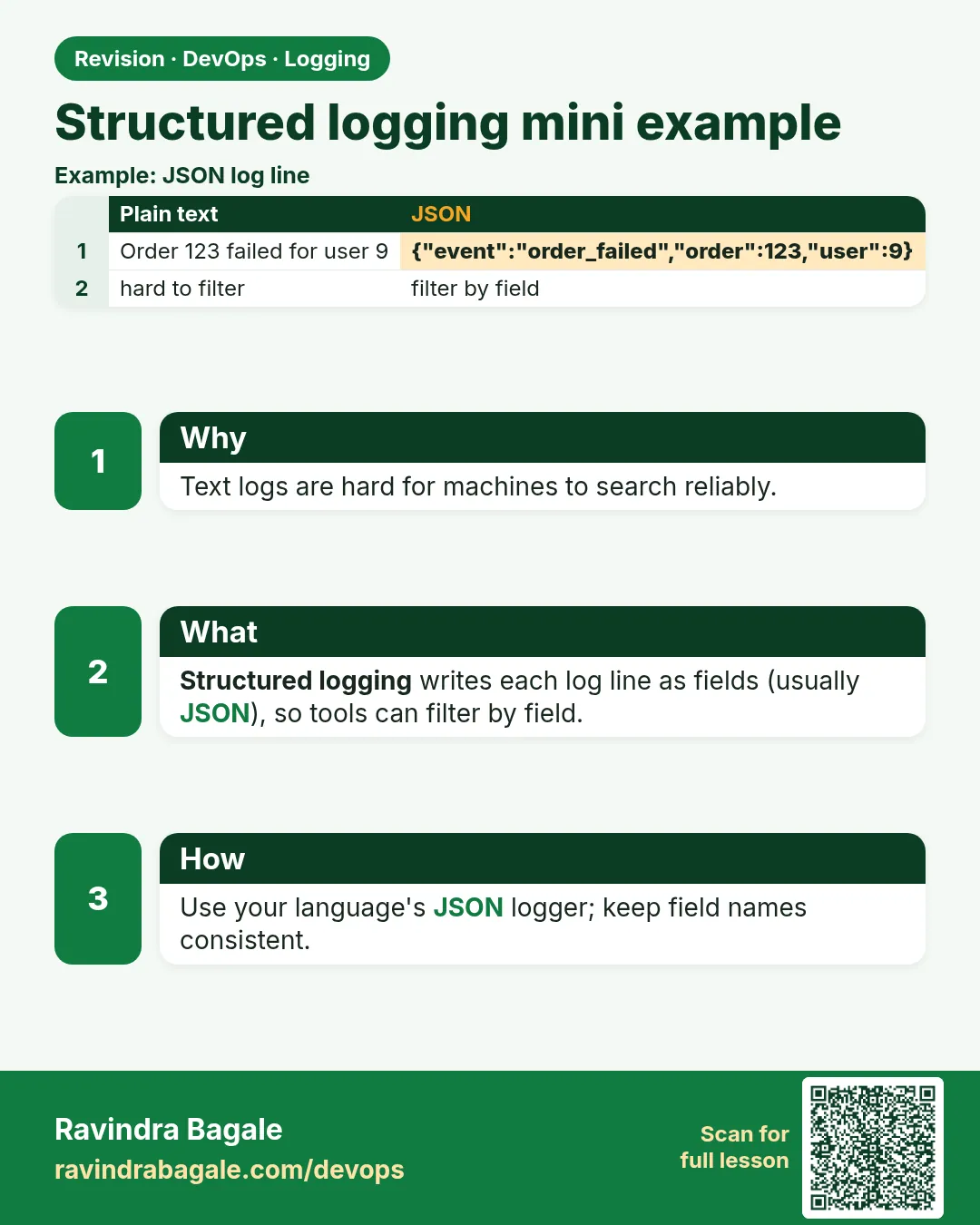 Revision card 14 of 15: Structured logging mini example · Download PNG · Open card page
Lesson: 14.11d Structured logging mini-example
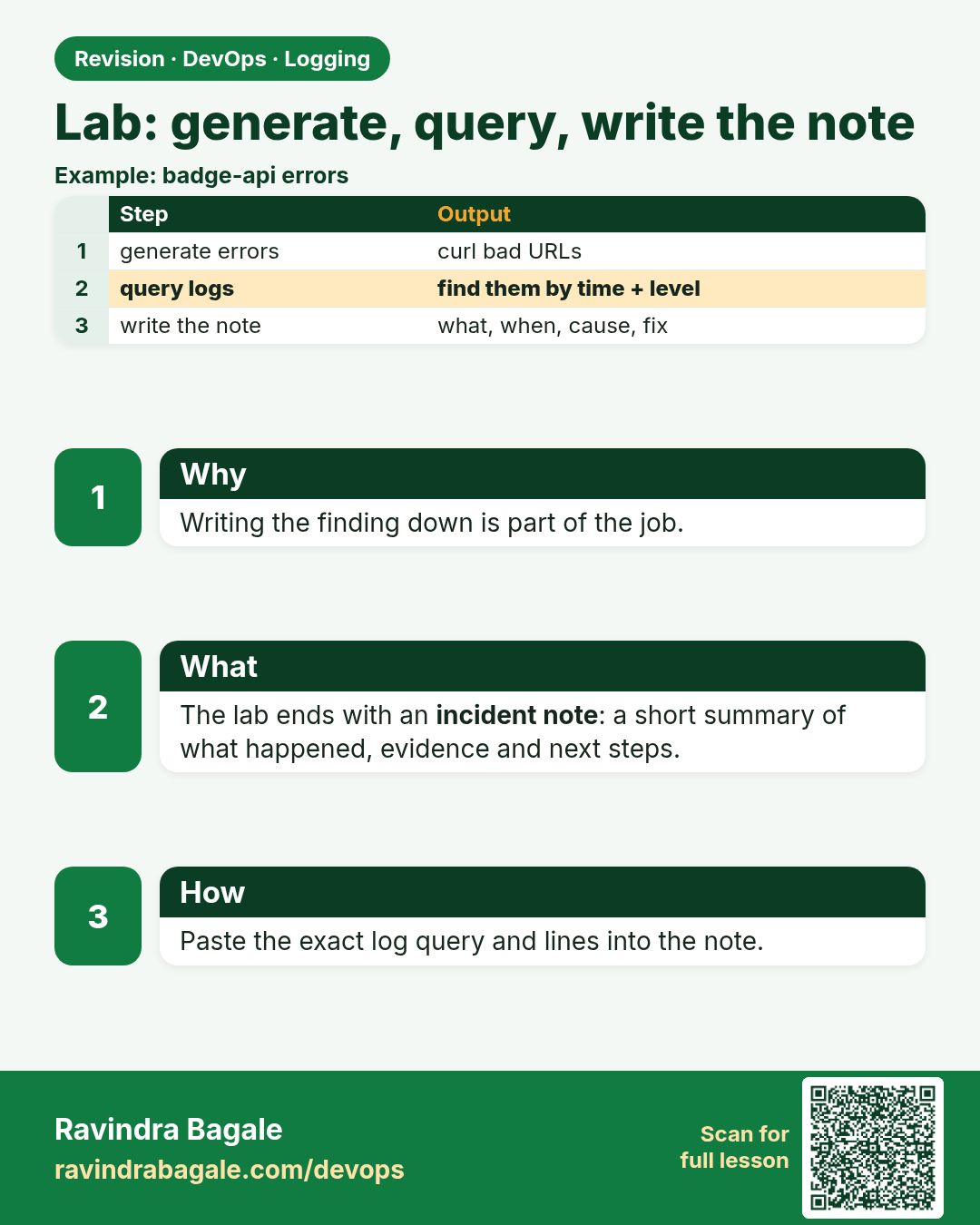
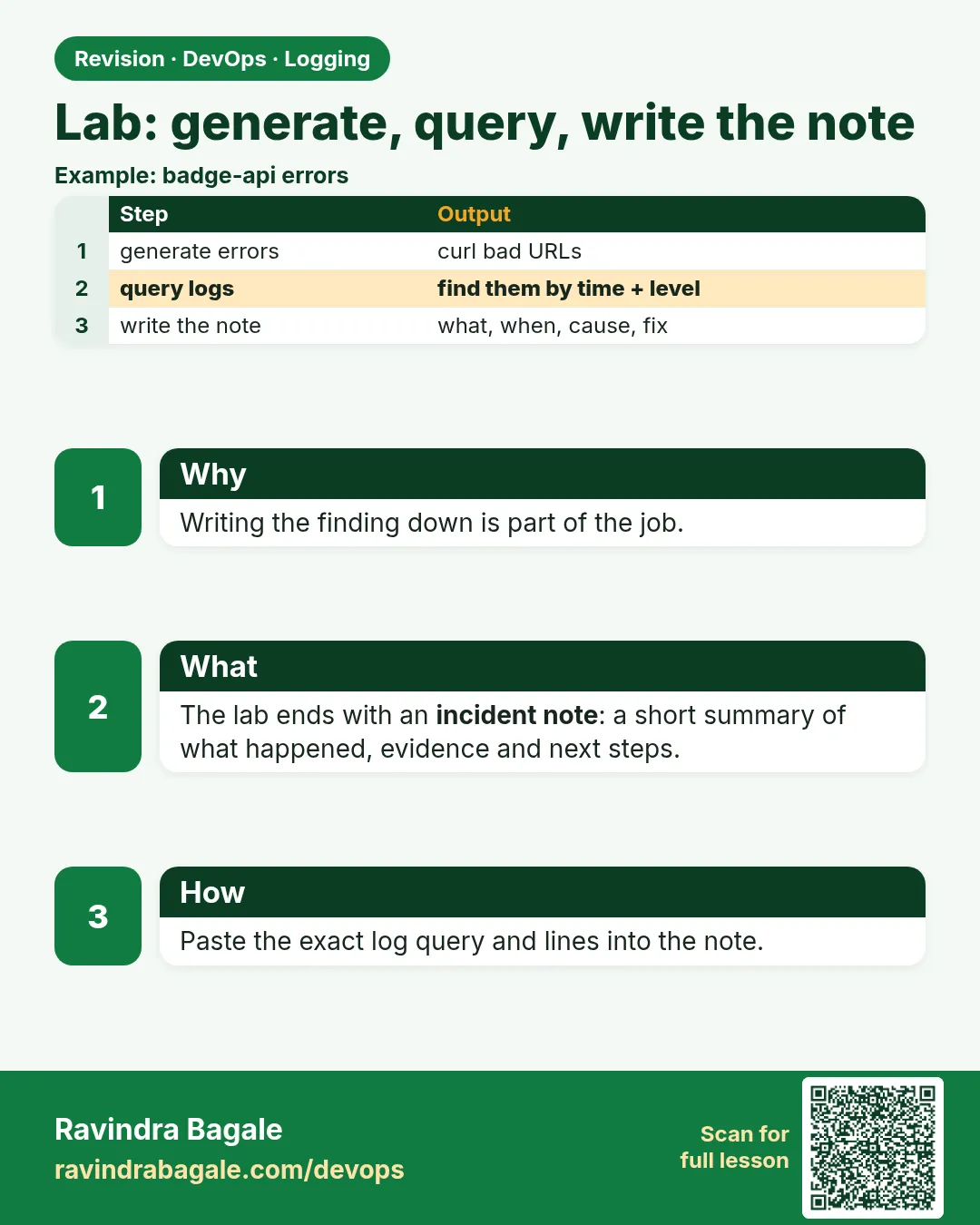 Revision card 15 of 15: Lab: generate, query, write the note · Download PNG · Open card page
Lesson: 14.12 Lab — generate, query, write the note
Interview cards
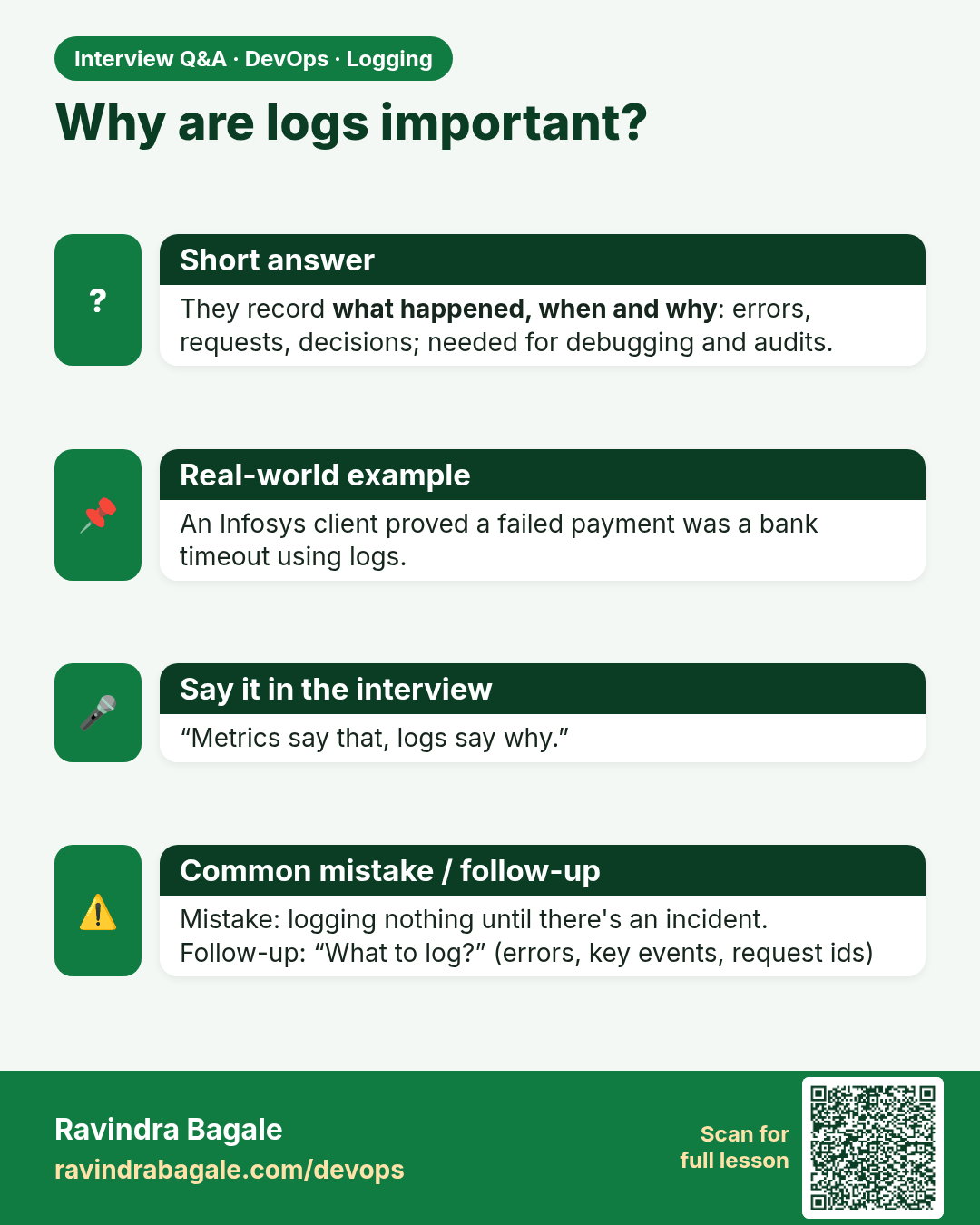
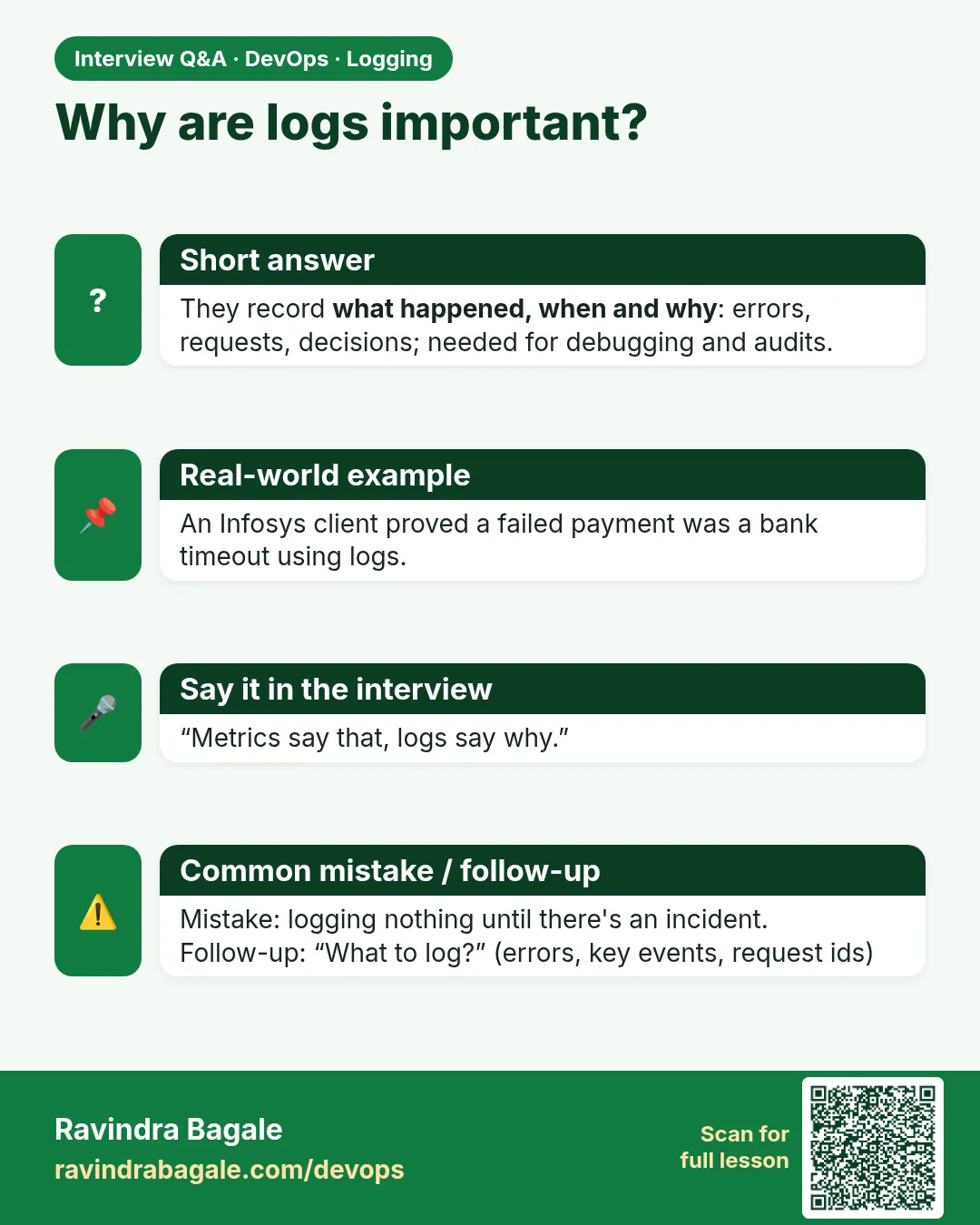 Interview card 1 of 15: Why are logs important? · Download PNG · Open card page
Lesson: 14.1 Why logs — flight recorder for the server
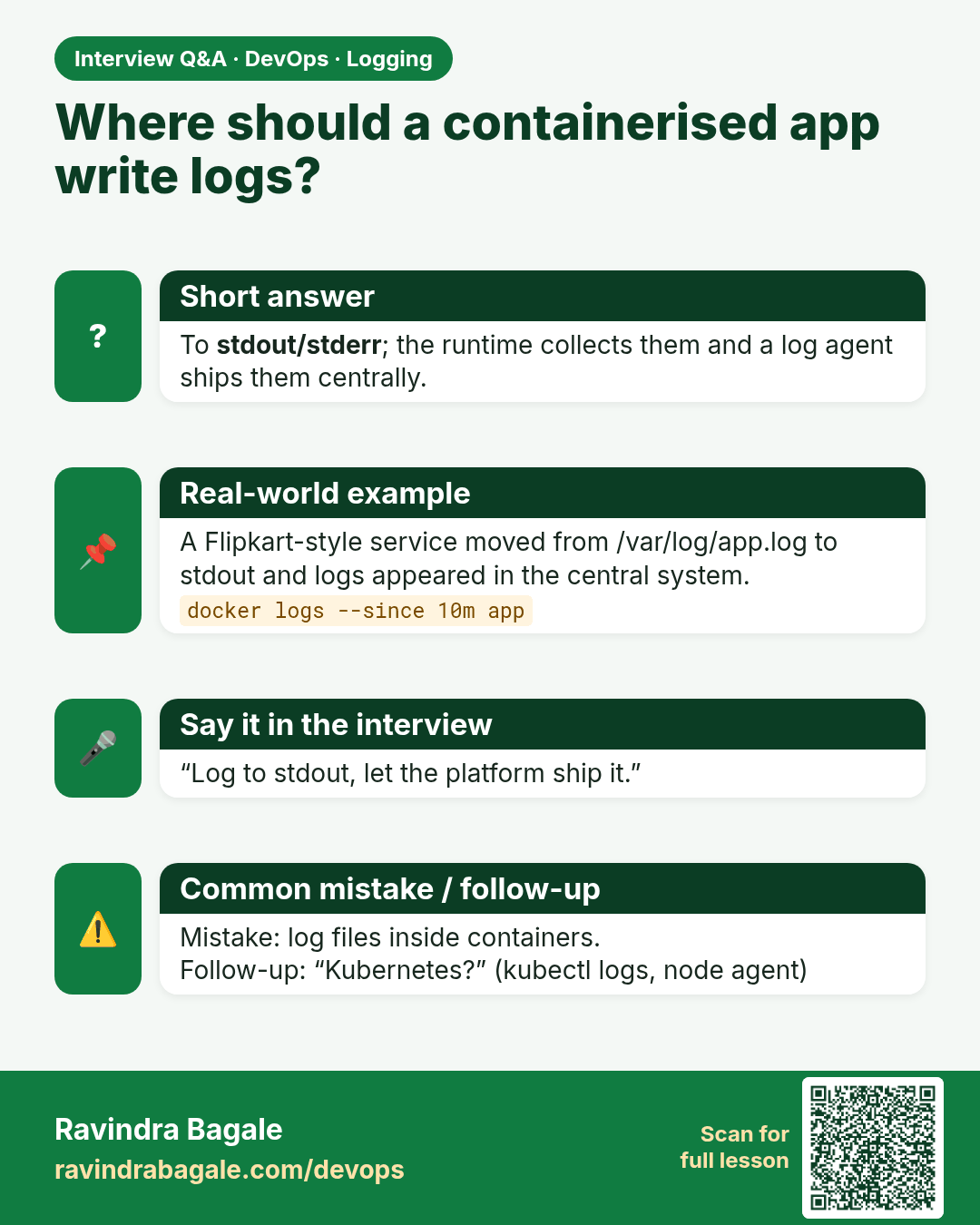
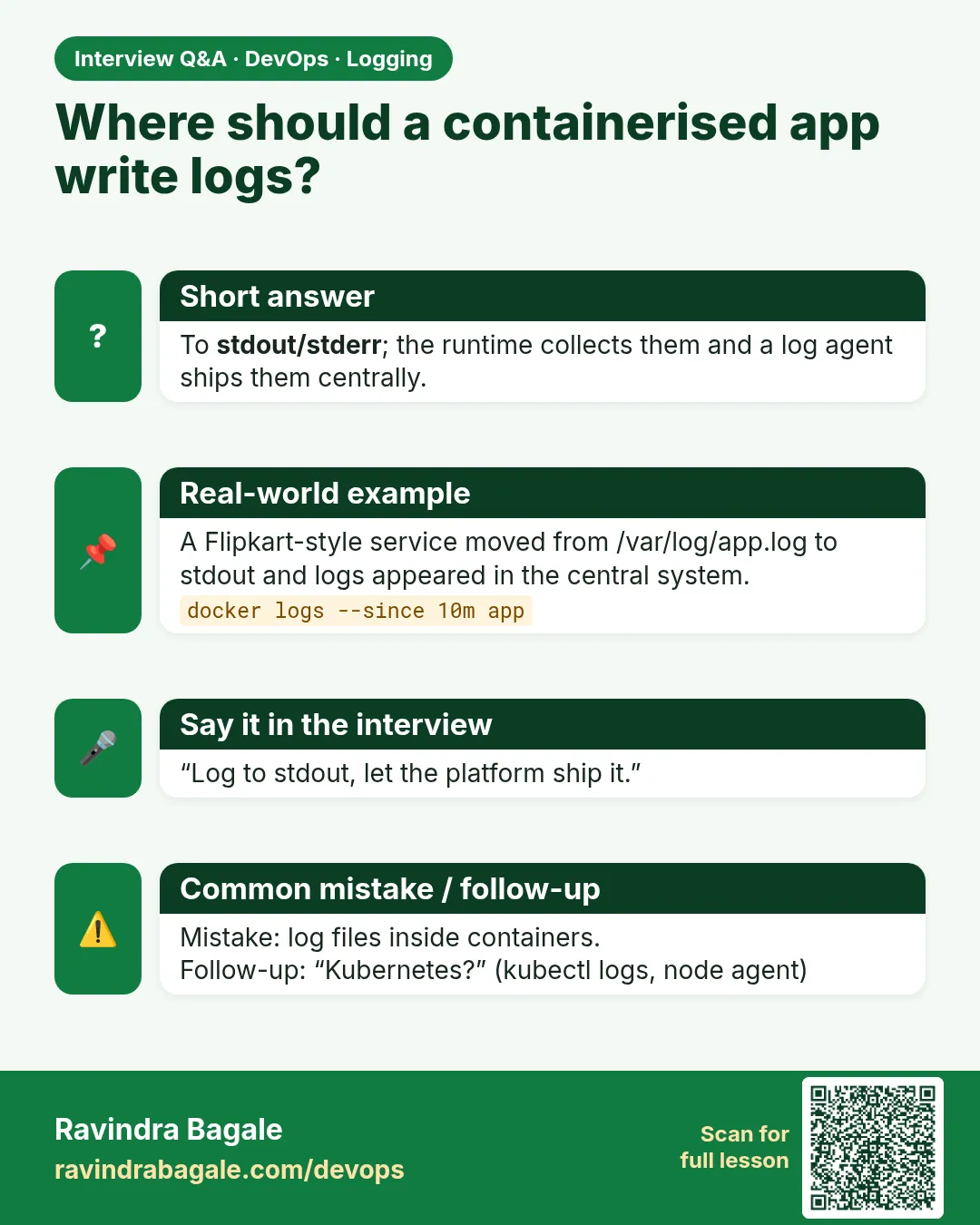 Interview card 2 of 15: Where should a containerised app write logs? · Download PNG · Open card page
Lesson: 14.2 stdout/stderr and docker logs
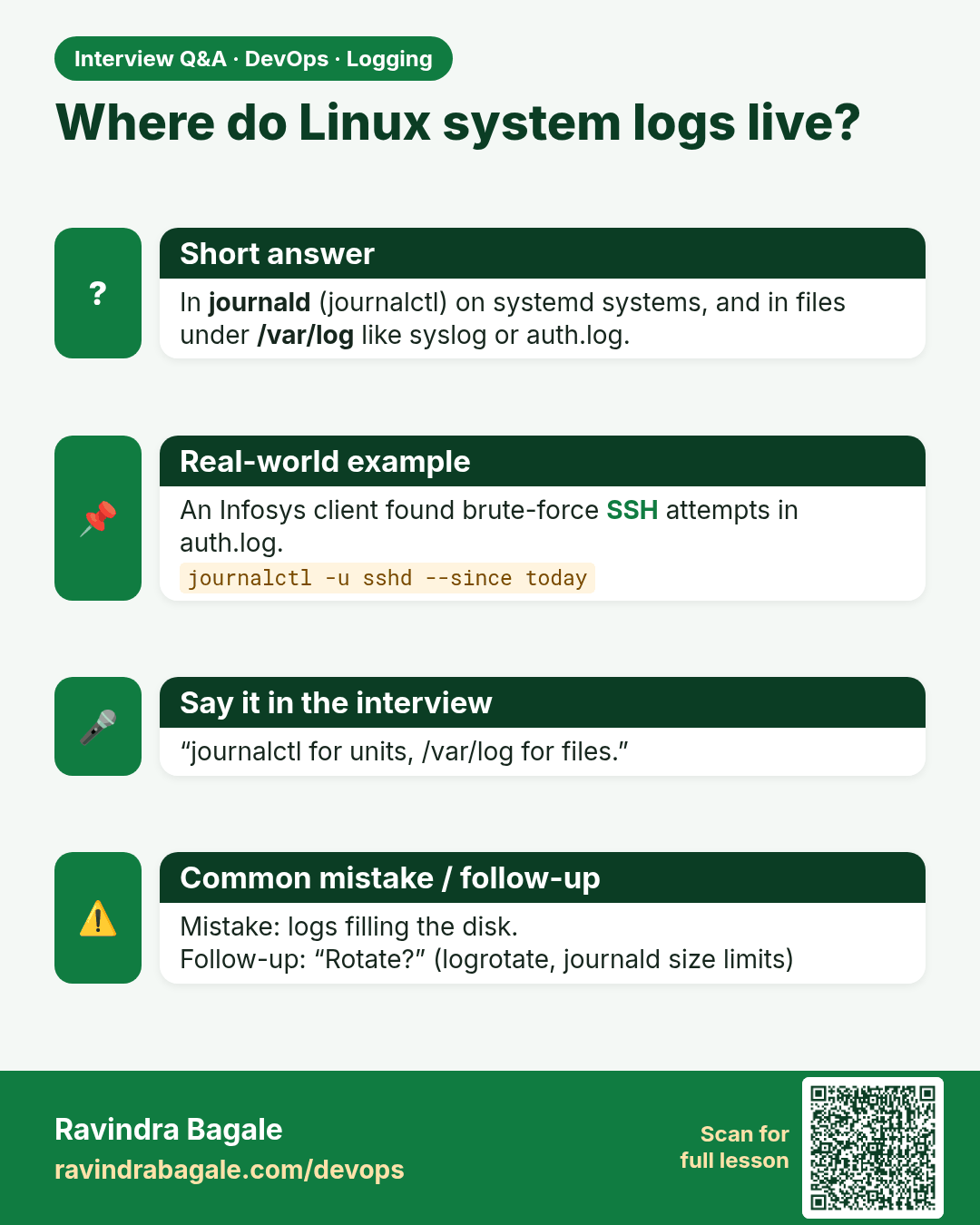
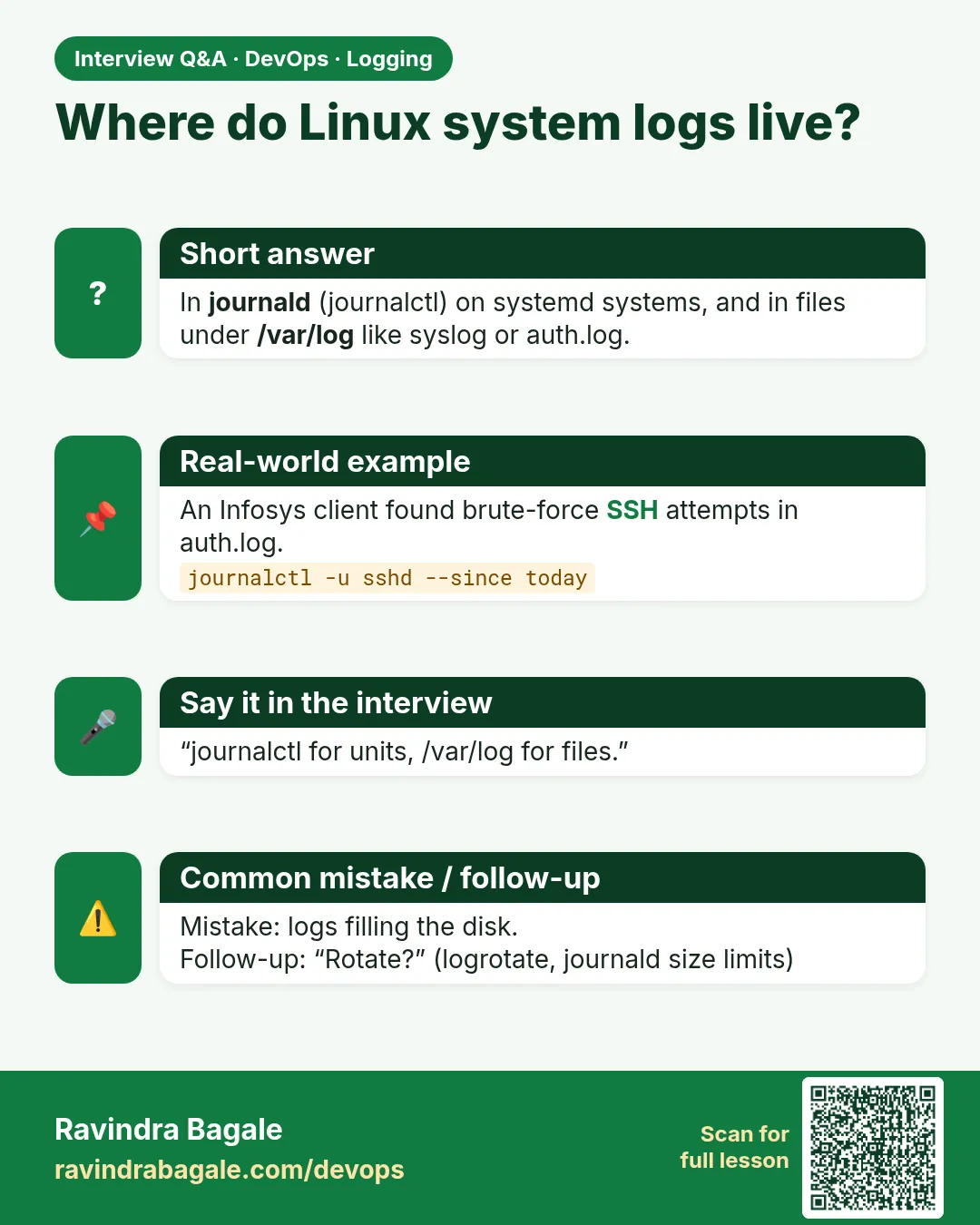 Interview card 3 of 15: Where do Linux system logs live? · Download PNG · Open card page
Lesson: 14.3 Local OS logs — journald and files
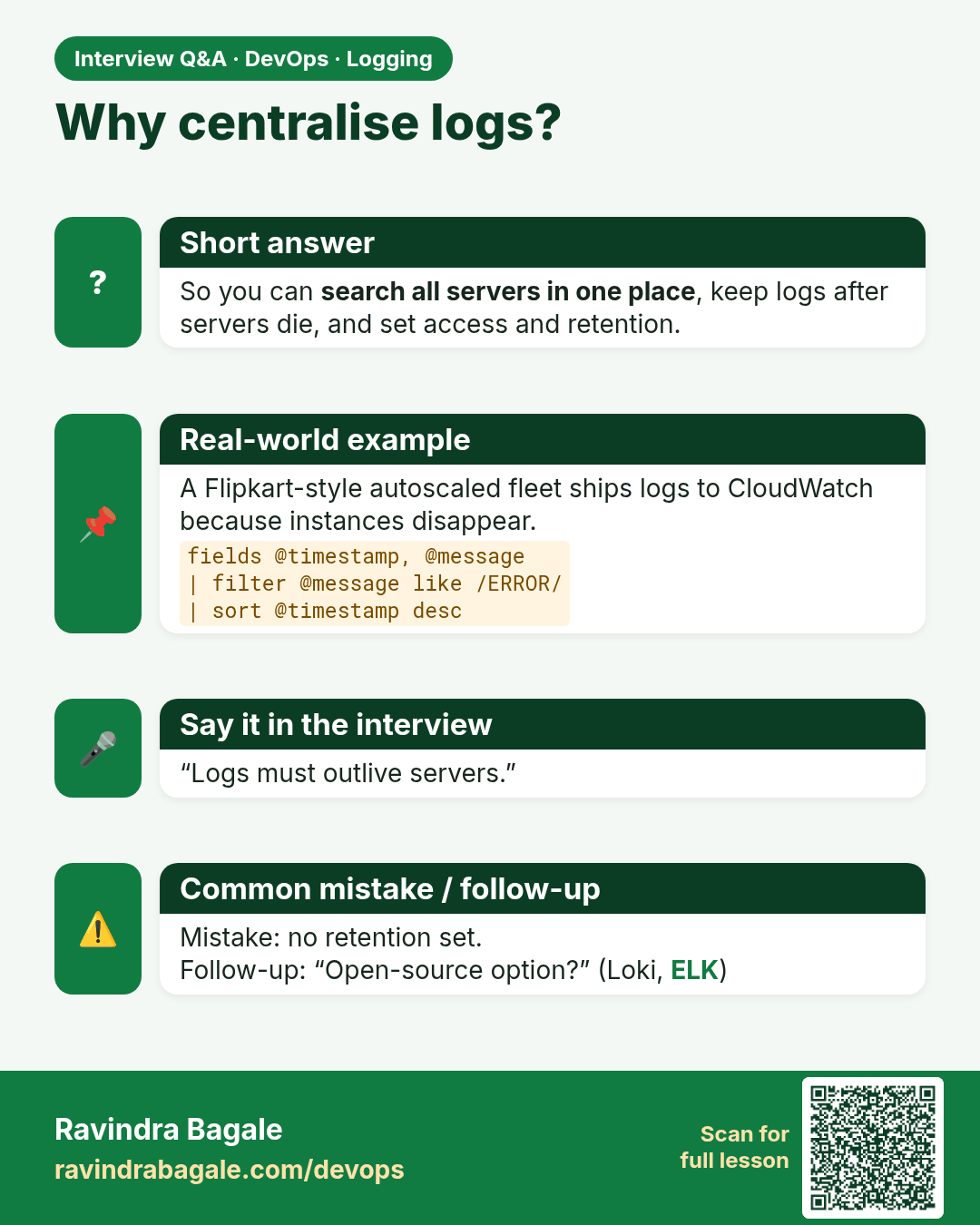
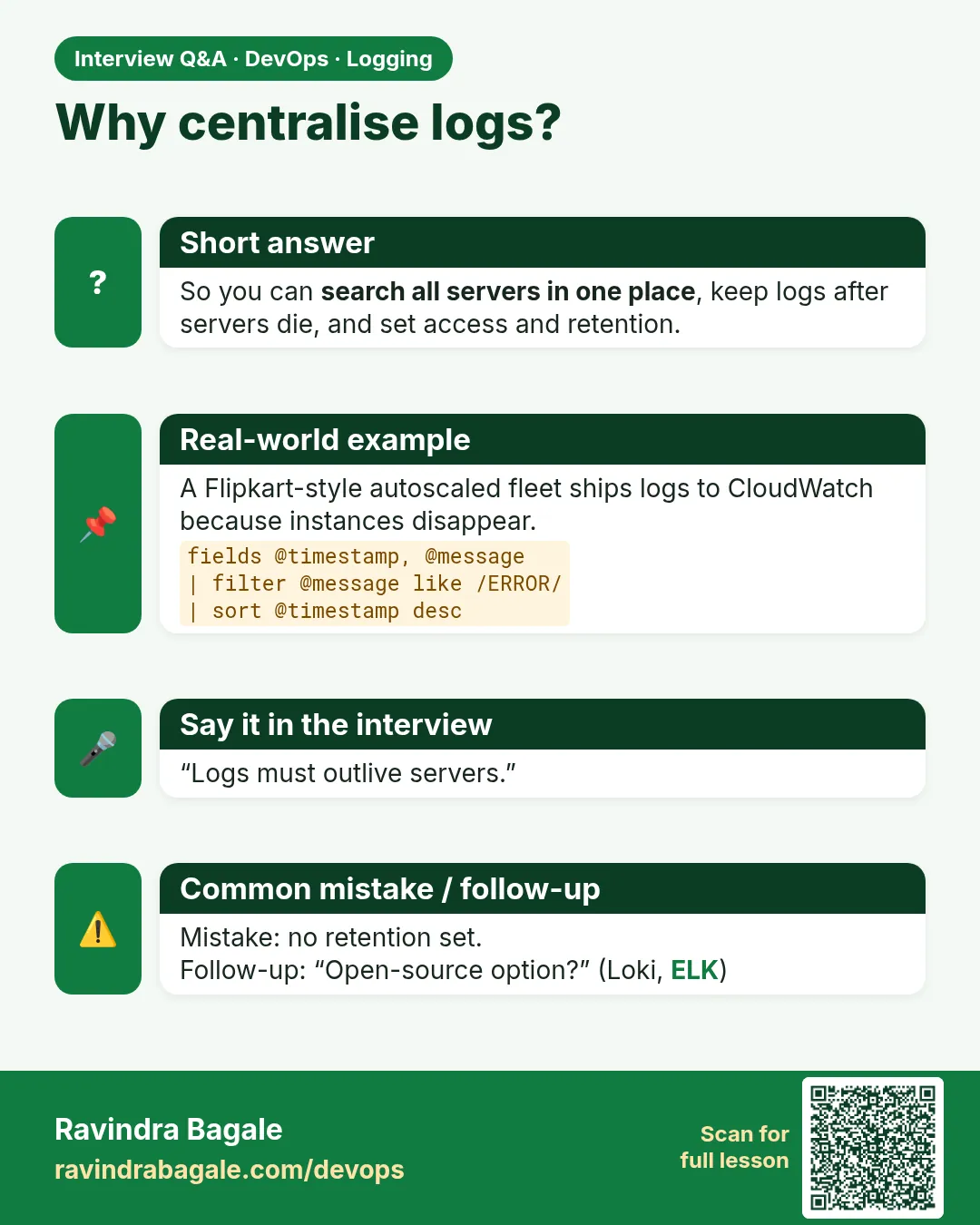 Interview card 4 of 15: Why centralise logs? · Download PNG · Open card page
Lesson: 14.4 Primary path — CloudWatch Logs
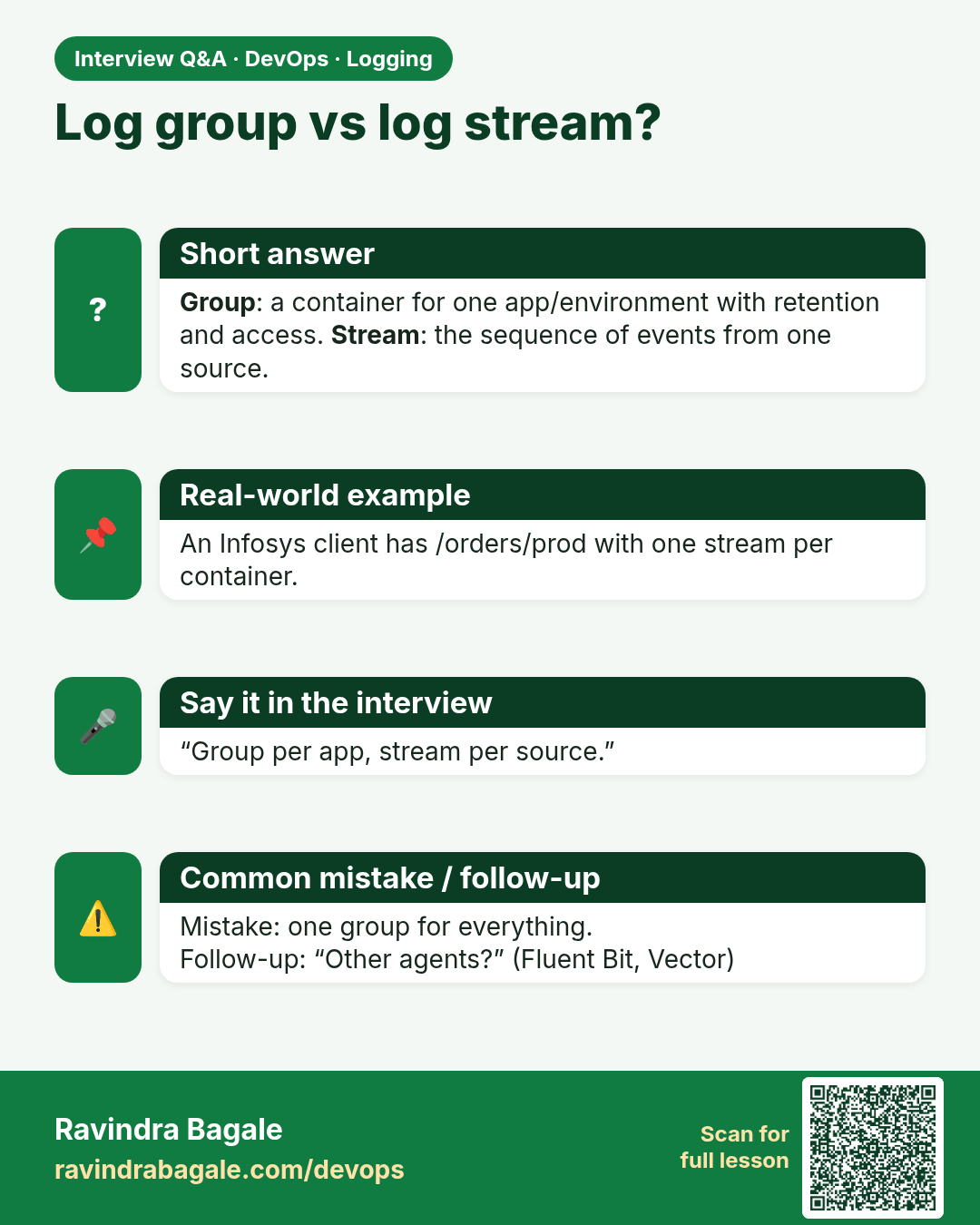
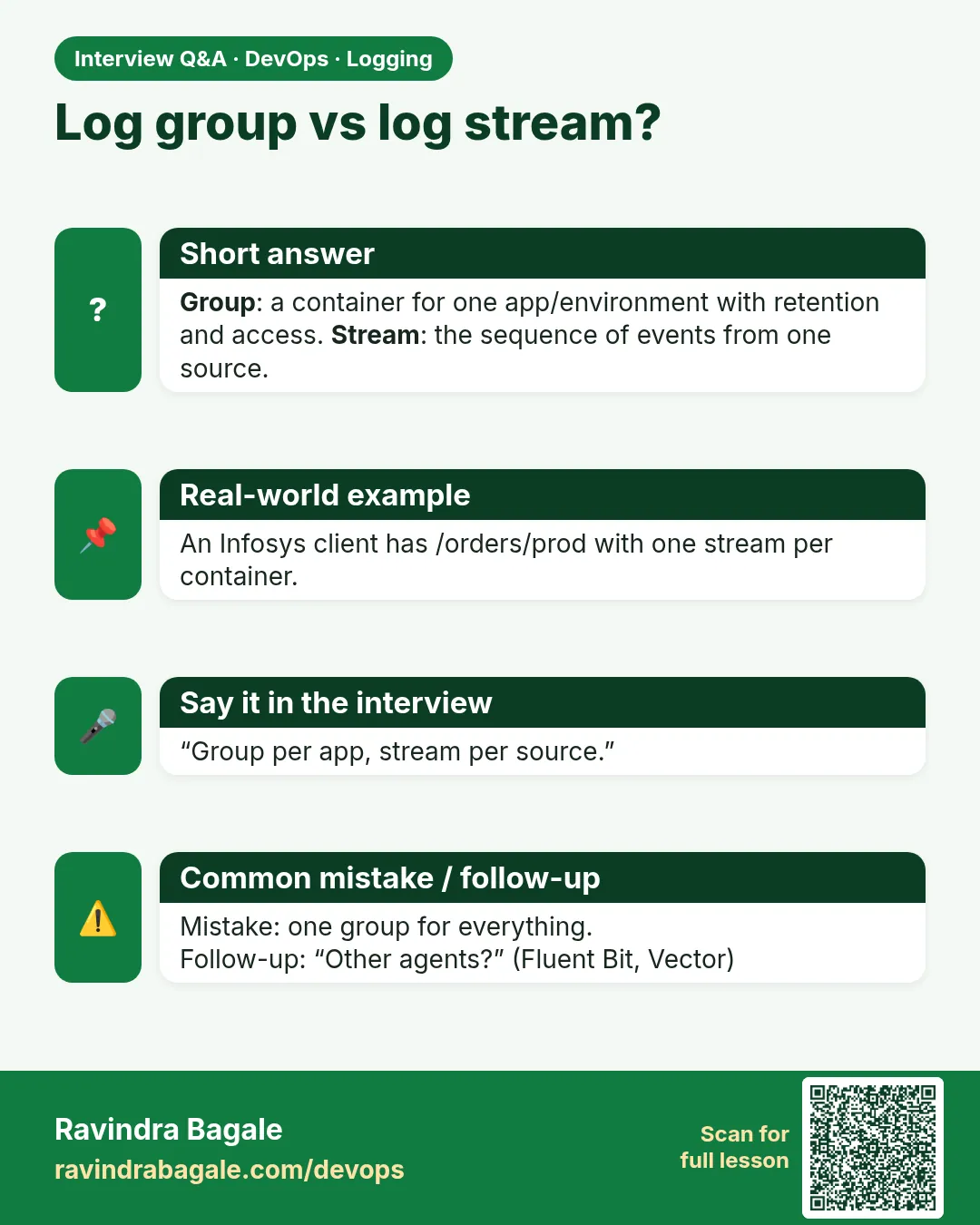 Interview card 5 of 15: Log group vs log stream? · Download PNG · Open card page
Lesson: 14.5 Log groups, streams and agents (conceptual)
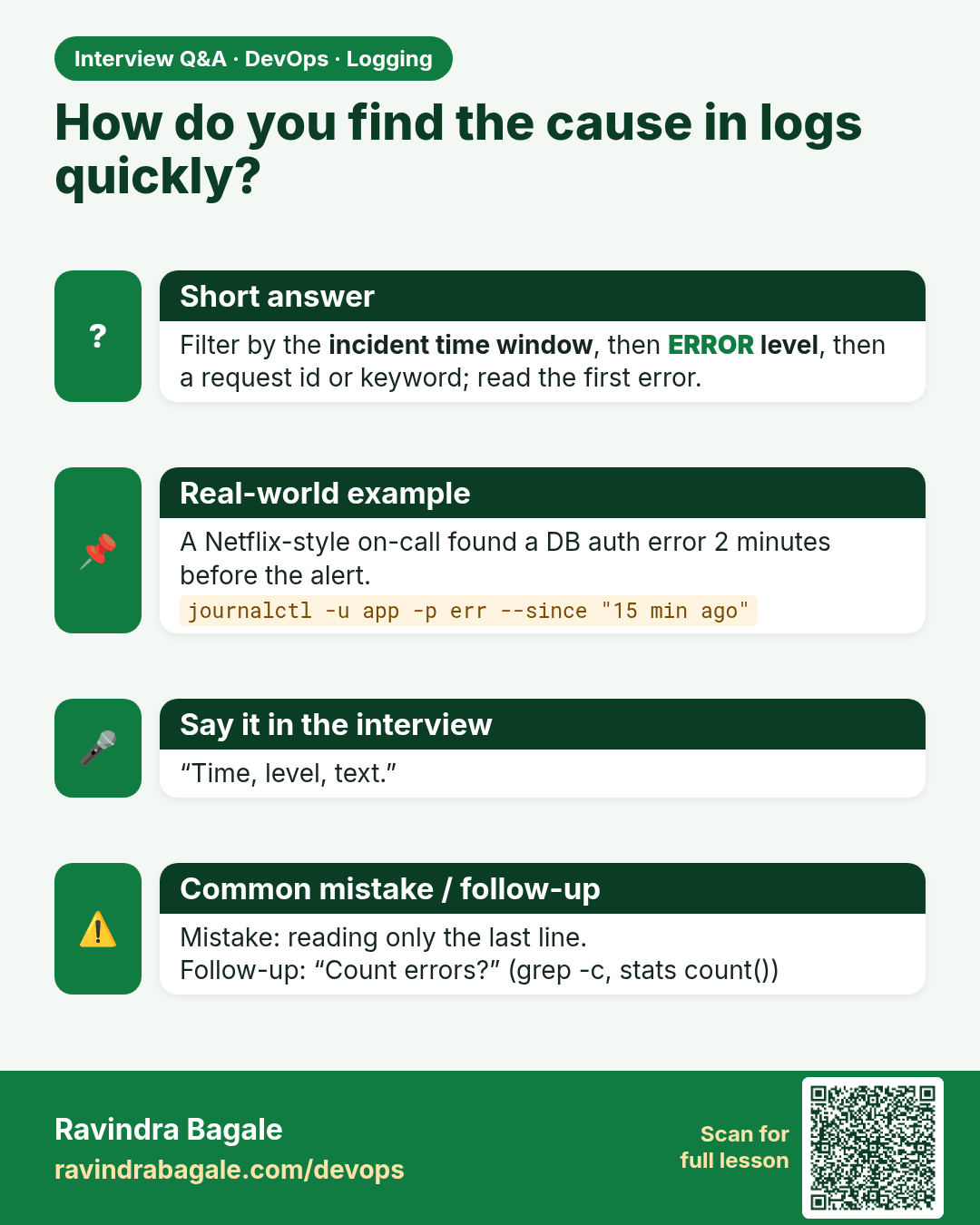
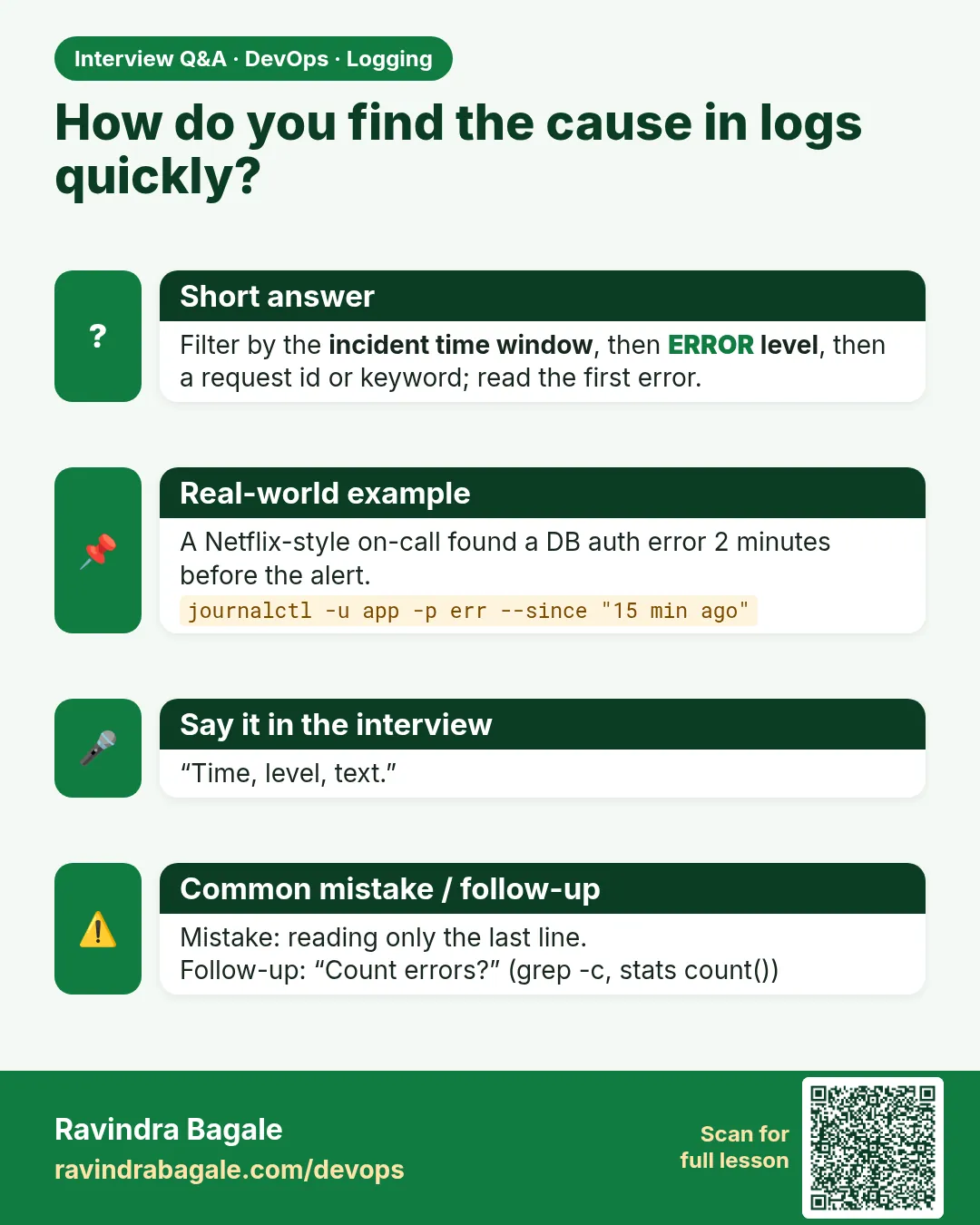 Interview card 6 of 15: How do you find the cause in logs quickly? · Download PNG · Open card page
Lesson: 14.6 Searching — find the last error
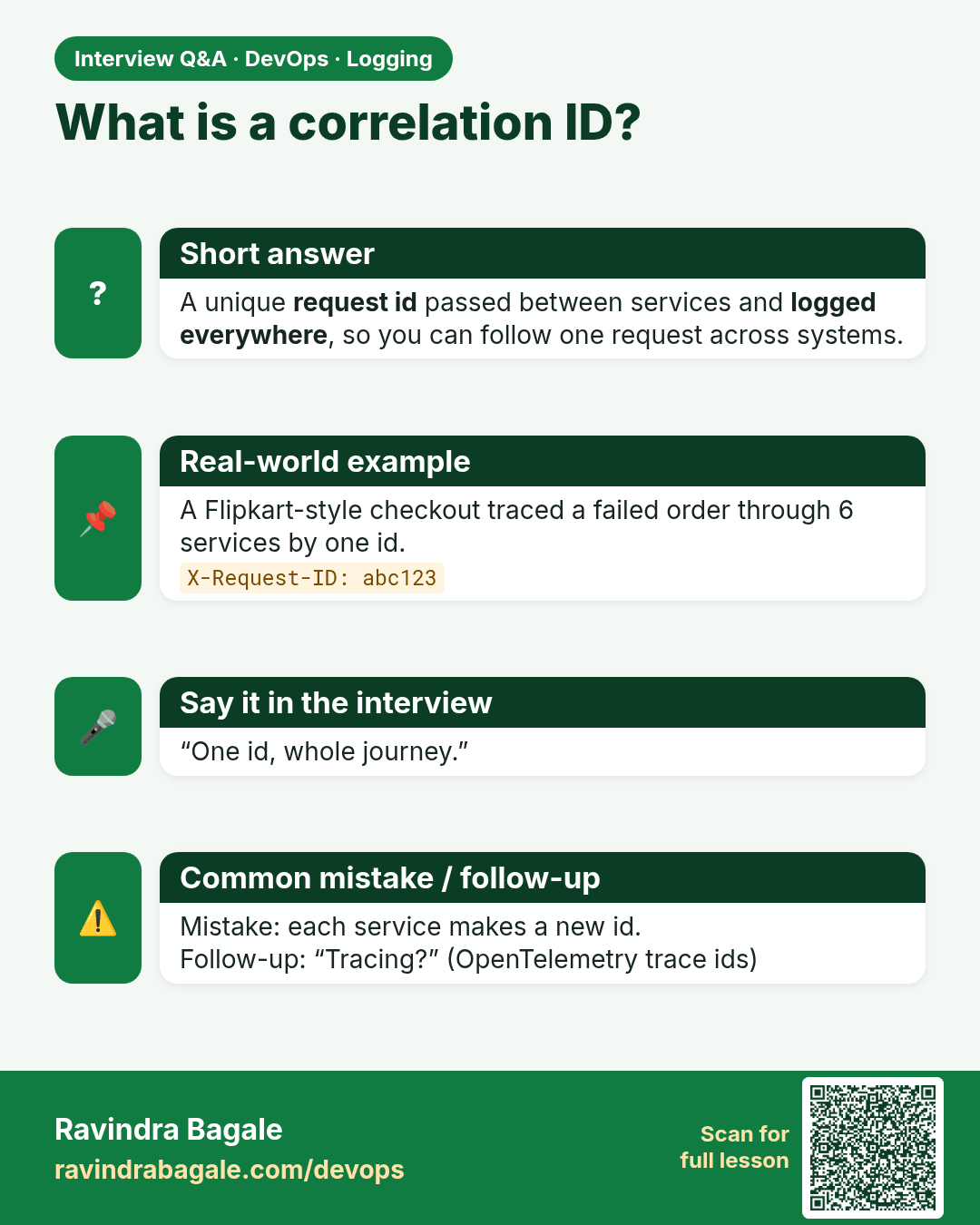
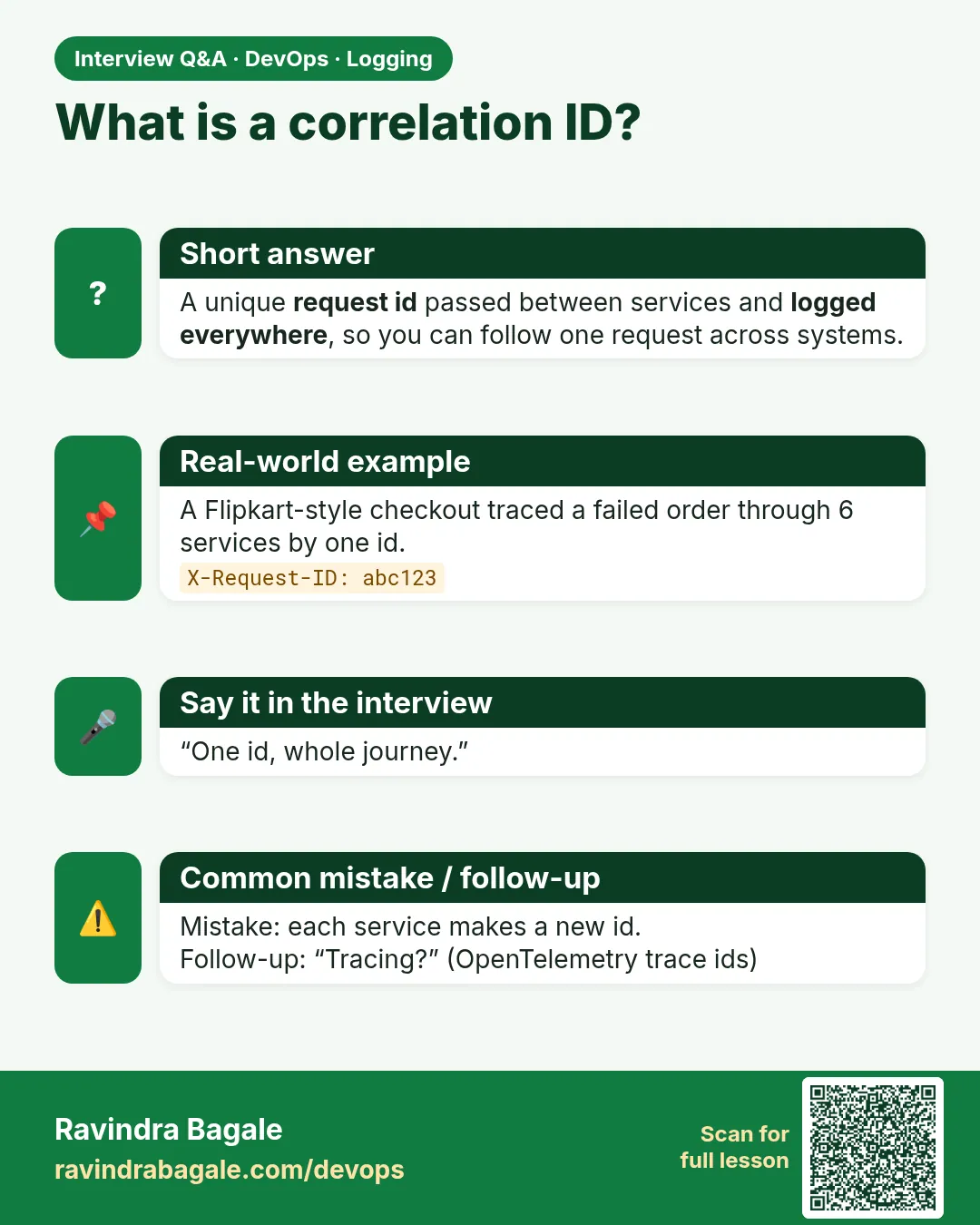 Interview card 7 of 15: What is a correlation ID? · Download PNG · Open card page
Lesson: 14.7 Correlation IDs — one paragraph that saves hours
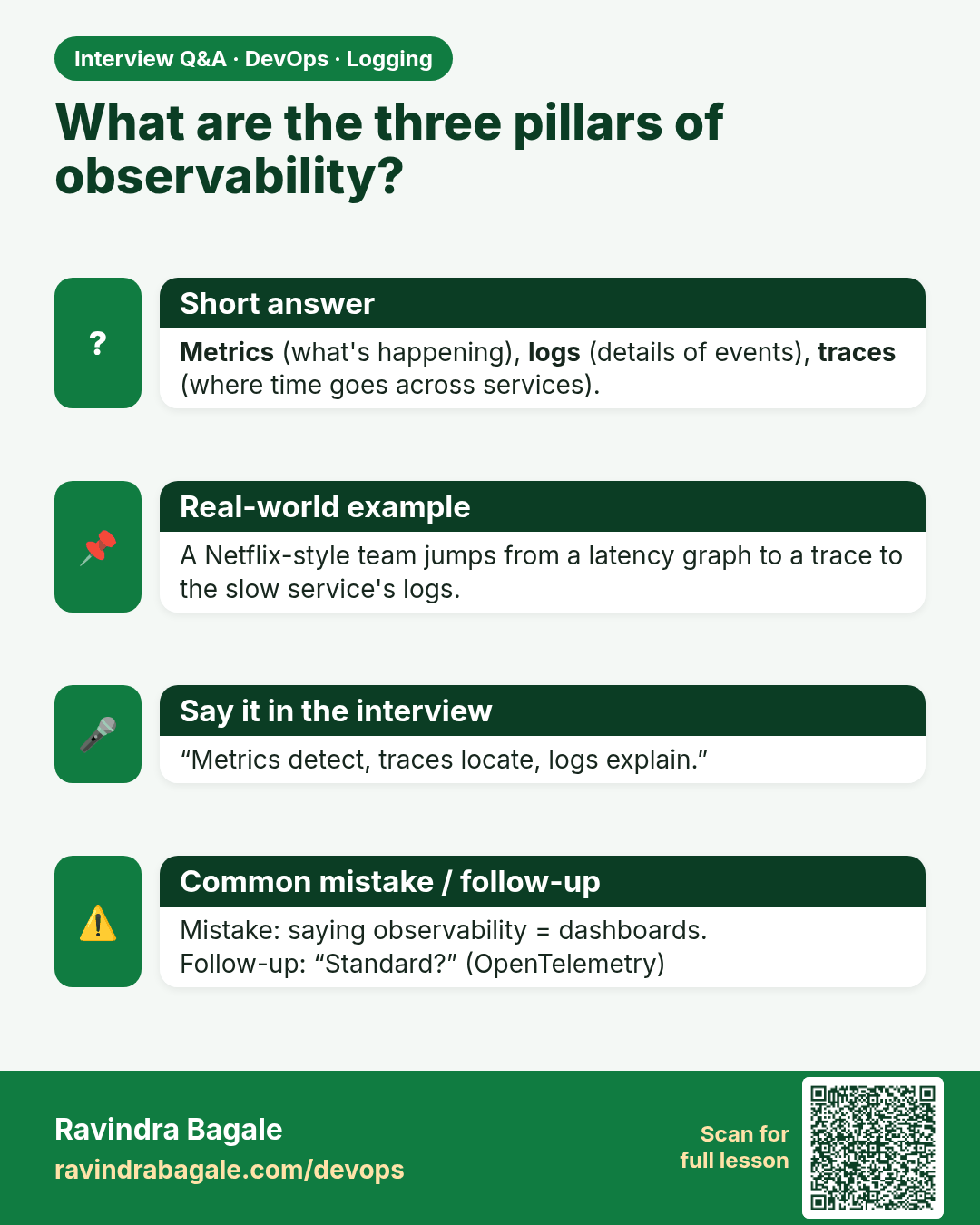
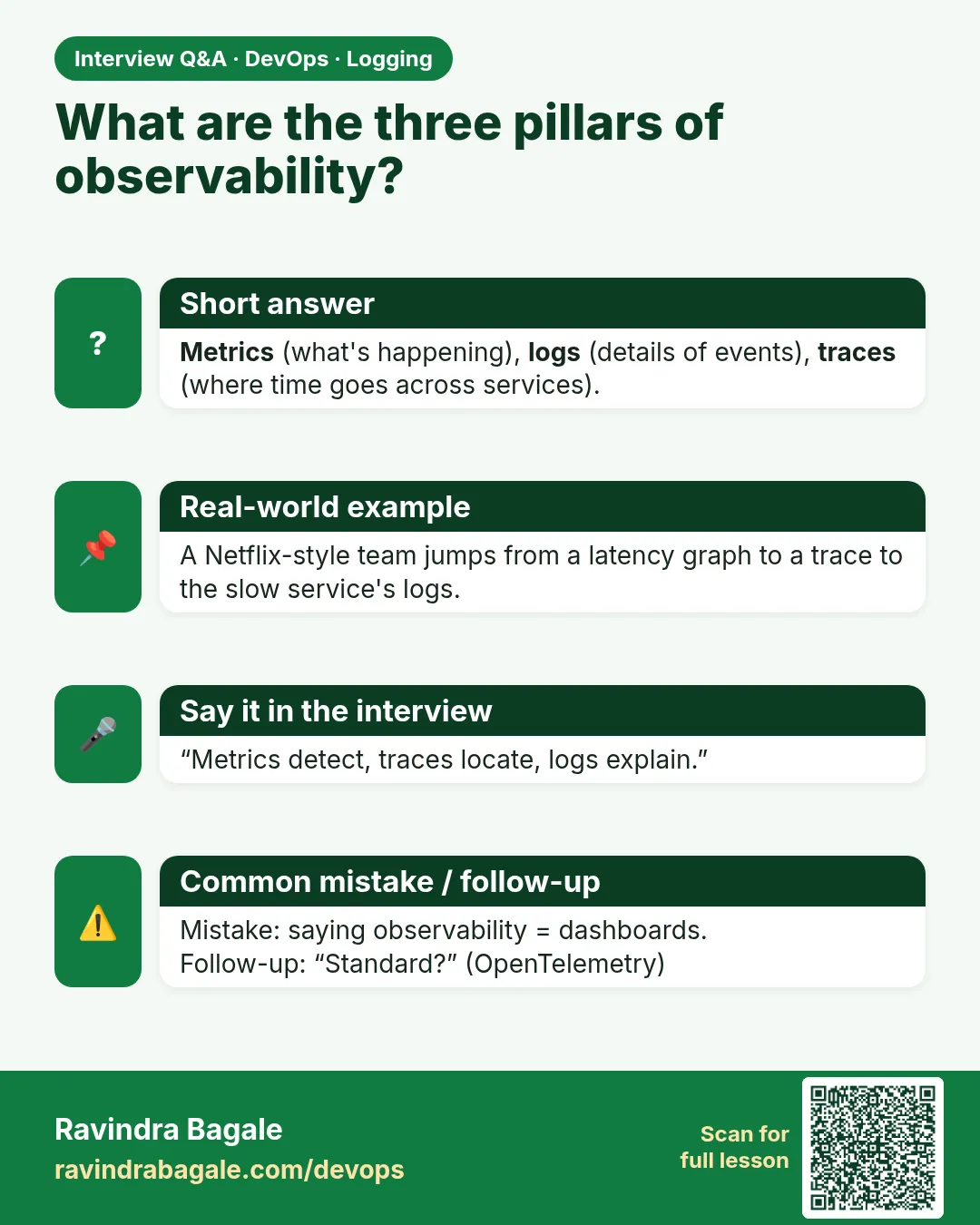 Interview card 8 of 15: What are the three pillars of observability? · Download PNG · Open card page
Lesson: 14.8 Light observability vocabulary
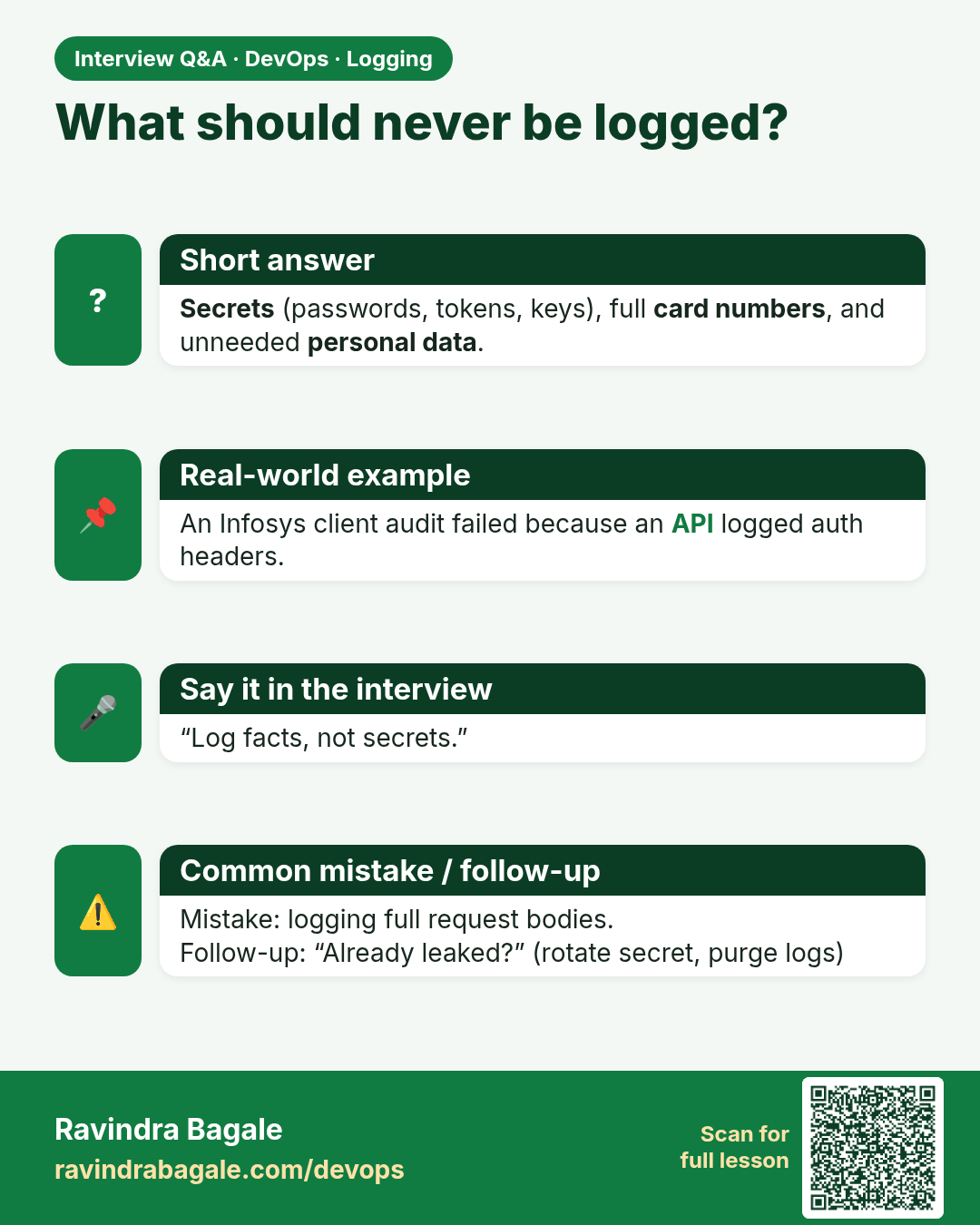
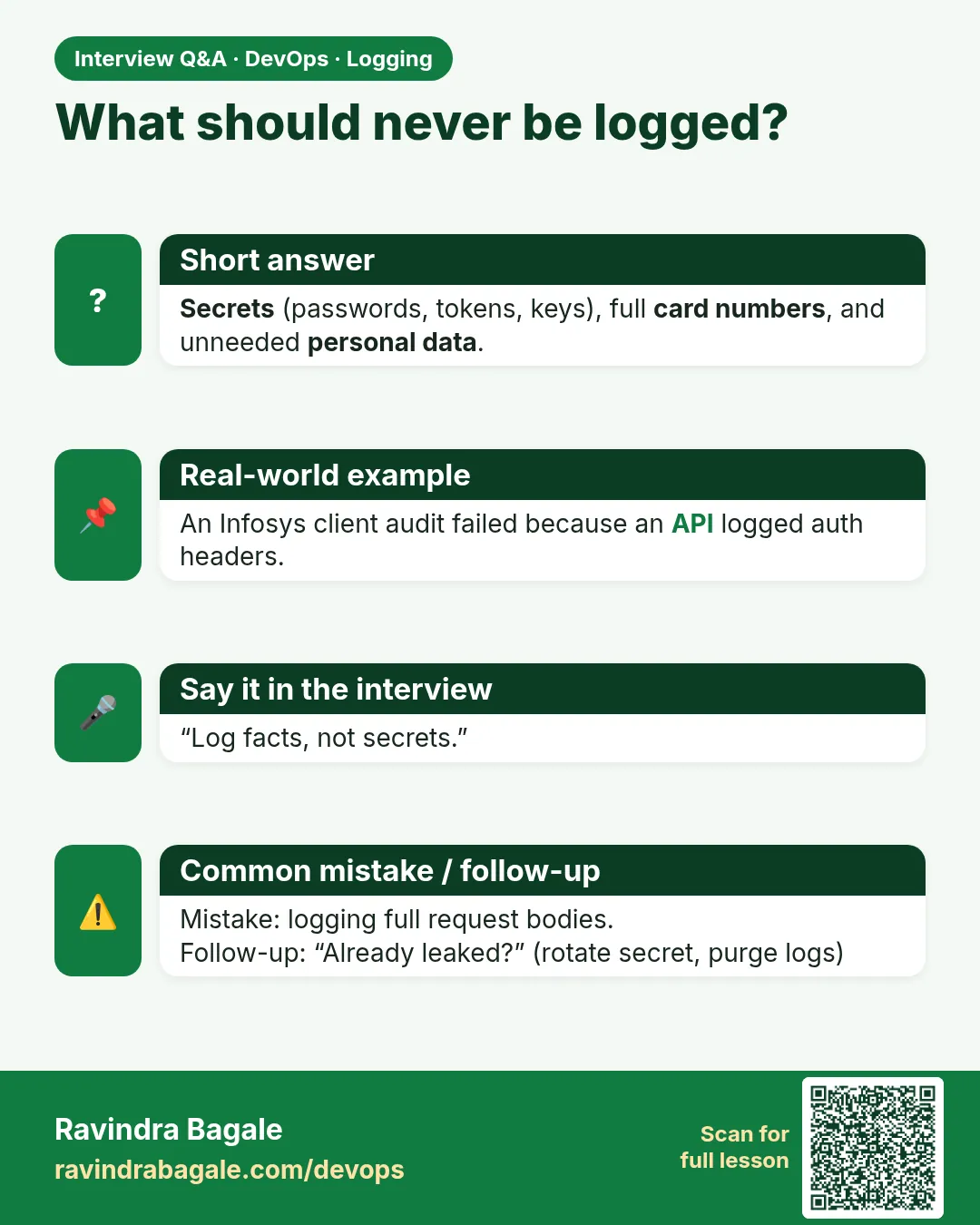 Interview card 9 of 15: What should never be logged? · Download PNG · Open card page
Lesson: 14.9 Security and hygiene
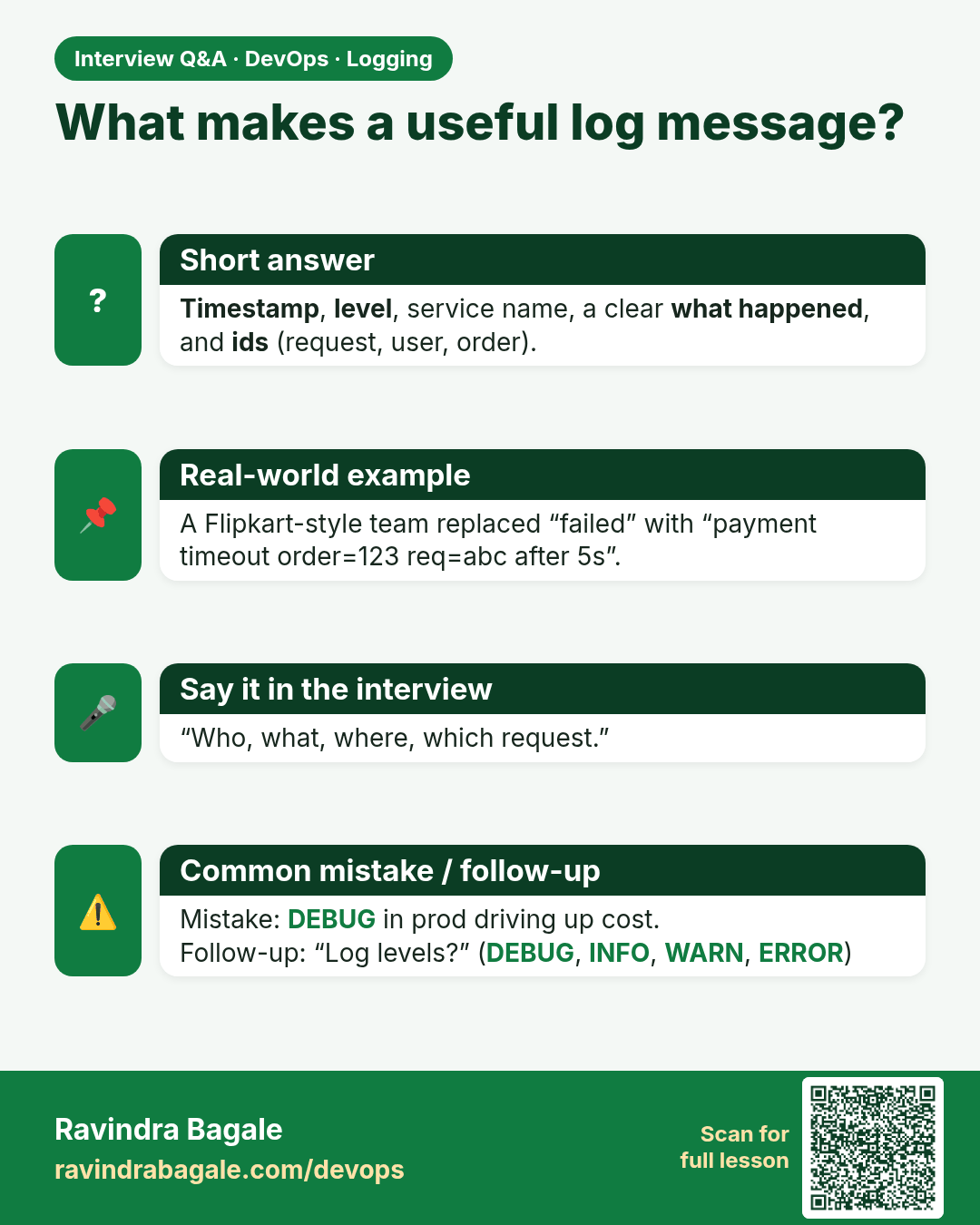
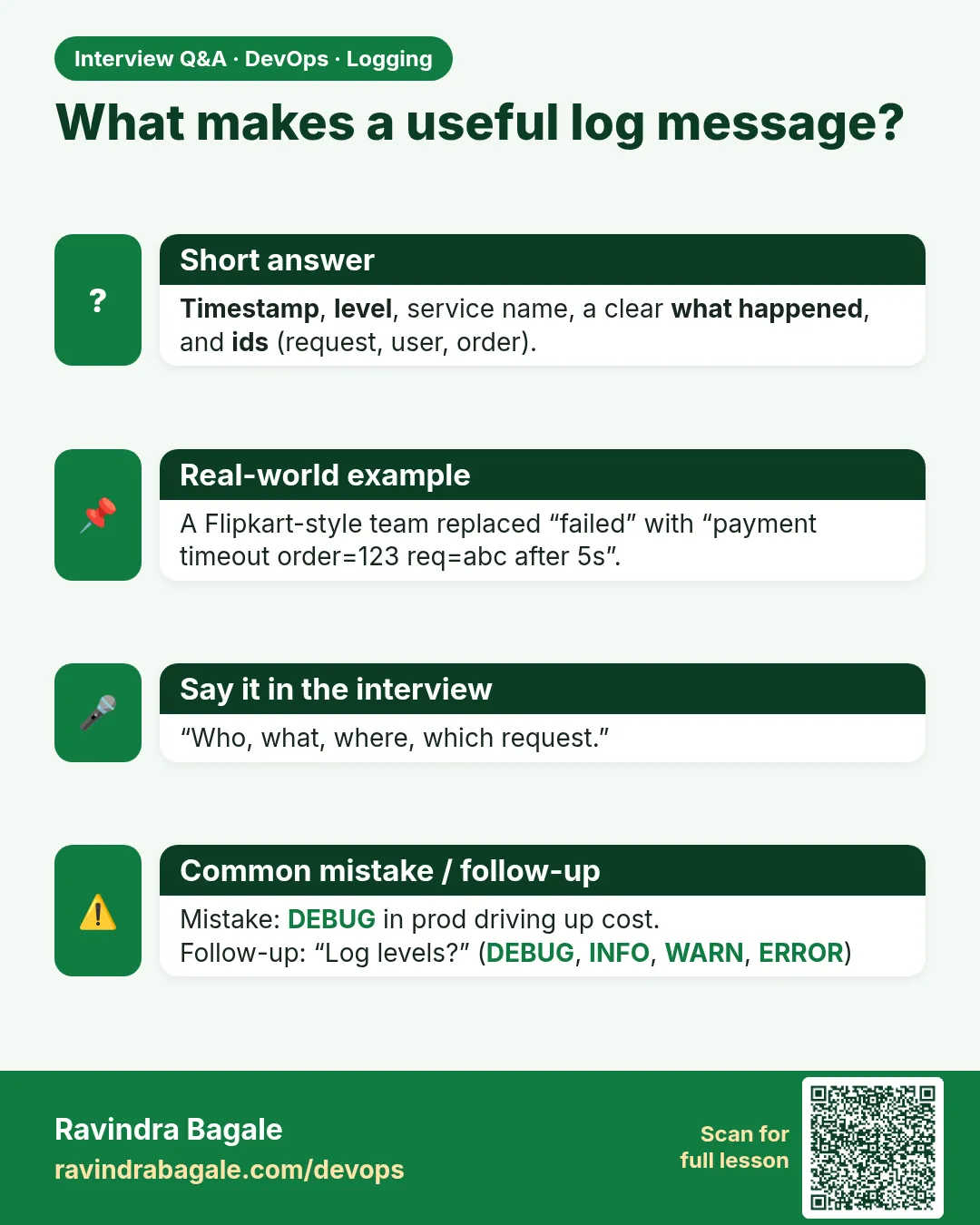 Interview card 10 of 15: What makes a useful log message? · Download PNG · Open card page
Lesson: 14.10 Anti-patterns
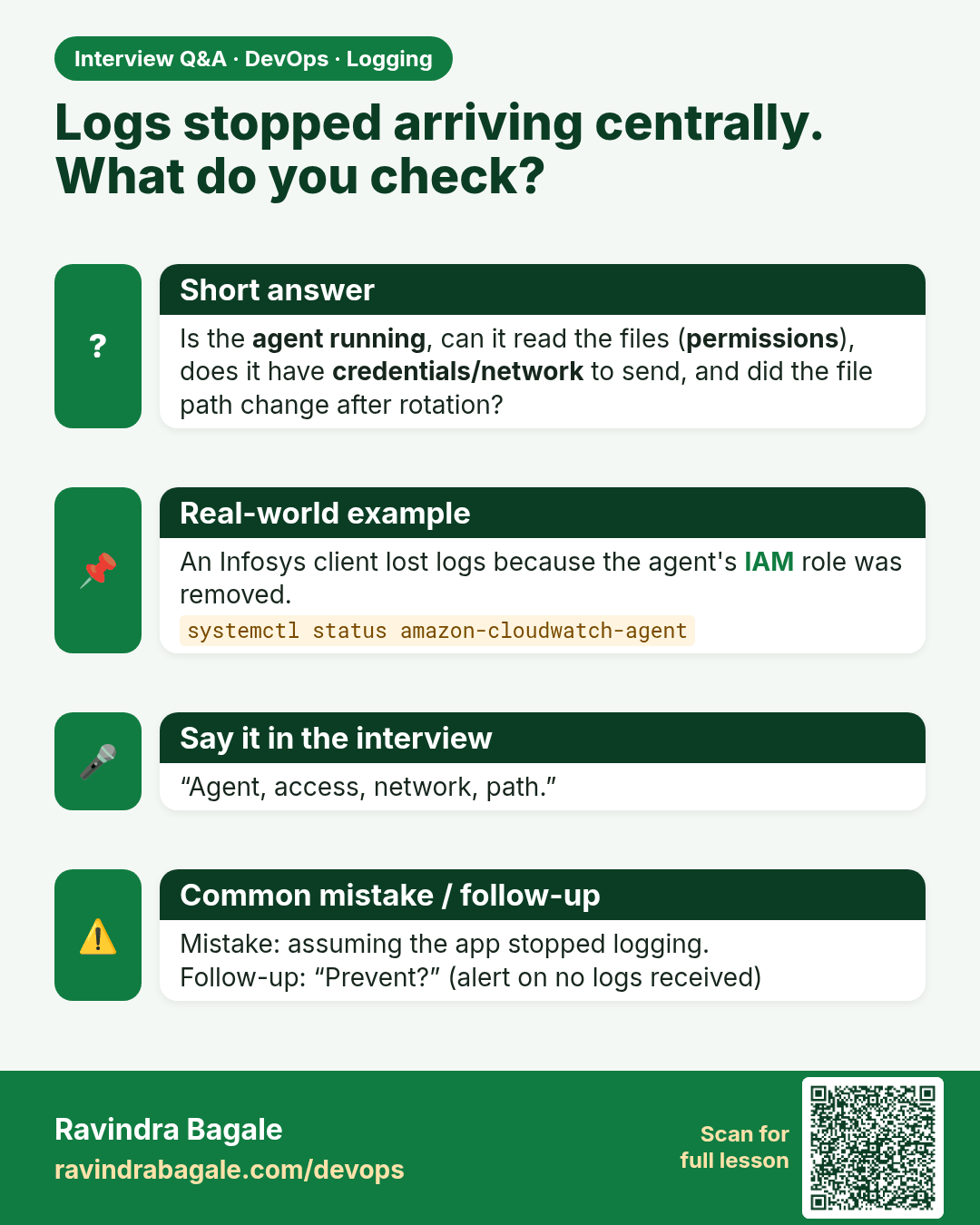
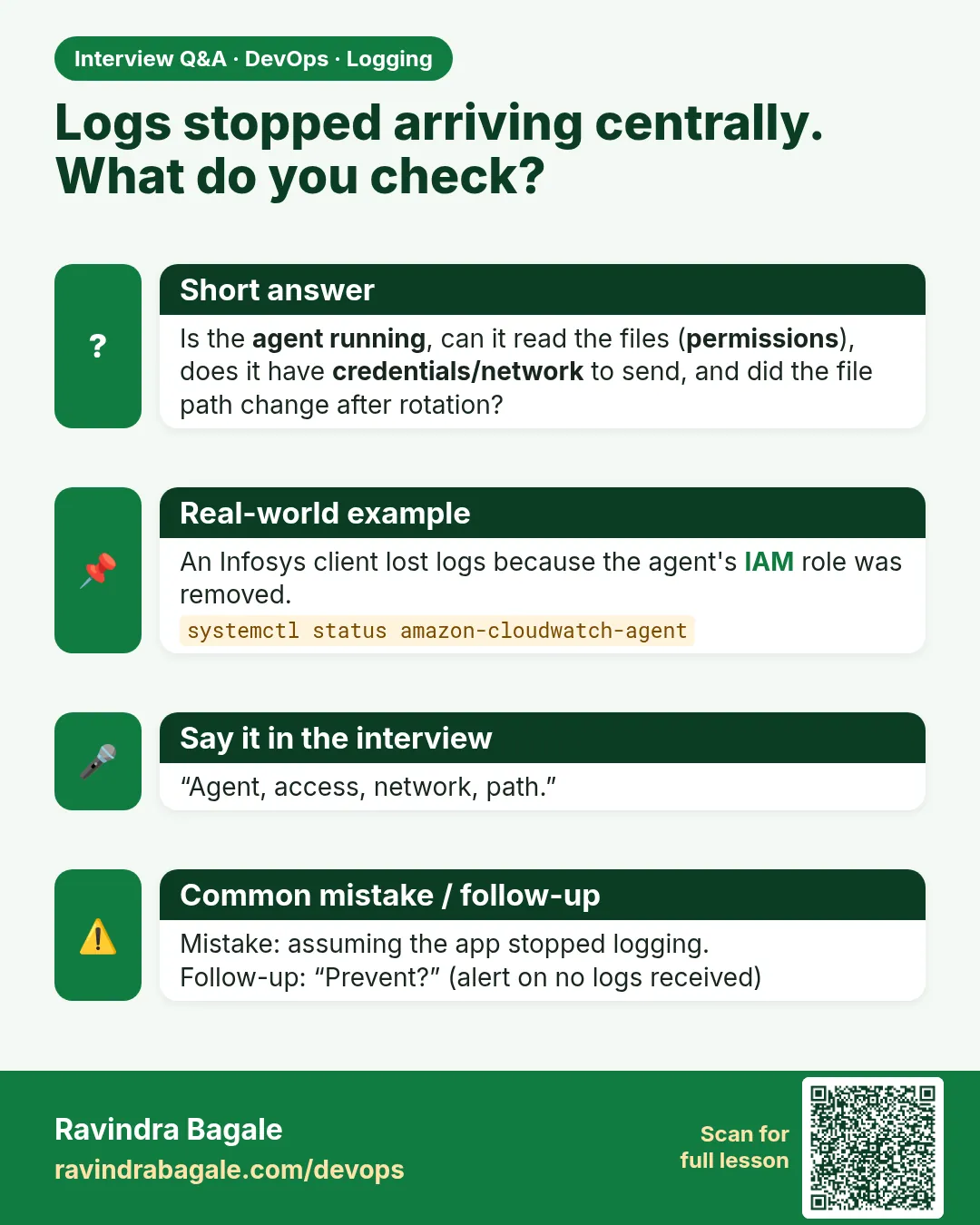 Interview card 11 of 15: Logs stopped arriving centrally. What do you check? · Download PNG · Open card page
Lesson: 14.11 Troubleshooting table
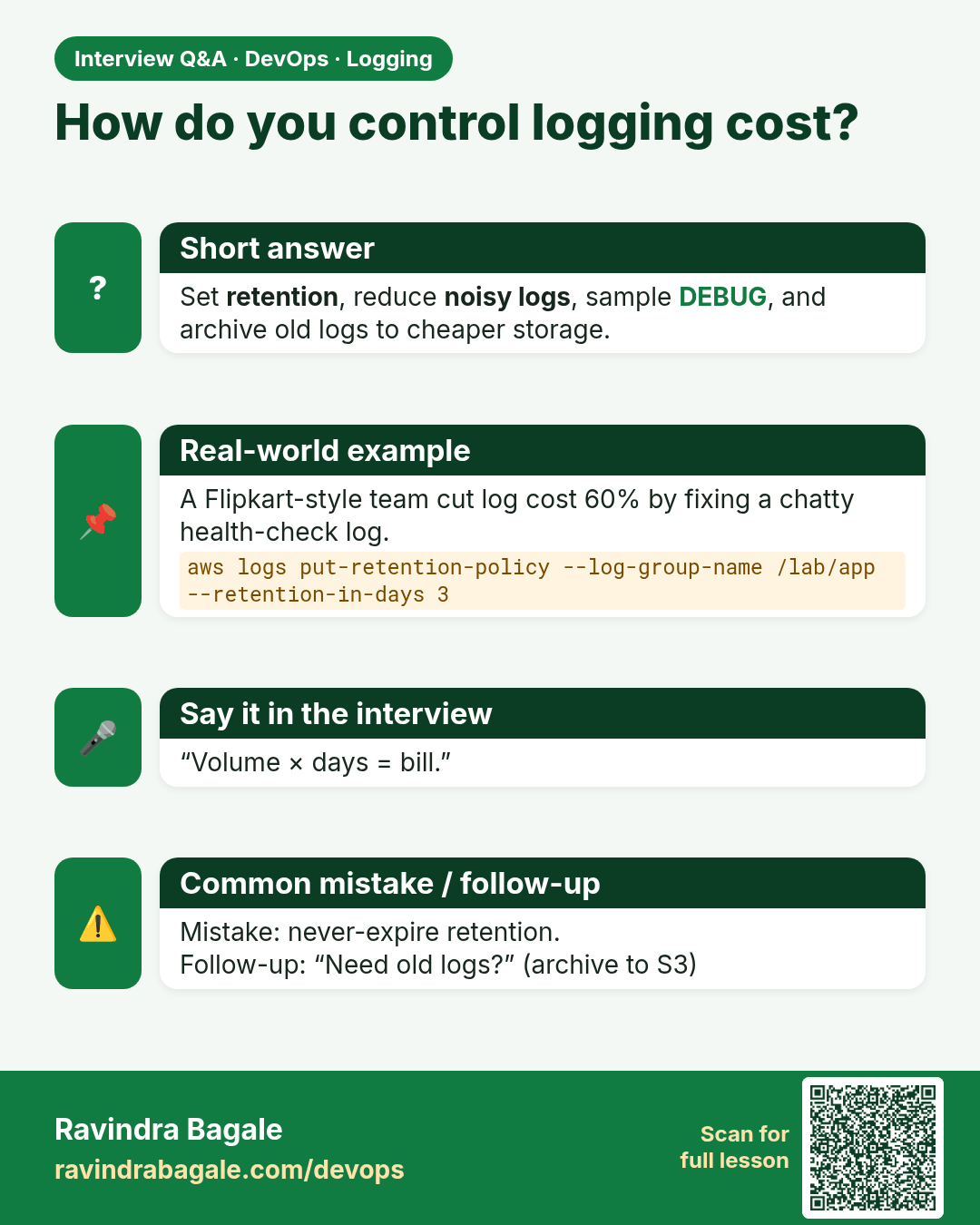
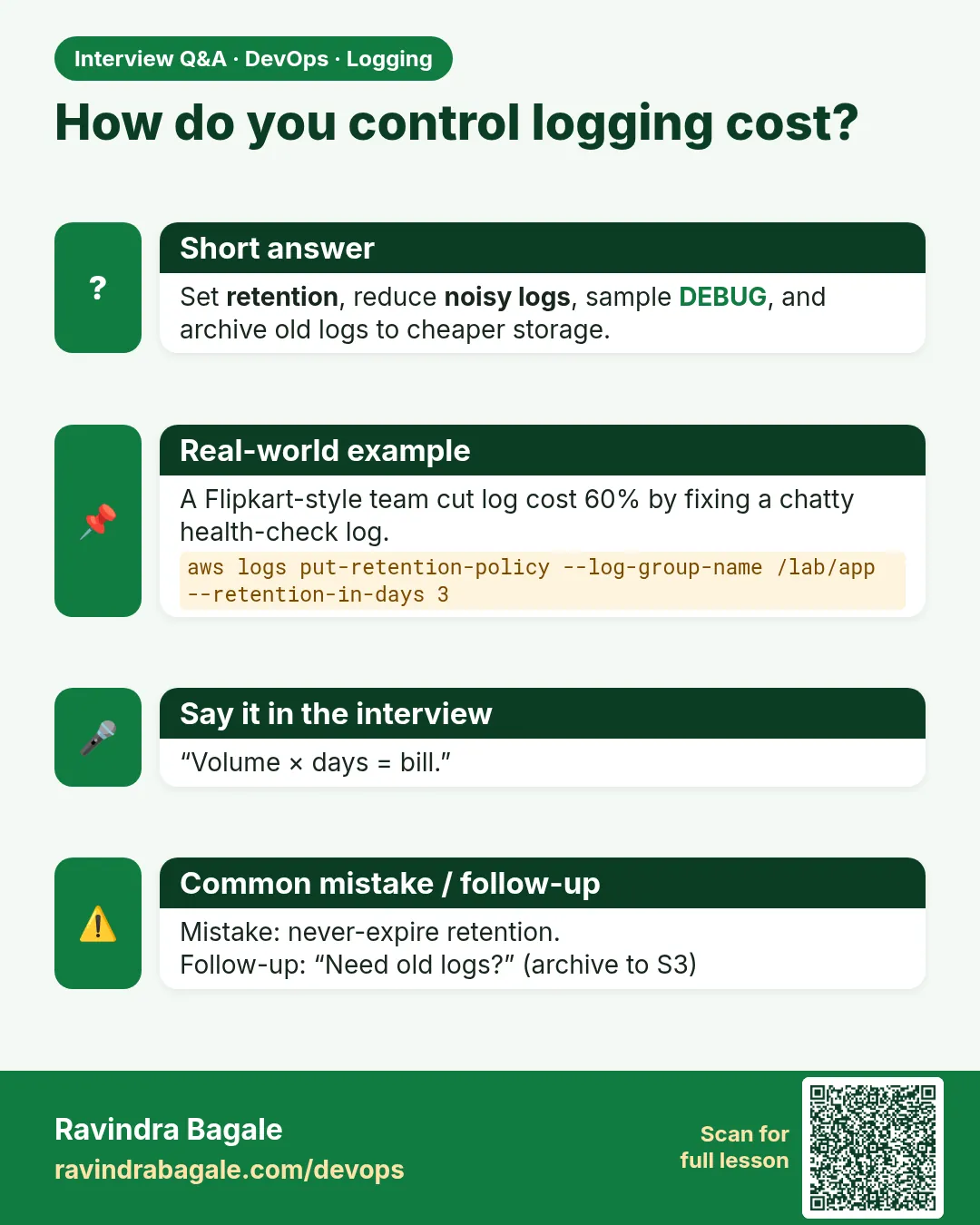 Interview card 12 of 15: How do you control logging cost? · Download PNG · Open card page
Lesson: 14.11b Retention, cost awareness and lab hygiene
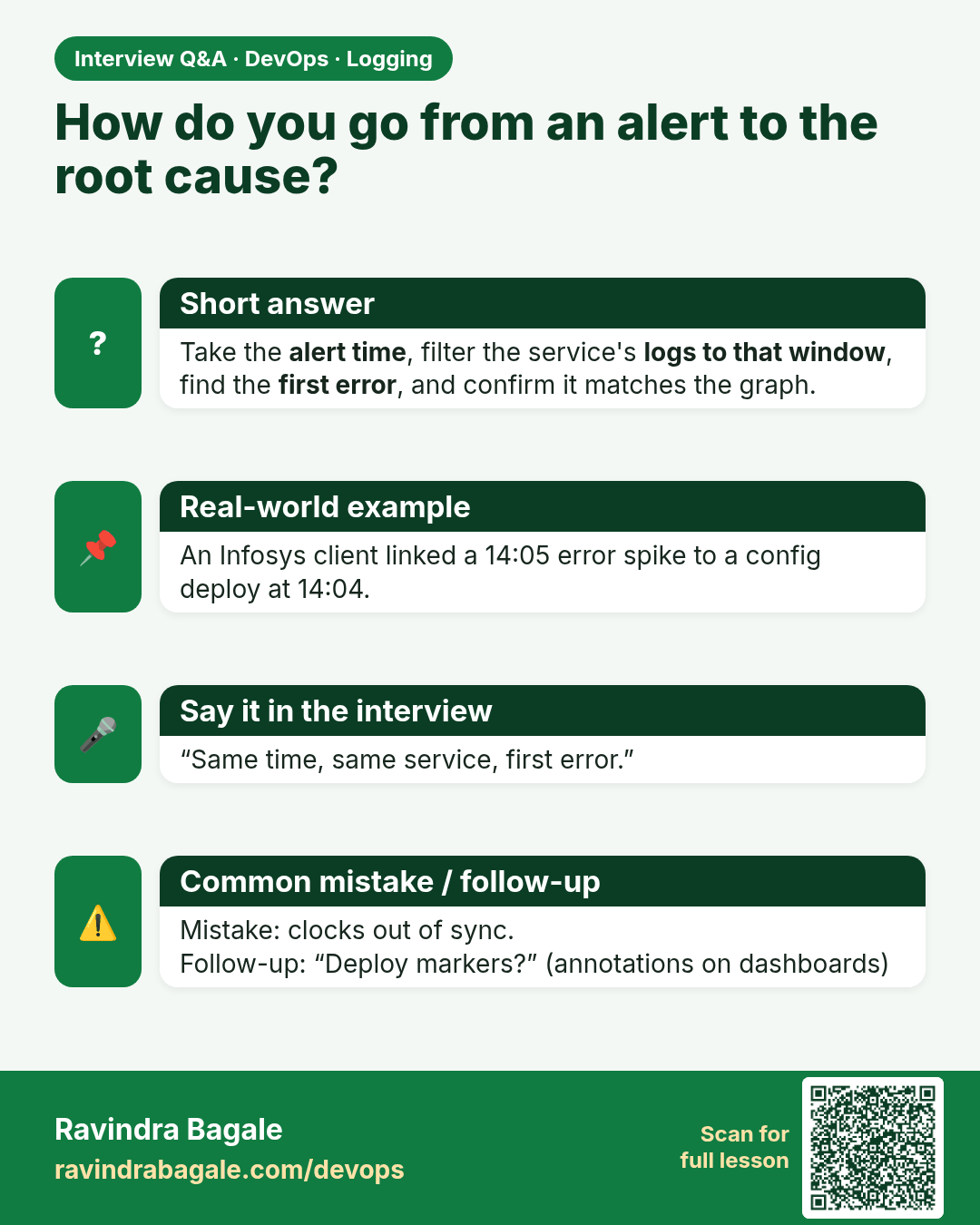
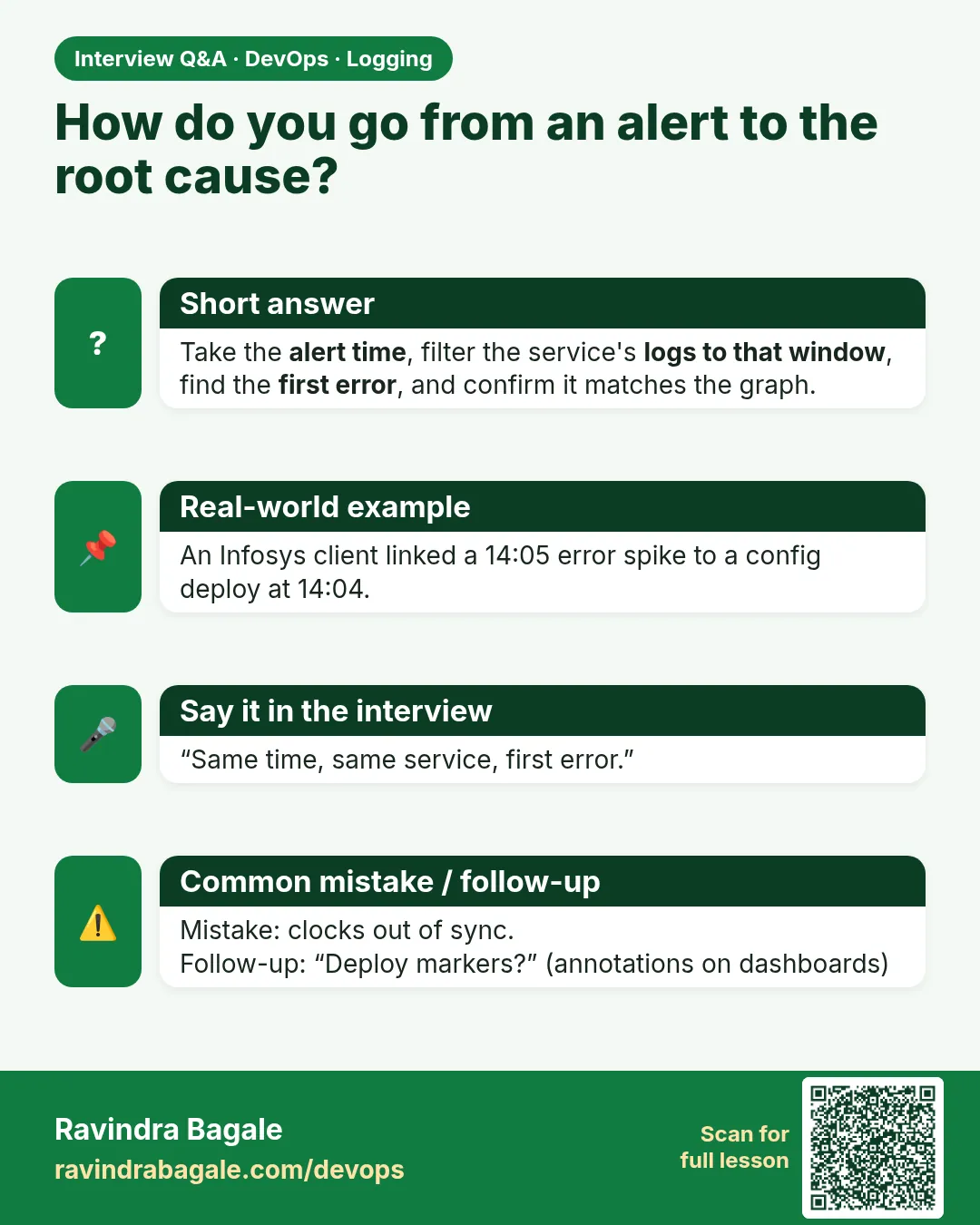 Interview card 13 of 15: How do you go from an alert to the root cause? · Download PNG · Open card page
Lesson: 14.11c From red metric to log line (glue with Chapter 13)
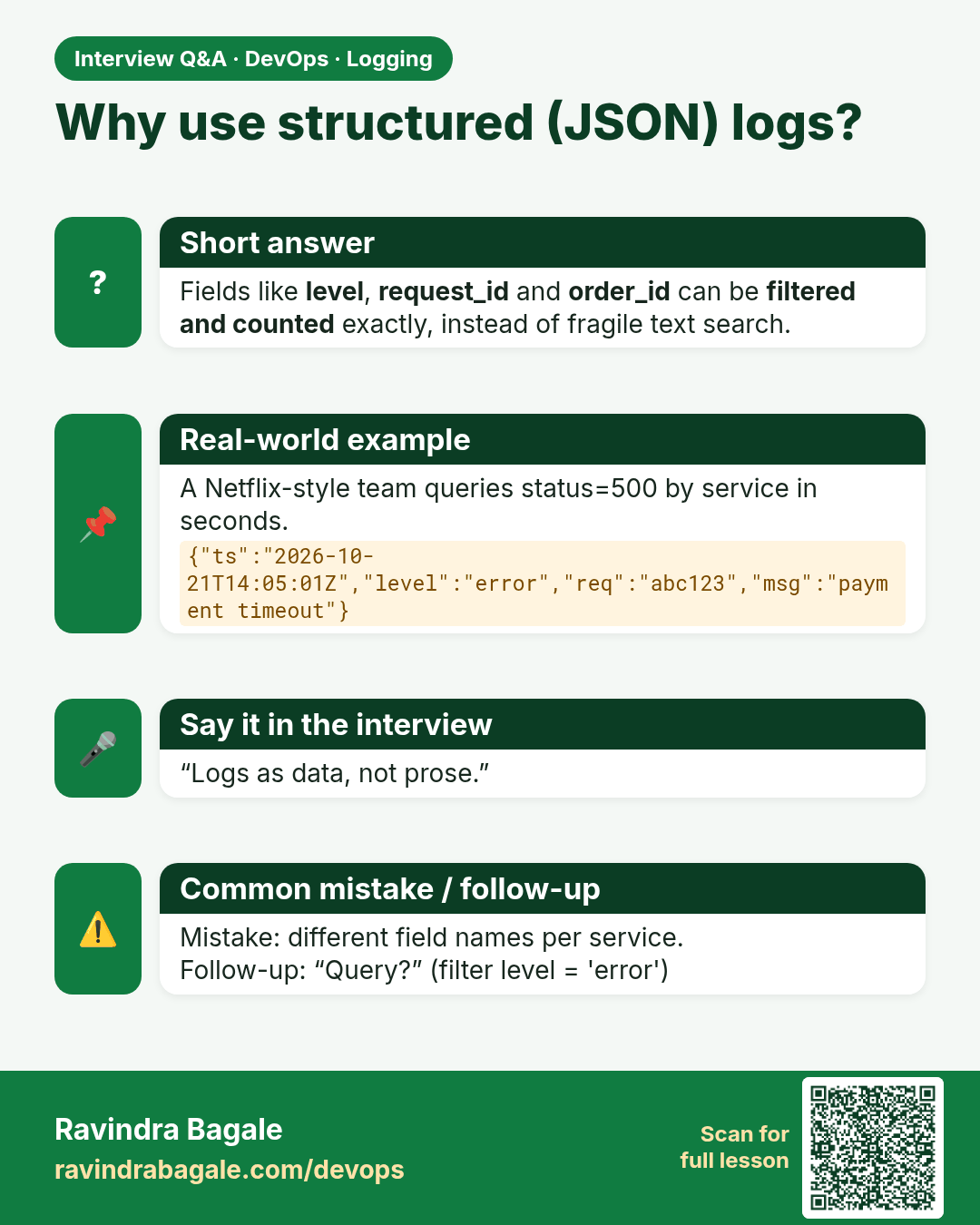
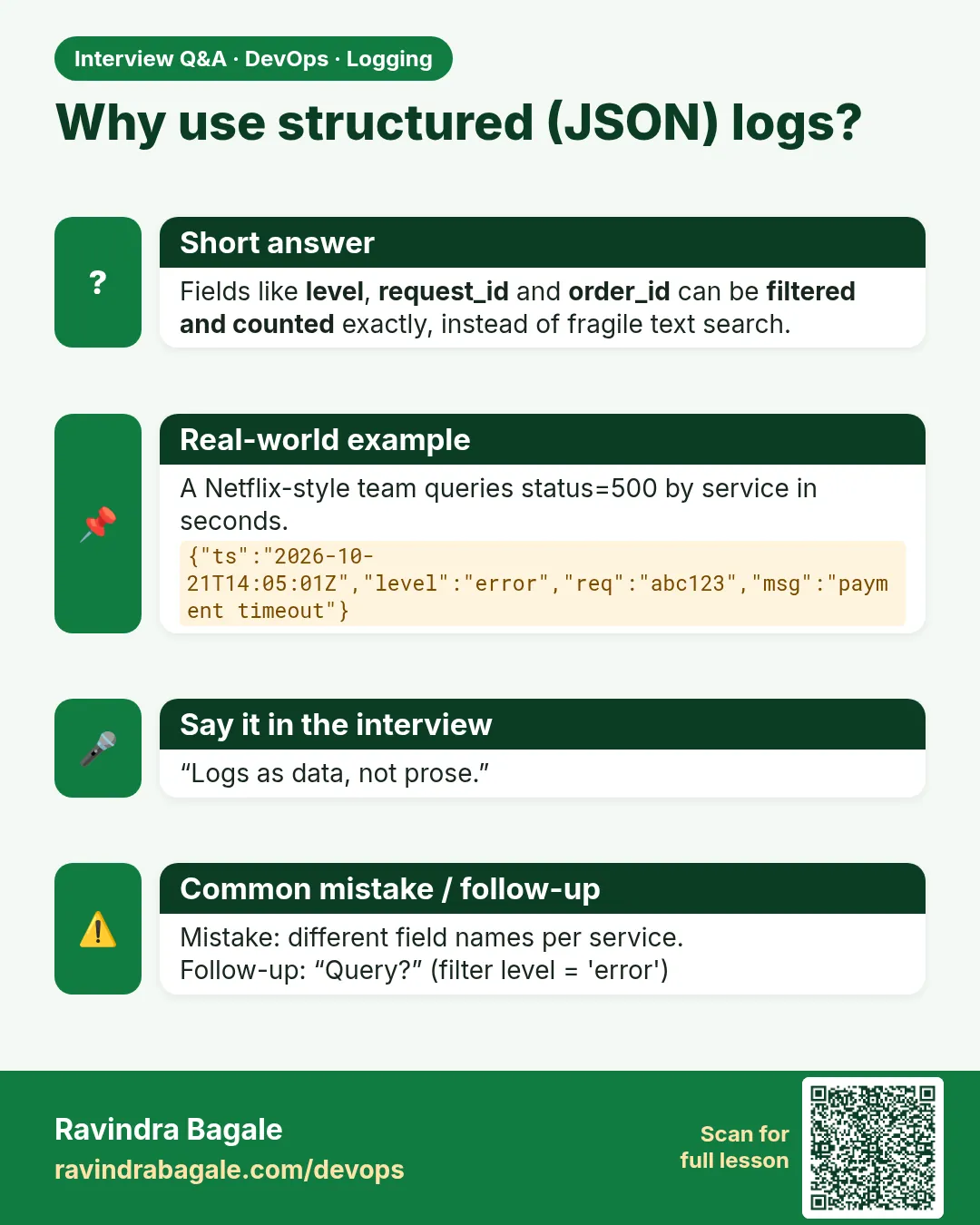 Interview card 14 of 15: Why use structured (JSON) logs? · Download PNG · Open card page
Lesson: 14.11d Structured logging mini-example
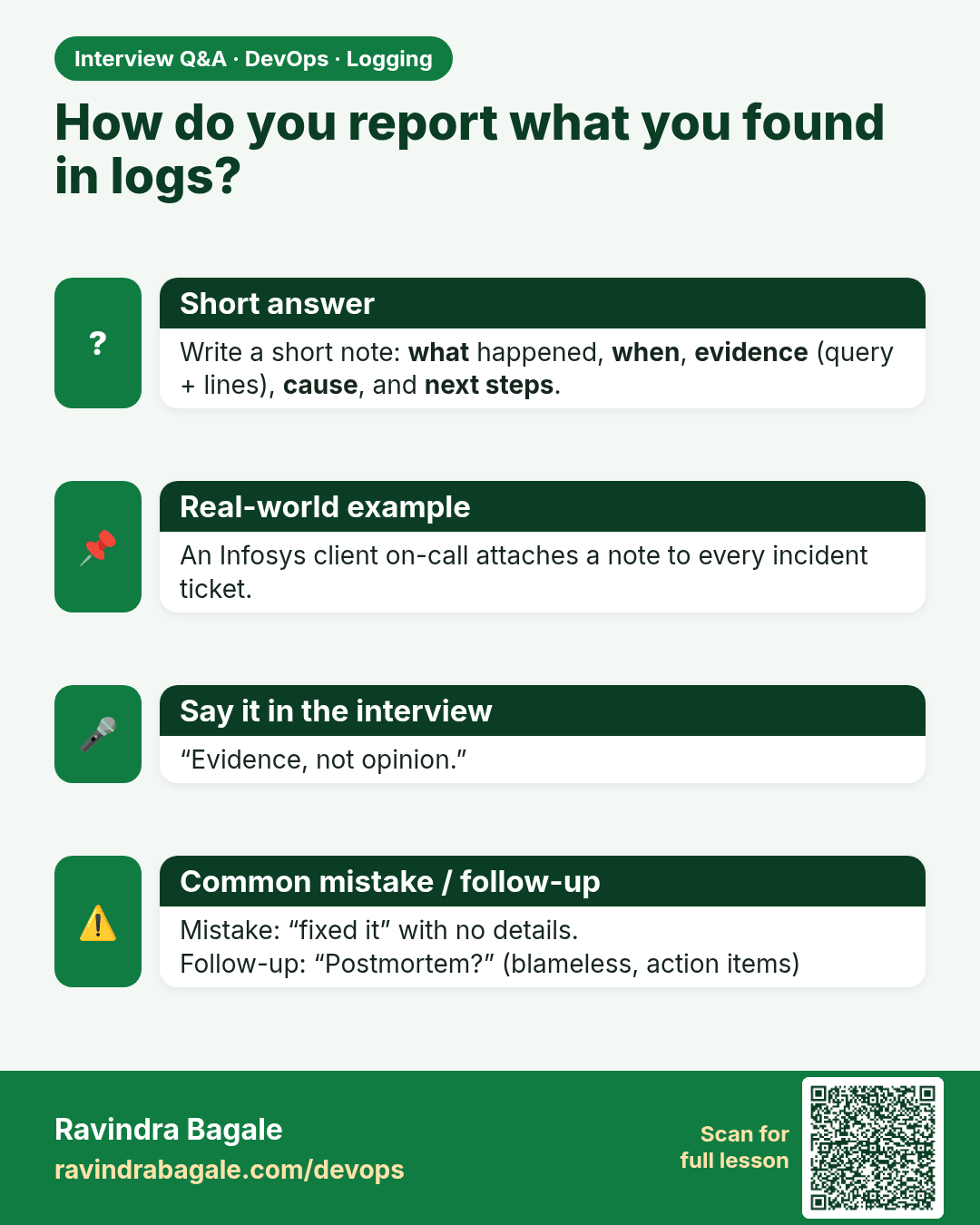
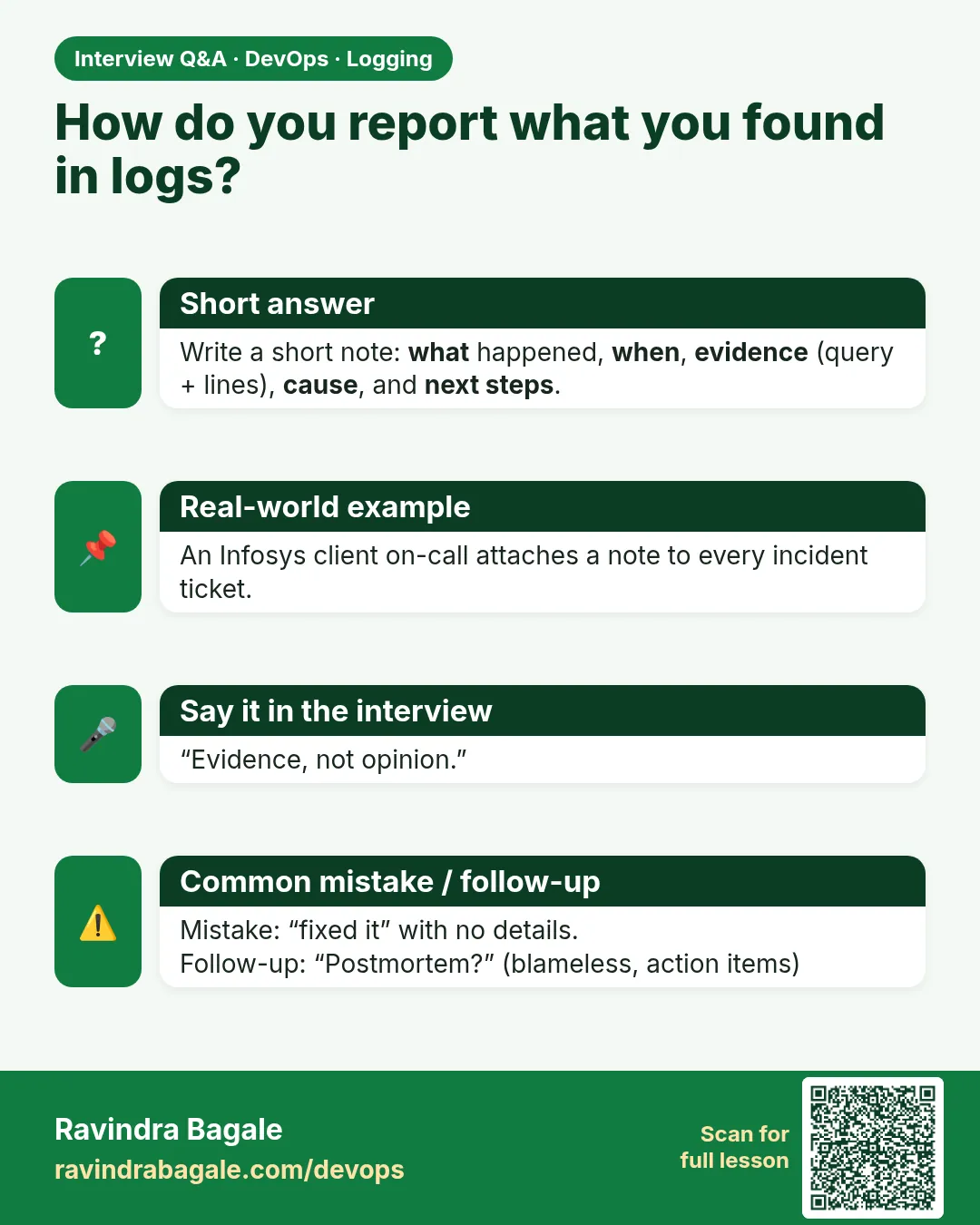 Interview card 15 of 15: How do you report what you found in logs? · Download PNG · Open card page
Lesson: 14.12 Lab — generate, query, write the note
Comparison cards
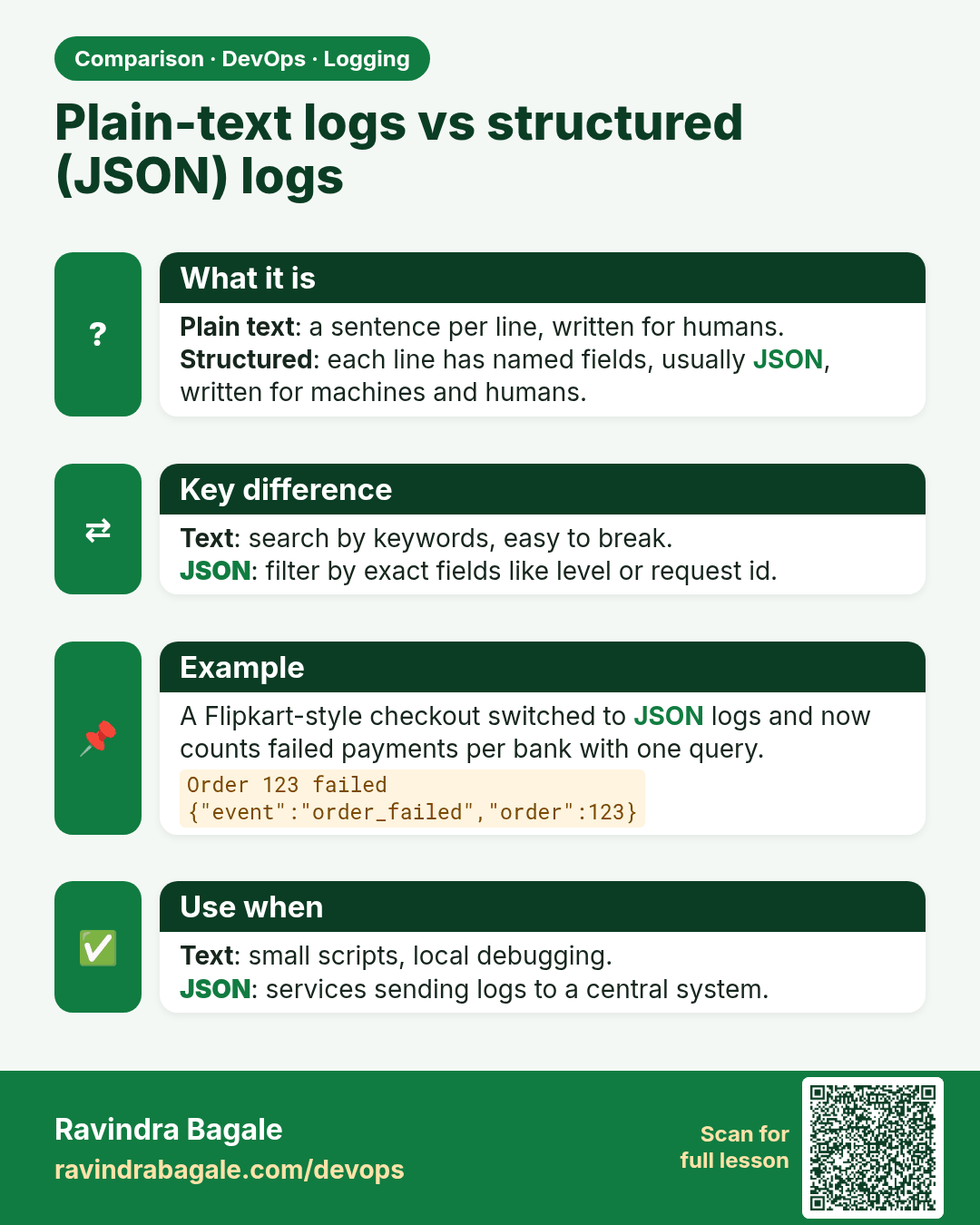
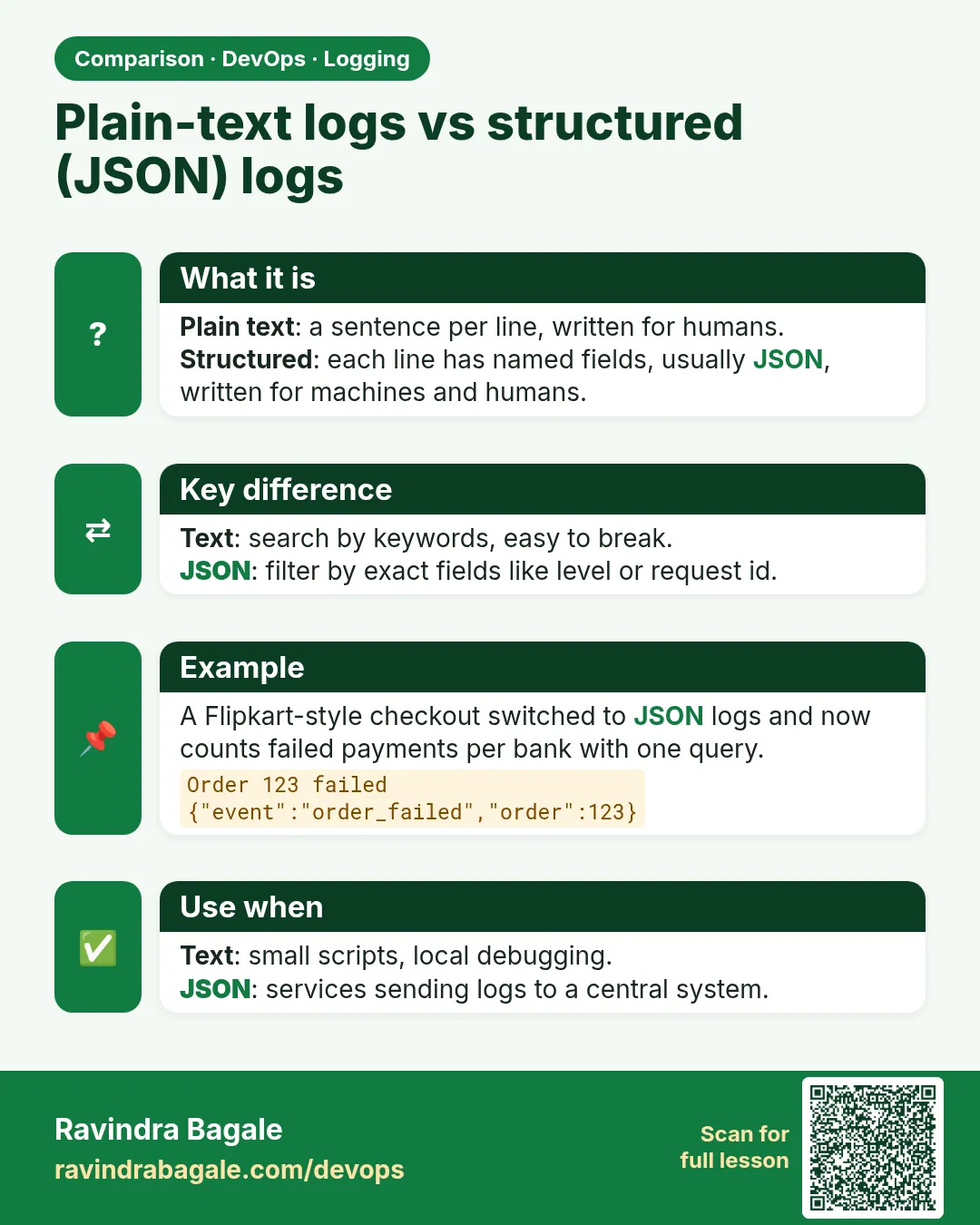 Comparison card 1 of 3: Plain-text logs vs structured (JSON) logs · Download PNG · Open card page
Lesson: 14.11d Structured logging mini-example
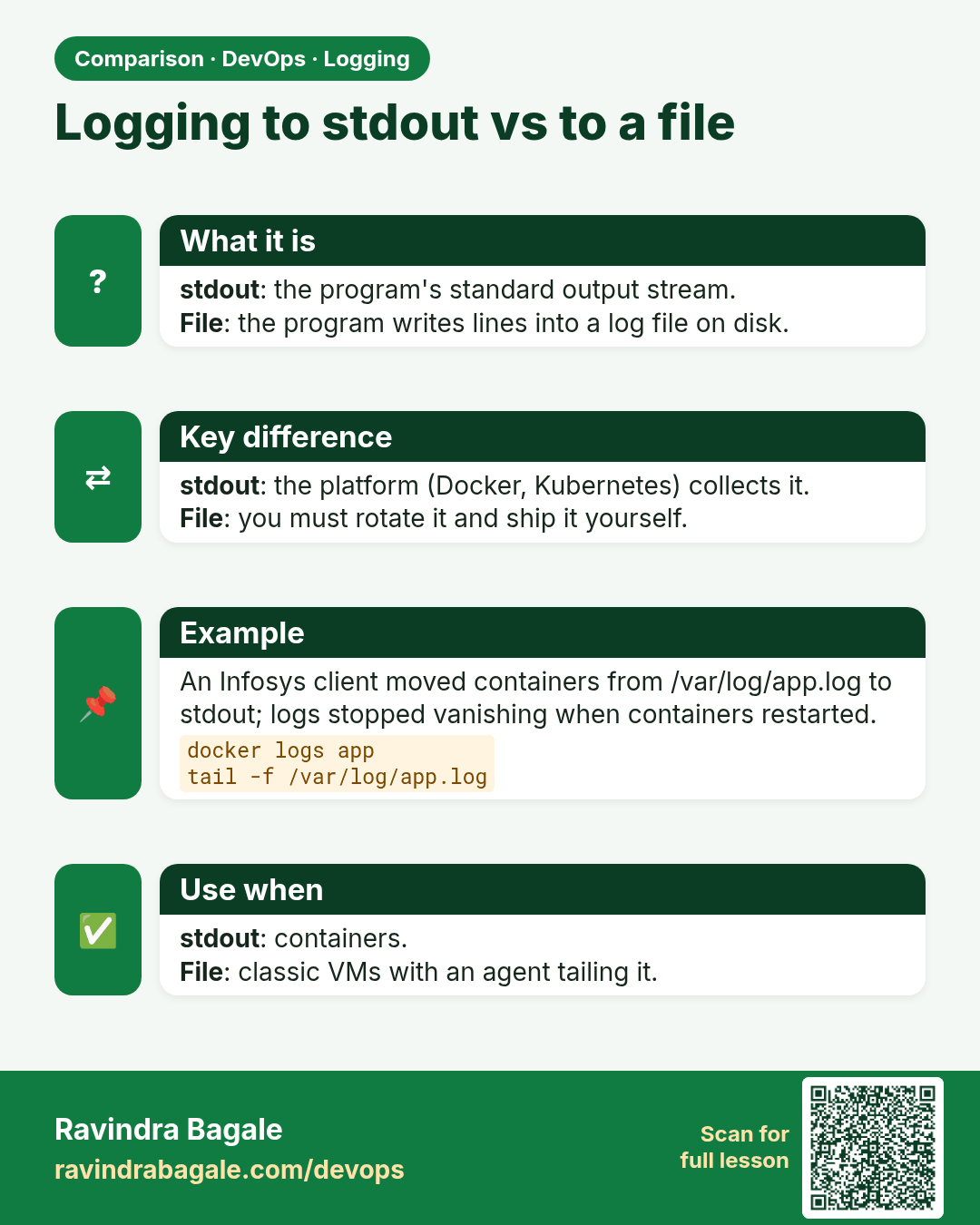
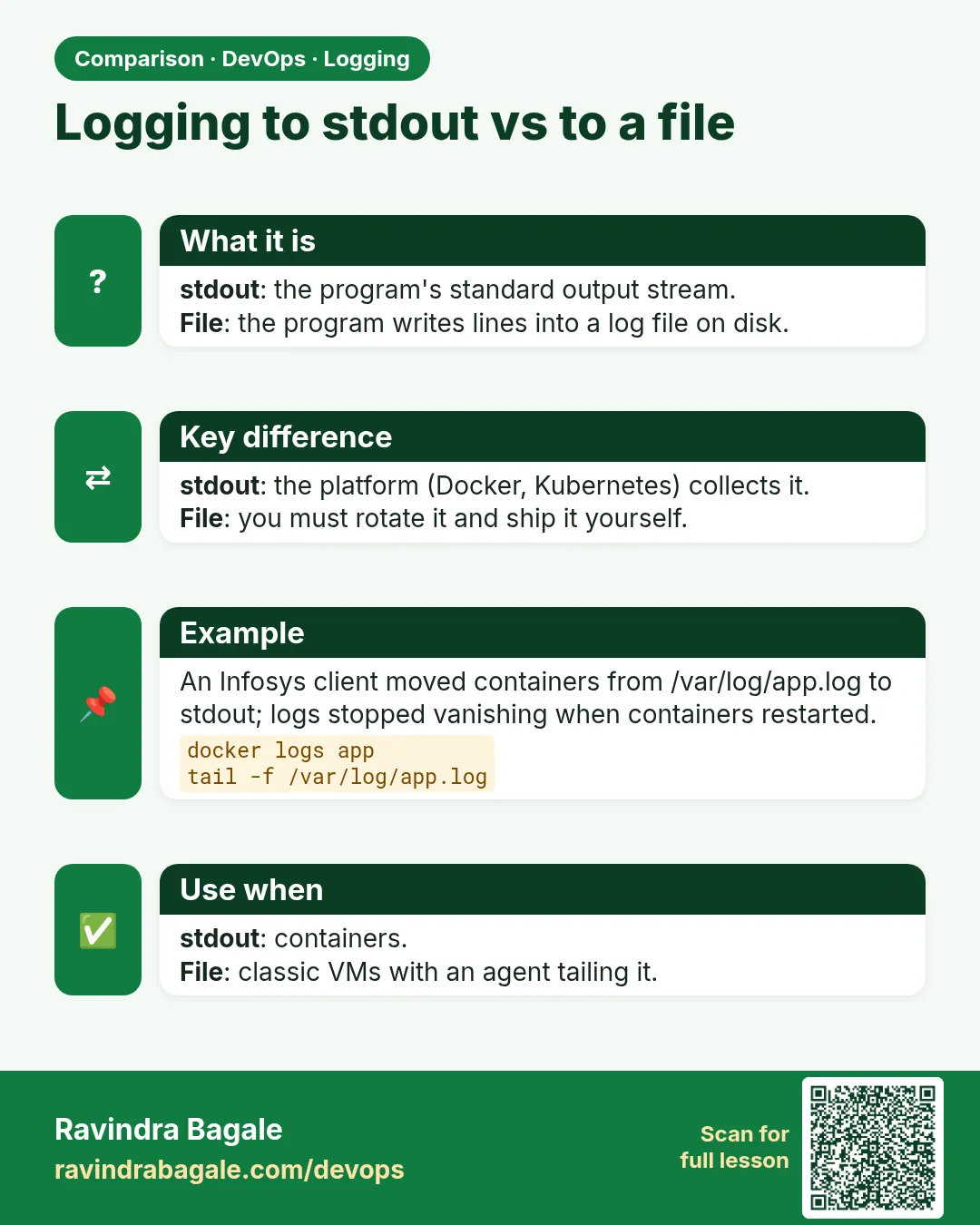 Comparison card 2 of 3: Logging to stdout vs to a file · Download PNG · Open card page
Lesson: 14.2 stdout/stderr and docker logs
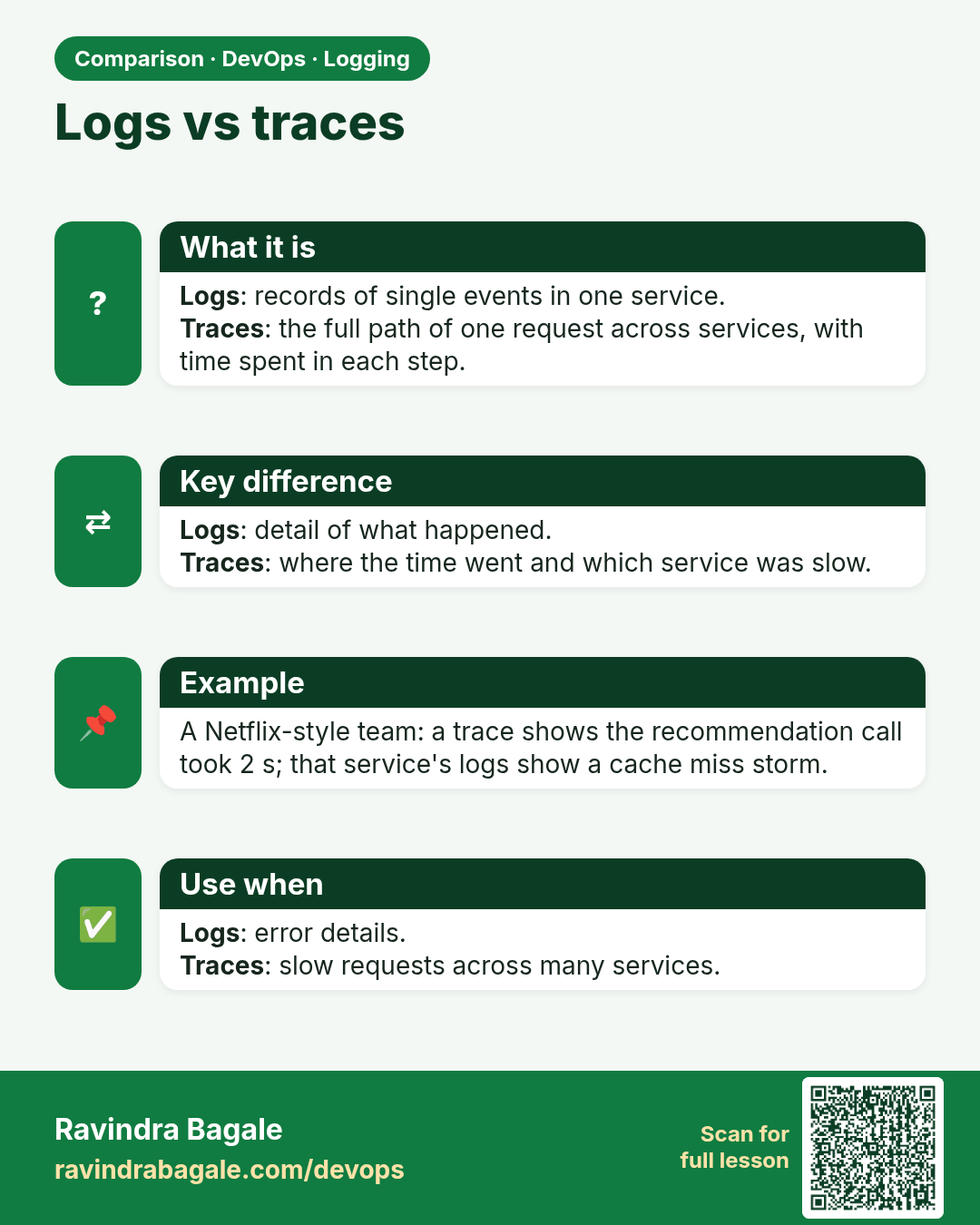
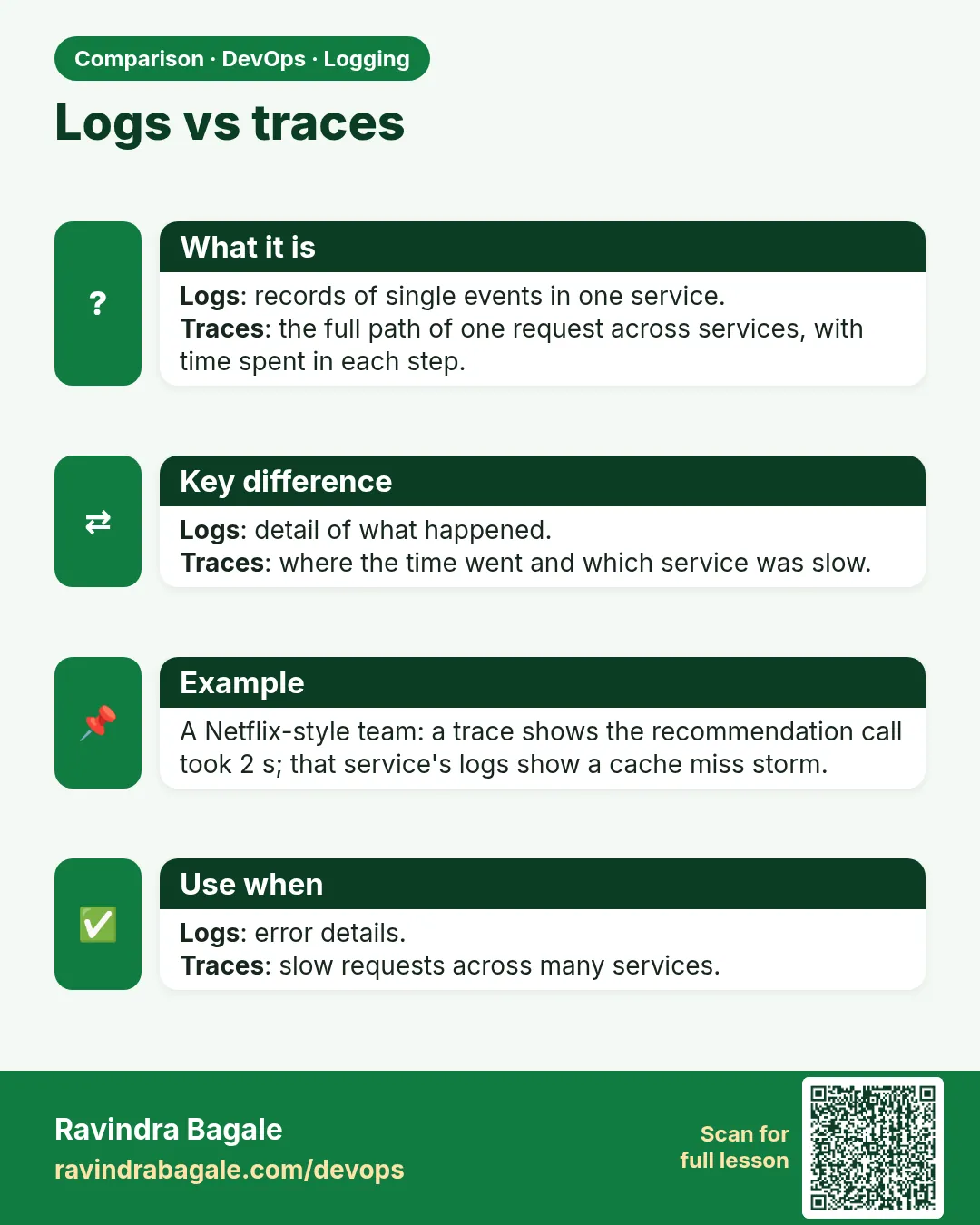 Comparison card 3 of 3: Logs vs traces · Download PNG · Open card page
Lesson: 14.8 Light observability vocabulary