Chapter 14: Logging and Light Observability
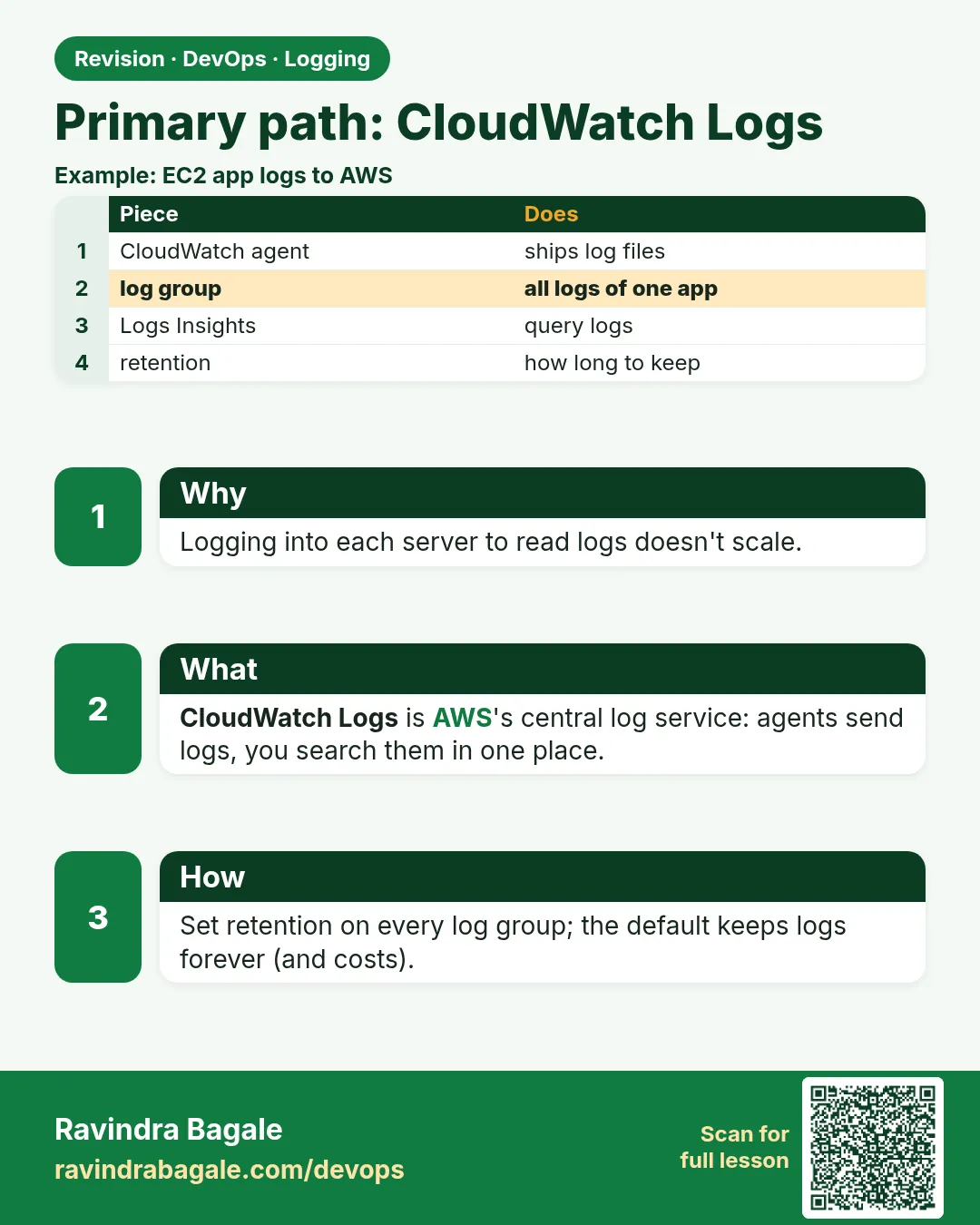
14.4 Primary path — CloudWatch Logs
Why: the problem
Suppose Paytm runs its wallet API on 40 EC2 servers behind a load balancer. A user says the payment failed at 8:15 p.m. Which of the 40 servers served him? You cannot SSH into 40 machines and grep each one. Also, autoscaling may have already deleted that server. Its logs died with it. This is why we send logs to one central place, outside the servers. On AWS that place is Amazon CloudWatch Logs. Every server and container ships its lines there. Logs stay even when servers die. You search all of them from one screen or one command. In this lesson we send real logs to CloudWatch from the AWS CLI, from a Docker container and from a Python app.
What we will build
You will create a log group, put your own test events with the AWS CLI, run a Docker container with the awslogs driver so its stdout goes straight to CloudWatch, send logs from Python with boto3, and tail everything live with aws logs tail.
What: every term in plain English
- Amazon CloudWatch Logs — The AWS service that stores and searches logs from many sources in one place.
- Log group — A folder for logs of one app or one environment, like /paytm/wallet/prod.
- Log stream — One source inside a group, like one server or one container.
- Log event — One line with a timestamp and a message.
- awslogs driver — A Docker logging driver that sends container stdout to CloudWatch.
- IAM role — AWS permissions given to a server, so no access keys live on the disk.
- Region — The AWS location, like ap-south-1 (Mumbai). Logs stay in that region.
- aws logs tail — AWS CLI command that shows CloudWatch logs in the terminal, like tail -f.
How: step by step
-
Check you are logged in to AWS
aws sts get-caller-identityWhat it does: Shows which account and user or role you use.
Output
{ "Account": "111122223333", "Arn": "arn:aws:iam::111122223333:user/ravi-lab" } -
Create a log group
aws logs create-log-group --log-group-name /loglab/wallet --region ap-south-1What it does: A folder for our lab logs.
Output
(no output) -
Create a stream
aws logs create-log-stream --log-group-name /loglab/wallet --log-stream-name laptop-1What it does: One source inside the group.
Output
(no output) -
Put one event
aws logs put-log-events --log-group-name /loglab/wallet --log-stream-name laptop-1 --log-events timestamp=$(date +%s000),message="ERROR wallet debit failed order=77"What it does: Sends one line. Time is in milliseconds.
Output
{ "nextSequenceToken": "4960..." } -
Read it back
aws logs tail /loglab/wallet --since 10mWhat it does: Shows events from the last 10 minutes.
Output
2026-10-25T04:10:02 laptop-1 ERROR wallet debit failed order=77 -
Follow live
aws logs tail /loglab/wallet --follow --format shortWhat it does: Waits and prints new events as they come.
Output
04:11:15 laptop-1 INFO wallet ok order=78
Example 1: Docker container straight to CloudWatch with awslogs
Stack. Docker on EC2 with an IAM role, CloudWatch Logs
Goal. Docker container straight to CloudWatch with awslogs.
Commands
docker run -d --name wallet \
  --log-driver awslogs \
  --log-opt awslogs-region=ap-south-1 \
  --log-opt awslogs-group=/loglab/wallet \
  --log-opt awslogs-stream=wallet-container \
  --log-opt awslogs-create-group=true \
  busybox sh -c "while true; do echo INFO wallet heartbeat; sleep 5; done"

aws logs tail /loglab/wallet --log-stream-names wallet-container --since 2m
What each line does
--log-driver awslogs— Send stdout and stderr to CloudWatch instead of a local file.awslogs-region— Which AWS region to send to.awslogs-group— Which log group.awslogs-stream— Stream name. Use the container or task name.awslogs-create-group=true— Create the group if missing. The role needs logs:CreateLogGroup.
Green output
2026-10-25T04:20:00.112000+00:00 wallet-container INFO wallet heartbeat
2026-10-25T04:20:05.118000+00:00 wallet-container INFO wallet heartbeat
Expected result. The lines never touch the server disk. If the EC2 dies, the logs are safe in CloudWatch.
Example 2: Send logs from a Python app with boto3
Stack. Python 3, boto3, AWS CLI v2
Goal. Send logs from a Python app with boto3.
ship.py
import time, boto3

logs = boto3.client("logs", region_name="ap-south-1")
GROUP, STREAM = "/loglab/wallet", "python-app"

try:
    logs.create_log_stream(logGroupName=GROUP, logStreamName=STREAM)
except logs.exceptions.ResourceAlreadyExistsException:
    pass

now = int(time.time() * 1000)
logs.put_log_events(
    logGroupName=GROUP,
    logStreamName=STREAM,
    logEvents=[
        {"timestamp": now, "message": "INFO wallet credit ok order=81"},
        {"timestamp": now + 1, "message": "ERROR upi timeout order=82"},
    ],
)
print("sent 2 events")
What each line does
boto3.client("logs")— The AWS SDK client for CloudWatch Logs.create_log_stream— Make the stream once; ignore the error if it exists.time.time() * 1000— CloudWatch wants time in milliseconds.put_log_events— Sends a batch of lines in one call. Batching is cheaper and faster.
Green output
$ pip install -q boto3 && python ship.py
sent 2 events
$ aws logs tail /loglab/wallet --log-stream-names python-app --since 5m
2026-10-25T04:25:10.001000+00:00 python-app INFO wallet credit ok order=81
2026-10-25T04:25:10.002000+00:00 python-app ERROR upi timeout order=82
Expected result. In real apps you rarely call put_log_events yourself. An agent or driver does it. But now you know what happens inside.
Example 3: ECS task definition that logs to CloudWatch
Stack. Amazon ECS on Fargate, ECR, CloudWatch
Goal. ECS task definition that logs to CloudWatch.
taskdef.json (part)
{
  "family": "wallet",
  "containerDefinitions": [
    {
      "name": "wallet",
      "image": "111122223333.dkr.ecr.ap-south-1.amazonaws.com/wallet:1.4",
      "logConfiguration": {
        "logDriver": "awslogs",
        "options": {
          "awslogs-group": "/ecs/wallet",
          "awslogs-region": "ap-south-1",
          "awslogs-stream-prefix": "wallet"
        }
      }
    }
  ]
}
What each line does
logConfiguration— Where this container sends its logs.awslogs-stream-prefix— ECS names streams like wallet/wallet/TASK_ID, so each task is separate.image— Your image from ECR, the AWS image registry.
Green output
$ aws ecs register-task-definition --cli-input-json file://taskdef.json
"taskDefinitionArn": "arn:aws:ecs:ap-south-1:111122223333:task-definition/wallet:7"
$ aws logs tail /ecs/wallet --since 15m --format short
04:31:02 wallet/wallet/9f1c2e INFO started on 8080
Expected result. Every ECS task gets its own stream, named by task id.
Verify: did it work?
-
List groups
aws logs describe-log-groups --log-group-name-prefix /loglab --query "logGroups[].logGroupName"What it does: Your group should be listed.
Output
[ "/loglab/wallet" ] -
List streams
aws logs describe-log-streams --log-group-name /loglab/wallet --query "logStreams[].logStreamName"What it does: You see laptop-1, wallet-container and python-app.
Output
[
    "laptop-1",
    "python-app",
    "wallet-container"
]
When it is red 1
An error occurred (AccessDeniedException) when calling the PutLogEvents operation
Cause. The user or role has no permission to write logs.
Fix, step by step
- Attach a policy with logs:CreateLogStream and logs:PutLogEvents for this group.
- On EC2, attach it to the instance role, not to a key file.
- Retry the command.
When it is red 2
ResourceNotFoundException: The specified log group does not exist.
Cause. Typo in the group name or wrong region.
Fix, step by step
- aws logs describe-log-groups --region ap-south-1
- Fix the name or the region.
- Or set awslogs-create-group=true.
When it is red 3
docker: Error response from daemon: failed to initialize logging driver: NoCredentialProviders
Cause. Docker on your laptop cannot find AWS credentials.
Fix, step by step
- On EC2, use an instance role.
- On a laptop, the Docker daemon (not your shell) must see credentials; use the lab on EC2 instead.
- Restart the container.
Cleanup
-
Delete the lab group
docker rm -f wallet && aws logs delete-log-group --log-group-name /loglab/walletWhat it does: Removes container and all lab logs. Lab only.
Output
wallet
Ravindra Bagale's Tip
Even if the server dies, logs stay safe in CloudWatch. That is why central logging is compulsory.
Server उडाला तरी logs CloudWatch मध्ये सुरक्षित राहतात. म्हणून central logging compulsory आहे.
Server उड़ जाए तो भी logs CloudWatch में सुरक्षित रहते हैं. इसलिए central logging compulsory है.
Practice tasks
Easy Use a friendly format
Why: Short output is easier to read.
What to do: Run aws logs tail with --format short.
- aws logs tail /loglab/wallet --since 1h --format short
Check: Only time, stream and message.
Medium Filter while tailing
Why: Find only errors live.
What to do: Tail with a filter pattern.
- aws logs tail /loglab/wallet --follow --filter-pattern ERROR
Check: Only ERROR lines appear.
Hard Least-privilege policy
Why: Never give logs:* on *.
What to do: Write an IAM policy that allows writing only to /loglab/*.
- Resource arn:aws:logs:ap-south-1:ACCOUNT:log-group:/loglab/*
Check: Writing to another group gives AccessDenied.
Easy Say CloudWatch Logs in two lines
Why: If you can say it simply, you understand it. Juniors and interviewers both want the short version first.
What to do: Write two short lines about CloudWatch Logs for a fresher who knows only Linux, Git and Docker basics.
- Write the problem it solves.
- Write the one command or config line you use for it.
- Read it aloud to a friend.
Check: A fresher understands it without asking a question.
Easy Keep a throwaway log lab
Why: Practice needs a lab you can break. If it gets messy, you delete the containers and start again.
What to do: Run a small app in Docker that prints logs every second.
- docker run -d --name ticker busybox sh -c "while true; do date; sleep 1; done"
- docker logs -f ticker
- Press Ctrl+C, then docker rm -f ticker.
Check: You see one new time line every second.
Medium Do it on a second stack
Why: Logging ideas must work for Python, Node.js and Java. Only the library changes.
What to do: Repeat this lesson with a different language than the one you used first.
- If you used Python, use Node.js or Spring Boot now.
- Keep the same field names: time, level, msg, request_id.
- Compare the two outputs side by side.
Check: Both apps print the same fields in the same shape.
Medium Break it on purpose
Why: You must know the red error by face. In a real outage there is no time to read slowly.
What to do: Cause one error from the "When it is red" part of this lesson and fix it.
- Follow the error section.
- Copy the exact message into your notes.
- Write the fix in one line.
Check: You fixed it using only the steps, without searching the web.
Medium Write a one-page runbook
Why: At 2 a.m. nobody remembers log commands. A short page saves the on-call person.
What to do: Write a one-page runbook for this lesson.
- Title, when to use, exact commands, how to check, how to undo.
Check: A teammate can follow it alone.
Hard Explain it like an interview
Why: Interviewers want real stories, not definitions.
What to do: Record a 60 second answer about this lesson.
- Say the problem, the command you ran, the log line you found and the fix.
Check: Your answer has a real command and a real log line.
Hard Draw the flow top to bottom
Why: A drawing shows where a log line is born and where it ends up.
What to do: Draw this lesson as boxes from top to bottom.
- Start at the user click, go through the app, the log driver or agent, and end at the place you search.
Check: Each box matches a real command or file in this lesson.
Homework: try at home
Try at home
At home, run an nginx container with the awslogs driver, open it in the browser three times, and see three access lines with aws logs tail.
Recap
- Central logs survive when servers die.
- CloudWatch Logs has groups, streams and events.
- Docker and ECS use the awslogs driver.
- Apps can ship with boto3, but agents or drivers are normal.
- aws logs tail is your terminal view.
FAQ
Is CloudWatch Logs free?
There is a small free tier. After that you pay for data in, storage and queries.
Can I use ELK or Loki instead?
Yes. The idea is the same: ship lines to one central store.
Do I need access keys on EC2?
No. Use an IAM instance role.
Can I see logs in the console?
Yes: CloudWatch, Log groups, pick the group, then a stream.
How fast do logs arrive?
Usually in a few seconds.
Interview questions
-
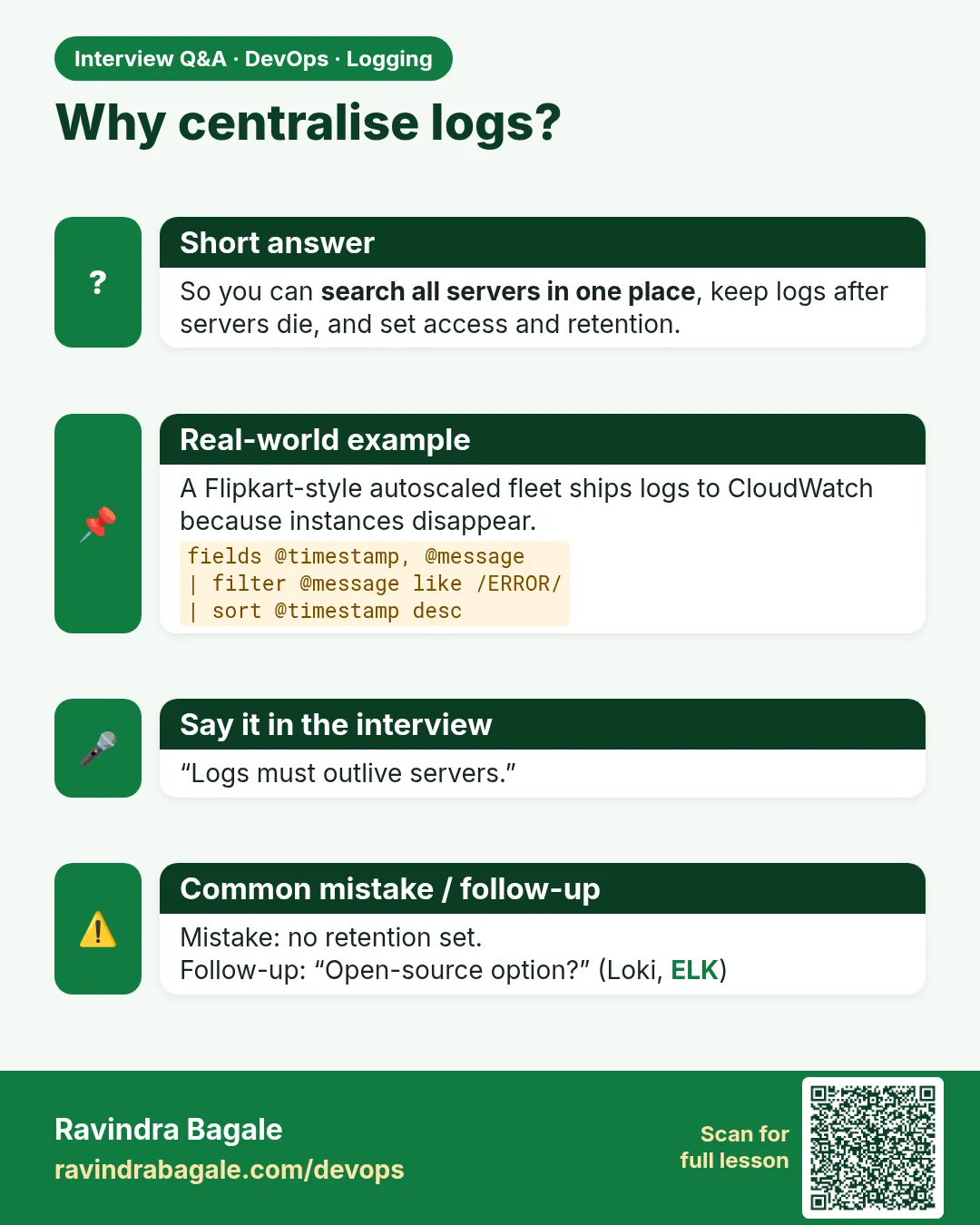
Why centralise logs?
Servers are temporary; central logs survive, can be searched across all servers and can trigger alarms.
-
Explain log group vs log stream.
Group is per app or environment and holds retention; stream is per source like an instance or task.
-
How do containers on ECS send logs?
The awslogs log driver in the task definition sends stdout and stderr to a log group.
-
How do you give an EC2 permission to send logs?
Attach an IAM role with logs:CreateLogStream and logs:PutLogEvents.
-
Name alternatives to CloudWatch Logs.
ELK or OpenSearch, Grafana Loki, Datadog, Splunk.
Quick quiz
Q1. What is a log group?
A folder for logs of one app or environment.
Q2. What is a log stream?
One source inside a group, like one container.
Q3. Which Docker driver sends to CloudWatch?
awslogs.
Q4. Which command follows CloudWatch logs in the terminal?
aws logs tail GROUP --follow.
Q5. Why central logs?
Servers die and scale; logs must live outside them and be searchable in one place.
Did you understand? Let us try it once more.
 Revision card
 Interview card