8.7 CI vs CD vs deploy vs release (refresh)
Why: the problem
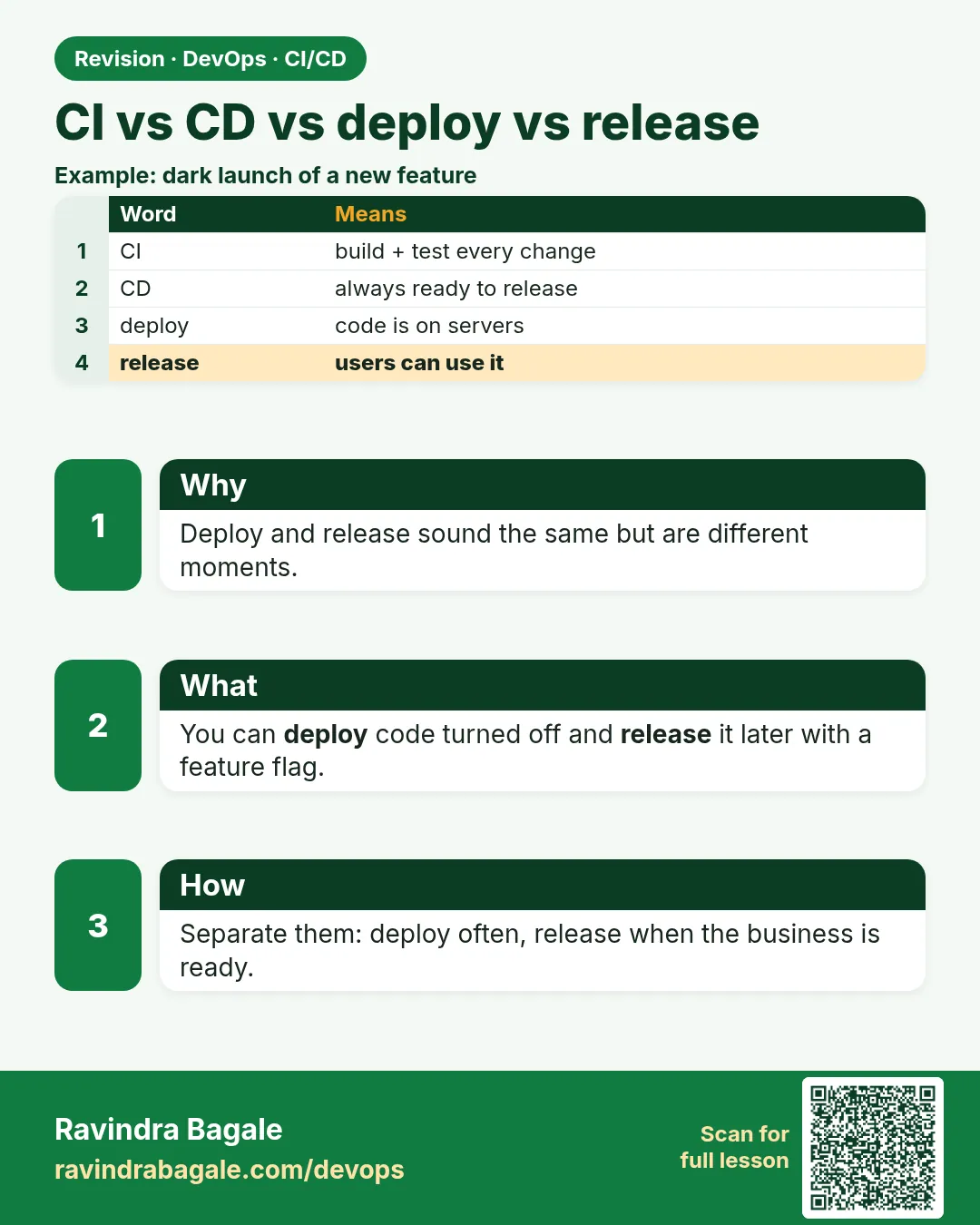
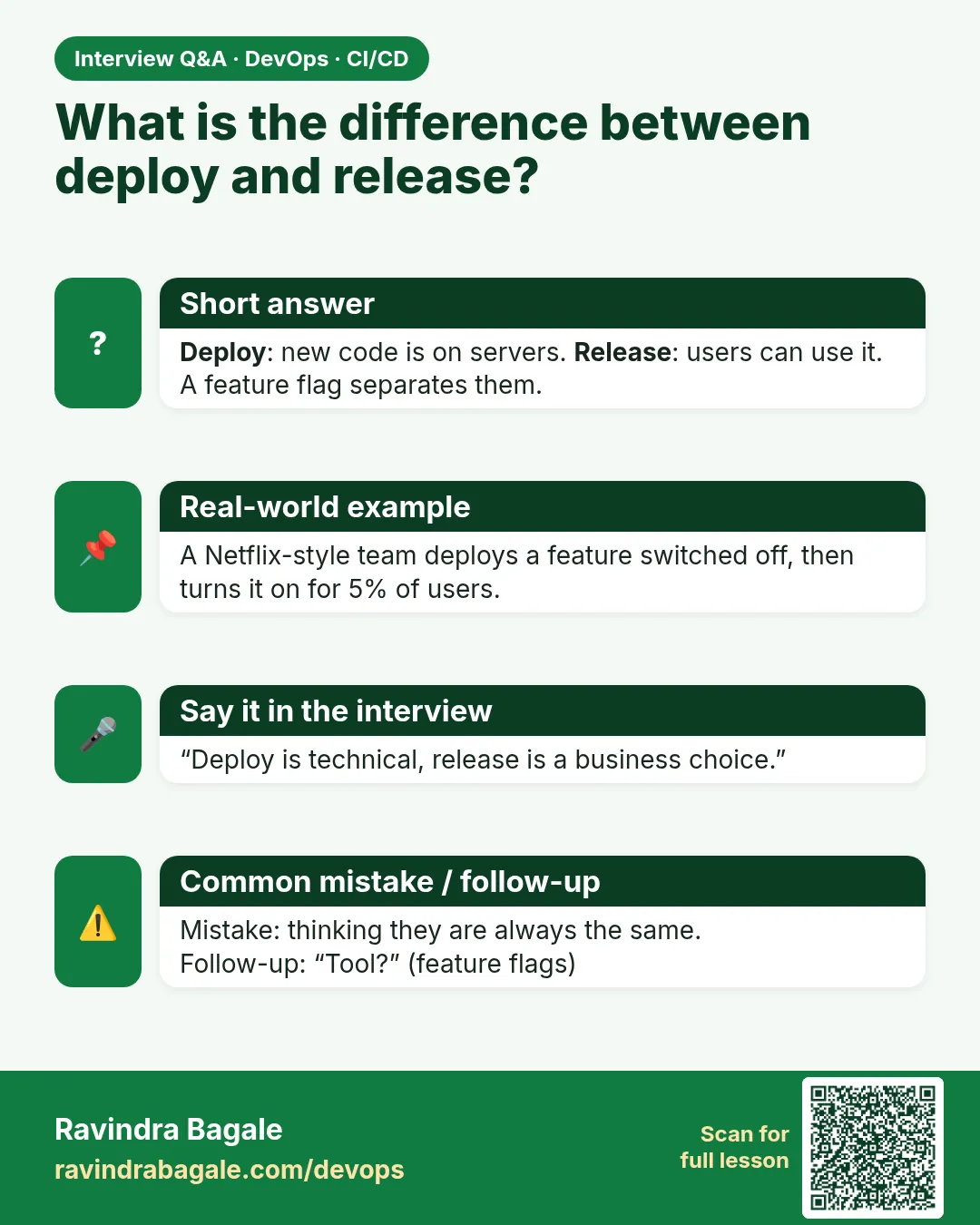
Instagram adds a new feature, for example a new badge on profiles. The code goes to production servers on Monday. But users only see it on Thursday, and first only users in India. How can the code be live but the feature hidden? Because deploy and release are two different things. Many students use four words as if they mean the same: CI, CD, deploy and release. Interviewers love to ask this. CI means we merge and test every change. Continuous Delivery means every green change is ready to go to production. Deploy means the new code is now running on servers. Release means users can actually see and use the feature. A feature flag is the switch that separates deploy from release. With it, a team can deploy many times a day safely, and release the feature when business is ready.
What we will build
You will add a feature flag to the badge API so the new "gold badge" code is deployed but off. Then you will turn it on for a few users, then for all, without a new deploy. You will also tag a Git release and see the four words as four separate moments on a timeline.
What: every term in plain English
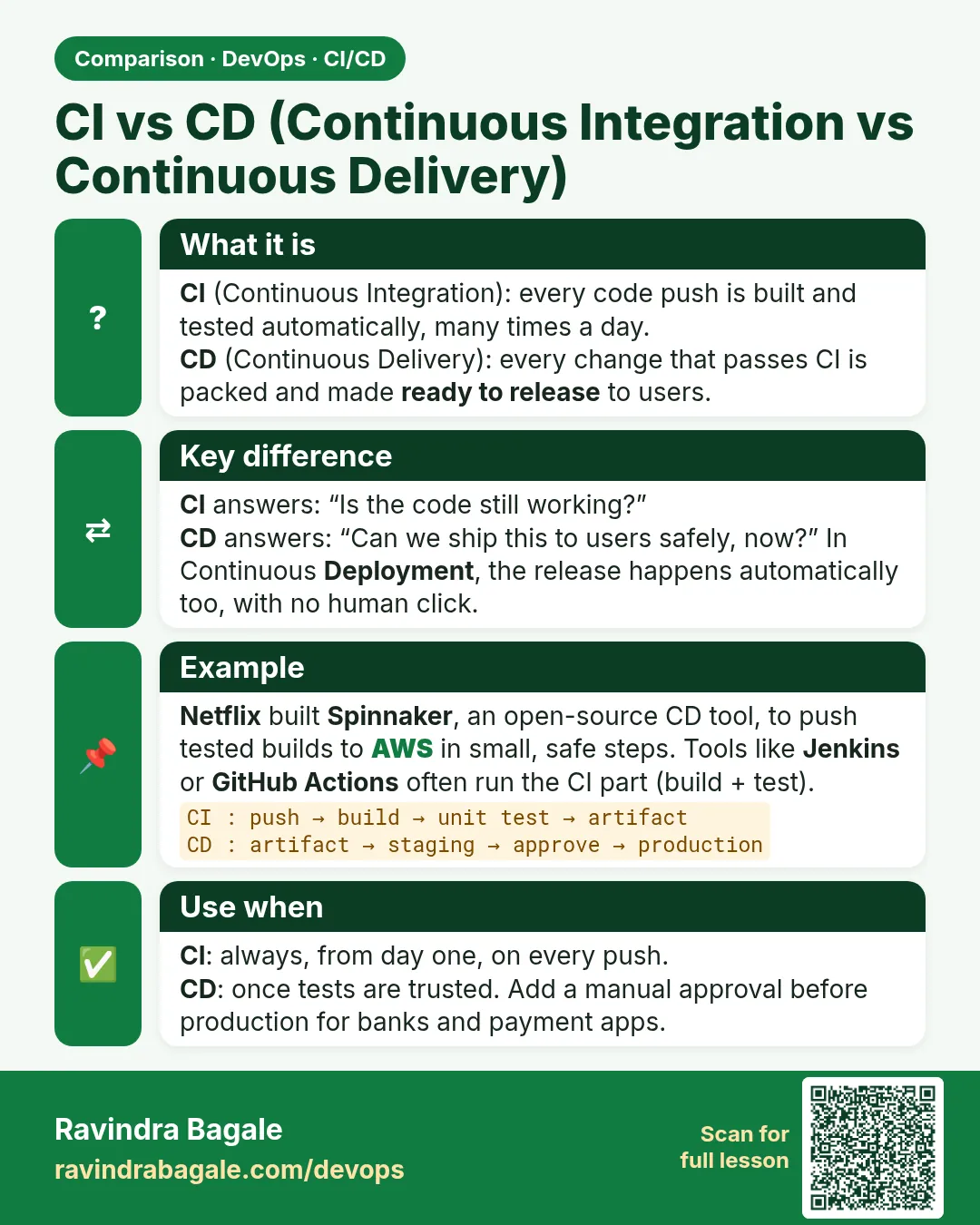
- CI — Merge often, and build and test every change automatically.
- Continuous Delivery — Every green change is ready to deploy. A human chooses when.
- Continuous Deployment — Every green change deploys to production by itself.
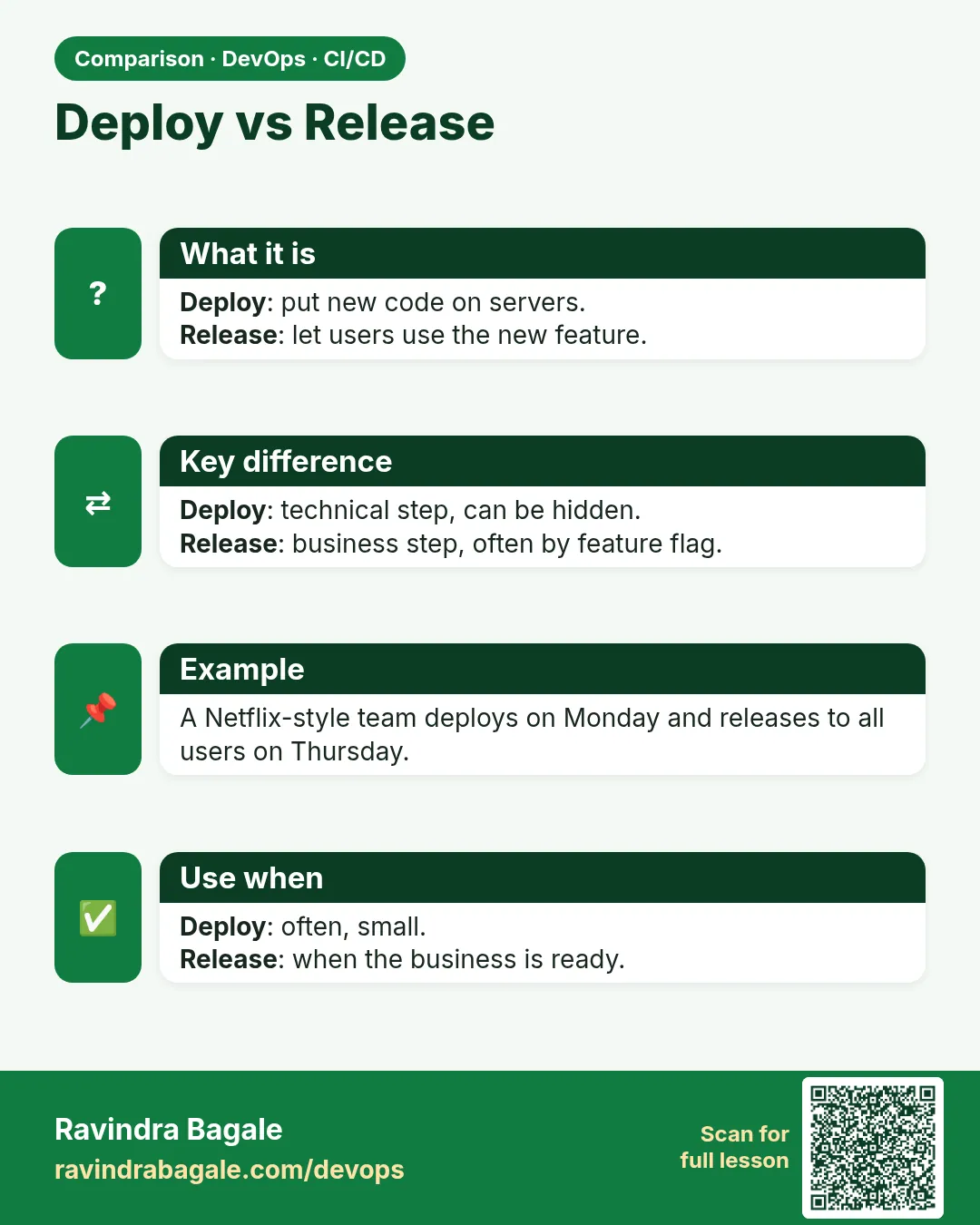
- Deploy — Put a new version on servers. It is a technical event.
- Release — Let users use a feature. It is a business event.
- Feature flag — A switch in config that turns a feature on or off without a new deploy.
- Dark launch — Deploy code with its flag off, so it is live but hidden.
- Percentage rollout — Turn a flag on for some percent of users first.
How: step by step
-
Add the flag setting
echo "GOLD_BADGE_PERCENT=0" >> env/prod.envWhat it does: 0 means nobody sees the gold badge.
Output
(no output) -
Add the flag check in code
Use app.py from Example 1What it does: The new code checks the flag before showing gold.
Output
(app.py updated) -
Deploy with the flag off
./deploy.sh prod a3f2c1dWhat it does: This is the deploy moment. Users see no change.
Output
Container badge-api-app-1 Started -
Turn on for 10 percent
sed -i "s/GOLD_BADGE_PERCENT=0/GOLD_BADGE_PERCENT=10/" env/prod.env && docker compose --env-file env/prod.env up -dWhat it does: Only the setting changes. Same image.
Output
Container badge-api-app-1 Recreated -
Turn on for all
Set GOLD_BADGE_PERCENT=100 the same wayWhat it does: This is the release moment.
Output
Container badge-api-app-1 Recreated -
Tag the release in Git
git tag -a v1.4.0 -m "gold badge" && git push origin v1.4.0What it does: A named point in history for this release.
Output
* [new tag] v1.4.0 -> v1.4.0
Example 1: A simple percentage feature flag
Stack. Python, Flask
Goal. A simple percentage feature flag.
app.py
import os, zlib

def flag_on(name, user):
    percent = int(os.environ.get(name + "_PERCENT", "0"))
    bucket = zlib.crc32(user.encode()) % 100
    return bucket in range(percent)

@app.get("/badge/<user>")
def badge(user):
    if flag_on("GOLD_BADGE", user):
        return jsonify(user=user, badge="gold")
    return jsonify(user=user, badge="verified")
What each line does
GOLD_BADGE_PERCENT— The flag, read from env. 0 to 100.zlib.crc32(user) % 100— Gives each user a fixed number from 0 to 99. The same user always gets the same number.bucket in range(percent)— True if the user number is inside the rollout percent.Two answers— Flag on: gold. Flag off: the old verified badge.
Green output
GOLD_BADGE_PERCENT=0
$ curl -s localhost:8000/badge/priya
{"badge":"verified","user":"priya"}
GOLD_BADGE_PERCENT=100
$ curl -s localhost:8000/badge/priya
{"badge":"gold","user":"priya"}
Expected result. Same image, two behaviours. The deploy happened once. The release happened when you changed the number.
Example 2: Continuous Delivery vs Continuous Deployment in one file
Stack. GitHub Actions
Goal. Continuous Delivery vs Continuous Deployment in one file.
.github/workflows/cicd.yml
deploy-prod:
  needs: deploy-staging
  runs-on: ubuntu-latest
  # Continuous Delivery: keep this environment with a required reviewer
  # Continuous Deployment: remove the reviewer rule, nothing else changes
  environment: production
  steps:
    - run: ./deploy.sh prod ${{ github.sha }}
release-notes:
  if: startsWith(github.ref, 'refs/tags/v')
  runs-on: ubuntu-latest
  steps:
    - uses: actions/checkout@v4
    - run: gh release create "${GITHUB_REF_NAME}" --generate-notes
      env:
        GH_TOKEN: ${{ secrets.GITHUB_TOKEN }}
What each line does
environment: production— With reviewers it is Delivery. Without, it is Deployment.startsWith(github.ref, 'refs/tags/v')— This job runs only when you push a tag like v1.4.0.gh release create— Makes a release page with auto notes from merged pull requests.secrets.GITHUB_TOKEN— A short-lived token the platform gives each run. Not a real password.
Green output
deploy-prod     succeeded   (deploy moment)
--- later, git push origin v1.4.0 ---
release-notes   succeeded   https://example-host/ravi/badge-api/releases/tag/v1.4.0
Expected result. Deploy and release show up as two different runs, at two different times.
Example 3: The four words on one timeline (GitLab CI and Jenkins view)
Stack. GitLab CI, Jenkins
Goal. The four words on one timeline (GitLab CI and Jenkins view).
timeline.txt
09:02  CI       push a3f2c1d -> lint, test, build green
09:10  CD       image sha-a3f2c1d ready, staging green
11:40  Deploy   approved, prod now runs sha-a3f2c1d, flag at 0
14:00  Release  GOLD_BADGE_PERCENT=10
16:00  Release  GOLD_BADGE_PERCENT=100, tag v1.4.0
.gitlab-ci.yml (release job)
release:
  stage: deploy
  image: registry.gitlab.com/gitlab-org/release-cli:latest
  rules:
    - if: $CI_COMMIT_TAG
  script: [echo "release $CI_COMMIT_TAG"]
  release:
    tag_name: $CI_COMMIT_TAG
    description: "See CHANGELOG.md"
Jenkinsfile (tag build)
stage('Release') {
    when { buildingTag() }
    steps { echo "release ${env.TAG_NAME}" }
}
What each line does
09:02 CI— Integration and tests.09:10 CD— Ready to ship.11:40 Deploy— Running on prod servers.14:00 and 16:00 Release— Users get the feature, step by step.rules: if $CI_COMMIT_TAG— GitLab runs the release job only for tags.buildingTag()— Jenkins runs the stage only for tag builds.
Green output
$ git push origin v1.4.0
GitLab: release job passed, Release v1.4.0 created
Jenkins: Release  release v1.4.0  Finished: SUCCESS
Expected result. Write this timeline in your interview answer. It shows you know the difference in practice, not only in words.
Verify: did it work?
-
Check deploy without release
curl -s https://badge.example.com/version && curl -s https://badge.example.com/badge/priyaWhat it does: New version, old behaviour.
Output
{"version":"1.4.0"} {"badge":"verified"} -
Check the tag exists
git tag -l "v1.4*"What it does: The release has a name.
Output
v1.4.0
When it is red 1
ValueError: invalid literal for int() with base 10: 'ten'
Cause. Someone wrote the flag value as a word.
Fix, step by step
- Use numbers 0 to 100 only.
- Add a check in the app that falls back to 0 with a warning.
When it is red 2
Users still see the old badge after flag set to 100
Cause. The container was not restarted, so it still has the old env value.
Fix, step by step
- Run docker compose up -d again so the env is reloaded.
- Or use a flag service that the app reads live.
When it is red 3
fatal: tag 'v1.4.0' already exists
Cause. The tag was made before.
Fix, step by step
- Tags are permanent names. Pick the next version, v1.4.1.
- Do not move tags that others may have pulled.
Cleanup
-
Remove the old flag after full release
Delete flag_on checks and GOLD_BADGE_PERCENT once at 100 for a weekWhat it does: Old flags become hidden bugs. Clean them up.
Output
(code simplified)
Practice tasks
Easy Draw the timeline
Why: See the four moments.
What to do: Write the four words with times from one change.
- Use your CI history.
Check: Four lines, four times.
Medium Dark launch
Why: Deploy without release.
What to do: Deploy with the flag at 0.
- Call the endpoint.
Check: Old behaviour, new version.
Hard Kill switch
Why: Turn a feature off fast.
What to do: Turn the flag from 100 to 0 during a fake incident.
- Time how long it takes.
Check: Feature off in under 2 minutes, no rebuild.
Easy Say CI, CD, deploy and release in two lines
Why: If you can say it simply, you understand it. Juniors and interviewers both want the short version first.
What to do: Write two short lines about CI, CD, deploy and release for a fresher who knows only Linux, Git and Docker basics.
- Write the problem it solves.
- Write the one pipeline line or command you use for it.
- Read it aloud to a friend.
Check: A fresher understands it without asking a question.
Easy Keep a throwaway lab repo
Why: Practice needs a repo you can break. If it gets messy, you delete it and start again.
What to do: Make a small practice repo called badge-api with one Python file, one test and one Dockerfile.
- mkdir badge-api and cd into it
- git init -b main
- Add app.py, test_app.py and Dockerfile from this chapter, then commit.
Check: git log shows one commit and pytest prints 1 passed.
Medium Do it in a second CI tool
Why: CI/CD is the idea. The tool is only the syntax. The same stages must work in GitHub Actions, GitLab CI and Jenkins.
What to do: Write the pipeline from this lesson in a second CI tool.
- If you used GitHub Actions, write .gitlab-ci.yml or a Jenkinsfile now.
- Keep the same stage names and the same commands.
- Only the wrapper syntax should change.
Check: Same green result, same stage names, different tool.
Medium Break it on purpose
Why: You must know the red log by face. In a real outage there is no time to read slowly.
What to do: Cause one error from the "When it is red" part of this lesson and fix it.
- Follow the error section.
- Copy the exact red line from the job log into your notes.
- Write the fix in one line.
Check: You fixed it using only the steps, without searching the web.
Medium Write a one-page runbook
Why: At 2 a.m. nobody remembers pipeline menus. A short page saves the on-call person.
What to do: Write a one-page runbook for this lesson.
- Title, when to use, exact steps or pipeline lines, how to check, how to undo.
Check: A teammate can follow it alone.
Hard Explain it like an interview
Why: Interviewers want real stories, not definitions.
What to do: Record a 60 second answer about this lesson.
- Say the problem, the pipeline lines you wrote, and one error you hit.
Check: Your answer has a real pipeline line and a real error message.
Hard Draw the flow top to bottom
Why: A drawing shows the order of work and which stage waits for which.
What to do: Draw this lesson as boxes from top to bottom.
- Start at git push, go through each stage, end at the green run or the deployed app.
Check: Each box matches a real line in your job log.
Homework: try at home
Try at home
At home, add a percentage flag to badge-api, deploy it at 0, then move to 10 and 100 without rebuilding. Write the four timeline lines with real times from your run.
Recap
- CI is merge and test.
- Continuous Delivery is ready to ship; Deployment ships by itself.
- Deploy is technical; release is business.
- Feature flags split deploy from release.
- Remove flags after full release.
FAQ
Do I need a flag tool?
Start with env vars. Big teams use tools like LaunchDarkly or Unleash.
Can a flag be a kill switch?
Yes. Turn it off when the feature misbehaves.
Is a Git tag a release?
A tag names the version. The release is when users get it.
Does Netflix use Continuous Deployment?
Netflix deploys very often with automated checks and canaries.
Should every feature have a flag?
Only risky or big ones.
Interview questions
-
Explain CI vs Continuous Delivery vs Continuous Deployment.
CI tests every merge. Delivery keeps every green build ready with a manual prod step. Deployment pushes every green build to prod automatically.
-
Deploy vs release?
Deploy runs new code on servers. Release makes a feature available to users, often with flags.
-
What is a feature flag?
A runtime switch that turns features on or off, or for a percent of users, without redeploying.
-
What is a dark launch?
Deploying hidden code to production to test it before release.
-
What are risks of feature flags?
Old flags pile up, more code paths to test, and wrong flag values in prod.
Quick quiz
Q1. Is deploy the same as release?
No. Deploy puts code on servers. Release lets users use it.
Q2. What separates deploy from release?
A feature flag.
Q3. Delivery or Deployment: which has a human button?
Delivery.
Q4. What is a dark launch?
Code deployed with its flag off.
Q5. Why delete old flags?
They make code messy and hide bugs.
Did you understand? Let us try it once more.
 Revision card
 Interview card
 Comparison card
 Comparison card