8.5 Fail fast and quality gates
Why: the problem
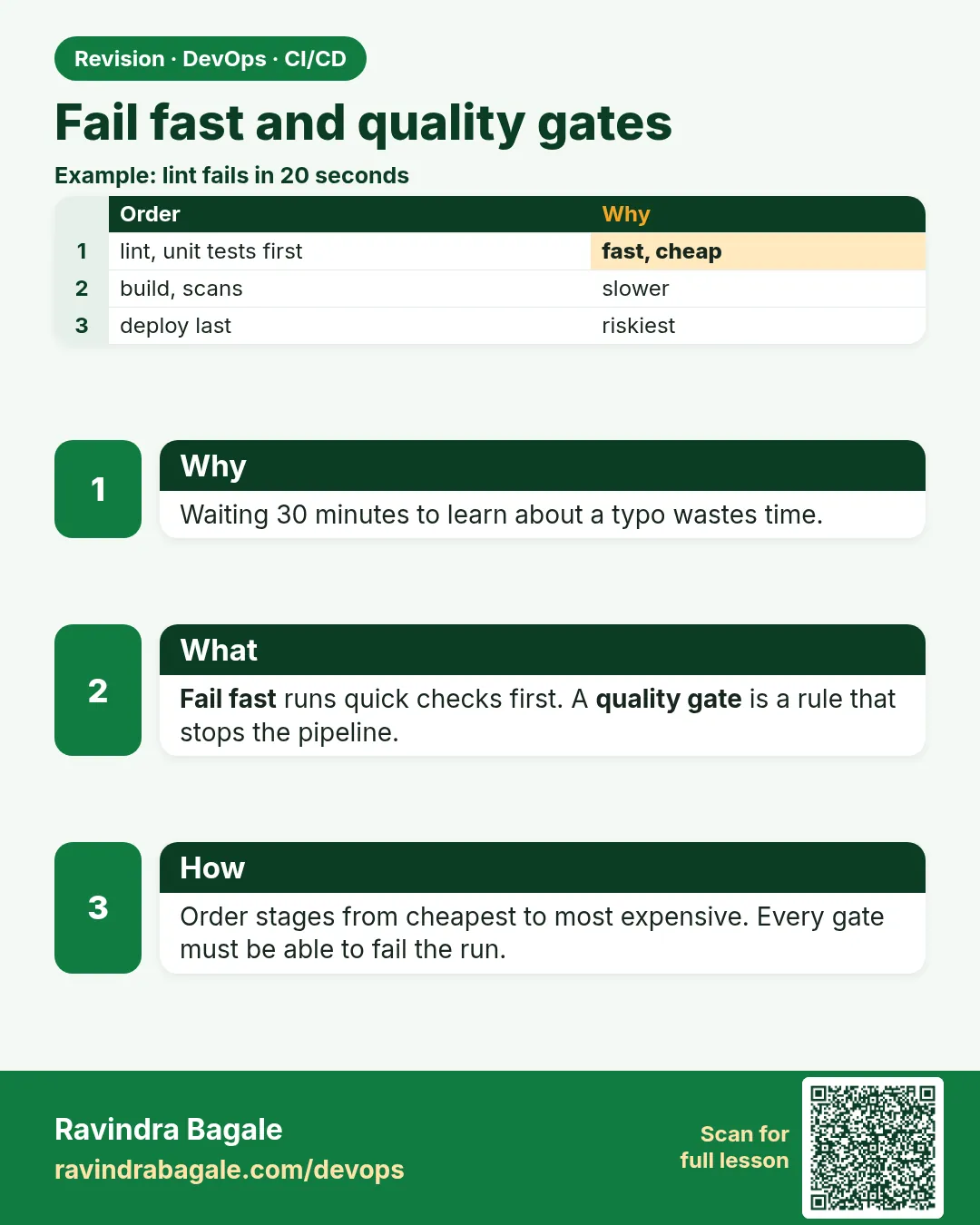
A team at an Infosys client runs a pipeline that takes 40 minutes. The slow end-to-end tests run first. The lint check runs last. A developer pushes a missing comma. He waits 38 minutes and then sees red for a comma. He pushes again. Another 40 minutes. The whole team starts skipping the pipeline. This is the opposite of fail fast. Fail fast means: run the cheapest, quickest checks first, so a simple mistake turns red in seconds. Quality gates are the rules a change must pass before it can move on. Tests must pass. Coverage must be at least 80 percent. No critical security issues. If any gate fails, the change stops. Together, fail fast and gates keep the pipeline both quick and strict.
What we will build
You will reorder the badge API pipeline so lint and unit tests run first, add a coverage gate at 80 percent, add a dependency security gate, and run independent checks in parallel. You will also cancel old runs when a new push comes, so the team gets answers sooner.
What: every term in plain English
- Fail fast — Run quick, cheap checks first so mistakes show up in seconds.
- Quality gate — A rule a change must pass to move forward, like "coverage at least 80".
- Coverage — The percent of code lines that tests run. Not perfect, but a useful signal.
- Parallel jobs — Jobs that run at the same time because they do not depend on each other.
- Concurrency cancel — When a new push comes, stop the older run of the same branch.
- Dependency scan — A check of libraries for known security holes, like pip-audit or Trivy.
- Timeout — A max time for a job. Stuck jobs fail instead of hanging forever.
How: step by step
-
Time each check by hand
time ruff check . ; time python -m pytest -qWhat it does: Know which check is fast and which is slow.
Output
ruff: real 0m0.08s pytest: real 0m1.9s -
Measure coverage
pip install pytest-cov && python -m pytest -q --cov=app --cov-report=term-missingWhat it does: Shows the percent and the missed lines.
Output
app.py 14 2 86% 21-22 -
Set the gate
python -m pytest -q --cov=app --cov-fail-under=80What it does: Fails with exit code 1 if coverage drops under 80.
Output
Required test coverage of 80% reached. Total coverage: 86.00% -
Scan dependencies
pip install pip-audit && pip-audit -r requirements.txtWhat it does: Looks up each library in a public advisory database.
Output
No known vulnerabilities found -
Put fast checks in parallel first
Use the workflow from Example 1What it does: lint, unit and audit run together. Build waits for all three.
Output
lint 6s, unit 20s, audit 15s, then build
Example 1: Fast parallel gates first, slow work later (GitHub Actions)
Stack. GitHub Actions
Goal. Fast parallel gates first, slow work later (GitHub Actions).
.github/workflows/cicd.yml
name: cicd
on: [push, pull_request]
concurrency:
  group: ci-${{ github.ref }}
  cancel-in-progress: true
jobs:
  lint:
    runs-on: ubuntu-latest
    timeout-minutes: 5
    steps:
      - uses: actions/checkout@v4
      - run: pip install ruff && ruff check .
  unit:
    runs-on: ubuntu-latest
    timeout-minutes: 10
    steps:
      - uses: actions/checkout@v4
      - run: pip install -r requirements.txt pytest-cov
      - run: python -m pytest -q --cov=app --cov-fail-under=80
  audit:
    runs-on: ubuntu-latest
    timeout-minutes: 5
    steps:
      - uses: actions/checkout@v4
      - run: pip install pip-audit && pip-audit -r requirements.txt
  build:
    needs: [lint, unit, audit]
    runs-on: ubuntu-latest
    steps:
      - uses: actions/checkout@v4
      - run: docker build -t badge-api:${{ github.sha }} .
What each line does
concurrency: group— One running pipeline per branch.cancel-in-progress: true— A new push cancels the old run. Saves minutes and money.timeout-minutes: 5— A stuck job fails after 5 minutes.--cov-fail-under=80— The coverage gate.pip-audit— The security gate for libraries.needs: [lint, unit, audit]— Build waits for all three gates. They run in parallel.
Green output
lint   succeeded  6s
unit   succeeded  22s   Total coverage: 86.00%
audit  succeeded  15s   No known vulnerabilities found
build  succeeded  41s
Expected result. Total wall time is about 22s plus build, not 6+22+15. Parallel gates save time.
Example 2: A coverage gate turning red
Stack. pytest-cov
Goal. A coverage gate turning red.
app.py (new code with no test)
@app.get("/badge/level")
def level():
    points = int(os.environ.get("POINTS", "0"))
    if points > 1000:
        return jsonify(level="gold")
    if points > 100:
        return jsonify(level="silver")
    return jsonify(level="bronze")
What each line does
New function, no test— Coverage drops because these lines never run in tests.Three branches— Each if needs its own test to be covered.
Green output
$ python -m pytest -q --cov=app --cov-fail-under=80
1 passed in 0.31s
Name     Stmts   Miss  Cover
app.py      22      7    68%
FAIL Required test coverage of 80% not reached. Total coverage: 68.18%
$ echo $?
1
Expected result. The gate is red even though all tests pass. Add three small tests for gold, silver and bronze, and coverage goes back over 80.
Example 3: The same gates in GitLab CI and Jenkins
Stack. GitLab CI, Jenkins
Goal. The same gates in GitLab CI and Jenkins.
.gitlab-ci.yml
workflow:
  auto_cancel:
    on_new_commit: interruptible
default:
  interruptible: true
  timeout: 10m
stages: [check, build]
lint:
  stage: check
  image: python:3.12-slim
  script: [pip install ruff, ruff check .]
unit:
  stage: check
  image: python:3.12-slim
  script:
    - pip install -r requirements.txt pytest-cov
    - python -m pytest -q --cov=app --cov-fail-under=80 --cov-report=xml
  coverage: '/TOTAL.*\s(\d+)%/'
audit:
  stage: check
  image: python:3.12-slim
  script: [pip install pip-audit, pip-audit -r requirements.txt]
build:
  stage: build
  script: [docker build -t badge-api:$CI_COMMIT_SHORT_SHA .]
Jenkinsfile
pipeline {
    agent { docker { image 'python:3.12-slim' } }
    options { timeout(time: 15, unit: 'MINUTES'); disableConcurrentBuilds(abortPrevious: true) }
    stages {
        stage('Checks') {
            parallel {
                stage('Lint')  { steps { sh 'pip install ruff && ruff check .' } }
                stage('Unit')  { steps { sh 'pip install -r requirements.txt pytest-cov && python -m pytest -q --cov=app --cov-fail-under=80' } }
                stage('Audit') { steps { sh 'pip install pip-audit && pip-audit -r requirements.txt' } }
            }
        }
        stage('Build') { steps { sh 'docker build -t badge-api:$GIT_COMMIT .' } }
    }
}
What each line does
stage: check for three jobs— GitLab runs jobs of the same stage in parallel.interruptible: true— GitLab may cancel these jobs when a newer commit comes.coverage: regex— GitLab reads the coverage percent from the log and shows it on the merge request.parallel { }— Jenkins runs these three stages at the same time.disableConcurrentBuilds(abortPrevious: true)— Jenkins stops the older build of the same branch.
Green output
GitLab: check: lint passed, unit passed (86%), audit passed; build passed
Jenkins: Checks [Lint | Unit | Audit] -> Build  Finished: SUCCESS
Expected result. All three tools give the same shape: fast gates side by side, then the slow build.
Verify: did it work?
-
Prove fail fast
Push a file with a syntax errorWhat it does: Lint should fail in under 10 seconds and build should be skipped.
Output
lint failed 5s, build skipped -
Prove the gate
Push new code without testsWhat it does: The unit job shows coverage under 80 and fails.
Output
FAIL Required test coverage of 80% not reached
When it is red 1
Error: The operation was canceled.
Cause. A newer push cancelled this run because of concurrency settings. This is normal.
Fix, step by step
- Look at the newest run instead.
- If it was cancelled on main by mistake, use a group that includes the run id for main.
When it is red 2
Name: pip-audit  Found 1 known vulnerability in 1 package
flask 2.2.2  PYSEC-2023-62  Fix Versions: 2.2.5
Cause. An old library version has a known security hole.
Fix, step by step
- Update the version in requirements.txt to the fix version.
- Run the tests again.
- Push.
When it is red 3
The job running on runner has exceeded the maximum execution time of 10m
Cause. A test waits for a network call that never answers.
Fix, step by step
- Find the slow test with pytest --durations=5.
- Mock the network call or add a timeout in the code.
Cleanup
-
Remove coverage files
rm -f .coverage coverage.xmlWhat it does: Local reports only.
Output
(no output)
Ravindra Bagale's Tip
Lint first, slow tests later. When a developer sees red in 10 seconds, they trust the pipeline. Keep that in mind!
Lint आधी, slow test नंतर. Developer ला १० second मध्ये red दिसला तर तो pipeline वर विश्वास ठेवतो. लक्षात ठेवा!
Lint पहले, slow test बाद में. Developer को १० second में red दिखे तो वो pipeline पर भरोसा करता है. याद रखो!
Practice tasks
Easy Time your checks
Why: Know what is slow.
What to do: Use time before each check.
- Write the seconds in a table.
Check: You know the slowest step.
Medium Add a coverage gate
Why: Stop untested code.
What to do: Add --cov-fail-under=80.
- Push code without tests.
Check: The run turns red.
Hard Cut pipeline time in half
Why: Make it fast enough to love.
What to do: Use parallel jobs, cache pip and cancel old runs.
- Compare before and after times.
Check: Total time is at least 40 percent lower.
Easy Say fail fast and quality gates in two lines
Why: If you can say it simply, you understand it. Juniors and interviewers both want the short version first.
What to do: Write two short lines about fail fast and quality gates for a fresher who knows only Linux, Git and Docker basics.
- Write the problem it solves.
- Write the one pipeline line or command you use for it.
- Read it aloud to a friend.
Check: A fresher understands it without asking a question.
Easy Keep a throwaway lab repo
Why: Practice needs a repo you can break. If it gets messy, you delete it and start again.
What to do: Make a small practice repo called badge-api with one Python file, one test and one Dockerfile.
- mkdir badge-api and cd into it
- git init -b main
- Add app.py, test_app.py and Dockerfile from this chapter, then commit.
Check: git log shows one commit and pytest prints 1 passed.
Medium Do it in a second CI tool
Why: CI/CD is the idea. The tool is only the syntax. The same stages must work in GitHub Actions, GitLab CI and Jenkins.
What to do: Write the pipeline from this lesson in a second CI tool.
- If you used GitHub Actions, write .gitlab-ci.yml or a Jenkinsfile now.
- Keep the same stage names and the same commands.
- Only the wrapper syntax should change.
Check: Same green result, same stage names, different tool.
Medium Break it on purpose
Why: You must know the red log by face. In a real outage there is no time to read slowly.
What to do: Cause one error from the "When it is red" part of this lesson and fix it.
- Follow the error section.
- Copy the exact red line from the job log into your notes.
- Write the fix in one line.
Check: You fixed it using only the steps, without searching the web.
Medium Write a one-page runbook
Why: At 2 a.m. nobody remembers pipeline menus. A short page saves the on-call person.
What to do: Write a one-page runbook for this lesson.
- Title, when to use, exact steps or pipeline lines, how to check, how to undo.
Check: A teammate can follow it alone.
Hard Explain it like an interview
Why: Interviewers want real stories, not definitions.
What to do: Record a 60 second answer about this lesson.
- Say the problem, the pipeline lines you wrote, and one error you hit.
Check: Your answer has a real pipeline line and a real error message.
Hard Draw the flow top to bottom
Why: A drawing shows the order of work and which stage waits for which.
What to do: Draw this lesson as boxes from top to bottom.
- Start at git push, go through each stage, end at the green run or the deployed app.
Check: Each box matches a real line in your job log.
Homework: try at home
Try at home
At home, put lint, unit with an 80 percent coverage gate and pip-audit in parallel, then make build wait for all three. Push one commit that breaks each gate, one at a time.
Recap
- Fast checks first: lint, unit tests, scans.
- Quality gates are pass or fail rules.
- Parallel jobs save time.
- Cancel old runs on new pushes.
- Timeouts stop stuck jobs.
FAQ
Is 80 percent coverage a must?
No. It is a common team choice. The point is to stop it going down.
Can coverage be fake?
Yes. Tests can run lines without checking answers. Review tests too.
Should security scans block merges?
Block on critical and high issues. Warn on low.
What goes last?
Slow work: image build, end-to-end tests, deploy.
Can I skip gates for one urgent fix?
Better to keep gates and make them fast.
Interview questions
-
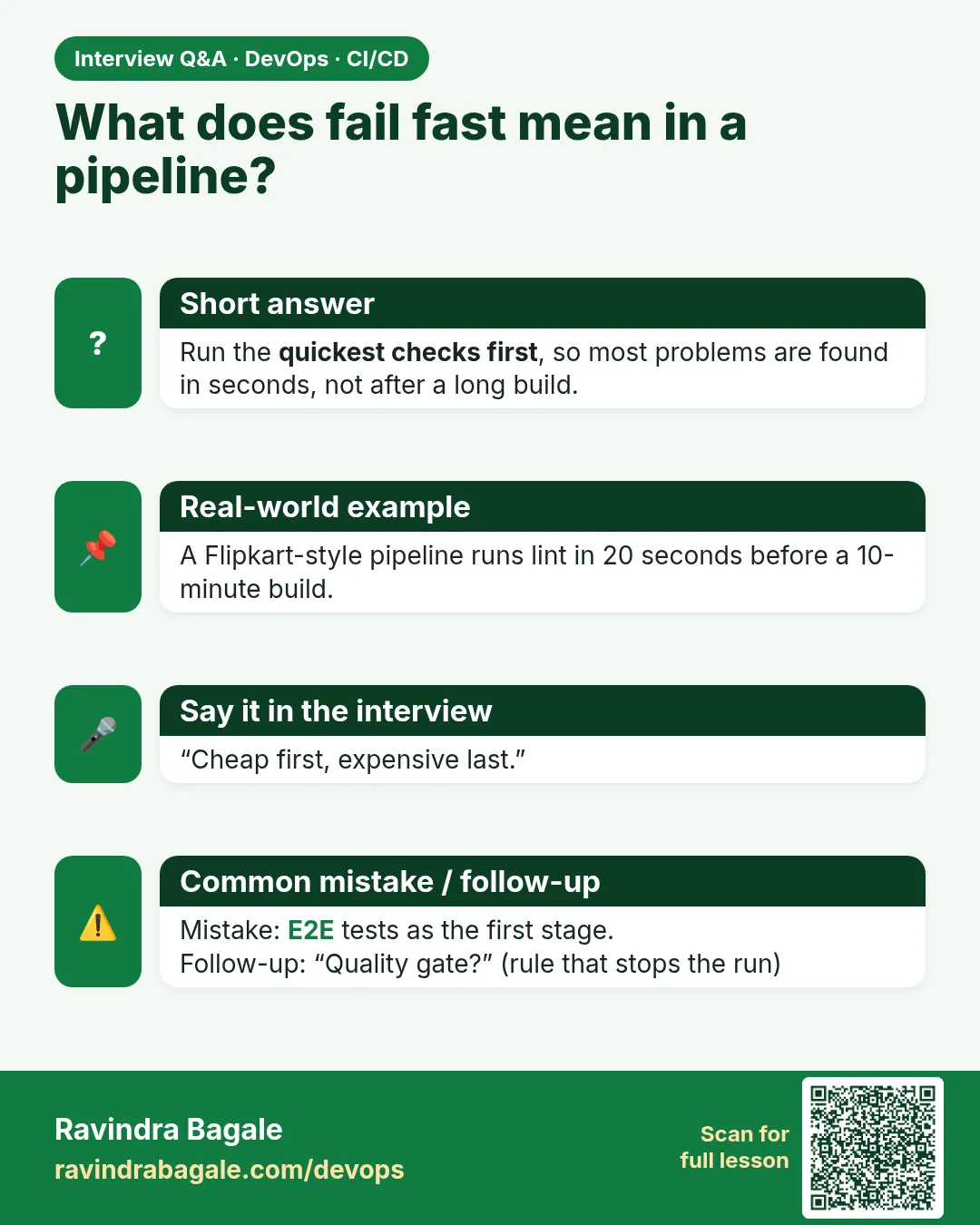
What does fail fast mean in CI?
Order and parallelise checks so the quickest ones fail first and give feedback in seconds.
-
What is a quality gate?
A pass or fail rule, like tests green, coverage at least X, no critical vulnerabilities.
-
How do you speed up a slow pipeline?
Parallel jobs, caching dependencies, cancelling old runs, splitting slow tests and running only what changed.
-
Why use timeouts?
To stop hung jobs from blocking runners and costing money.
-
Where would you put end-to-end tests?
After build and deploy to staging, because they are slow and need a running app.
Quick quiz
Q1. What is fail fast?
Run cheap, quick checks first so mistakes show up in seconds.
Q2. Name two quality gates.
Coverage at least 80 percent, and no known critical library holes.
Q3. Why run checks in parallel?
To get results sooner when they do not depend on each other.
Q4. What does cancel-in-progress do?
It stops the old run when a new push comes.
Q5. Why set timeouts?
So stuck jobs fail instead of blocking runners.
Did you understand? Let us try it once more.
 Revision card
 Interview card