Excel CHOOSE Function
Chala mitrano — cHOOSE is a tiny menu: 1 returns the first item, 2 the second, and so on. Handy for quarter names and region codes.
चला मित्रांनो — CHOOSE म्हणजे छोटा मेनू: 1 पहिला item, 2 दुसरा. Quarter नावे आणि region codes साठी सोयीस्कर.
चलो दोस्तों — CHOOSE एक छोटा मेनू है: 1 पहला item, 2 दूसरा. Quarter नाम और region codes के लिए आसान.
Purpose
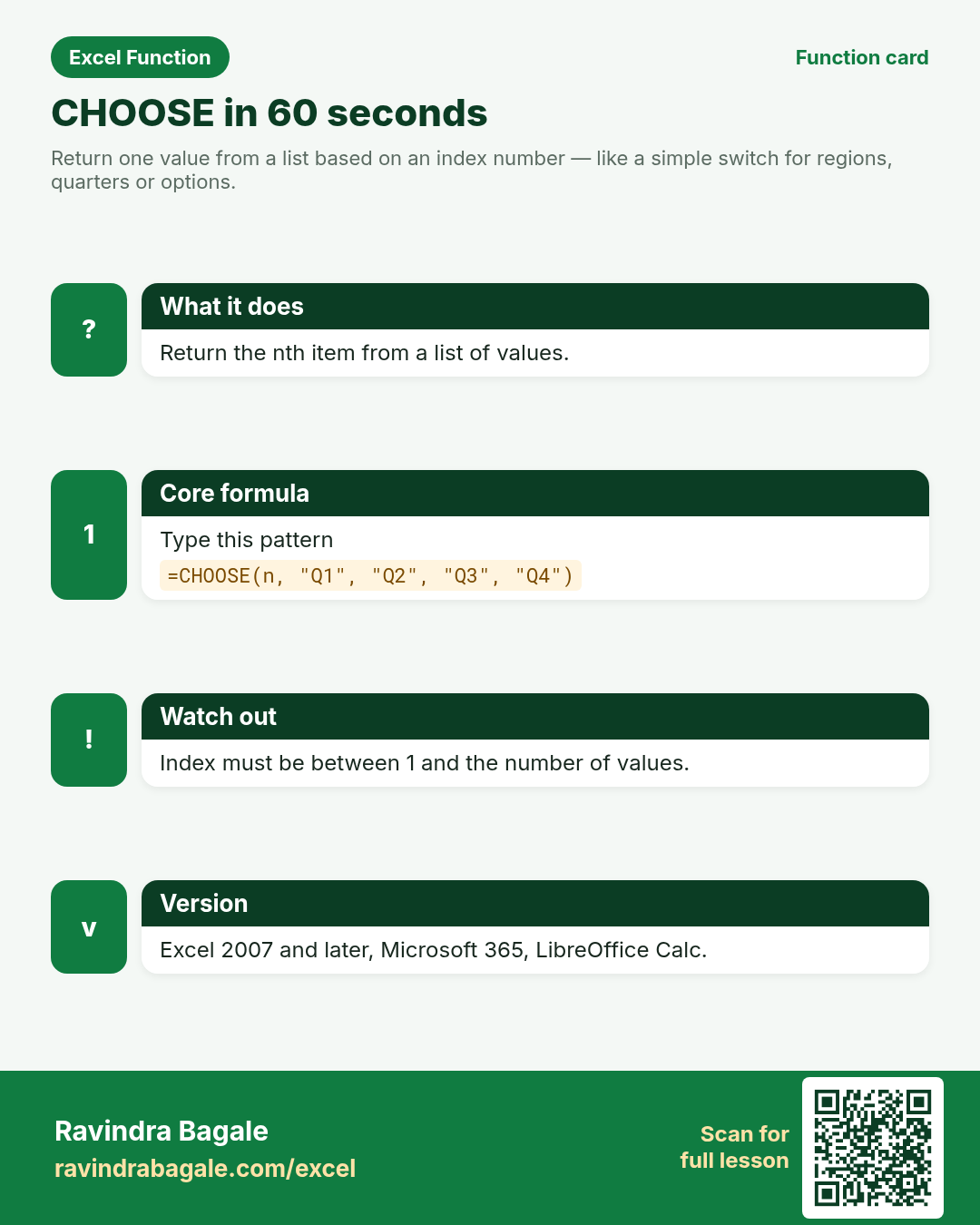
Return one value from a list based on an index number — like a simple switch for regions, quarters or options.
Return value
The value argument that matches index_num.
Syntax
Arguments
| Argument | Required? | Description |
|---|---|---|
index_num | Required | Number from 1 up to the count of value arguments (can be a formula). |
value1 | Required | First choice. |
value2, … | Optional | More choices. CHOOSE can take many value arguments. |
Version
Excel 2007 and later, Microsoft 365, LibreOffice Calc.
How to use — Why → What → How
Why: Dashboards need “Region 3 → South” without a big nested IF. CHOOSE maps a small integer to a label or value: 1 to Q1, 2 to South, 3 to a specialist fee. Hyderabad pharmacy region codes and Paris clinic fee tiers both fit. Index is 1-based; ...
What: CHOOSE returns valueN when index_num is N. Read the arguments table carefully; each one changes the answer in a specific way.
How — numbered steps:
- Type =CHOOSE(.
- Enter the index (or a cell with 1..n).
- List the options in order, separated by commas.
- Close and Enter.
- Compare your result with the Answers sheet only after you attempt it.
- Write one sentence in your own words explaining when you would use this function at work.
Ravindra Bagale's Tip
Friends, index_num must be between 1 and the number of values. 0 or too-large numbers give #VALUE!.
Ravindra Bagale's Tip – मराठी
मित्रांनो, index_num 1 ते values च्या संख्येदरम्यान असावा. 0 किंवा मोठी संख्या = #VALUE!.
Ravindra Bagale's Tip – हिंदी
दोस्तों, index_num 1 से values की संख्या के बीच होना चाहिए. 0 या बड़ी संख्या = #VALUE!.
Ravindra Bagale's Tip
SWITCH or IFS often read clearer for text tests; CHOOSE shines when you already have a number 1..n.
Ravindra Bagale's Tip – मराठी
Text tests साठी SWITCH/IFS स्पष्ट; जेव्हा आधीच 1..n संख्या असेल तेव्हा CHOOSE चमकते.
Ravindra Bagale's Tip – हिंदी
Text tests के लिए SWITCH/IFS साफ़; जब पहले से 1..n संख्या हो तब CHOOSE चमकता है.
Ravindra Bagale's Tip
Friends, after class open a blank sheet and rebuild one CHOOSE example without looking. That memory test beats re-reading the page.
Ravindra Bagale's Tip – मराठी
मित्रांनो, class नंतर रिकाम्या sheet वर CHOOSE चे एक उदाहरण न पाहता पुन्हा लिहा. हे memory test पृष्ठ पुन्हा वाचण्यापेक्षा जास्त मदत करते.
Ravindra Bagale's Tip – हिंदी
दोस्तों, class के बाद खाली sheet पर CHOOSE का एक उदाहरण बिना देखे फिर से लिखो. यह memory test पेज दोबारा पढ़ने से ज़्यादा मदद करता है.
Download practice file: practice-choose.xlsx (includes sheet About this data, practice sheets, and Answers).
Worked examples
1) Quarter name
Finance file stores quarter as 1–4.
| Q |
|---|
| 3 |
Result: Q3
What it means: Index 3 → third label.
2) Pharmacy region
Hyderabad chain region codes 1–4.
| Code |
|---|
| 2 |
Result: South
What it means: Code 2 maps to South.
3) Out of range
Someone typed 5.
| Code |
|---|
| 5 |
Result: #VALUE!
What it means: Only four values; 5 is invalid.
4) Paris clinic € fee tier
Tier number picks a fee label.
| Tier |
|---|
| 1 |
Result: €20 consult
What it means: Tier 1 → first fee string.
5) Nested with MATCH
Pick a bonus % from a short list via position.
| Level | Bonus |
|---|---|
| A | 5% |
| B | 8% |
| C | 12% |
Result: 0.08
What it means: MATCH returns 2; CHOOSE returns the second rate.
6) Classroom recap
Quick check before you close the CHOOSE lesson.
| Q |
|---|
| 3 |
Result: Q3
What it means: Same pattern as example 1 — rebuild it from memory on the Practice sheet, then check Answers.
Common errors and fixes
Notes and tips
- CHOOSE can return ranges (advanced) for creative INDEX tricks — keep basics on values first.
- For many text cases, SWITCH is easier to read.
- CHOOSE maps a small integer to a label or value: 1 to Q1, 2 to South, 3 to a specialist fee. Hyderabad pharmacy region codes and Paris clinic fee tiers both fit. Index is 1-based; 0 or an oversized number returns #VALUE!. When the test is text rather than a number, SWITCH or IFS usually read better. Advanced users sometimes return ranges with CHOOSE for creative INDEX patterns — keep class examples on simple values first.
- CHOOSE is a numeric menu. SWITCH/IFS handle text conditions more clearly. INDEX can also pick from a vertical list of options.
- Fictional sample data only — practice amounts and names are made for learning.
- After you finish the 10 tasks, re-read the errors table once; most class mistakes are listed there.
- Keep ranges locked with absolute references when you copy formulas down a column of inputs.
- Say the business question in plain words before you type the equals sign — it prevents wrong arguments.
In real work
CHOOSE maps a small integer to a label or value: 1 to Q1, 2 to South, 3 to a specialist fee. Hyderabad pharmacy region codes and Paris clinic fee tiers both fit. Index is 1-based; 0 or an oversized number returns #VALUE!. When the test is text rather than a number, SWITCH or IFS usually read better. Advanced users sometimes return ranges with CHOOSE for creative INDEX patterns — keep class examples on simple values first.
How it compares
CHOOSE is a numeric menu. SWITCH/IFS handle text conditions more clearly. INDEX can also pick from a vertical list of options.
Interview corner
- What does CHOOSE(2, A, B, C) return?
- B
- What if index is 0?
- #VALUE!
- CHOOSE vs SWITCH?
- CHOOSE needs a numeric index; SWITCH matches an expression to values.
Related functions
Practice tasks (10)
- Task 1. Return quarter name for code 3.Hint: four Q labels in order.
- Task 2. Map region code 2 to South.Hint: North, South, East, West.
- Task 3. Force #VALUE! with index 9 and fix it with IF.Hint: guard index before CHOOSE.
- Task 4. Return the €20 consult label for tier 1.Hint: fee list order.
- Task 5. Use MATCH+CHOOSE for bonus level B.Hint: MATCH supplies the index.
- Task 6. Explain CHOOSE vs SWITCH in one line.Hint: number index vs expression match.
- Task 7. Build choices for 1=₹, 2=$, 3=€ symbols.Hint: three text values.
- Task 8. Pull index from a cell, not a typed number.Hint: A2 inside CHOOSE.
- Task 9. List what happens if index is blank.Hint: try it and note the error.
- Task 10. Bonus: CHOOSE a sheet name for INDIRECT practice.Hint: advanced combo — optional.
Quick quiz
Answers: Q1=B, Q2=#VALUE!, Q3=1-based, Q4=Map 1..4 to quarter names, Q5=SWITCH (check after you try).
Revision card
Standalone card (no tip or photo strip). QR opens this lesson. Download the PNG and revise offline.