Revision cards
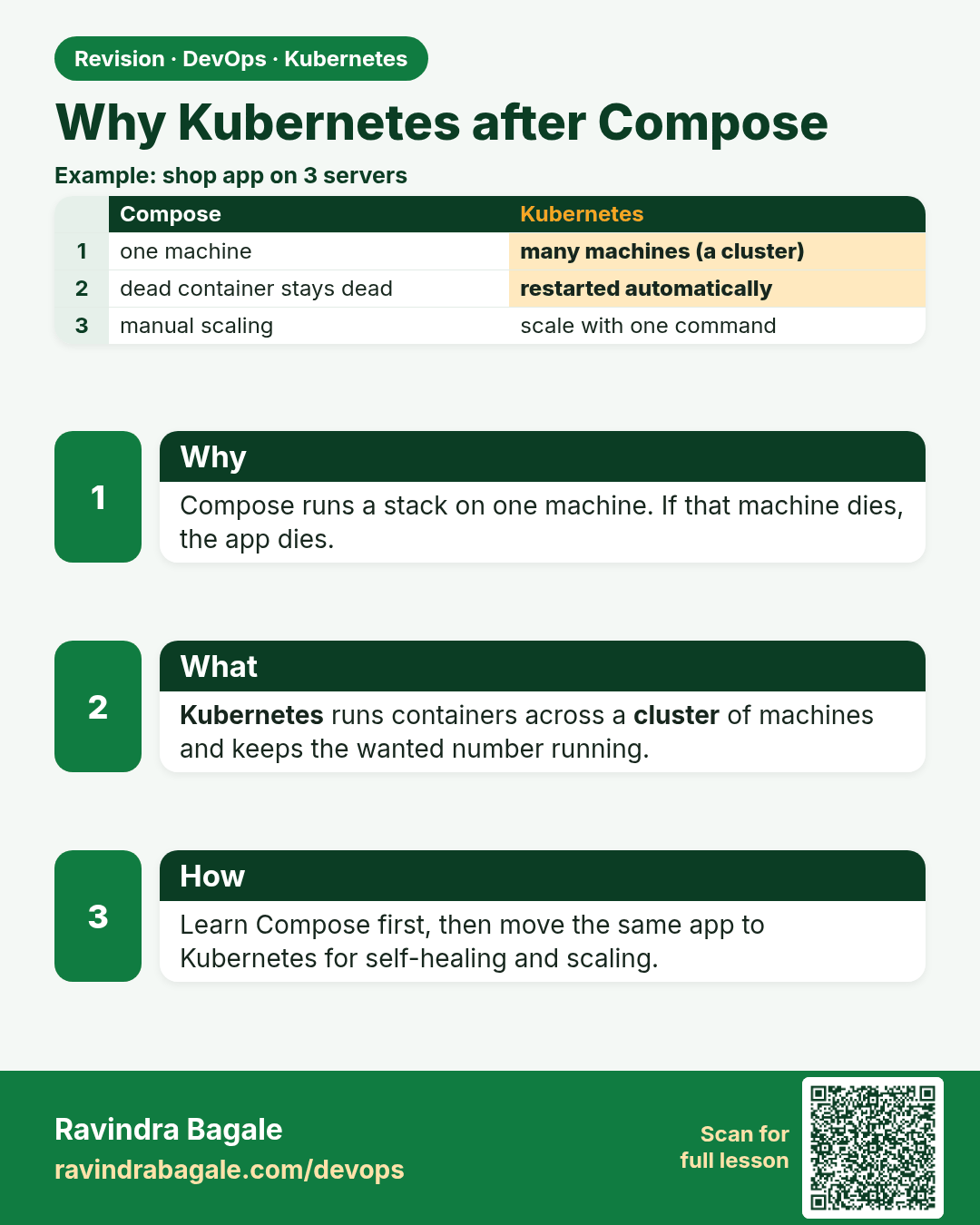
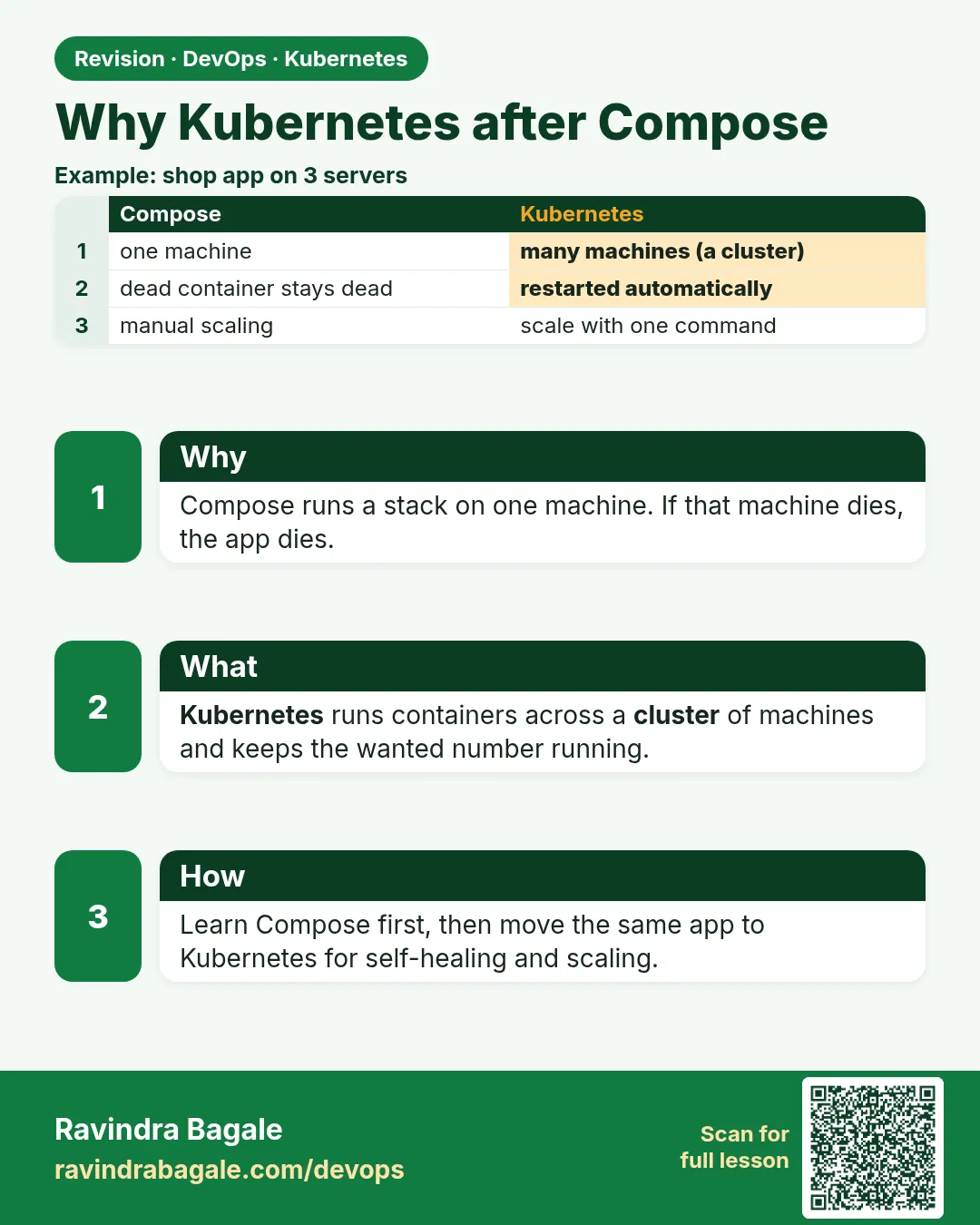 Revision card 1 of 17: Why Kubernetes after Compose · Download PNG · Open card page
Lesson: 15.1 Why Kubernetes after Compose
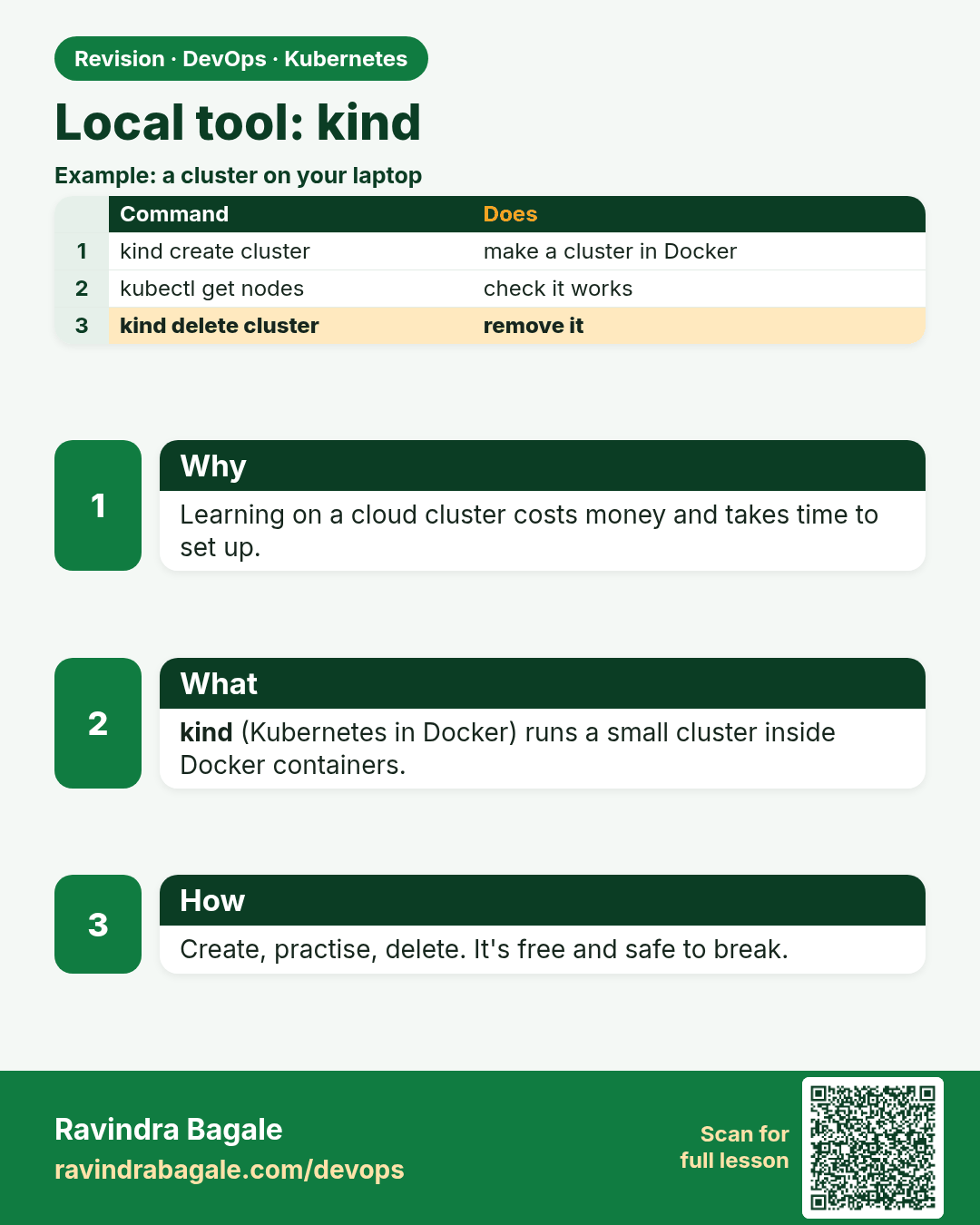
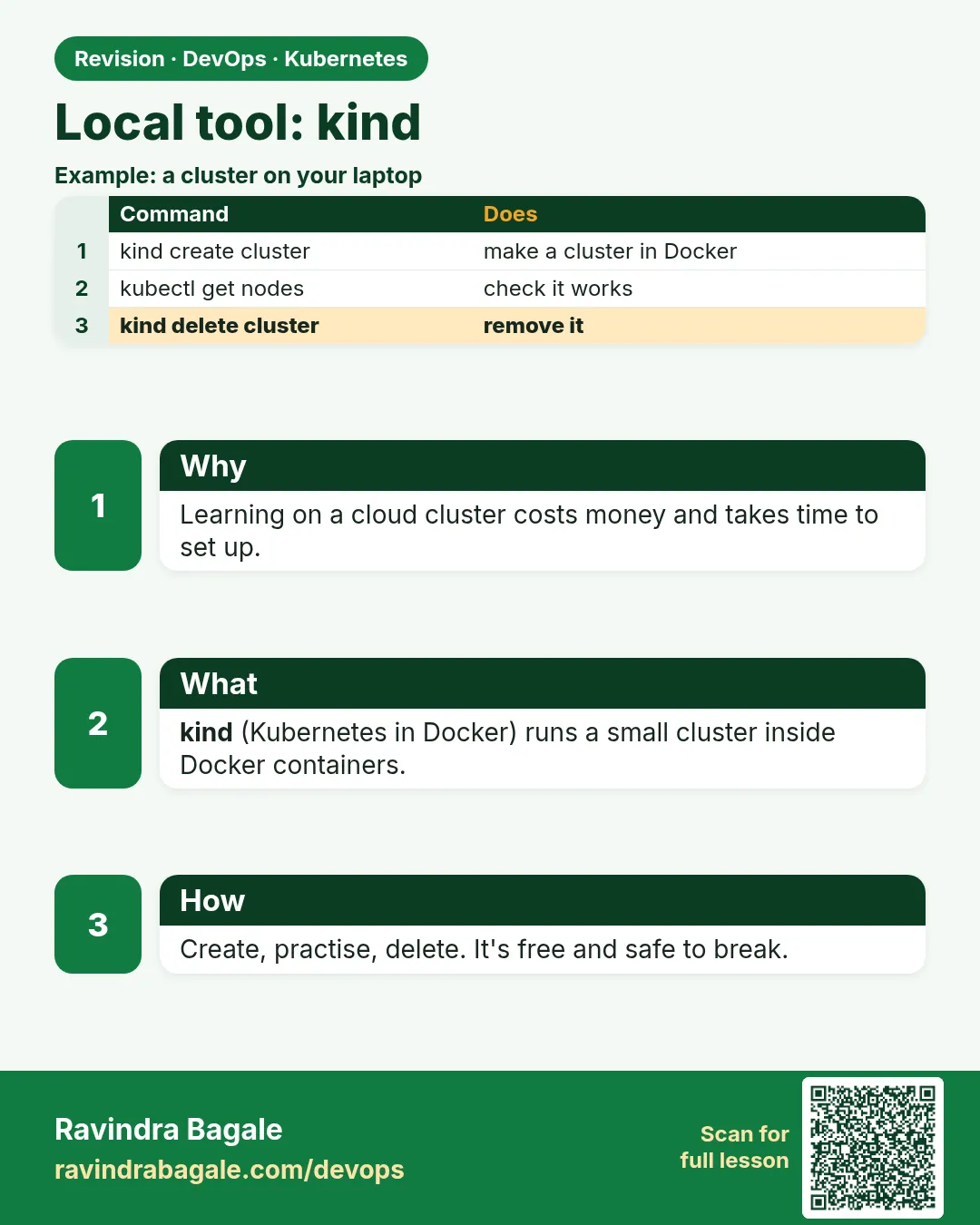 Revision card 2 of 17: Local tool: kind · Download PNG · Open card page
Lesson: 15.2 Primary local tool — kind
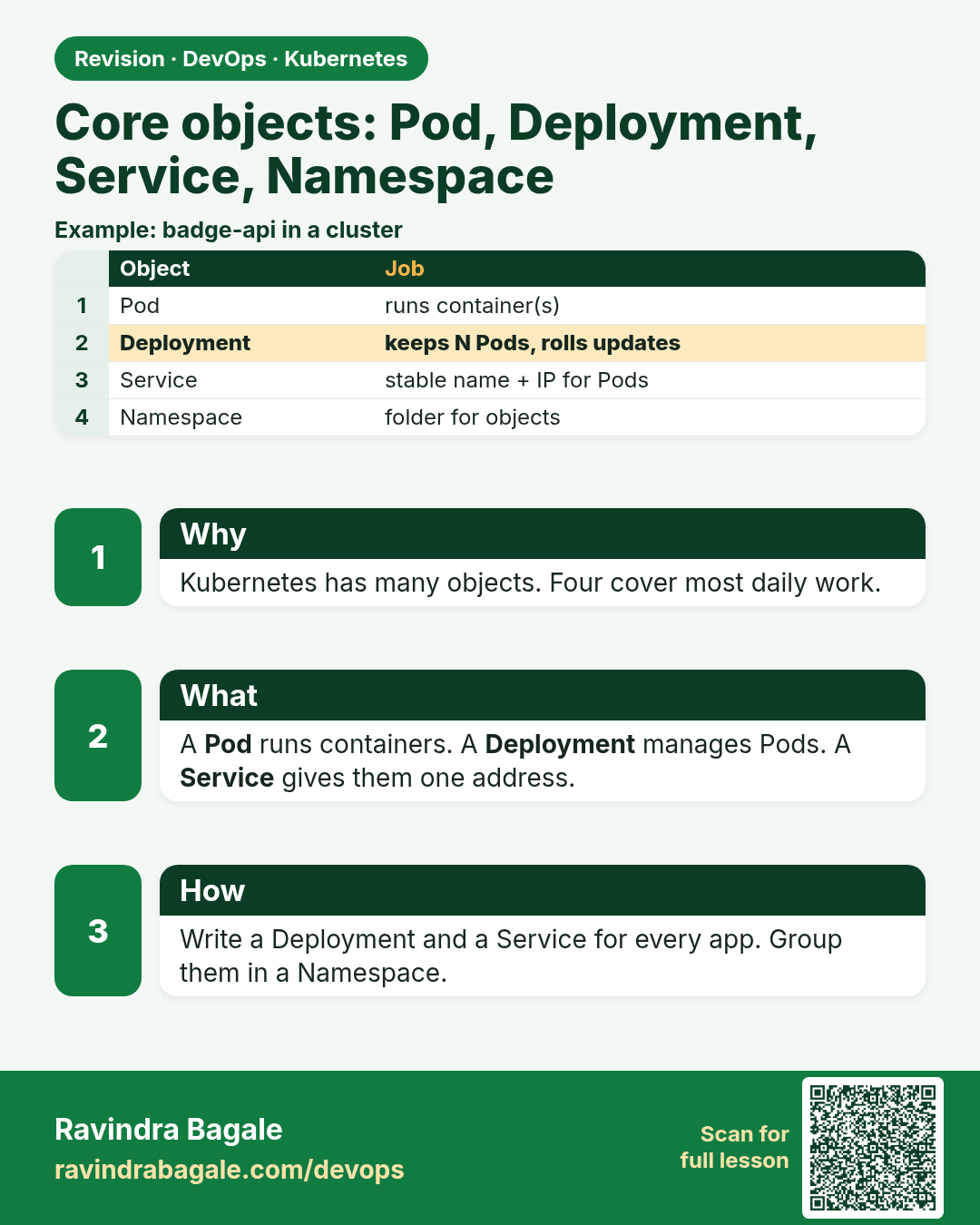
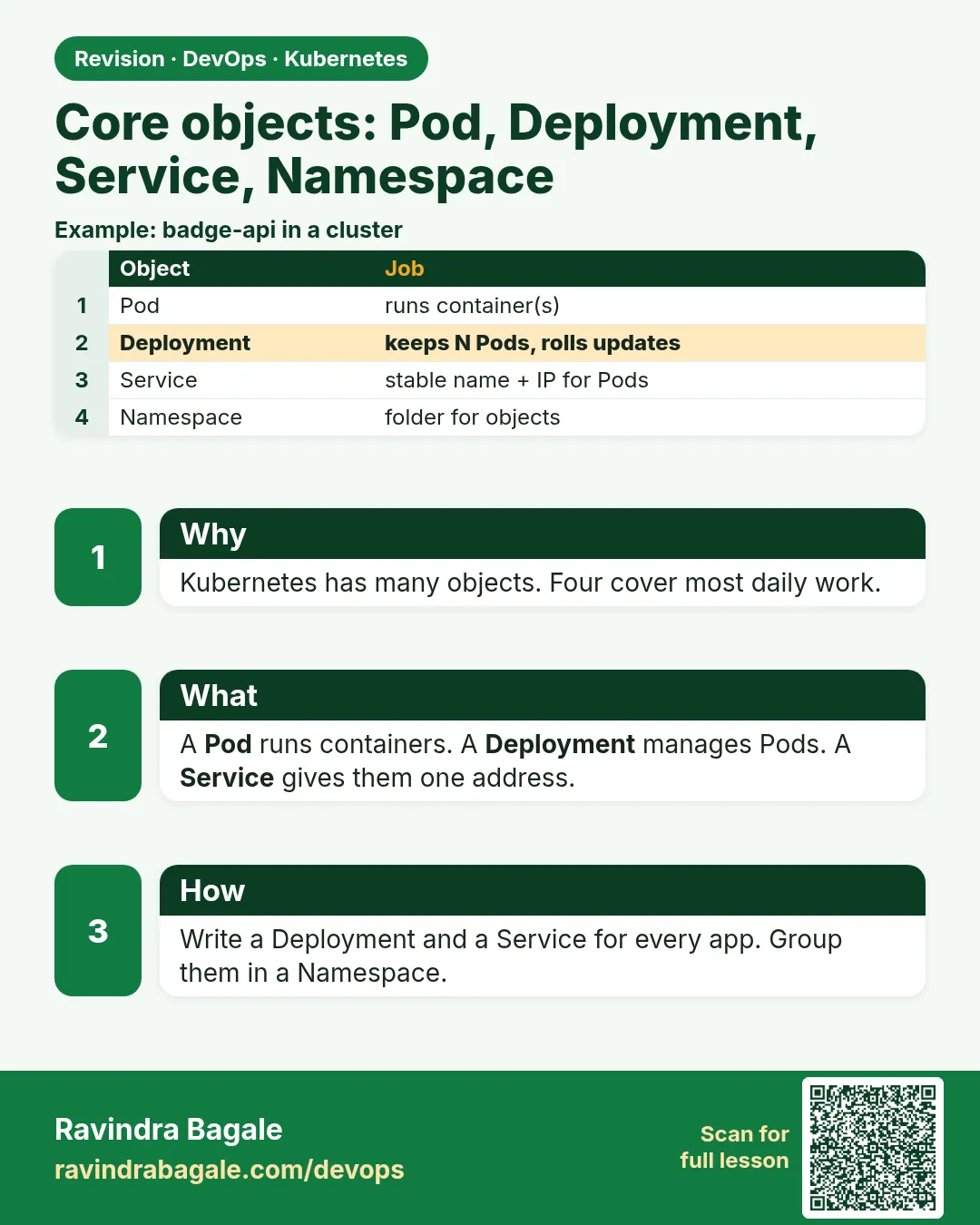 Revision card 3 of 17: Core objects: Pod, Deployment, Service, Namespace · Download PNG · Open card page
Lesson: 15.3 Core objects — Pod, Deployment, Service, Namespace
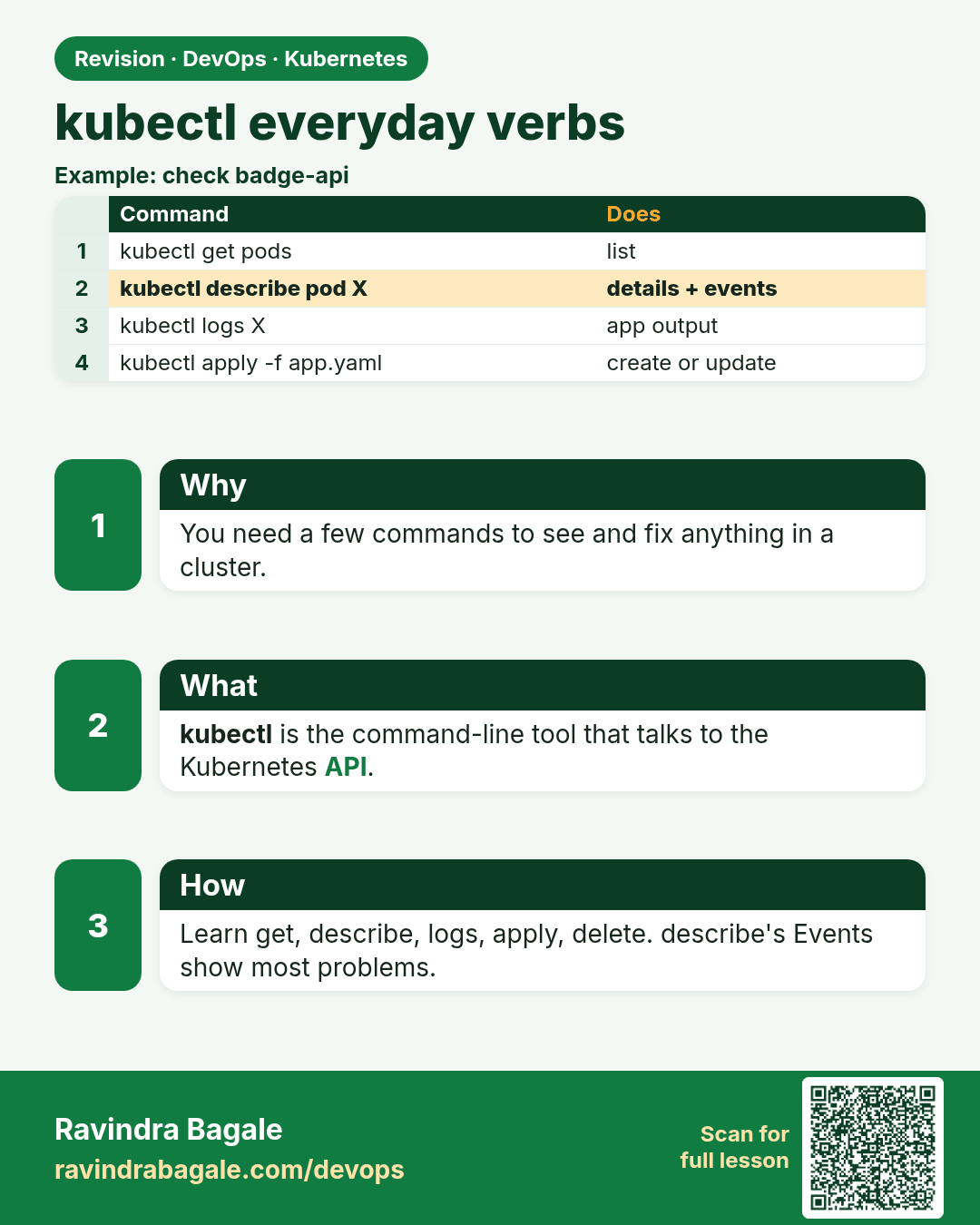
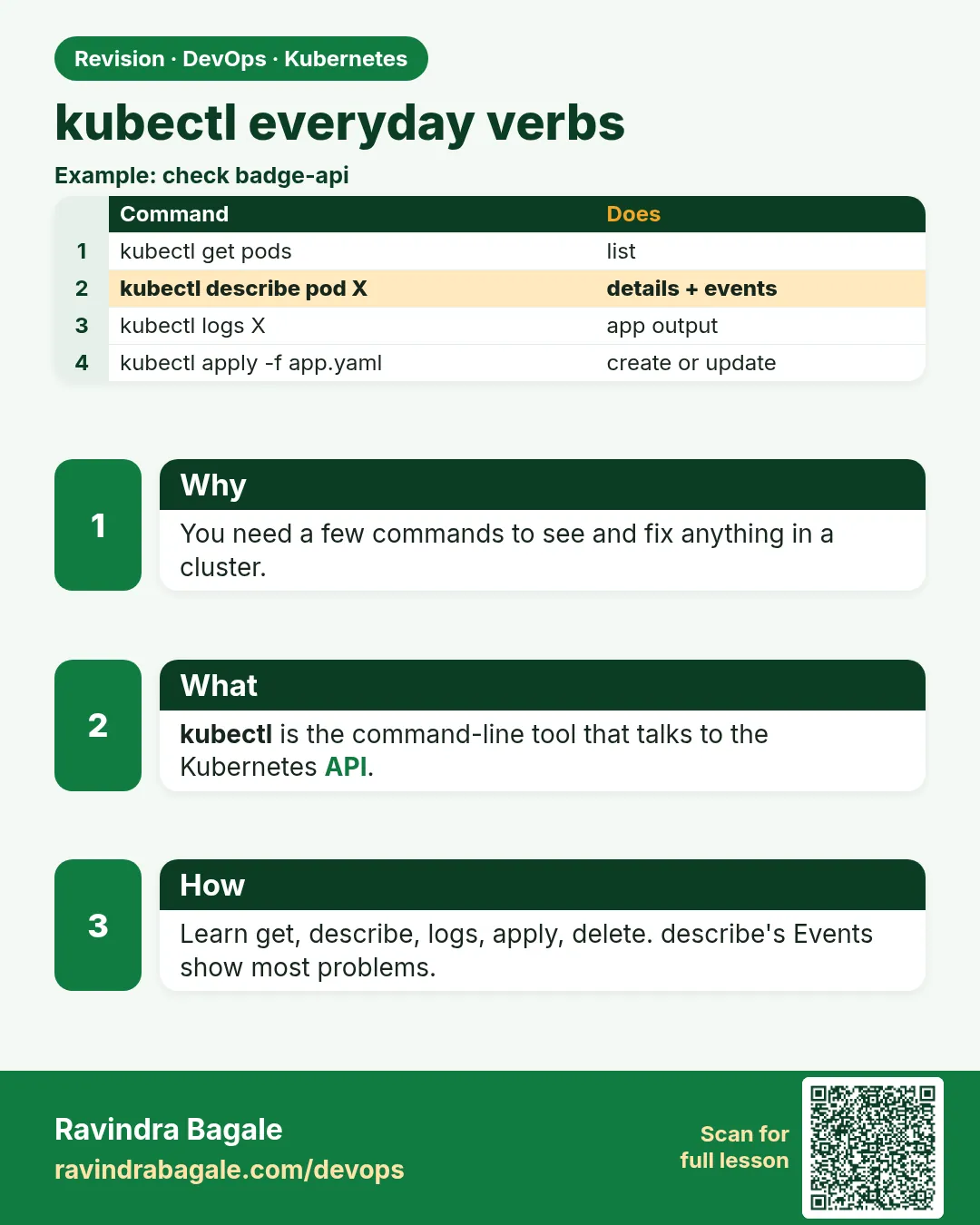 Revision card 4 of 17: kubectl everyday verbs · Download PNG · Open card page
Lesson: 15.4 kubectl everyday verbs
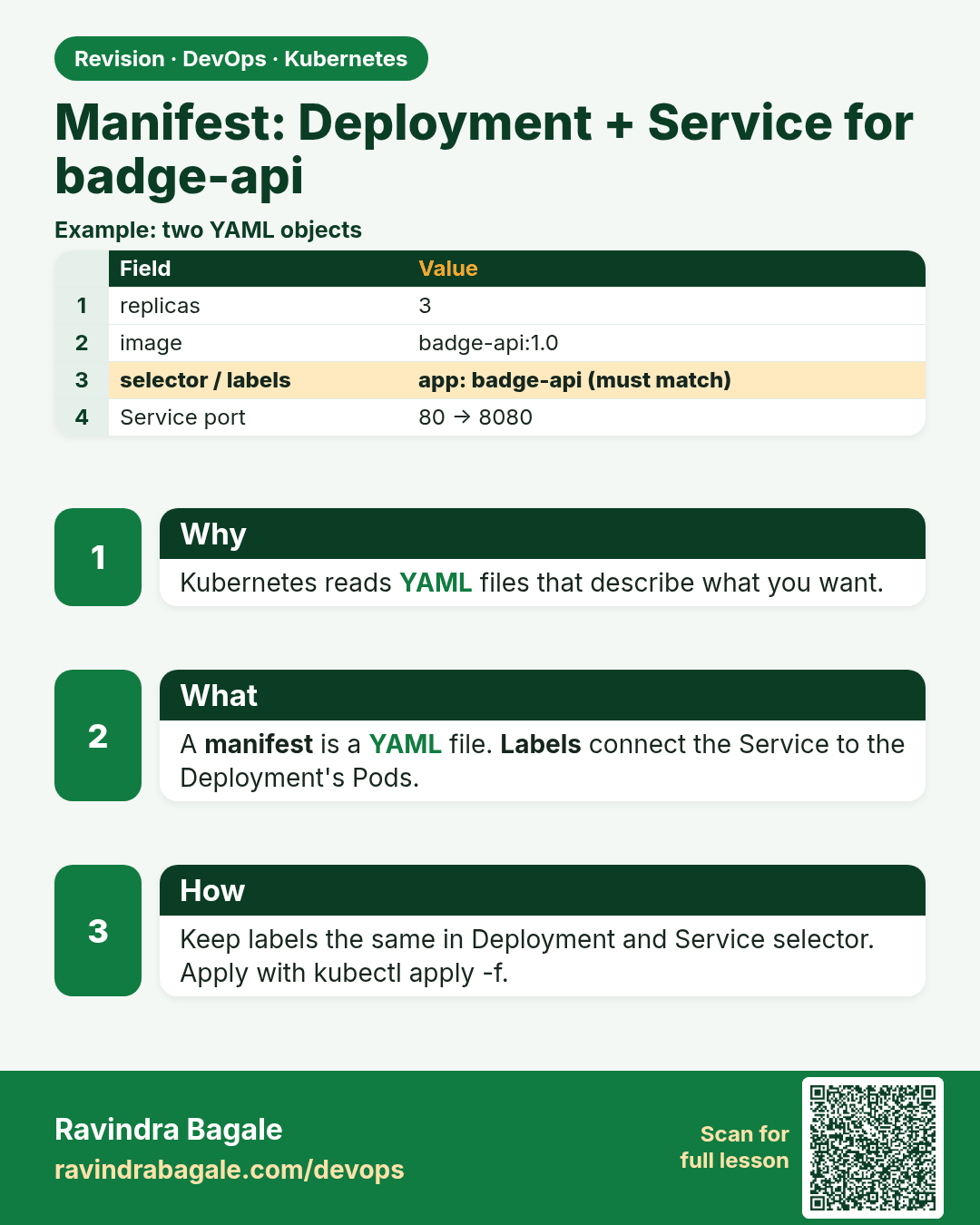
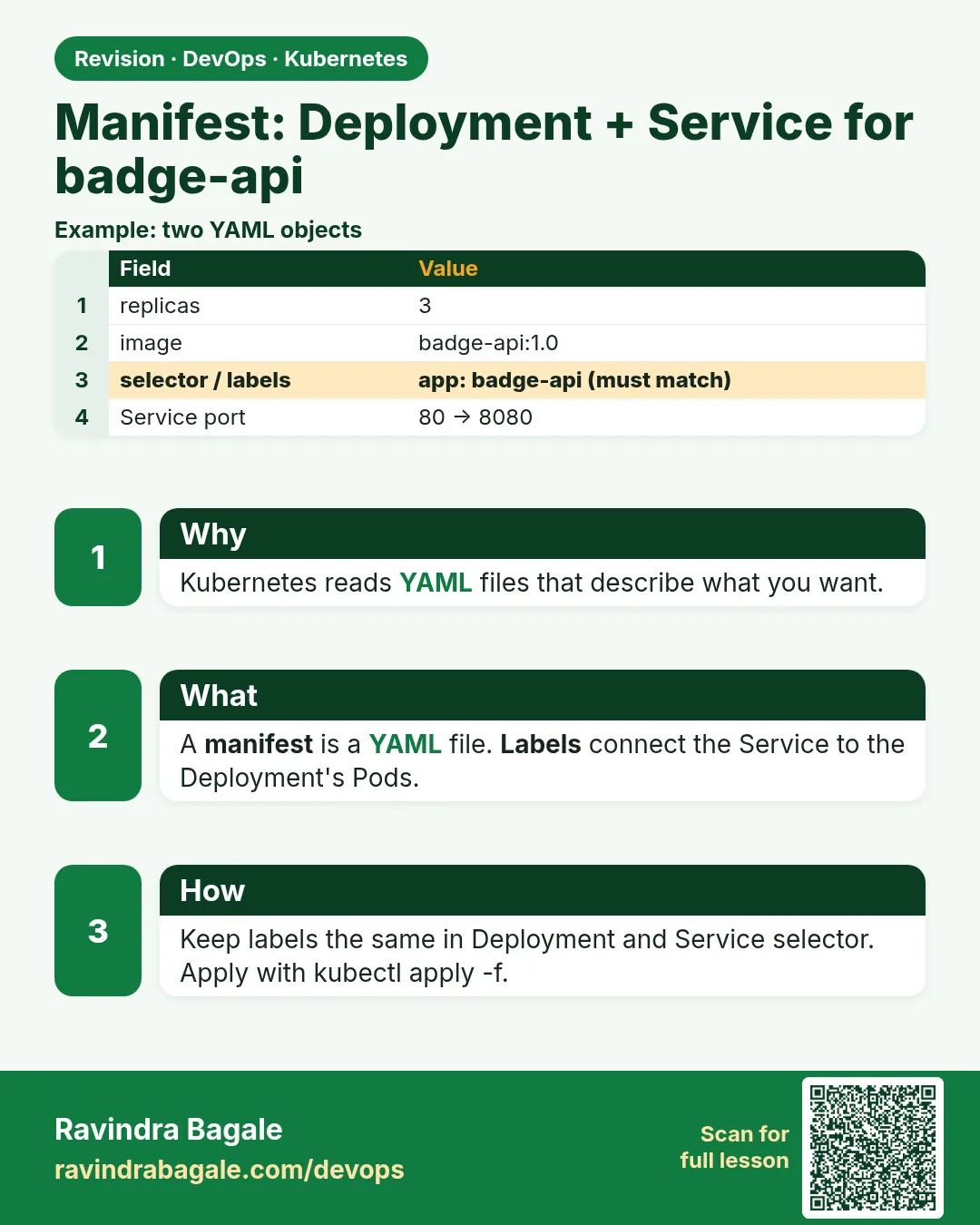 Revision card 5 of 17: Manifest: Deployment + Service for badge-api · Download PNG · Open card page
Lesson: 15.5 Manifest sketch — Deployment + Service for badge API
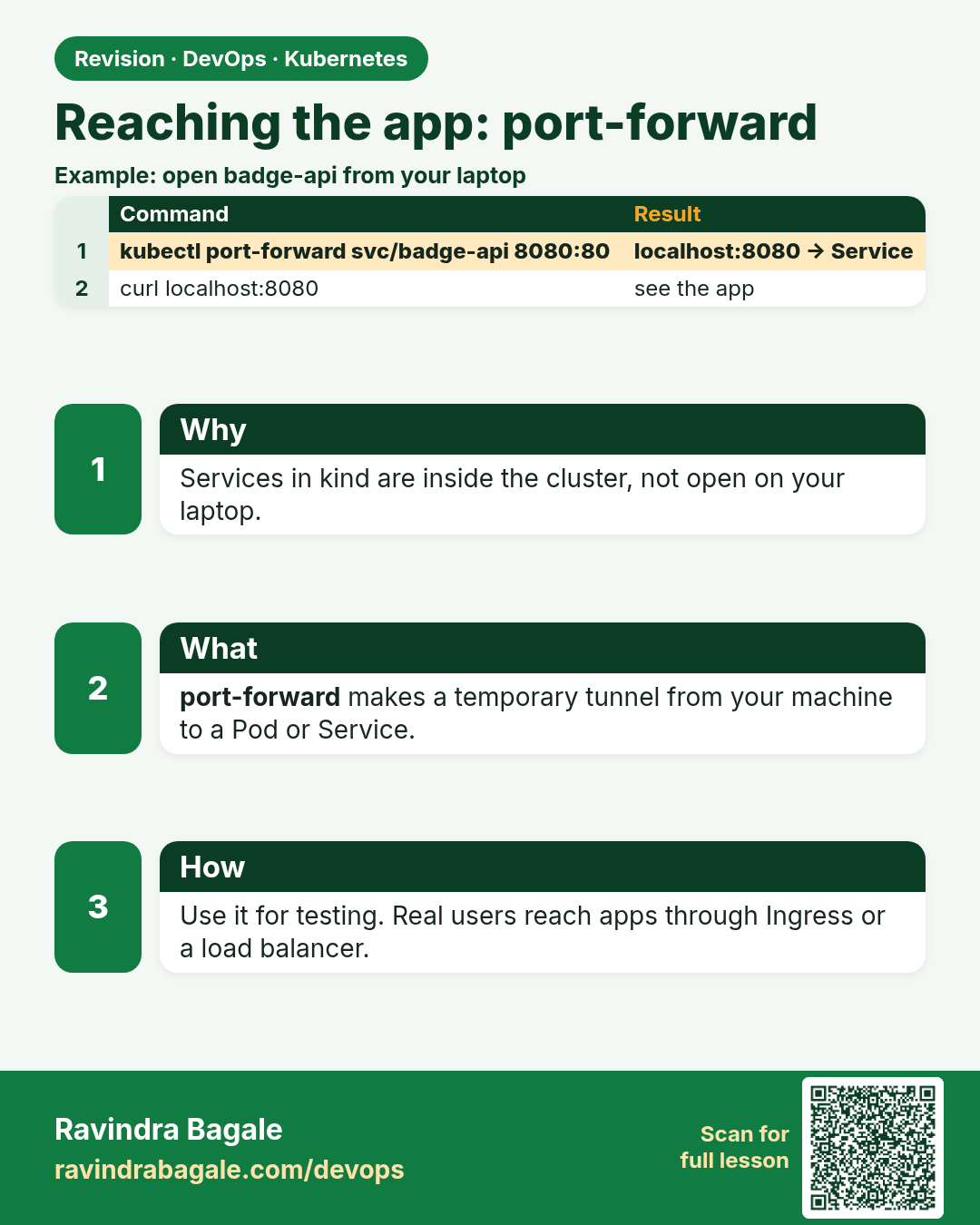
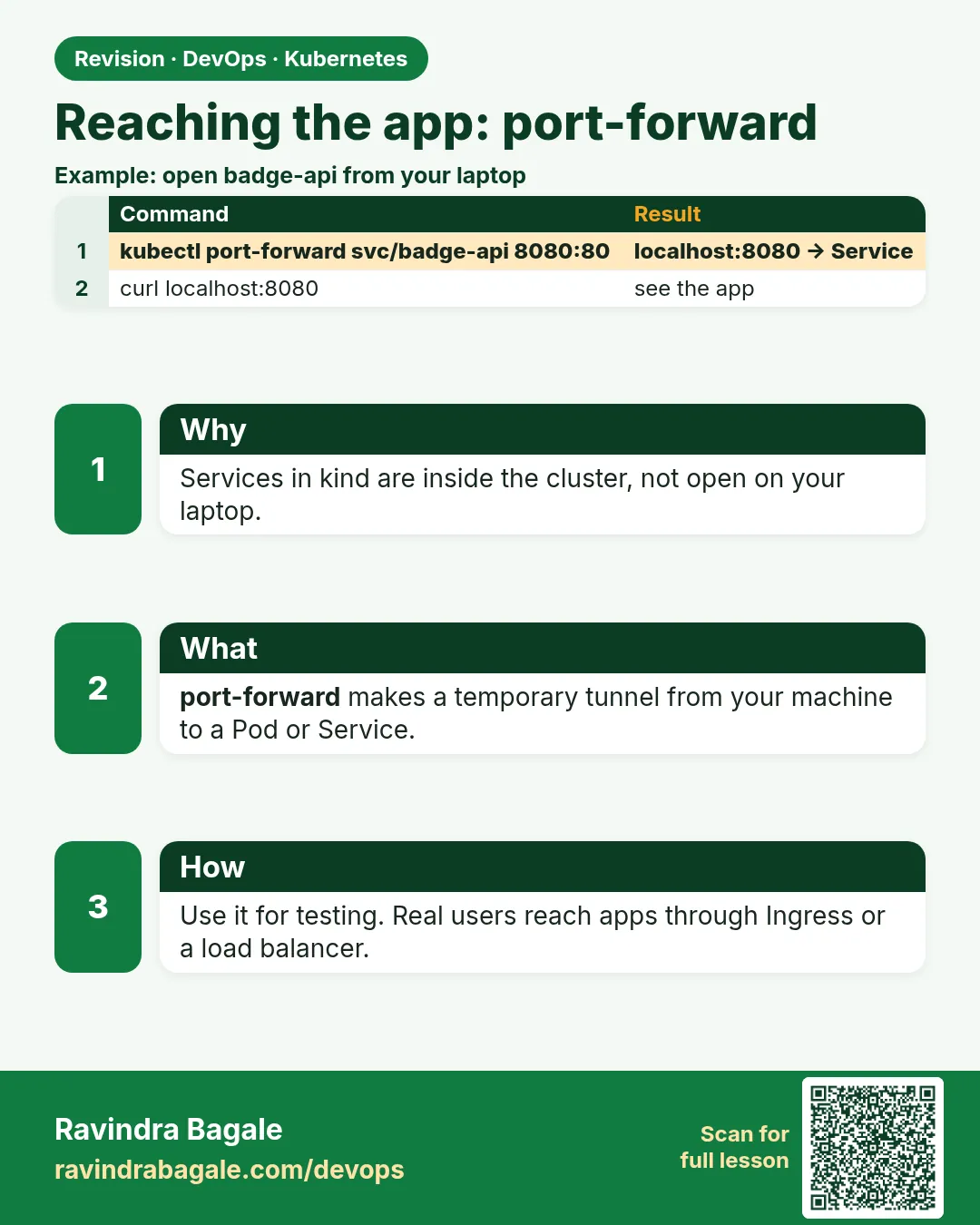 Revision card 6 of 17: Reaching the app: port-forward · Download PNG · Open card page
Lesson: 15.6 Reaching the app — port-forward (kind-friendly)
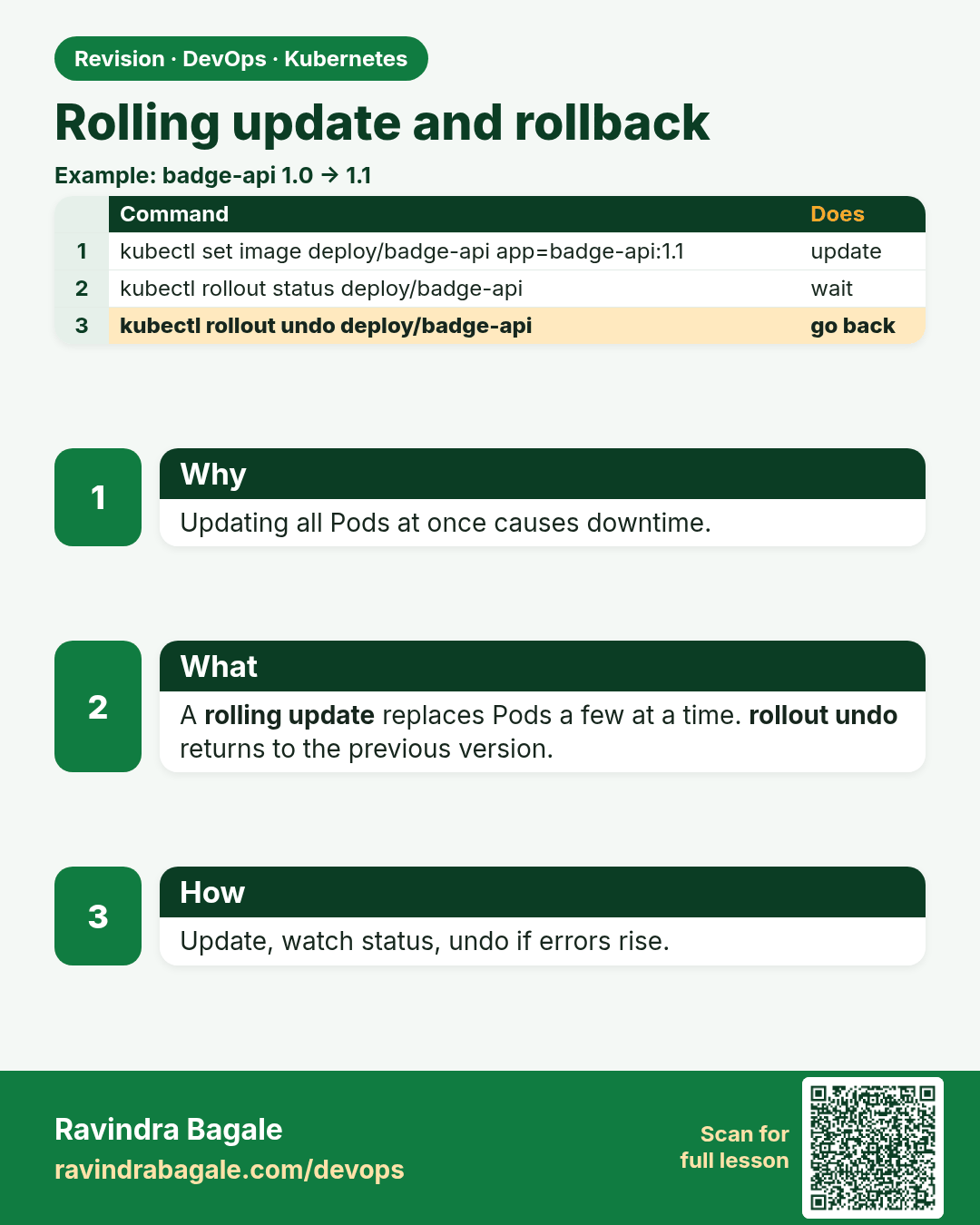
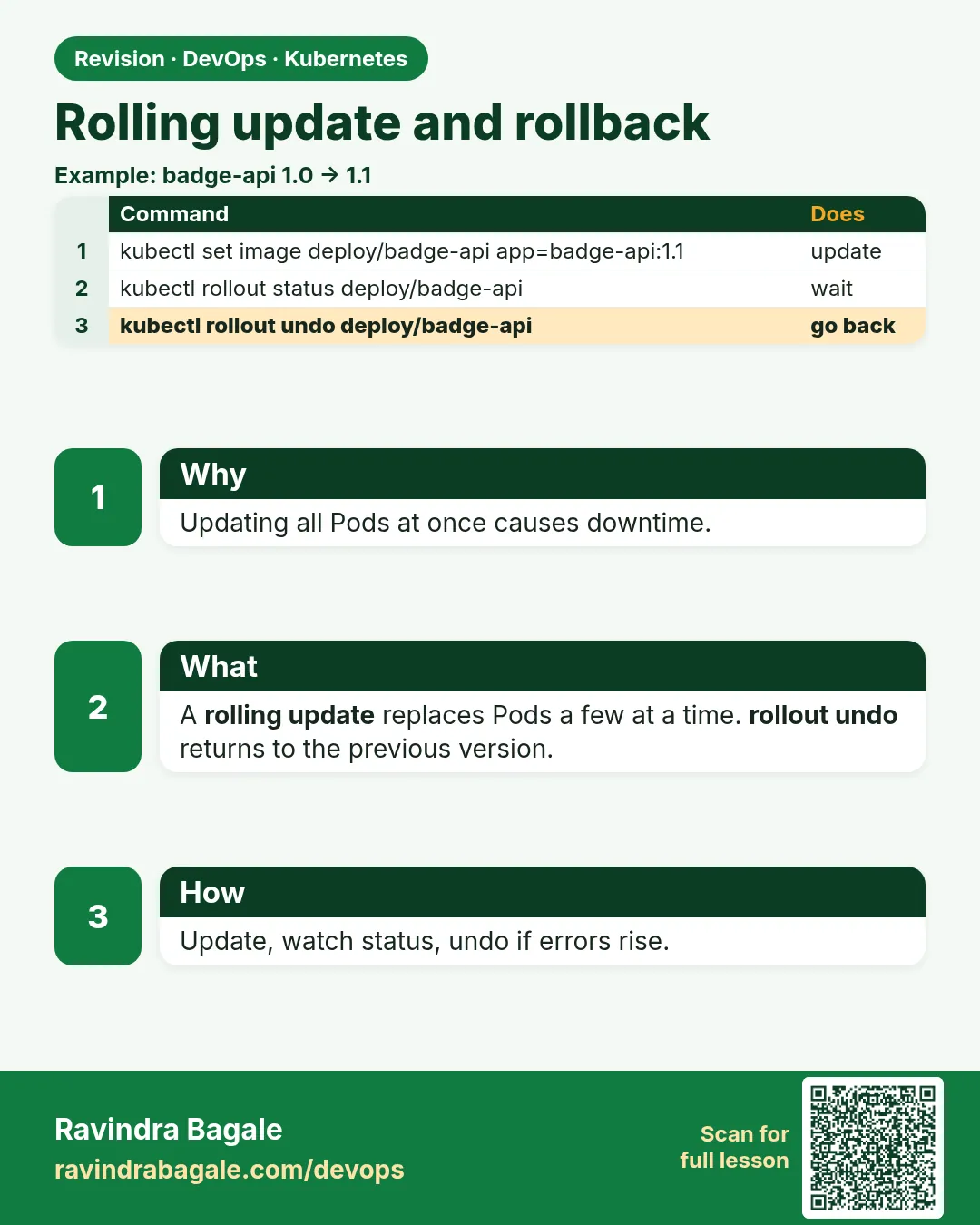 Revision card 7 of 17: Rolling update and rollback · Download PNG · Open card page
Lesson: 15.7 Rolling update and rollback (light)
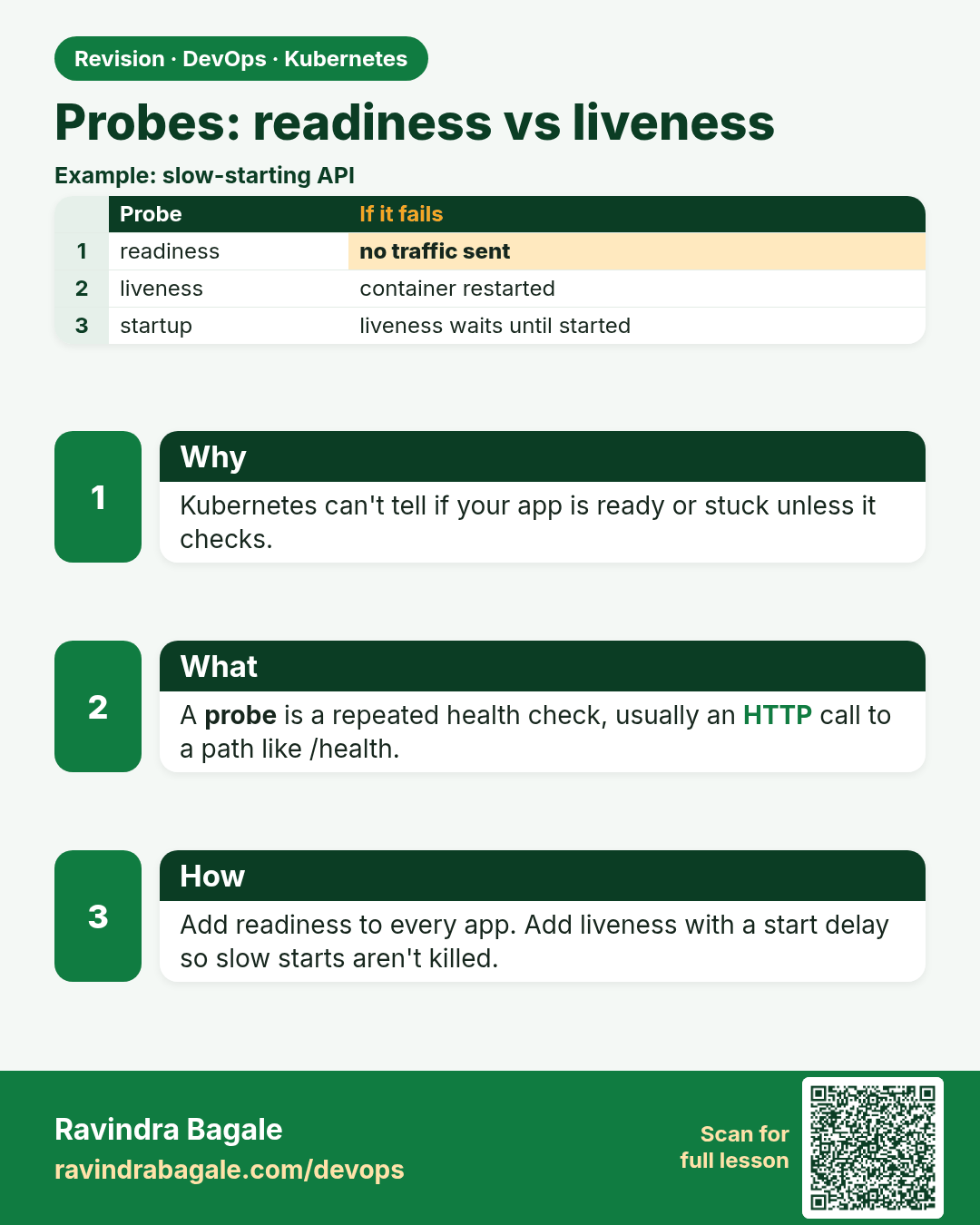
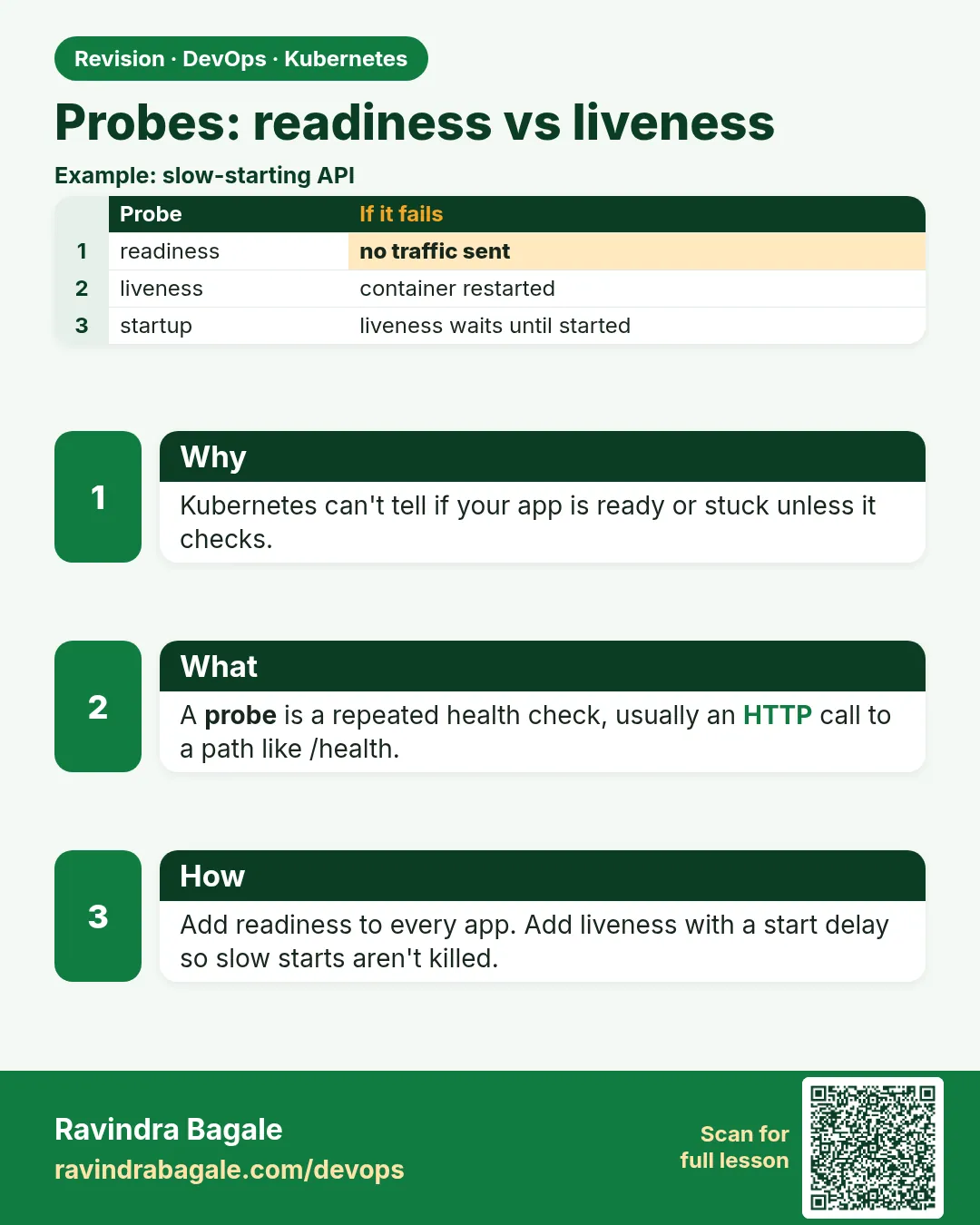 Revision card 8 of 17: Probes: readiness vs liveness · Download PNG · Open card page
Lesson: 15.8 Probes — readiness vs liveness (awareness)
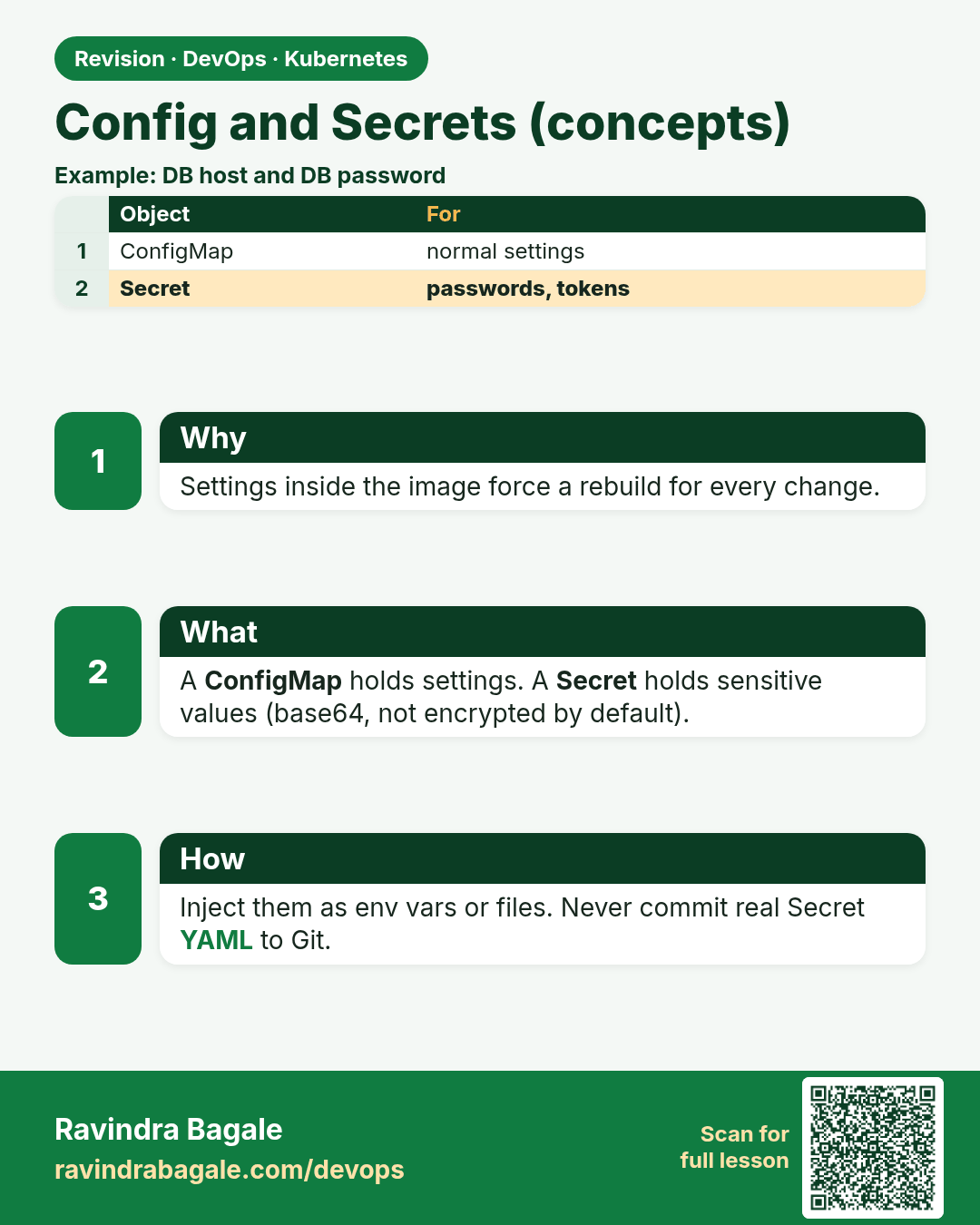
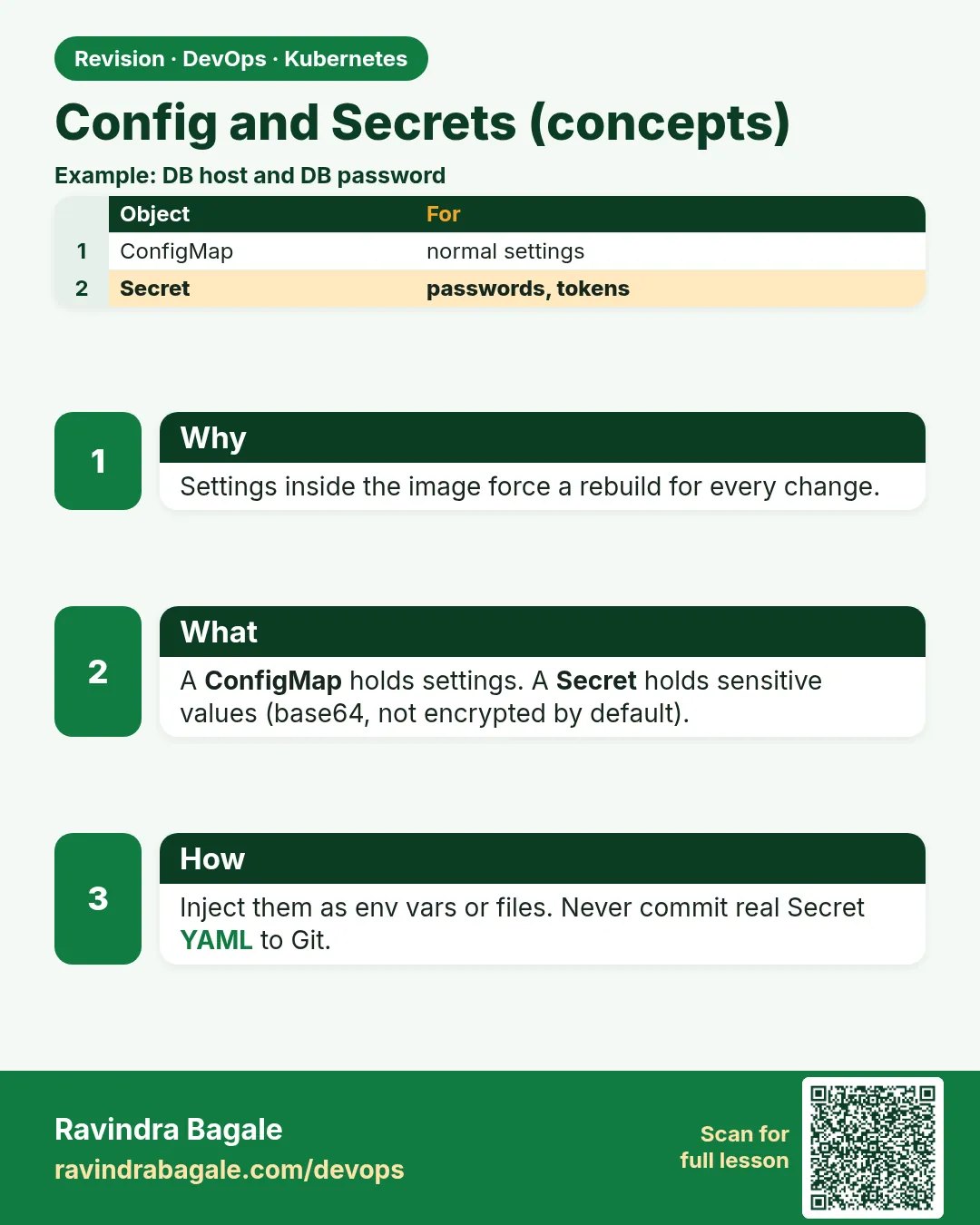 Revision card 9 of 17: Config and Secrets (concepts) · Download PNG · Open card page
Lesson: 15.9 Config and secrets — concepts only
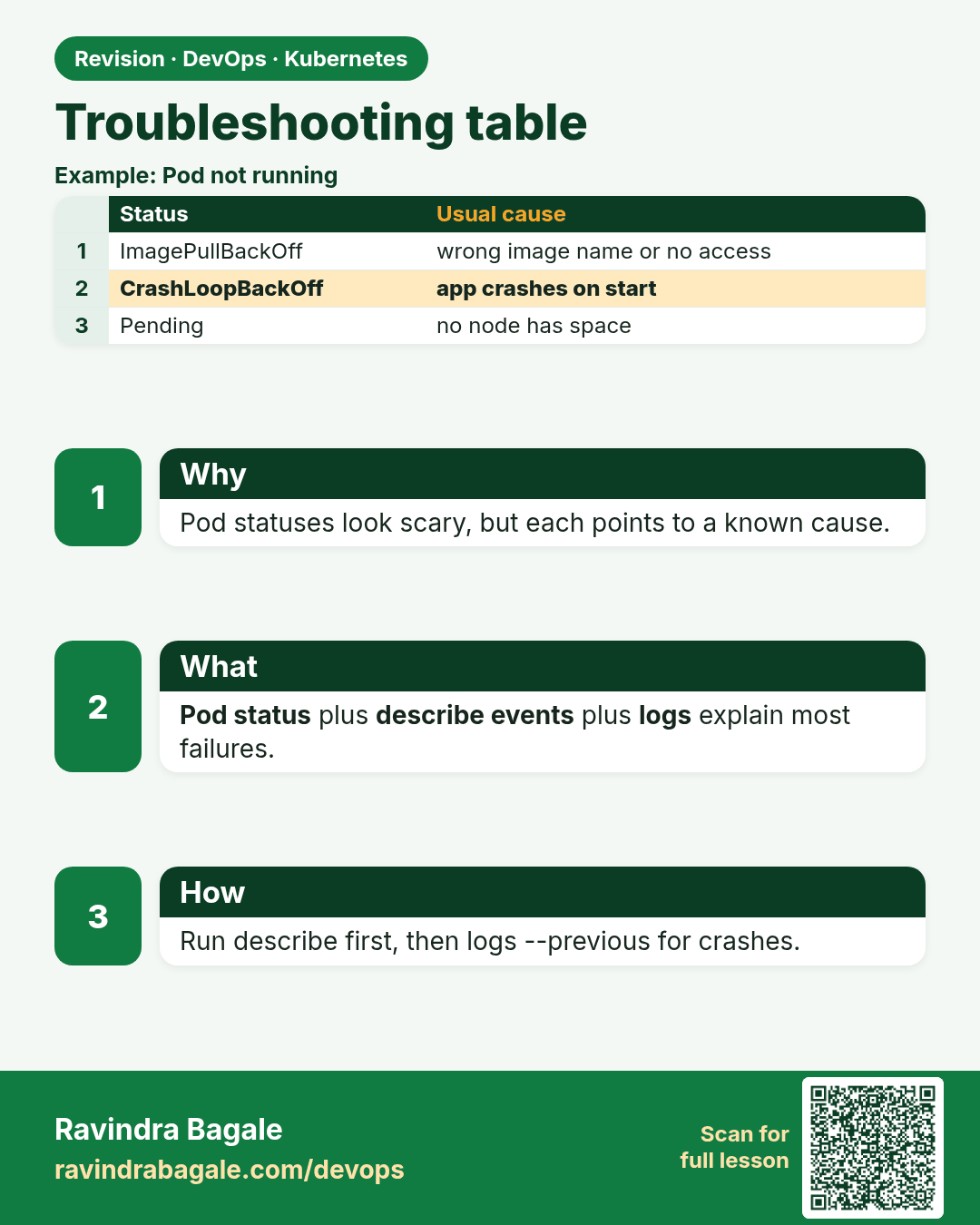
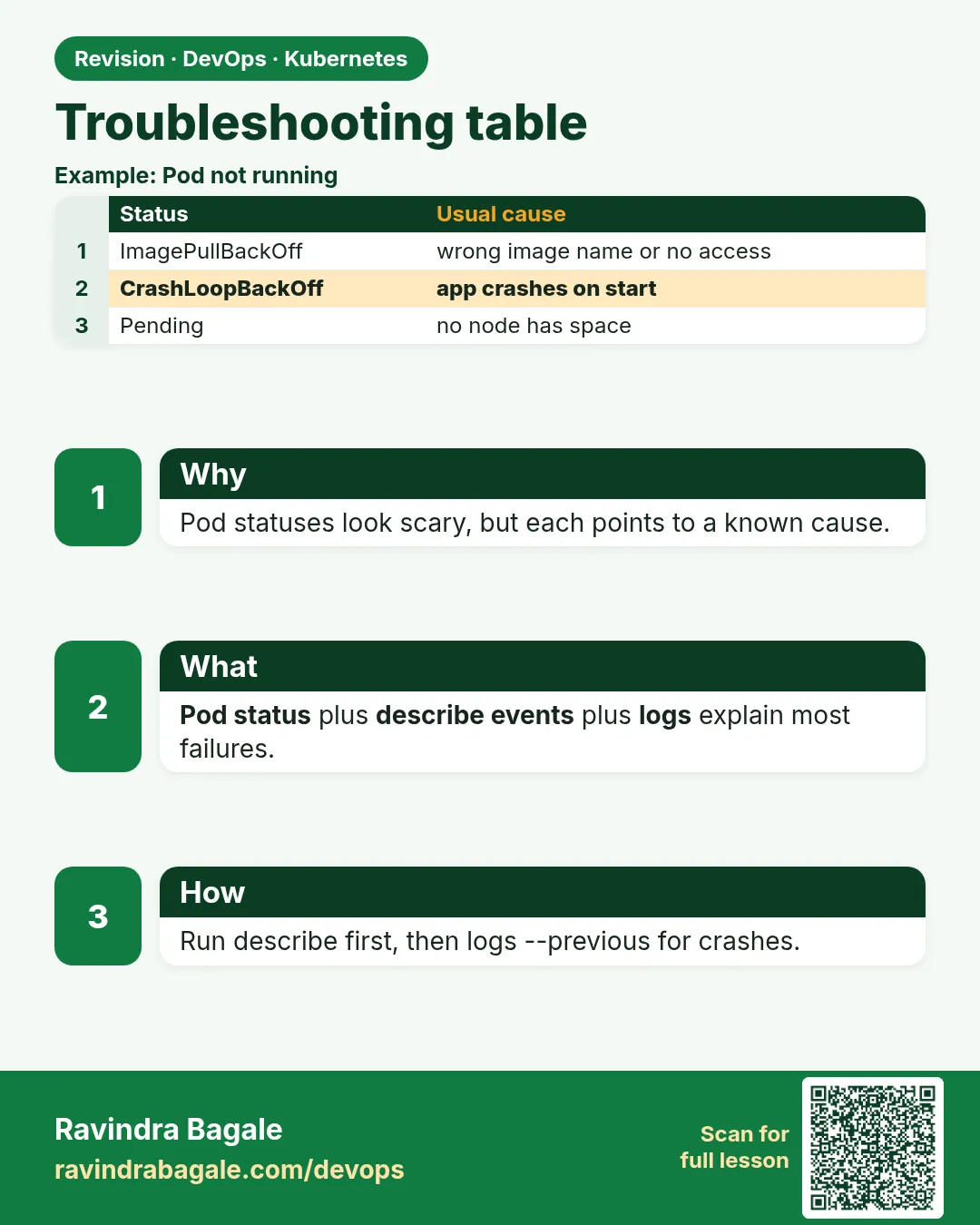 Revision card 10 of 17: Troubleshooting table · Download PNG · Open card page
Lesson: 15.10 Troubleshooting table
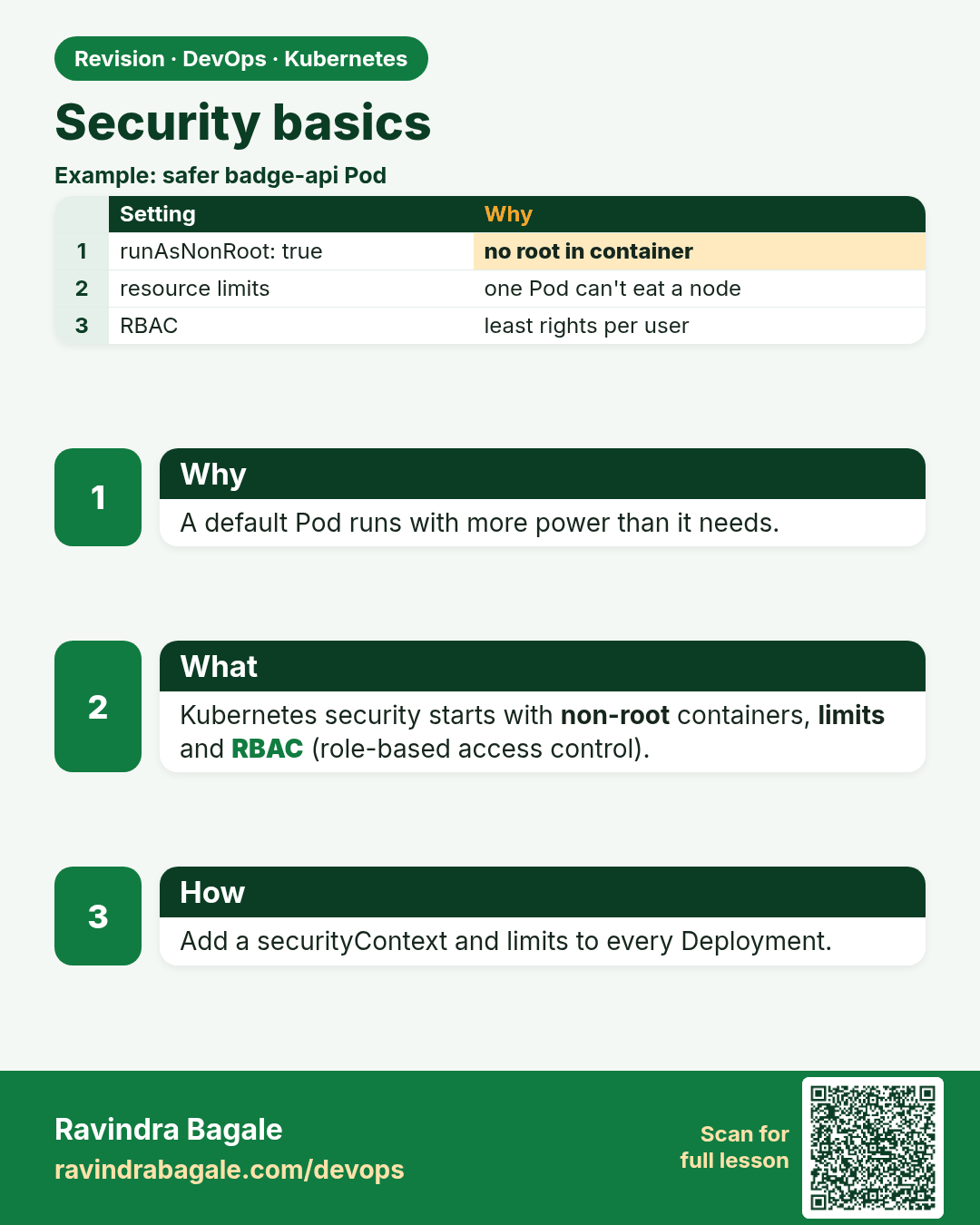
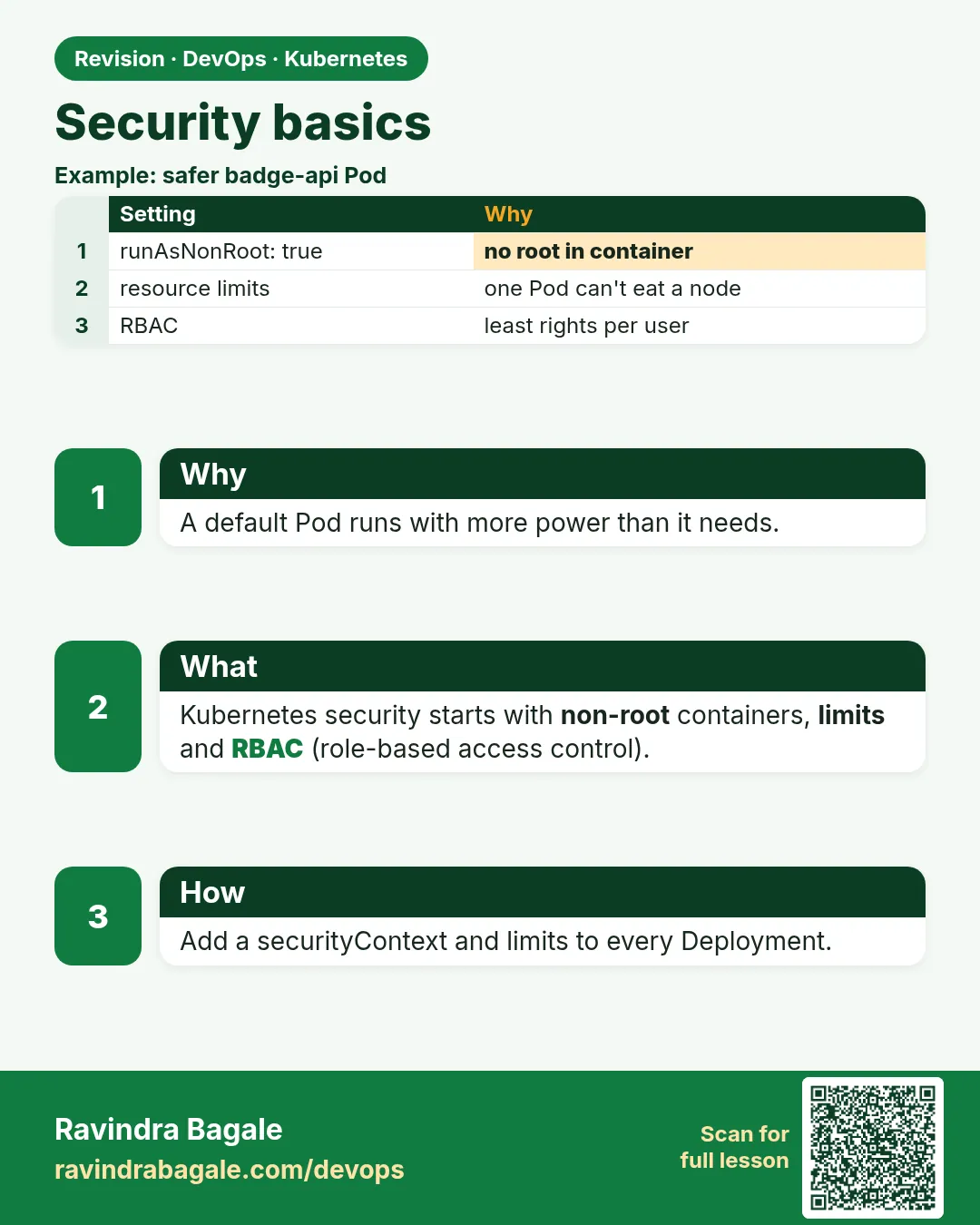 Revision card 11 of 17: Security basics · Download PNG · Open card page
Lesson: 15.11 Security basics (pointer)
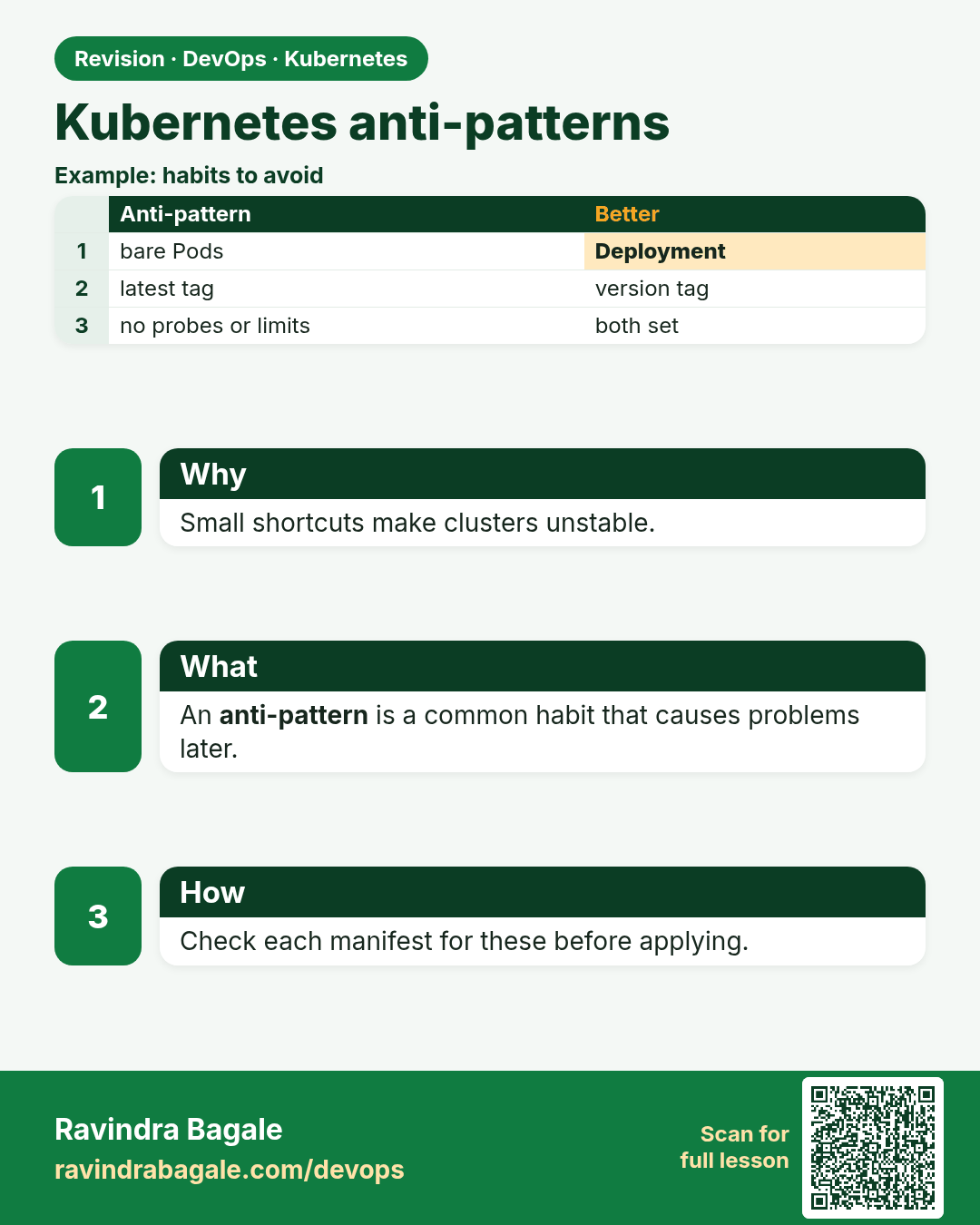
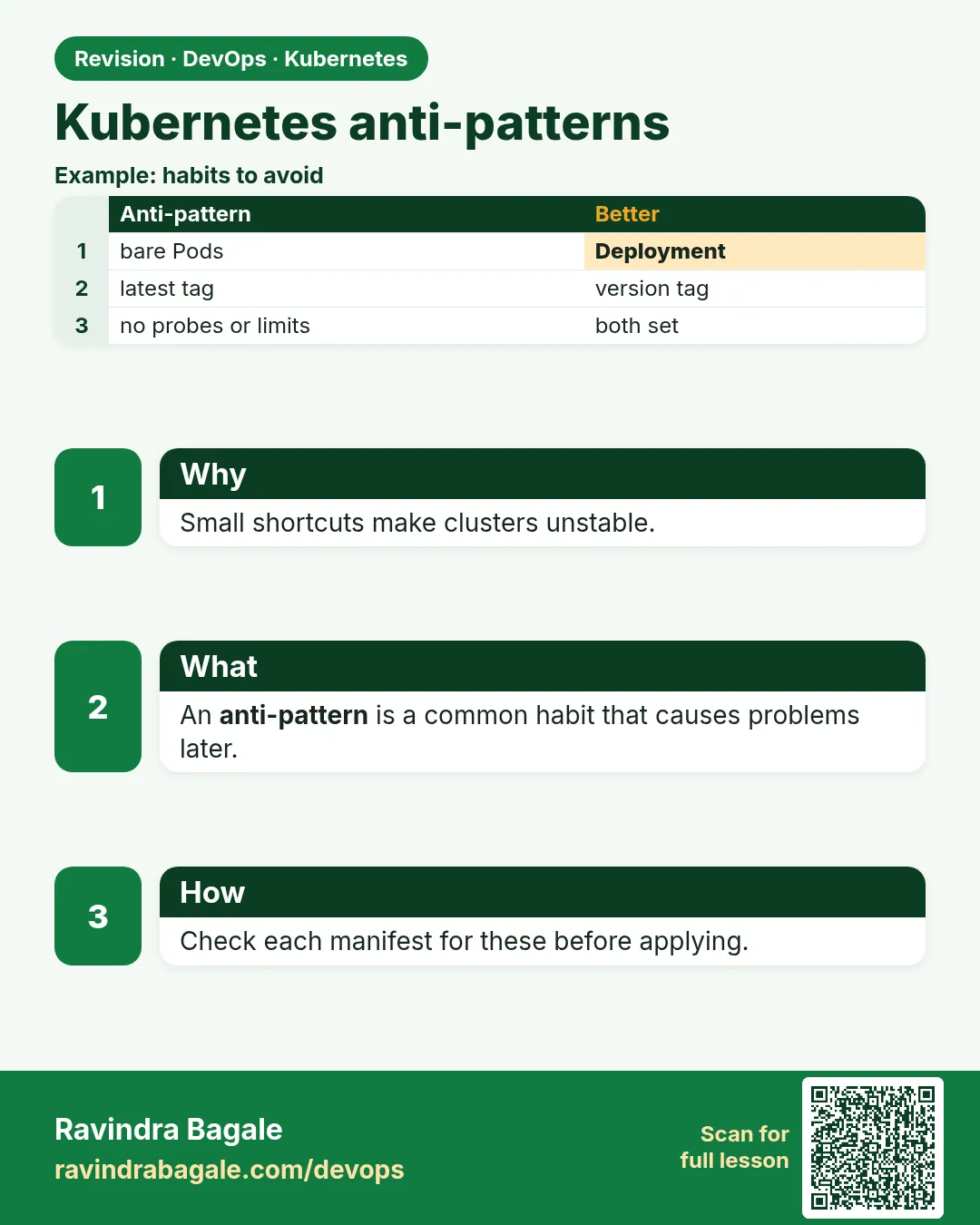 Revision card 12 of 17: Kubernetes anti-patterns · Download PNG · Open card page
Lesson: 15.12 Anti-patterns
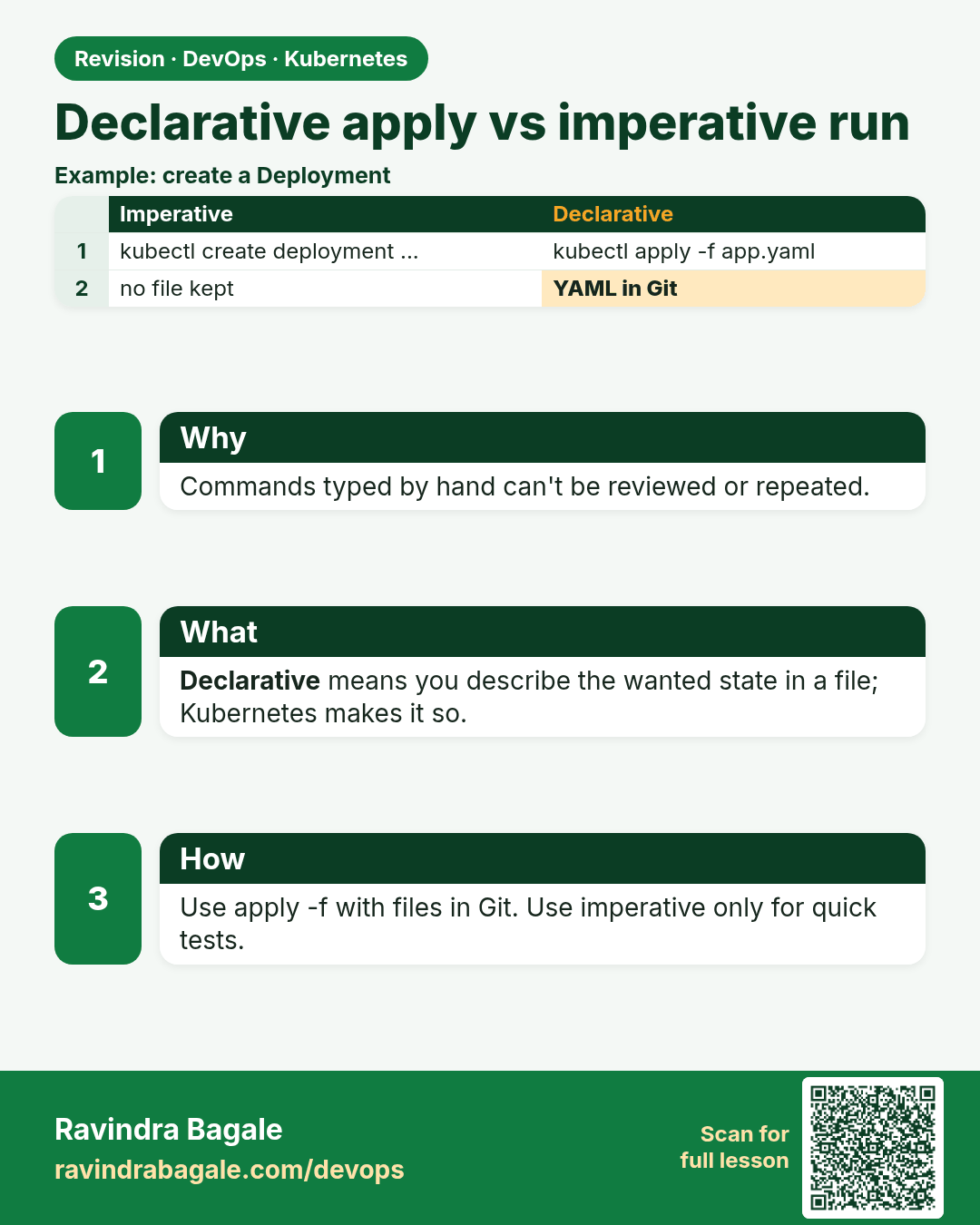
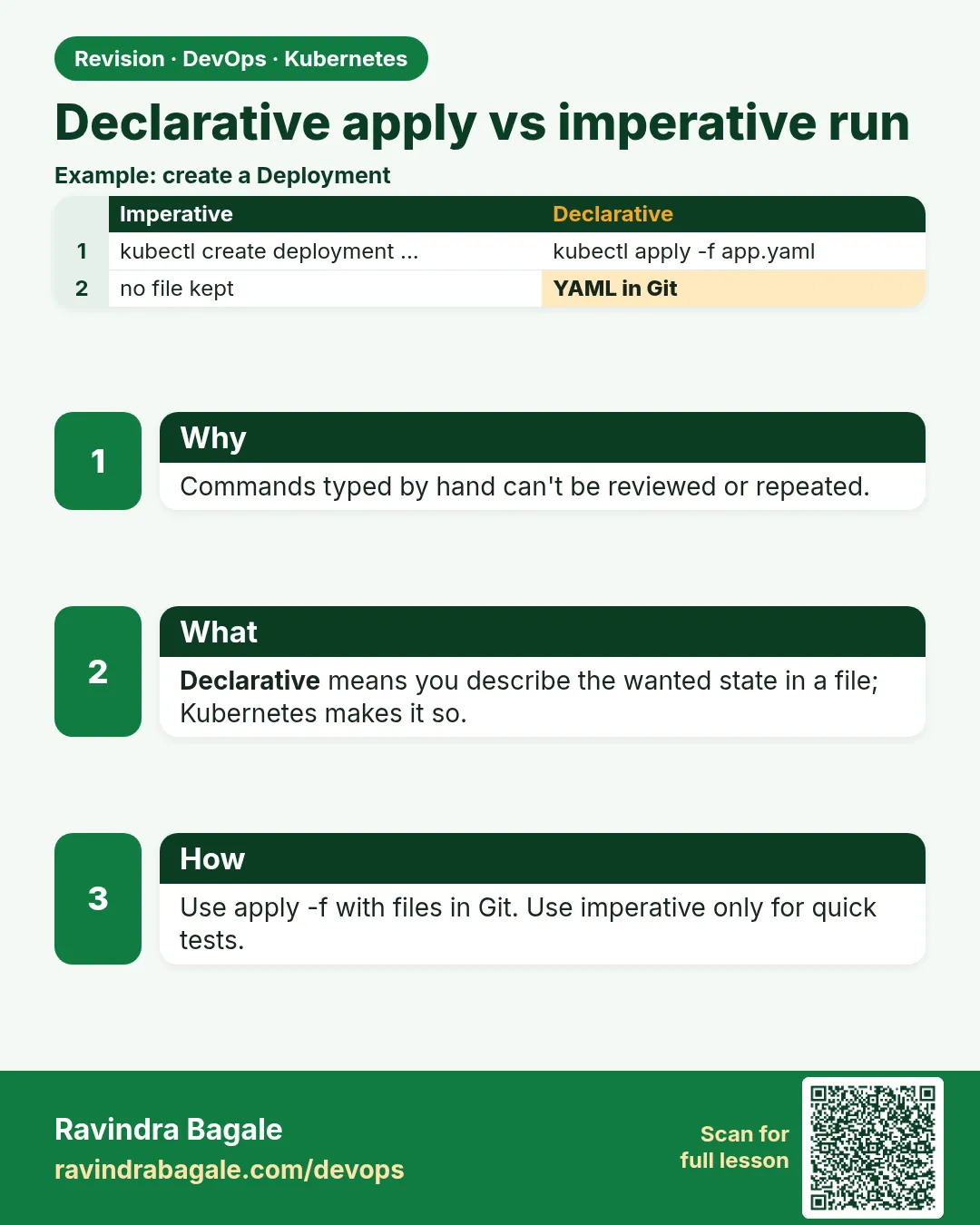 Revision card 13 of 17: Declarative apply vs imperative run · Download PNG · Open card page
Lesson: 15.12b Declarative apply vs imperative run
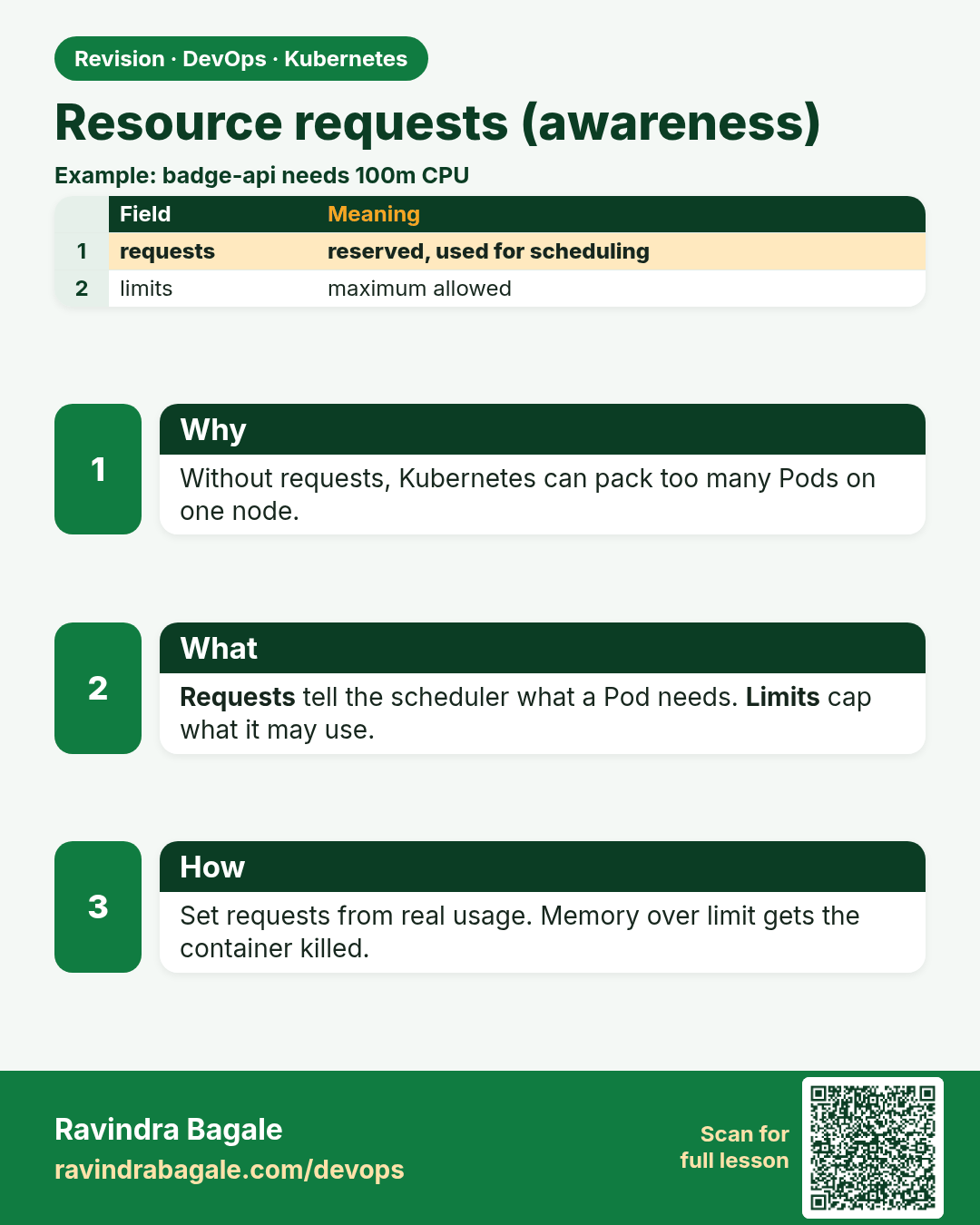
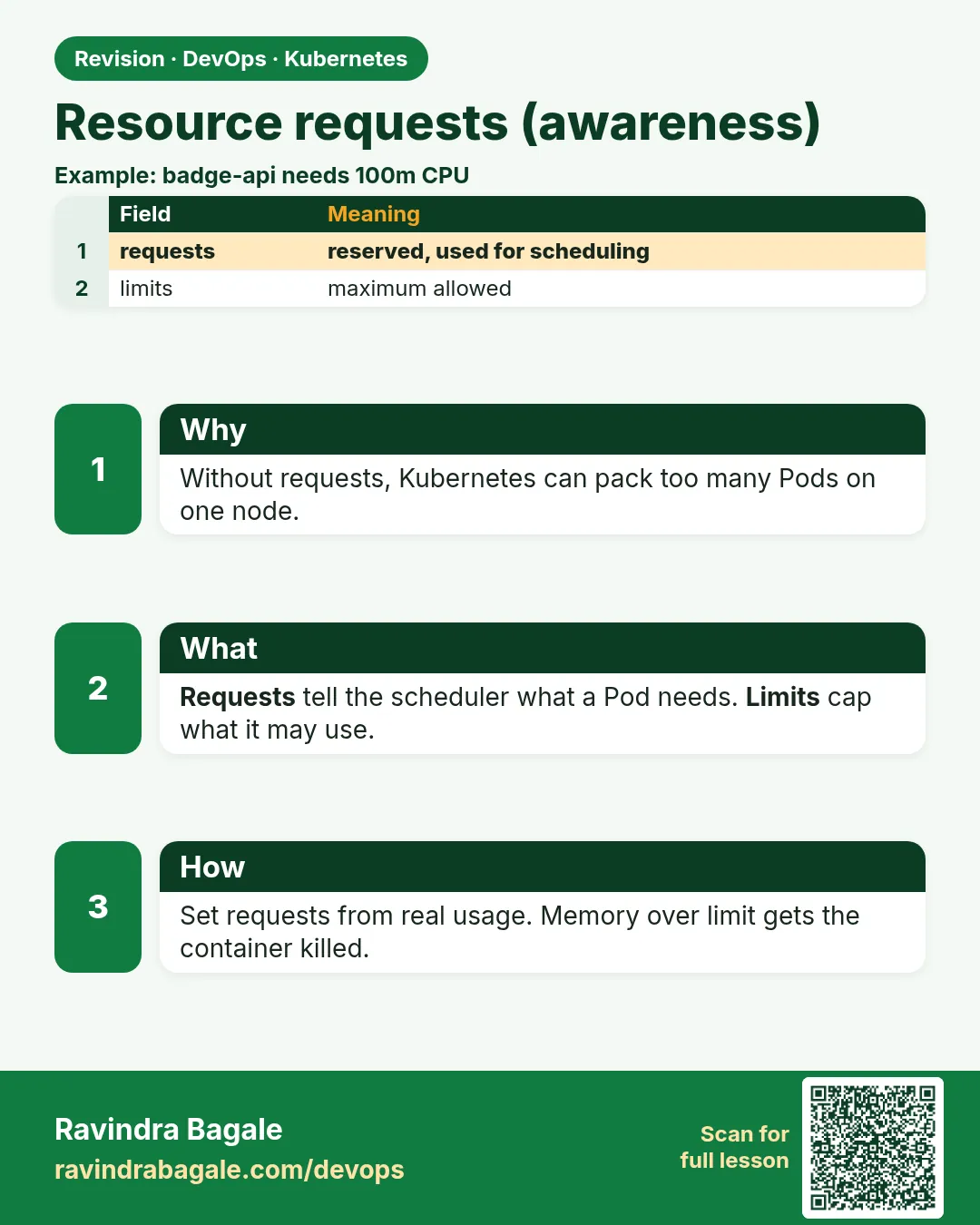 Revision card 14 of 17: Resource requests (awareness) · Download PNG · Open card page
Lesson: 15.12c Resource requests (awareness)
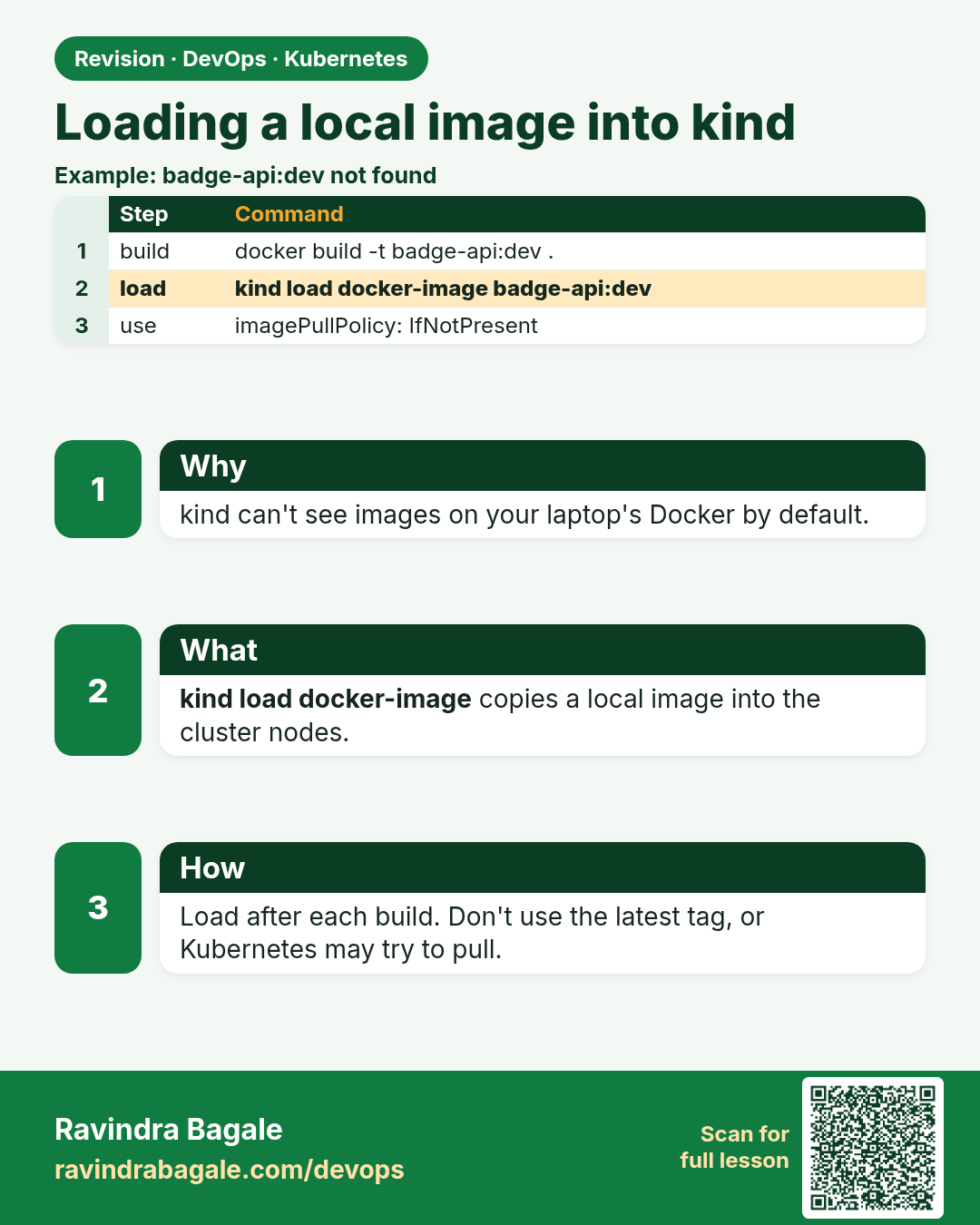
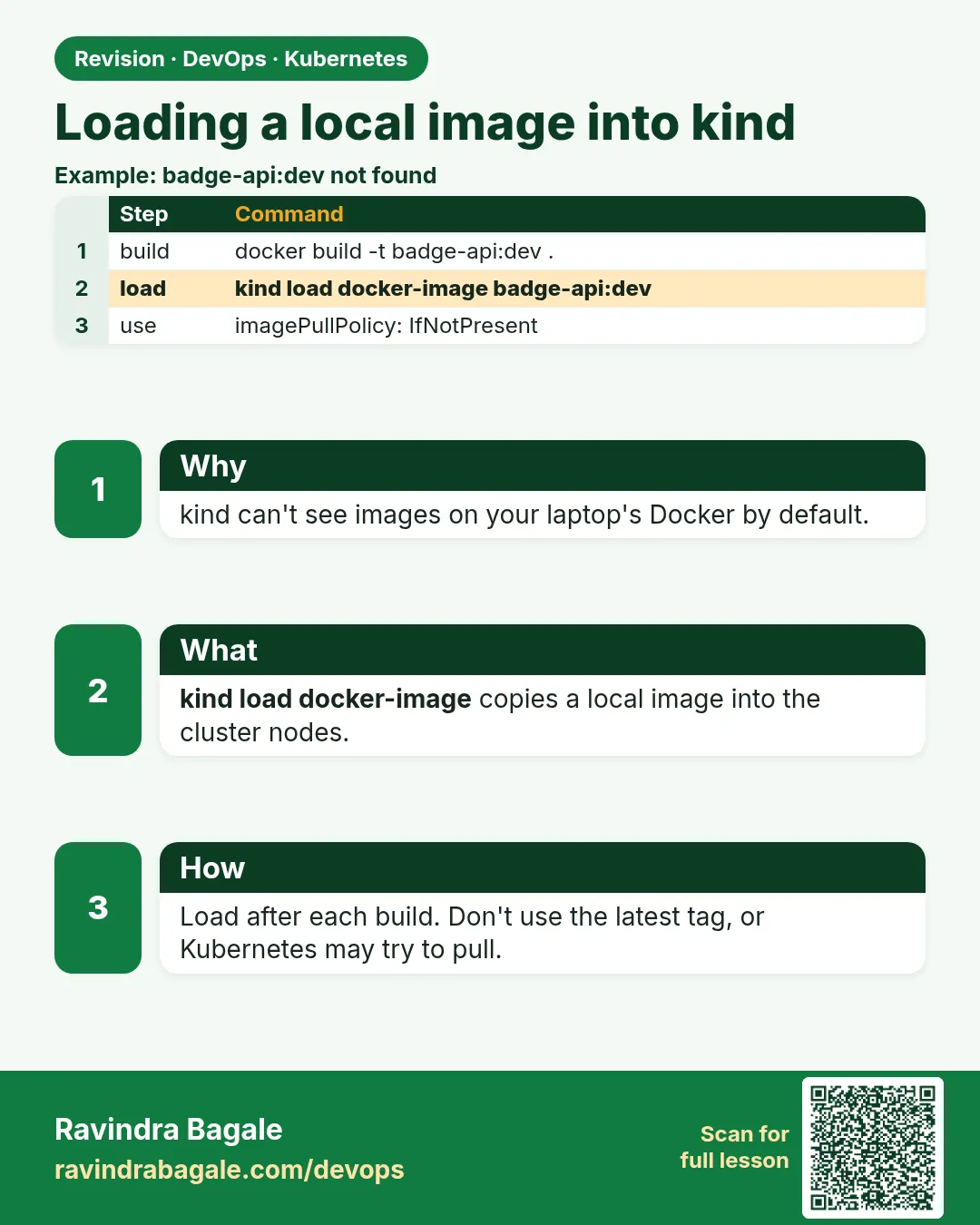 Revision card 15 of 17: Loading a local image into kind · Download PNG · Open card page
Lesson: 15.12d Loading a local image into kind (common lab snag)
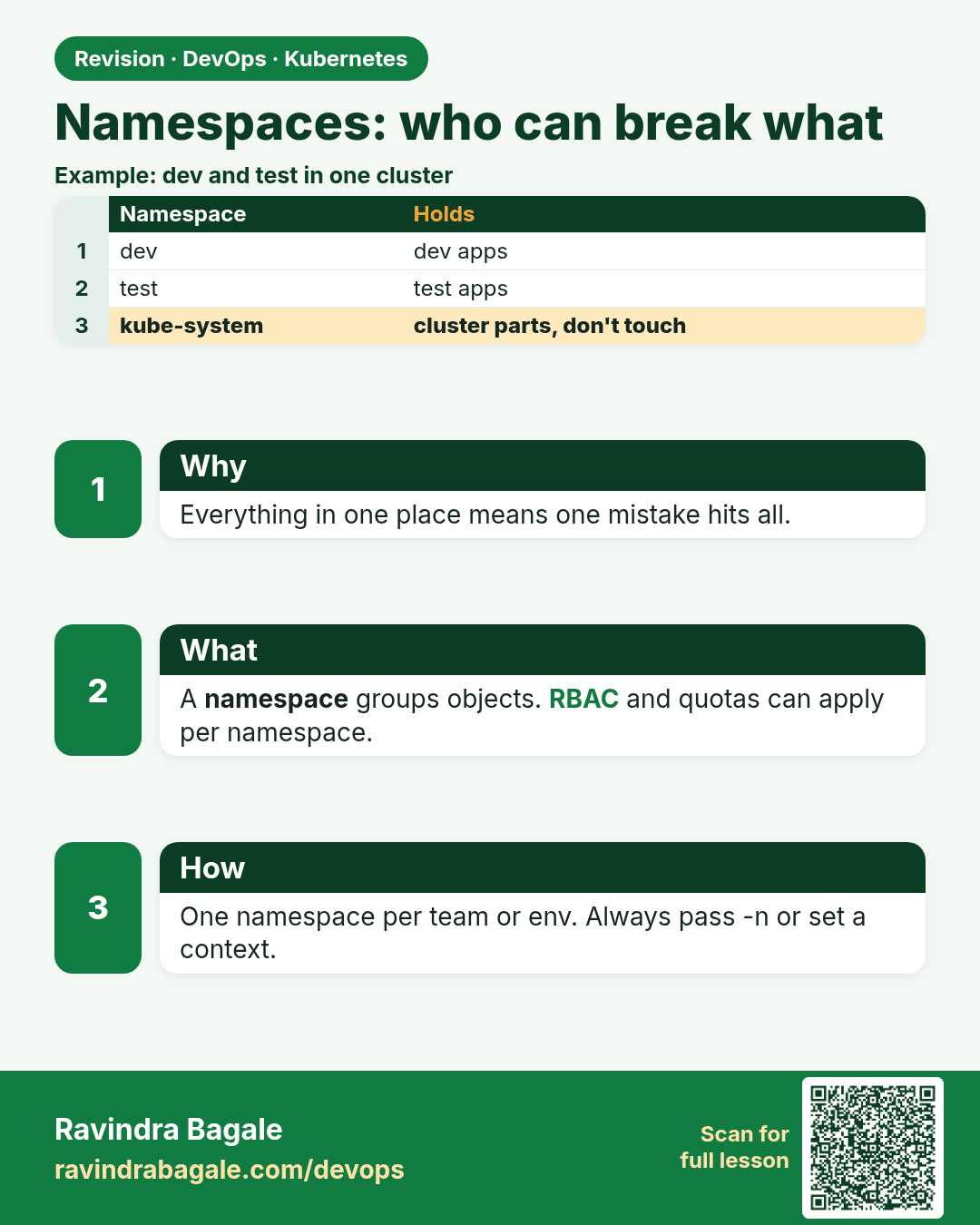
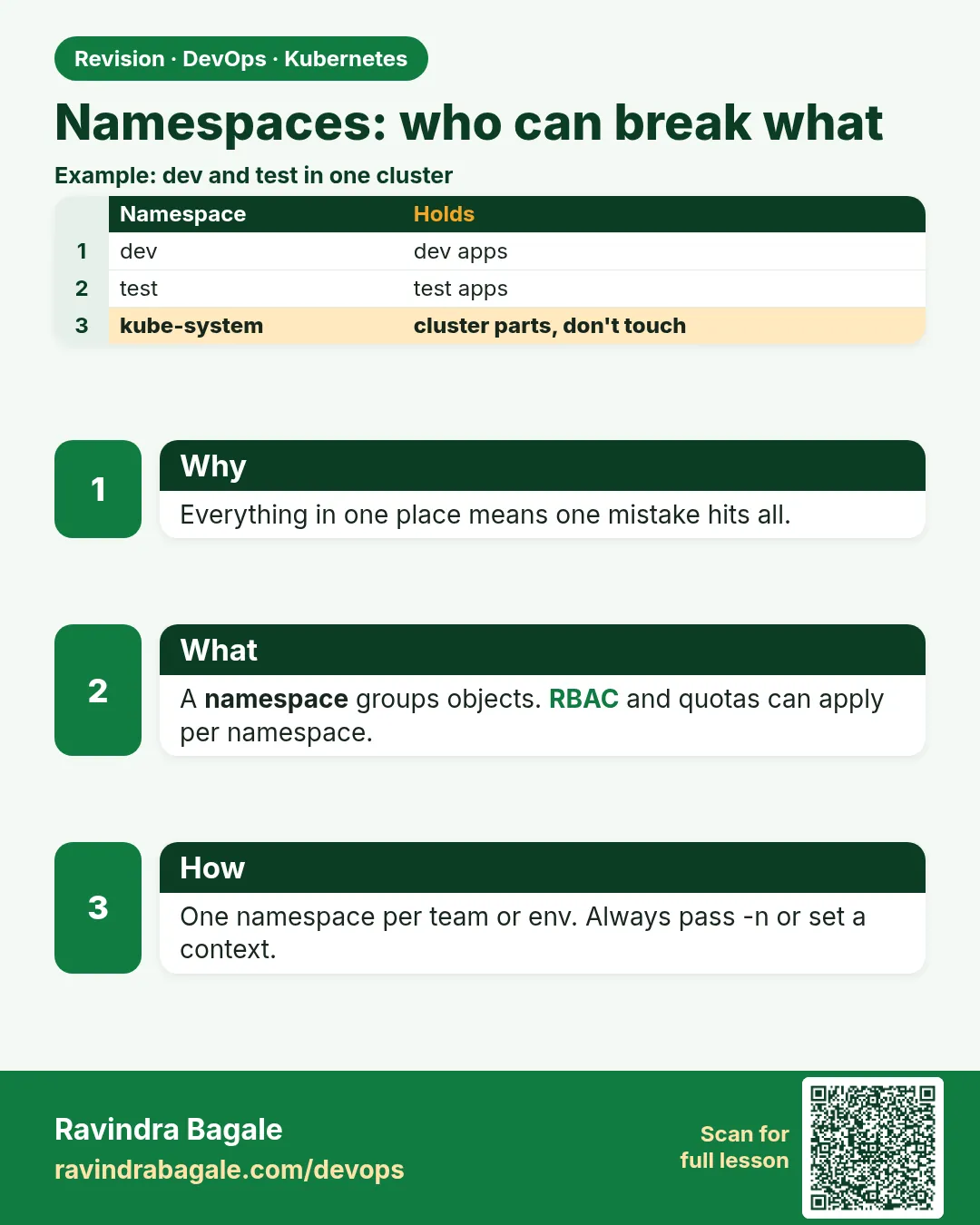 Revision card 16 of 17: Namespaces: who can break what · Download PNG · Open card page
Lesson: 15.12e Namespaces and who can break what
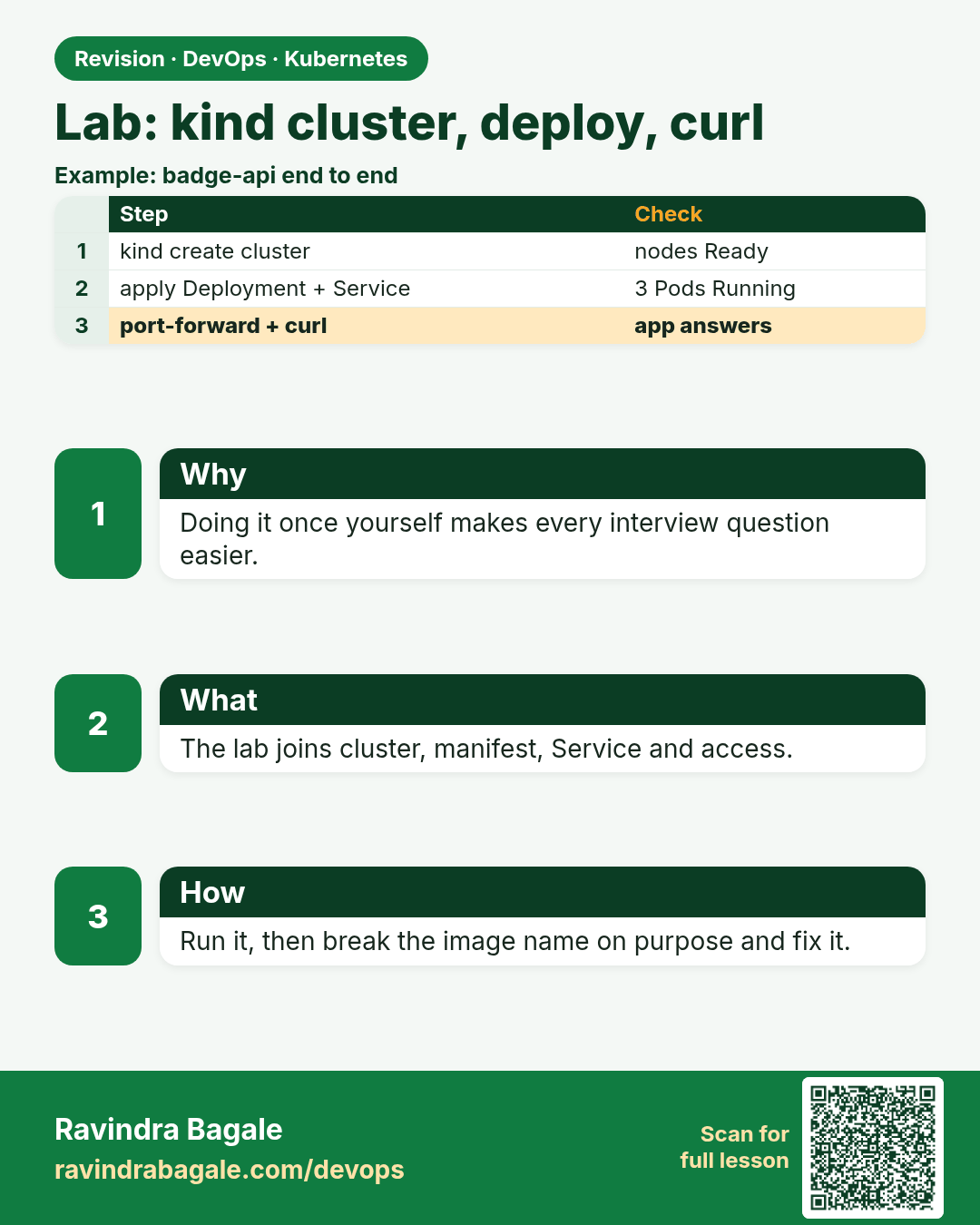
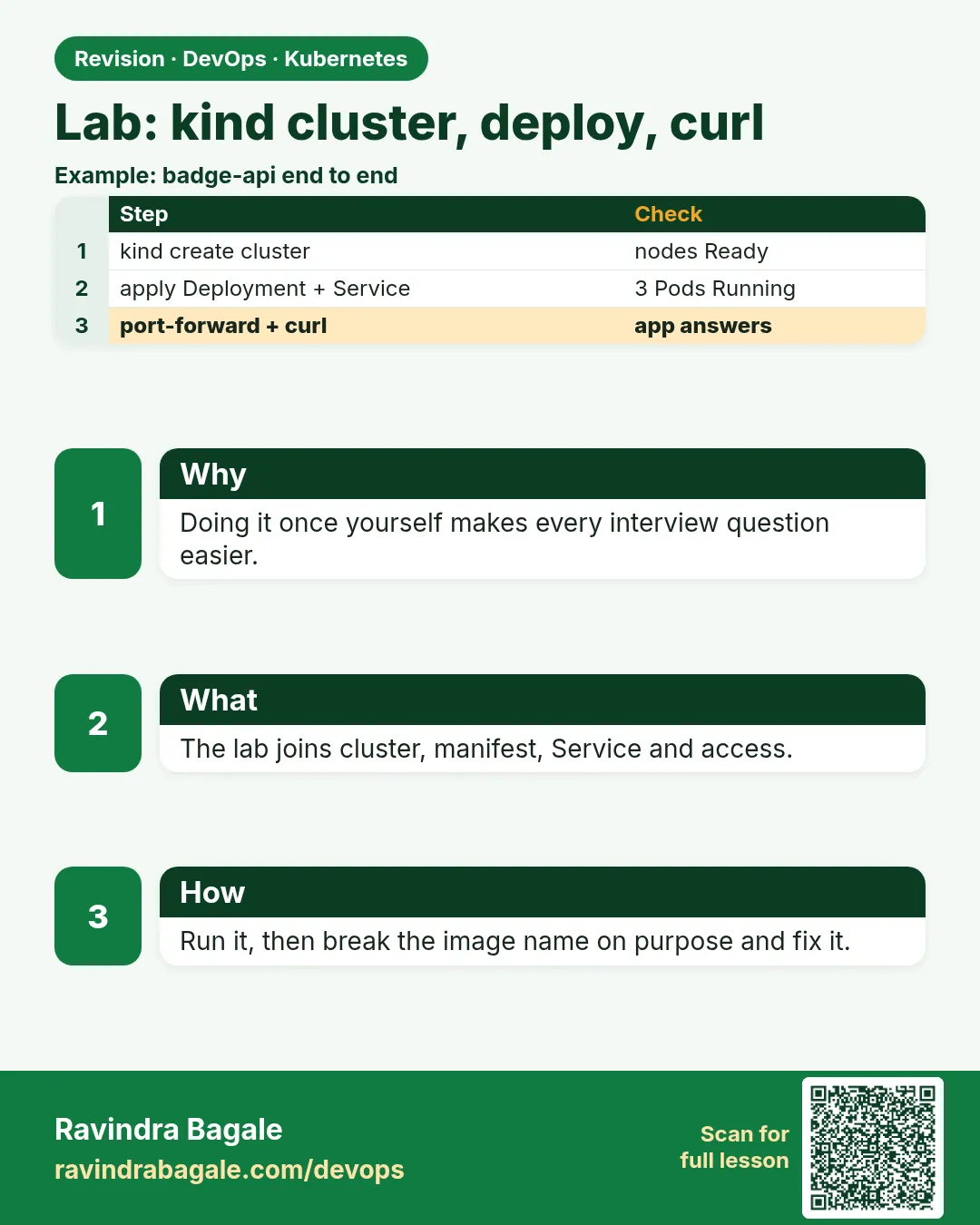 Revision card 17 of 17: Lab: kind cluster, deploy, curl · Download PNG · Open card page
Lesson: 15.13 Lab — kind cluster, deploy, curl
Interview cards
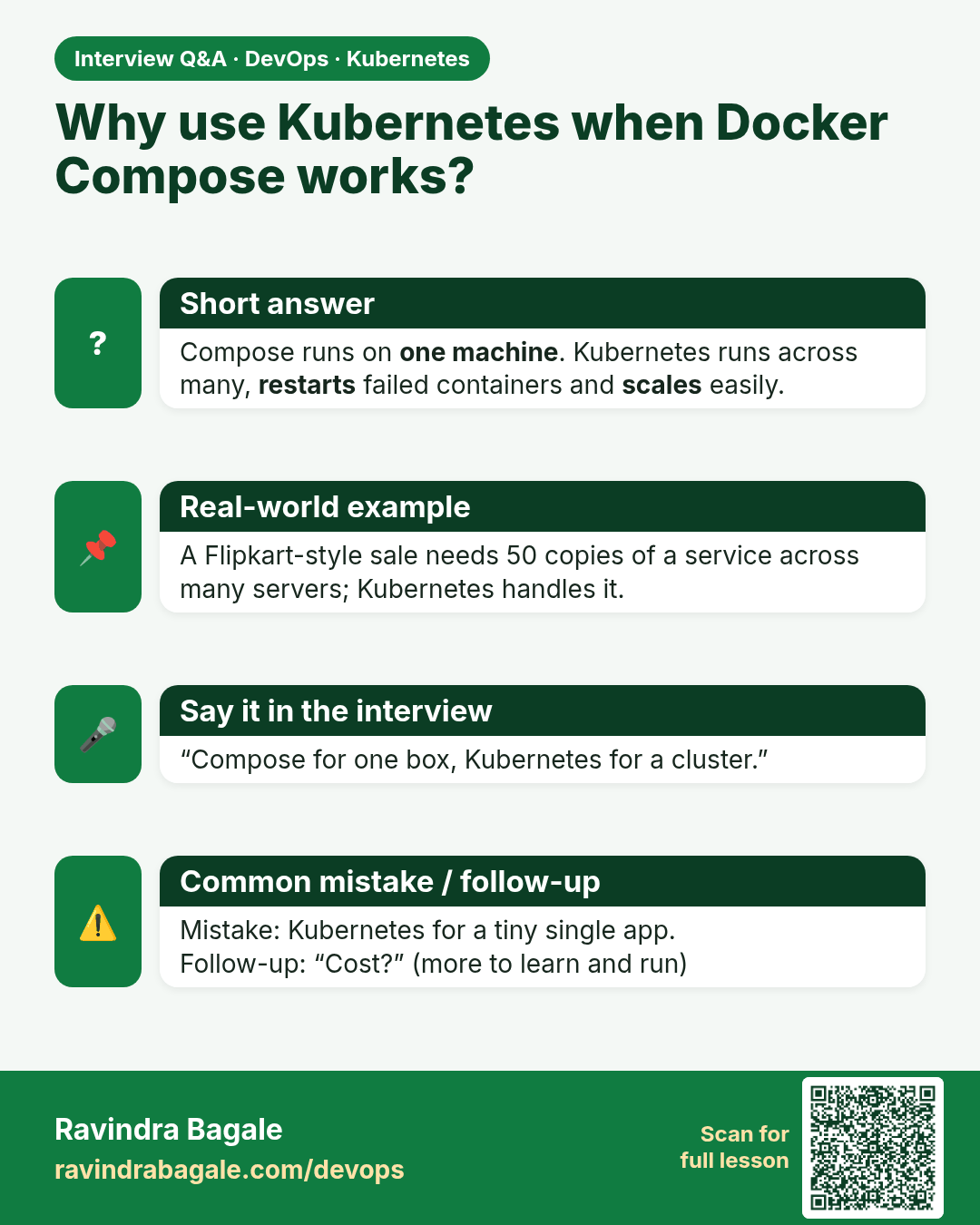
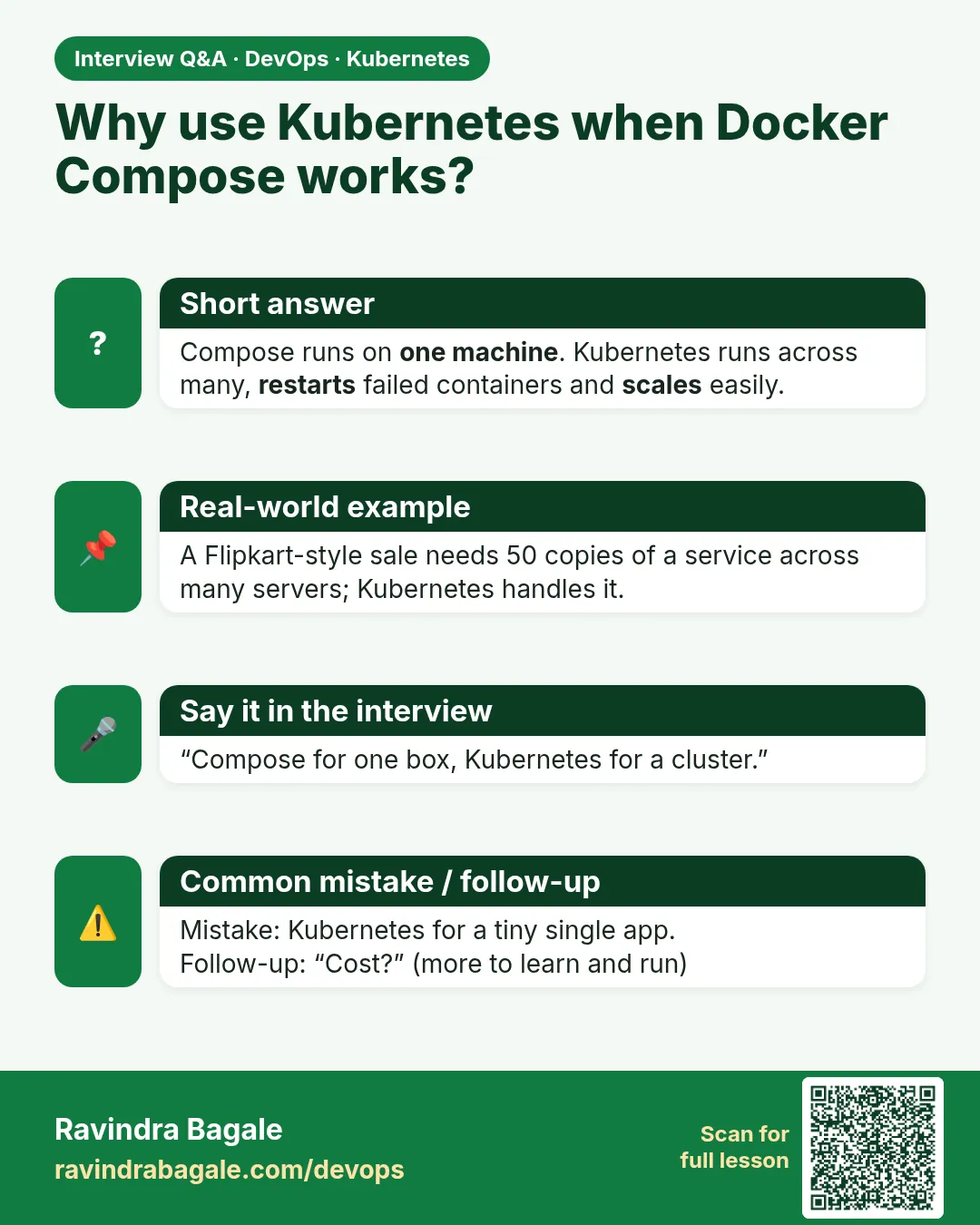 Interview card 1 of 17: Why use Kubernetes when Docker Compose works? · Download PNG · Open card page
Lesson: 15.1 Why Kubernetes after Compose
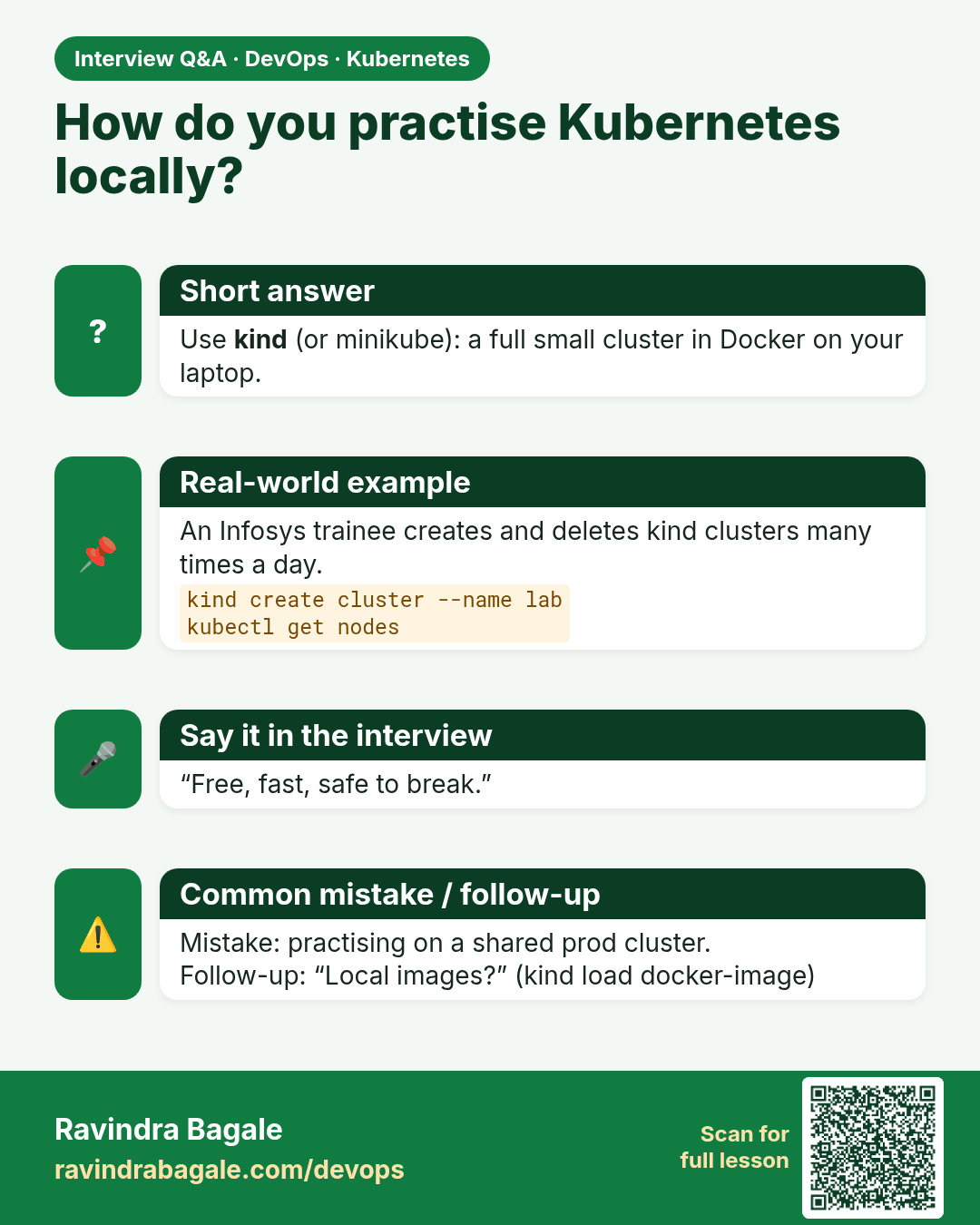
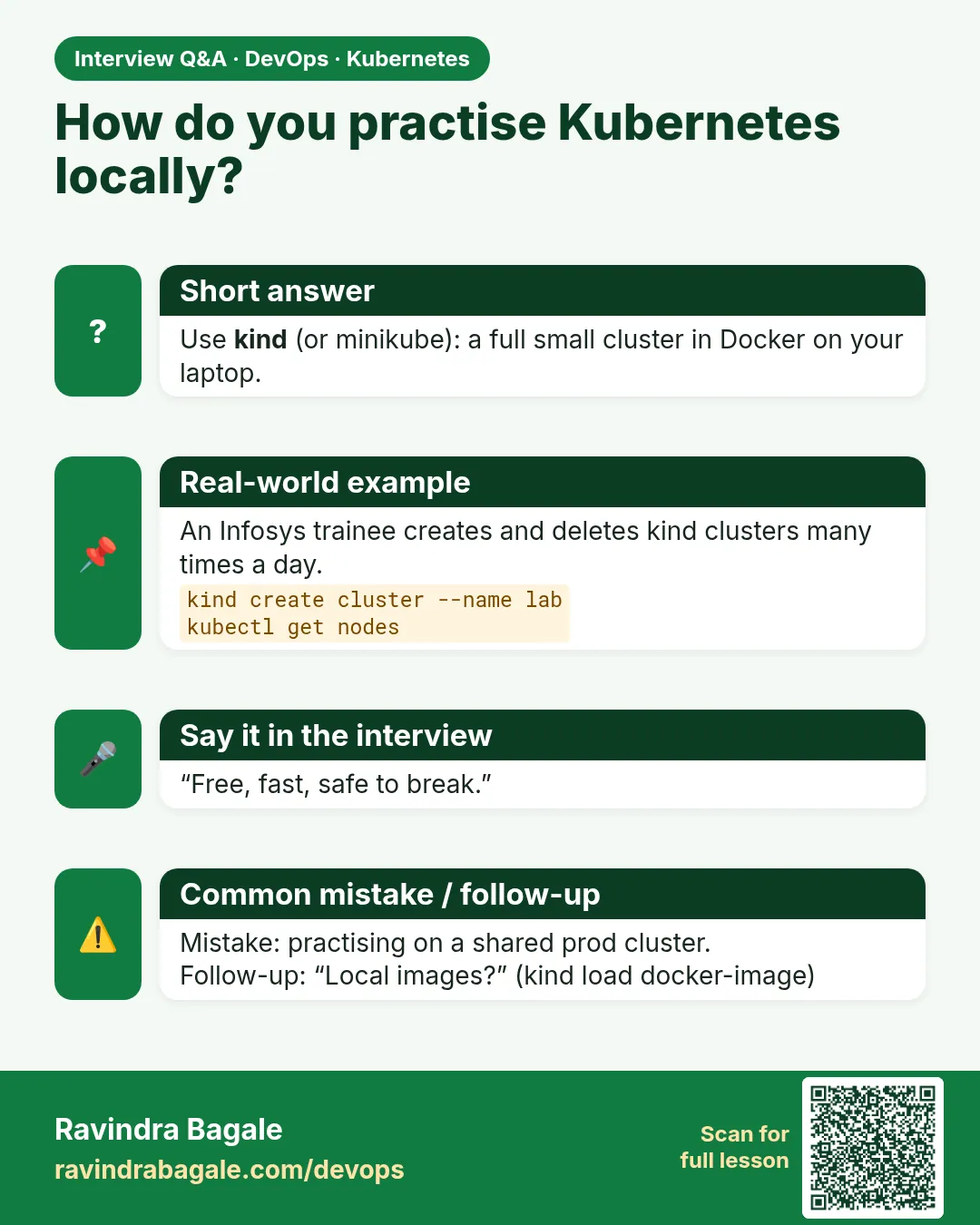 Interview card 2 of 17: How do you practise Kubernetes locally? · Download PNG · Open card page
Lesson: 15.2 Primary local tool — kind
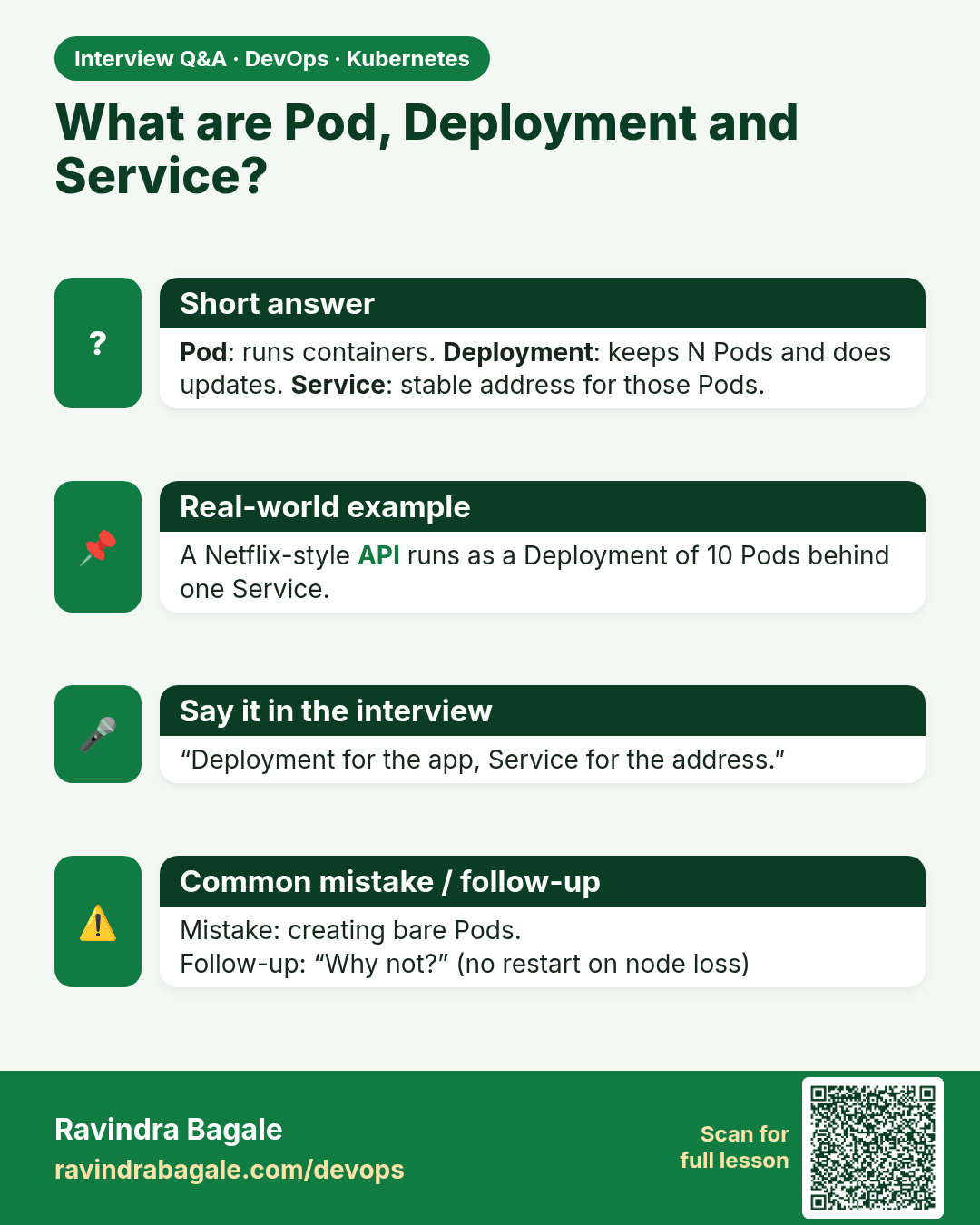
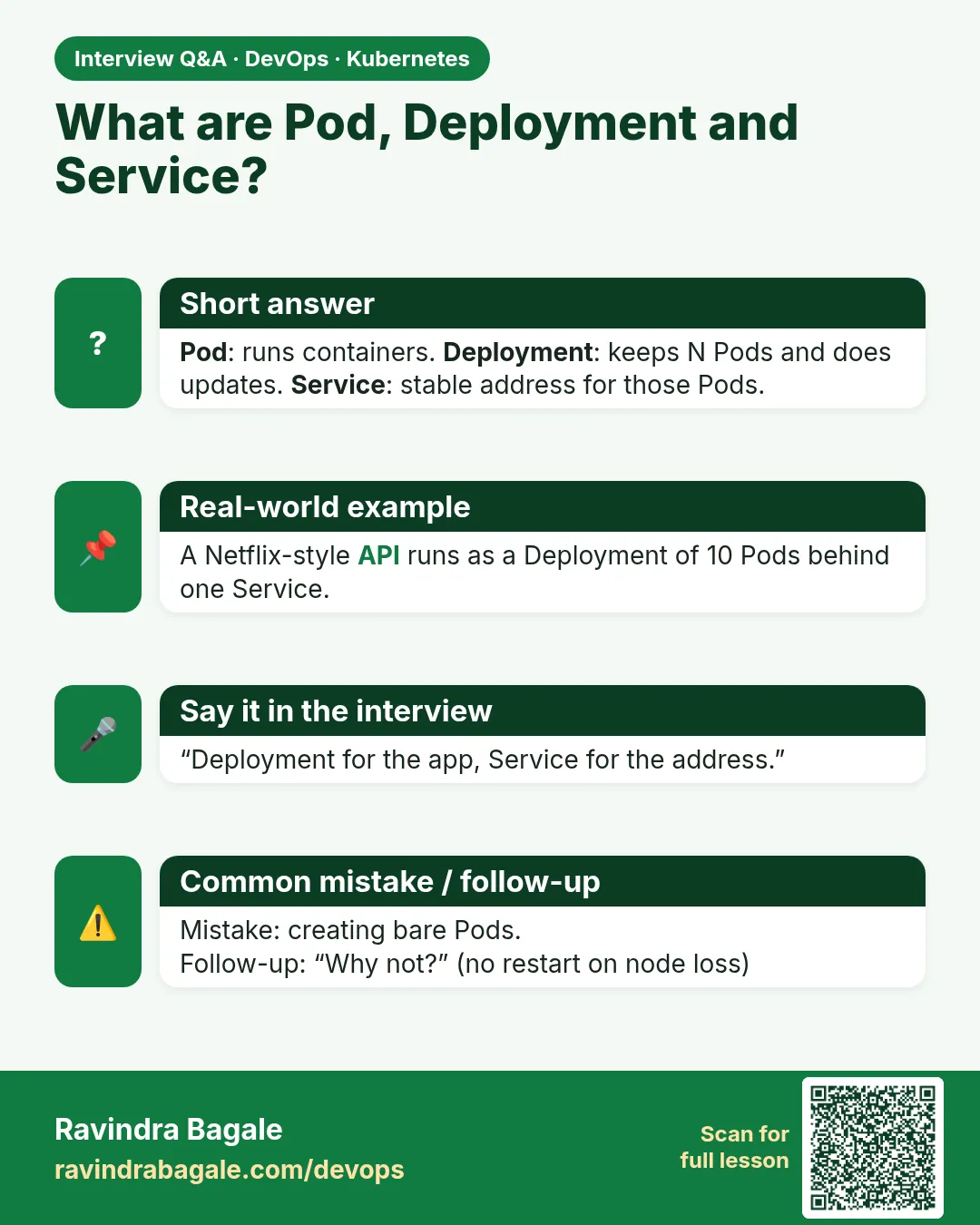 Interview card 3 of 17: What are Pod, Deployment and Service? · Download PNG · Open card page
Lesson: 15.3 Core objects — Pod, Deployment, Service, Namespace
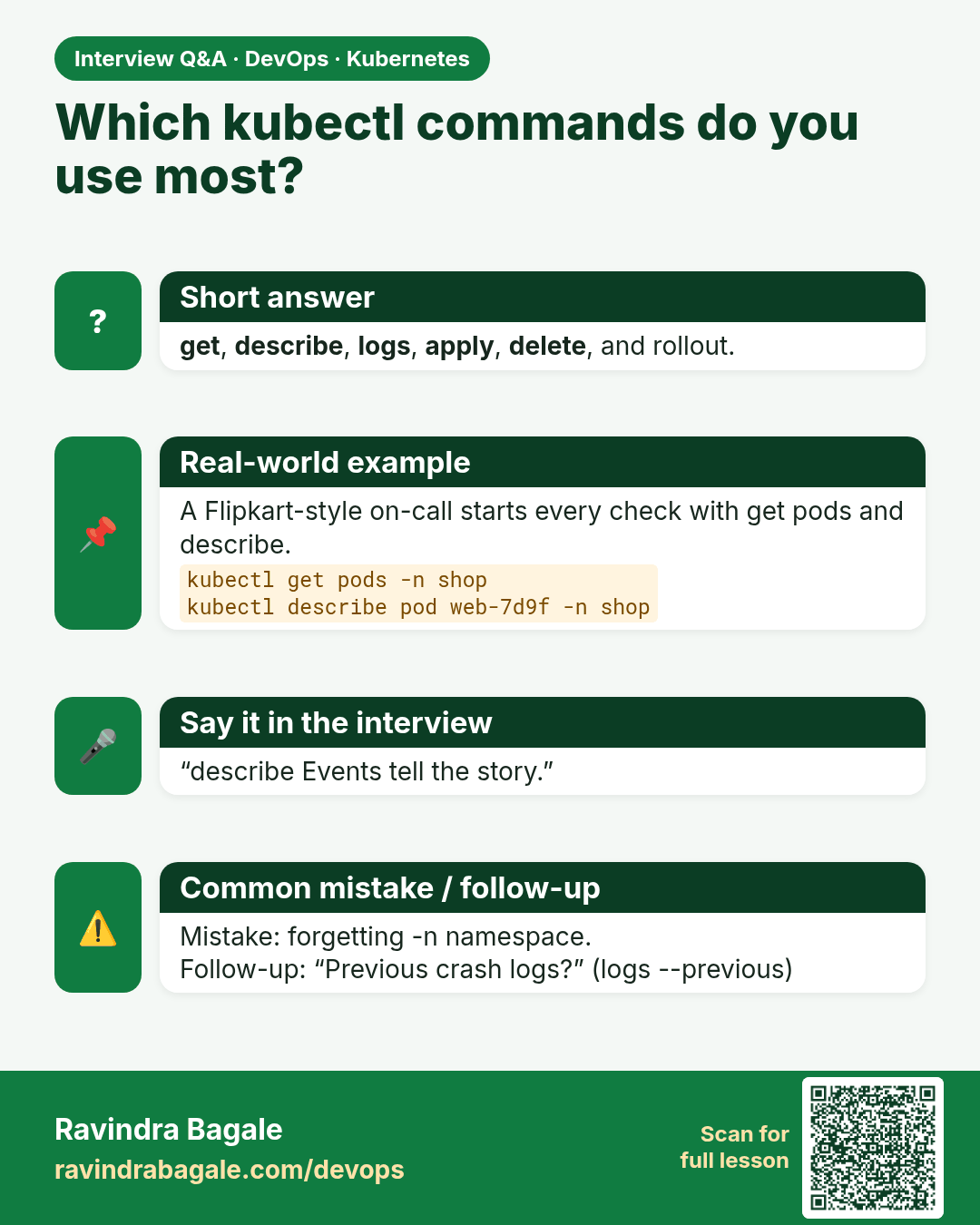
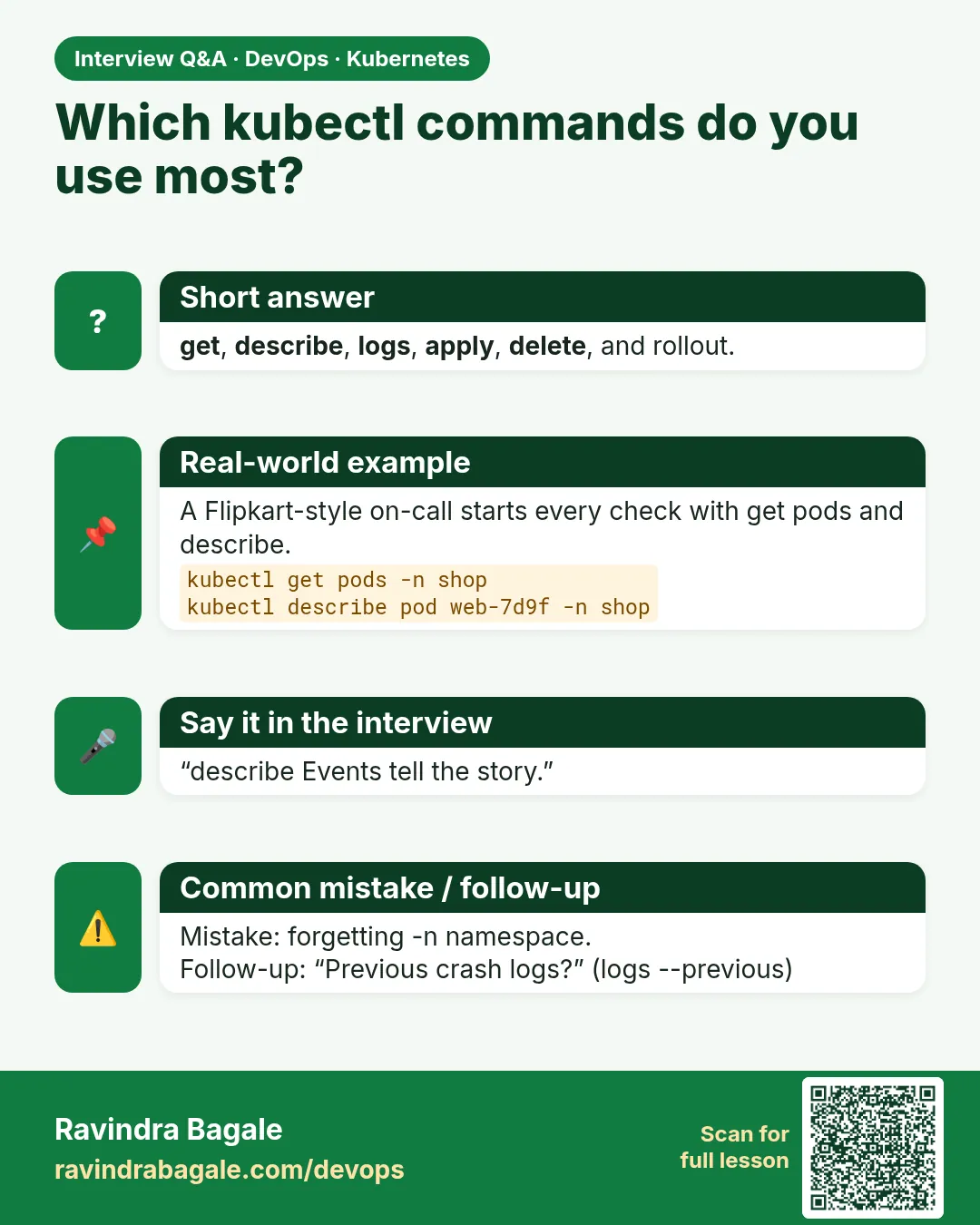 Interview card 4 of 17: Which kubectl commands do you use most? · Download PNG · Open card page
Lesson: 15.4 kubectl everyday verbs
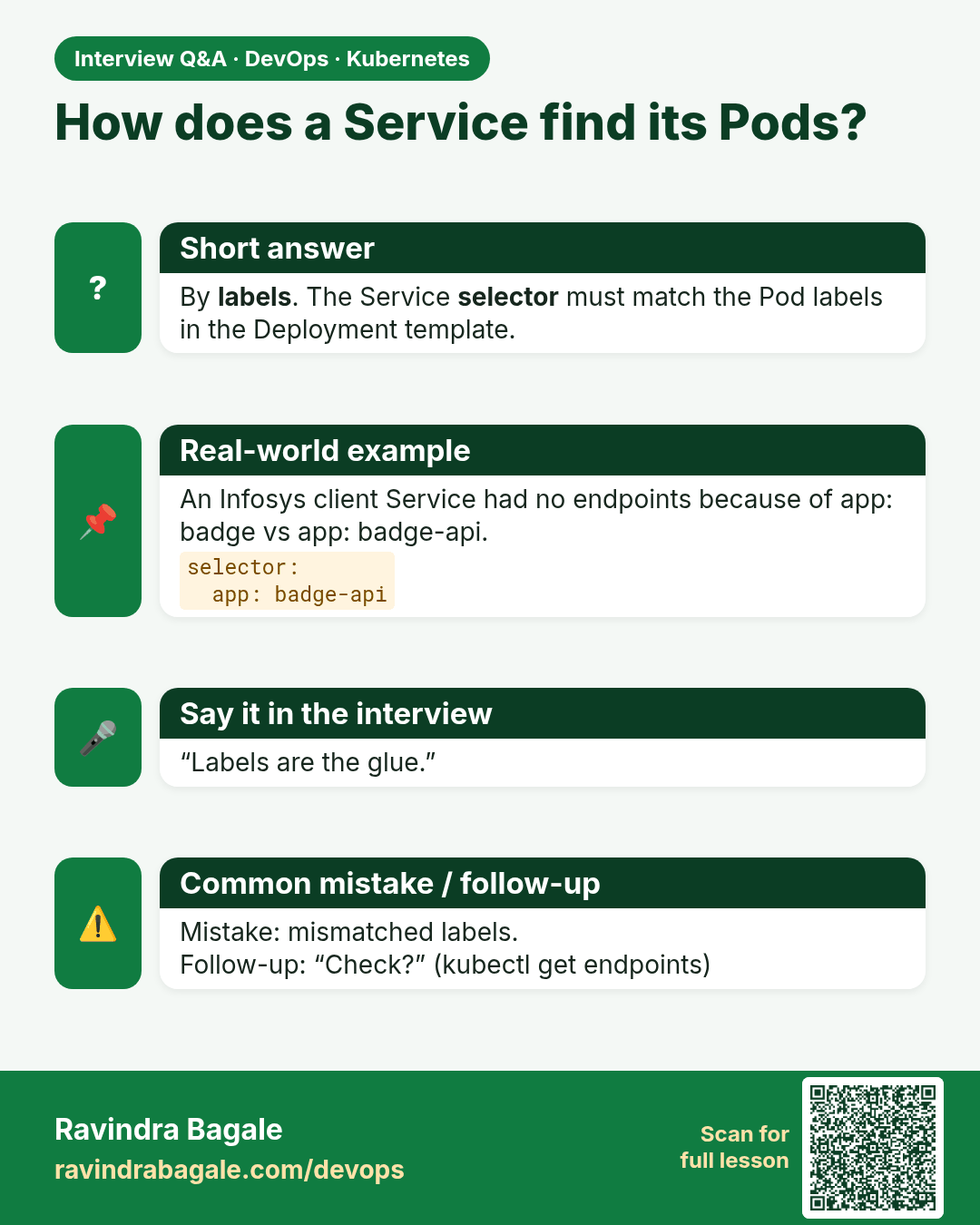
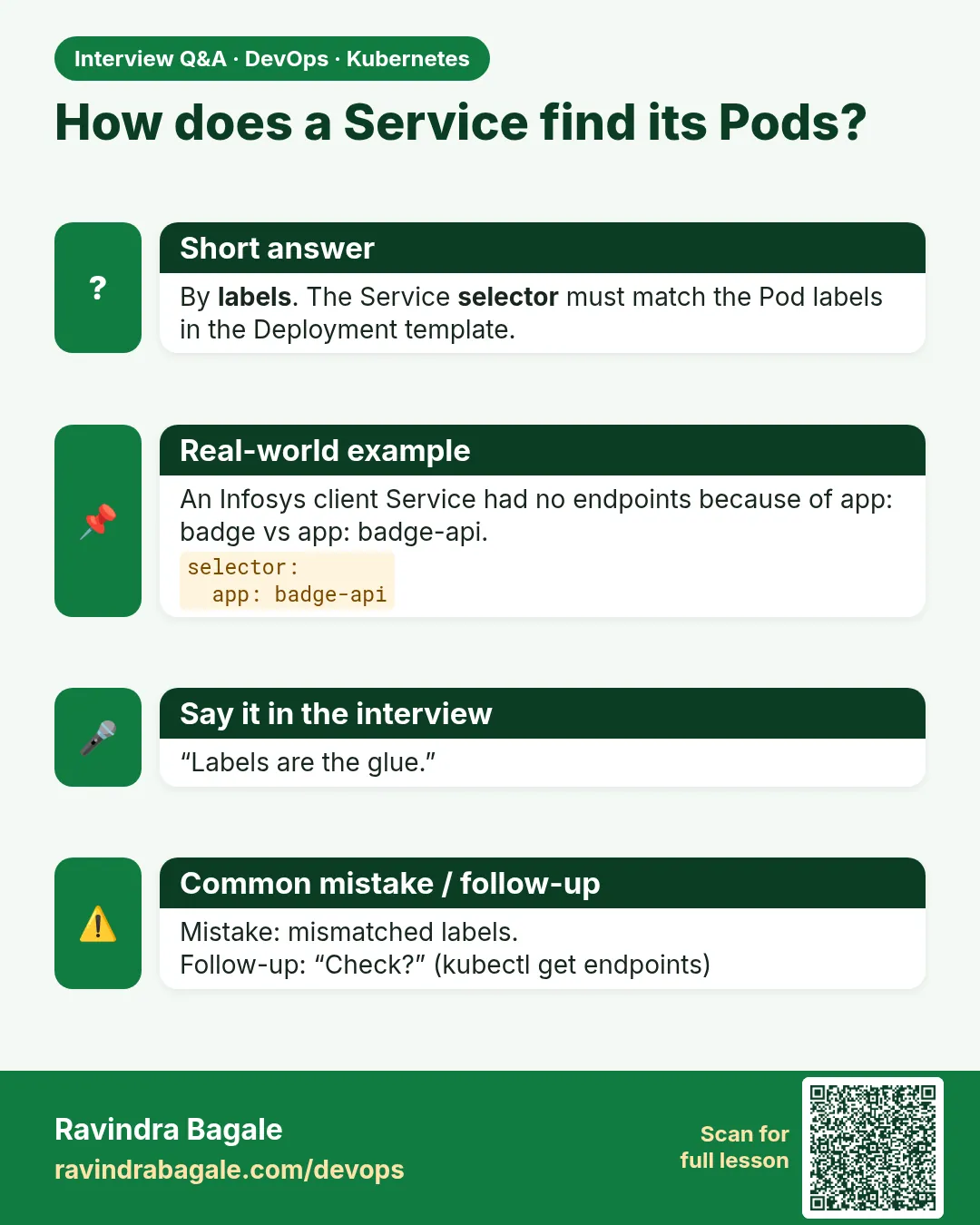 Interview card 5 of 17: How does a Service find its Pods? · Download PNG · Open card page
Lesson: 15.5 Manifest sketch — Deployment + Service for badge API
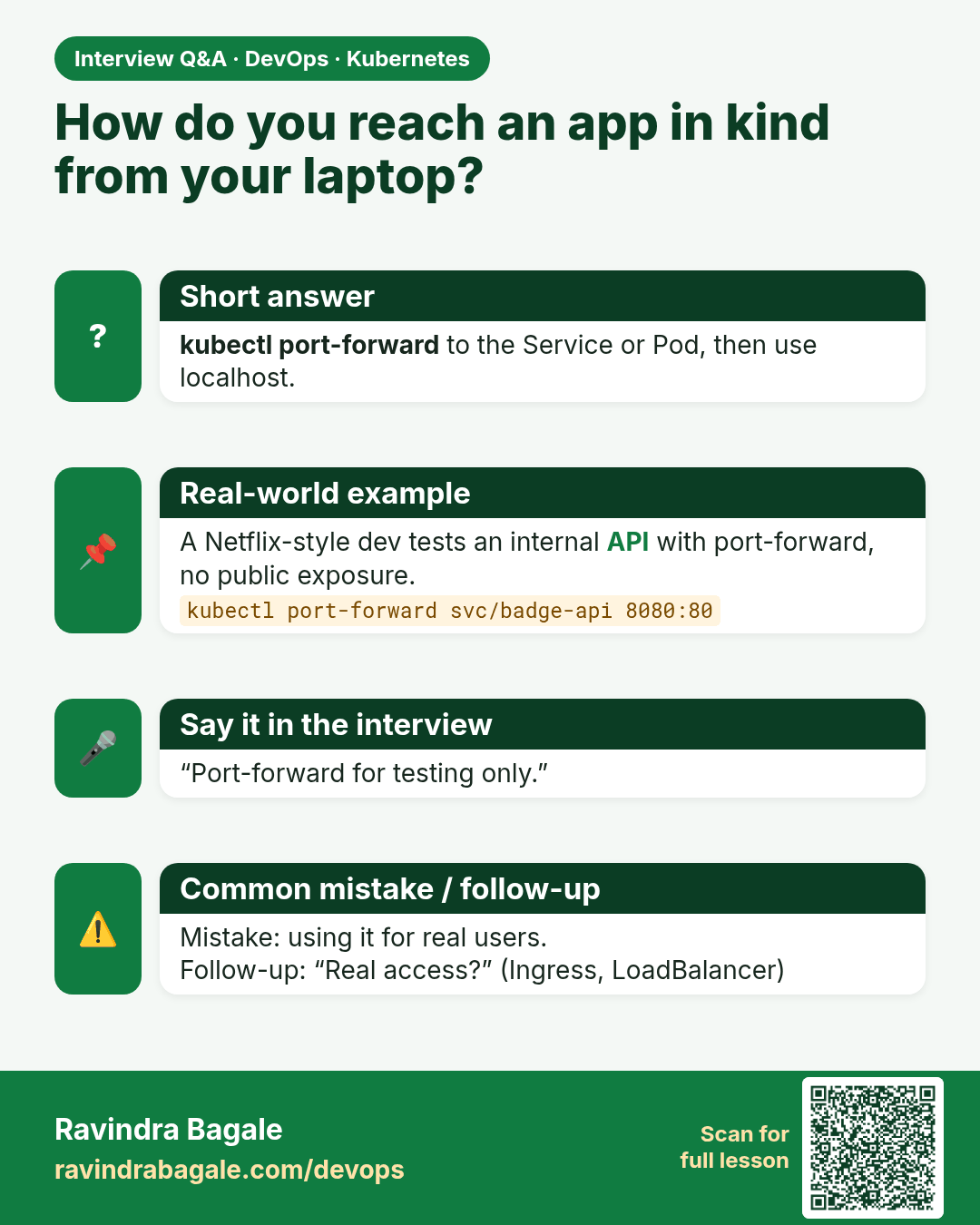
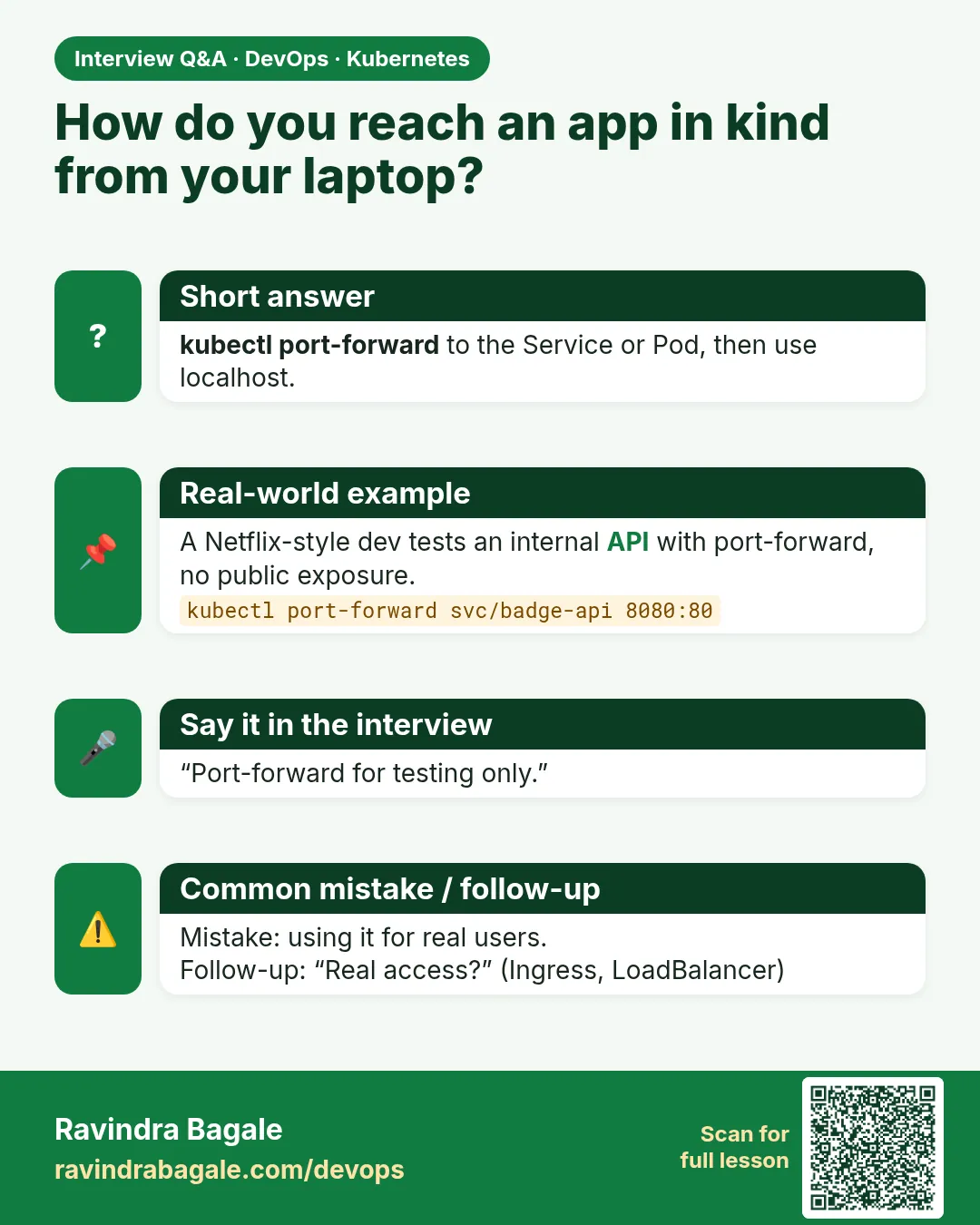 Interview card 6 of 17: How do you reach an app in kind from your laptop? · Download PNG · Open card page
Lesson: 15.6 Reaching the app — port-forward (kind-friendly)
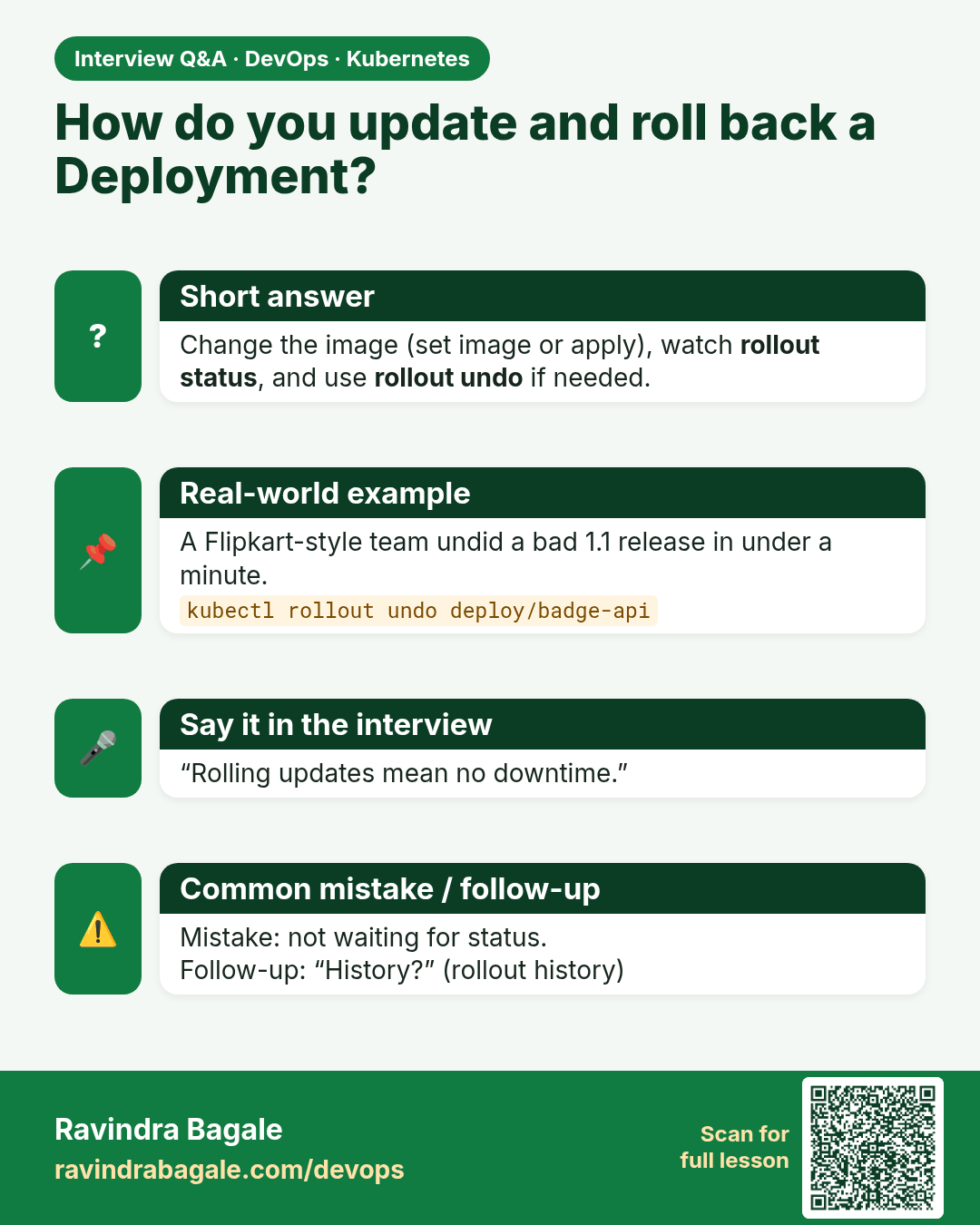
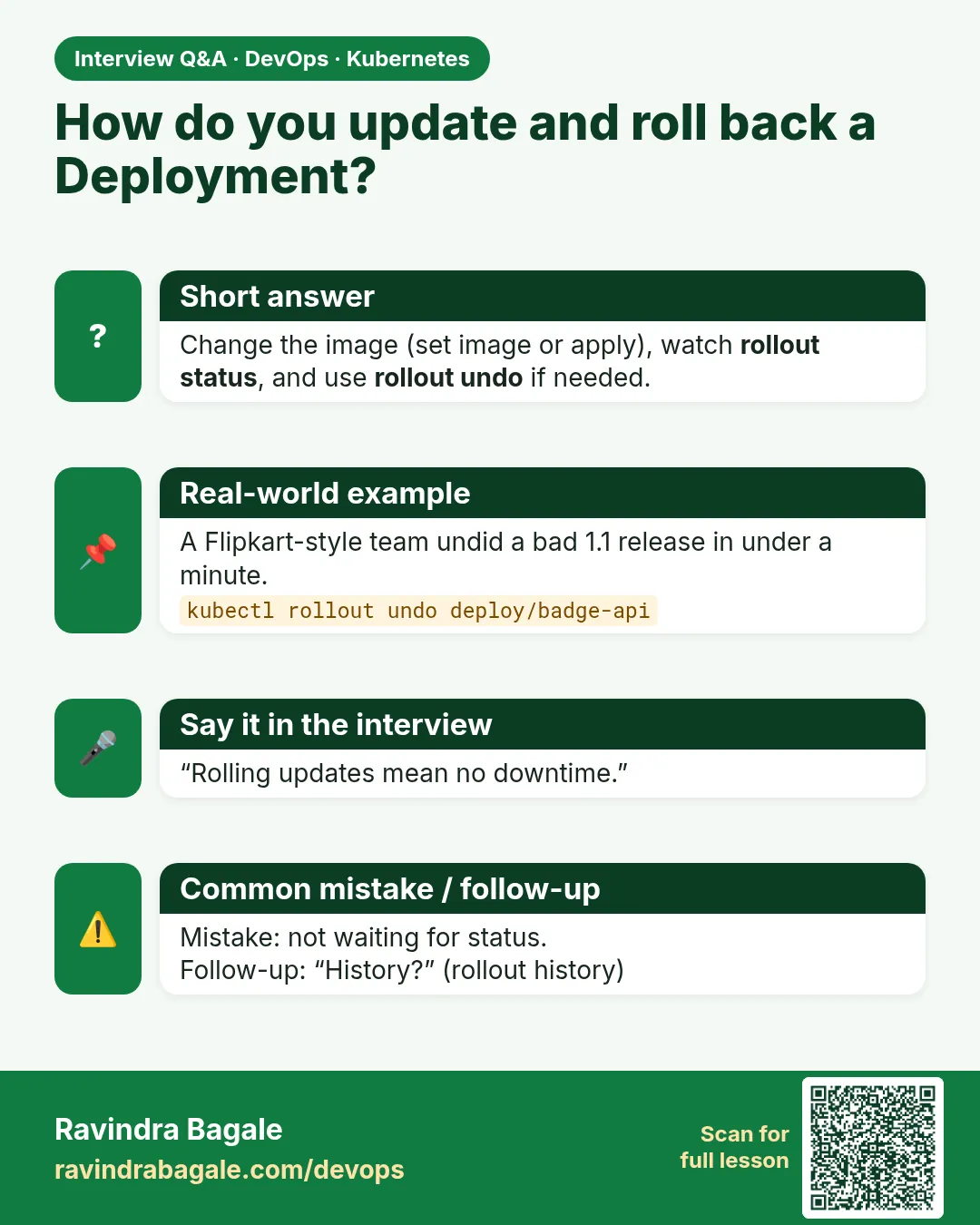 Interview card 7 of 17: How do you update and roll back a Deployment? · Download PNG · Open card page
Lesson: 15.7 Rolling update and rollback (light)
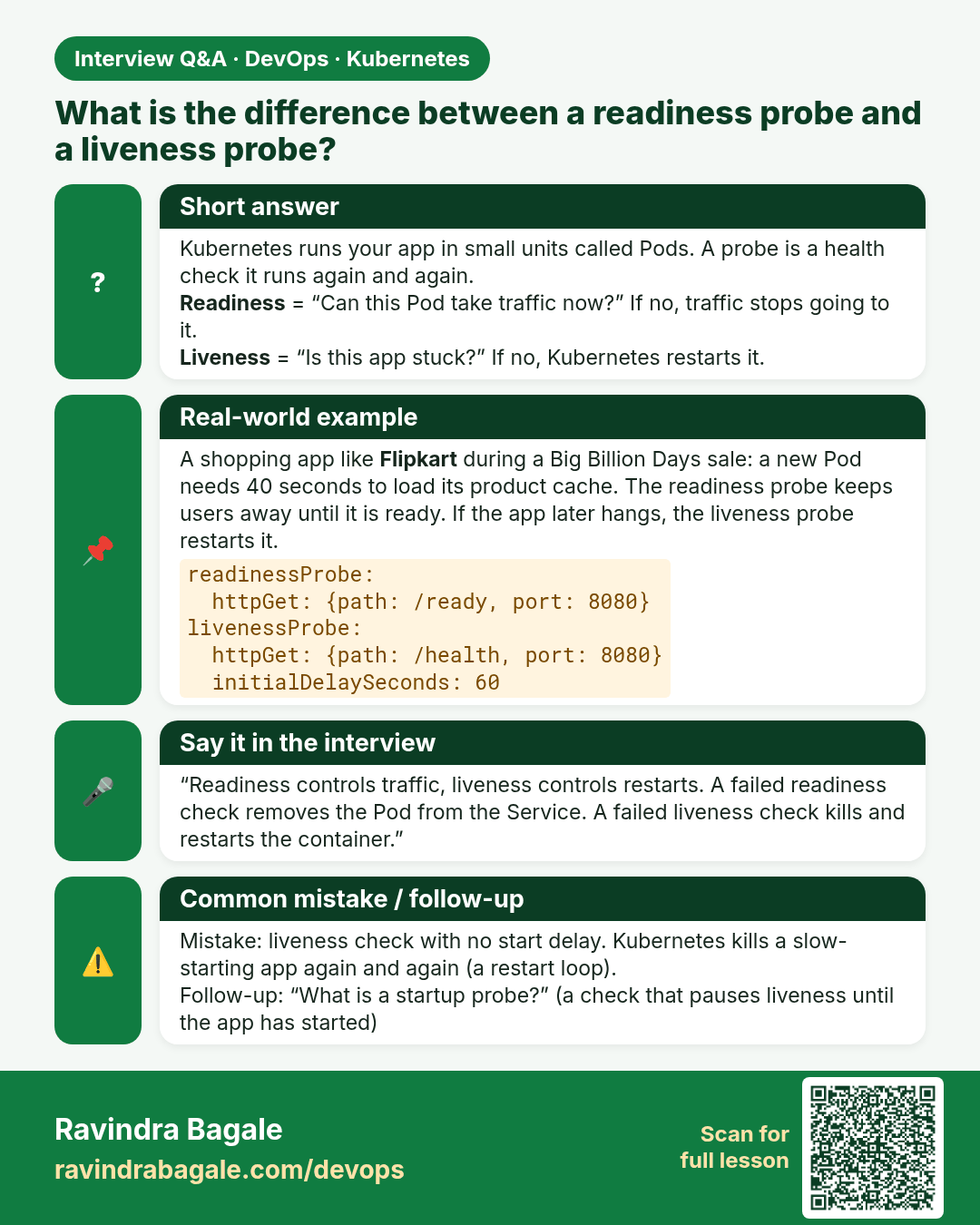
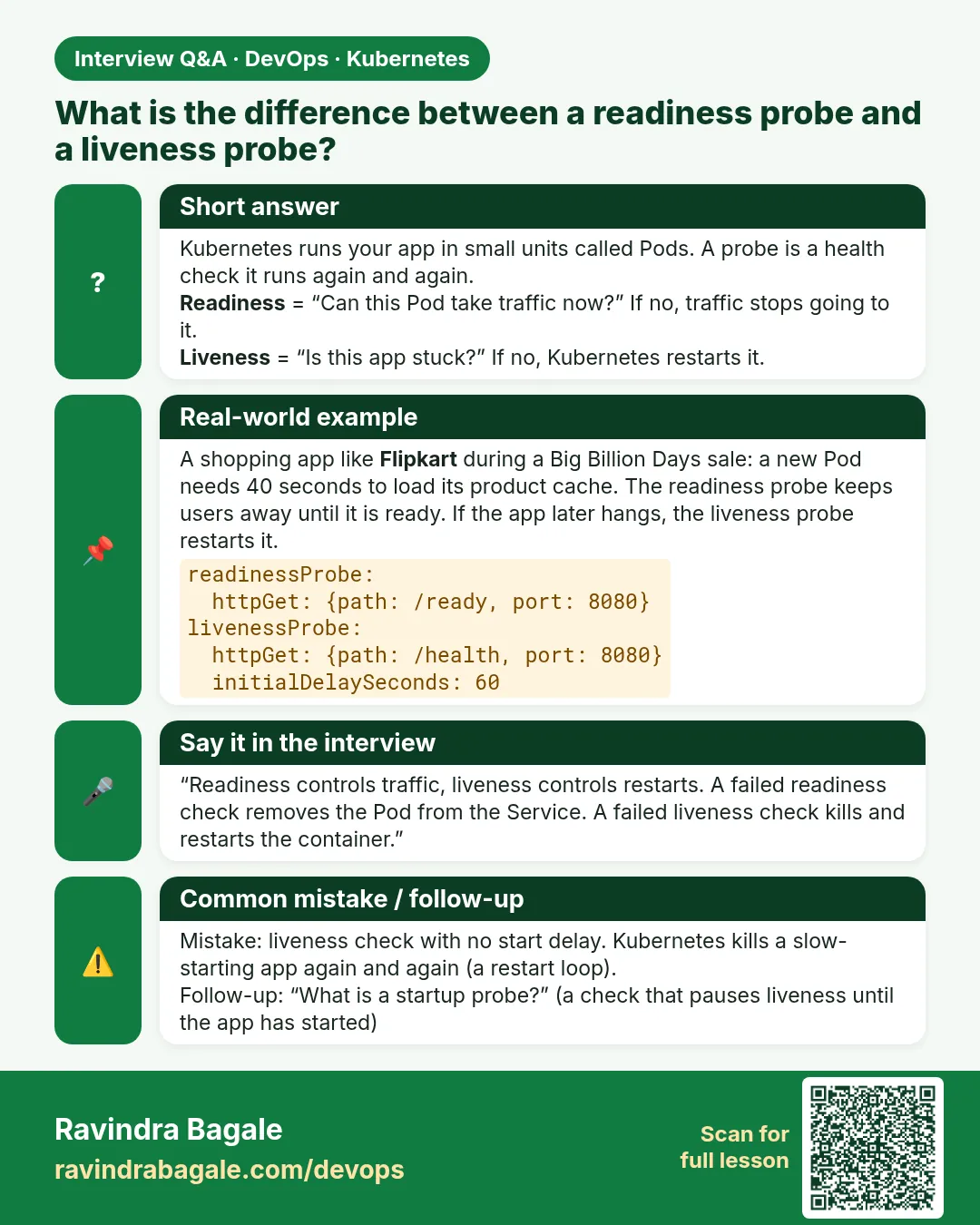 Interview card 8 of 17: What is the difference between a readiness probe and a liveness probe? · Download PNG · Open card page
Lesson: 15.8 Probes — readiness vs liveness (awareness)
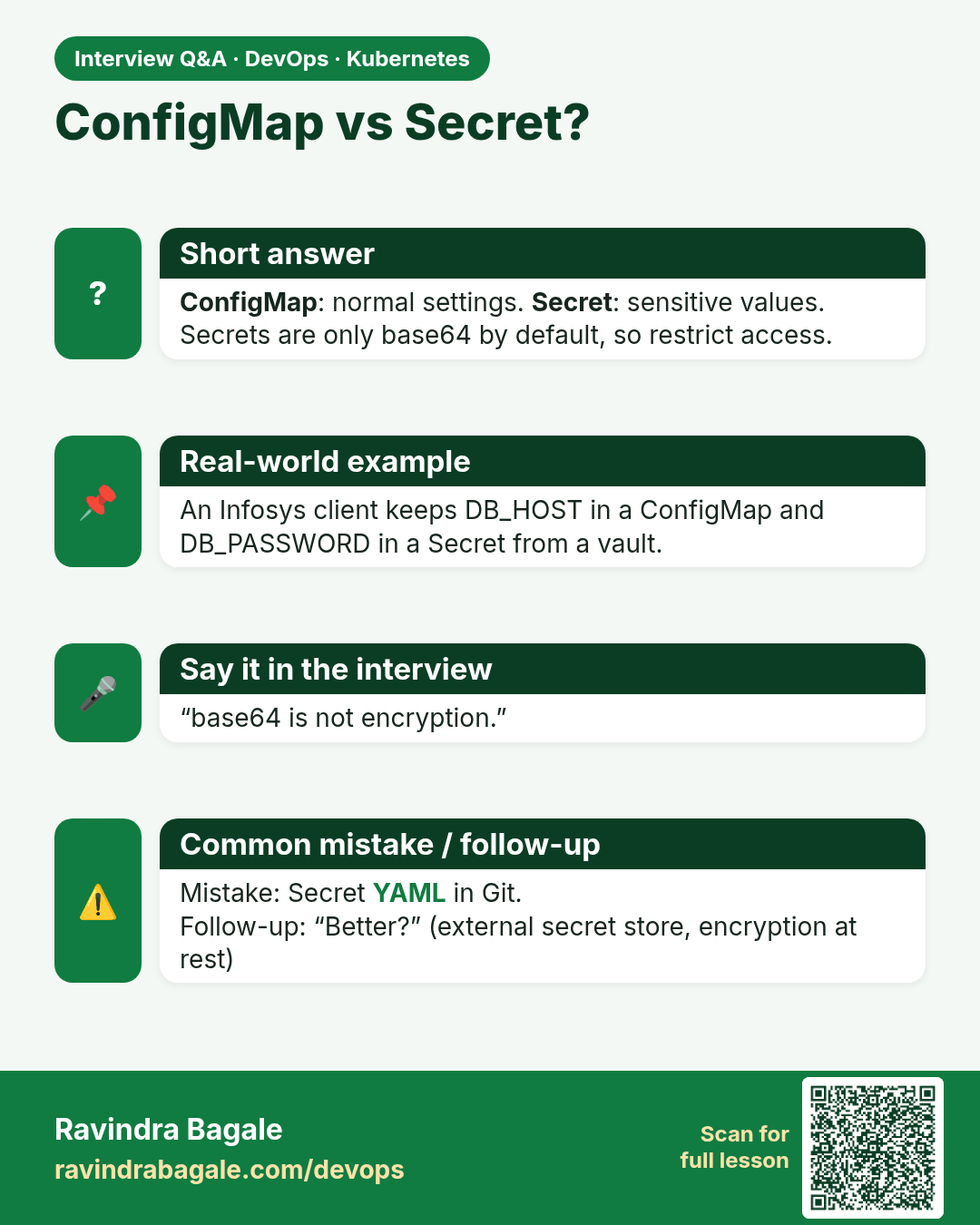
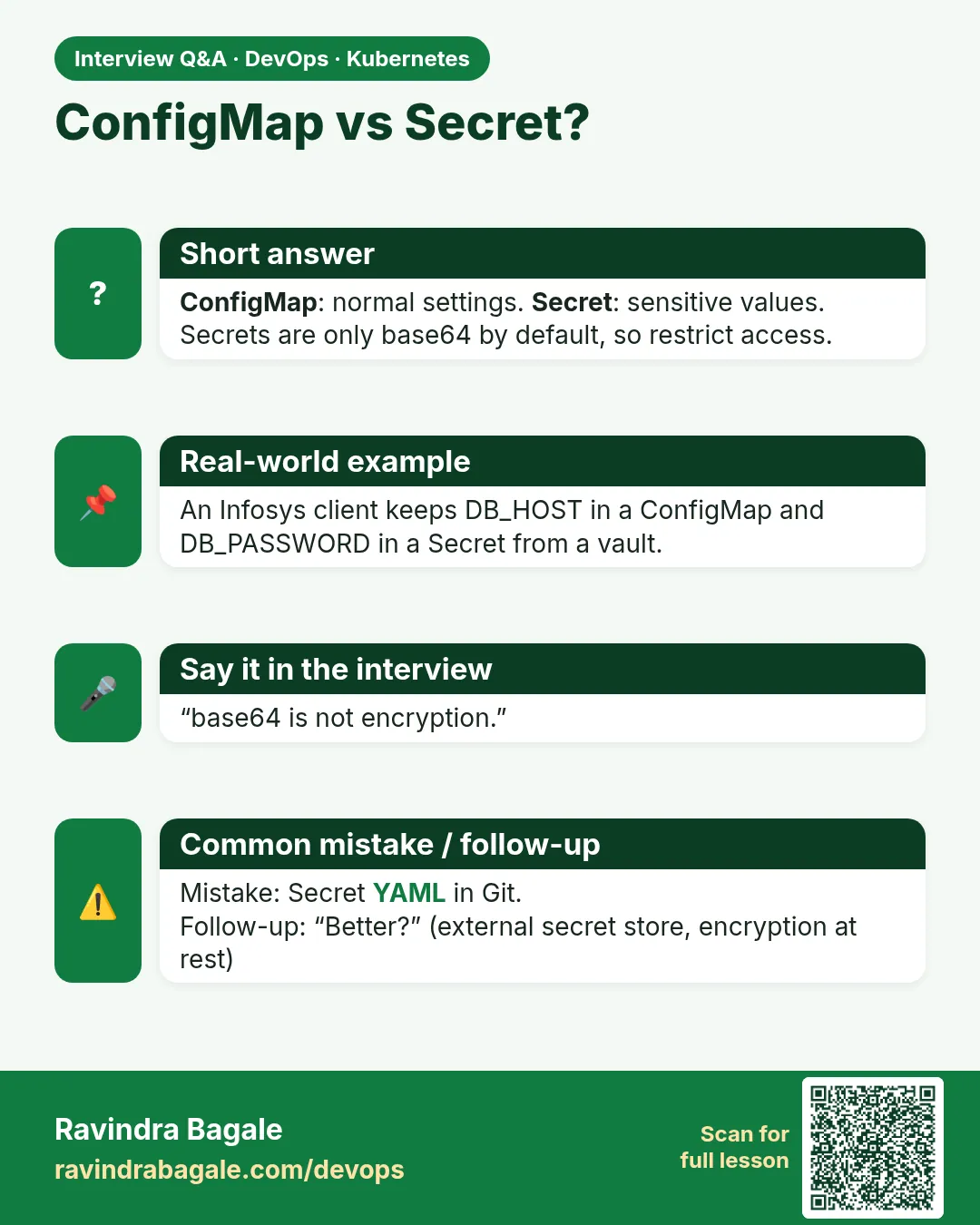 Interview card 9 of 17: ConfigMap vs Secret? · Download PNG · Open card page
Lesson: 15.9 Config and secrets — concepts only
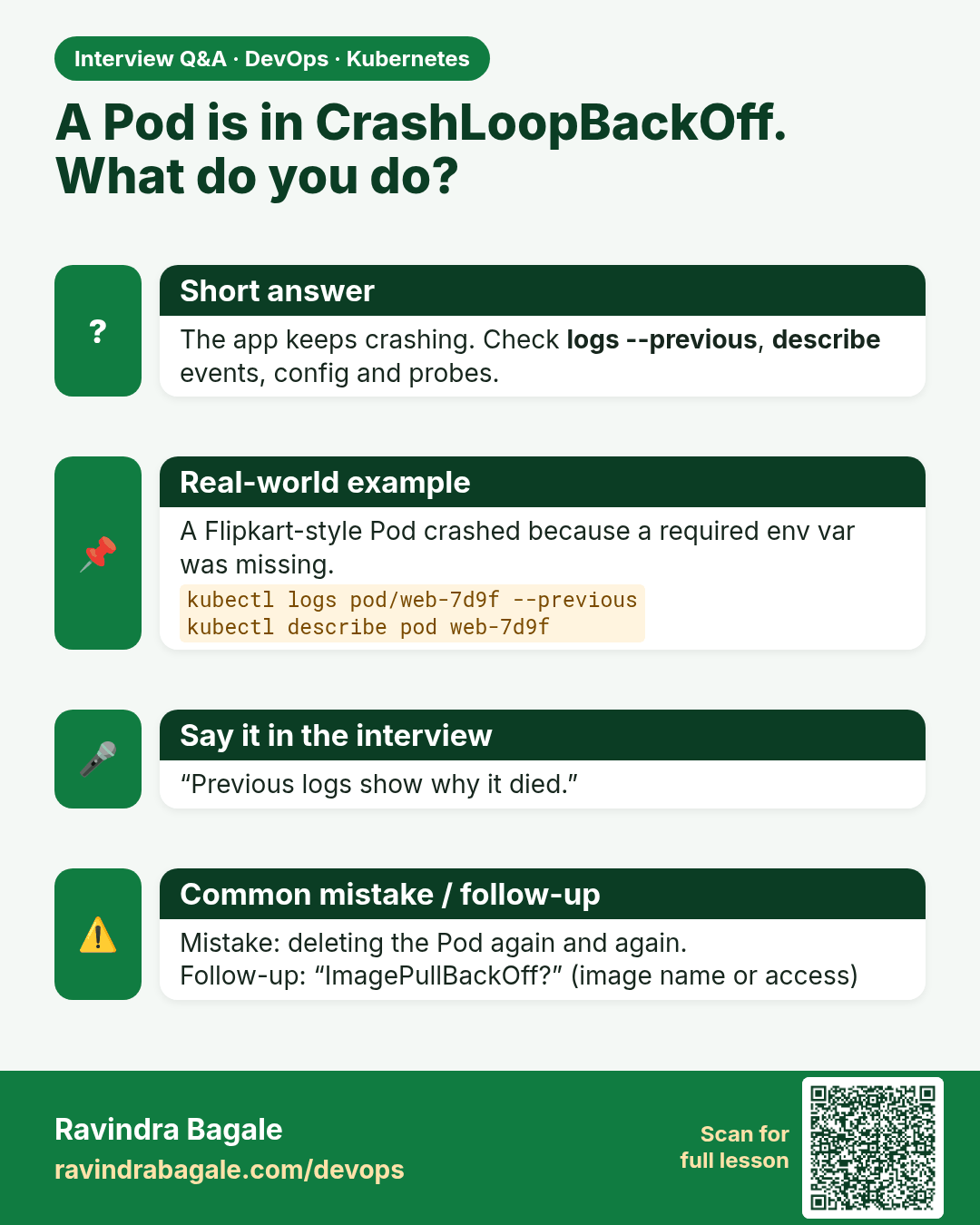
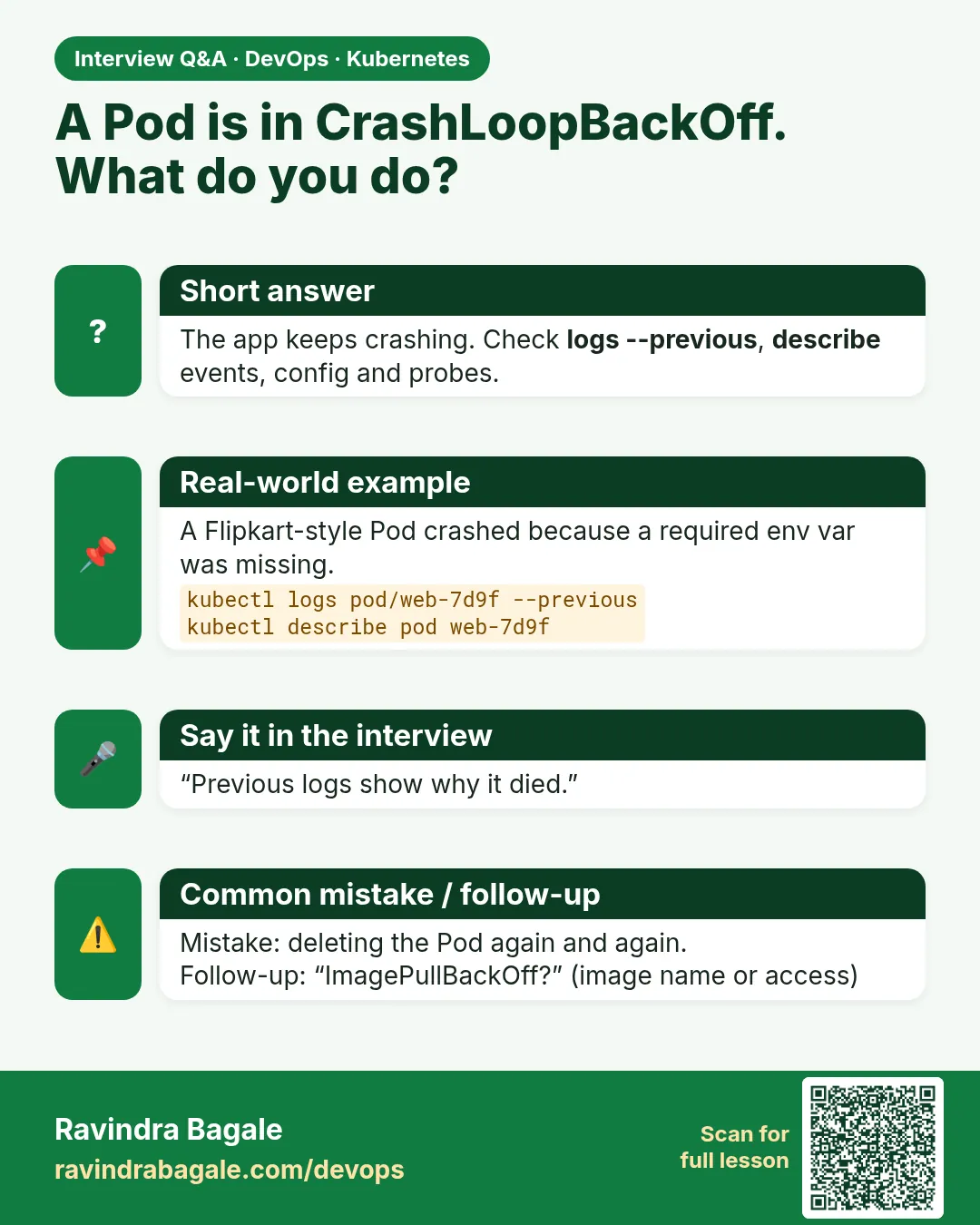 Interview card 10 of 17: A Pod is in CrashLoopBackOff. What do you do? · Download PNG · Open card page
Lesson: 15.10 Troubleshooting table
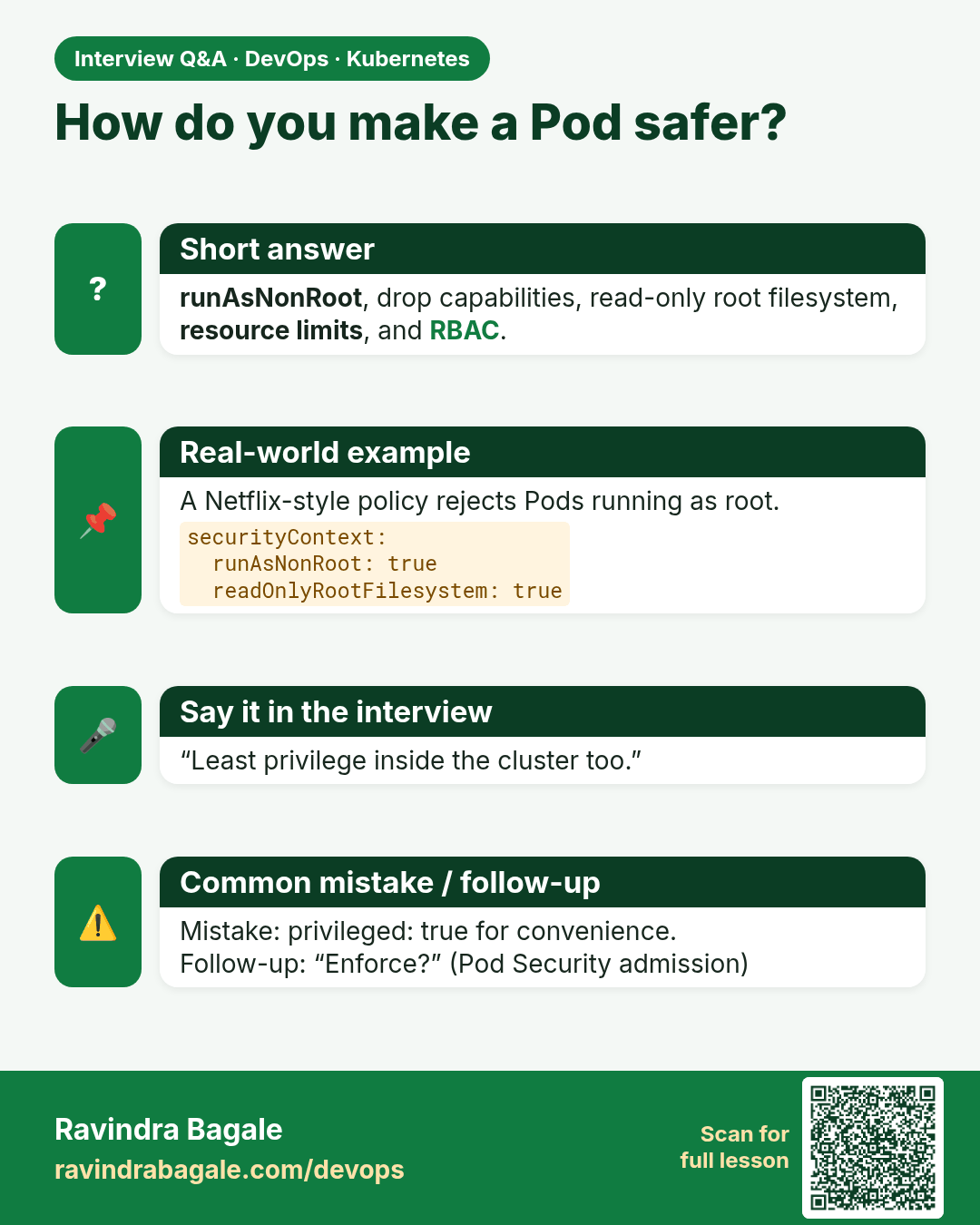
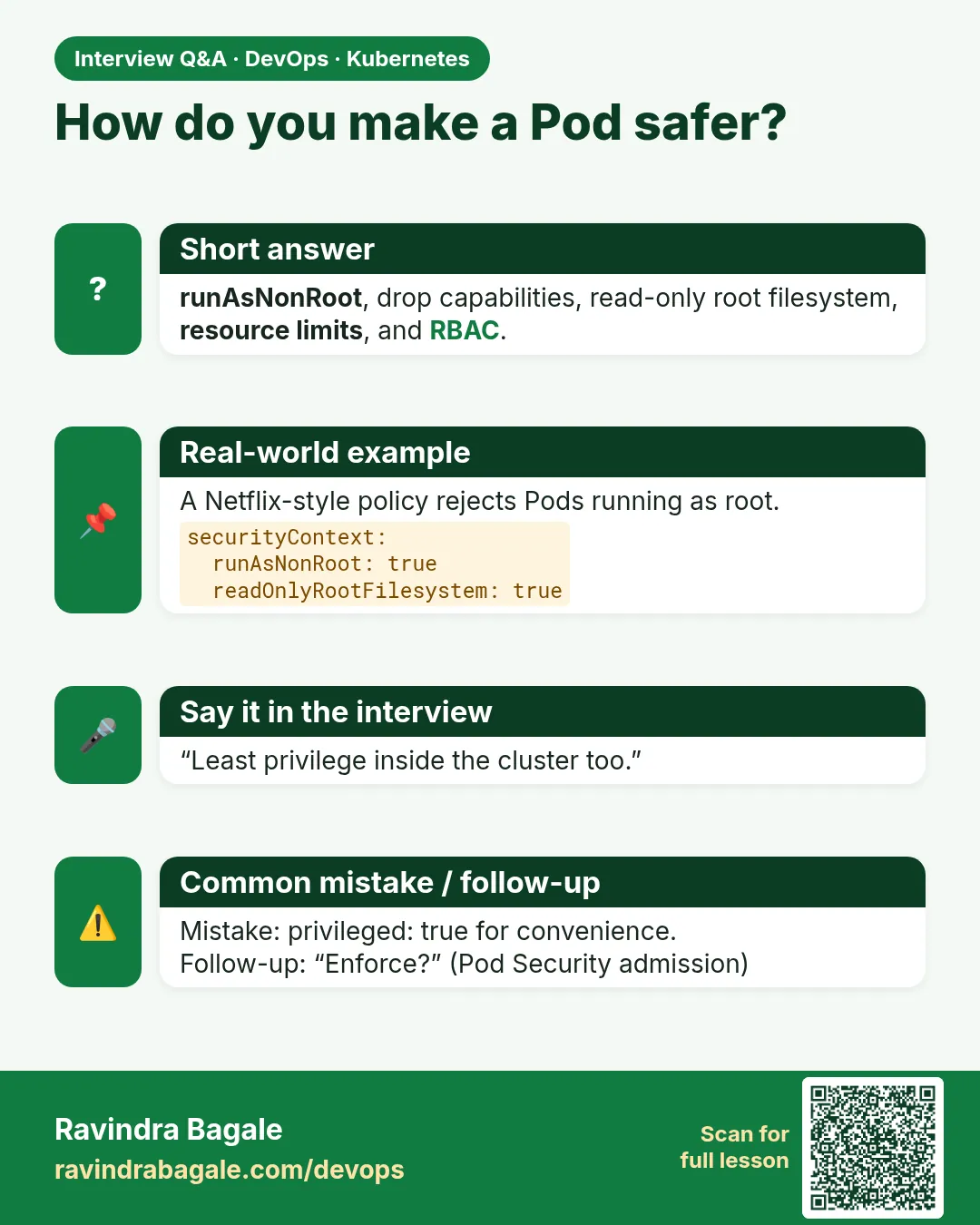 Interview card 11 of 17: How do you make a Pod safer? · Download PNG · Open card page
Lesson: 15.11 Security basics (pointer)
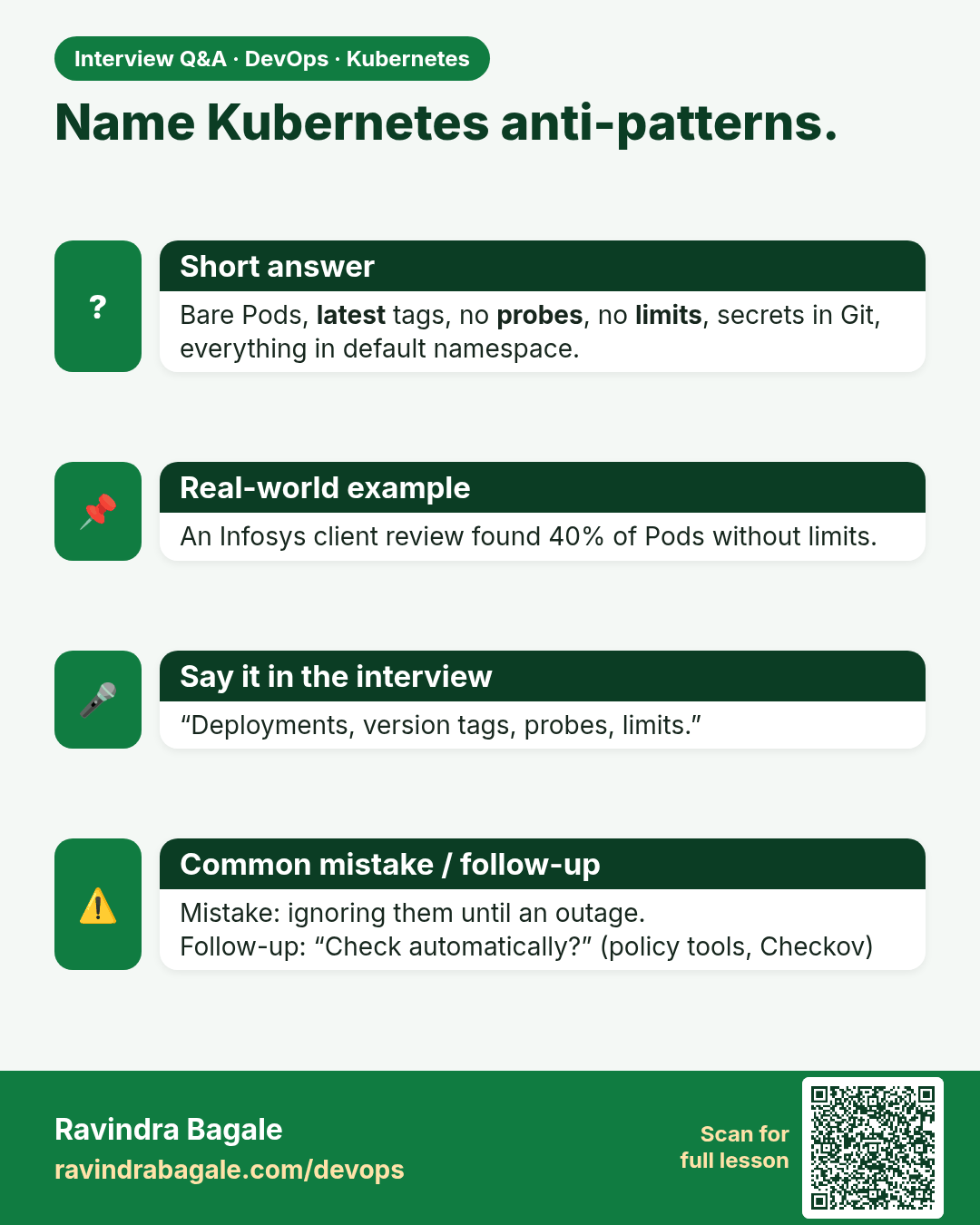
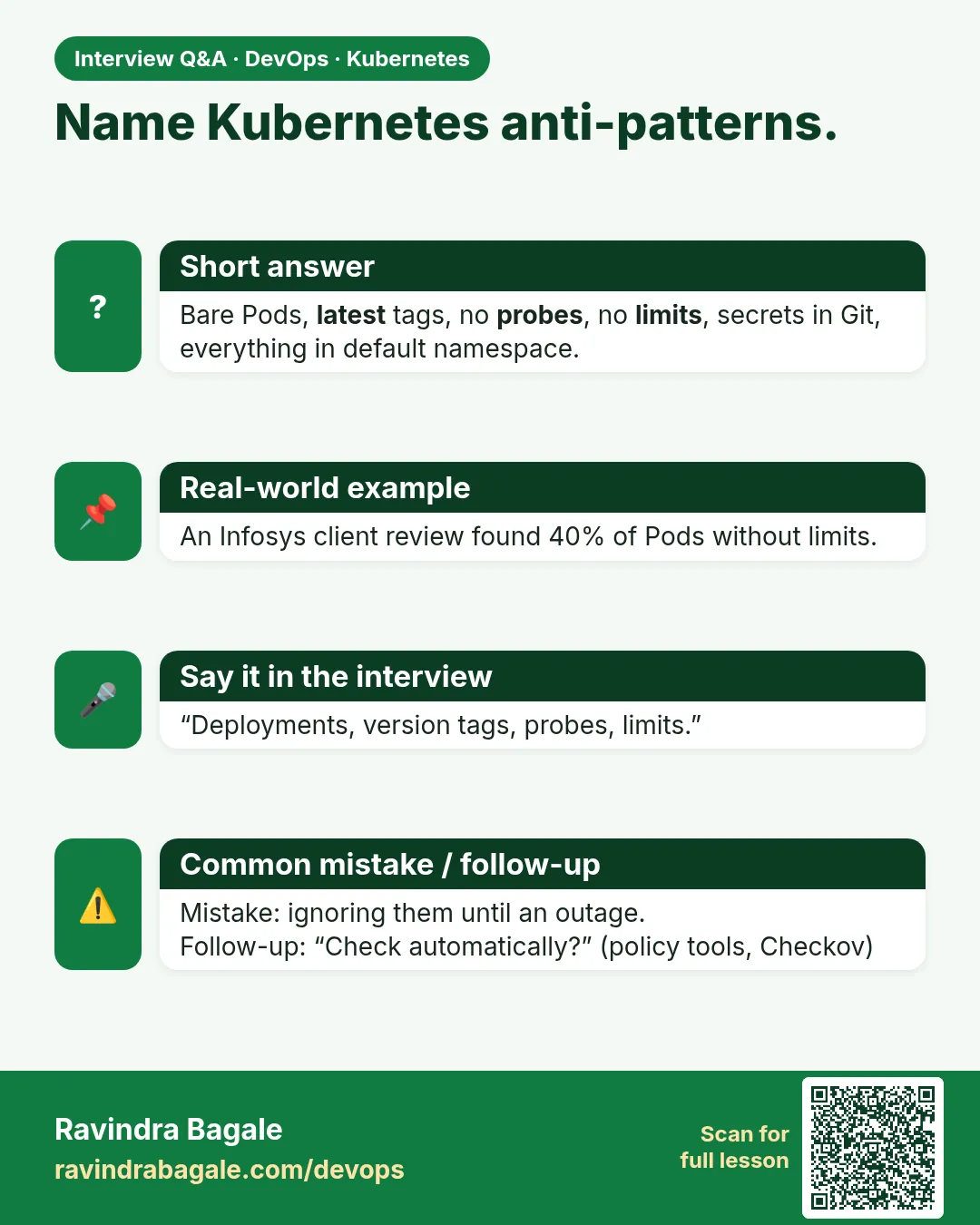 Interview card 12 of 17: Name Kubernetes anti-patterns. · Download PNG · Open card page
Lesson: 15.12 Anti-patterns
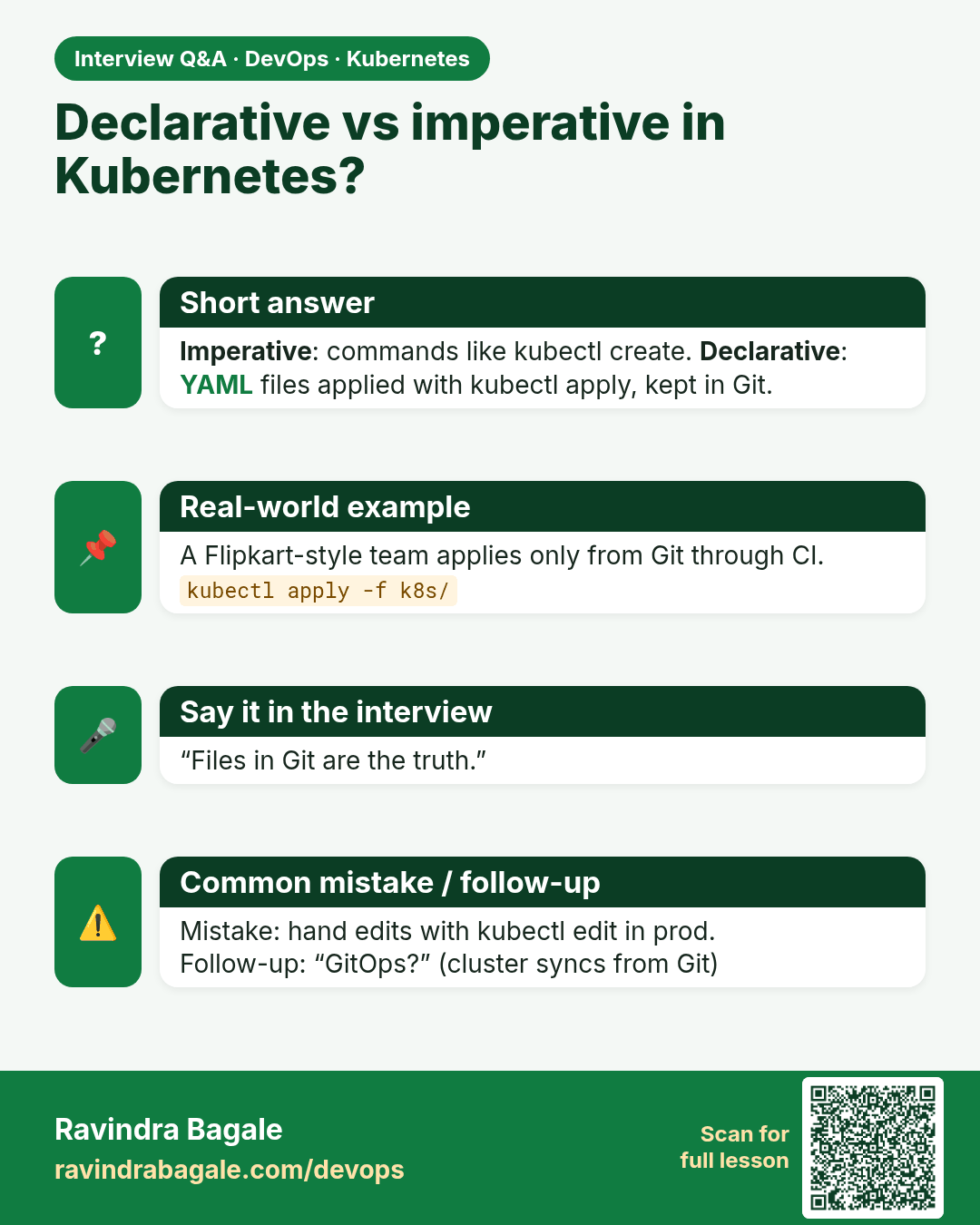
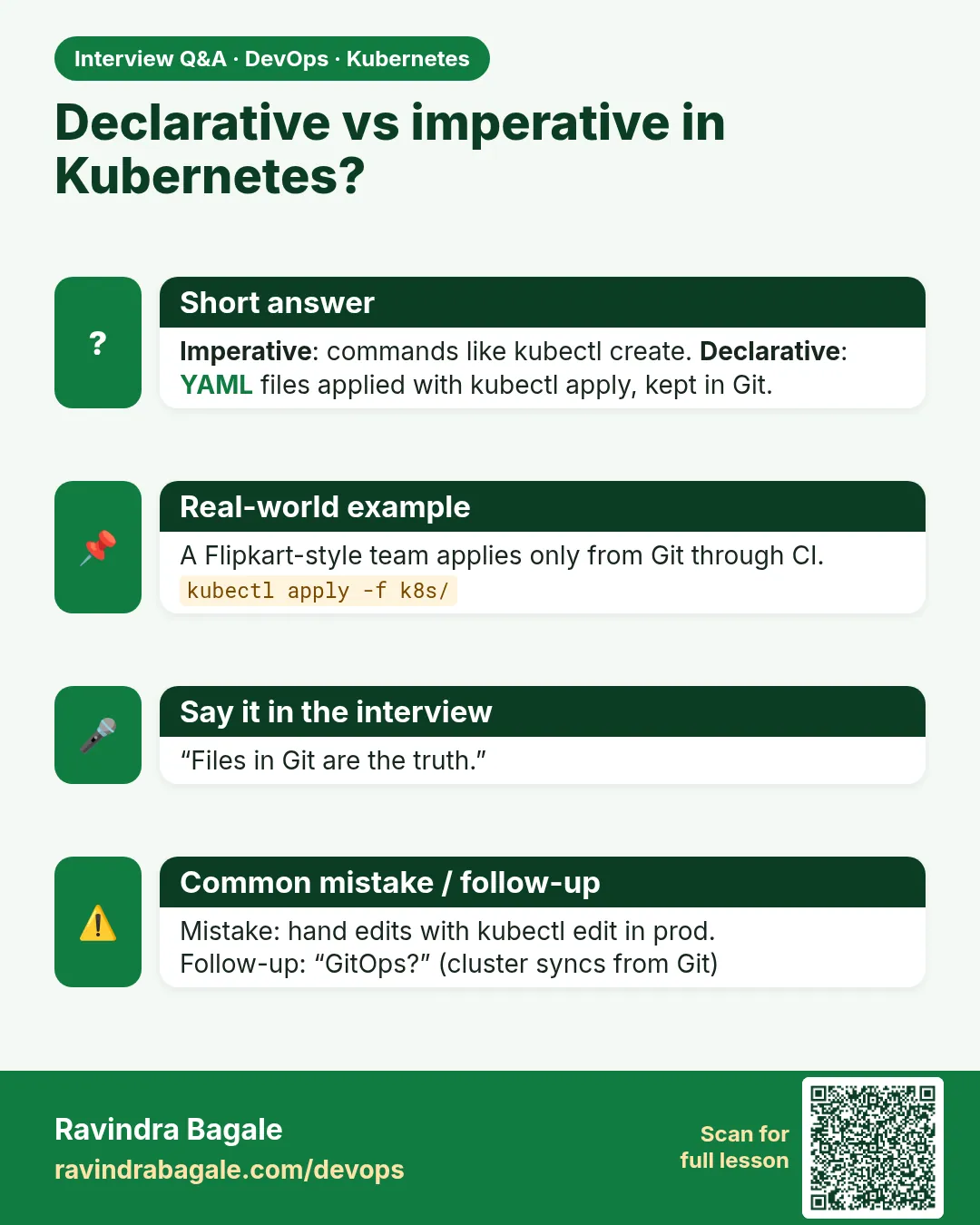 Interview card 13 of 17: Declarative vs imperative in Kubernetes? · Download PNG · Open card page
Lesson: 15.12b Declarative apply vs imperative run
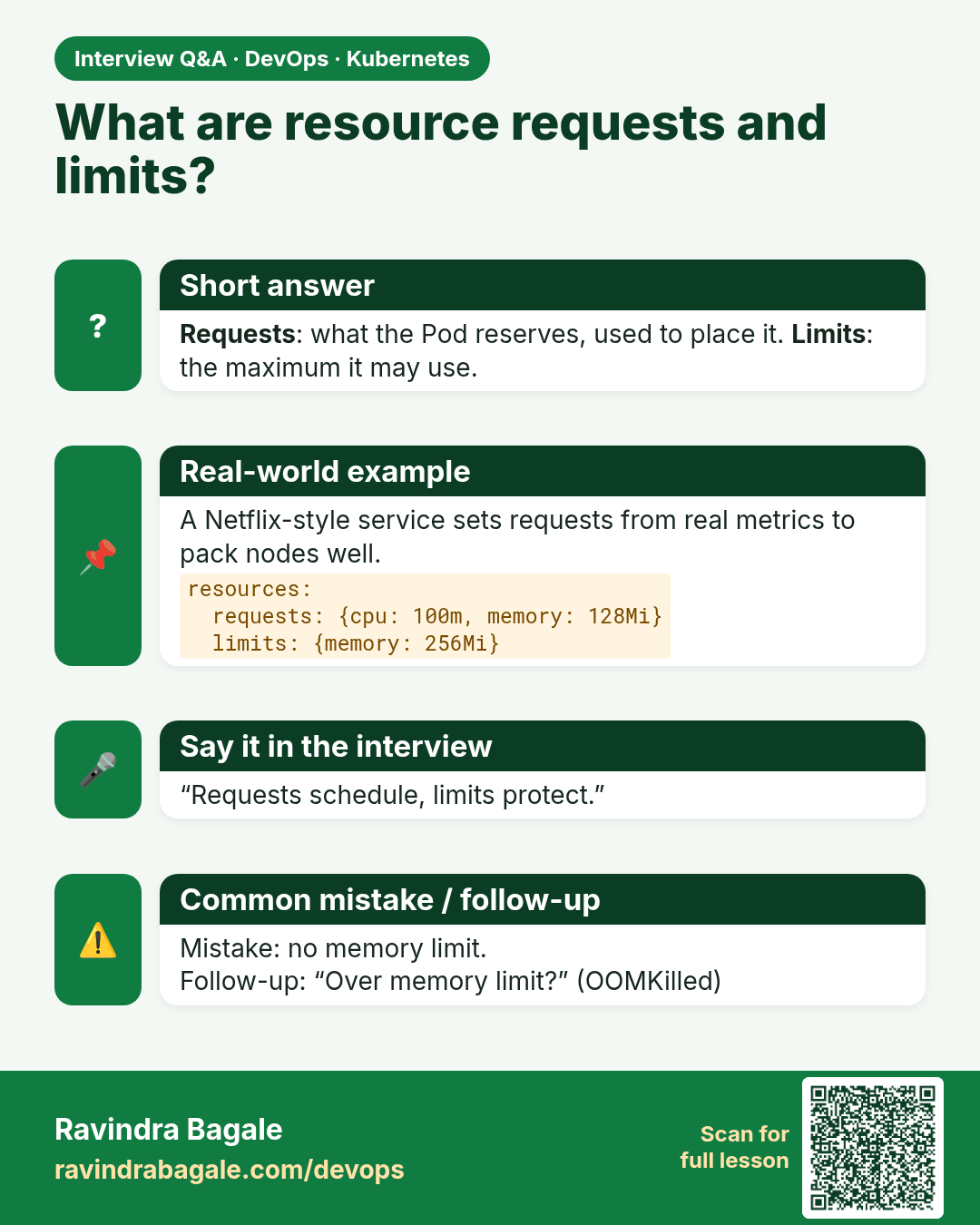
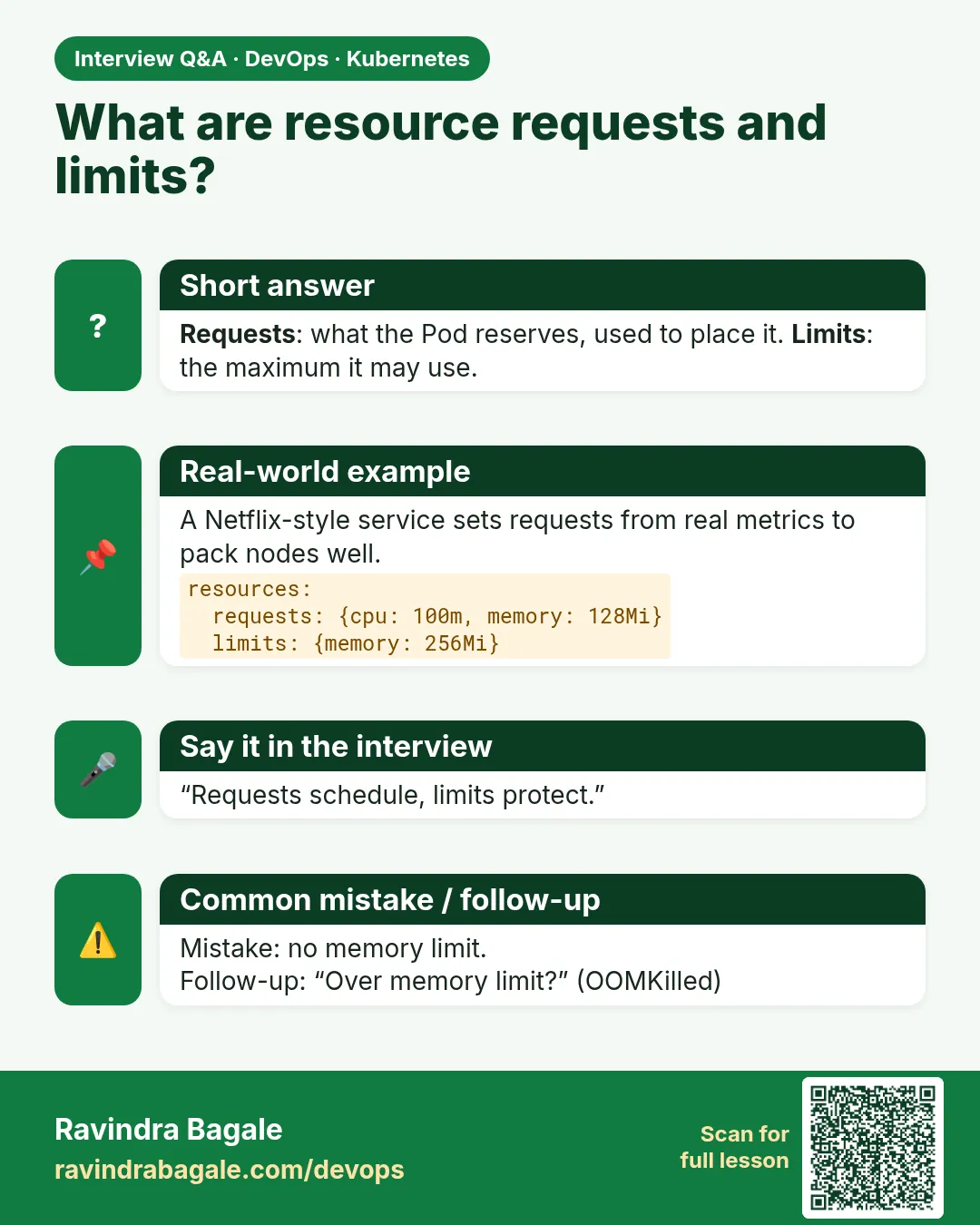 Interview card 14 of 17: What are resource requests and limits? · Download PNG · Open card page
Lesson: 15.12c Resource requests (awareness)
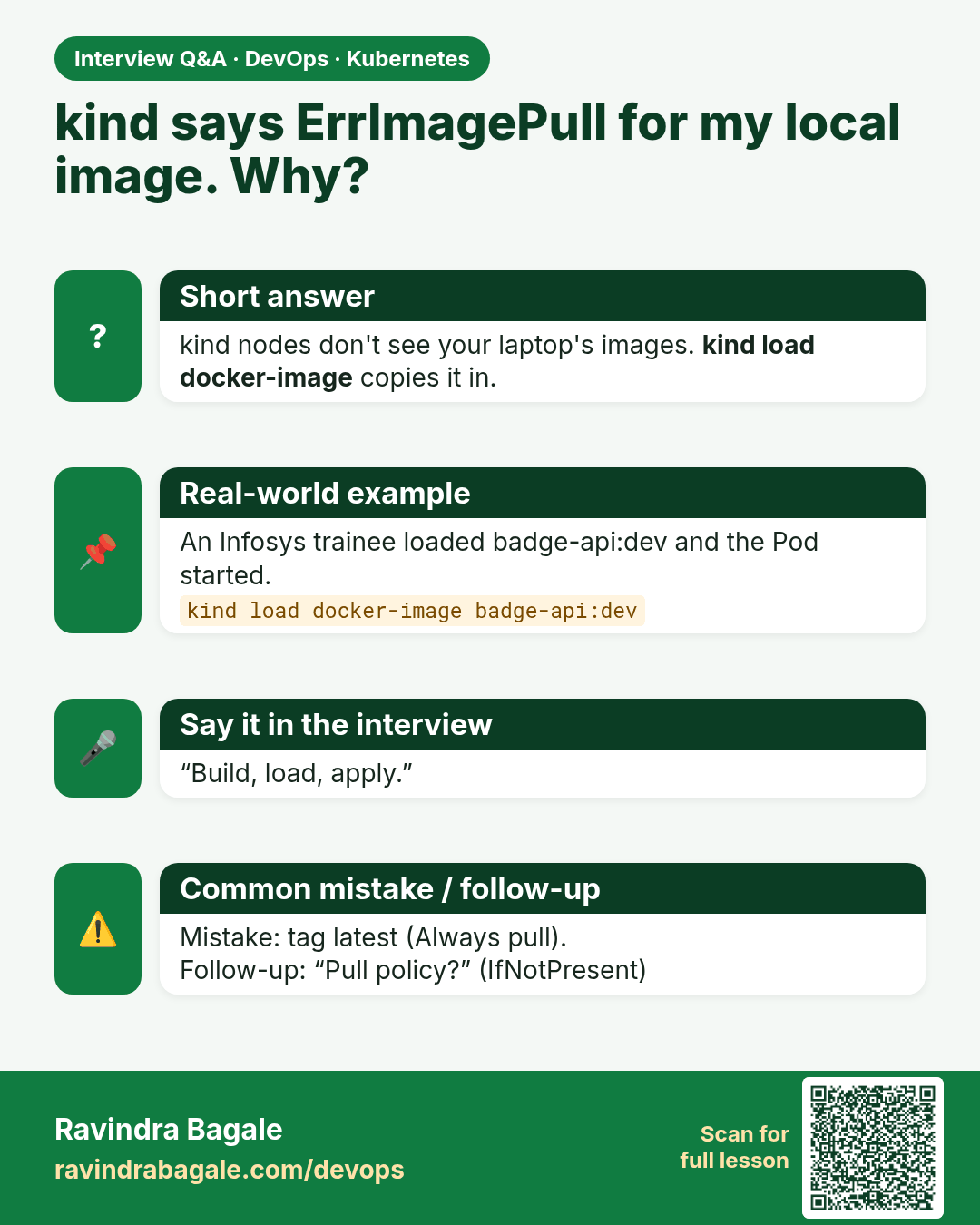
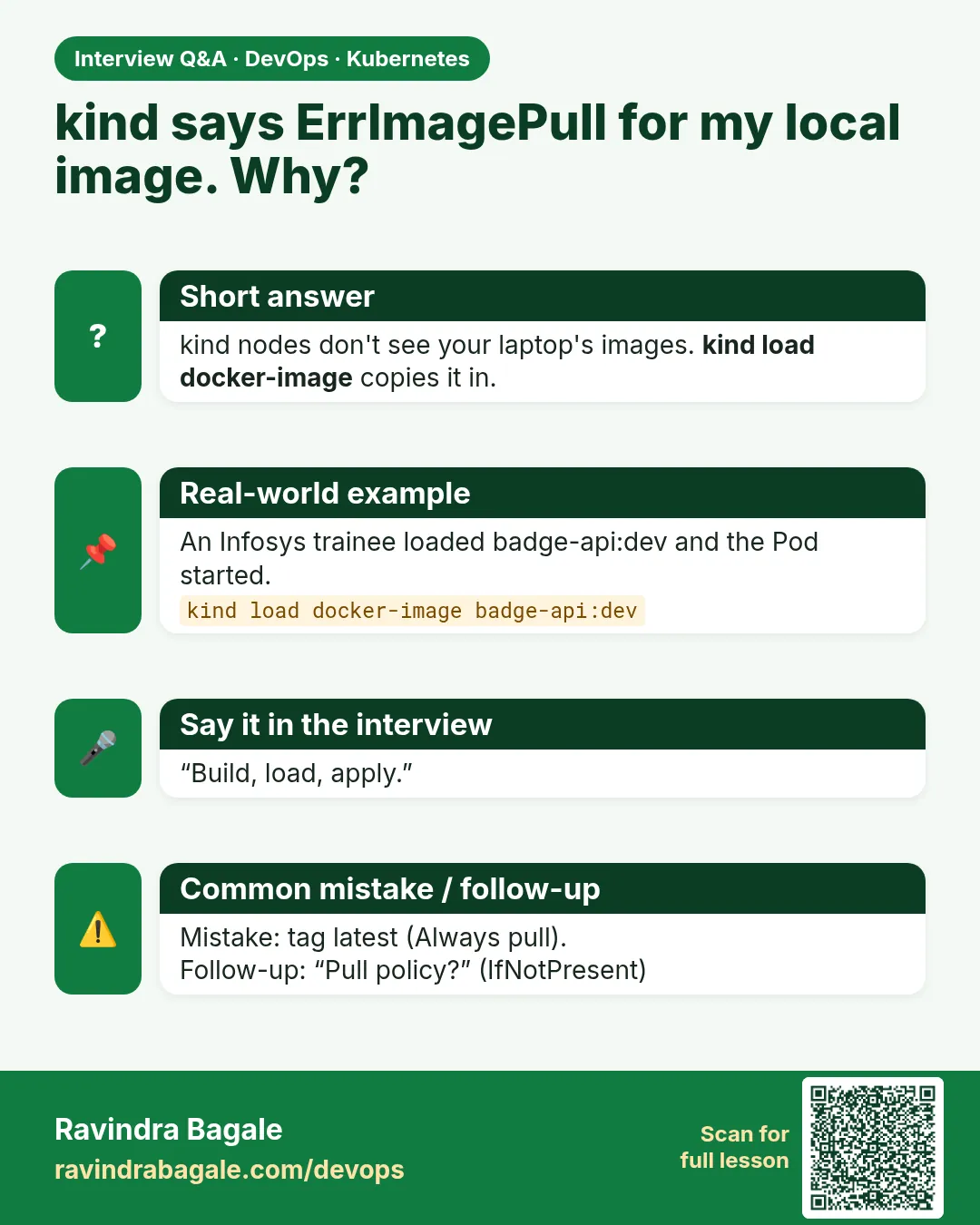 Interview card 15 of 17: kind says ErrImagePull for my local image. Why? · Download PNG · Open card page
Lesson: 15.12d Loading a local image into kind (common lab snag)
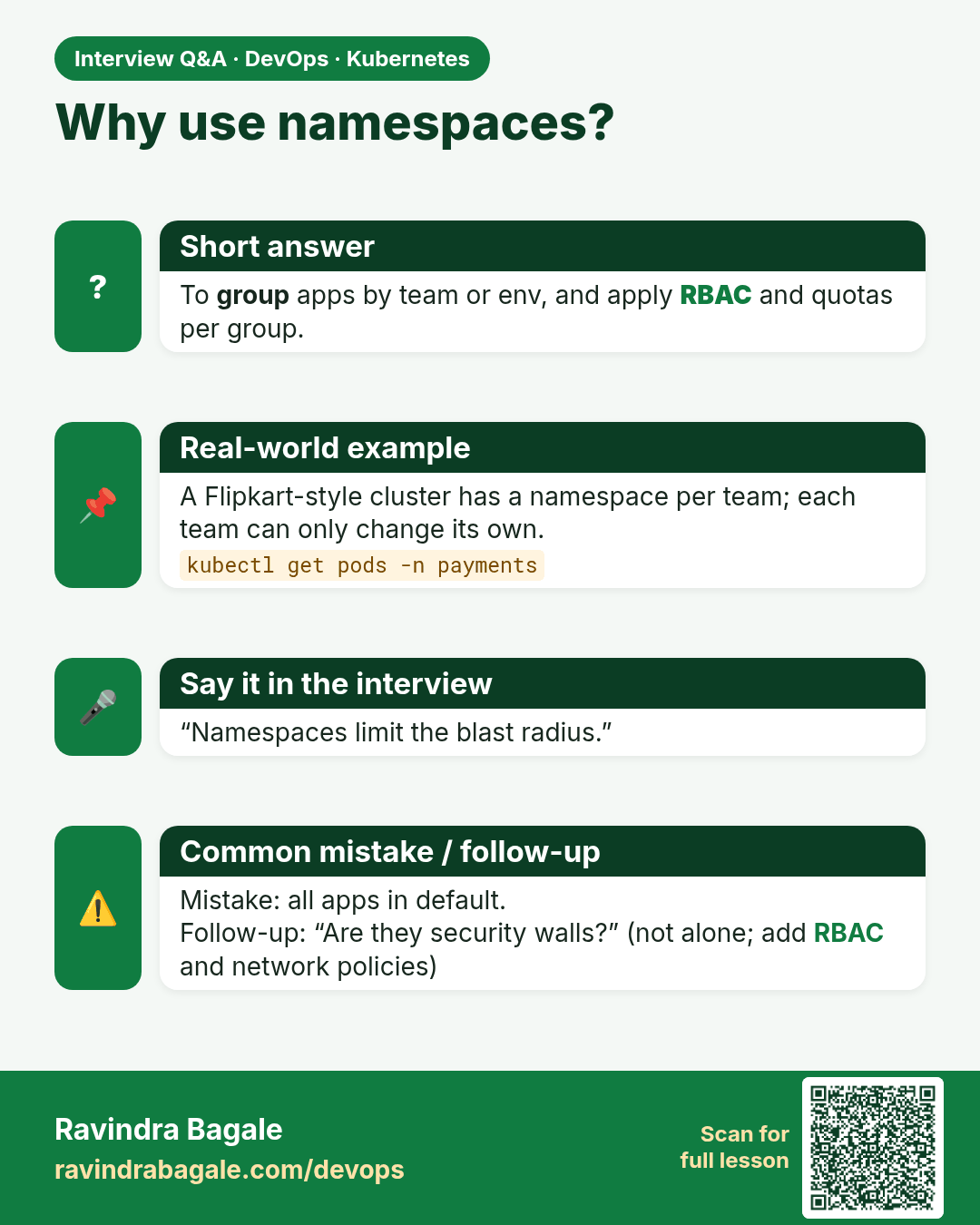
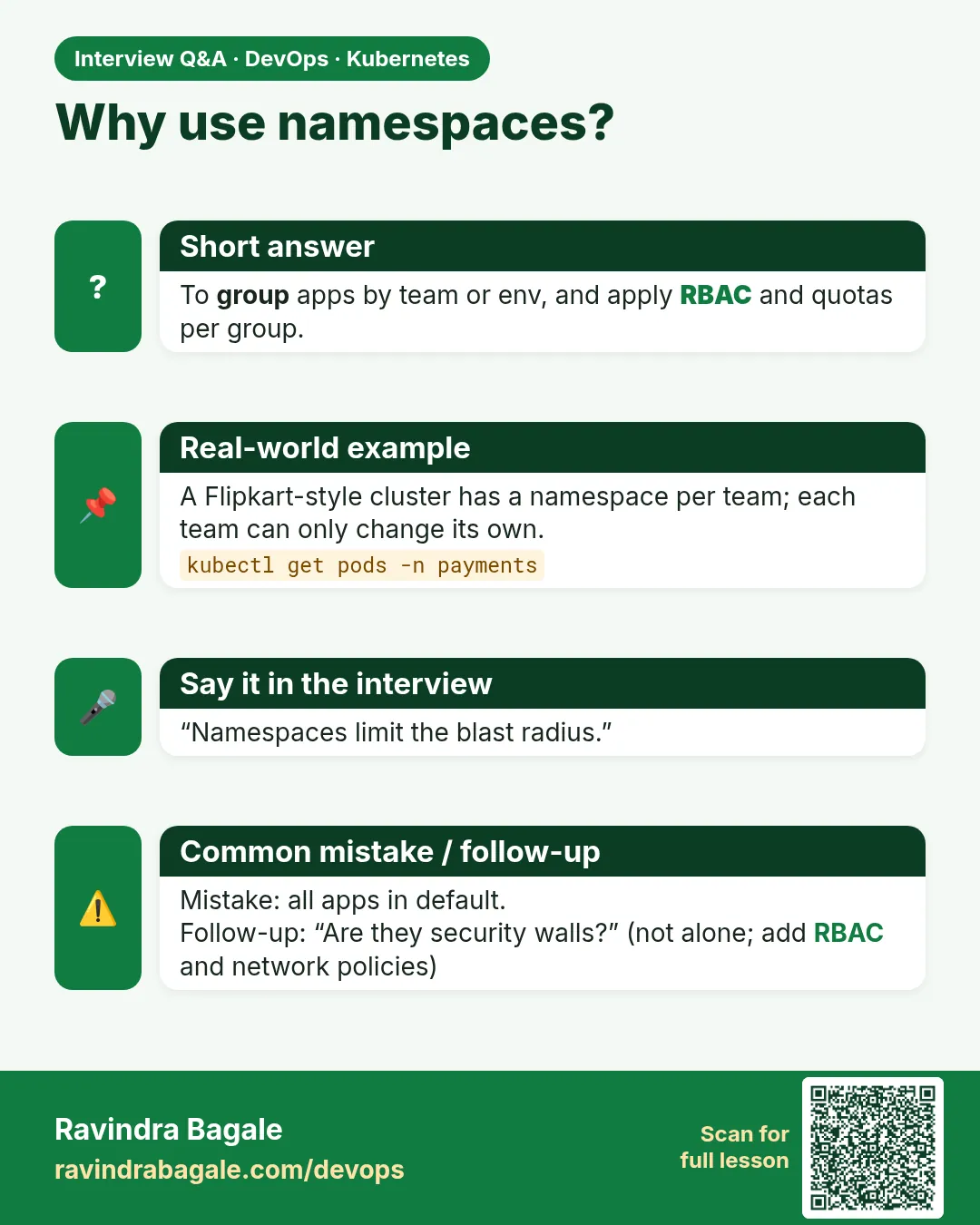 Interview card 16 of 17: Why use namespaces? · Download PNG · Open card page
Lesson: 15.12e Namespaces and who can break what
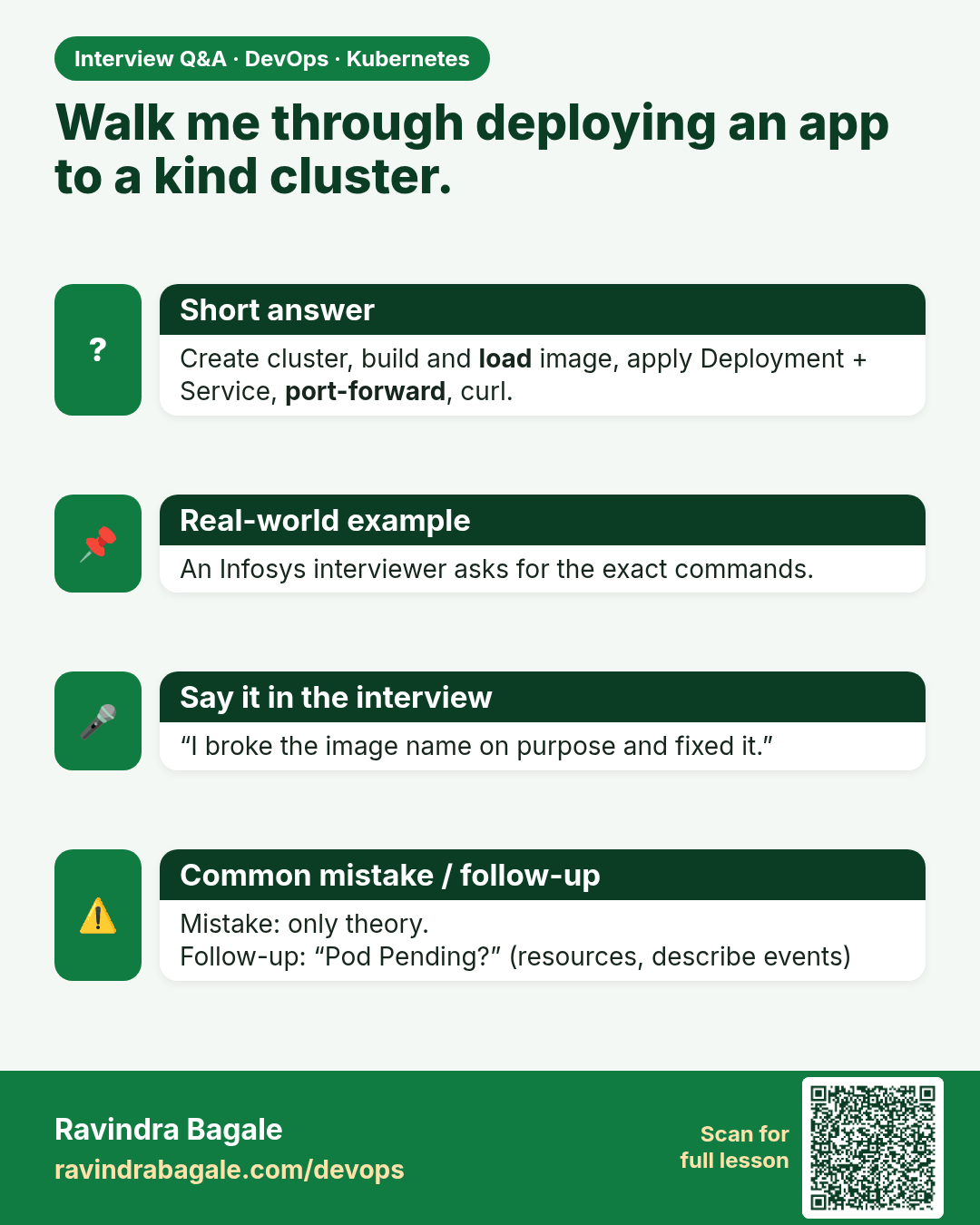
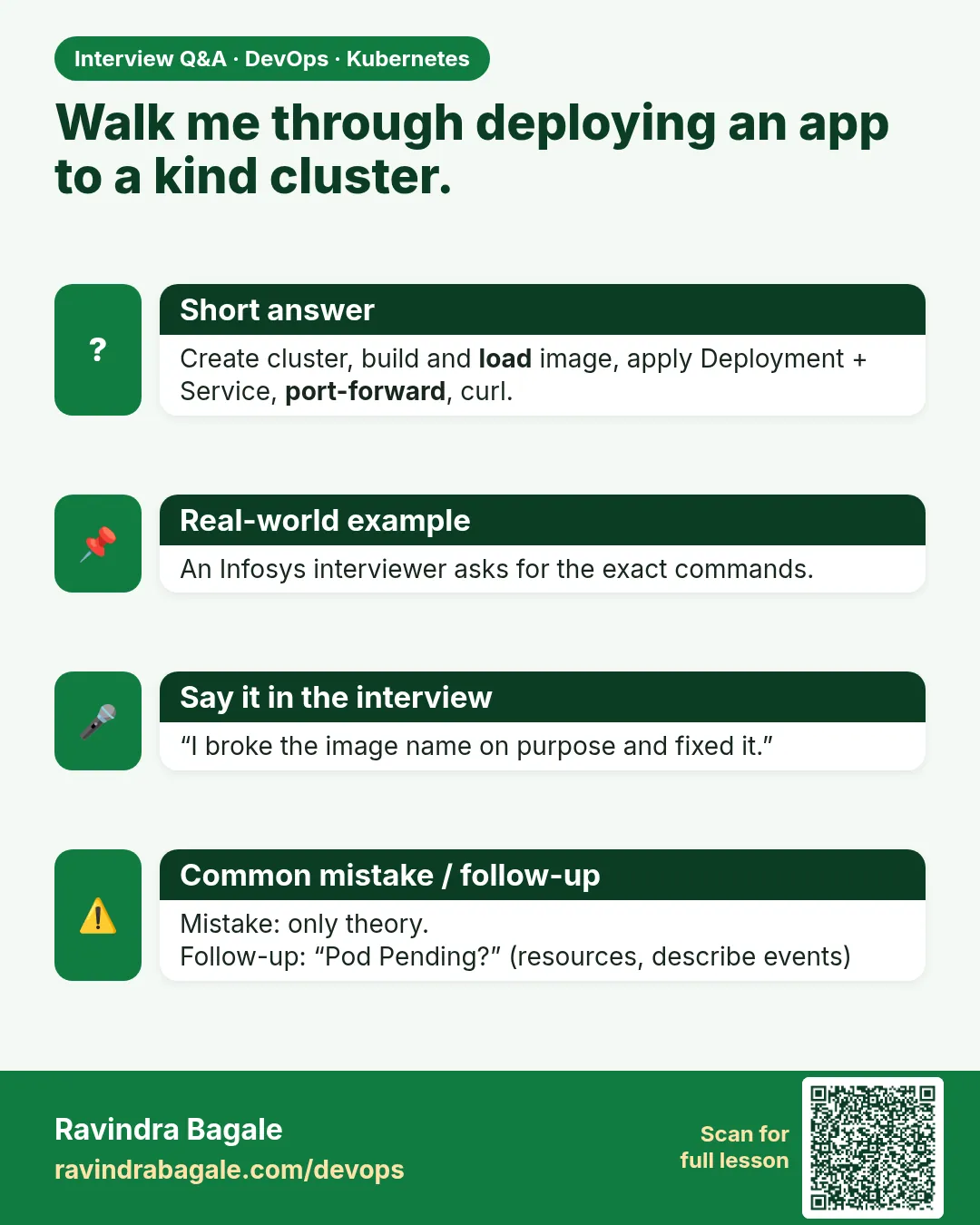 Interview card 17 of 17: Walk me through deploying an app to a kind cluster. · Download PNG · Open card page
Lesson: 15.13 Lab — kind cluster, deploy, curl
Comparison cards
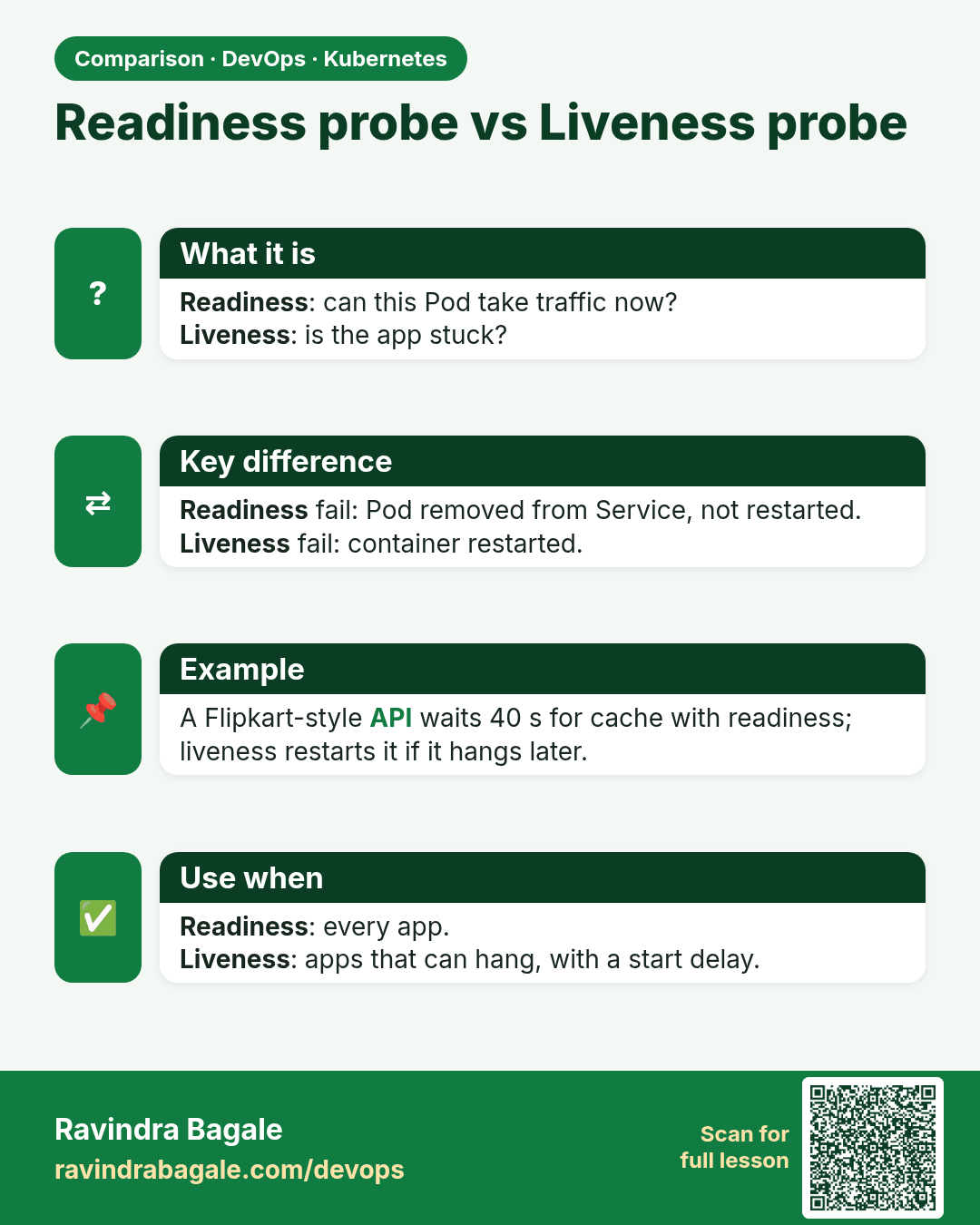
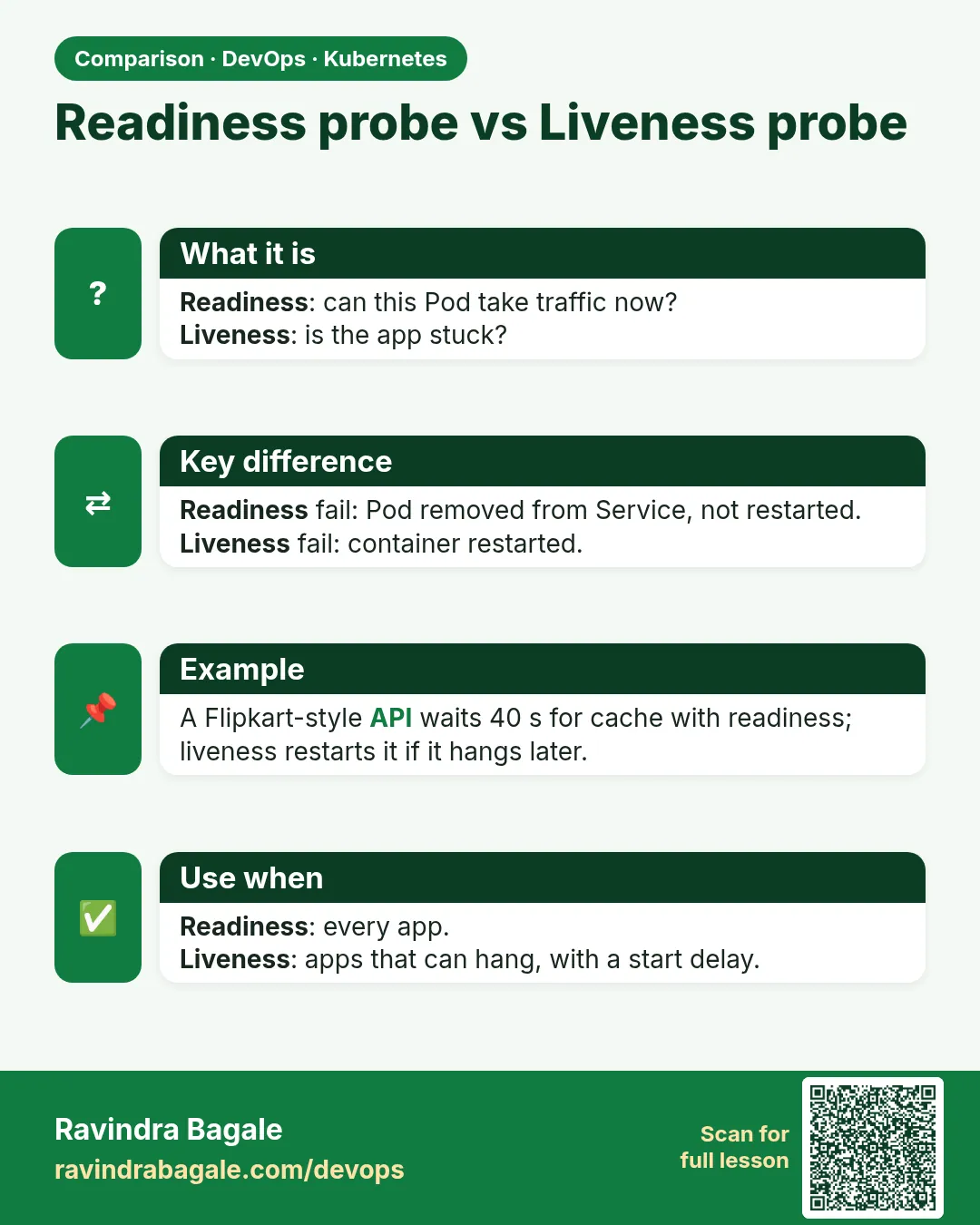 Comparison card 1 of 3: Readiness probe vs Liveness probe · Download PNG · Open card page
Lesson: 15.8 Probes — readiness vs liveness (awareness)
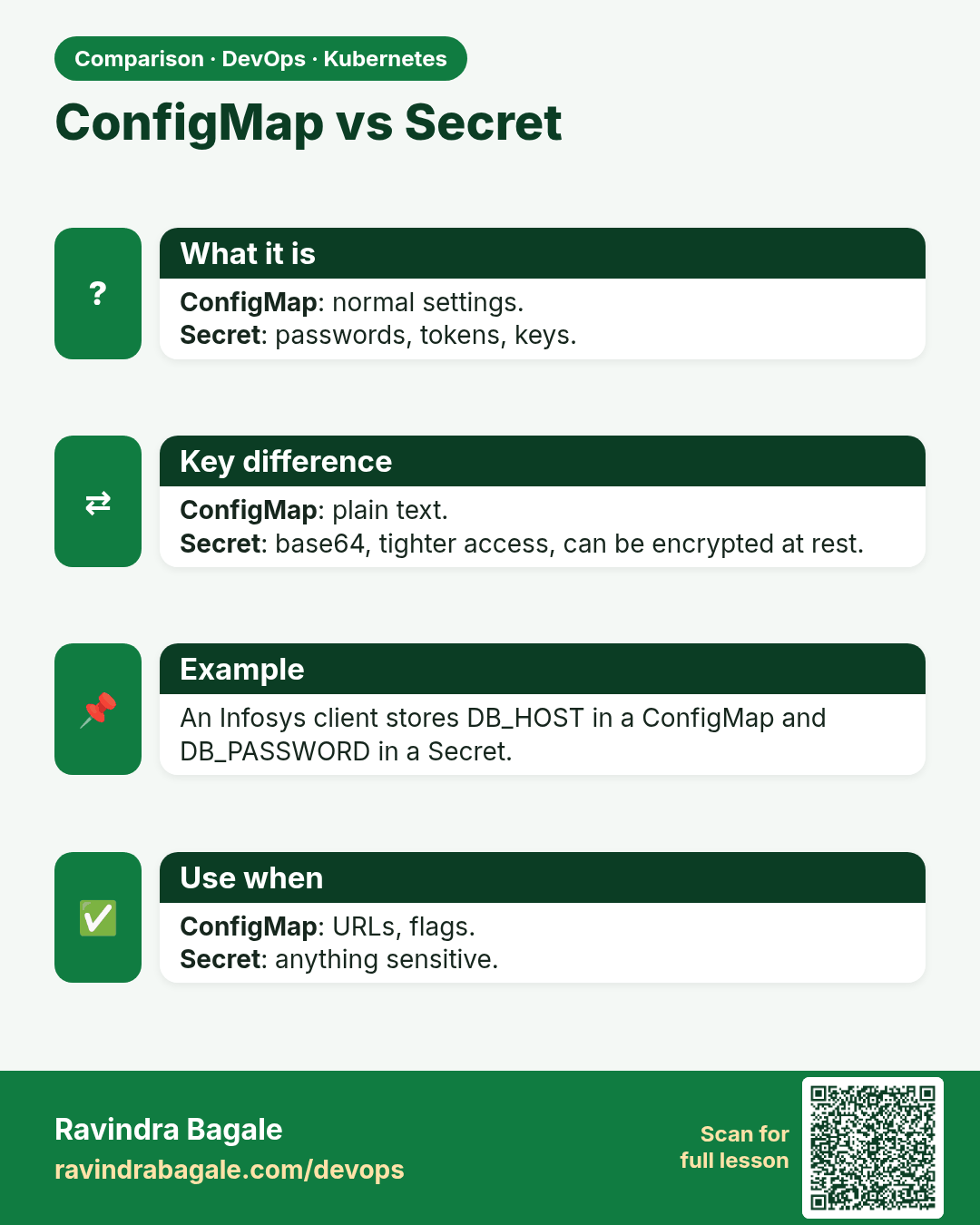
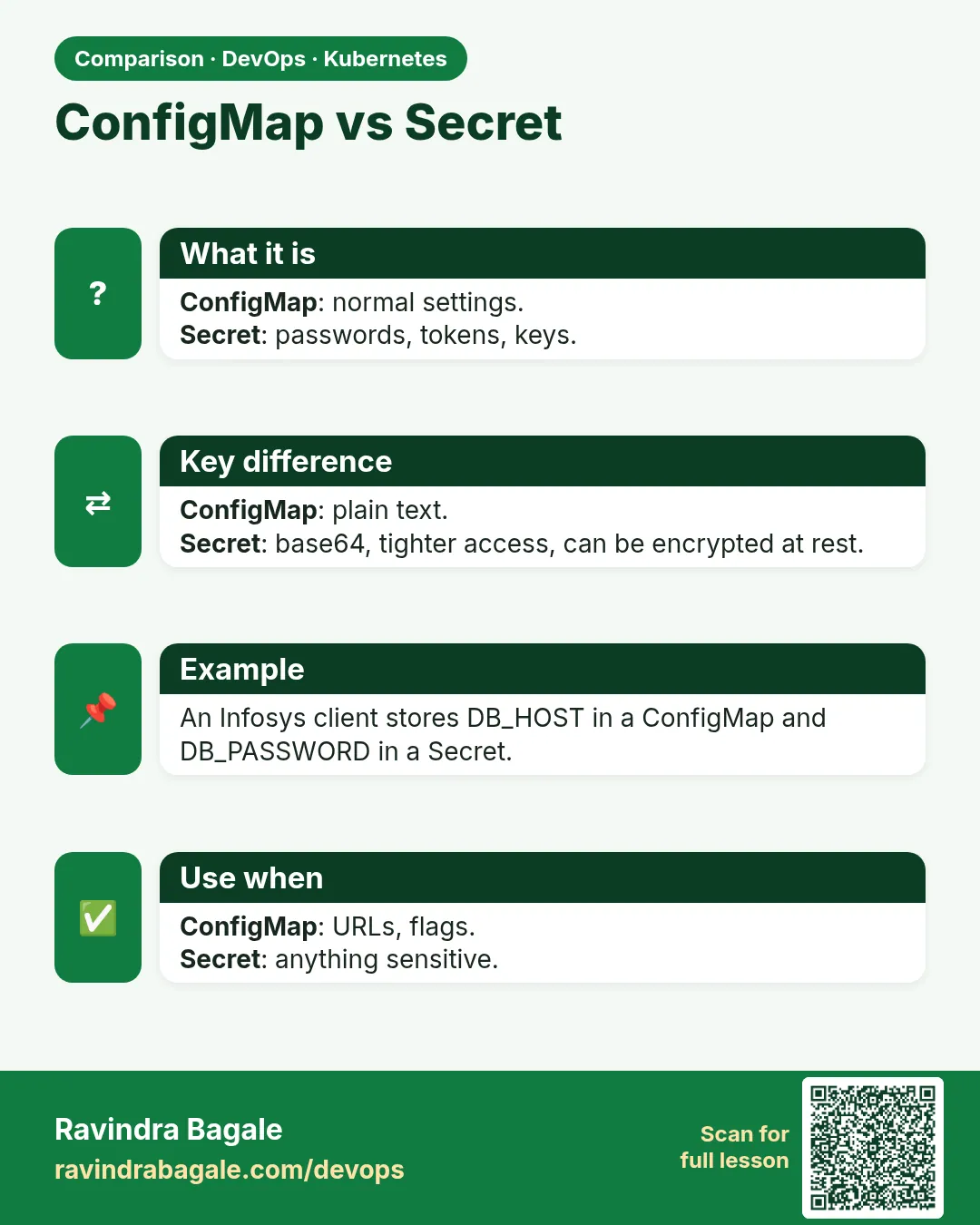 Comparison card 2 of 3: ConfigMap vs Secret · Download PNG · Open card page
Lesson: 15.9 Config and secrets — concepts only
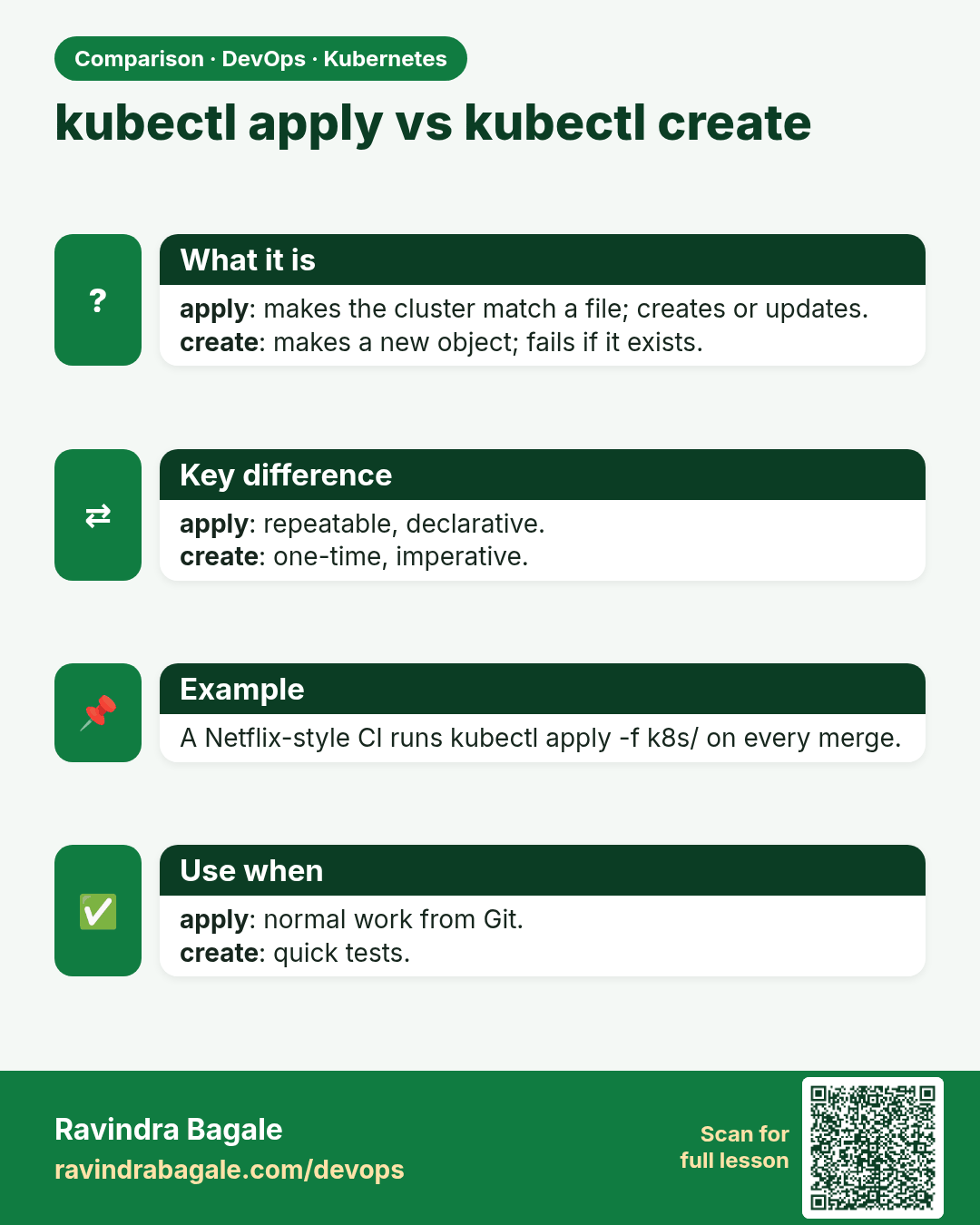
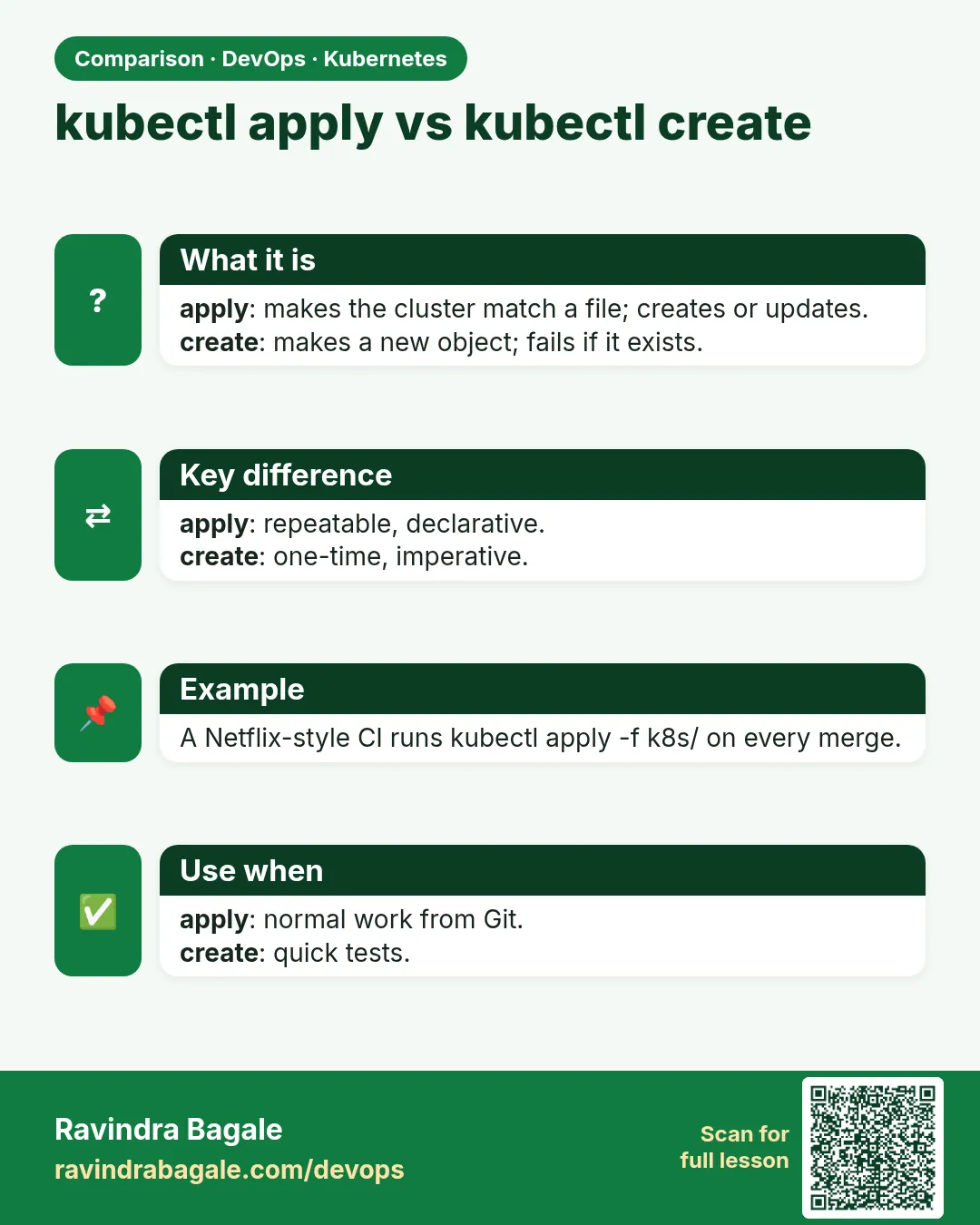 Comparison card 3 of 3: kubectl apply vs kubectl create · Download PNG · Open card page
Lesson: 15.12b Declarative apply vs imperative run